
Cinematic Spinning Latte Splash
Generates a premium ultra-realistic coffee commercial shot of a floating latte surrounded by milk splashes, droplets, steam, and golden café bokeh.

- Prompt included
- Model and format preset
- Free template
The prompt behind this image
Copy the exact prompt behind Cinematic Spinning Latte Splash, or open it in the studio and make it yours.
Create an ultra-realistic cinematic coffee commercial image featuring one tall clear glass of {argument name="drink type" default="creamy latte"} suspended mid-air at a slight diagonal tilt, as if slowly spinning. The glass has distinct caramel coffee layers, a thick white foam cap, and a dusting of {argument name="topping" default="cocoa powder"} across the top. Warm steam rises in soft curling wisps from the foam. Surround the glass with exactly 2 large sculptural milk splash ribbons spiraling around it, one sweeping upward along the left side and one curling around the lower right, plus many suspended coffee droplets, milk droplets, and floating coffee beans frozen in slow motion. Add a vertical cloud of fine cocoa dust particles glowing on the right side of the frame. Use a dark cozy café background with golden bokeh lights, blurred shelves and bottles, warm amber highlights, shallow depth of field, dramatic rim lighting, glossy reflections on the glass, high-speed macro photography look, premium beverage advertising style, sharp focus on the latte and splashes, rich contrast, vertical composition.
How to use Cinematic Spinning Latte Splash in 3 steps
- 1Upload ImagePNG, JPG or paste
Add your photo
Upload the photo the template builds on. The prompt, model and format are already set.
- 2…a portrait of your subject in softgolden-hour light, 85mm…
Personalize
Edit the subject and creative details for your destination.
- 3Generate
Generate
Press Generate — your image is created in PicX Studio, so you can compare it with the original and refine one variable at a time.
More like this
Templates with the same subject, style or setup. Open one to see its prompt.

Cappuccino Bottle Splash Product Ad

Tropical Hammock Latte — Nano Banana iPhone Style
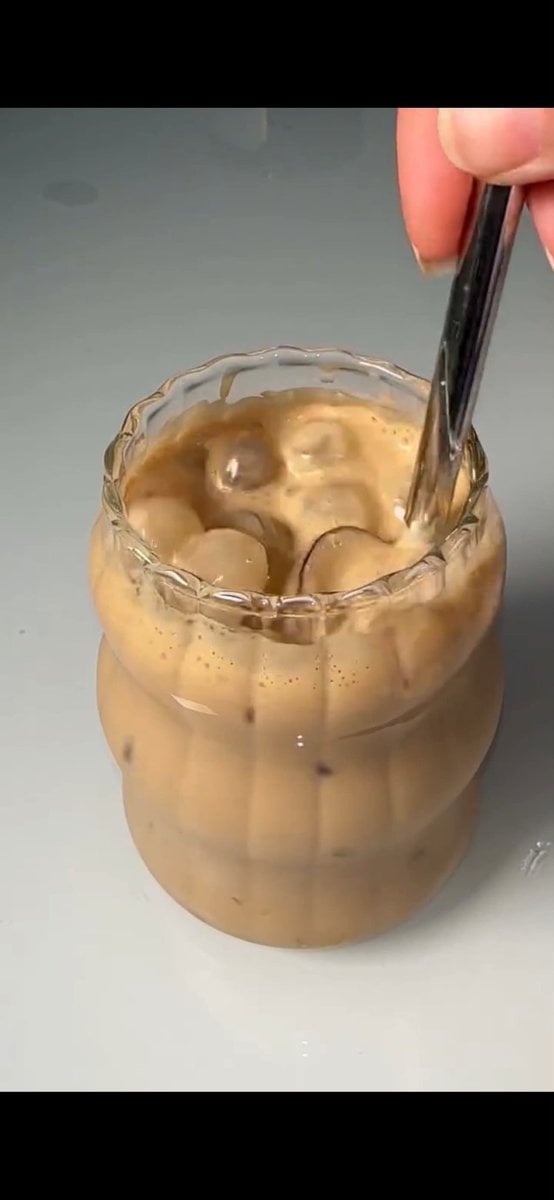
Stirred Iced Honey Latte Close-Up

Tiny Traveler on Giant Latte
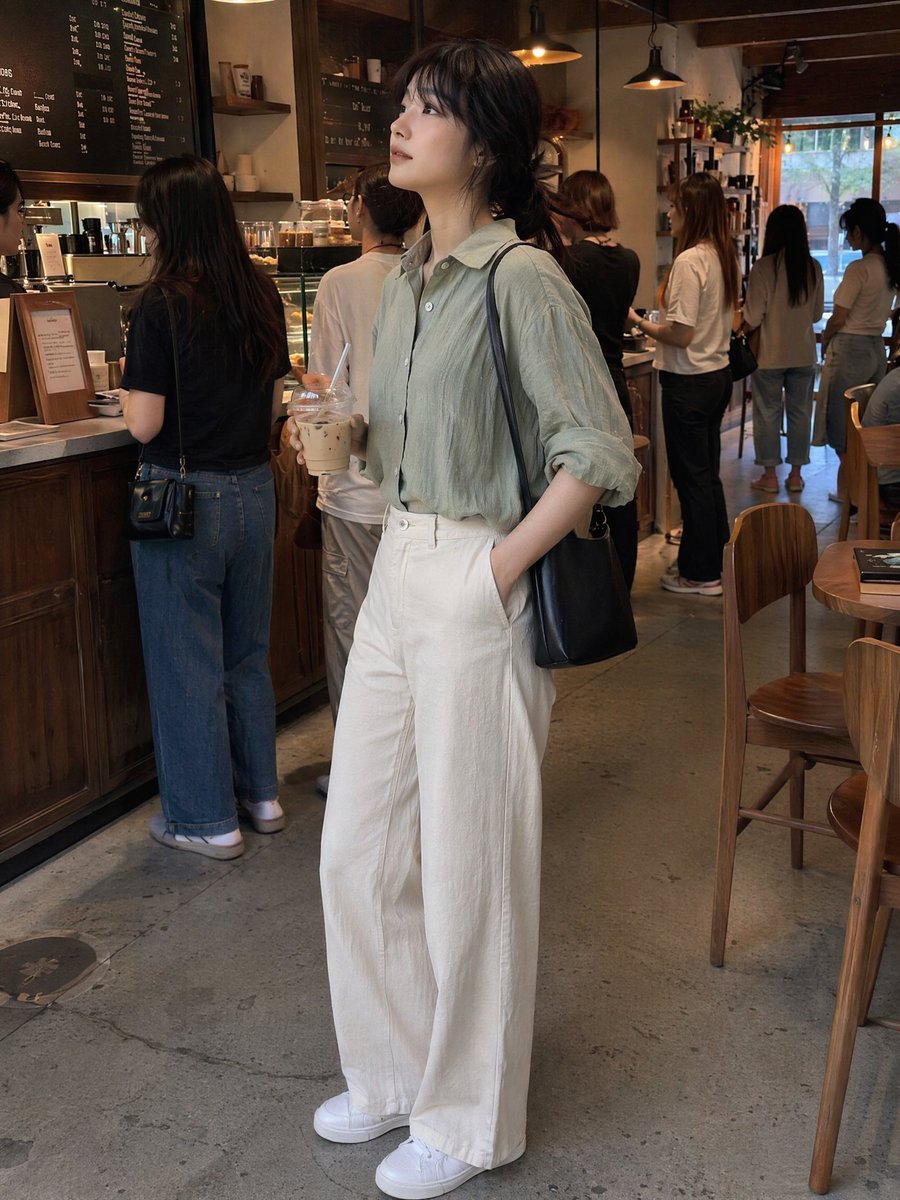
Candid Café Woman with Iced Latte
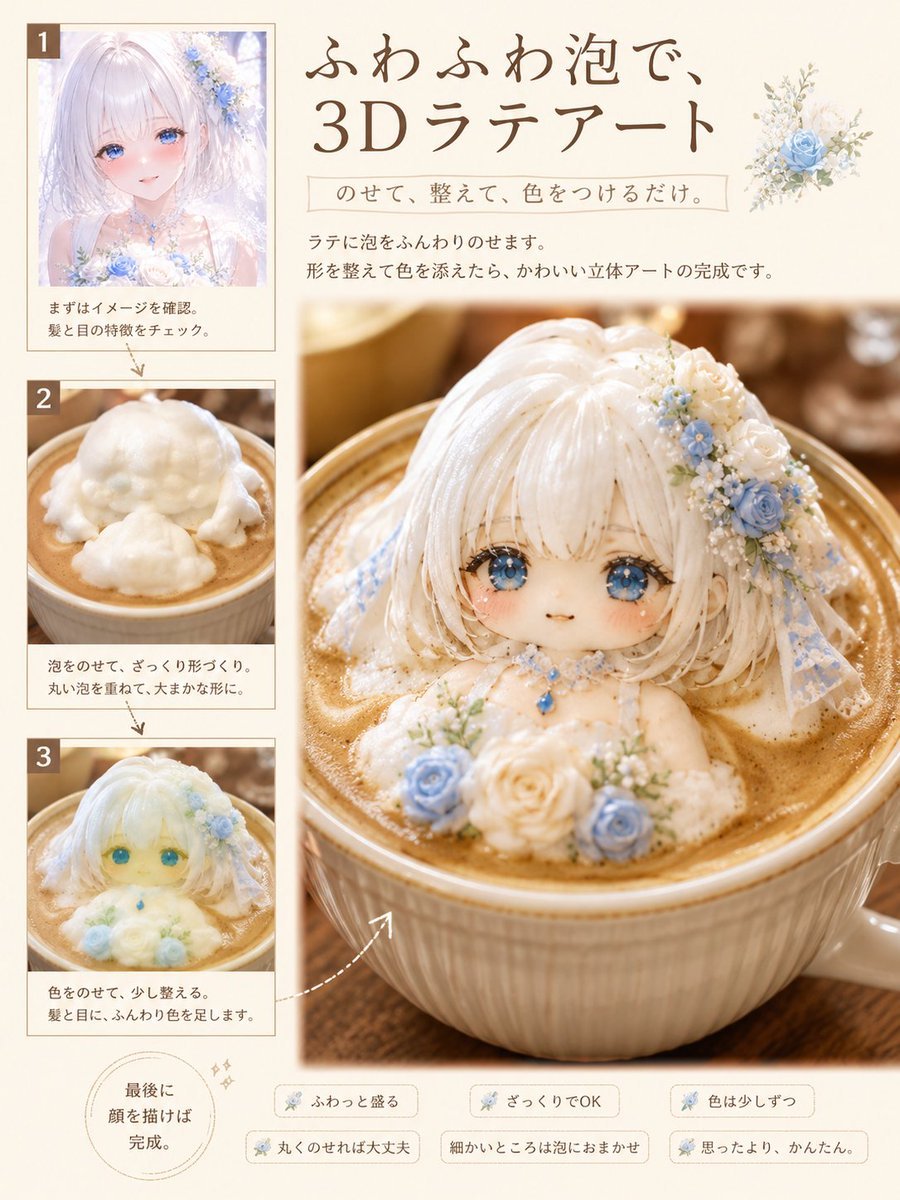
3D Latte Art Magazine Tutorial Layout

Iced Caramel Latte Poster
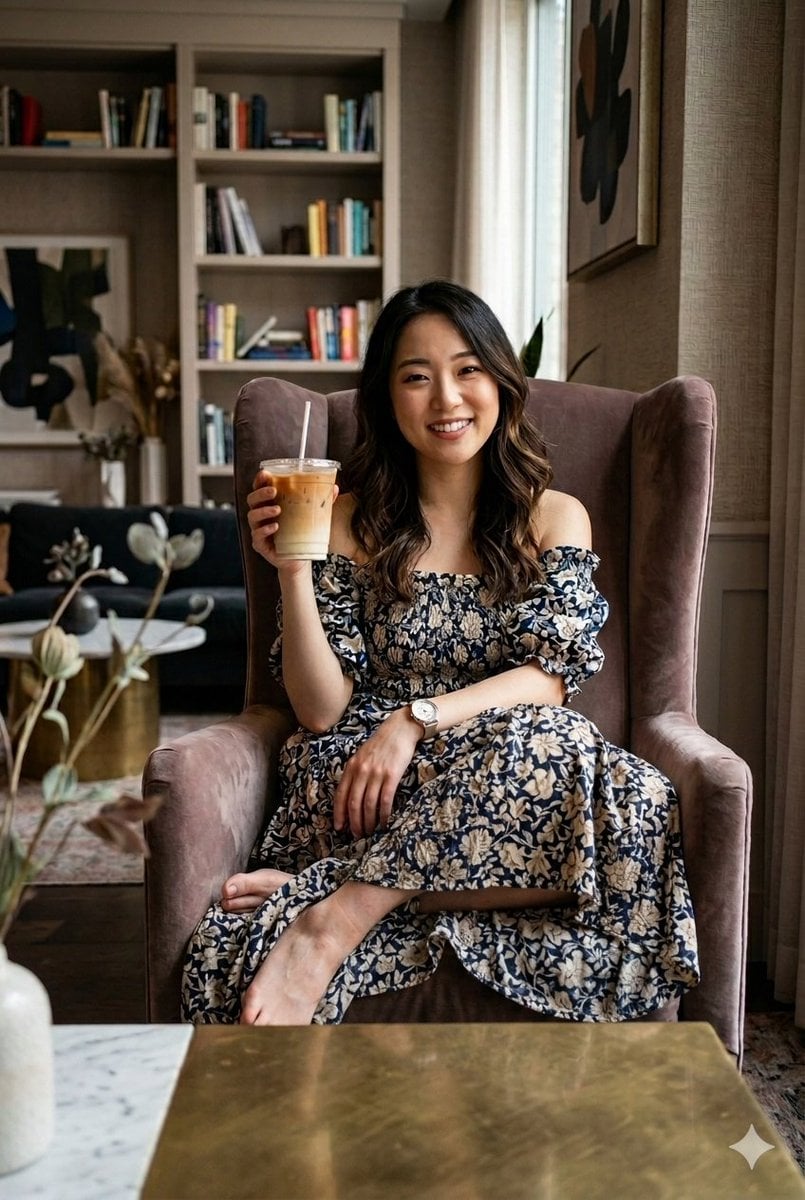
Cozy Iced Latte Portrait
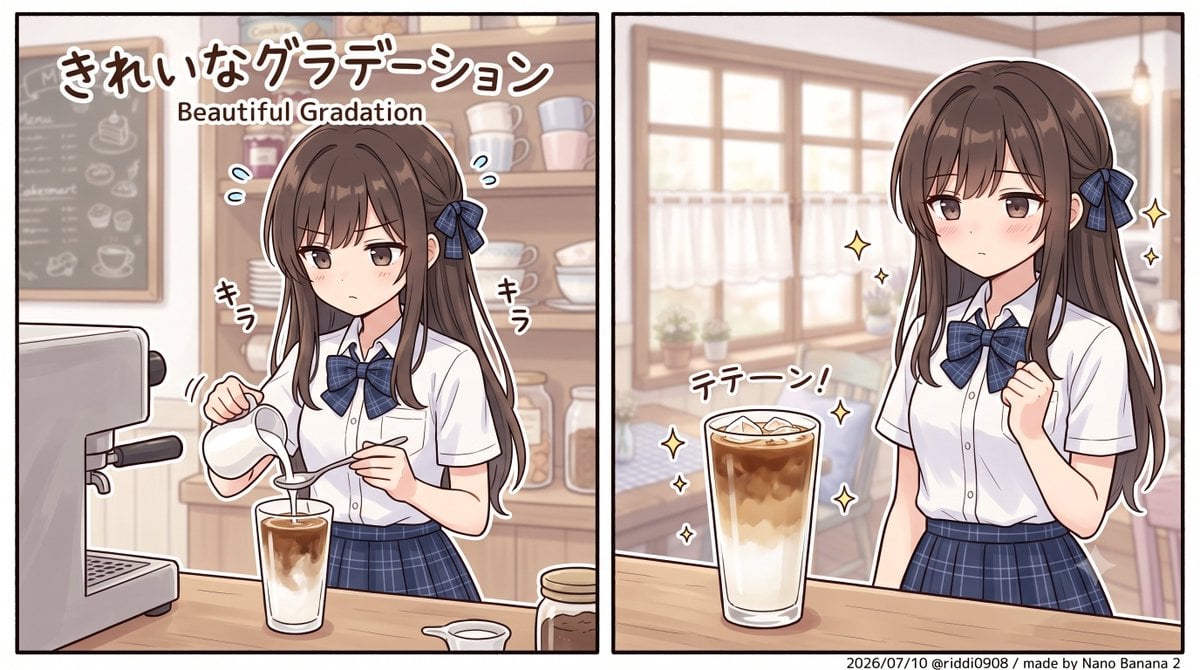
Layered Iced Latte Character Art

Anime Golden Spinning Straw
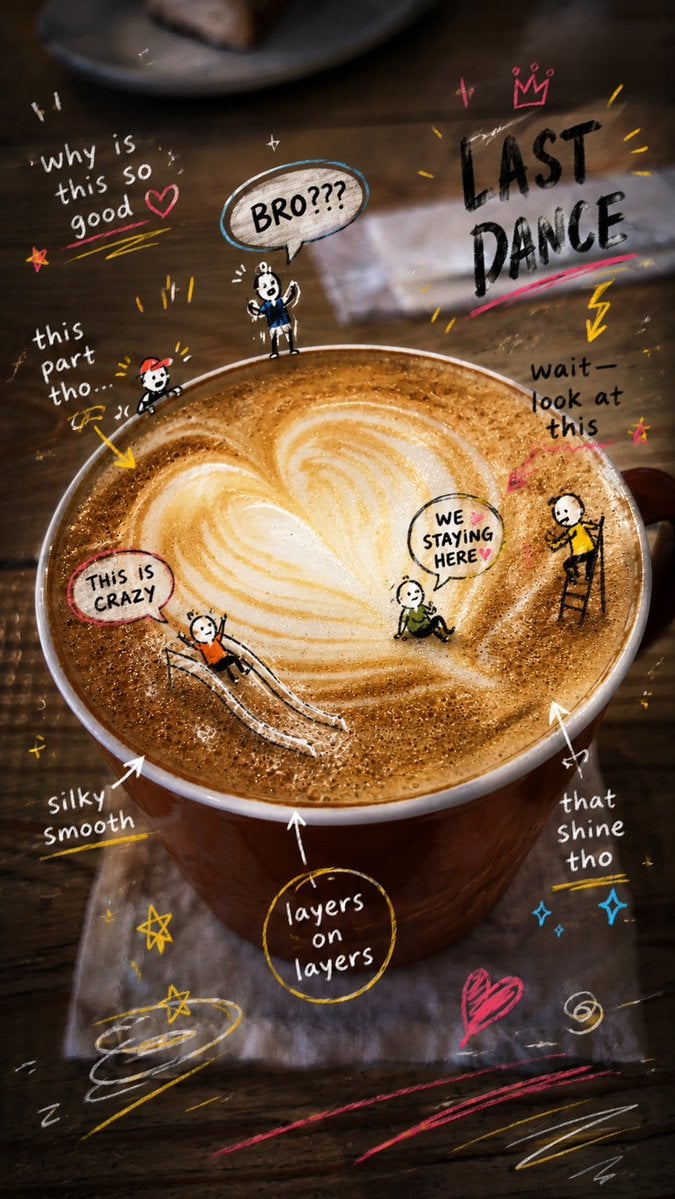
Latte Photo With Emotional Doodles
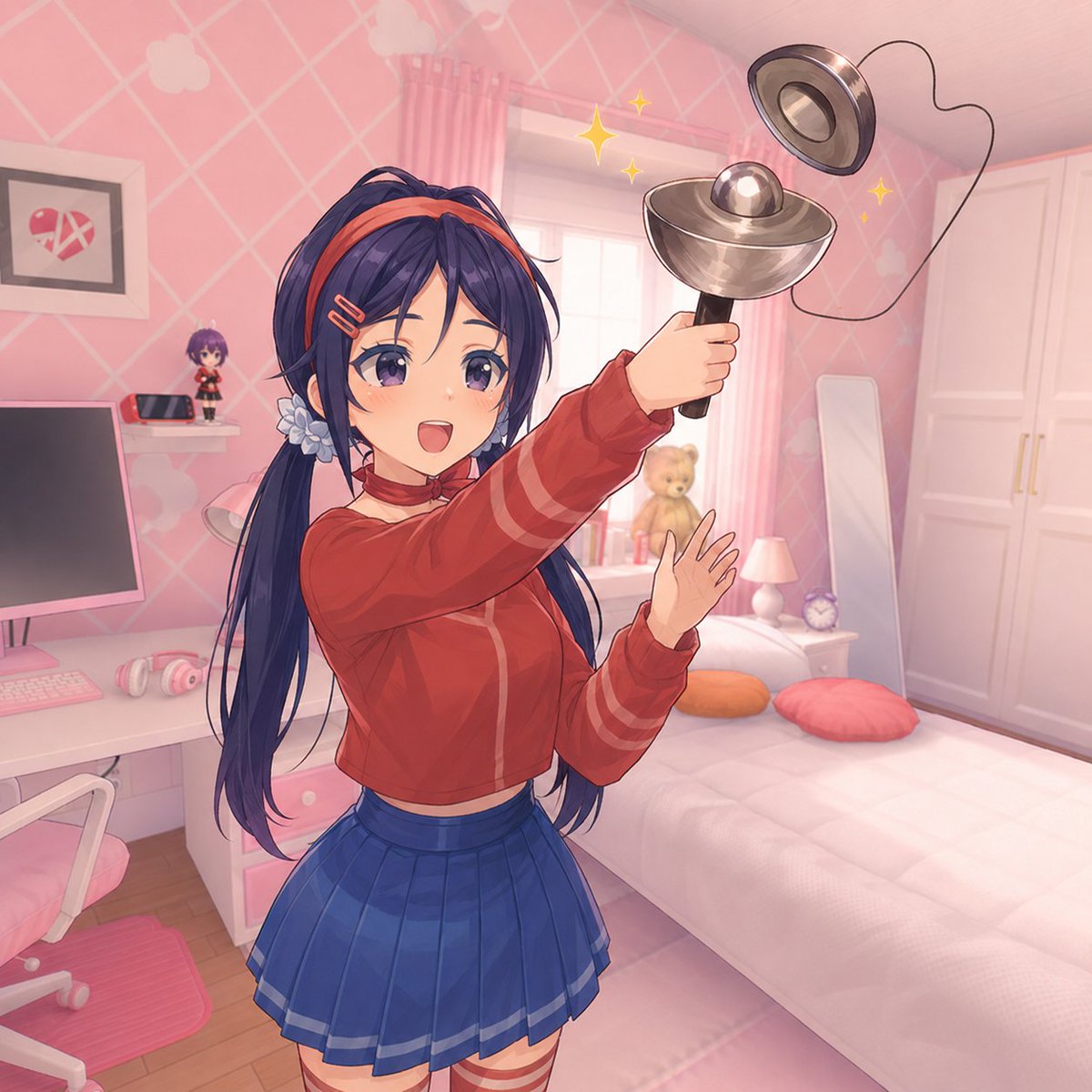
Anime Girl Spinning Top Mishap
Make it yours
Cinematic Spinning Latte Splash works as-is. These are the safest ways to change it without losing the look.
Change one field
Copy a single group, rewrite it, and generate again so you can see what that field is doing.
Keep the frame, change the subject
Hold the composition and light of Cinematic Spinning Latte Splash, then swap wardrobe, props or the person for a new take.
| If the result… | Why | Fix |
|---|---|---|
| The result drifts from the preview | Too many fields changed at once. | Reuse Cinematic Spinning Latte Splash as-is first, then change one group — subject, light, or setting. |
| The model over-stylizes the scene | The prose prompt leaves finish and camera underspecified. | Add one camera or lighting sentence and stay on GPT Image 2. |
More GPT Image 2 templates
Other prompts made for GPT Image 2.

Six VTuber Japanese Logo Sheet

Realistic Portrait of Woman and Deer

The Vista Modular Condo Poster

AI Model Routing Comparison Infographic

2.5D Anime Art Board

Isometric Productivity Desk Scene

New York Double Exposure Poster

Four-Panel AI Landscape Comparison

Japanese Tatami Lifestyle Magazine Cover

NESCAFÉ Coffee Map Poster
More image prompts
Fresh picks from across the catalog.

Realistic Chalkboard Text Rendering
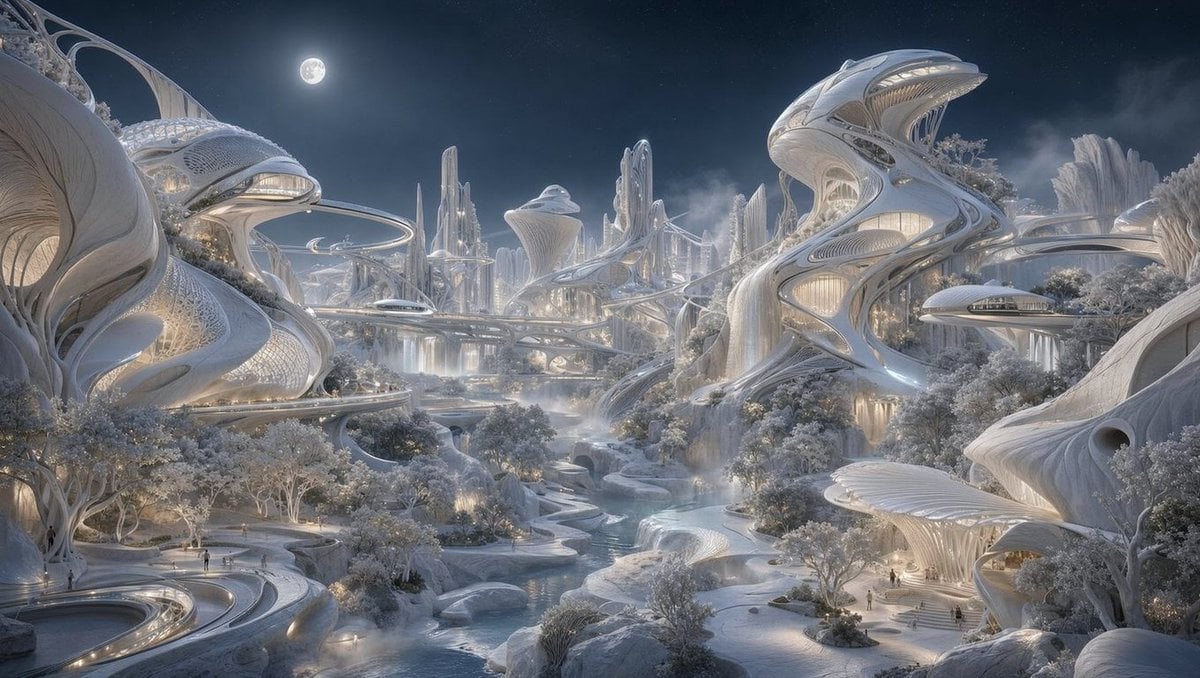
Moonlit Biomorphic Future City
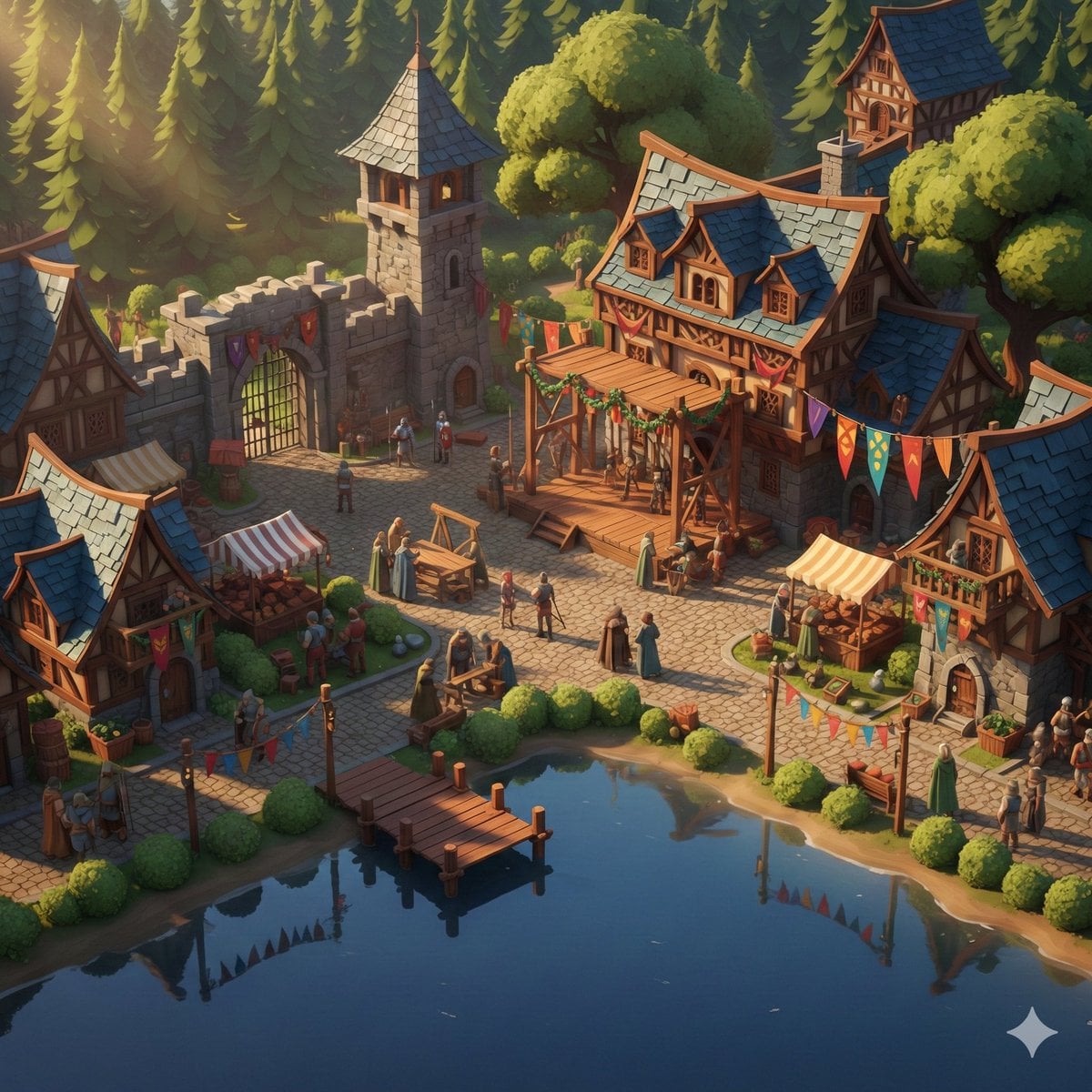
Cinematic Stylized Medieval Village Festival Scene

Nano Banana Pro Master JSON Template

Coastal Reinforced Concrete Salt Damage
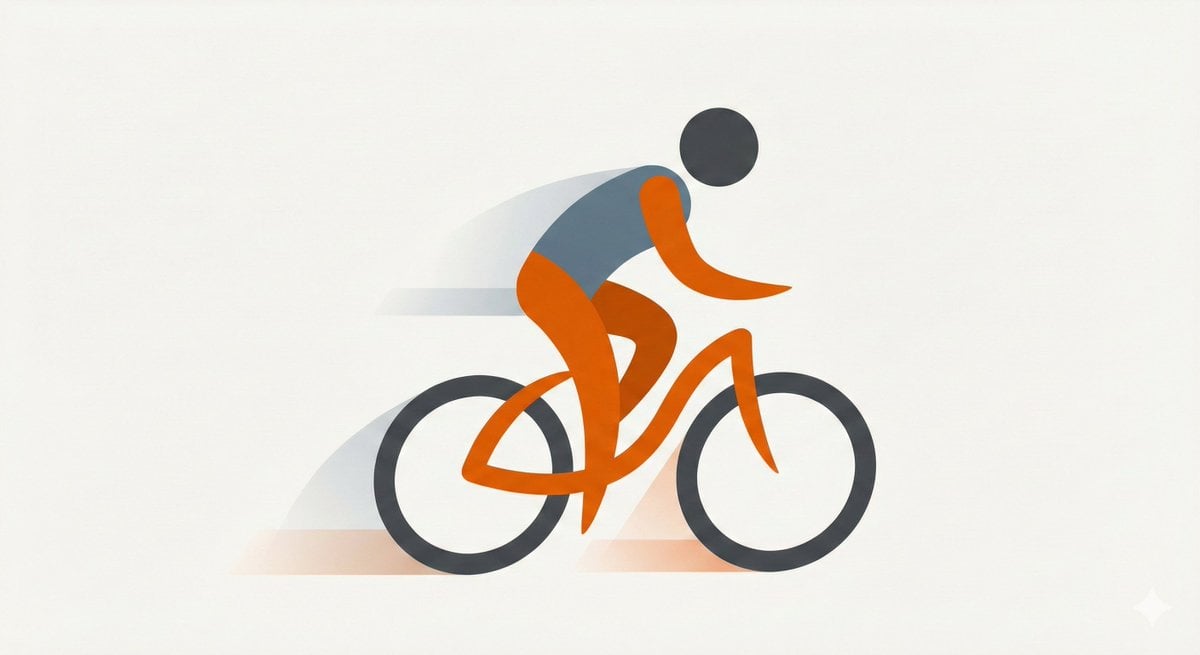
Minimal Flat Geometry Illustration Prompt
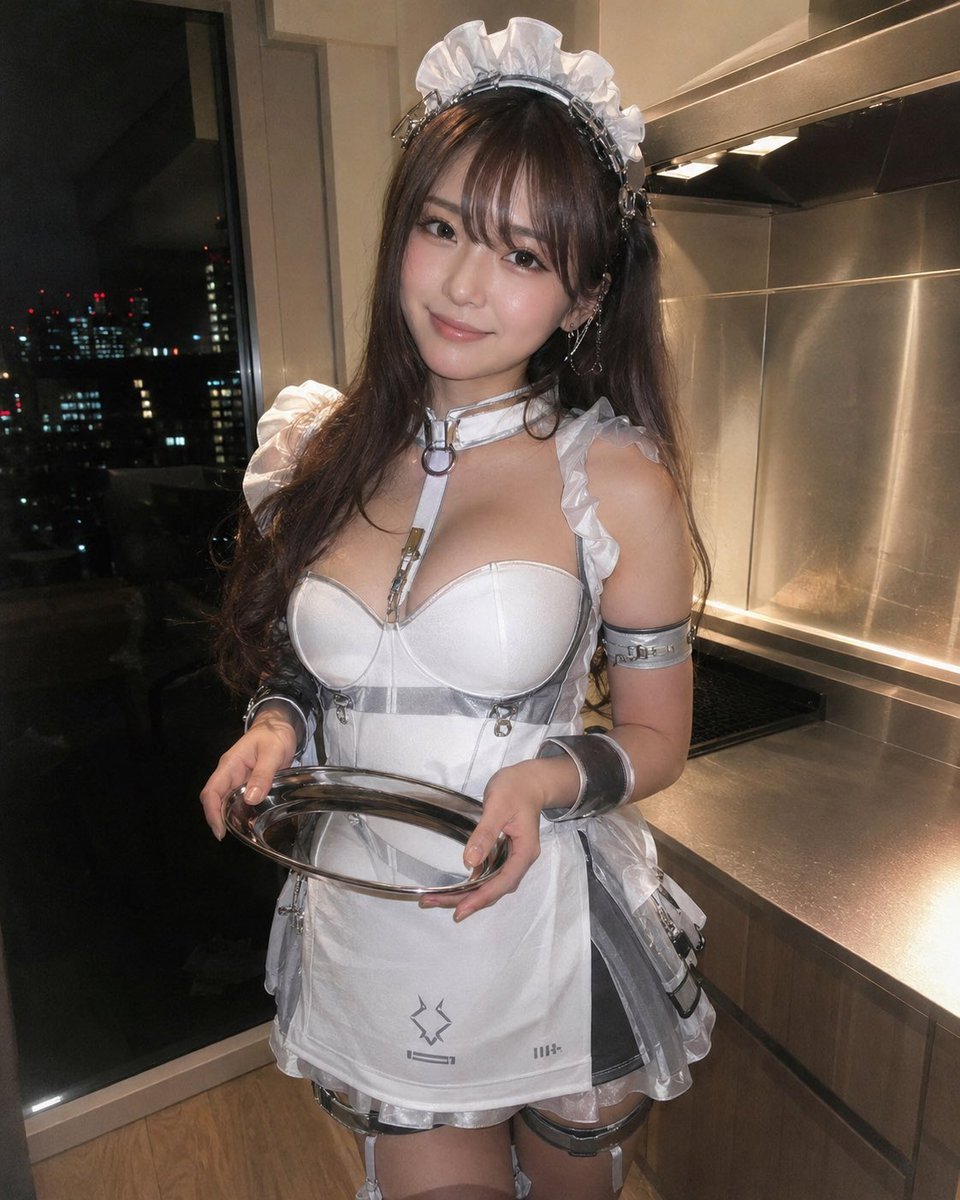
Cyber Maid Cosplay Flash Portrait
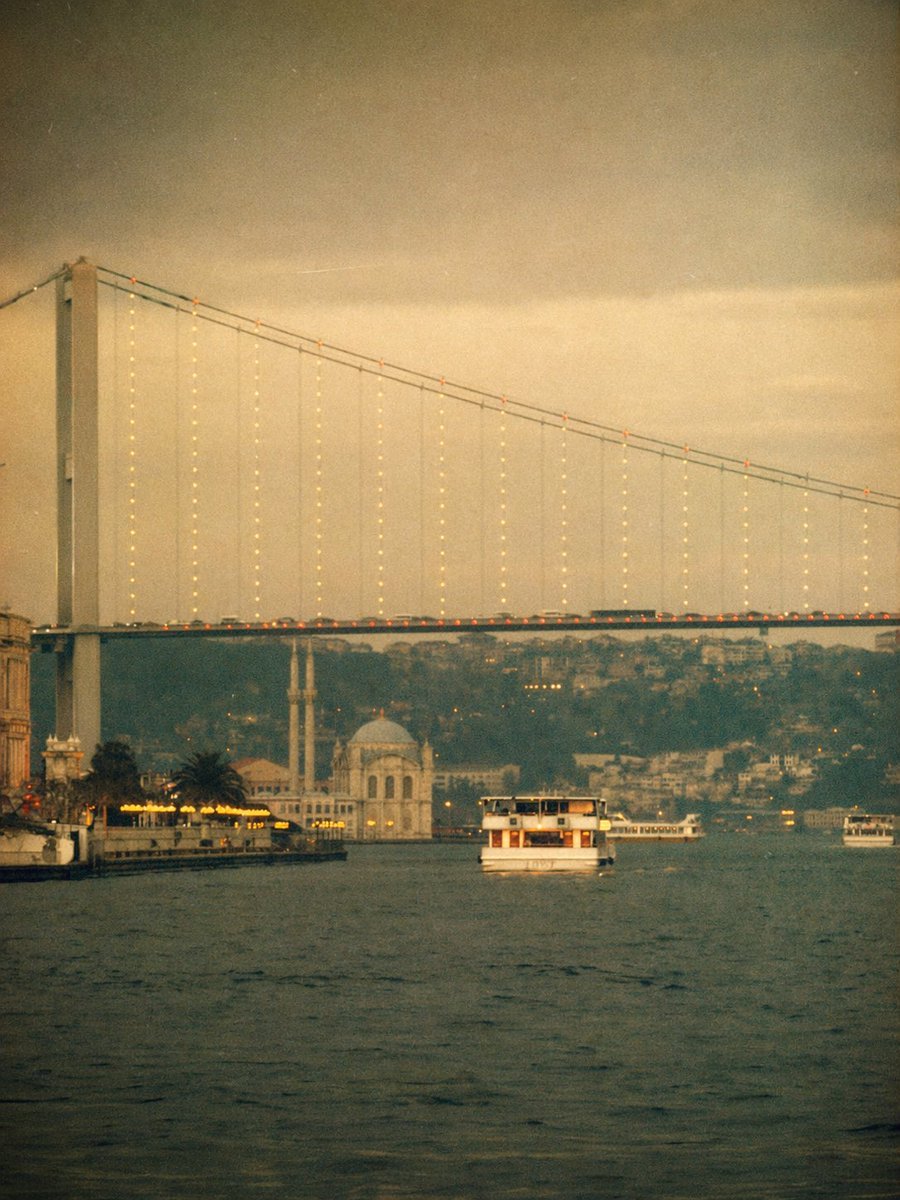
Vintage Bosphorus Bridge Ferry Scene

Cinematic Urban Portrait with Neon Lighting
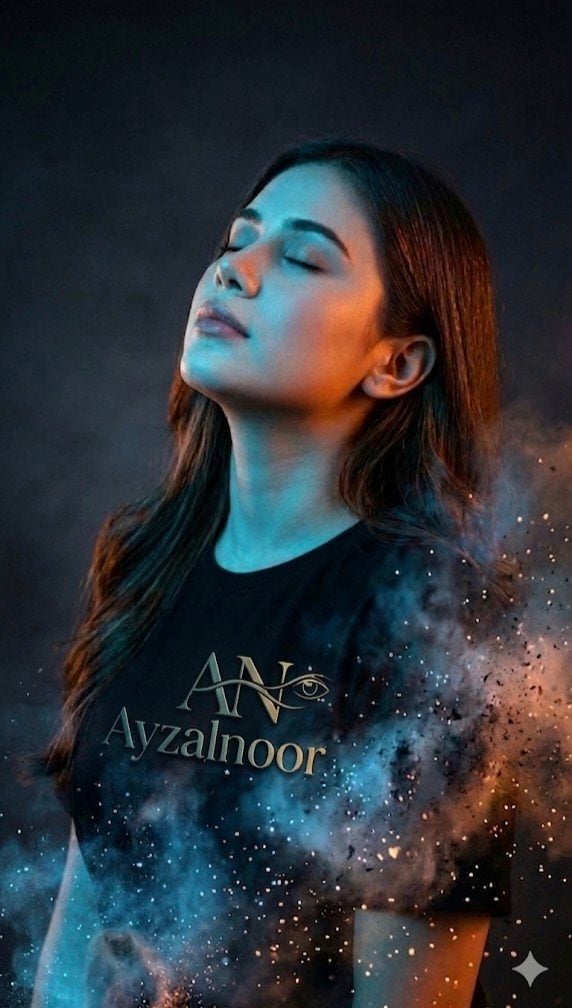
X Ayzalnooor24521 a Cinematic High Resolution Portrait of
Browse template categories
Cinematic Spinning Latte Splash questions
How do I use the Cinematic Spinning Latte Splash template?
Add your photo if the template asks for one, edit the prompt if you like — the template's model and format are already selected — and press Generate. Your version opens in PicX Studio.
Can I customize the Cinematic Spinning Latte Splash template?
Yes. You can change the subject, setting, lighting, mood, format, and available model controls before creating your image.
Is the Cinematic Spinning Latte Splash template free?
Opening and editing this template is free. Generating uses credits, shown on the Generate button when you are signed in.
Which AI model should I use?
Start with GPT Image 2, which is the model associated with this template. You can compare another compatible model for a different finish.
Looking for something else? Browse all templates.

Your photo, any look
Thousands of ready templates for every top image and video model, from one credit balance.