
Stirred Iced Honey Latte Close-Up
A photorealistic macro food shot of a hand stirring a creamy iced honey latte in a textured glass for beverage advertising or social content.
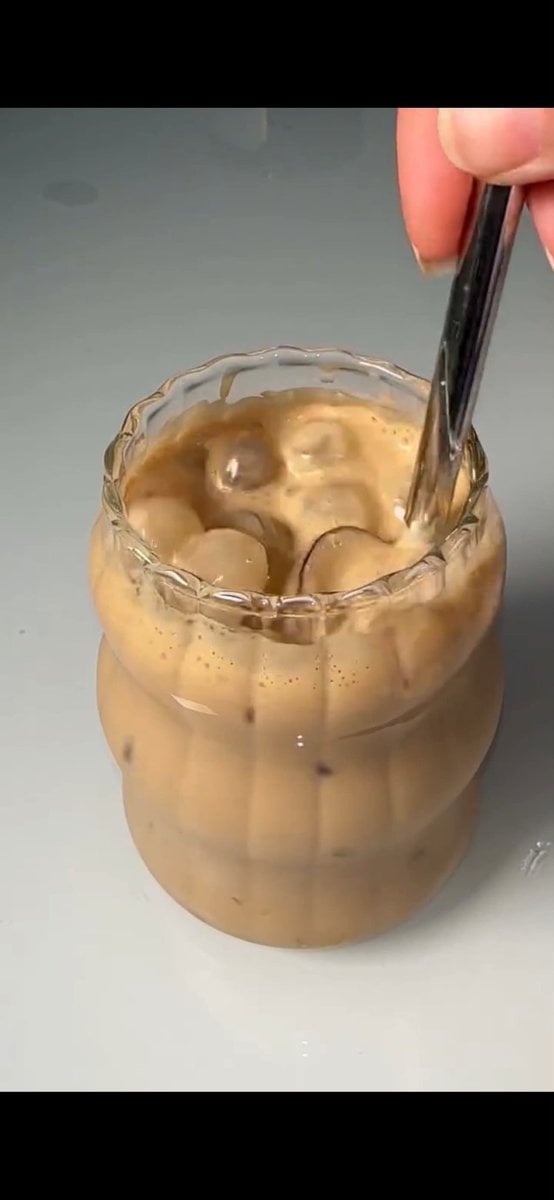
- Prompt included
- Model and format preset
- Free template
The prompt behind this image
Copy the exact prompt behind Stirred Iced Honey Latte Close-Up, or open it in the studio and make it yours.
Create a photorealistic vertical 9:16 close-up image of an iced honey latte in a small clear textured glass on a glossy clean white tabletop, framed like a cinematic macro food-video still. The glass should have a scalloped wavy rim and vertical ribbed sides, filled with creamy tan coffee and milk, with exactly 7 visible clear ice cubes floating near the surface and inside the drink. A right hand enters from the upper right, thumb and fingers visible, holding exactly 1 shiny dark metal spoon inserted into the drink and stirring gently, creating soft swirling caramel-brown layers, tiny foam bubbles, and streaks of coffee along the inside of the glass. Use {argument name="drink color" default="creamy tan caramel coffee"}, {argument name="glass style" default="small clear scalloped ribbed glass"}, {argument name="tabletop color" default="glossy clean white"}, {argument name="lighting style" default="soft natural studio lighting"}, and {argument name="camera angle" default="tight overhead-leaning macro close-up"}. Keep the background minimal and slightly gray-white, with shallow depth of field, realistic liquid reflections, detailed ice highlights, appetizing creamy texture, smooth cinematic composition, no text, no logos, no extra objects.
How to use Stirred Iced Honey Latte Close-Up in 3 steps
- 1Upload ImagePNG, JPG or paste
Add your photo
Upload the photo the template builds on. The prompt, model and format are already set.
- 2…a portrait of your subject in softgolden-hour light, 85mm…
Personalize
Edit the subject and creative details for your destination.
- 3Generate
Generate
Press Generate — your image is created in PicX Studio, so you can compare it with the original and refine one variable at a time.
More like this
Templates with the same subject, style or setup. Open one to see its prompt.
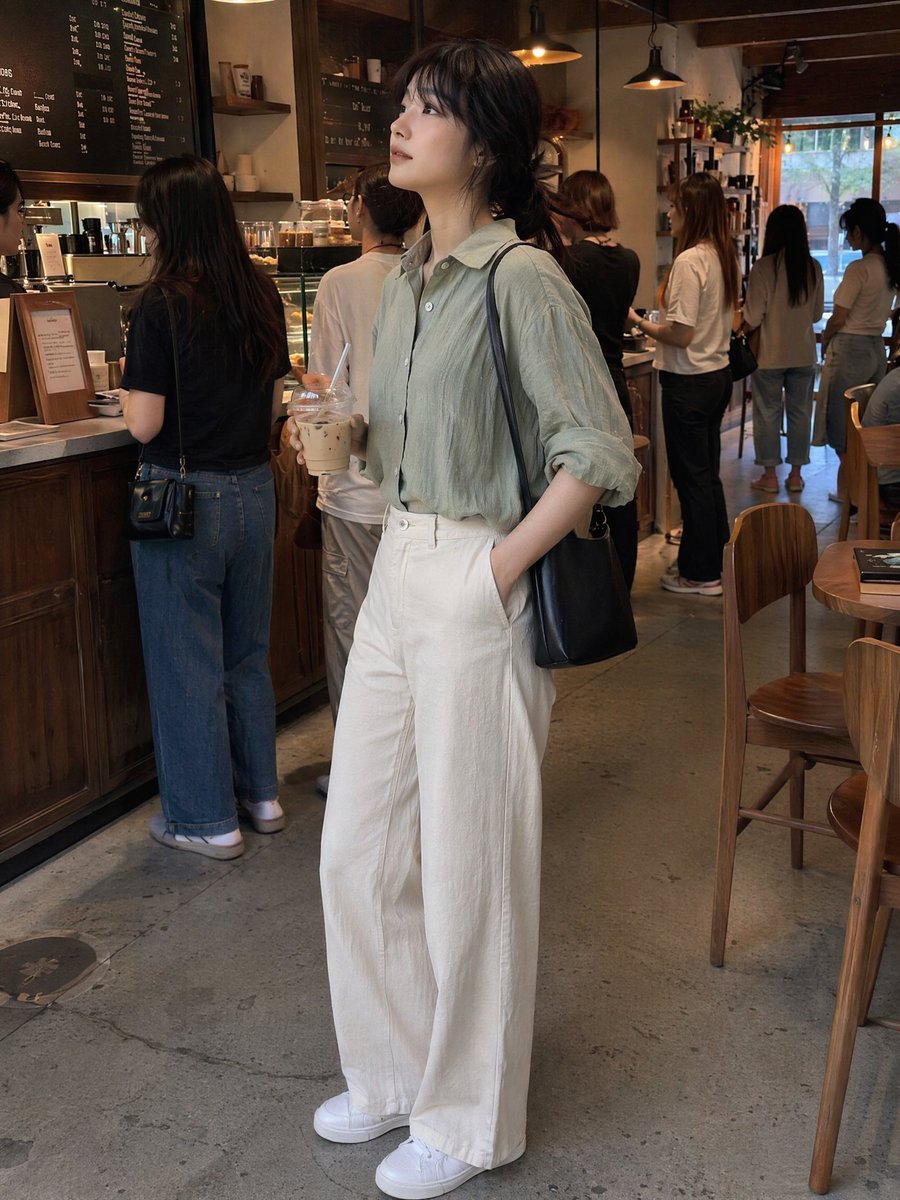
Candid Café Woman with Iced Latte
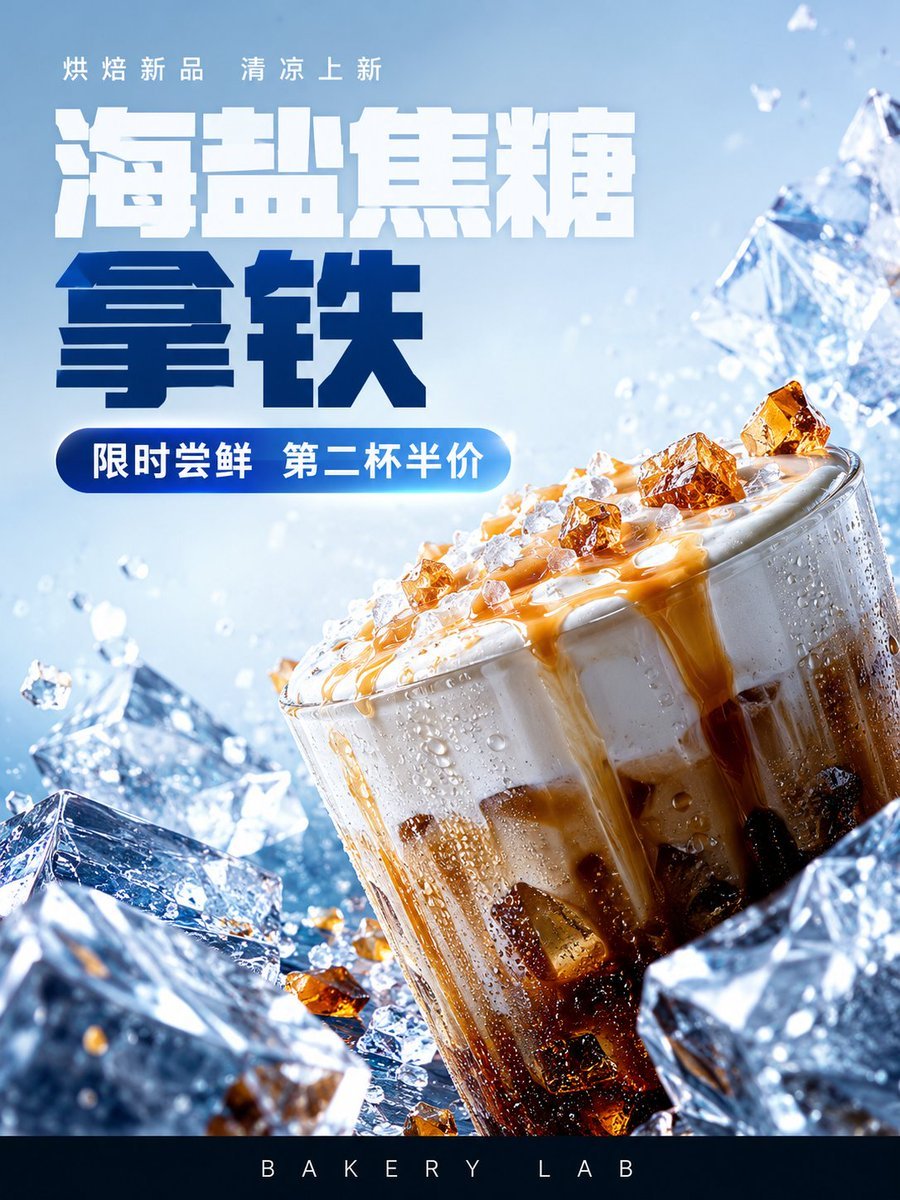
Iced Caramel Latte Poster
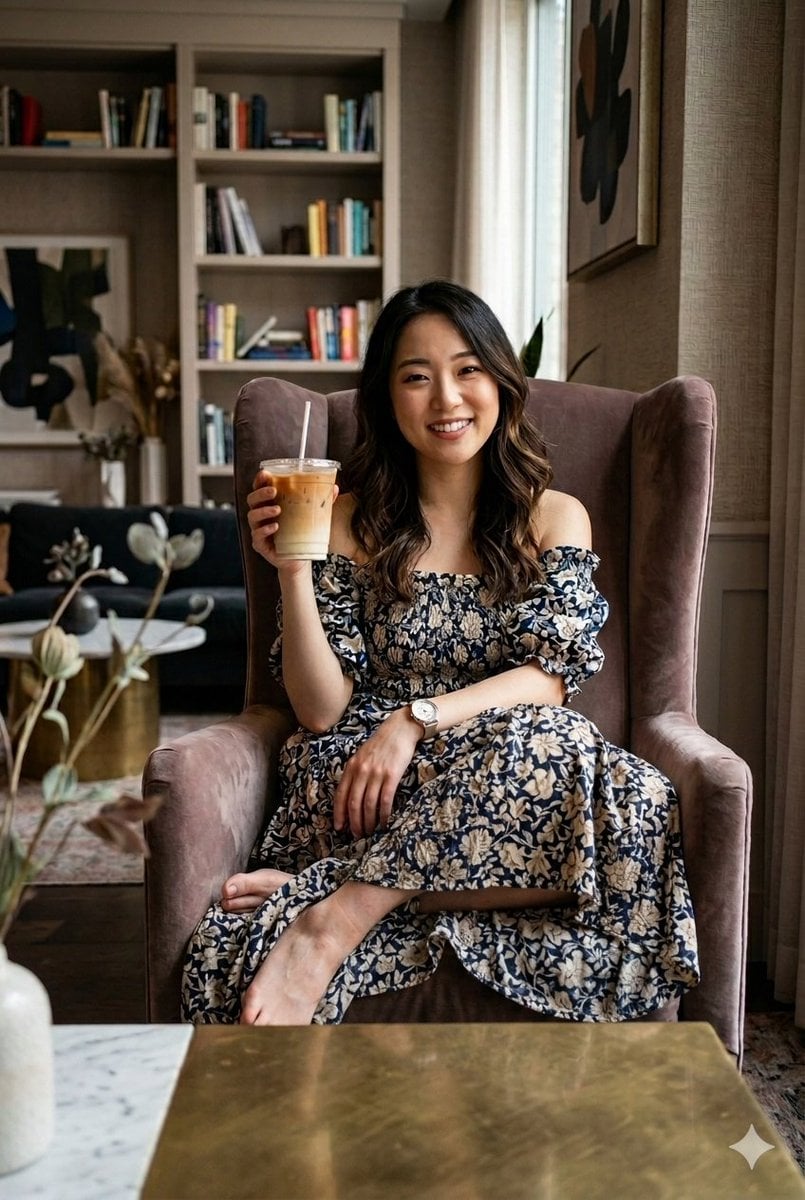
Cozy Iced Latte Portrait
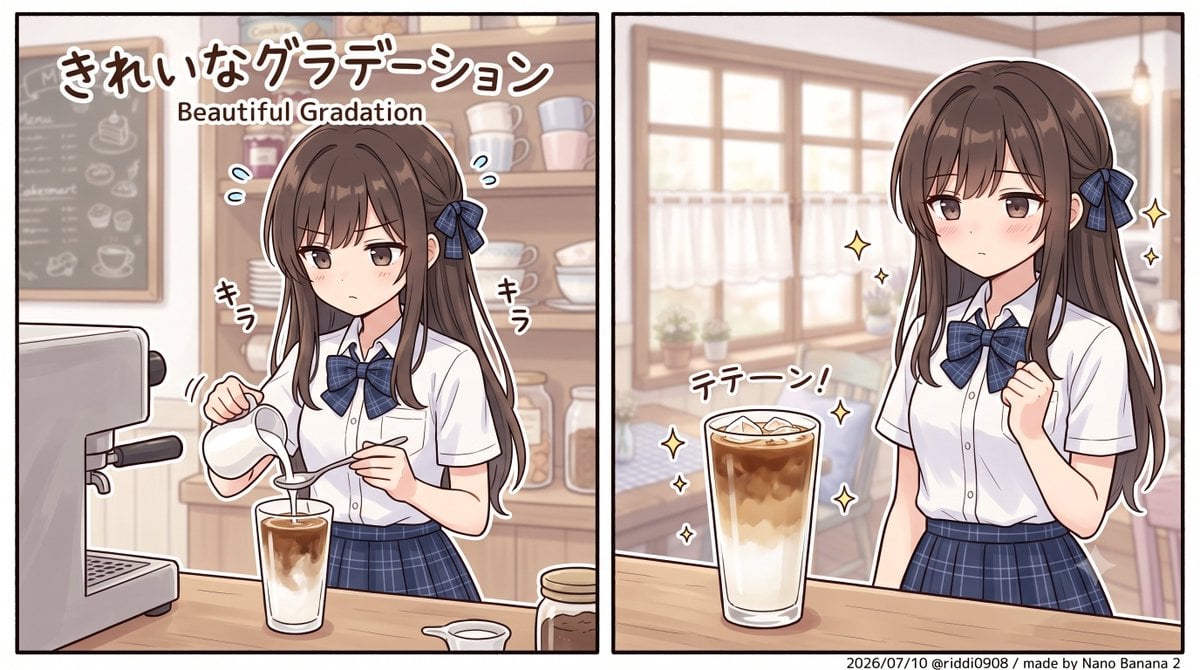
Layered Iced Latte Character Art

Woman in Mall with Chanel Bag - Heart Gesture

Tropical Hammock Latte — Nano Banana iPhone Style
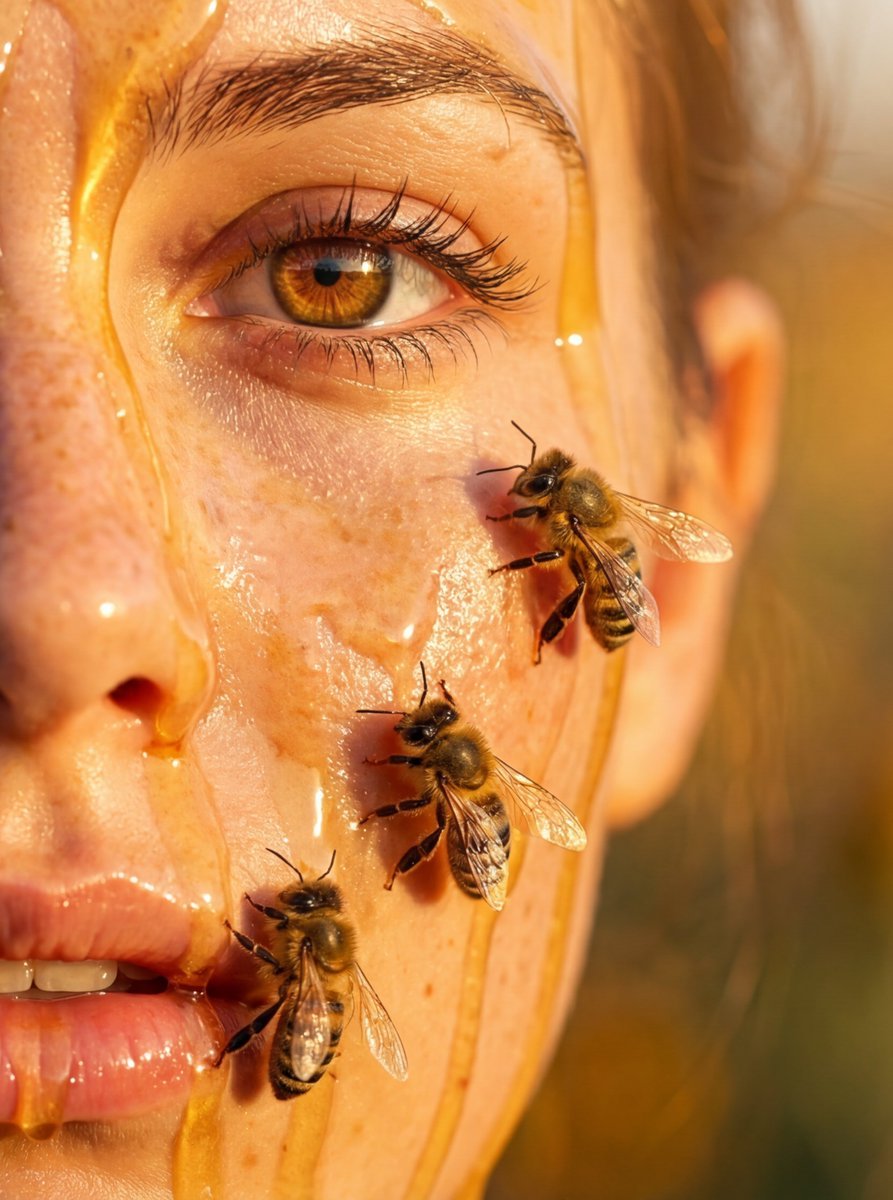
Hyper-real honey-covered woman with bees close-up
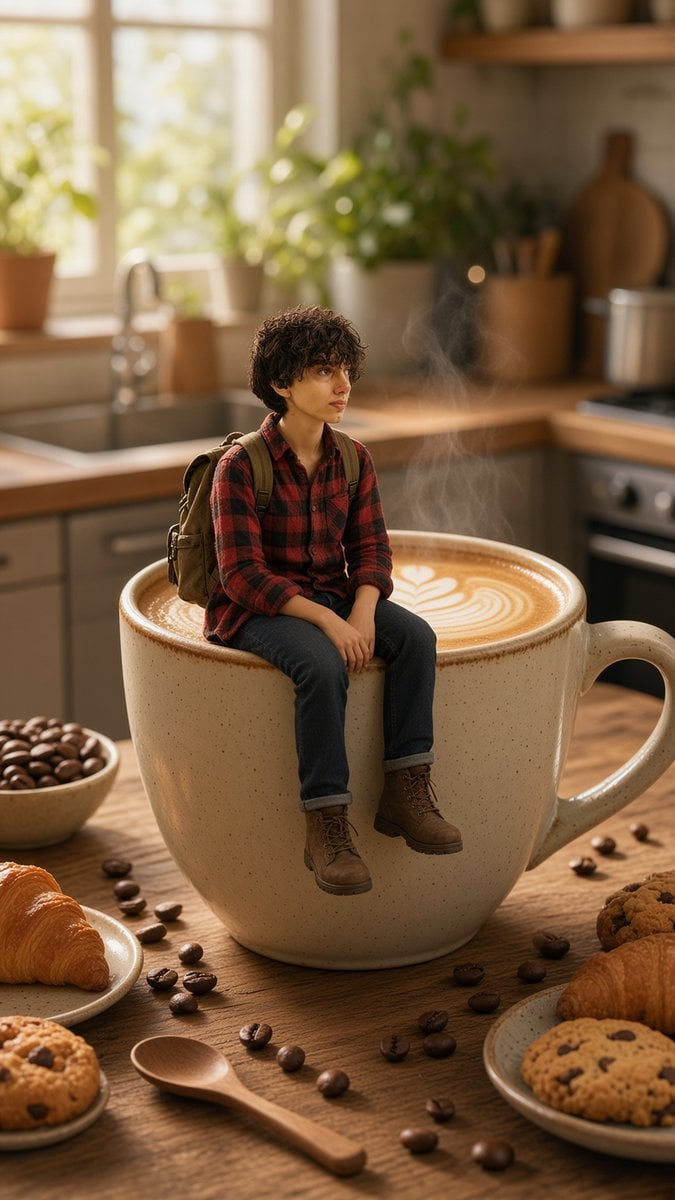
Tiny Traveler on Giant Latte
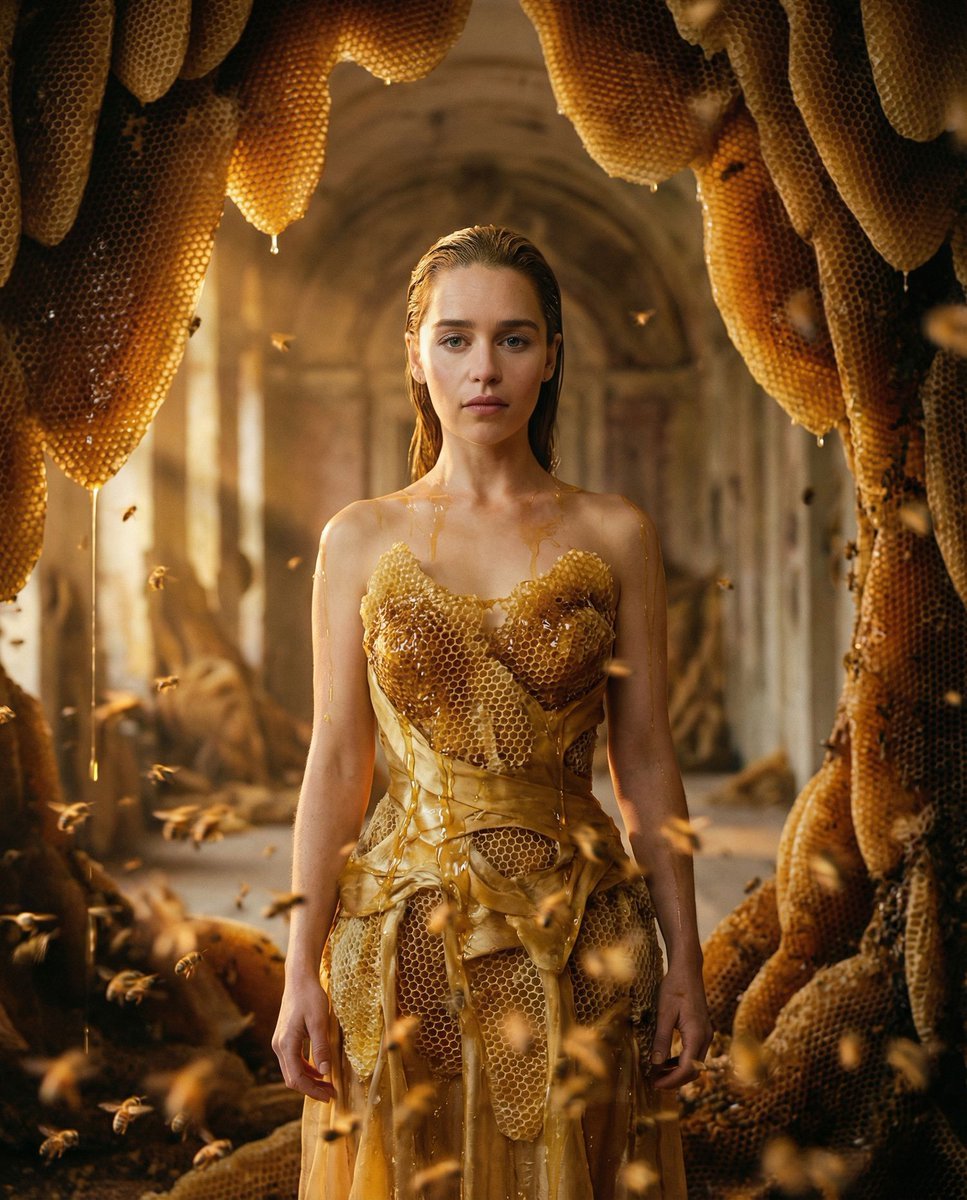
Surrealist Honeycomb Fashion Editorial
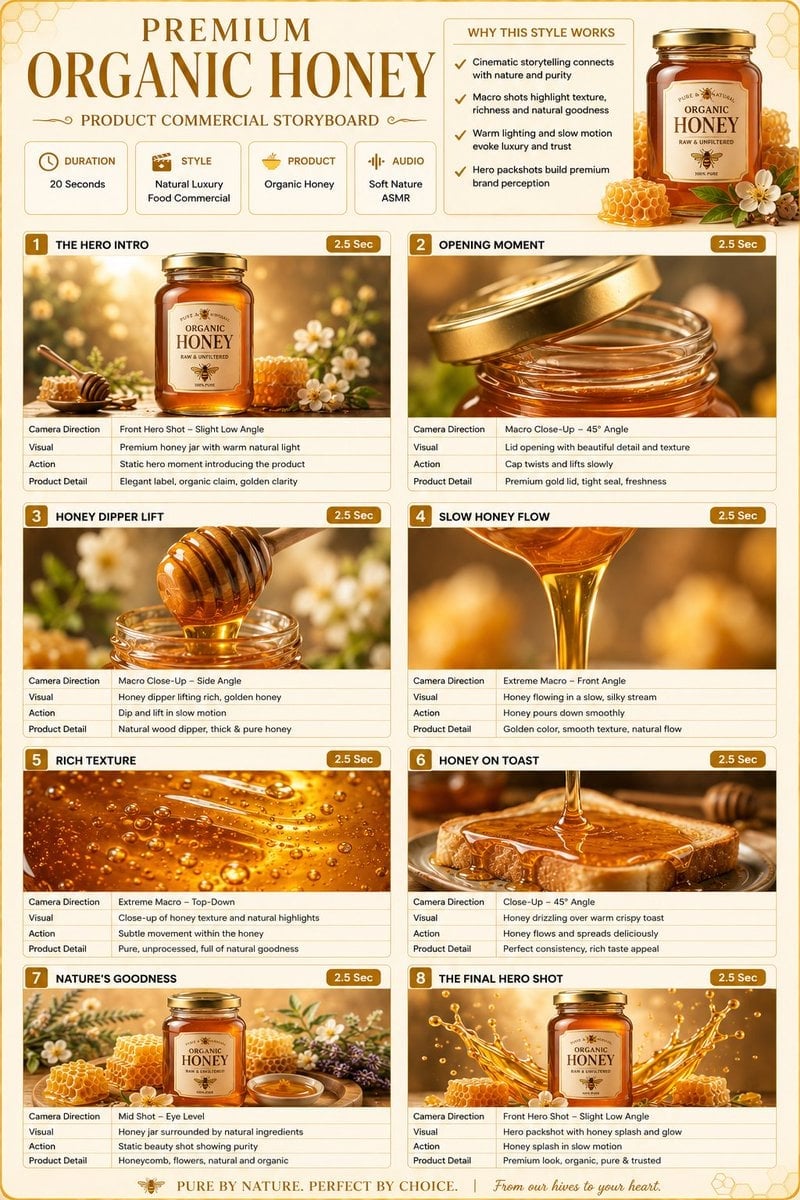
Premium Organic Honey Commercial Storyboard
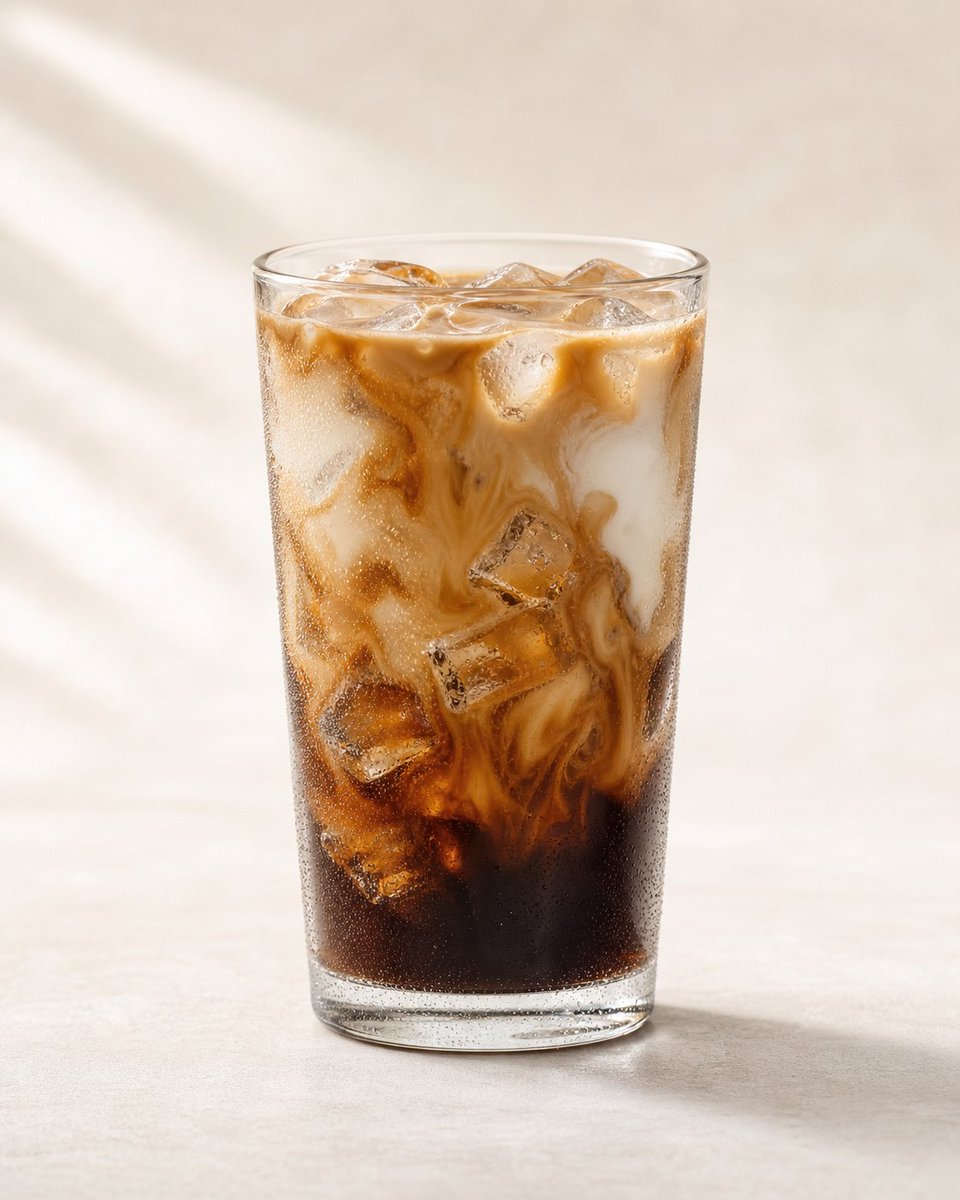
Premium Iced Coffee Product Photography
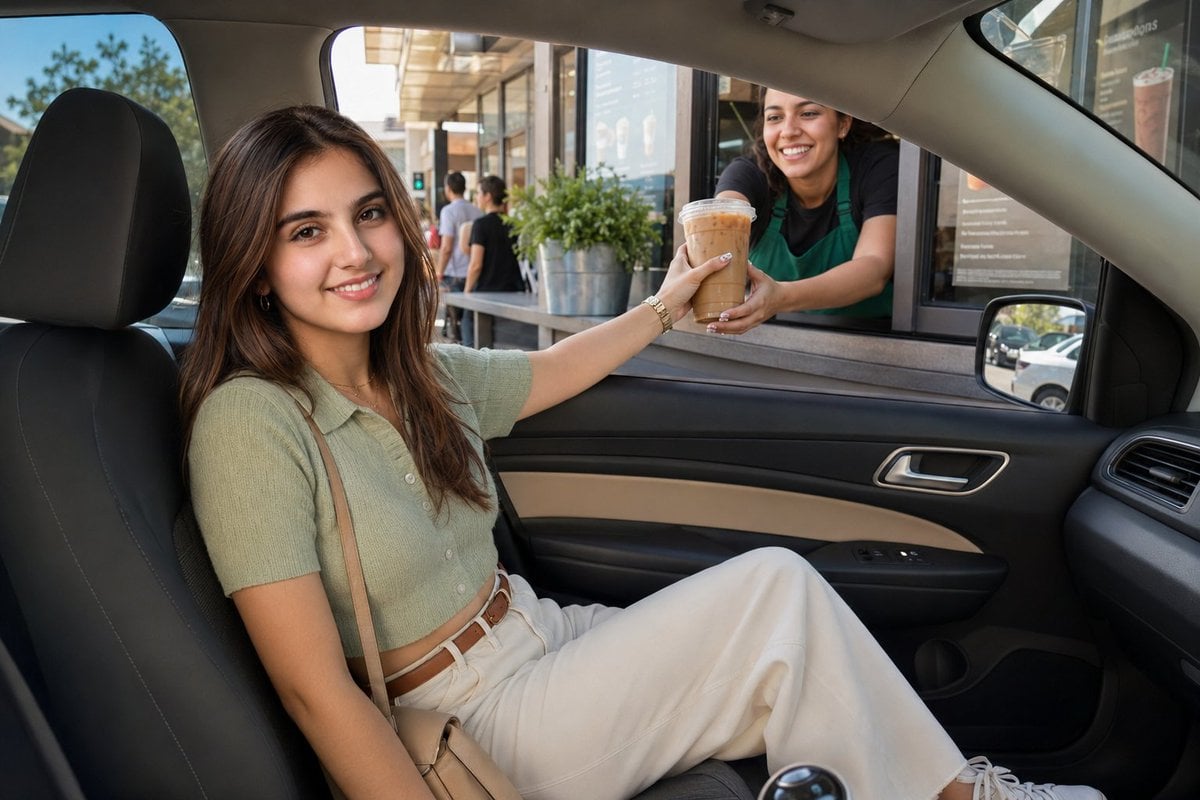
Sunny Drive-Thru Iced Coffee Portrait
Make it yours
Stirred Iced Honey Latte Close-Up works as-is. These are the safest ways to change it without losing the look.
Change one field
Copy a single group, rewrite it, and generate again so you can see what that field is doing.
Keep the frame, change the subject
Hold the composition and light of Stirred Iced Honey Latte Close-Up, then swap wardrobe, props or the person for a new take.
| If the result… | Why | Fix |
|---|---|---|
| The result drifts from the preview | Too many fields changed at once. | Reuse Stirred Iced Honey Latte Close-Up as-is first, then change one group — subject, light, or setting. |
| The model over-stylizes the scene | The prose prompt leaves finish and camera underspecified. | Add one camera or lighting sentence and stay on GPT Image 2. |
More GPT Image 2 templates
Other prompts made for GPT Image 2.

Six VTuber Japanese Logo Sheet

Realistic Portrait of Woman and Deer

The Vista Modular Condo Poster

AI Model Routing Comparison Infographic

2.5D Anime Art Board

Isometric Productivity Desk Scene

New York Double Exposure Poster

Four-Panel AI Landscape Comparison

Japanese Tatami Lifestyle Magazine Cover

NESCAFÉ Coffee Map Poster
More image prompts
Fresh picks from across the catalog.
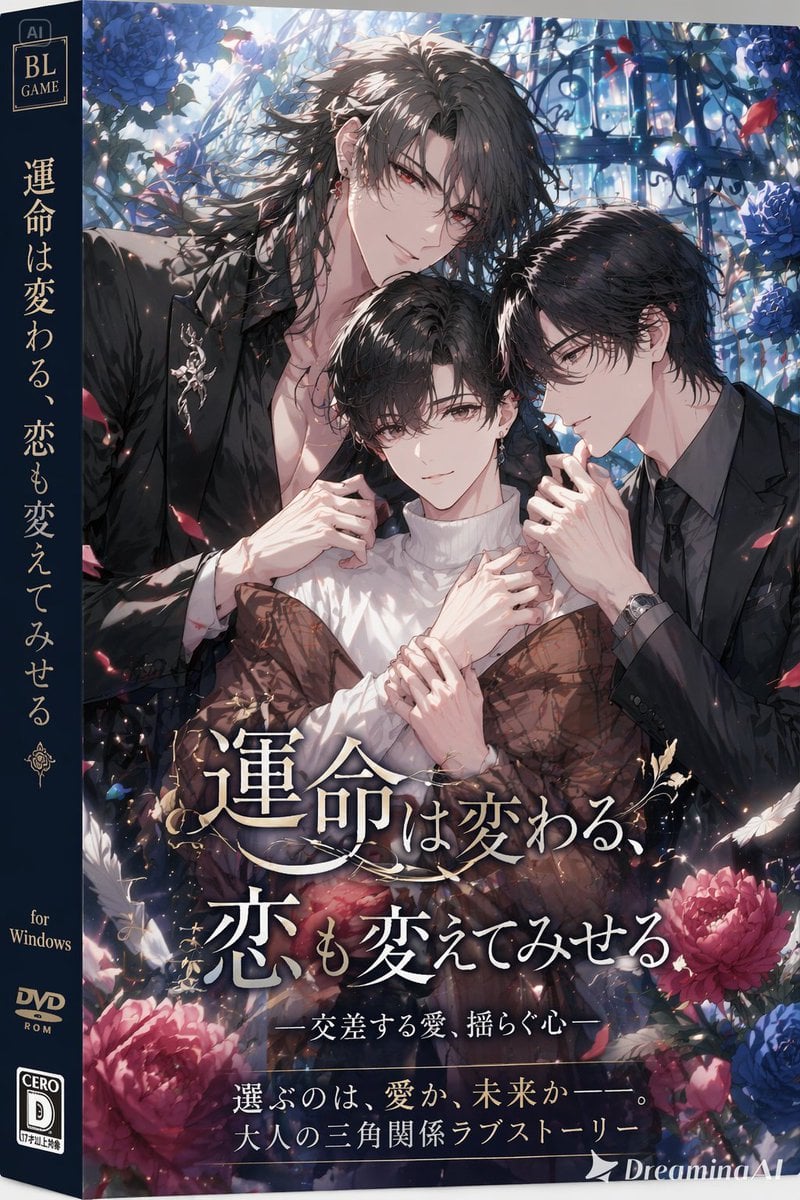
BL Game Package Design
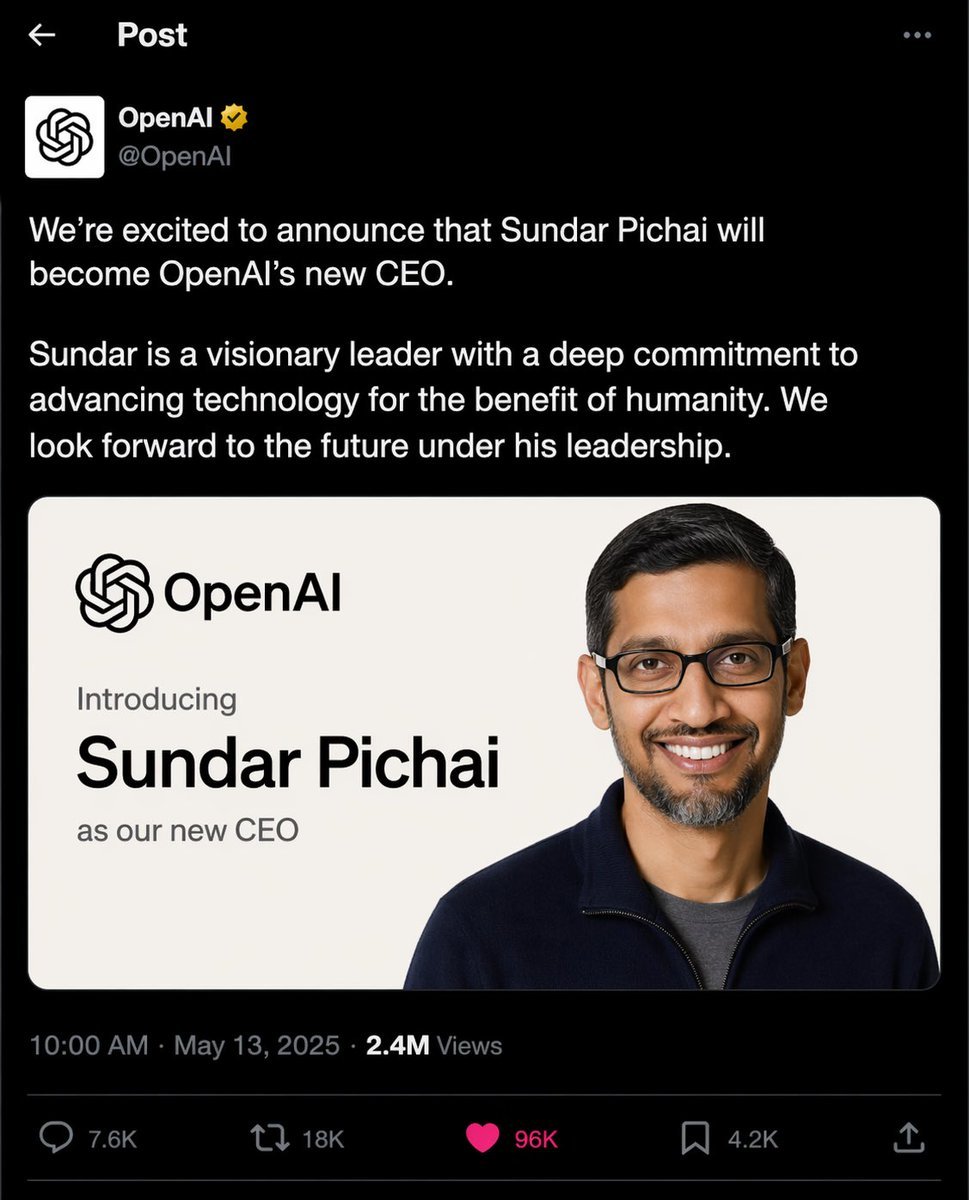
OpenAI CEO Announcement Mockup
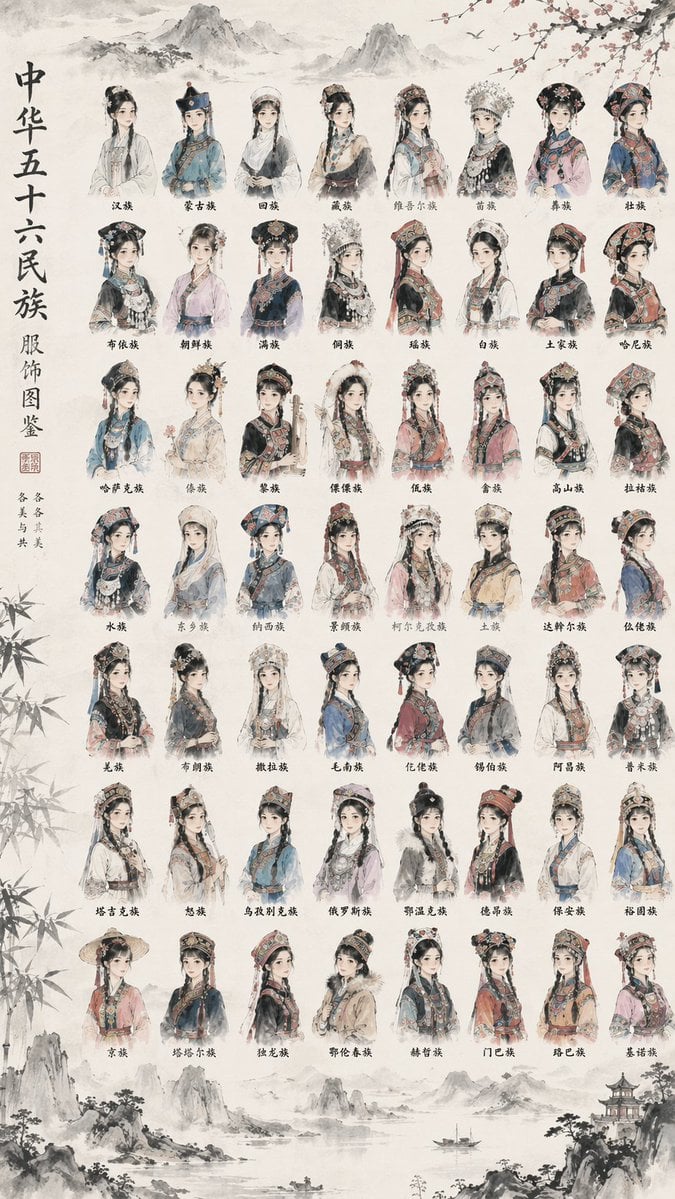
56 Chinese Ethnic Groups Clothing Chart

Cinematic Mountain Garden Portrait
Abstract Background for Premium Website
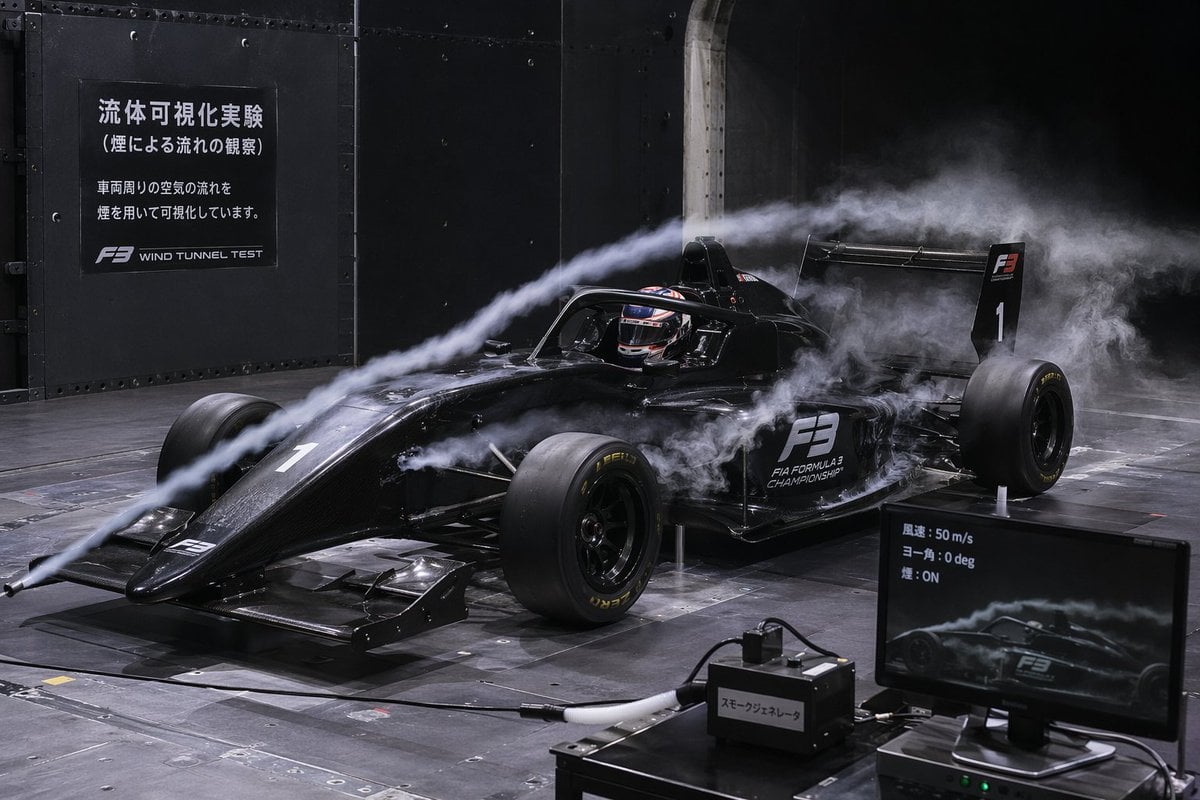
F3 Wind Tunnel Aerodynamic Test

A Snowy Couple Portrait

AIFocus Twitter banner with Google branding
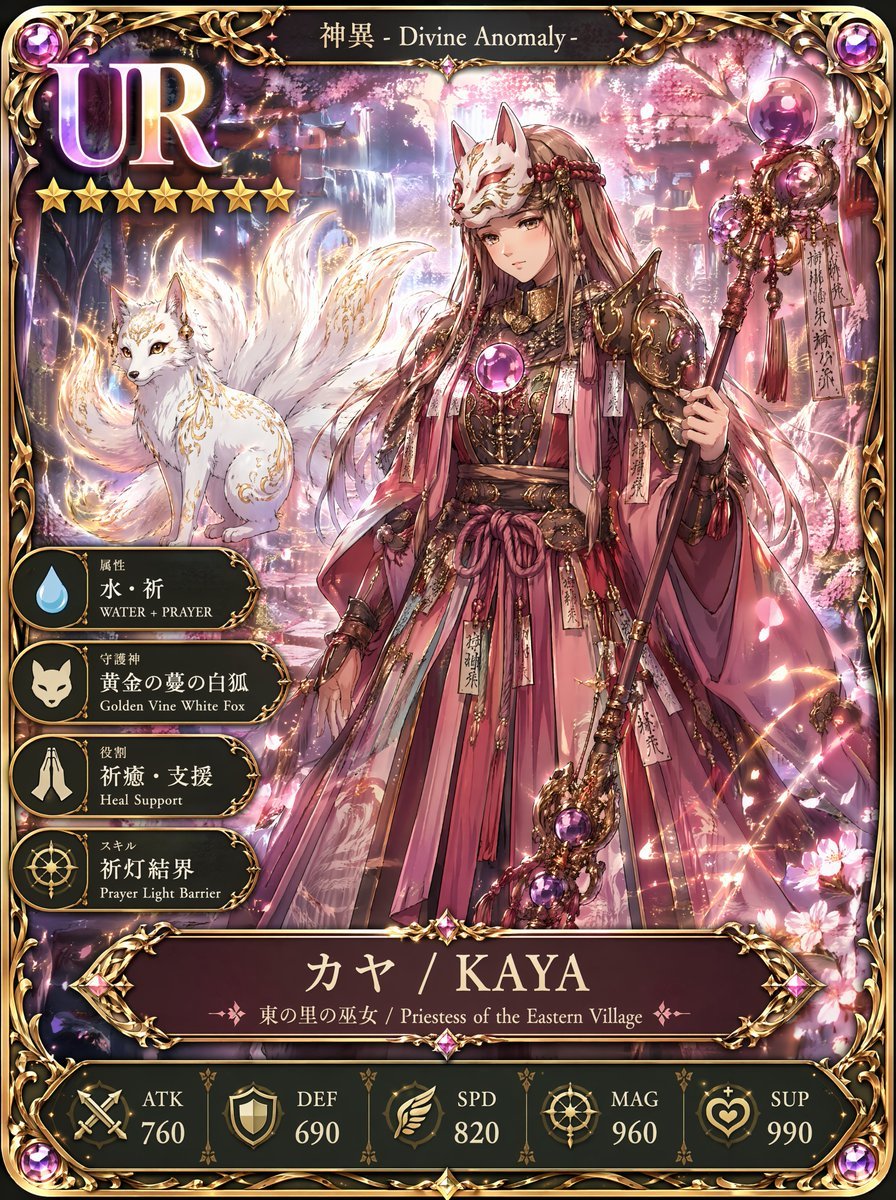
UR Fox Priestess Fantasy Card
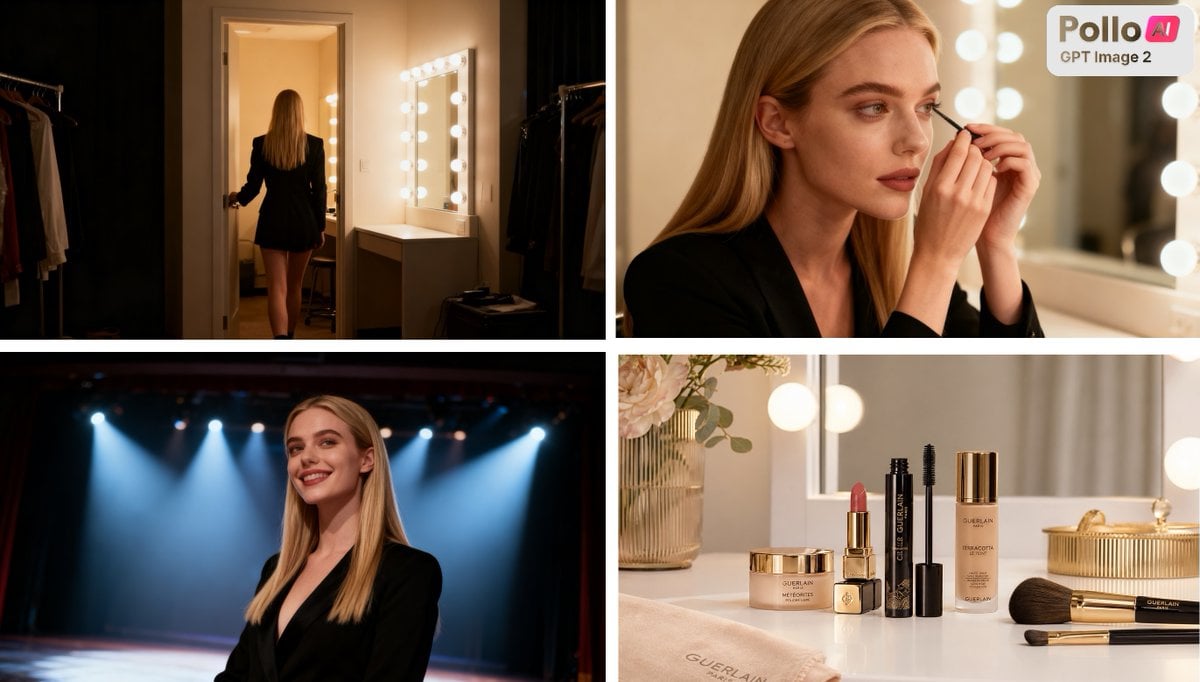
Luxury Beauty Ad Storyboard
Browse template categories
Stirred Iced Honey Latte Close-Up questions
How do I use the Stirred Iced Honey Latte Close-Up template?
Add your photo if the template asks for one, edit the prompt if you like — the template's model and format are already selected — and press Generate. Your version opens in PicX Studio.
Can I customize the Stirred Iced Honey Latte Close-Up template?
Yes. You can change the subject, setting, lighting, mood, format, and available model controls before creating your image.
Is the Stirred Iced Honey Latte Close-Up template free?
Opening and editing this template is free. Generating uses credits, shown on the Generate button when you are signed in.
Which AI model should I use?
Start with GPT Image 2, which is the model associated with this template. You can compare another compatible model for a different finish.
Looking for something else? Browse all templates.

Your photo, any look
Thousands of ready templates for every top image and video model, from one credit balance.