
F3 Wind Tunnel Aerodynamic Test
Generates a photorealistic image of a race car in a wind tunnel with smoke trails and customizable technical signage.
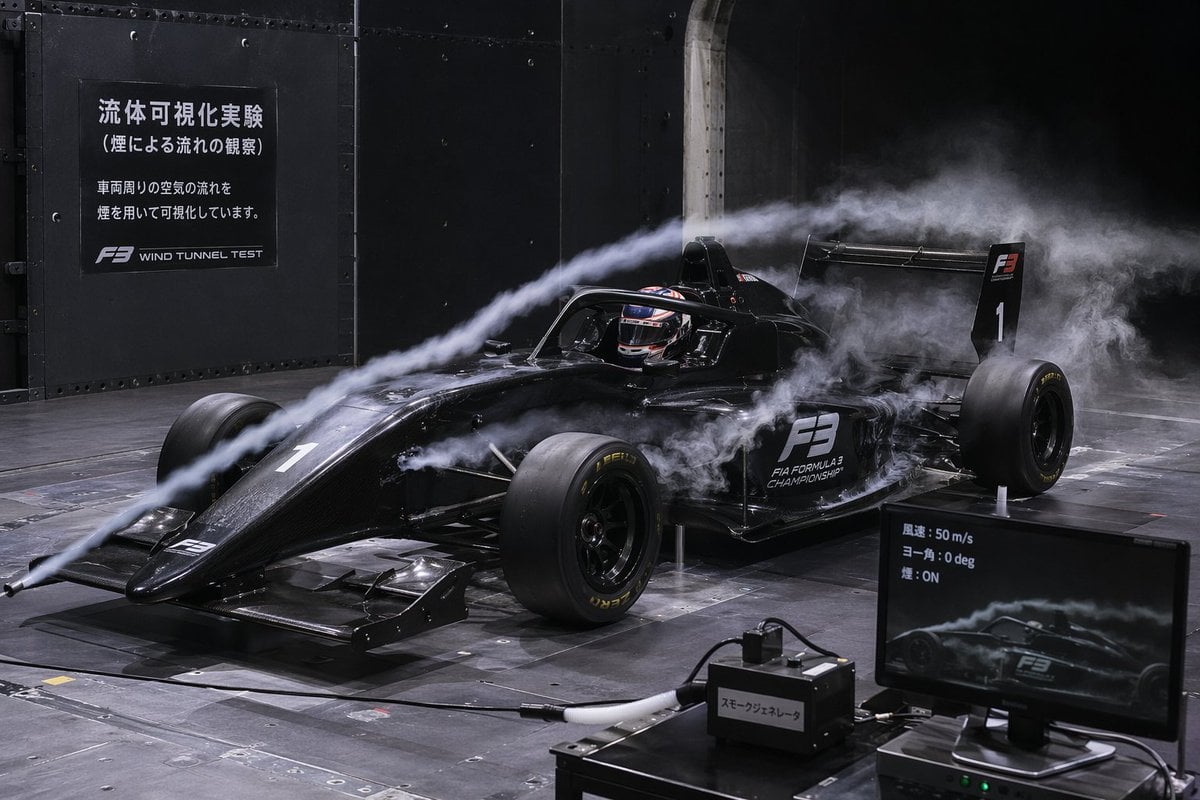
- Prompt included
- Model and format preset
- Free template
The prompt behind this image
Copy the exact prompt behind F3 Wind Tunnel Aerodynamic Test, or open it in the studio and make it yours.
A photorealistic image of a black Formula 3 race car undergoing an aerodynamic wind tunnel test. Thick white smoke trails flow from a front nozzle over the car's nose, halo, and rear wing. The car features the number 1 and 'F3 FIA FORMULA 3 CHAMPIONSHIP' decals, with a helmeted driver seated inside. The setting is a dark industrial facility with a metallic grid floor. On the left wall, a dark sign displays the text {argument name="wall sign text" default="流体可視化実験 (煙による流れの観察) 車両周りの空気の流れを煙を用いて可視化しています。"} alongside 'F3 WIND TUNNEL TEST'. In the bottom right foreground, a black box labeled {argument name="box label" default="スモークジェネレータ"} sits next to a computer monitor showing a live feed of the car and the telemetry text {argument name="monitor text" default="風速: 50 m/s ヨー角: 0 deg 煙: ON"}. Dramatic, realistic engineering photography.
Reference images included
F3 Wind Tunnel Aerodynamic Test needs input media to work. They load alongside the prompt when you open it in the studio.
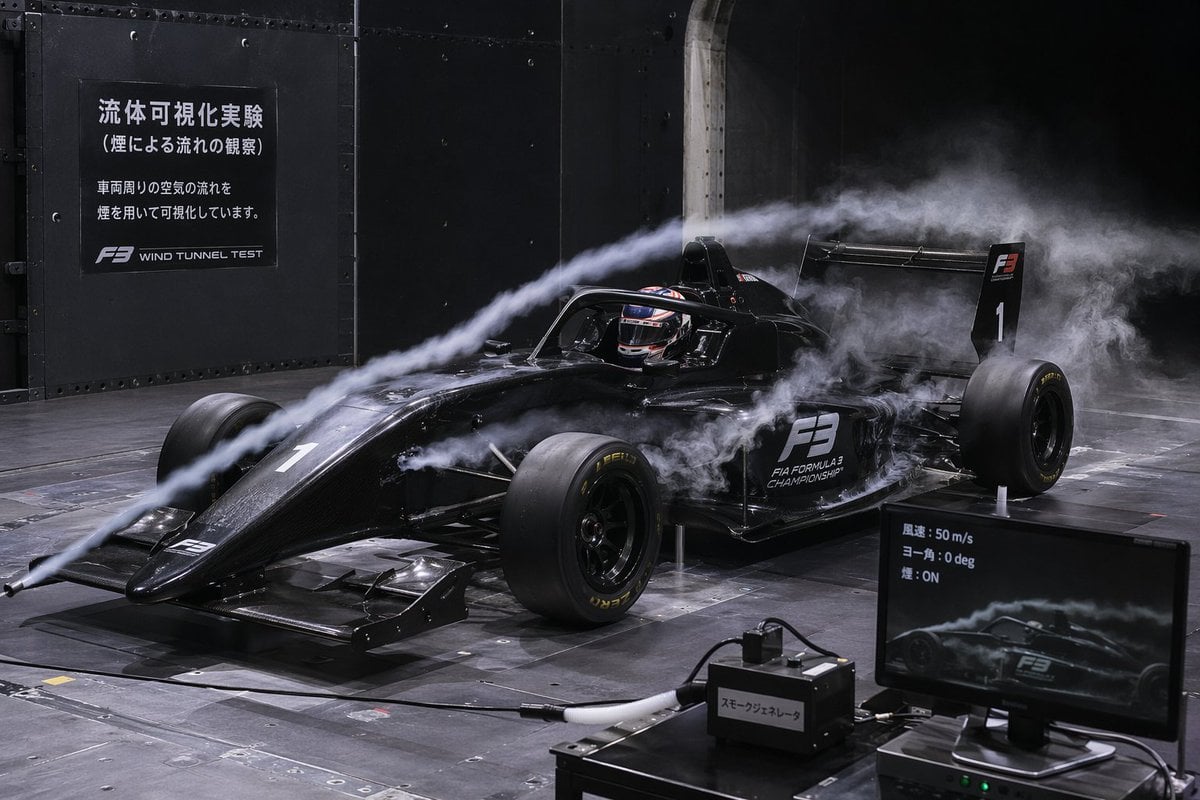
How to use F3 Wind Tunnel Aerodynamic Test in 3 steps
- 1Upload ImagePNG, JPG or paste
Add your photo
Upload the photo the template builds on. The prompt, model and format are already set.
- 2…a portrait of your subject in softgolden-hour light, 85mm…
Personalize
Edit the subject and creative details for your destination.
- 3Generate
Generate
Press Generate — your image is created in PicX Studio, so you can compare it with the original and refine one variable at a time.
More like this
Templates with the same subject, style or setup. Open one to see its prompt.
Debug Test
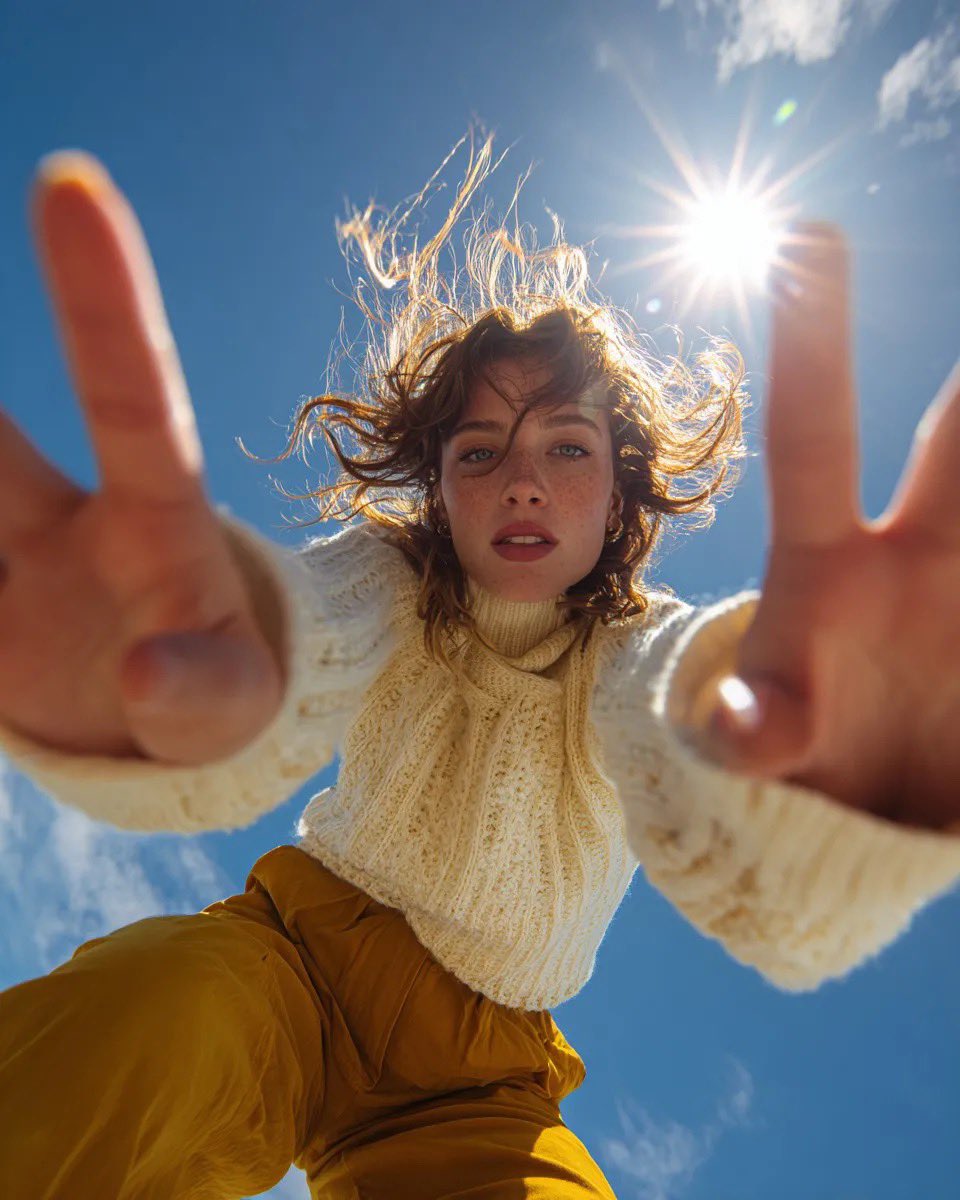
Ultra Wide Low-Angle Portrait — Sairah (Nano Banana)

Fireworks Inside a Wind Chime
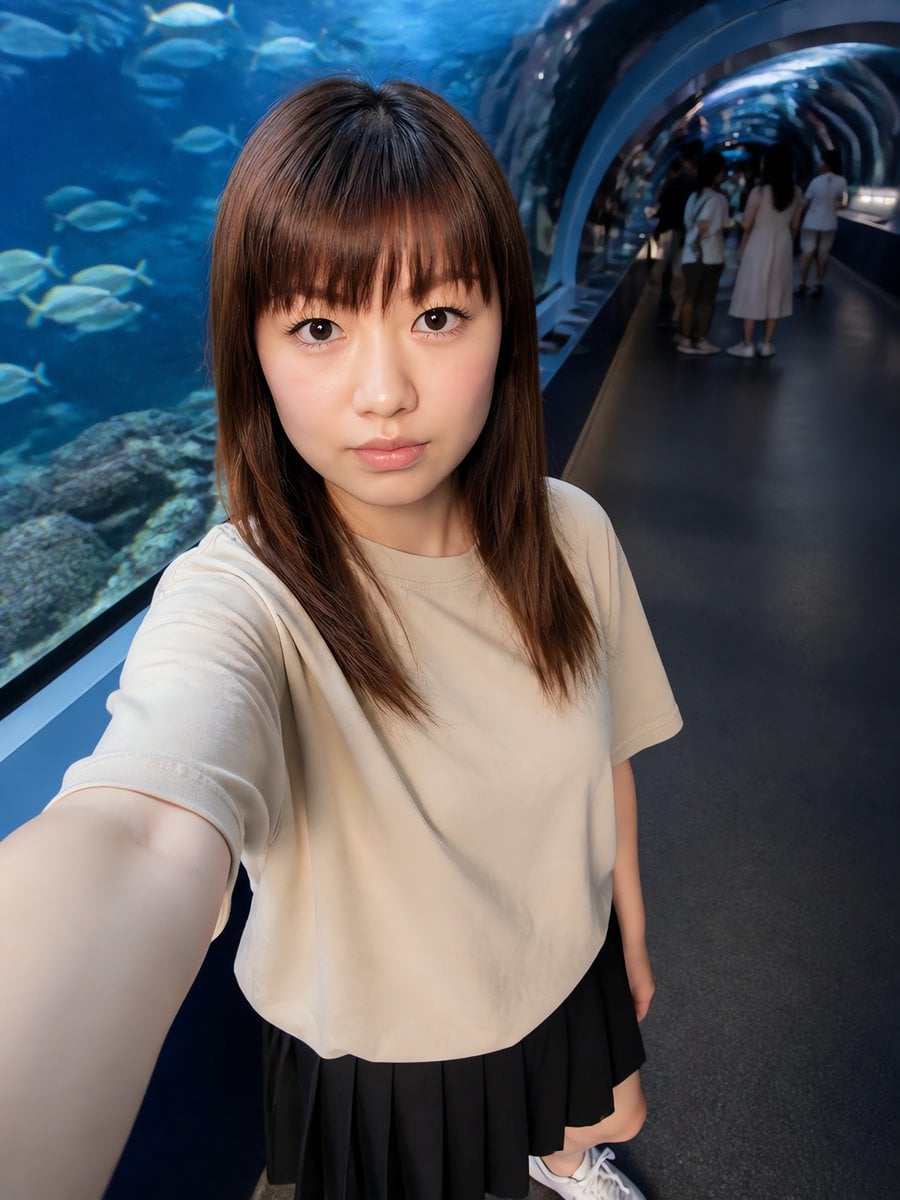
Aquarium Tunnel Selfie Photography
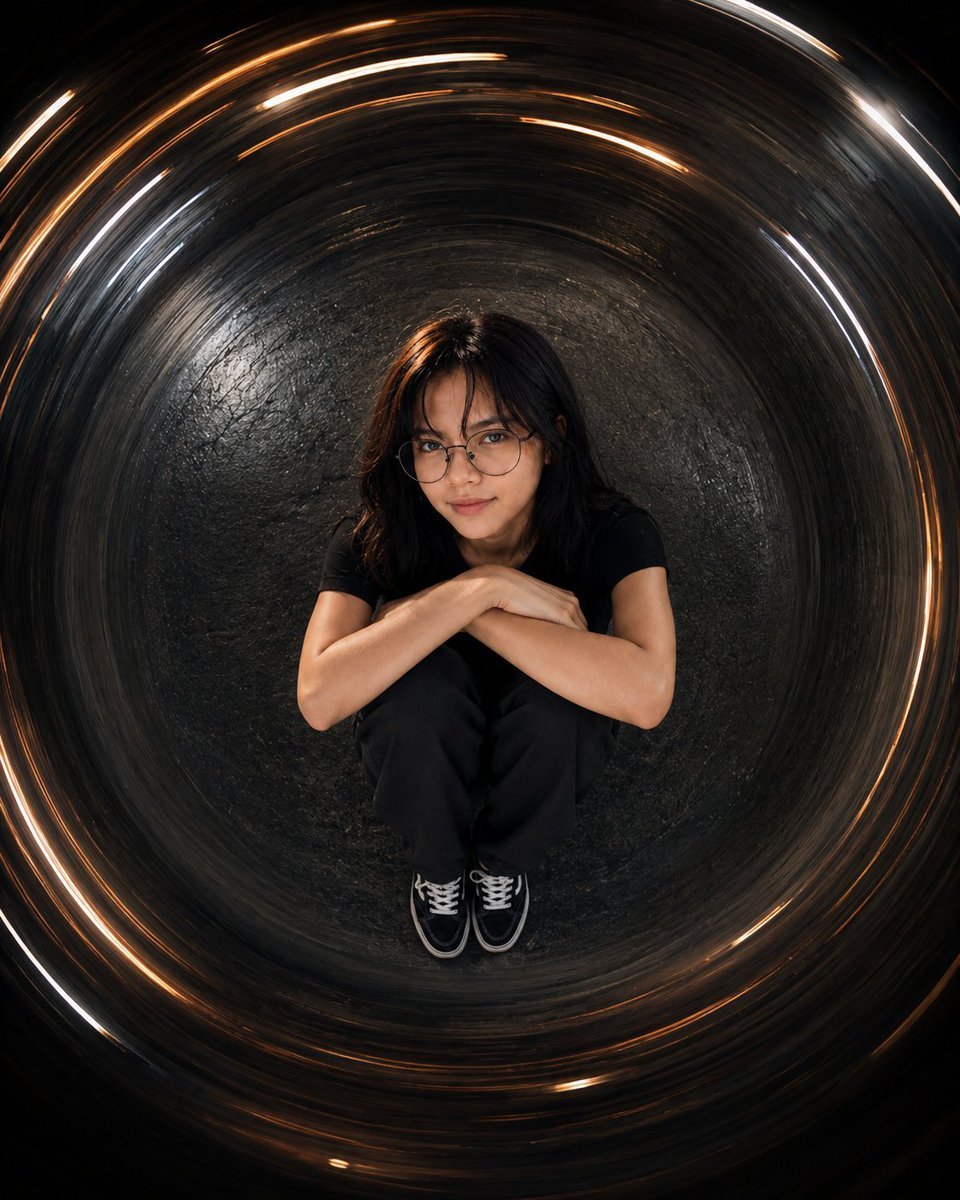
Cinematic Tunnel Portrait
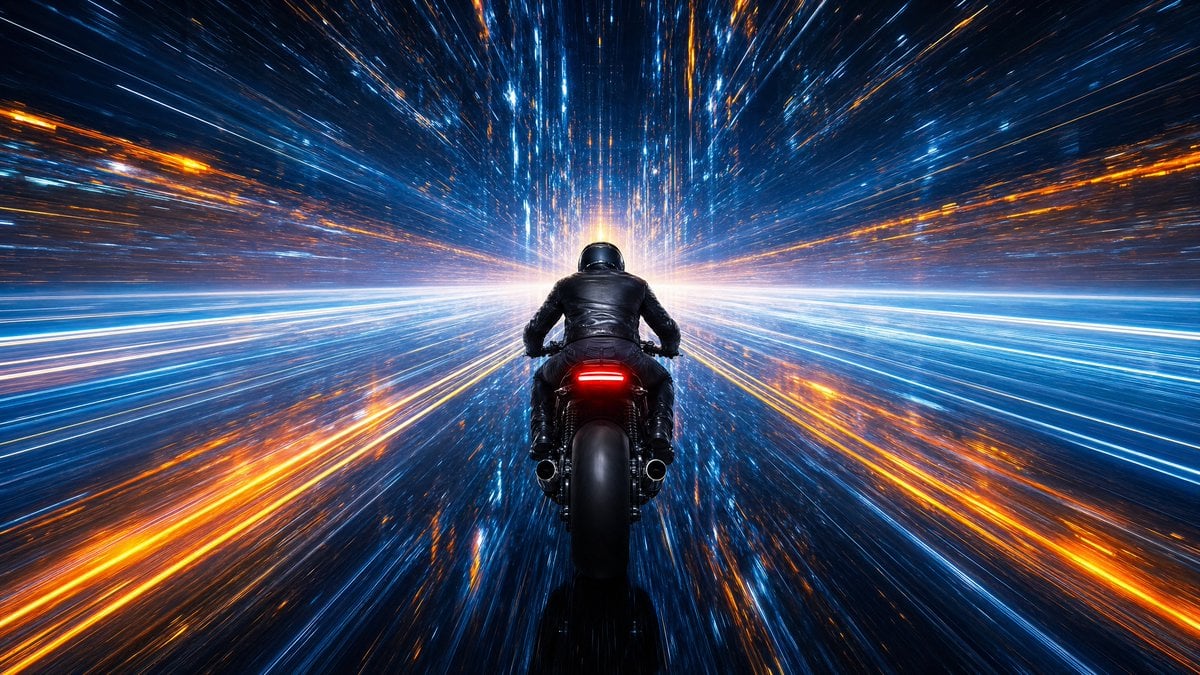
Futuristic Hyper-Speed Tunnel Ride
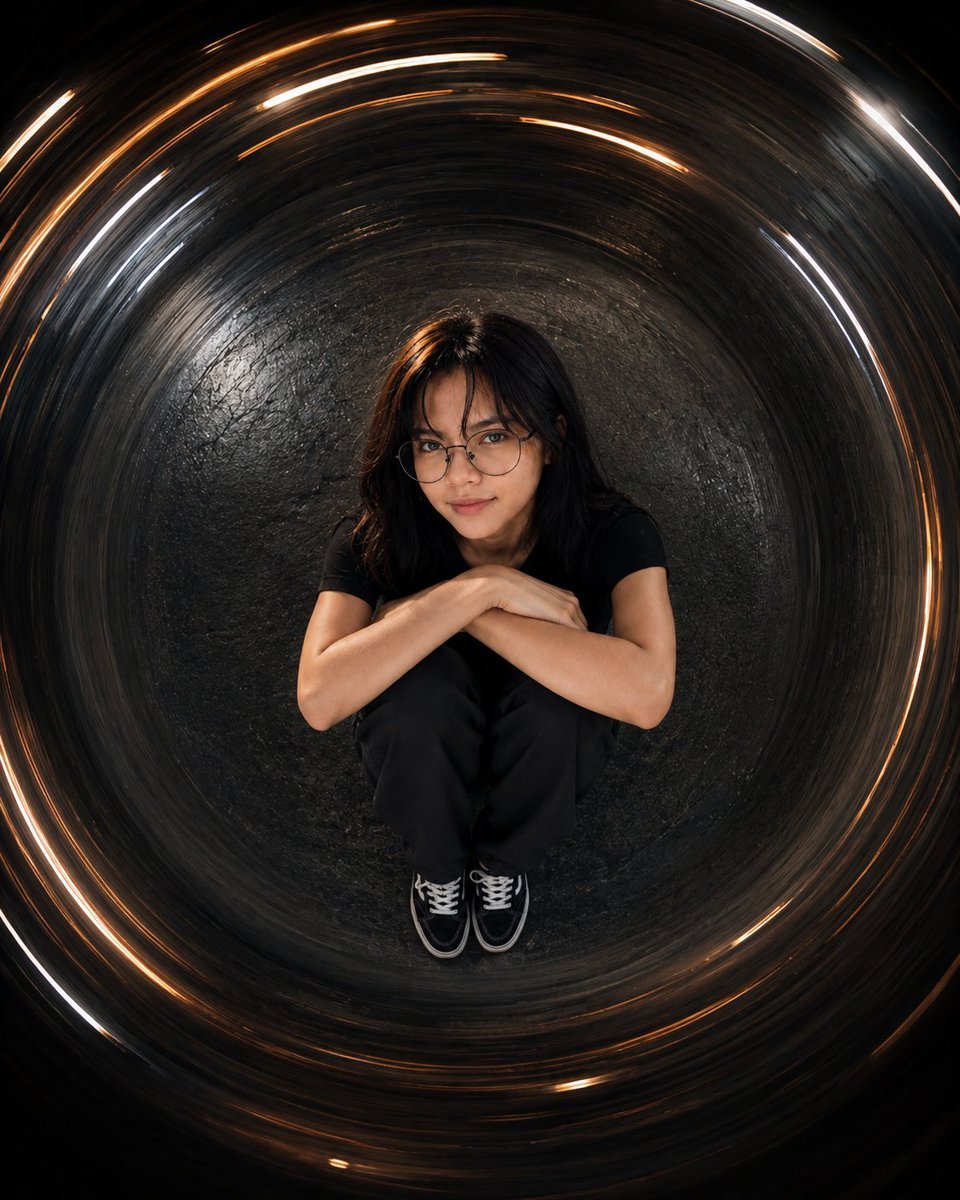
Cinematic Tunnel Portrait

World Cup Victory Tunnel Scene
Black Wind Fashion Portrait
Tsuki at the Wind Chime Market
Dreamy Sunlit Window Portrait
Overhead Sci-Fi Catgirl Test Yard
Make it yours
F3 Wind Tunnel Aerodynamic Test works as-is. These are the safest ways to change it without losing the look.
Change one field
Copy a single group, rewrite it, and generate again so you can see what that field is doing.
Keep the frame, change the subject
Hold the composition and light of F3 Wind Tunnel Aerodynamic Test, then swap wardrobe, props or the person for a new take.
| If the result… | Why | Fix |
|---|---|---|
| The result drifts from the preview | Too many fields changed at once. | Reuse F3 Wind Tunnel Aerodynamic Test as-is first, then change one group — subject, light, or setting. |
| The model over-stylizes the scene | The prose prompt leaves finish and camera underspecified. | Add one camera or lighting sentence and stay on GPT Image 2. |
More GPT Image 2 templates
Other prompts made for GPT Image 2.

Six VTuber Japanese Logo Sheet

Realistic Portrait of Woman and Deer

The Vista Modular Condo Poster

AI Model Routing Comparison Infographic

2.5D Anime Art Board

Isometric Productivity Desk Scene

New York Double Exposure Poster

Four-Panel AI Landscape Comparison

Japanese Tatami Lifestyle Magazine Cover

NESCAFÉ Coffee Map Poster
More image prompts
Fresh picks from across the catalog.
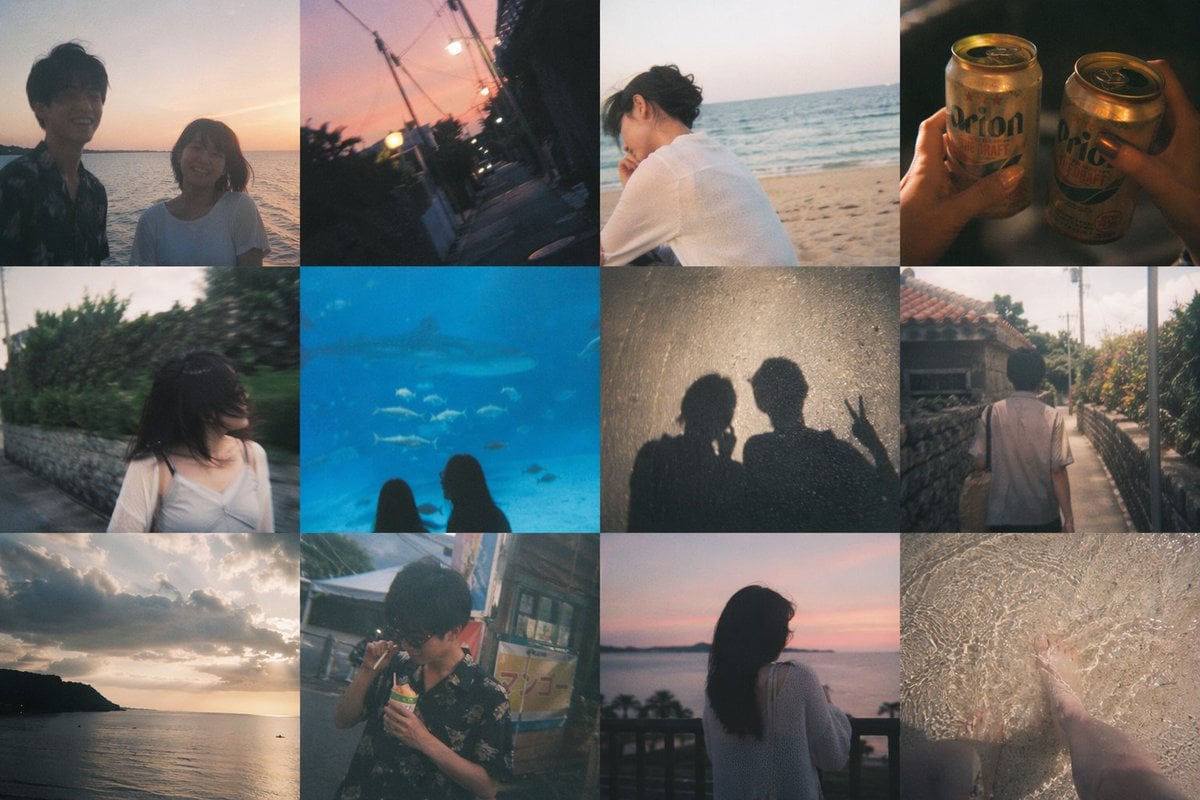
Okinawa Travel Memory Collage
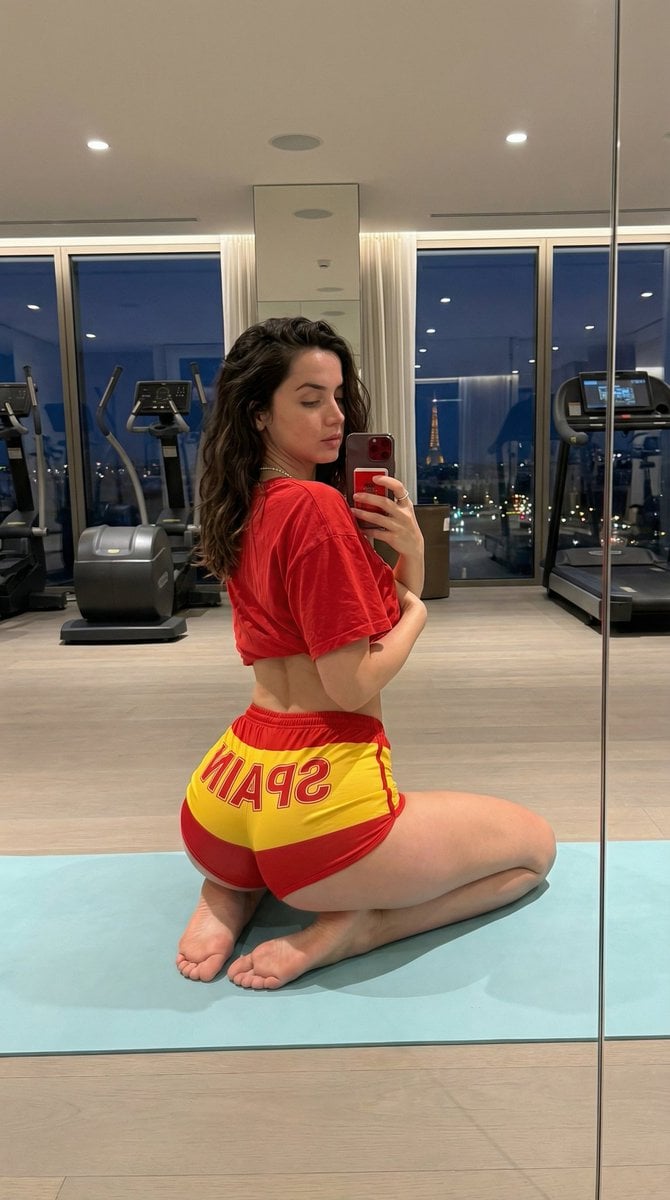
Exaggerated Physique Gym Mirror Selfie Prompt (Spain Theme)
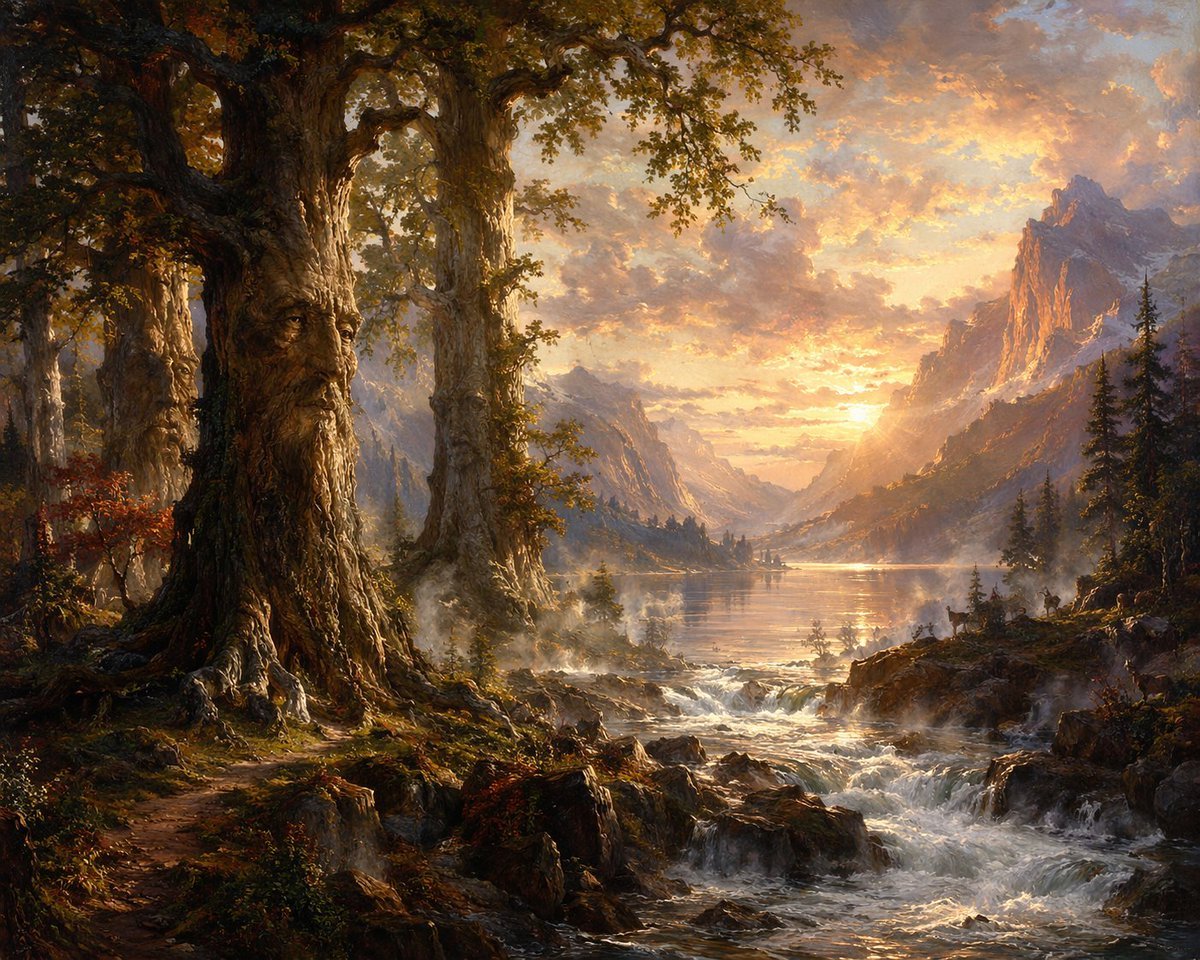
Ancient Tree Guardians at Sunset

Stylized Pop Art Vector Portrait
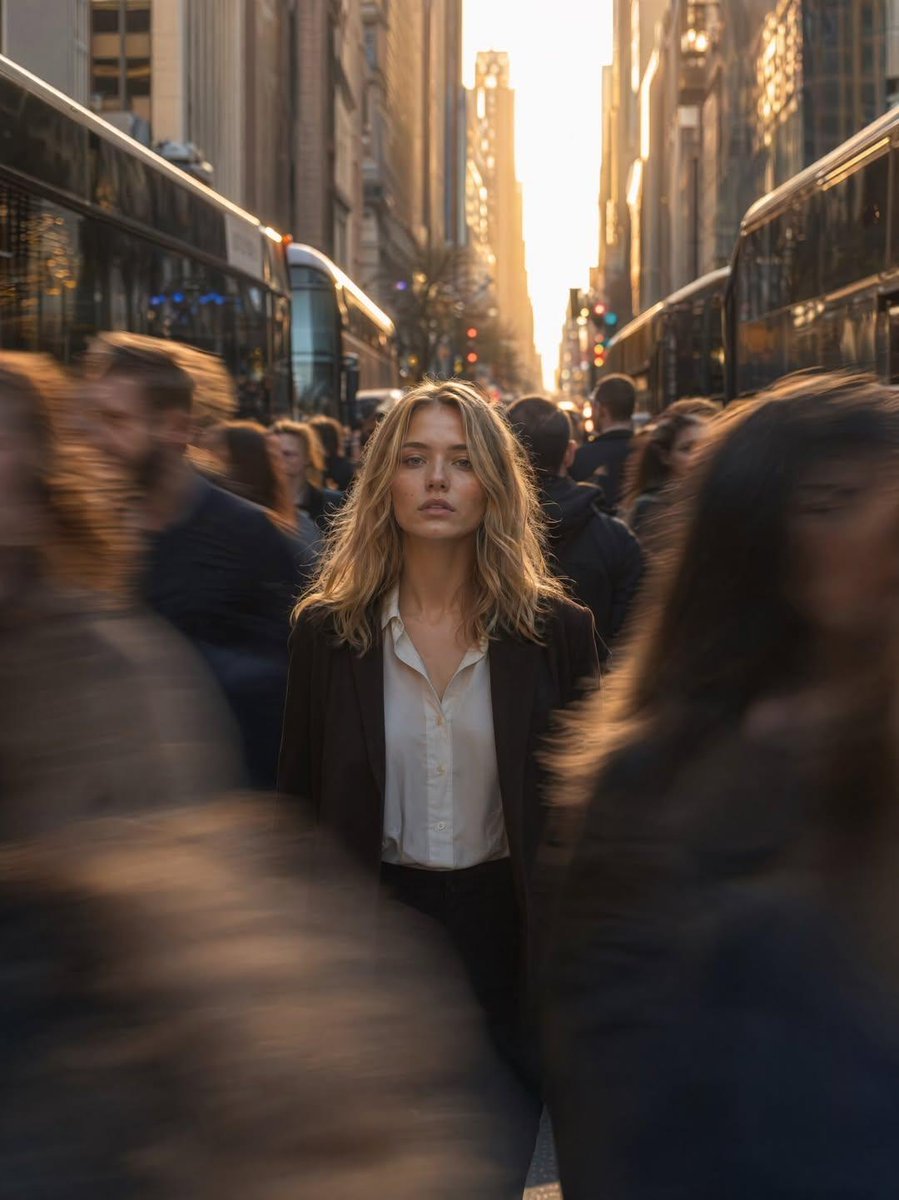
Golden Hour Motion Blur Portrait
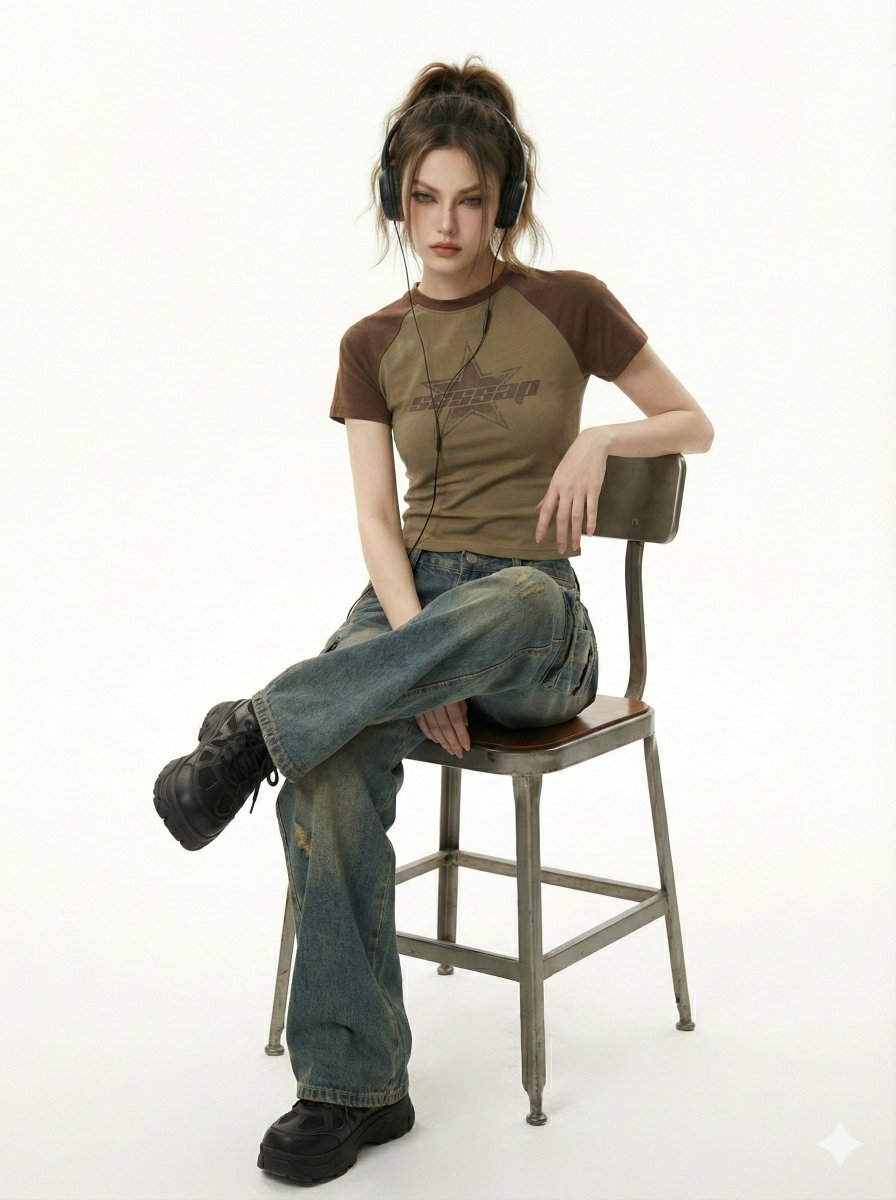
Y2K Indie Sleaze Editorial Portrait
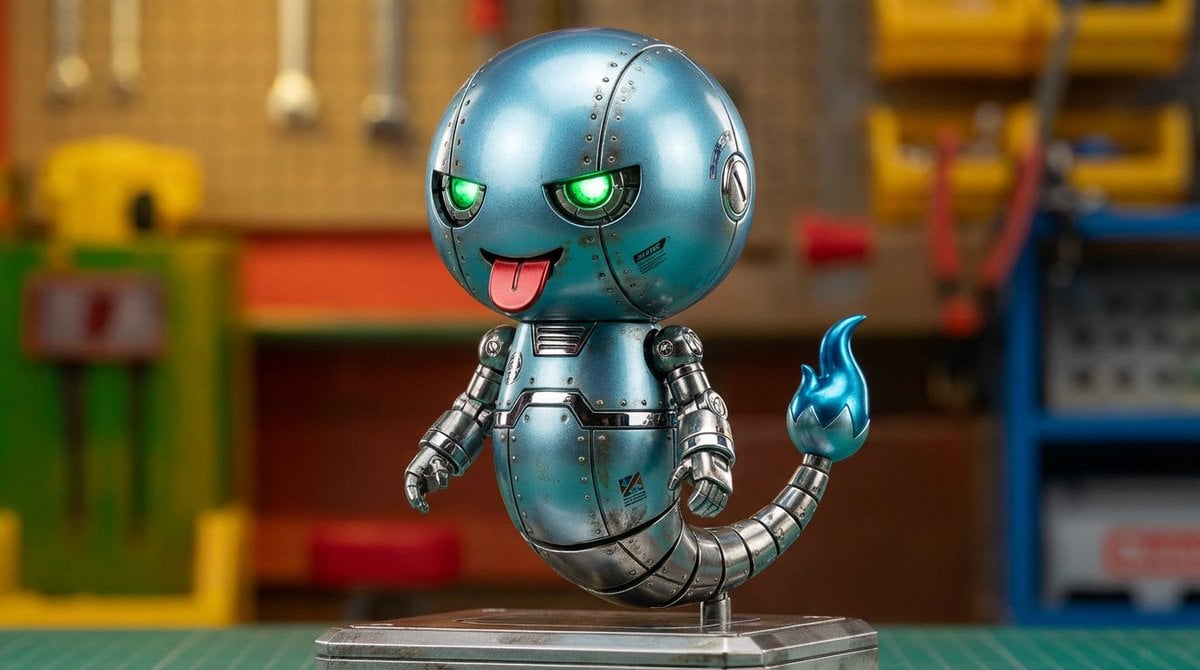
Character transformed into superalloy robot style
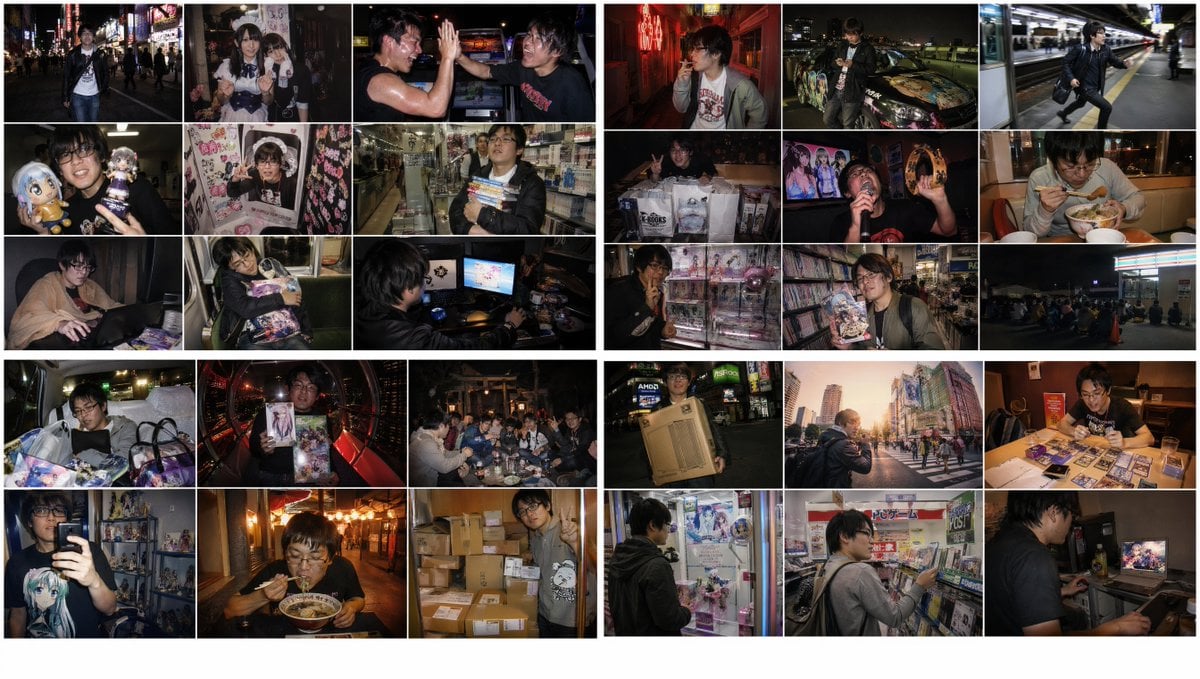
2010s Akihabara Otaku Snapshot Storyboard

Ultra-realistic Studio Photography of Man and Cartoon Doll
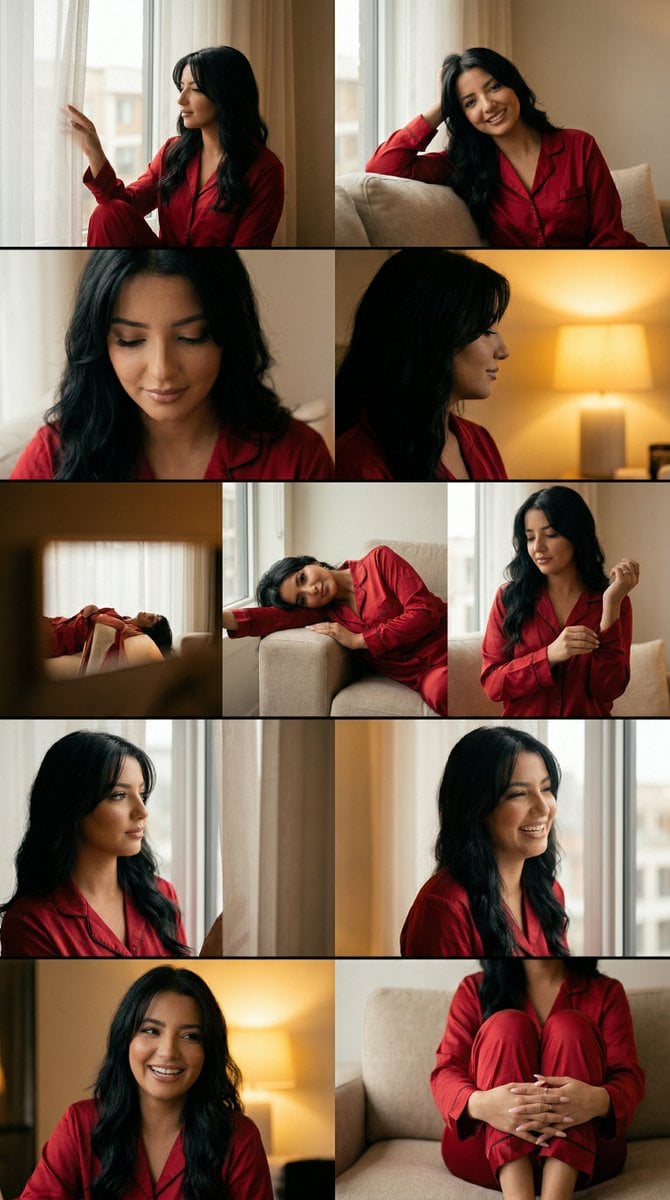
Cinematic Home Editorial Grid Prompt
Browse template categories
F3 Wind Tunnel Aerodynamic Test questions
How do I use the F3 Wind Tunnel Aerodynamic Test template?
Add your photo if the template asks for one, edit the prompt if you like — the template's model and format are already selected — and press Generate. Your version opens in PicX Studio.
Can I customize the F3 Wind Tunnel Aerodynamic Test template?
Yes. You can change the subject, setting, lighting, mood, format, and available model controls before creating your image.
Is the F3 Wind Tunnel Aerodynamic Test template free?
Opening and editing this template is free. Generating uses credits, shown on the Generate button when you are signed in.
Which AI model should I use?
Start with GPT Image 2, which is the model associated with this template. You can compare another compatible model for a different finish.
Looking for something else? Browse all templates.

Your photo, any look
Thousands of ready templates for every top image and video model, from one credit balance.