
Ancient Tree Guardians at Sunset
Generates a grand fantasy landscape painting with sentient ancient trees, rushing river cascades, and a glowing alpine mountain valley.
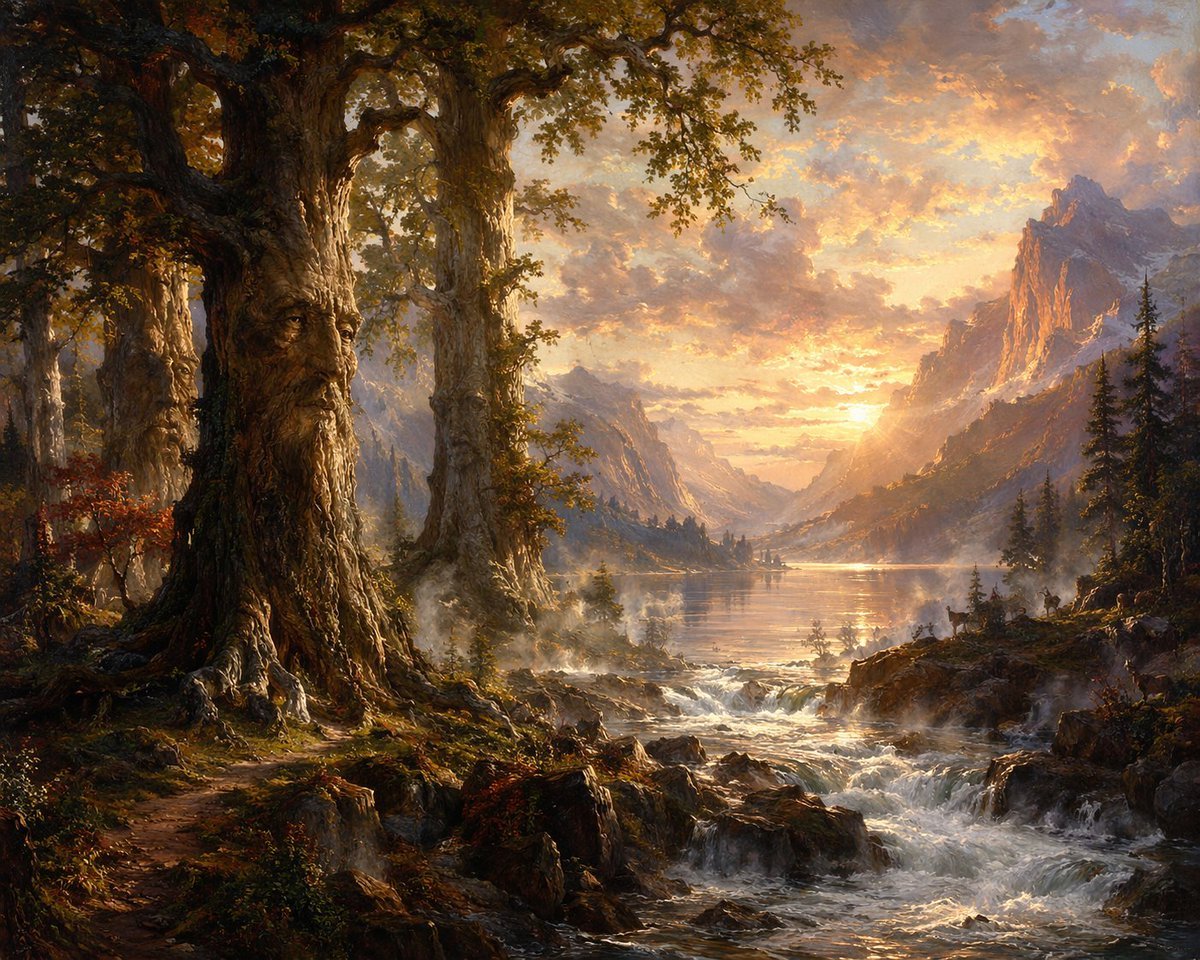
- Prompt included
- Model and format preset
- Premium template
The prompt behind this image
Copy the exact prompt behind Ancient Tree Guardians at Sunset, or open it in the studio and make it yours.
Create an epic romantic fantasy landscape painting in the style of a 19th-century Hudson River School oil masterpiece. The scene shows an ancient enchanted forest at the edge of a mountain valley at {argument name="time of day" default="golden sunset"}. On the left foreground, depict three colossal old oak trees with deeply textured bark, twisted roots, moss, ivy, and autumn foliage; the foremost tree has a solemn humanoid face naturally formed in the trunk, with heavy brow, long nose, carved eyes, and a beard-like cascade of bark, making it feel like a wise forest guardian. The ground is rugged with rocks, roots, ferns, red-brown undergrowth, and a narrow dirt path curving into shadow. Across the lower foreground and middle ground, a wild river rushes over dark boulders in foaming cascades, with mist rising from the rapids. Beyond the water, open into a luminous alpine lake reflecting the sky, framed by evergreen forests, distant tiny trees, and layered blue-gray mountains. On the right, towering jagged peaks catch warm orange light, while cooler shadows fall into the valley. The sky is dramatic and radiant, filled with glowing peach, amber, lavender, and smoky blue clouds around the low sun. Use {argument name="mood" default="majestic, ancient, and mystical"} atmosphere, highly detailed natural textures, painterly brushwork, cinematic depth, volumetric light rays, soft mist, warm highlights, cool distant haze, grand scale, and a balanced composition with the tree guardians dominating the left and the glowing valley opening to the right. No modern objects, no people, no buildings, no text.
How to use Ancient Tree Guardians at Sunset in 3 steps
- 1Upload ImagePNG, JPG or paste
Add your photo
Upload the photo the template builds on. The prompt, model and format are already set.
- 2…a portrait of your subject in softgolden-hour light, 85mm…
Personalize
Edit the subject and creative details for your destination.
- 3Generate
Generate
Press Generate — your image is created in PicX Studio, so you can compare it with the original and refine one variable at a time.
More like this
Templates with the same subject, style or setup. Open one to see its prompt.

Mountain Lake Sunset Landscape

Artistic Arborpunk Garden Observatory Complex
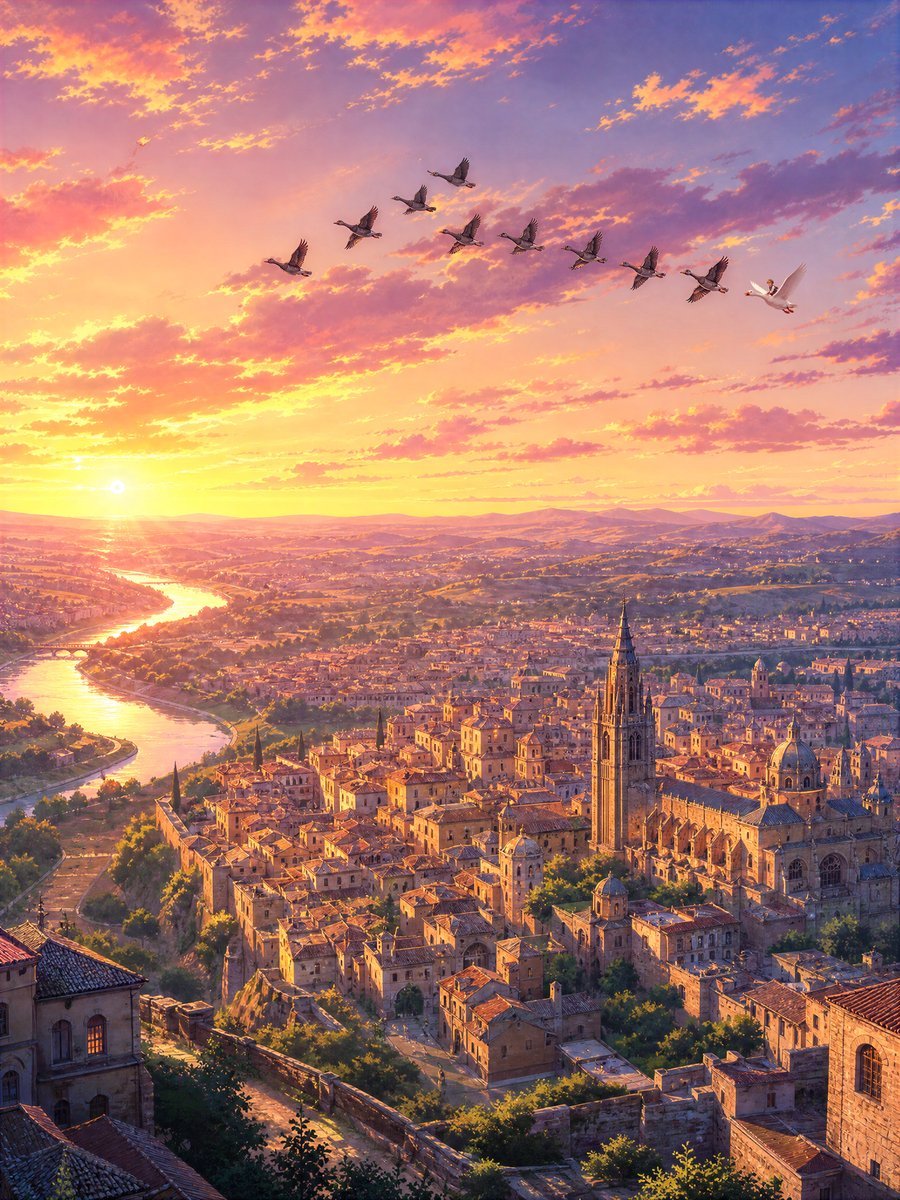
Sunset Ancient Spanish City Landscape
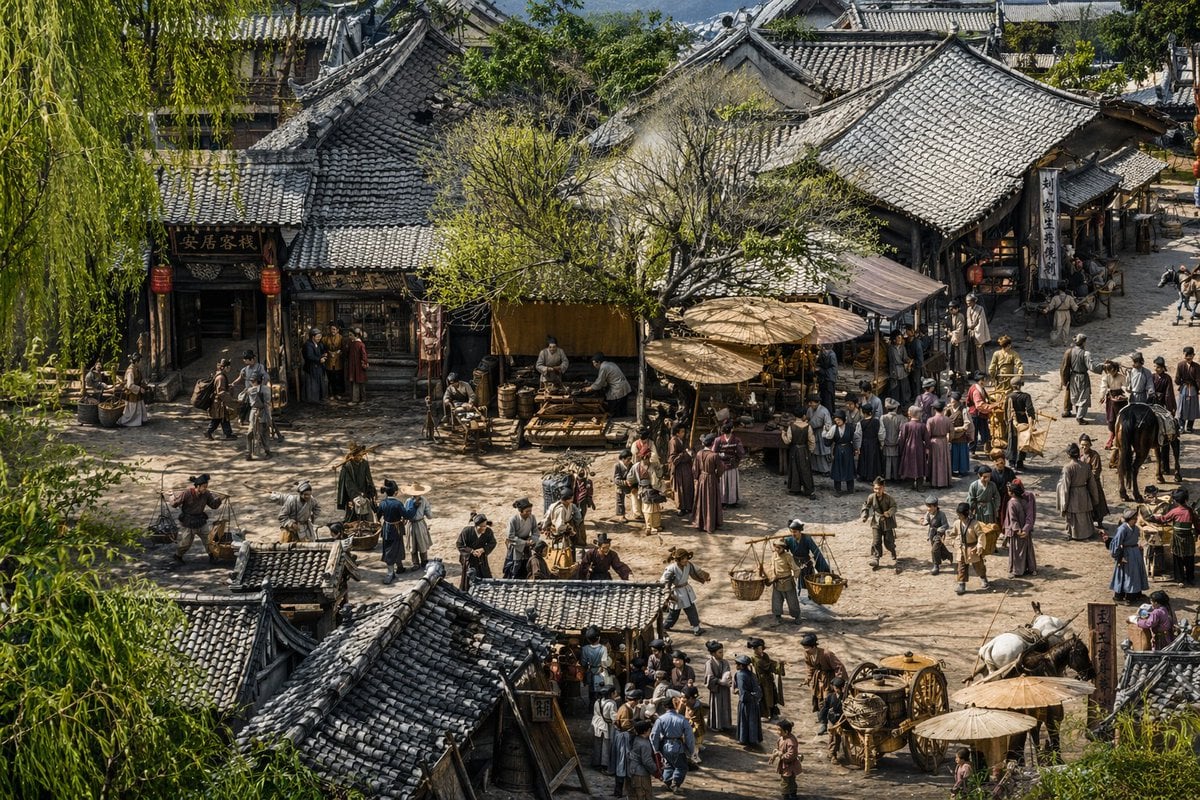
Realistic Ancient Chinese Street Scene

Indian Village Cattle Herding — Nano Banana

Ancient Temple Portrait — White Dress Nano Banana

Golden Retriever Sunset Campfire Photography

Romantic Zushi Beach Sunset Couple
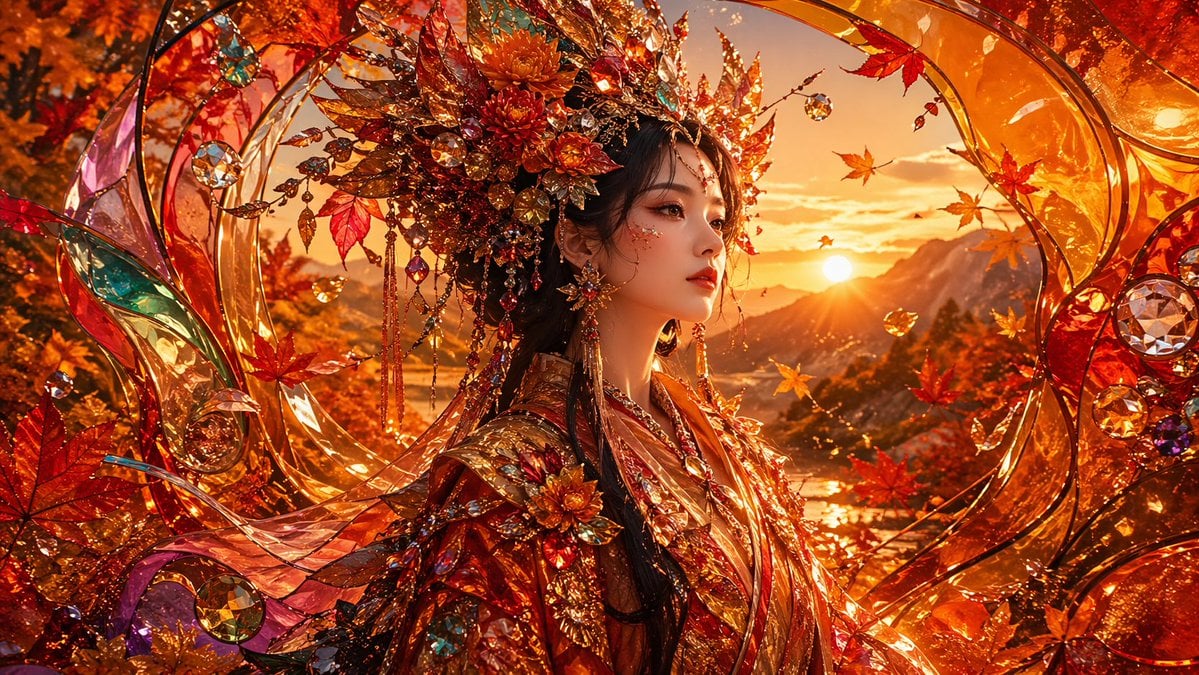
Opulent Autumn Empress at Sunset
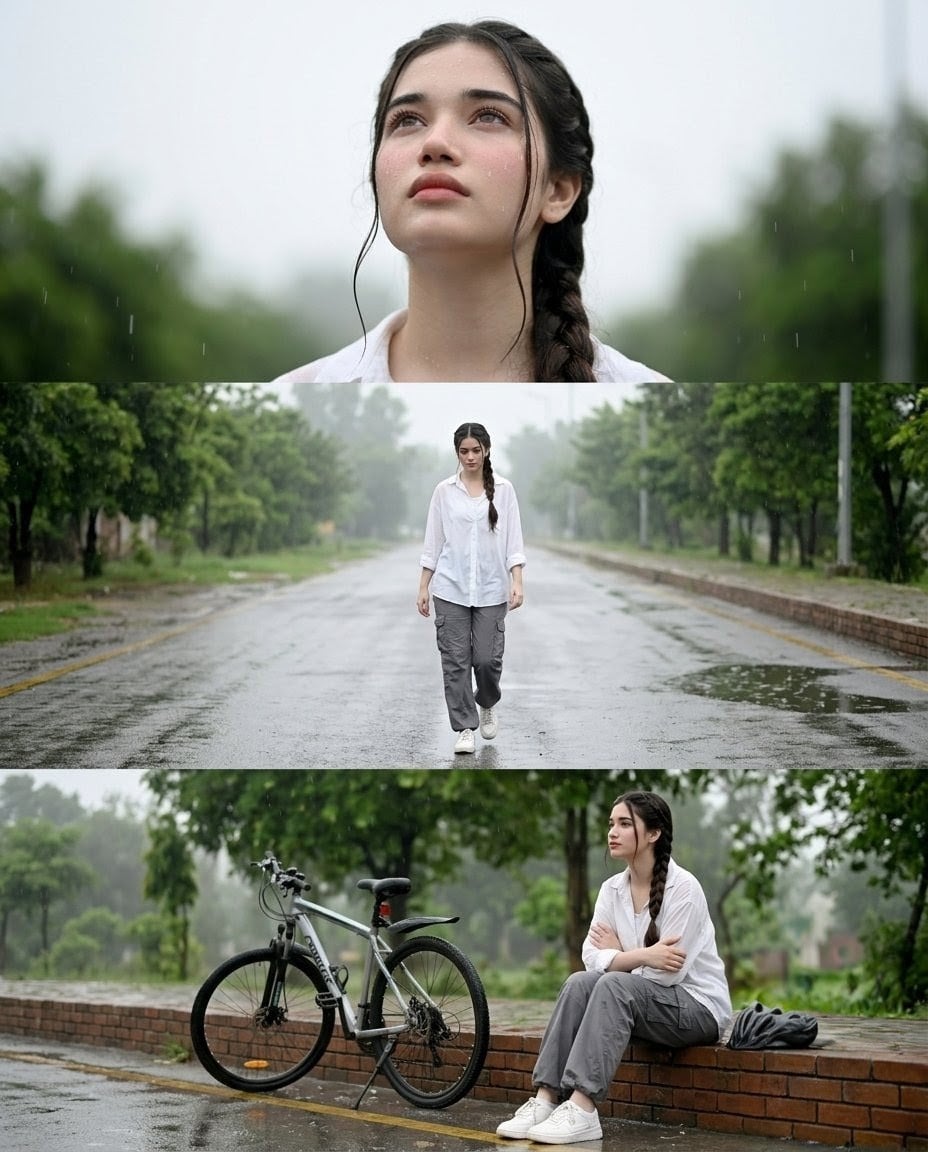
Rainy Street Triptych Portrait
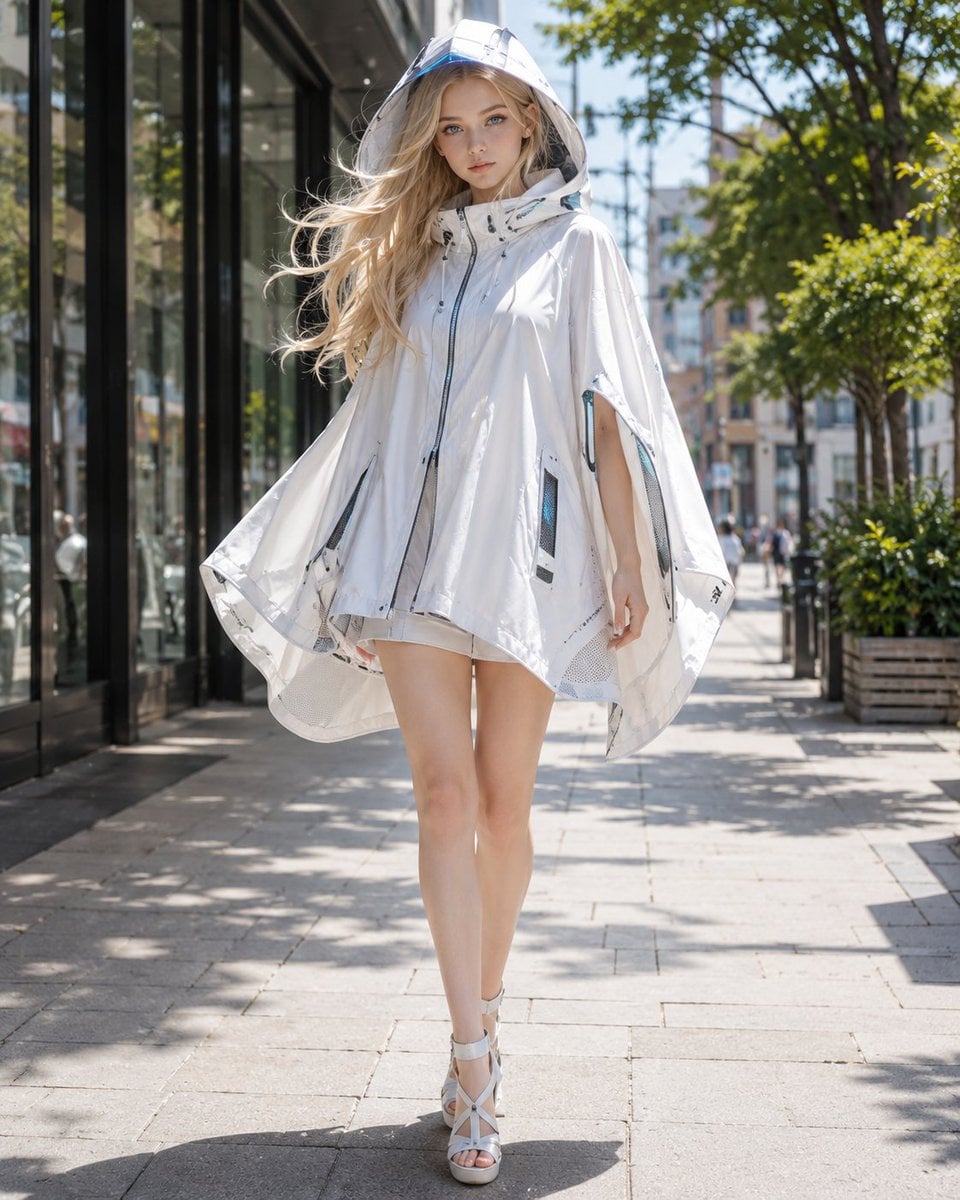
Futuristic Cooling Poncho Street Fashion
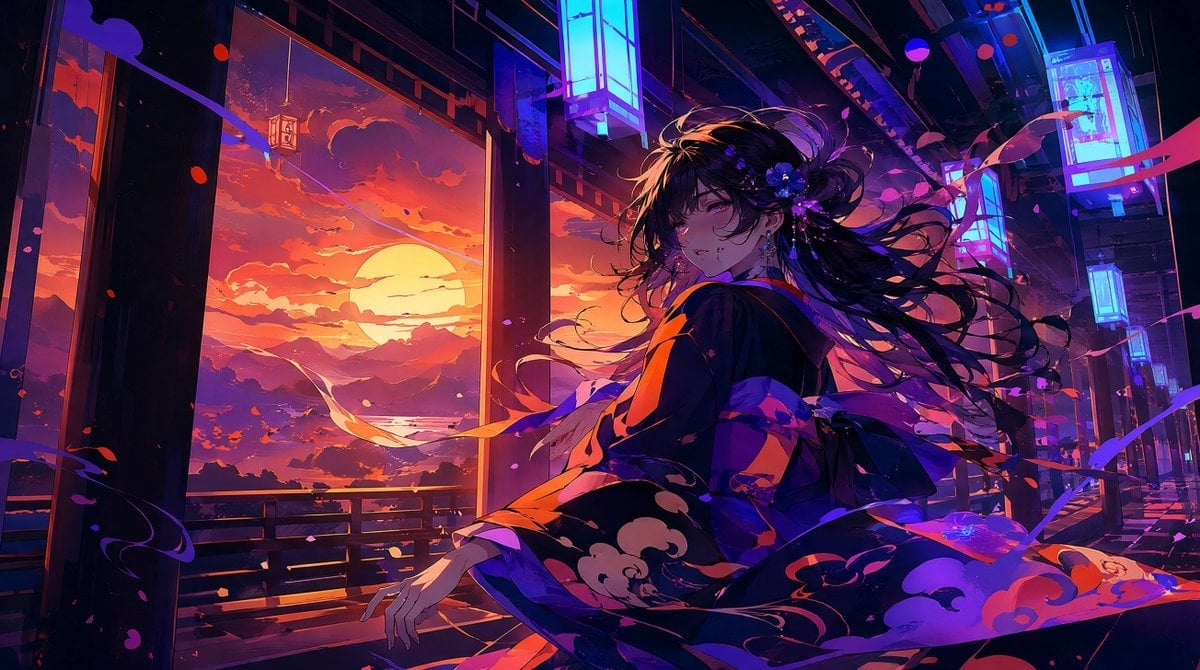
Neon Sunset Kimono Girl
Make it yours
Ancient Tree Guardians at Sunset works as-is. These are the safest ways to change it without losing the look.
Change one field
Copy a single group, rewrite it, and generate again so you can see what that field is doing.
Keep the frame, change the subject
Hold the composition and light of Ancient Tree Guardians at Sunset, then swap wardrobe, props or the person for a new take.
| If the result… | Why | Fix |
|---|---|---|
| The result drifts from the preview | Too many fields changed at once. | Reuse Ancient Tree Guardians at Sunset as-is first, then change one group — subject, light, or setting. |
| The model over-stylizes the scene | The prose prompt leaves finish and camera underspecified. | Add one camera or lighting sentence and stay on GPT Image 2. |
More GPT Image 2 templates
Other prompts made for GPT Image 2.

Six VTuber Japanese Logo Sheet

Realistic Portrait of Woman and Deer

The Vista Modular Condo Poster

AI Model Routing Comparison Infographic

2.5D Anime Art Board

Isometric Productivity Desk Scene

New York Double Exposure Poster

Four-Panel AI Landscape Comparison

Japanese Tatami Lifestyle Magazine Cover

NESCAFÉ Coffee Map Poster
More image prompts
Fresh picks from across the catalog.

Nano Monkey's Adventure Manga Generation
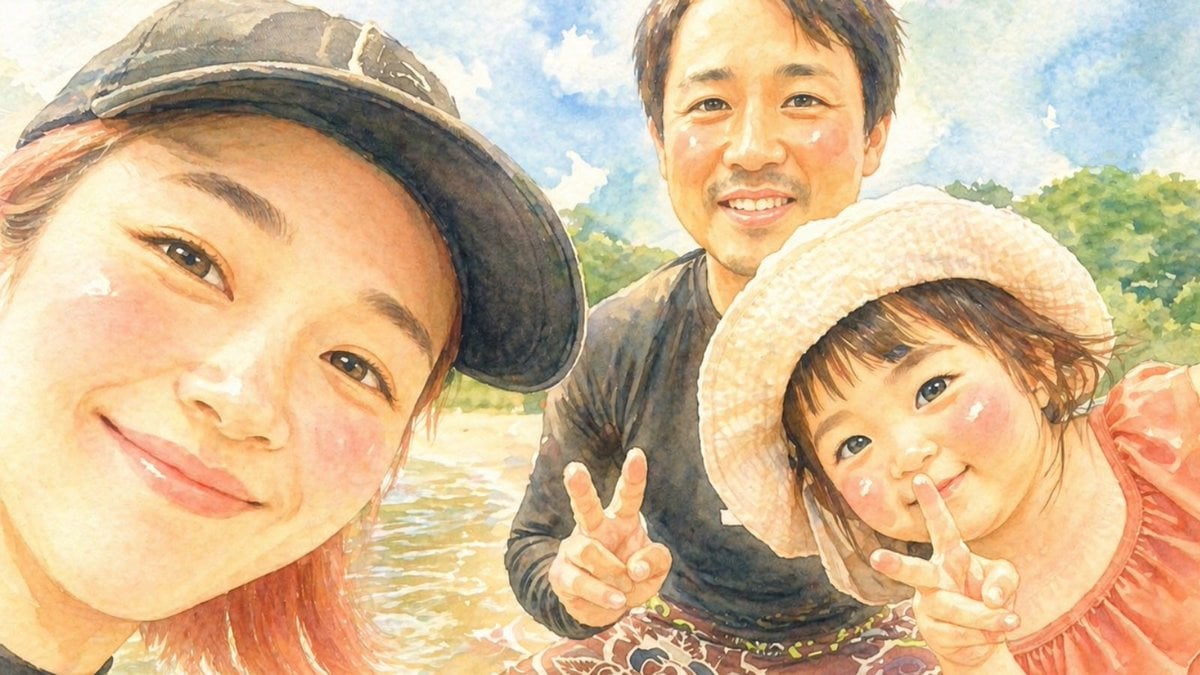
Watercolor Family Riverside Selfie
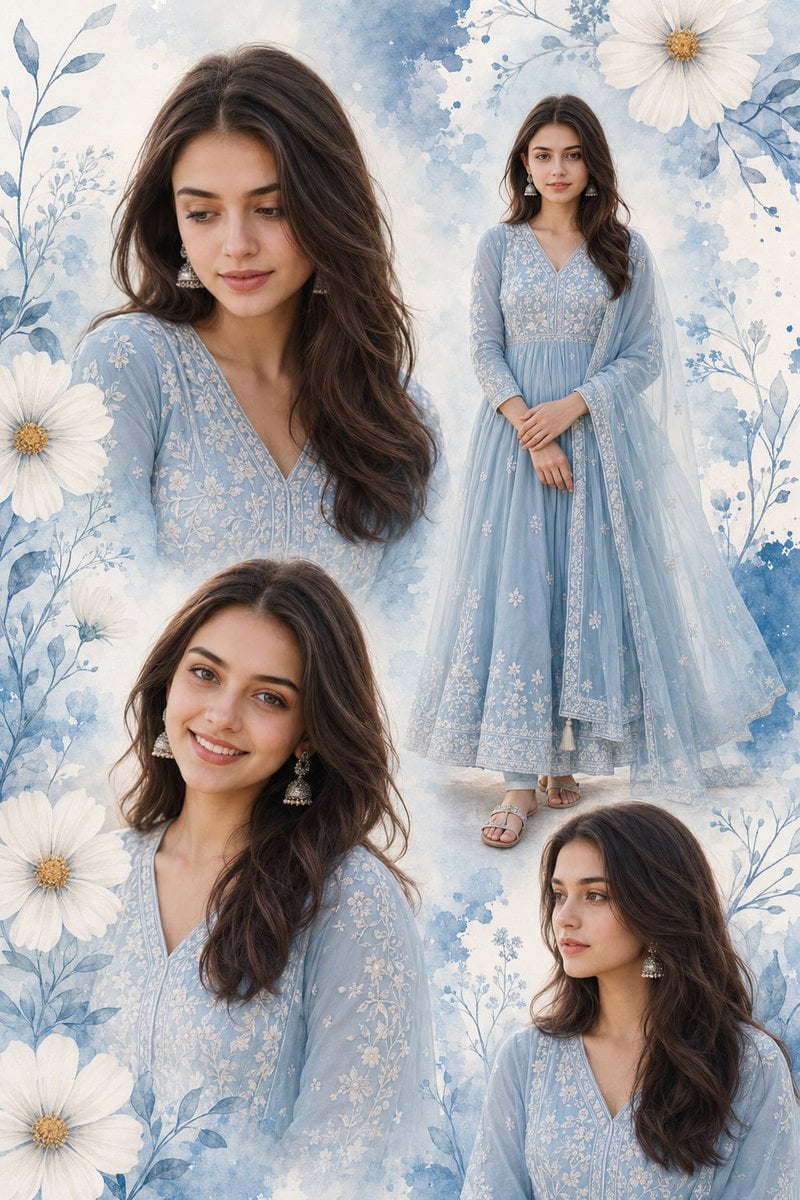
Indian Woman Anarkali Suit Collage

Head in Styrofoam Meat Tray Prompt

Ultra-Realistic Luxury Skincare Product Photography

Gothic Rose Mourning Portrait
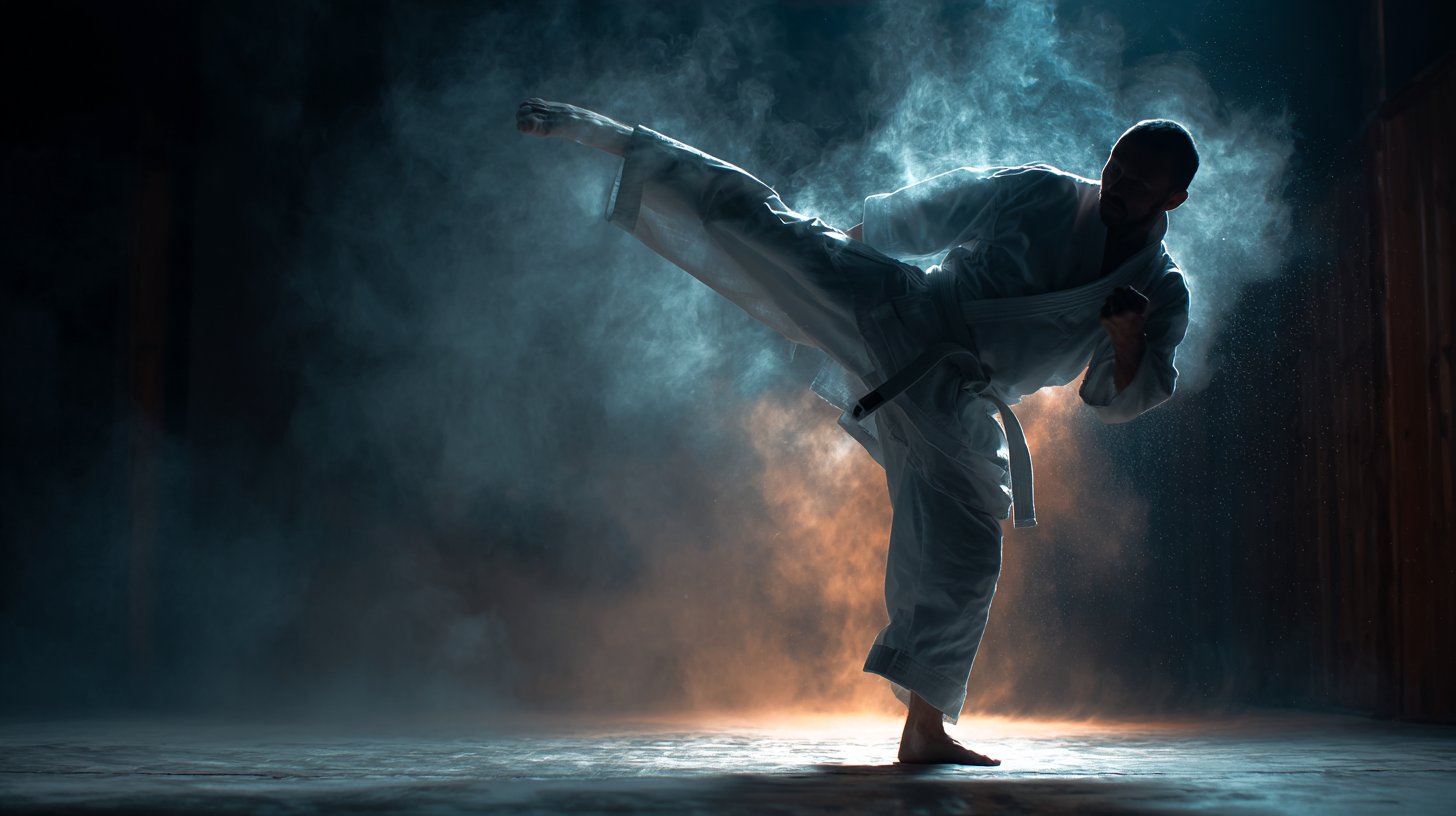
Cinematic Sport in Midjourney V7
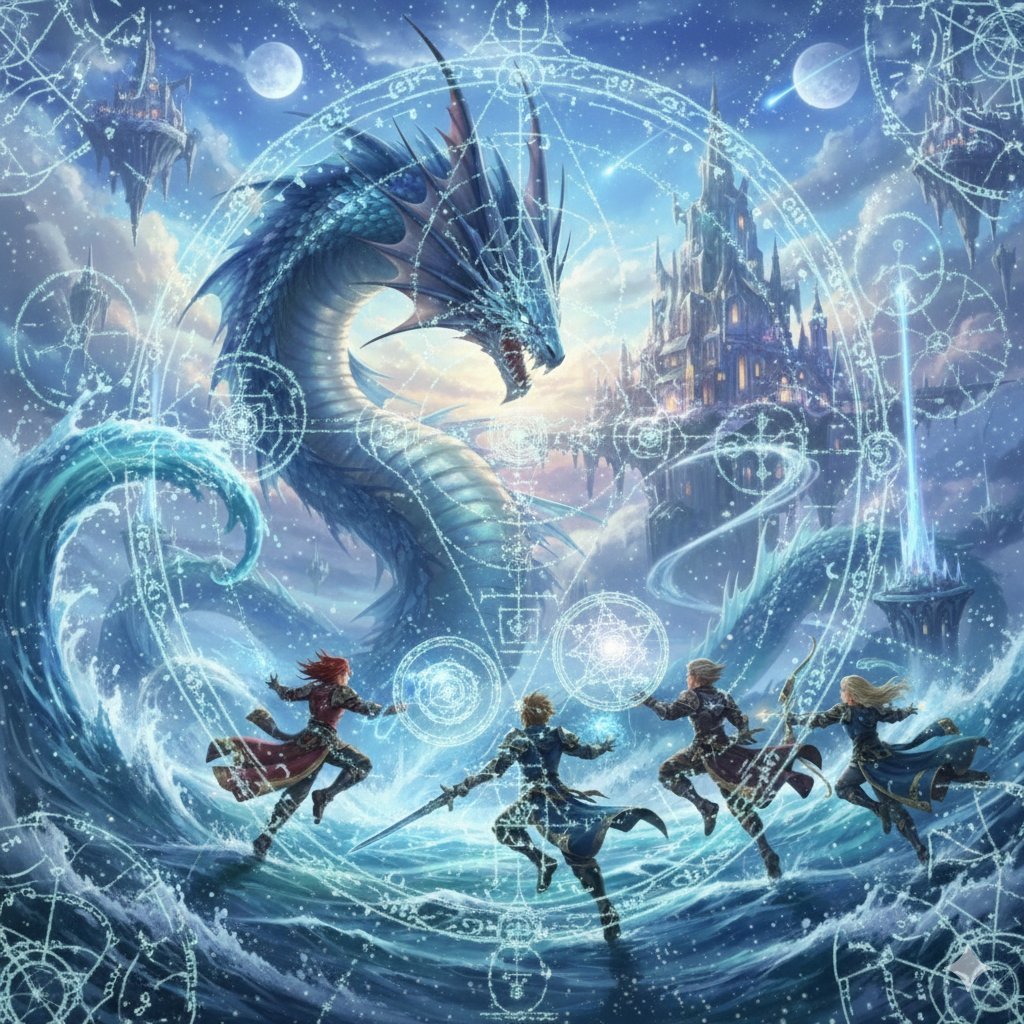
Final Fantasy Leviathan VS Player and Sacred Geometry
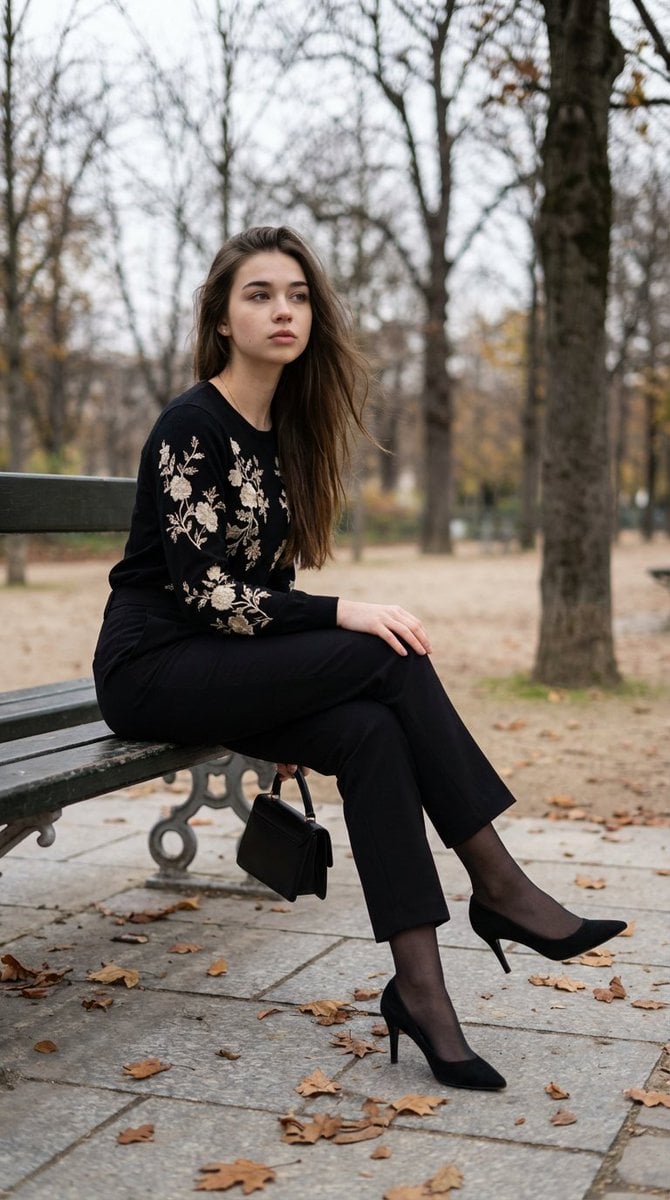
Editorial Parisian Elegance Park Scene Prompt

Vintage Football Action Portrait
Browse template categories
Ancient Tree Guardians at Sunset questions
How do I use the Ancient Tree Guardians at Sunset template?
Add your photo if the template asks for one, edit the prompt if you like — the template's model and format are already selected — and press Generate. Your version opens in PicX Studio.
Can I customize the Ancient Tree Guardians at Sunset template?
Yes. You can change the subject, setting, lighting, mood, format, and available model controls before creating your image.
Is the Ancient Tree Guardians at Sunset template free?
Opening and editing this template is free. Generating uses credits, shown on the Generate button when you are signed in.
Which AI model should I use?
Start with GPT Image 2, which is the model associated with this template. You can compare another compatible model for a different finish.
Looking for something else? Browse all templates.

Your photo, any look
Thousands of ready templates for every top image and video model, from one credit balance.