
Hot Air Balloon Coloring Page
A simple black-and-white printable coloring page featuring a child waving from a hot air balloon among clouds and birds.
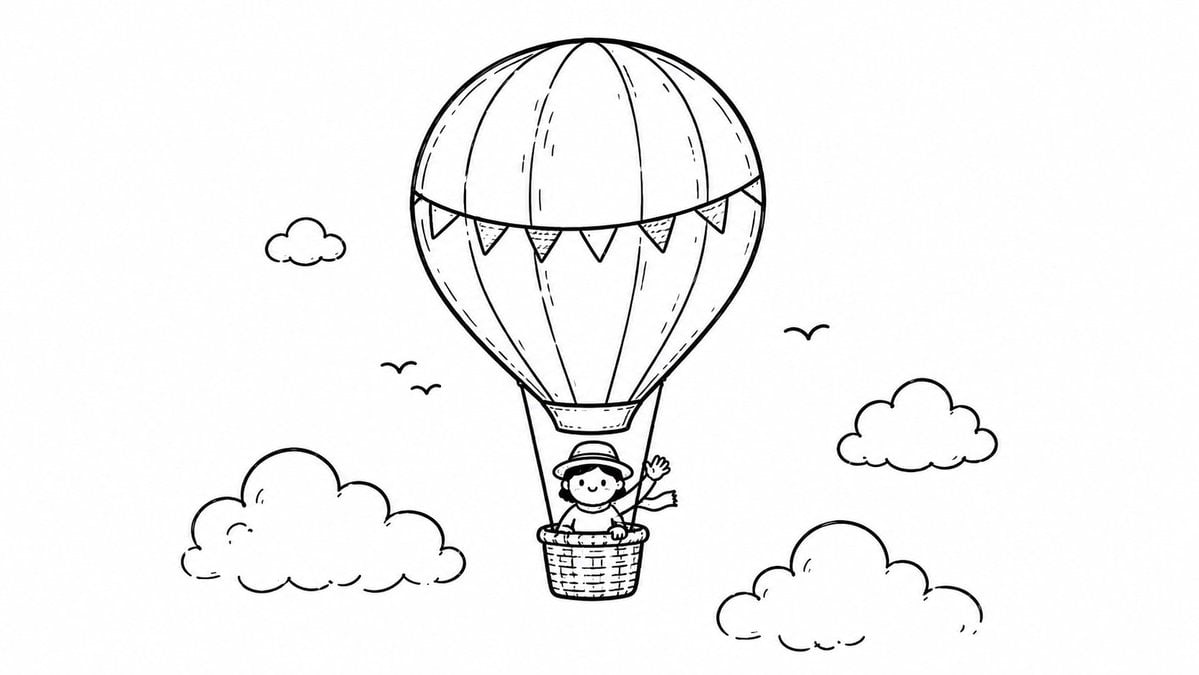
- Prompt included
- Model and format preset
- Free template
The prompt behind this image
Copy the exact prompt behind Hot Air Balloon Coloring Page, or open it in the studio and make it yours.
Create a clean black-and-white coloring-book line drawing on a wide horizontal white canvas. Center the scene on a whimsical hot air balloon floating in the sky, drawn with smooth hand-inked outlines and no color or shading except sparse hatch marks. The balloon envelope is large and rounded with vertical stitched panel lines and a curved bunting garland wrapped across its lower half; the garland has exactly 7 triangular pennant flags with alternating plain and dotted fill textures. Below the balloon, attach a small woven basket with two suspension ropes, and place one smiling child inside, wearing a brimmed hat and scarf, with one arm raised in a friendly wave. Surround the balloon with exactly 4 puffy cartoon clouds: one small cloud in the upper left, one large cloud in the lower left, one medium cloud at mid-right, and one large cloud in the lower right. Add exactly 3 simple flying bird silhouettes shaped like loose curved V marks: two small birds to the left of the balloon and one to the right. Keep the composition airy with lots of blank white space, rounded cute proportions, child-friendly line art, consistent medium-weight black strokes, minimal interior detail, no background horizon, no text, no color, and no watermark. The main subject should feel like {argument name="theme" default="a cheerful child riding a hot air balloon"} in a simple printable coloring page style.
How to use Hot Air Balloon Coloring Page in 3 steps
- 1Upload ImagePNG, JPG or paste
Add your photo
Upload the photo the template builds on. The prompt, model and format are already set.
- 2…a portrait of your subject in softgolden-hour light, 85mm…
Personalize
Edit the subject and creative details for your destination.
- 3Generate
Generate
Press Generate — your image is created in PicX Studio, so you can compare it with the original and refine one variable at a time.
More like this
Templates with the same subject, style or setup. Open one to see its prompt.

Cozy Winter Travel Photo in Cappadocia with Hot Air Balloons
Convert Photo to Black and White Coloring Page
Cinematic Portrait of a Woman in a Hot Air Balloon over a Desert
Whimsical Coloring Page Illustration
Classroom Balloon Photo Upscale
Flower Mandala Coloring Page
One Piece Manga Coloring Cover Page
Awkward Blurry Nightclub Rainbow Hair Shot
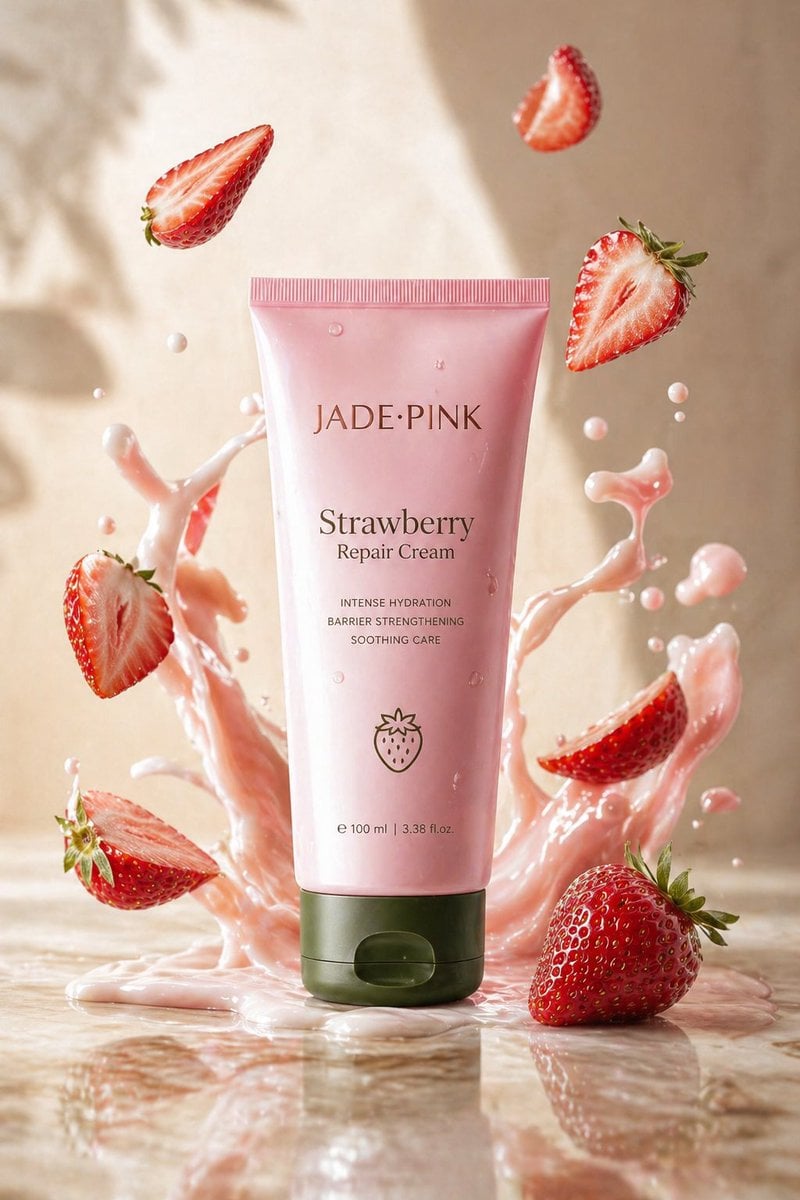
Strawberry Repair Cream Product Shot

Explosive Mid-Air Product Shot
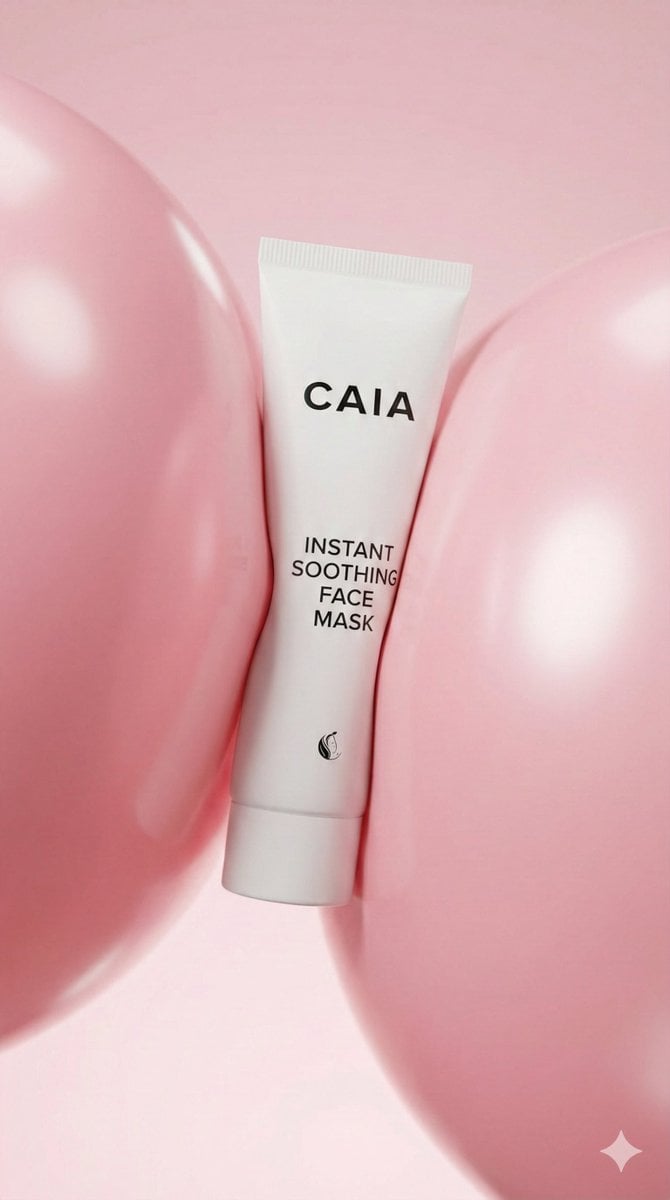
8K Beauty Product Shot with Balloons
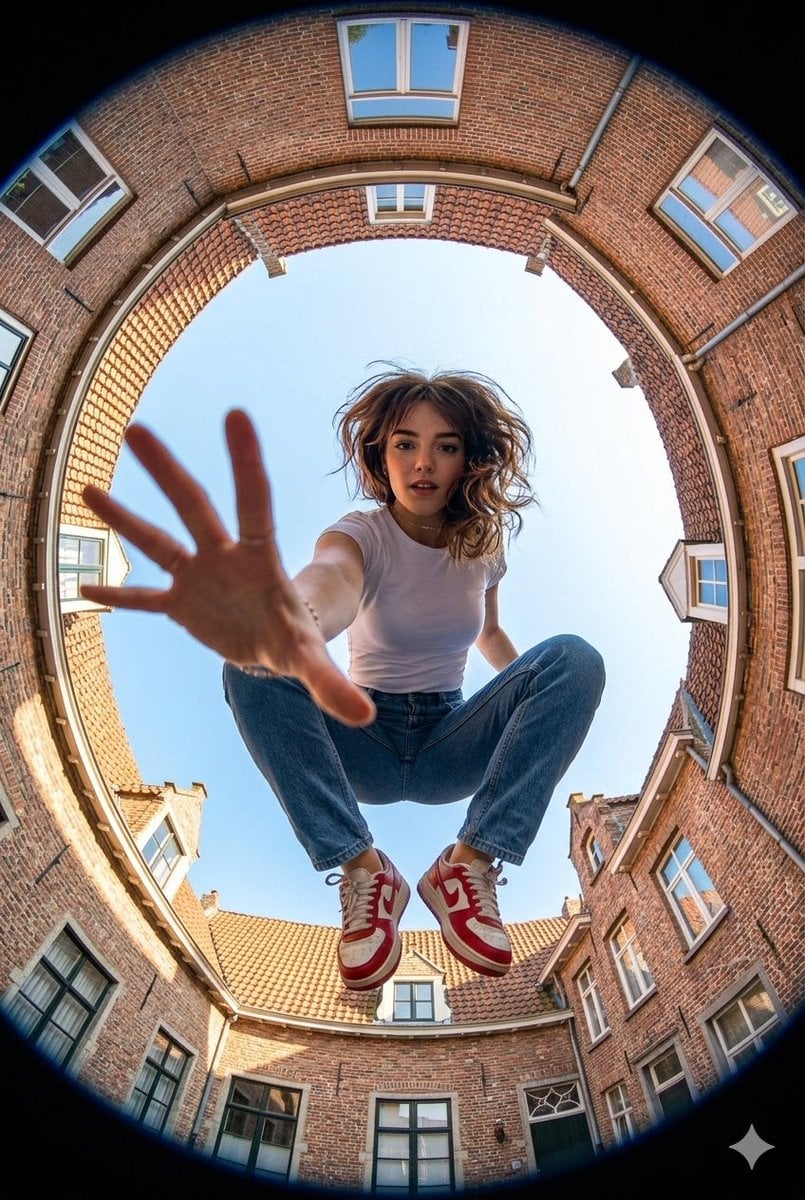
Ultra-wide fisheye shot of a woman crouching mid-air
Make it yours
Hot Air Balloon Coloring Page works as-is. These are the safest ways to change it without losing the look.
Change one field
Copy a single group, rewrite it, and generate again so you can see what that field is doing.
Keep the frame, change the subject
Hold the composition and light of Hot Air Balloon Coloring Page, then swap wardrobe, props or the person for a new take.
| If the result… | Why | Fix |
|---|---|---|
| The result drifts from the preview | Too many fields changed at once. | Reuse Hot Air Balloon Coloring Page as-is first, then change one group — subject, light, or setting. |
| The model over-stylizes the scene | The prose prompt leaves finish and camera underspecified. | Add one camera or lighting sentence and stay on GPT Image 2. |
More GPT Image 2 templates
Other prompts made for GPT Image 2.

Six VTuber Japanese Logo Sheet

Realistic Portrait of Woman and Deer

The Vista Modular Condo Poster

AI Model Routing Comparison Infographic

2.5D Anime Art Board

Isometric Productivity Desk Scene

New York Double Exposure Poster

Four-Panel AI Landscape Comparison

Japanese Tatami Lifestyle Magazine Cover

NESCAFÉ Coffee Map Poster
More image prompts
Fresh picks from across the catalog.
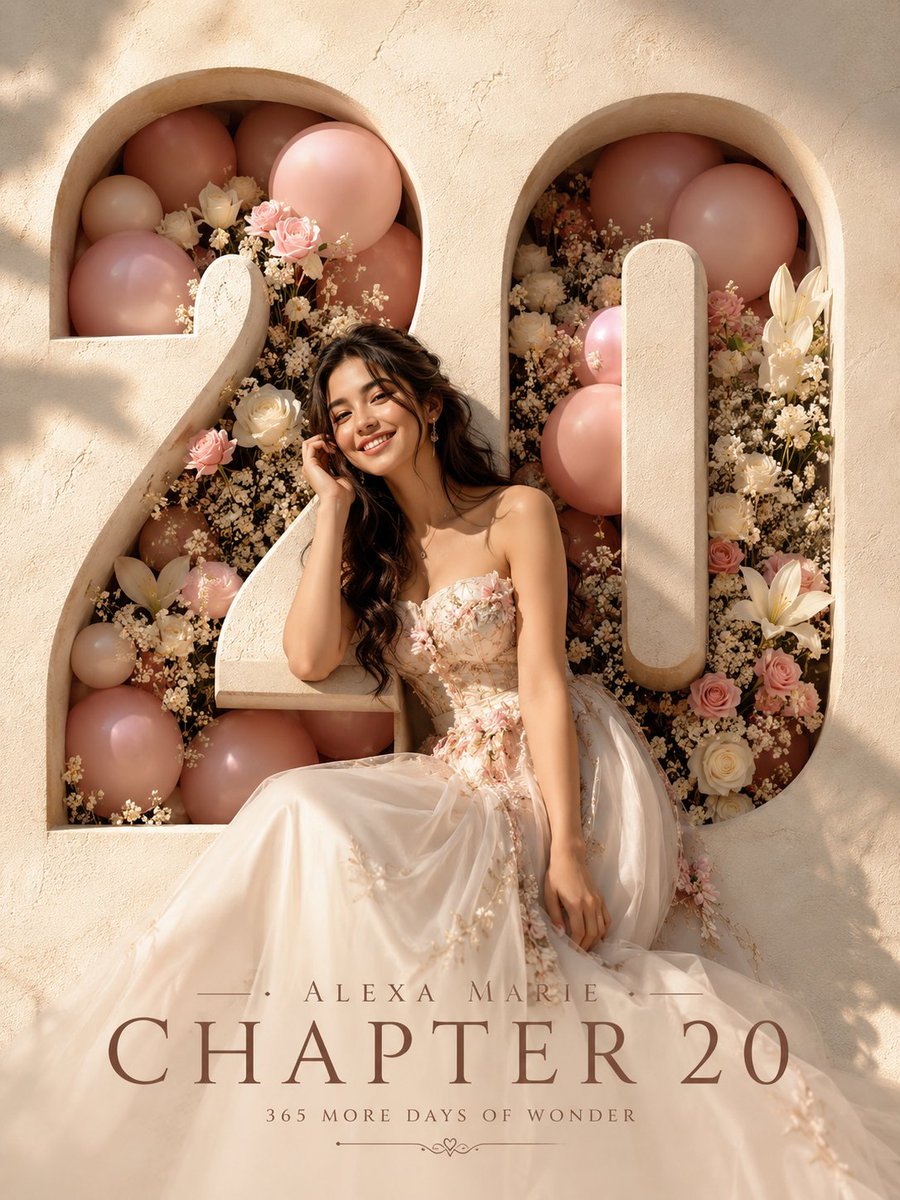
Editorial Studio Birthday Poster
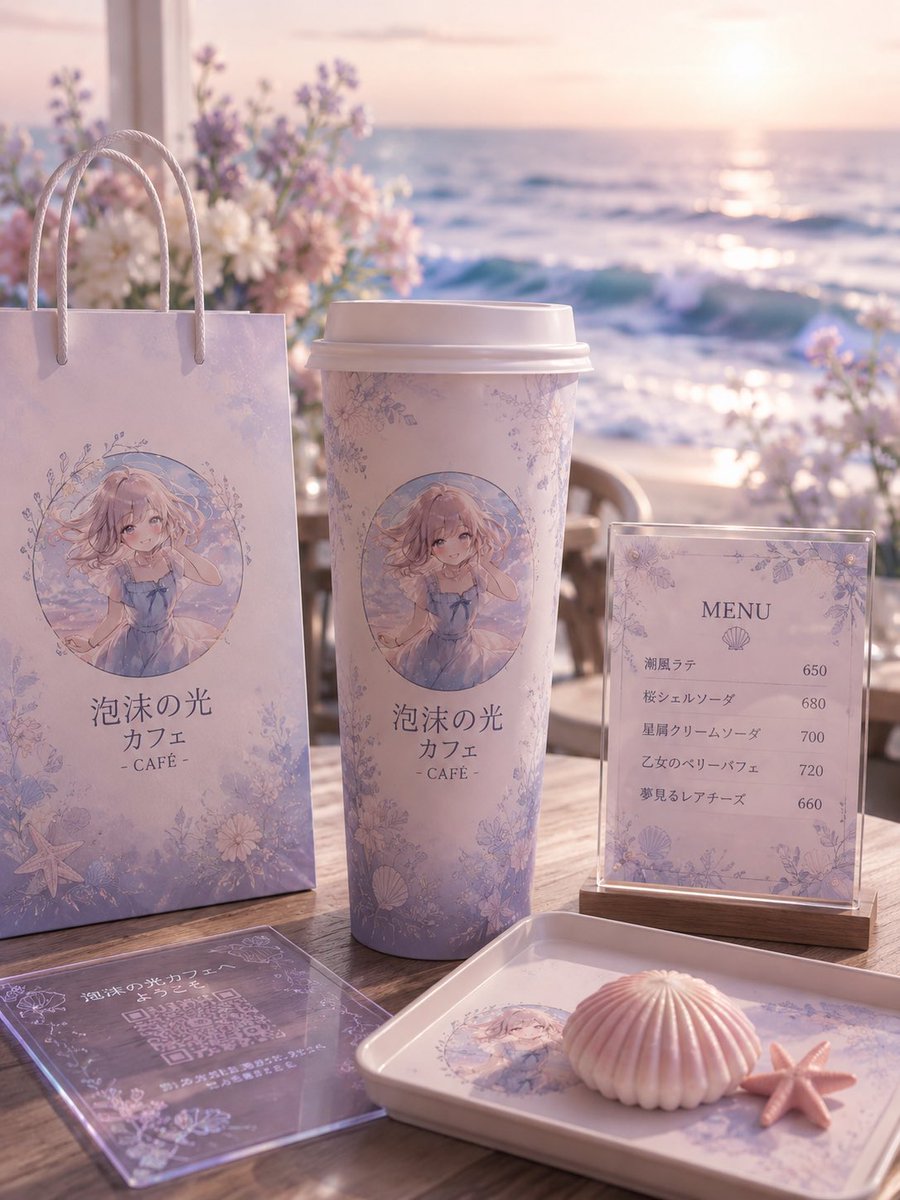
Pastel Seaside Anime Cafe Mockup
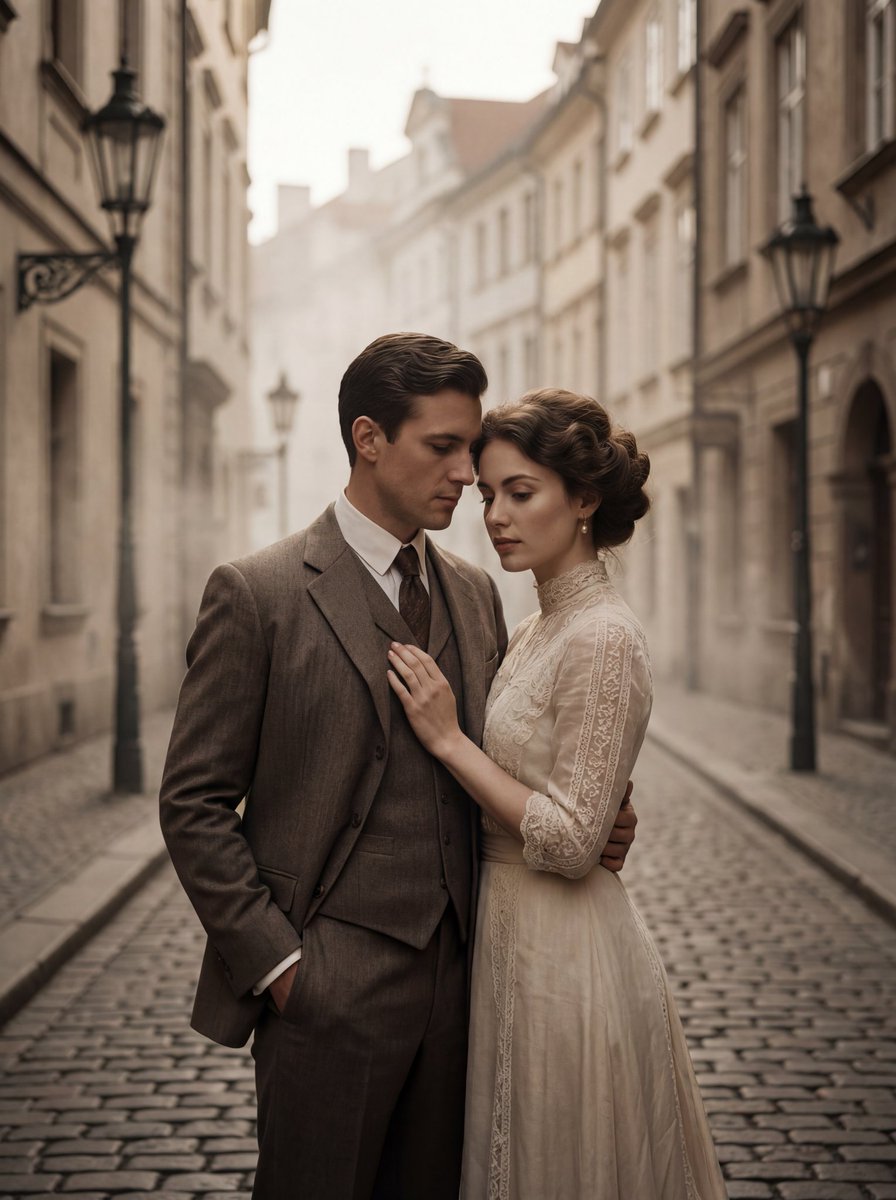
Ultra-Premium Cinematic 1900s Couple Portrait
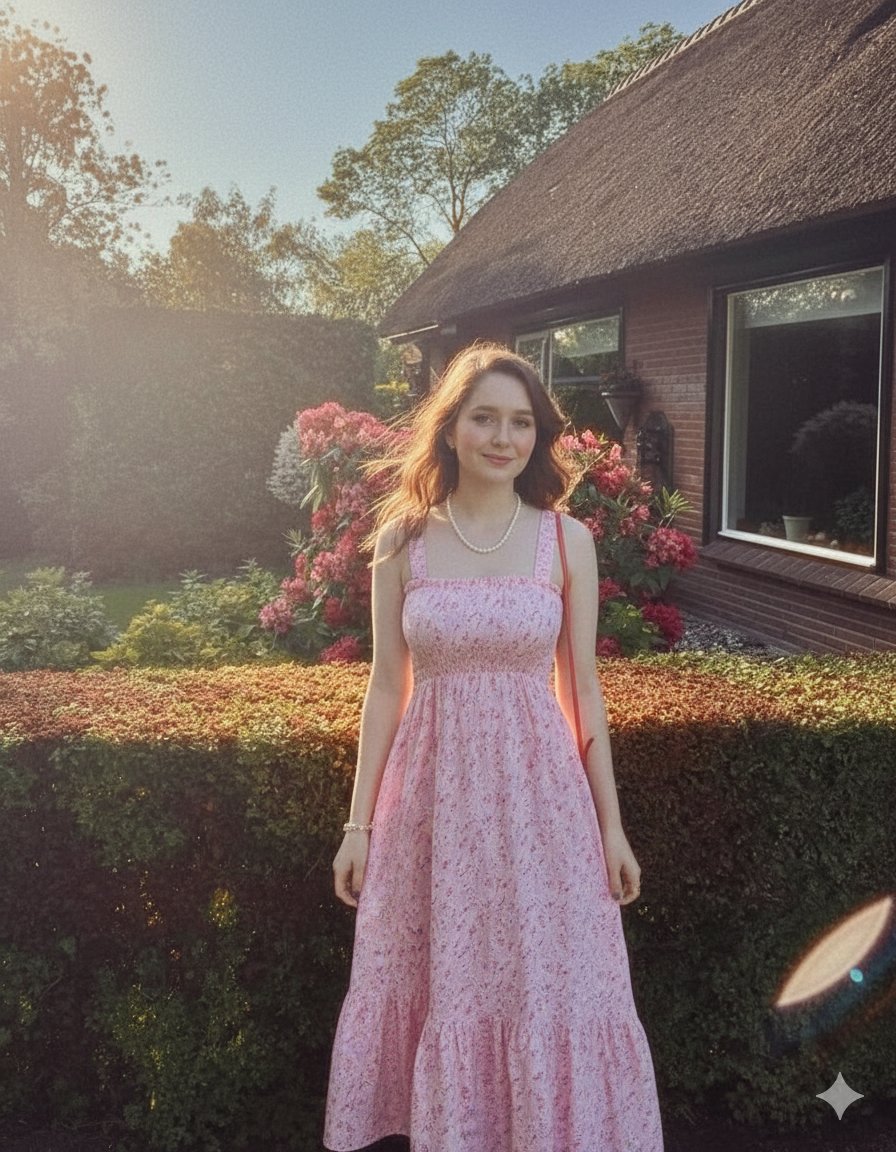
Elegant Summer Portrait in an English Country Garden
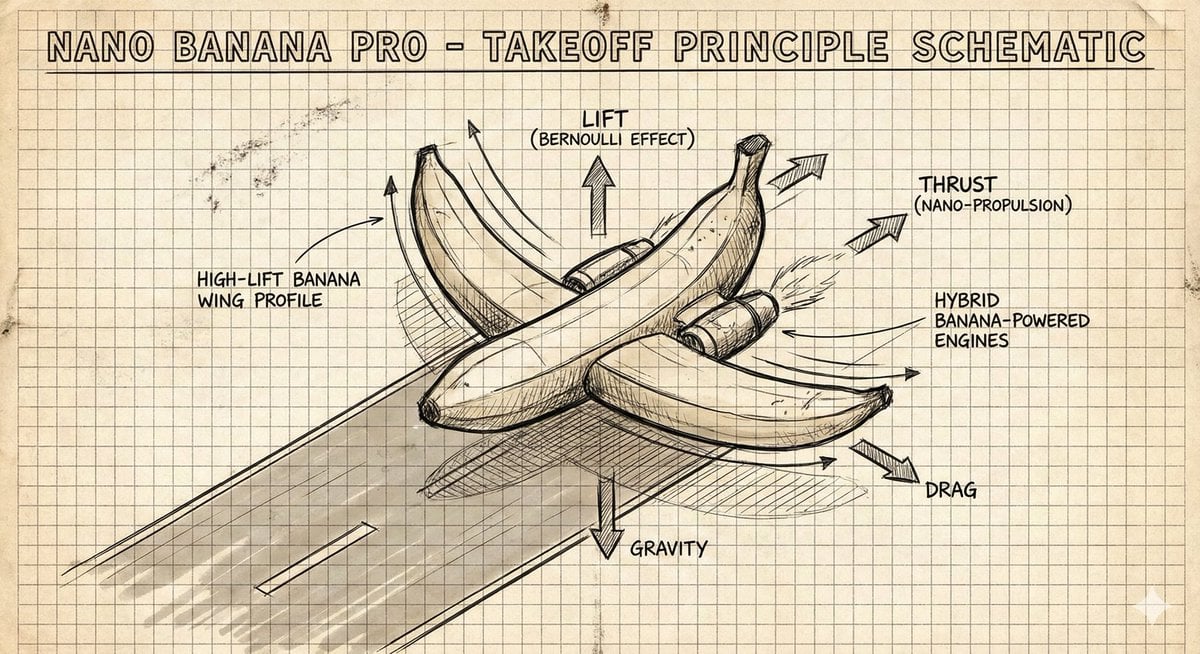
Hand-Drawn Isometric Schematic Diagram Prompt
Urban Lifestyle Travel Editorial
South Asian Village Woman Portrait

Cinematic Portrait at Railway Platform with Daffodils
Summer Selfie Sticker Collage

Neon Light High-Contrast Portrait Template
Browse template categories
Hot Air Balloon Coloring Page questions
How do I use the Hot Air Balloon Coloring Page template?
Add your photo if the template asks for one, edit the prompt if you like — the template's model and format are already selected — and press Generate. Your version opens in PicX Studio.
Can I customize the Hot Air Balloon Coloring Page template?
Yes. You can change the subject, setting, lighting, mood, format, and available model controls before creating your image.
Is the Hot Air Balloon Coloring Page template free?
Opening and editing this template is free. Generating uses credits, shown on the Generate button when you are signed in.
Which AI model should I use?
Start with GPT Image 2, which is the model associated with this template. You can compare another compatible model for a different finish.
Looking for something else? Browse all templates.

Your photo, any look
Thousands of ready templates for every top image and video model, from one credit balance.