
How do I use the Overhead Café Pose Transformation template?
Choose the primary action to open PicX Studio with the available template settings. Review the model and format, personalize the creative direction, and generate when ready.
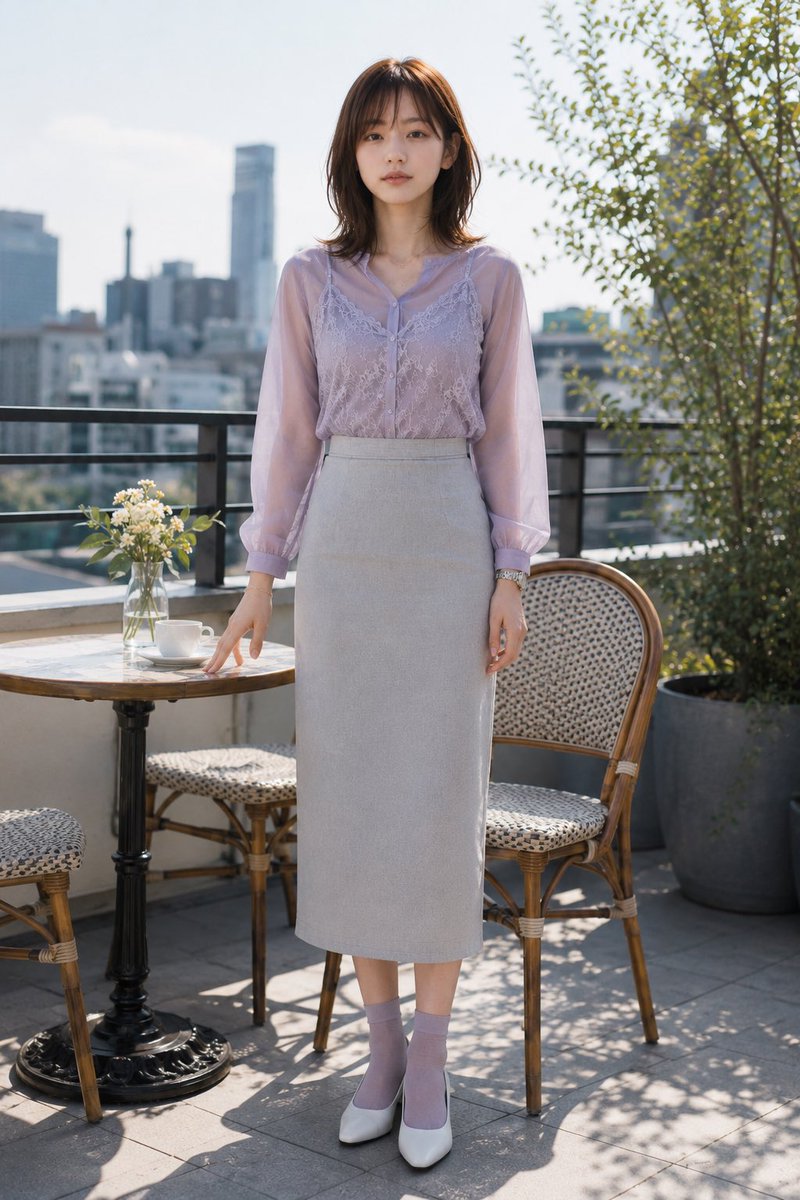
Transforms a reference café portrait into a close overhead shot of the same subject holding coffee while preserving the outfit and setting. (free to use) — Free AI image template on PicX Studio.
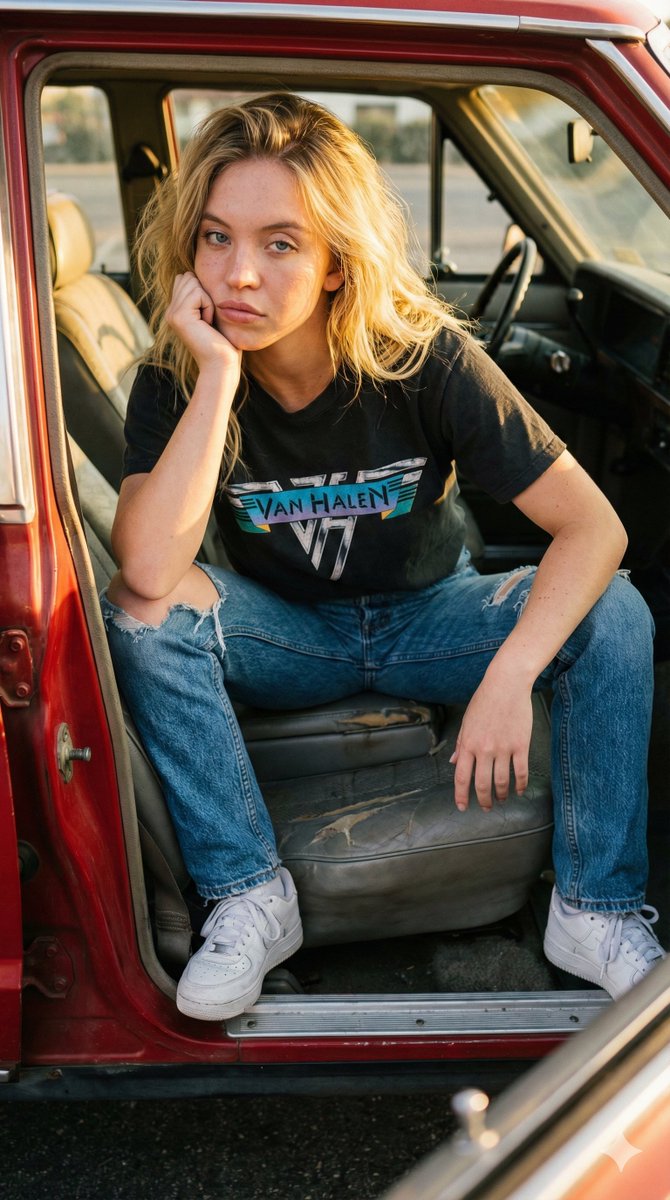
Using the provided reference image as the base, regenerate the same subject in the same outfit and outdoor café terrace setting, but change the composition to a close, high-angle overhead shot looking down from above. Repose her seated on the wicker café chair, leaning slightly forward and holding {argument name="drink" default="a white coffee cup filled with black coffee"} with both hands near her chest. Keep the lavender sheer blouse, lace camisole detail, gray skirt, jewelry, hair, wicker chair, round stone café table, vase of small white flowers, balcony greenery, and sunny dappled shadows consistent with the reference. Crop tighter around the upper body and table edge, with exactly 1 cup in her hands, 1 empty white saucer on the table, and 1 small glass vase of white flowers visible. Preserve the anonymized face treatment as {argument name="face covering" default="a solid rectangular blur block over the face"}. Use realistic natural daylight photography, shallow depth of field, soft highlights, and no added text or watermark.
Overhead Café Pose Transformation needs input media to work. Open it in the studio and these load alongside the prompt — pick whichever ones your chosen model can take.
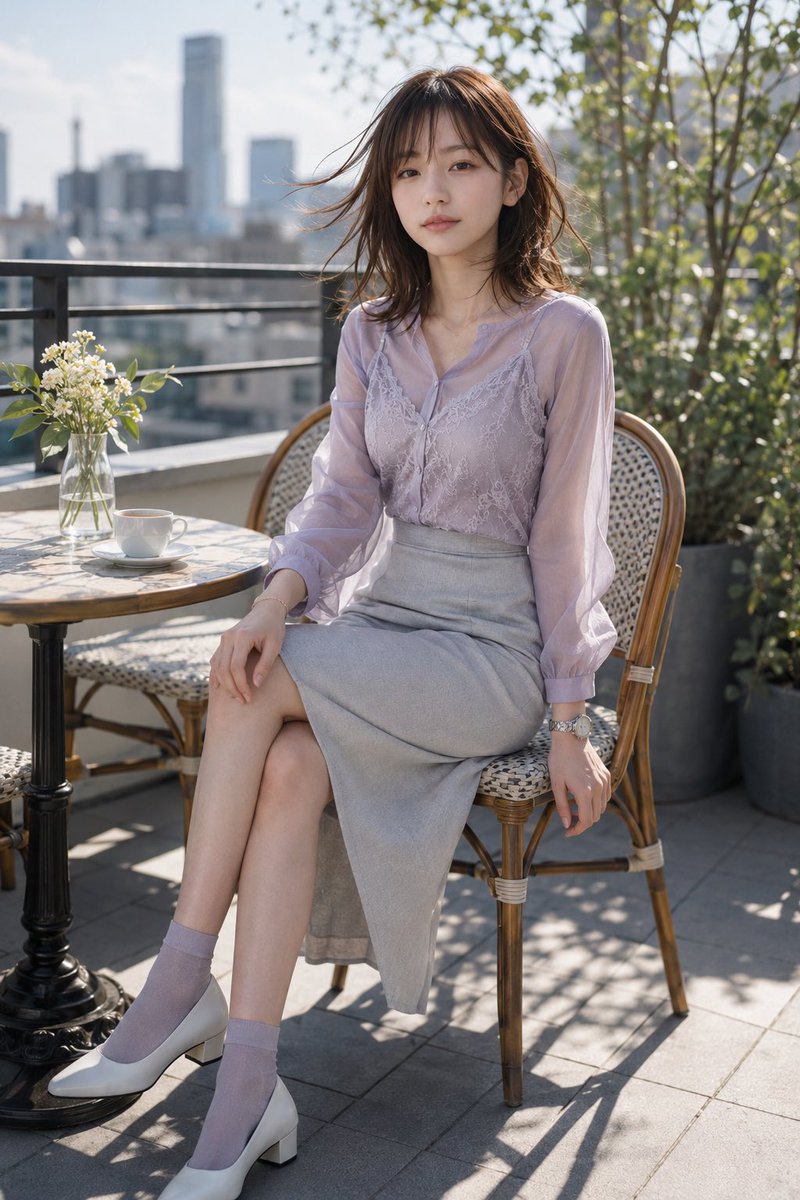
Use Overhead Café Pose Transformation to plan an AI image around gpt-image-2 generation, themes such as en and gpt-image-2. Match the preview's composition first, then personalize the subject, setting, and mood for your own project.
Use the primary action to load the template settings in PicX Studio.
Adjust the subject and creative details for your destination.
Create the image, compare the result with the preview, and refine one variable at a time.
A continuous mix — similar concepts first, woven with same-model prompts and fresh picks from the catalog.
Choose the primary action to open PicX Studio with the available template settings. Review the model and format, personalize the creative direction, and generate when ready.
Yes. You can change the subject, setting, lighting, mood, format, and available model controls before creating your image.
This template is free to open and customize. Generation usage is shown in PicX Studio before you create.
Start with gpt-image-2, which is the model associated with this template. You can compare another compatible model for a different finish.
Follow a topic to a crawlable collection of related PicX Studio templates.
39,157 public templates available. Verified via the PicX Studio public templates API; refreshed hourly.
A continuous mix — similar concepts first, woven with same-model prompts and fresh picks from the catalog.