
Melancholy AutoCAD Working Girl Polaroid
Generates a nostalgic Cheki-style anime illustration of a frilly working girl feeling discouraged beside an AutoCAD monitor, useful for emotional character art.
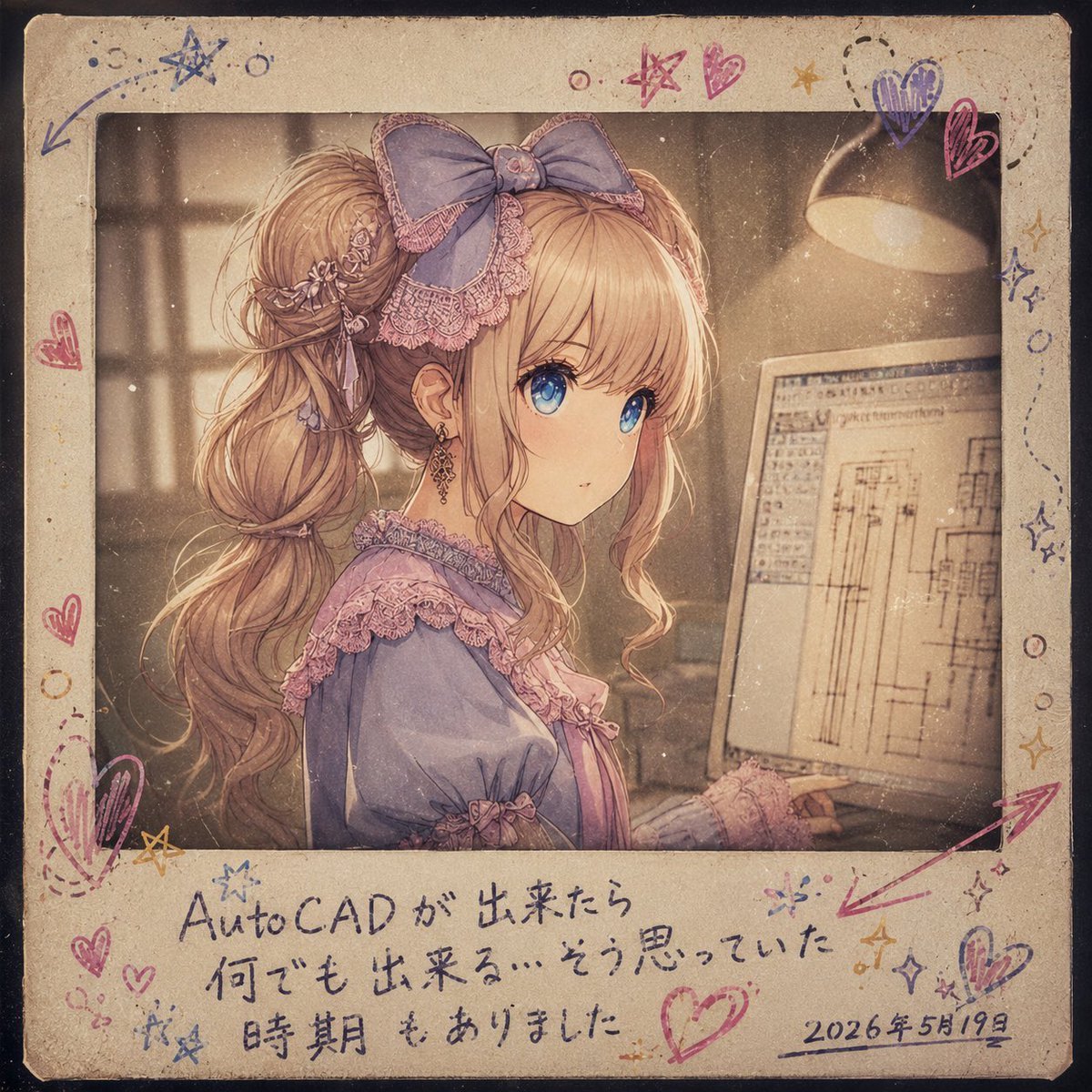
- Prompt included
- Model and format preset
- Free template
The prompt behind this image
Copy the exact prompt behind Melancholy AutoCAD Working Girl Polaroid, or open it in the studio and make it yours.
Goal: Create a nostalgic instant-film / Cheki-style anime illustration of {argument name="character name" default="a working girl"} looking dejected at her desk after receiving criticism on her AutoCAD work, with the concept of a delicate outfit worn by someone sturdily living everyday working life. Canvas: Square 1:1 image, designed as an aged Polaroid print with a thick cream paper border, rounded corners, dust, scratches, stains, vignette darkening, and a sepia faded-photo treatment. Main photo area: Show exactly 1 young anime-style woman in side profile, seated at a desk in a dim office or studio. Her face is mostly hidden by a plain square censor block in muted beige-brown, centered over her face. She has long wavy {argument name="hair color" default="blonde"} hair in a high ponytail with loose curls, braided details, small floral hair ornaments, dangling earrings, and a very large bow headband. Her outfit is a frilly lavender-blue and pink lace blouse or dress with ribbons, puffed sleeves, and ornate trim, intentionally cute and refined despite the work setting. Her posture should feel slumped, disappointed, and quietly hurt. Work environment: Include exactly 1 computer monitor on the right, angled toward her, showing a pale CAD drafting interface with architectural line drawings, toolbars, and technical rectangles. Include exactly 1 warm desk lamp in the upper right casting a soft cone of light. Background should be softly blurred with window-like shapes and warm dusty atmosphere. Border design: The Polaroid border is hand-decorated with exactly 24 doodles in colored pen: 8 hearts, 4 stars, 3 arrows, 3 dotted swirl trails, 3 sparkle clusters, and 3 small circles. Use pink, purple, blue, and mustard-yellow ink. Make the doodles casual, uneven, and handwritten, as if drawn on the photo after printing. Text content: On the lower white border, add handwritten Japanese text in dark blue ink with a slightly messy personal diary style. Use exactly 3 text elements: a two-line main caption reading {argument name="main handwritten caption" default="AutoCAD が出来たら\n何でも出来る…そう思っていた"}, a smaller third line reading {argument name="sub caption" default="時期もありました"}, and a date at the bottom right reading {argument name="date" default="2026年5月19日"}. Keep the writing legible but natural, like marker or ballpoint pen on old paper. Visual style: Highly detailed soft anime illustration, delicate linework, warm sepia lighting, muted pastel palette, grainy analog film texture, slight overexposure around the lamp, emotional slice-of-life mood, cute but melancholic. Constraints: Do not add extra characters, extra monitors, logos, watermarks, or modern UI overlays. Keep the square censor block flat and opaque. Preserve the handmade instant-photo frame and aged paper texture.
How to use Melancholy AutoCAD Working Girl Polaroid in 3 steps
- 1Upload ImagePNG, JPG or paste
Add your photo
Upload the photo the template builds on. The prompt, model and format are already set.
- 2…a portrait of your subject in softgolden-hour light, 85mm…
Personalize
Edit the subject and creative details for your destination.
- 3Generate
Generate
Press Generate — your image is created in PicX Studio, so you can compare it with the original and refine one variable at a time.
More like this
Templates with the same subject, style or setup. Open one to see its prompt.

Teen Girl Alpine Lake Mountain View

Subway Platform Quiet Introspective Portrait
Subway Platform Quiet Introspective Portrait
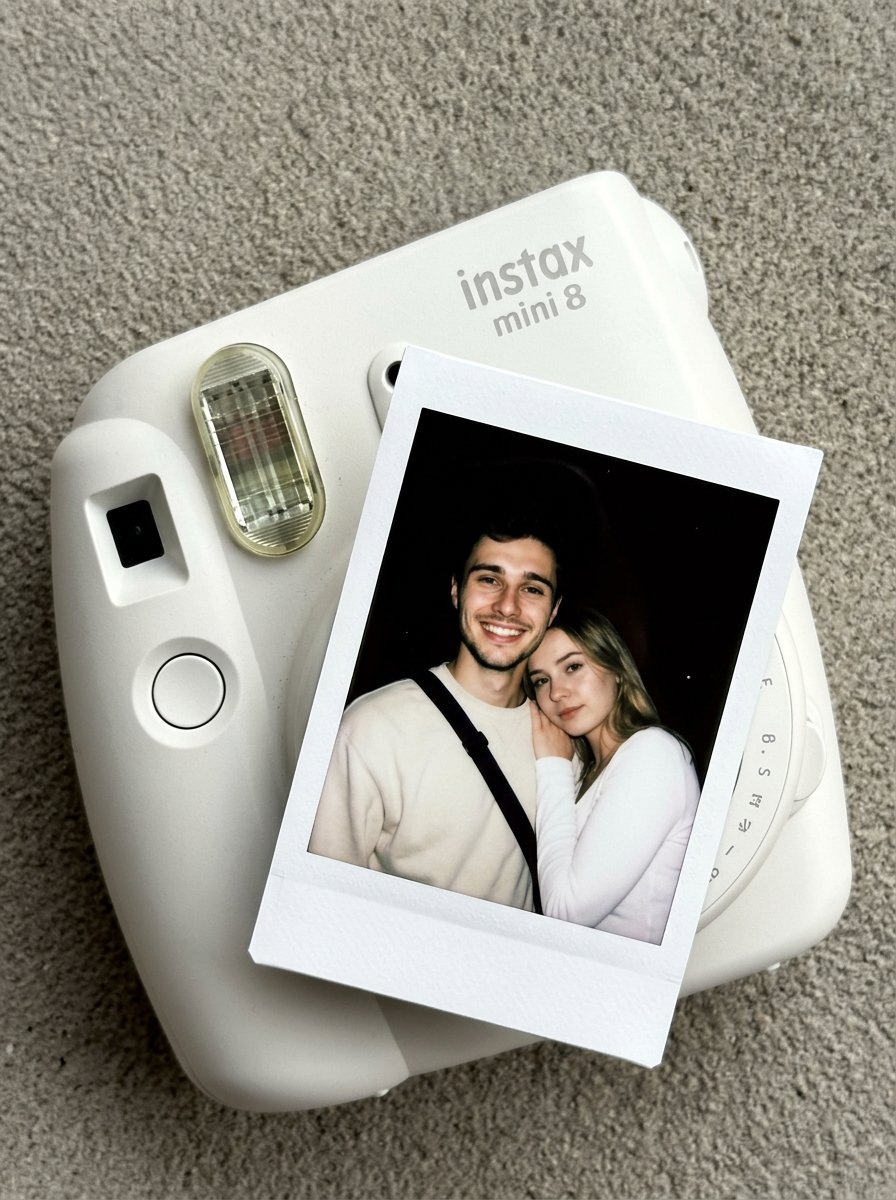
Nano Banana Pro Instax Mini 8

Melancholy Mid-Autumn Burden Poster

Ironic Always Working Ocean Meme
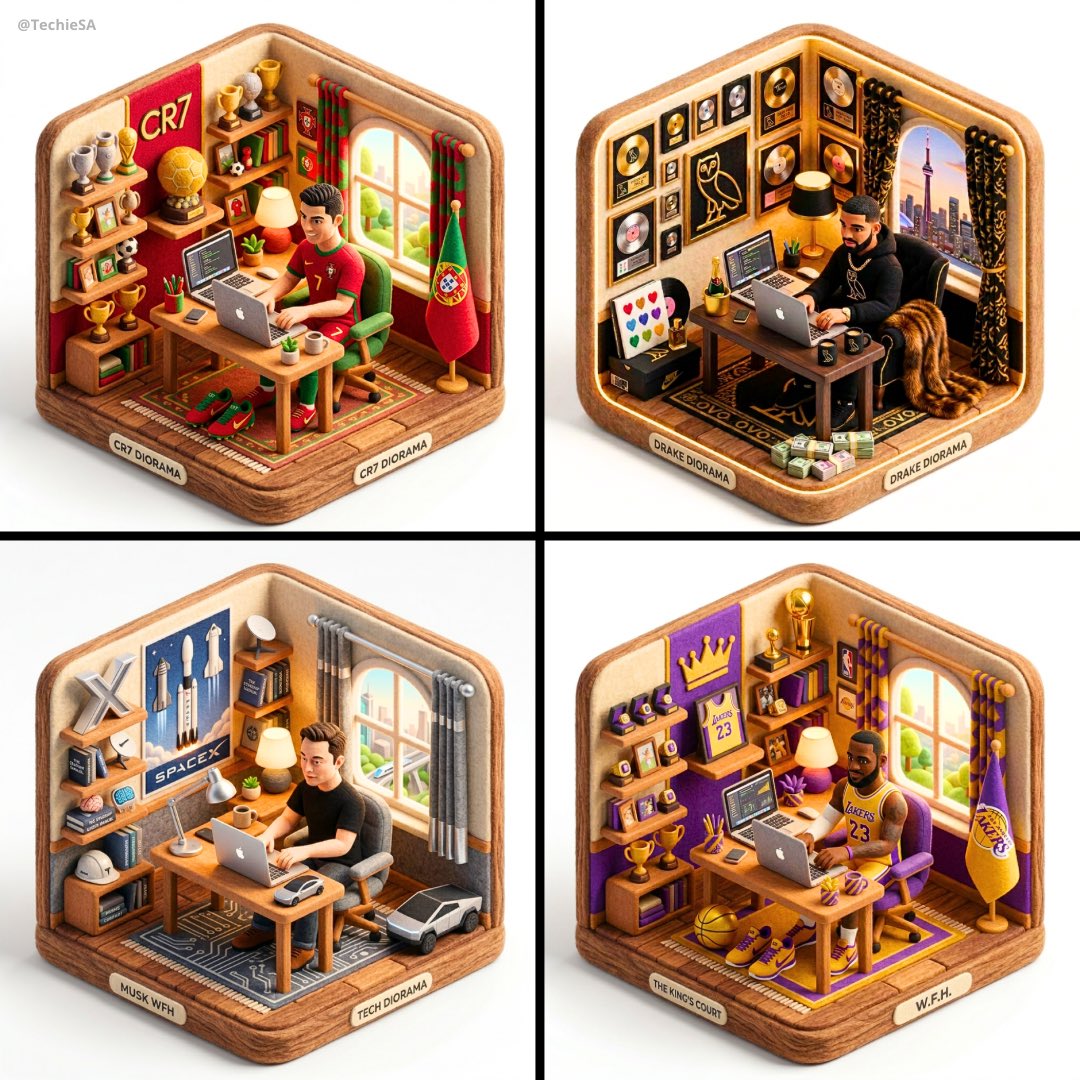
3D isometric diorama illustration of working from home at a desk

Intellectual Melancholy Portrait

Obscured Cyberpunk Girl Poster

Sunlit Orchard Girl With Apples

Melancholy Anime Birthday Ferry Scene

Framed Quilling Anime Girl
Make it yours
Melancholy AutoCAD Working Girl Polaroid works as-is. These are the safest ways to change it without losing the look.
Change one field
Copy a single group, rewrite it, and generate again so you can see what that field is doing.
Keep the frame, change the subject
Hold the composition and light of Melancholy AutoCAD Working Girl Polaroid, then swap wardrobe, props or the person for a new take.
| If the result… | Why | Fix |
|---|---|---|
| The result drifts from the preview | Too many fields changed at once. | Reuse Melancholy AutoCAD Working Girl Polaroid as-is first, then change one group — subject, light, or setting. |
| The model over-stylizes the scene | The prose prompt leaves finish and camera underspecified. | Add one camera or lighting sentence and stay on GPT Image 2. |
More GPT Image 2 templates
Other prompts made for GPT Image 2.

Six VTuber Japanese Logo Sheet

Realistic Portrait of Woman and Deer

The Vista Modular Condo Poster

AI Model Routing Comparison Infographic

2.5D Anime Art Board

Isometric Productivity Desk Scene

New York Double Exposure Poster

Four-Panel AI Landscape Comparison

Japanese Tatami Lifestyle Magazine Cover

NESCAFÉ Coffee Map Poster
More image prompts
Fresh picks from across the catalog.

Shattered Glass Portrait Style Prompt

AI-Generated Web Page Summary and Message
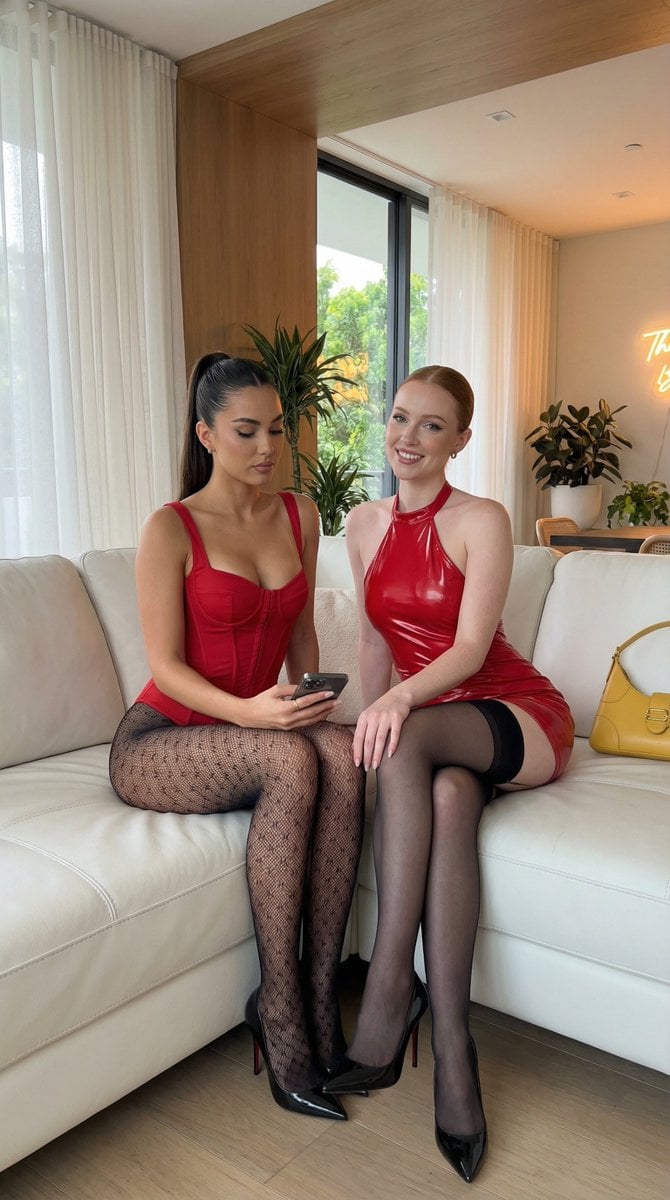
Ultra-Realistic Smartphone Portrait of Two Women in Red

Cinematic Studio Portrait with Reference Photo Consistency
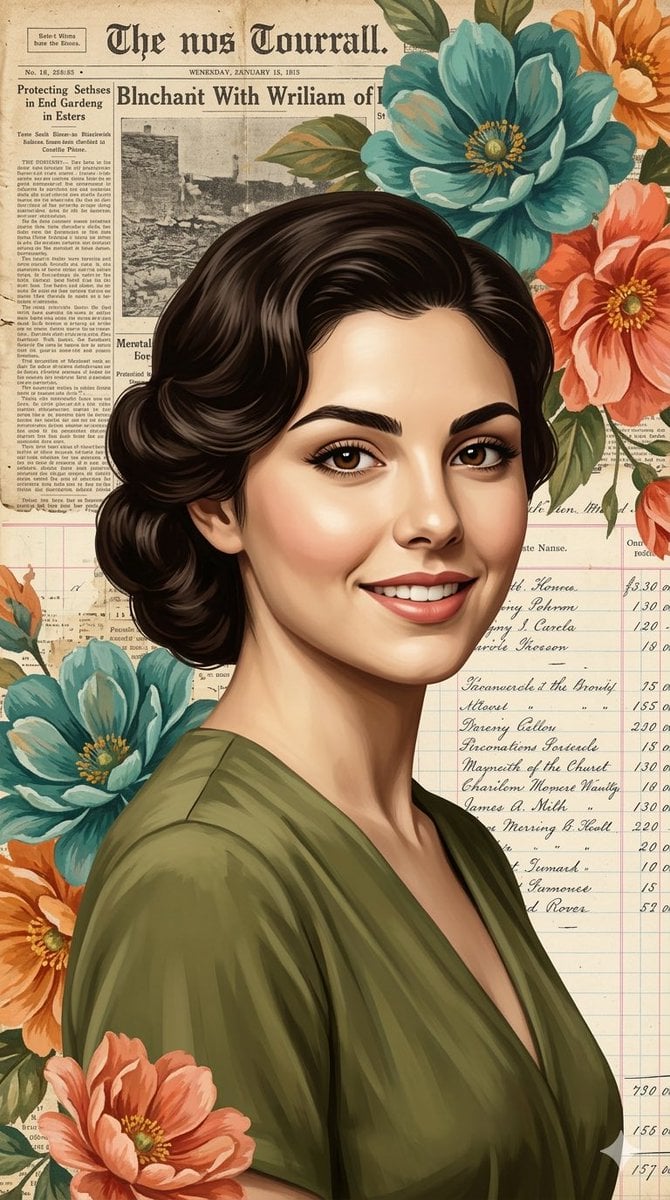
Elegant Digital Illustration with Vintage Realism
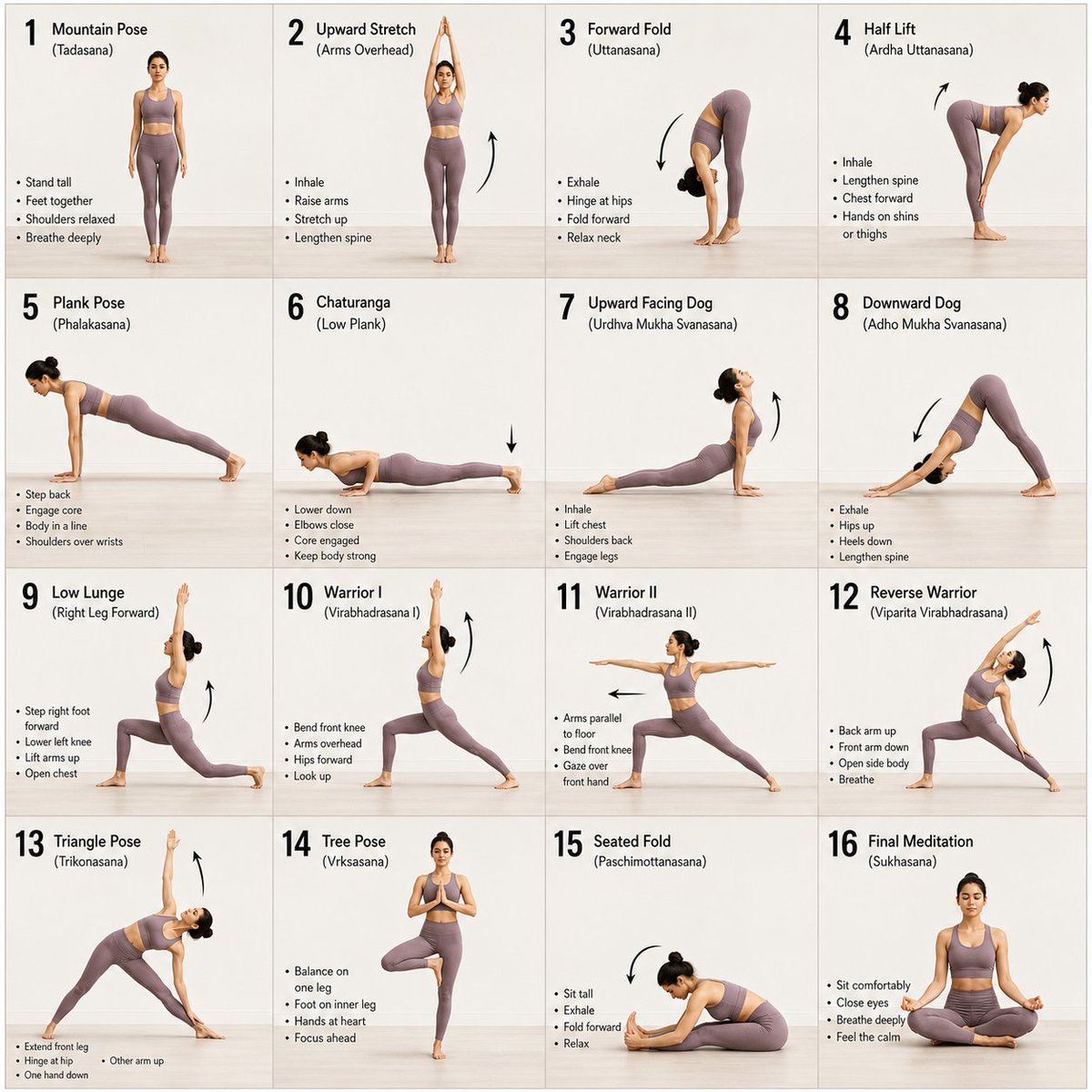
Panel Yoga Instructional Storyboard

Premium Gen-Z Streetwear Fashion Collage
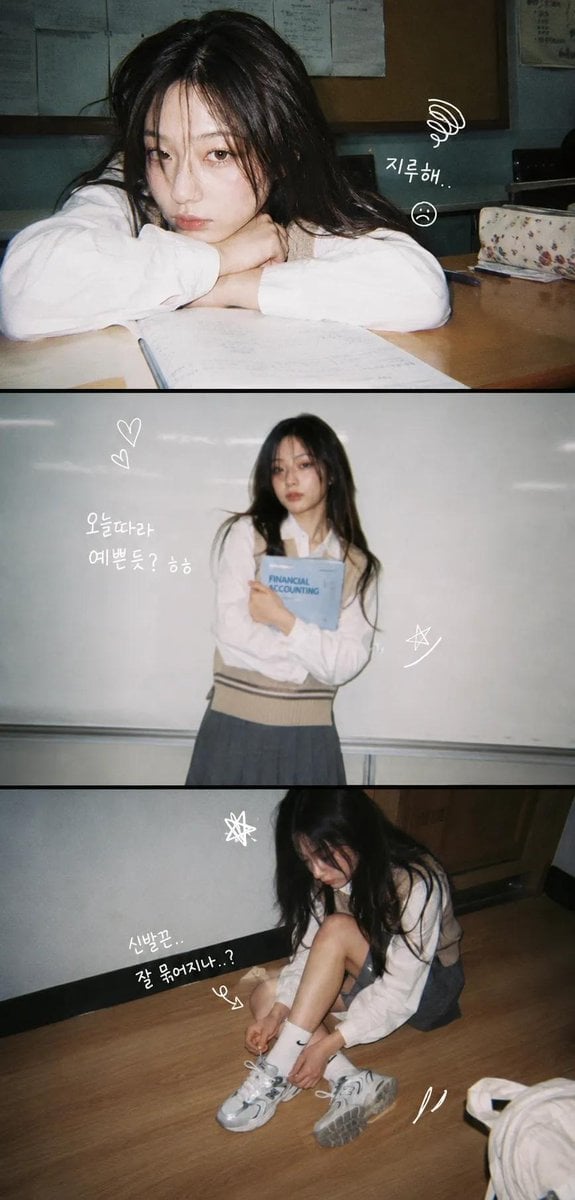
Korean Y2K Photo Strip Aesthetic
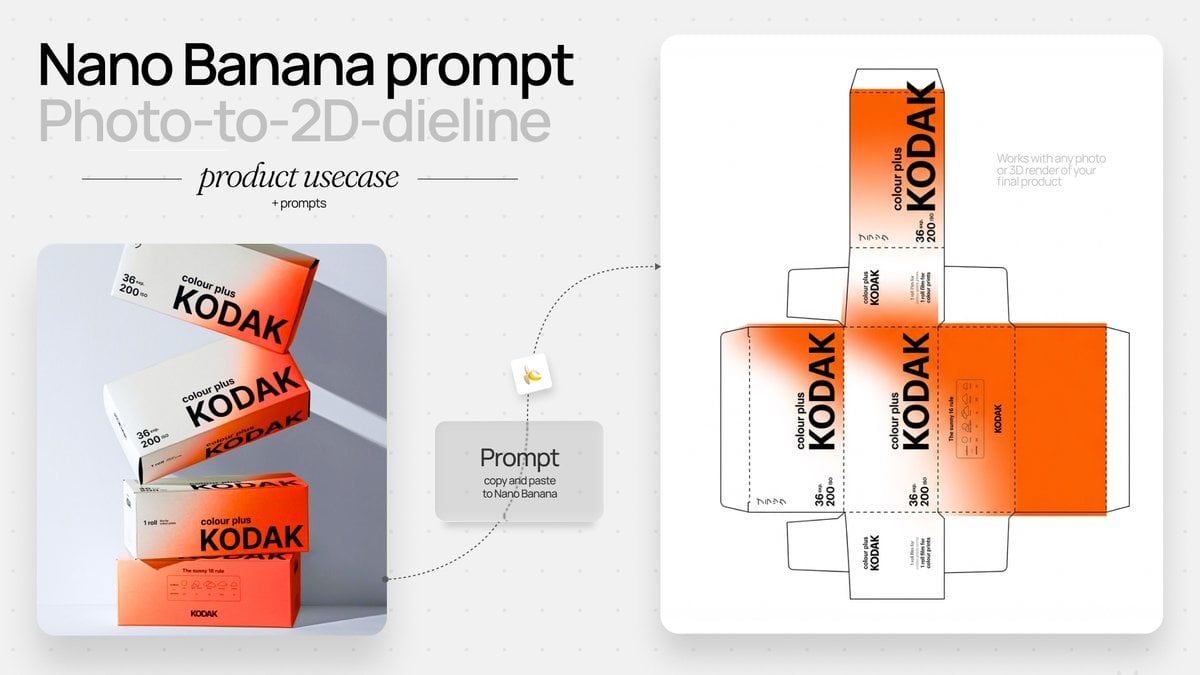
Photo to Product Packaging Dieline Prompt

Ultra-Realistic Forest Essence Elixir Perfume Product Shot
Browse template categories
Melancholy AutoCAD Working Girl Polaroid questions
How do I use the Melancholy AutoCAD Working Girl Polaroid template?
Add your photo if the template asks for one, edit the prompt if you like — the template's model and format are already selected — and press Generate. Your version opens in PicX Studio.
Can I customize the Melancholy AutoCAD Working Girl Polaroid template?
Yes. You can change the subject, setting, lighting, mood, format, and available model controls before creating your image.
Is the Melancholy AutoCAD Working Girl Polaroid template free?
Opening and editing this template is free. Generating uses credits, shown on the Generate button when you are signed in.
Which AI model should I use?
Start with GPT Image 2, which is the model associated with this template. You can compare another compatible model for a different finish.
Looking for something else? Browse all templates.

Your photo, any look
Thousands of ready templates for every top image and video model, from one credit balance.