
Zero-G Laundromat: Surreal Fashion Editorial
A highly detailed, structured prompt for a surreal fashion editorial photograph set in a cramped retro laundromat, featuring a central subject surrounded by hundreds of weightlessly floating objects (socks, coins…
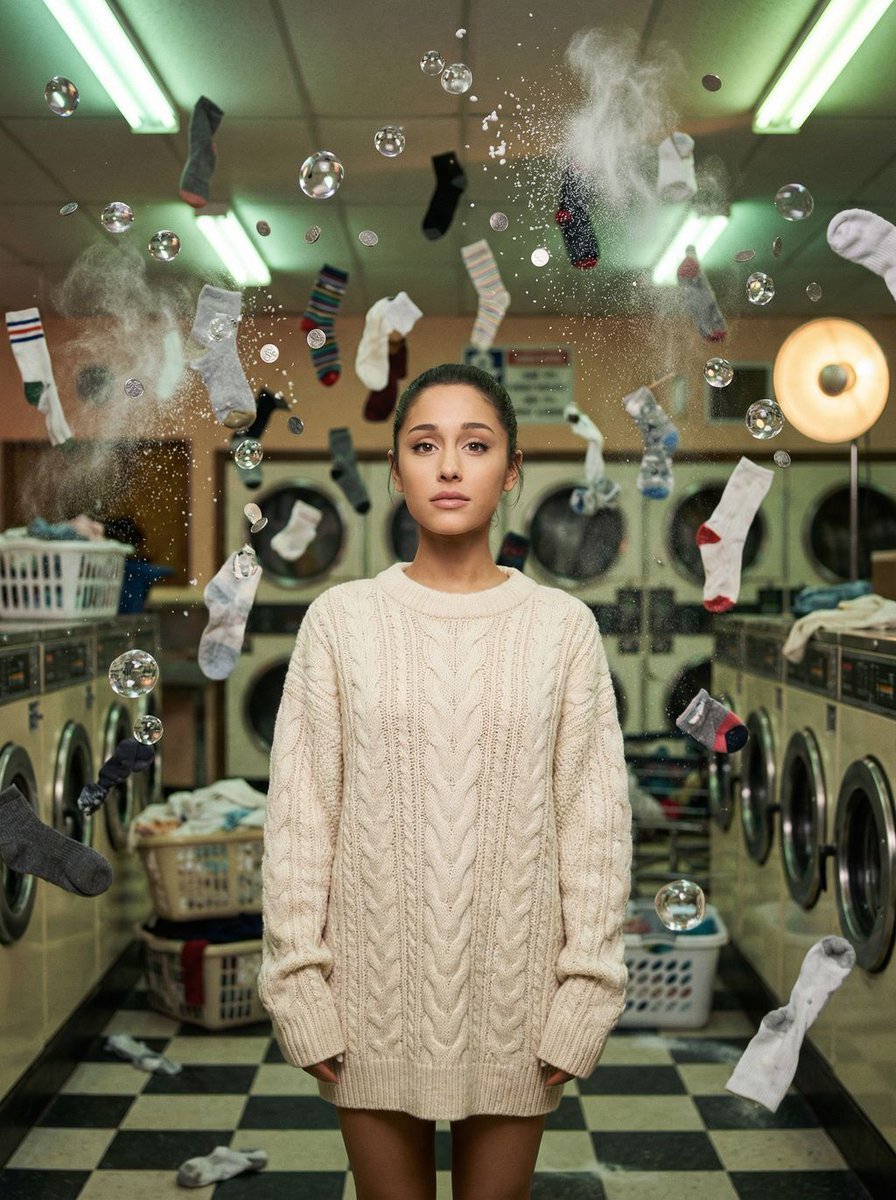
- Prompt included
- Model and format preset
- Premium template
The prompt behind this image
Copy the exact prompt behind Zero-G Laundromat: Surreal Fashion Editorial, or open it in the studio and make it yours.
{ "vibe_title_en": "Zero-G Laundromat", "master_prompt": "A cinematic, hyper-realistic medium shot of The Protagonist standing calmly in the center of a cramped, overflowing retro laundromat. The scene is an explosion of 'frozen daily life' captured with high-budget practical effects logic. SURREAL ELEMENTS: Time has stopped; hundreds of mismatched socks, swirling soapy water globules that refract light like glass, silver coins, and white detergent powder are suspended in mid-air, floating weightlessly around the subject in a dense, chaotic orbit. The environment is incredibly busy and textured, featuring checkered floor tiles, rows of humming vintage washing machines, and stacks of laundry baskets cluttering the background. Lighting is a mix of dingy overhead fluorescent tubes (green cast) and a warm, soft cinematic key light on the face. Shot on a Hasselblad H6D-100c with an 80mm lens, f/2.8, creating a creamy bokeh that blurs the floating debris in the foreground and background while keeping the subject razor-sharp. The image possesses the organic grain structure of Kodak Portra 800 film, emphasizing skin texture and the tactile reality of the floating objects. No CGI look; purely photographic surrealism.", "meta": { "intent": "Editorial Fashion / Surreal Art", "priorities": "Texture, Density, Surrealism, Lighting quality", "device_profile": "High-End Desktop / Large Format Print" }, "frame": { "aspect": "4:5", "composition": "Central Symmetrical framing with chaotic framing elements", "layout": "Subject centered, surrounded by a dense orbital ring of floating objects", "camera_angle": "Eye-level, straight on", "tilt_roll_degrees": "0 degrees" }, "subject": { "gender": "Female", "identity": "The Protagonist", "demographics": "Universal Template", "face": "Neutral, serene expression, direct eye contact, unbothered by the chaos", "hair": "Pulled back sleekly, similar to reference, emphasizing facial structure", "body": "Relaxed posture, shoulders square to camera", "expression": "Calm, almost hypnotic gaze", "pose": "Standing still, arms relaxed by sides, serving as the anchor in the storm" }, "wardrobe_accessories": { "garments": [ { "item": "Oversized Cable Knit Sweater", "material": "Wool", "color": "{argument name=\"sweater color\" default=\"Cream or Off-White\"}", "fit": "Loose, textured" } ], "accessories": [ { "item": "Small floating earring", "color": "Silver", "material": "Metal", "brand_style": "Minimalist" } ] }, "environment": { "setting": "Cramped 1980s Laundromat", "surfaces": "Linoleum checkered floors, metallic machine drums, soapy water", "depth": "High depth complexity due to floating debris layers", "atmosphere": "Humid, suspended, chaotic yet silent", "lens_interaction": "Water droplets on the lens element, slight halation" },
How to use Zero-G Laundromat: Surreal Fashion Editorial in 3 steps
- 1
Open
The prompt is already in the box next to the preview, with the template's model and format selected.
- 2…a portrait of your subject in softgolden-hour light, 85mm…
Personalize
Edit the subject and creative details for your destination.
- 3Generate
Generate
Press Generate — your image is created in PicX Studio, so you can compare it with the original and refine one variable at a time.
More like this
Templates with the same subject, style or setup. Open one to see its prompt.

Blue Backdrop Luxury Fashion Portrait Campaign

Luxury Black-and-White Fashion Contact Sheet

untitled

Google Gemini Nano Banana Pro

Conceptual Fashion Portrait in Spider We

01 Skincare Split Portrait — Nano Banana 2

24 The Getty Center — California Series

21 Glass Floor Skyscraper — California Series

19 Luxury Helicopter Travel — California Series

08 Rodeo Drive Luxury Exit — California Series

03 Beverly Hills Convertible — California Series

Gpt Image 2 Fashion Portrait
Make it yours
Zero-G Laundromat: Surreal Fashion Editorial works as-is. These are the safest ways to change it without losing the look.
Change one field
Copy a single group, rewrite it, and generate again so you can see what that field is doing.
Keep the frame, change the subject
Hold the composition and light of Zero-G Laundromat: Surreal Fashion Editorial, then swap wardrobe, props or the person for a new take.
| If the result… | Why | Fix |
|---|---|---|
| The result drifts from the preview | Too many fields changed at once. | Reuse Zero-G Laundromat: Surreal Fashion Editorial as-is first, then change one group — subject, light, or setting. |
| The model over-stylizes the scene | The prose prompt leaves finish and camera underspecified. | Add one camera or lighting sentence and stay on Nano Banana 2. |
More Nano Banana 2 templates
Other prompts made for Nano Banana 2.

Photorealistic Leaf Shaped Like a Dragon

K-Pop Idol Portrait Grid for Rapid Selection

Poetic Rain Forest Portrait During Golden Hour

Urban Street Portrait with Cartoon Inner Self Duo

Candid Nighttime Photo with Cat Prompt

High-Concept 3D Diorama Generation Prompt

Cinematic Futuristic Studio Portrait Template

Skincare Editorial Photography Collage Prompt

Hyper-Realistic Commercial Product Photography (Splash Effect)

Hyper-Realistic Nightclub Portrait Prompt
More image prompts
Fresh picks from across the catalog.
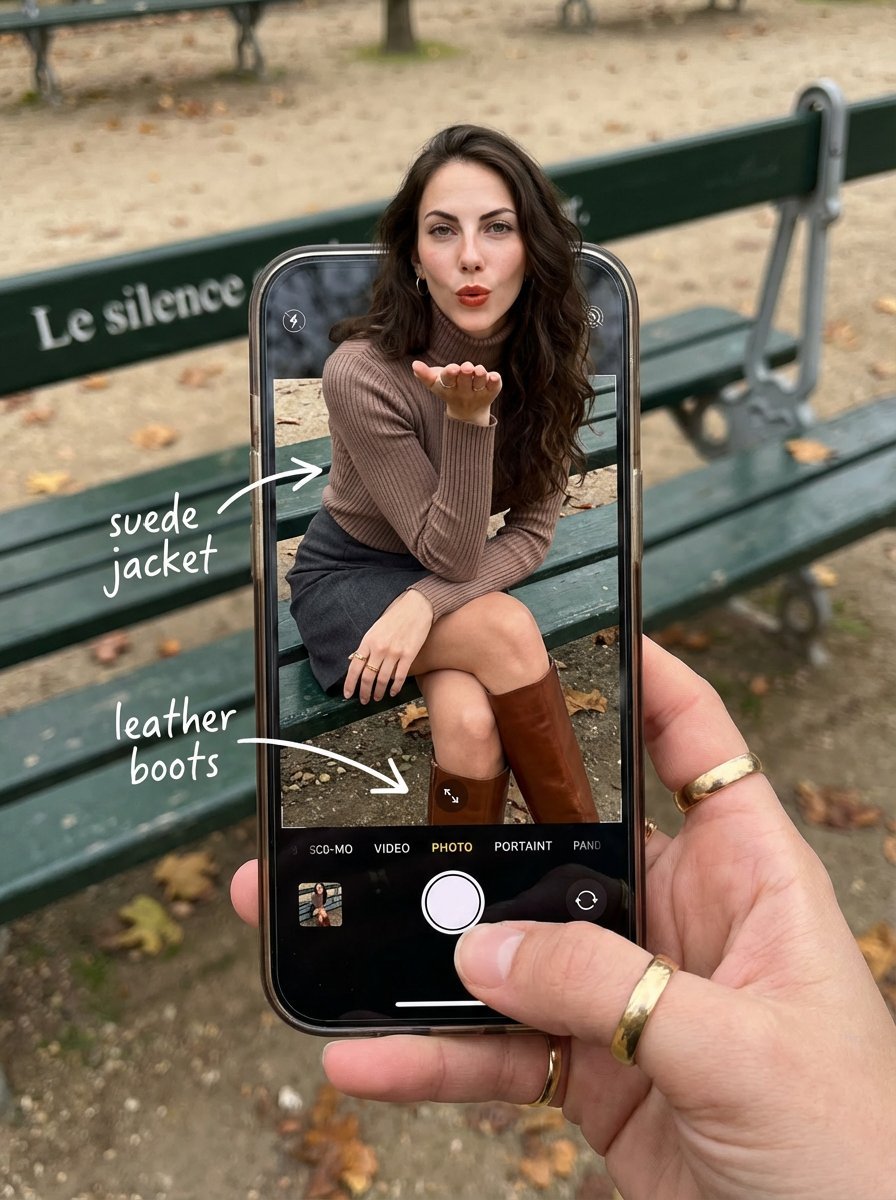
OOTD Breakdown Smartphone Pop-out Illusion
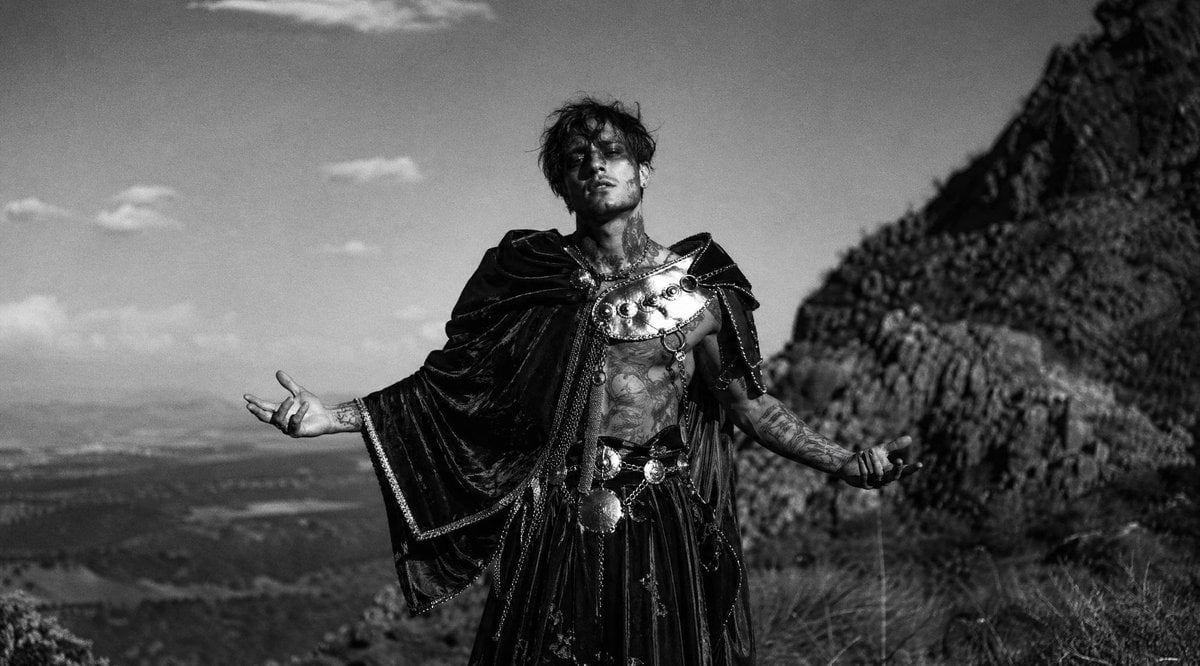
Monochrome Fantasy Warrior on Mountain
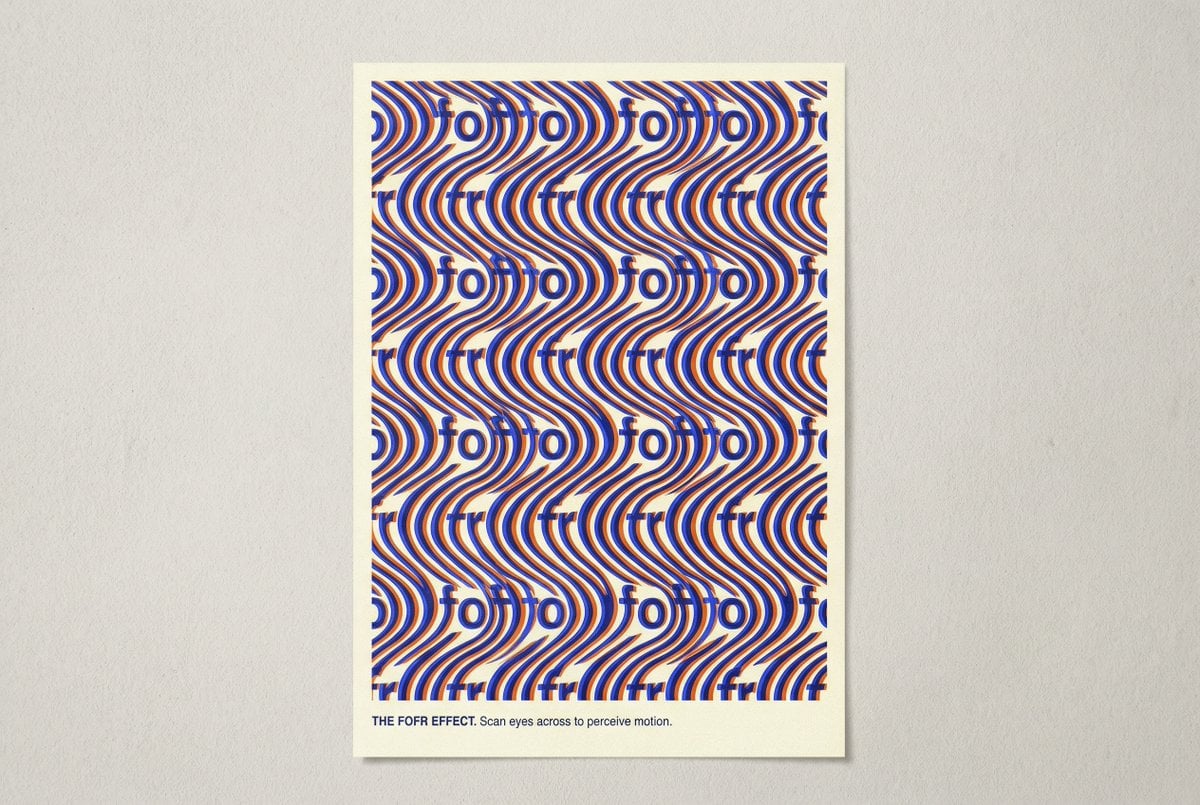
Novel Optical Illusion Generation
Photorealistic Portrait of Woman in Wildflowers
Minimalist Film Noir Poster
Beige Menswear Lookbook Collage
Minimalist Food Illustration and Photorealism Blend
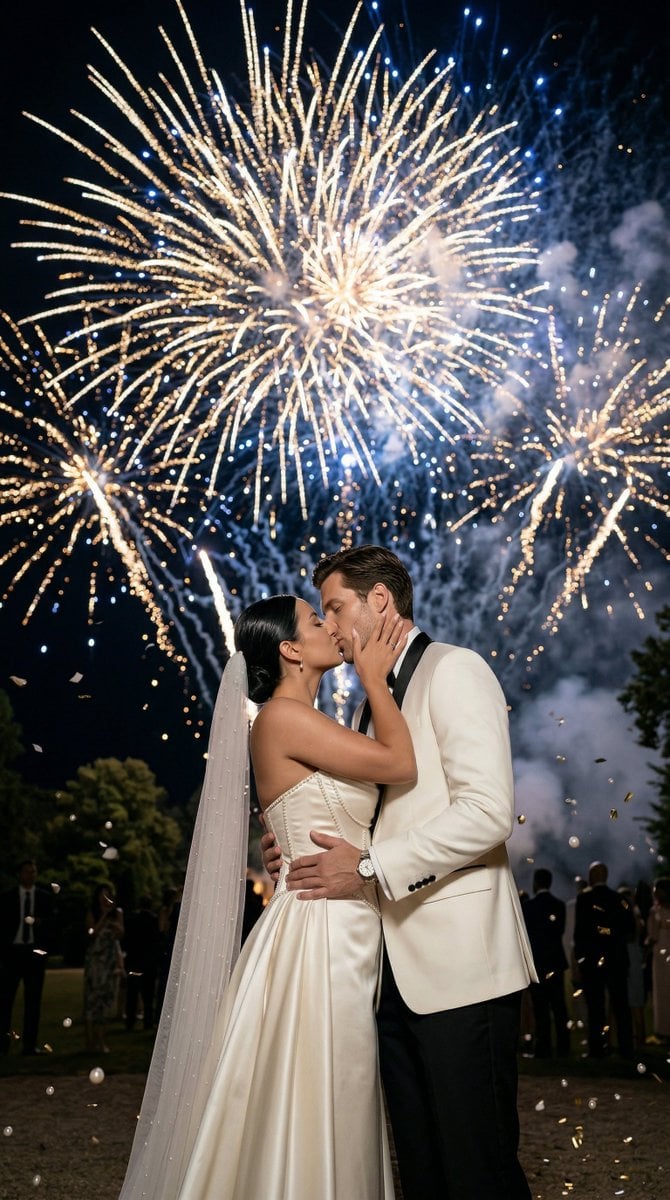
Epic Firework Wedding Kiss Image-to-Image Prompt for Nano Banana 2
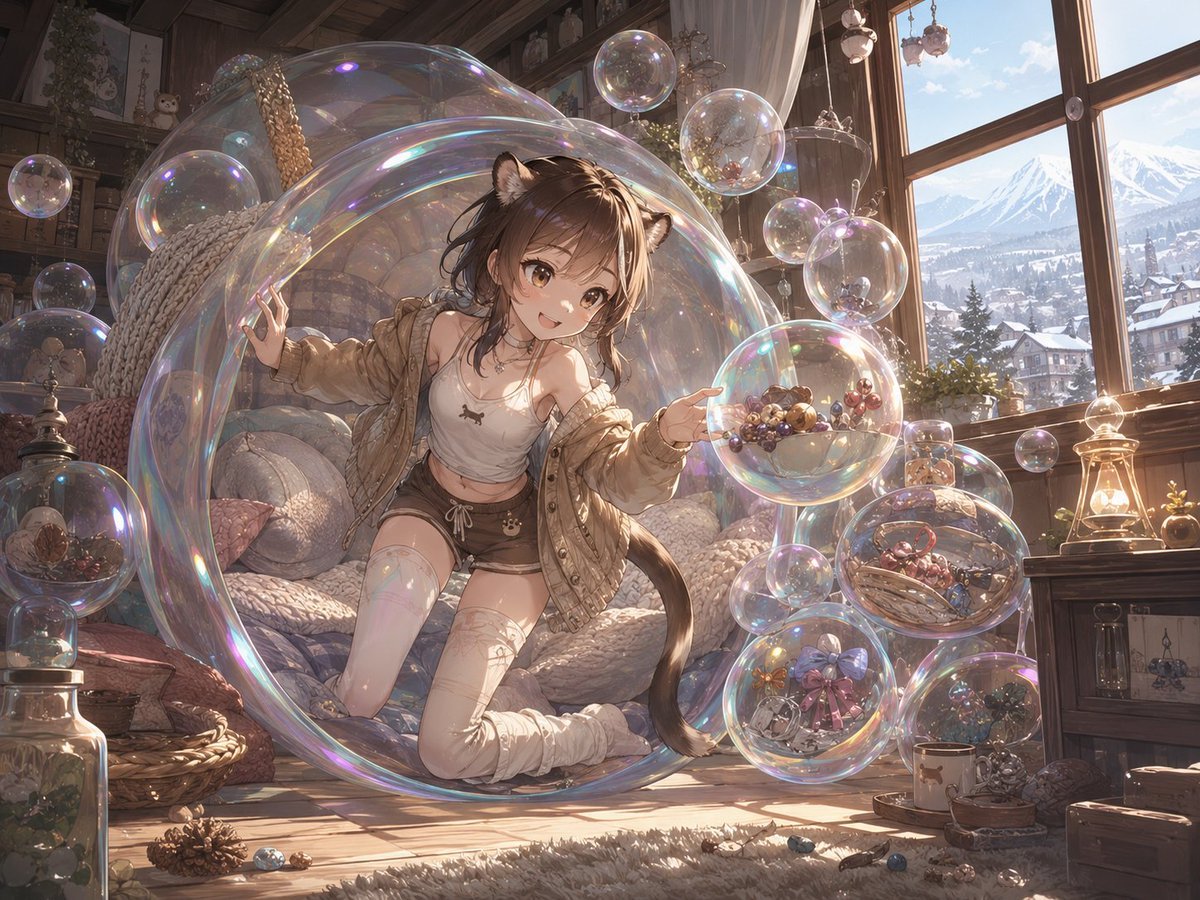
Whimsical Dream Race Concept
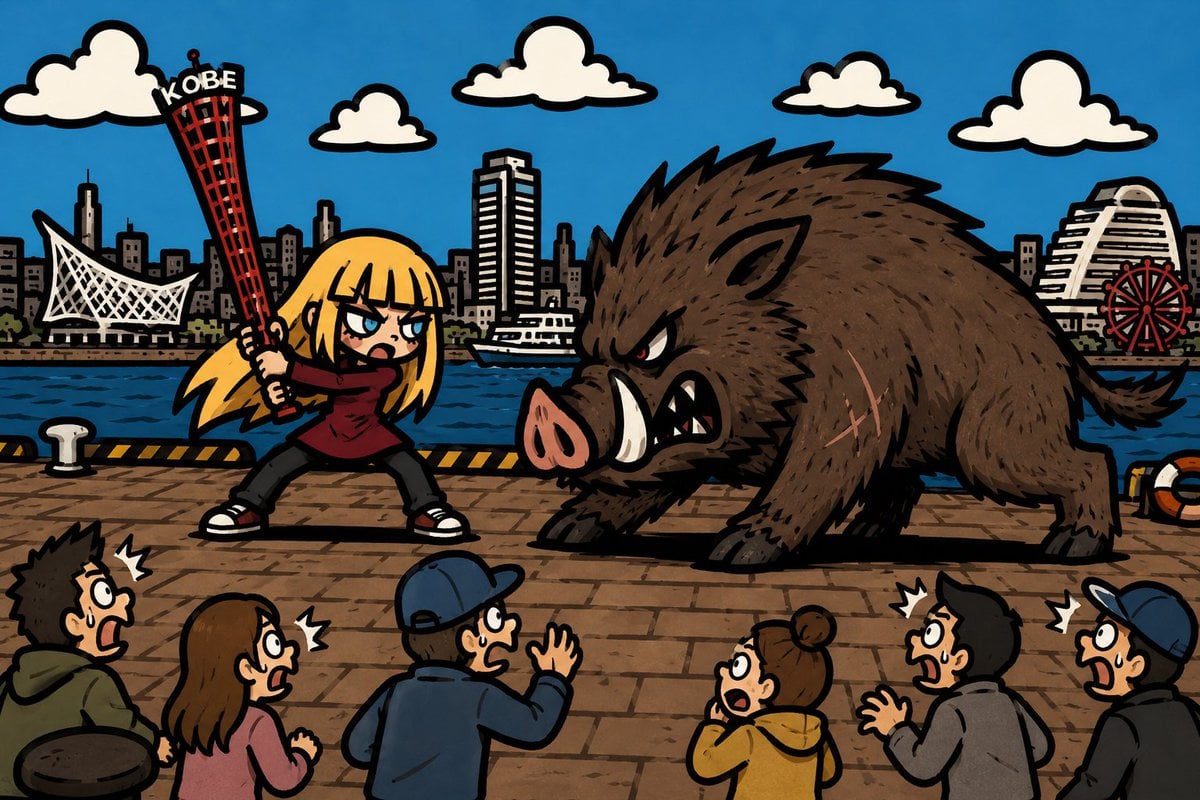
Kobe Harbor Boar Battle Cartoon
Browse template categories
Zero-G Laundromat: Surreal Fashion Editorial questions
How do I use the Zero-G Laundromat: Surreal Fashion Editorial template?
Add your photo if the template asks for one, edit the prompt if you like — the template's model and format are already selected — and press Generate. Your version opens in PicX Studio.
Can I customize the Zero-G Laundromat: Surreal Fashion Editorial template?
Yes. You can change the subject, setting, lighting, mood, format, and available model controls before creating your image.
Is the Zero-G Laundromat: Surreal Fashion Editorial template free?
Opening and editing this template is free. Generating uses credits, shown on the Generate button when you are signed in.
Which AI model should I use?
Start with Nano Banana 2, which is the model associated with this template. You can compare another compatible model for a different finish.
Looking for something else? Browse all templates.

Your photo, any look
Thousands of ready templates for every top image and video model, from one credit balance.