
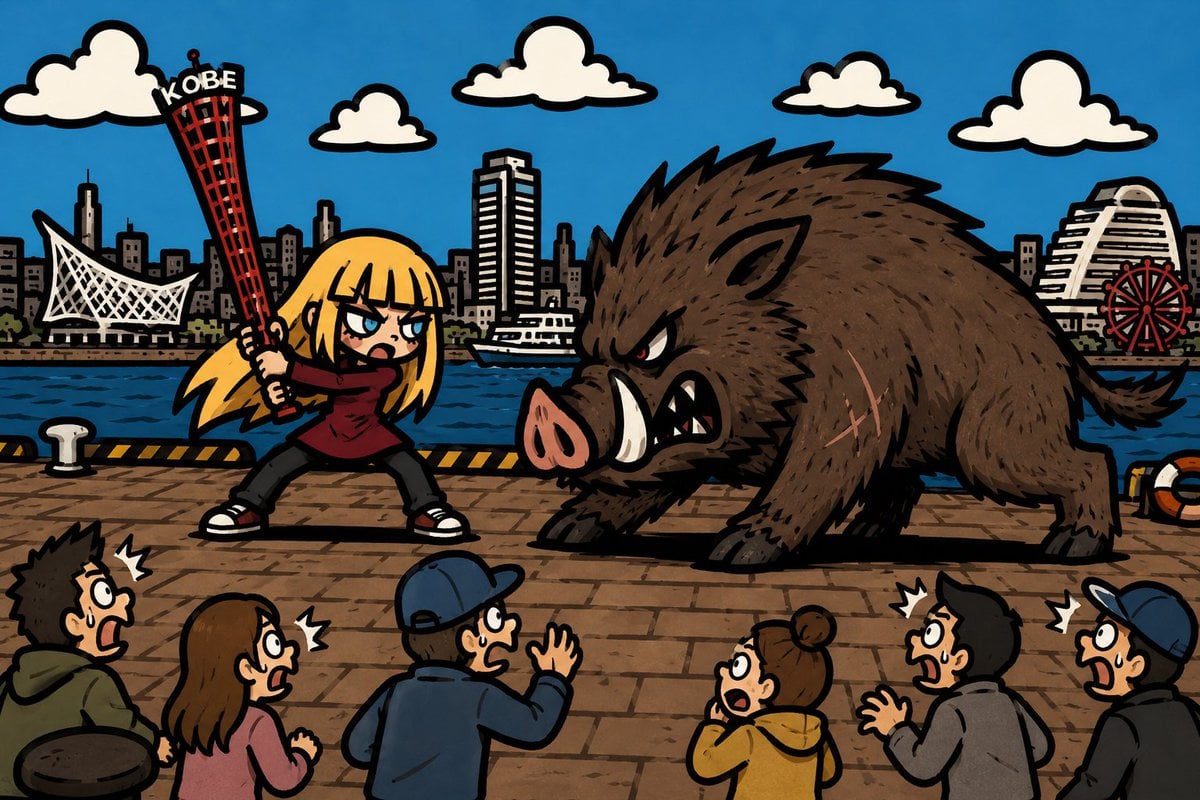
Kobe Harbor Boar Battle Cartoon
A wide manga-style action illustration of a blonde girl battling a giant boar on the Kobe waterfront, useful for humorous city-themed artwork.
- Prompt included
- Model and format preset
- Free template
The prompt behind this image
Copy the exact prompt behind Kobe Harbor Boar Battle Cartoon, or open it in the studio and make it yours.
Create a bold cartoon manga-style illustration of {argument name="city waterfront" default="Kobe waterfront at Meriken Park"} under a bright blue sky. In the foreground on a brick-paved harbor promenade, show a dramatic confrontation between exactly 2 main subjects: a fierce blonde anime girl and a huge wild boar. The girl stands on the left in a wide fighting stance, wearing a dark red sweater, black pants, and black-and-white sneakers, with long yellow-blonde hair and angry blue eyes; she grips a red Kobe Port Tower like an oversized baseball bat, with the white word “KOBE” visible near the top. The boar stands on the right, enormous and bristly, dark brown with black outlines, red angry eyes, a pink snout, large white tusks, sharp teeth, scratches on its flank, and a lowered charging posture. Along the bottom edge, include exactly 6 frightened bystanders seen from behind or in profile, all reacting with open mouths and shock marks: a spiky-haired man in a green hoodie, a brown-haired woman in a pink top, a man in a blue cap and jacket raising one hand, a woman with a bun in a yellow hoodie, a black-haired man in a gray hoodie, and a partially cropped man in a blue cap on the far right. Behind the promenade, draw dark blue harbor water and a detailed Kobe skyline with exactly 5 recognizable landmarks: a white sail-like maritime museum structure on the left, a red Kobe Port Tower shape behind the girl, a tall rectangular hotel tower near center, a white stepped hotel building on the right, and a red Ferris wheel at far right. Add exactly 5 puffy white clouds outlined in black across the sky. Use thick black comic outlines, flat saturated colors, exaggerated expressions, hand-drawn ink texture, dynamic action composition, and a humorous kaiju-meets-city-tourism feeling. Avoid photorealism, avoid extra text besides “KOBE,” and keep the scene as a single wide 16:9 illustration.
How to use Kobe Harbor Boar Battle Cartoon in 3 steps
- 1Upload ImagePNG, JPG or paste
Add your photo
Upload the photo the template builds on. The prompt, model and format are already set.
- 2…a portrait of your subject in softgolden-hour light, 85mm…
Personalize
Edit the subject and creative details for your destination.
- 3Generate
Generate
Press Generate — your image is created in PicX Studio, so you can compare it with the original and refine one variable at a time.
More like this
Templates with the same subject, style or setup. Open one to see its prompt.

Toon Cartoon Finale Fireworks

Toon Cartoon Garden Maze

Toon Cartoon Rooftop Concert

Toon Cartoon Kitchen Chaos

Toon Cartoon Carnival Ride
Toon Cartoon Rainy Bus Stop

Toon Cartoon Space Dock

Toon Cartoon Cafe Morning

Toon Cartoon Street Festival

Toon Cartoon Ballroom Dance

Toon Cartoon Robot Workshop

Toon Cartoon Winter Cabin
Make it yours
Kobe Harbor Boar Battle Cartoon works as-is. These are the safest ways to change it without losing the look.
Change one field
Copy a single group, rewrite it, and generate again so you can see what that field is doing.
Keep the frame, change the subject
Hold the composition and light of Kobe Harbor Boar Battle Cartoon, then swap wardrobe, props or the person for a new take.
| If the result… | Why | Fix |
|---|---|---|
| The result drifts from the preview | Too many fields changed at once. | Reuse Kobe Harbor Boar Battle Cartoon as-is first, then change one group — subject, light, or setting. |
| The model over-stylizes the scene | The prose prompt leaves finish and camera underspecified. | Add one camera or lighting sentence and stay on GPT Image 2. |
More GPT Image 2 templates
Other prompts made for GPT Image 2.

Six VTuber Japanese Logo Sheet

Realistic Portrait of Woman and Deer

The Vista Modular Condo Poster

AI Model Routing Comparison Infographic

2.5D Anime Art Board

Isometric Productivity Desk Scene

New York Double Exposure Poster

Four-Panel AI Landscape Comparison

Japanese Tatami Lifestyle Magazine Cover

NESCAFÉ Coffee Map Poster
More image prompts
Fresh picks from across the catalog.
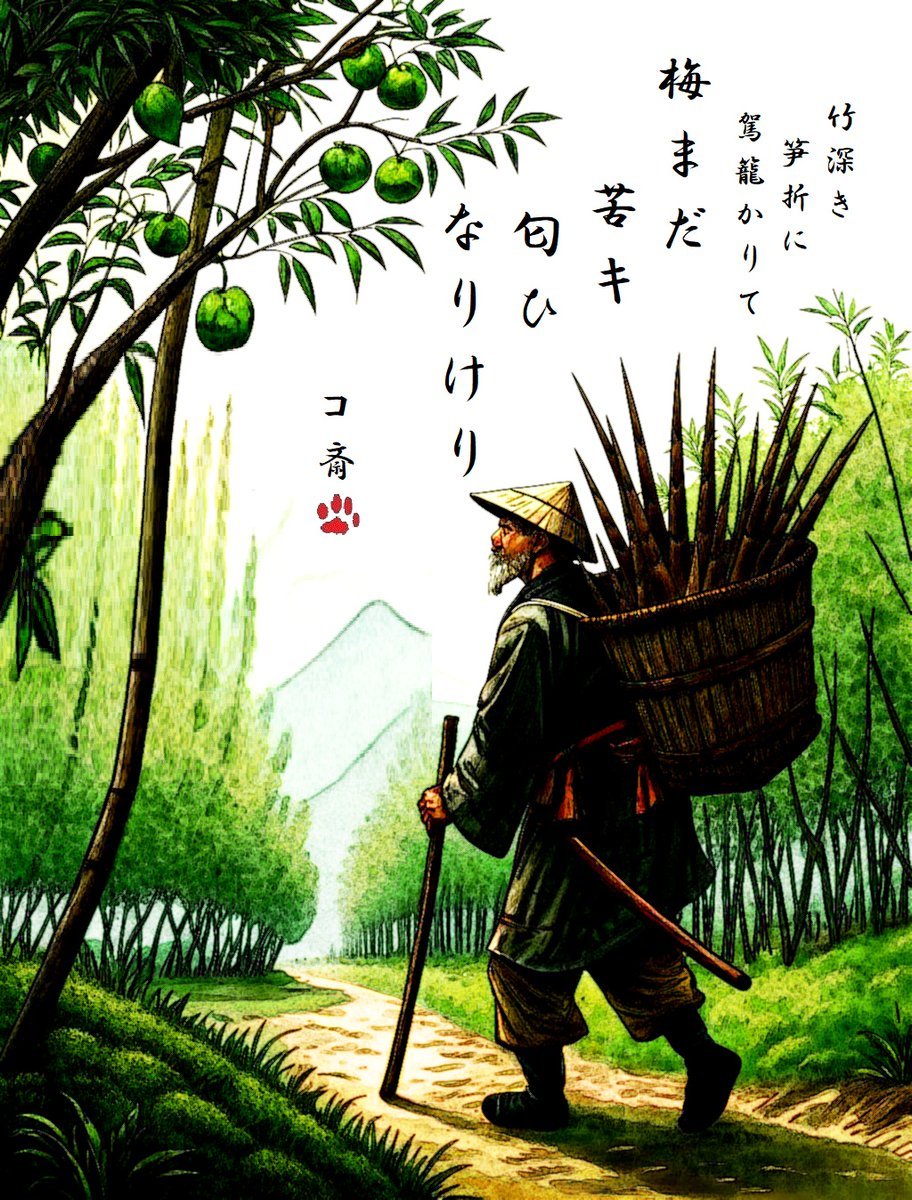
AI Haiga (Haiku Painting) Generation
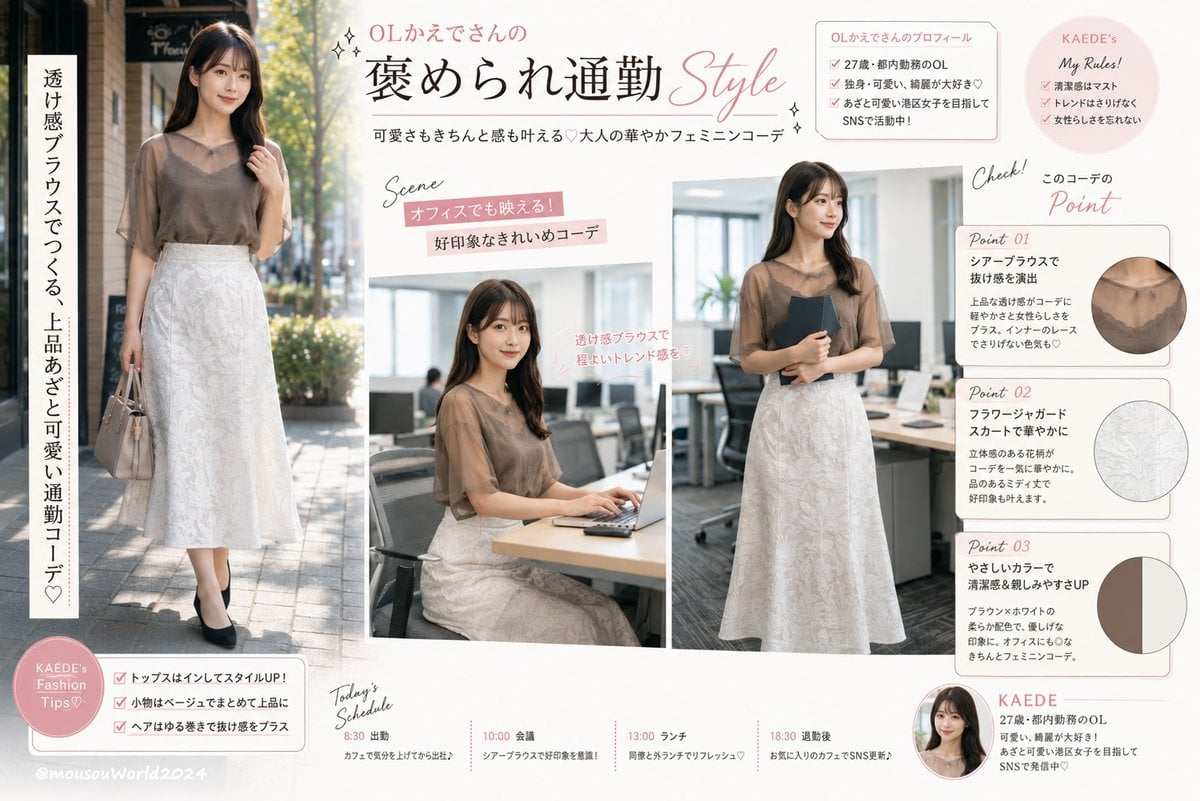
Japanese Office Outfit Magazine Spread
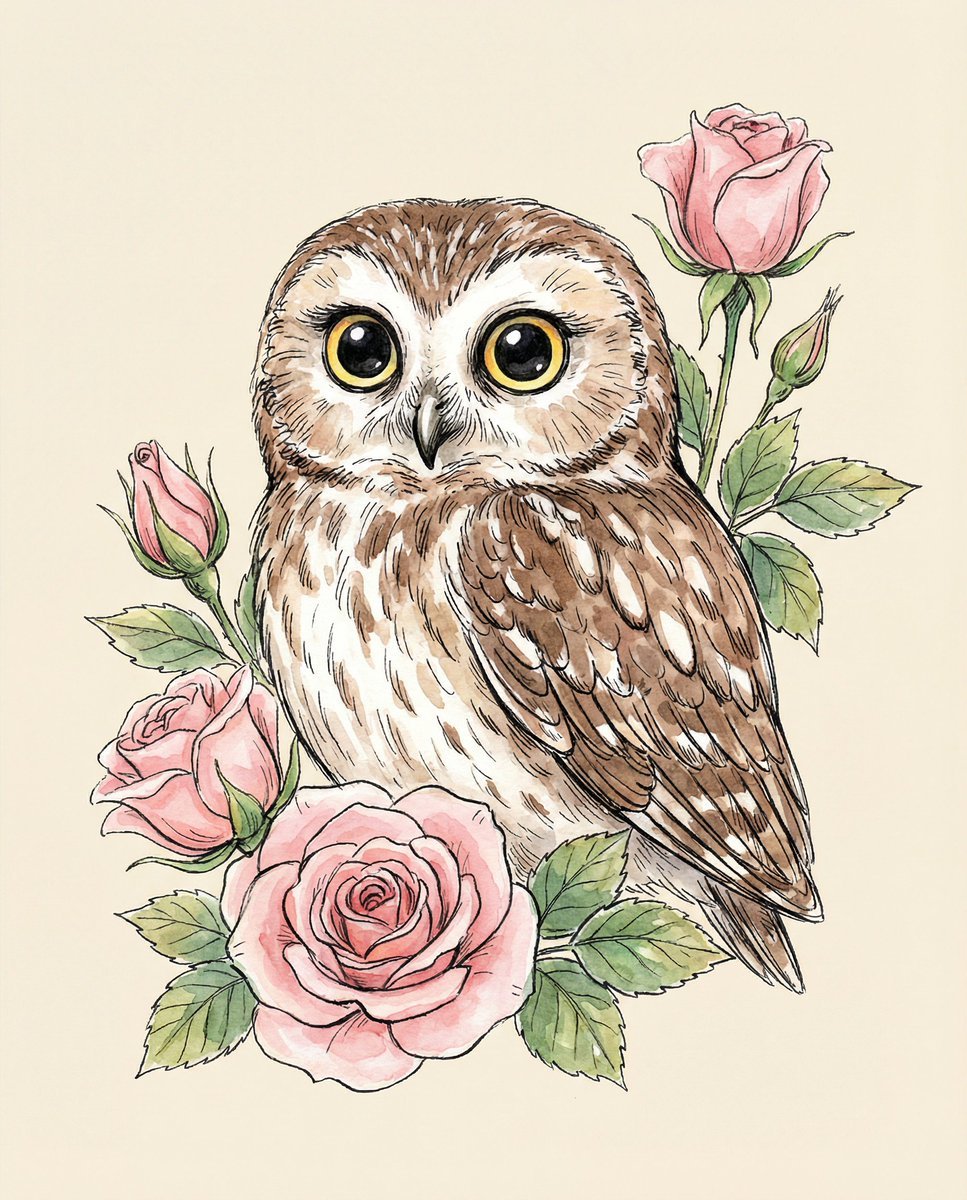
Watercolor Illustration of a Cute Owl with Pink Roses
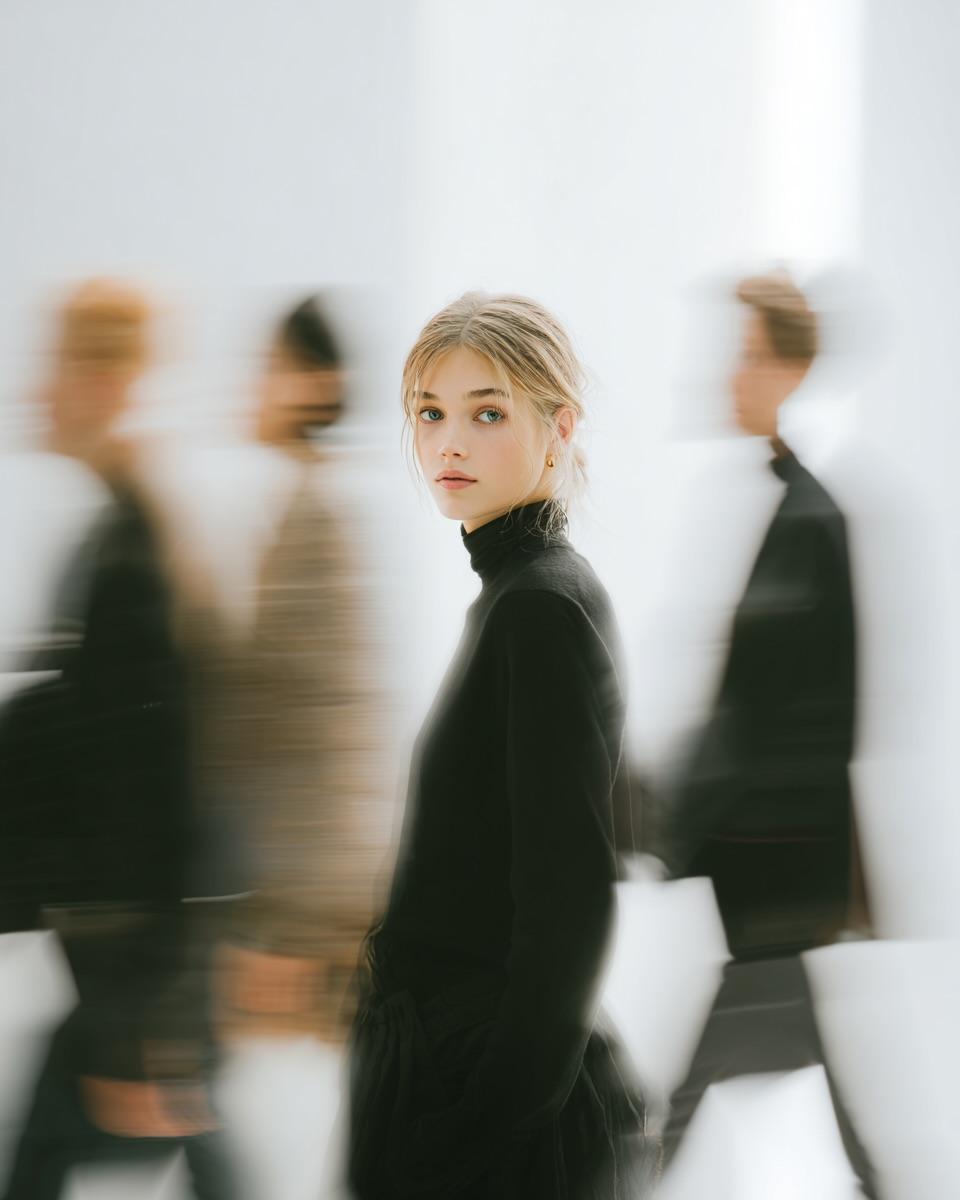
High Fashion Pictorial with Motion Blur
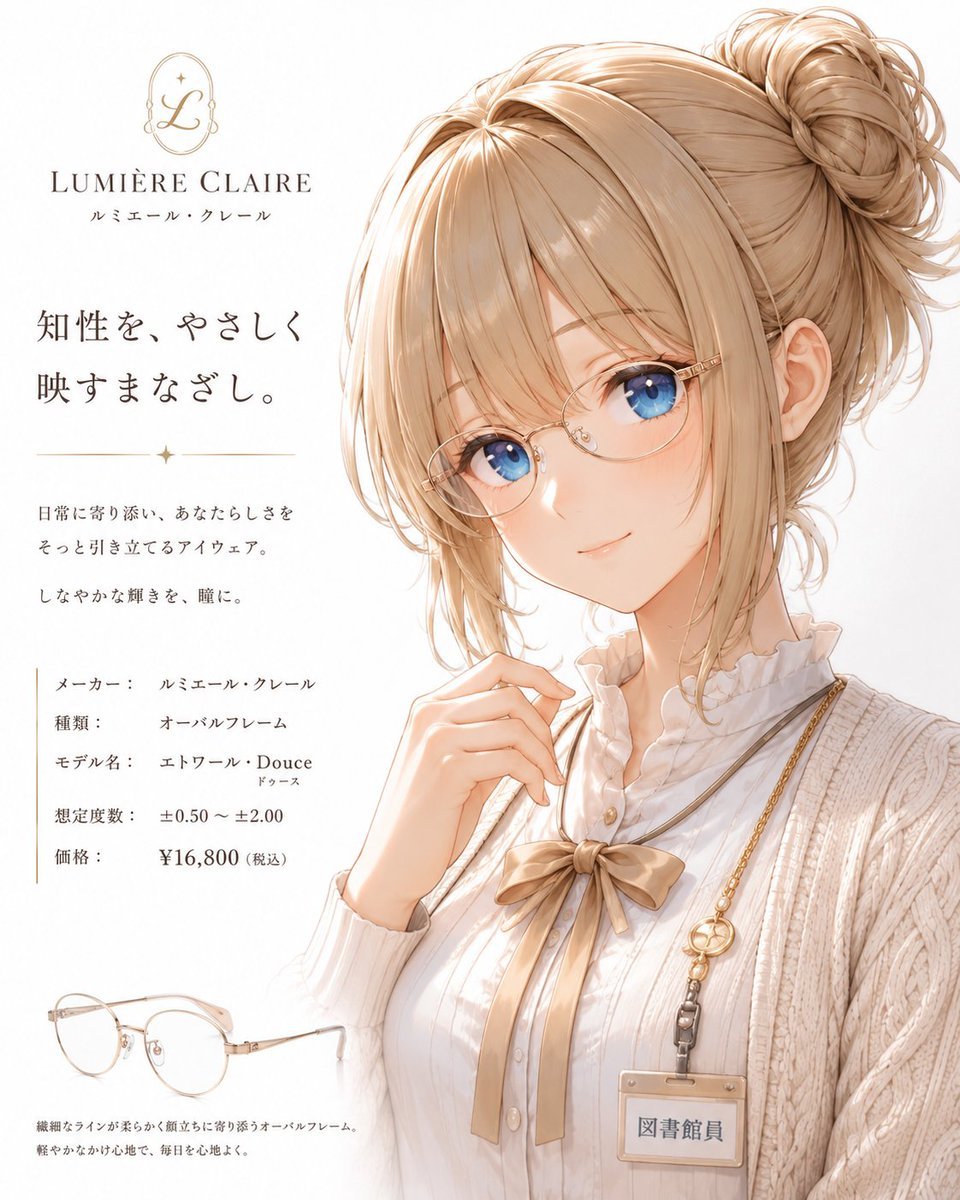
Minimalist Anime Eyeglasses Fashion Poster

Raw Editorial Fashion Portrait with Cowboy Hat and Boots
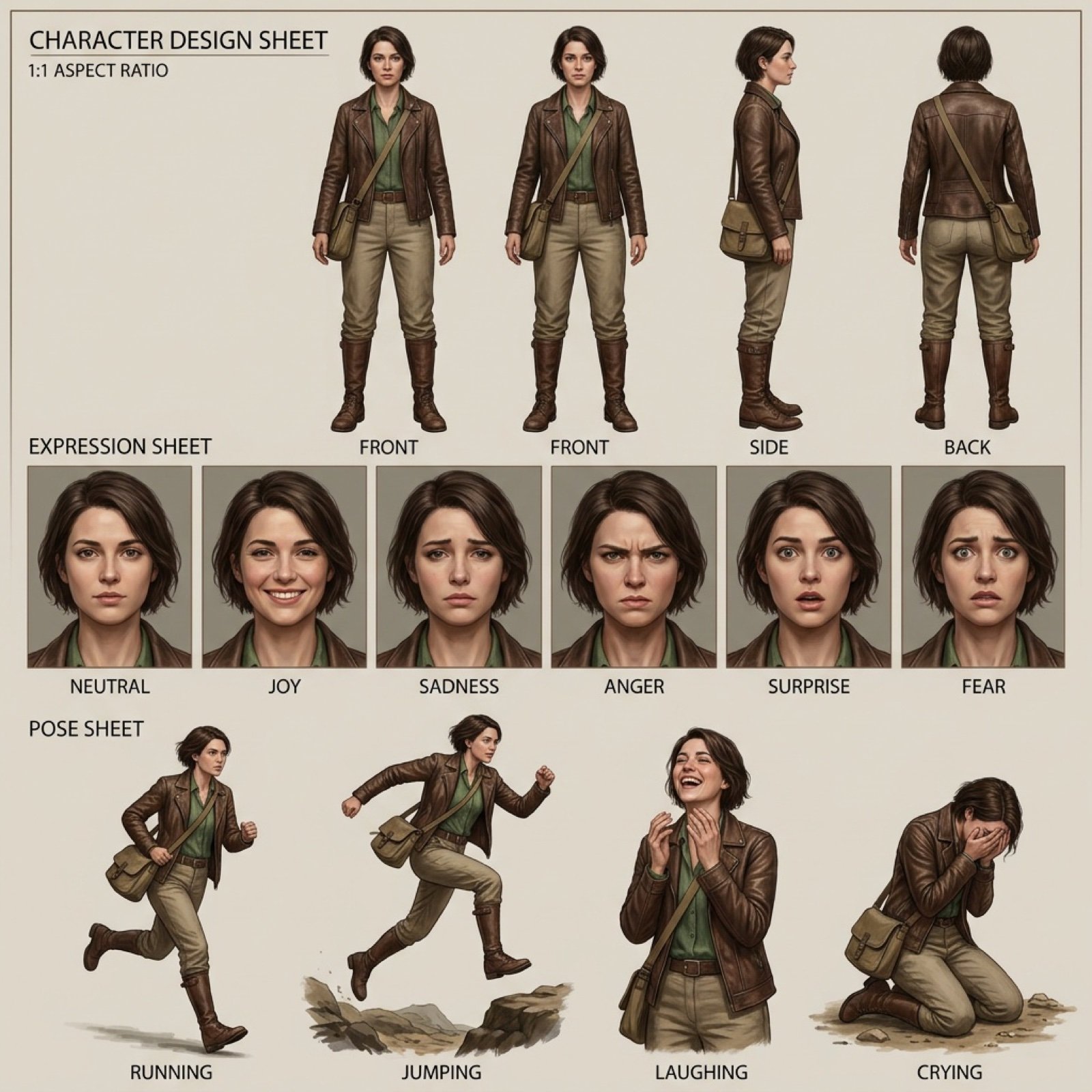
Realistic character design sheet from a photo
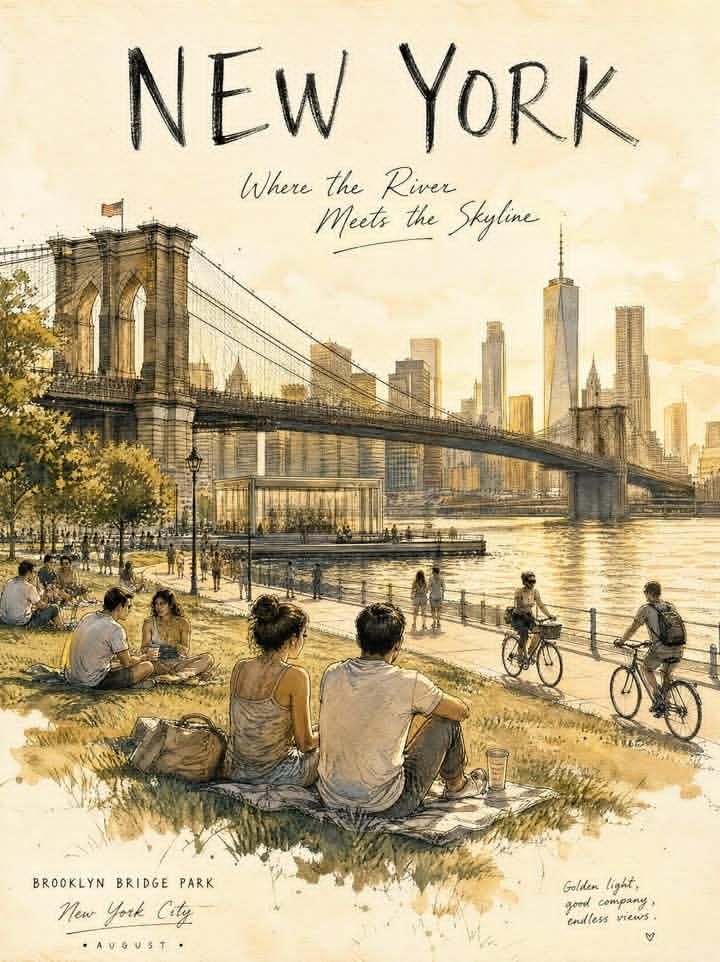
Central Park Urban Sketch
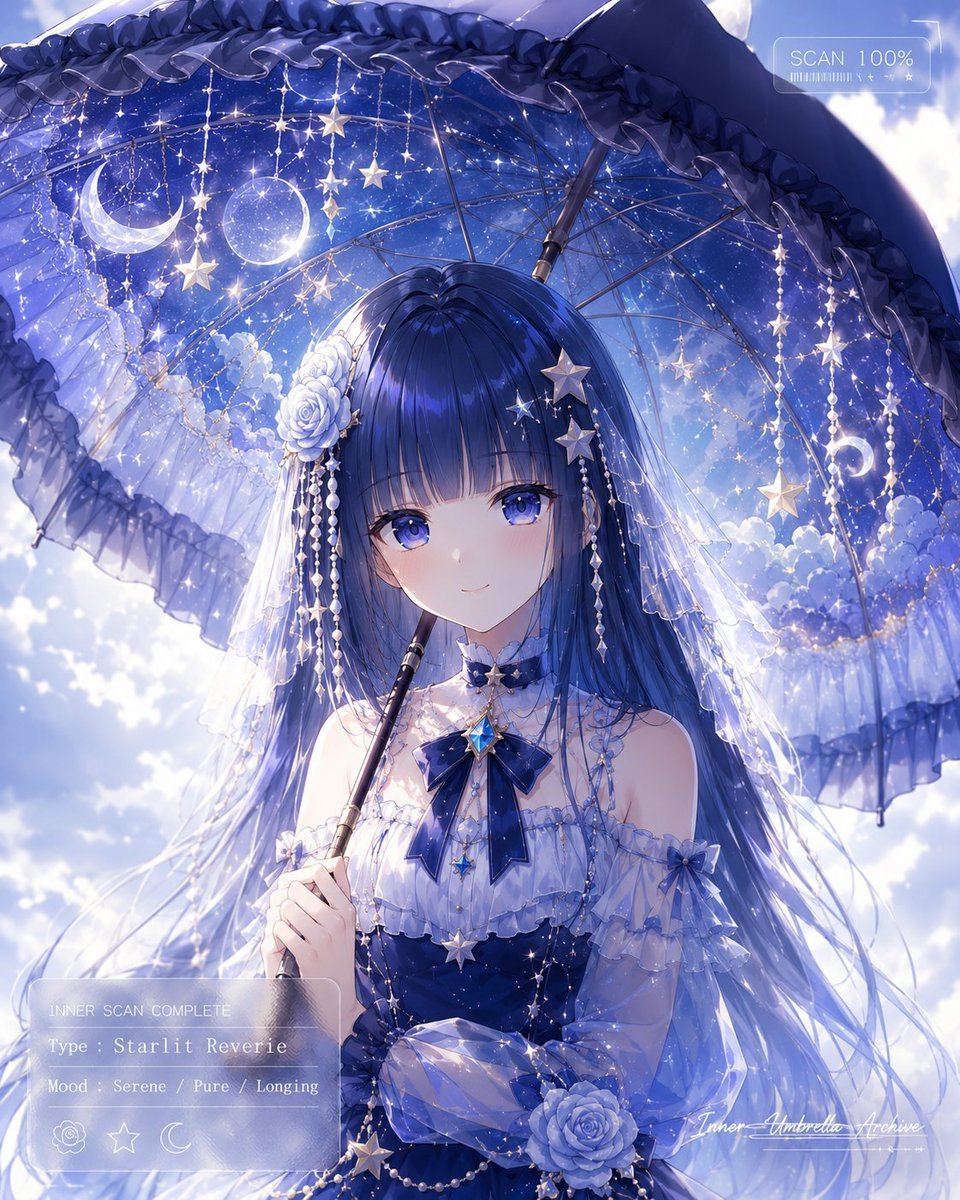
Celestial Anime Umbrella Portrait
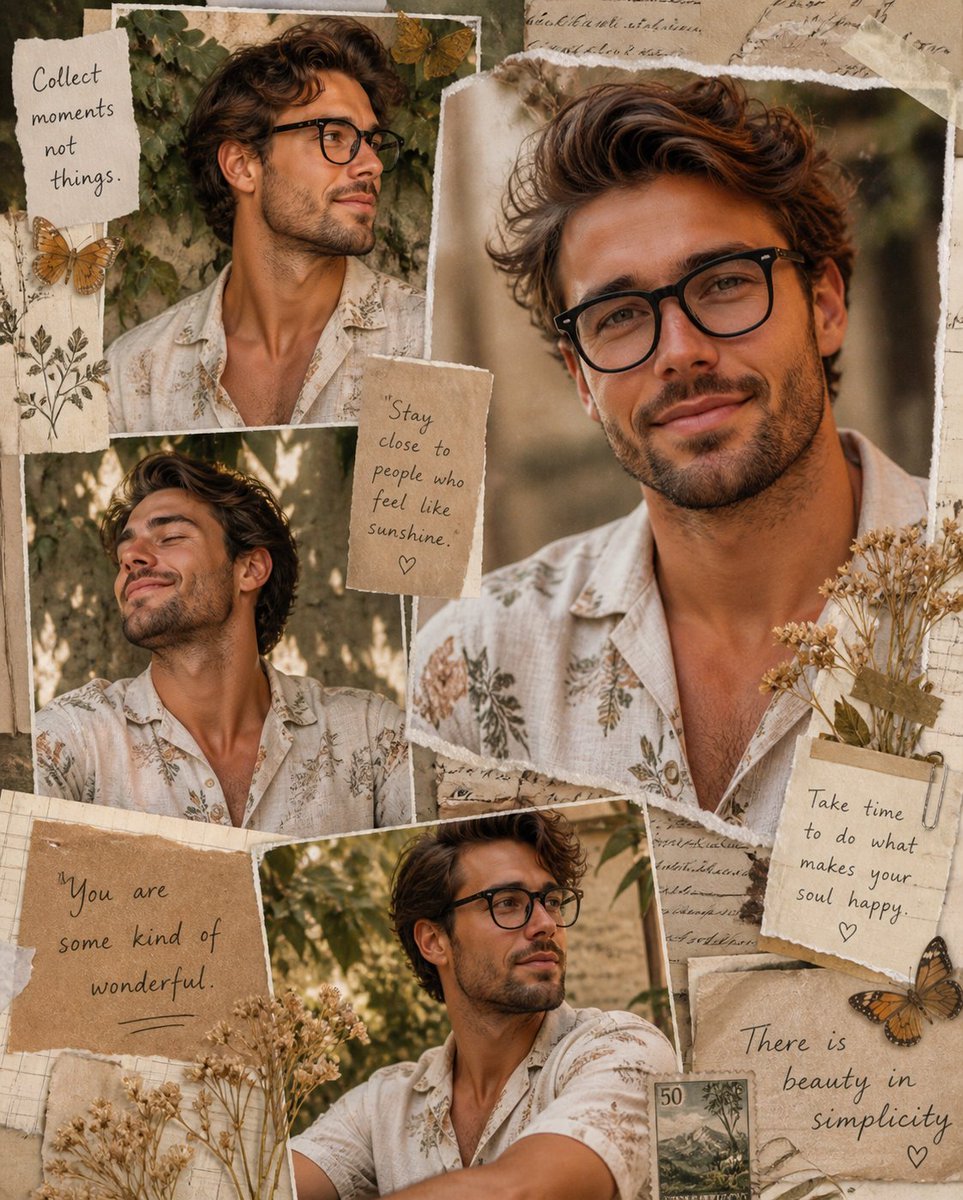
Vintage Scrapbook Aesthetic Collage
Browse template categories
Kobe Harbor Boar Battle Cartoon questions
How do I use the Kobe Harbor Boar Battle Cartoon template?
Add your photo if the template asks for one, edit the prompt if you like — the template's model and format are already selected — and press Generate. Your version opens in PicX Studio.
Can I customize the Kobe Harbor Boar Battle Cartoon template?
Yes. You can change the subject, setting, lighting, mood, format, and available model controls before creating your image.
Is the Kobe Harbor Boar Battle Cartoon template free?
Opening and editing this template is free. Generating uses credits, shown on the Generate button when you are signed in.
Which AI model should I use?
Start with GPT Image 2, which is the model associated with this template. You can compare another compatible model for a different finish.
Looking for something else? Browse all templates.

Your photo, any look
Thousands of ready templates for every top image and video model, from one credit balance.