
Japanese Office Outfit Magazine Spread
Generates a polished Japanese fashion-magazine collage from a reference outfit, ideal for showcasing commute styling and clothing details.
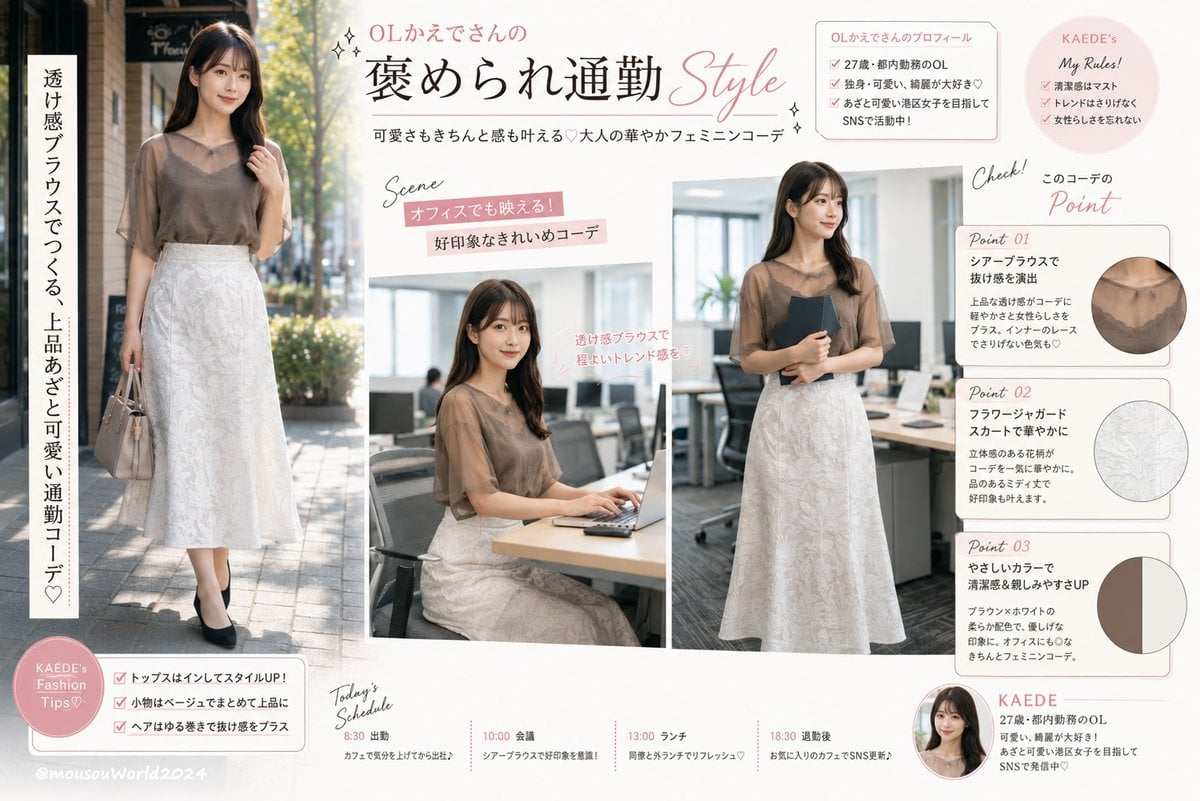
- Prompt included
- Model and format preset
- Free template
The prompt behind this image
Copy the exact prompt behind Japanese Office Outfit Magazine Spread, or open it in the studio and make it yours.
Using REFERENCE_0 as the outfit and model reference, transform it into a bright Japanese fashion-magazine outfit feature page for an office commute look. Keep the same sheer brown blouse and white floral jacquard skirt as the core styling, but rebuild the scene as a clean editorial collage on an off-white background with soft blush-pink accents, thin rounded boxes, handwritten-style English annotations, sparkles, and elegant Japanese typography. Create exactly 3 main photos of the same outfit: 1 full-body outdoor commuting shot on the left with a beige handbag and black pumps, 1 seated office-desk laptop scene in the center, and 1 standing office scene on the right holding a dark folder. Add the article title {argument name="headline text" default="OLかえでさんの 褒められ通勤 Style"}, the subtitle {argument name="subtitle text" default="可愛さもきちんと感も叶える♡大人の華やかフェミニンコーデ"}, and a vertical side catchphrase {argument name="vertical catchphrase" default="透け感ブラウスでつくる、上品あざと可愛い通勤コーデ♡"}. Include exactly 3 outfit detail cards on the right labeled Point 01, Point 02, and Point 03: Point 01 shows a circular close-up of the sheer blouse neckline, Point 02 shows a circular close-up of the white floral skirt texture, and Point 03 shows a circular two-color palette swatch for brown and off-white. Add exactly 2 small profile/rule sections near the top right: a profile box for {argument name="character name" default="KAede"} with {argument name="profile detail" default="27歳・都内勤務のOL"}, and a pink circular 'My Rules!' note. Add exactly 1 pink circular 'Fashion Tips' badge at bottom left with 3 checklist items, and exactly 1 'Today's Schedule' timeline along the bottom with 4 entries: 8:30 出勤, 10:00 会議, 13:00 ランチ, 18:30 退勤後. Make it look like a polished Japanese web article thumbnail or social-media magazine spread, preserving the reference outfit while changing the background, poses, and layout into an informational fashion guide.
Reference images included
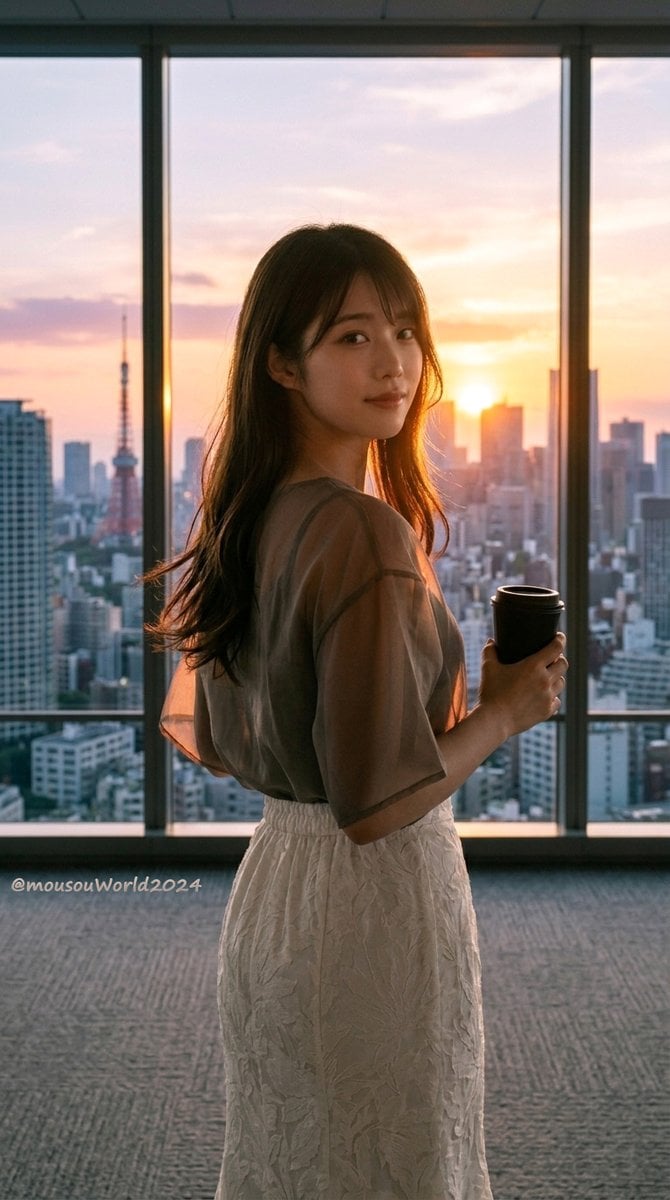
Japanese Office Outfit Magazine Spread needs input media to work. They load alongside the prompt when you open it in the studio.
How to use Japanese Office Outfit Magazine Spread in 3 steps
- 1Upload ImagePNG, JPG or paste
Add your photo
Upload the photo the template builds on. The prompt, model and format are already set.
- 2…a portrait of your subject in softgolden-hour light, 85mm…
Personalize
Edit the subject and creative details for your destination.
- 3Generate
Generate
Press Generate — your image is created in PicX Studio, so you can compare it with the original and refine one variable at a time.
More like this
Templates with the same subject, style or setup. Open one to see its prompt.
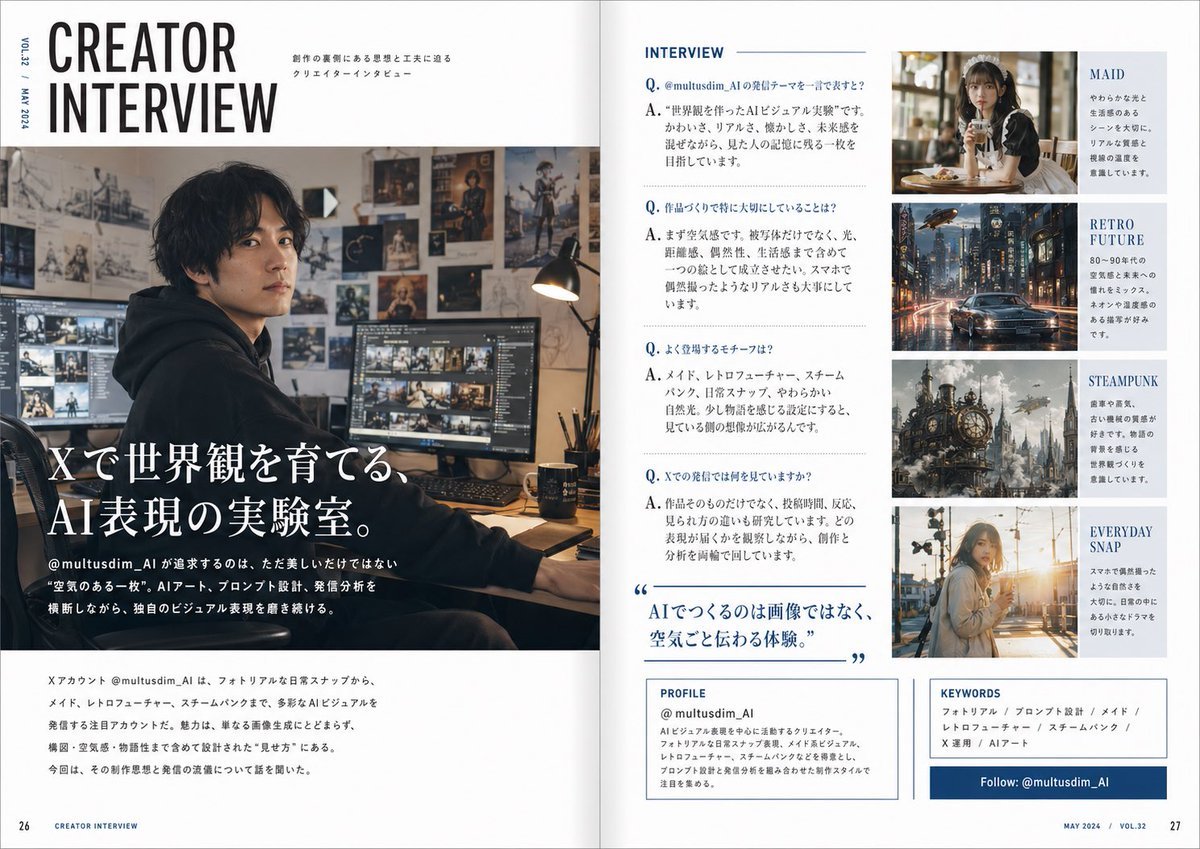
Japanese Creator Interview Magazine Spread
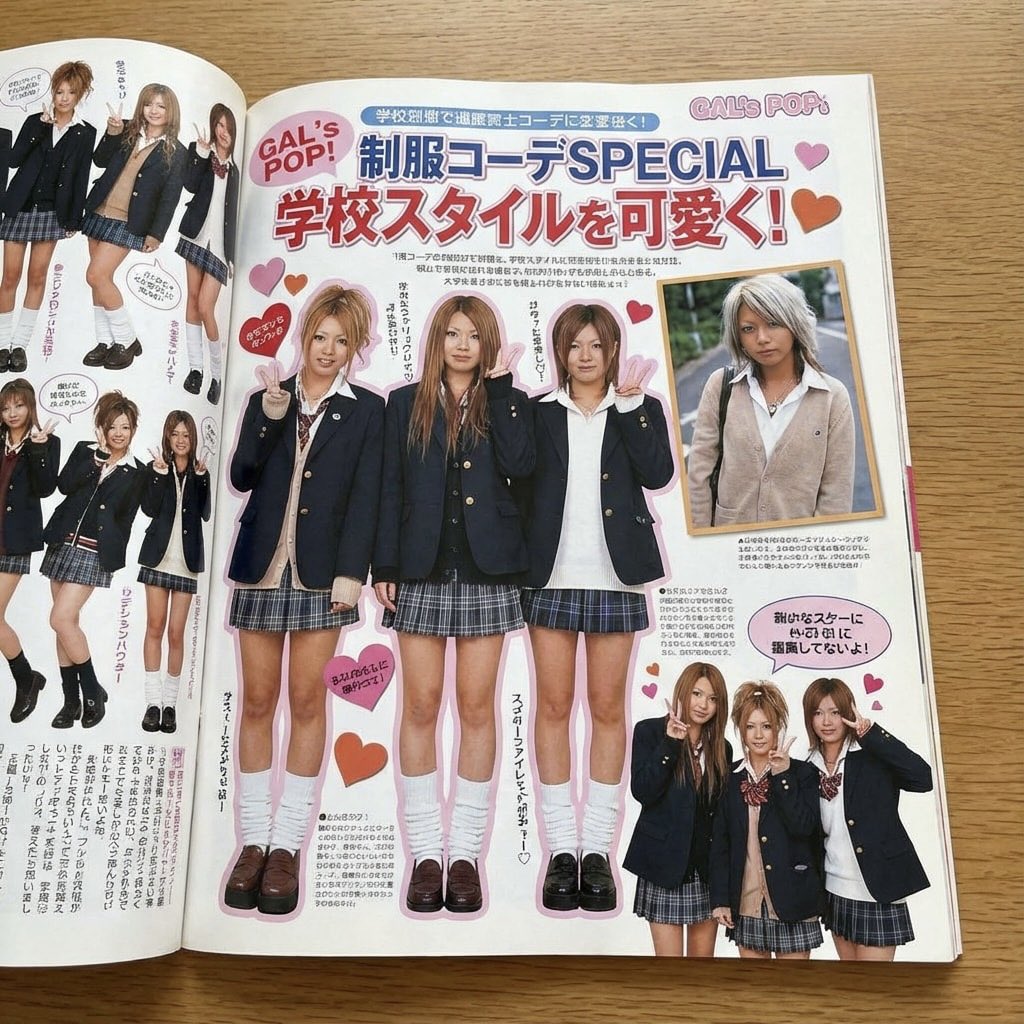
Japanese gyaru magazine spread on school uniforms

Minecraft Japanese Research Lab Exploration

Japanese Tatami Lifestyle Magazine Cover
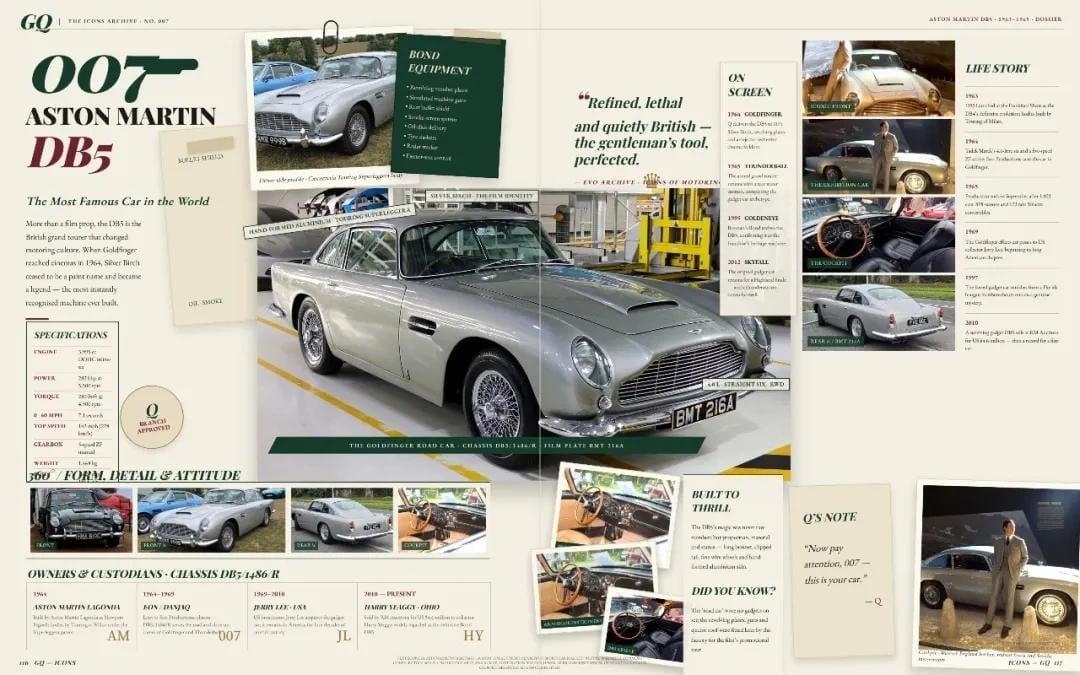
Vintage Aston Martin DB5 Magazine Spread

Japanese Architectural Concrete Studio Fashion Campaign

Japanese Minimalist Concrete Studio Fashion Editorial

Open Magazine Luxury Fashion Editorial Layout

Monochrome Halftone Editorial Fashion Poster

Korean Model Floating Magazine Pages Campaign

Blue Backdrop Luxury Fashion Portrait Campaign

Blue Hour Editorial Fashion Portrait
Make it yours
Japanese Office Outfit Magazine Spread works as-is. These are the safest ways to change it without losing the look.
Change one field
Copy a single group, rewrite it, and generate again so you can see what that field is doing.
Keep the frame, change the subject
Hold the composition and light of Japanese Office Outfit Magazine Spread, then swap wardrobe, props or the person for a new take.
| If the result… | Why | Fix |
|---|---|---|
| The result drifts from the preview | Too many fields changed at once. | Reuse Japanese Office Outfit Magazine Spread as-is first, then change one group — subject, light, or setting. |
| The model over-stylizes the scene | The prose prompt leaves finish and camera underspecified. | Add one camera or lighting sentence and stay on GPT Image 2. |
More GPT Image 2 templates
Other prompts made for GPT Image 2.

Six VTuber Japanese Logo Sheet

Realistic Portrait of Woman and Deer

The Vista Modular Condo Poster

AI Model Routing Comparison Infographic

2.5D Anime Art Board

Isometric Productivity Desk Scene

New York Double Exposure Poster

Four-Panel AI Landscape Comparison

NESCAFÉ Coffee Map Poster

Brutalist Cogito Chinese Typography Poster
More image prompts
Fresh picks from across the catalog.
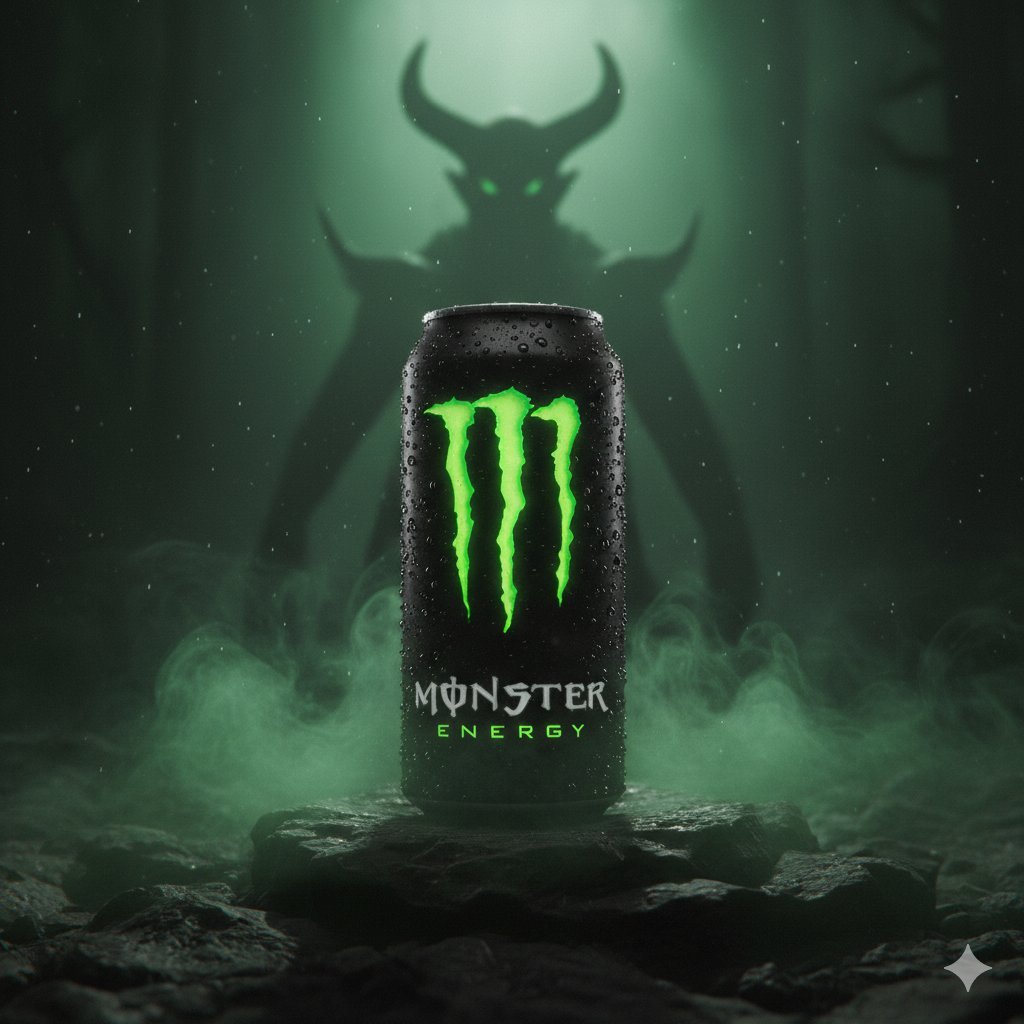
Dark Fantasy Product Shot of Monster Energy Drink
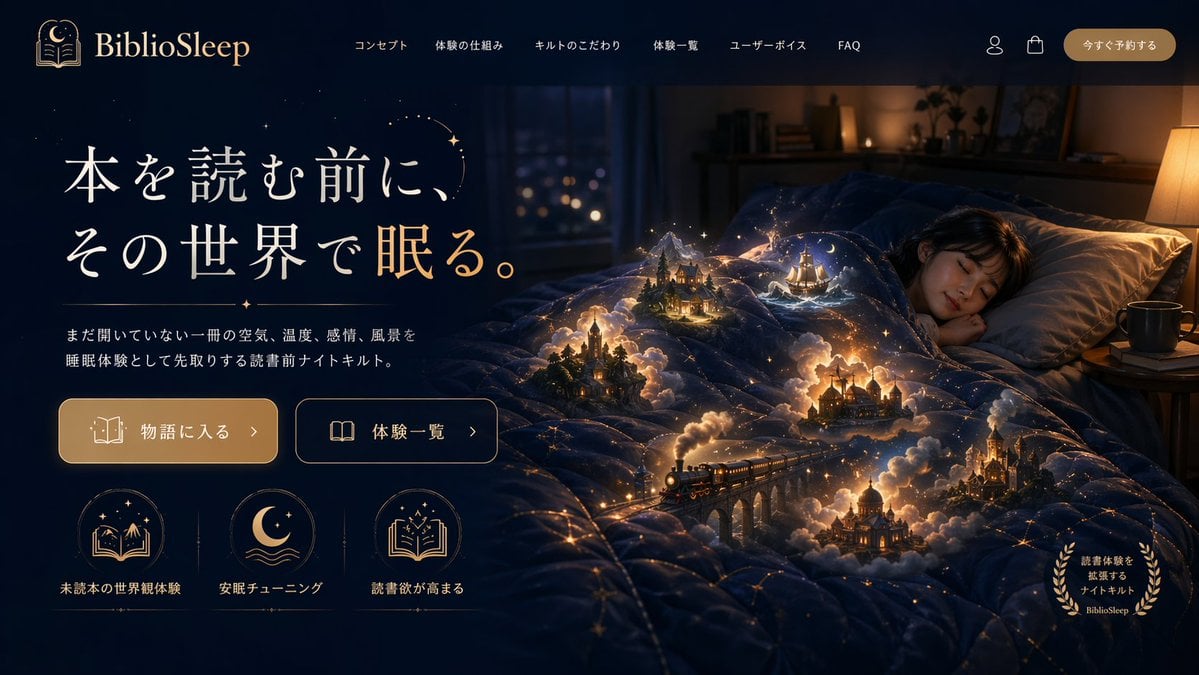
Magical Sleep Website Mockup
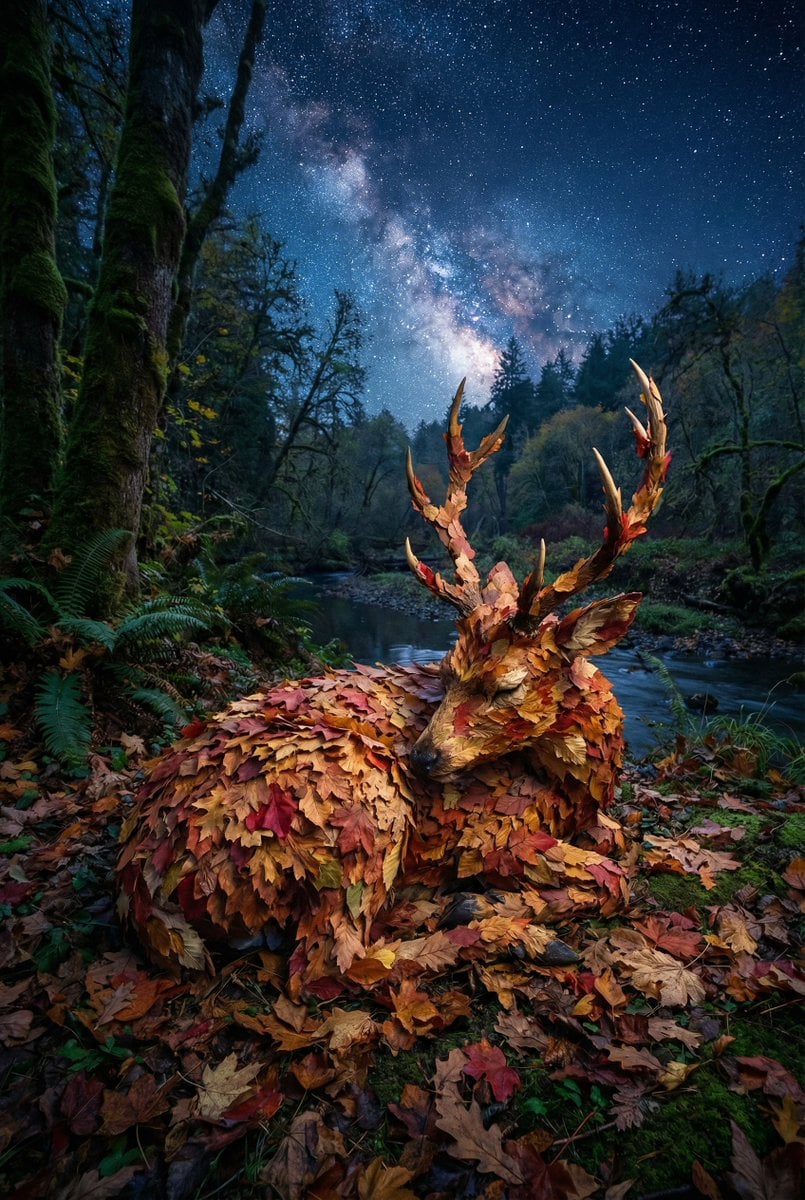
Surreal Deer Made of Autumn Leaves
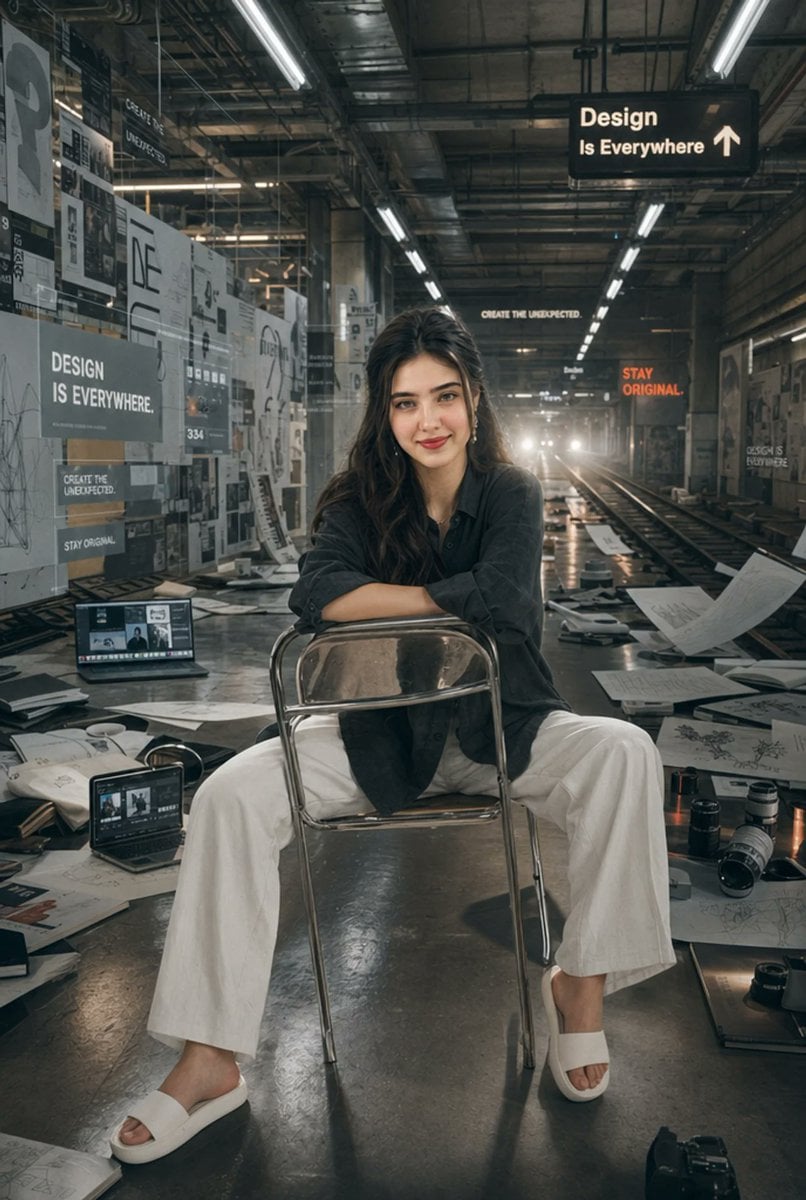
Subway Design Studio Portrait

50 artifacts from different eras and cultures
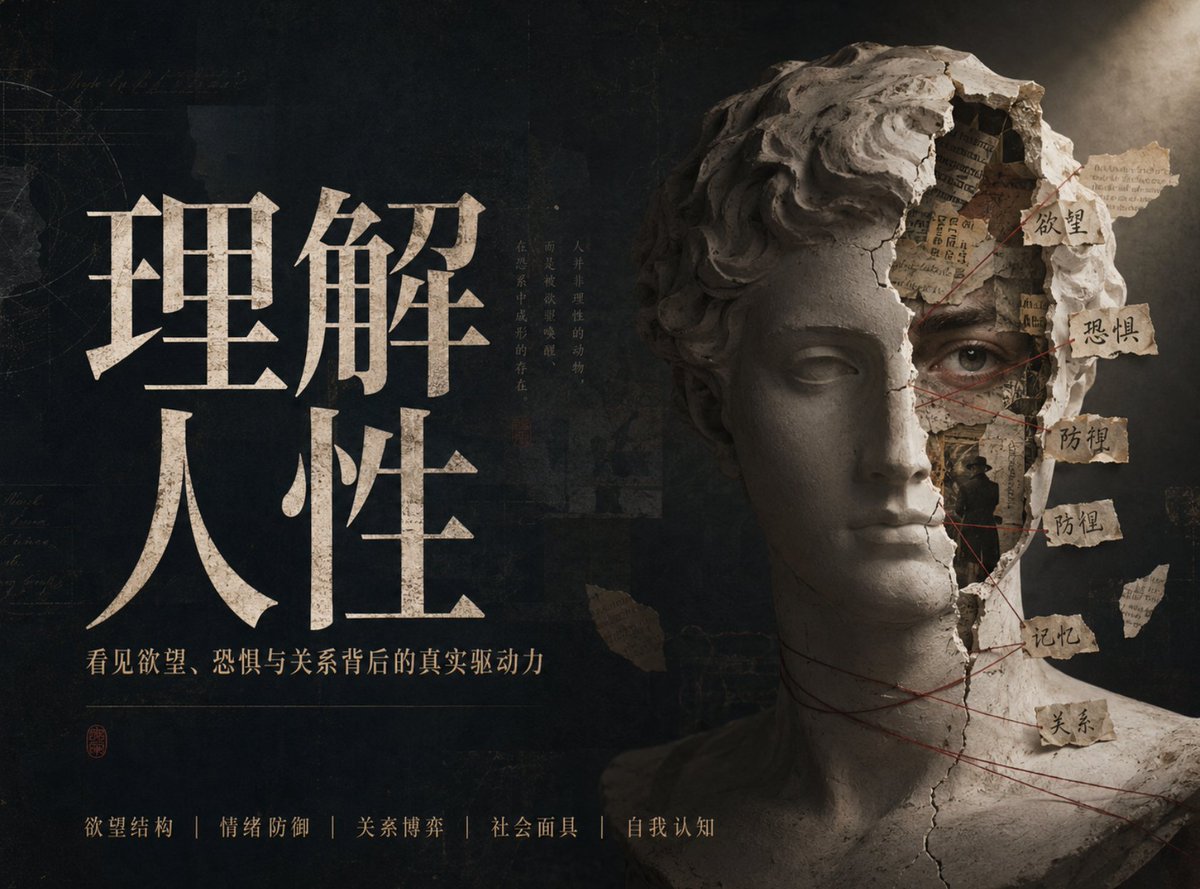
Chinese Conceptual Poster Generator
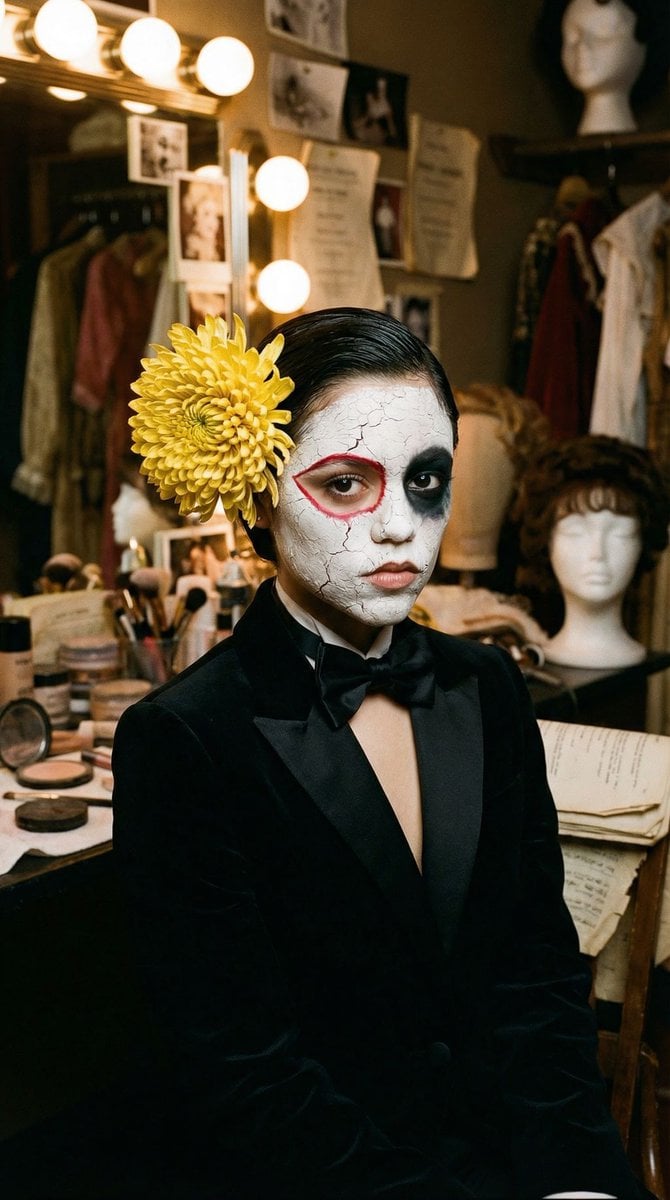
Surrealist Backstage Chaos: Jenna Ortega Editorial Portrait
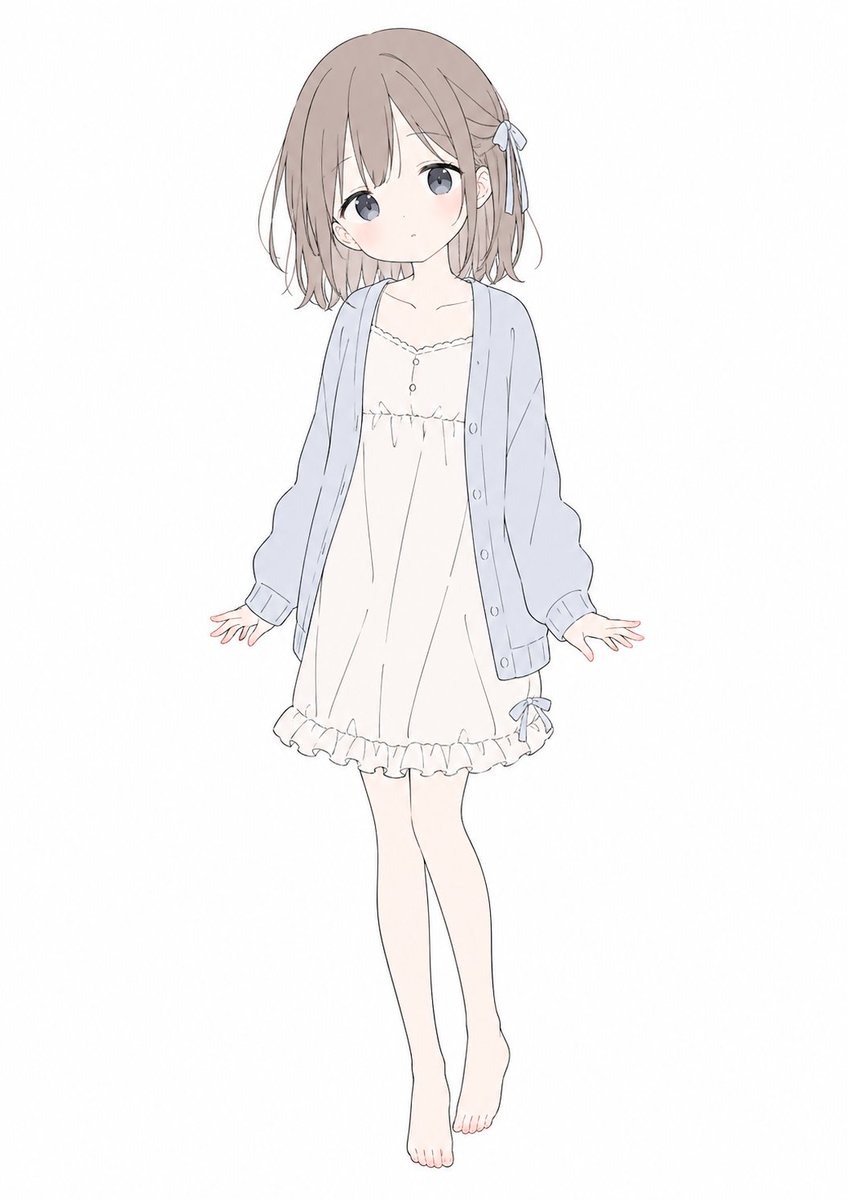
Soft Pastel Anime Girl Full Body
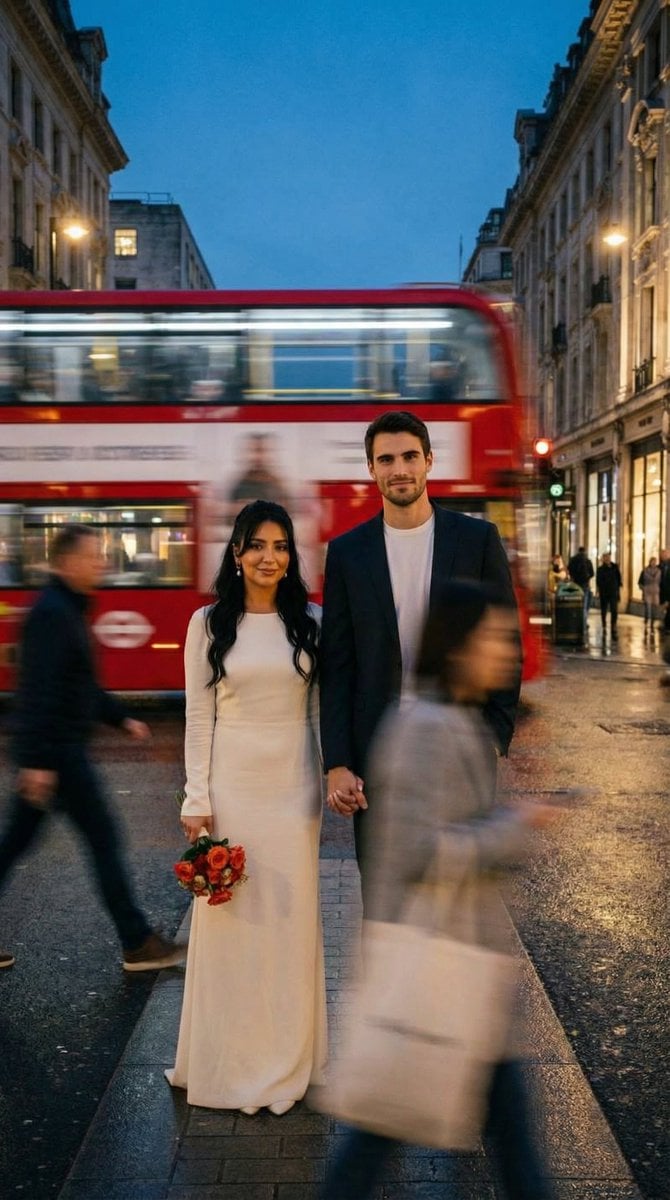
Cinematic Street Romance with Slow Shutter Effect
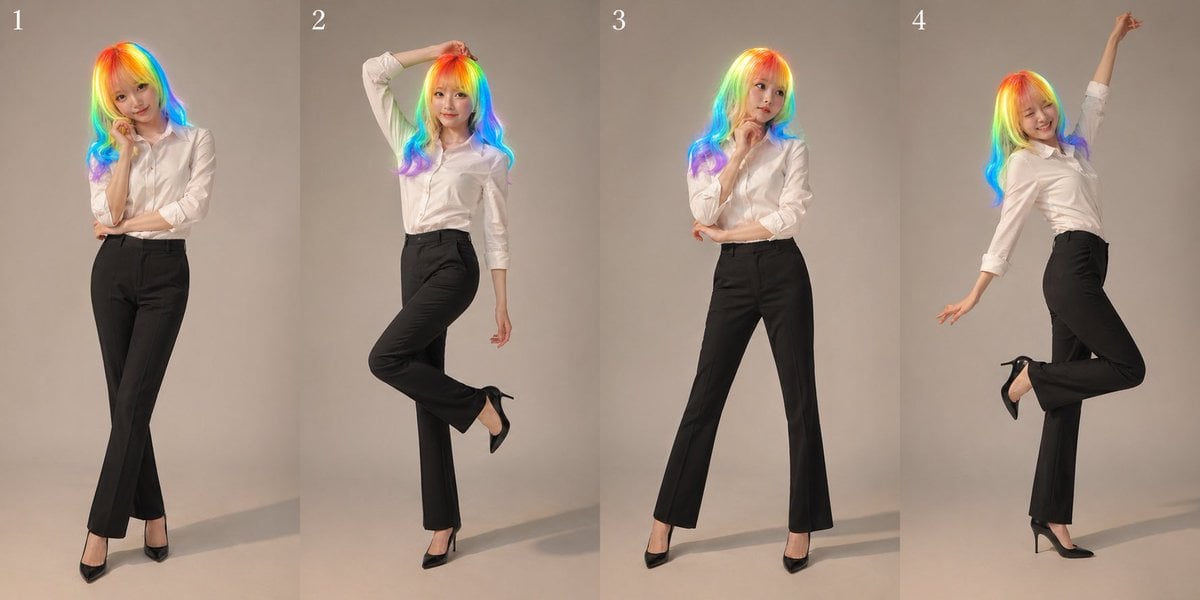
Studio Promo Portrait Panel Sheet
Browse template categories
Japanese Office Outfit Magazine Spread questions
How do I use the Japanese Office Outfit Magazine Spread template?
Add your photo if the template asks for one, edit the prompt if you like — the template's model and format are already selected — and press Generate. Your version opens in PicX Studio.
Can I customize the Japanese Office Outfit Magazine Spread template?
Yes. You can change the subject, setting, lighting, mood, format, and available model controls before creating your image.
Is the Japanese Office Outfit Magazine Spread template free?
Opening and editing this template is free. Generating uses credits, shown on the Generate button when you are signed in.
Which AI model should I use?
Start with GPT Image 2, which is the model associated with this template. You can compare another compatible model for a different finish.
Looking for something else? Browse all templates.

Your photo, any look
Thousands of ready templates for every top image and video model, from one credit balance.