
Cinematic Street Romance with Slow Shutter Effect
A structured prompt for generating a photorealistic cinematic street photograph featuring a couple in sharp focus while the background moves around them, simulating a slow shutter speed effect.
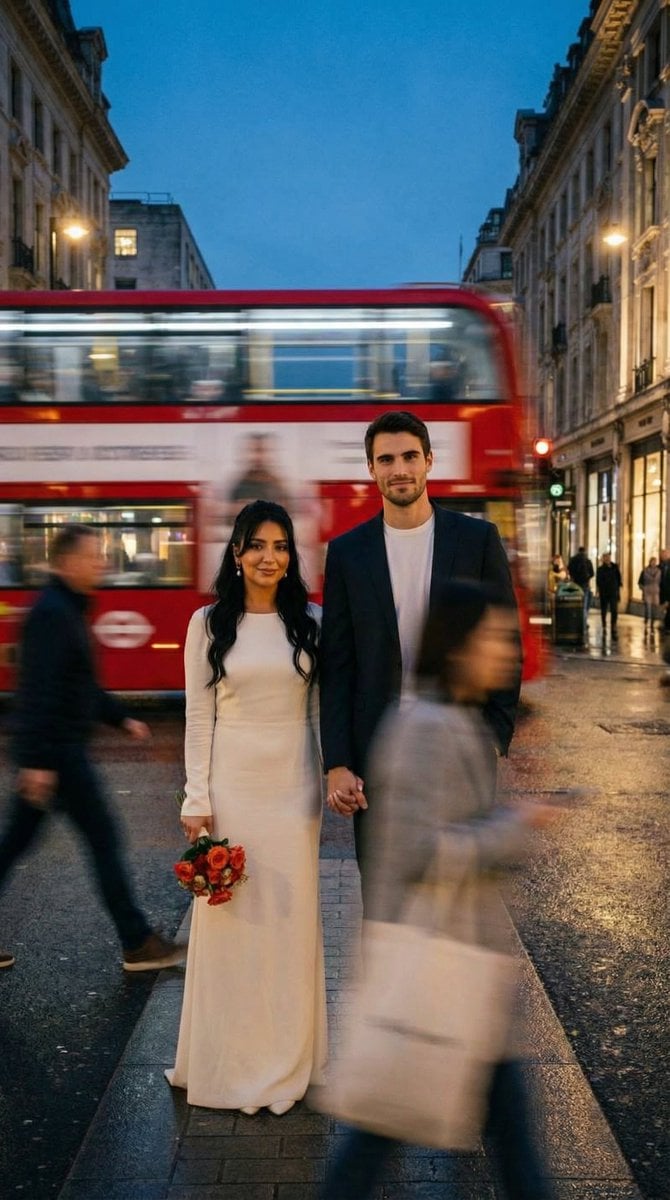
- Prompt included
- Model and format preset
- Premium template
The prompt behind this image
Copy the exact prompt behind Cinematic Street Romance with Slow Shutter Effect, or open it in the studio and make it yours.
- Generation Request › Meta Data › Task Type
- photoreal_cinematic_street_romance_slow_shutter
- Generation Request › Meta Data › Language
- en
- Generation Request › Meta Data › Priority
- highest
- Generation Request › Meta Data › Version
- v1.0_RED_BUS_MOTION_BLUR_STILL_COUPLE
- Generation Request › Output › Aspect Ratio
- 1:1
- Generation Request › Output › Resolution
- high
- Generation Request › Output › Num Images
- 4
- Generation Request › Scene › Concept
- a still couple sharply in focus while the city moves around them, captured with a slow shutter cinematic street-photography look
- Generation Request › Scene › Environment
- urban street at dusk with warm tungsten lights, curbside perspective, wet asphalt with subtle reflections
- Generation Request › Scene › Key Action
- a red double-decker bus passes behind the couple creating strong horizontal motion blur; pedestrians move in foreground as soft streaks
- Generation Request › Scene › Composition
- couple centered and crisp, motion blur framing them, negative space balanced, street lines visible
- Generation Request › Subject › Couple
- adult woman and adult man
- Generation Request › Subject › Wardrobe › Woman
- simple ivory bridal dress with long sleeves, minimal jewelry, natural makeup, holding a small bouquet with orange-red flowers and greenery
- Generation Request › Subject › Wardrobe › Man
- dark suit jacket and trousers, white crew-neck or white shirt, clean modern styling
- Generation Request › Subject › Pose
- standing still, holding hands, calm expressions, looking toward camera
- Generation Request › Subject › Motion Rule
- faces and hands must be tack sharp; only bus and passersby show motion blur
- Generation Request › Camera › Shot
- street photo, mid-to-full body
- Generation Request › Camera › Lens Mm
- 35
- Generation Request › Camera › Aperture
- 2.8
- Generation Request › Camera › Shutter Look
- slow shutter effect: couple sharp, background motion blurred
- Generation Request › Camera › Focus
- lock focus on couple faces and hands
- Generation Request › Camera › Quality Tags
- ultra-photoreal, clean edges on subjects, realistic skin texture, subtle film grain
- Generation Request › Lighting › Style
- cinematic dusk street lighting
- Generation Request › Lighting › Sources
- warm streetlights + ambient city glow
Raw JSON
{
 "generation_request": {
 "meta_data": {
 "task_type": "photoreal_cinematic_street_romance_slow_shutter",
 "language": "en",
 "priority": "highest",
 "version": "v1.0_RED_BUS_MOTION_BLUR_STILL_COUPLE"
 },
 "output": {
 "aspect_ratio": "1:1",
 "resolution": "high",
 "num_images": 4
 },
 "scene": {
 "concept": "a still couple sharply in focus while the city moves around them, captured with a slow shutter cinematic street-photography look",
 "environment": "urban street at dusk with warm tungsten lights, curbside perspective, wet asphalt with subtle reflections",
 "key_action": "a red double-decker bus passes behind the couple creating strong horizontal motion blur; pedestrians move in foreground as soft streaks",
 "composition": "couple centered and crisp, motion blur framing them, negative space balanced, street lines visible"
 },
 "subject": {
 "couple": "adult woman and adult man",
 "wardrobe": {
 "woman": "simple ivory bridal dress with long sleeves, minimal jewelry, natural makeup, holding a small bouquet with orange-red flowers and greenery",
 "man": "dark suit jacket and trousers, white crew-neck or white shirt, clean modern styling"
 },
 "pose": "standing still, holding hands, calm expressions, looking toward camera",
 "motion_rule": "faces and hands must be tack sharp; only bus and passersby show motion blur"
 },
 "camera": {
 "shot": "street photo, mid-to-full body",
 "lens_mm": 35,
 "aperture": 2.8,
 "shutter_look": "slow shutter effect: couple sharp, background motion blurred",
 "focus": "lock focus on couple faces and hands",
 "quality_tags": "ultra-photoreal, clean edges on subjects, realistic skin texture, subtle film grain"
 },
 "lighting": {
 "style": "cinematic dusk street lighting",
 "sources": "warm streetlights + ambient city glow",
 "notes": "preserve warm highlights and deep shadows, avoid overexposure on white dress"
 },
 "color_grade": {
 "palette": "rich red bus, warm amber lights, cool shadows, natural skin tones",
 "contrast": "filmic, slightly soft highlights, no crushed blacks"
 },
 "negative_prompt": "text, logo, watermark, blurry faces, double face, deformed hands, extra fingers, messy bouquet, warped bus, unreadable signs, oversharp halos, CGI, cartoon, lowres, noise artifacts"
 }
}How to use Cinematic Street Romance with Slow Shutter Effect in 3 steps
- 1
Open
The prompt is already in the box next to the preview, with the template's model and format selected.
- 2…a portrait of your subject in softgolden-hour light, 85mm…
Personalize
Edit the subject and creative details for your destination.
- 3Generate
Generate
Press Generate — your image is created in PicX Studio, so you can compare it with the original and refine one variable at a time.
More like this
Templates with the same subject, style or setup. Open one to see its prompt.





Make it yours
Cinematic Street Romance with Slow Shutter Effect works as-is. These are the safest ways to change it without losing the look.
Swap the setting
Keep the rest of the prompt and replace the location block. The current setting is “urban street at dusk with warm tungsten lights, curbside perspective, wet asphal”.
Swap the light
One lighting change is enough to compare takes. Current light: “cinematic dusk street lighting”.
Change one field
Copy a single group, rewrite it, and generate again so you can see what that field is doing.
| If the result… | Why | Fix |
|---|---|---|
| The result drifts from the preview | Too many fields changed at once. | Reuse Cinematic Street Romance with Slow Shutter Effect as-is first, then change one group — subject, light, or setting. |
| Nano Banana 2 ignores part of the JSON | Some models flatten or skip nested keys. | Keep the same values and paste them as a short paragraph instead. |
More Nano Banana 2 templates
Other prompts made for Nano Banana 2.

Photorealistic Leaf Shaped Like a Dragon

K-Pop Idol Portrait Grid for Rapid Selection

Poetic Rain Forest Portrait During Golden Hour

Urban Street Portrait with Cartoon Inner Self Duo

Candid Nighttime Photo with Cat Prompt

High-Concept 3D Diorama Generation Prompt

Cinematic Futuristic Studio Portrait Template

Skincare Editorial Photography Collage Prompt

Hyper-Realistic Commercial Product Photography (Splash Effect)

Hyper-Realistic Nightclub Portrait Prompt
More image prompts
Fresh picks from across the catalog.
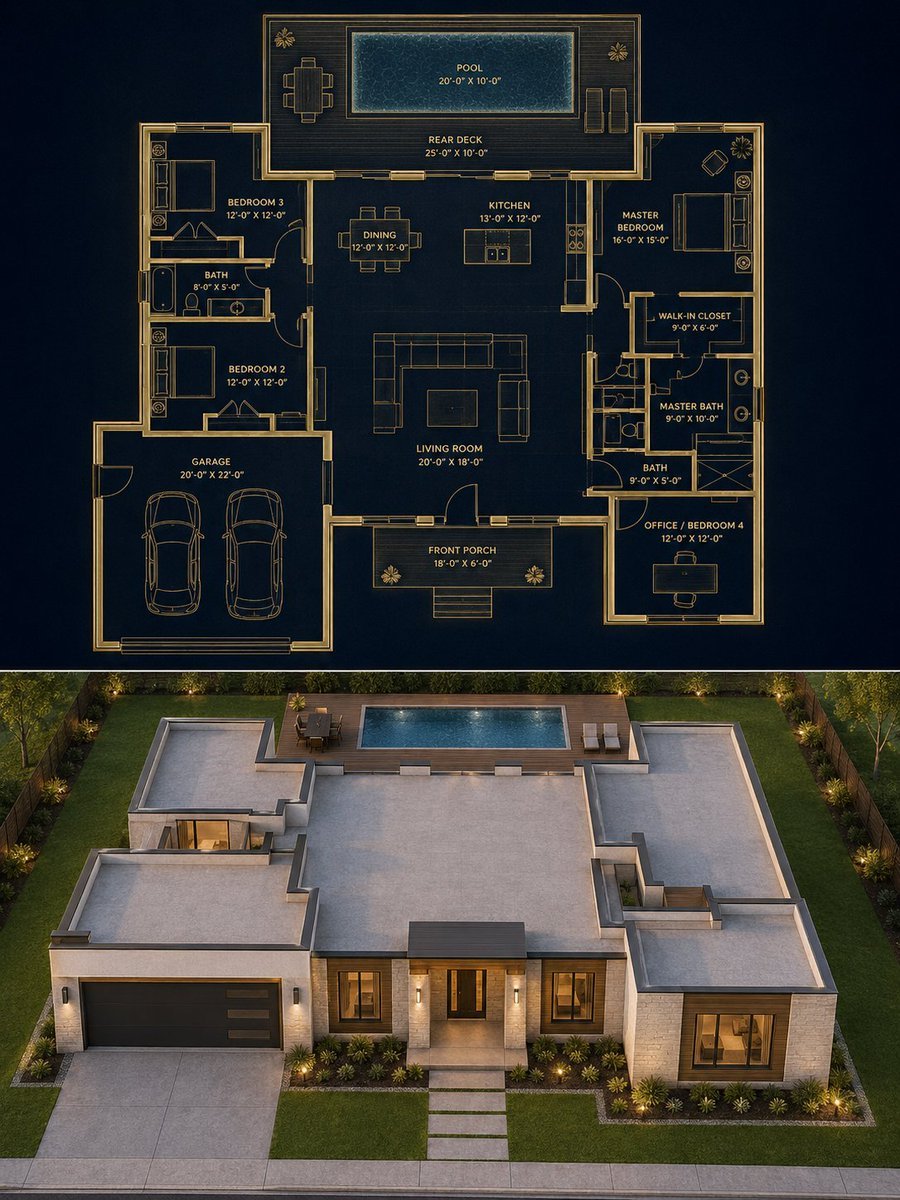
Split Blueprint and Modern House Render
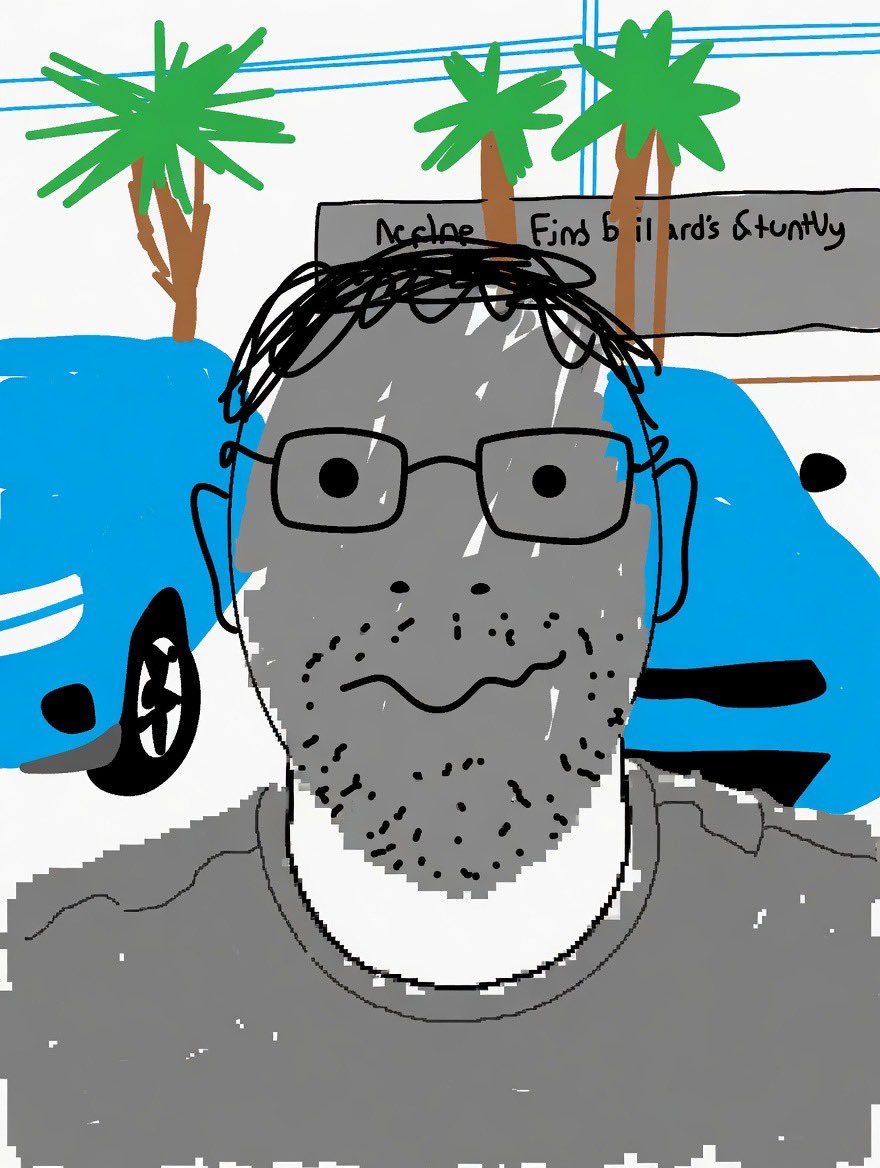
Clumsy MS Paint Style Redraw
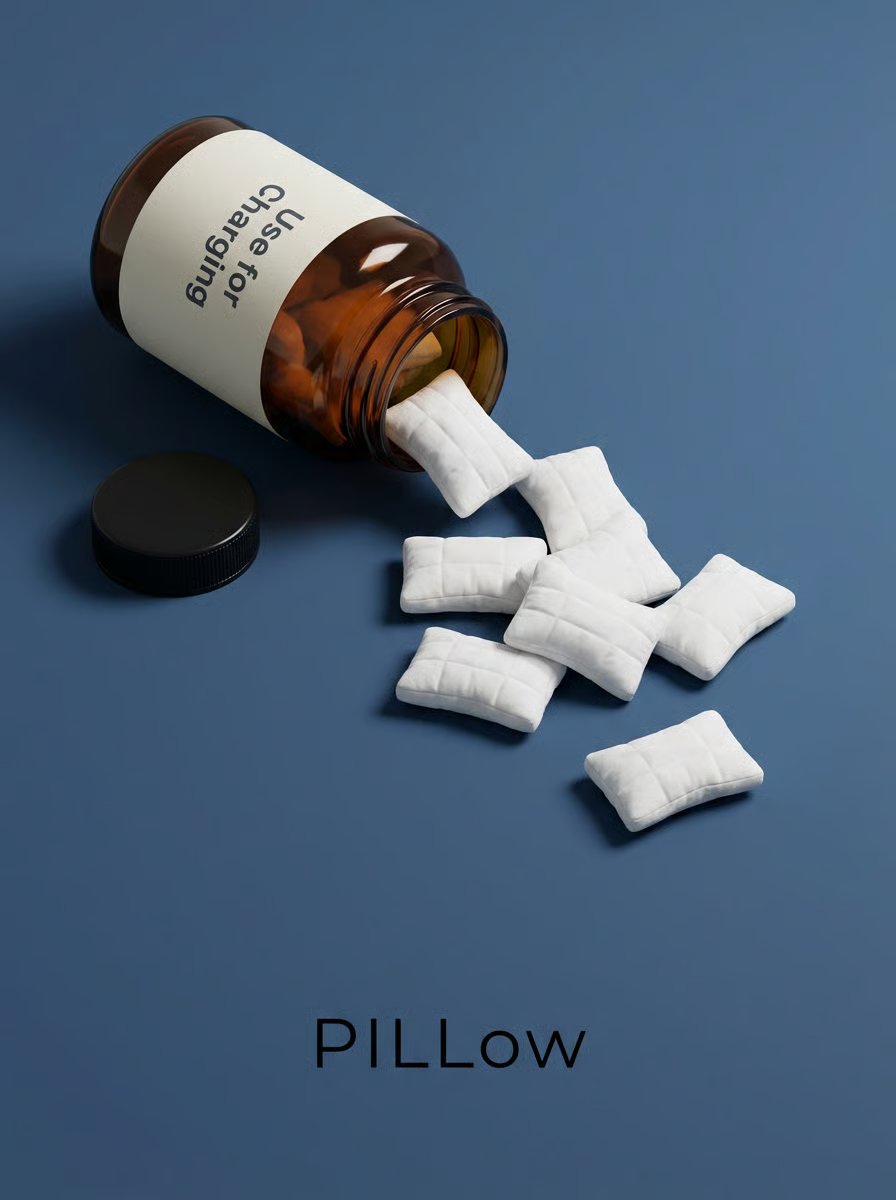
Minimalist Surreal Product Advertisement Still Life Prompt
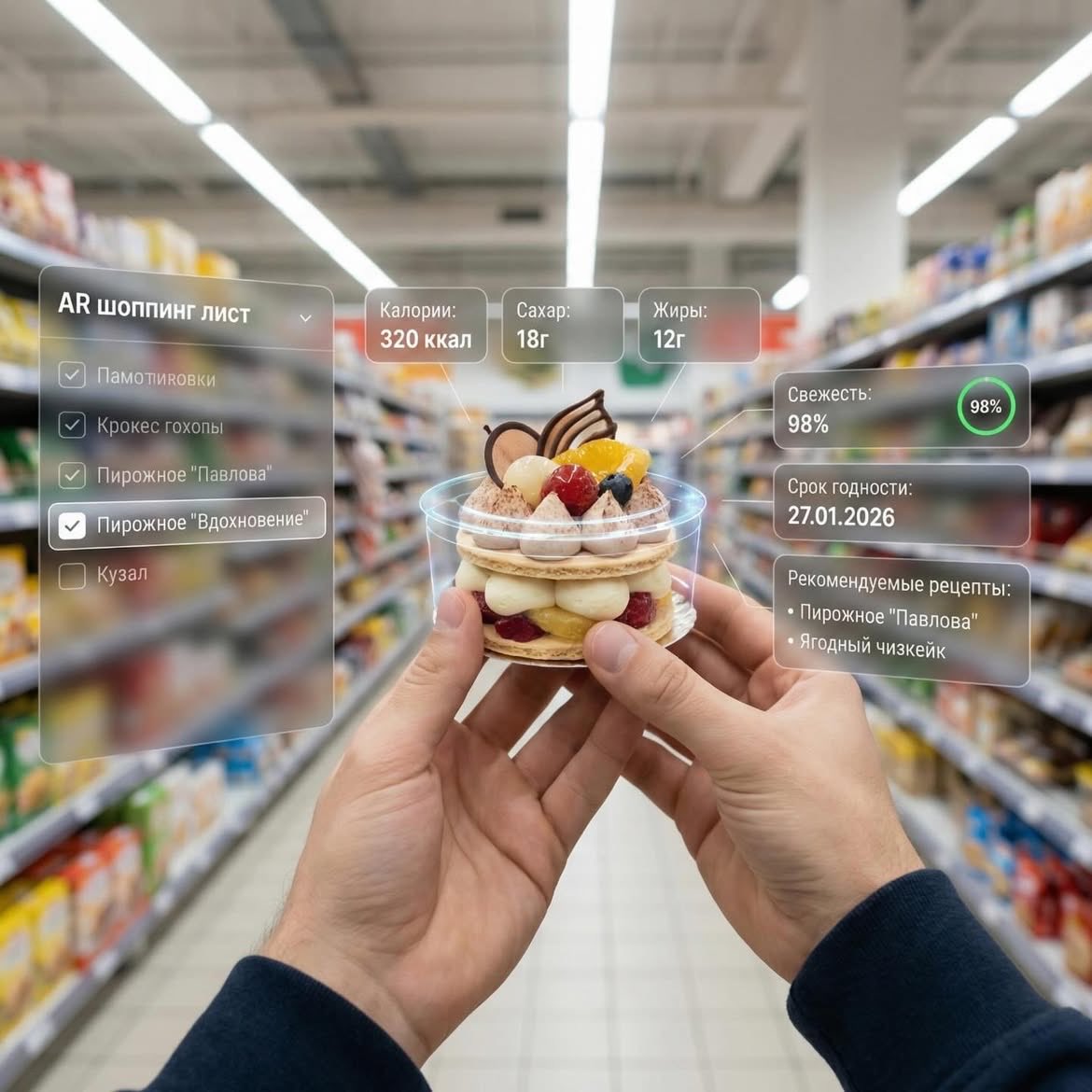
Augmented Reality UI Overlays on Food Items
Cinematic neon cafe night
3D Miniature New York City Diorama
Gpt2 E Commerce Main Image Luxury Amber Perfume Ad
Pixar Style Character Storyboard
Surreal Einstein Paper Sculpture Photography Prompt
Hokkaido Hidden Duck Travel Puzzle
Browse template categories
Cinematic Street Romance with Slow Shutter Effect questions
How do I use the Cinematic Street Romance with Slow Shutter Effect template?
Add your photo if the template asks for one, edit the prompt if you like — the template's model and format are already selected — and press Generate. Your version opens in PicX Studio.
Can I customize the Cinematic Street Romance with Slow Shutter Effect template?
Yes. You can change the subject, setting, lighting, mood, format, and available model controls before creating your image.
Is the Cinematic Street Romance with Slow Shutter Effect template free?
Opening and editing this template is free. Generating uses credits, shown on the Generate button when you are signed in.
Which AI model should I use?
Start with Nano Banana 2, which is the model associated with this template. You can compare another compatible model for a different finish.
Looking for something else? Browse all templates.

Your photo, any look
Thousands of ready templates for every top image and video model, from one credit balance.