
Magical Sleep Website Mockup
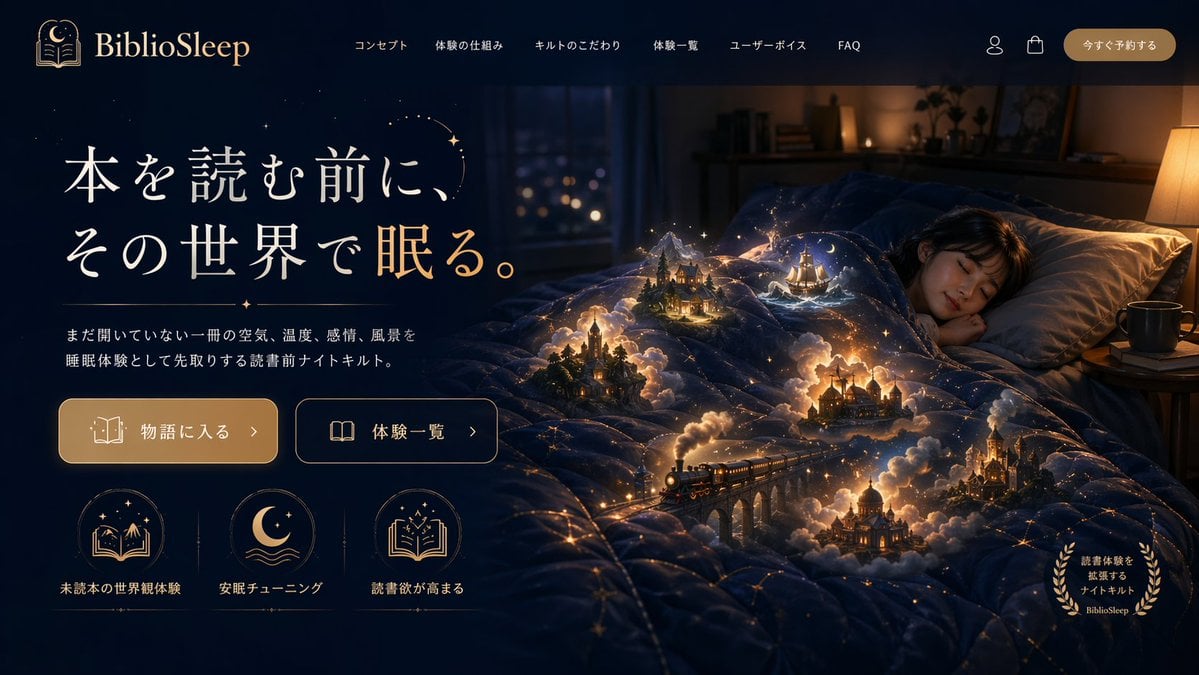
Generates a highly detailed website landing page mockup featuring a surreal hero image and structured UI elements.
- Prompt included
- Model and format preset
- Free template
The prompt behind this image
Copy the exact prompt behind Magical Sleep Website Mockup, or open it in the studio and make it yours.
- Type
- website landing page mockup
- Theme
- magical realism, cozy night, fantasy
- Color Palette
- deep navy blue, warm gold, glowing amber
- Header › Logo
- {argument name="brand name" default="BiblioSleep"} with crescent moon and open book icon
- Header › Navigation Links › Count
- 6
- Header › Navigation Links › Labels
- コンセプト, 体験の仕組み, キルトのこだわり, 体験一覧, ユーザーボイス, FAQ
- Header › Utilities › Count
- 2
- Header › Utilities › Icons
- user profile, shopping bag
- Header › Cta Button
- 今すぐ予約する
- Hero Section › Left Panel › Headline
- {argument name="main headline" default="本を読む前に、その世界で眠る。"}
- Hero Section › Left Panel › Subheadline
- {argument name="subheadline" default="まだ開いていない一冊の空気、温度、感情、風景を睡眠体験として先取りする読書前ナイトキルト。"}
- Hero Section › Left Panel › Buttons › Count
- 2
- Hero Section › Left Panel › Buttons › Styles
- solid gold with book icon, outlined with open book icon
- Hero Section › Left Panel › Buttons › Labels
- 物語に入る >, 体験一覧 >
- Hero Section › Left Panel › Feature Icons › Count
- 3
- Hero Section › Left Panel › Feature Icons › Layout
- horizontal row at the bottom left
- Hero Section › Left Panel › Feature Icons › Items › 0 › Icon
- book with mountains and stars
- Hero Section › Left Panel › Feature Icons › Items › 0 › Label
- 未読本の世界観体験
- Hero Section › Left Panel › Feature Icons › Items › 1 › Icon
- crescent moon over waves
- Hero Section › Left Panel › Feature Icons › Items › 1 › Label
- 安眠チューニング
- Hero Section › Left Panel › Feature Icons › Items › 2 › Icon
- open book with sparkles
- Hero Section › Left Panel › Feature Icons › Items › 2 › Label
- 読書欲が高まる
- Hero Section › Right Panel And Background › Subject
- young woman sleeping peacefully in a bed
- Hero Section › Right Panel And Background › Environment
- dimly lit cozy bedroom with a window showing distant city lights and a warm bedside lamp
Raw JSON
{
  "type": "website landing page mockup",
  "theme": "magical realism, cozy night, fantasy",
  "color_palette": ["deep navy blue", "warm gold", "glowing amber"],
  "header": {
    "logo": "{argument name=\"brand name\" default=\"BiblioSleep\"} with crescent moon and open book icon",
    "navigation_links": {
      "count": 6,
      "labels": ["コンセプト", "体験の仕組み", "キルトのこだわり", "体験一覧", "ユーザーボイス", "FAQ"]
    },
    "utilities": {
      "count": 2,
      "icons": ["user profile", "shopping bag"]
    },
    "cta_button": "今すぐ予約する"
  },
  "hero_section": {
    "left_panel": {
      "headline": "{argument name=\"main headline\" default=\"本を読む前に、その世界で眠る。\"}",
      "subheadline": "{argument name=\"subheadline\" default=\"まだ開いていない一冊の空気、温度、感情、風景を睡眠体験として先取りする読書前ナイトキルト。\"}",
      "buttons": {
        "count": 2,
        "styles": ["solid gold with book icon", "outlined with open book icon"],
        "labels": ["物語に入る >", "体験一覧 >"]
      },
      "feature_icons": {
        "count": 3,
        "layout": "horizontal row at the bottom left",
        "items": [
          {"icon": "book with mountains and stars", "label": "未読本の世界観体験"},
          {"icon": "crescent moon over waves", "label": "安眠チューニング"},
          {"icon": "open book with sparkles", "label": "読書欲が高まる"}
        ]
      }
    },
    "right_panel_and_background": {
      "subject": "young woman sleeping peacefully in a bed",
      "environment": "dimly lit cozy bedroom with a window showing distant city lights and a warm bedside lamp",
      "focal_point": "a dark blue quilt covered in glowing golden constellation lines",
      "magical_elements": {
        "description": "{argument name=\"magical element\" default=\"miniature glowing fantasy scenes emerging from the folds of the quilt\"}",
        "scene_count": 5,
        "scene_details": ["steam train crossing a stone viaduct", "gothic castle", "sailing ship on stylized waves", "cozy cabin in a pine forest", "domed palace"],
        "effects": "surrounded by volumetric glowing clouds, warm miniature lights, and floating sparkles"
      },
      "corner_badge": {
        "position": "bottom right",
        "style": "golden laurel wreath",
        "text": "読書体験を拡張するナイトキルト BiblioSleep"
      }
    }
  }
}How to use Magical Sleep Website Mockup in 3 steps
- 1Upload ImagePNG, JPG or paste
Add your photo
Upload the photo the template builds on. The prompt, model and format are already set.
- 2…a portrait of your subject in softgolden-hour light, 85mm…
Personalize
Edit the subject and creative details for your destination.
- 3Generate
Generate
Press Generate — your image is created in PicX Studio, so you can compare it with the original and refine one variable at a time.
More like this
Templates with the same subject, style or setup. Open one to see its prompt.
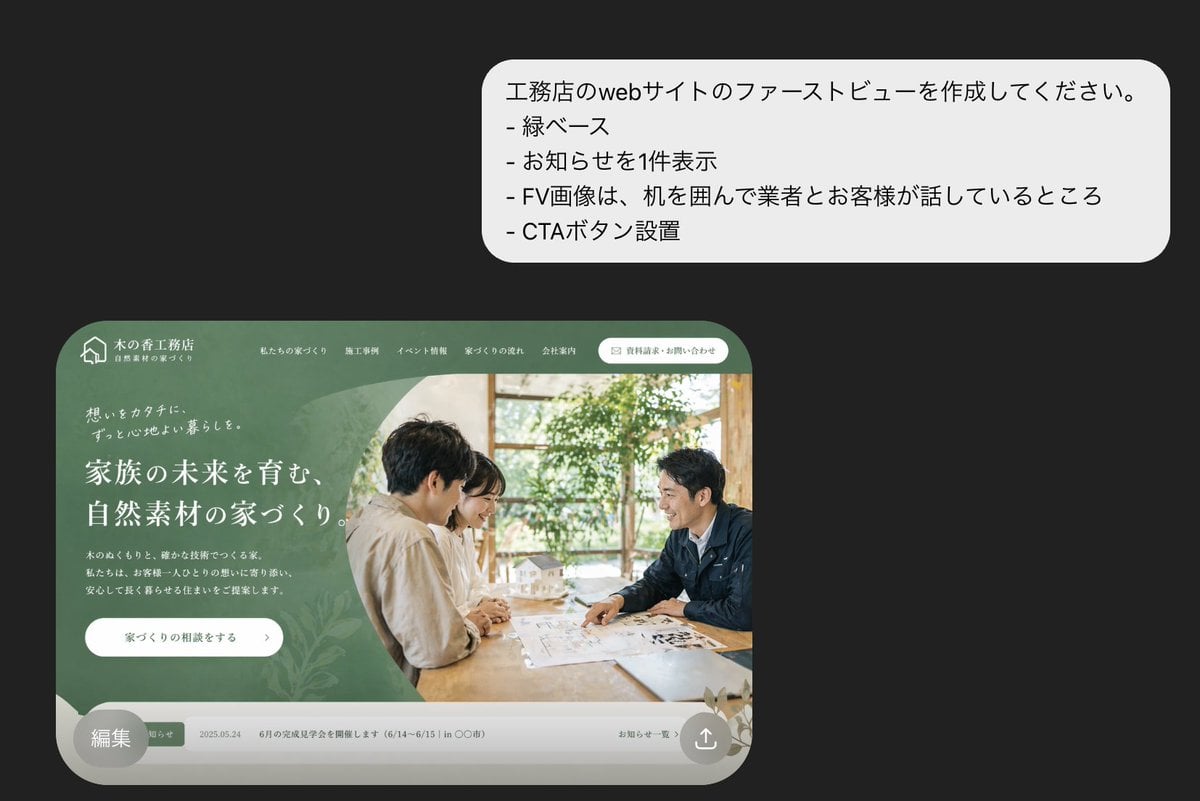
Japanese Builder Website Hero Mockup

Japanese Mystery Website Mockup

Pixar-Style Chibi Café Morning Scene

Pastel Fantasy Pagoda Mountain Landscape
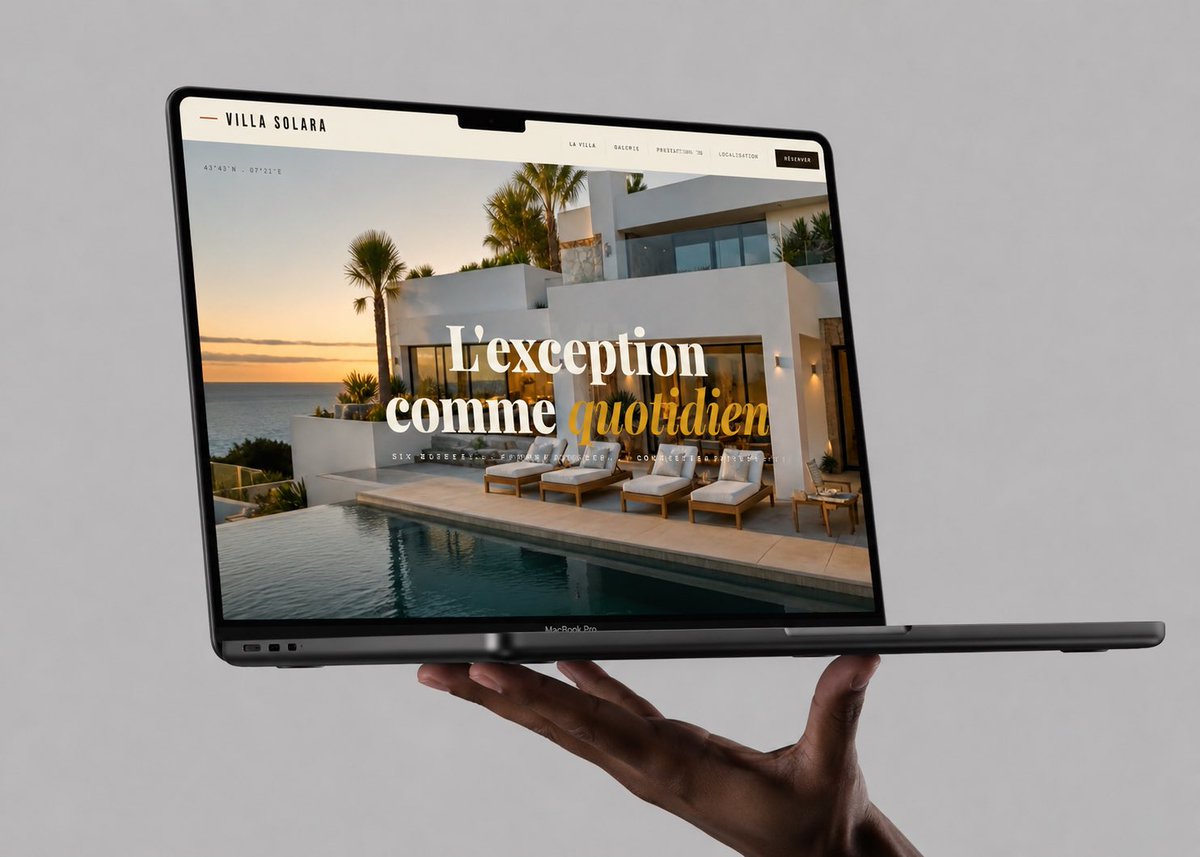
Luxury Villa Website Laptop Mockup
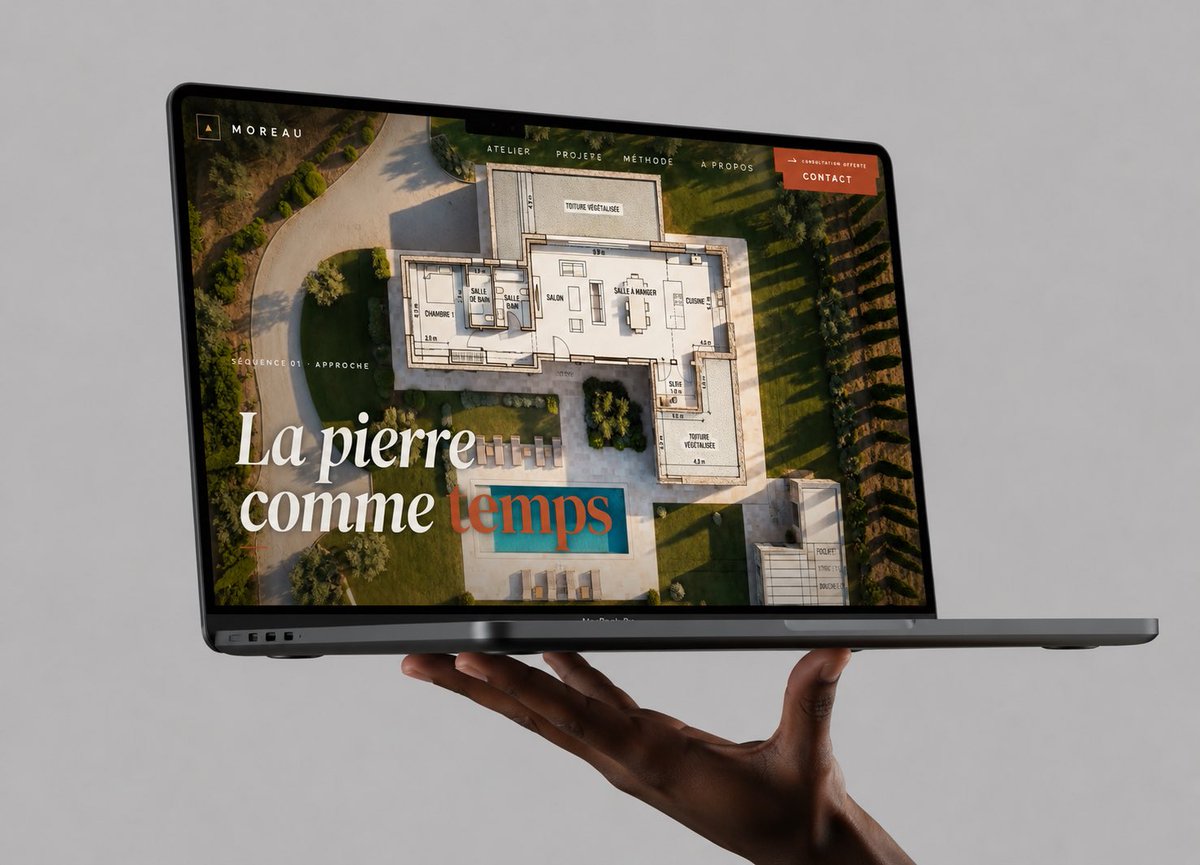
Floating Laptop Website Mockup
Luxury Aesthetics Website Mockup
Men's Skincare Website Landing Page Mockup
Futuristic Smart Mirror Website Mockup

Product Shot - T-Shirt Mockup

Sleepy Pink-Haired Chibi Girl
Glossy 3D Website Category Icons
Make it yours
Magical Sleep Website Mockup works as-is. These are the safest ways to change it without losing the look.
Swap the setting
Keep the rest of the prompt and replace the location block. The current setting is “young woman sleeping peacefully in a bed”.
Change one field
Copy a single group, rewrite it, and generate again so you can see what that field is doing.
Keep the frame, change the subject
Hold the composition and light of Magical Sleep Website Mockup, then swap wardrobe, props or the person for a new take.
| If the result… | Why | Fix |
|---|---|---|
| The result drifts from the preview | Too many fields changed at once. | Reuse Magical Sleep Website Mockup as-is first, then change one group — subject, light, or setting. |
| GPT Image 2 ignores part of the JSON | Some models flatten or skip nested keys. | Keep the same values and paste them as a short paragraph instead. |
More GPT Image 2 templates
Other prompts made for GPT Image 2.

Six VTuber Japanese Logo Sheet

Realistic Portrait of Woman and Deer

The Vista Modular Condo Poster

AI Model Routing Comparison Infographic

2.5D Anime Art Board

Isometric Productivity Desk Scene

New York Double Exposure Poster

Four-Panel AI Landscape Comparison

Japanese Tatami Lifestyle Magazine Cover

NESCAFÉ Coffee Map Poster
More image prompts
Fresh picks from across the catalog.
Nostalgic Japanese Youth Portrait
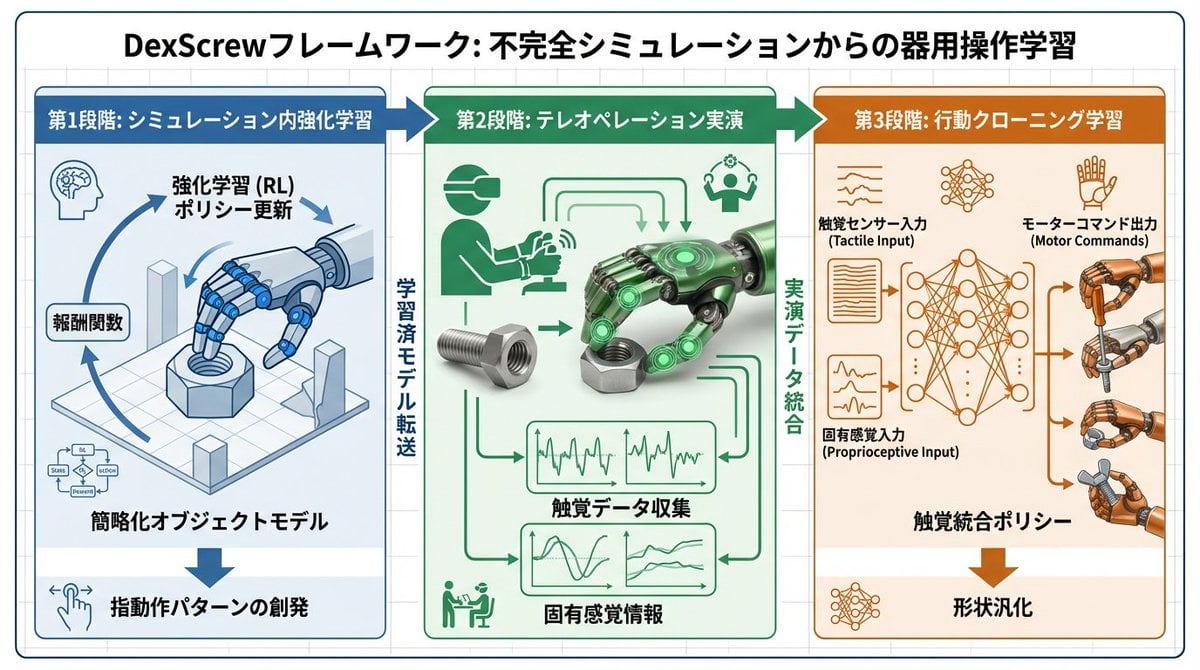
Accurate Academic Diagram Generation Prompt
Cinematic Portrait with Dramatic Light Strip
Cyberpunk Audi Rear Chase Shot
Four Giant Cookie Scenes in JSON Format
15 Golden Gate Bridge — California Series
Cat Girl Penguin LINE Sticker Sheet
Rubber Duck Camera Head Character Sheet
Character Generation Prompt (Step 1)

Hyper-realistic Portrait with Cinematic Lighting
Browse template categories
Magical Sleep Website Mockup questions
How do I use the Magical Sleep Website Mockup template?
Add your photo if the template asks for one, edit the prompt if you like — the template's model and format are already selected — and press Generate. Your version opens in PicX Studio.
Can I customize the Magical Sleep Website Mockup template?
Yes. You can change the subject, setting, lighting, mood, format, and available model controls before creating your image.
Is the Magical Sleep Website Mockup template free?
Opening and editing this template is free. Generating uses credits, shown on the Generate button when you are signed in.
Which AI model should I use?
Start with GPT Image 2, which is the model associated with this template. You can compare another compatible model for a different finish.
Looking for something else? Browse all templates.

Your photo, any look
Thousands of ready templates for every top image and video model, from one credit balance.