
Rubber Duck Camera Head Character Sheet
Generates a detailed Japanese concept-art character sheet for a whimsical humanoid with a rubber-duck surveillance-camera head.
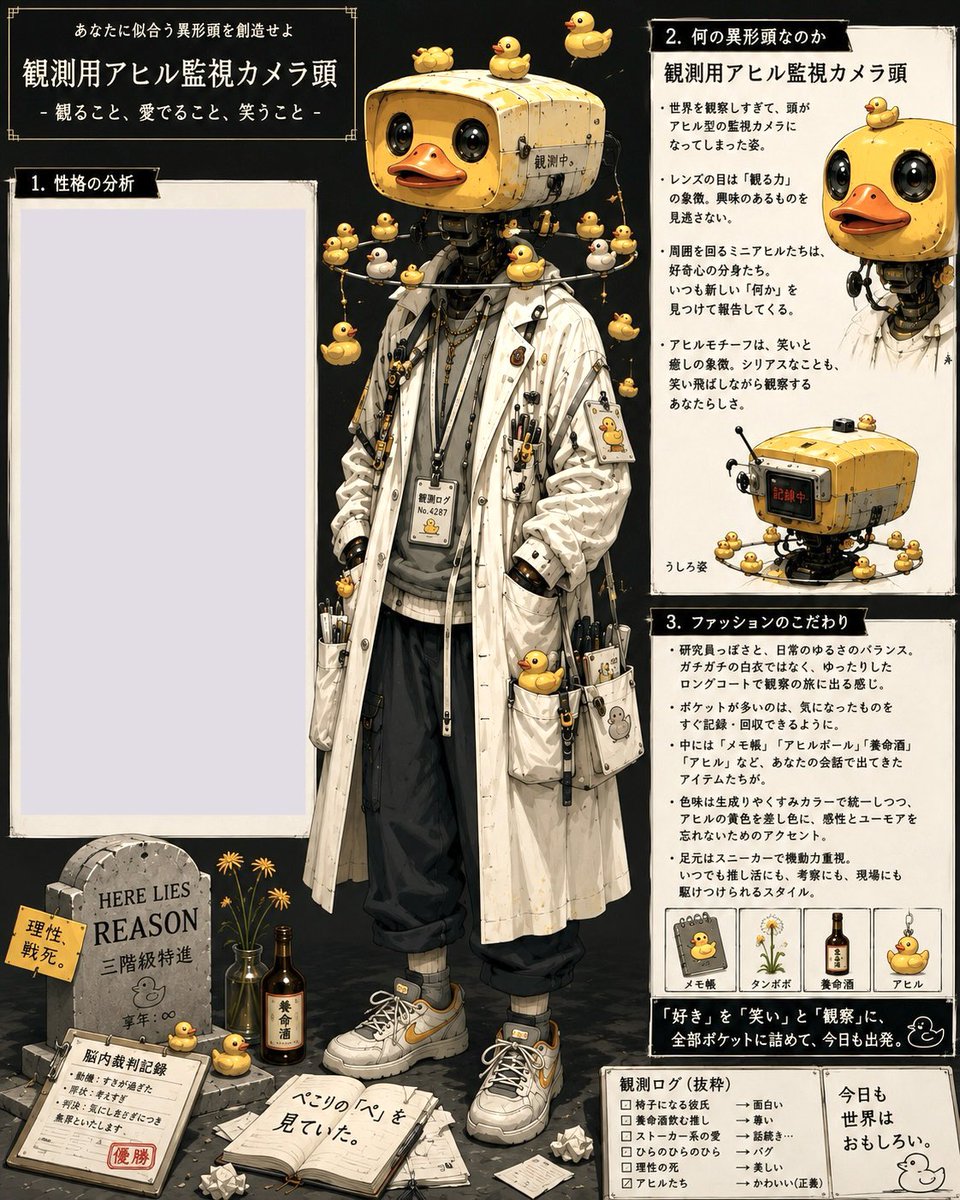
- Prompt included
- Model and format preset
- Free template
The prompt behind this image
Copy the exact prompt behind Rubber Duck Camera Head Character Sheet, or open it in the studio and make it yours.
Goal: Create a dense vertical Japanese character-design prompt sheet for an eccentric humanoid with a rubber-duck surveillance-camera head, combining fashion reference, personality analysis, lore notes, and small prop diagrams. Canvas: Square 1:1 poster, aged cream paper panels on a dark charcoal background, hand-drawn editorial layout with thin black borders, corner ornaments, tape-like edges, ink speckles, and vintage field-notebook texture. Use detailed semi-realistic anime illustration with watercolor, gouache, ink linework, warm yellow accents, and high object detail. Main subject: Center a full-body standing character named {argument name="character name" default="Observation Appareil Surveillance Camera Head"}. The figure has a yellow rectangular retro security-camera head shaped like a cute toy machine, with two glossy black lens eyes, an orange duck bill mouth, small screws, seams, metal wear, and a tiny Japanese status label. The character wears a long off-white stained lab coat over a gray hoodie, black loose cropped pants, gray socks, chunky white sneakers with yellow accents, lanyards, chains, pens, clips, ID badges, small tools, miniature devices, and duck-themed charms. Pose is relaxed, hands in coat pockets, facing forward, whimsical but mysterious. Text content: At the top left, place the headline {argument name="headline text" default="あなたに似合う異形頭を創造せよ"}, a large title {argument name="main title" default="観測用アヒル監視カメラ頭"}, and a subtitle {argument name="subtitle" default="- 観ること、愛でること、笑うこと -"}. Keep the typography Japanese, using white text on black header boxes and black text on cream panels. Layout and panels: Use exactly 3 numbered information panels plus small footer cards. Panel 1 is a large empty pale lavender writing area on the left titled {argument name="left panel title" default="1. 性格の分析"}. Panel 2 is the upper-right lore panel titled with Japanese text meaning “What kind of abnormal head is it?” and includes a small cropped portrait of the duck-camera-headed figure at the top right plus a small device diagram at the bottom. Panel 3 is the mid-to-lower-right fashion panel titled with Japanese text meaning “Fashion preferences,” containing bullet-point Japanese body copy and a row of 4 small labeled item cards. Discrete repeated elements: Include exactly 38 visible rubber-duck motifs total: 3 on top of the camera head; 1 small duck on the top-left head corner; 1 hanging at the upper left; 1 hanging at the upper right; 8 clustered around the shoulders and chest; 4 on necklace or lanyard charms; 2 attached to coat pockets; 1 printed on a chest ID badge; 1 printed on a sleeve patch; 2 on dangling side straps; 3 near the character’s feet and floor props; 1 in the top-right panel corner; 8 surrounding the small camera-device diagram; 2 in the four fashion item cards. Also include exactly 4 fashion item cards in panel 3: a duck memo pad, a dandelion specimen, a medicinal drink bottle, and a hanging duck charm. Foreground props: Bottom left shows a small graveyard-like still life: a stone tombstone engraved {argument name="tombstone text" default="HERE LIES REASON"}, yellow flowers in bottles, a brown medicinal drink bottle, a clipboard with red stamp, scattered papers, crumpled paper balls, and an open notebook with handwritten Japanese notes. Bottom right includes two small boxed footer cards: one checklist-style observation log and one quote card with a simple duck doodle. Style constraints: Make it look like a finished concept-art character sheet rather than a clean infographic. Preserve the asymmetrical magazine layout, off-white panels, black section headers, tiny Japanese annotations, decorative border corners, worn paper texture, and meticulous accessories. Avoid photorealism, avoid 3D render style, avoid extra characters, and do not add any English captions except the tombstone inscription.
How to use Rubber Duck Camera Head Character Sheet in 3 steps
- 1Upload ImagePNG, JPG or paste
Add your photo
Upload the photo the template builds on. The prompt, model and format are already set.
- 2…a portrait of your subject in softgolden-hour light, 85mm…
Personalize
Edit the subject and creative details for your destination.
- 3Generate
Generate
Press Generate — your image is created in PicX Studio, so you can compare it with the original and refine one variable at a time.
More like this
Templates with the same subject, style or setup. Open one to see its prompt.

Cinematic Street Fashion Photographer Portrait
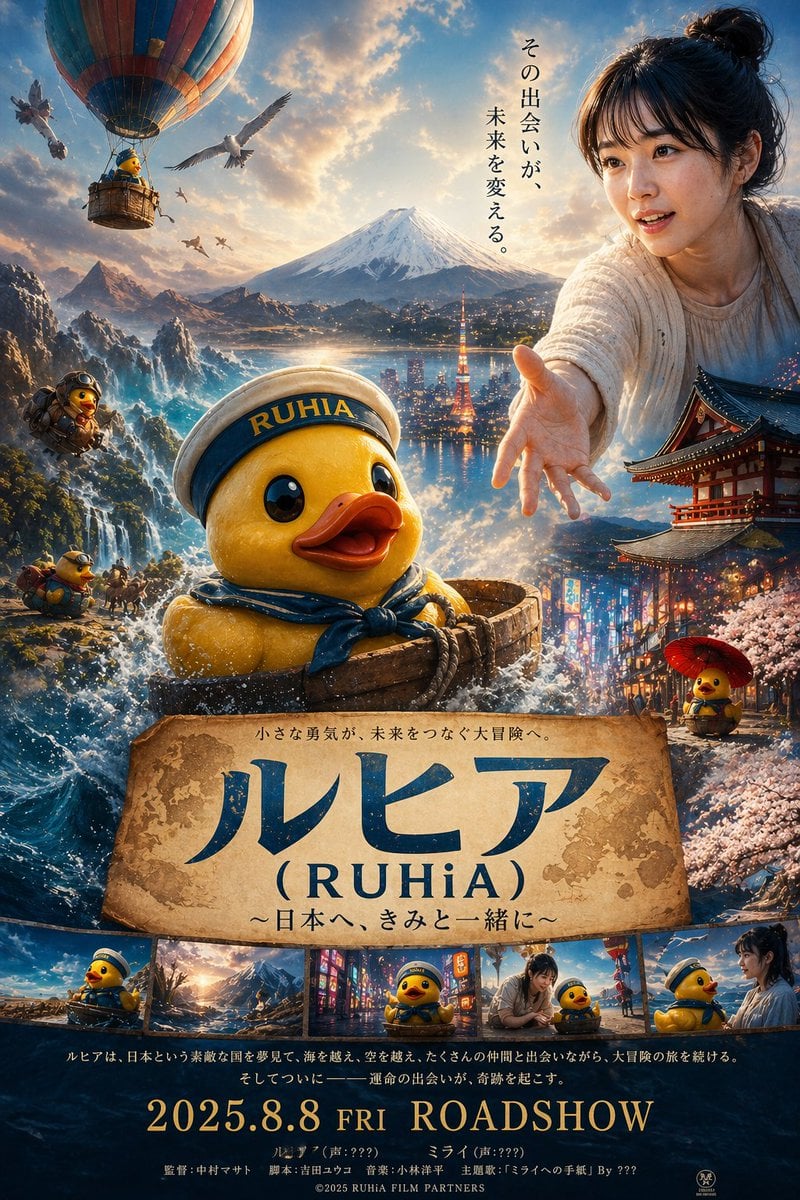
Rubber duck adventure movie poster prompt

Dancer Character - Four View Reference Sheet

Movement Sheet - Dance Reference (Seedance 2.0)
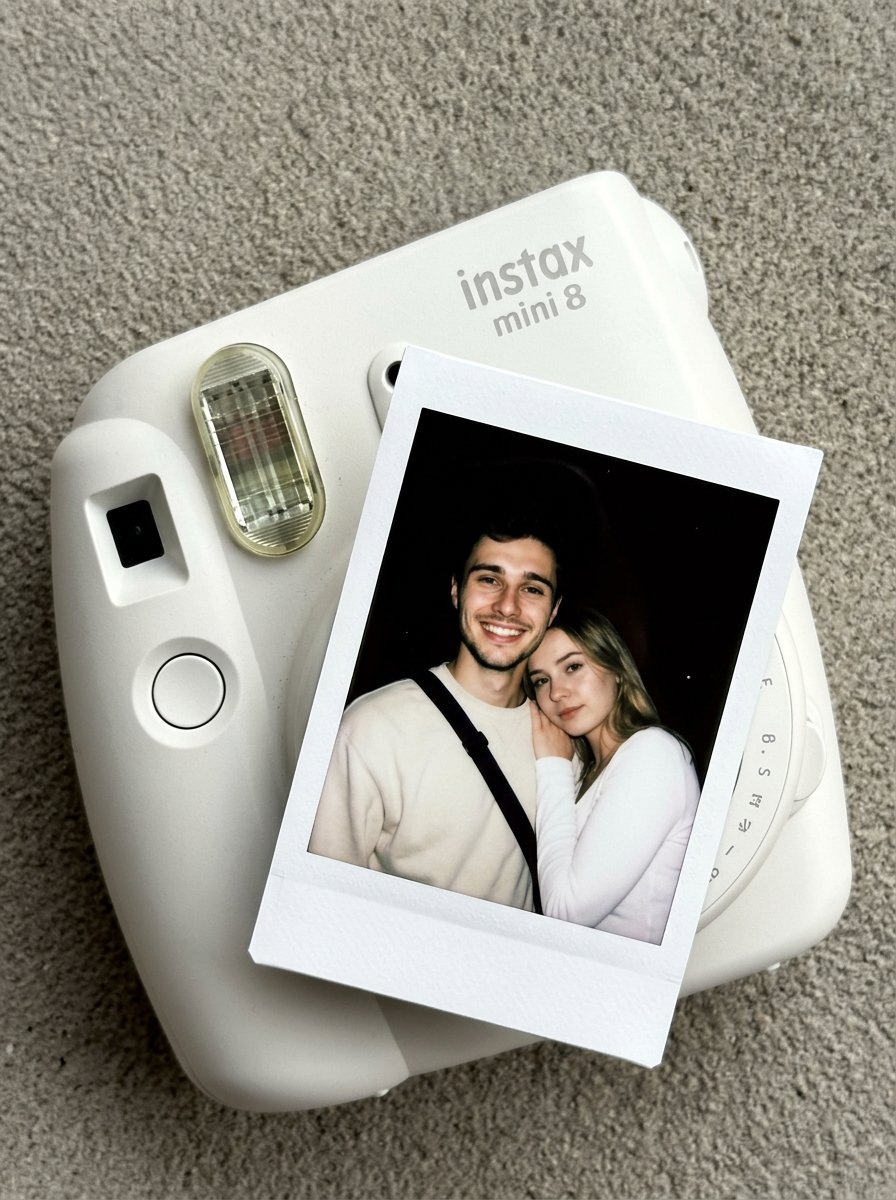
Nano Banana Pro Instax Mini 8
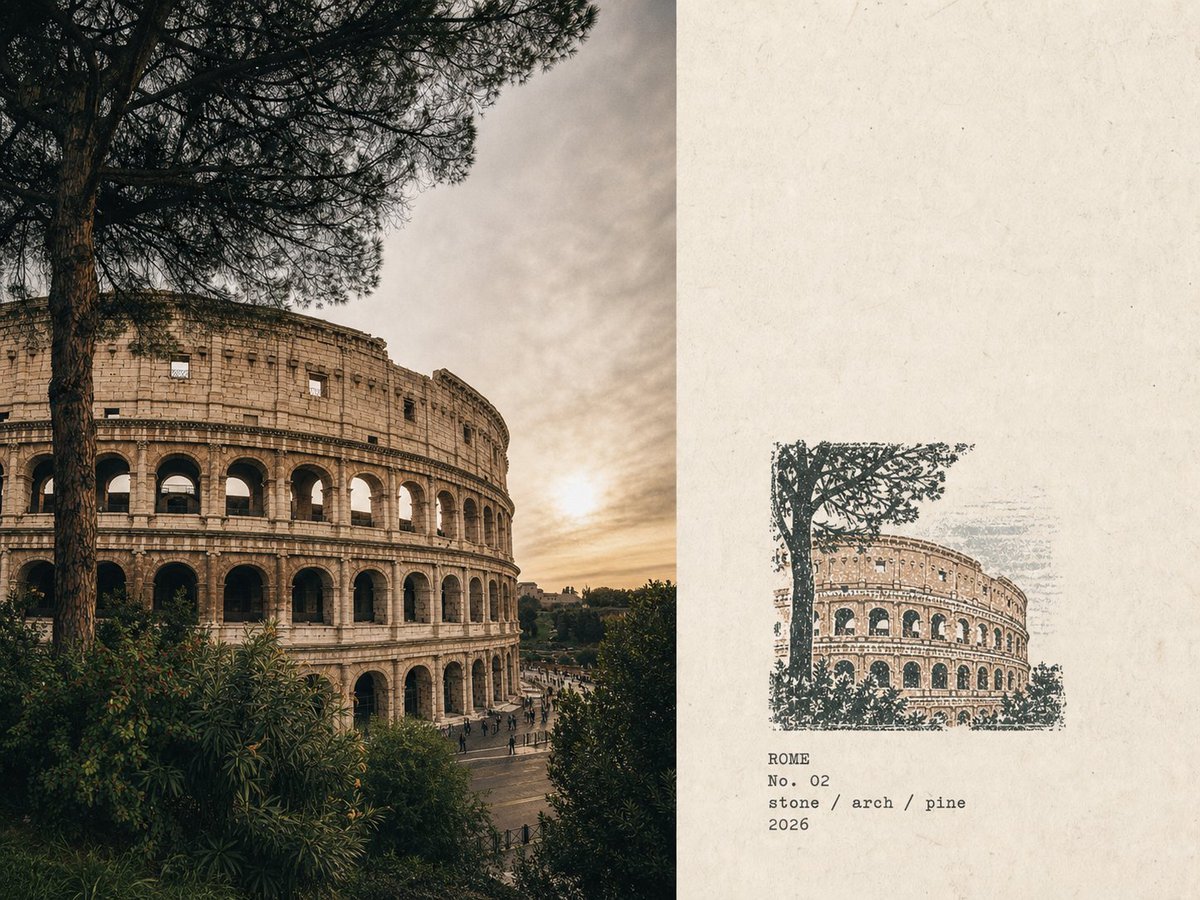
Rubber Stamp Travel Field Notes

Candid Store Front-Camera Photo
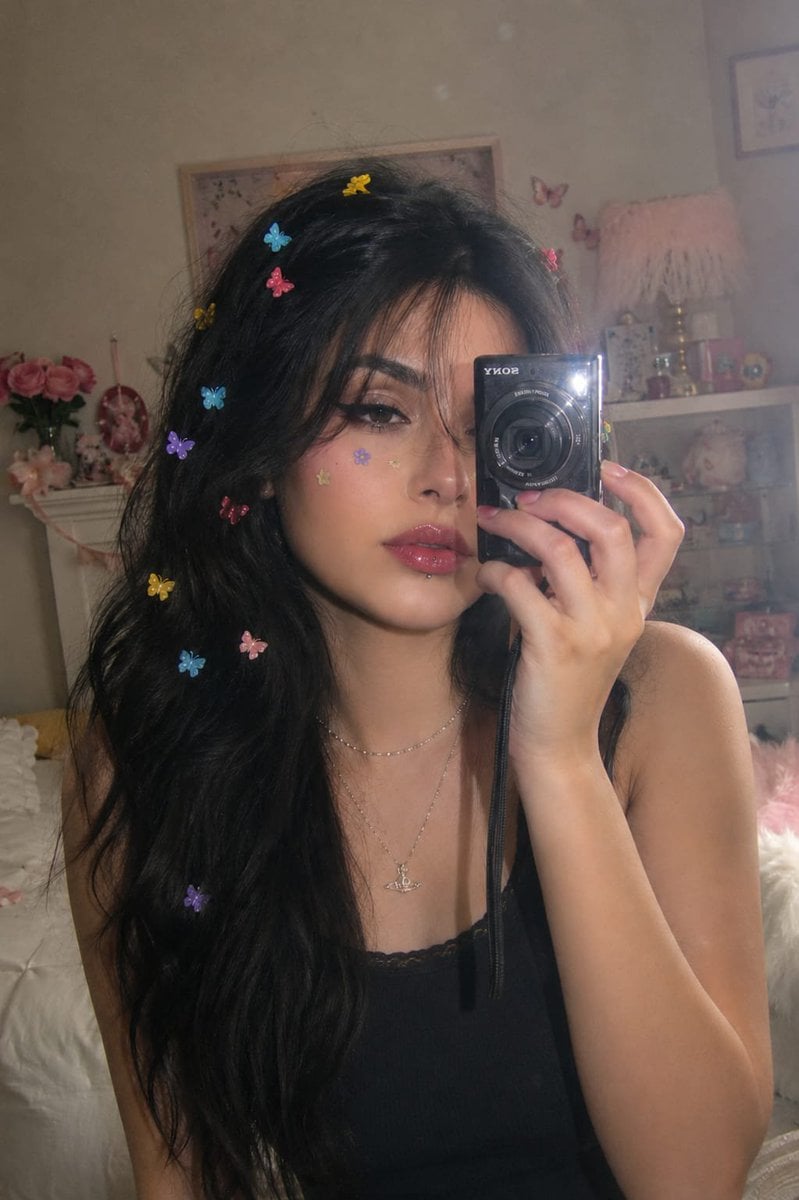
Dreamy Y2K Digital Camera Mirror Selfie

Six VTuber Japanese Logo Sheet
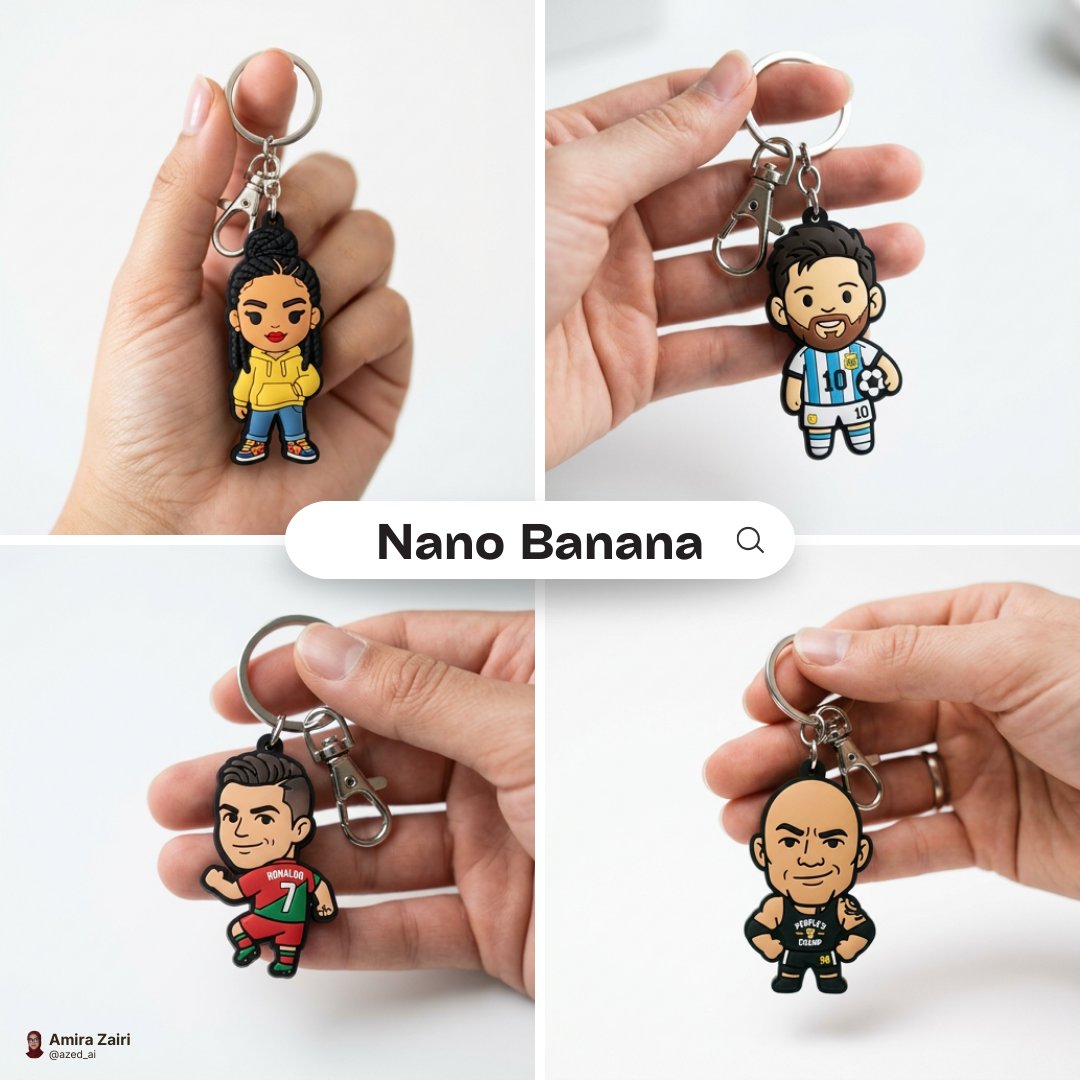
Close-up photo of a cute, colorful rubber keychain held gently
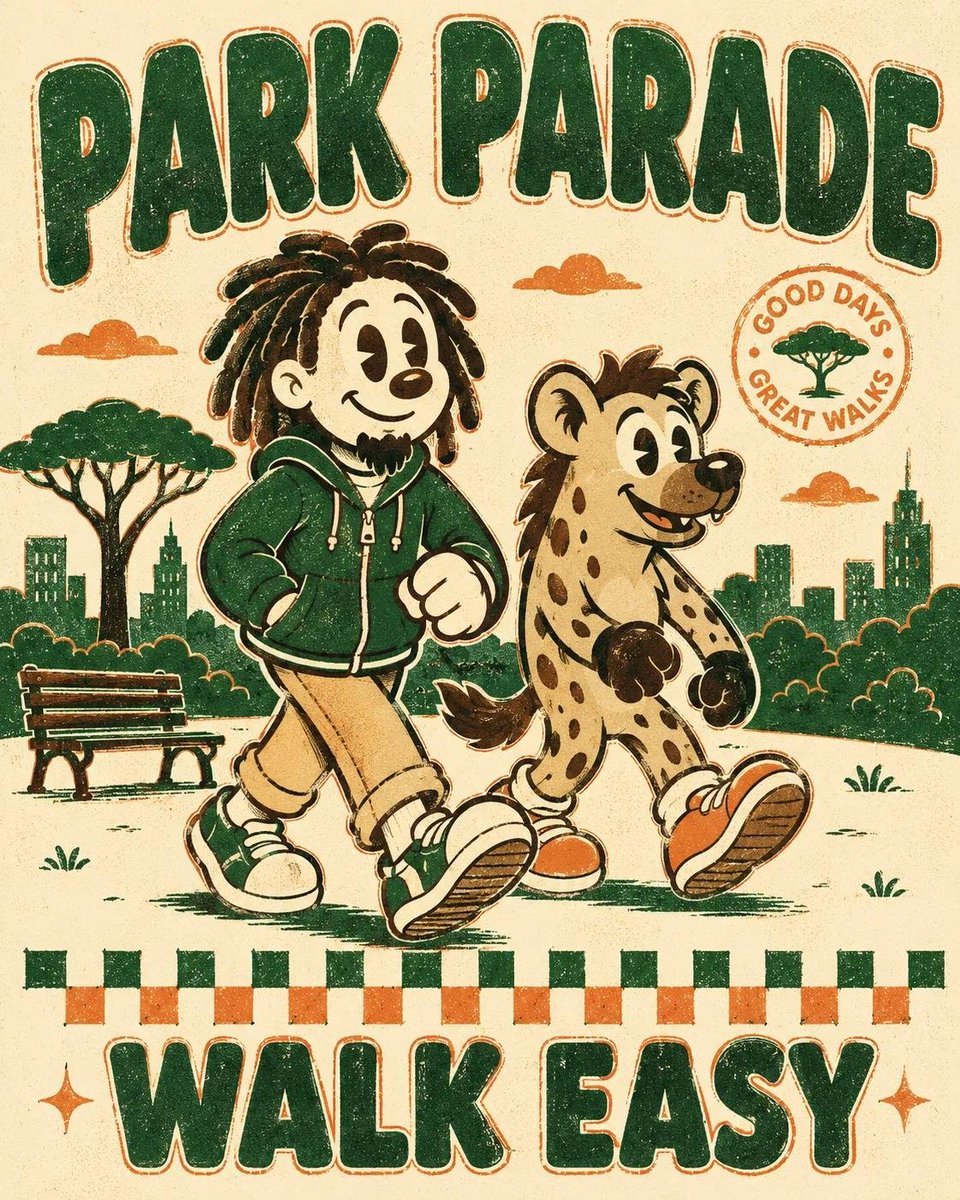
Vintage Rubber Hose Mascot Poster
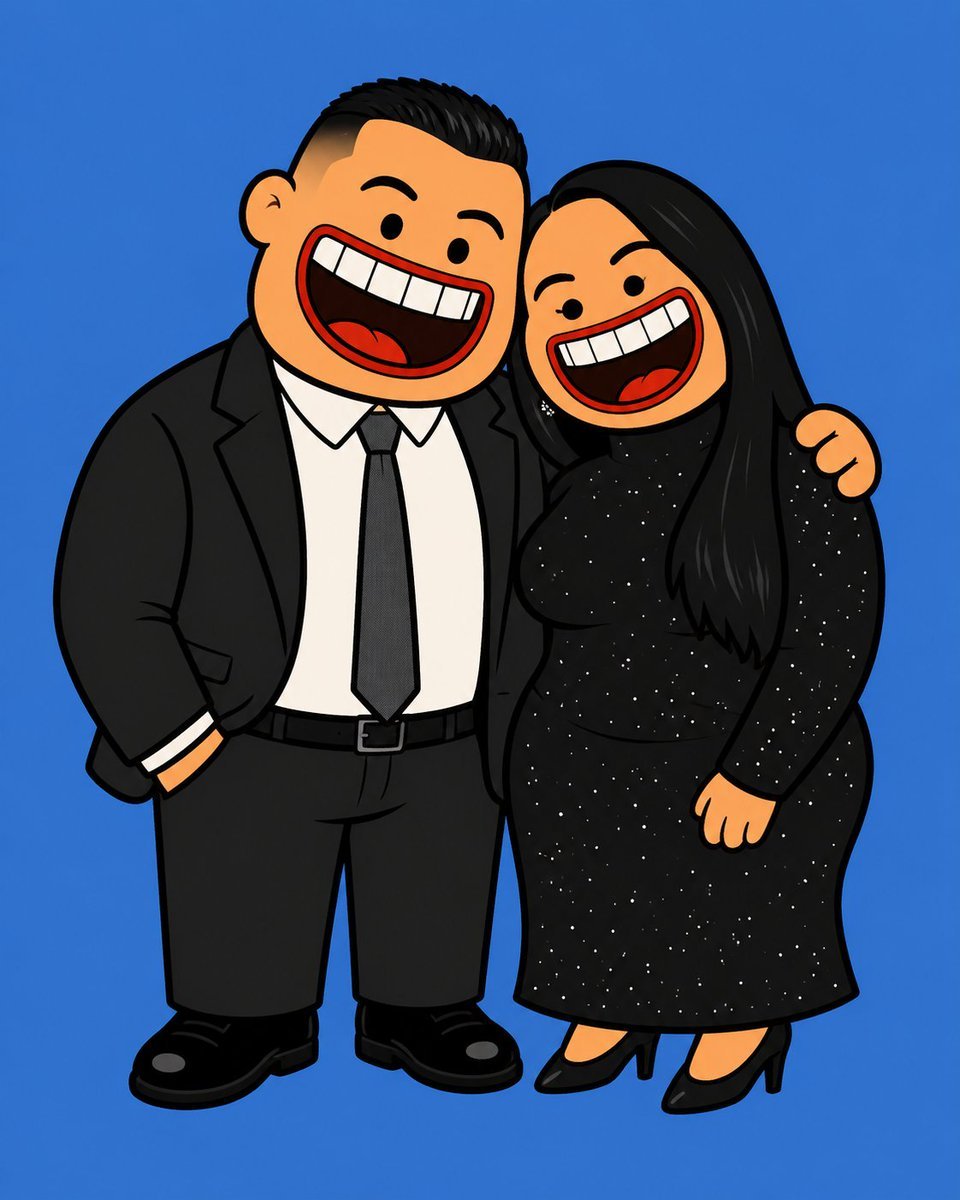
Absurdist 2D Rubber Cartoon Illustration
Make it yours
Rubber Duck Camera Head Character Sheet works as-is. These are the safest ways to change it without losing the look.
Change one field
Copy a single group, rewrite it, and generate again so you can see what that field is doing.
Keep the frame, change the subject
Hold the composition and light of Rubber Duck Camera Head Character Sheet, then swap wardrobe, props or the person for a new take.
| If the result… | Why | Fix |
|---|---|---|
| The result drifts from the preview | Too many fields changed at once. | Reuse Rubber Duck Camera Head Character Sheet as-is first, then change one group — subject, light, or setting. |
| The model over-stylizes the scene | The prose prompt leaves finish and camera underspecified. | Add one camera or lighting sentence and stay on GPT Image 2. |
More GPT Image 2 templates
Other prompts made for GPT Image 2.

Realistic Portrait of Woman and Deer

The Vista Modular Condo Poster

AI Model Routing Comparison Infographic

2.5D Anime Art Board

Isometric Productivity Desk Scene

New York Double Exposure Poster

Four-Panel AI Landscape Comparison

Japanese Tatami Lifestyle Magazine Cover

NESCAFÉ Coffee Map Poster

Brutalist Cogito Chinese Typography Poster
More image prompts
Fresh picks from across the catalog.
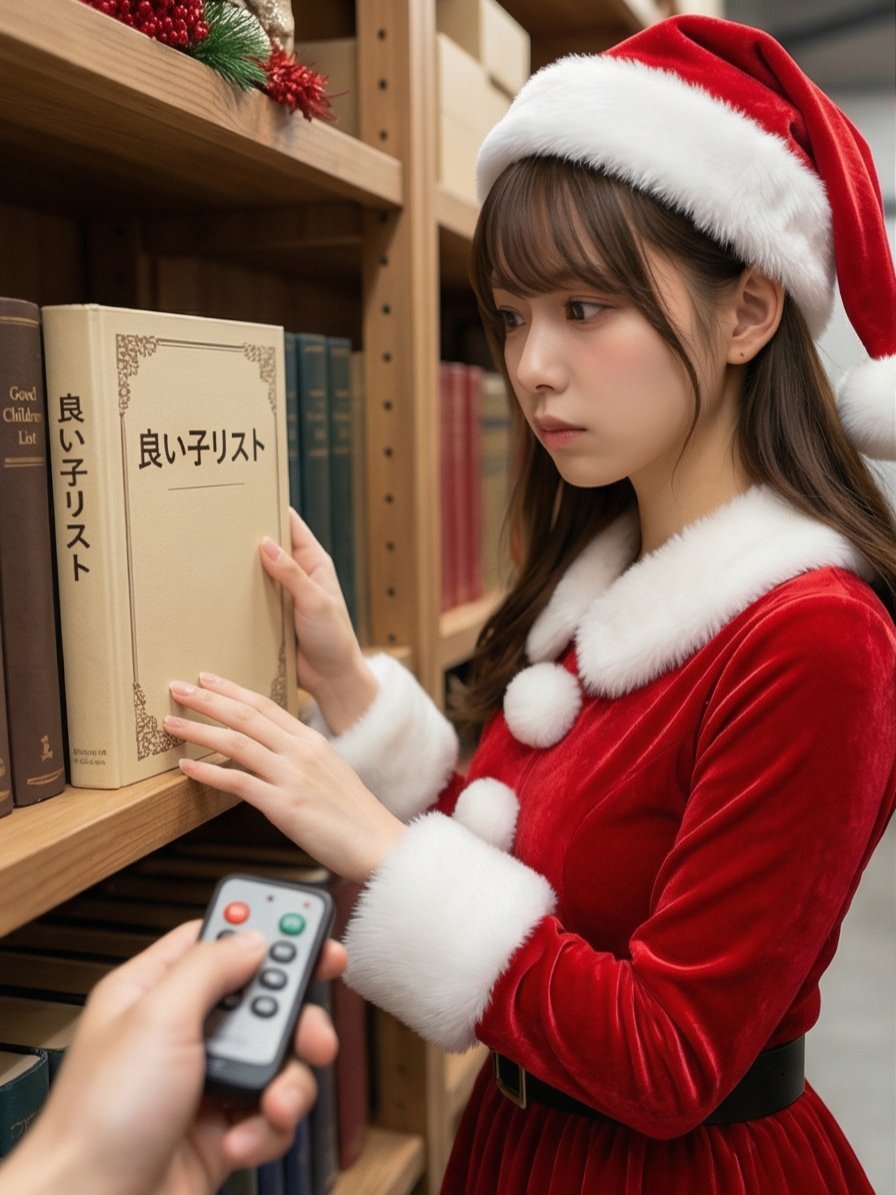
Santa's Switch Prank Multi-Angle Grid

Ultra-Realistic Portrait with Vintage Camera and Flowers
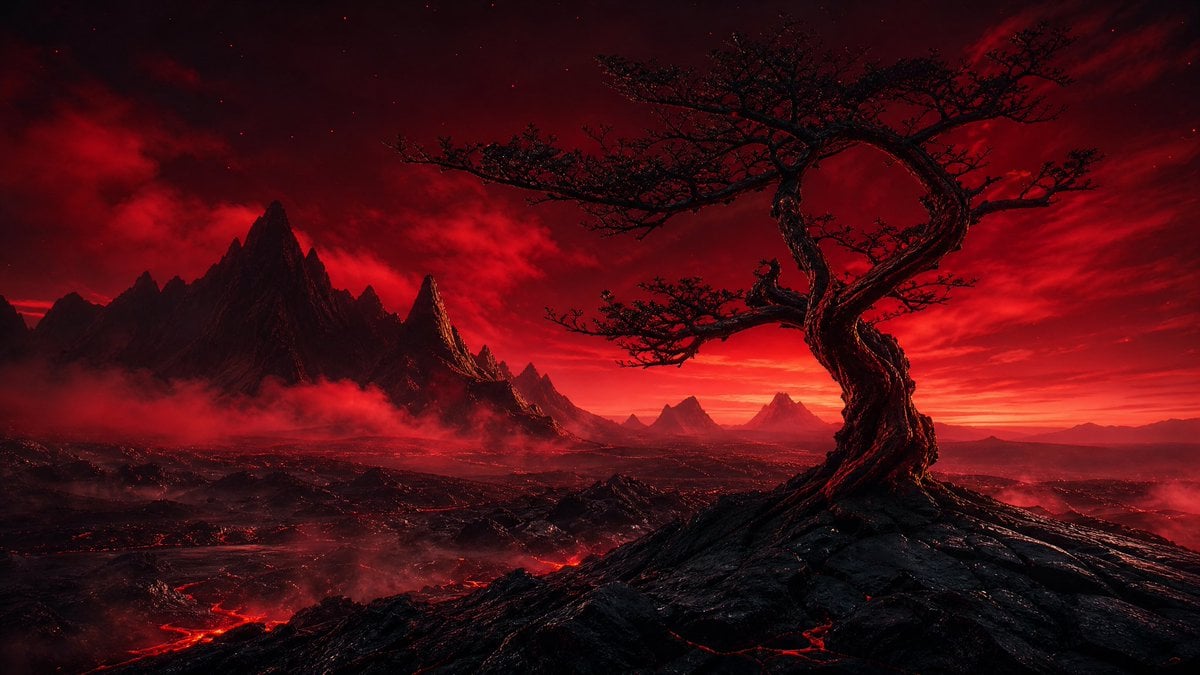
Crimson Volcanic Heart Tree
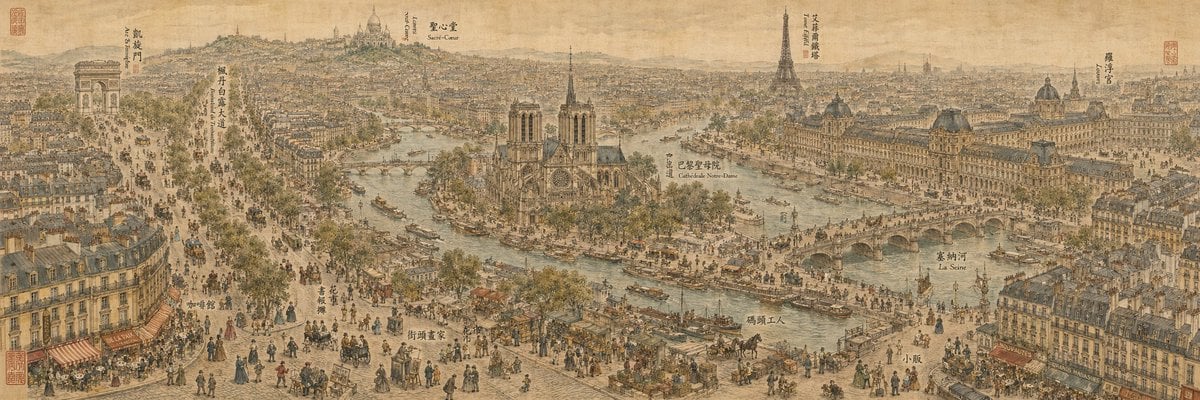
19th Century Paris in Chinese Ink Style
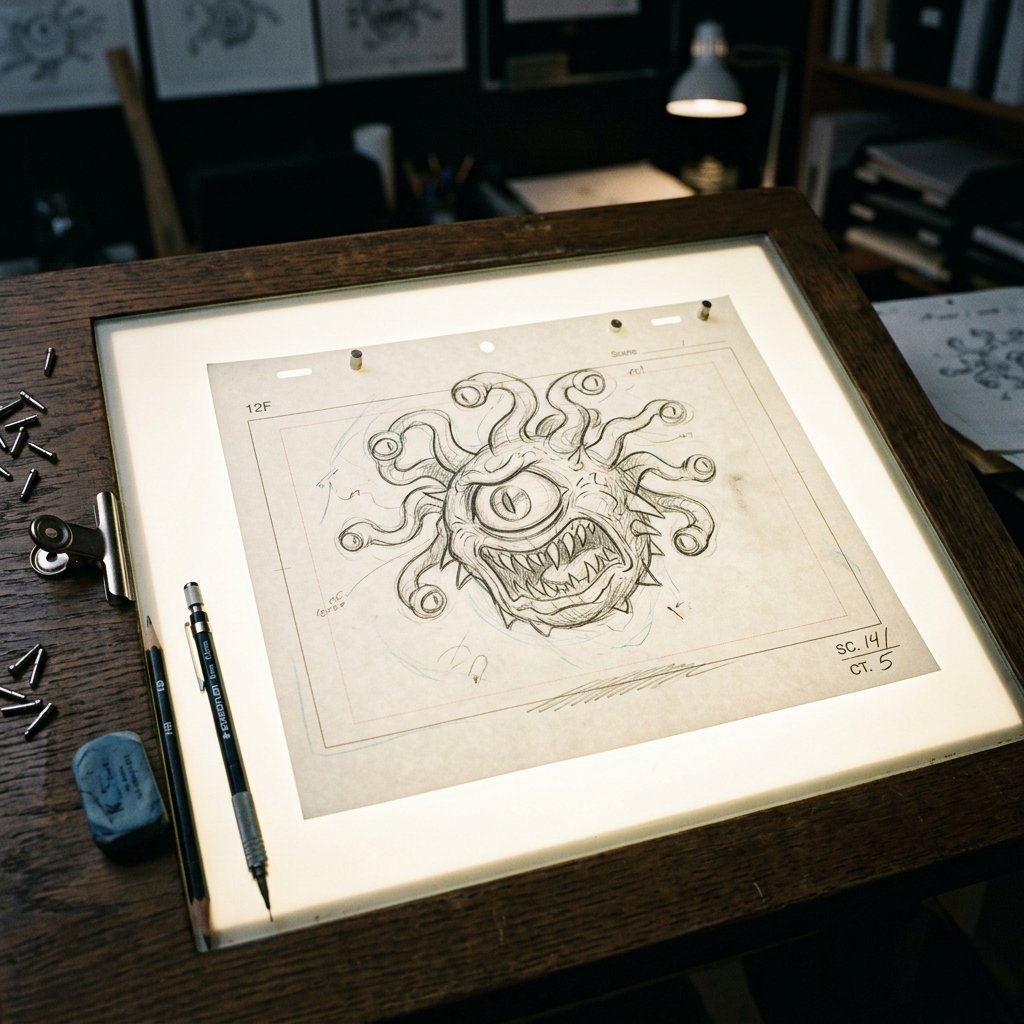
Classic Animation Light Table Prompt
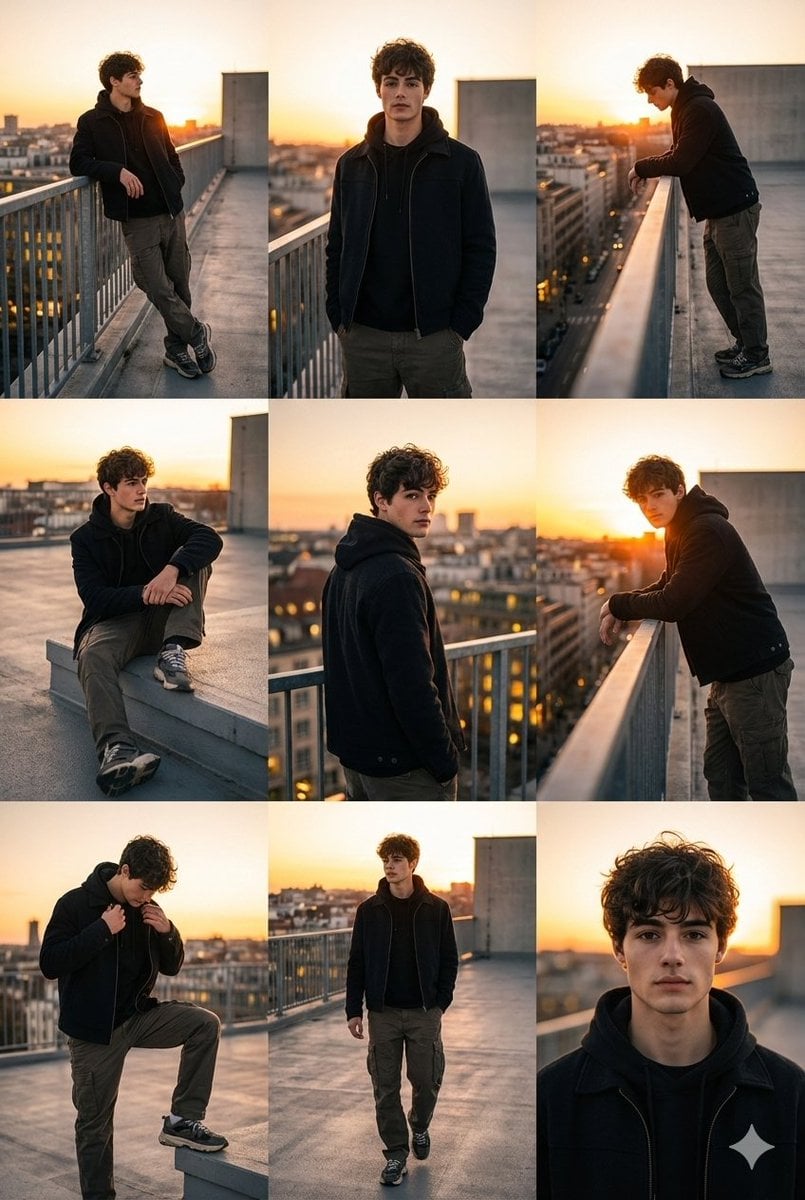
3x3 Cinematic Fashion Collage on a Rooftop at Sunset
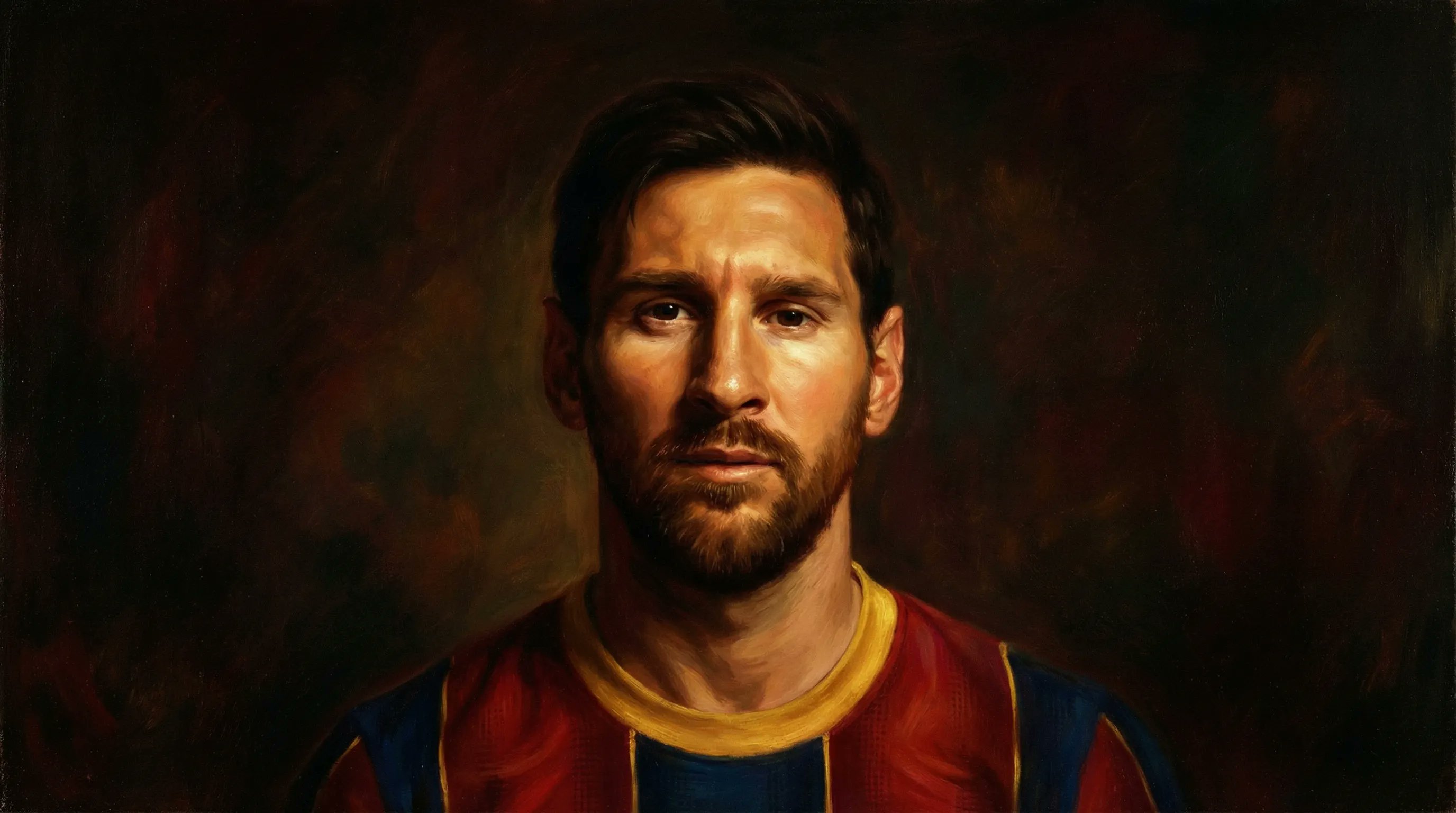
Romanticism Style Portrait Tutorial
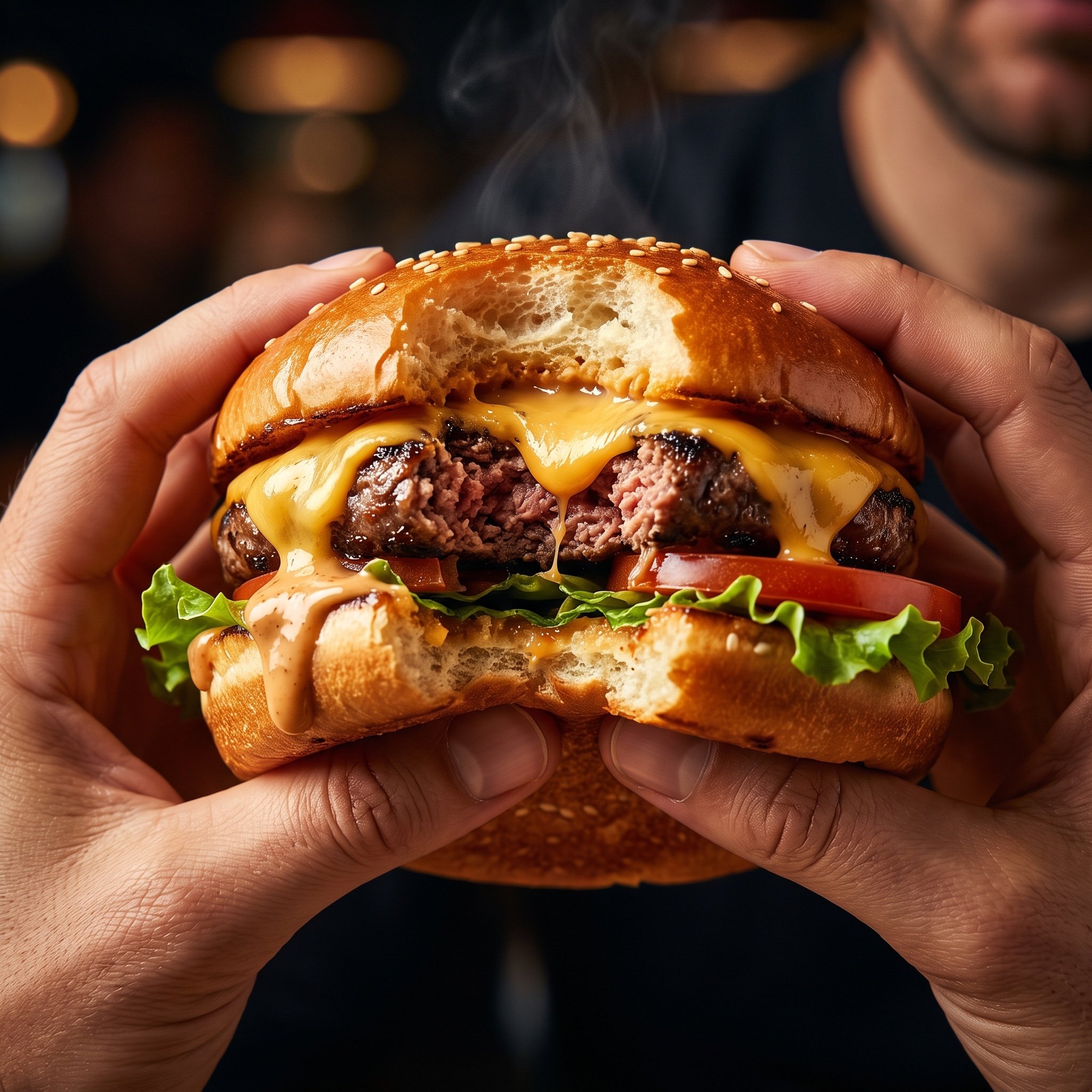
Hyper-Realistic Cinematic Food Action Shot of a Gourmet Burger Mid-Bite
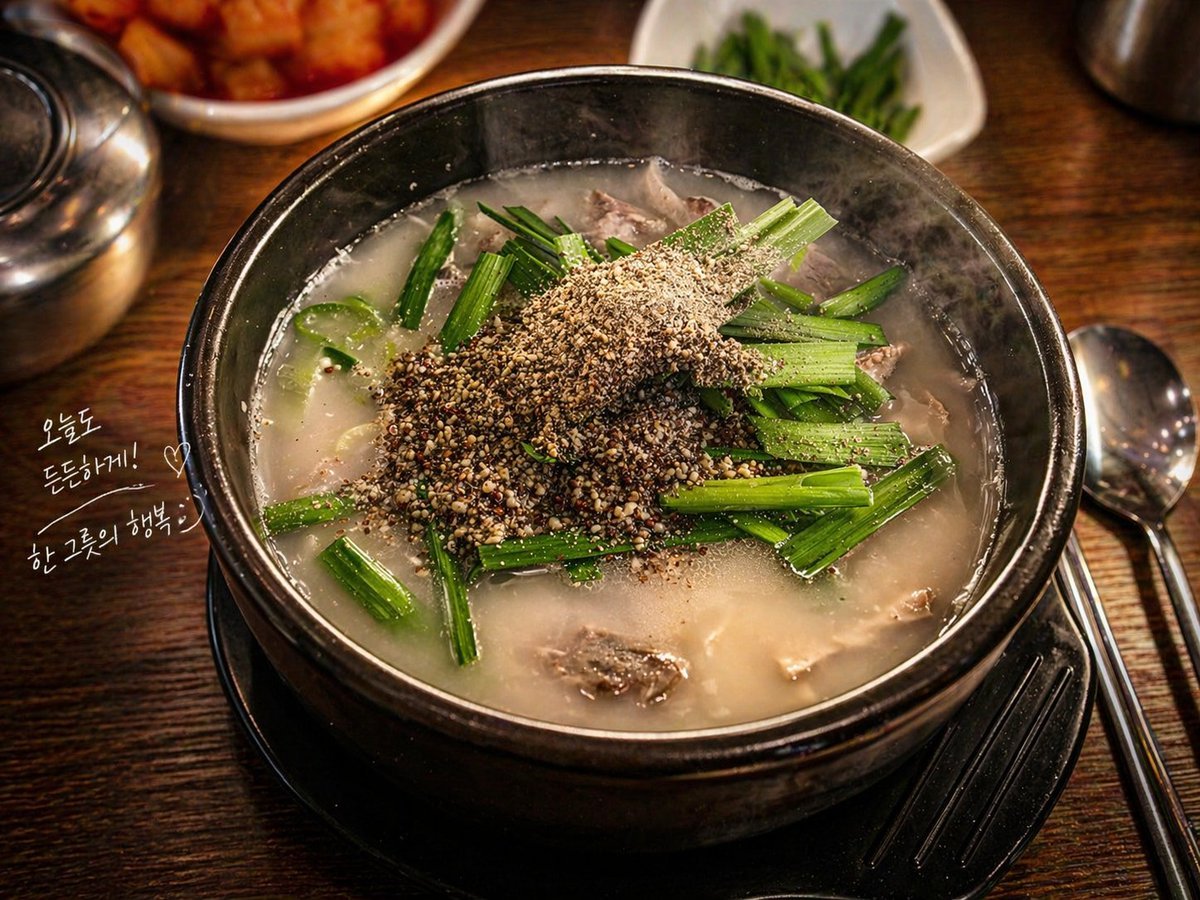
Professional Food Photography Enhancement
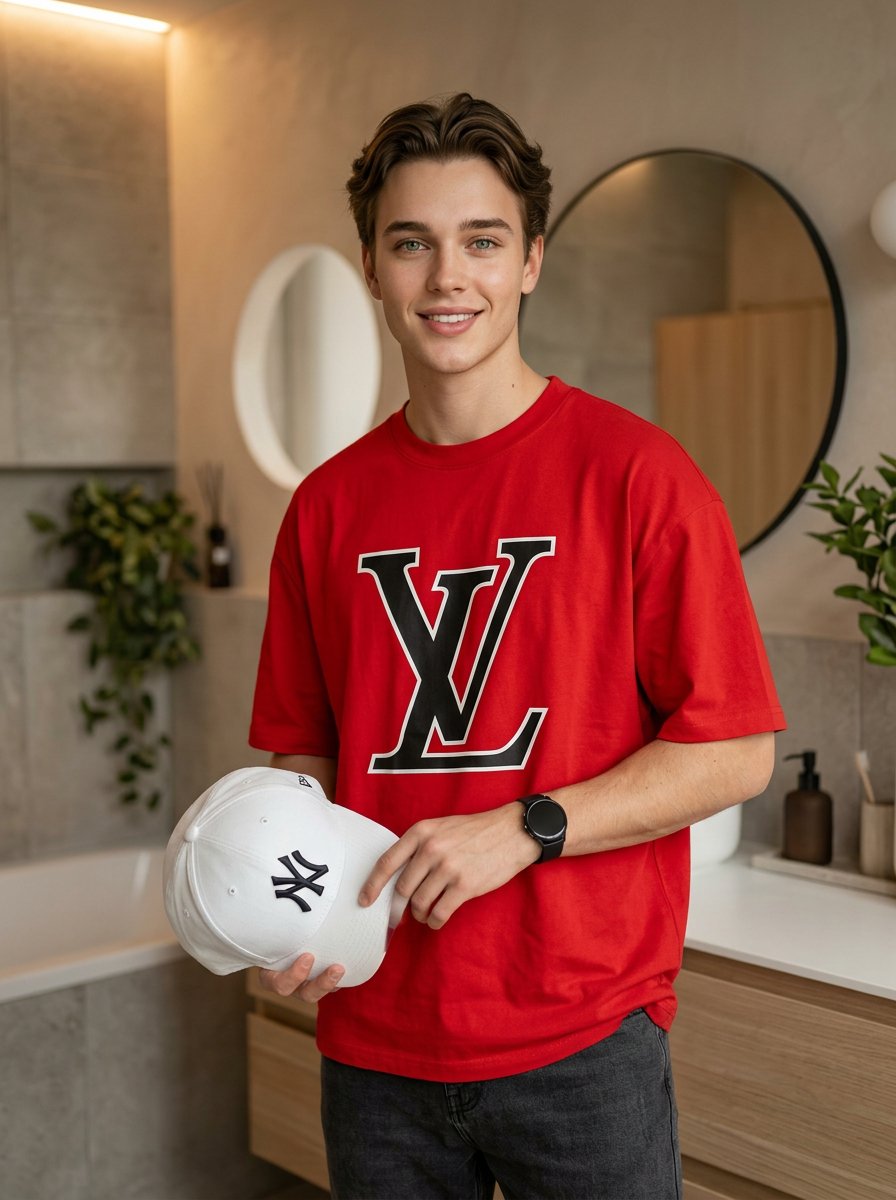
Fashion Editorial Portrait in Modern Bathroom
Browse template categories
Rubber Duck Camera Head Character Sheet questions
How do I use the Rubber Duck Camera Head Character Sheet template?
Add your photo if the template asks for one, edit the prompt if you like — the template's model and format are already selected — and press Generate. Your version opens in PicX Studio.
Can I customize the Rubber Duck Camera Head Character Sheet template?
Yes. You can change the subject, setting, lighting, mood, format, and available model controls before creating your image.
Is the Rubber Duck Camera Head Character Sheet template free?
Opening and editing this template is free. Generating uses credits, shown on the Generate button when you are signed in.
Which AI model should I use?
Start with GPT Image 2, which is the model associated with this template. You can compare another compatible model for a different finish.
Looking for something else? Browse all templates.

Your photo, any look
Thousands of ready templates for every top image and video model, from one credit balance.