
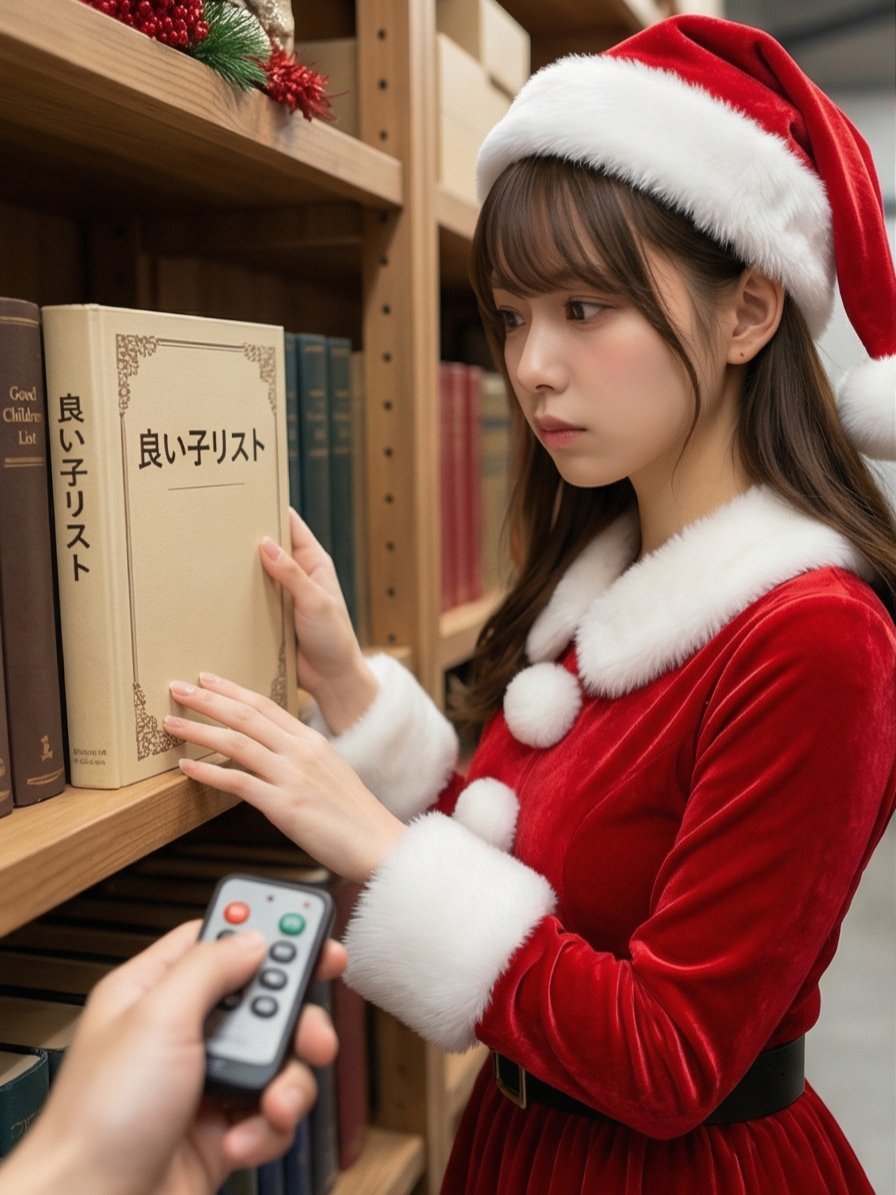
Santa's Switch Prank Multi-Angle Grid
A highly detailed, narrative prompt for Nano Banana Pro to generate a 2x2 grid of four scenes, depicting a prank where the photographer presses a 'switch' (remote control button) on a Santa Claus who is working in a…
- Prompt included
- Model and format preset
- Free template
The prompt behind this image
Copy the exact prompt behind Santa's Switch Prank Multi-Angle Grid, or open it in the studio and make it yours.
Read the motif depicted in the attached image, generate a multi-angle shot, and create four scenes divided into a 2×2 grid. 【Action 1】 In a warehouse decorated for Christmas, Santa Claus is looking at materials (a thick book) on a bookshelf with a serious expression. He is gazing at the thick book. Leave the book's title up to the AI's interpretation, in a way that evokes a sense of story. The photographer presses a button on the remote control in hand, sounding a distinctive "ping!" electronic chime or a cute chime sound. 【Dialogue 1】 Santa is startled, his shoulders jumping, and immediately turns to face the camera (the photographer). Shaking his white beard, he says a single line, a little bashfully yet full of playfulness (leave the content up to the AI's interpretation, in a way that evokes a sense of story). 【Action 2】 The photographer, grinning, immediately sounds the "ping!" chime again without missing a beat. 【Action 3】 Santa looks down bashfully with a "come on now~!" expression. He curls up his large body and crouches down for a moment in what could be called "sleeve-hiding, but with his whole costume," then stands up, laughs heartily, and covers his face with his bright red gloves to hide his embarrassment. Caption: "{argument name="caption" default="倉庫で準備中のサンタさんのスイッチ押してみた🎅✨"}" with 2 tags. Leave the content of the tags up to the AI's interpretation, in a way that evokes a sense of story.
How to use Santa's Switch Prank Multi-Angle Grid in 3 steps
- 1Upload ImagePNG, JPG or paste
Add your photo
Upload the photo the template builds on. The prompt, model and format are already set.
- 2…a portrait of your subject in softgolden-hour light, 85mm…
Personalize
Edit the subject and creative details for your destination.
- 3Generate
Generate
Press Generate — your image is created in PicX Studio, so you can compare it with the original and refine one variable at a time.
More like this
Templates with the same subject, style or setup. Open one to see its prompt.
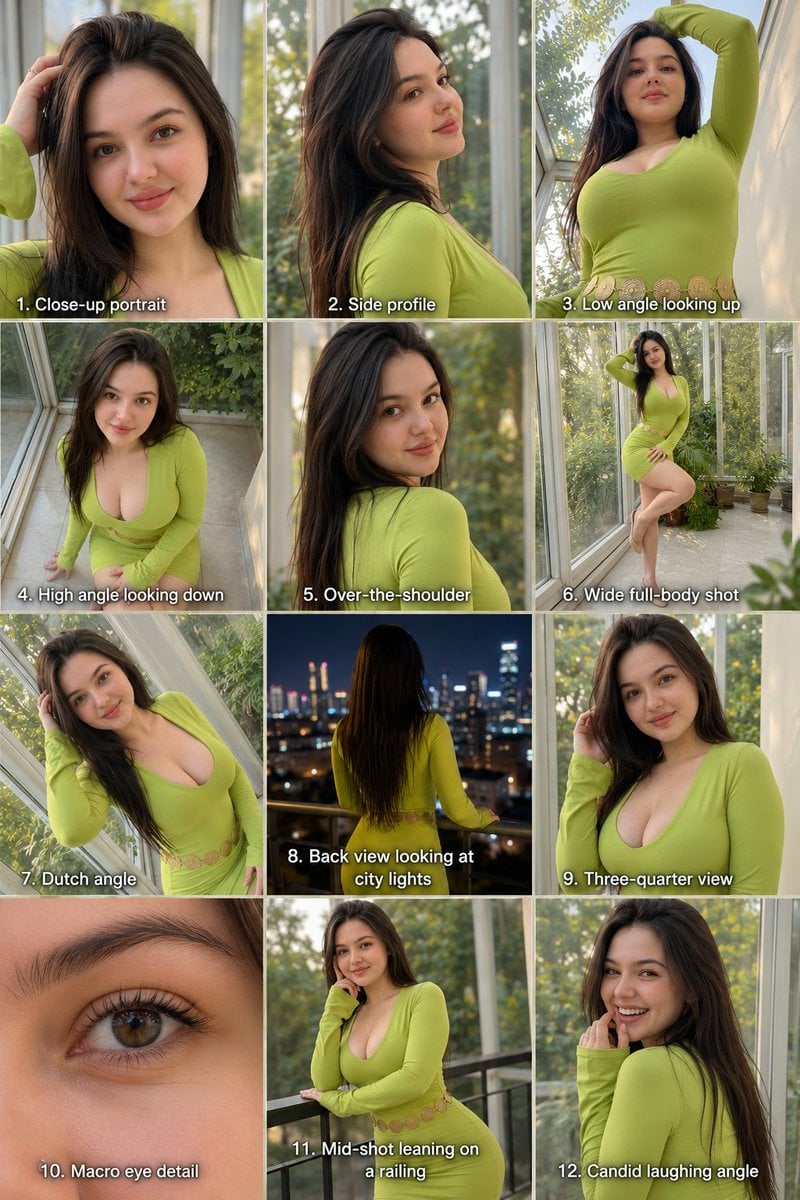
Twelve Angle Multi-View Face Grid
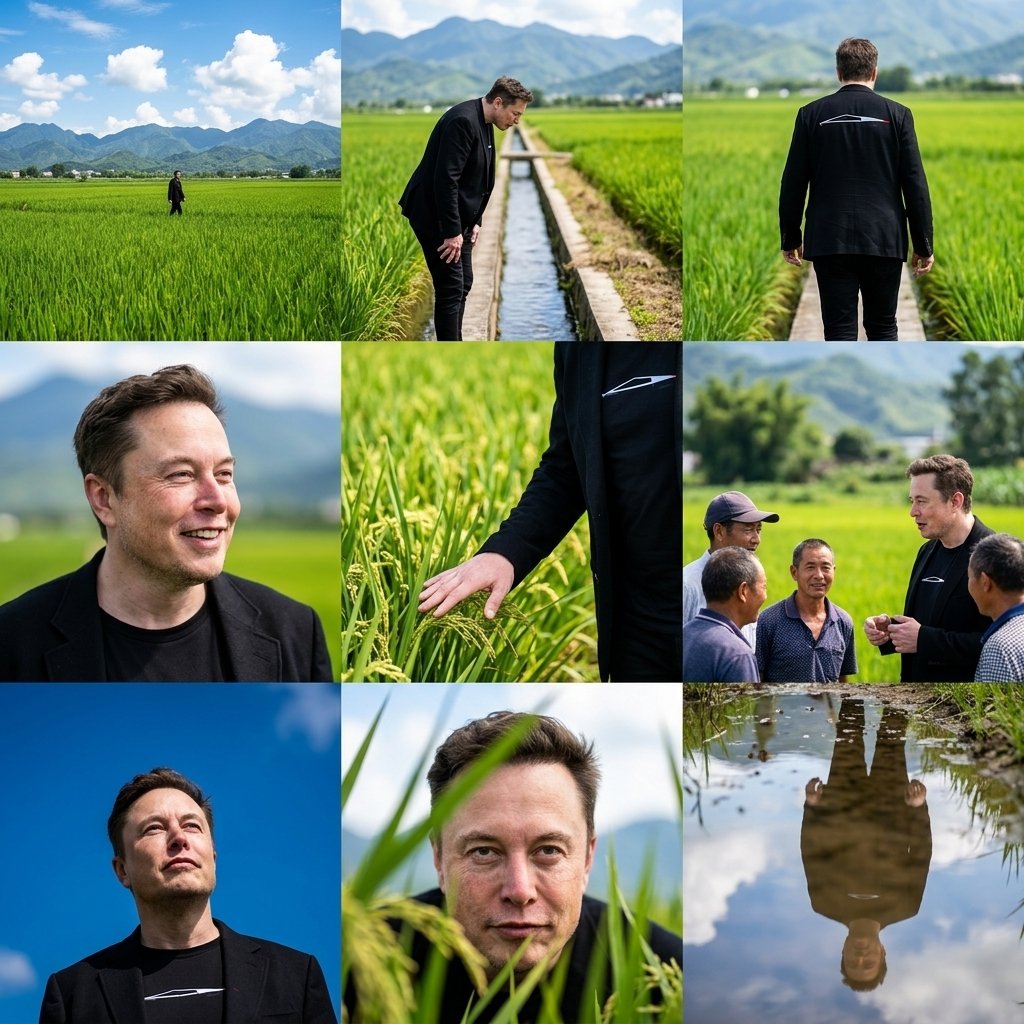
Rural Fields Multi-Perspective Grid
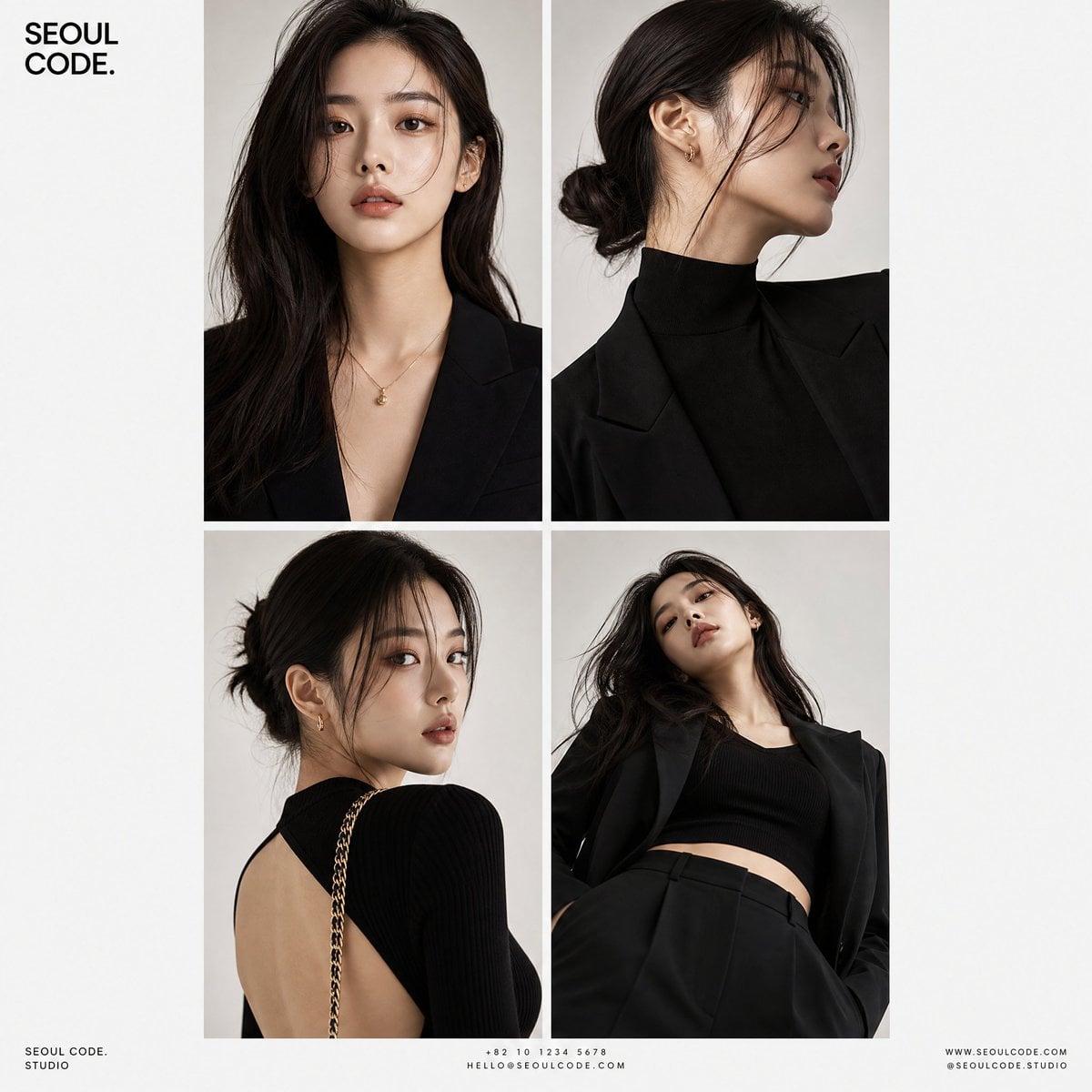
Korean Luxury Fashion Editorial 2x2 Grid Series
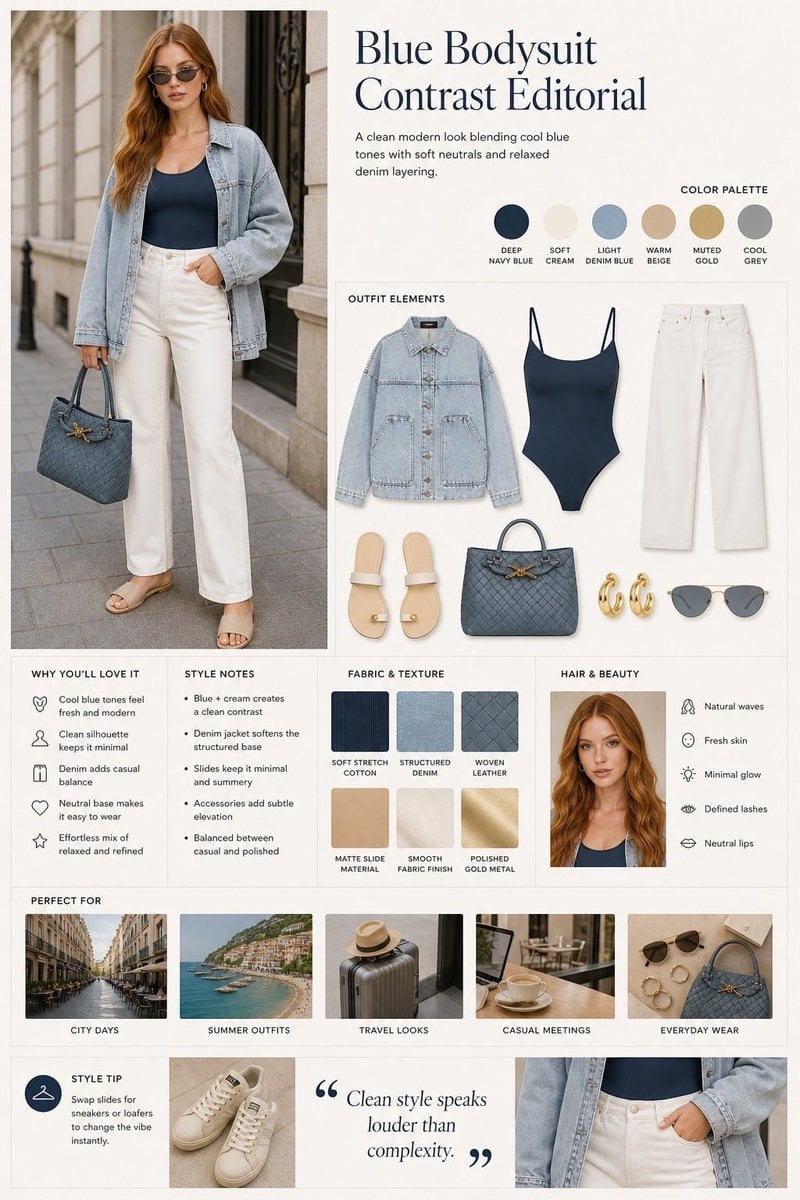
Minimalist Fashion Editorial Split Layout
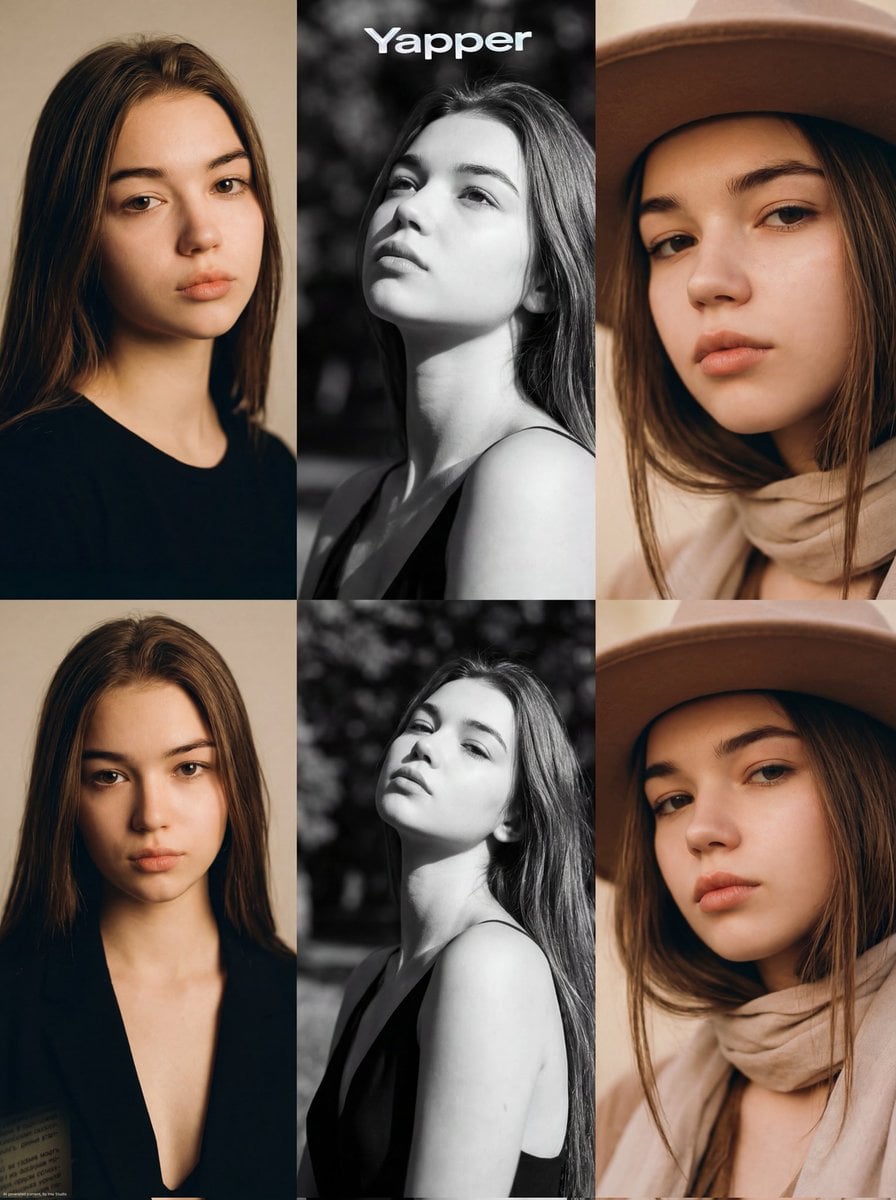
Ultra-Realistic Vogue-Style Editorial Fashion Grid
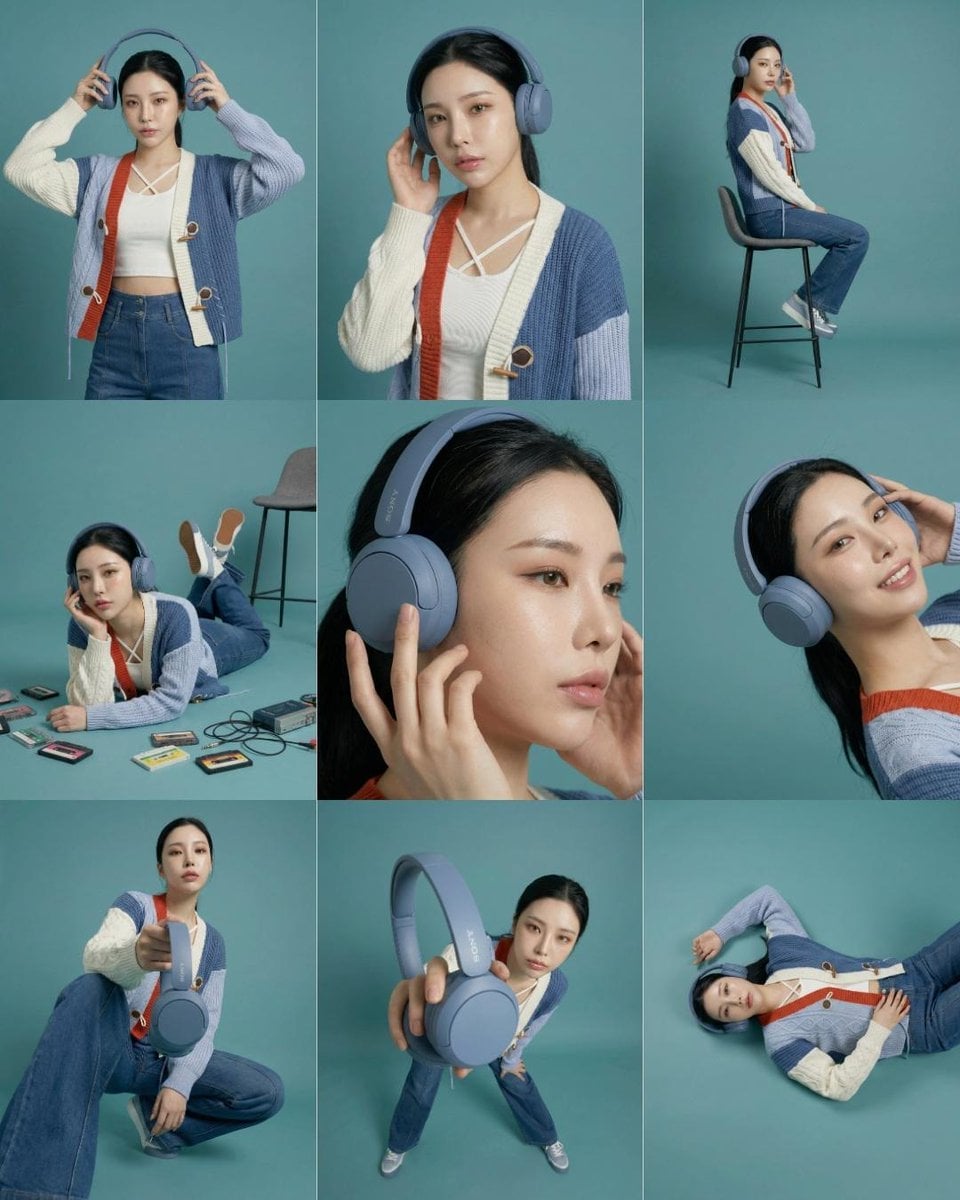
Headphones Lifestyle Nine Panel Grid
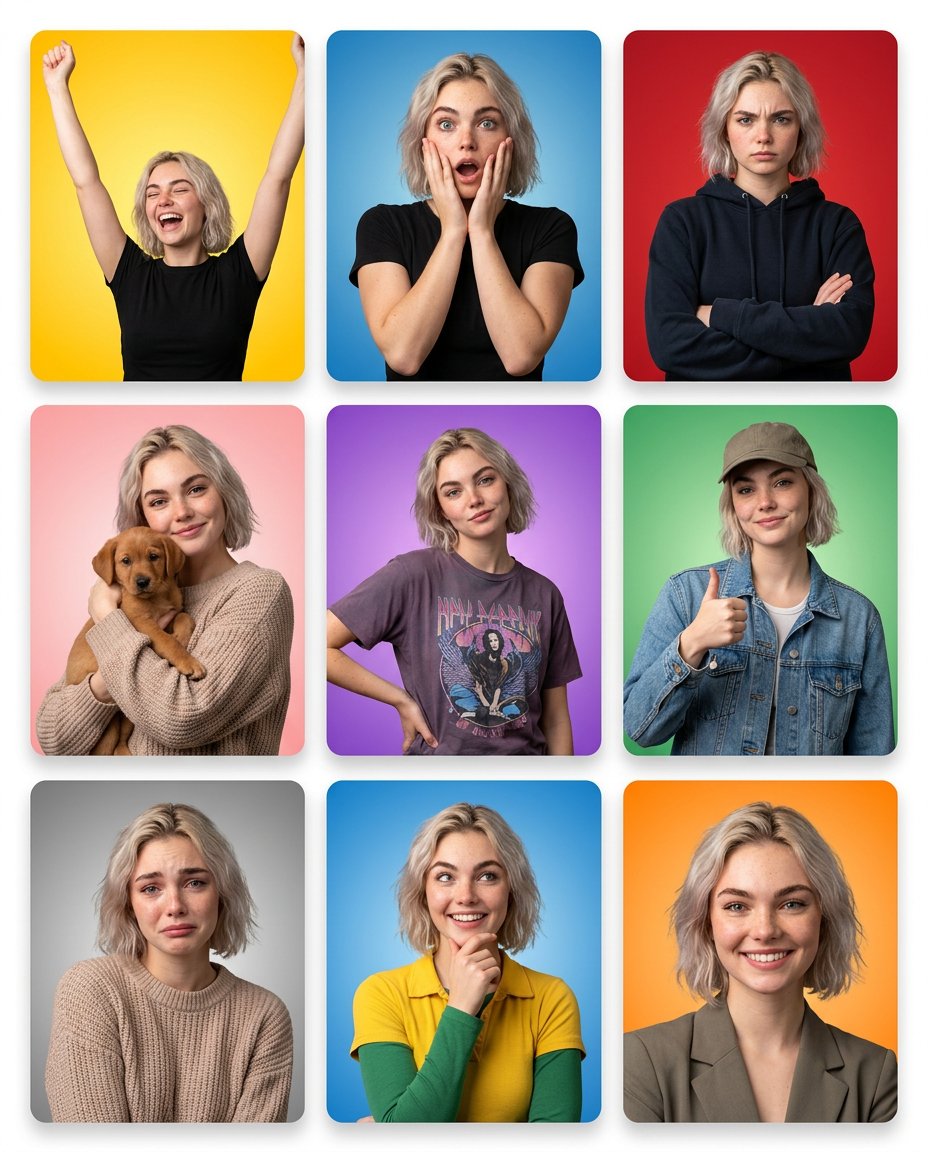
Multi-Panel Emotional State Grid
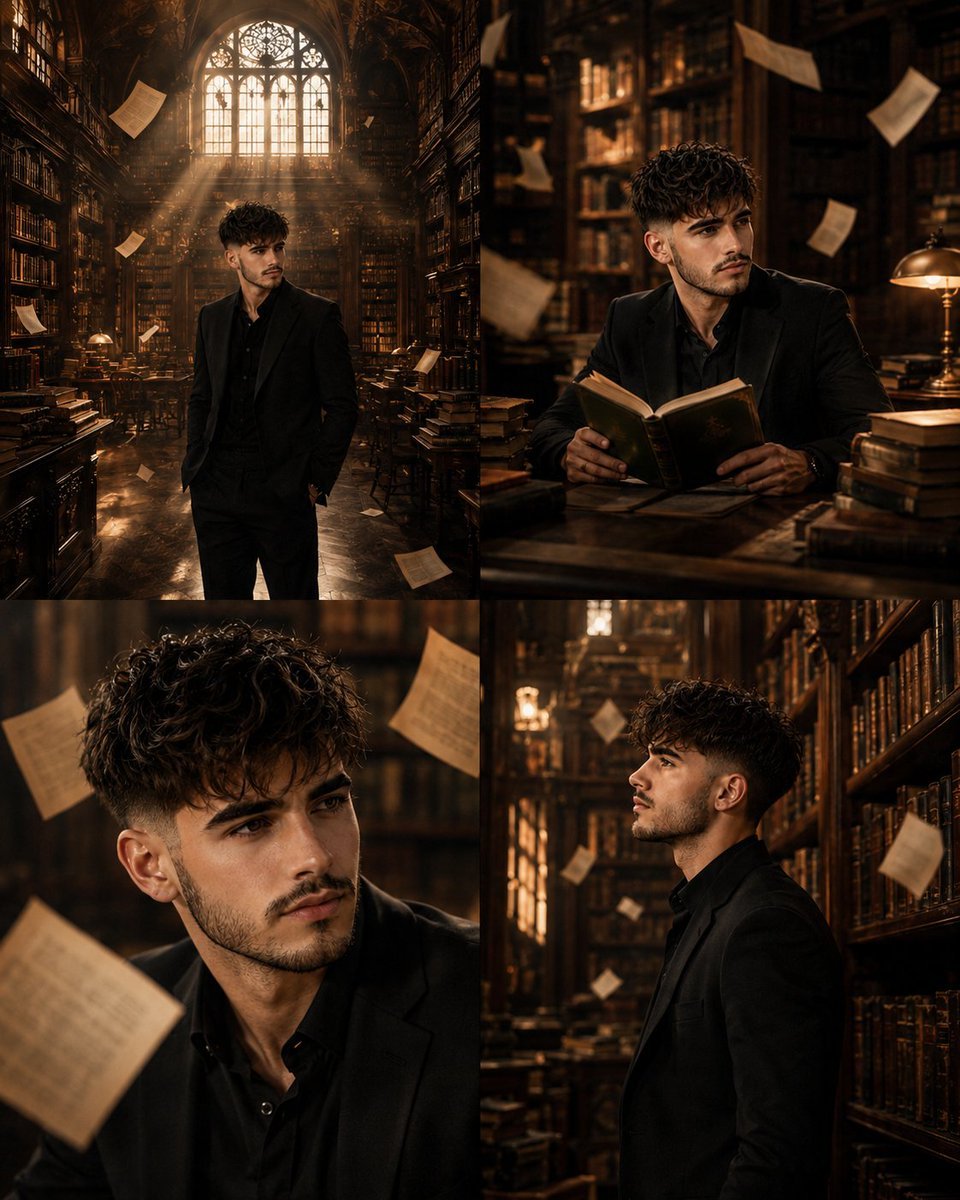
Surreal Library Multi-Angle Portrait
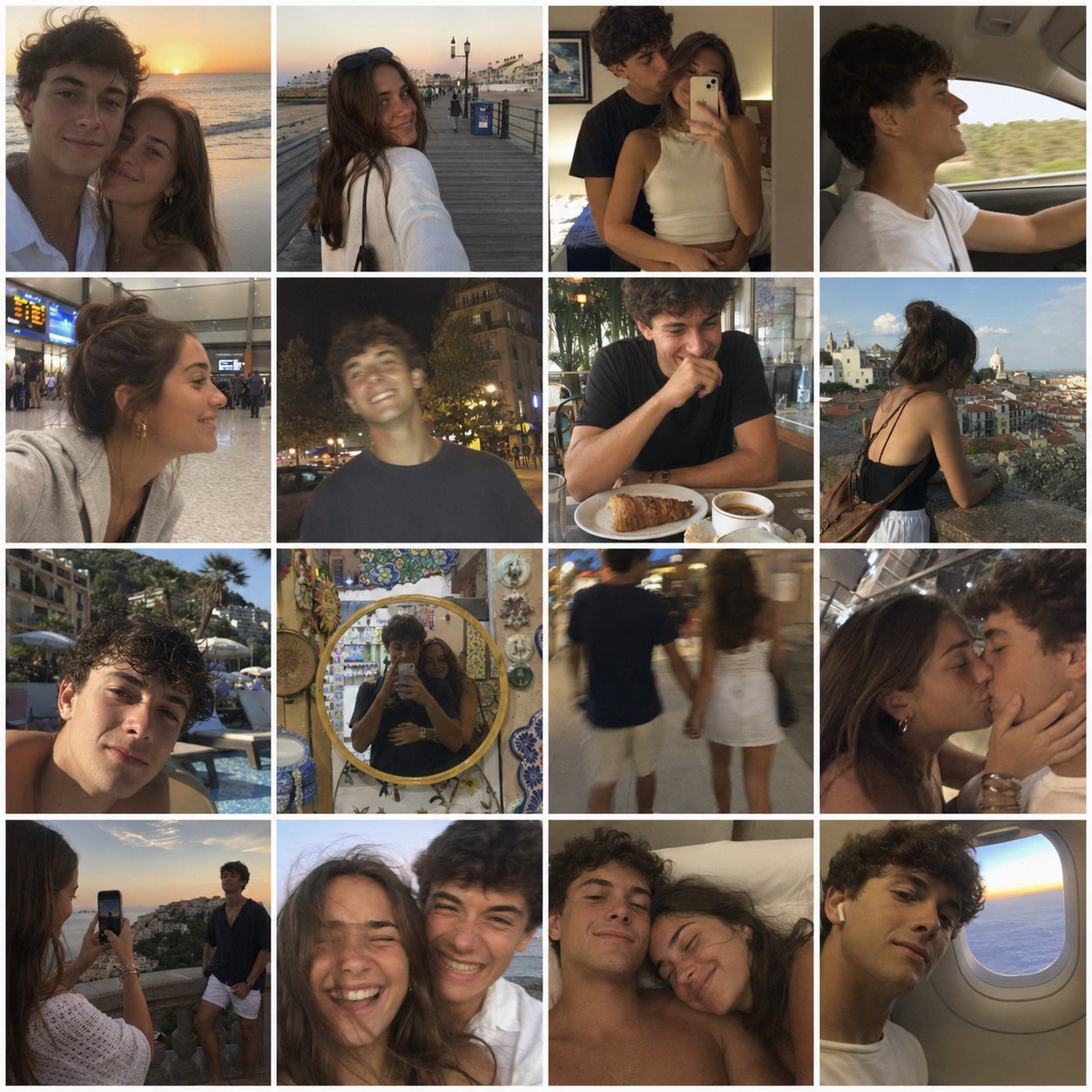
4x4 Grid - Candid Nostalgic Vacation Selfies
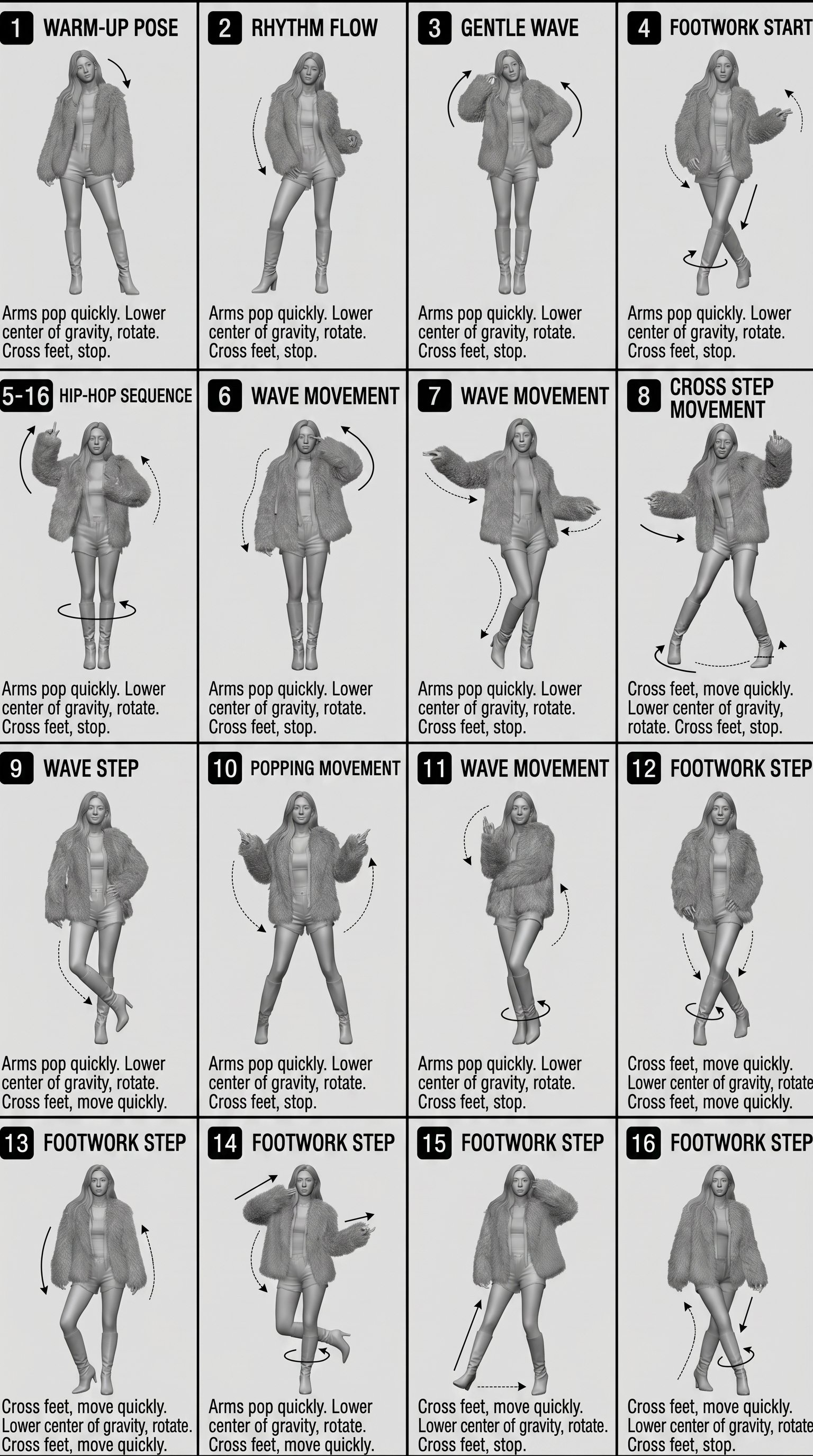
Movement Sheet - Dance Reference (Seedance 2.0)
AI Image Generation Prompts for Multiple Angles
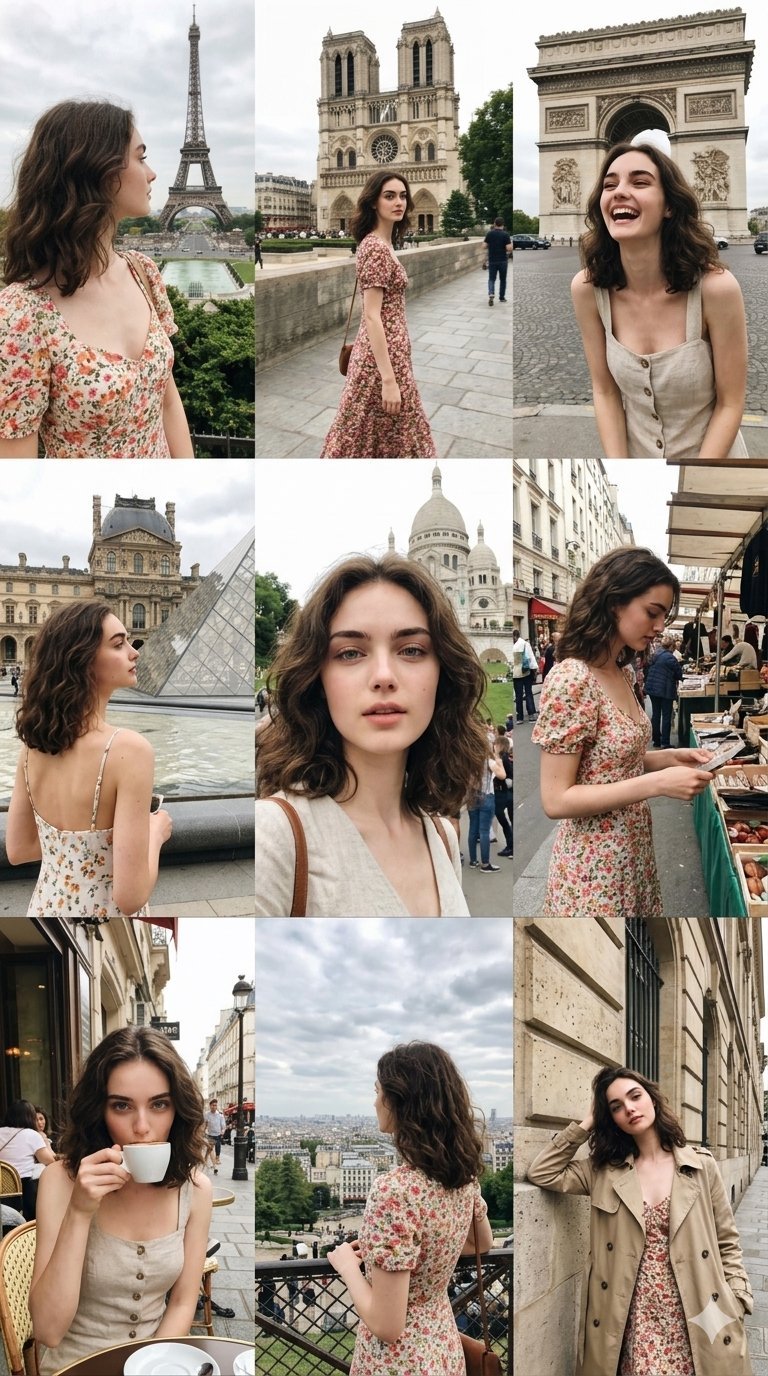
Paris Travel Collage Grid - Face Reference
Make it yours
Santa's Switch Prank Multi-Angle Grid works as-is. These are the safest ways to change it without losing the look.
Change one field
Copy a single group, rewrite it, and generate again so you can see what that field is doing.
Keep the frame, change the subject
Hold the composition and light of Santa's Switch Prank Multi-Angle Grid, then swap wardrobe, props or the person for a new take.
| If the result… | Why | Fix |
|---|---|---|
| The result drifts from the preview | Too many fields changed at once. | Reuse Santa's Switch Prank Multi-Angle Grid as-is first, then change one group — subject, light, or setting. |
| The model over-stylizes the scene | The prose prompt leaves finish and camera underspecified. | Add one camera or lighting sentence and stay on Nano Banana 2. |
More Nano Banana 2 templates
Other prompts made for Nano Banana 2.

Photorealistic Leaf Shaped Like a Dragon

K-Pop Idol Portrait Grid for Rapid Selection

Poetic Rain Forest Portrait During Golden Hour

Urban Street Portrait with Cartoon Inner Self Duo

Candid Nighttime Photo with Cat Prompt

High-Concept 3D Diorama Generation Prompt

Cinematic Futuristic Studio Portrait Template

Skincare Editorial Photography Collage Prompt

Hyper-Realistic Commercial Product Photography (Splash Effect)

Hyper-Realistic Nightclub Portrait Prompt
More image prompts
Fresh picks from across the catalog.
Scenic Landscape Calendar
Cinematic Fashion Editorial with Emerald Gel Lighting

Couture Fashion Editorial Woman and Drag
Hyper-Muscular Man 8K Portrait
Character Design Sheet for a Man with Hi
Ultra-Realistic 3D Cinematic Portrait of Boy with Tom and Jerry
Anonymous Night Radio Doll Host
Cute Mermaid Puppy Undersea Game Start Screen
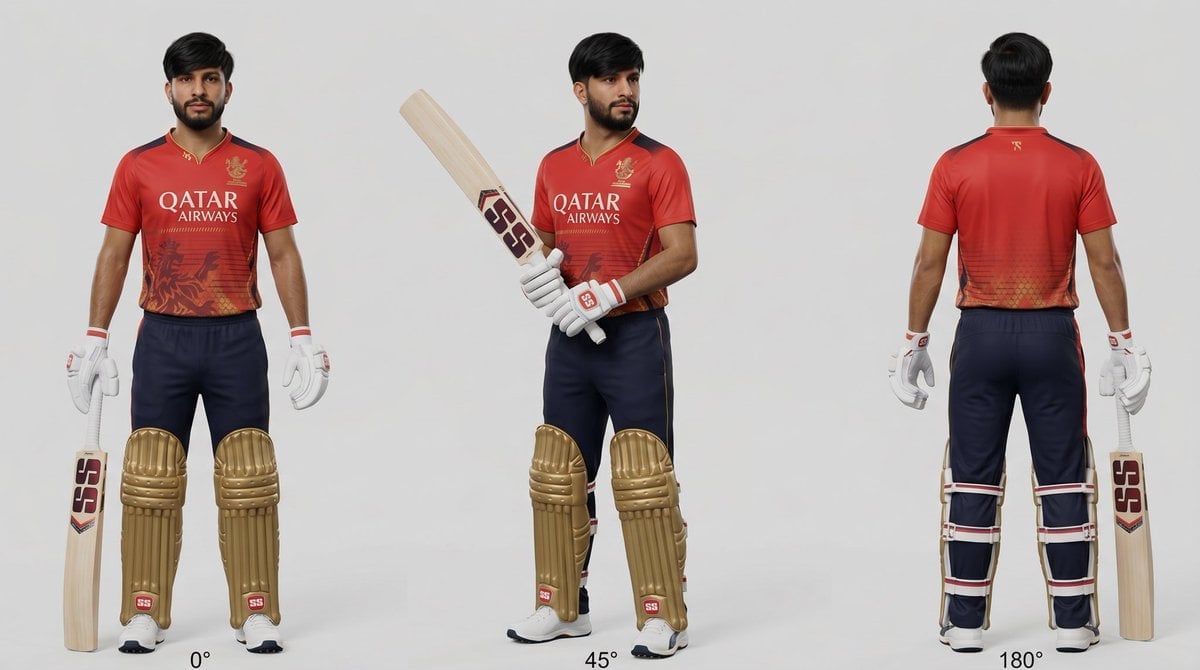
Cricket Player Three-Angle Character Sheet
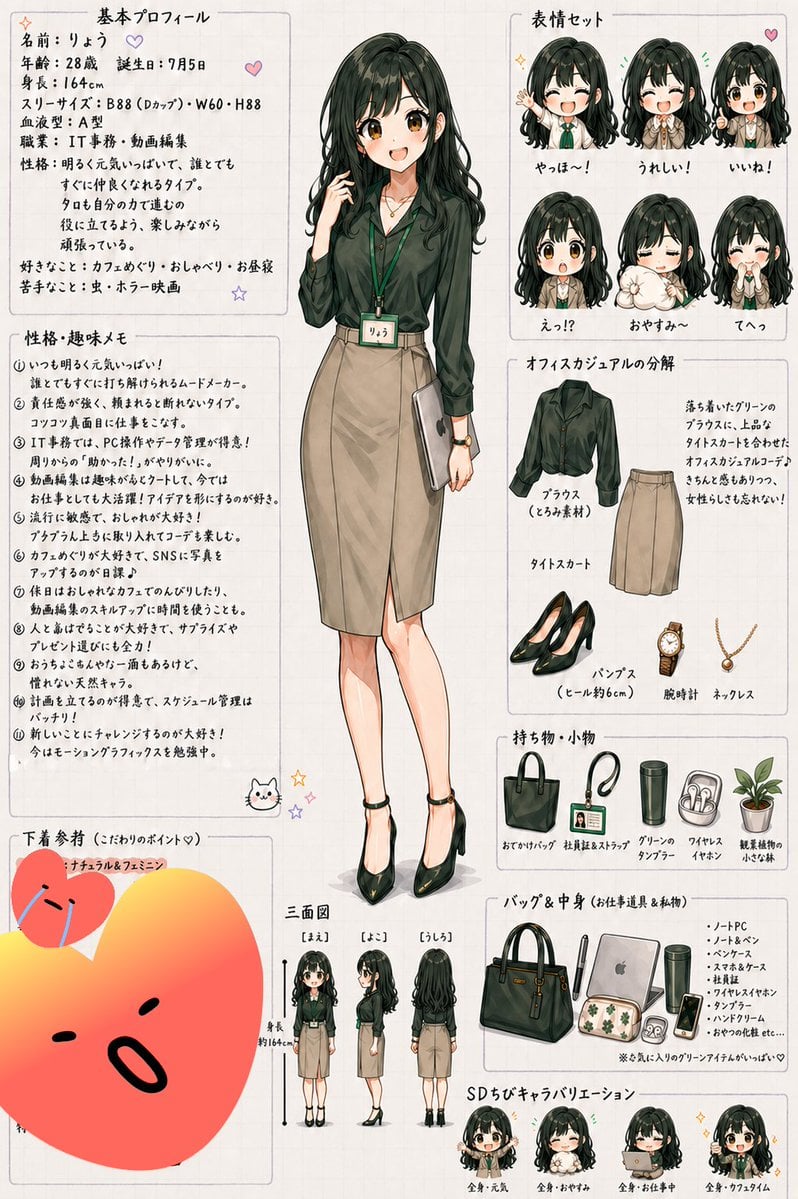
Japanese Office Lady Character Sheet
Browse template categories
Santa's Switch Prank Multi-Angle Grid questions
How do I use the Santa's Switch Prank Multi-Angle Grid template?
Add your photo if the template asks for one, edit the prompt if you like — the template's model and format are already selected — and press Generate. Your version opens in PicX Studio.
Can I customize the Santa's Switch Prank Multi-Angle Grid template?
Yes. You can change the subject, setting, lighting, mood, format, and available model controls before creating your image.
Is the Santa's Switch Prank Multi-Angle Grid template free?
Opening and editing this template is free. Generating uses credits, shown on the Generate button when you are signed in.
Which AI model should I use?
Start with Nano Banana 2, which is the model associated with this template. You can compare another compatible model for a different finish.
Looking for something else? Browse all templates.

Your photo, any look
Thousands of ready templates for every top image and video model, from one credit balance.