How do I use the Vintage Rubber Hose Mascot Poster template?
Choose the primary action to open PicX Studio with the available template settings. Review the model and format, personalize the creative direction, and generate when ready.
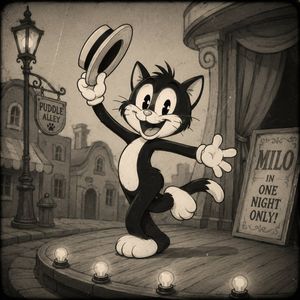
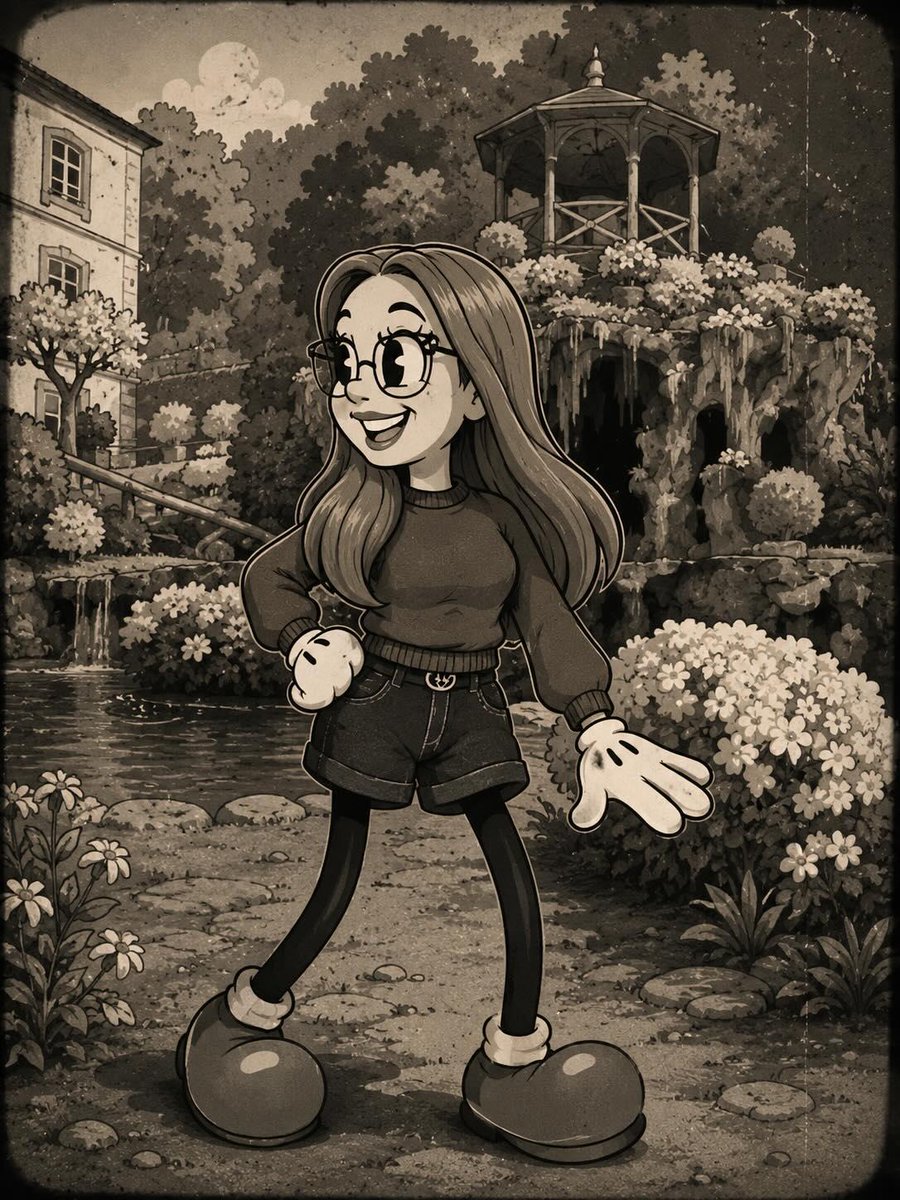
A retro-style poster prompt for creating vintage mascots in a rubber hose animation style with distressed screen-print textures.

Vintage mascot poster in a vertical 4:5 layout on a cream paper background using only {argument name="color palette" default="[COLOR1], [COLOR2], [COLOR3], and [COLOR4]"}. At the top, place the bold rounded headline “{argument name="headline" default="[TITLE]"}”. In the center, show a rubber hose style {argument name="subject" default="[HUMAN]"} wearing {argument name="outfit" default="[CLOTHES]"} walking beside [ANIMAL] through [BACKGROUND], both with pie-cut eyes, simple smiling faces, thick clean outlines, rounded limbs, oversized shoes, and a playful mid-step pose. Add subtle register misalignment in the outlines and fills, light distressed screen-print grain, a simple circular stamp graphic, and a horizontal checker stripe near the lower section. At the bottom, place the bold rounded tagline “[TAGLINE]”. Clean retro t-shirt graphic, flat colors, no gradients, crisp simple composition.
Choose the primary action to open PicX Studio with the available template settings. Review the model and format, personalize the creative direction, and generate when ready.
Yes. You can change the subject, setting, lighting, mood, format, and available model controls before creating your image.
This template is free to open and customize. Generation usage is shown in PicX Studio before you create.
Start with GPT Image 2, which is the model associated with this template. You can compare another compatible model for a different finish.
Follow a topic to a crawlable collection of related PicX Studio templates.