
Central Park Urban Sketch
Generates a premium urban sketch travel poster of Central Park in August, featuring watercolor layering and a pen-and-ink aesthetic.
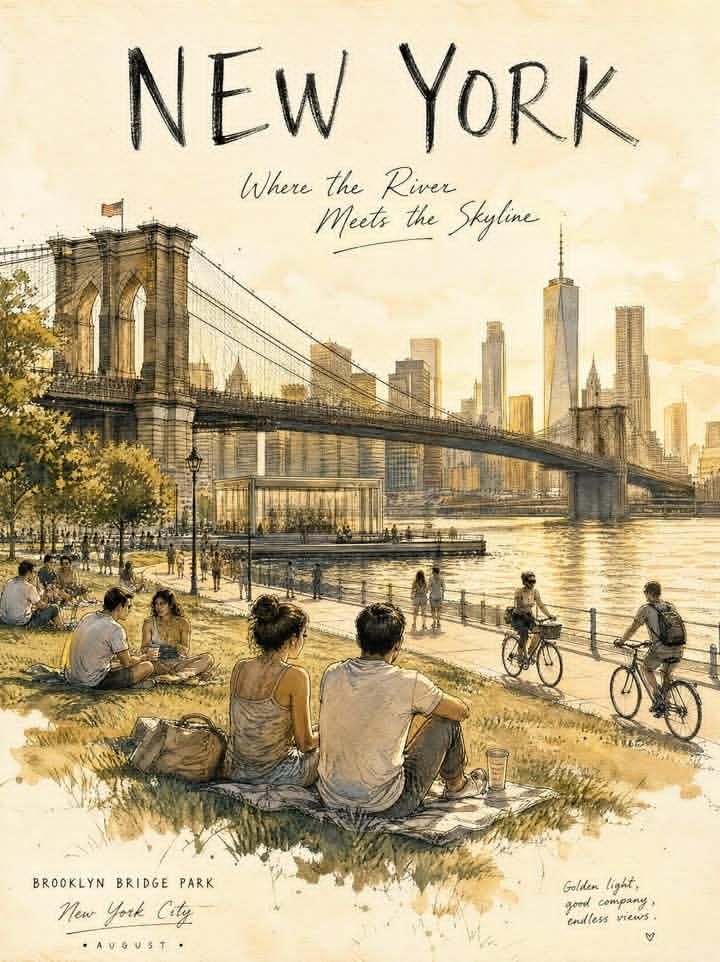
- Prompt included
- Model and format preset
- Free template
The prompt behind this image
Copy the exact prompt behind Central Park Urban Sketch, or open it in the studio and make it yours.
New York {argument name="location" default="Central Park"}, {argument name="month" default="August"}, {argument name="time" default="afternoon"}. A premium urban sketch travel journal poster capturing an authentic summer afternoon in Central Park, New York. Show expansive green lawns, mature elm and oak trees, leisurely pedestrians, cyclists, joggers, picnics on the grass, and the Manhattan skyline emerging softly beyond the treetops. Refined urban sketch illustration, expressive pen-and-ink drawing, thin black ink lines, broken contour lines, slightly imperfect hand-drawn perspective, authentic sketchbook aesthetic. Transparent watercolor layering, soft pigment diffusion, subtle paper texture, limited color palette, preserved white highlights. Large negative space, airy travel-poster composition, foreground park life, middle-ground walkers and cyclists, background Manhattan skyline fading into watercolor haze. Mood: warm, poetic, peaceful, observational, timeless summer city life. Soft August sunlight, gentle tree shadows across the lawn, warm reflected highlights, delicate atmospheric depth. Typography: "NEW YORK" "An August Afternoon" Luxury travel journal illustration, premium urban sketchbook aesthetic, authentic hand-drawn architecture and landscape sketch.
How to use Central Park Urban Sketch in 3 steps
- 1
Open
The prompt is already in the box next to the preview, with the template's model and format selected.
- 2…a portrait of your subject in softgolden-hour light, 85mm…
Personalize
Edit the subject and creative details for your destination.
- 3Generate
Generate
Press Generate — your image is created in PicX Studio, so you can compare it with the original and refine one variable at a time.
More like this
Templates with the same subject, style or setup. Open one to see its prompt.
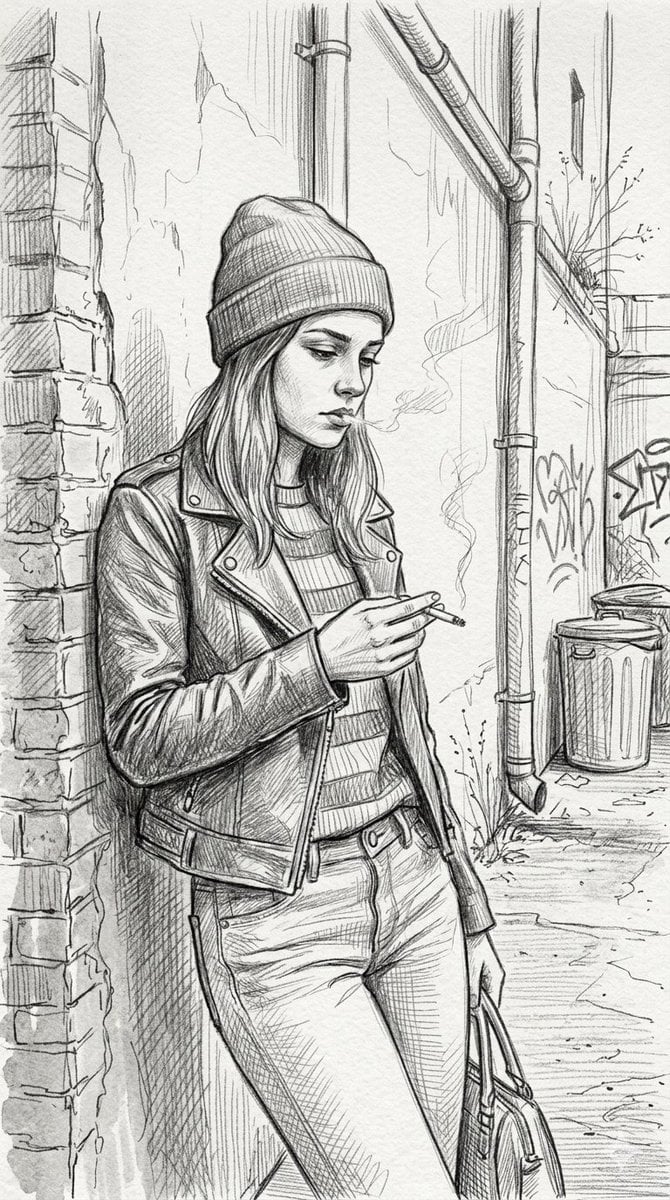
Gritty urban pencil sketch portrait

Urban Fashion Editorial Collage Streetwear Poster

Korean Streetwear Minimalist Campaign Portrait

Cinematic Korean Streetwear Street Portrait

Frozen Street Luxe Graffiti Fashion Campaign

Urban Fashion Editorial Collage Poster

Cinematic Street Fashion Portrait Motion Blur Crowd

Subway Platform Quiet Introspective Portrait

Japanese Café Sketch Duo Illustration

Delicate Japanese Café Lifestyle Illustration

Night City Bridge Triptych Portrait Session
Subway Platform Quiet Introspective Portrait
Make it yours
Central Park Urban Sketch works as-is. These are the safest ways to change it without losing the look.
Change one field
Copy a single group, rewrite it, and generate again so you can see what that field is doing.
Keep the frame, change the subject
Hold the composition and light of Central Park Urban Sketch, then swap wardrobe, props or the person for a new take.
| If the result… | Why | Fix |
|---|---|---|
| The result drifts from the preview | Too many fields changed at once. | Reuse Central Park Urban Sketch as-is first, then change one group — subject, light, or setting. |
| The model over-stylizes the scene | The prose prompt leaves finish and camera underspecified. | Add one camera or lighting sentence and stay on GPT Image 2. |
More GPT Image 2 templates
Other prompts made for GPT Image 2.

Six VTuber Japanese Logo Sheet

Realistic Portrait of Woman and Deer

The Vista Modular Condo Poster

AI Model Routing Comparison Infographic

2.5D Anime Art Board

Isometric Productivity Desk Scene

New York Double Exposure Poster

Four-Panel AI Landscape Comparison

Japanese Tatami Lifestyle Magazine Cover

NESCAFÉ Coffee Map Poster
More image prompts
Fresh picks from across the catalog.
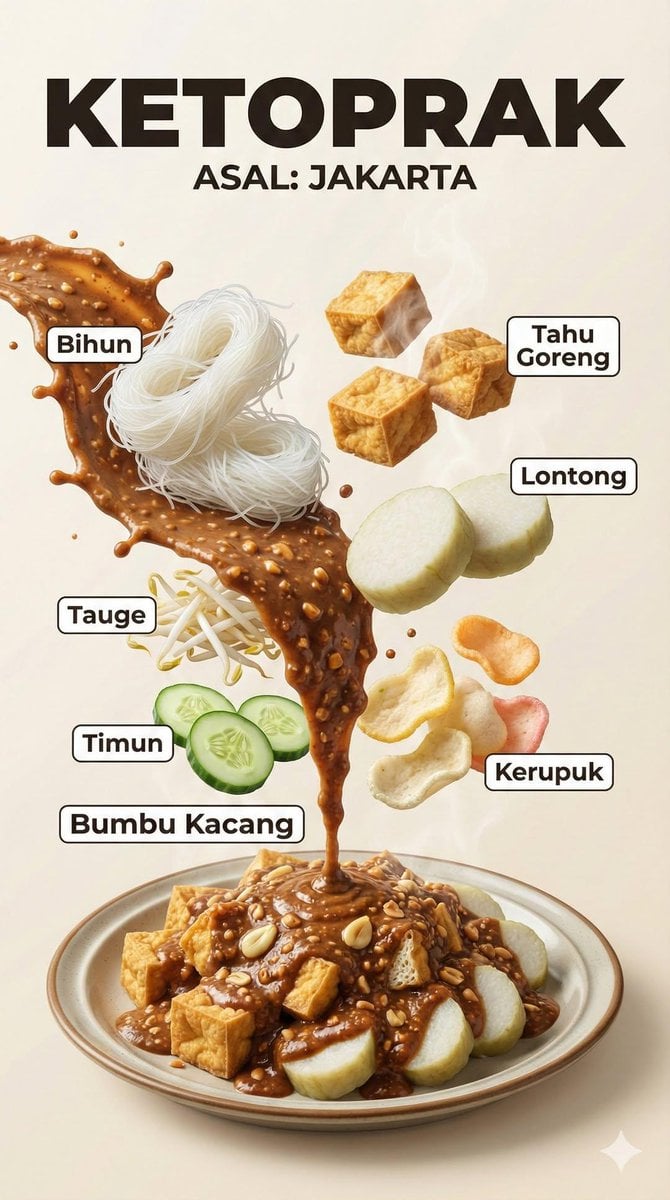
Hyper-Realistic Indonesian Food Infographic Poster
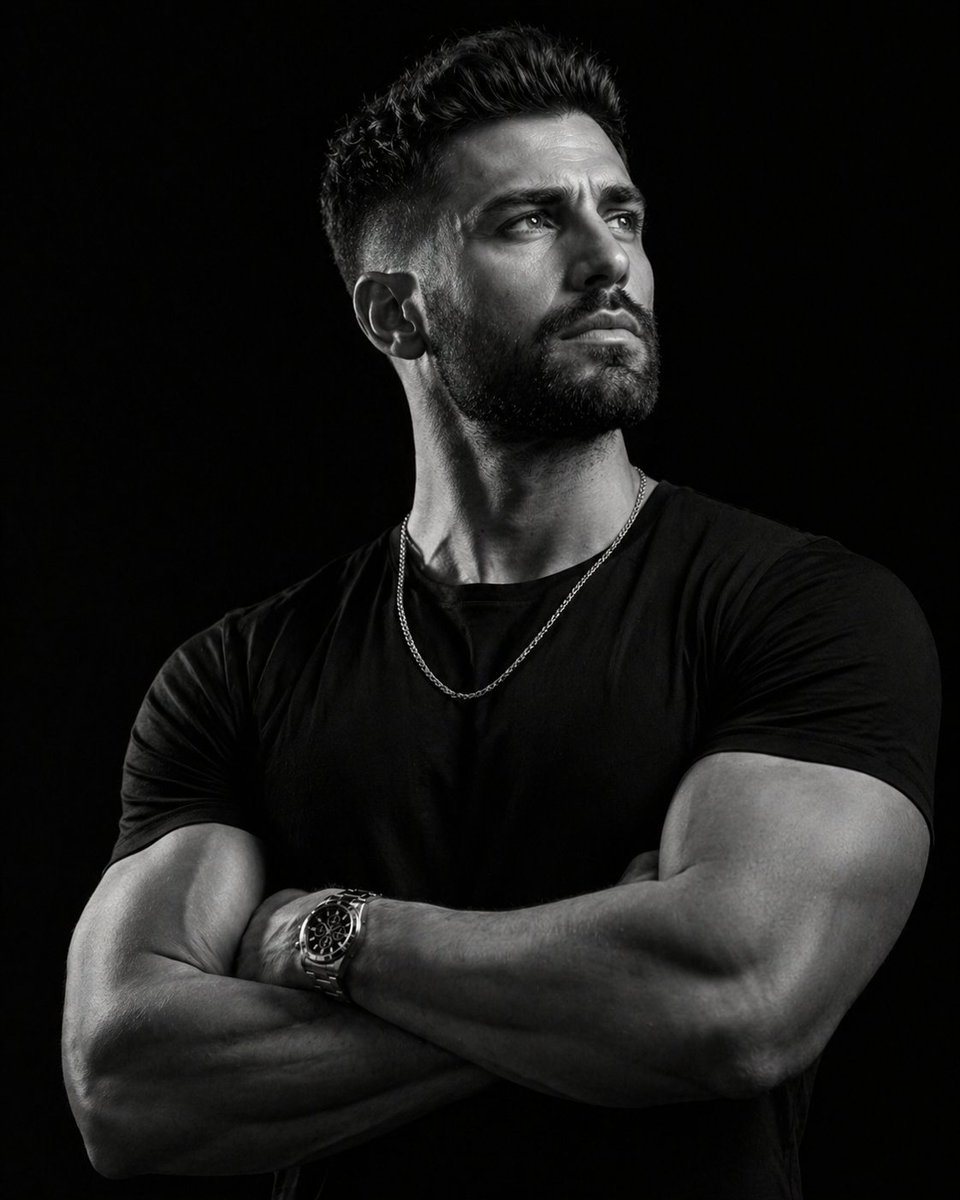
Low-key monochrome editorial portrait
Japanese Text Prompt about Quick Replies and Trust
Hyper-Realistic Cinematic Night Portrait in Rain
Layered Layout Style Prompt
Glamour Photo Prompt for Gemini Nano Banana
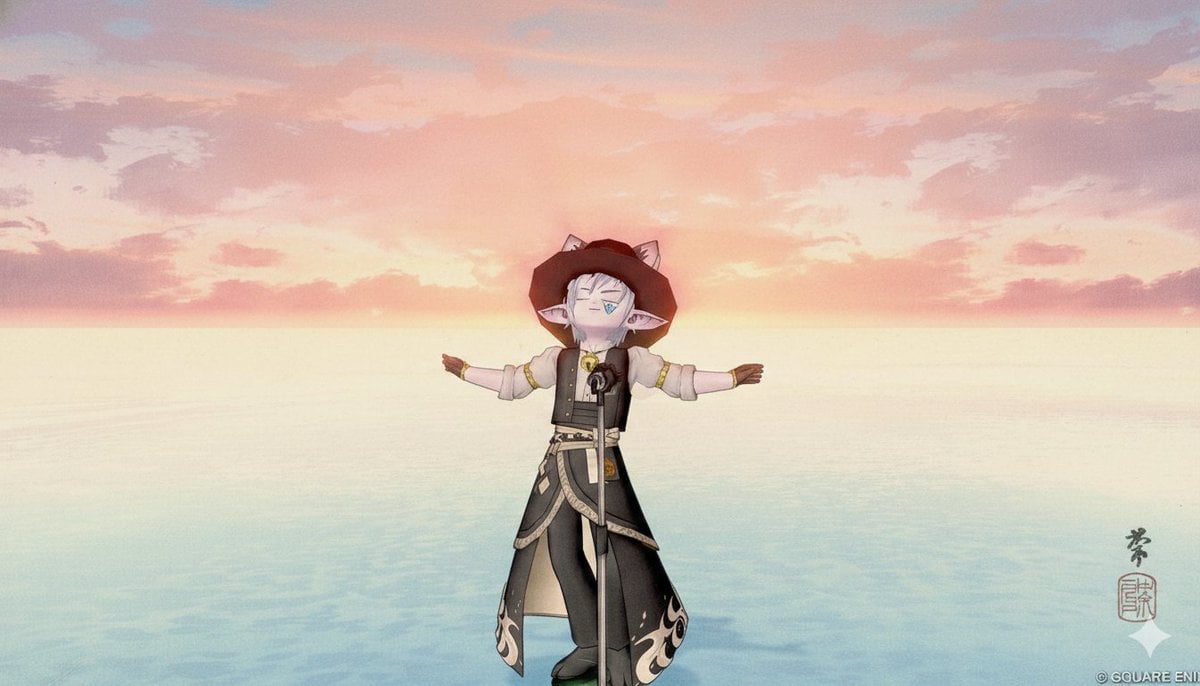
Image-to-Image Style Transfer to Ukiyo-e Style
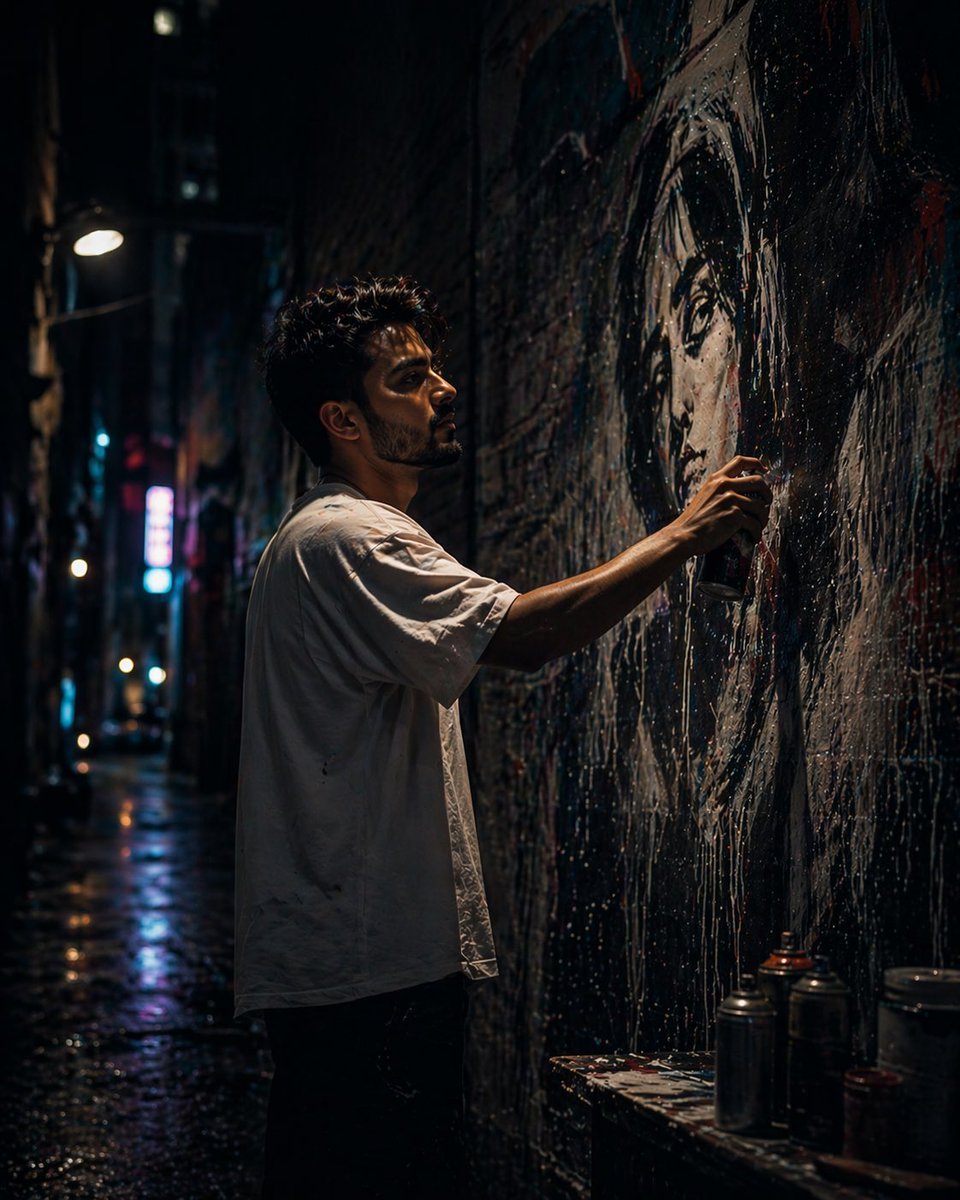
Gpt2 Comic Storyboard Urban Alley Mural Artist
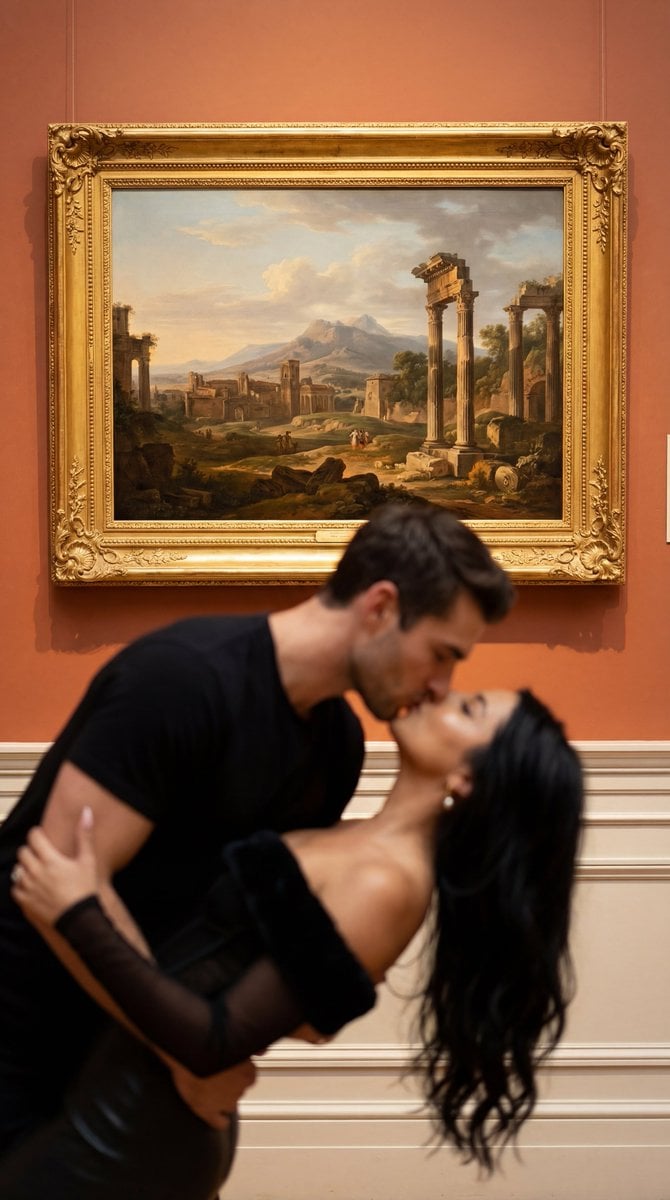
Cinematic Museum Romance Dip-Kiss Editorial Prompt
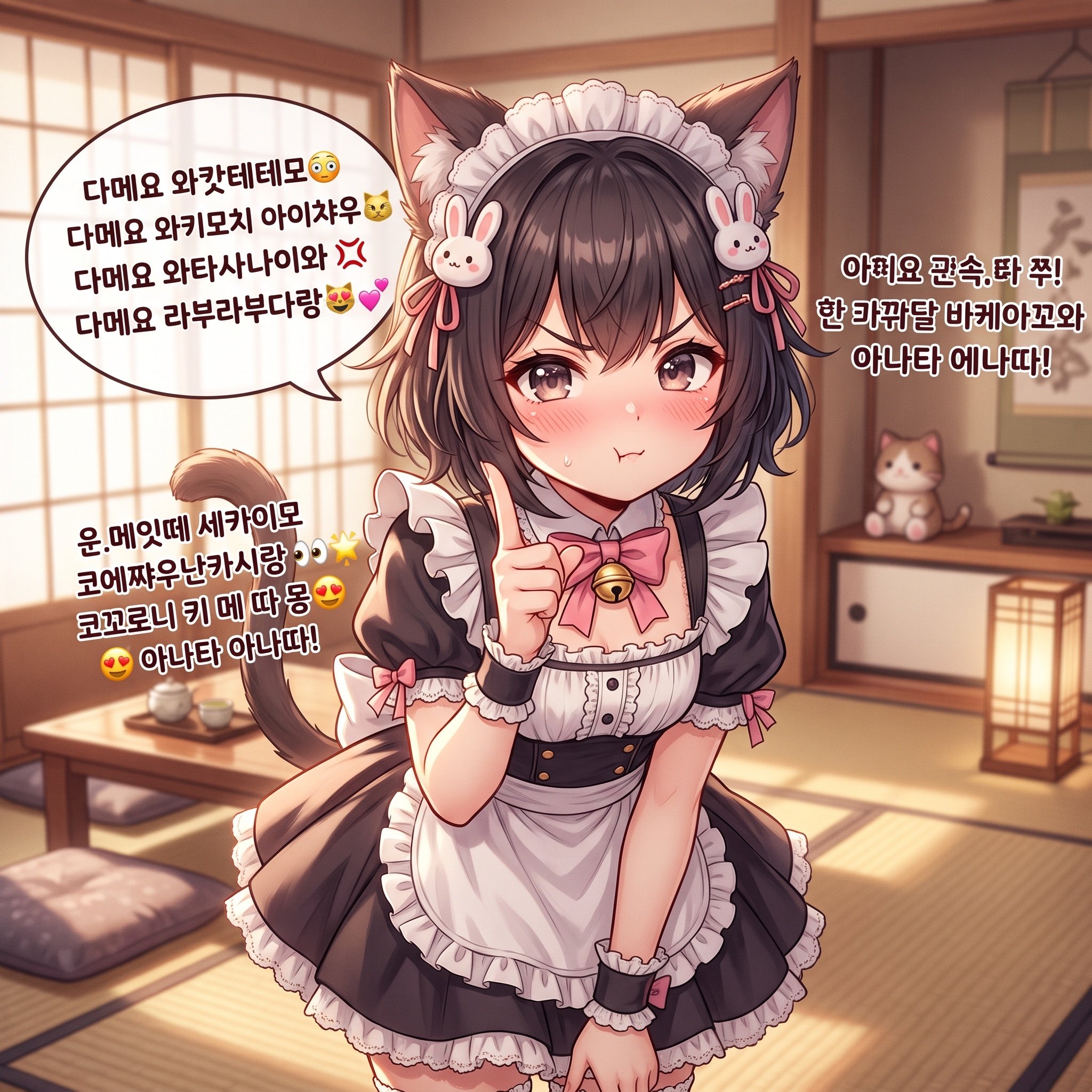
Japanese/Korean Mixed Text for Affectionate Roleplay
Browse template categories
Central Park Urban Sketch questions
How do I use the Central Park Urban Sketch template?
Add your photo if the template asks for one, edit the prompt if you like — the template's model and format are already selected — and press Generate. Your version opens in PicX Studio.
Can I customize the Central Park Urban Sketch template?
Yes. You can change the subject, setting, lighting, mood, format, and available model controls before creating your image.
Is the Central Park Urban Sketch template free?
Opening and editing this template is free. Generating uses credits, shown on the Generate button when you are signed in.
Which AI model should I use?
Start with GPT Image 2, which is the model associated with this template. You can compare another compatible model for a different finish.
Looking for something else? Browse all templates.

Your photo, any look
Thousands of ready templates for every top image and video model, from one credit balance.