How do I use the Vintage Rubber-Hose Cat Vaudeville template?
Edit the prompt in the box under the preview — the template's model and format are already selected — and press Generate. Your version appears right on this page.
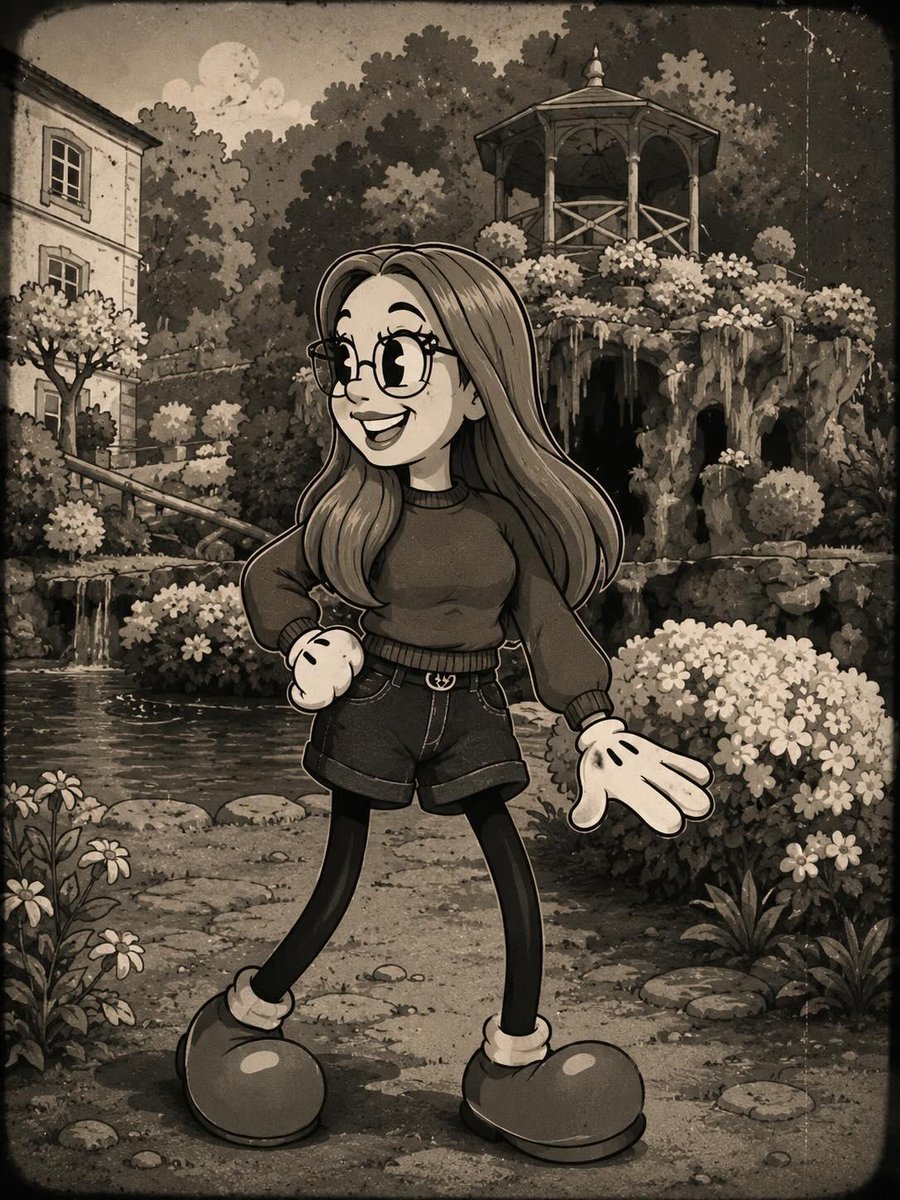
Generates a sepia black-and-white 1930s cartoon cat performer on a theatrical alley stage for vintage character art or poster-style scenes.

This template uses your photo — add one with the + button.
Create a square 1:1 black-and-white 1930s rubber-hose cartoon scene with faded sepia toning and aged film texture. Center a cheerful anthropomorphic tuxedo cat named {argument name="character name" default="Milo"} performing on a small wooden theater stage at night, drawn with thick hand-inked outlines, rounded limbs, white gloves, oversized oval eyes, a big open smile, pointed ears, whiskers, and a white belly and paws. The cat is in an exaggerated squash-and-stretch dance pose: one leg crossed forward, tail lifted behind, left arm raised high holding a straw boater hat with a dark band, right arm stretched outward in a welcoming gesture. The setting is an old vaudeville street-stage corner: wooden floorboards curve across the foreground, four glowing footlights line the front edge, heavy theater curtains and a decorative proscenium column frame the right side, and a framed poster leaning on the right reads “{argument name="poster text" default="MILO IN ONE NIGHT ONLY!"}” in large vintage serif lettering. In the background on the left, show a cobblestone alley with soft-focus old buildings, a tall ornate streetlamp, a small fire hydrant, and a hanging sign that reads “{argument name="alley sign text" default="PUDDLE ALLEY"}” with a small paw print. Use a monochrome palette of charcoal black, warm gray, cream highlights, and sepia stains; add organic film grain, dust flecks, subtle scratches, dark rounded-corner vignette, uneven cel-paint shading, and controlled line boil. Keep the composition charming, theatrical, hand-drawn, and authentically vintage; avoid modern CGI, glossy 3D rendering, bright color, clean vector edges, or contemporary typography.
Create a square 1:1 black-and-white 1930s rubber-hose cartoon scene with faded sepia toning and aged film texture. Center a cheerful anthropomorphic tuxedo cat named {argument name="character name" default="Milo"} performing on a small wooden theater stage at night, drawn with thick hand-inked outlines, rounded limbs, white gloves, oversized oval eyes, a big open smile, pointed ears, whiskers, and a white belly and paws. The cat is in an exaggerated squash-and-stretch dance pose: one leg crossed forward, tail lifted behind, left arm raised high holding a straw boater hat with a dark band, right arm stretched outward in a welcoming gesture. The setting is an old vaudeville street-stage corner: wooden floorboards curve across the foreground, four glowing footlights line the front edge, heavy theater curtains and a decorative proscenium column frame the right side, and a framed poster leaning on the right reads “{argument name="poster text" default="MILO IN ONE NIGHT ONLY!"}” in large vintage serif lettering. In the background on the left, show a cobblestone alley with soft-focus old buildings, a tall ornate streetlamp, a small fire hydrant, and a hanging sign that reads “{argument name="alley sign text" default="PUDDLE ALLEY"}” with a small paw print. Use a monochrome palette of charcoal black, warm gray, cream highlights, and sepia stains; add organic film grain, dust flecks, subtle scratches, dark rounded-corner vignette, uneven cel-paint shading, and controlled line boil. Keep the composition charming, theatrical, hand-drawn, and authentically vintage; avoid modern CGI, glossy 3D rendering, bright color, clean vector edges, or contemporary typography.
Edit the prompt in the box under the preview — the template's model and format are already selected — and press Generate. Your version appears right on this page.
Yes. You can change the subject, setting, lighting, mood, format, and available model controls before creating your image.
Opening and editing this template is free. Generating uses credits, shown on the Generate button when you are signed in.
Start with GPT Image 2, which is the model associated with this template. You can compare another compatible model for a different finish.
Follow a topic to a crawlable collection of related PicX Studio templates.