
K-pop Idol Rosé at Payphone
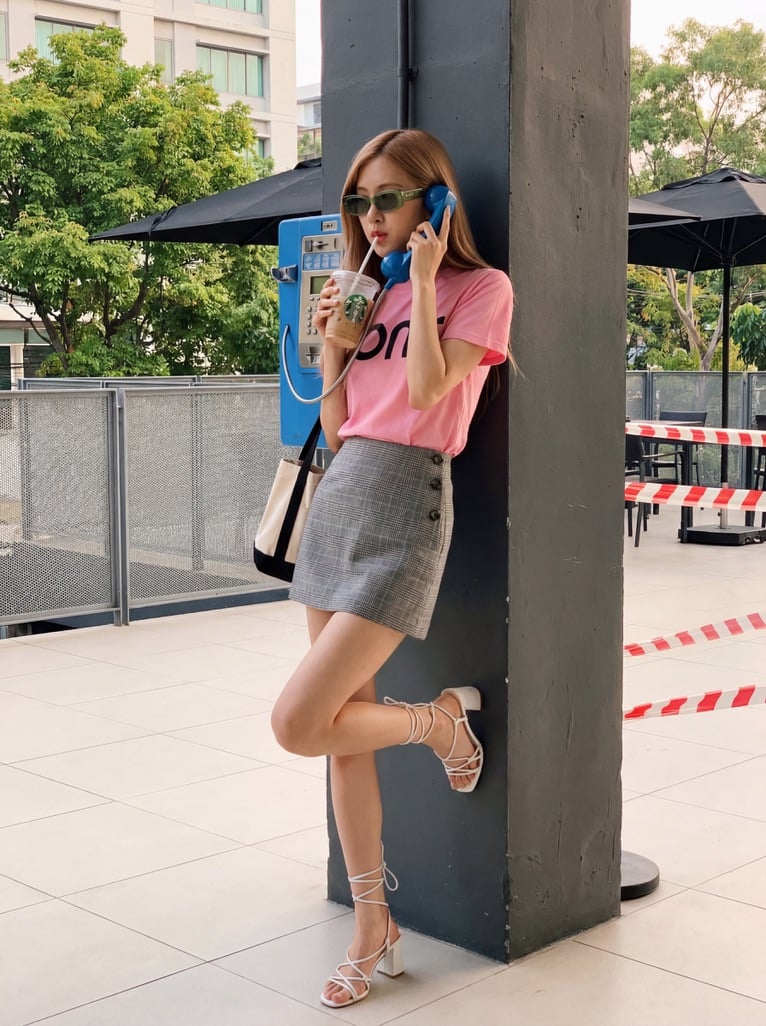
A highly detailed JSON prompt for Nano Banana Pro to recreate a specific scene featuring K-pop idol Rosé leaning against a pillar, holding a blue payphone receiver, and sipping iced coffee, with precise details on…
- Prompt included
- Model and format preset
- Free template
The prompt behind this image
Copy the exact prompt behind K-pop Idol Rosé at Payphone, or open it in the studio and make it yours.
- Recreation Prompt
- K-pop idol Rosé leaning against a dark grey pillar outdoors, holding a blue payphone receiver to her ear and sipping an iced coffee through a straw. She wears a pink t-shirt, grey plaid mini skirt, white strappy heels, and green tinted sunglasses. Her right leg is lifted, foot resting on the pillar. --ar 3:4
- Subject › Appearance
- K-pop idol Rosé, slender build, pale skin, light brown hair, dark brown almond eyes, red nail polish.
- Subject › Accessories
- Green-tinted rectangular sunglasses, wristwatch, bracelets, canvas tote bag with black strap.
- Outfit › Top
- Pink short-sleeve t-shirt with partial black graphic.
- Outfit › Bottom
- Grey plaid mini skirt with side buttons.
- Outfit › Shoes
- White strappy block heels, laced around the ankle.
- Pose › Body
- Leaning back against pillar.
- Pose › Limbs
- Right foot resting flat on wall. Right hand holding blue phone receiver. Left hand holding drink.
- Items › Phone
- Blue public payphone mounted to pillar.
- Items › Drink
- Iced coffee in clear plastic cup with green logo and white straw.
- Background › Setting
- Outdoors, light tiled floor.
- Background › Details
- Green trees, a building, black patio umbrellas, grey mesh fencing, red and white striped barrier tape.
- Color Grading
- Natural, soft daylight with slightly warm, vibrant undertones.
- Exact Colors › Shirt
- #FFA6C9
- Exact Colors › Skirt
- #8A8D8F
- Exact Colors › Phone
- #1E90FF
- Exact Colors › Sunglasses
- #9ACD32
- Exact Colors › Pillar
- #2F353B
- Exact Colors › Shoes
- #F8F8FF
Raw JSON
{
"recreation_prompt": "K-pop idol Rosé leaning against a dark grey pillar outdoors, holding a blue payphone receiver to her ear and sipping an iced coffee through a straw. She wears a pink t-shirt, grey plaid mini skirt, white strappy heels, and green tinted sunglasses. Her right leg is lifted, foot resting on the pillar. --ar 3:4",
"subject": {
"appearance": "K-pop idol Rosé, slender build, pale skin, light brown hair, dark brown almond eyes, red nail polish.",
"accessories": "Green-tinted rectangular sunglasses, wristwatch, bracelets, canvas tote bag with black strap."
},
"outfit": {
"top": "Pink short-sleeve t-shirt with partial black graphic.",
"bottom": "Grey plaid mini skirt with side buttons.",
"shoes": "White strappy block heels, laced around the ankle."
},
"pose": {
"body": "Leaning back against pillar.",
"limbs": "Right foot resting flat on wall. Right hand holding blue phone receiver. Left hand holding drink."
},
"items": {
"phone": "Blue public payphone mounted to pillar.",
"drink": "Iced coffee in clear plastic cup with green logo and white straw."
},
"background": {
"setting": "Outdoors, light tiled floor.",
"details": "Green trees, a building, black patio umbrellas, grey mesh fencing, red and white striped barrier tape."
},
"color_grading": "Natural, soft daylight with slightly warm, vibrant undertones.",
"exact_colors": {
"shirt": "#FFA6C9",
"skirt": "#8A8D8F",
"phone": "#1E90FF",
"sunglasses": "#9ACD32",
"pillar": "#2F353B",
"shoes": "#F8F8FF"
}
}How to use K-pop Idol Rosé at Payphone in 3 steps
- 1
Open
The prompt is already in the box next to the preview, with the template's model and format selected.
- 2…a portrait of your subject in softgolden-hour light, 85mm…
Personalize
Edit the subject and creative details for your destination.
- 3Generate
Generate
Press Generate — your image is created in PicX Studio, so you can compare it with the original and refine one variable at a time.
More like this
Templates with the same subject, style or setup. Open one to see its prompt.

Japanese Film Reflection Idol
Payphone Booth Rain Classic

A k.pop idol on the stage with mic
Origami K-Pop Idol Portrait

Kasane Teto Pop Idol Portrait

K-Pop Idol Portrait Grid for Rapid Selection
Idol Stage Performance Portrait

Pop Art Summer Fruit Fashion Illustration
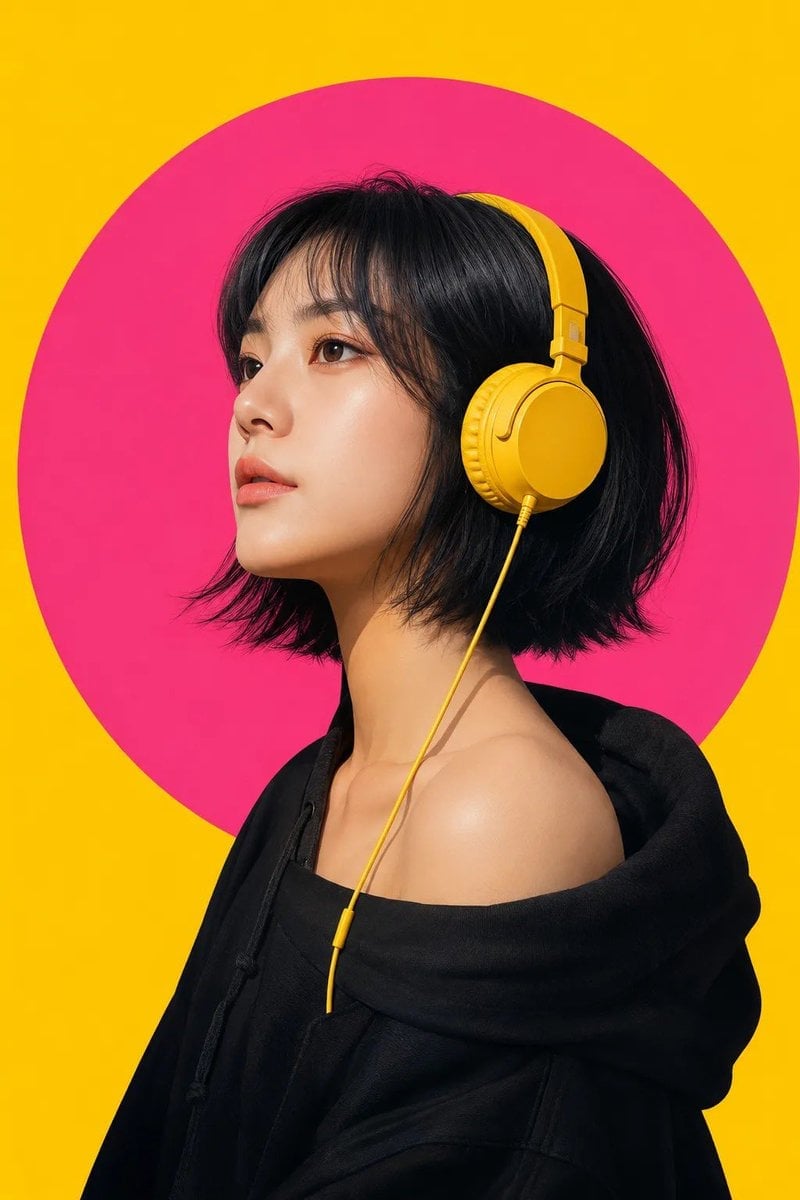
Modern Pop-Art Female Portrait

Pastel Anime Idol Concert Finale
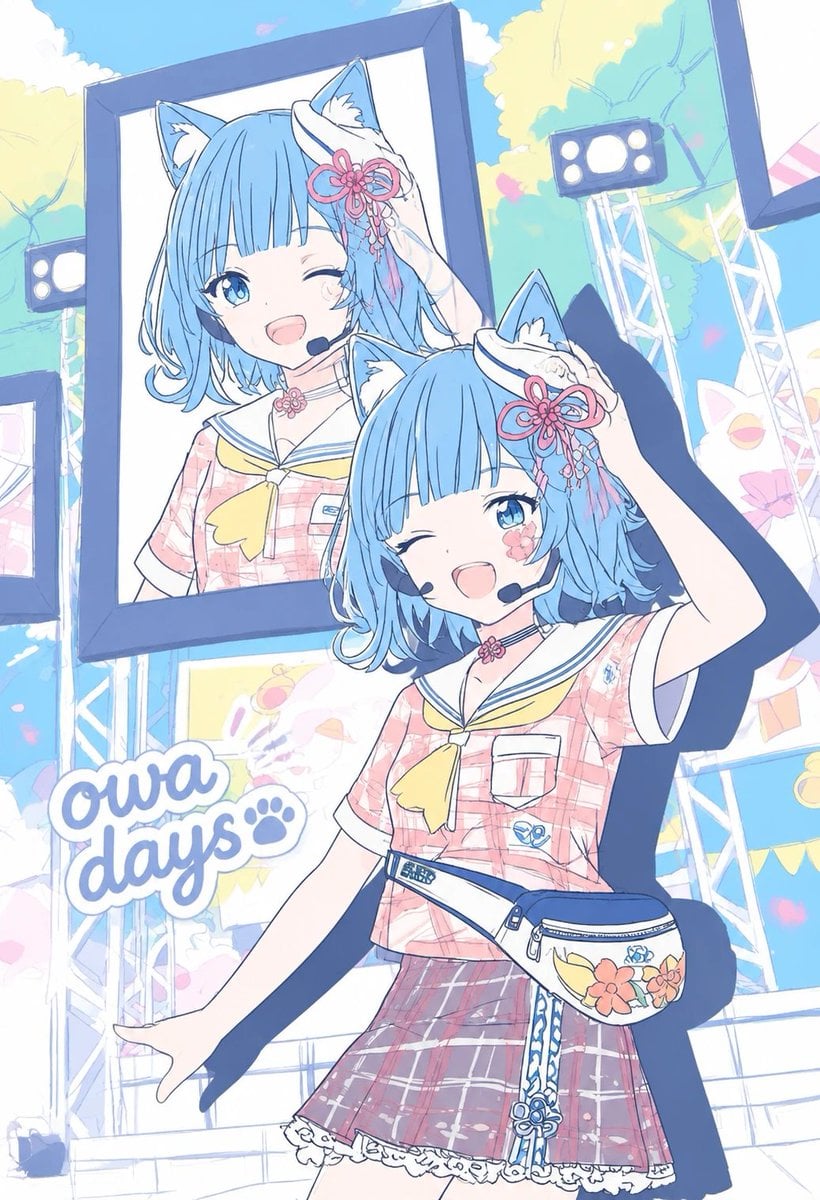
Pastel Cat-Eared Summer Idol Stage
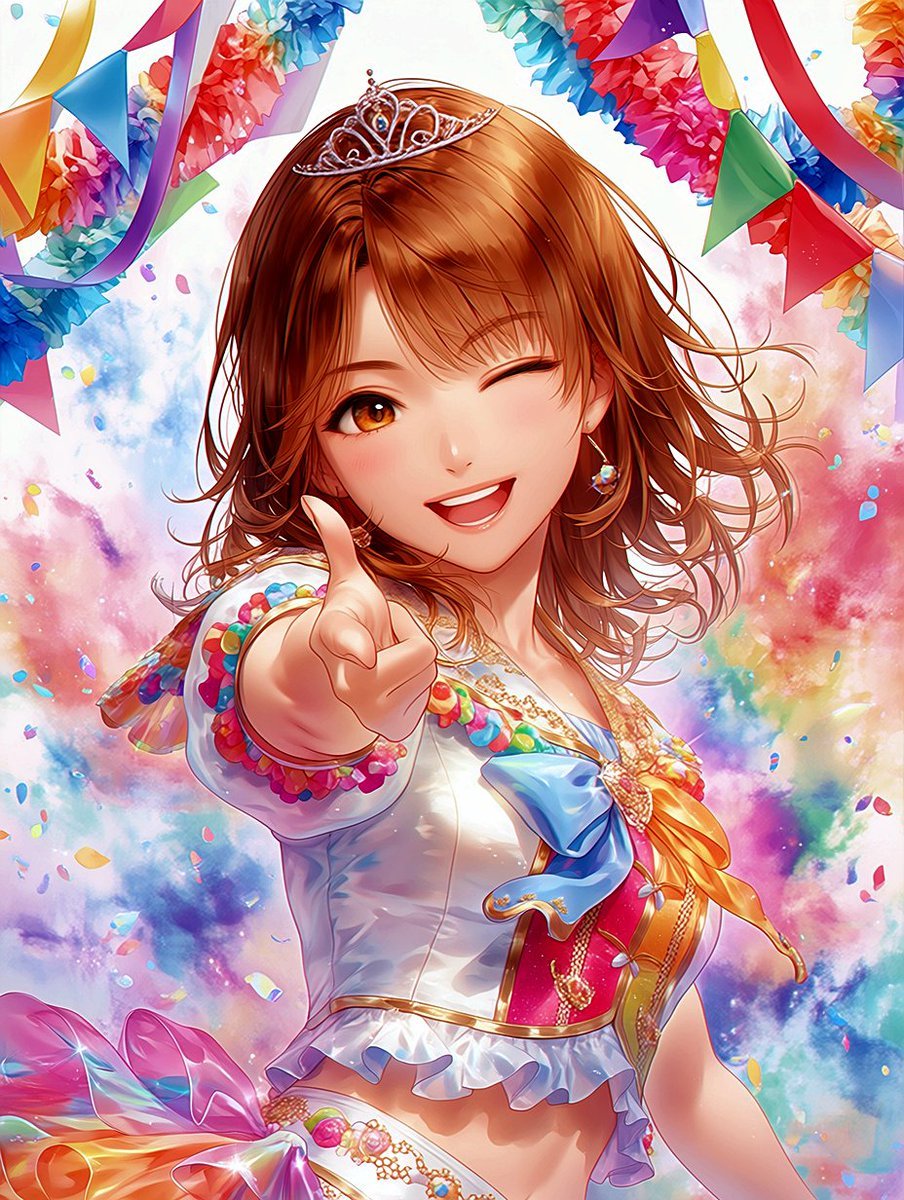
Winking Anime Idol Festival Portrait
Make it yours
K-pop Idol Rosé at Payphone works as-is. These are the safest ways to change it without losing the look.
Swap the setting
Keep the rest of the prompt and replace the location block. The current setting is “Outdoors, light tiled floor.”.
Change one field
Copy a single group, rewrite it, and generate again so you can see what that field is doing.
Keep the frame, change the subject
Hold the composition and light of K-pop Idol Rosé at Payphone, then swap wardrobe, props or the person for a new take.
| If the result… | Why | Fix |
|---|---|---|
| The result drifts from the preview | Too many fields changed at once. | Reuse K-pop Idol Rosé at Payphone as-is first, then change one group — subject, light, or setting. |
| Nano Banana 2 ignores part of the JSON | Some models flatten or skip nested keys. | Keep the same values and paste them as a short paragraph instead. |
More Nano Banana 2 templates
Other prompts made for Nano Banana 2.

Photorealistic Leaf Shaped Like a Dragon

Poetic Rain Forest Portrait During Golden Hour

Urban Street Portrait with Cartoon Inner Self Duo

Candid Nighttime Photo with Cat Prompt

High-Concept 3D Diorama Generation Prompt

Cinematic Futuristic Studio Portrait Template

Skincare Editorial Photography Collage Prompt

Hyper-Realistic Commercial Product Photography (Splash Effect)

Hyper-Realistic Nightclub Portrait Prompt

Cinematic Urban Rain Scene Prompt (Neo-Noir)
More image prompts
Fresh picks from across the catalog.
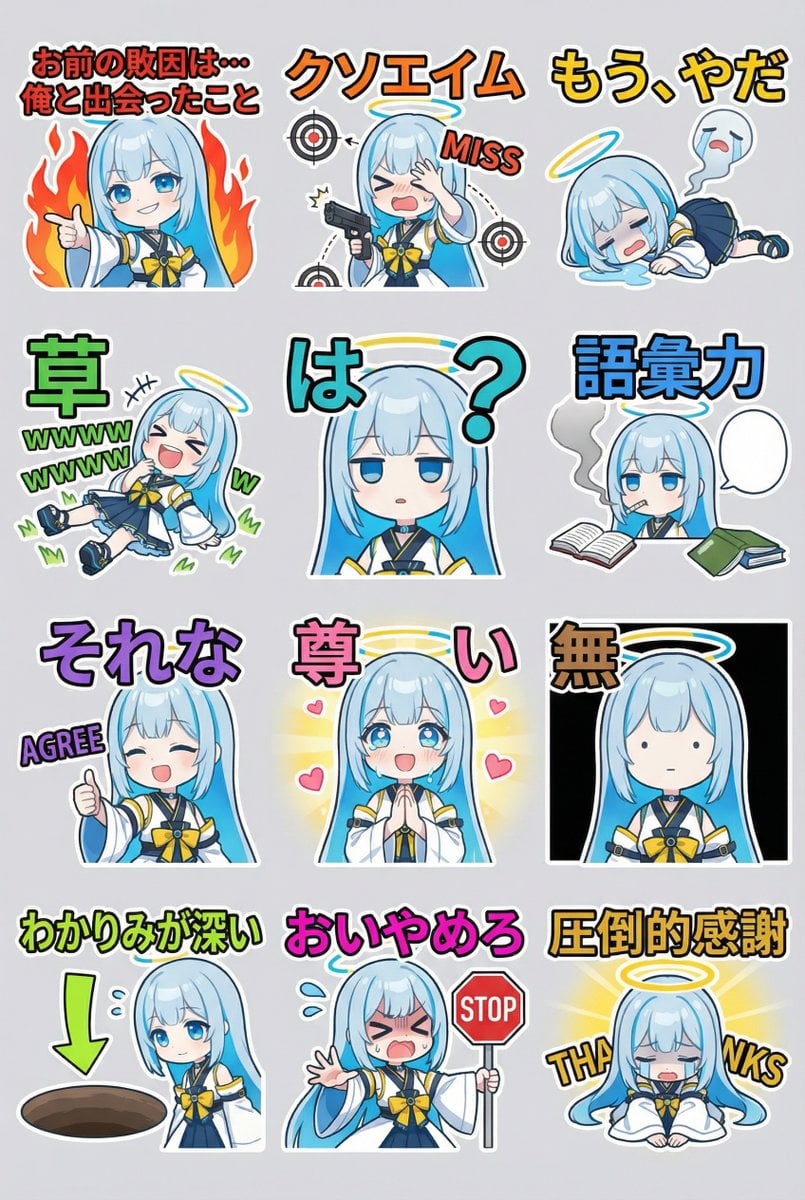
Humorous LINE sticker sheet for Oracle-chan
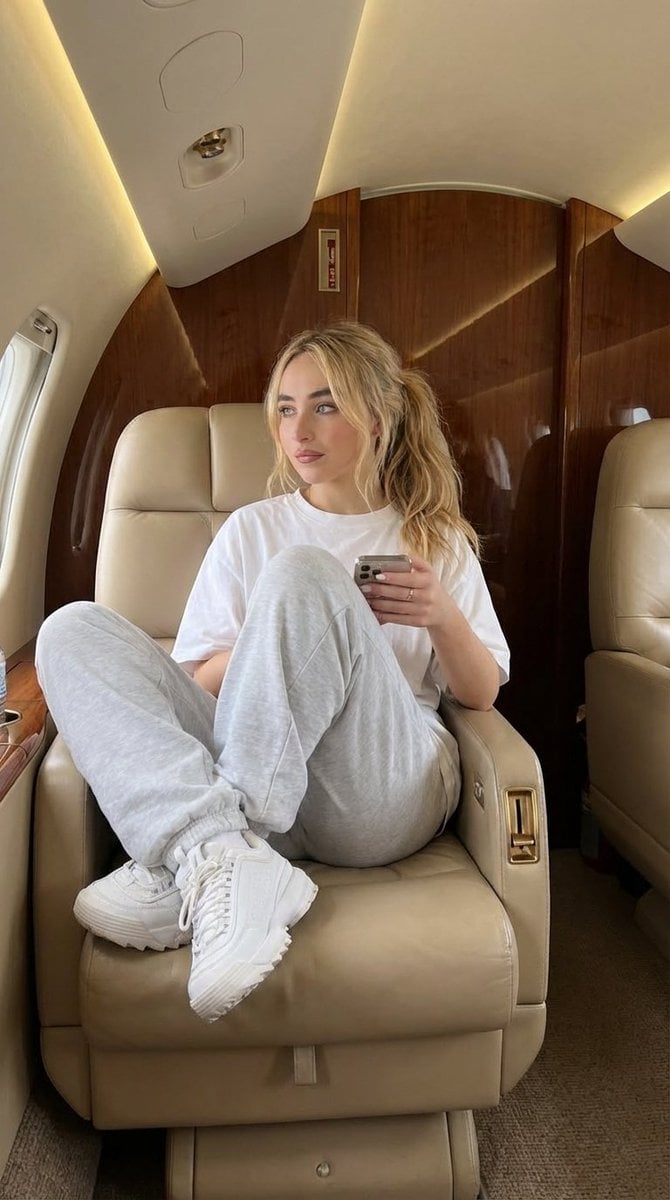
Luxury Private Jet Photoshoot Prompt for Stylish Young Woman
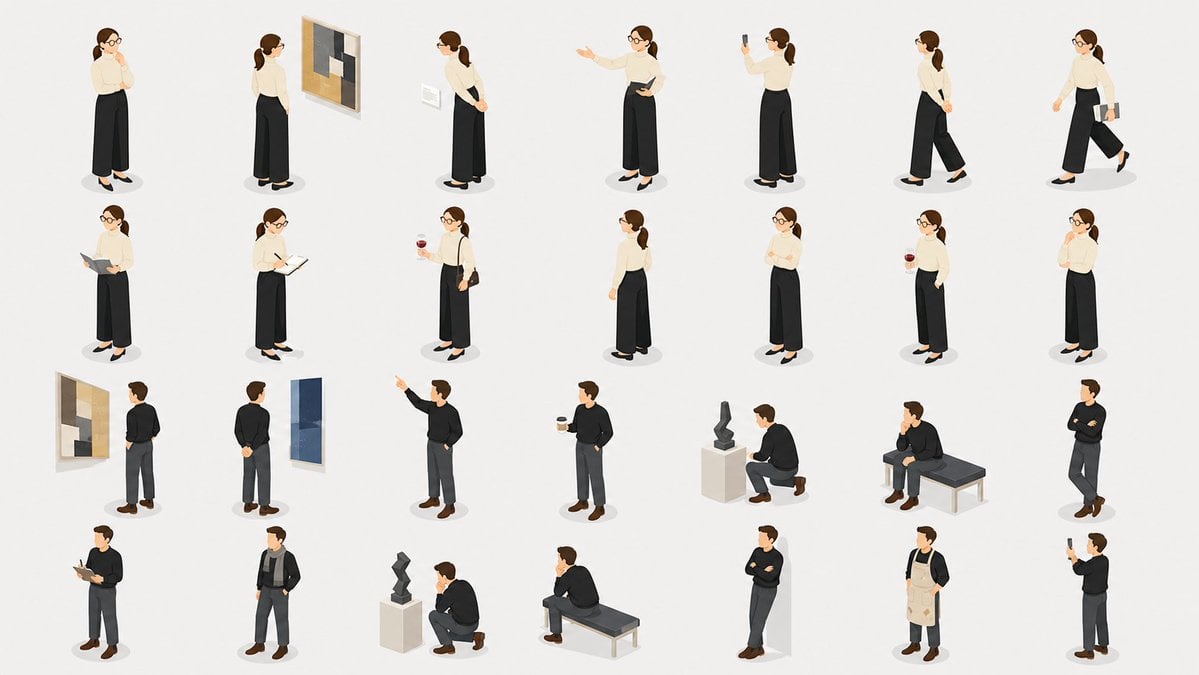
Isometric Gallery People Set
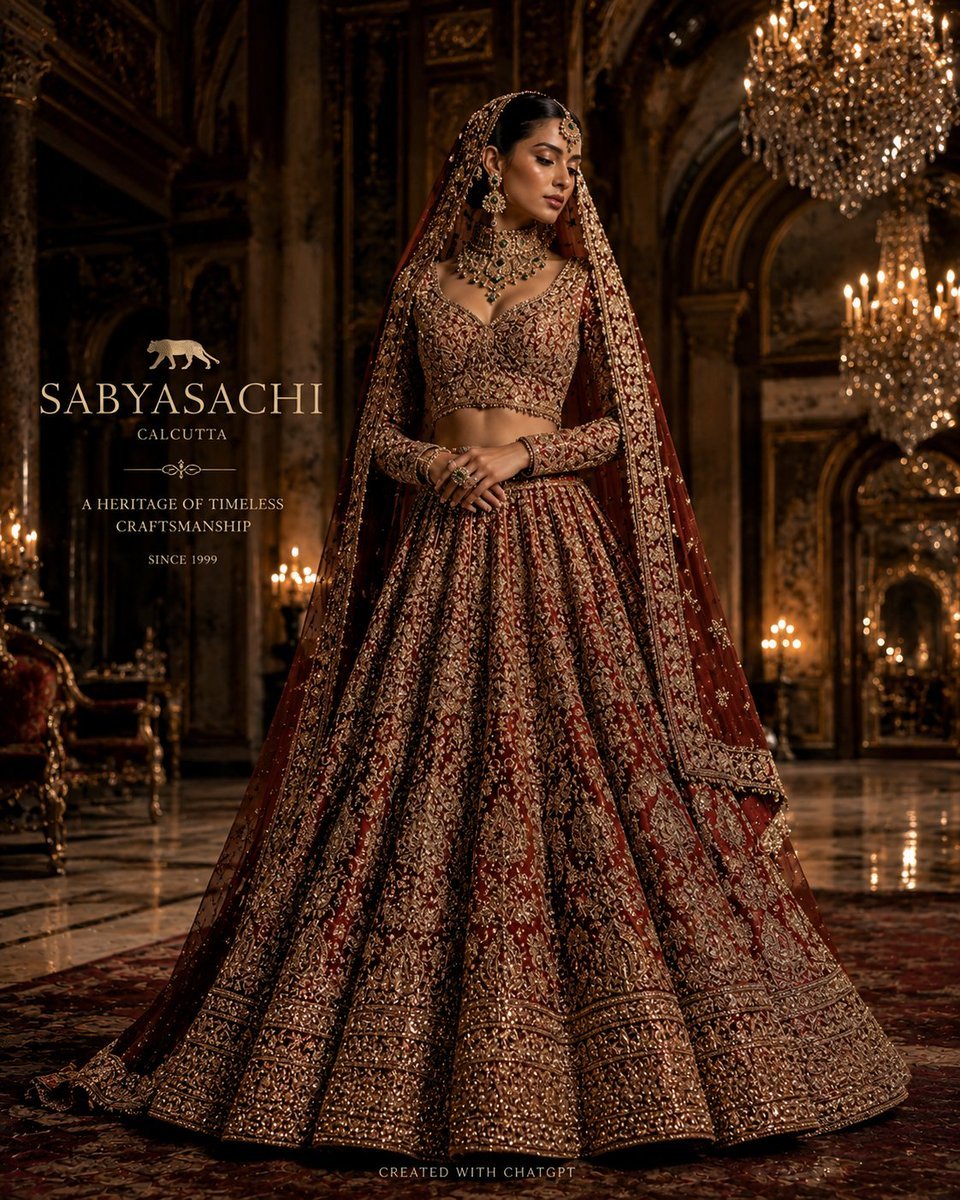
Luxury Bridal Fashion Empire Poster

Haunting Statue Woman at Sunset

Translucent seawater whale in the clouds
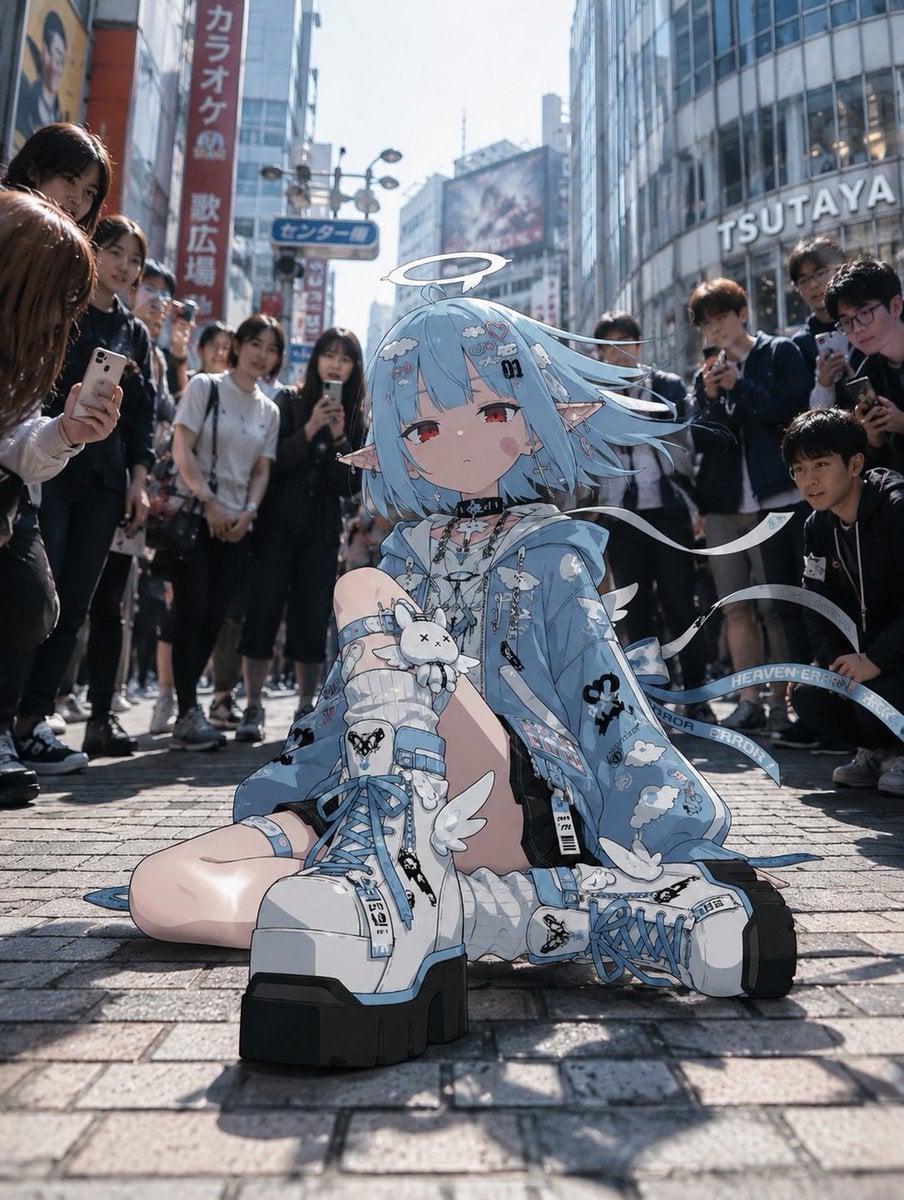
Anime Character in Real Tokyo Street
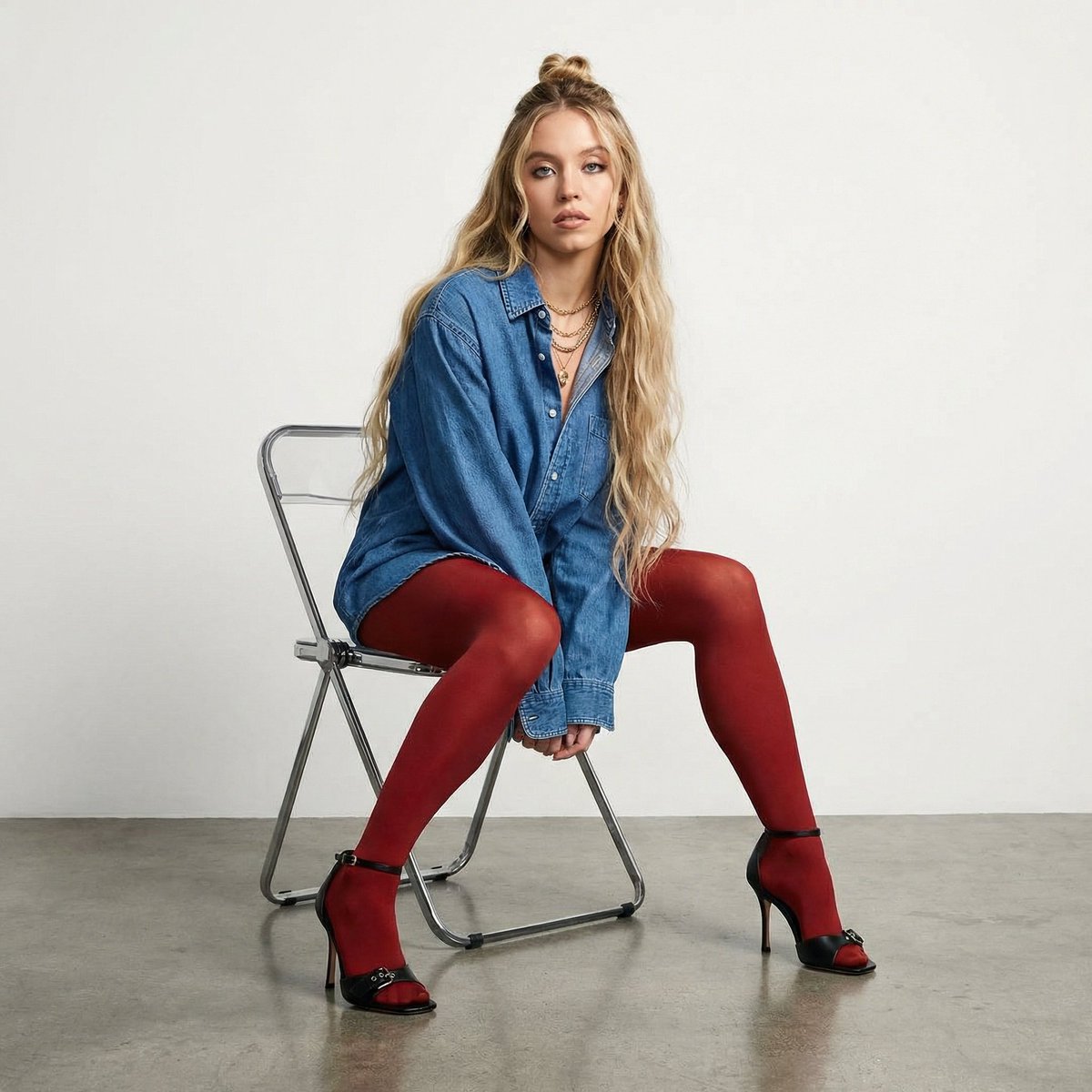
High-Fashion Denim Photoshoot with Ultra-Long Hair

Advanced post-production prompt template for image generation (Nano Banana compatible)
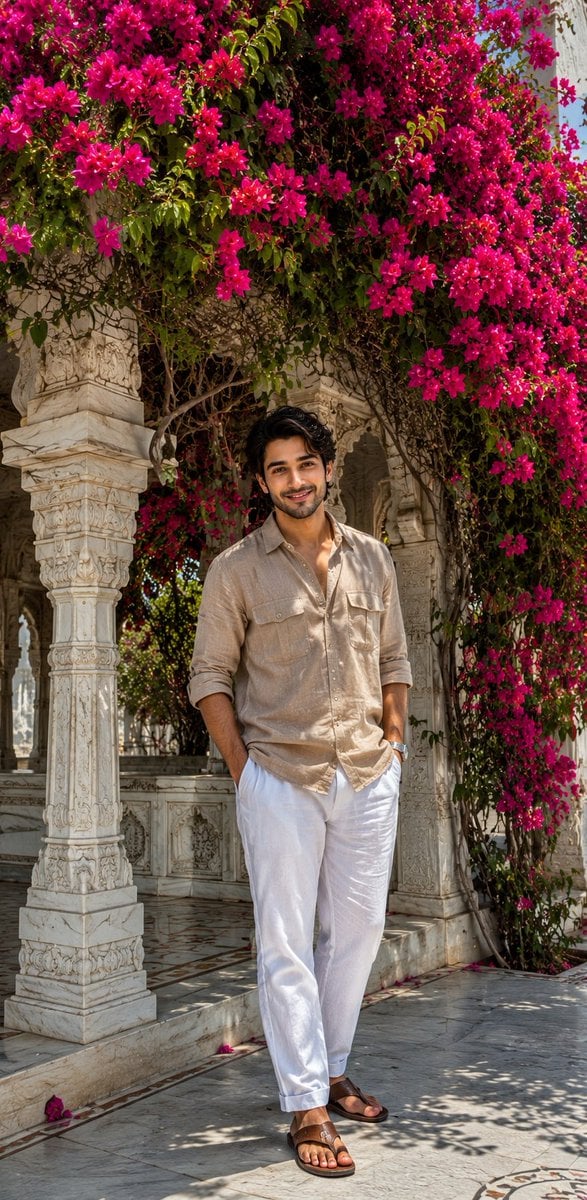
Ultra-Realistic iPhone Marble Structure Portrait
Browse template categories
K-pop Idol Rosé at Payphone questions
How do I use the K-pop Idol Rosé at Payphone template?
Add your photo if the template asks for one, edit the prompt if you like — the template's model and format are already selected — and press Generate. Your version opens in PicX Studio.
Can I customize the K-pop Idol Rosé at Payphone template?
Yes. You can change the subject, setting, lighting, mood, format, and available model controls before creating your image.
Is the K-pop Idol Rosé at Payphone template free?
Opening and editing this template is free. Generating uses credits, shown on the Generate button when you are signed in.
Which AI model should I use?
Start with Nano Banana 2, which is the model associated with this template. You can compare another compatible model for a different finish.
Looking for something else? Browse all templates.

Your photo, any look
Thousands of ready templates for every top image and video model, from one credit balance.