
Anime Character in Real Tokyo Street
Transforms a reference anime character into a mixed anime-and-photoreal street scene with crowds reacting around her.
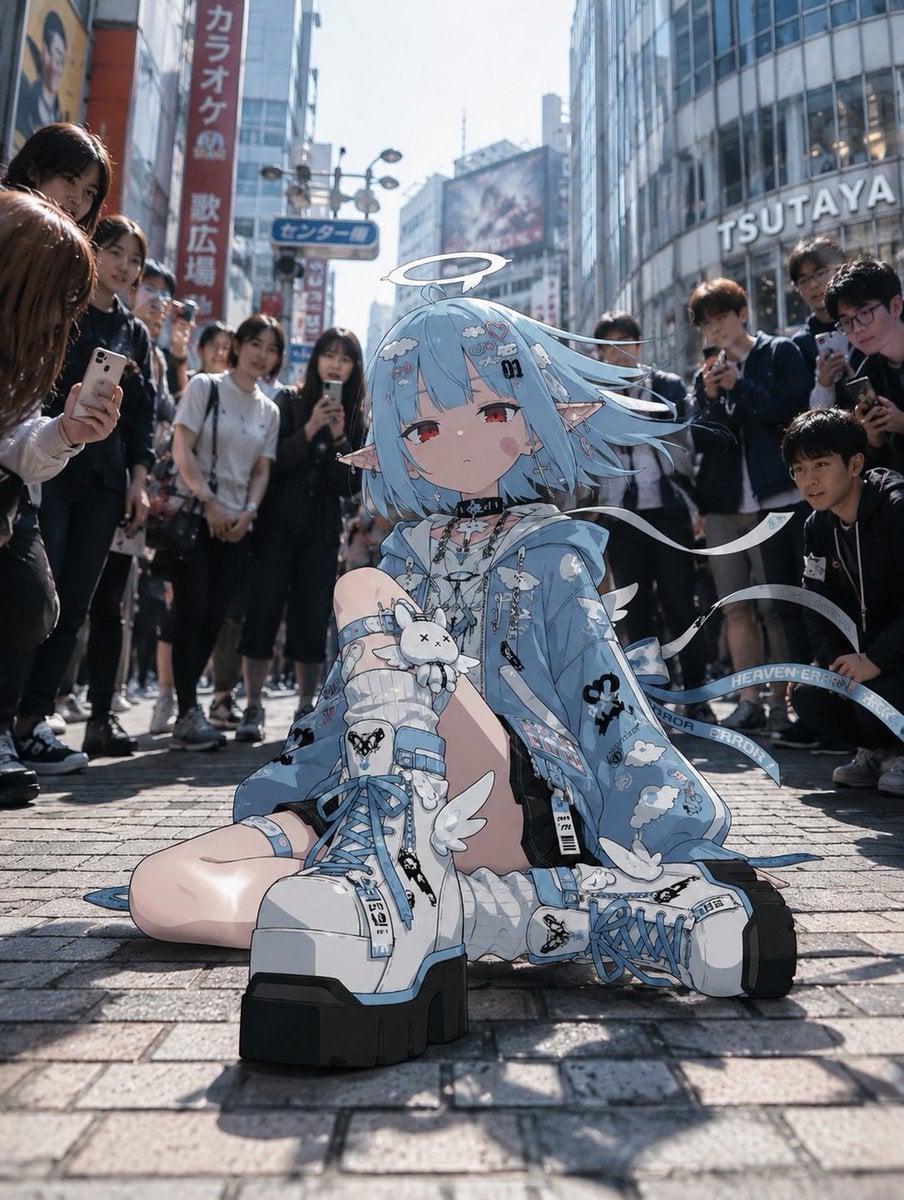
- Prompt included
- Model and format preset
- Free template
The prompt behind this image
Copy the exact prompt behind Anime Character in Real Tokyo Street, or open it in the studio and make it yours.
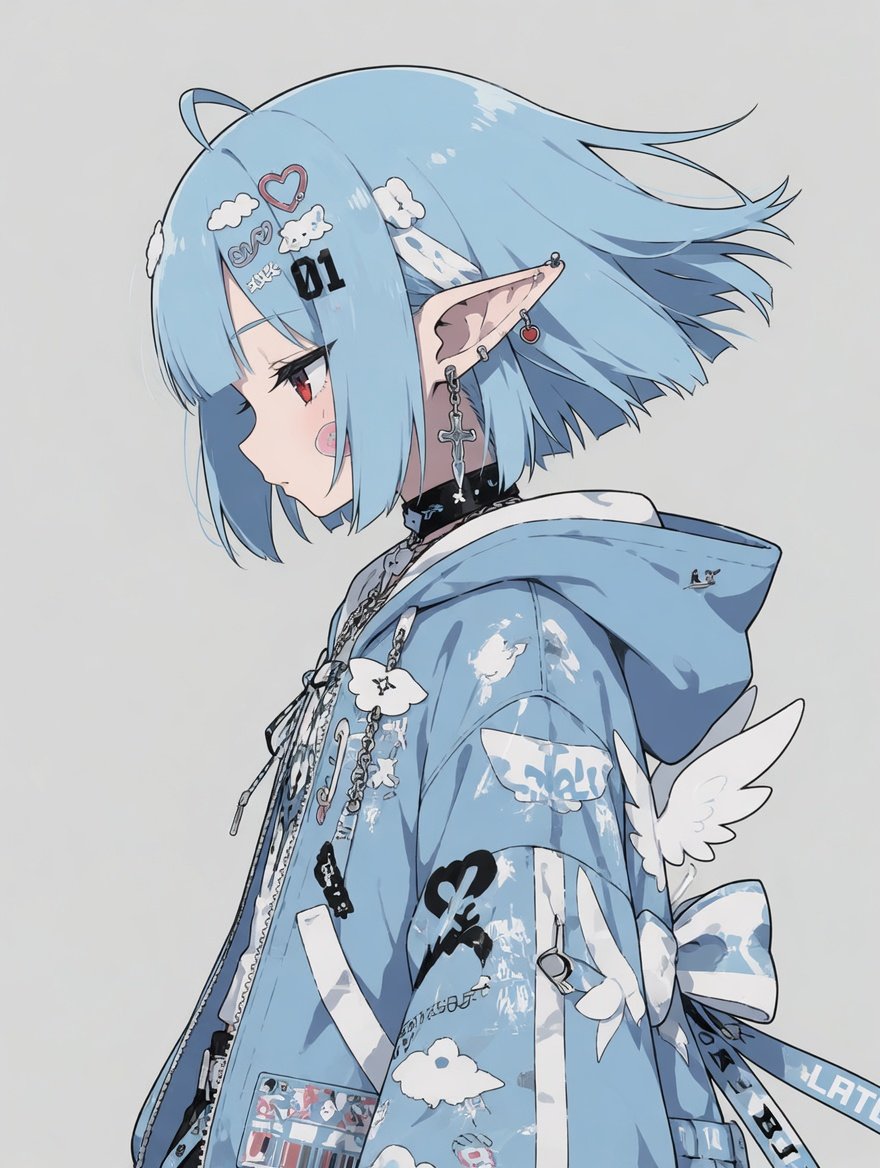
Using REFERENCE_0 as the character base, transform the transparent/background-free anime illustration into an anime-character-in-real-life composite. Goal: Keep the same blue angelic streetwear character design, but regenerate her as a full-body front-facing anime girl sitting on the pavement in a realistic busy city street, as if she has appeared in the real world. Pose and character change: Change the side-profile bust view into a seated pose on the ground, facing the camera, with one knee raised and the other leg folded outward. Add oversized blue-and-white platform boots, visible legs, long ribbon straps trailing to the side, and a small white plush accessory held near the raised knee. Add a thin white halo above her head while preserving the overall angelic blue motif from the reference. New environment: Place her in a photorealistic Japanese urban shopping district resembling {argument name="city location" default="Shibuya, Tokyo"}, shot from a low street-level perspective on sunlit brick pavement. Include tall glass buildings, storefront signage, billboards, and a visible large store sign reading {argument name="store sign text" default="TSUTAYA"}. Use realistic daylight, lens depth, and street photography lighting. Real-world interaction: Surround the anime character with exactly {argument name="number of pedestrians" default="10"} real photorealistic pedestrians forming a loose circle around her. Some should hold smartphones and appear to be photographing or staring at her. Keep their faces blurred or obscured for privacy, while their bodies, clothing, phones, and shadows remain realistic. Style: The character remains crisp 2D anime with clean line art and cel shading, while the background and people are photorealistic. Match lighting direction, shadows, and ground contact so the anime character feels physically present in the real scene. Use a vertical {argument name="aspect ratio" default="3:4"} composition with the character centered and slightly low in frame. Constraints: Do not redraw her as a realistic person; preserve the anime look. Do not add captions, watermarks, or UI. Keep the composite convincing, with realistic scale, contact shadows, and crowd perspective.
Reference images included
Anime Character in Real Tokyo Street needs input media to work. They load alongside the prompt when you open it in the studio.
How to use Anime Character in Real Tokyo Street in 3 steps
- 1Upload ImagePNG, JPG or paste
Add your photo
Upload the photo the template builds on. The prompt, model and format are already set.
- 2…a portrait of your subject in softgolden-hour light, 85mm…
Personalize
Edit the subject and creative details for your destination.
- 3Generate
Generate
Press Generate — your image is created in PicX Studio, so you can compare it with the original and refine one variable at a time.
More like this
Templates with the same subject, style or setup. Open one to see its prompt.
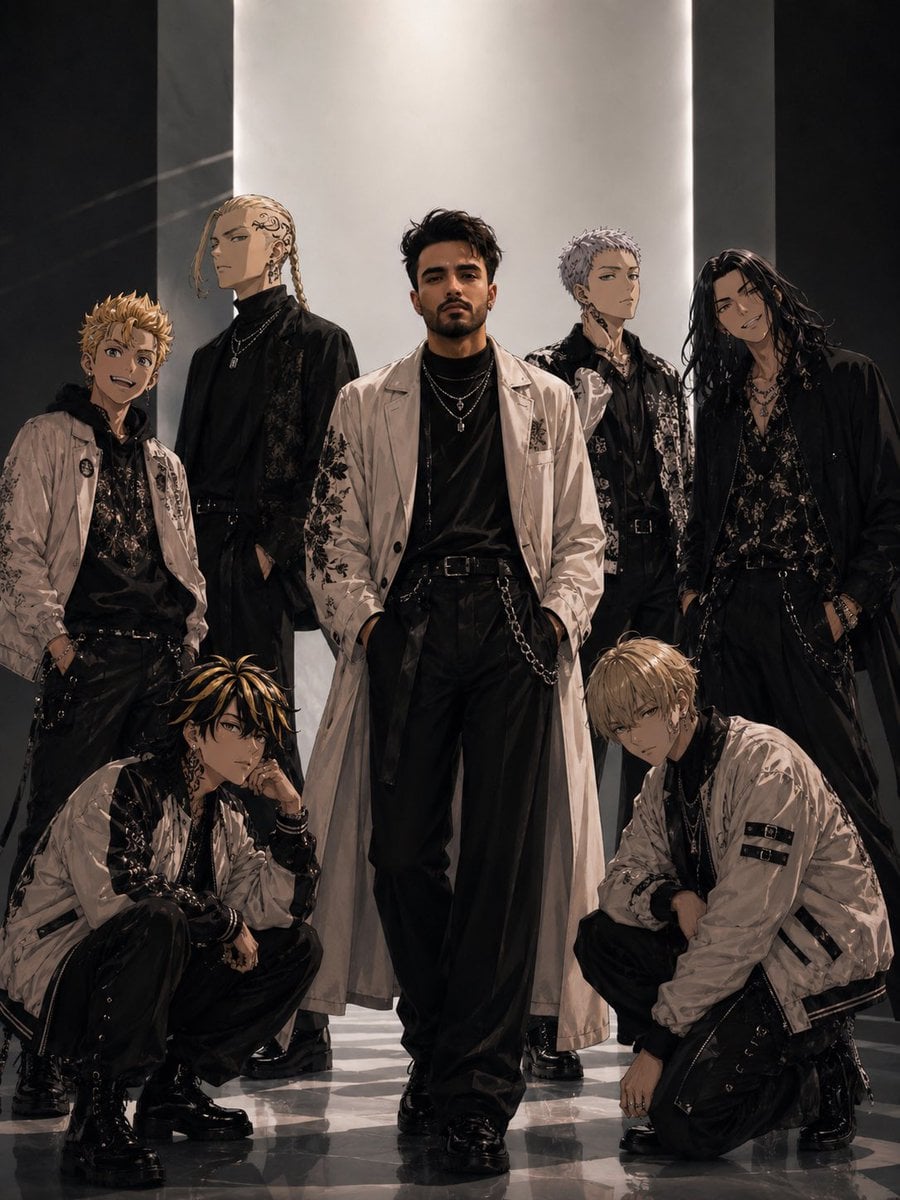
Tokyo Streetwear Anime Leader Portrait

Two Tickets, One Night

Meet Me When It Rains

Two Hearts. One Scooter.

1986 Street Couple

1985 Street Scene
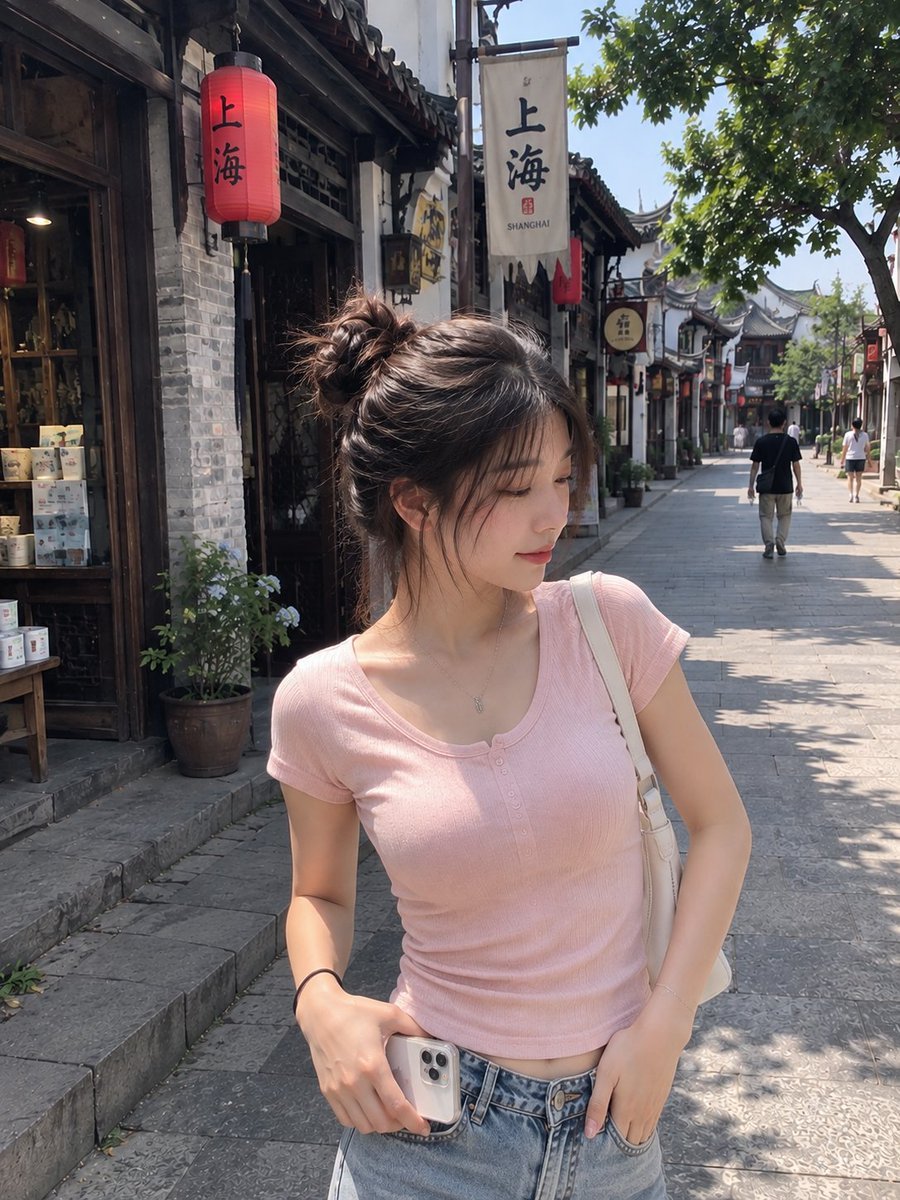
Realistic Chinese Street Smartphone Photo
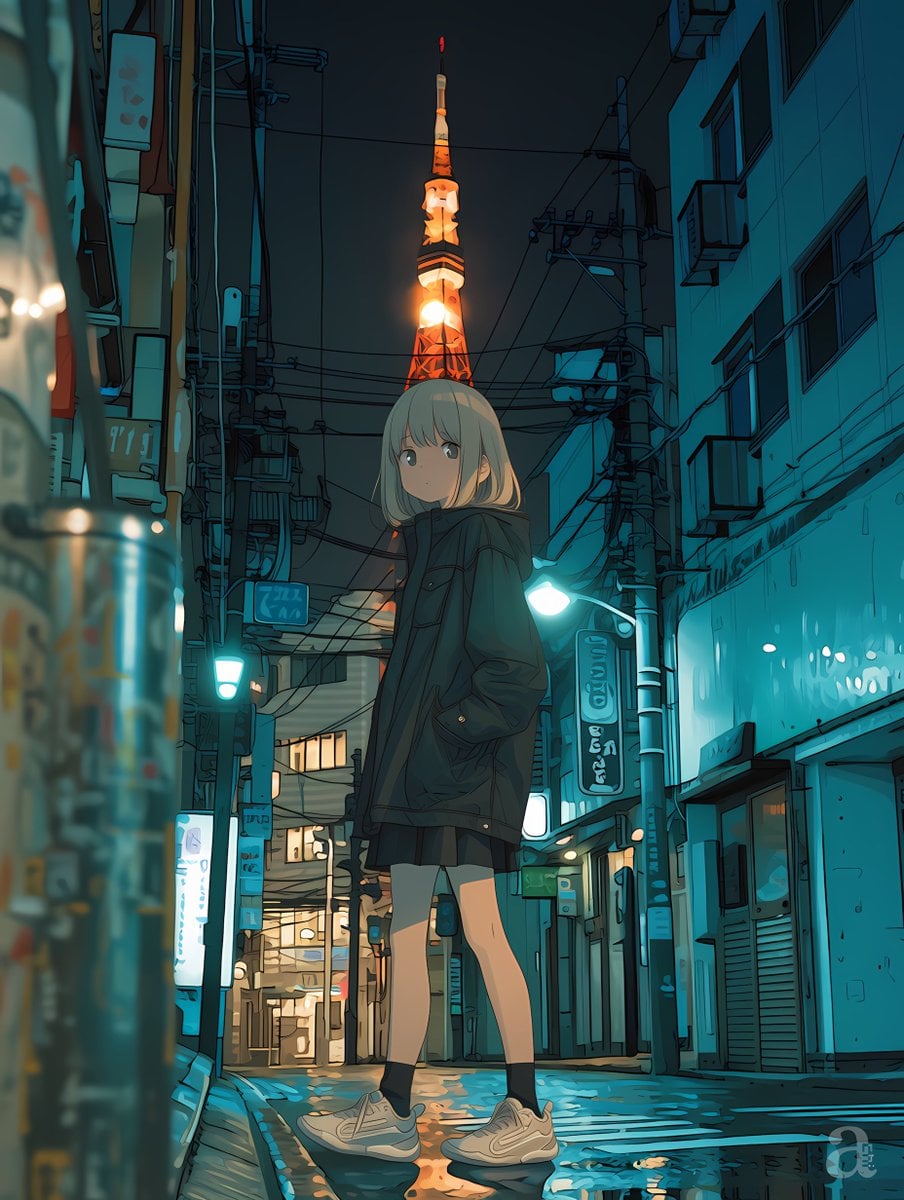
Anime Girl in Rainy Tokyo Alley

Real-Life and Anime Character Composite

Cel 2D Finale Fireworks

Cel 2D Garden Maze

Cel 2D Rooftop Concert
Make it yours
Anime Character in Real Tokyo Street works as-is. These are the safest ways to change it without losing the look.
Change one field
Copy a single group, rewrite it, and generate again so you can see what that field is doing.
Keep the frame, change the subject
Hold the composition and light of Anime Character in Real Tokyo Street, then swap wardrobe, props or the person for a new take.
| If the result… | Why | Fix |
|---|---|---|
| The result drifts from the preview | Too many fields changed at once. | Reuse Anime Character in Real Tokyo Street as-is first, then change one group — subject, light, or setting. |
| The model over-stylizes the scene | The prose prompt leaves finish and camera underspecified. | Add one camera or lighting sentence and stay on GPT Image 2. |
More GPT Image 2 templates
Other prompts made for GPT Image 2.

Six VTuber Japanese Logo Sheet

Realistic Portrait of Woman and Deer

The Vista Modular Condo Poster

AI Model Routing Comparison Infographic

2.5D Anime Art Board

Isometric Productivity Desk Scene

New York Double Exposure Poster

Four-Panel AI Landscape Comparison

Japanese Tatami Lifestyle Magazine Cover

NESCAFÉ Coffee Map Poster
More image prompts
Fresh picks from across the catalog.
Ultra-Realistic Studio Fashion Portrait
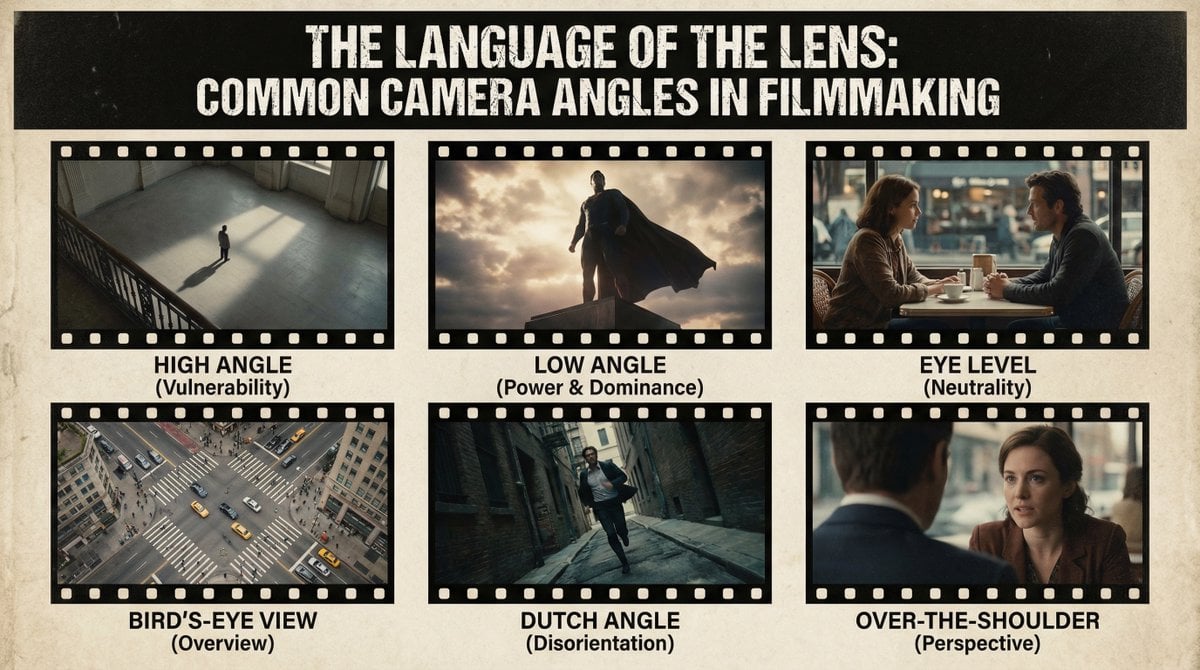
Camera angles poster
Anime Cyber Streetwear Full-Body Portrait

Higgsfield Nano Banana Pro Aspect Ratio Prompt
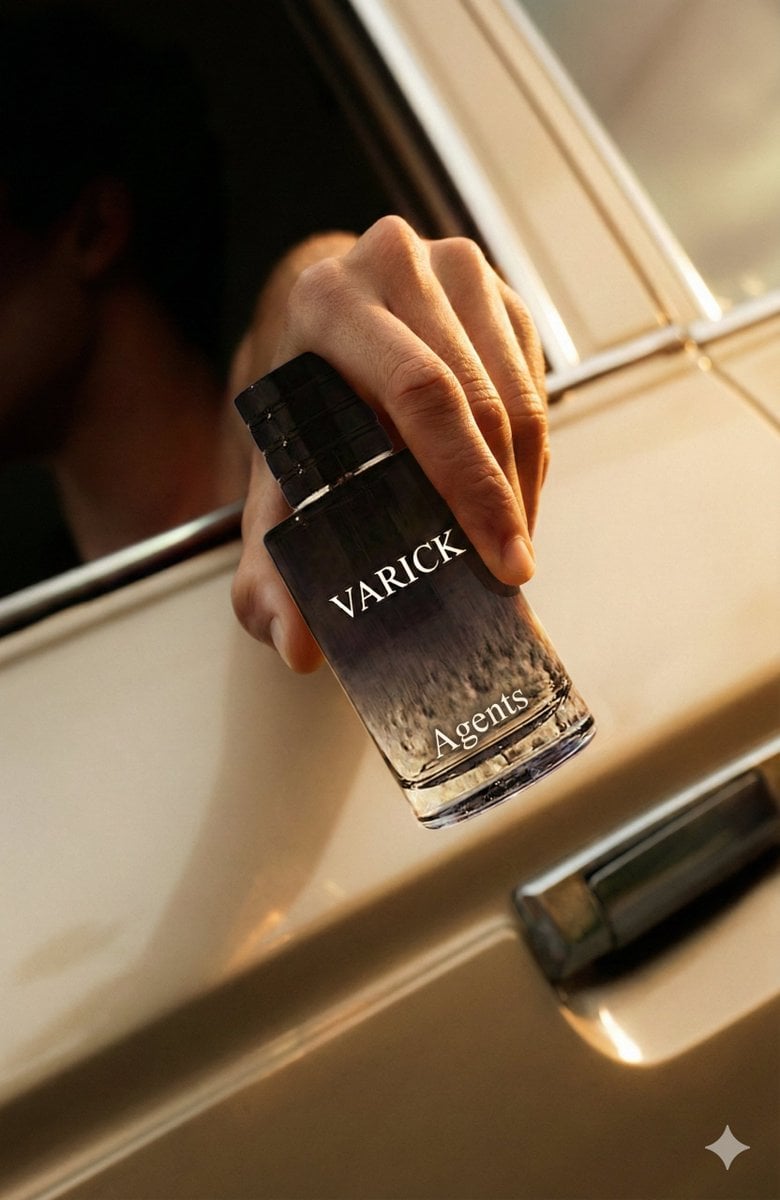
Ad replacement and brand adaptation prompt for Nano Banana Pro
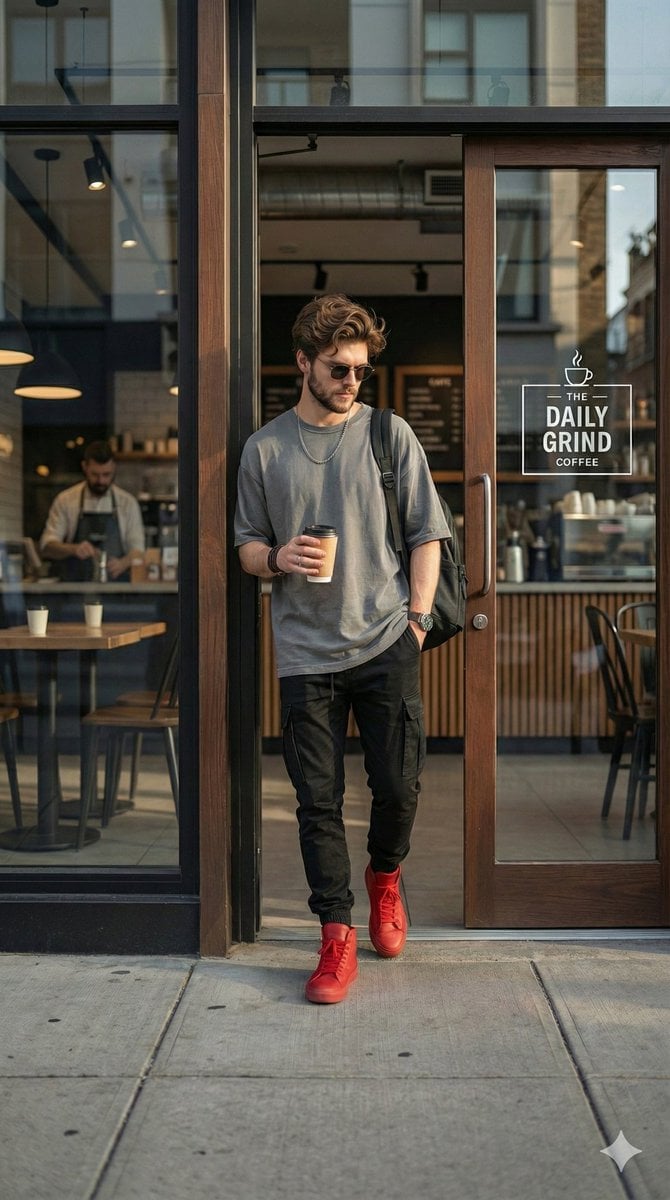
Hyper-realistic Urban Streetwear Portrait
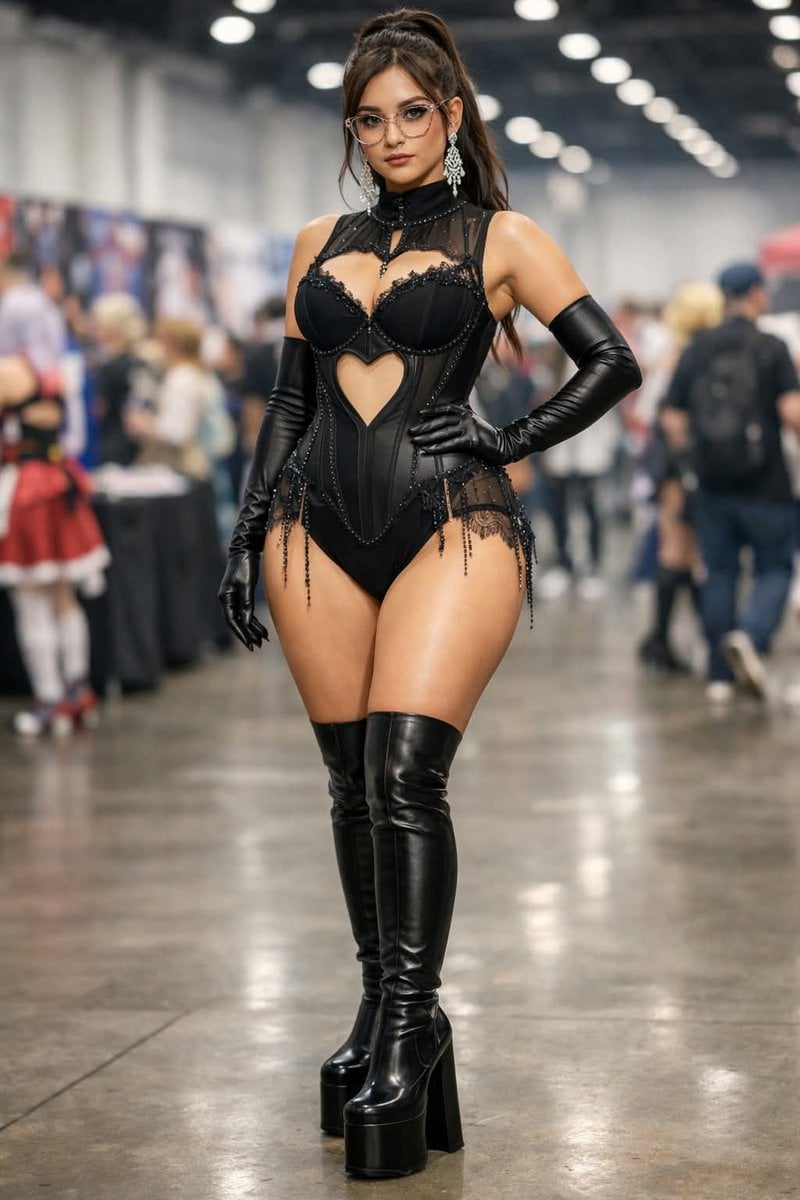
Convention Cosplay Outfit Prompt
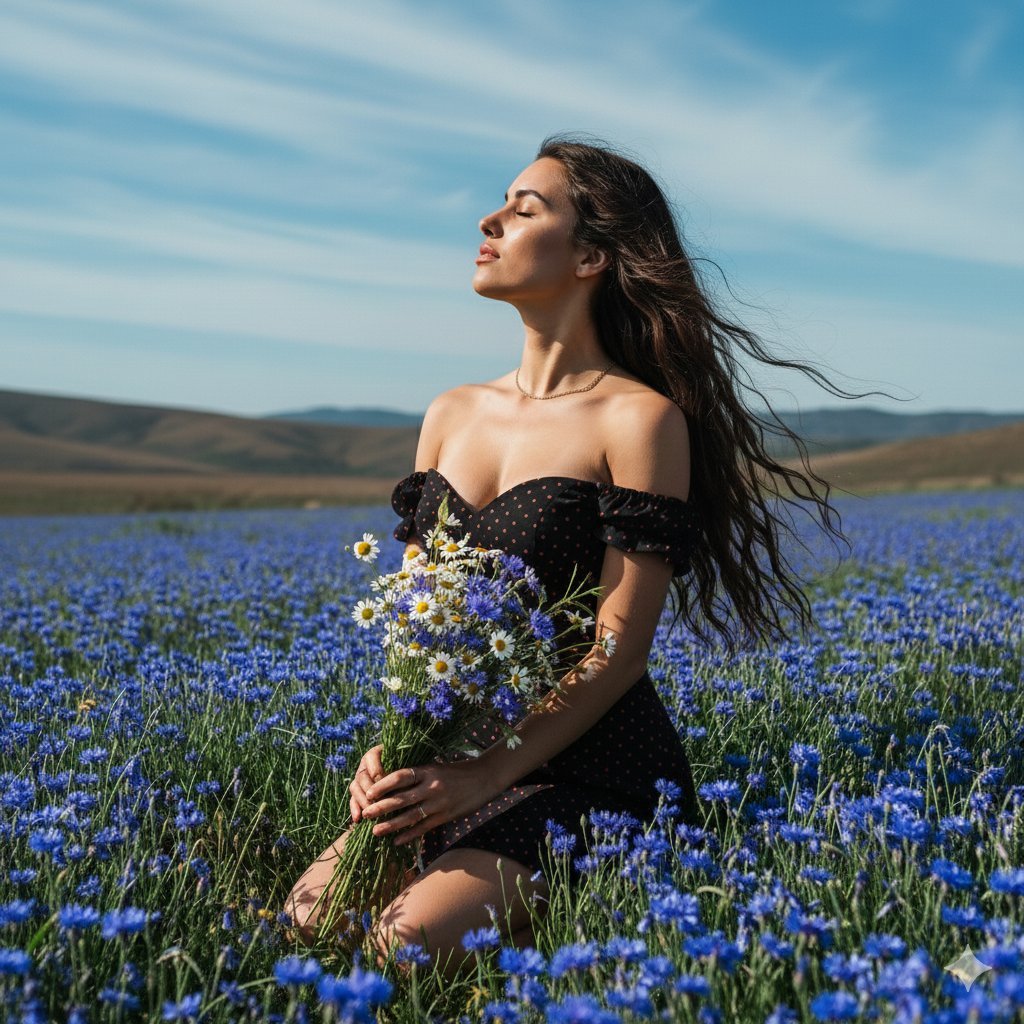
Serene Portrait of a Woman Kneeling in a Wildflower Field
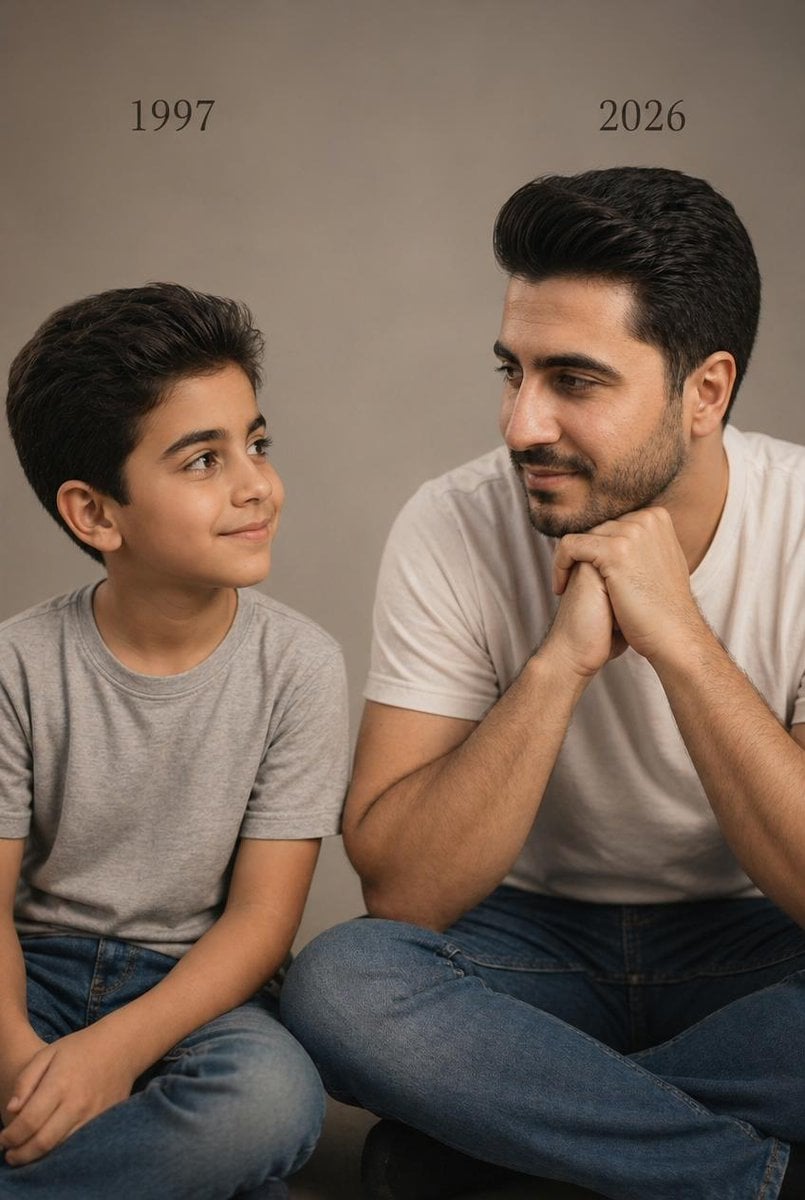
Two Ages Studio Portrait
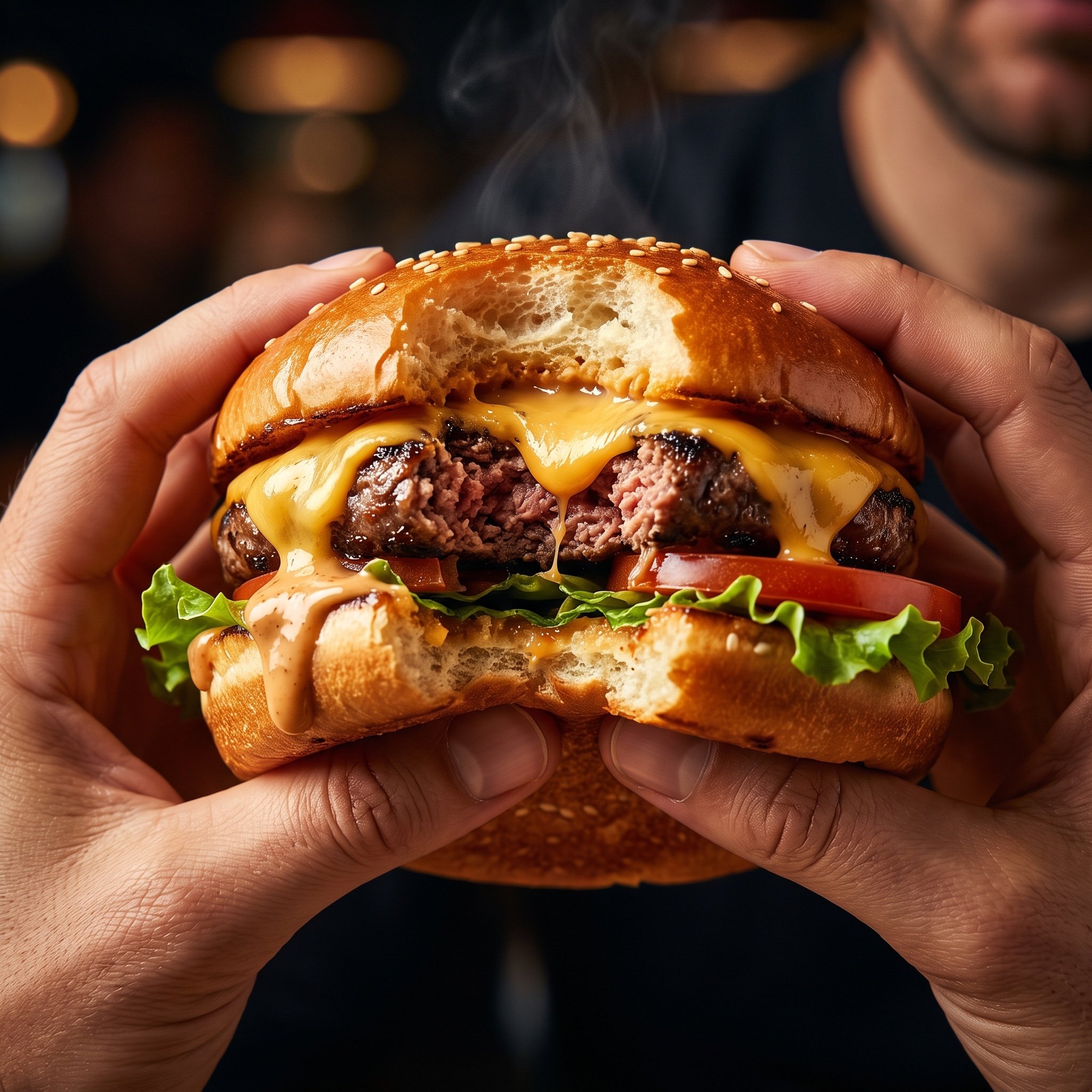
Hyper-Realistic Cinematic Food Action Shot of a Gourmet Burger Mid-Bite
Browse template categories
Anime Character in Real Tokyo Street questions
How do I use the Anime Character in Real Tokyo Street template?
Add your photo if the template asks for one, edit the prompt if you like — the template's model and format are already selected — and press Generate. Your version opens in PicX Studio.
Can I customize the Anime Character in Real Tokyo Street template?
Yes. You can change the subject, setting, lighting, mood, format, and available model controls before creating your image.
Is the Anime Character in Real Tokyo Street template free?
Opening and editing this template is free. Generating uses credits, shown on the Generate button when you are signed in.
Which AI model should I use?
Start with GPT Image 2, which is the model associated with this template. You can compare another compatible model for a different finish.
Looking for something else? Browse all templates.

Your photo, any look
Thousands of ready templates for every top image and video model, from one credit balance.