
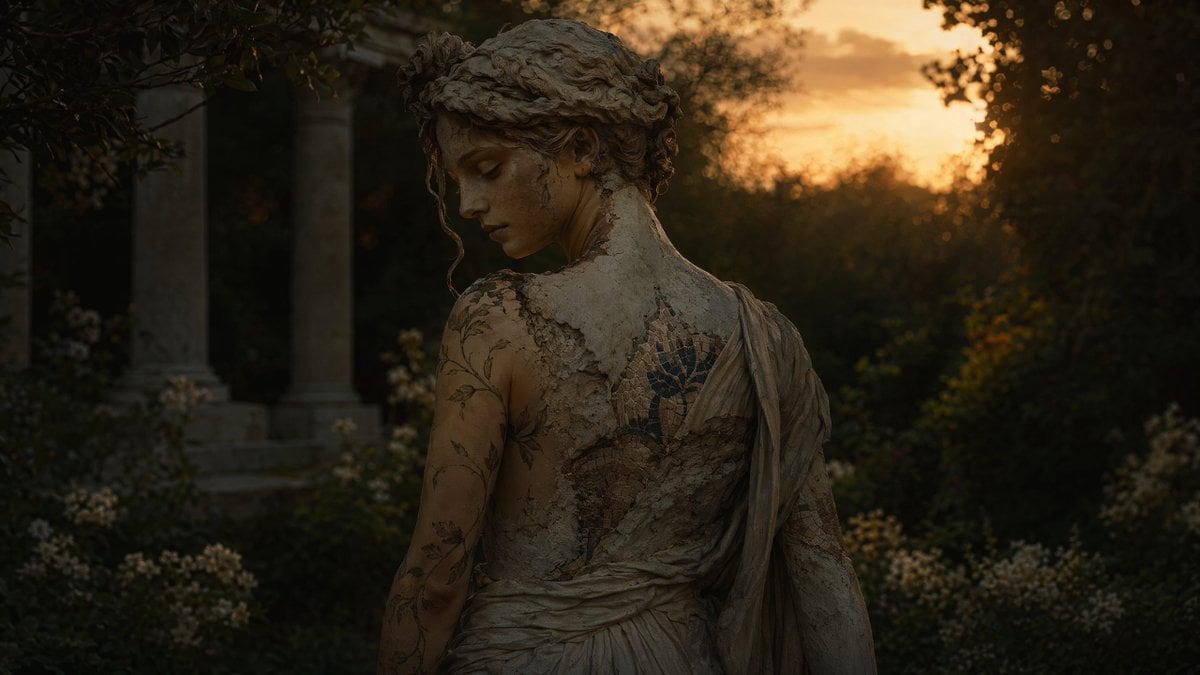
Haunting Statue Woman at Sunset
This prompt generates a moody fine-art cinematic portrait of a stone-like classical woman in a ruined garden, ideal for dark fantasy editorial or atmospheric concept imagery.
- Prompt included
- Model and format preset
- Free template
The prompt behind this image
Copy the exact prompt behind Haunting Statue Woman at Sunset, or open it in the studio and make it yours.
A cinematic dark fantasy photograph of a weathered marble-like woman seen from behind in a ruined garden at sunset, framed from mid-back upward. Her face is turned partly over her shoulder but remains mostly hidden in shadow. She has an antique Greco-Roman appearance with pale stone-textured skin, hair pinned into a loose classical updo, and a draped one-shoulder gown in aged ivory fabric that looks cracked, dusty, and partially fused to her body like an eroded sculpture. Across her exposed back and arm are delicate botanical tattoo-like markings and a faded blue floral mosaic embedded into the shoulder blade area. The atmosphere is moody, haunting, and elegant. Place 2 tall stone columns in deep shadow on the left background, dense dark trees and foliage on both sides, and clusters of small pale flowers in the lower garden. Use a glowing amber-orange sunset sky behind her as a strong backlight, with soft rim light on her shoulders and hair, very deep shadows in the foreground, shallow depth of field, rich contrast, muted earth tones, and ultra-detailed textures of cracked plaster, aged fabric, and stone. Fine-art editorial photography, hyperreal, mysterious, melancholic, 85mm lens look.
How to use Haunting Statue Woman at Sunset in 3 steps
- 1Upload ImagePNG, JPG or paste
Add your photo
Upload the photo the template builds on. The prompt, model and format are already set.
- 2…a portrait of your subject in softgolden-hour light, 85mm…
Personalize
Edit the subject and creative details for your destination.
- 3Generate
Generate
Press Generate — your image is created in PicX Studio, so you can compare it with the original and refine one variable at a time.
More like this
Templates with the same subject, style or setup. Open one to see its prompt.

Woman Turned Into Stone Statue

Mountain Lake Sunset Landscape

Artistic Arborpunk Garden Observatory Complex

Woman in Mall with Chanel Bag - Heart Gesture

Floating Woman Above Cityscape with Notifications

Indian Village Cattle Herding — Nano Banana
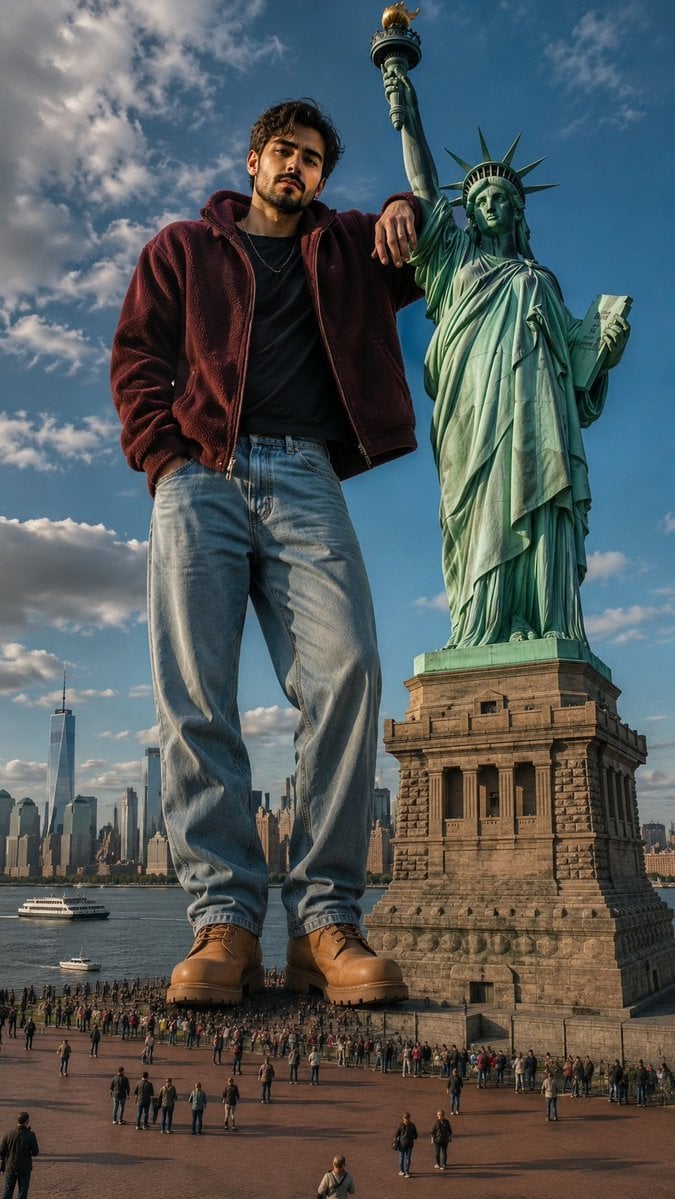
Giant Man Standing by Statue of Liberty
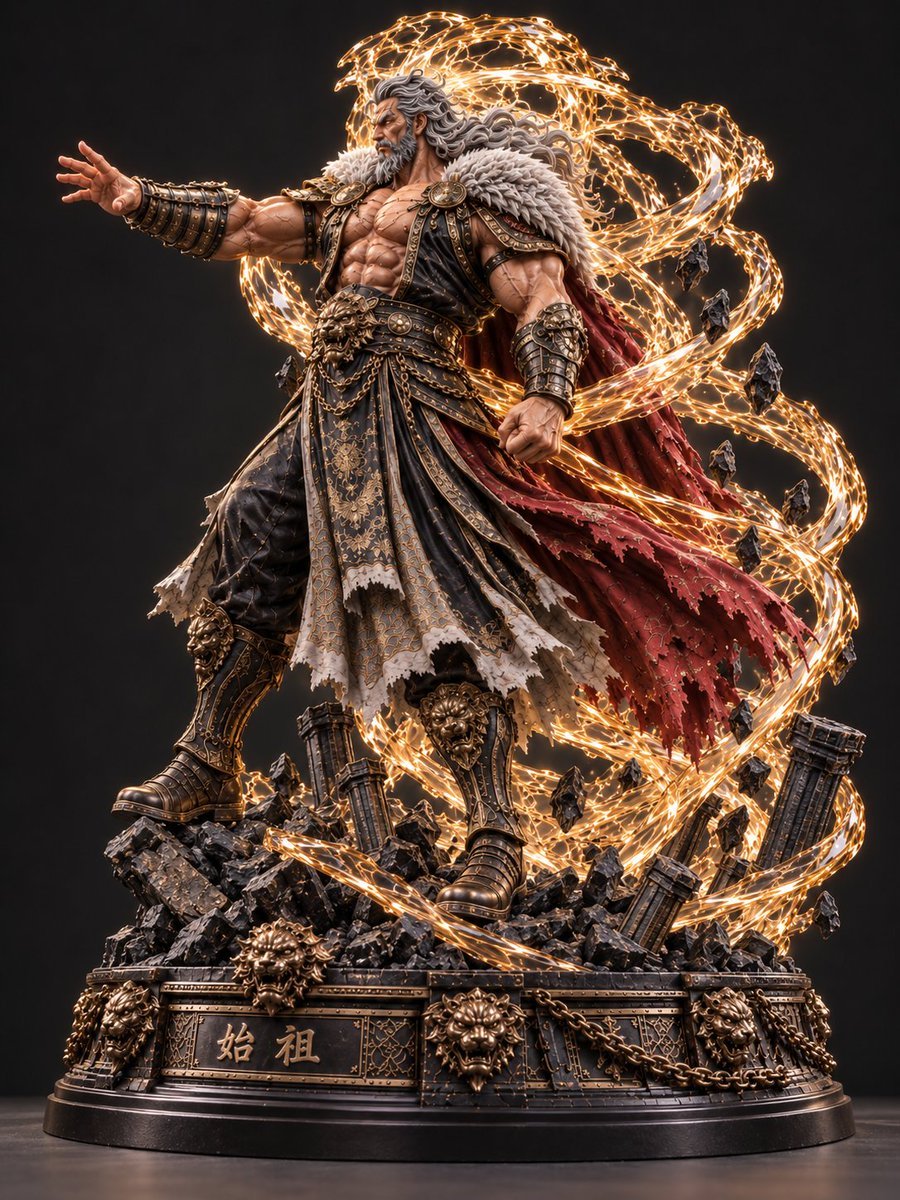
Mythic Warrior Statue
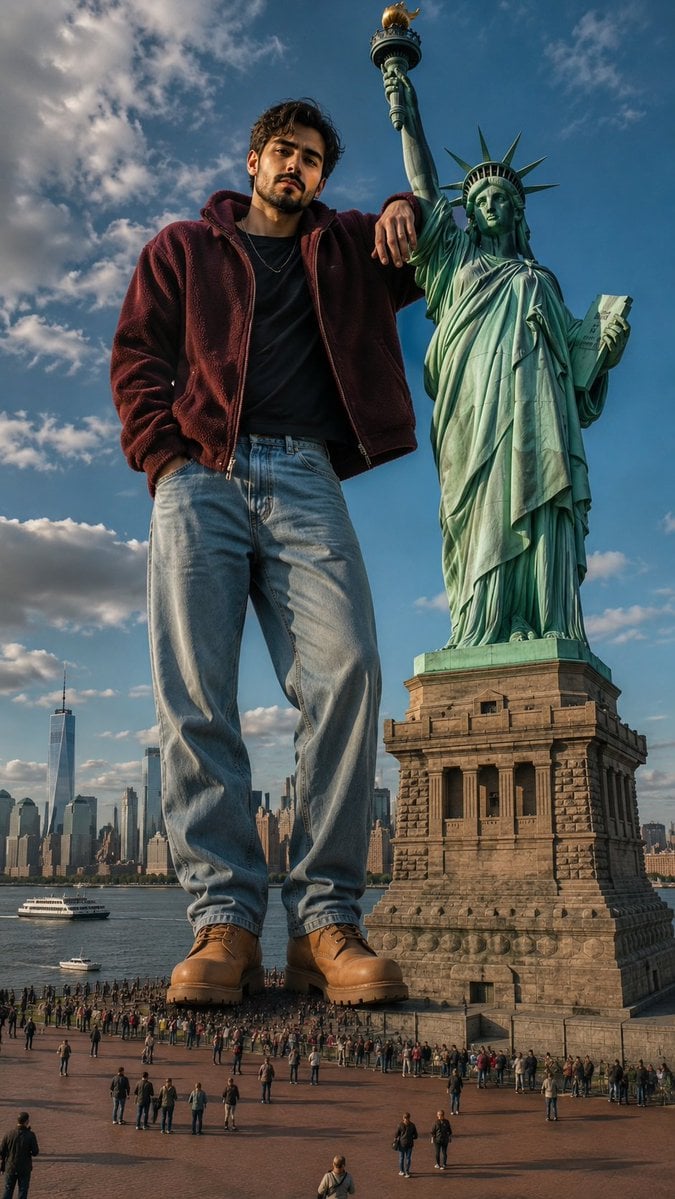
Giant Man at Statue of Liberty

Golden Retriever Sunset Campfire Photography
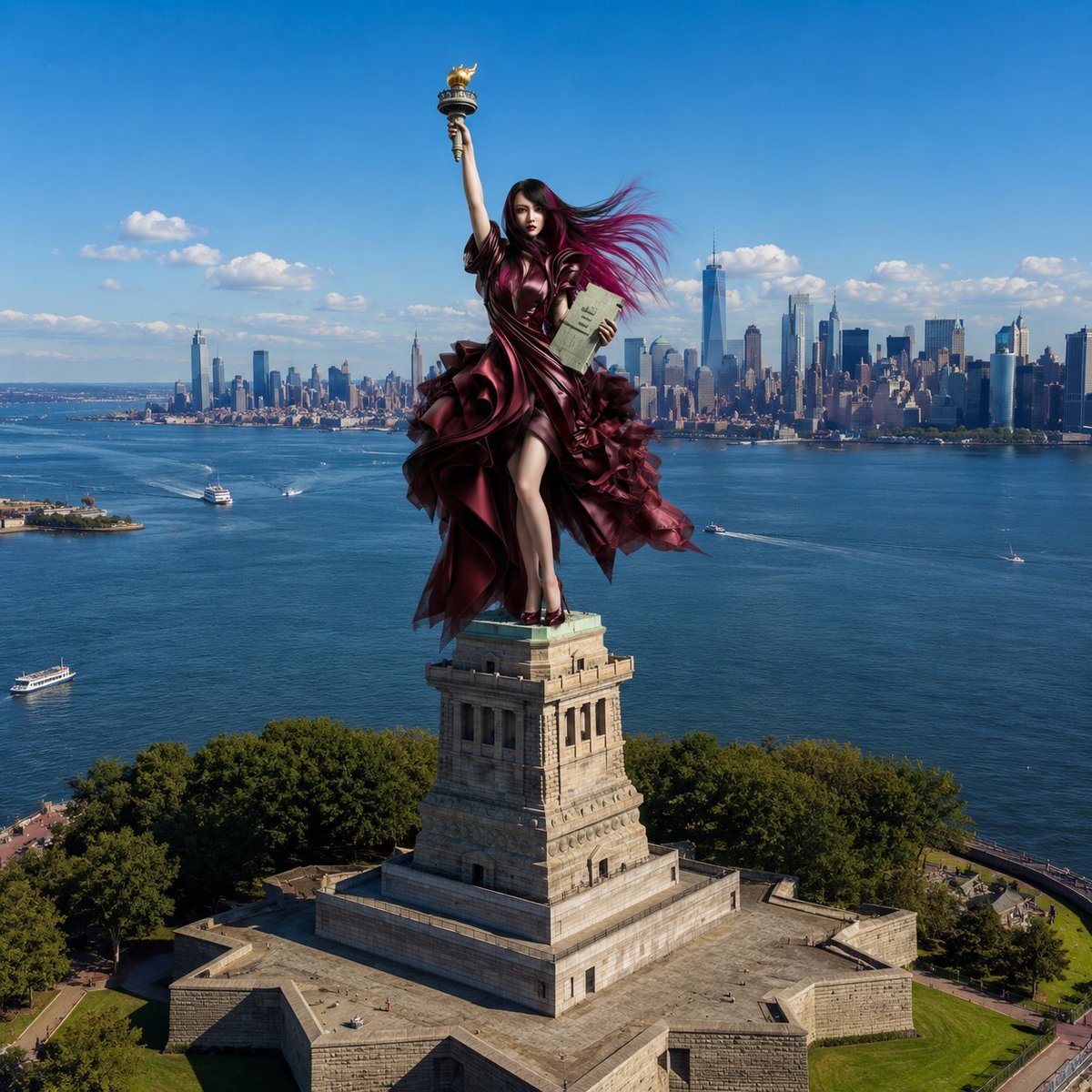
Statue of Liberty Persona Transformation
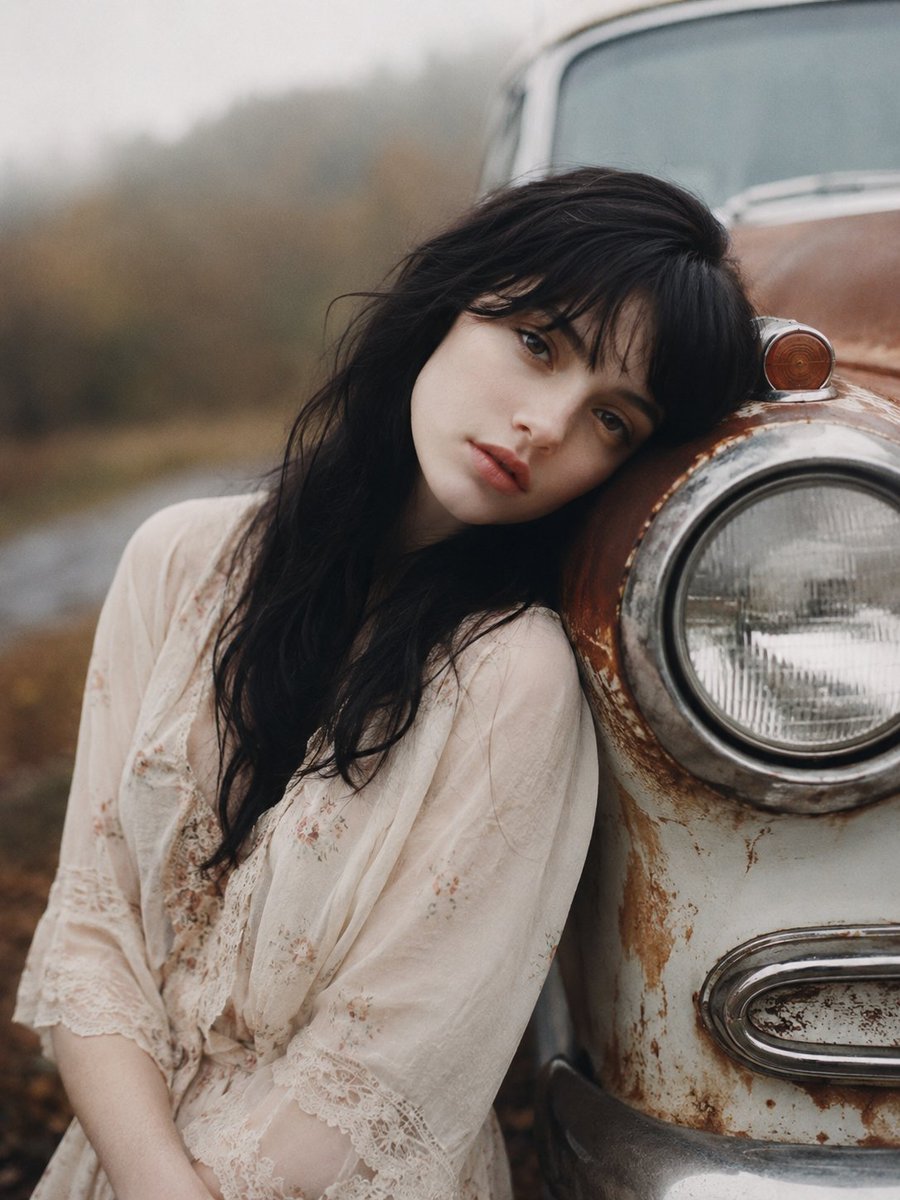
Haunting Vintage Americana Portrait
Make it yours
Haunting Statue Woman at Sunset works as-is. These are the safest ways to change it without losing the look.
Change one field
Copy a single group, rewrite it, and generate again so you can see what that field is doing.
Keep the frame, change the subject
Hold the composition and light of Haunting Statue Woman at Sunset, then swap wardrobe, props or the person for a new take.
| If the result… | Why | Fix |
|---|---|---|
| The result drifts from the preview | Too many fields changed at once. | Reuse Haunting Statue Woman at Sunset as-is first, then change one group — subject, light, or setting. |
| The model over-stylizes the scene | The prose prompt leaves finish and camera underspecified. | Add one camera or lighting sentence and stay on GPT Image 2. |
More GPT Image 2 templates
Other prompts made for GPT Image 2.

Six VTuber Japanese Logo Sheet

The Vista Modular Condo Poster

AI Model Routing Comparison Infographic

2.5D Anime Art Board

Isometric Productivity Desk Scene

New York Double Exposure Poster

Four-Panel AI Landscape Comparison

Japanese Tatami Lifestyle Magazine Cover

NESCAFÉ Coffee Map Poster

Brutalist Cogito Chinese Typography Poster
More image prompts
Fresh picks from across the catalog.

Luxury Fashion Throne Portrait
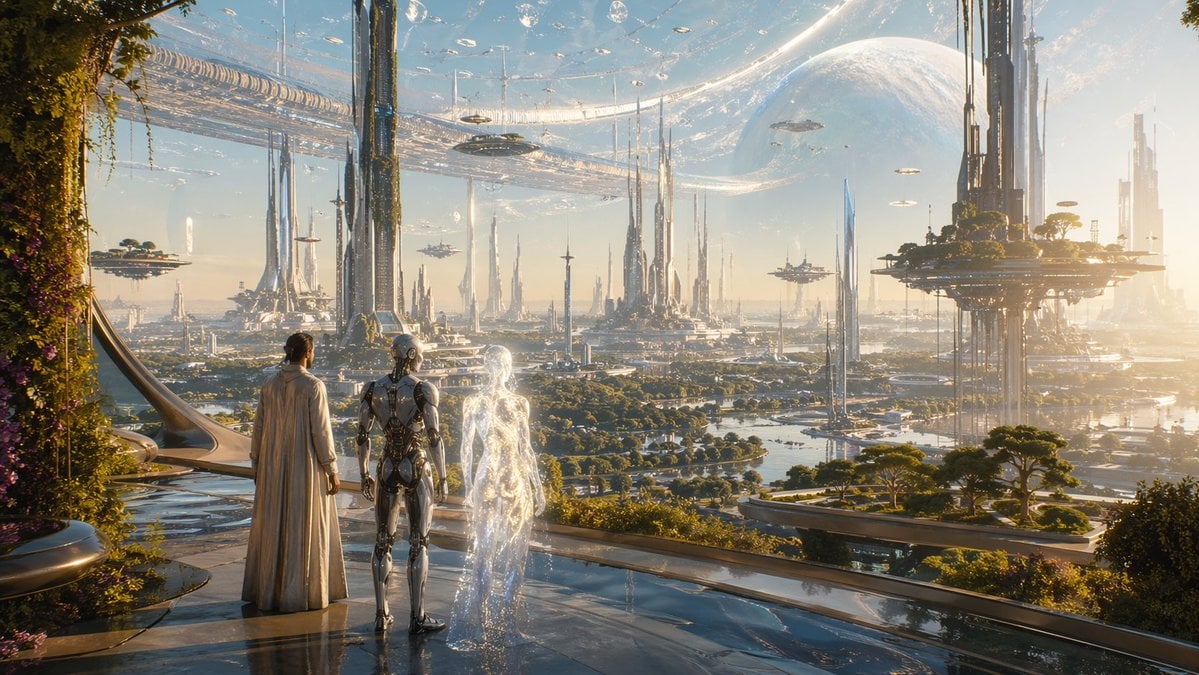
Far Future City with Transparent Humanoid

Luxury Golf Fashion Editorial Campaign

Peaky Blinders Inspired Cinematic Portrait

Cinematic City Explosion Chase
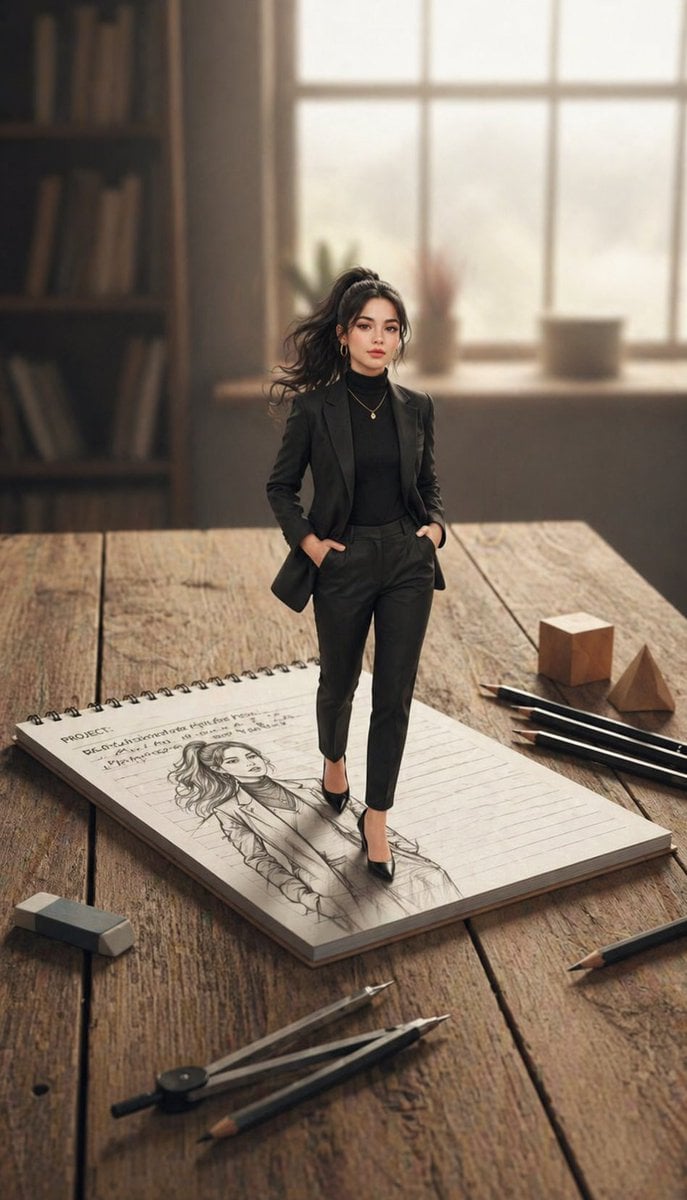
X Noor Ul Ain43 She Designed Herself and Then
Simple Silhouette Prompt
Nano Banana Pet Portrait Dog
Dragon Knight and Crimson Dragon
Cat Wife Cooking Meme Photo
Browse template categories
Haunting Statue Woman at Sunset questions
How do I use the Haunting Statue Woman at Sunset template?
Add your photo if the template asks for one, edit the prompt if you like — the template's model and format are already selected — and press Generate. Your version opens in PicX Studio.
Can I customize the Haunting Statue Woman at Sunset template?
Yes. You can change the subject, setting, lighting, mood, format, and available model controls before creating your image.
Is the Haunting Statue Woman at Sunset template free?
Opening and editing this template is free. Generating uses credits, shown on the Generate button when you are signed in.
Which AI model should I use?
Start with GPT Image 2, which is the model associated with this template. You can compare another compatible model for a different finish.
Looking for something else? Browse all templates.

Your photo, any look
Thousands of ready templates for every top image and video model, from one credit balance.