
Statue of Liberty Persona Transformation
A detailed custom prompt designed to transform a reference person into the Statue of Liberty while preserving their facial features and original style.
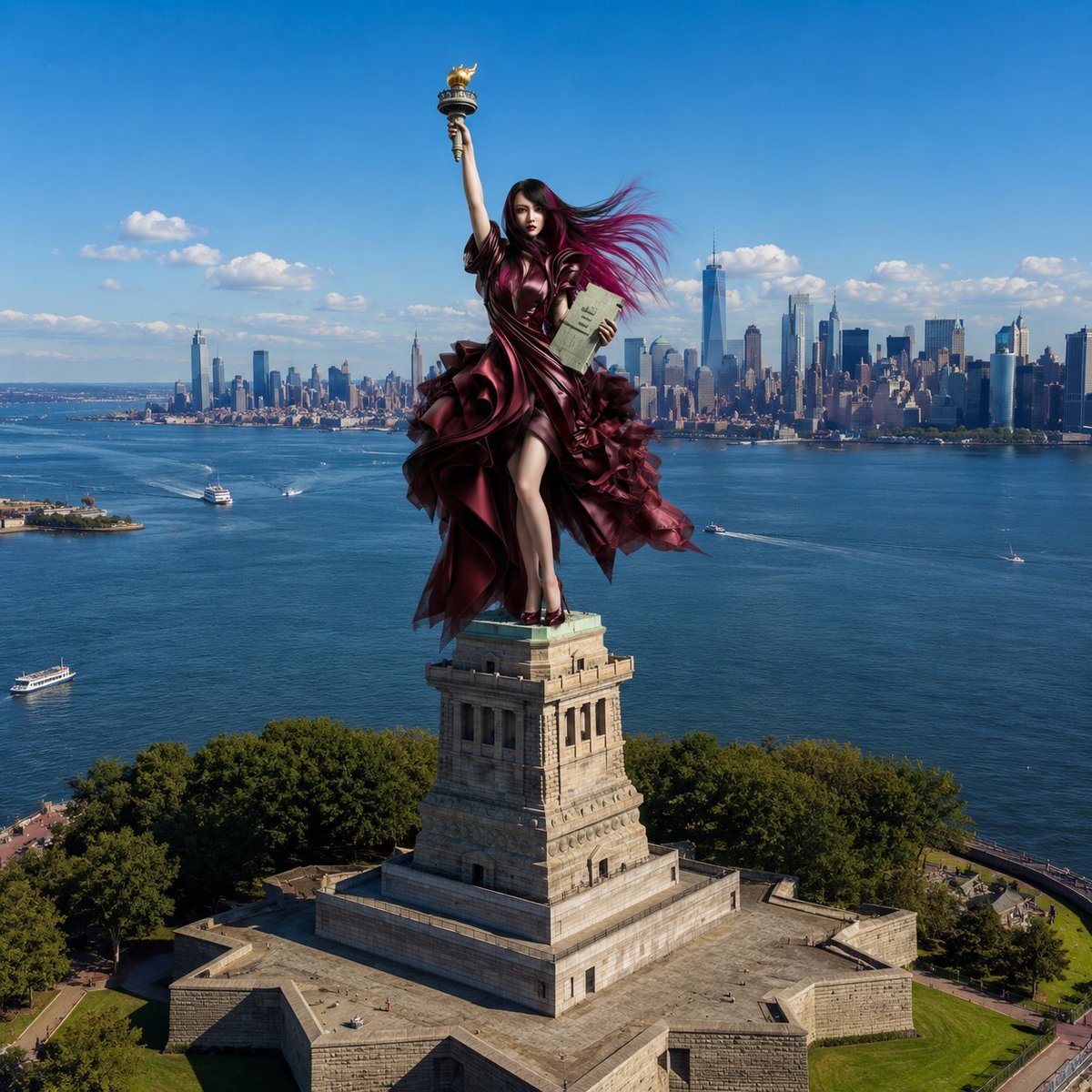
- Prompt included
- Model and format preset
- Free template
The prompt behind this image
Copy the exact prompt behind Statue of Liberty Persona Transformation, or open it in the studio and make it yours.
【被写体制御】 参照画像から被写体の顔立ち、髪型、視線、表情、衣服、装飾、質感スタイル(実写/アニメ)を100%保持。元の背景、照明、ポーズは完全破棄し、被写体のみをターゲットに完全置き換えする。 【シチュエーション】 ニューヨーク・リバティ島。実在する「1つだけの重厚な石造りの台座」の真上にある元の女神像だけが、参照画像の人物にそっくりそのまま入れ替わる。人物は台座に合わせ縮小配置され、「右手を高く掲げて松明を持ち、左手に銘板を抱えた自由の女神と全く同じポーズ」を完全に再現する。 【構図・アングル】 上空から斜めに見下ろす「ハイアングル(空撮・ドローン風の俯瞰構図)」で完全固定。カメラは台座より高い位置にあり、画面中央に「1つの台座と、その上の人物」を配置。背景には広大な青い海面と、遠景に横一列に広がるマンハッタンの高層ビル群(スカイライン)が圧倒的な奥行きで広がる。 【背景の質感制御】 被写体のスタイルに関わらず、周囲の背景(1つの台座、海、ビル群、空、緑)は一貫して100%高精細な実写写真(フォトリアル)で固定。参照画像がアニメ/イラストの場合、現実の実写風景の中にキャラがシームレスにブレンドされた「実写映画のCG合成(ライブアクション映画のワンシーン)」として仕上げる。自然な太陽光と立体的な陰影。 【クオリティ・NG】 鮮烈な色彩、不自然な合成感なし、台座の増殖なし、スケール感の破綻なし。文字や実在ロゴは一切入れない。
How to use Statue of Liberty Persona Transformation in 3 steps
- 1Upload ImagePNG, JPG or paste
Add your photo
Upload the photo the template builds on. The prompt, model and format are already set.
- 2…a portrait of your subject in softgolden-hour light, 85mm…
Personalize
Edit the subject and creative details for your destination.
- 3Generate
Generate
Press Generate — your image is created in PicX Studio, so you can compare it with the original and refine one variable at a time.
More like this
Templates with the same subject, style or setup. Open one to see its prompt.
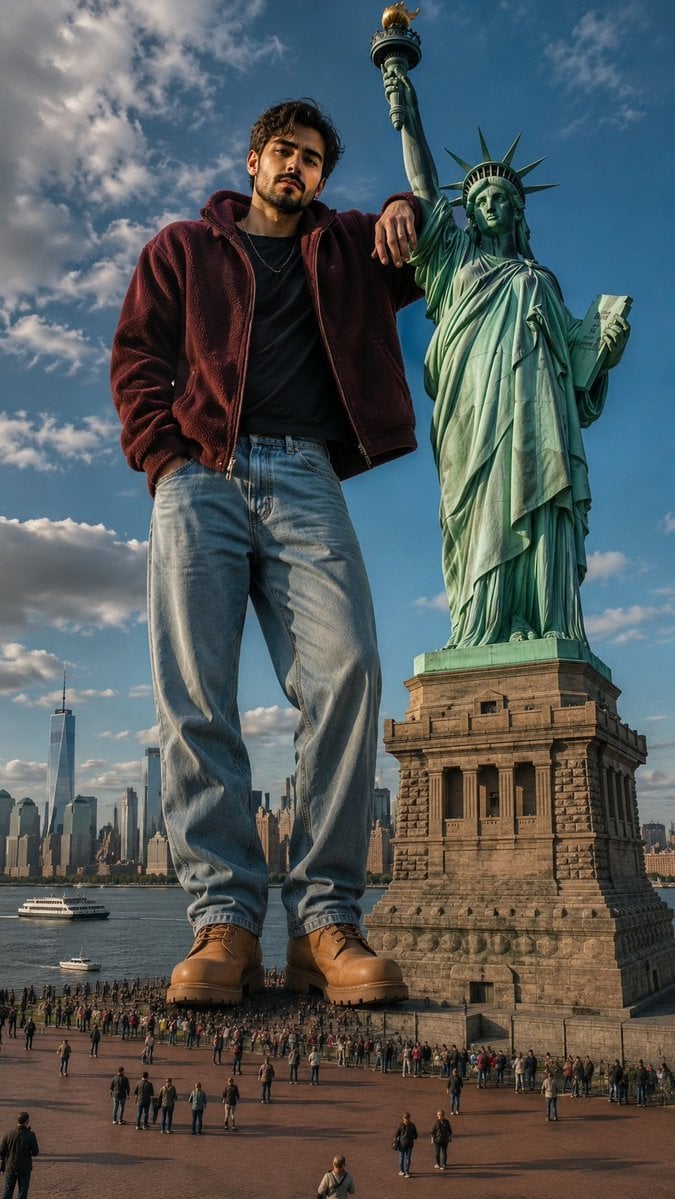
Giant Man Standing by Statue of Liberty
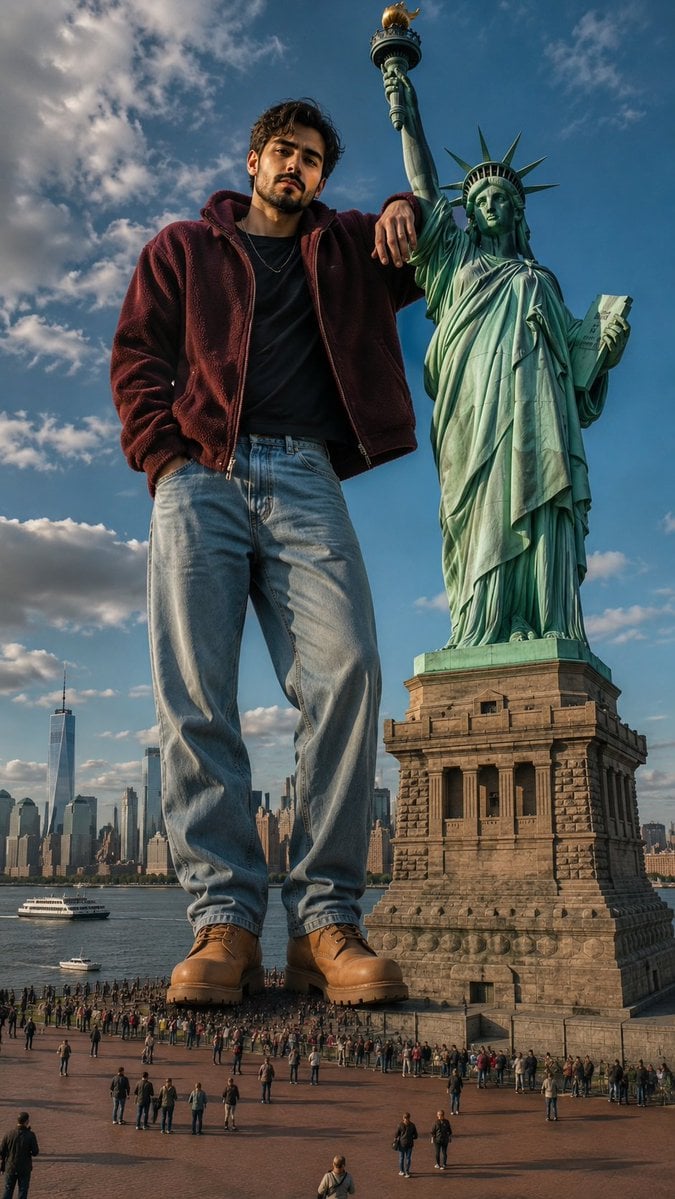
Giant Man at Statue of Liberty
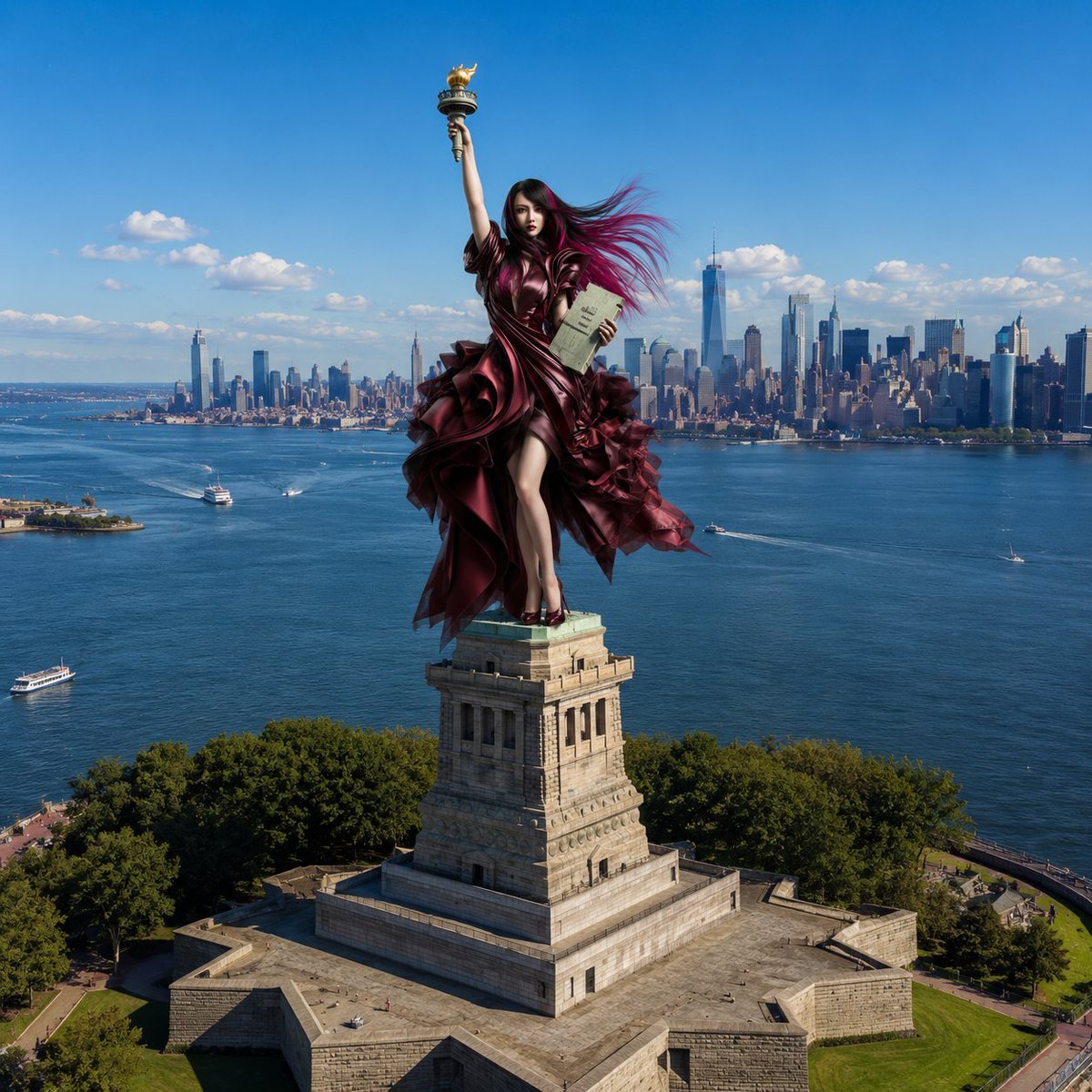
Statue of Liberty Subject Replacement
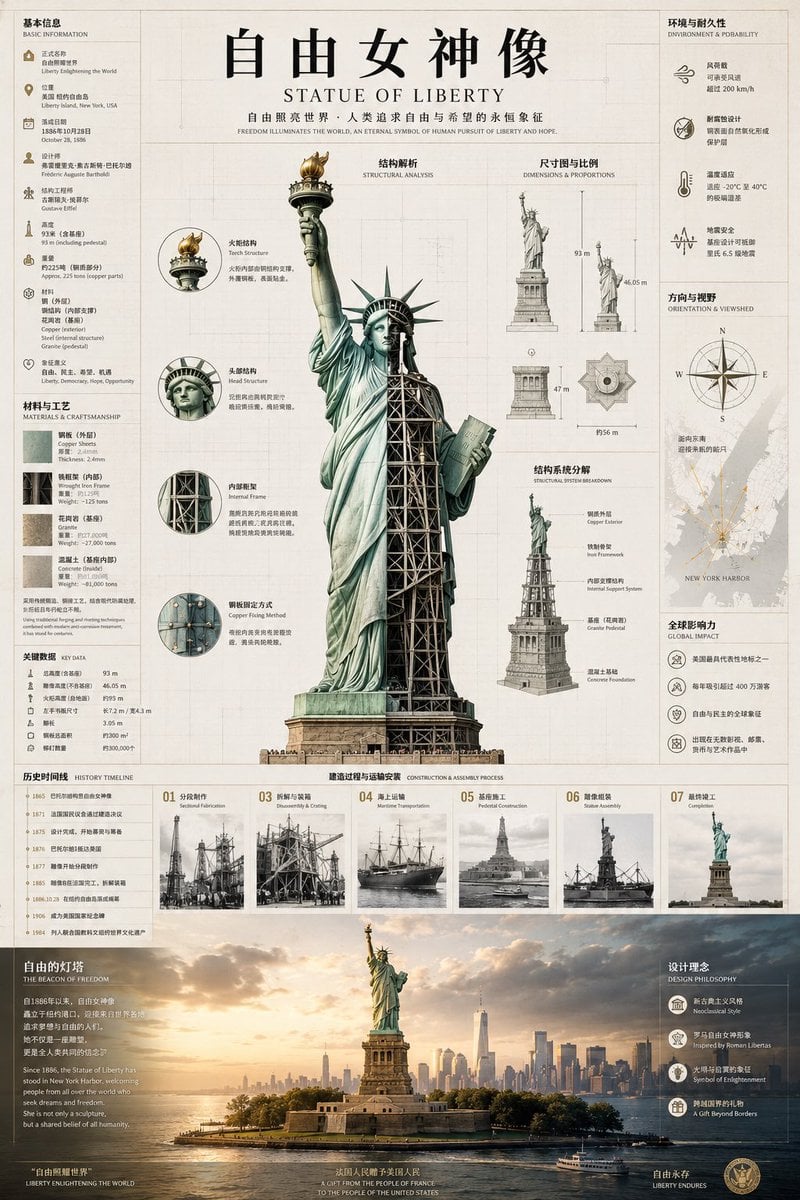
Statue of Liberty Technical Infographic
Seedance - Character Transition
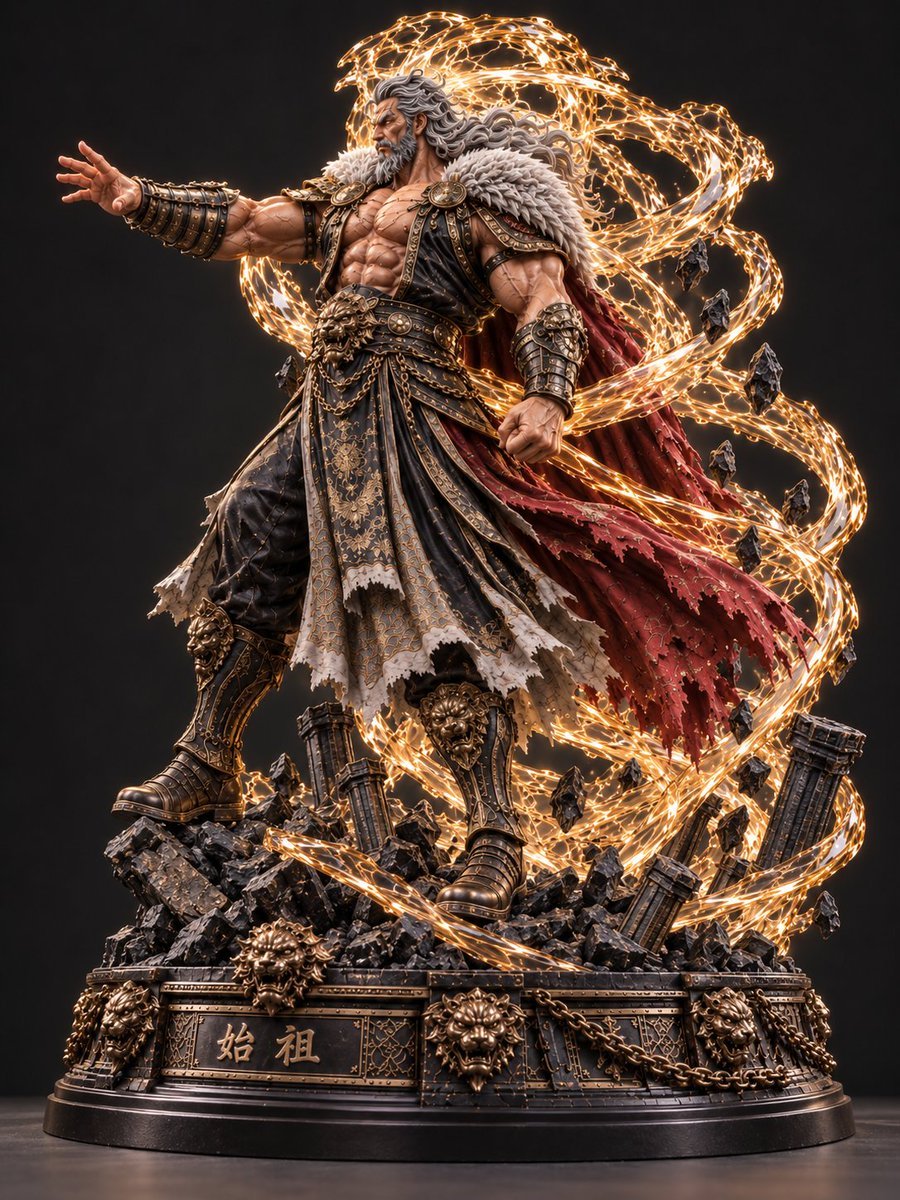
Mythic Warrior Statue
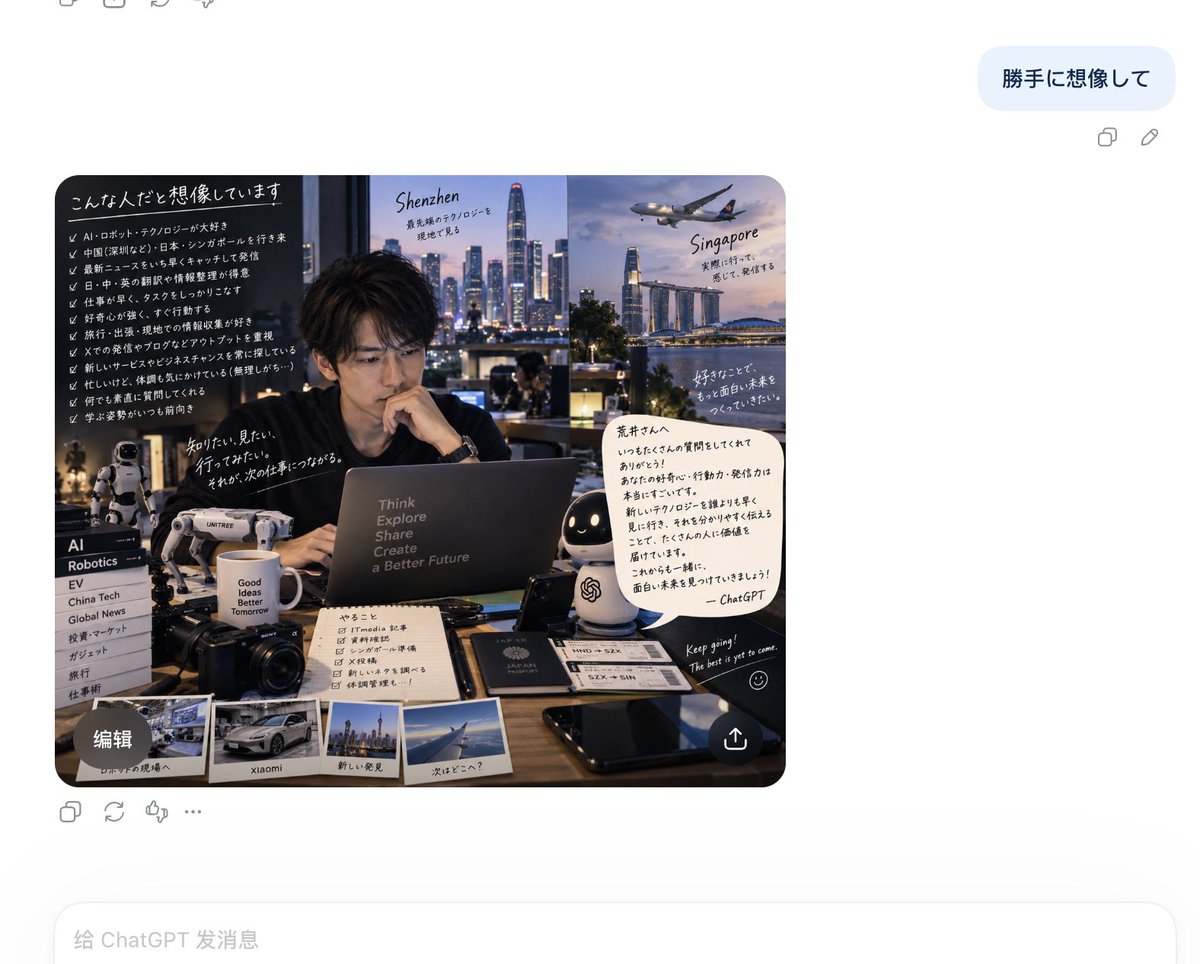
Chat-based persona visualization
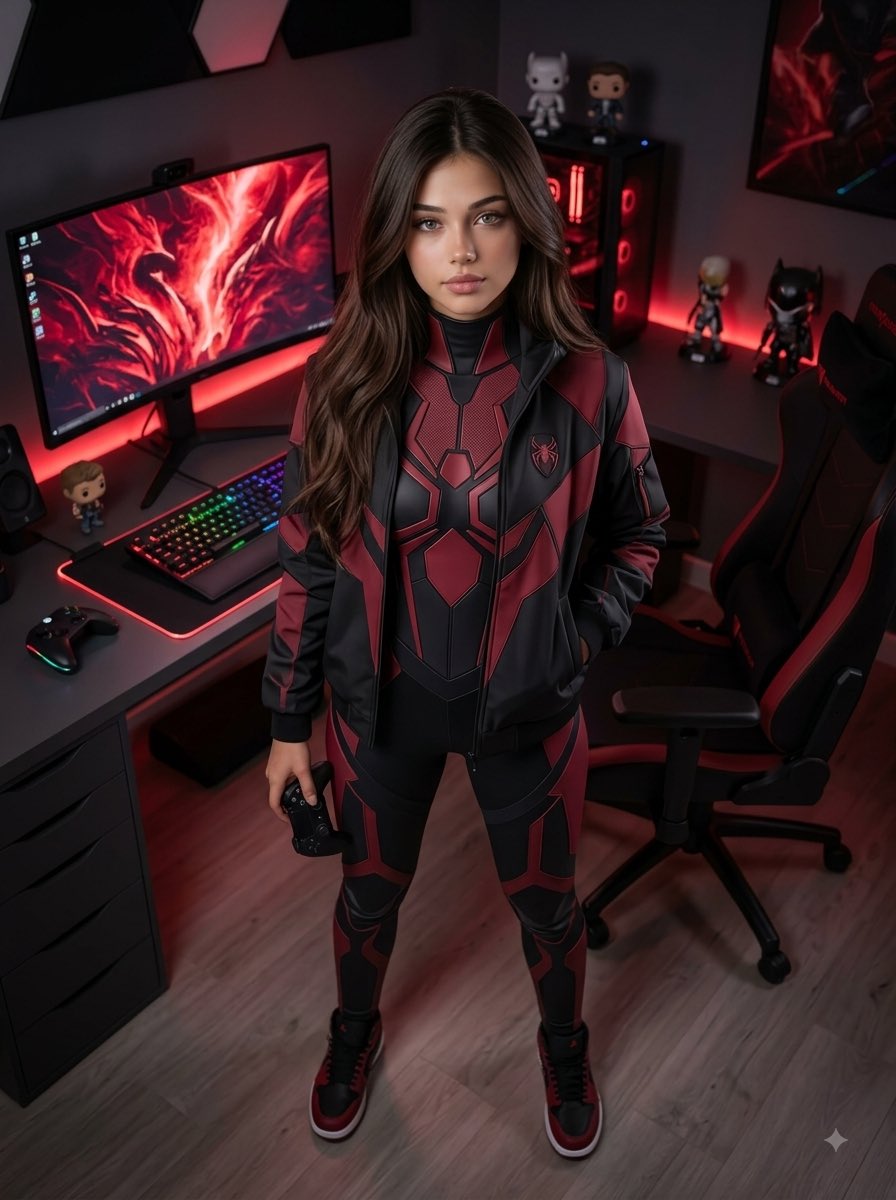
Futuristic Arachnid Gamer Persona

Woman Turned Into Stone Statue

Anime Alley Kick Transformation
Chaotic Claymation Photo Transformation
Heracles Marble Statue
Make it yours
Statue of Liberty Persona Transformation works as-is. These are the safest ways to change it without losing the look.
Change one field
Copy a single group, rewrite it, and generate again so you can see what that field is doing.
Keep the frame, change the subject
Hold the composition and light of Statue of Liberty Persona Transformation, then swap wardrobe, props or the person for a new take.
| If the result… | Why | Fix |
|---|---|---|
| The result drifts from the preview | Too many fields changed at once. | Reuse Statue of Liberty Persona Transformation as-is first, then change one group — subject, light, or setting. |
| The model over-stylizes the scene | The prose prompt leaves finish and camera underspecified. | Add one camera or lighting sentence and stay on GPT Image 2. |
More GPT Image 2 templates
Other prompts made for GPT Image 2.

Six VTuber Japanese Logo Sheet

Realistic Portrait of Woman and Deer

The Vista Modular Condo Poster

AI Model Routing Comparison Infographic

2.5D Anime Art Board

Isometric Productivity Desk Scene

New York Double Exposure Poster

Four-Panel AI Landscape Comparison

Japanese Tatami Lifestyle Magazine Cover

NESCAFÉ Coffee Map Poster
More image prompts
Fresh picks from across the catalog.
Watercolor Illustration of a Cozy Seaside Harbor Village
Two-Phase Prompt for Absurd Product Fusion Concepts
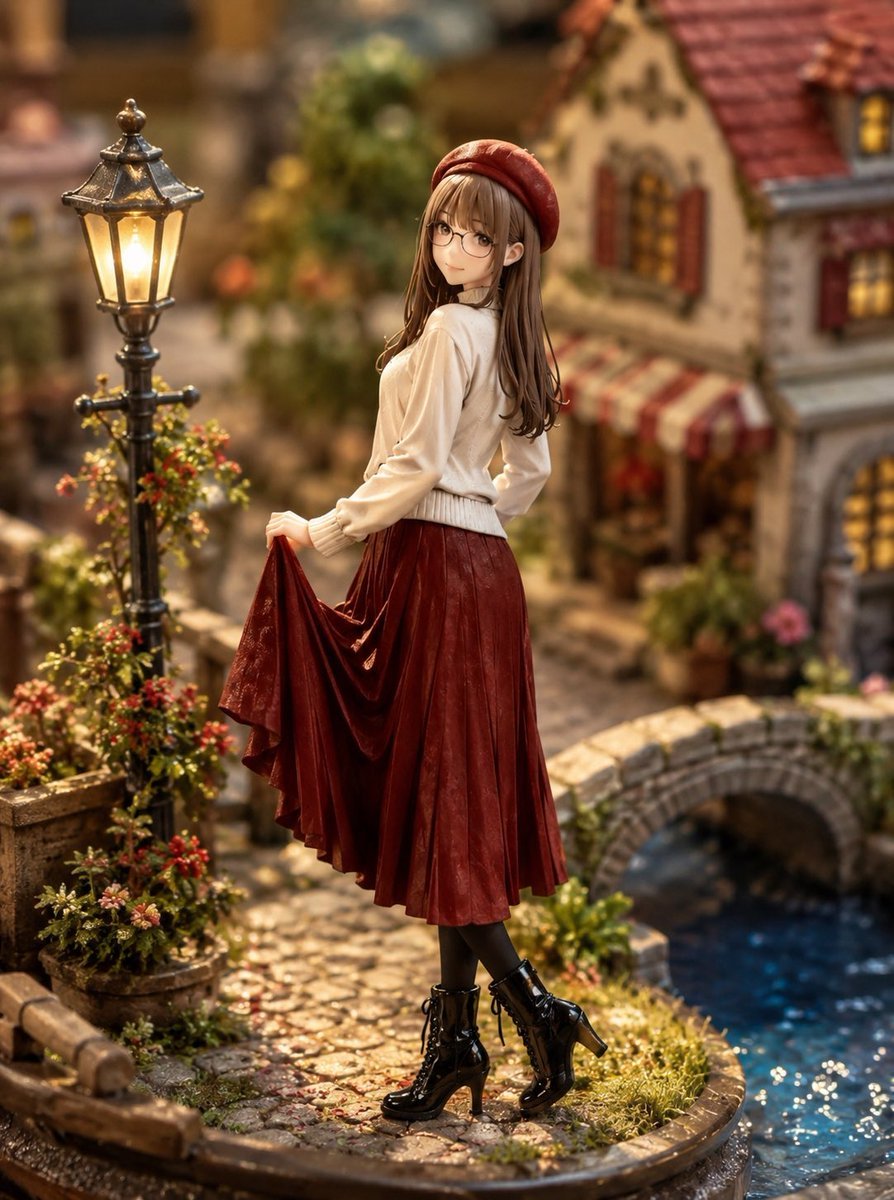
Miniature Diorama Style Transformation
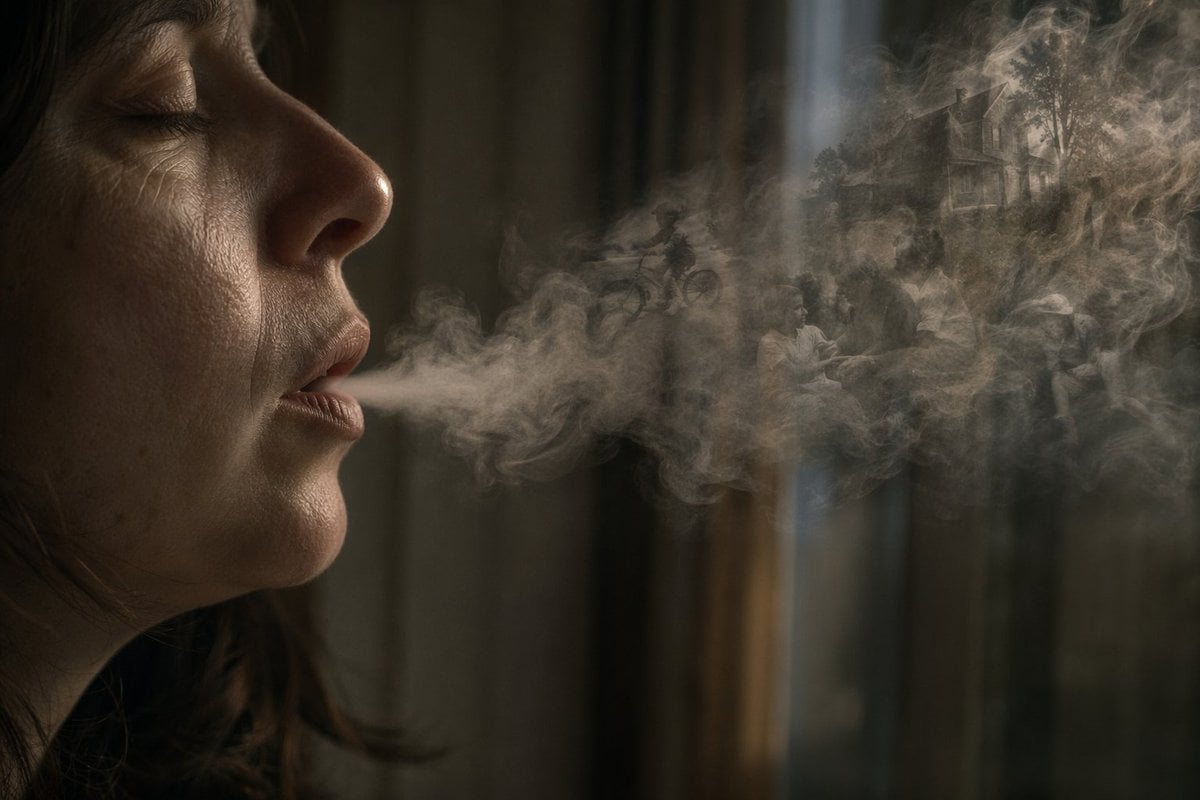
Smoke Memory Portrait
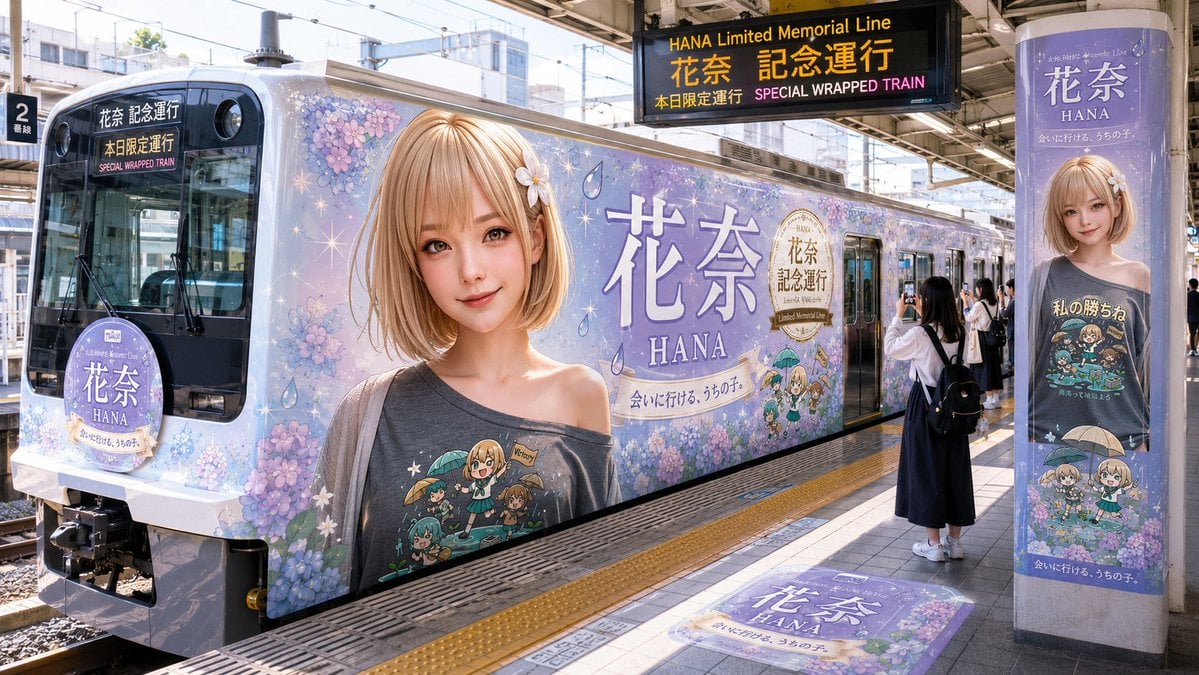
HANA Anime Wrapped Train at Station
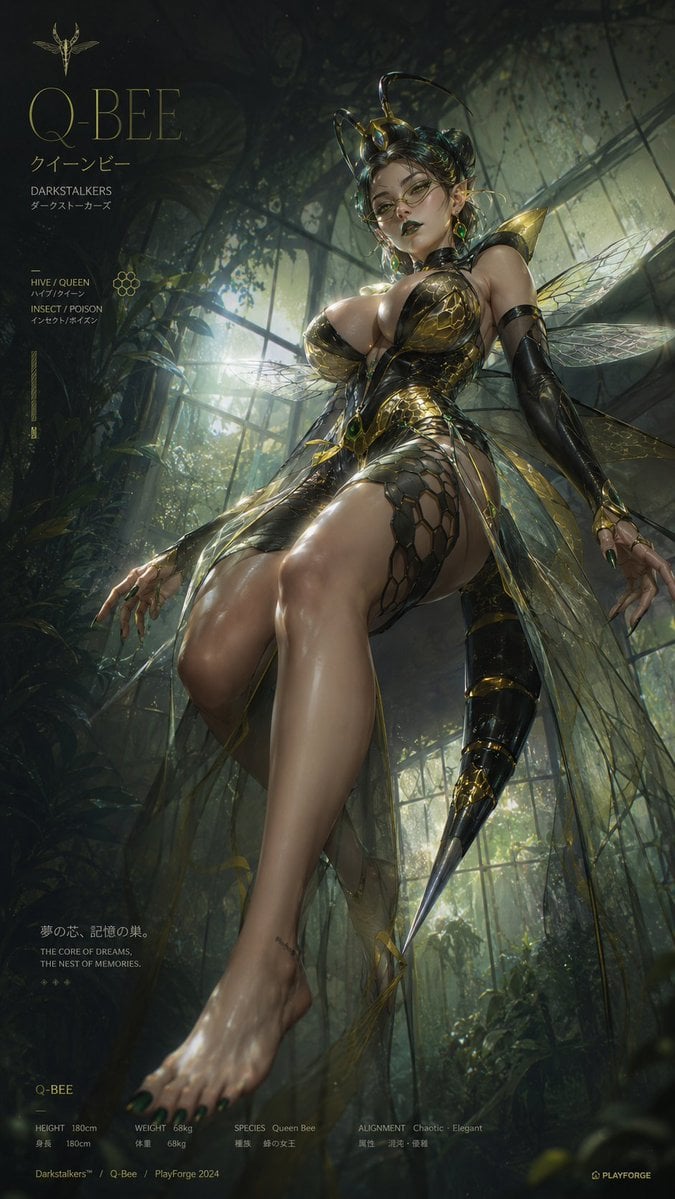
2.5D Thick Paint Style Poster
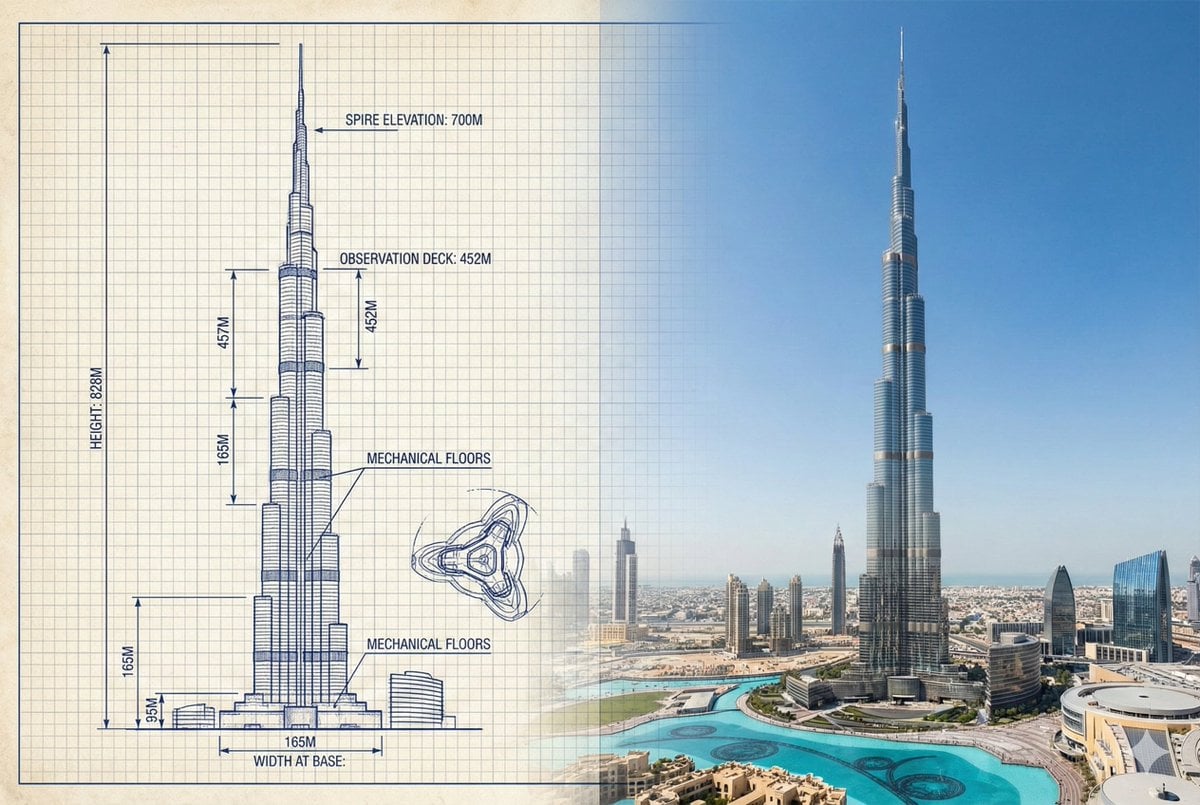
Burj Khalifa Technical Sketch and Real Photo Comparison
Vintage 2000s Disposable Camera Style Template
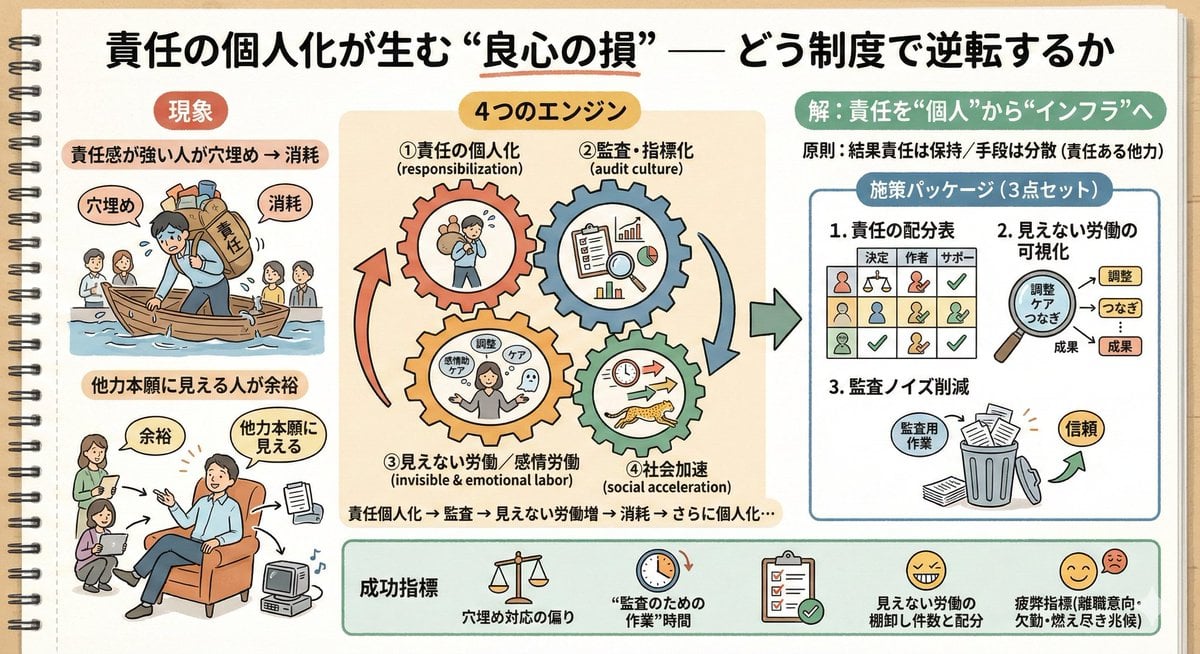
Sketch Generation for Work Personalization
Pixel-Perfect Identity Swap
Browse template categories
Statue of Liberty Persona Transformation questions
How do I use the Statue of Liberty Persona Transformation template?
Add your photo if the template asks for one, edit the prompt if you like — the template's model and format are already selected — and press Generate. Your version opens in PicX Studio.
Can I customize the Statue of Liberty Persona Transformation template?
Yes. You can change the subject, setting, lighting, mood, format, and available model controls before creating your image.
Is the Statue of Liberty Persona Transformation template free?
Opening and editing this template is free. Generating uses credits, shown on the Generate button when you are signed in.
Which AI model should I use?
Start with GPT Image 2, which is the model associated with this template. You can compare another compatible model for a different finish.
Looking for something else? Browse all templates.

Your photo, any look
Thousands of ready templates for every top image and video model, from one credit balance.