
Statue of Liberty Technical Infographic
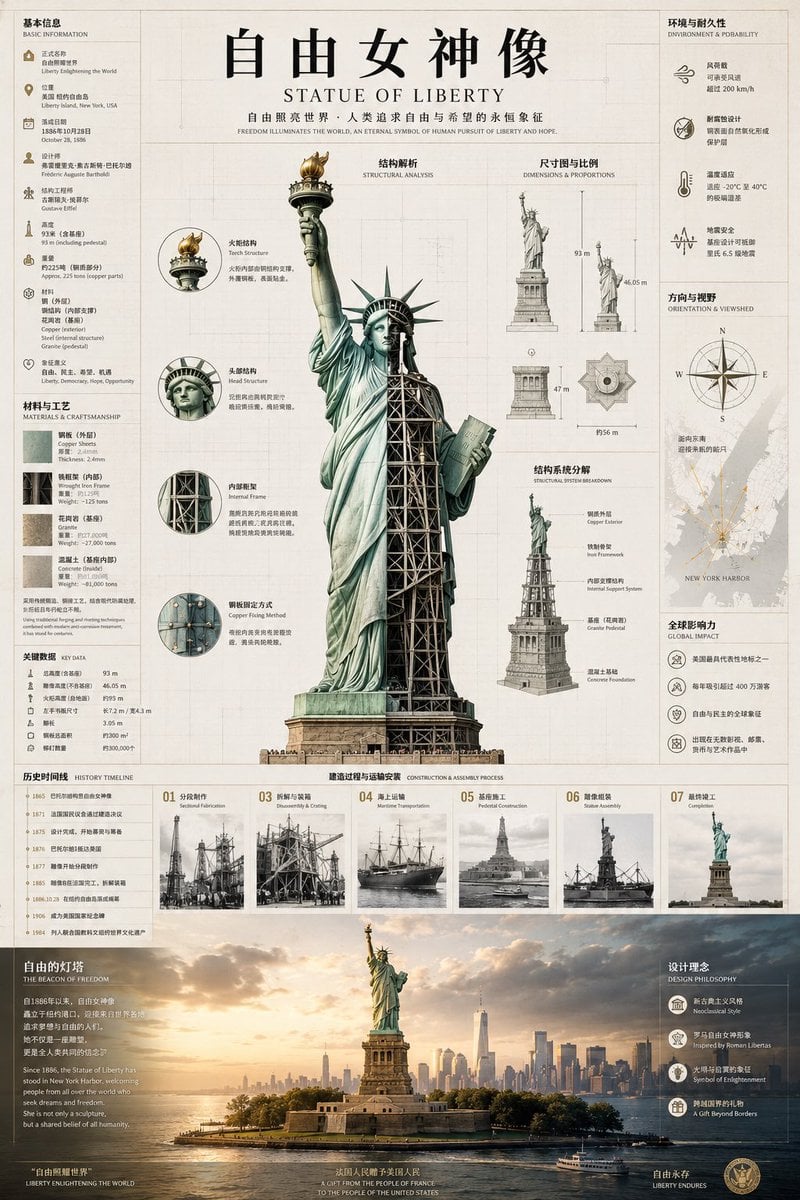
A dense bilingual architectural infographic poster documenting the Statue of Liberty with cutaway structure, dimensions, history, materials, and harbor context.
- Prompt included
- Model and format preset
- Free template
The prompt behind this image
Copy the exact prompt behind Statue of Liberty Technical Infographic, or open it in the studio and make it yours.
Goal: Create a highly detailed vertical museum-style infographic poster about {argument name="monument name" default="自由女神像"}, combining Chinese primary typography with small English subtitles, as if from an architectural history atlas. Canvas: Tall portrait poster, approximately 2:3 aspect ratio, warm ivory paper background with faint grid lines, thin technical drafting rules, subtle aging texture, and precise editorial margins. Use a refined beige, charcoal, muted bronze, oxidized copper green, and faded gray palette. Main title area: At the top center place the large black Chinese headline “自由女神像”, with the English title “STATUE OF LIBERTY” beneath it in spaced serif capitals. Add a small bilingual motto line below: “自由照亮世界,人类追求自由与希望的永恒象征” and “FREEDOM ILLUMINATES THE WORLD, AN ETERNAL SYMBOL OF HUMAN PURSUIT OF LIBERTY AND HOPE.” Central subject: Dominating the middle, show a full-height Statue of Liberty technical cutaway. The left half should be the exterior oxidized copper statue with flowing robes, raised torch, crown spikes, and tablet; the right half should be sliced open to reveal dark iron lattice scaffolding, internal stairs, cross-bracing, and pedestal structure. Render it as realistic engraved architectural illustration with soft shadows and precise linework. Left information column: Add a narrow sidebar titled “基本信息 / BASIC INFORMATION” with exactly 8 icon-and-text entries: official name, location, dedication date, designer, sculptor, total height, weight, and symbolism. Below it add “材料与工艺 / MATERIALS & CRAFTSMANSHIP” with exactly 4 stacked material swatches: copper sheets, wrought iron frame, granite base, and concrete foundation. Add a small “关键数据 / KEY DATA” block with exactly 6 compact numeric rows. Left of central statue: Add “结构解析 / STRUCTURAL ANALYSIS” with exactly 4 circular magnified callout diagrams connected to the statue: torch structure, head structure, internal skeleton, and copper fixing method. Each circle contains a cropped technical detail, short Chinese label, English subtitle, and two short annotation lines. Right analytical panels: Add “尺寸图与比例 / DIMENSIONS & PROPORTIONS” with exactly 5 diagrams: full statue height comparison, statue-only height, pedestal height, top-view star-shaped base diagram, and base-width measurement. Add “结构系统分解 / STRUCTURAL SYSTEM BREAKDOWN” with exactly 5 stacked exploded mini illustrations: copper exterior, iron framework, internal spiral/stair system, granite pedestal, and concrete foundation. Far-right sidebar: Add “环境与耐久性 / ENVIRONMENT & DURABILITY” with exactly 4 icon entries: wind resistance, structural design, temperature range, and lightning safety. Add “方向与视野 / ORIENTATION & VIEWSHED” with a compass rose and a pale New York Harbor map, including radial sight lines. Add “全球影响力 / GLOBAL IMPACT” with exactly 4 icon entries: symbol of immigration, annual visitors, global freedom icon, and cultural influence. Bottom middle band: Add “历史时间线 / HISTORY TIMELINE” on the lower left with exactly 8 dated milestones from concept, design, construction, shipment, assembly, dedication, restoration, and modern preservation. Across the lower center add “建造过程与运输安装 / CONSTRUCTION & ASSEMBLY PROCESS” with exactly 7 numbered sepia photo cards labeled 01 to 07: selected fabrication, disassembly and crating, maritime transportation, pedestal construction, statue assembly, final completion, and public opening. Each card has a small archival image, number, Chinese label, and English subtitle. Bottom scenic footer: The entire bottom quarter should be a cinematic panoramic scene of the Statue of Liberty on Liberty Island at golden-hour sunset, with New York City skyline in the background, calm harbor water, ferries, warm clouds, and atmospheric haze. Overlay white text on the left titled “自由的灯塔 / THE BEACON OF FREEDOM” followed by a short paragraph about welcoming people from across the world. On the right overlay “设计理念 / DESIGN PHILOSOPHY” with exactly 4 icon entries: Neoclassical style, Inspired by Roman Libertas, Symbol of Enlightenment, and A Gift Beyond Borders. Add a centered small bilingual dedication line near the bottom: “法国人民赠予美国人民 / A GIFT FROM THE PEOPLE OF FRANCE TO THE PEOPLE OF THE UNITED STATES.” Visual style: Premium educational infographic, dense but orderly, realistic architectural engraving mixed with archival photography, thin serif typography, subtle Chinese editorial layout, crisp icons, accurate proportions, clean grid alignment, and no modern UI elements. Ensure all labels are legible and the poster feels like a professional historical architecture reference sheet.
How to use Statue of Liberty Technical Infographic in 3 steps
- 1Upload ImagePNG, JPG or paste
Add your photo
Upload the photo the template builds on. The prompt, model and format are already set.
- 2…a portrait of your subject in softgolden-hour light, 85mm…
Personalize
Edit the subject and creative details for your destination.
- 3Generate
Generate
Press Generate — your image is created in PicX Studio, so you can compare it with the original and refine one variable at a time.
More like this
Templates with the same subject, style or setup. Open one to see its prompt.

Isometric Vehicle Teardown Infographic Template
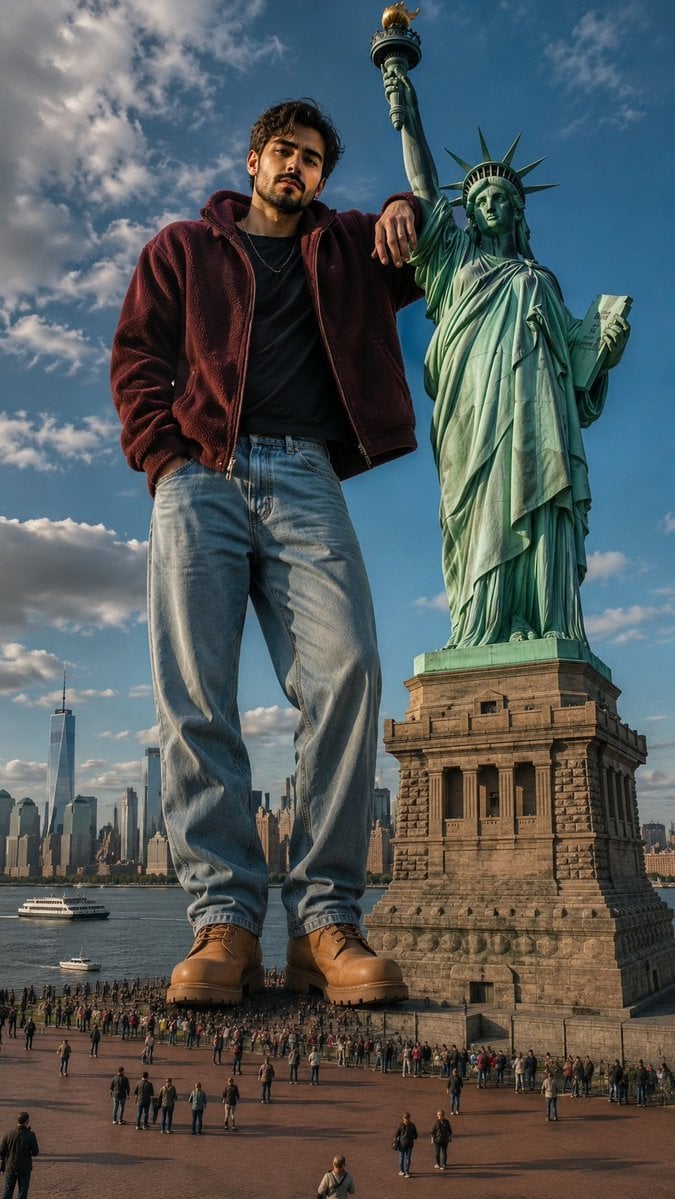
Giant Man Standing by Statue of Liberty
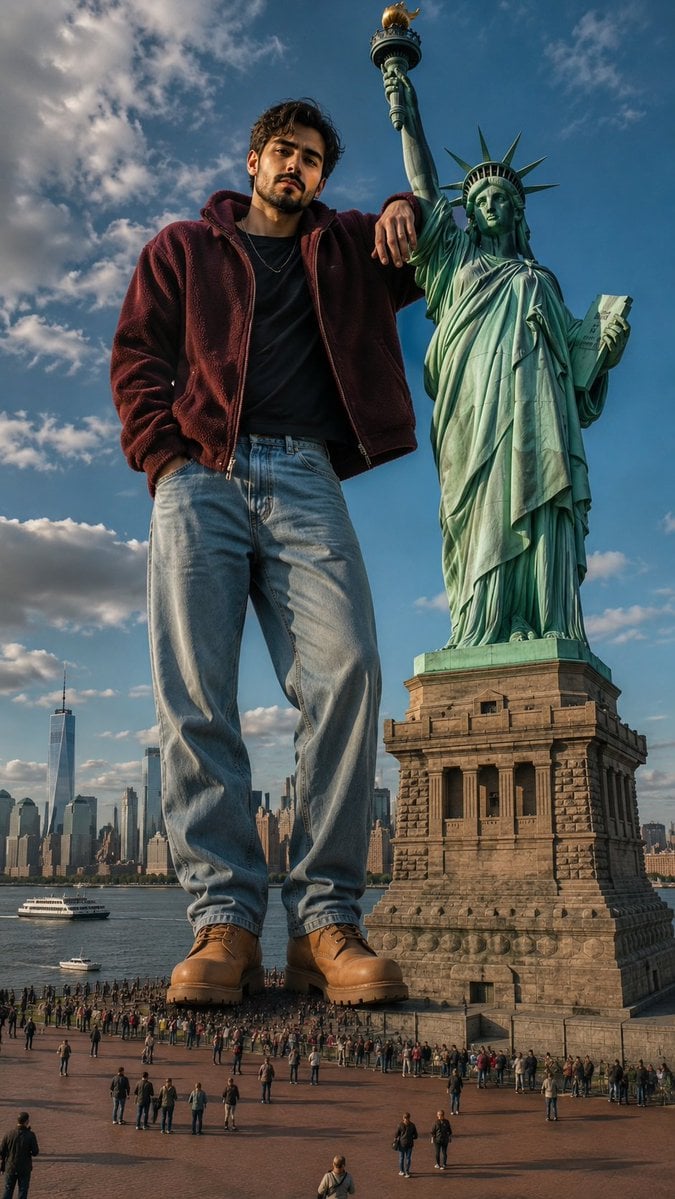
Giant Man at Statue of Liberty

Japan Travel Brochure Poster
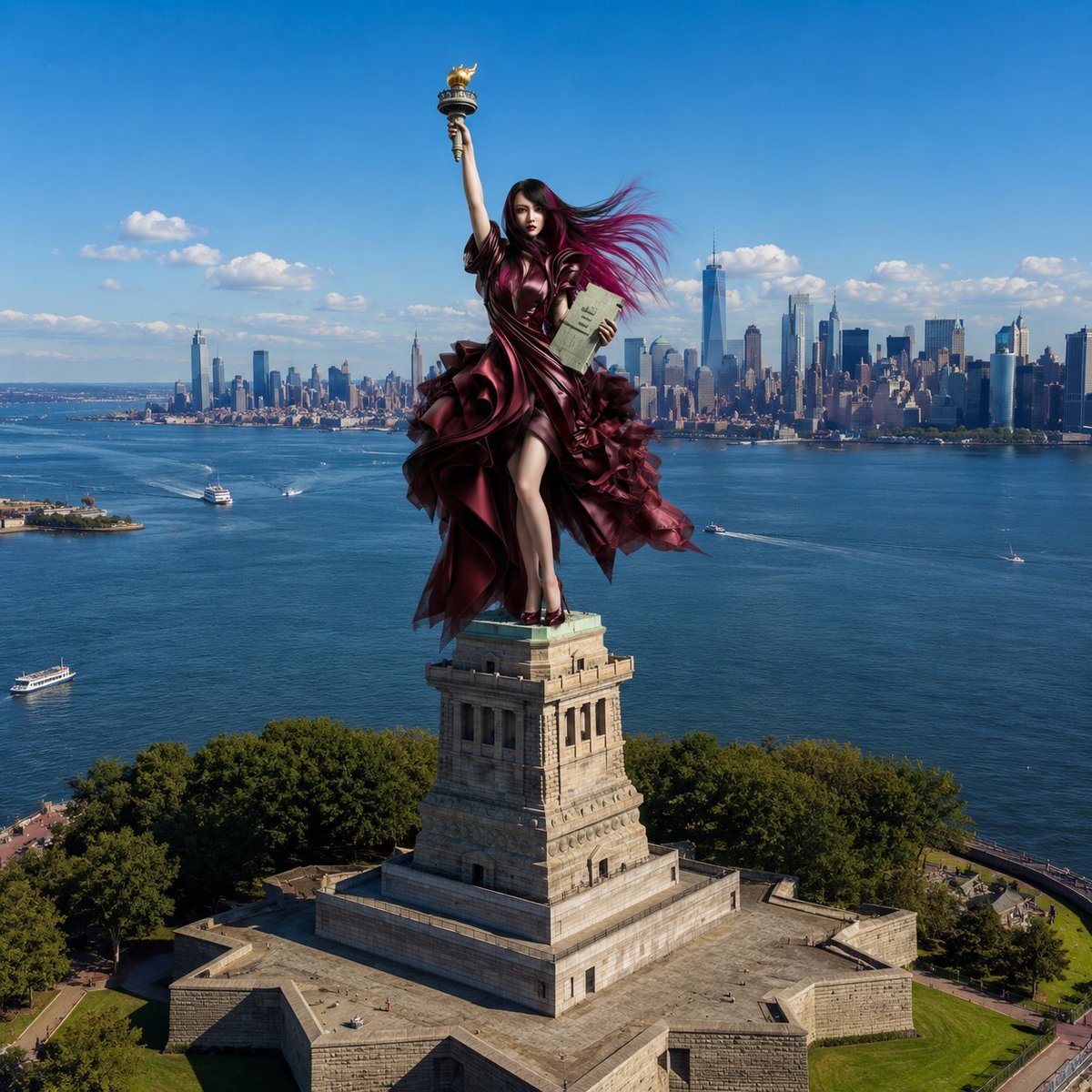
Statue of Liberty Persona Transformation

Isometric Process Educational Diorama
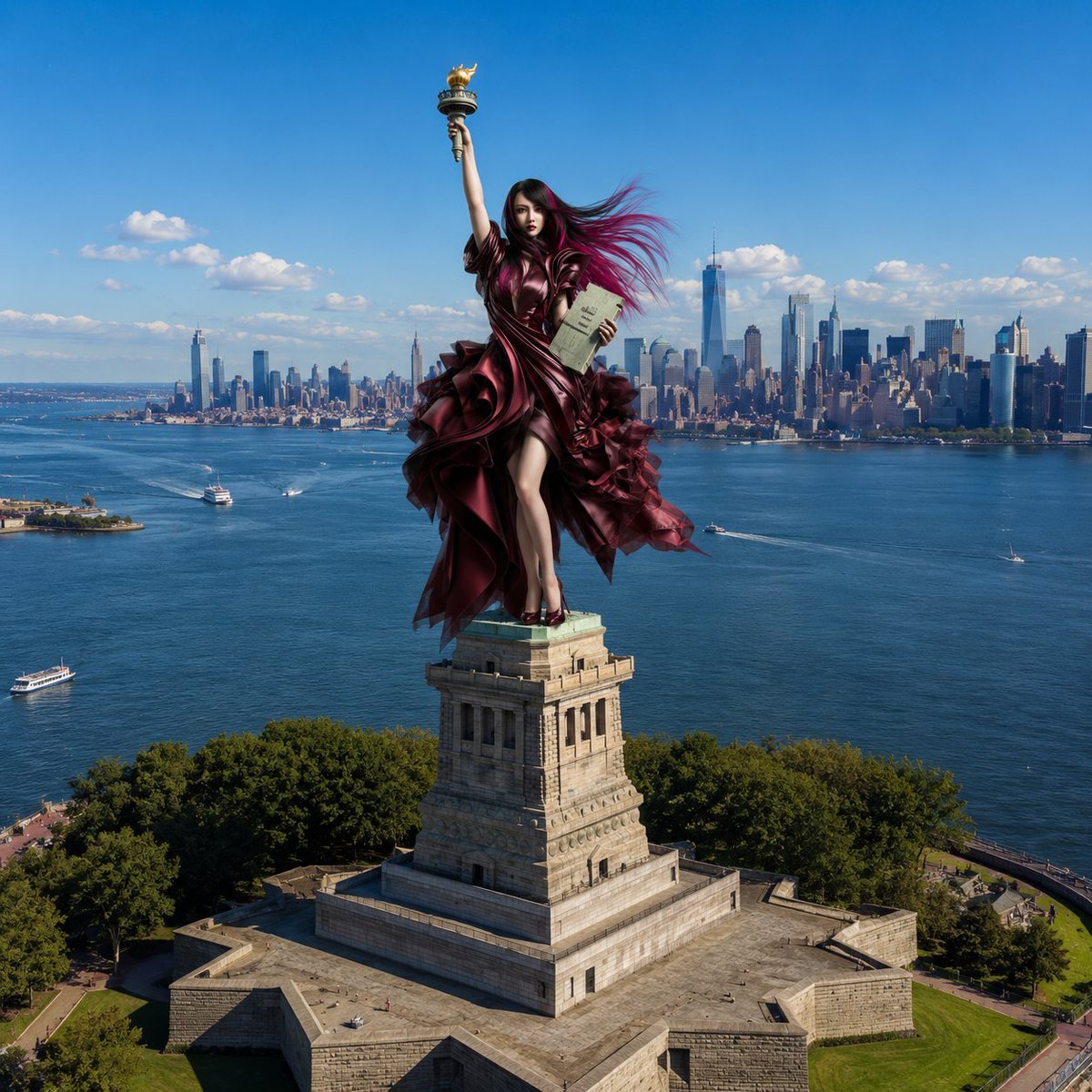
Statue of Liberty Subject Replacement

Gpt2 E Commerce Main Image Earbuds E Commerce Infographic

Gpt2 Infographic Edu Visual Alishan One Day Travel Poster

Gpt2 Infographic Edu Visual Ethnographic Plate for Tibetan Ceremonial Hat

Gpt2 Infographic Edu Visual Earth Signs Zodiac Character Poster

Gpt2 Infographic Edu Visual Water Signs Zodiac Character Poster
Make it yours
Statue of Liberty Technical Infographic works as-is. These are the safest ways to change it without losing the look.
Change one field
Copy a single group, rewrite it, and generate again so you can see what that field is doing.
Keep the frame, change the subject
Hold the composition and light of Statue of Liberty Technical Infographic, then swap wardrobe, props or the person for a new take.
| If the result… | Why | Fix |
|---|---|---|
| The result drifts from the preview | Too many fields changed at once. | Reuse Statue of Liberty Technical Infographic as-is first, then change one group — subject, light, or setting. |
| The model over-stylizes the scene | The prose prompt leaves finish and camera underspecified. | Add one camera or lighting sentence and stay on GPT Image 2. |
More GPT Image 2 templates
Other prompts made for GPT Image 2.

Six VTuber Japanese Logo Sheet

Realistic Portrait of Woman and Deer

The Vista Modular Condo Poster

AI Model Routing Comparison Infographic

2.5D Anime Art Board

Isometric Productivity Desk Scene

New York Double Exposure Poster

Four-Panel AI Landscape Comparison

Japanese Tatami Lifestyle Magazine Cover

NESCAFÉ Coffee Map Poster
More image prompts
Fresh picks from across the catalog.
Rainy Feudal Japan Courtyard

Tokyo Night Street Fashion Portrait

Surreal Cinematic Campfire in Cosmic Void

Cheesy Chaos Snack Ad
Vintage Action Figure Toyification Prompt
Cyber-Techno Product Shot in Void with Prismatic Effects

Archival Film Still of a Glamorous Femme Fatale

Ancient Painting to Real Scene Photo

BBL Cricket Action Shot with Face Match
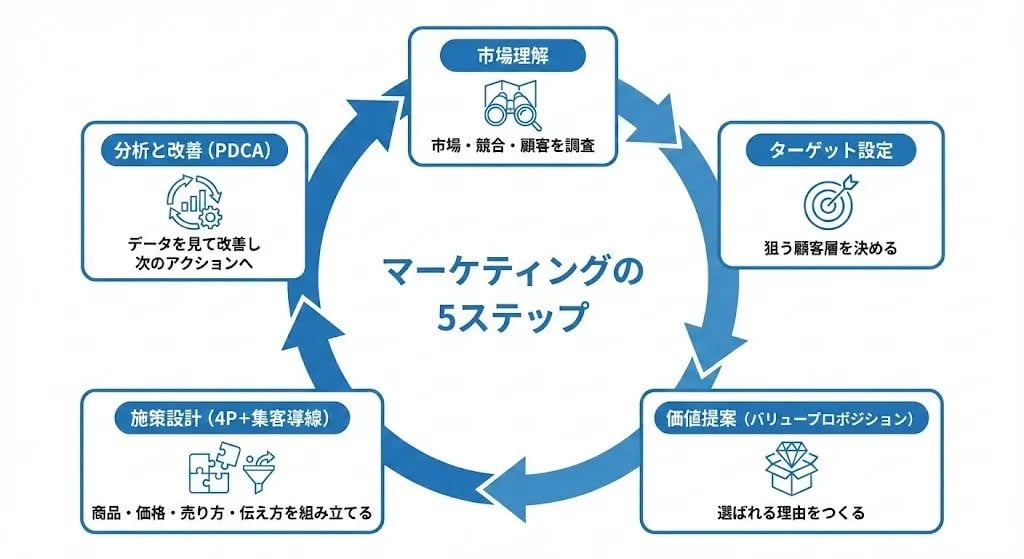
Step Marketing Flowchart Diagram Generator
Browse template categories
Statue of Liberty Technical Infographic questions
How do I use the Statue of Liberty Technical Infographic template?
Add your photo if the template asks for one, edit the prompt if you like — the template's model and format are already selected — and press Generate. Your version opens in PicX Studio.
Can I customize the Statue of Liberty Technical Infographic template?
Yes. You can change the subject, setting, lighting, mood, format, and available model controls before creating your image.
Is the Statue of Liberty Technical Infographic template free?
Opening and editing this template is free. Generating uses credits, shown on the Generate button when you are signed in.
Which AI model should I use?
Start with GPT Image 2, which is the model associated with this template. You can compare another compatible model for a different finish.
Looking for something else? Browse all templates.

Your photo, any look
Thousands of ready templates for every top image and video model, from one credit balance.