
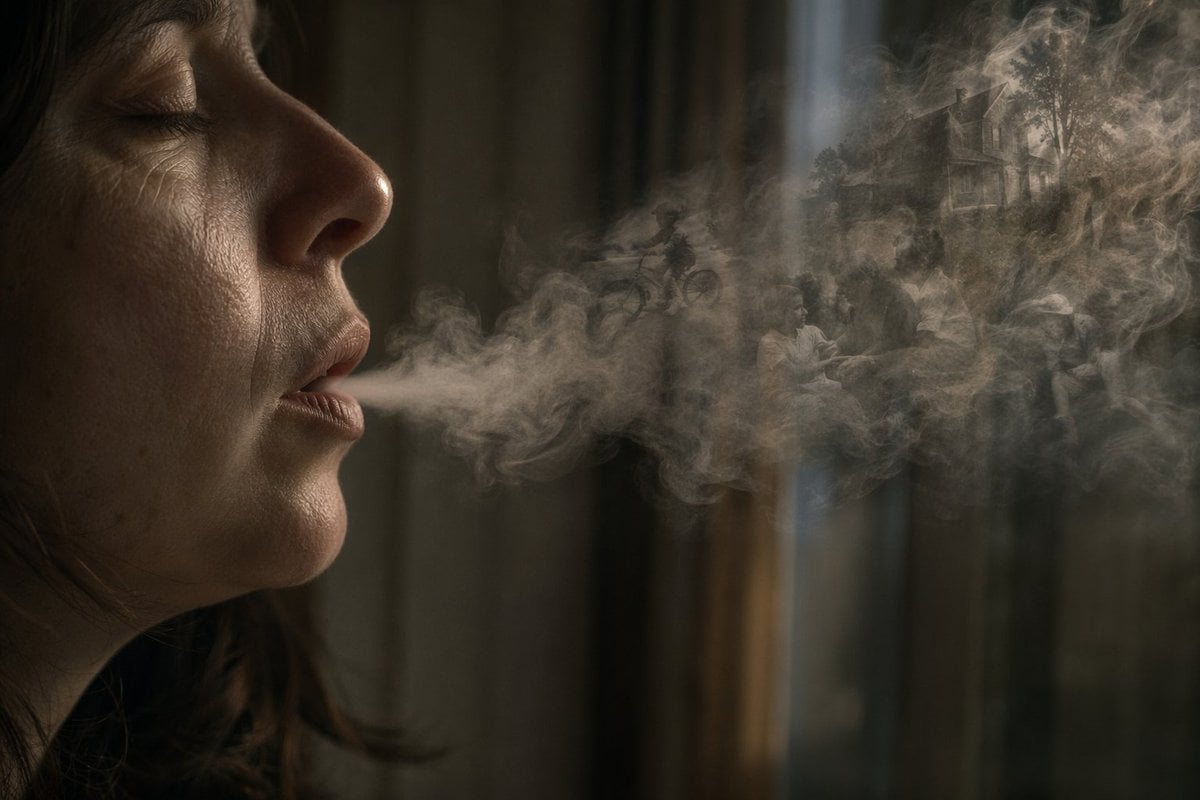
Smoke Memory Portrait
A moody surreal portrait of a shadowed person exhaling smoke that contains a faint miniature memory scene, useful for cinematic conceptual art.
- Prompt included
- Model and format preset
- Free template
The prompt behind this image
Copy the exact prompt behind Smoke Memory Portrait, or open it in the studio and make it yours.
Create a dark, cinematic surreal photo-illustration of a person in left profile, mostly hidden in shadow, exhaling a long horizontal plume of smoke across the frame. The upper-left face area is obscured by a large flat opaque rectangle in {argument name="censor block color" default="dark warm brown"}, covering the eyes and upper face like an intentional privacy mask. The subject has {argument name="hair color" default="dark brown"} loose hair strands visible near the neck and jaw, with only the lower cheek, neck, and hair edge softly lit. The smoke is the main focus: dense, translucent, swirling gray-beige vapor stretching from the mouth toward the right side, with delicate turbulent curls and layered mist. Inside the smoke, embed a faint dreamlike miniature memory scene: silhouettes of people sitting together, a child or rider on a bicycle, trees, and a distant suburban house, all ghostly and semi-transparent as if formed from smoke. The background is an out-of-focus dim interior with vertical curtain or window shapes in muted olive, charcoal, and brown tones, with a narrow cool beam of light falling from above near the center-right. Use moody low-key lighting, shallow depth of field, soft grain, realistic smoke simulation, muted sepia color grading, and a contemplative atmosphere suggesting memories leaving the body as breath. Landscape composition, 3:2 aspect ratio, no readable text.
How to use Smoke Memory Portrait in 3 steps
- 1Upload ImagePNG, JPG or paste
Add your photo
Upload the photo the template builds on. The prompt, model and format are already set.
- 2…a portrait of your subject in softgolden-hour light, 85mm…
Personalize
Edit the subject and creative details for your destination.
- 3Generate
Generate
Press Generate — your image is created in PicX Studio, so you can compare it with the original and refine one variable at a time.
More like this
Templates with the same subject, style or setup. Open one to see its prompt.

Cinematic Low-Angle Fashion Portrait Smoke Editorial
Cinematic Low-Angle Fashion Portrait Smoke Editorial

Found Photograph: Us, 1970

80s Couple Studio Portrait

80s Bollywood Star

80s Golden Hour Cinema

Me in 1985

1985 Studio Portrait

Hyper-Realistic Minecraft POV Portrait

Rooftop Fisheye — Cat-Ear Balaclava at Golden Hour

Rainy Café Window Moody Portrait

Campaign Smoke National Symbols World Cup
Make it yours
Smoke Memory Portrait works as-is. These are the safest ways to change it without losing the look.
Change one field
Copy a single group, rewrite it, and generate again so you can see what that field is doing.
Keep the frame, change the subject
Hold the composition and light of Smoke Memory Portrait, then swap wardrobe, props or the person for a new take.
| If the result… | Why | Fix |
|---|---|---|
| The result drifts from the preview | Too many fields changed at once. | Reuse Smoke Memory Portrait as-is first, then change one group — subject, light, or setting. |
| The model over-stylizes the scene | The prose prompt leaves finish and camera underspecified. | Add one camera or lighting sentence and stay on GPT Image 2. |
More GPT Image 2 templates
Other prompts made for GPT Image 2.

Six VTuber Japanese Logo Sheet

Realistic Portrait of Woman and Deer

The Vista Modular Condo Poster

AI Model Routing Comparison Infographic

2.5D Anime Art Board

Isometric Productivity Desk Scene

New York Double Exposure Poster

Four-Panel AI Landscape Comparison

Japanese Tatami Lifestyle Magazine Cover

NESCAFÉ Coffee Map Poster
More image prompts
Fresh picks from across the catalog.
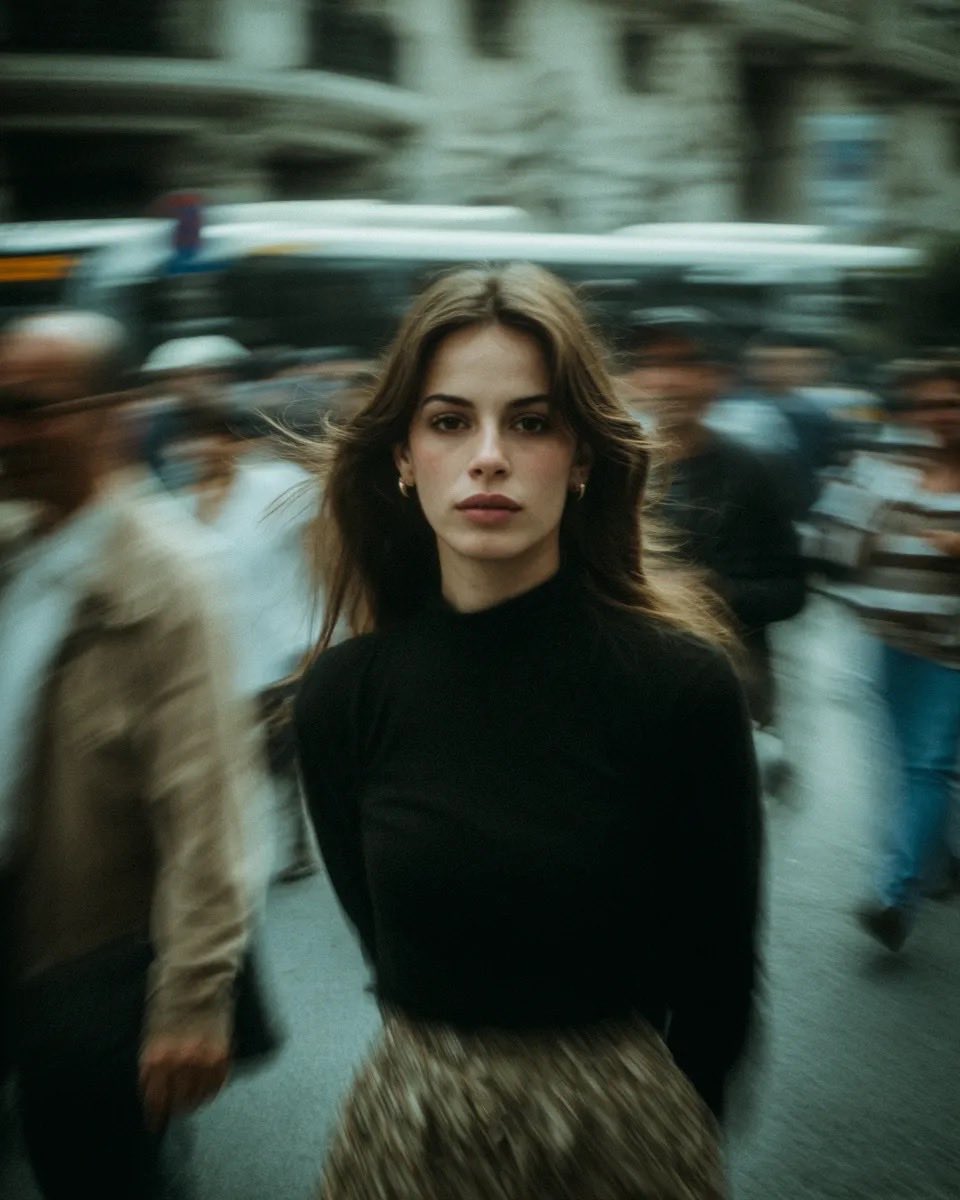
Cinematic Street Portrait with Motion Blur
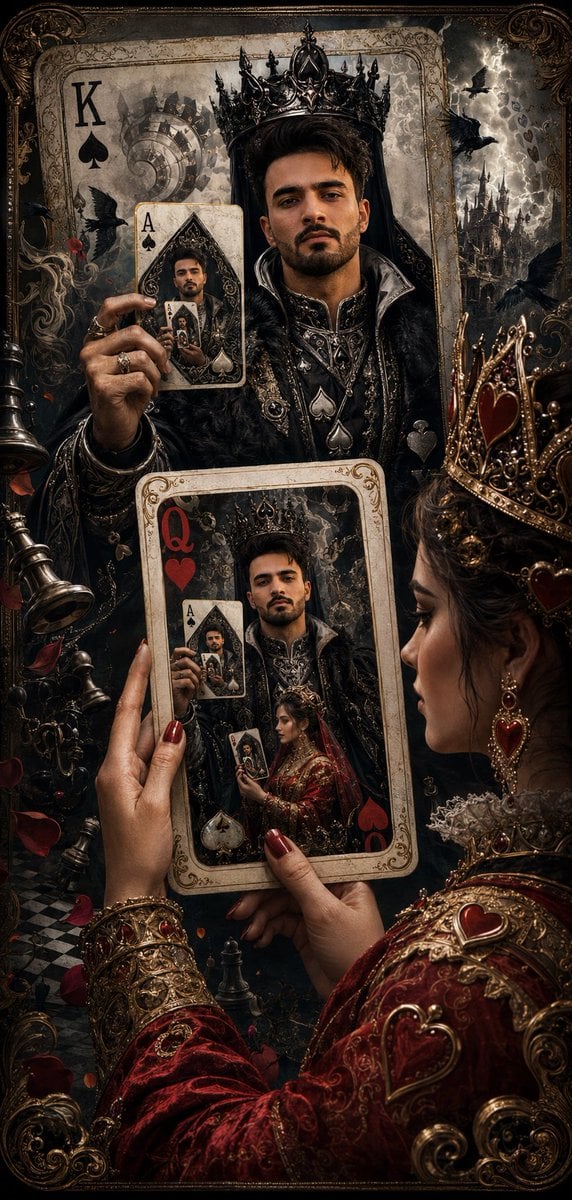
Recursive King of Spades Card
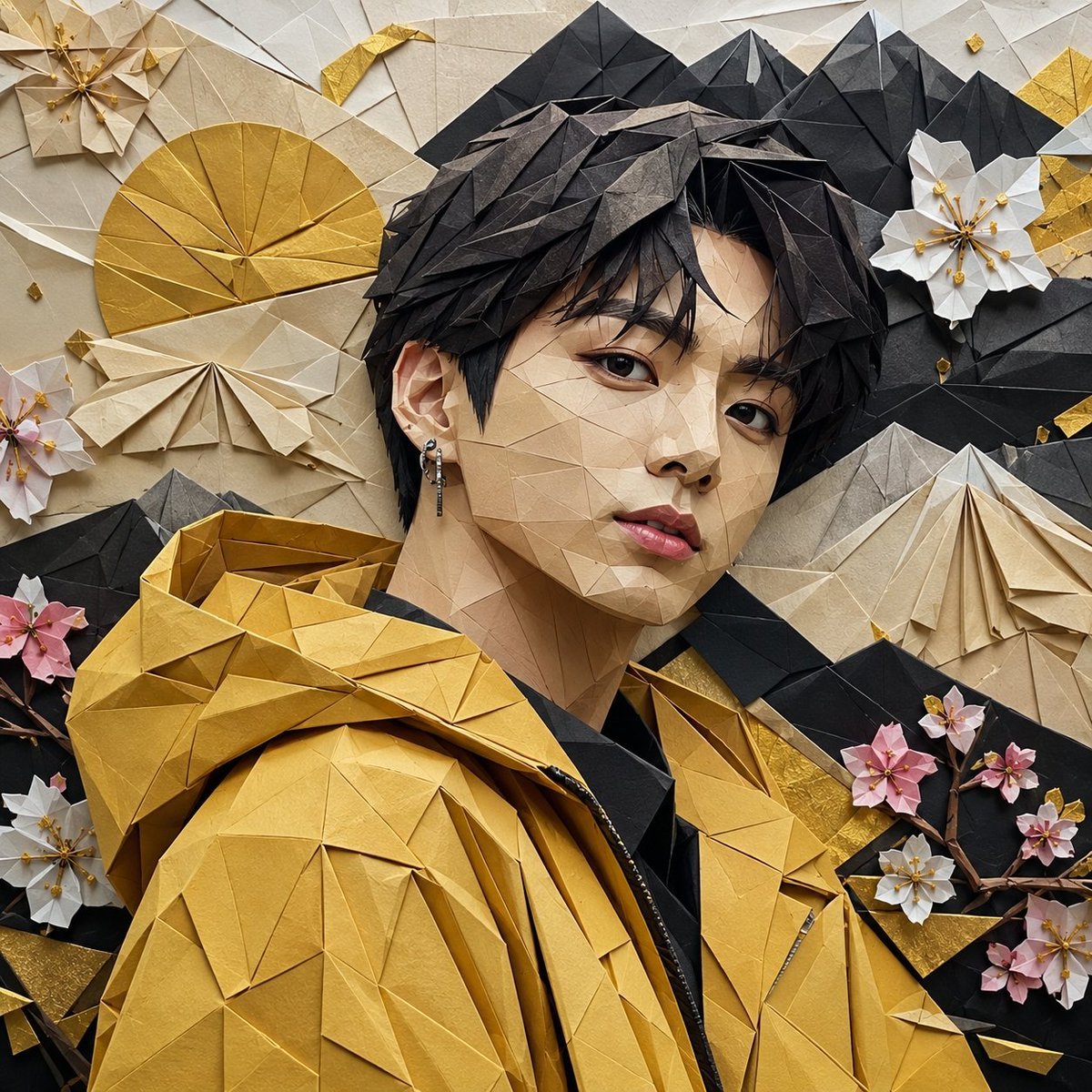
Origami K-Pop Idol Portrait
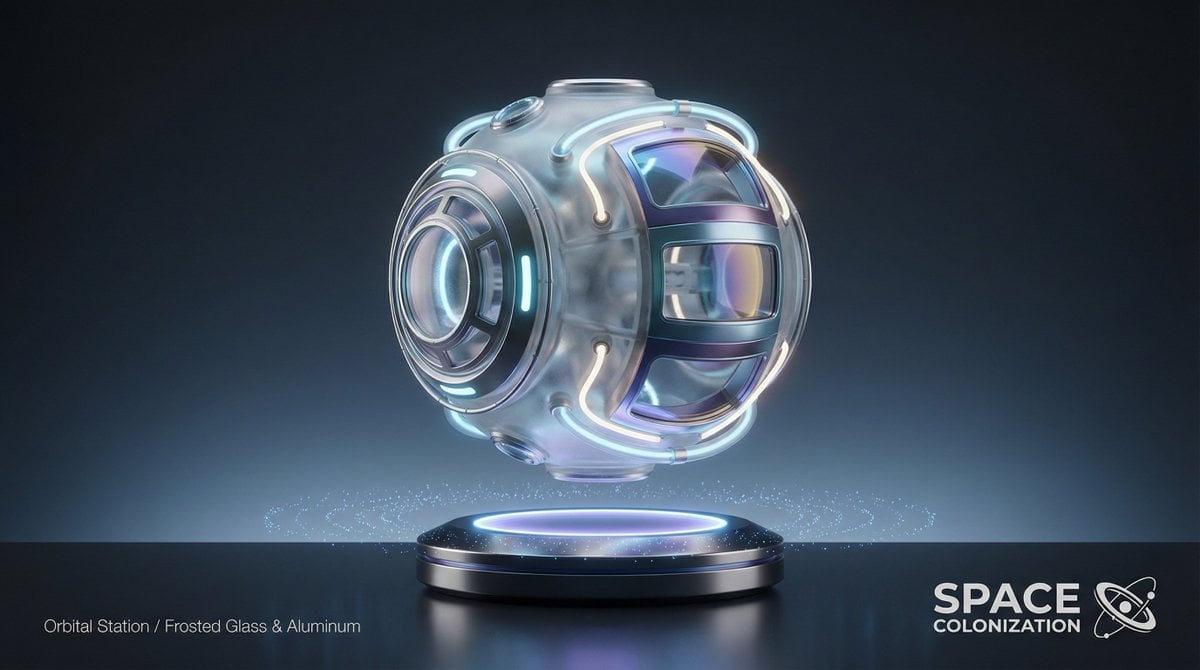
Futuristic Sci-Fi Still Life Photography Template
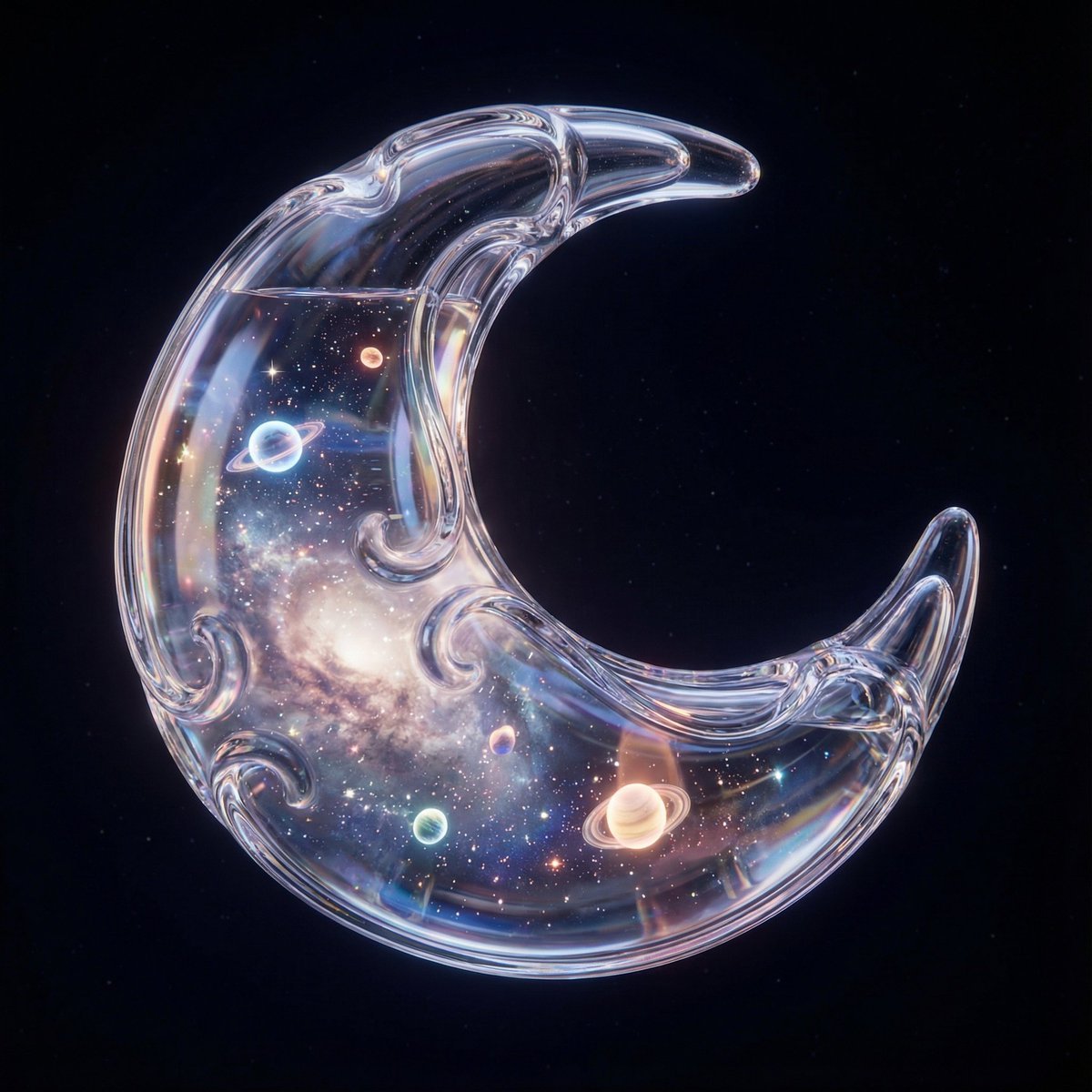
Hyper-Realistic 3D Simulation Prompt: Crescent Moon Vessel
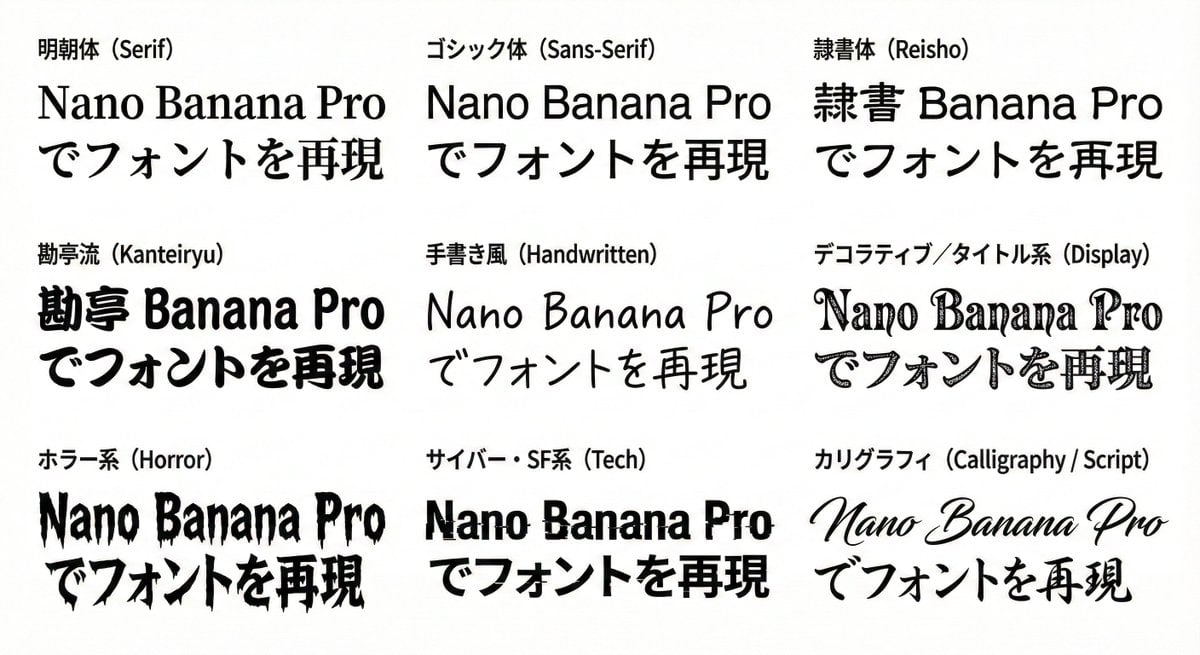
Multi-Font Text Generation and Control
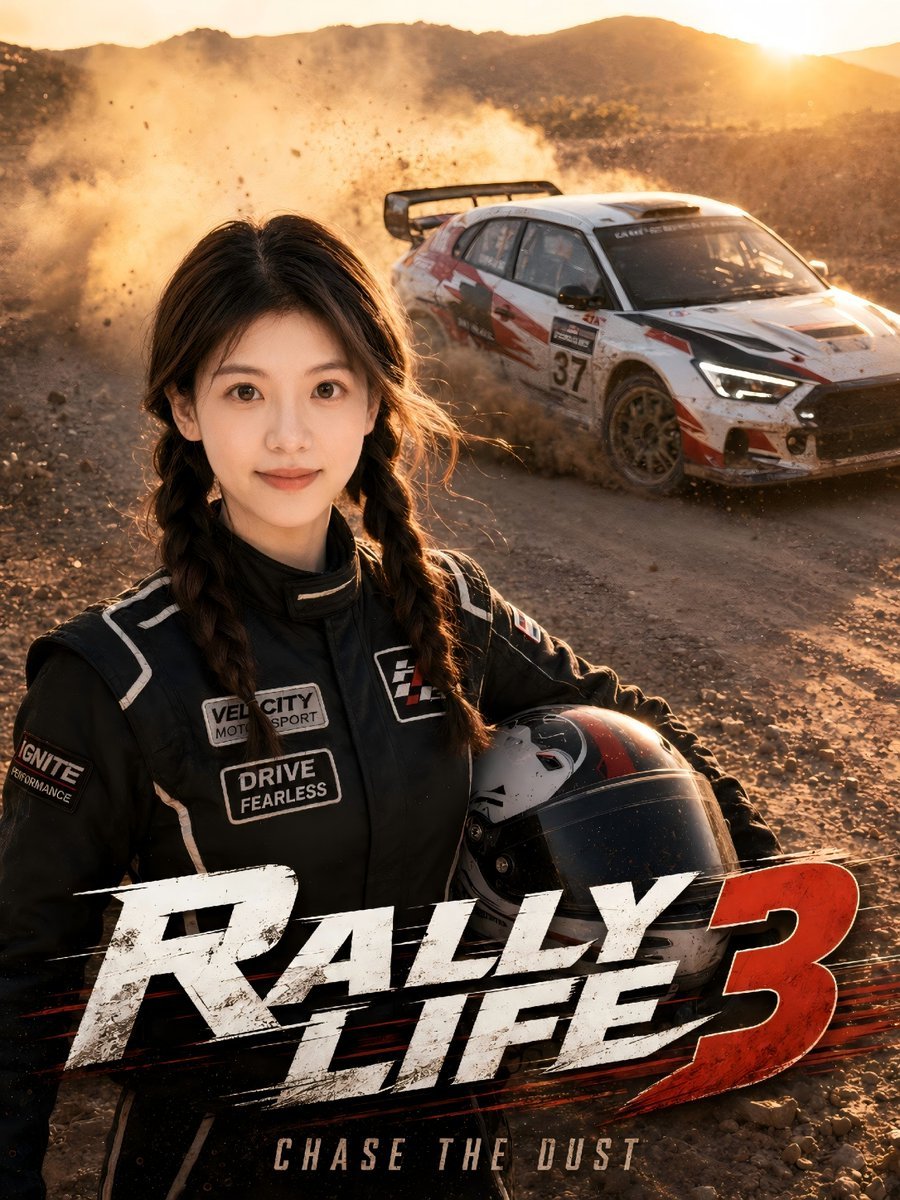
Desert Rally Commercial Movie Poster
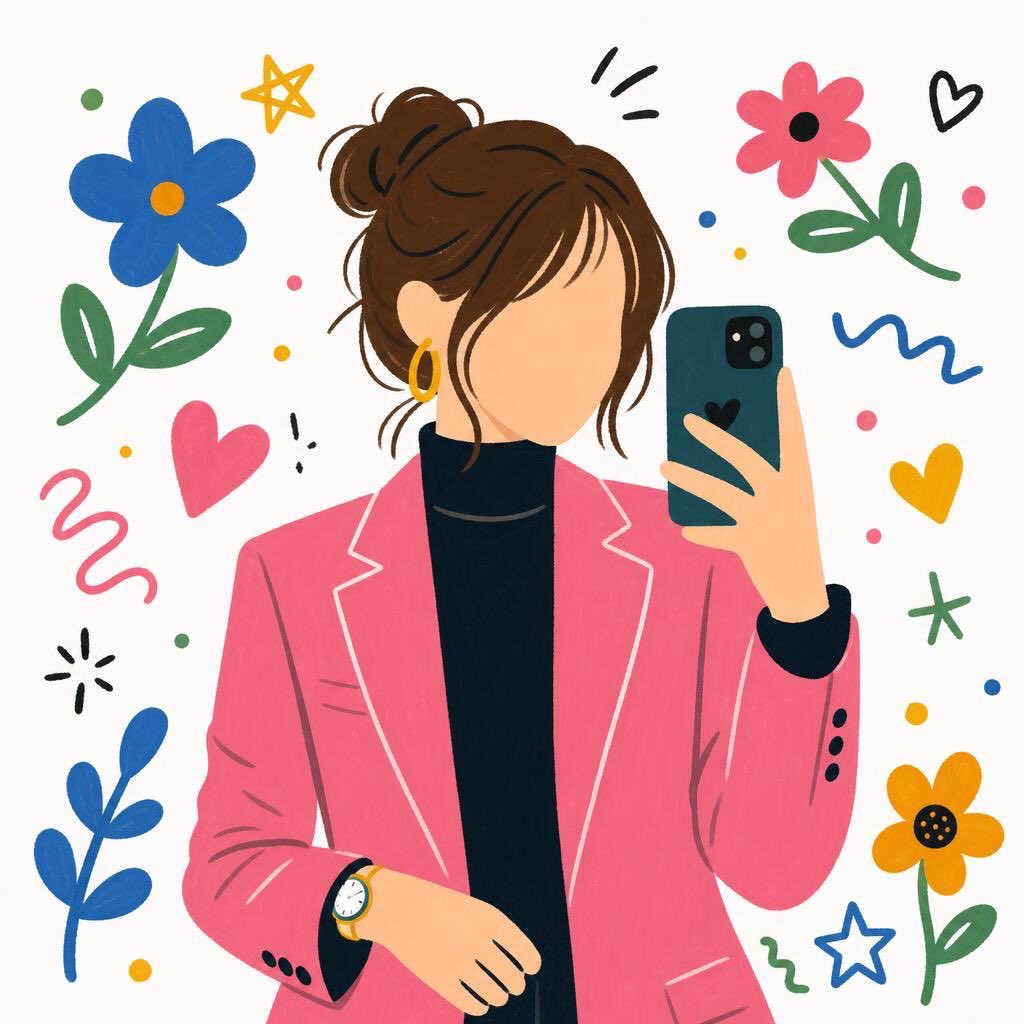
Flat Cartoon Faceless Girl Illustration
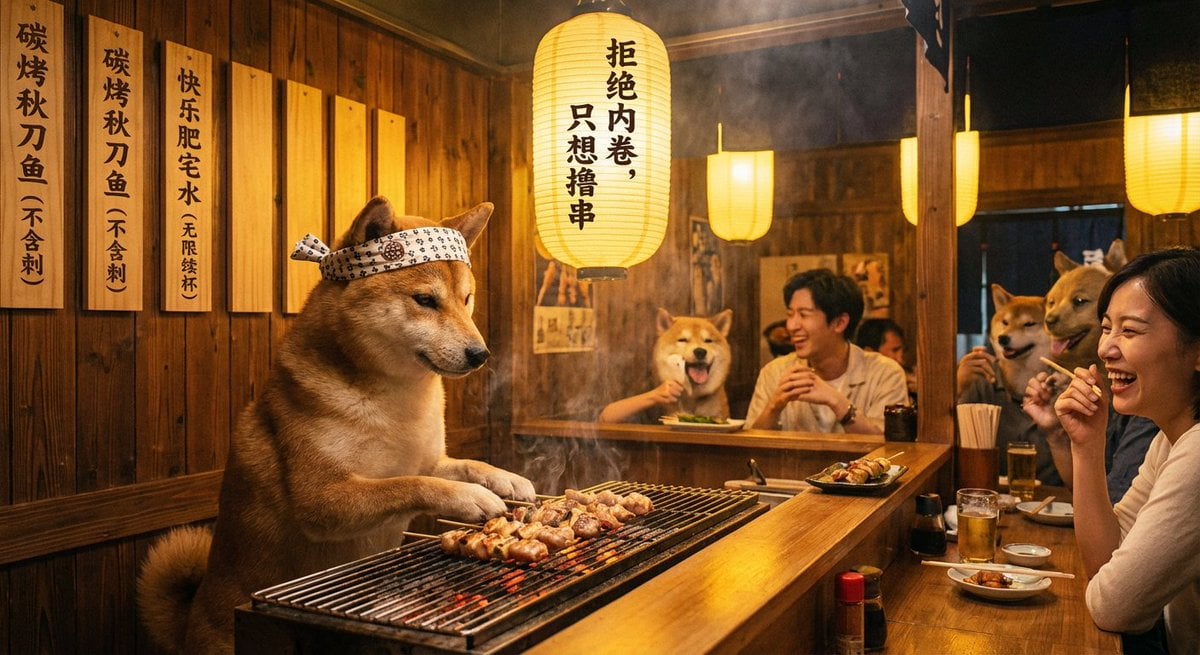
Classical Chinese poem illustration with text (duplicate)
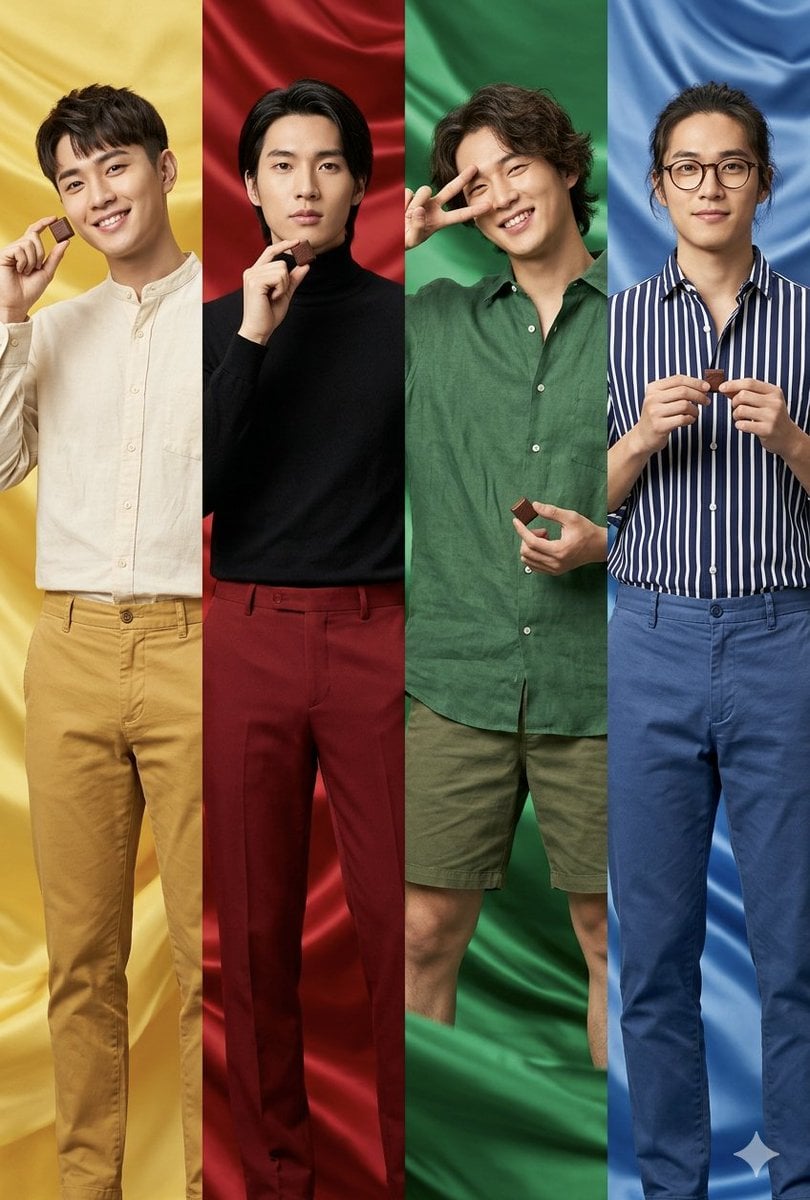
Fashion Editorial Color Quadtych
Browse template categories
Smoke Memory Portrait questions
How do I use the Smoke Memory Portrait template?
Add your photo if the template asks for one, edit the prompt if you like — the template's model and format are already selected — and press Generate. Your version opens in PicX Studio.
Can I customize the Smoke Memory Portrait template?
Yes. You can change the subject, setting, lighting, mood, format, and available model controls before creating your image.
Is the Smoke Memory Portrait template free?
Opening and editing this template is free. Generating uses credits, shown on the Generate button when you are signed in.
Which AI model should I use?
Start with GPT Image 2, which is the model associated with this template. You can compare another compatible model for a different finish.
Looking for something else? Browse all templates.

Your photo, any look
Thousands of ready templates for every top image and video model, from one credit balance.