
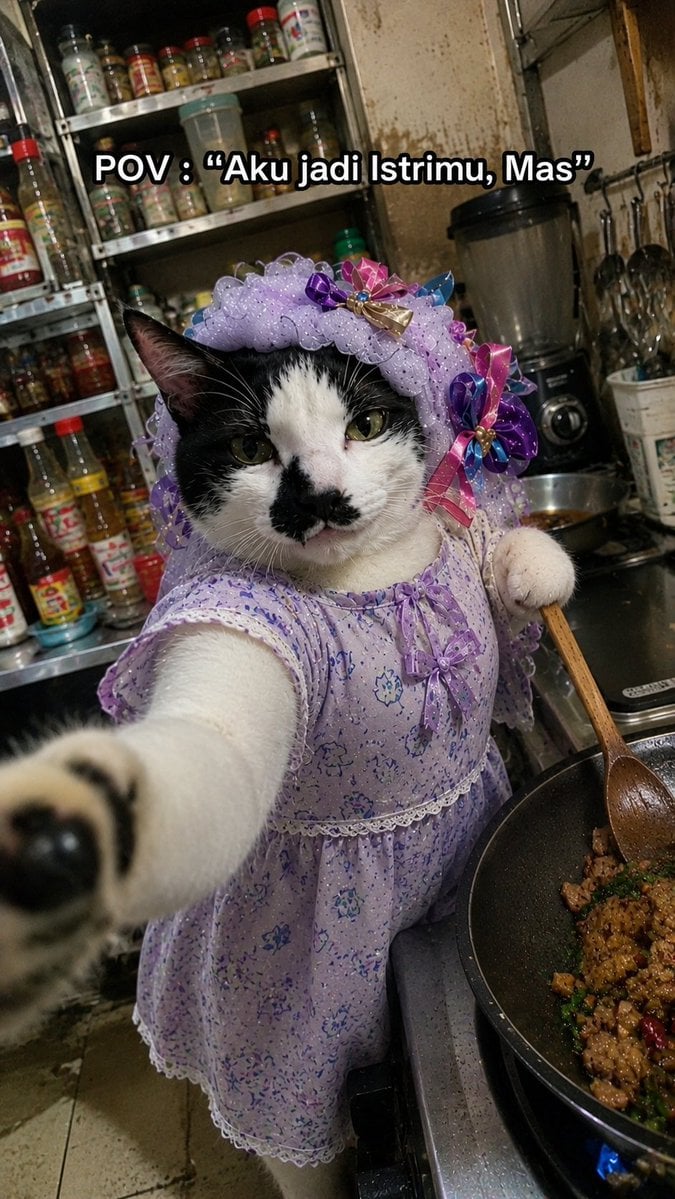
Cat Wife Cooking Meme Photo
Generates a realistic awkward smartphone-style meme photo of a dressed-up cat cooking in a messy kitchen with customizable caption text.
- Prompt included
- Model and format preset
- Premium template
The prompt behind this image
Copy the exact prompt behind Cat Wife Cooking Meme Photo, or open it in the studio and make it yours.
Create a hyper-realistic vertical smartphone meme photo with an intentionally imperfect low-end Android camera look: harsh mixed kitchen lighting, slight motion blur, noisy shadows, compression artifacts, awkward tilted framing, and close selfie perspective. The subject is one black-and-white domestic cat standing upright beside a stovetop, reaching one front paw toward the camera so the paw is large and blurred in the foreground, while the cat’s face stays mostly in focus with a serious, unimpressed expression and a small black patch around the nose and mouth. Dress the cat in exactly 2 visible outfit pieces: a lavender floral house dress with lace trim and tiny bow details, and a matching ruffled lavender bonnet decorated with colorful satin ribbon bows. The cat holds one wooden cooking spoon in its other paw, stirring one black frying pan on the right side of the frame containing browned chopped food, green herbs, and red chili pieces over a visible blue gas flame. Set the scene in a cramped, messy home kitchen with stained walls, a metal rack crowded with spice and sauce bottles behind the cat, a blender on the counter, hanging utensils, and a worn tiled floor. Add exactly 1 meme caption at the top center in bold white text with a thick black outline, reading {argument name="caption text" default="POV : “Aku jadi Istrimu, Mas”"}. Make the image feel like a real accidental candid cooking selfie, funny and surreal but photorealistic, with no polished studio lighting.
How to use Cat Wife Cooking Meme Photo in 3 steps
- 1Upload ImagePNG, JPG or paste
Add your photo
Upload the photo the template builds on. The prompt, model and format are already set.
- 2…a portrait of your subject in softgolden-hour light, 85mm…
Personalize
Edit the subject and creative details for your destination.
- 3Generate
Generate
Press Generate — your image is created in PicX Studio, so you can compare it with the original and refine one variable at a time.
More like this
Templates with the same subject, style or setup. Open one to see its prompt.

Cat Photobomb Selfie — 0.5x Wide Angle Café Chaos

Surreal Cat Astronaut — Humanoid Face Freefall

Minecraft You Died Winter Death Screen

Low Angle Floor Selfie With Upside Down Cat

ASCII Cat Meme to Manga Illustration

3D Caricature Meme Portrait
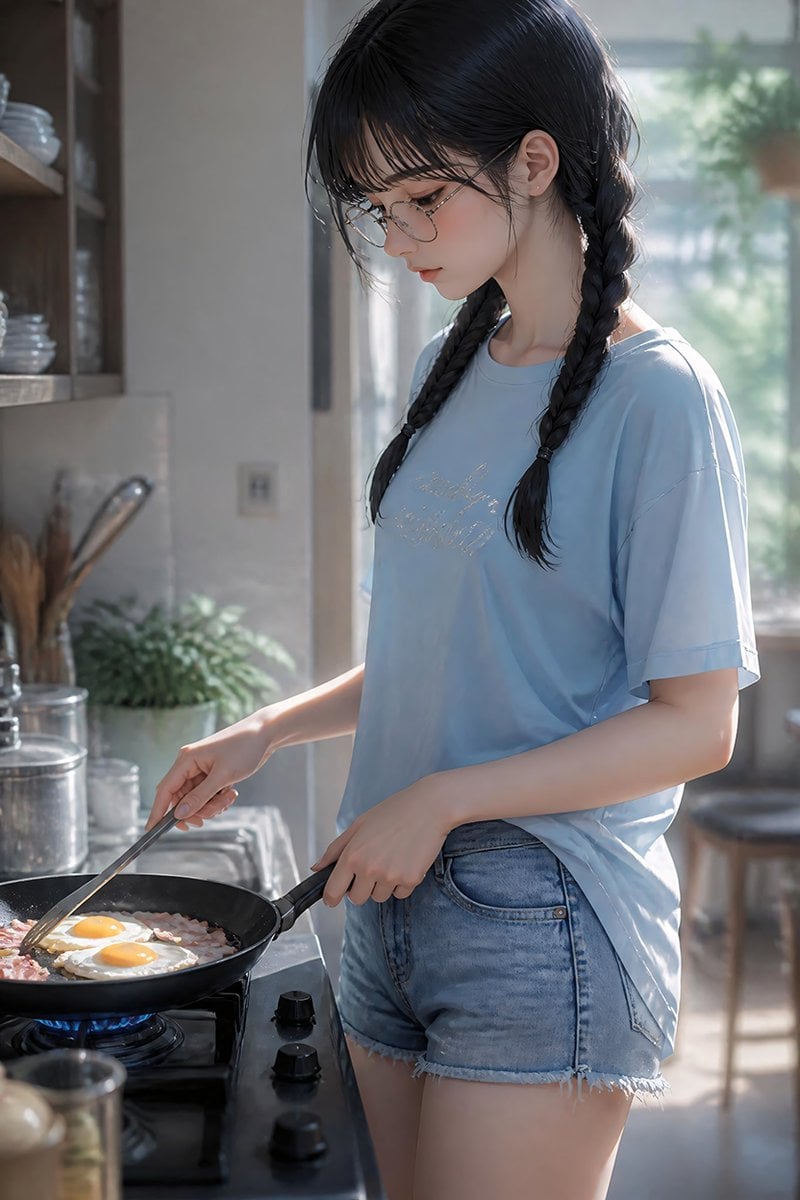
Anime Girl Cooking Bacon and Eggs
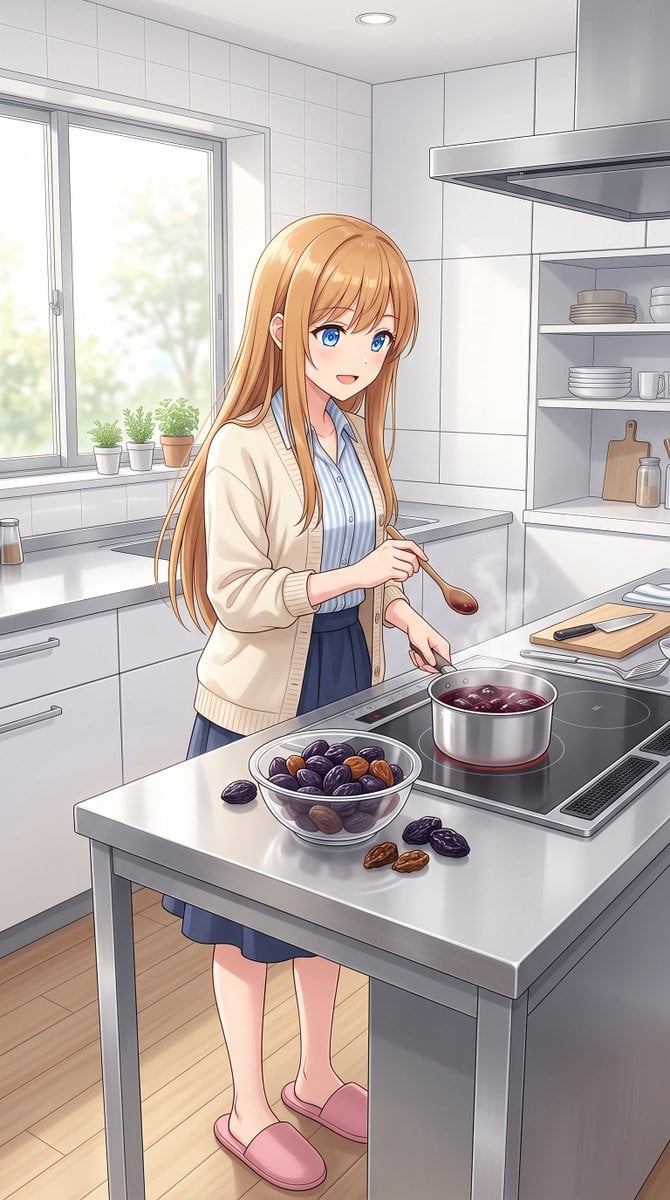
Anime Girl Cooking Prunes
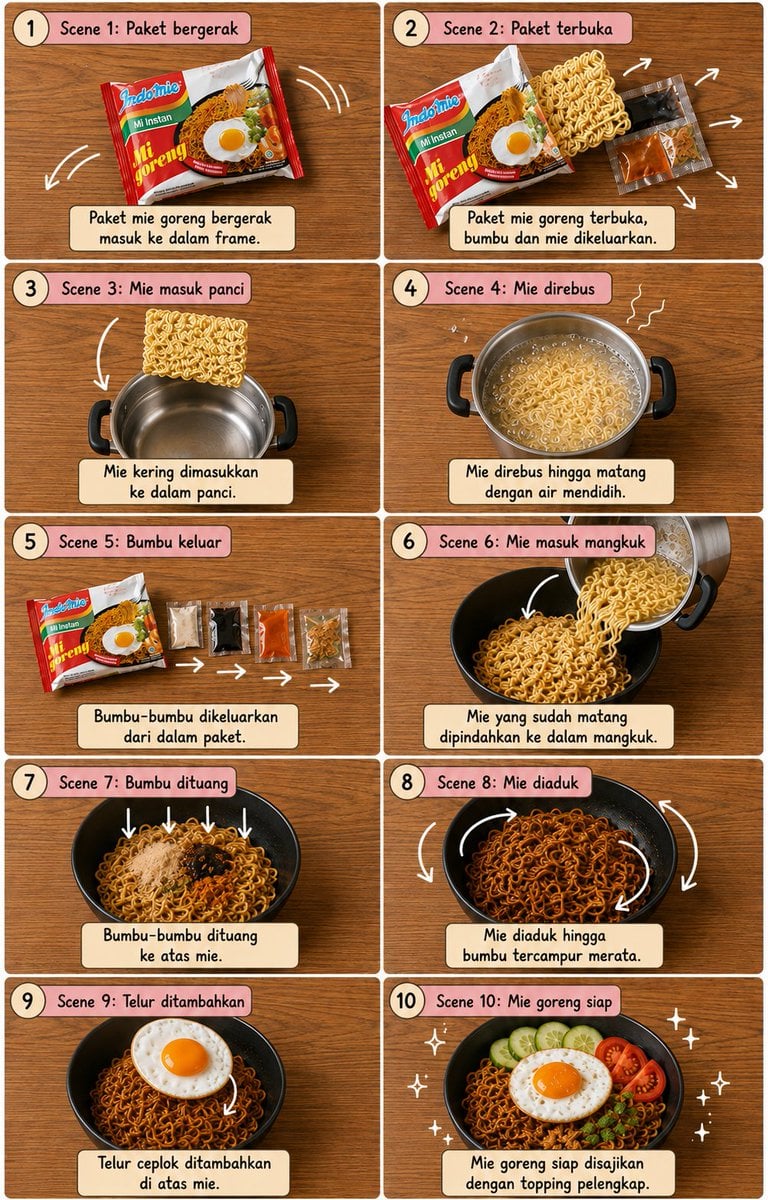
Editorial Cooking Storyboard Layout

Anime Catgirl in Chinese Ink Landscape

Cat-Eared Kimono Girl
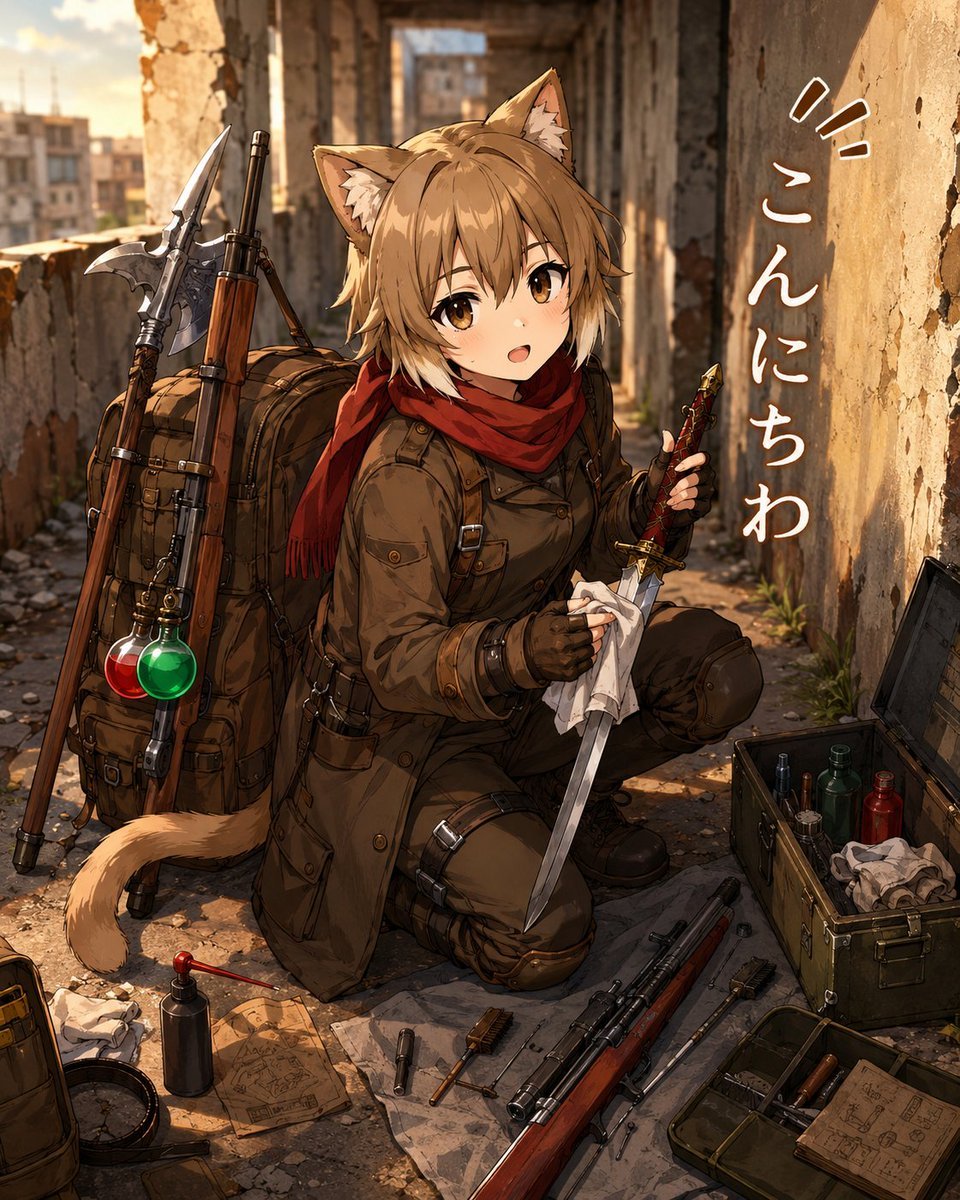
Cat-Eared Adventurer Gear Maintenance
Make it yours
Cat Wife Cooking Meme Photo works as-is. These are the safest ways to change it without losing the look.
Change one field
Copy a single group, rewrite it, and generate again so you can see what that field is doing.
Keep the frame, change the subject
Hold the composition and light of Cat Wife Cooking Meme Photo, then swap wardrobe, props or the person for a new take.
| If the result… | Why | Fix |
|---|---|---|
| The result drifts from the preview | Too many fields changed at once. | Reuse Cat Wife Cooking Meme Photo as-is first, then change one group — subject, light, or setting. |
| The model over-stylizes the scene | The prose prompt leaves finish and camera underspecified. | Add one camera or lighting sentence and stay on GPT Image 2. |
More GPT Image 2 templates
Other prompts made for GPT Image 2.

Six VTuber Japanese Logo Sheet

Realistic Portrait of Woman and Deer

The Vista Modular Condo Poster

AI Model Routing Comparison Infographic

2.5D Anime Art Board

Isometric Productivity Desk Scene

New York Double Exposure Poster

Four-Panel AI Landscape Comparison

Japanese Tatami Lifestyle Magazine Cover

NESCAFÉ Coffee Map Poster
More image prompts
Fresh picks from across the catalog.
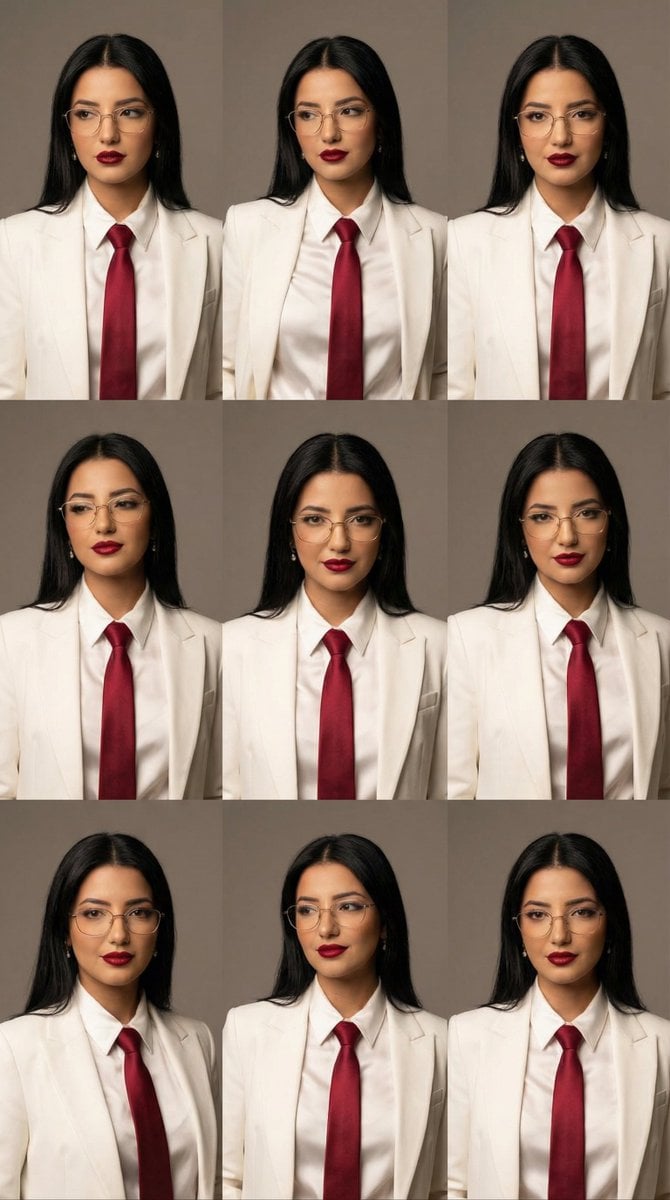
High-Fashion Editorial Portrait Grid with Glasses

Transparent Filter Portrait Prompt

Luxurious New Year 2026 Portrait on a Snowy Mountain
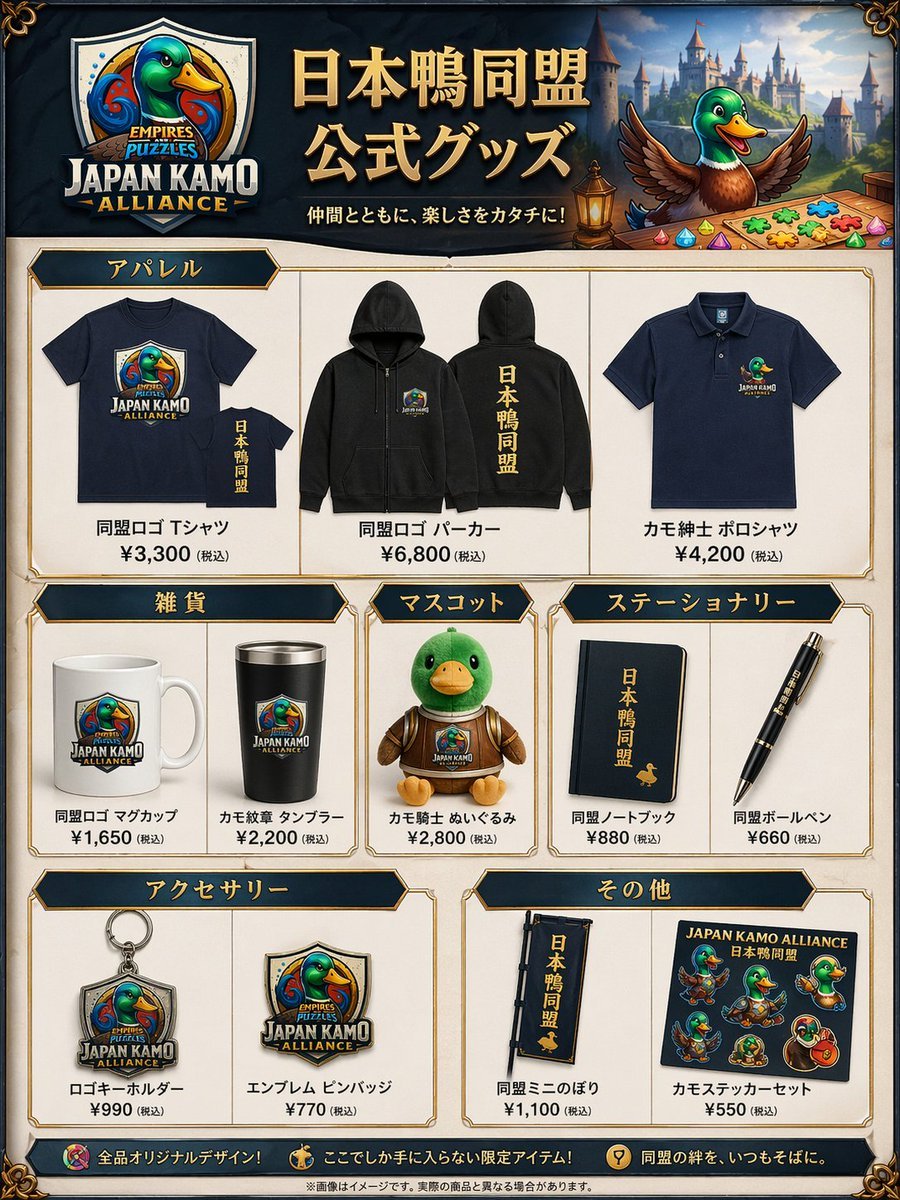
Fantasy Duck Alliance Goods Catalog
Image-to-Image: Place a Person on a Soap Land
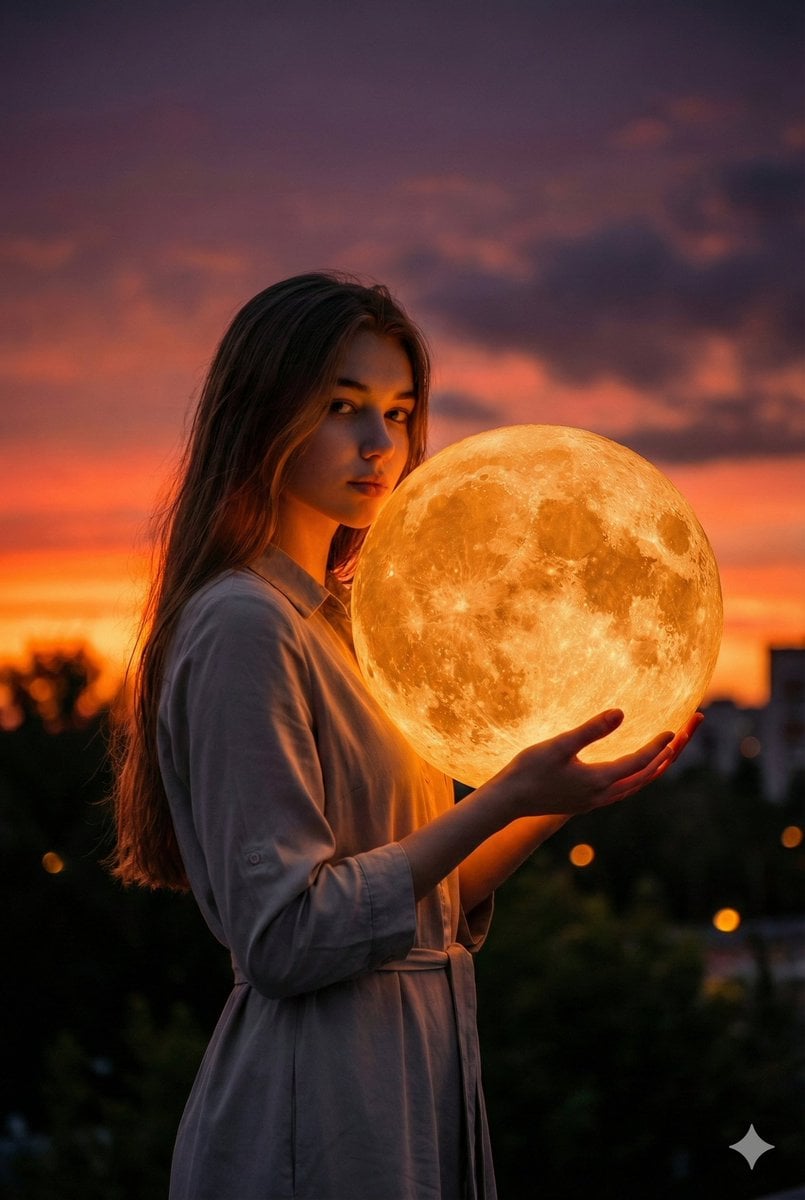
Cinematic Photorealistic Portrait Holding a Giant Glowing Moon
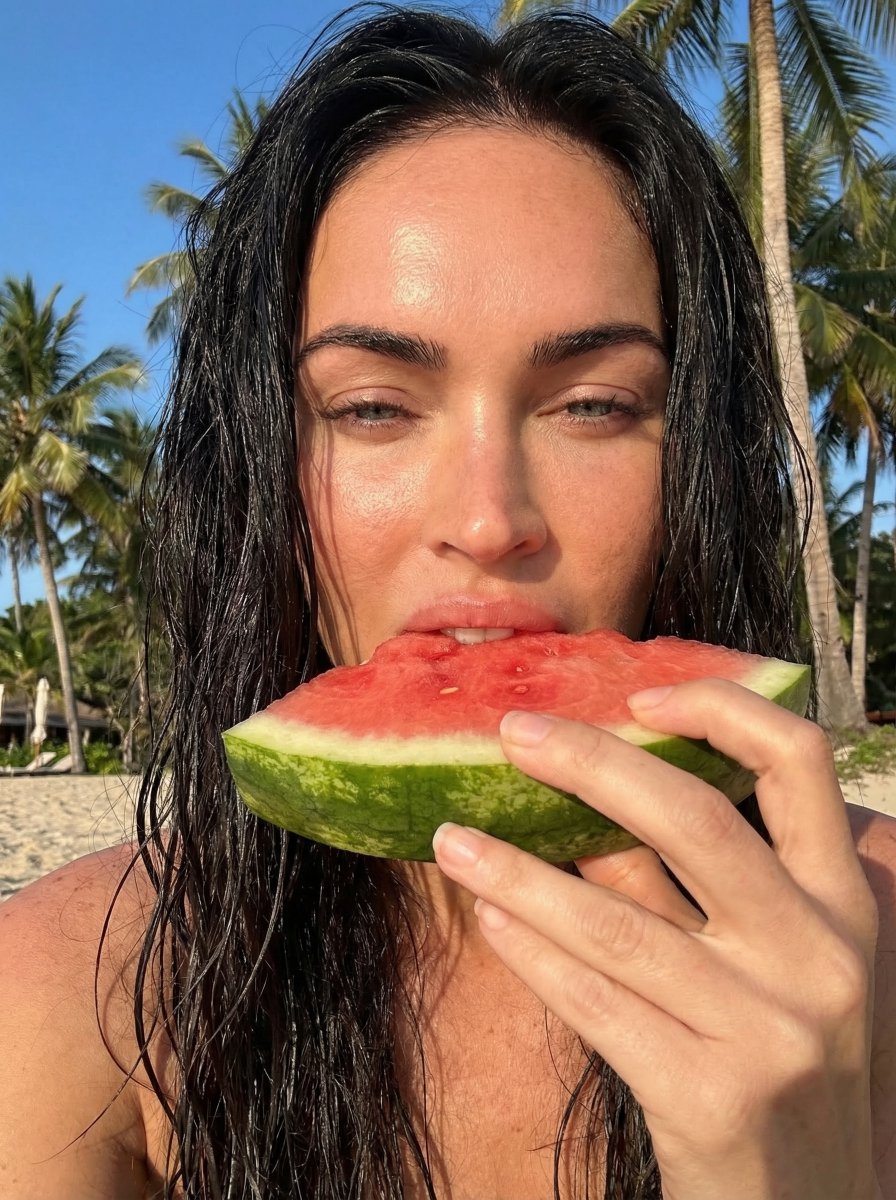
Outdoor Summer Watermelon Selfie (Detailed JSON)
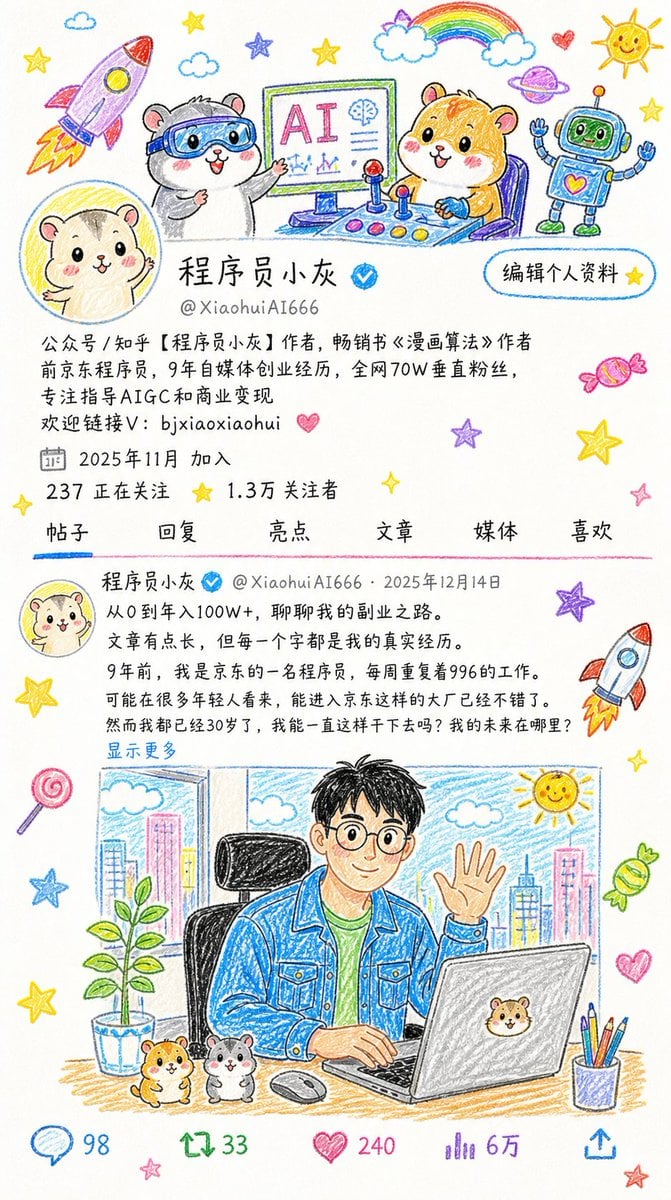
Crayon Drawing Style Redraw
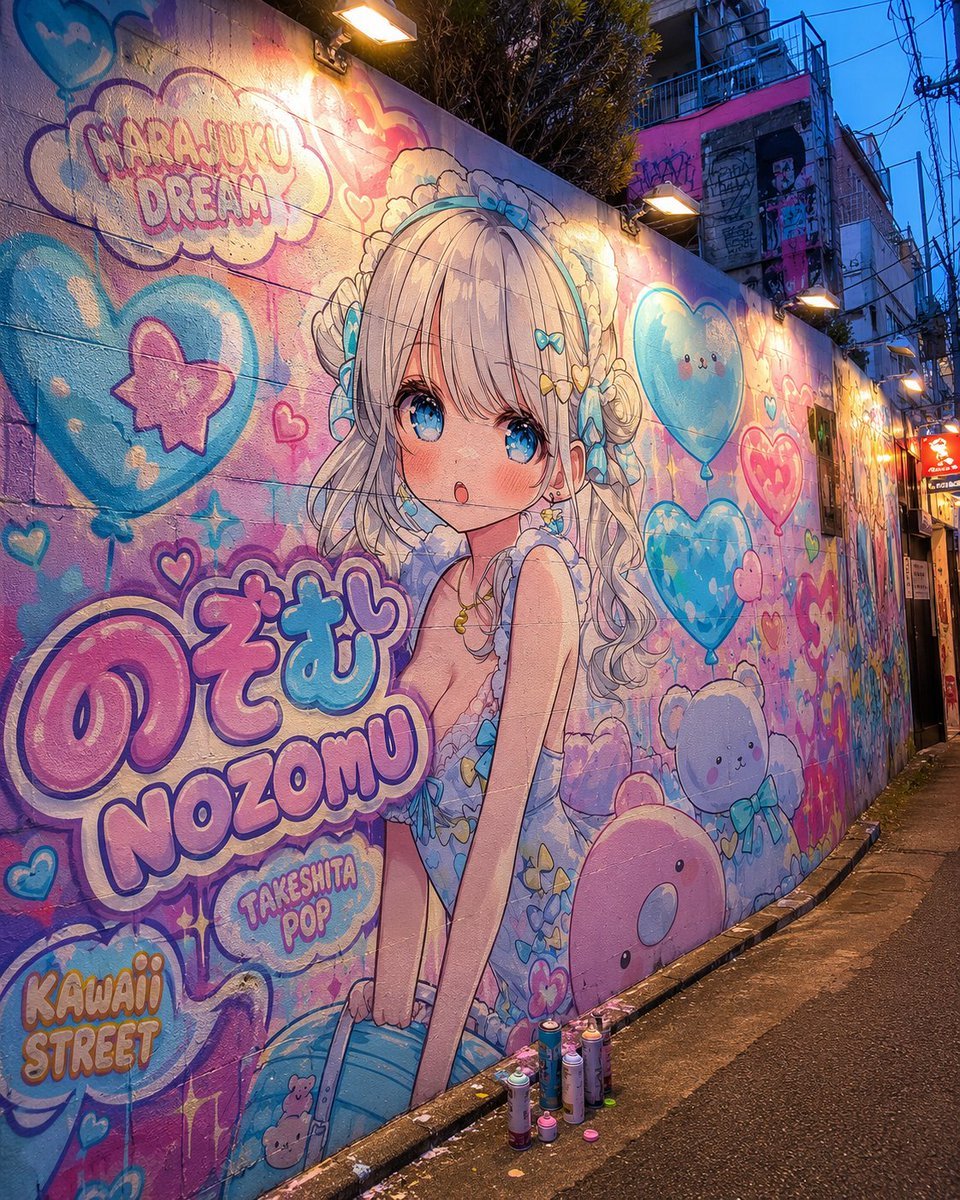
Harajuku Kawaii Graffiti Mural
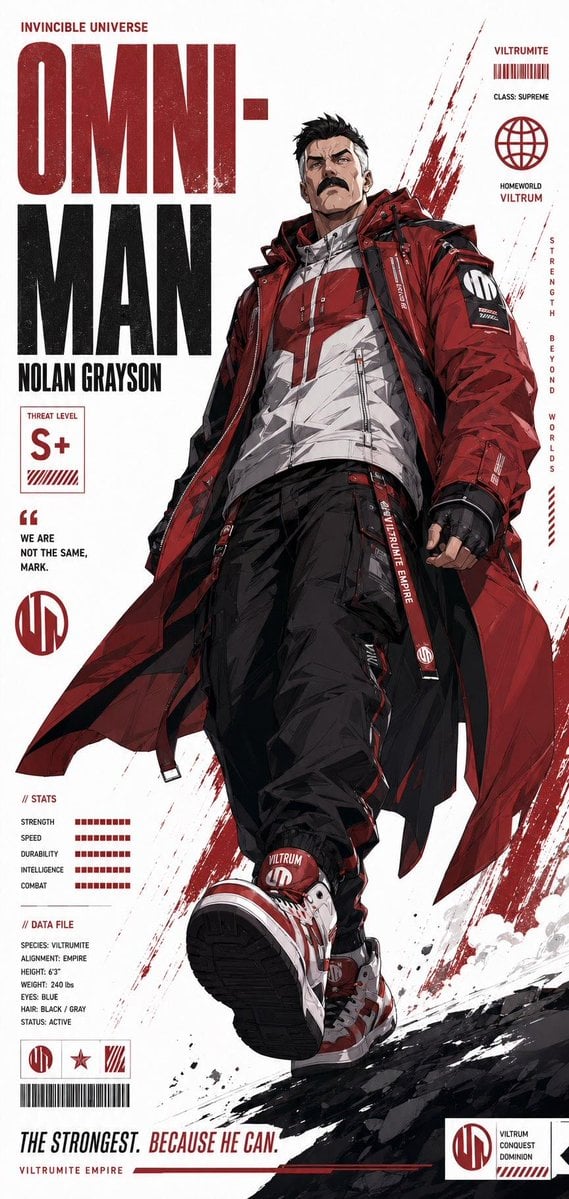
Futuristic Anime Superhero Techwear Poster
Browse template categories
Cat Wife Cooking Meme Photo questions
How do I use the Cat Wife Cooking Meme Photo template?
Add your photo if the template asks for one, edit the prompt if you like — the template's model and format are already selected — and press Generate. Your version opens in PicX Studio.
Can I customize the Cat Wife Cooking Meme Photo template?
Yes. You can change the subject, setting, lighting, mood, format, and available model controls before creating your image.
Is the Cat Wife Cooking Meme Photo template free?
Opening and editing this template is free. Generating uses credits, shown on the Generate button when you are signed in.
Which AI model should I use?
Start with GPT Image 2, which is the model associated with this template. You can compare another compatible model for a different finish.
Looking for something else? Browse all templates.

Your photo, any look
Thousands of ready templates for every top image and video model, from one credit balance.