
Harajuku Kawaii Graffiti Mural
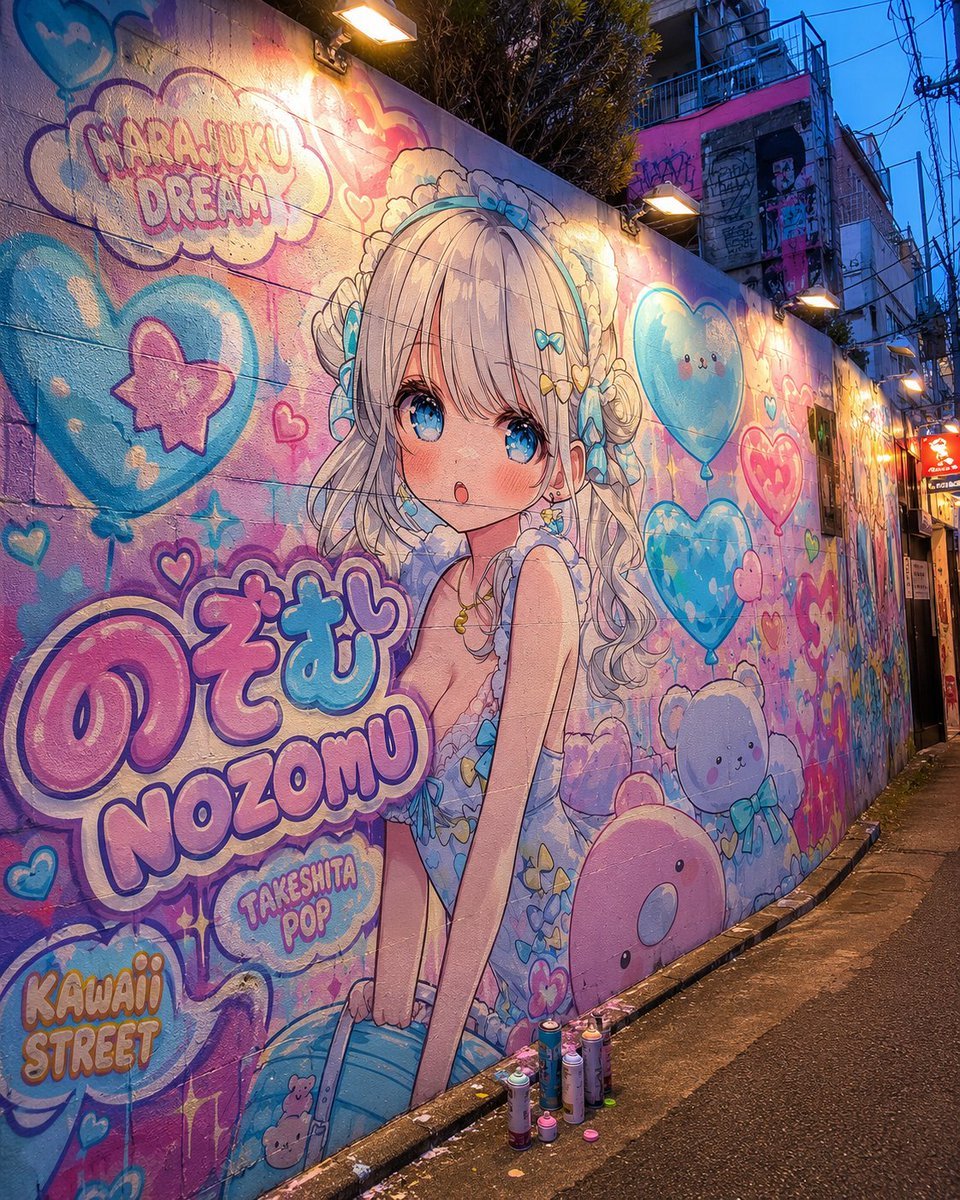
Generates a photorealistic Harajuku alley wall mural with a customizable kawaii anime character and pop graffiti lettering.
- Prompt included
- Model and format preset
- Free template
The prompt behind this image
Copy the exact prompt behind Harajuku Kawaii Graffiti Mural, or open it in the studio and make it yours.
Goal: Create a photorealistic dusk street-scene image of a Harajuku Takeshita Street style POP graffiti mural featuring an original anime girl named {argument name="character name" default="NOZOMU"} painted directly on a long concrete alley wall. Canvas: Square 1:1 image, wide-angle street photography perspective, looking diagonally down a narrow urban alley. The mural covers the entire left wall and recedes into the distance. Wet dark asphalt pavement, curb at the base of the wall, dense power lines and building facades in the background, blue evening sky. Main subject: A huge kawaii anime mural of one girl, centered slightly left. She has {argument name="hair color" default="silvery blonde"} long wavy twin-tail hair with soft bangs, large sparkling blue eyes, flushed cheeks, a tiny open mouth, and a shy cute expression. She wears a pale blue frilly Harajuku fashion outfit with lace, bows, heart accessories, butterfly-like decorations, and a headband with blue bows. Her pose is slightly leaning forward with hands near her skirt, rendered as a polished anime illustration but convincingly painted on rough wall texture. Graffiti layout and text: Include exactly 5 prominent readable text areas: 1) a cloud bubble near the upper left reading "HARAJUKU DREAM", 2) huge bubble-letter Japanese-style name text reading "のぞむ", 3) large Roman letters below it reading "NOZOMU", 4) a small bubble reading "TAKESHITA POP", 5) lower-left bubble letters reading "KAWAII STREET". Make the lettering pink, lavender, cyan, and white with thick outlines, spray-paint texture, drips, and highlights. Decorative mural elements: Include exactly 8 large kawaii motifs around the character: 1) a large blue heart balloon with a pink star on the left, 2) a large smiling blue heart balloon on the upper right, 3) a red-pink heart balloon on the mid-right, 4) a small fluffy white cloud mascot near the lower right, 5) a round pink seal-like mascot at the bottom right, 6) a teddy-bear doodle near the bottom center-left, 7) a cloud-shaped title bubble at top left, 8) a small cluster of pastel hearts and sparkle doodles around the name. Add smaller hearts, stars, bubbles, paint drips, and pop-graffiti outlines, but keep the 8 large motifs clearly distinguishable. Lighting and environment: Warm rectangular wall lamps mounted above the mural create pools of golden light and glossy highlights on the painted wall, contrasting with cool twilight blue ambient light. Show the wall texture, seams between concrete blocks, spray paint grain, weathering, and a few spray paint cans placed on the curb in front of the mural. Visual style: Blend realistic Japanese backstreet photography with ultra-cute pastel anime street art. Color palette: {argument name="color palette" default="cotton-candy pink, sky blue, lavender, cream, and neon cyan"}. High detail, vibrant saturation, cinematic dusk lighting, authentic Harajuku alley atmosphere, no people walking in front of the mural, no watermark.
How to use Harajuku Kawaii Graffiti Mural in 3 steps
- 1Upload ImagePNG, JPG or paste
Add your photo
Upload the photo the template builds on. The prompt, model and format are already set.
- 2…a portrait of your subject in softgolden-hour light, 85mm…
Personalize
Edit the subject and creative details for your destination.
- 3Generate
Generate
Press Generate — your image is created in PicX Studio, so you can compare it with the original and refine one variable at a time.
More like this
Templates with the same subject, style or setup. Open one to see its prompt.

Cute Layered Paper Cut Chibi Girl

Frozen Street Luxe Graffiti Fashion Campaign
Miles Morales Spider-Man Brooklyn Graffiti
No Puppet Noir Graffiti Mural
Harajuku Kawaii Pop Idol
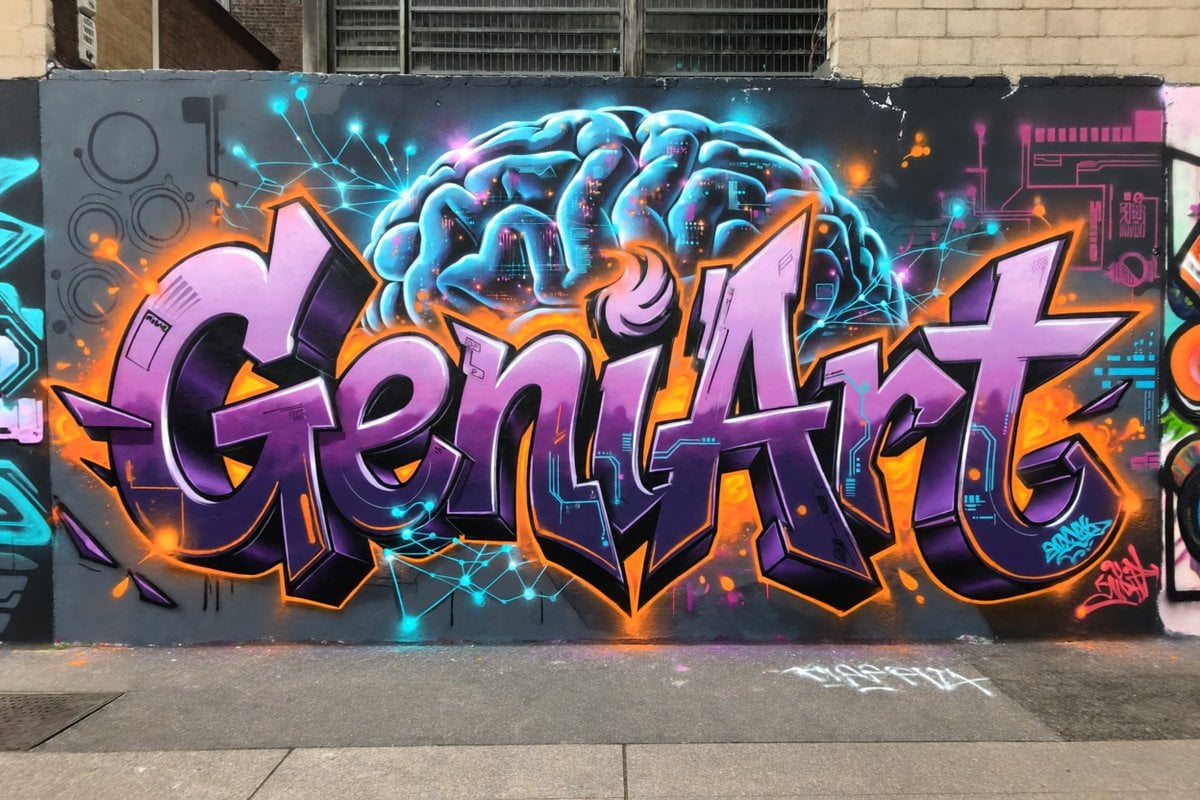
Neon Brain Graffiti Mural
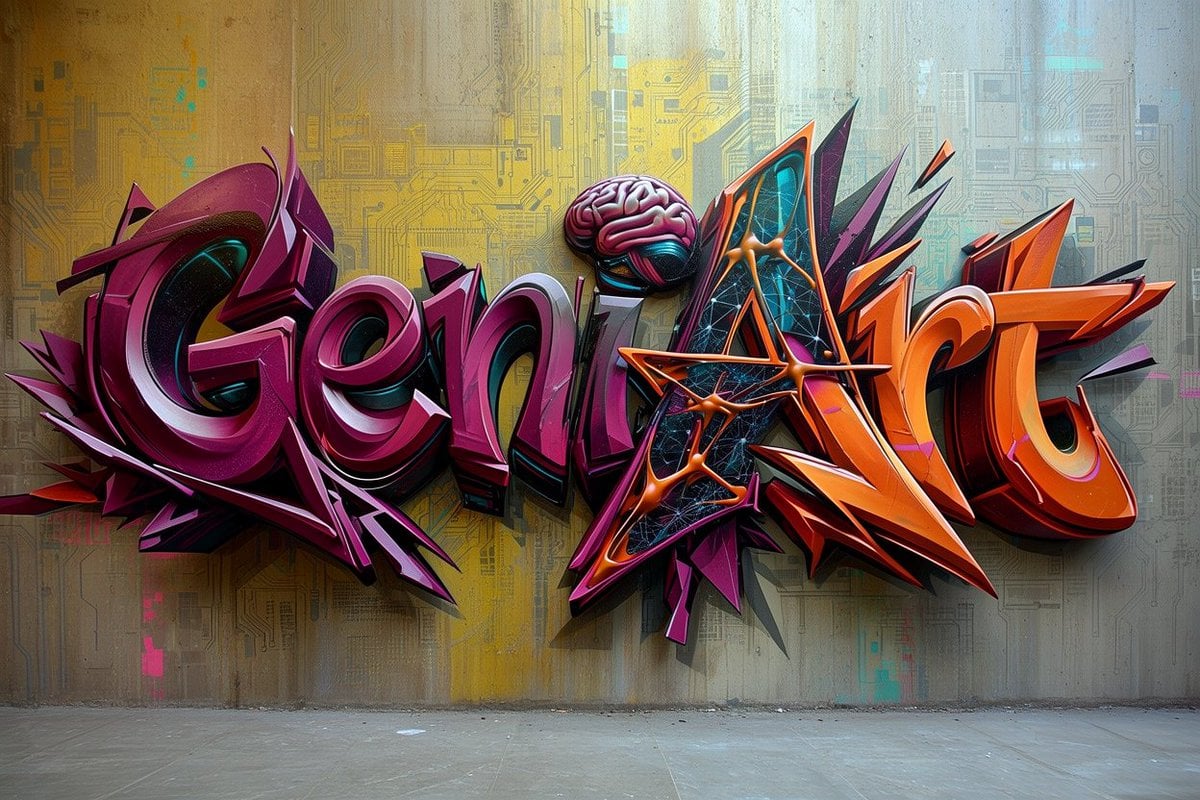
Futuristic 3D Graffiti Mural
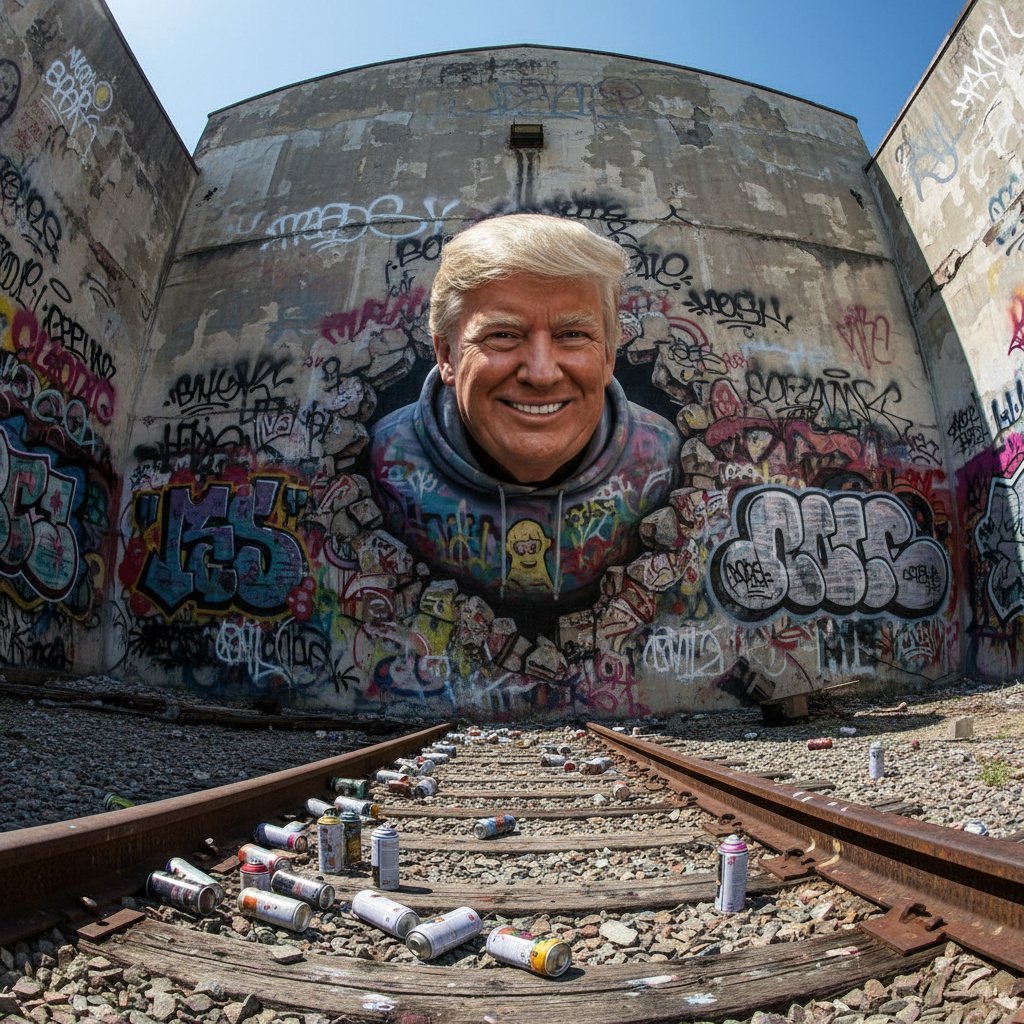
3D Breakout Graffiti Mural Portrait
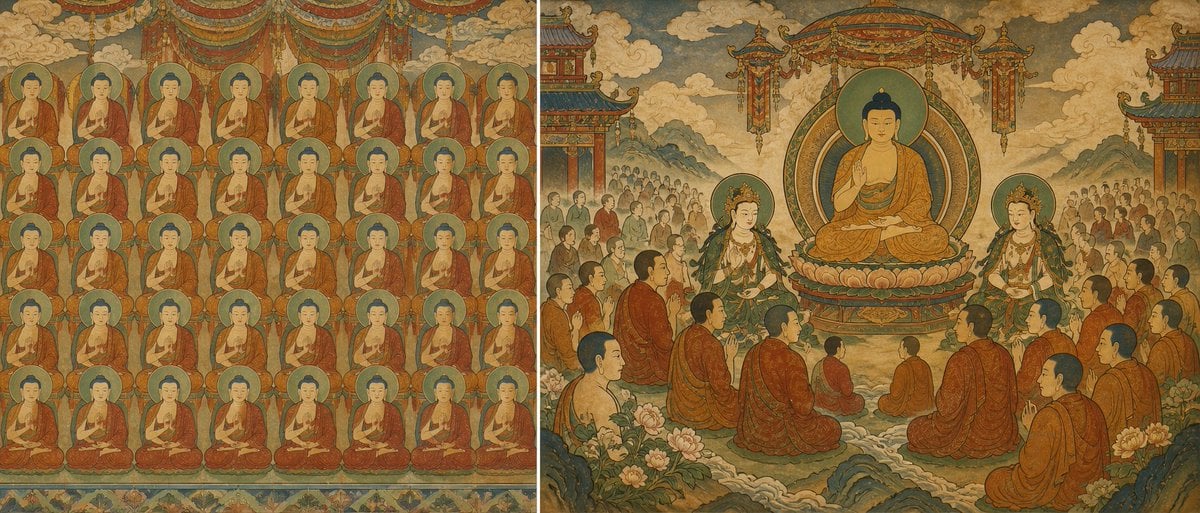
Buddhist Mural Composition Diptych
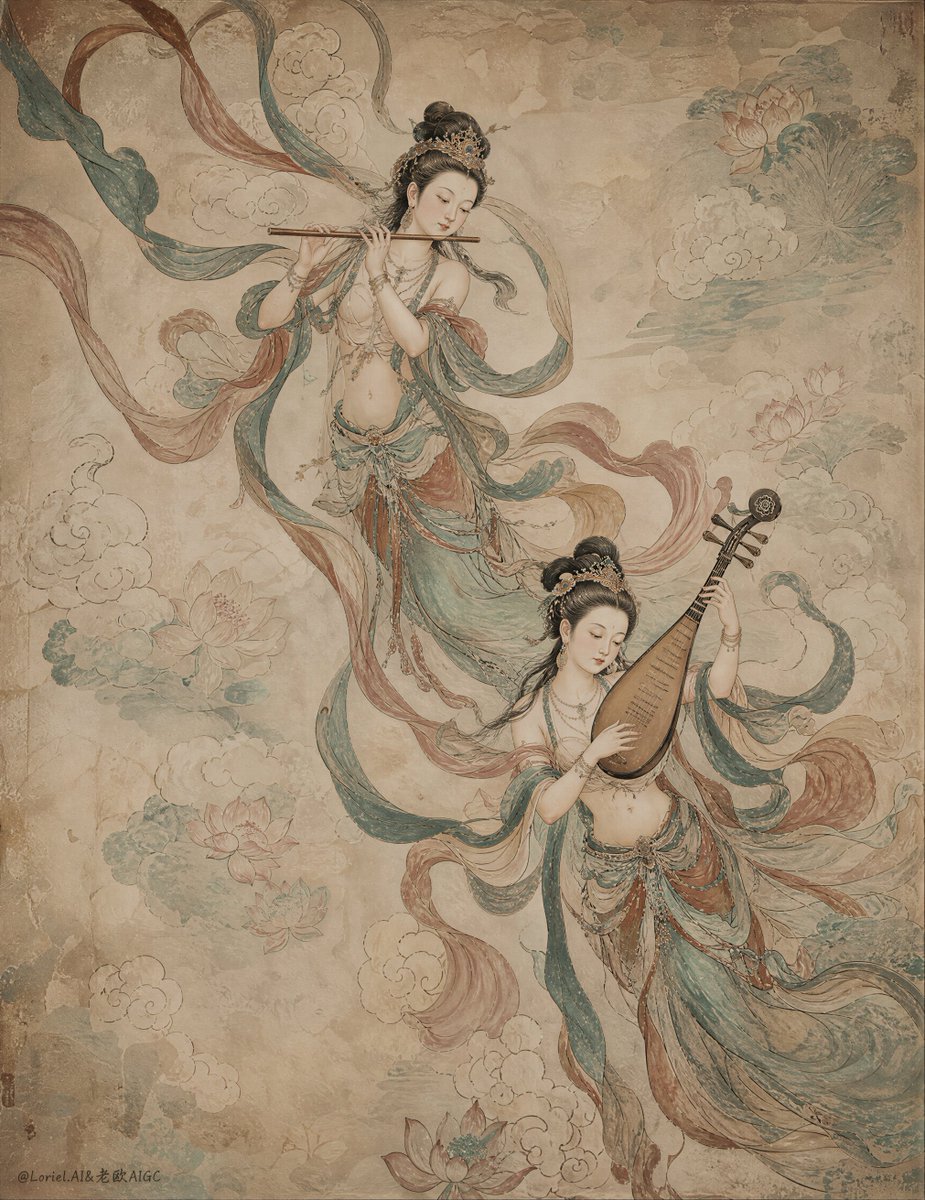
Ancient Chinese Mural of Celestial Musicians
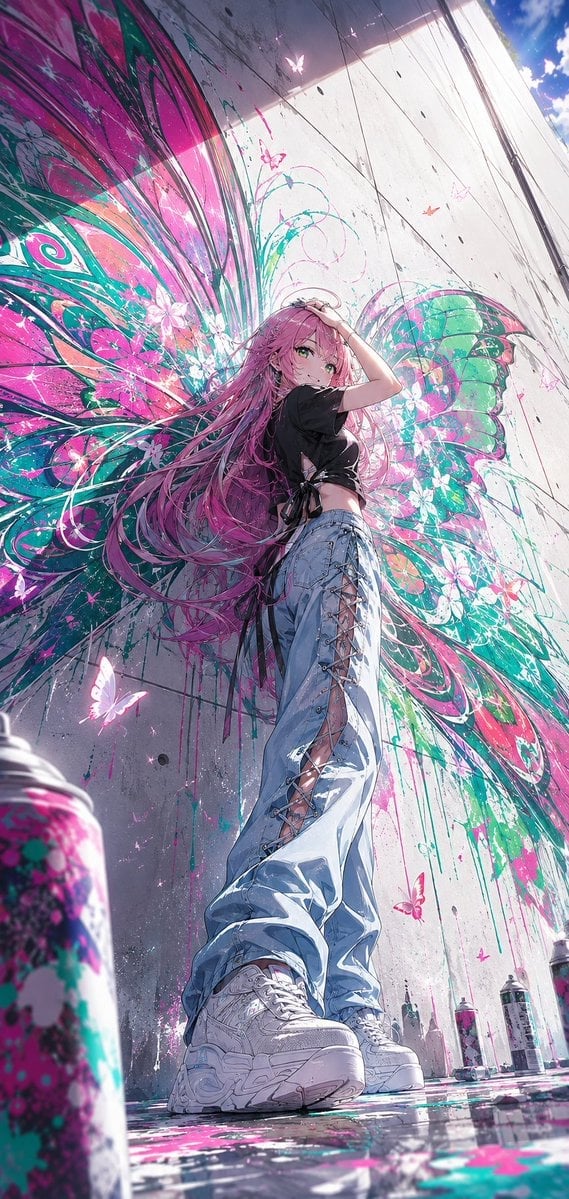
Anime Graffiti Butterfly Girl
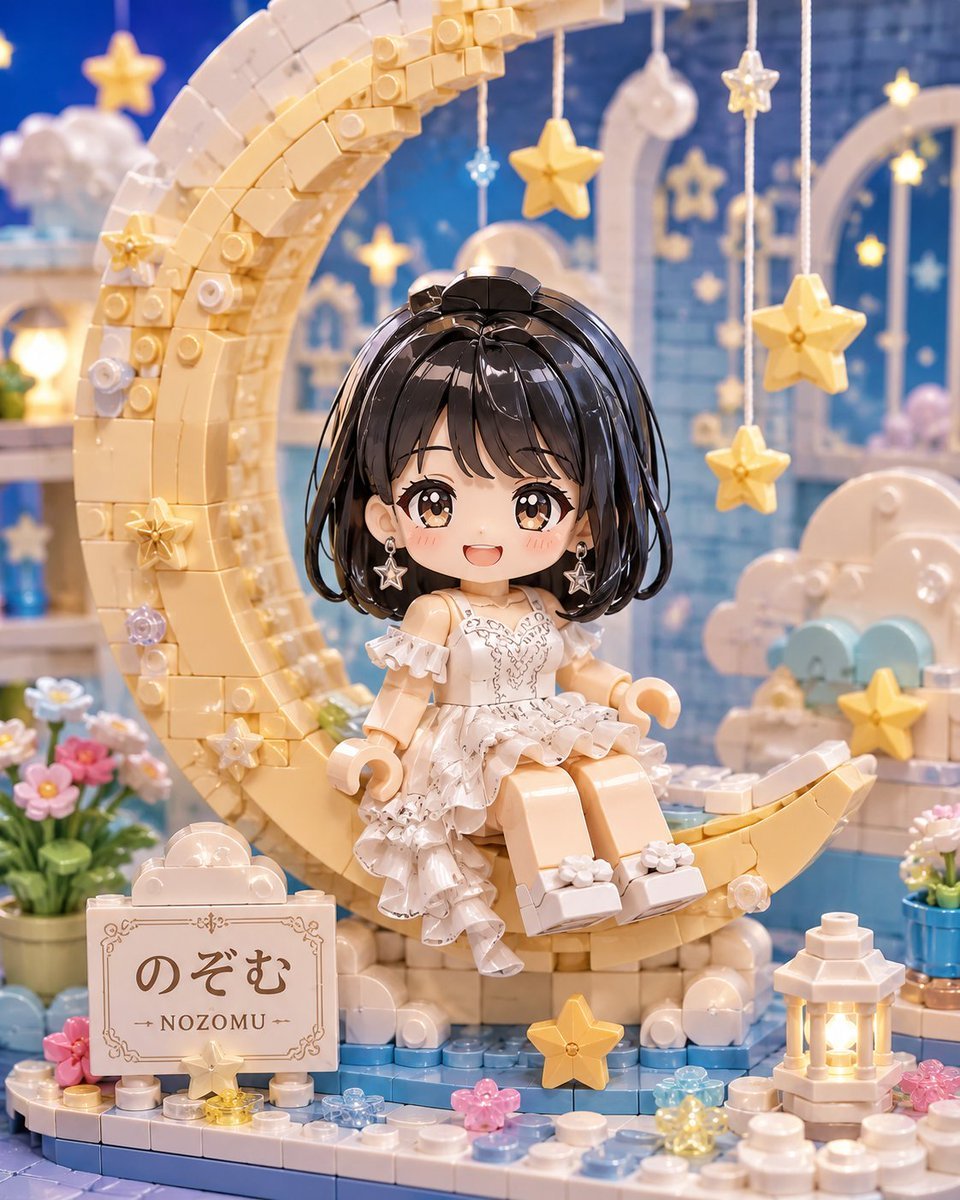
Kawaii Brick Moon Chibi Diorama
Make it yours
Harajuku Kawaii Graffiti Mural works as-is. These are the safest ways to change it without losing the look.
Change one field
Copy a single group, rewrite it, and generate again so you can see what that field is doing.
Keep the frame, change the subject
Hold the composition and light of Harajuku Kawaii Graffiti Mural, then swap wardrobe, props or the person for a new take.
| If the result… | Why | Fix |
|---|---|---|
| The result drifts from the preview | Too many fields changed at once. | Reuse Harajuku Kawaii Graffiti Mural as-is first, then change one group — subject, light, or setting. |
| The model over-stylizes the scene | The prose prompt leaves finish and camera underspecified. | Add one camera or lighting sentence and stay on GPT Image 2. |
More GPT Image 2 templates
Other prompts made for GPT Image 2.

Six VTuber Japanese Logo Sheet

Realistic Portrait of Woman and Deer

The Vista Modular Condo Poster

AI Model Routing Comparison Infographic

2.5D Anime Art Board

Isometric Productivity Desk Scene

New York Double Exposure Poster

Four-Panel AI Landscape Comparison

Japanese Tatami Lifestyle Magazine Cover

NESCAFÉ Coffee Map Poster
More image prompts
Fresh picks from across the catalog.

Korean Model and Luxury Car Advertisement
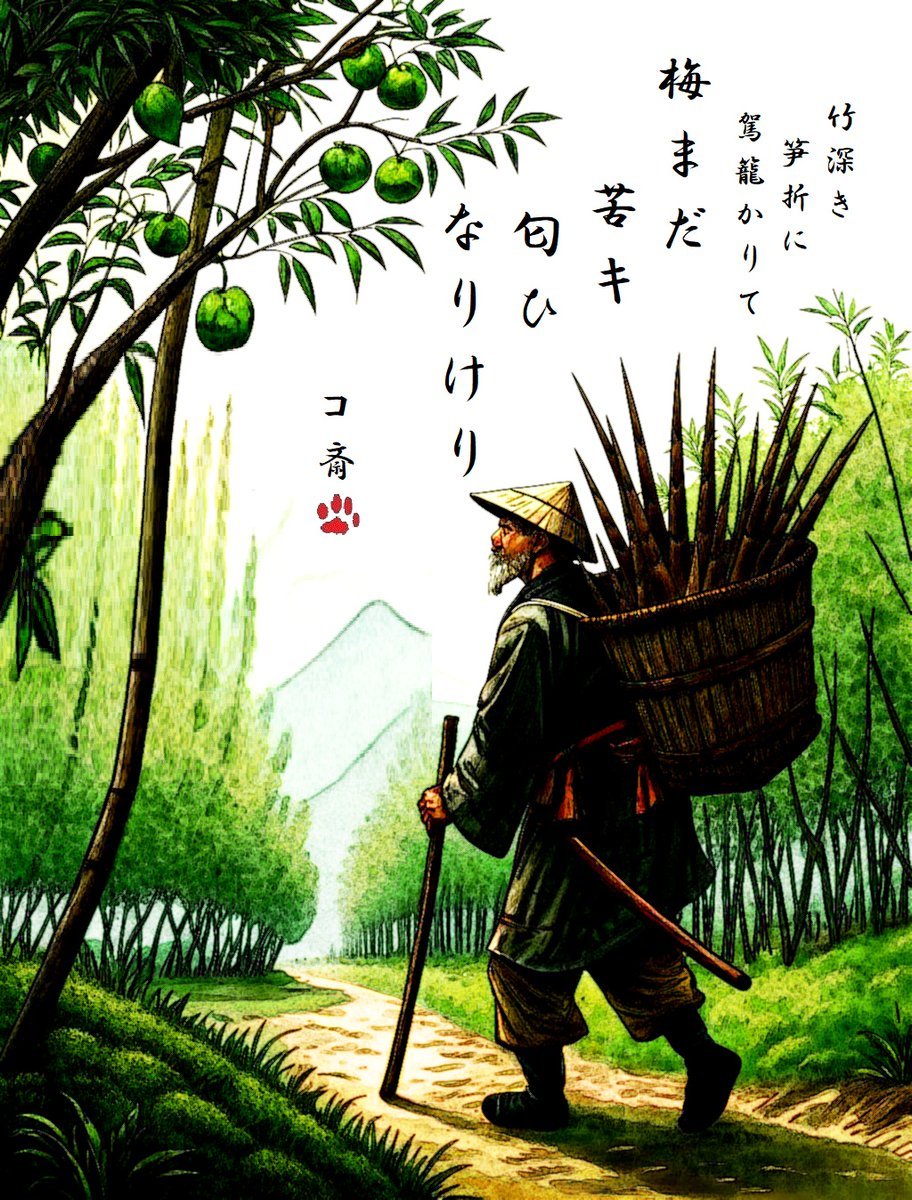
AI Haiga (Haiku Painting) Generation
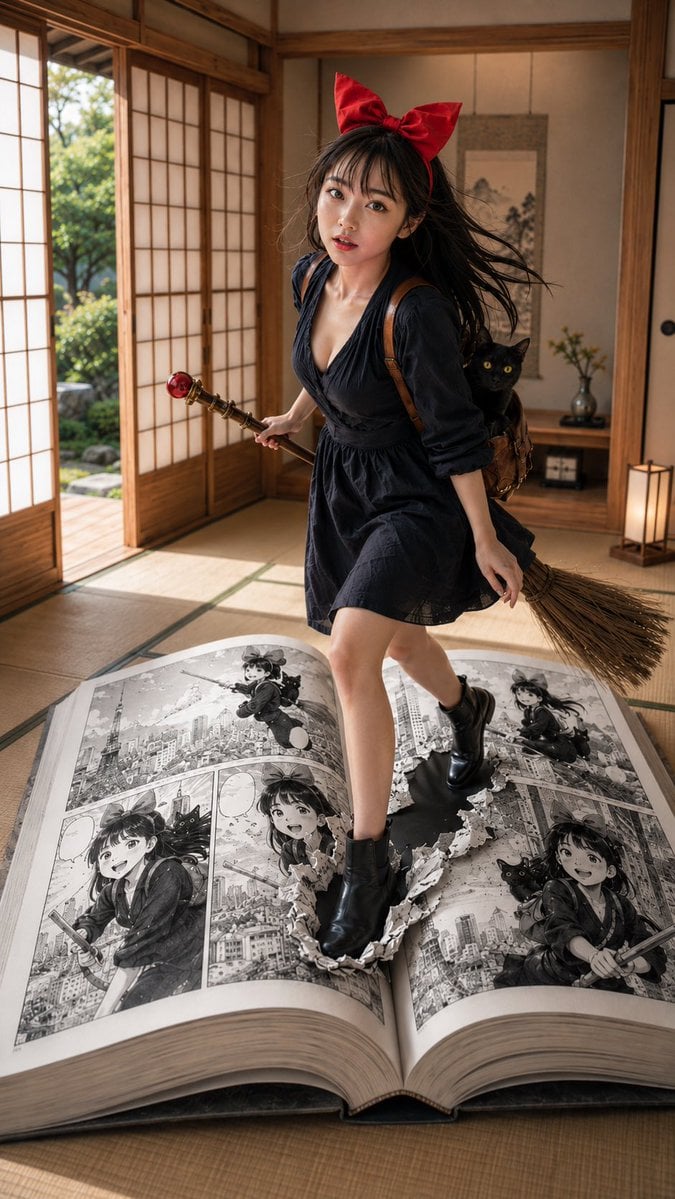
Witch in Japanese Washitsu Portal
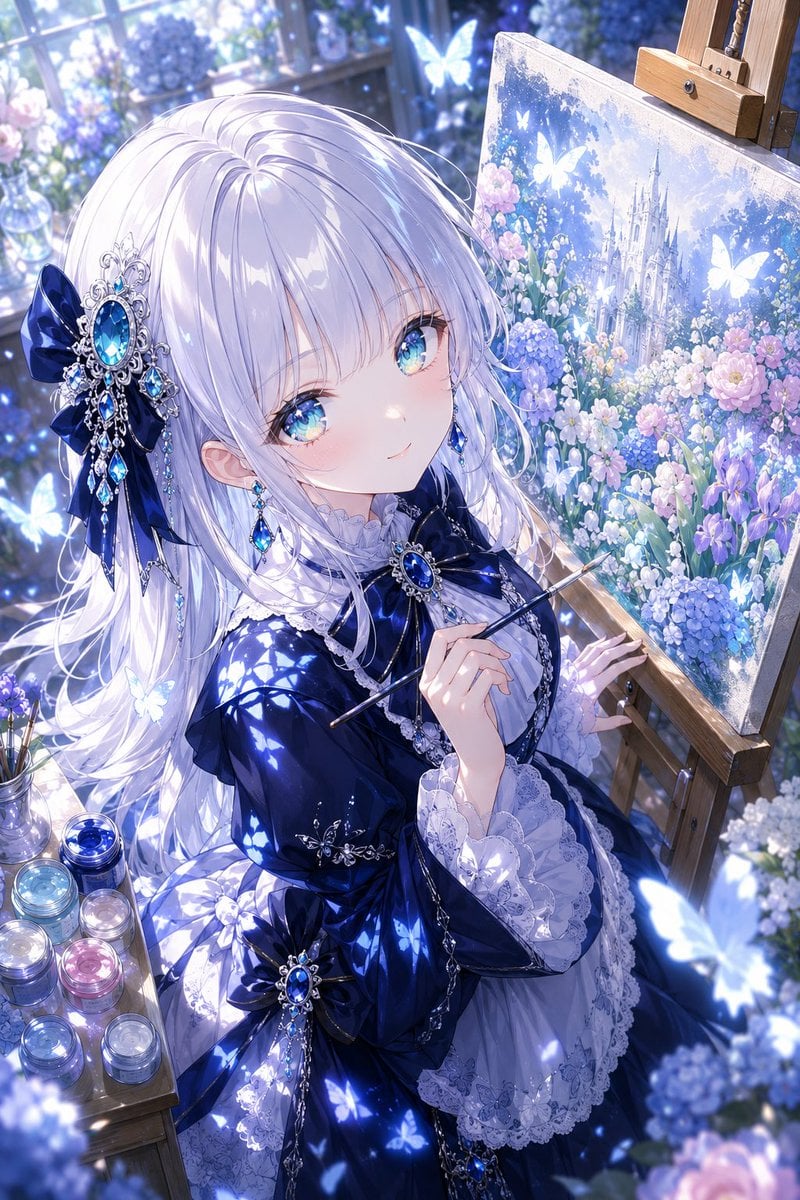
Anime Fantasy Painter in Blue Atelier
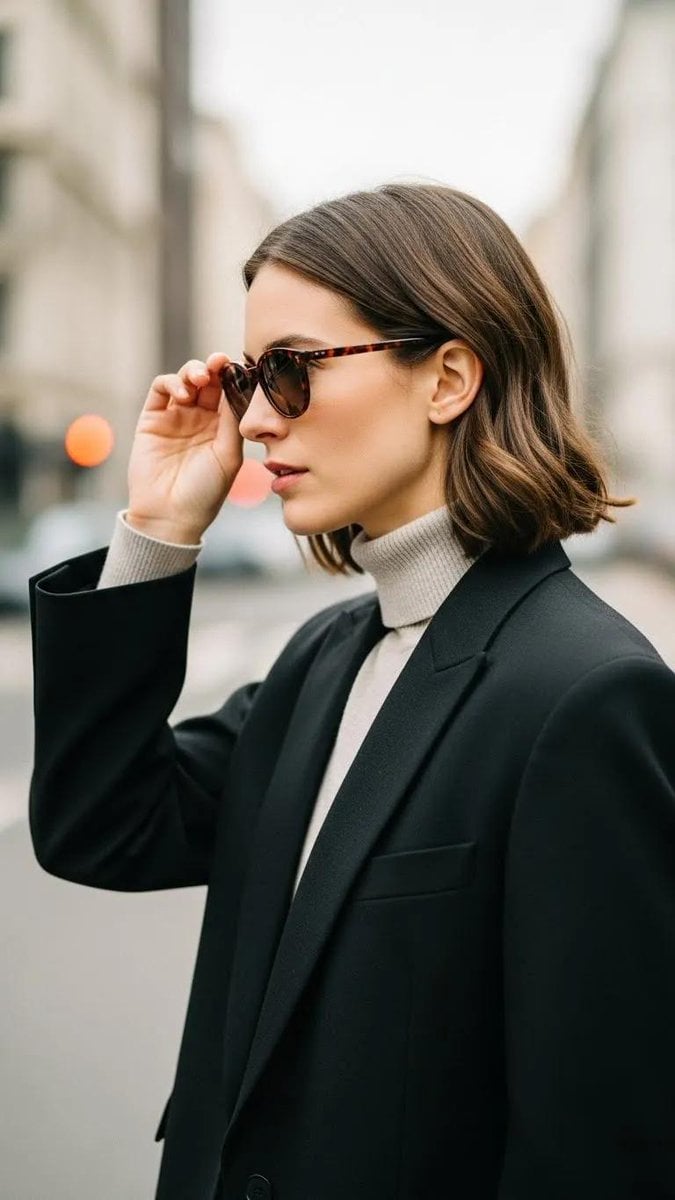
Minimalist Urban Fashion Editorial Side Profile
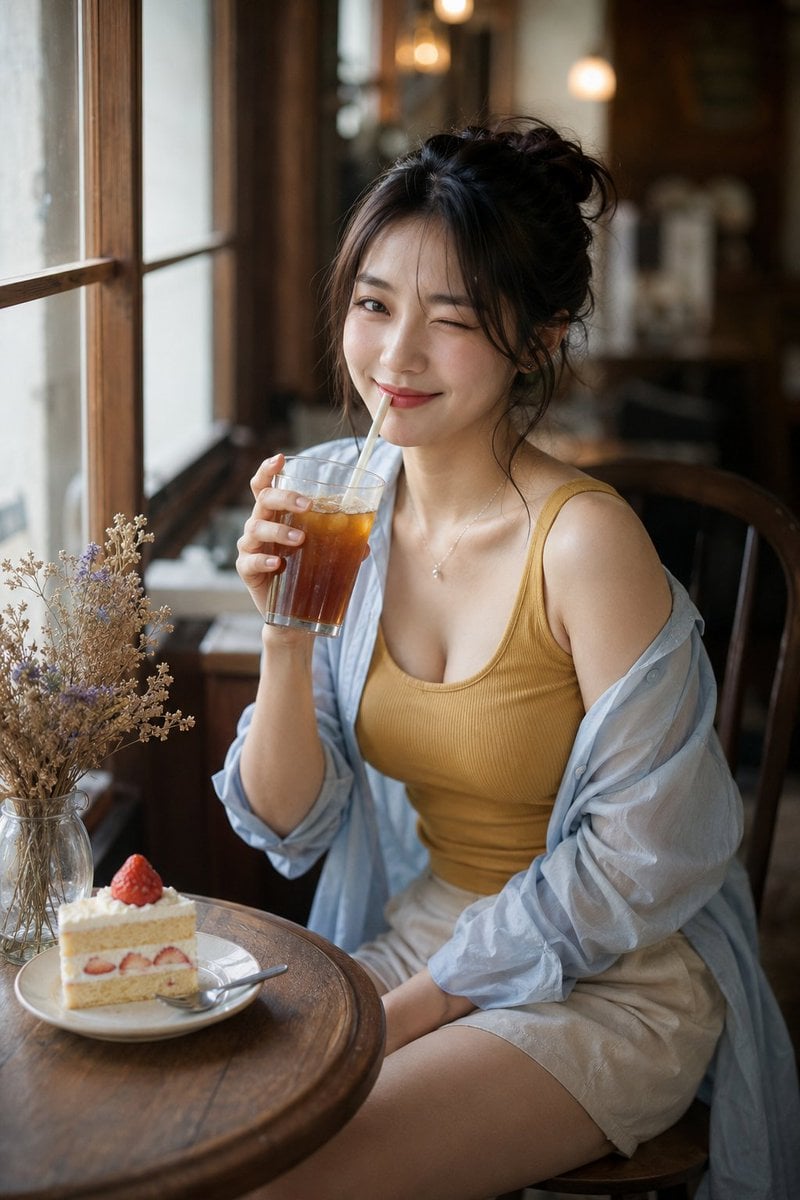
Censored Cafe Portrait Photo

Cozy Bedtime Woman With Ginger Kitten
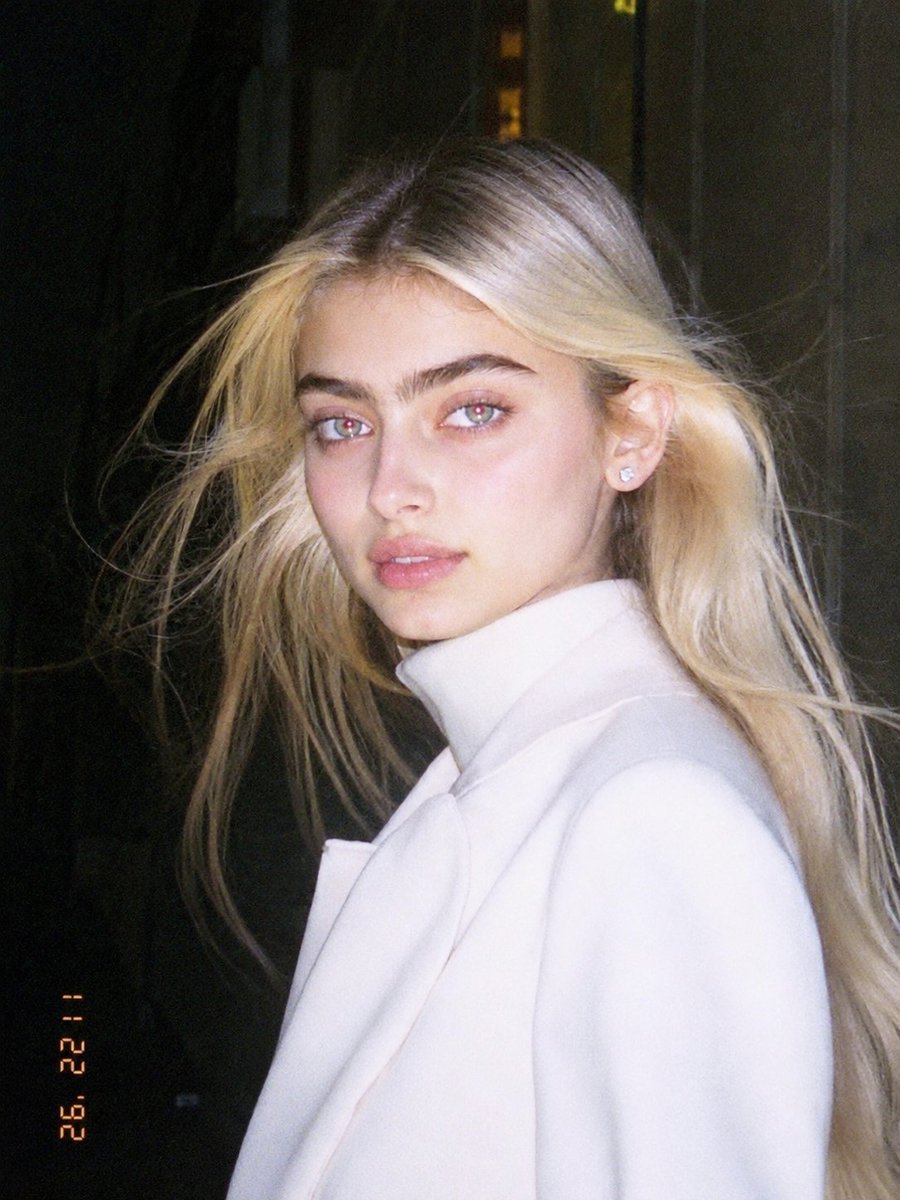
1990s Flash Camera Snapshot Portrait
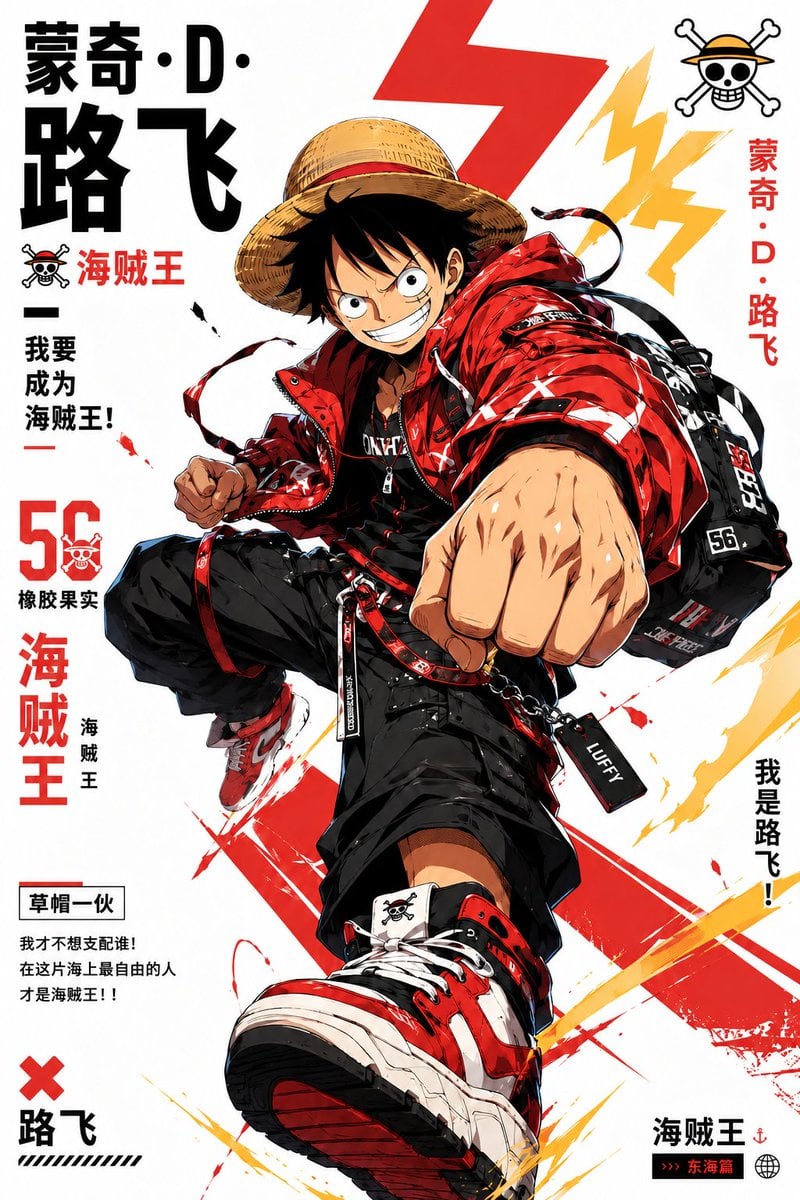
Stylized Character Poster Illustration
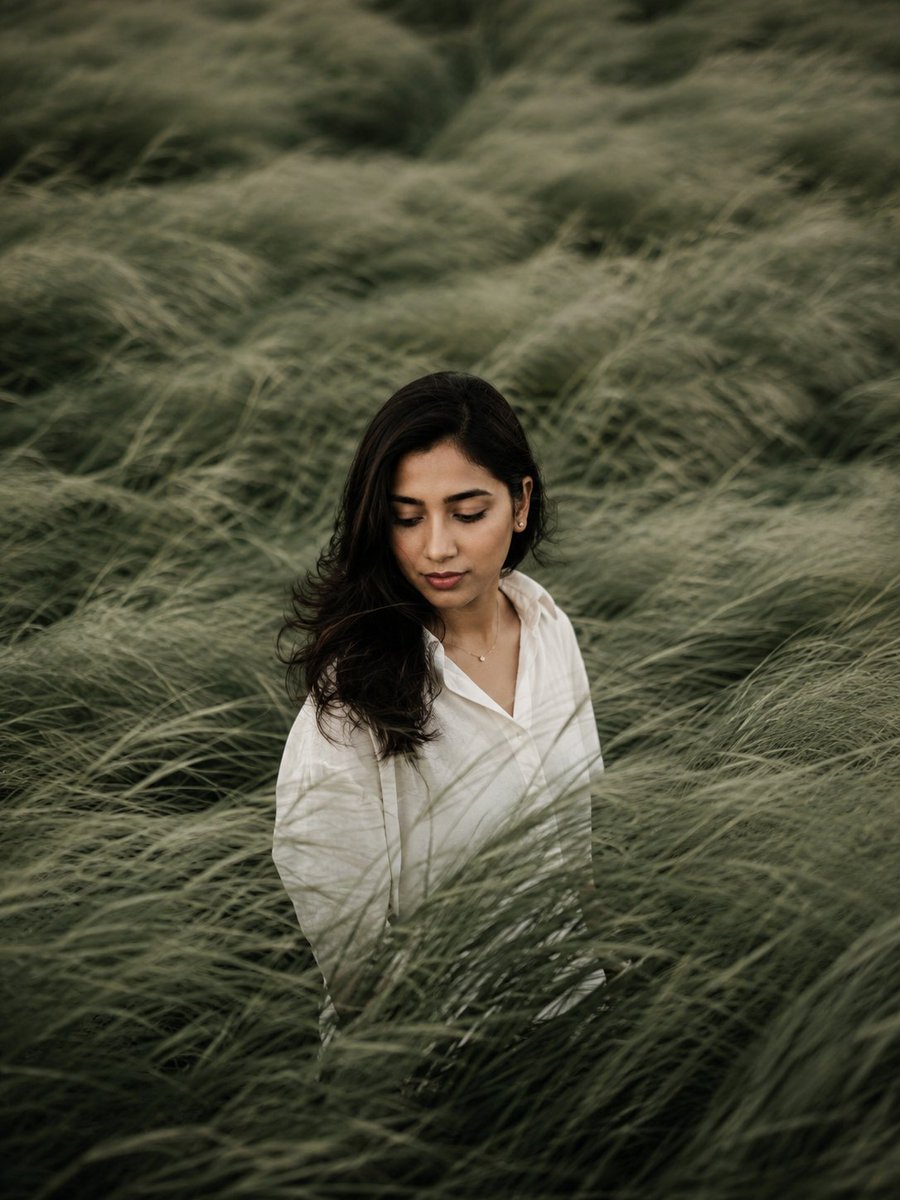
Introspective Sage Field Portrait
Browse template categories
Harajuku Kawaii Graffiti Mural questions
How do I use the Harajuku Kawaii Graffiti Mural template?
Add your photo if the template asks for one, edit the prompt if you like — the template's model and format are already selected — and press Generate. Your version opens in PicX Studio.
Can I customize the Harajuku Kawaii Graffiti Mural template?
Yes. You can change the subject, setting, lighting, mood, format, and available model controls before creating your image.
Is the Harajuku Kawaii Graffiti Mural template free?
Opening and editing this template is free. Generating uses credits, shown on the Generate button when you are signed in.
Which AI model should I use?
Start with GPT Image 2, which is the model associated with this template. You can compare another compatible model for a different finish.
Looking for something else? Browse all templates.

Your photo, any look
Thousands of ready templates for every top image and video model, from one credit balance.