
Harajuku Kawaii Pop Idol
A detailed template for creating vibrant, maximalist decora-kei anime idols in a 16:9 banner format, perfect for high-energy social media assets.
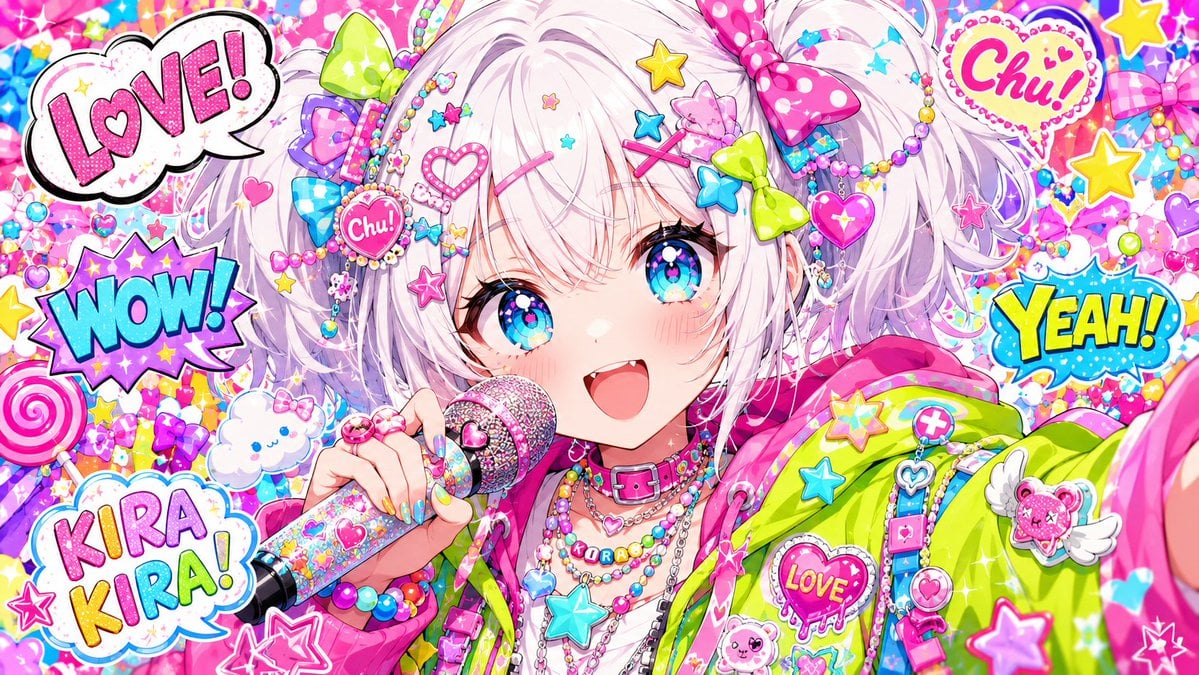
- Prompt included
- Model and format preset
- Free template
The prompt behind this image
Copy the exact prompt behind Harajuku Kawaii Pop Idol, or open it in the studio and make it yours.
【キャラ設定】 {argument name="キャラクター設定" default="a cheerful cute anime idol girl, white fluffy short twin-tail hair, large sparkling cyan-blue eyes, soft blush, open smiling mouth, colorful hair clips shaped like stars, hearts and bows, pastel accessories, layered bead necklaces, bright neon hoodie, holding a glittery microphone close to her mouth"} 【固定プロンプト】 ultra colorful kawaii anime pop idol illustration, extreme close-up upper body portrait, center composition, wide horizontal banner format, energetic concert-like atmosphere, vivid candy-colored background filled with stickers, stars, hearts, bows, beads, lollipops, clouds, sparkles, confetti, speech bubbles with comic words like "LOVE!", "WOW!", "KIRA KIRA!", "Chu!", "YEAH!", dense decorative background, maximalist decora kei aesthetic, harajuku pop, glossy plastic toy-like accessories, vibrant pink cyan yellow lime color palette, big sparkling eyes, clean sharp anime lineart, soft cel shading, high detail, joyful mood, dynamic idol performance, cute but chaotic composition, bright lighting, crisp focus, polished digital illustration, 16:9 aspect ratio
How to use Harajuku Kawaii Pop Idol in 3 steps
- 1
Open
The prompt is already in the box next to the preview, with the template's model and format selected.
- 2…a portrait of your subject in softgolden-hour light, 85mm…
Personalize
Edit the subject and creative details for your destination.
- 3Generate
Generate
Press Generate — your image is created in PicX Studio, so you can compare it with the original and refine one variable at a time.
More like this
Templates with the same subject, style or setup. Open one to see its prompt.

A k.pop idol on the stage with mic

Cute Layered Paper Cut Chibi Girl
Origami K-Pop Idol Portrait
Kasane Teto Pop Idol Portrait
Harajuku Kawaii Graffiti Mural

K-Pop Idol Portrait Grid for Rapid Selection

Japanese Film Reflection Idol
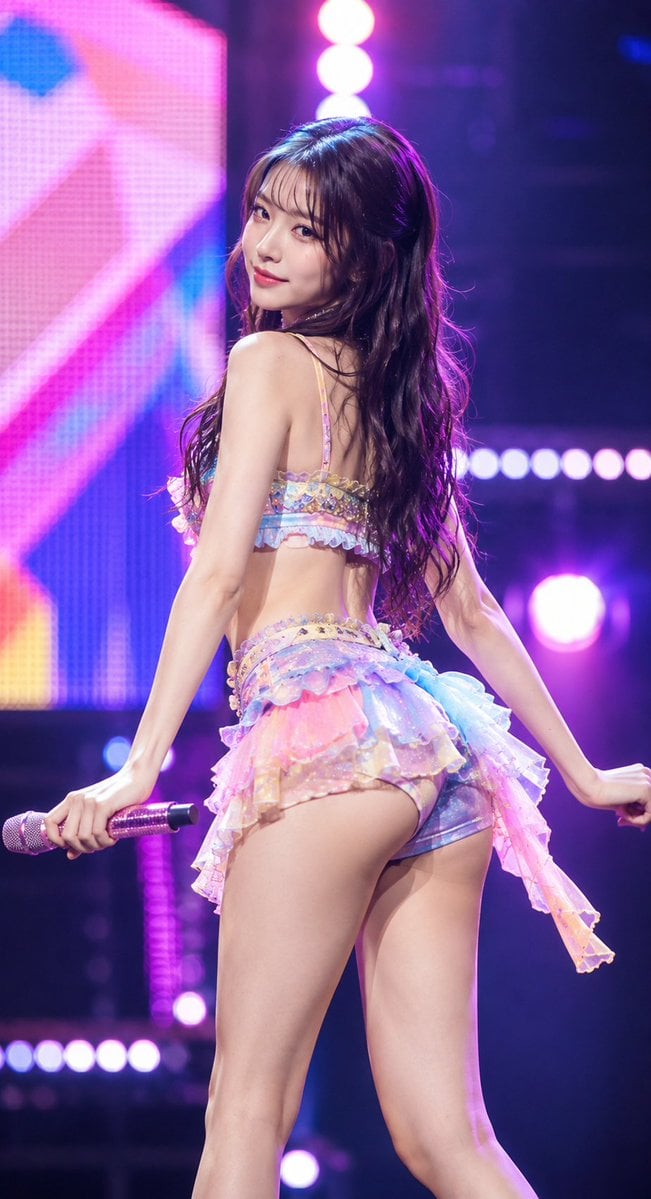
Idol Stage Performance Portrait

Pop Art Summer Fruit Fashion Illustration
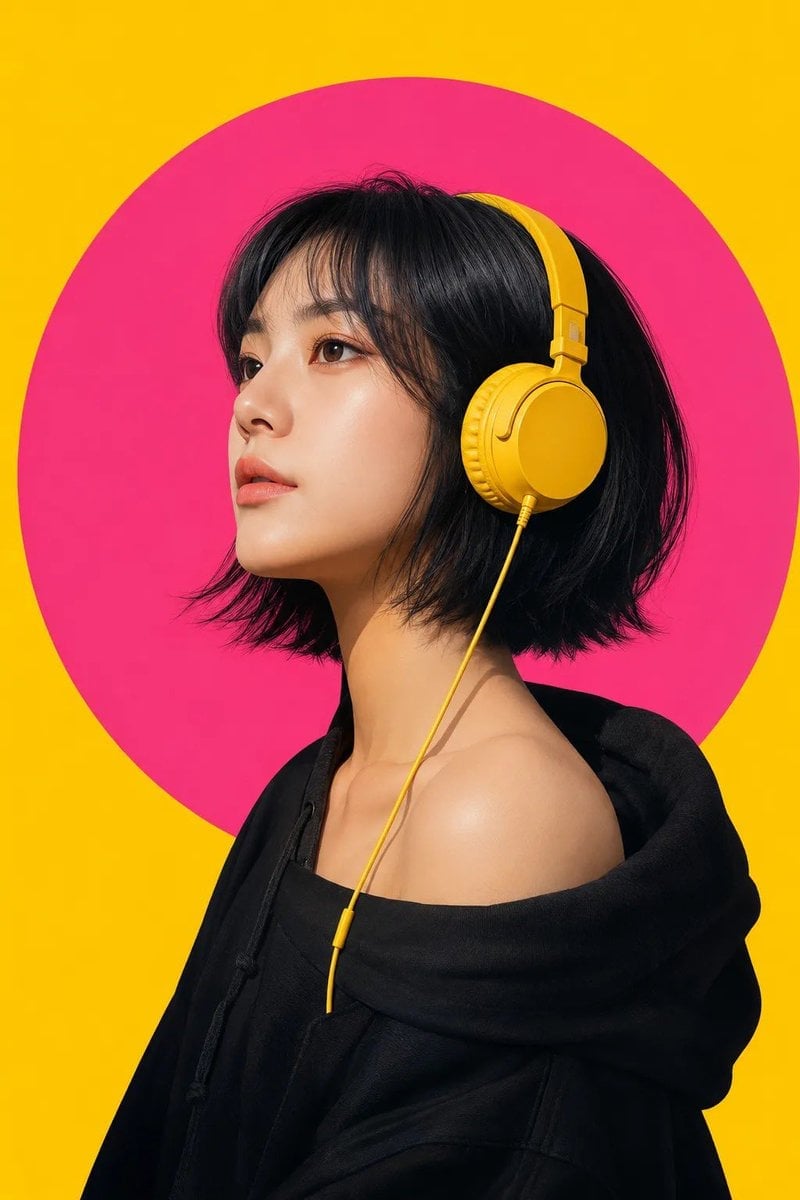
Modern Pop-Art Female Portrait

Pastel Anime Idol Concert Finale
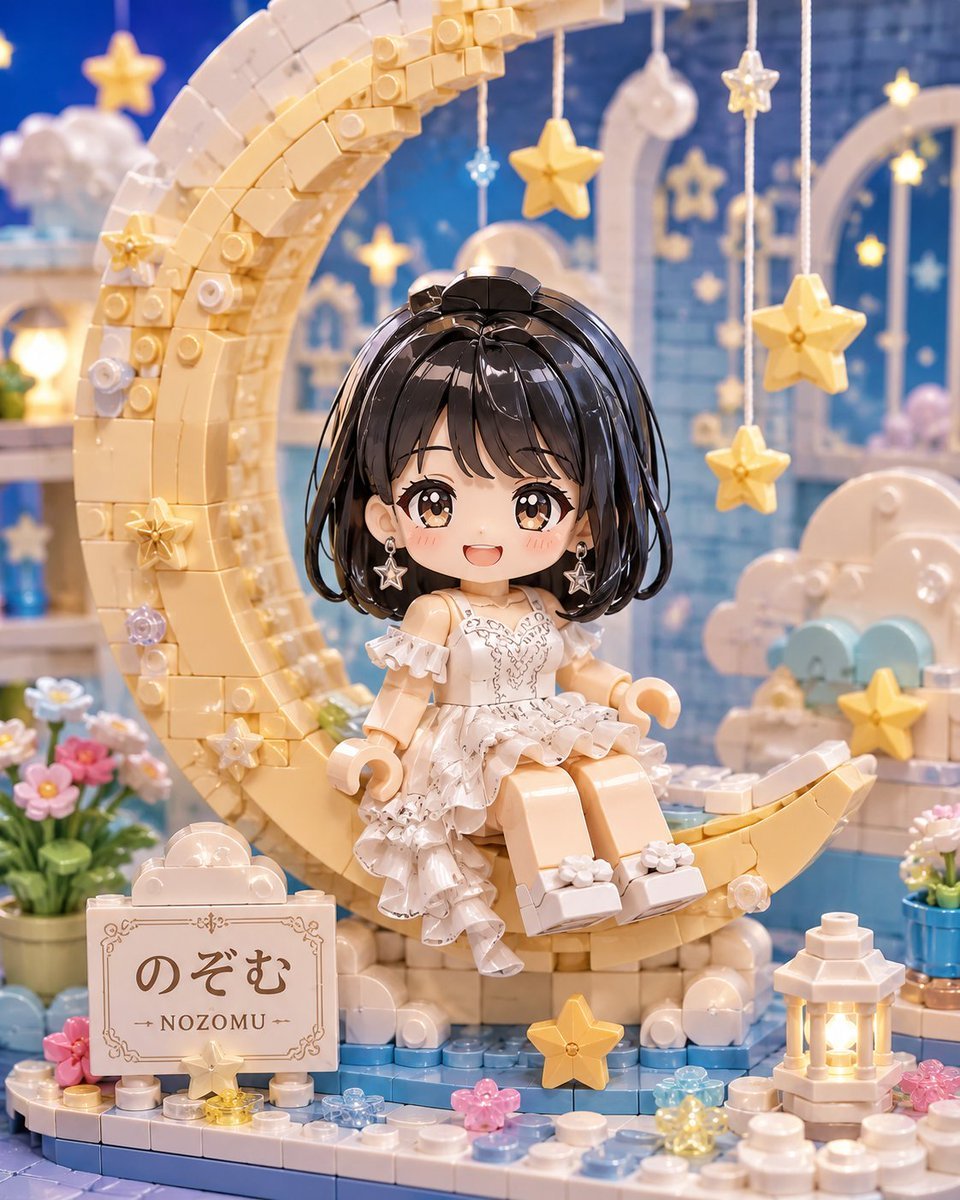
Kawaii Brick Moon Chibi Diorama
Make it yours
Harajuku Kawaii Pop Idol works as-is. These are the safest ways to change it without losing the look.
Change one field
Copy a single group, rewrite it, and generate again so you can see what that field is doing.
Keep the frame, change the subject
Hold the composition and light of Harajuku Kawaii Pop Idol, then swap wardrobe, props or the person for a new take.
| If the result… | Why | Fix |
|---|---|---|
| The result drifts from the preview | Too many fields changed at once. | Reuse Harajuku Kawaii Pop Idol as-is first, then change one group — subject, light, or setting. |
| The model over-stylizes the scene | The prose prompt leaves finish and camera underspecified. | Add one camera or lighting sentence and stay on GPT Image 2. |
More GPT Image 2 templates
Other prompts made for GPT Image 2.

Six VTuber Japanese Logo Sheet

Realistic Portrait of Woman and Deer

The Vista Modular Condo Poster

AI Model Routing Comparison Infographic

2.5D Anime Art Board

Isometric Productivity Desk Scene

New York Double Exposure Poster

Four-Panel AI Landscape Comparison

Japanese Tatami Lifestyle Magazine Cover

NESCAFÉ Coffee Map Poster
More image prompts
Fresh picks from across the catalog.
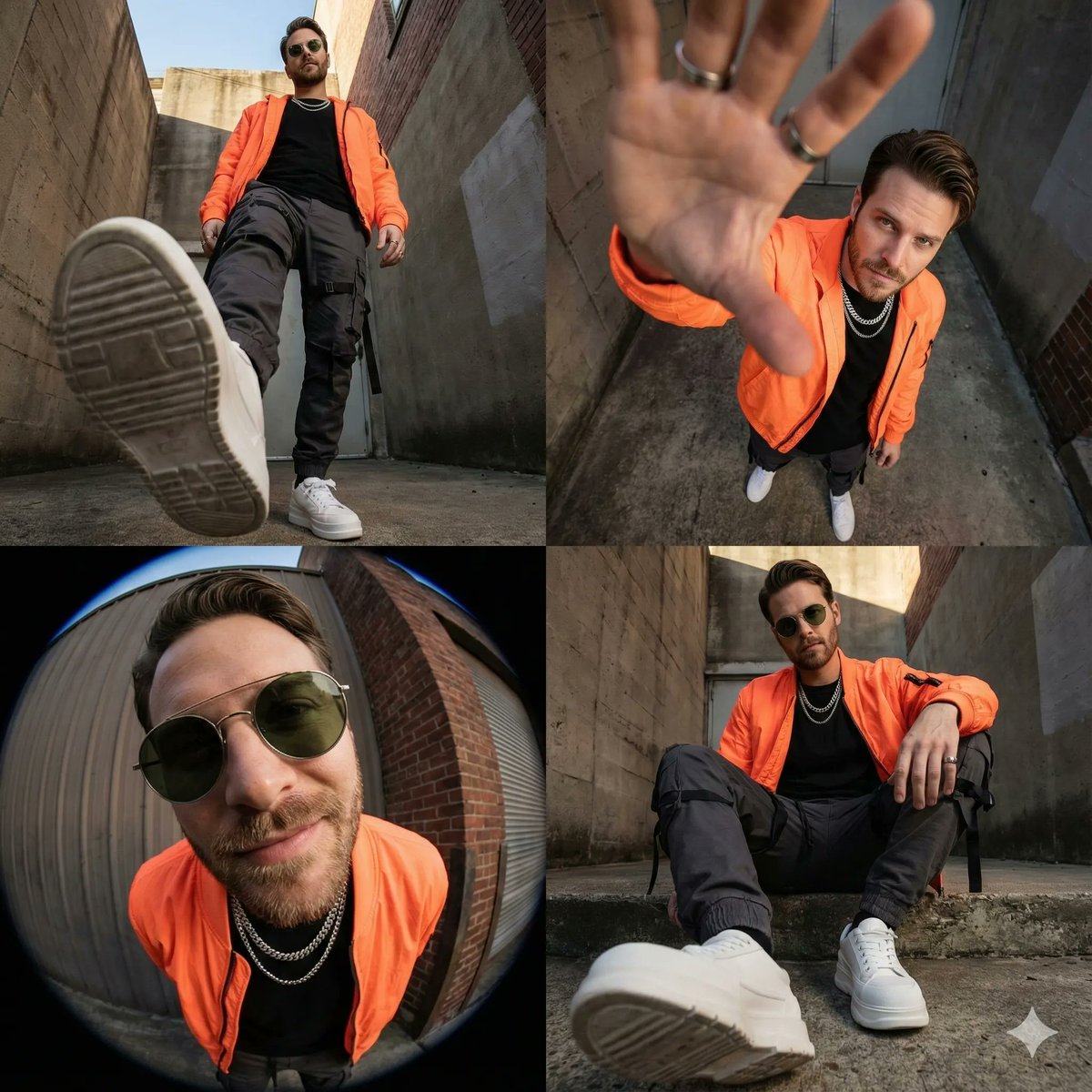
High-Fashion Streetwear Editorial Grid Collage

Idyllic Alpine Lake Village Landscape

Detailed JSON Prompt for Cinematic Winter Selfie Portrait
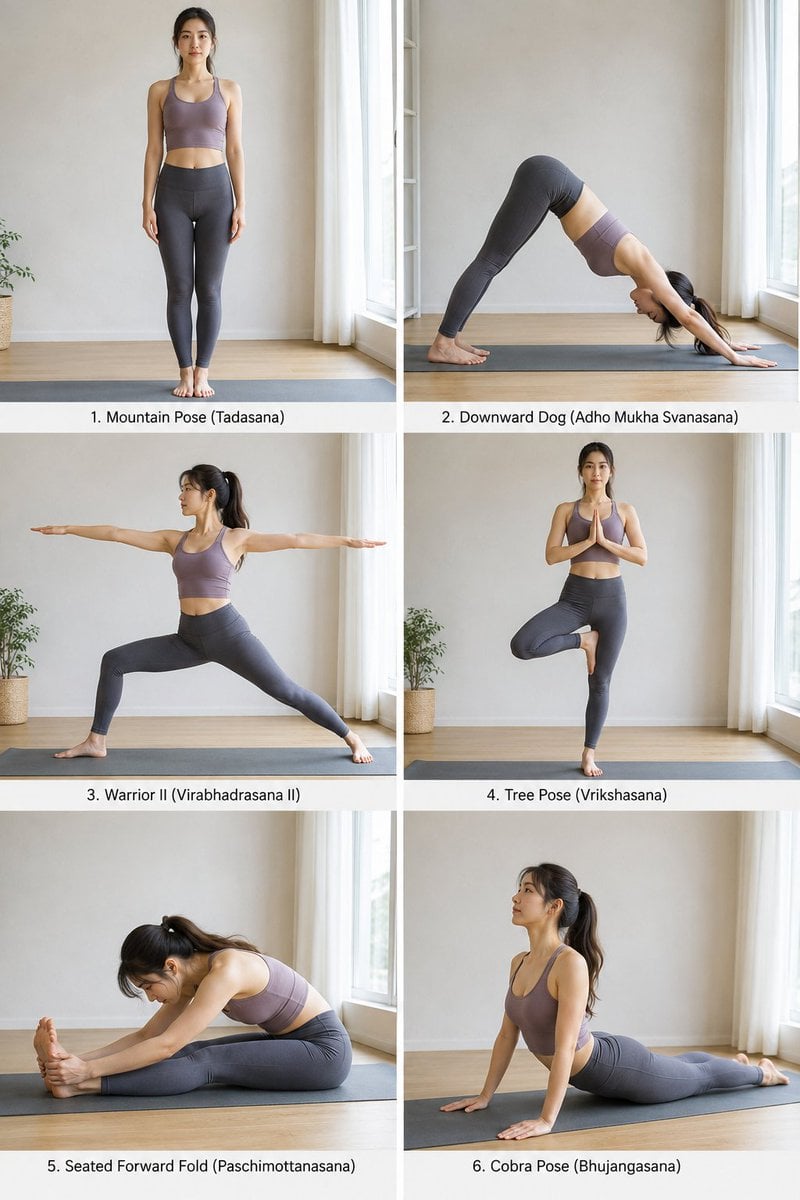
Yoga Pose Instructional Grid
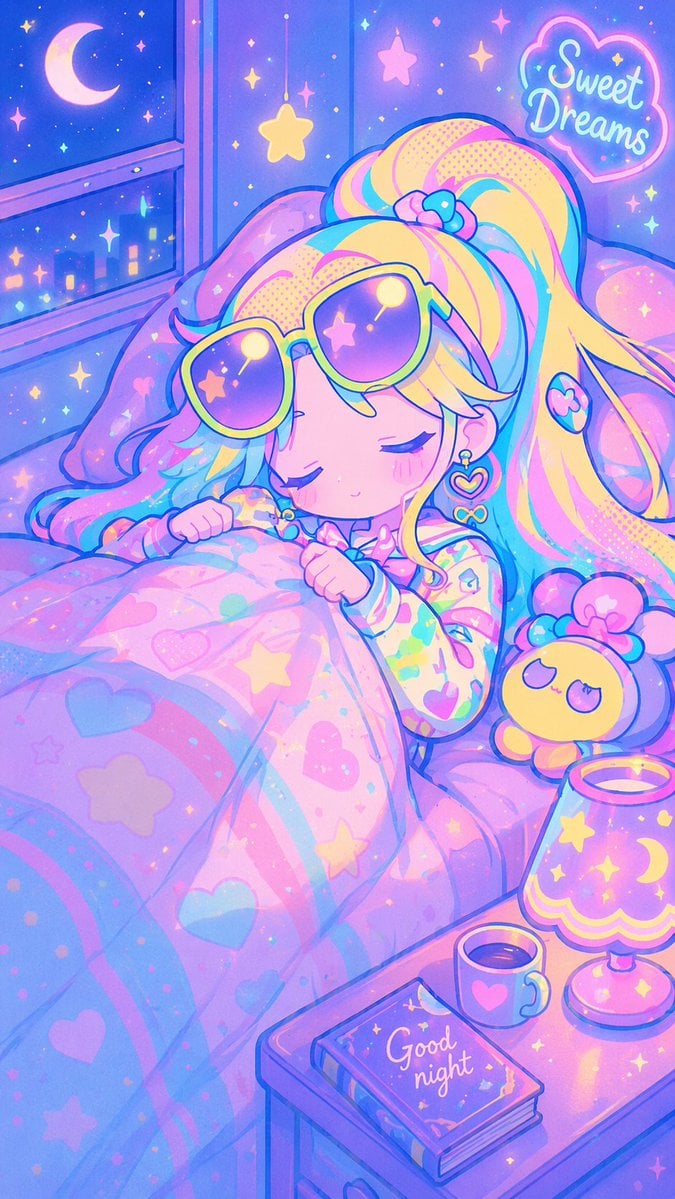
Retro Anime Pastel Sleep Scene
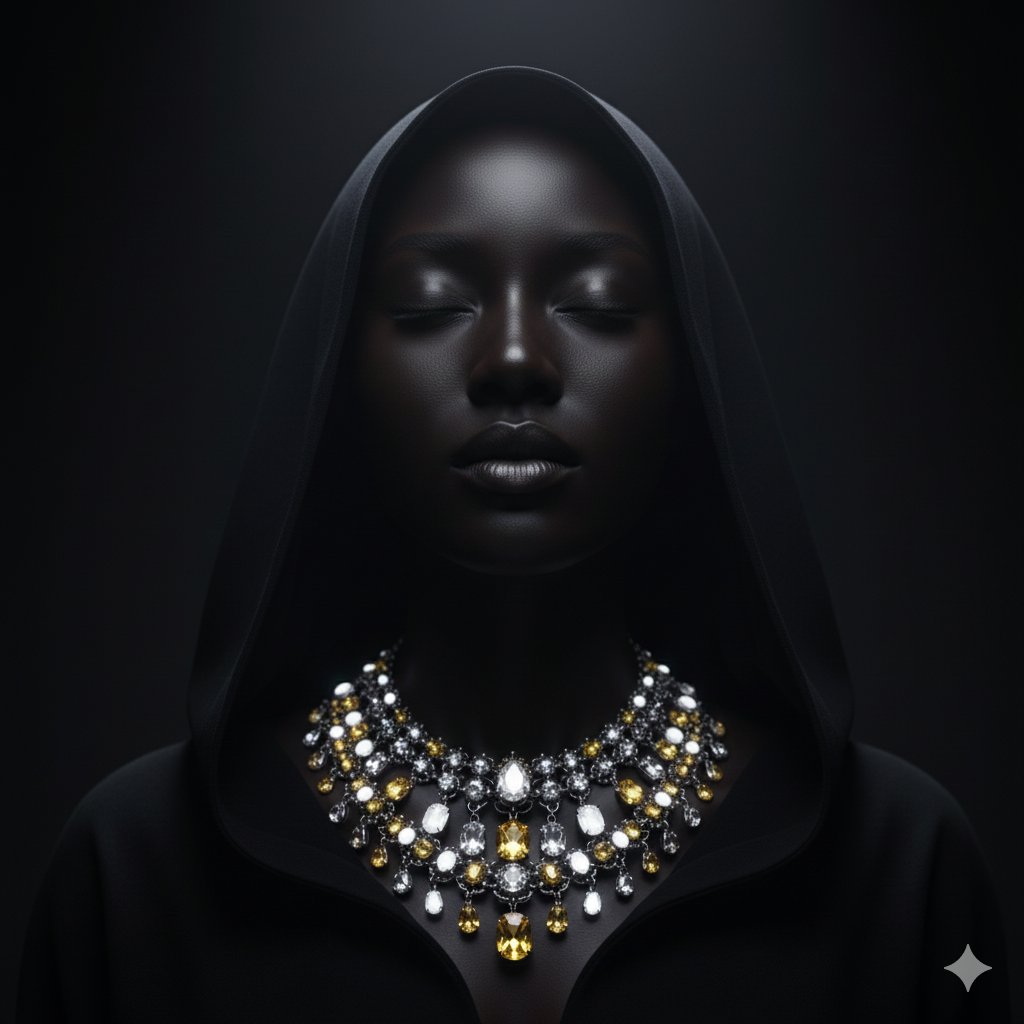
Dramatic Low-Key Portrait with Glowing Gemstones
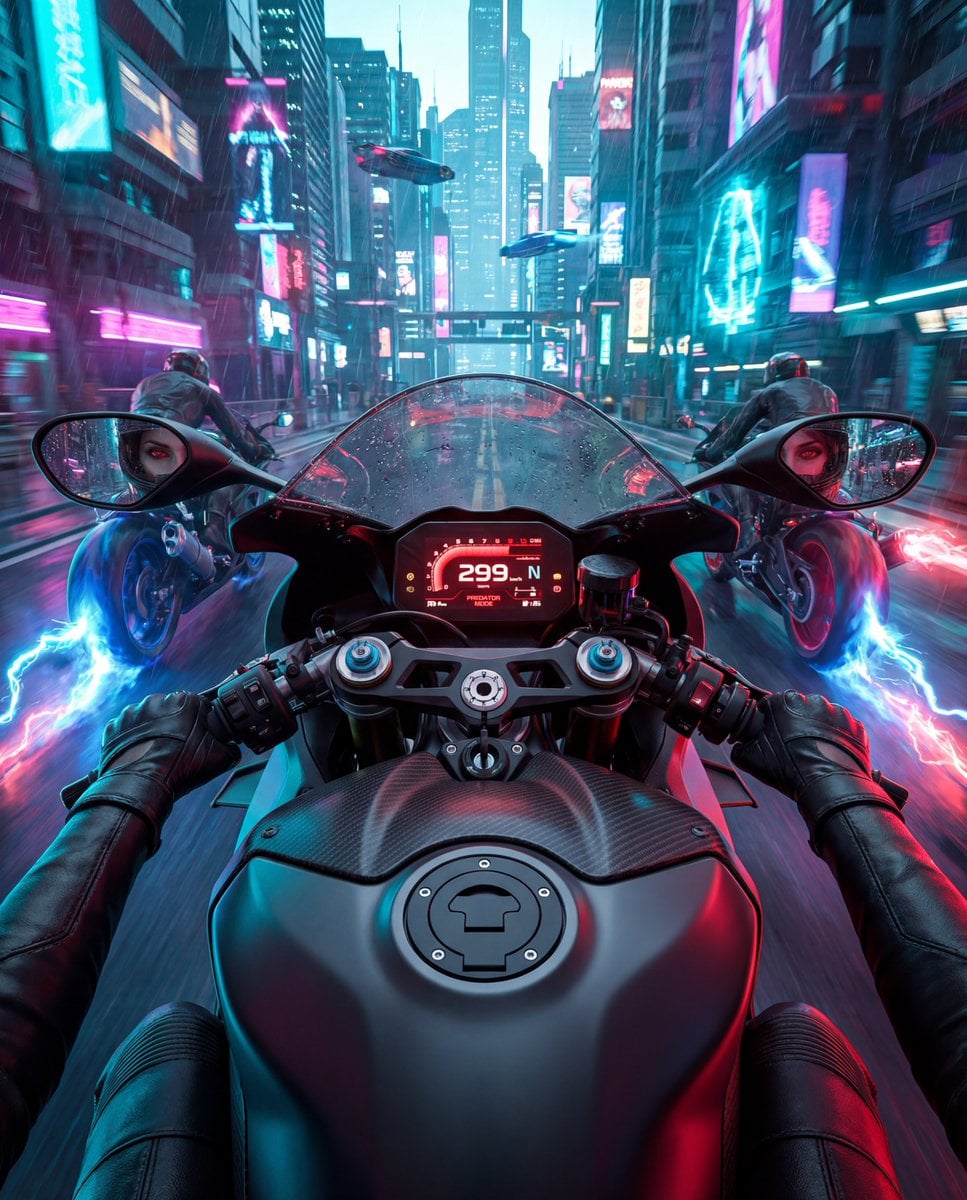
Cyberpunk POV Motorcycle Ride with Vampire Mafia Girl
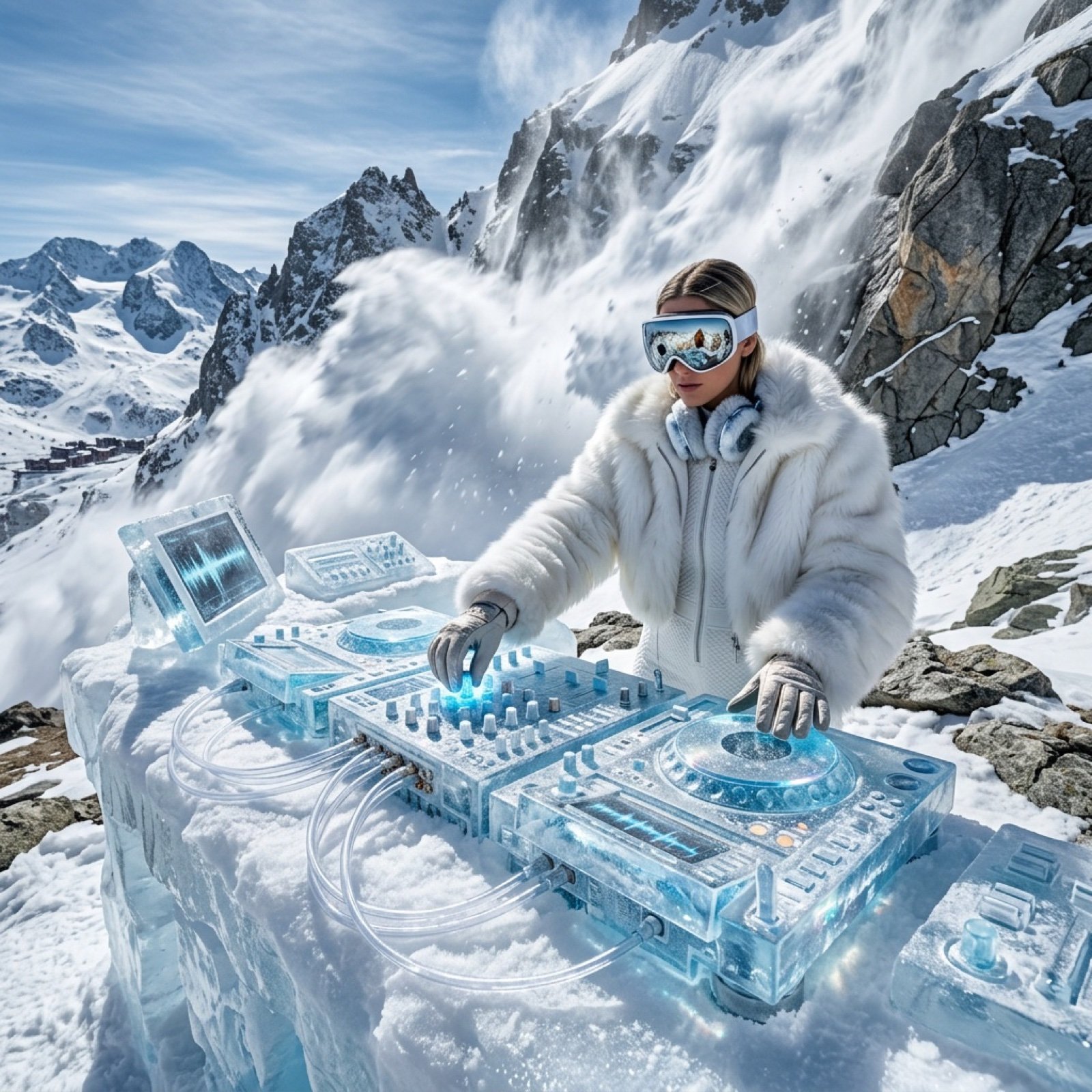
Futuristic Ice DJ Setup Prompt

Luxury Car Night Portrait with Direct Flash Photography
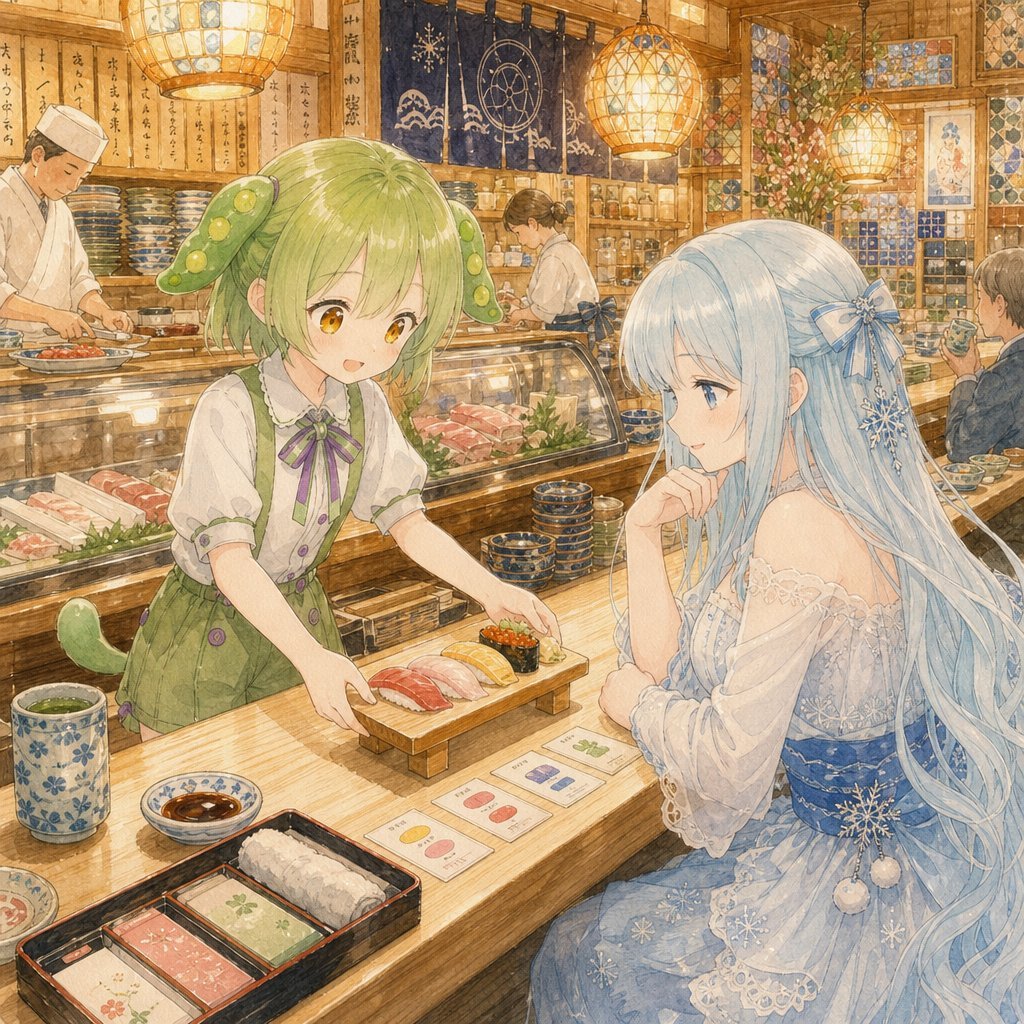
Anime Sushi Bar Transformation
Browse template categories
Harajuku Kawaii Pop Idol questions
How do I use the Harajuku Kawaii Pop Idol template?
Add your photo if the template asks for one, edit the prompt if you like — the template's model and format are already selected — and press Generate. Your version opens in PicX Studio.
Can I customize the Harajuku Kawaii Pop Idol template?
Yes. You can change the subject, setting, lighting, mood, format, and available model controls before creating your image.
Is the Harajuku Kawaii Pop Idol template free?
Opening and editing this template is free. Generating uses credits, shown on the Generate button when you are signed in.
Which AI model should I use?
Start with GPT Image 2, which is the model associated with this template. You can compare another compatible model for a different finish.
Looking for something else? Browse all templates.

Your photo, any look
Thousands of ready templates for every top image and video model, from one credit balance.