
ASCII Cat Meme to Manga Illustration
Transforms a Japanese ASCII cat meme into a colorful manga-style complaint-themed illustration while preserving the core layout and text.
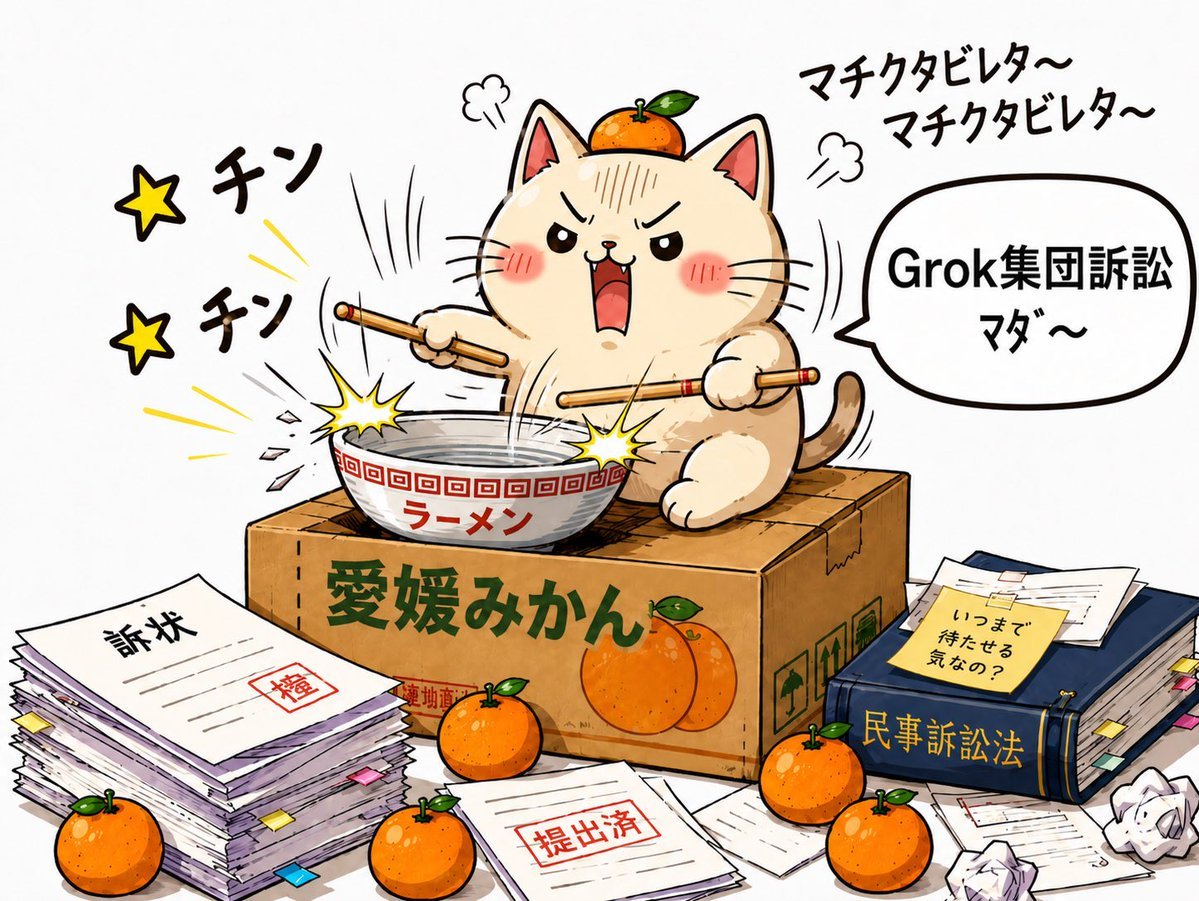
- Prompt included
- Model and format preset
- Free template
The prompt behind this image
Copy the exact prompt behind ASCII Cat Meme to Manga Illustration, or open it in the studio and make it yours.
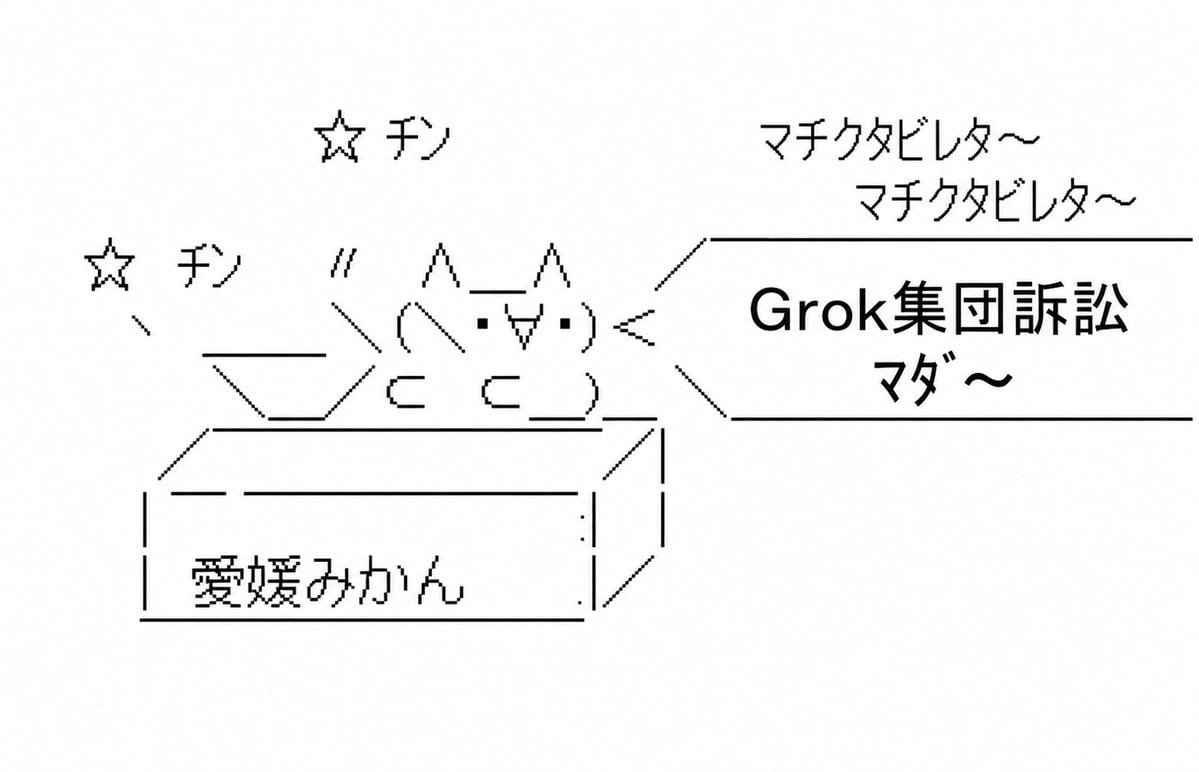
Using REFERENCE_0 as the layout and gag concept, transform the ASCII-art scene into a polished full-color Japanese manga/cartoon illustration. Keep the same basic composition: a cat on top of an Ehime mikan cardboard box, striking a ramen bowl with chopsticks, with sound effects on the left and a speech bubble on the right. Style: Convert the monochrome text-art into a lively hand-drawn anime illustration with clean ink lines, warm colors, expressive motion lines, comic impact bursts, and a white background. Make the cat cute but angry/frustrated, with flushed cheeks, open shouting mouth, and an orange sitting on its head. Additions and details: Add a large ramen bowl in front of the cat, two chopsticks held like drumsticks, yellow impact sparks where the chopsticks hit the bowl, and a realistic cardboard fruit crate texture. Add exactly 5 loose whole oranges around the scene: 1 on the cat’s head, 1 in front of the box near center, 1 at bottom left, 1 at bottom center, and 1 at bottom right. Also show 2 printed oranges on the front of the cardboard box. Legal-complaint theme additions: Add stacks of documents and complaint paperwork around the box, including a large pile at lower left labeled 「訴状」 with a red stamp, loose sheets in the foreground stamped 「提出済」, and a thick dark blue legal book at lower right labeled 「民事訴訟法」 with a sticky note reading 「いつまで待たせる気なの?」. Include scattered papers, tabs, envelopes, and crumpled paper balls to make the scene feel chaotic. Text to preserve or recreate: Keep the box label as {argument name="box label" default="愛媛みかん"}. Keep two left-side star sound effects reading 「チン」. Keep the upper-right chant text as {argument name="chant text" default="マチクタビレタ〜\nマチクタビレタ〜"}. Keep the right speech bubble text as {argument name="speech bubble text" default="Grok集団訴訟\nマダ〜"}. Use bold, legible Japanese lettering, not ASCII characters. Constraints: Do not keep the ASCII-art look; fully reinterpret it as a colorful comic illustration while retaining the original joke, layout, and main Japanese text.
Reference images included
ASCII Cat Meme to Manga Illustration needs input media to work. They load alongside the prompt when you open it in the studio.
How to use ASCII Cat Meme to Manga Illustration in 3 steps
- 1Upload ImagePNG, JPG or paste
Add your photo
Upload the photo the template builds on. The prompt, model and format are already set.
- 2…a portrait of your subject in softgolden-hour light, 85mm…
Personalize
Edit the subject and creative details for your destination.
- 3Generate
Generate
Press Generate — your image is created in PicX Studio, so you can compare it with the original and refine one variable at a time.
More like this
Templates with the same subject, style or setup. Open one to see its prompt.

Cat Photobomb Selfie — 0.5x Wide Angle Café Chaos

Surreal Cat Astronaut — Humanoid Face Freefall

Quiet Minimalist Anime Style Guide

Real Illustration Split Portrait Transition
Quiet Minimalist Anime Style Guide

Watercolor Café Cheesecake Editorial Illustration
Real Illustration Split Portrait Transition

Bold Side Profile Superhero Poster

Hero Portrait Comic Multi-Panel Poster

Spider-Verse Painterly Portrait Poster

Captain Tsubasa Anime World Cup Poster

Minecraft You Died Winter Death Screen
Make it yours
ASCII Cat Meme to Manga Illustration works as-is. These are the safest ways to change it without losing the look.
Change one field
Copy a single group, rewrite it, and generate again so you can see what that field is doing.
Keep the frame, change the subject
Hold the composition and light of ASCII Cat Meme to Manga Illustration, then swap wardrobe, props or the person for a new take.
| If the result… | Why | Fix |
|---|---|---|
| The result drifts from the preview | Too many fields changed at once. | Reuse ASCII Cat Meme to Manga Illustration as-is first, then change one group — subject, light, or setting. |
| The model over-stylizes the scene | The prose prompt leaves finish and camera underspecified. | Add one camera or lighting sentence and stay on GPT Image 2. |
More GPT Image 2 templates
Other prompts made for GPT Image 2.

Six VTuber Japanese Logo Sheet

Realistic Portrait of Woman and Deer

The Vista Modular Condo Poster

AI Model Routing Comparison Infographic

2.5D Anime Art Board

Isometric Productivity Desk Scene

New York Double Exposure Poster

Four-Panel AI Landscape Comparison

Japanese Tatami Lifestyle Magazine Cover

NESCAFÉ Coffee Map Poster
More image prompts
Fresh picks from across the catalog.
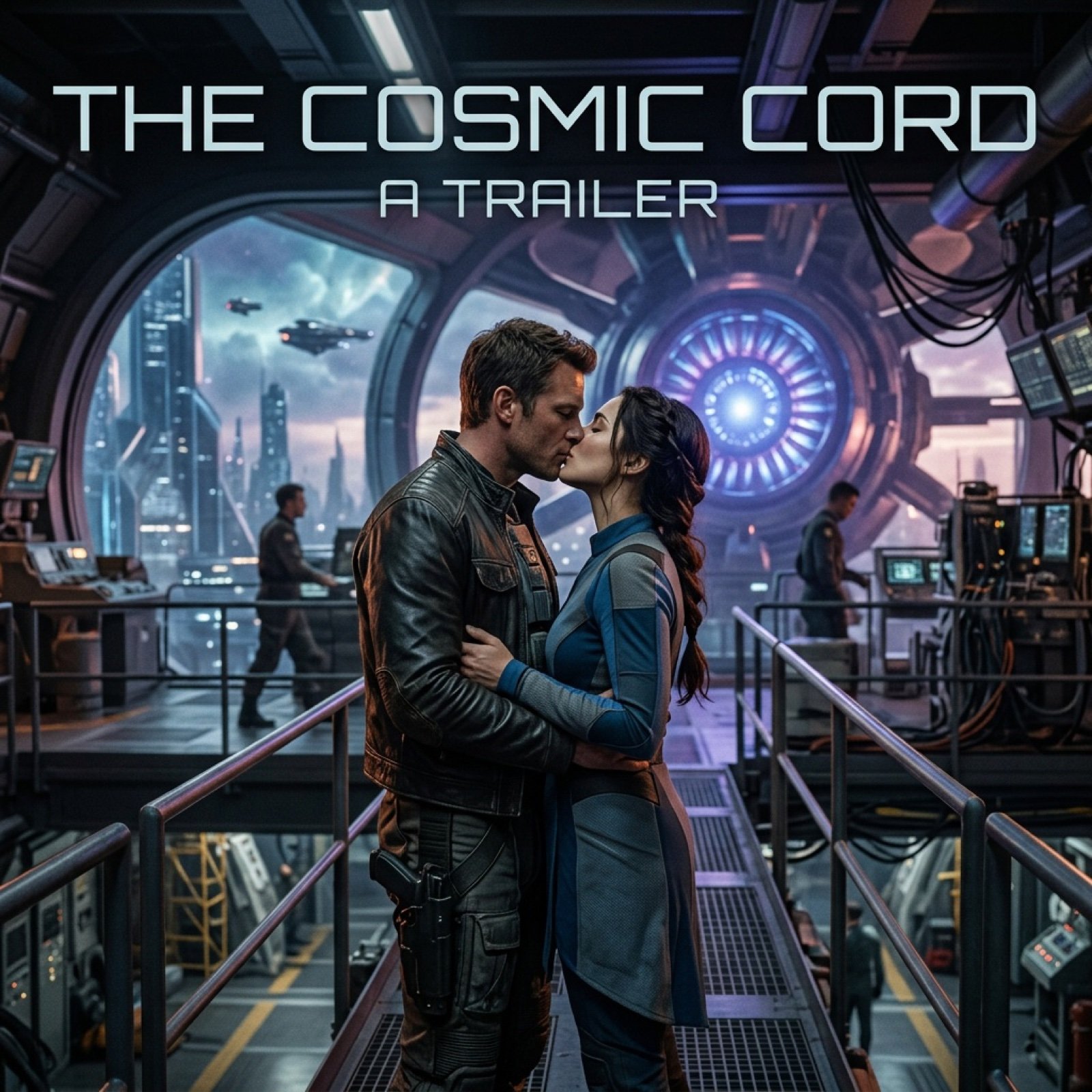
Cinematic Sci-Fi Romance Trailer Scene
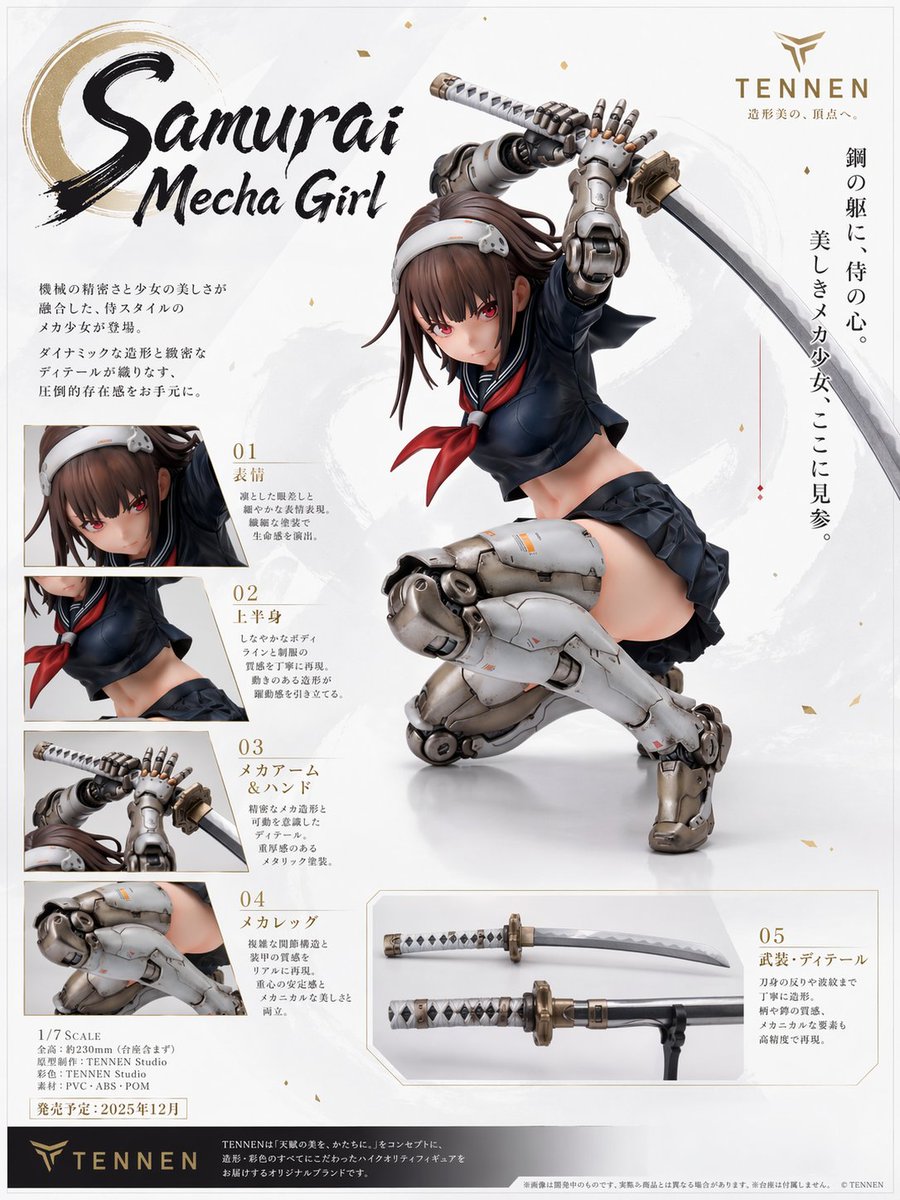
Samurai Mecha Girl Figure Poster
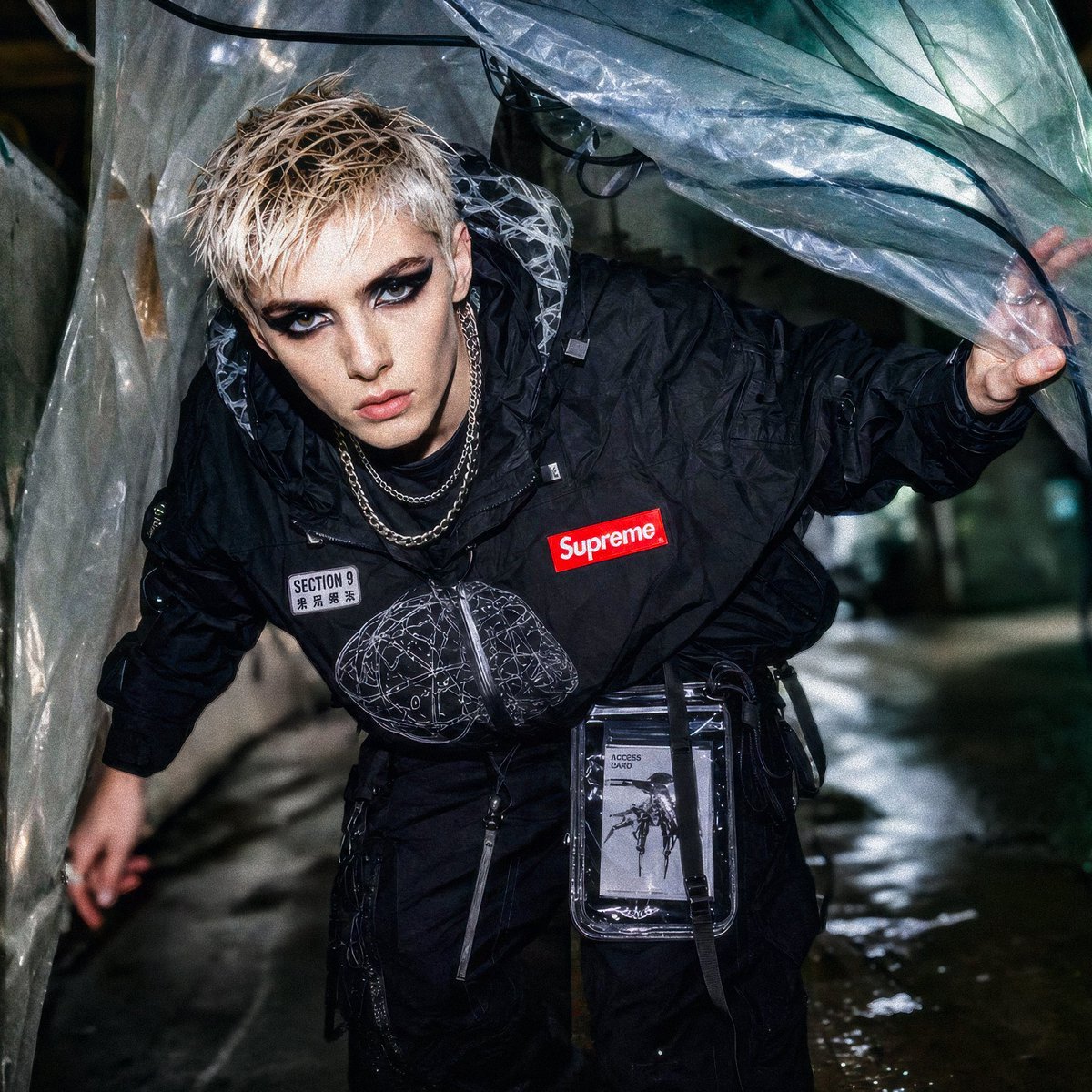
Supreme Section 9 Cyberpunk Streetwear
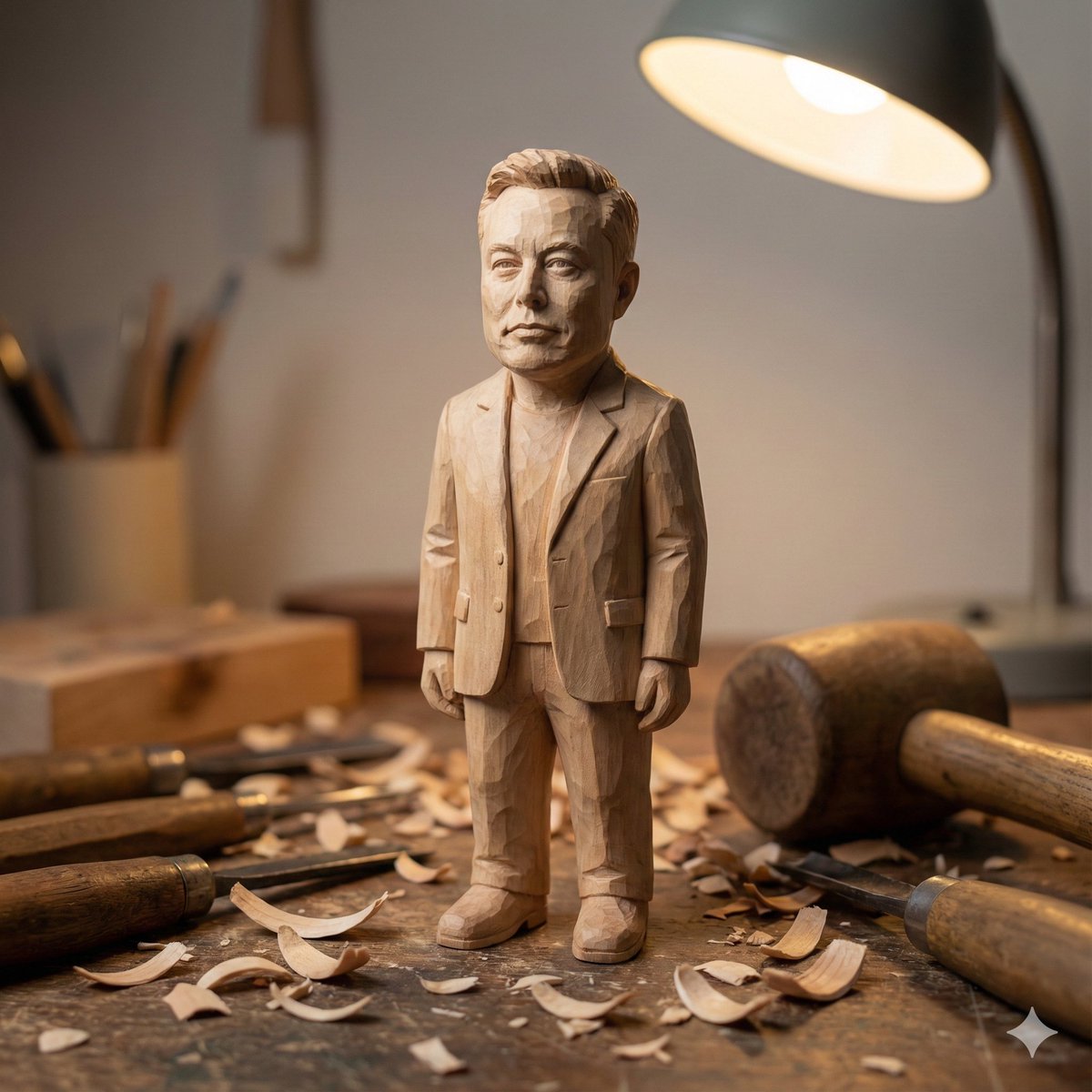
Hand-carved wooden miniature figure prompt

Ancient Scroll Google DeepMind Vision
Realistic Cyber-Aesthetic Futuristic Business Card
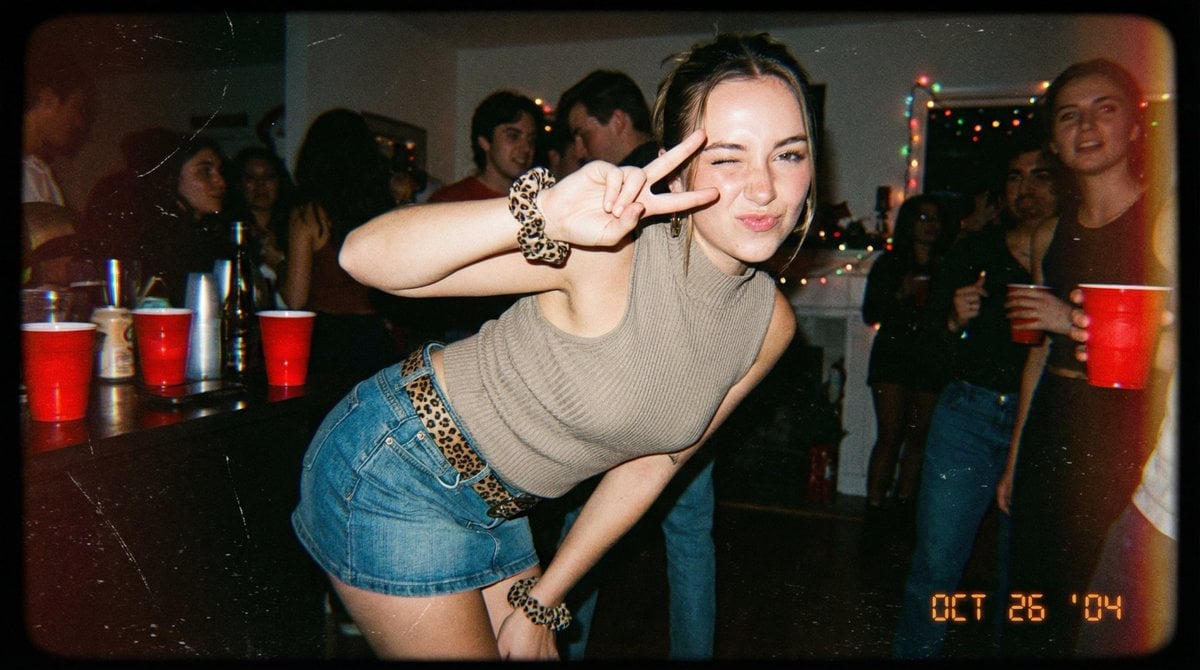
Vintage 2000s Disposable Camera Style Template
Realistic Raw Flash Mirror Selfie
Hyper-Photorealistic Winter Glamour Close-up Prompt
Cheerful Botanical Courtyard Portrait
Browse template categories
ASCII Cat Meme to Manga Illustration questions
How do I use the ASCII Cat Meme to Manga Illustration template?
Add your photo if the template asks for one, edit the prompt if you like — the template's model and format are already selected — and press Generate. Your version opens in PicX Studio.
Can I customize the ASCII Cat Meme to Manga Illustration template?
Yes. You can change the subject, setting, lighting, mood, format, and available model controls before creating your image.
Is the ASCII Cat Meme to Manga Illustration template free?
Opening and editing this template is free. Generating uses credits, shown on the Generate button when you are signed in.
Which AI model should I use?
Start with GPT Image 2, which is the model associated with this template. You can compare another compatible model for a different finish.
Looking for something else? Browse all templates.

Your photo, any look
Thousands of ready templates for every top image and video model, from one credit balance.