
Samurai Mecha Girl Figure Poster
A luxury Japanese-style product poster for an original anime mecha-girl figure, ideal for mock collectible figure ads and hobby brand presentation layouts.
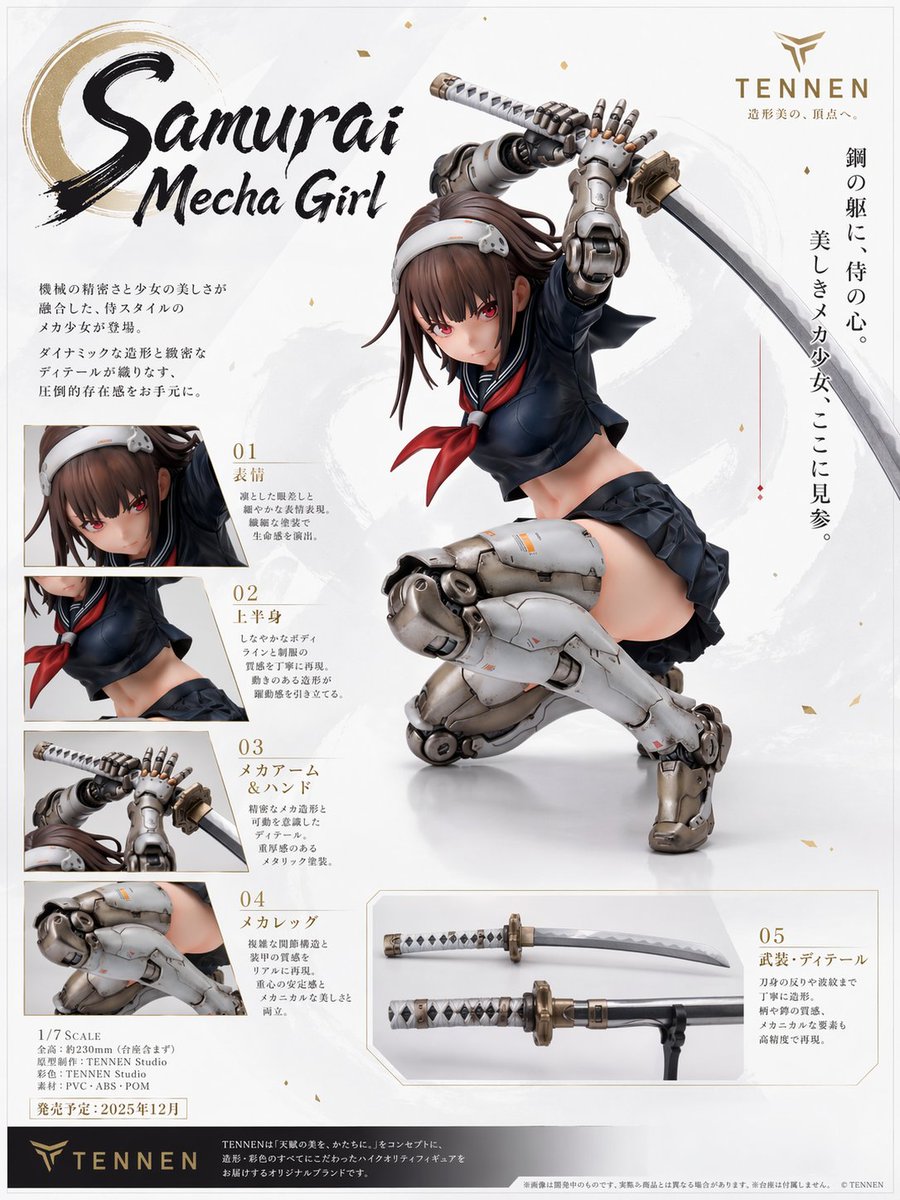
- Prompt included
- Model and format preset
- Free template
The prompt behind this image
Copy the exact prompt behind Samurai Mecha Girl Figure Poster, or open it in the studio and make it yours.
Create a premium Japanese figure advertisement poster on a clean off-white background with subtle pale gray brushstroke textures and tiny scattered gold flecks. The layout should look like a luxury hobby product introduction page for an original anime/mecha statue. The main centerpiece is a highly detailed 1/7 scale-style figure of {argument name="character name" default="Samurai Mecha Girl"}, a slim teenage anime girl in a dramatic crouching attack pose, turned three-quarters to the viewer, with one knee bent under her body and the other mechanical leg planted forward. She raises a katana overhead with both hands as if about to strike. Her face is intentionally obscured by a soft square blur block. She has long brown hair with loose strands flying outward, a white headband with a small mechanical side ornament, and a navy Japanese sailor school uniform with a cropped long-sleeve top, red neckerchief, short pleated skirt, and exposed midriff. Her arms and legs are mostly robotic: metallic silver-gray mechanical arms with articulated fingers and visible joints, bulky armored mech thighs and calves with realistic pistons, seams, weathering, and small orange caution markings. The sword is a polished katana with a white-and-black wrapped handle and a metallic guard. Render the statue as a realistic painted collectible figure with studio lighting, glossy and matte material contrast, precise shadows, and showroom-grade product photography. Design the page like a commercial figure brochure with exactly 5 numbered detail callout sections. On the left side, stack 4 rectangular close-up panels vertically, each with a number and Japanese label plus short descriptive body text in Japanese: panel 1 shows a close-up of the face and hair, labeled "01 表情"; panel 2 shows the upper torso and uniform, labeled "02 上半身"; panel 3 shows the raised mechanical arms and sword grip, labeled "03 メカアーム&ソード"; panel 4 shows the mechanical legs, labeled "04 メカレッグ". At the bottom right, add a wider rectangular panel labeled "05 武装・ディテール" showing exactly 2 katana close-up views arranged horizontally, one above the other. Keep all panel images bordered lightly and integrated into the poster layout. At the upper left, place a large expressive brush-calligraphy title reading {argument name="main title" default="Samurai Mecha Girl"}, with an ink-brush circle motif behind the first word. At the upper right, add a gold minimalist logo and the brand name {argument name="brand name" default="TENNEN"}, with small Japanese tagline text beneath it. Along the right side, place a vertical Japanese promotional slogan in elegant dark text. In the lower left area, include small product specification text in Japanese with exactly these lines of product info styling: scale, product name, sculptor credit, paint credit, brand, and a release date line. Use {argument name="release date" default="2025年12月"} in the schedule area. Along the bottom, add a dark horizontal footer bar with the gold brand logo on the left, the brand name repeated, a short Japanese brand statement in small text across the center, and tiny legal/disclaimer text at the far right. Overall style: high-end Japanese figure marketing sheet, refined editorial composition, realistic collectible statue photography, elegant white-and-gold packaging aesthetic, anime girl fused with hard-surface mecha design, polished and premium.
How to use Samurai Mecha Girl Figure Poster in 3 steps
- 1Upload ImagePNG, JPG or paste
Add your photo
Upload the photo the template builds on. The prompt, model and format are already set.
- 2…a portrait of your subject in softgolden-hour light, 85mm…
Personalize
Edit the subject and creative details for your destination.
- 3Generate
Generate
Press Generate — your image is created in PicX Studio, so you can compare it with the original and refine one variable at a time.
More like this
Templates with the same subject, style or setup. Open one to see its prompt.
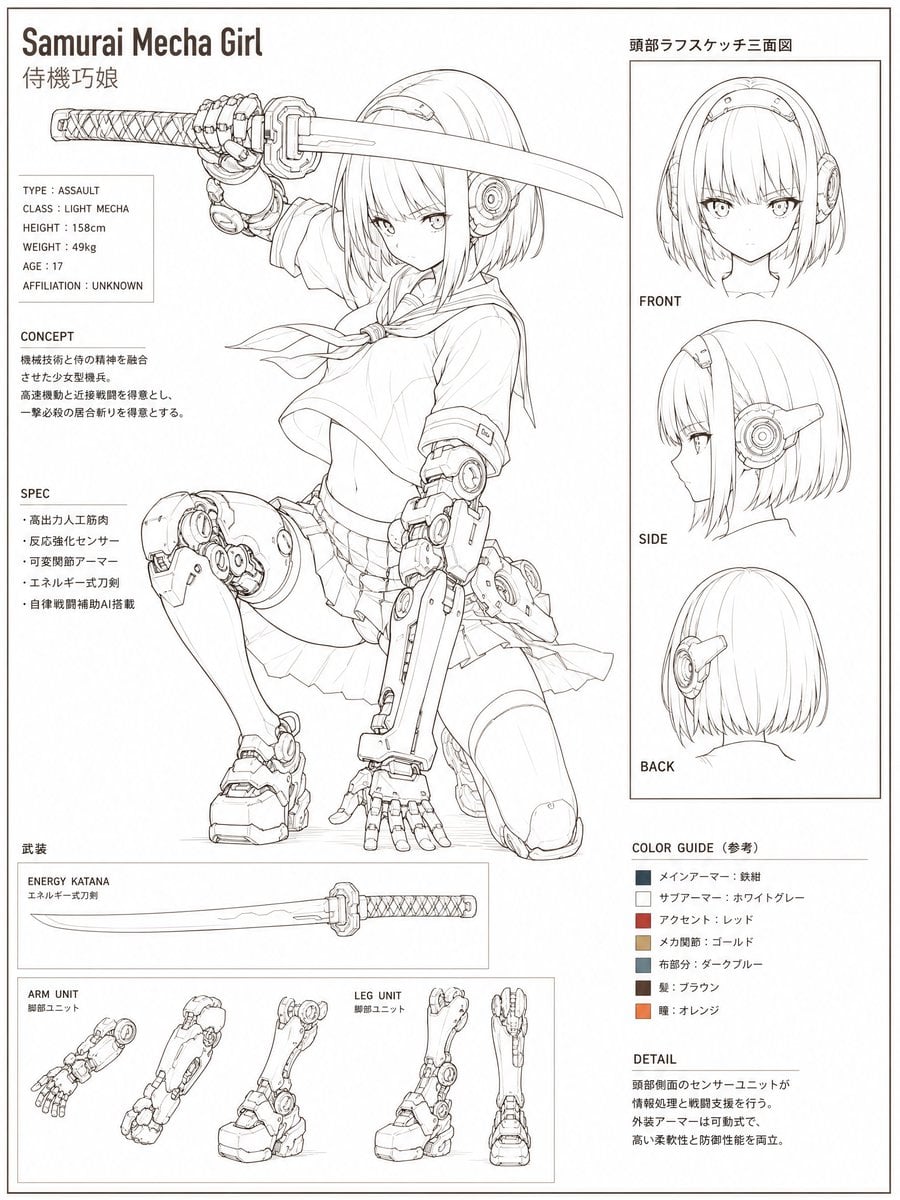
Samurai Mecha Girl Reference Sheet

Japan Travel Brochure Poster

Teen Girl Alpine Lake Mountain View

Obscured Cyberpunk Girl Poster
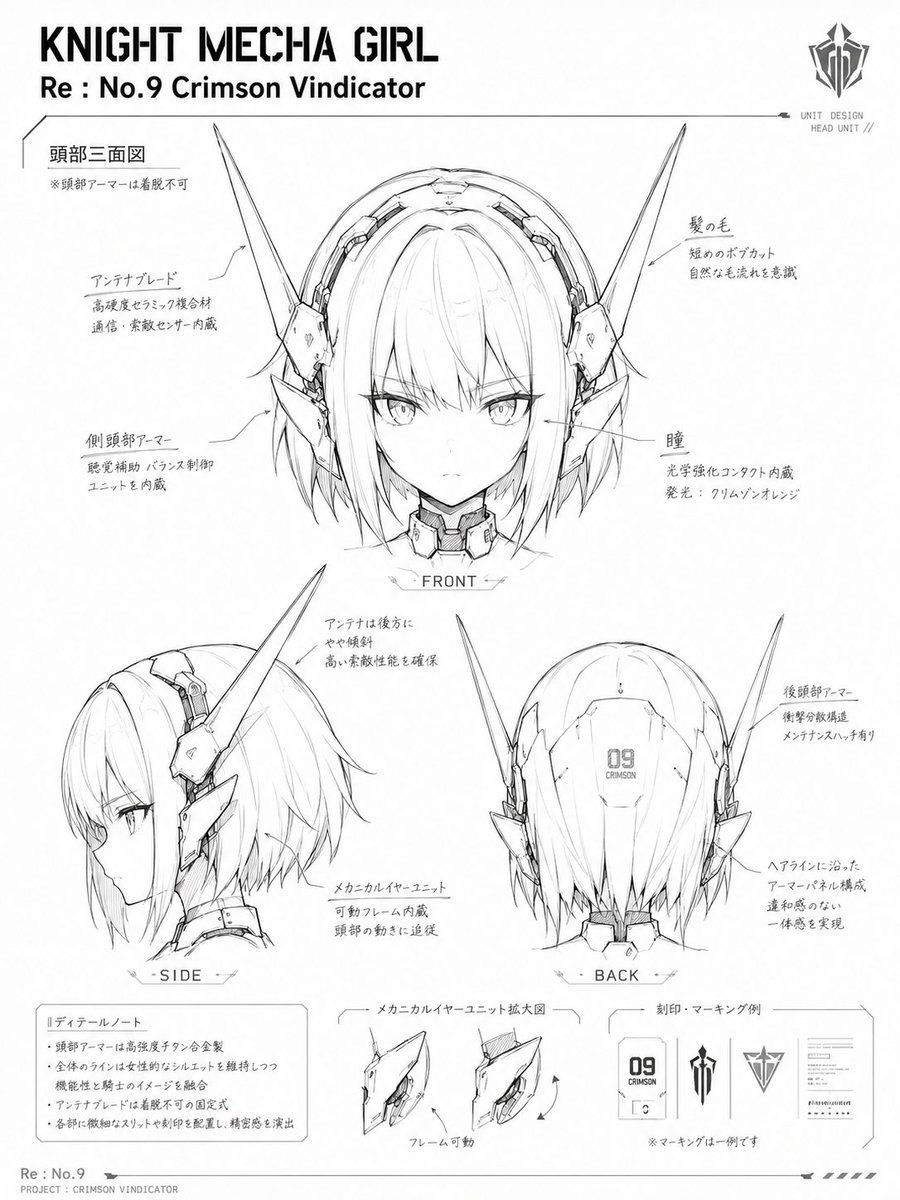
Knight Mecha Girl Model Kit Style

Cartoon TV Show Poster Pack

Trendy Cafe Drink Promo Poster

Urban Fashion Editorial Collage Streetwear Poster

Premium Fashion Editorial Cover Layout System

Polo Ralph Lauren Luxury American Heritage Fashion Campaign

Monochrome Halftone Editorial Fashion Poster

Retro Mirror Luxury Fashion Campaign Poster
Make it yours
Samurai Mecha Girl Figure Poster works as-is. These are the safest ways to change it without losing the look.
Change one field
Copy a single group, rewrite it, and generate again so you can see what that field is doing.
Keep the frame, change the subject
Hold the composition and light of Samurai Mecha Girl Figure Poster, then swap wardrobe, props or the person for a new take.
| If the result… | Why | Fix |
|---|---|---|
| The result drifts from the preview | Too many fields changed at once. | Reuse Samurai Mecha Girl Figure Poster as-is first, then change one group — subject, light, or setting. |
| The model over-stylizes the scene | The prose prompt leaves finish and camera underspecified. | Add one camera or lighting sentence and stay on GPT Image 2. |
More GPT Image 2 templates
Other prompts made for GPT Image 2.

Six VTuber Japanese Logo Sheet

Realistic Portrait of Woman and Deer

The Vista Modular Condo Poster

AI Model Routing Comparison Infographic

2.5D Anime Art Board

Isometric Productivity Desk Scene

New York Double Exposure Poster

Four-Panel AI Landscape Comparison

Japanese Tatami Lifestyle Magazine Cover

NESCAFÉ Coffee Map Poster
More image prompts
Fresh picks from across the catalog.
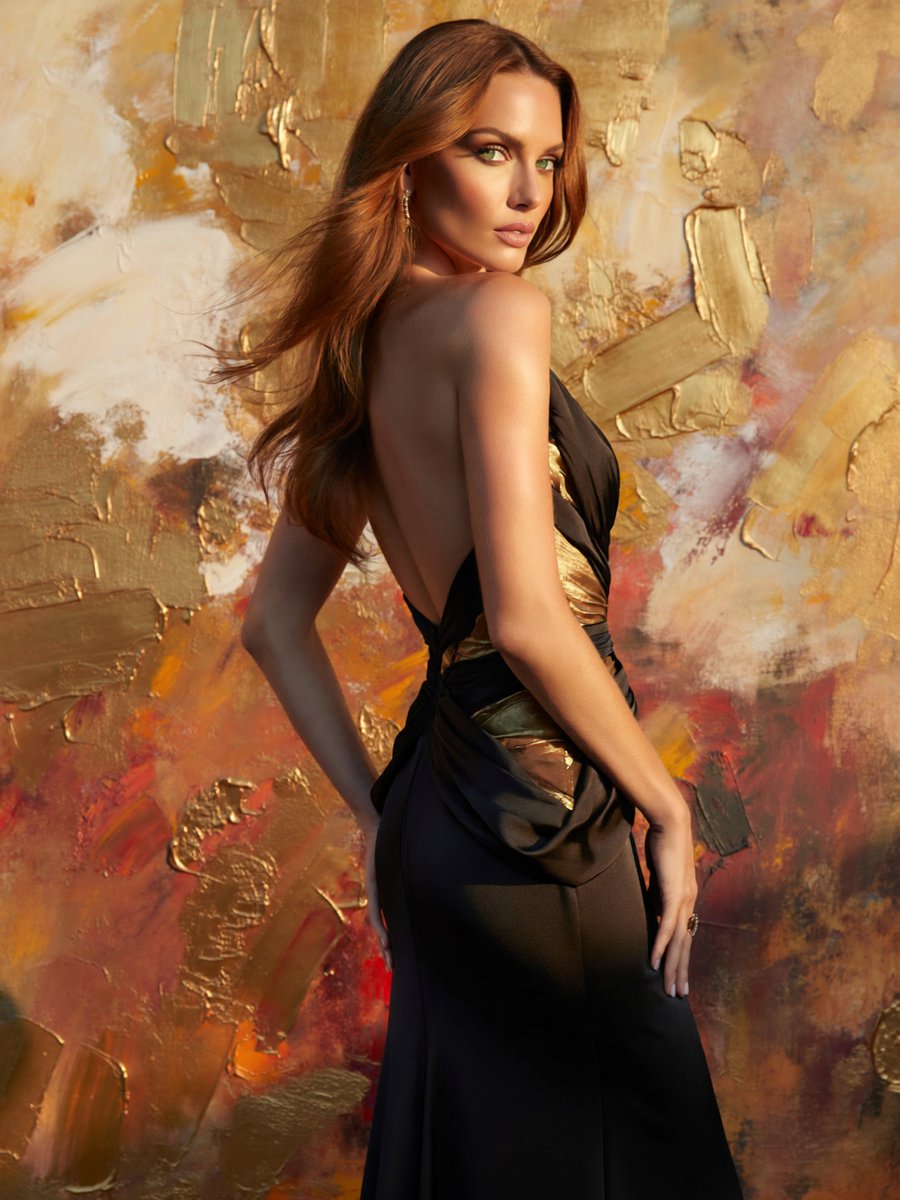
Glamorous Backless Gown Portrait
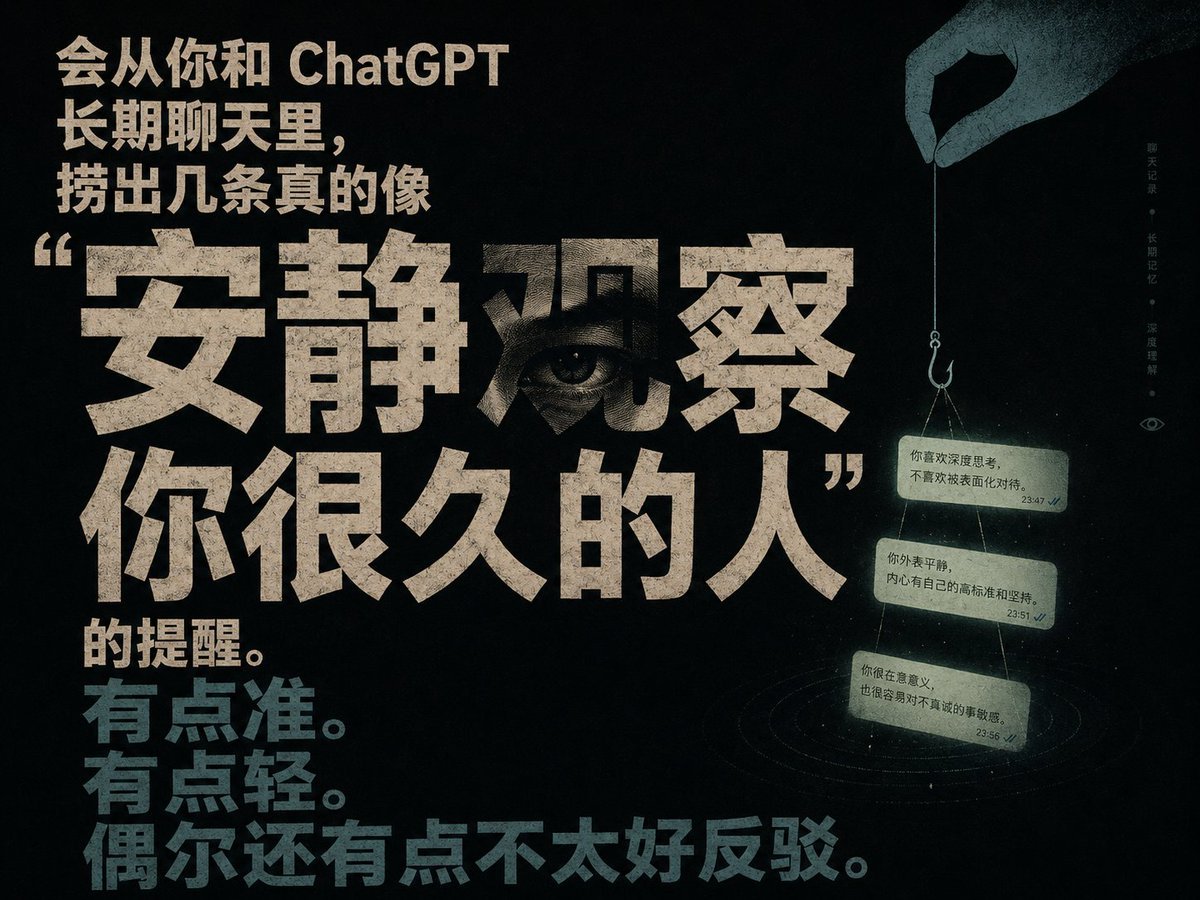
Quiet Observation ChatGPT Memory Poster
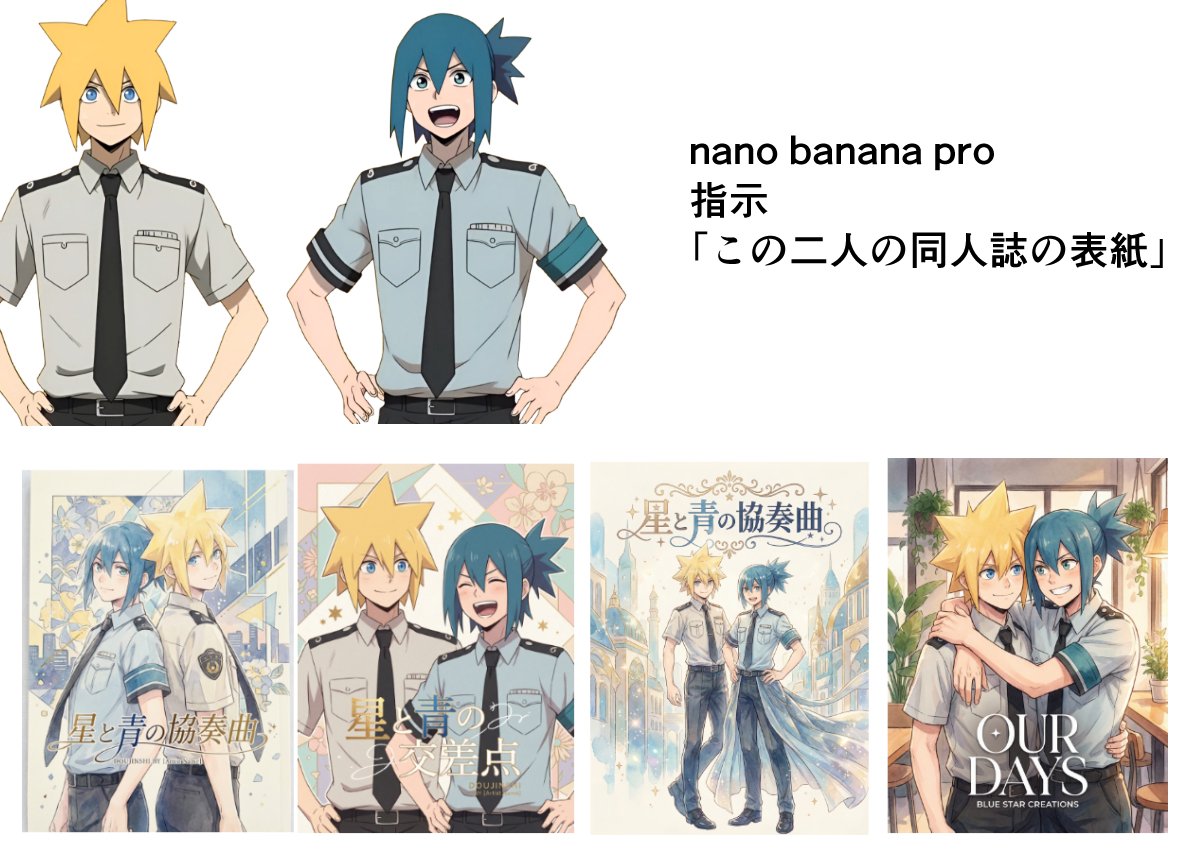
Doujinshi cover from two characters
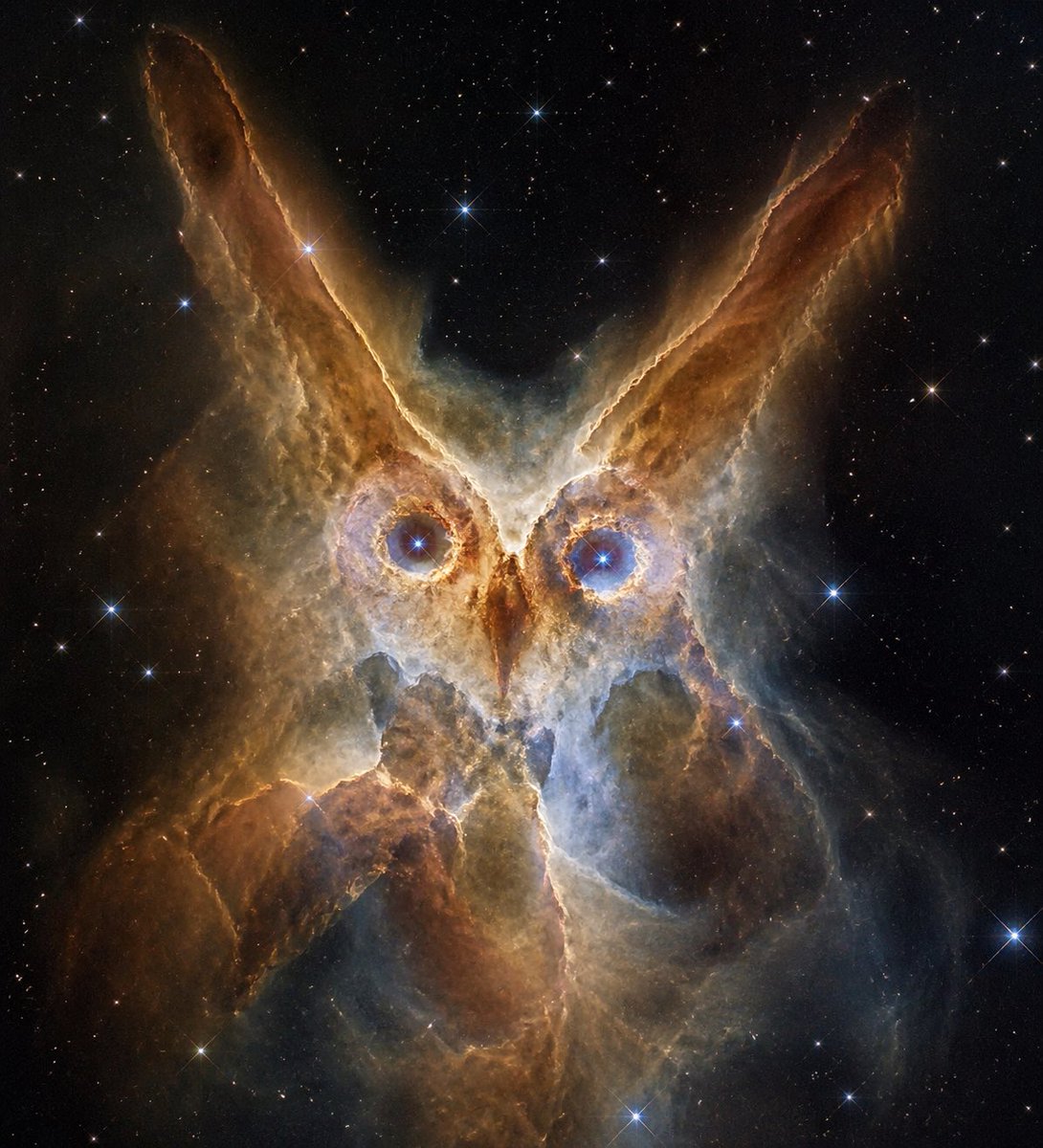
Owl-Shaped Nebula in Deep Space
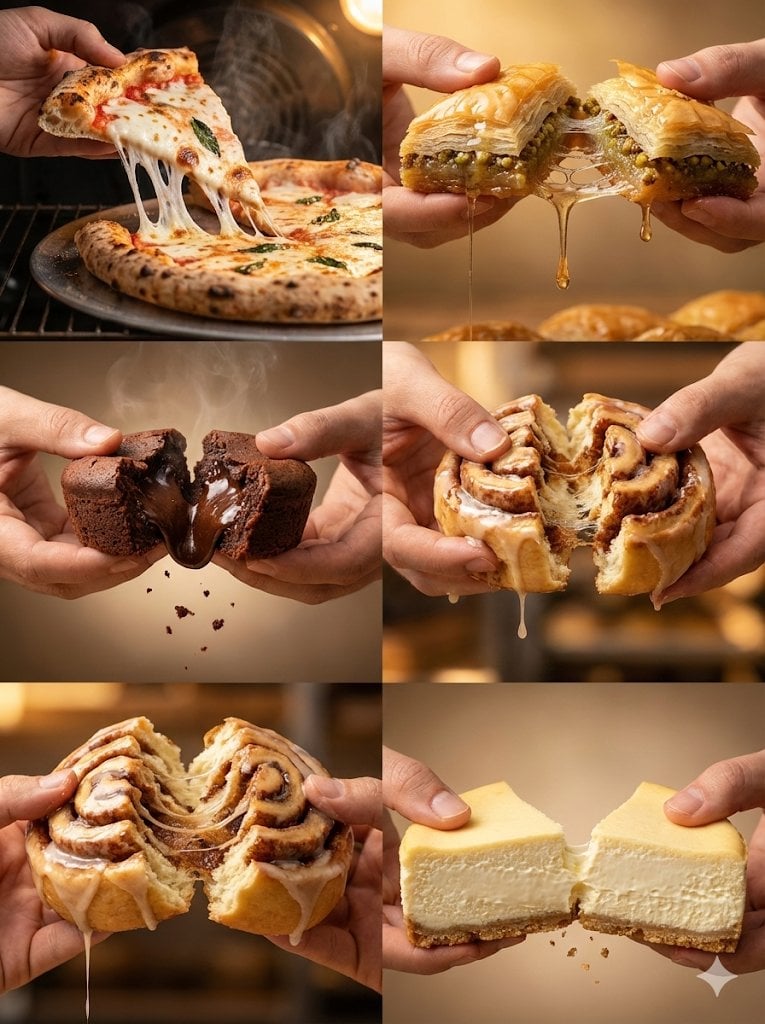
Cinematic Food Action Collage

Candid Bird Contest Meme Photo
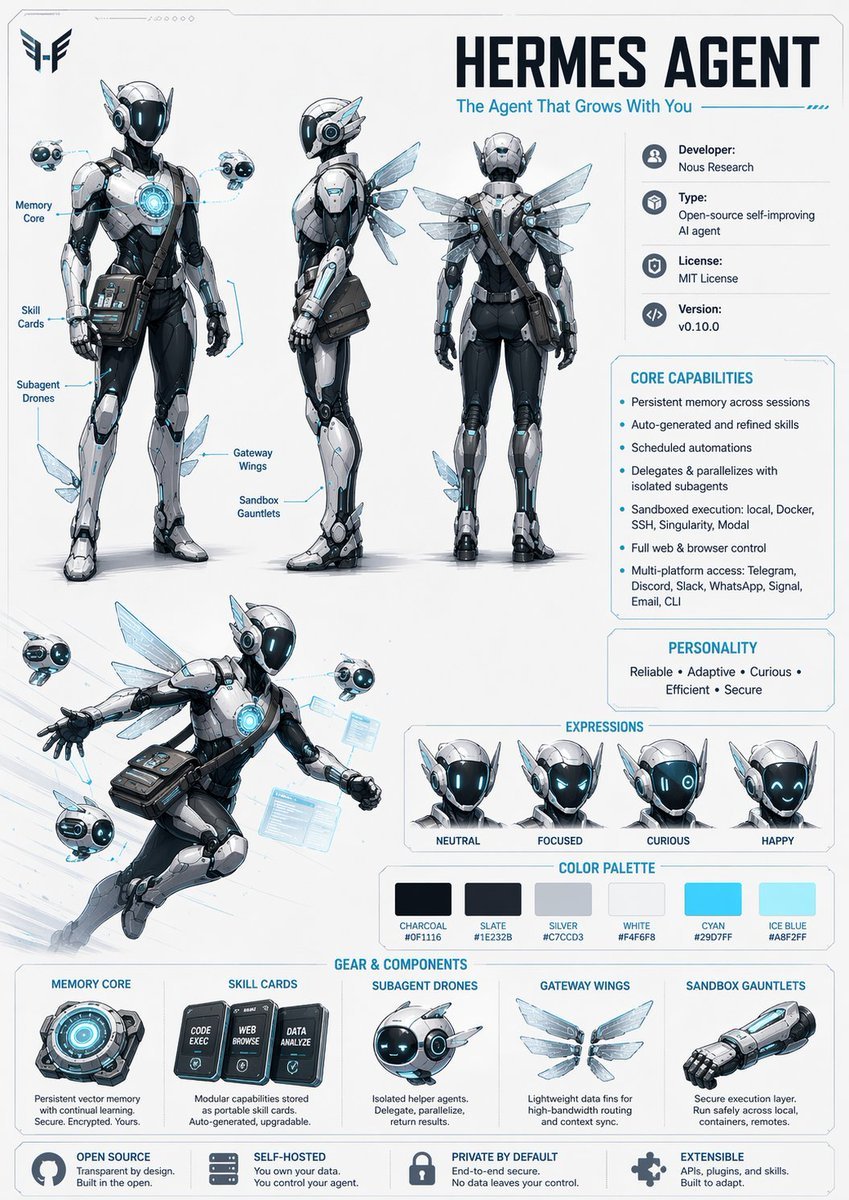
Character Design Sheet Prompt
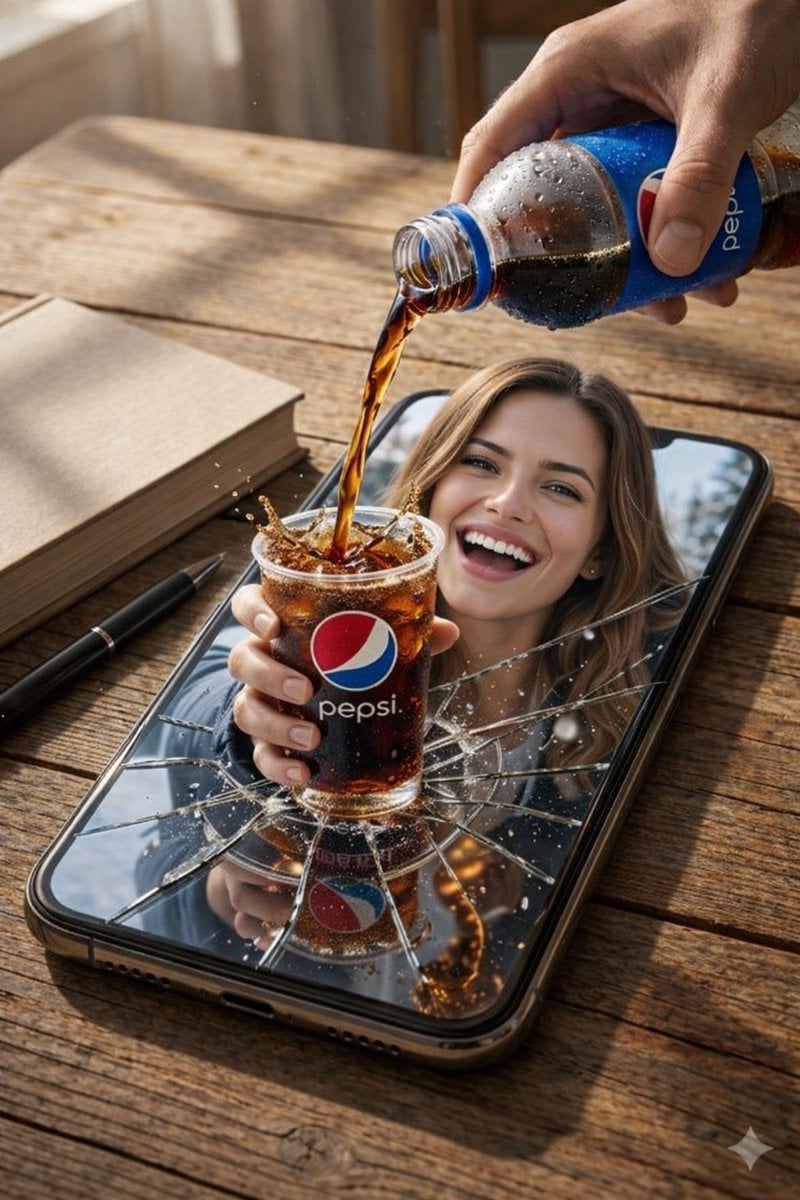
Surreal Product Composite: Subject Emerging from Cracked Phone Screen
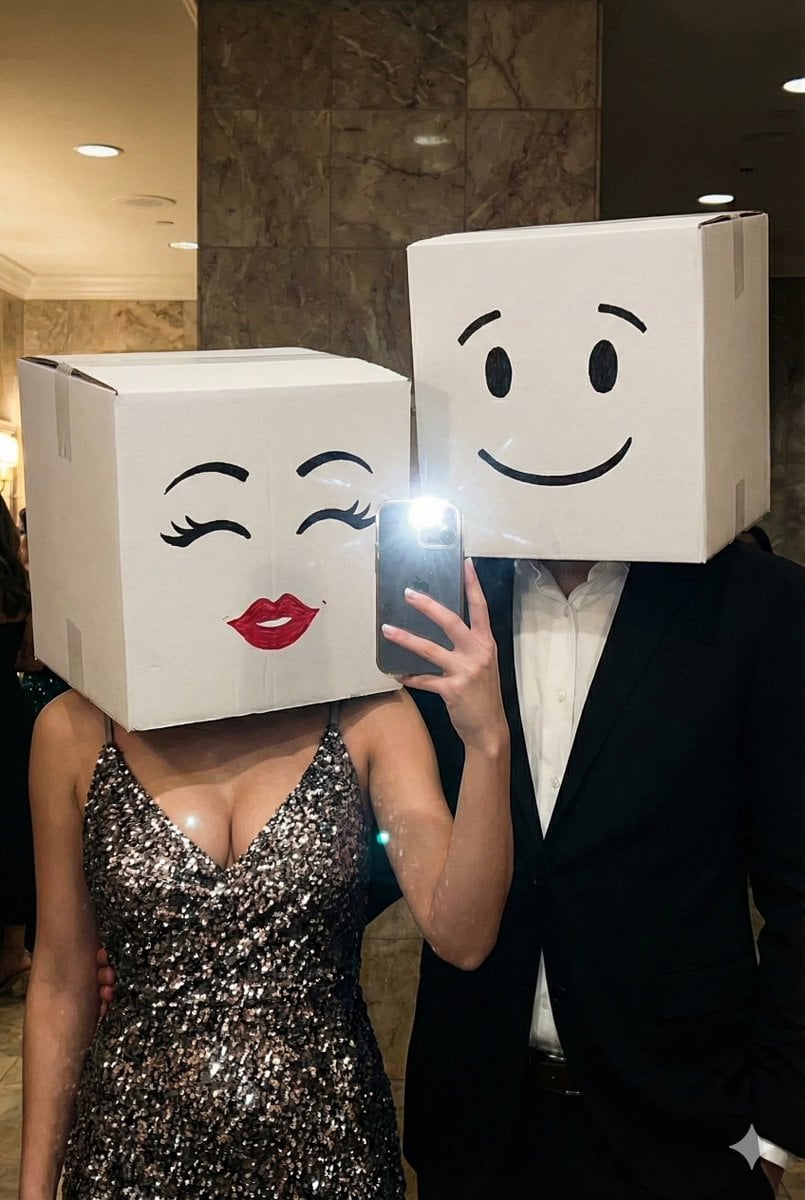
Box-Headed Couple Mirror Selfie Prompt
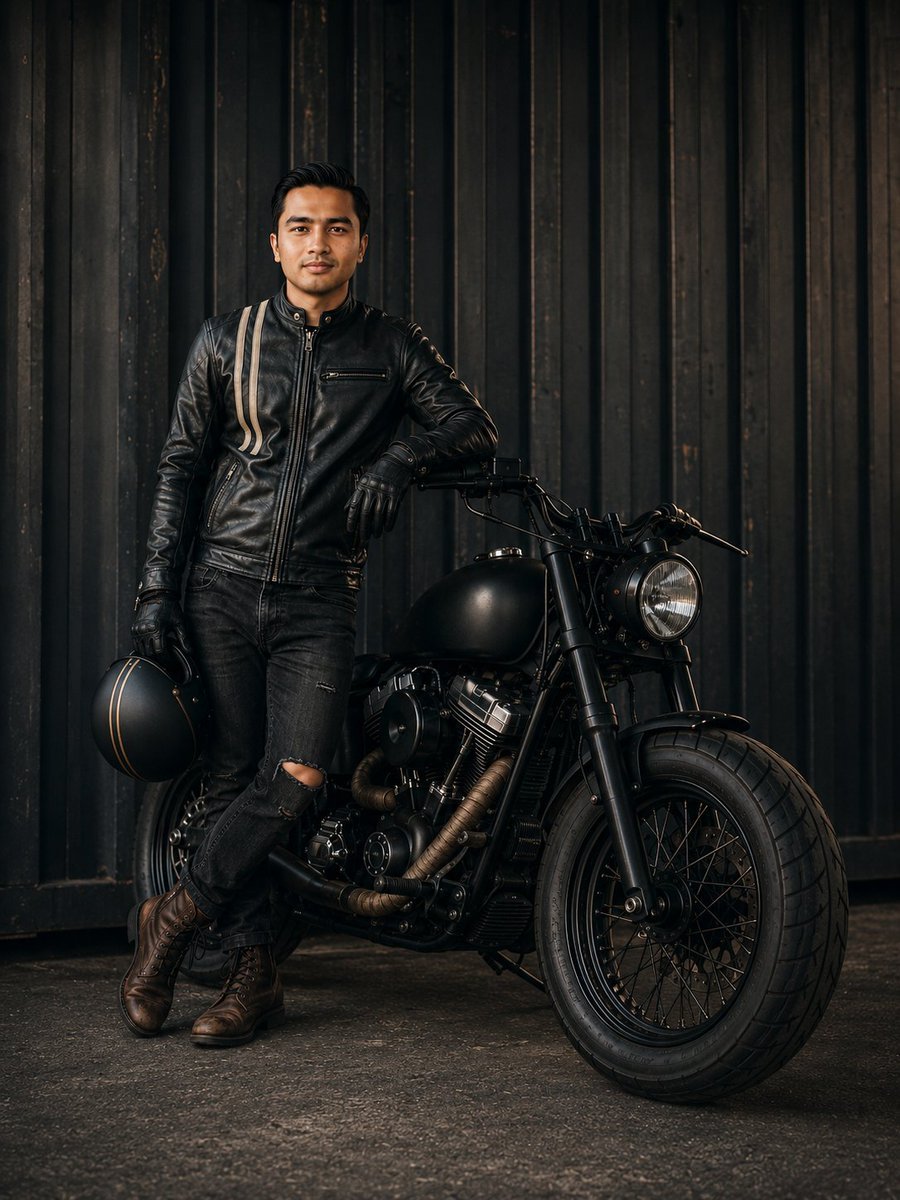
Cinematic Male Rider Portrait
Browse template categories
Samurai Mecha Girl Figure Poster questions
How do I use the Samurai Mecha Girl Figure Poster template?
Add your photo if the template asks for one, edit the prompt if you like — the template's model and format are already selected — and press Generate. Your version opens in PicX Studio.
Can I customize the Samurai Mecha Girl Figure Poster template?
Yes. You can change the subject, setting, lighting, mood, format, and available model controls before creating your image.
Is the Samurai Mecha Girl Figure Poster template free?
Opening and editing this template is free. Generating uses credits, shown on the Generate button when you are signed in.
Which AI model should I use?
Start with GPT Image 2, which is the model associated with this template. You can compare another compatible model for a different finish.
Looking for something else? Browse all templates.

Your photo, any look
Thousands of ready templates for every top image and video model, from one credit balance.