
Far Future City with Transparent Humanoid
A cinematic photoreal sci-fi vista of an unimaginably advanced future city, typically used for speculative worldbuilding, far-future concept art, and surreal AI-generated science fiction scenes.
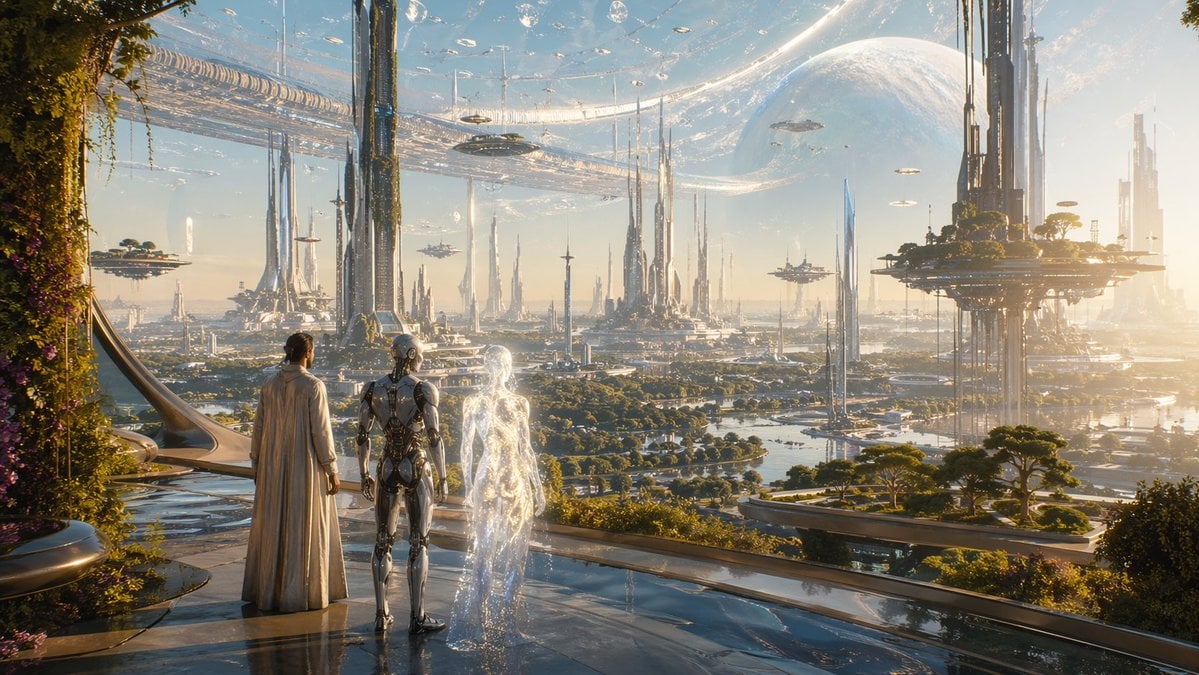
- Prompt included
- Model and format preset
- Free template
The prompt behind this image
Copy the exact prompt behind Far Future City with Transparent Humanoid, or open it in the studio and make it yours.
A photorealistic ultra-futuristic cityscape in the year {argument name="year" default="100000 AD"}, viewed from a high terrace with glossy reflective flooring and lush vegetation climbing the architecture at the left edge. In the foreground, exactly 3 figures stand with their backs turned, looking out over the city: 1 human in a long elegant cream-colored robe or cloak, 1 sleek silver humanoid android with exposed mechanical details, and 1 mysterious translucent glowing humanoid made of shimmering light, almost like an invisible person outlined by refracted energy. The scene shows an immense advanced metropolis with countless slender megastructures and needle-like towers rising from green parklands and waterways, circular and elevated platforms supporting gardens and buildings, and several floating craft and hovering structures scattered across the skyline. Above the city, a gigantic transparent ring or shell-like orbital structure arcs across the sky, with a huge pale planetary body or moon dominating the background. Warm golden-hour sunlight, atmospheric haze, cinematic scale, highly detailed sci-fi architecture, utopian yet uncanny mood, realistic materials, long-distance depth, wide-angle composition, epic sense of civilization far beyond the present, with special visual emphasis on the enigmatic transparent humanoid figure.
How to use Far Future City with Transparent Humanoid in 3 steps
- 1Upload ImagePNG, JPG or paste
Add your photo
Upload the photo the template builds on. The prompt, model and format are already set.
- 2…a portrait of your subject in softgolden-hour light, 85mm…
Personalize
Edit the subject and creative details for your destination.
- 3Generate
Generate
Press Generate — your image is created in PicX Studio, so you can compare it with the original and refine one variable at a time.
More like this
Templates with the same subject, style or setup. Open one to see its prompt.

Spider-Man 2099 Cyberpunk Neon Future City

Cozy Knit Sweater Window Portrait

Minimalist Hand-Drawn Doodle Portrait

Surreal Cat Astronaut — Humanoid Face Freefall
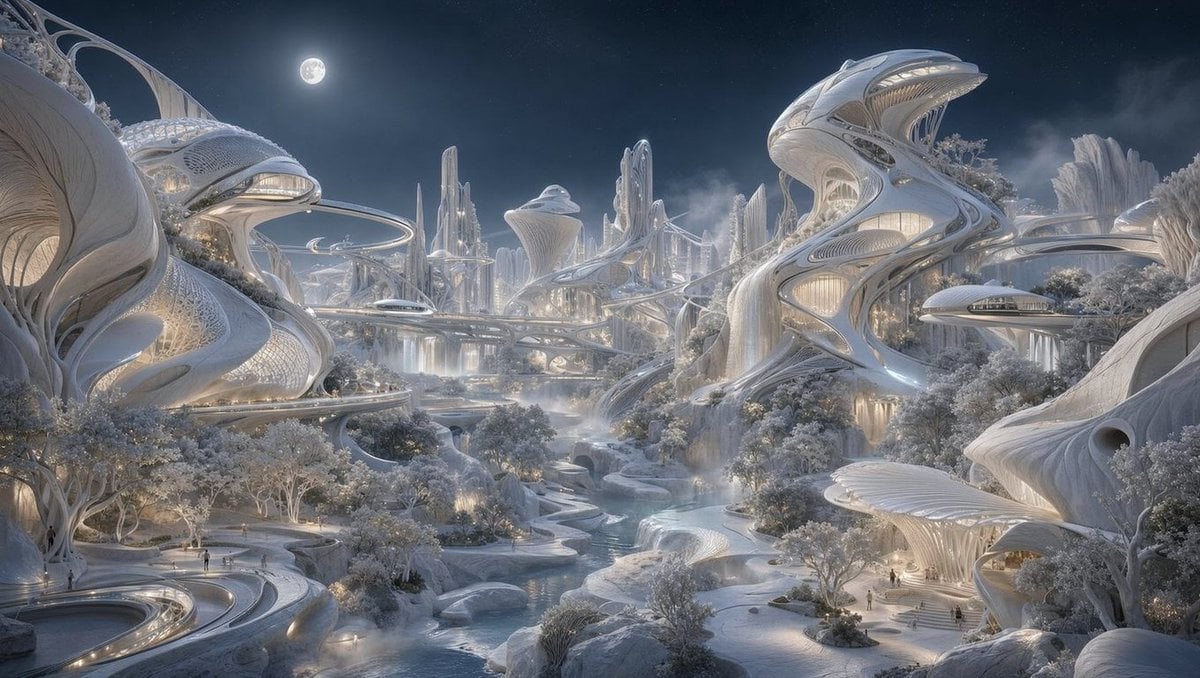
Moonlit Biomorphic Future City
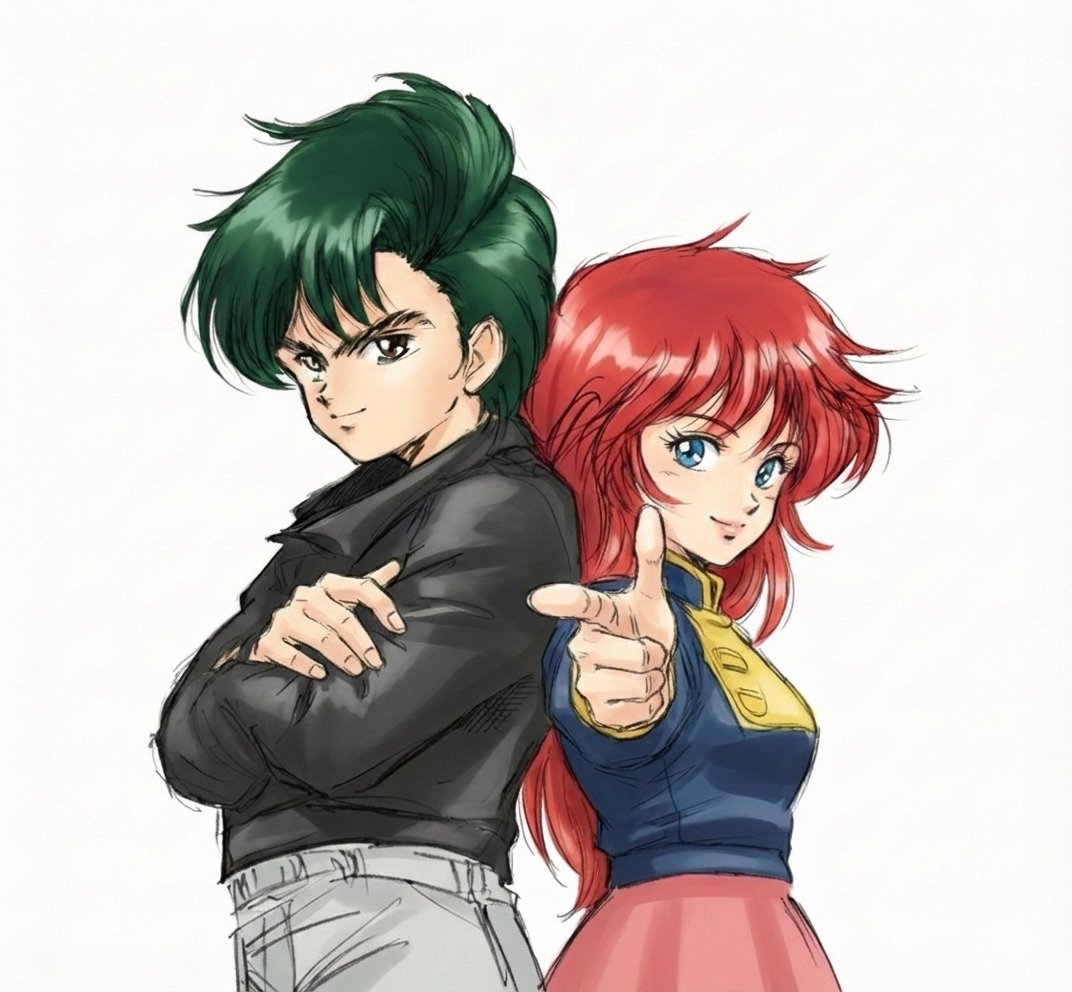
Real People Transforming into Comic Characters in a Future City

Nano Banana Pro 2.0 — 3x3 Travel Profile Grid

Transparent Bear Character Cutout
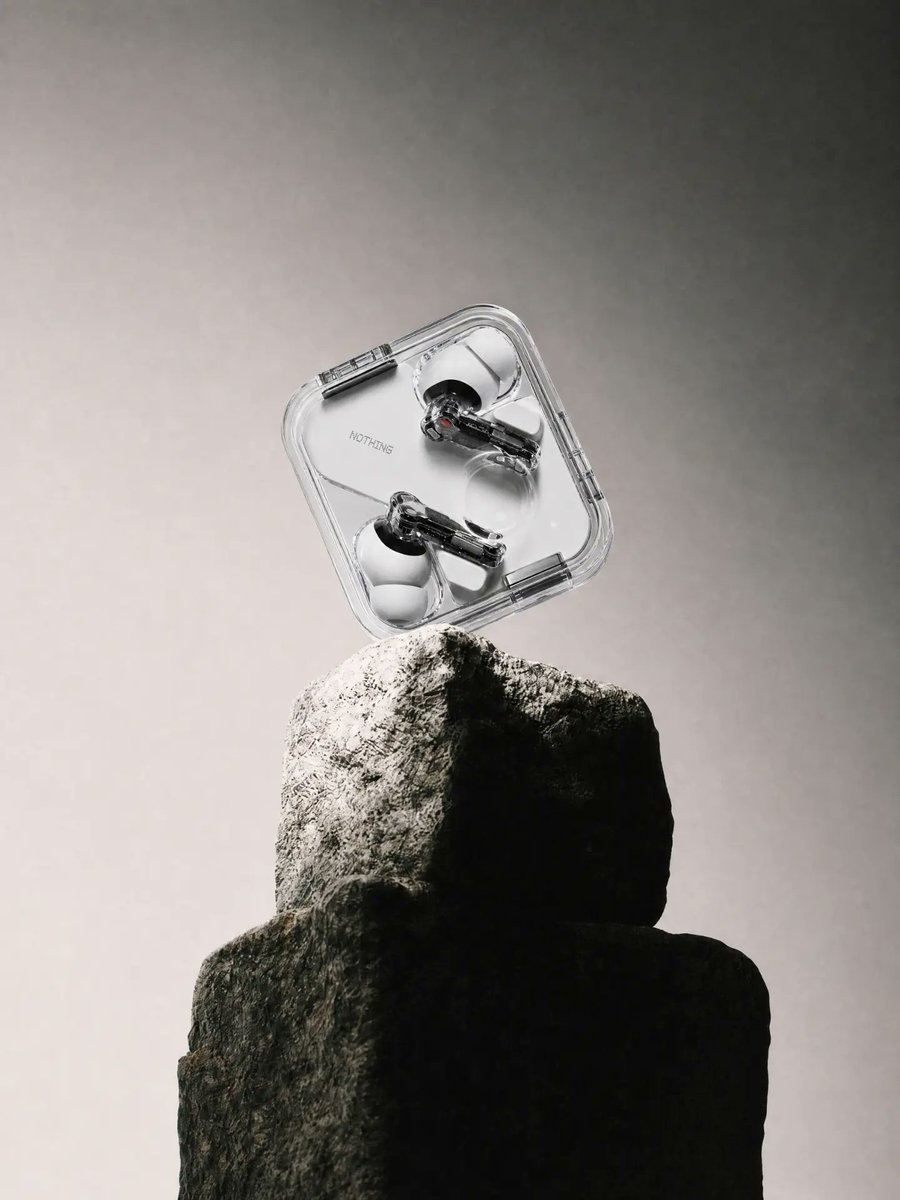
Transparent Earbuds on Stone Pedestal
Transparent Jellyfish Princess
Transparent Sky Jacket Fashion
Wet Transparent Earbud Macro
Make it yours
Far Future City with Transparent Humanoid works as-is. These are the safest ways to change it without losing the look.
Change one field
Copy a single group, rewrite it, and generate again so you can see what that field is doing.
Keep the frame, change the subject
Hold the composition and light of Far Future City with Transparent Humanoid, then swap wardrobe, props or the person for a new take.
| If the result… | Why | Fix |
|---|---|---|
| The result drifts from the preview | Too many fields changed at once. | Reuse Far Future City with Transparent Humanoid as-is first, then change one group — subject, light, or setting. |
| The model over-stylizes the scene | The prose prompt leaves finish and camera underspecified. | Add one camera or lighting sentence and stay on GPT Image 2. |
More GPT Image 2 templates
Other prompts made for GPT Image 2.

Six VTuber Japanese Logo Sheet

Realistic Portrait of Woman and Deer

The Vista Modular Condo Poster

AI Model Routing Comparison Infographic

2.5D Anime Art Board

Isometric Productivity Desk Scene

New York Double Exposure Poster

Four-Panel AI Landscape Comparison

Japanese Tatami Lifestyle Magazine Cover

NESCAFÉ Coffee Map Poster
More image prompts
Fresh picks from across the catalog.

Melancholic K-Drama Subway Poster
Prompt for Exploding or Static Food Photography
Sketch Generation for Work Personalization

Minimalist Product Photo with Doodle
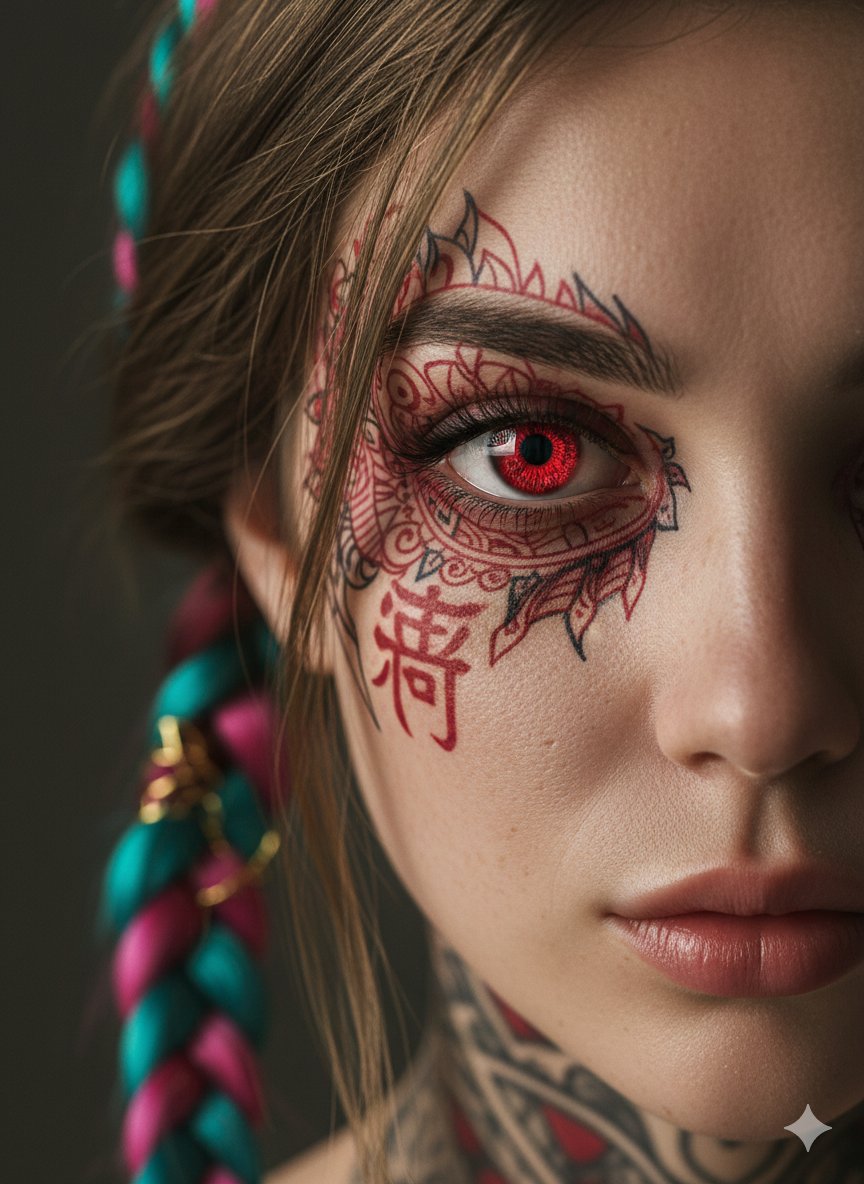
Extreme Close-Up Cinematic Portrait with Tattoos and Red Eye
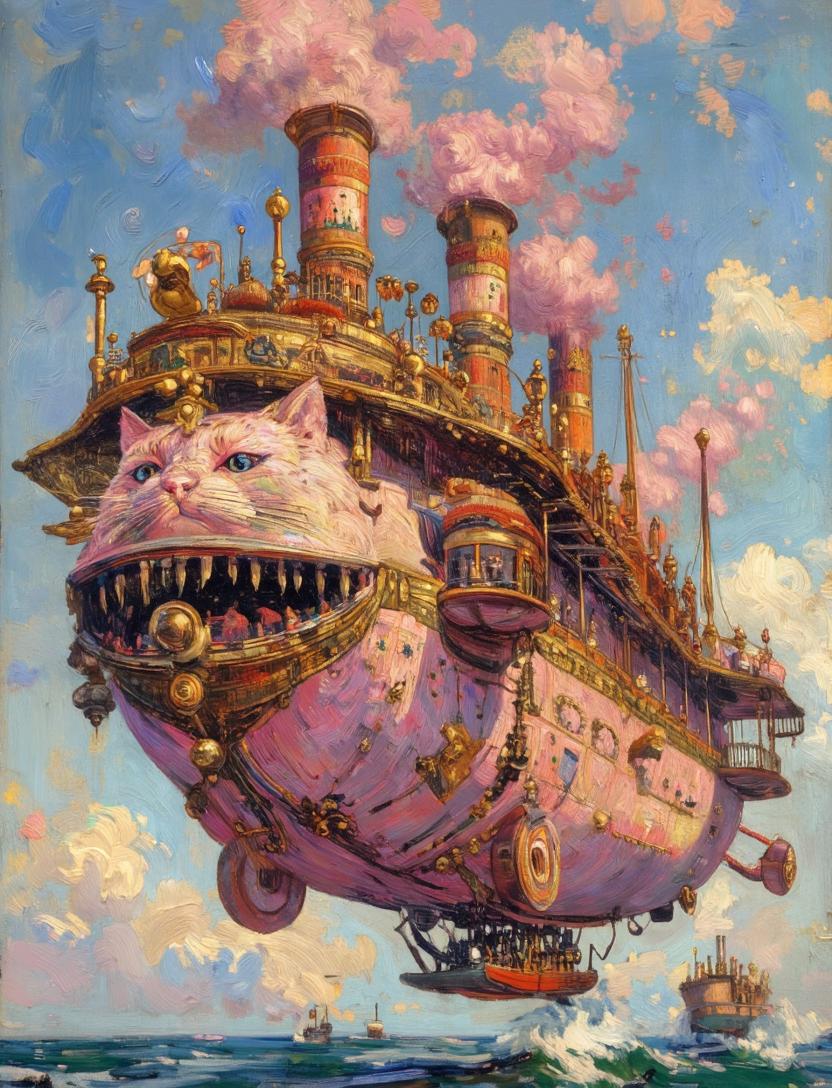
Steampunk Cat Airship Over the Sea
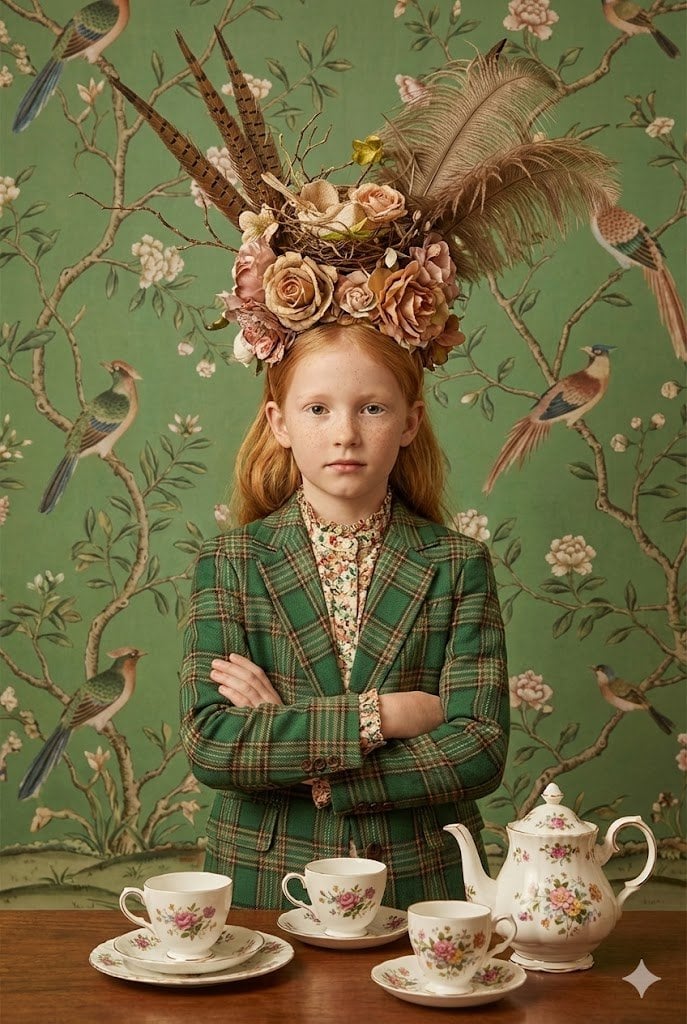
untitled

Motivational Comic Breakthrough Poster
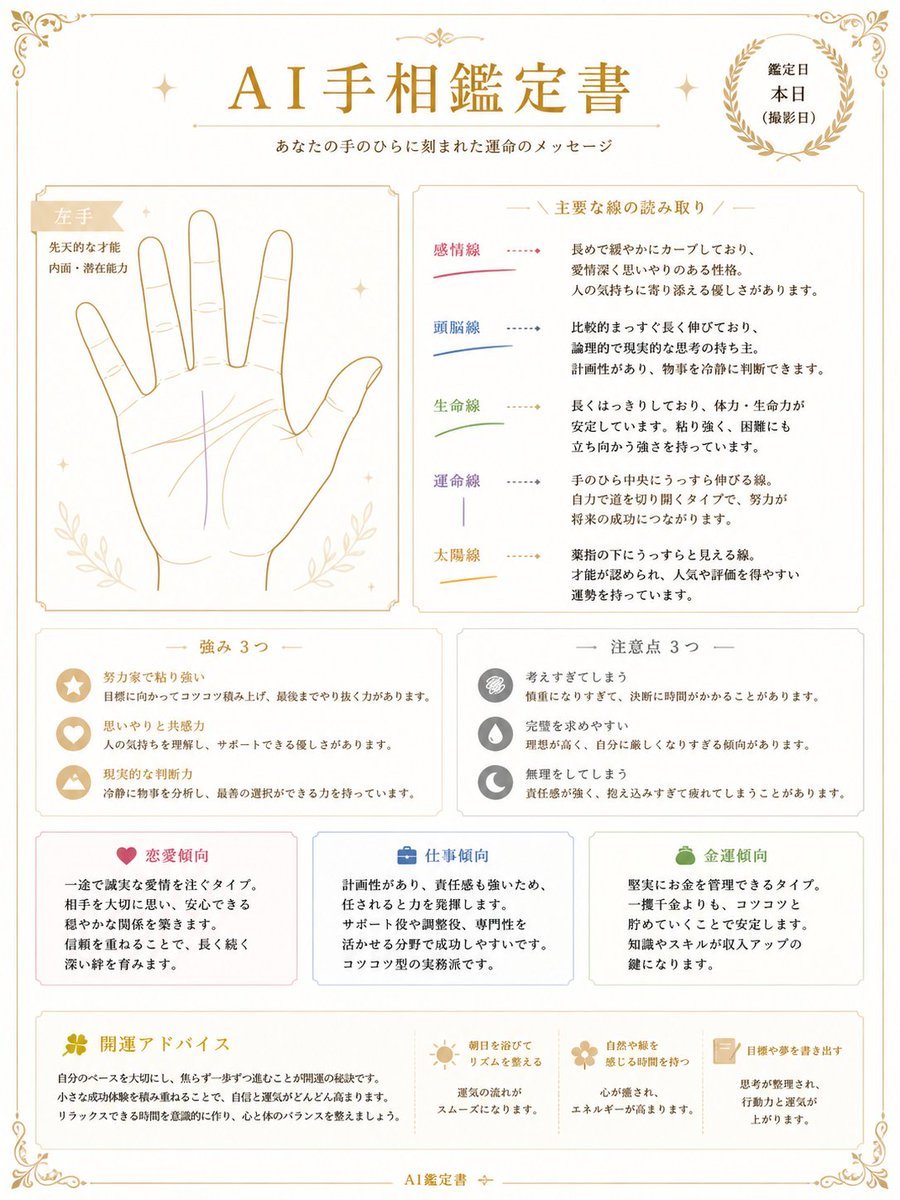
Japanese AI Palm Reading Certificate
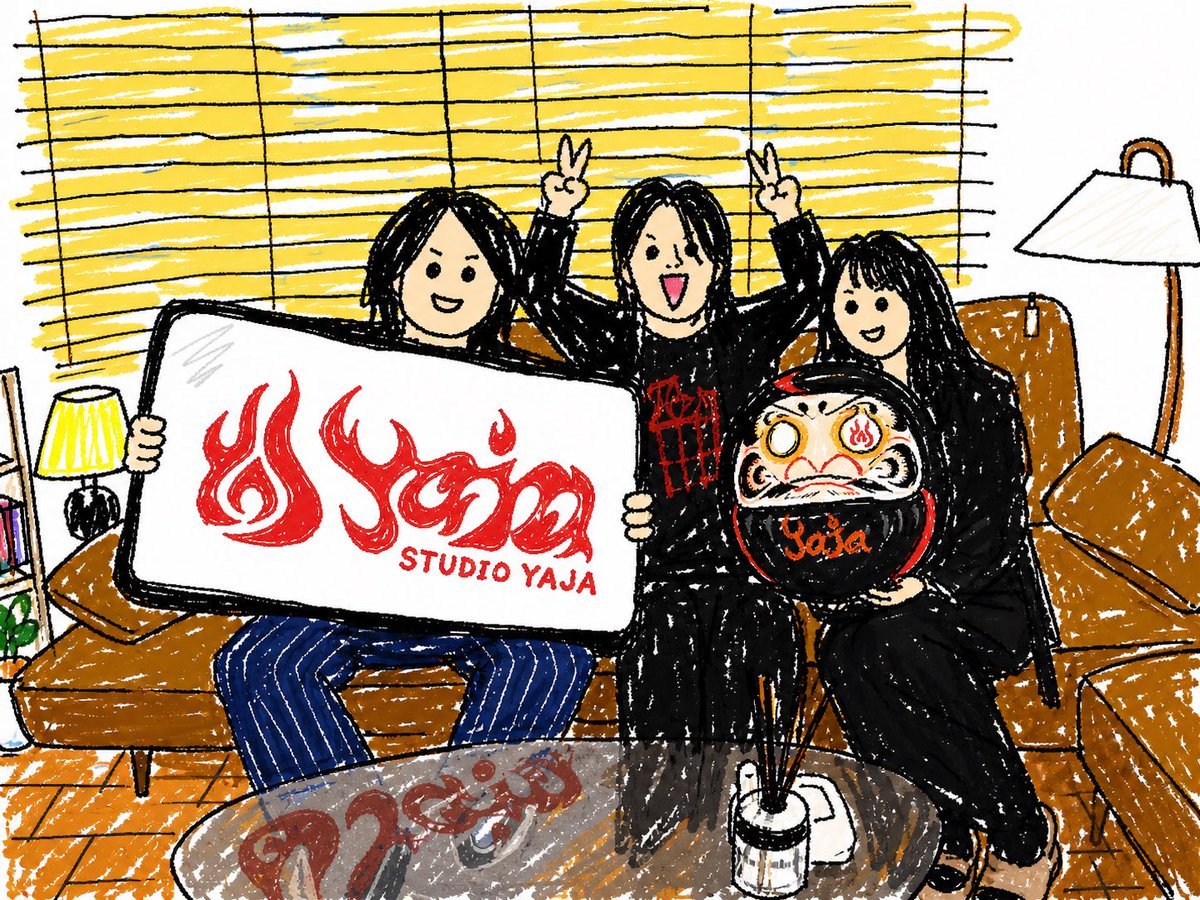
Crayon Friends Studio Celebration
Browse template categories
Far Future City with Transparent Humanoid questions
How do I use the Far Future City with Transparent Humanoid template?
Add your photo if the template asks for one, edit the prompt if you like — the template's model and format are already selected — and press Generate. Your version opens in PicX Studio.
Can I customize the Far Future City with Transparent Humanoid template?
Yes. You can change the subject, setting, lighting, mood, format, and available model controls before creating your image.
Is the Far Future City with Transparent Humanoid template free?
Opening and editing this template is free. Generating uses credits, shown on the Generate button when you are signed in.
Which AI model should I use?
Start with GPT Image 2, which is the model associated with this template. You can compare another compatible model for a different finish.
Looking for something else? Browse all templates.

Your photo, any look
Thousands of ready templates for every top image and video model, from one credit balance.