
Wet Transparent Earbud Macro
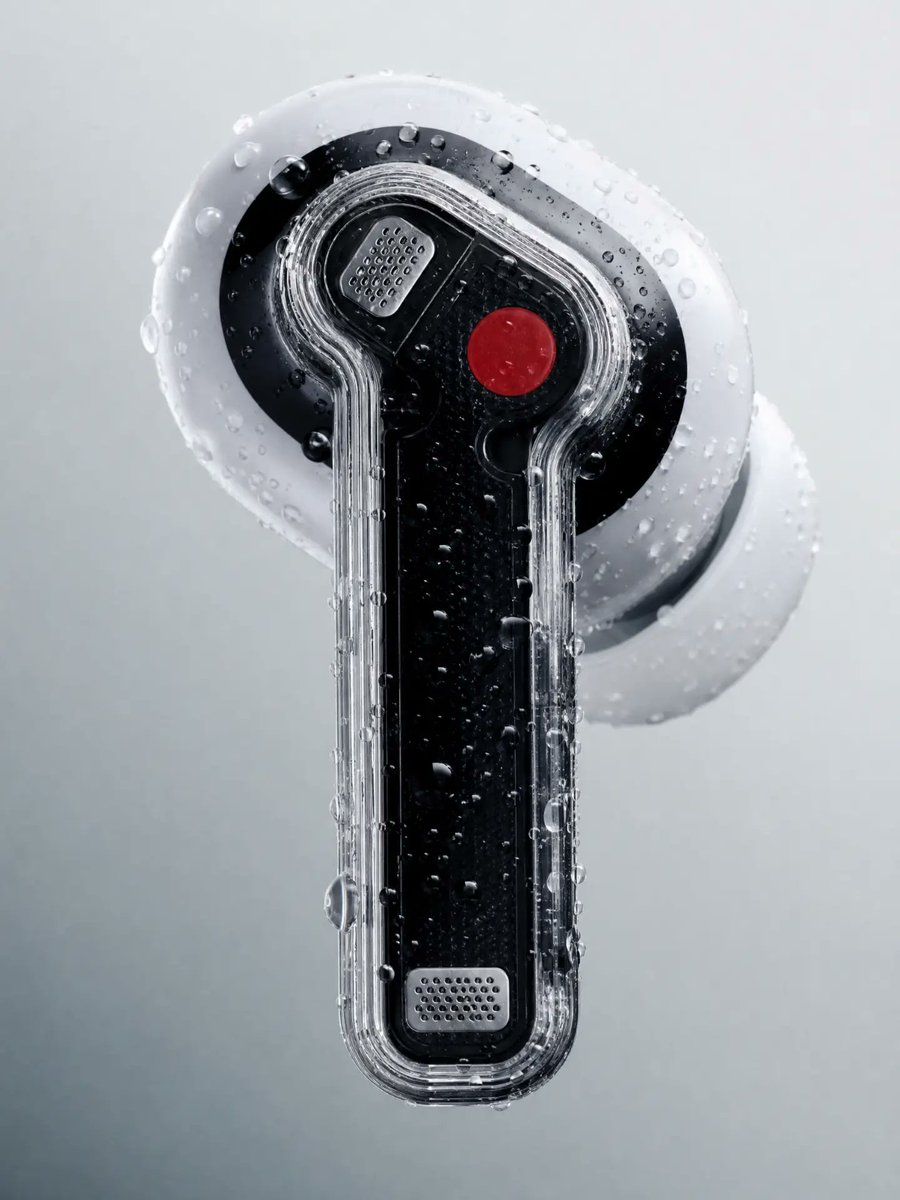
A premium hyper-realistic macro product shot of a futuristic transparent earbud covered in water droplets for tech advertising visuals.
- Prompt included
- Model and format preset
- Free template
The prompt behind this image
Copy the exact prompt behind Wet Transparent Earbud Macro, or open it in the studio and make it yours.
Create a hyper-realistic macro product photograph of a single futuristic transparent earbud, centered vertically against a soft light gray studio background. The earbud has a glossy black inner body with a clear acrylic outer shell wrapping around it, shaped like a long rounded stem attached to an oval earbud head. Include one white silicone ear tip behind the head, slightly out of focus and angled to the right, and one rounded white outer disk behind the black oval face. Add two small perforated silver speaker-grille plates: one near the upper-left area of the head and one near the bottom of the stem. Add exactly one bright red circular button on the upper-right side of the black face. Cover the entire object with many realistic water droplets of varied sizes, including beads on the clear casing, black face, and white silicone parts. Lighting should be cool, diffused, and high-contrast enough to show reflections, refraction through the transparent plastic, fine ridges along the clear shell, and tiny droplets. Use shallow depth of field, premium tech product advertising style, sharp focus on the front earbud surface, no text, no logo, no hands, no extra objects.
How to use Wet Transparent Earbud Macro in 3 steps
- 1Upload ImagePNG, JPG or paste
Add your photo
Upload the photo the template builds on. The prompt, model and format are already set.
- 2…a portrait of your subject in softgolden-hour light, 85mm…
Personalize
Edit the subject and creative details for your destination.
- 3Generate
Generate
Press Generate — your image is created in PicX Studio, so you can compare it with the original and refine one variable at a time.
More like this
Templates with the same subject, style or setup. Open one to see its prompt.
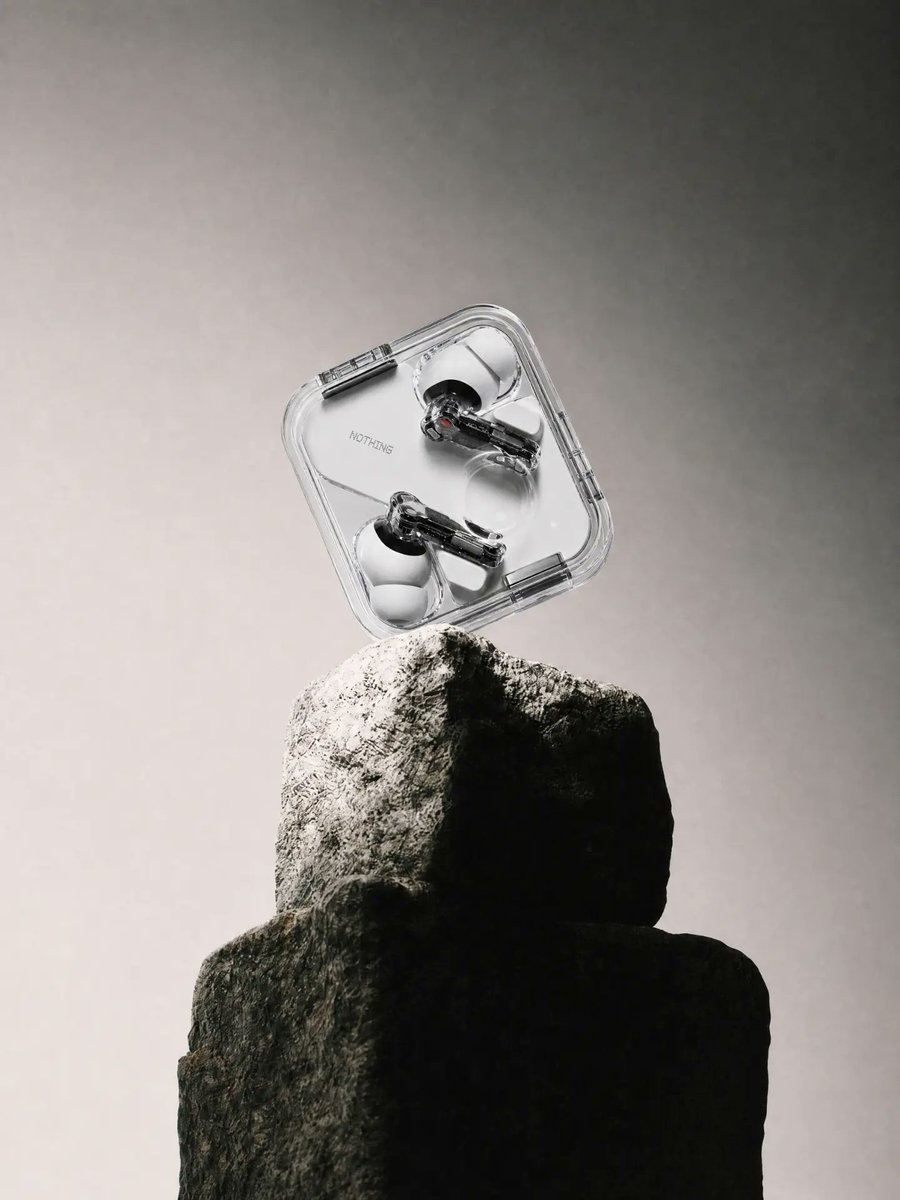
Transparent Earbuds on Stone Pedestal
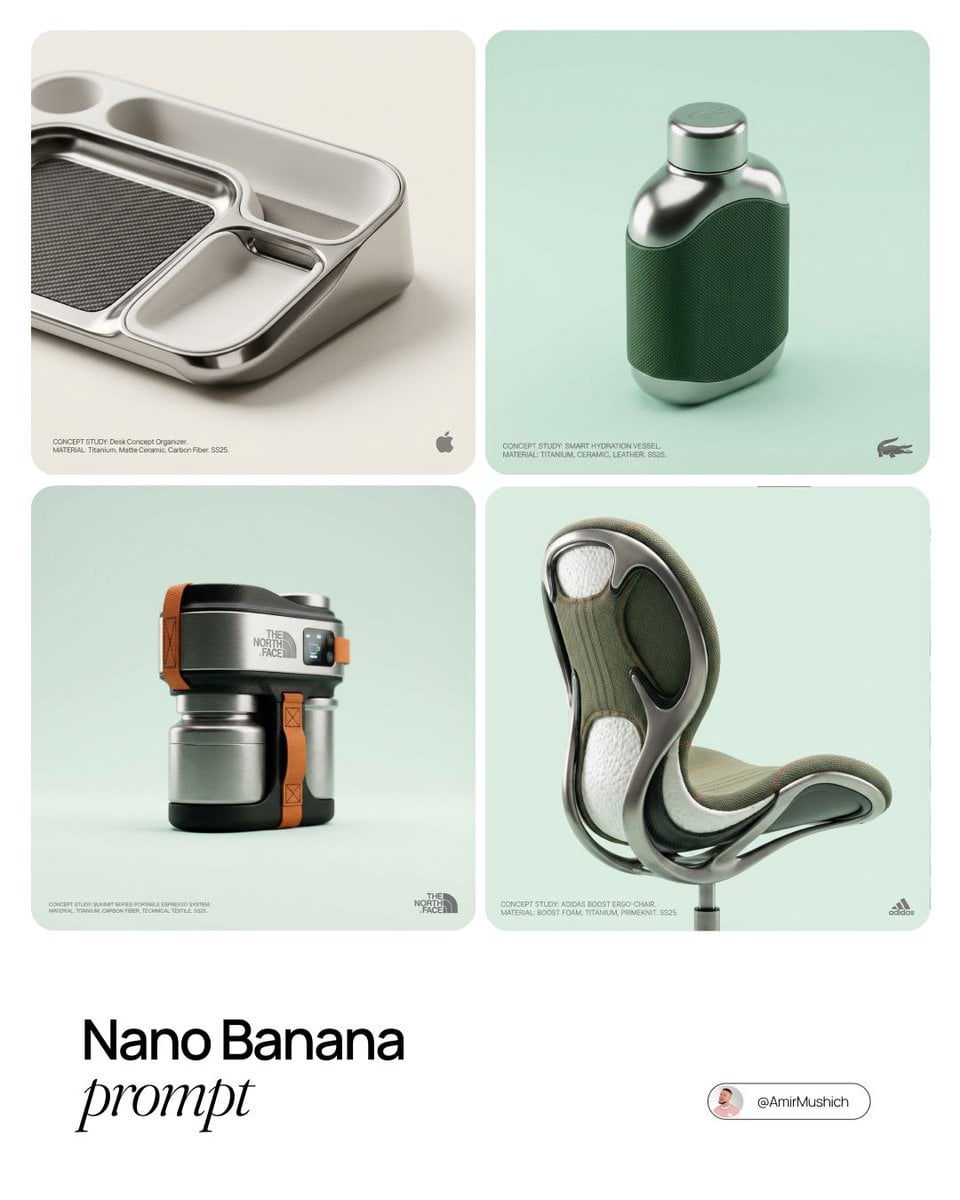
Editorial Concept Study Product Design
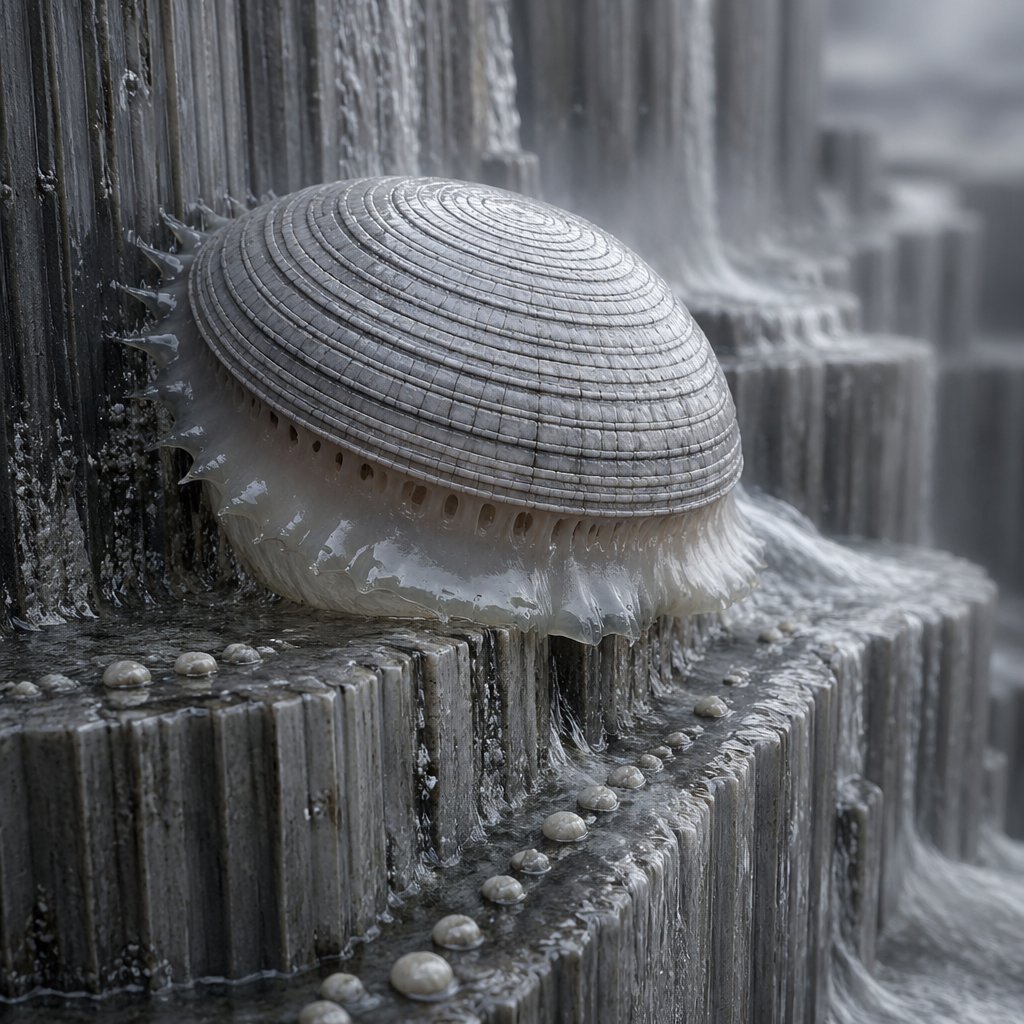
Macro Shell Jelly on Wet Basalt
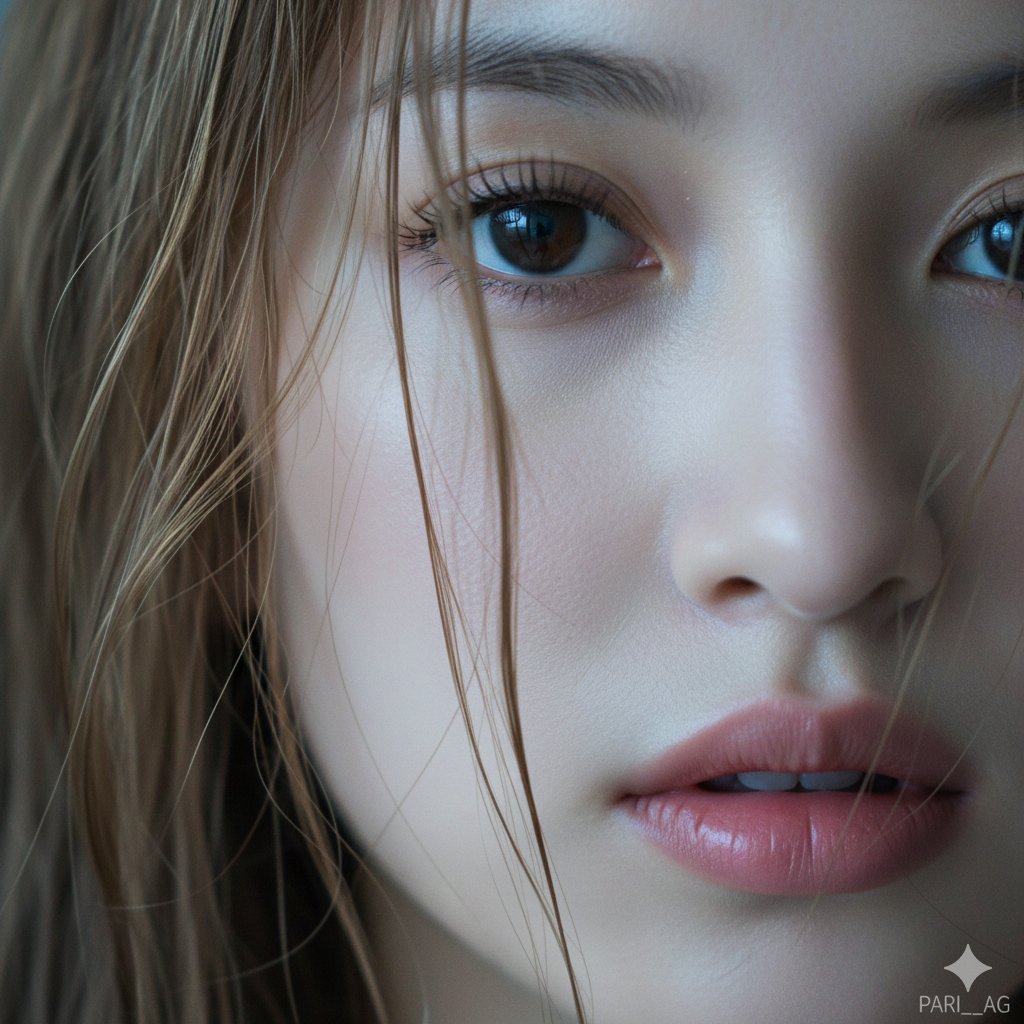
Macro Portrait with Wet Hair and Cinematic Blue Tones

Firefly Pixar Spill — Nano Banana Pro
Seedance - Arrow Microscopic Battle
Seedance - Brand Commercial
JSON Seedance - Fairy Macro Flight

Transparent Bear Character Cutout
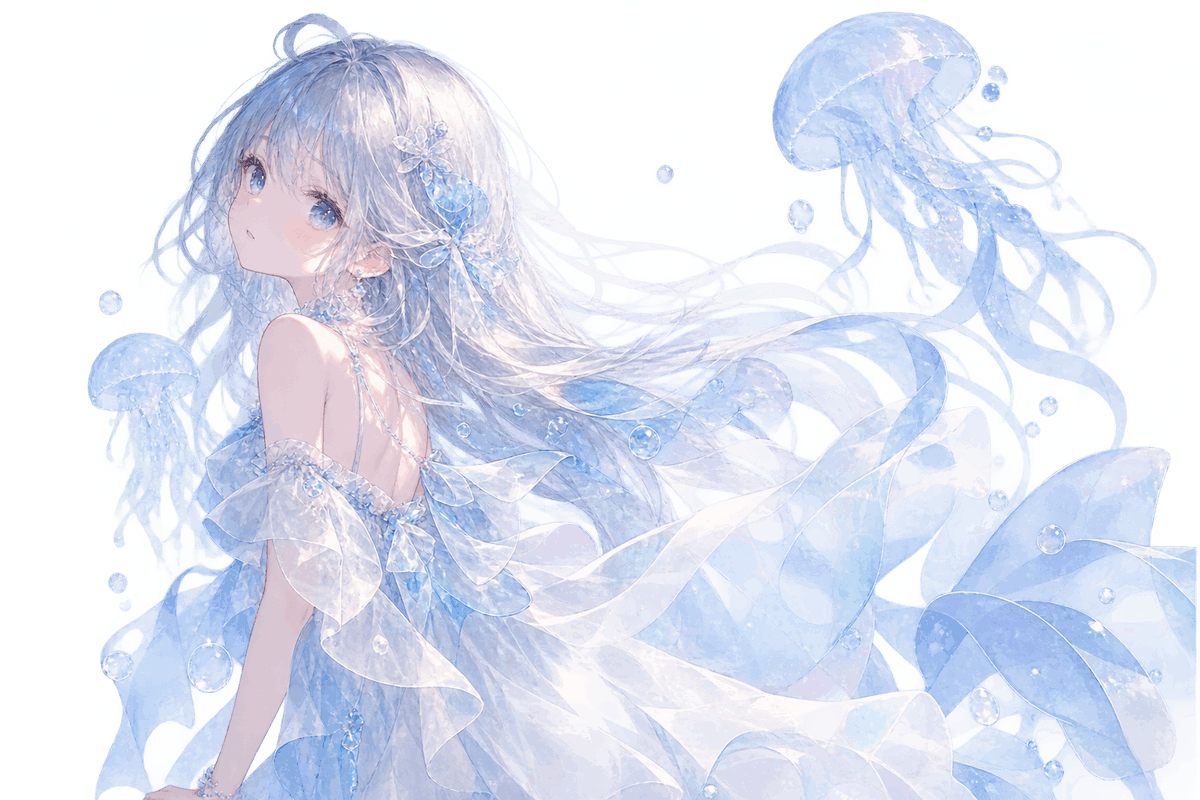
Transparent Jellyfish Princess
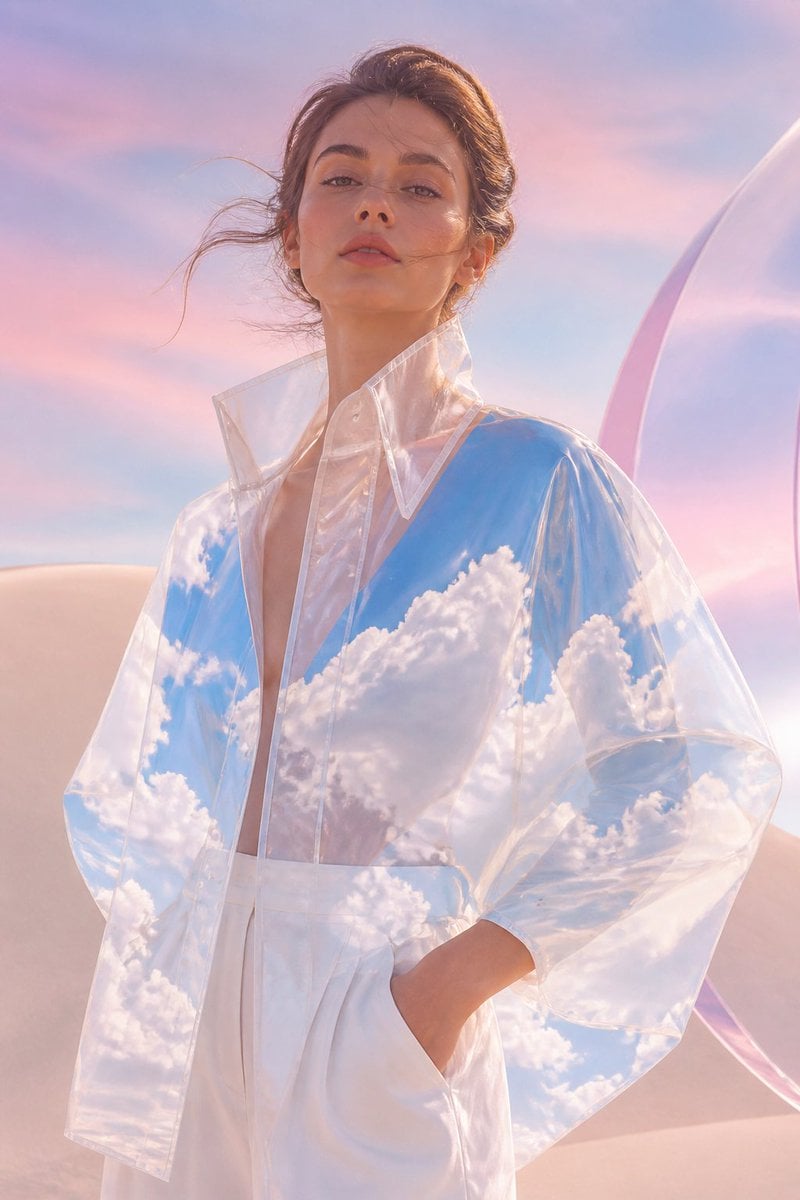
Transparent Sky Jacket Fashion
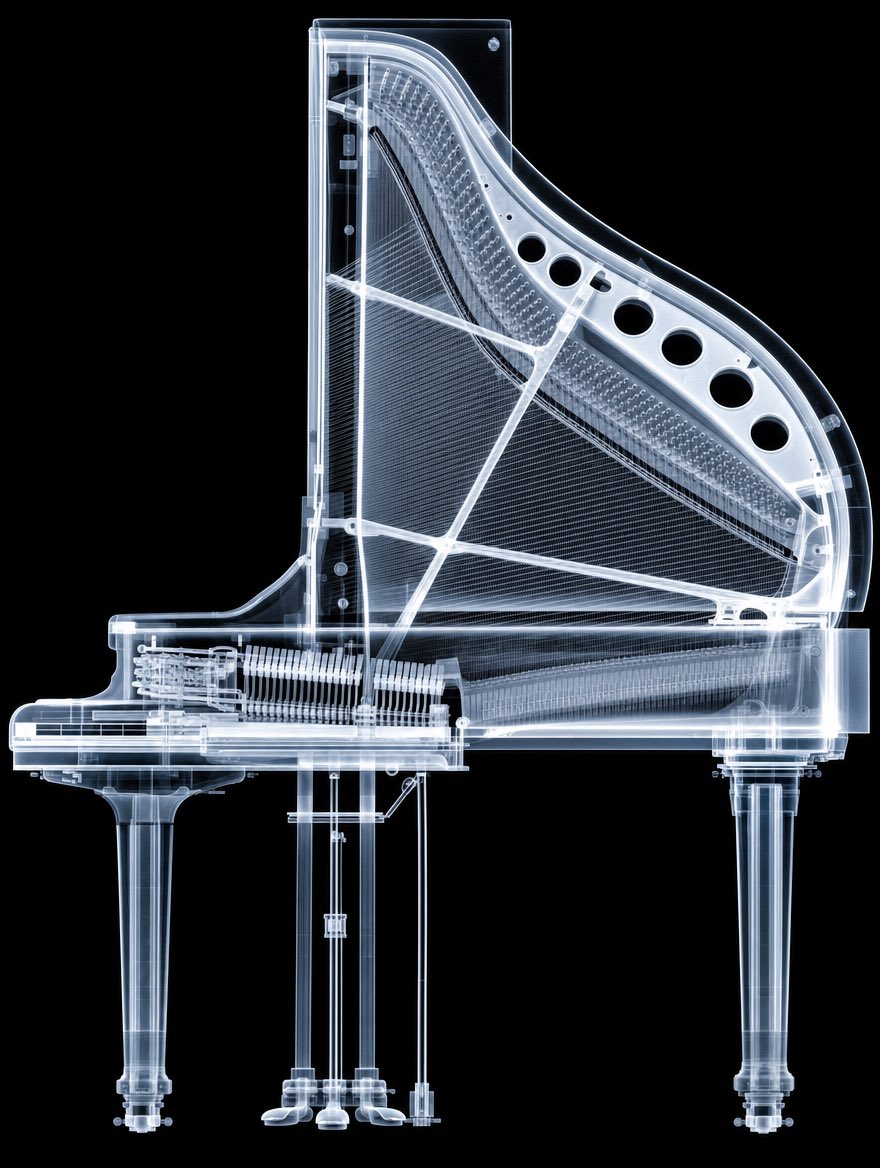
X-Ray Transparent Grand Piano
Make it yours
Wet Transparent Earbud Macro works as-is. These are the safest ways to change it without losing the look.
Change one field
Copy a single group, rewrite it, and generate again so you can see what that field is doing.
Keep the frame, change the subject
Hold the composition and light of Wet Transparent Earbud Macro, then swap wardrobe, props or the person for a new take.
| If the result… | Why | Fix |
|---|---|---|
| The result drifts from the preview | Too many fields changed at once. | Reuse Wet Transparent Earbud Macro as-is first, then change one group — subject, light, or setting. |
| The model over-stylizes the scene | The prose prompt leaves finish and camera underspecified. | Add one camera or lighting sentence and stay on GPT Image 2. |
More GPT Image 2 templates
Other prompts made for GPT Image 2.

Six VTuber Japanese Logo Sheet

Realistic Portrait of Woman and Deer

The Vista Modular Condo Poster

AI Model Routing Comparison Infographic

2.5D Anime Art Board

Isometric Productivity Desk Scene

New York Double Exposure Poster

Four-Panel AI Landscape Comparison

Japanese Tatami Lifestyle Magazine Cover

NESCAFÉ Coffee Map Poster
More image prompts
Fresh picks from across the catalog.
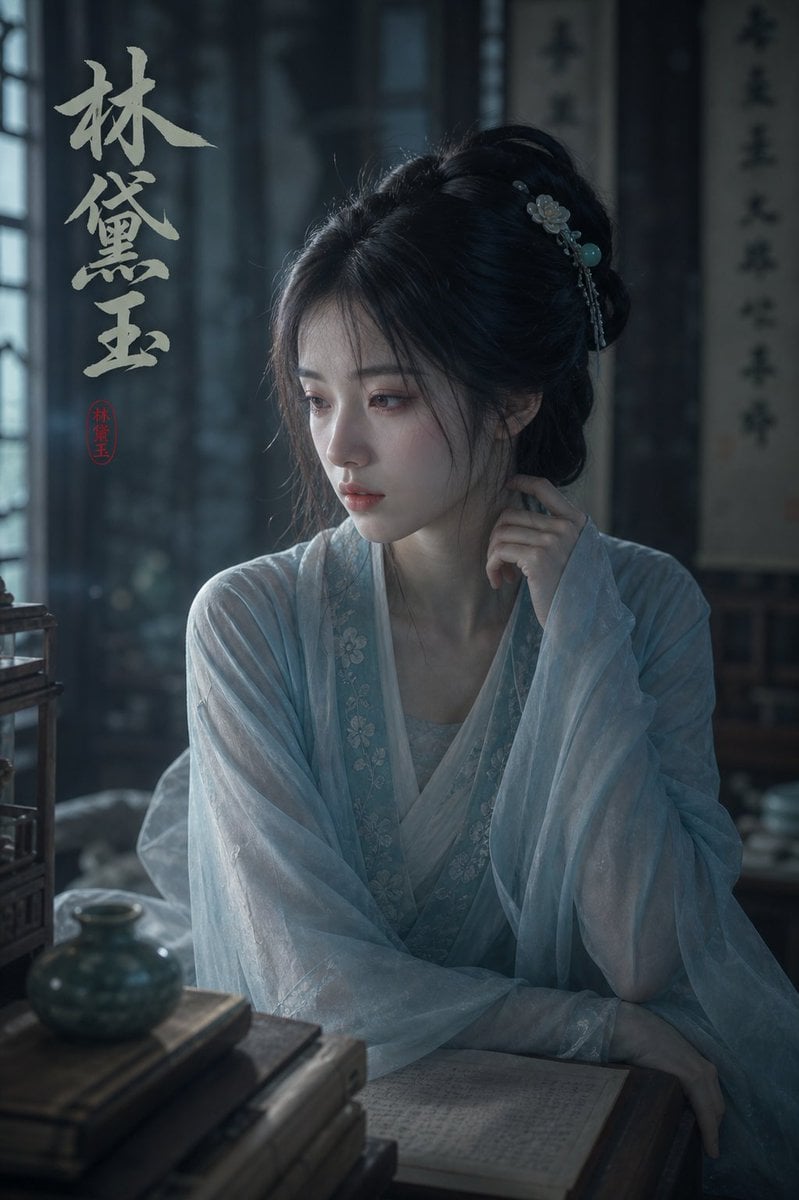
Melancholic Lin Daiyu Portrait

Soft Glam Close-Up Portrait Prompt (Indian Woman)
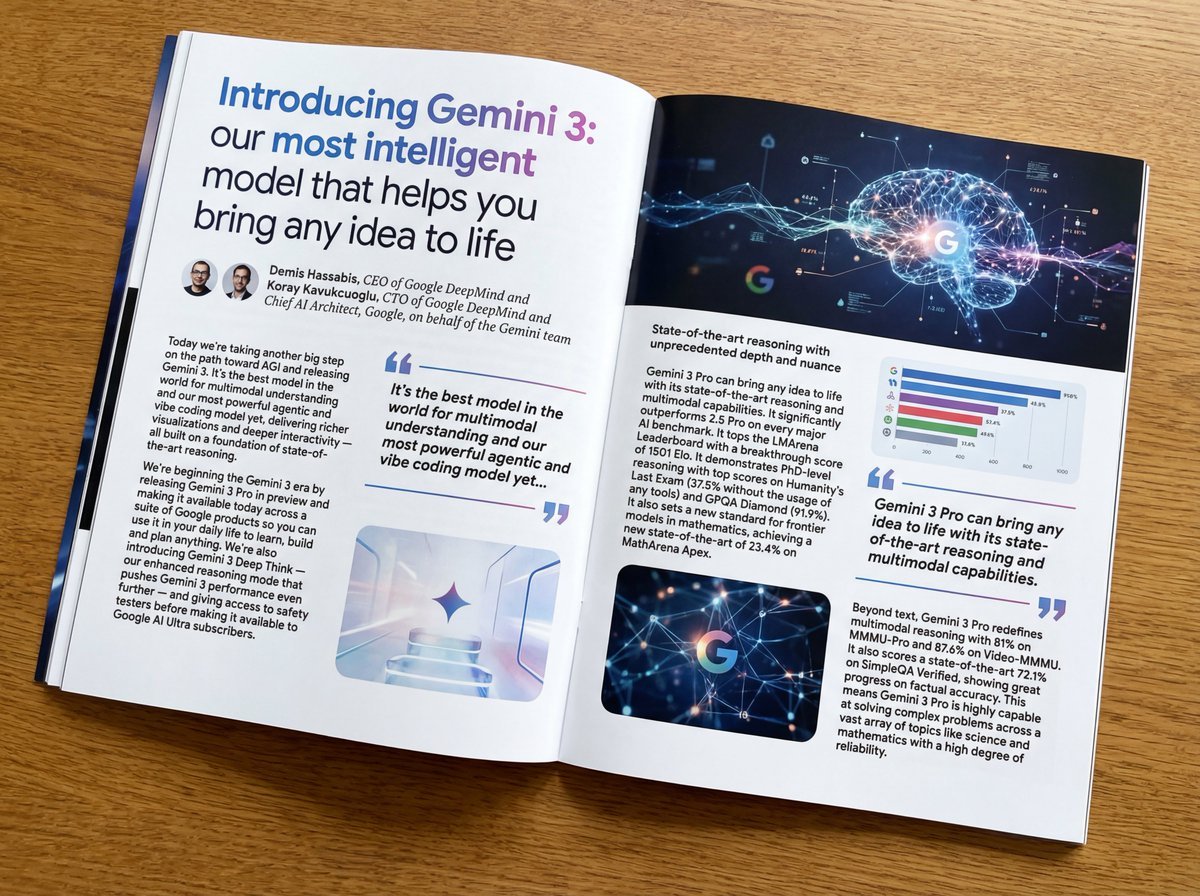
Glossy magazine article layout from long text
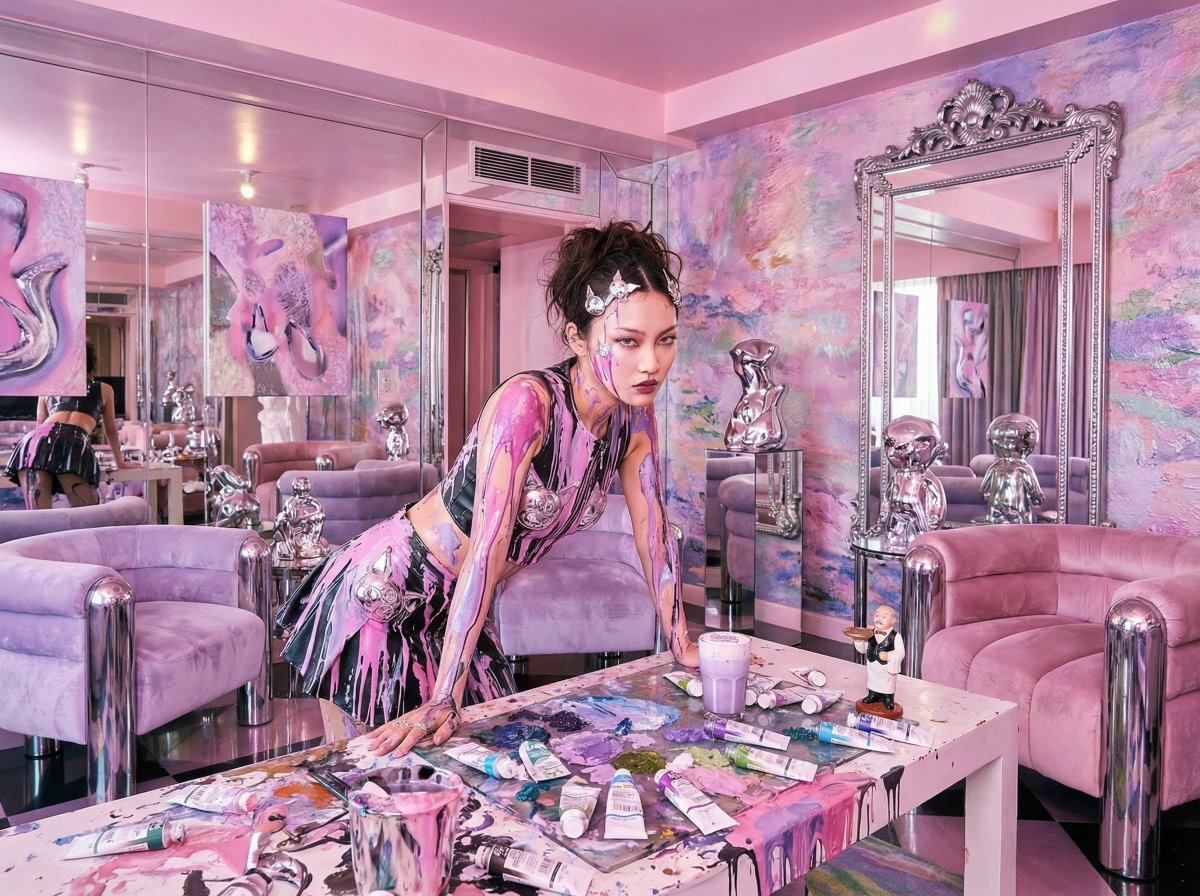
Psychedelic Y2K Maximalist Hotel Suite Prompt

Professional UI Design Prompt
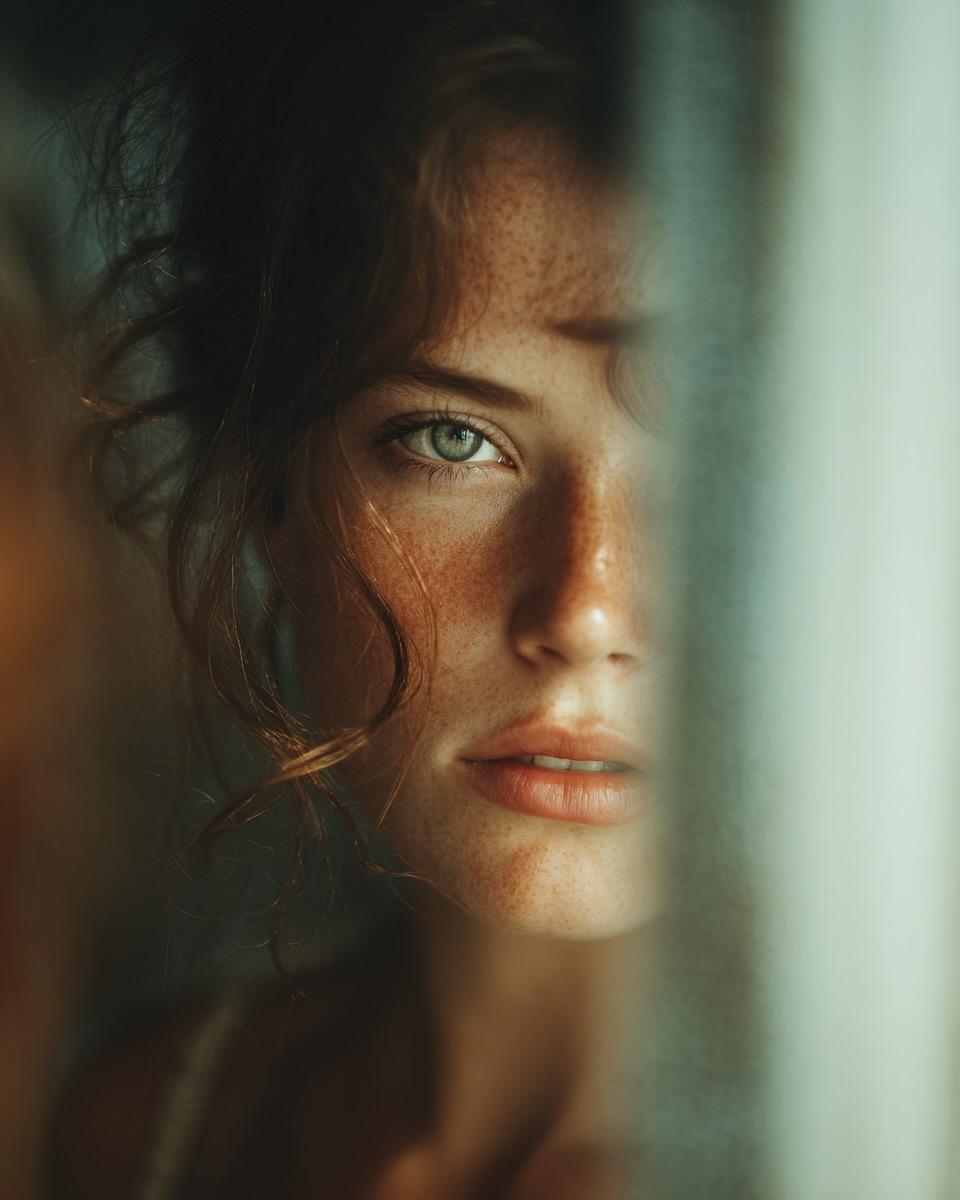
Woman's Reflection Only in Mirror
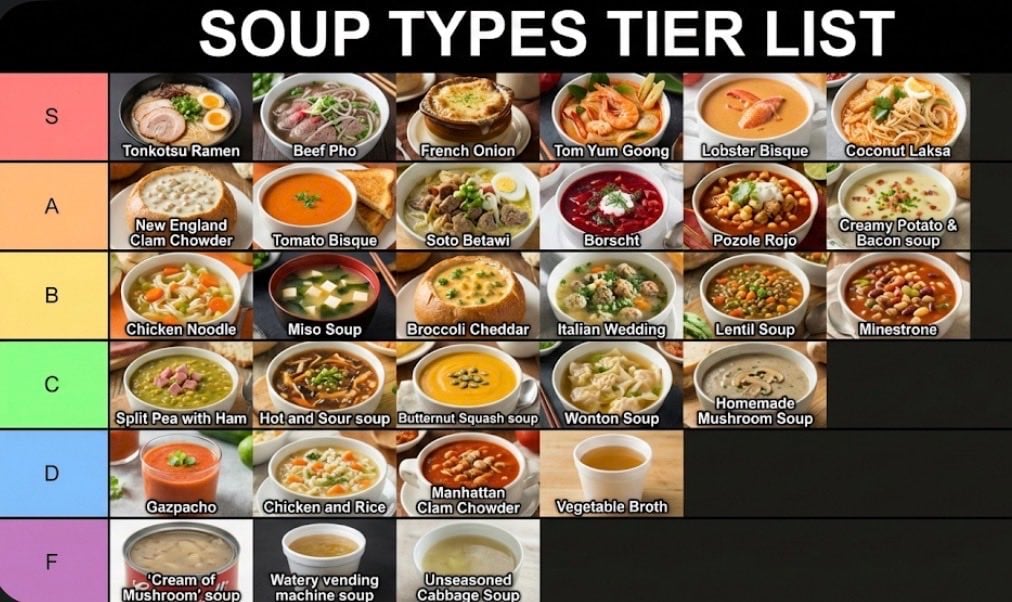
Two-Step Tier List Generation Prompt
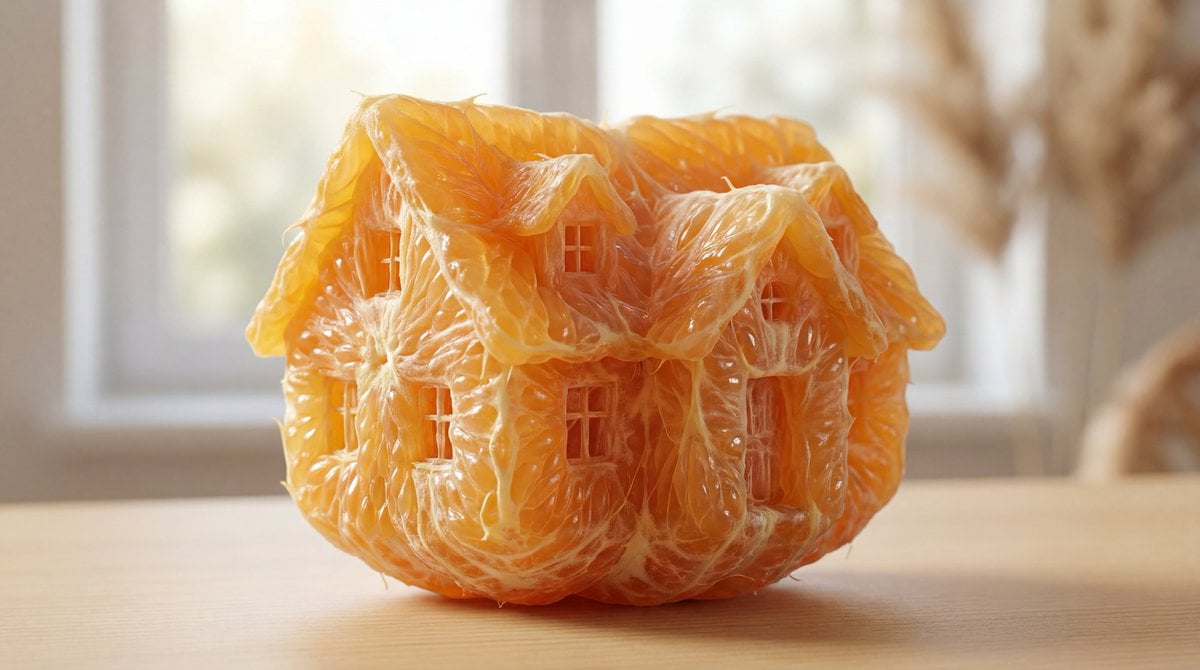
Orange Pulp Sculpture Prompt
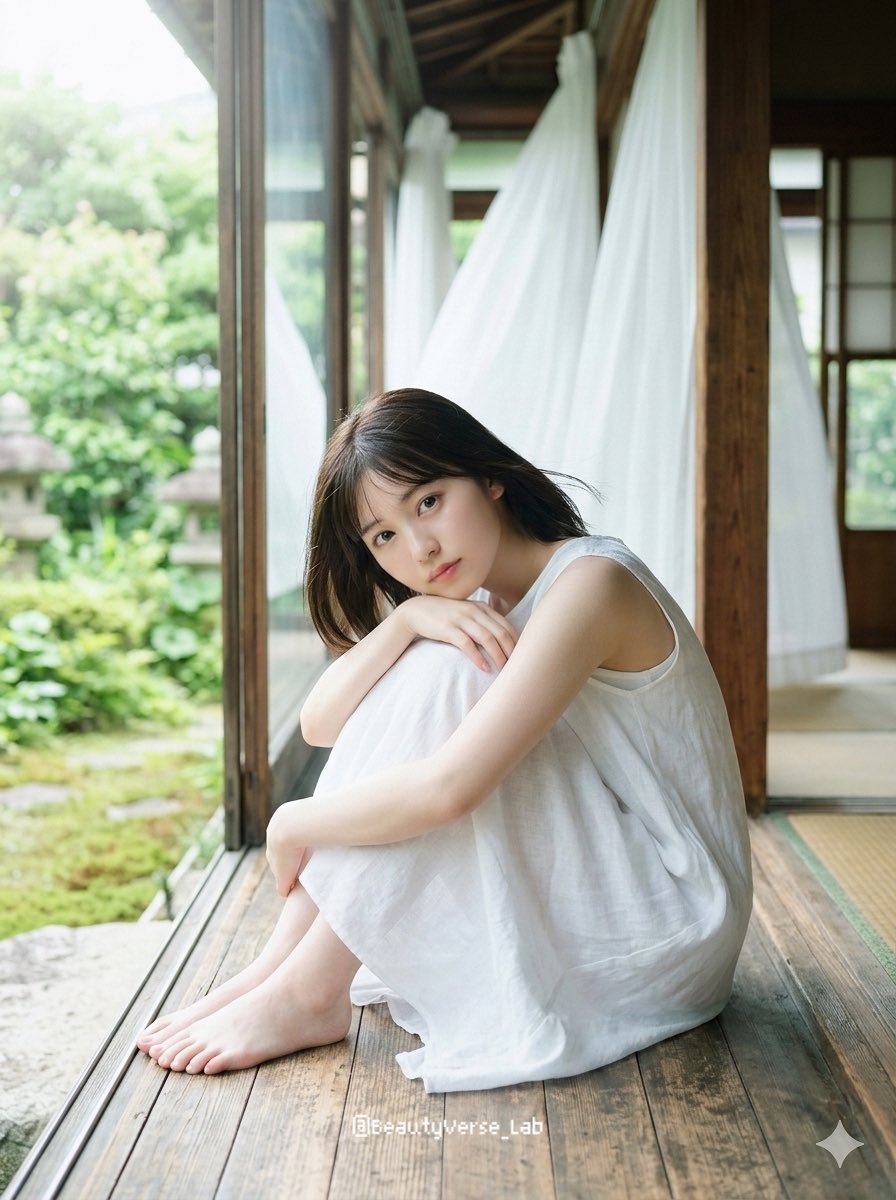
Translucent Airy Japanese Idol Photoshoot
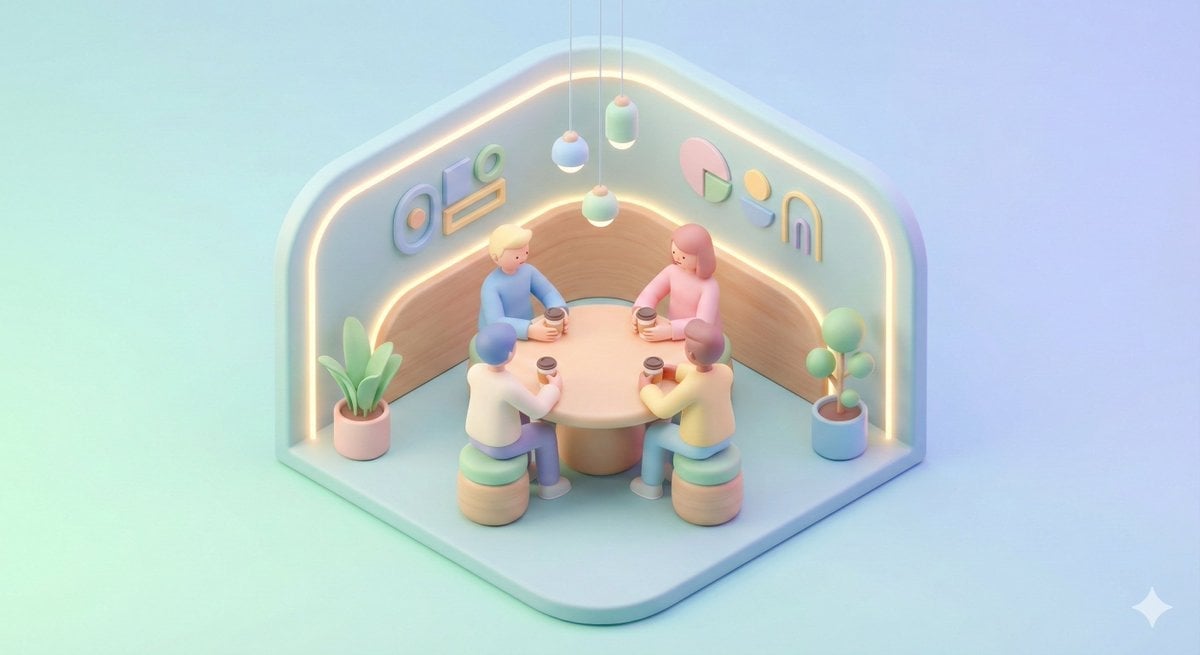
Minimal Isometric 3D Perspective
Browse template categories
Wet Transparent Earbud Macro questions
How do I use the Wet Transparent Earbud Macro template?
Add your photo if the template asks for one, edit the prompt if you like — the template's model and format are already selected — and press Generate. Your version opens in PicX Studio.
Can I customize the Wet Transparent Earbud Macro template?
Yes. You can change the subject, setting, lighting, mood, format, and available model controls before creating your image.
Is the Wet Transparent Earbud Macro template free?
Opening and editing this template is free. Generating uses credits, shown on the Generate button when you are signed in.
Which AI model should I use?
Start with GPT Image 2, which is the model associated with this template. You can compare another compatible model for a different finish.
Looking for something else? Browse all templates.

Your photo, any look
Thousands of ready templates for every top image and video model, from one credit balance.