
Transparent Earbuds on Stone Pedestal
A cinematic minimalist product photo prompt for showcasing transparent wireless earbuds with premium industrial design against rugged stone.
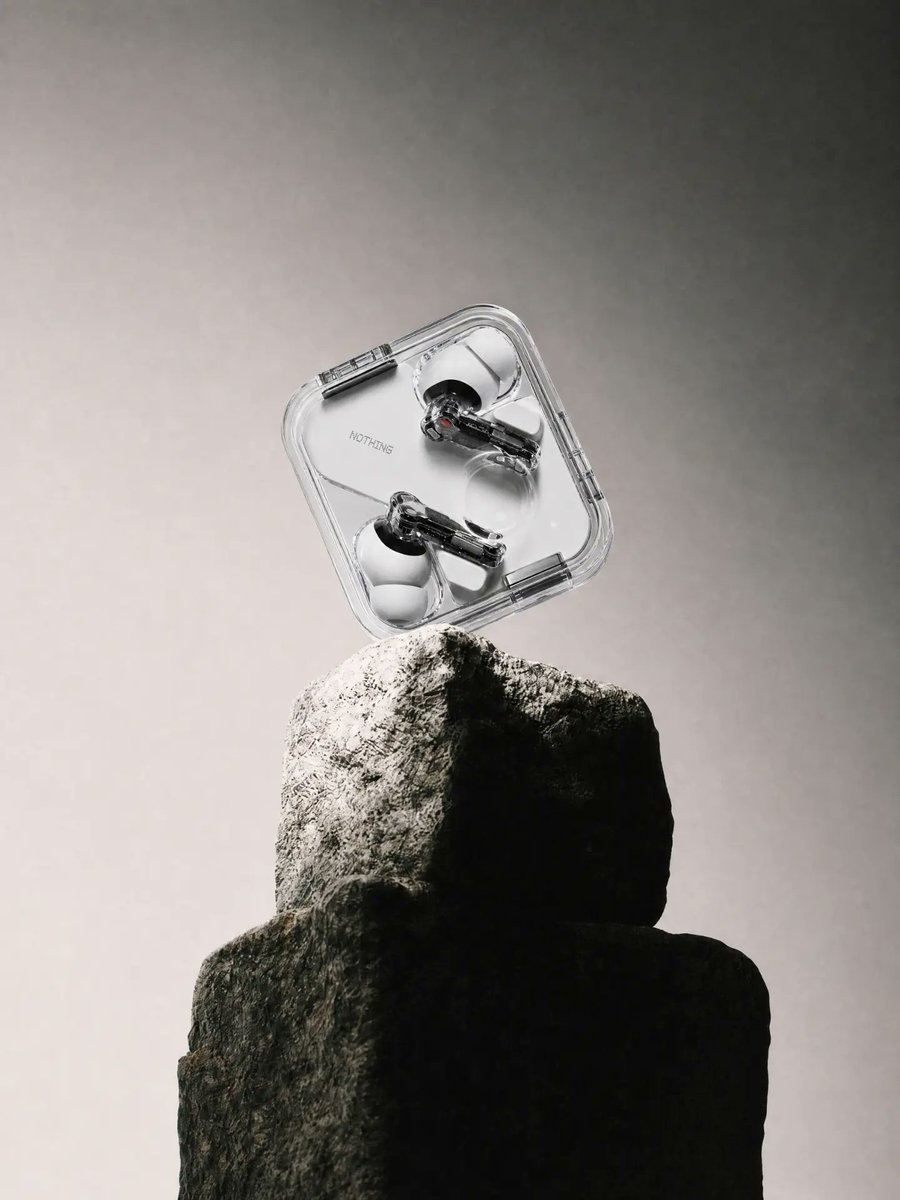
- Prompt included
- Model and format preset
- Free template
The prompt behind this image
Copy the exact prompt behind Transparent Earbuds on Stone Pedestal, or open it in the studio and make it yours.
Create a high-end minimalist product photograph of {argument name="product" default="Nothing transparent wireless earbuds in a clear square charging case"} balanced diagonally on top of a rough stacked stone pedestal. The scene is vertical 3:4, centered composition, with the transparent rounded-square case floating or lightly resting at a 35-degree tilt above the rock. Inside the case are exactly 2 visible earbuds, one near the upper right and one near the lower left, with glossy black and metallic internal components, clear stems, and white translucent ear tips; the case has visible hinges, seams, rounded corners, and a small subtle wordmark reading “NOTHING” on the inner surface. The pedestal consists of exactly 2 large rugged stone blocks: a taller light-gray upper rock with sharp texture and a darker wider lower rock beneath it, both dramatically lit from the upper left so the right side falls into deep shadow. Use {argument name="background color" default="soft smoky gray"} studio backdrop with a gentle vignette, grainy atmospheric haze, and no visible horizon line. Lighting should be cinematic and directional, emphasizing contrast between the sleek transparent electronics and the primitive stone texture, with crisp highlights on plastic edges, soft shadows, realistic reflections, shallow depth of field, and premium industrial design aesthetics inspired by Nothing. No extra objects, no hands, no packaging, no large typography, no watermark.
How to use Transparent Earbuds on Stone Pedestal in 3 steps
- 1Upload ImagePNG, JPG or paste
Add your photo
Upload the photo the template builds on. The prompt, model and format are already set.
- 2…a portrait of your subject in softgolden-hour light, 85mm…
Personalize
Edit the subject and creative details for your destination.
- 3Generate
Generate
Press Generate — your image is created in PicX Studio, so you can compare it with the original and refine one variable at a time.
More like this
Templates with the same subject, style or setup. Open one to see its prompt.

Minimalist Skincare Product Water Stone Still

Botanical Skincare Minimal Product Advertising

Transparent Bear Character Cutout
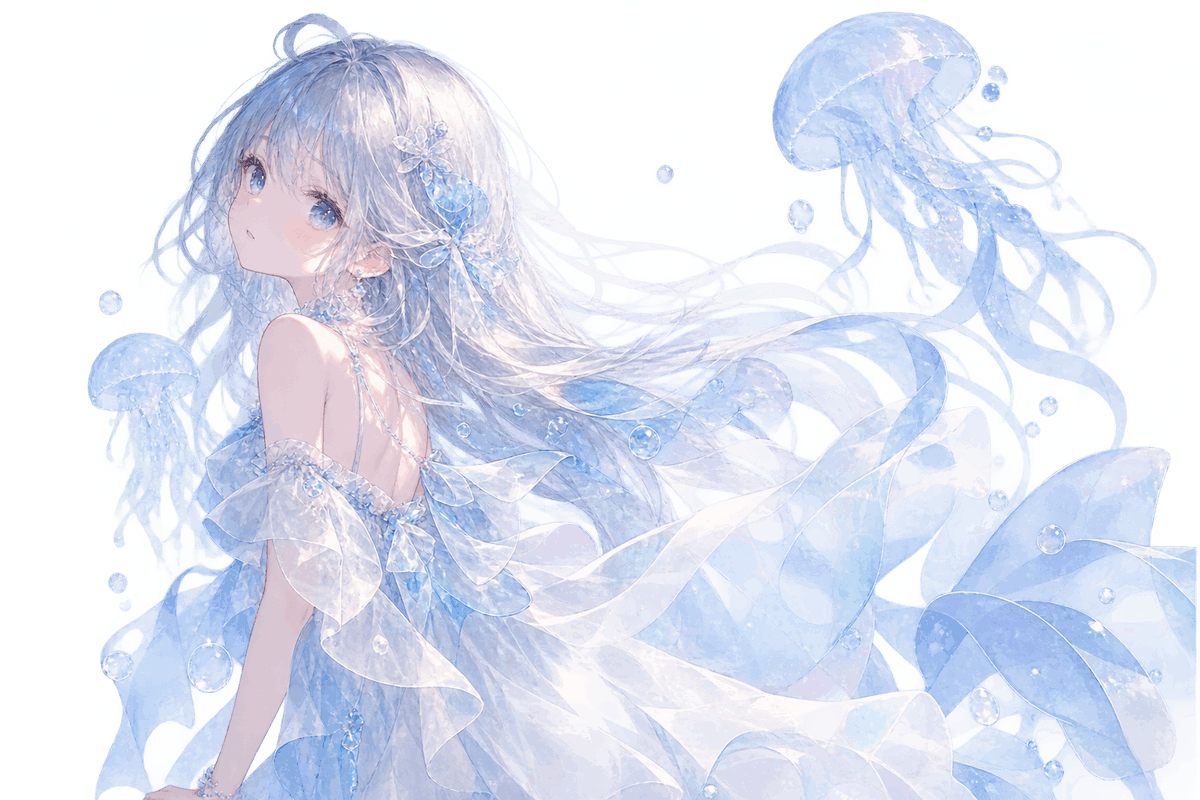
Transparent Jellyfish Princess
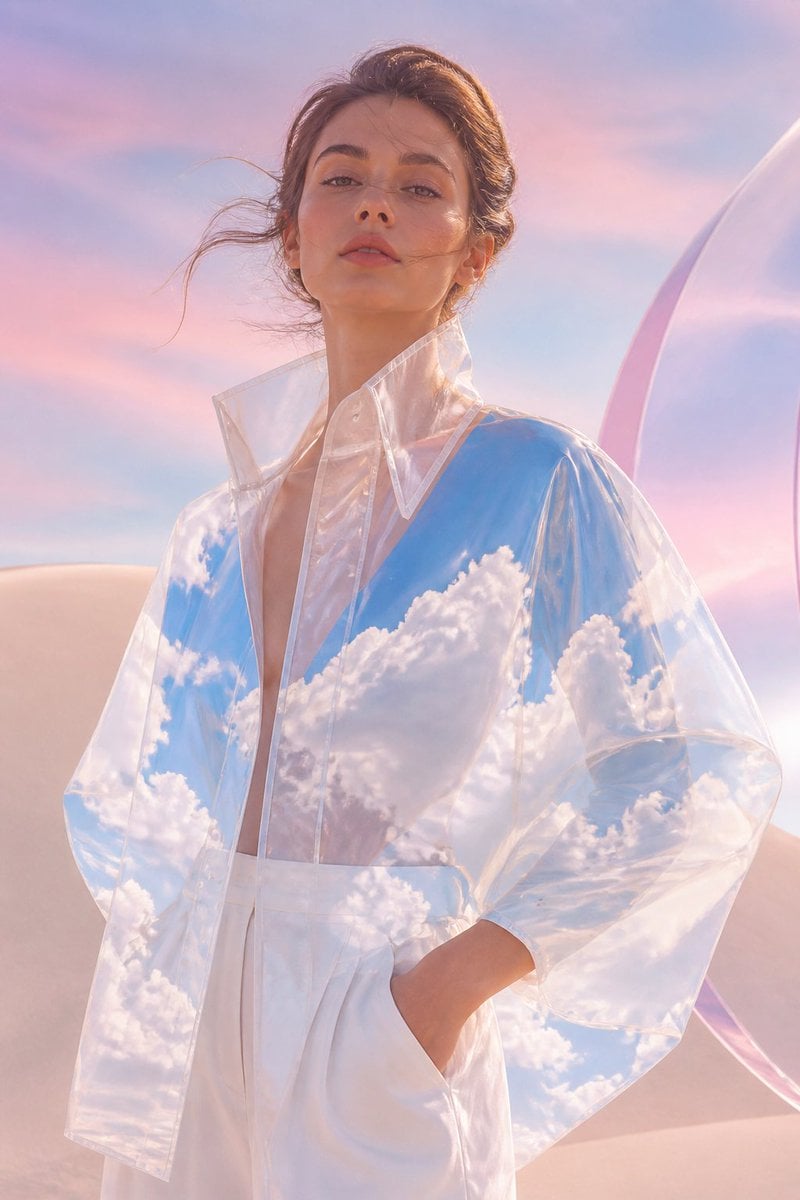
Transparent Sky Jacket Fashion
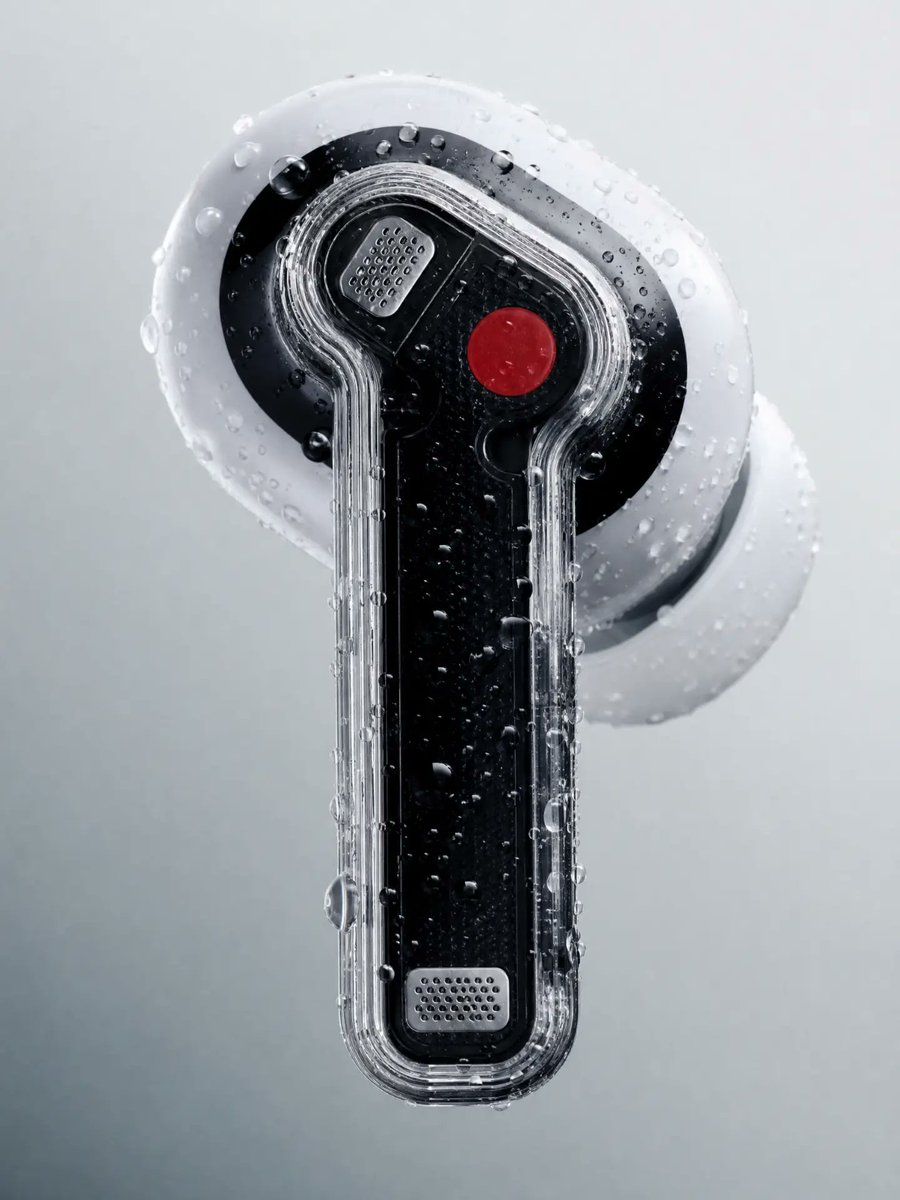
Wet Transparent Earbud Macro
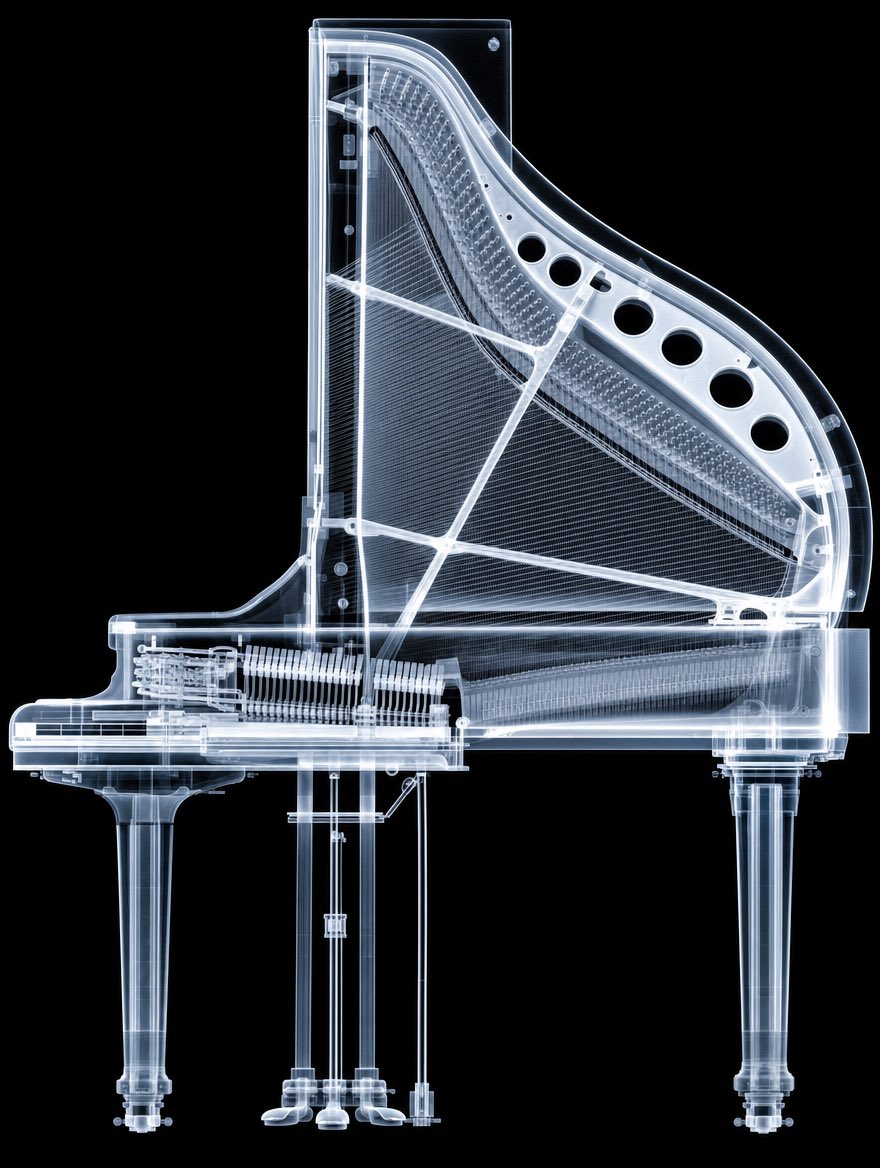
X-Ray Transparent Grand Piano
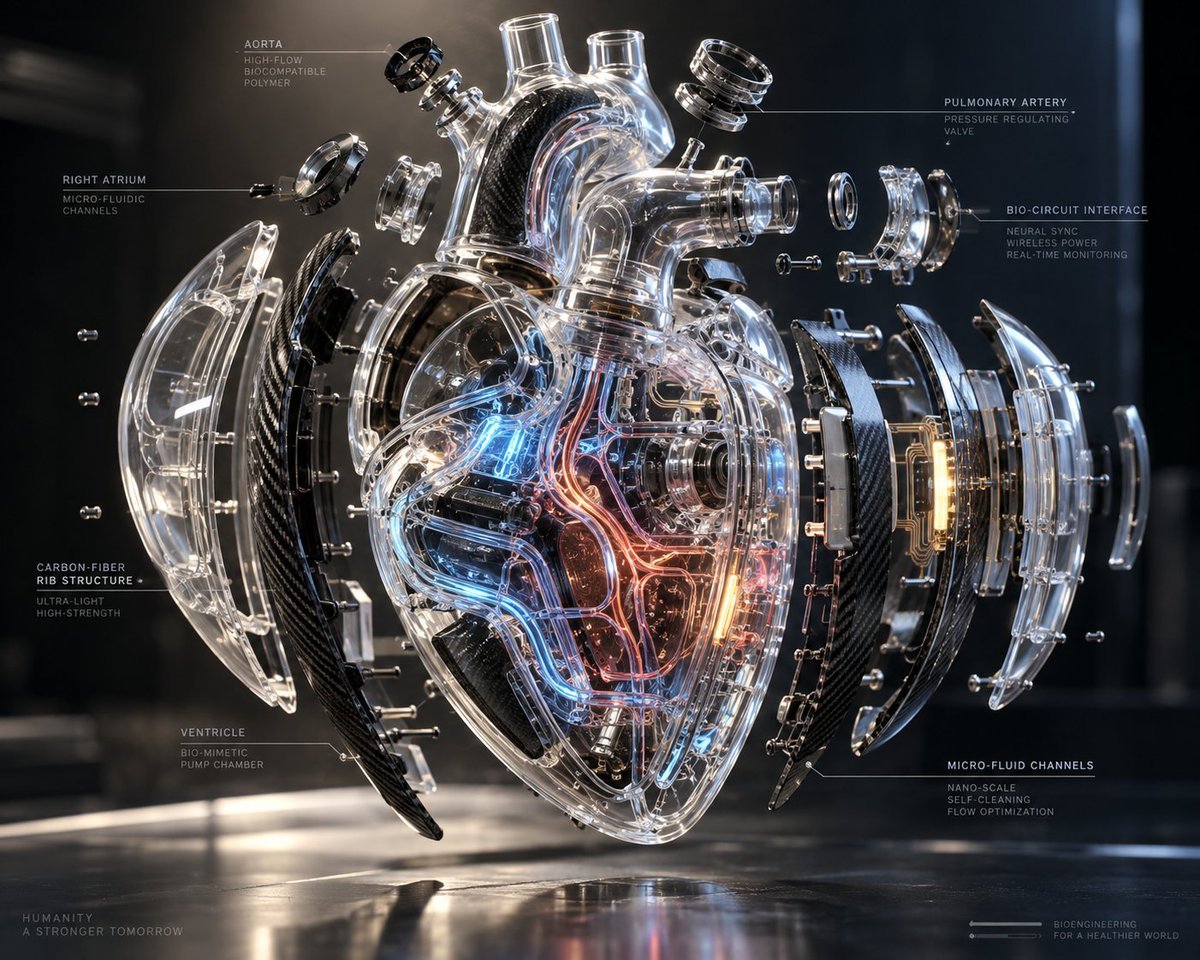
Exploded Transparent Artificial Heart

Transparent background soccer player
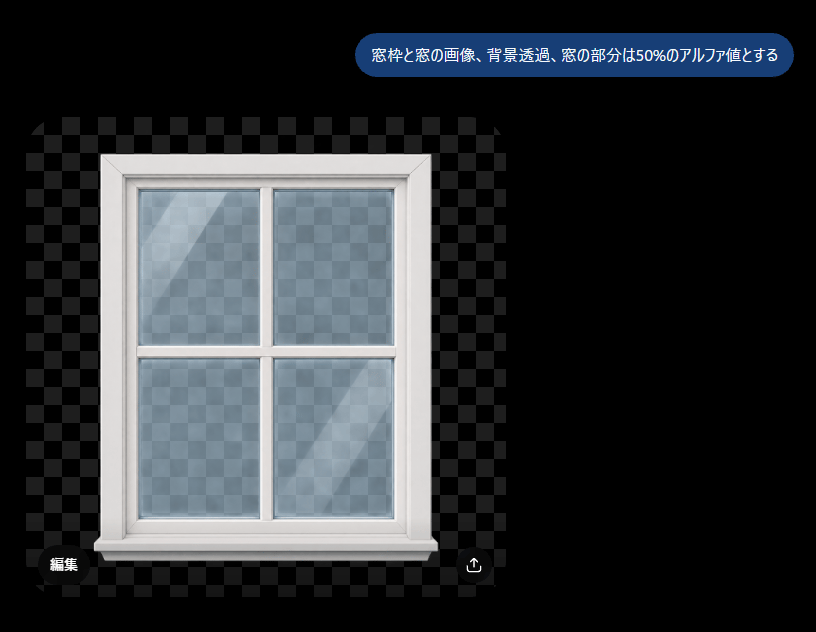
Transparent Window Alpha Demo
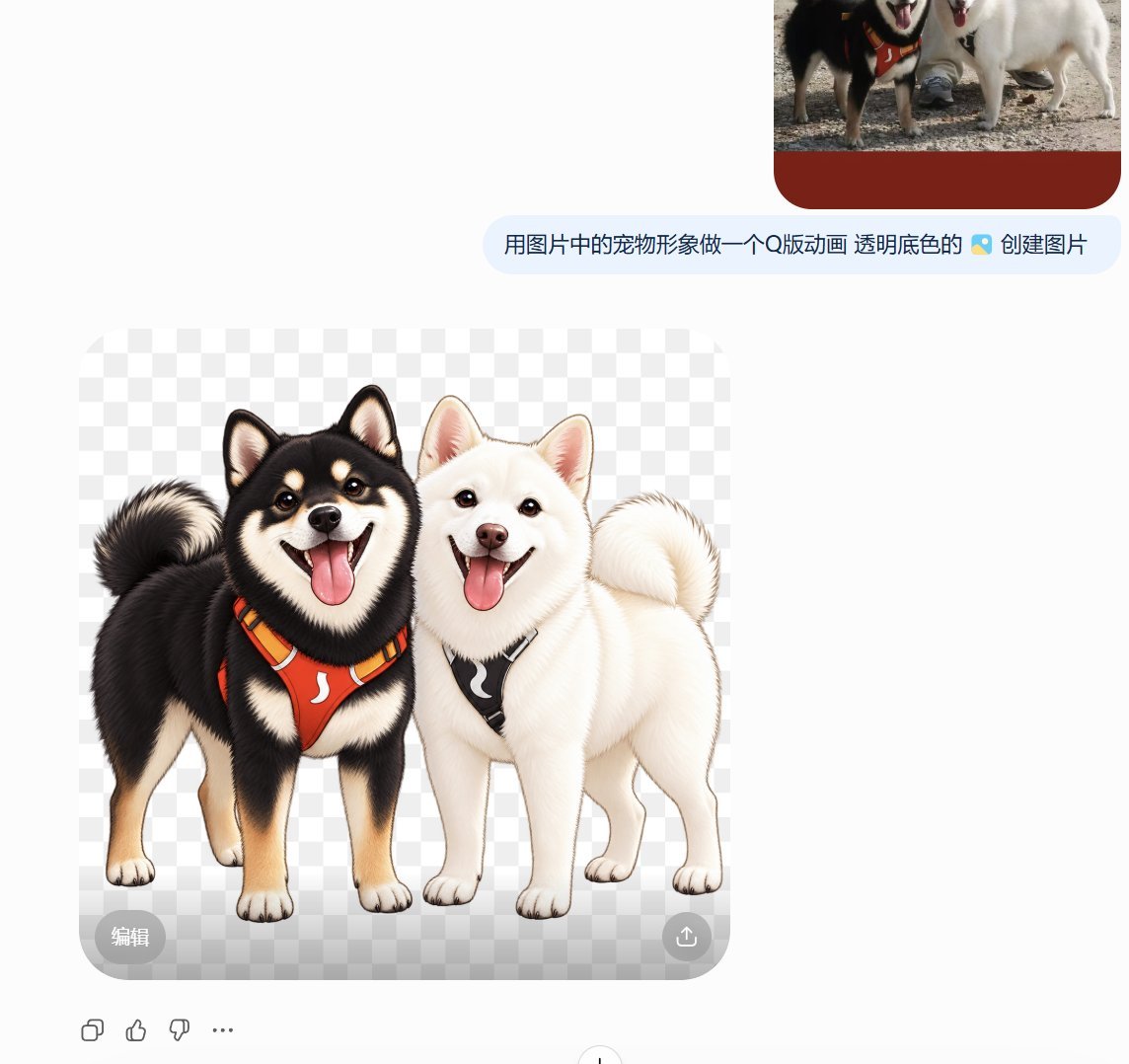
Transparent Chibi Shiba Duo
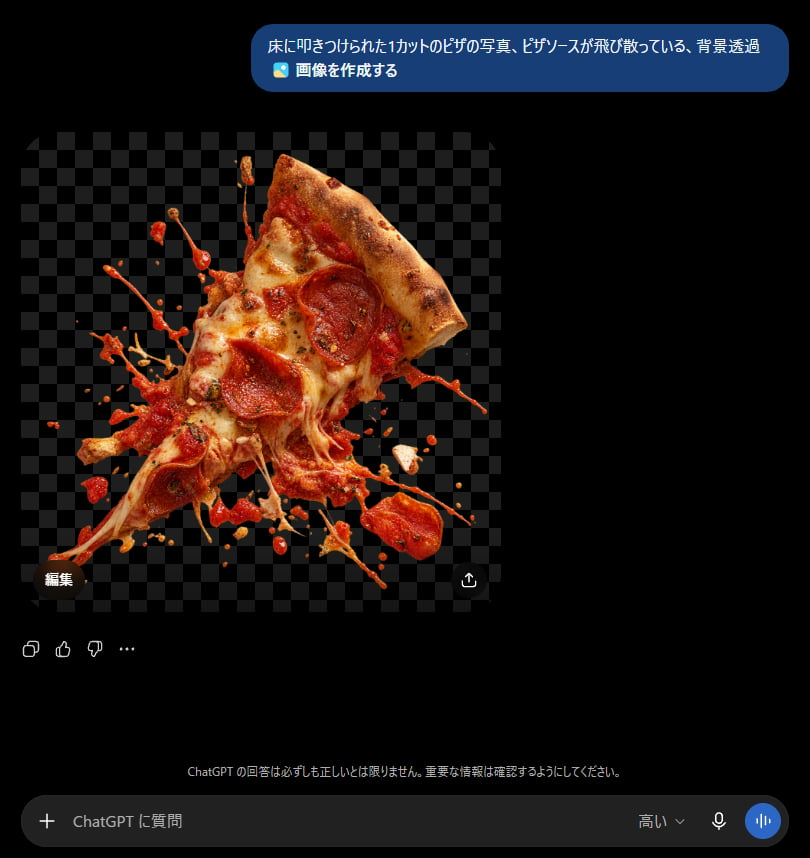
ChatGPT Transparent Pizza Result
Make it yours
Transparent Earbuds on Stone Pedestal works as-is. These are the safest ways to change it without losing the look.
Change one field
Copy a single group, rewrite it, and generate again so you can see what that field is doing.
Keep the frame, change the subject
Hold the composition and light of Transparent Earbuds on Stone Pedestal, then swap wardrobe, props or the person for a new take.
| If the result… | Why | Fix |
|---|---|---|
| The result drifts from the preview | Too many fields changed at once. | Reuse Transparent Earbuds on Stone Pedestal as-is first, then change one group — subject, light, or setting. |
| The model over-stylizes the scene | The prose prompt leaves finish and camera underspecified. | Add one camera or lighting sentence and stay on GPT Image 2. |
More GPT Image 2 templates
Other prompts made for GPT Image 2.

Six VTuber Japanese Logo Sheet

Realistic Portrait of Woman and Deer

The Vista Modular Condo Poster

AI Model Routing Comparison Infographic

2.5D Anime Art Board

Isometric Productivity Desk Scene

New York Double Exposure Poster

Four-Panel AI Landscape Comparison

Japanese Tatami Lifestyle Magazine Cover

NESCAFÉ Coffee Map Poster
More image prompts
Fresh picks from across the catalog.
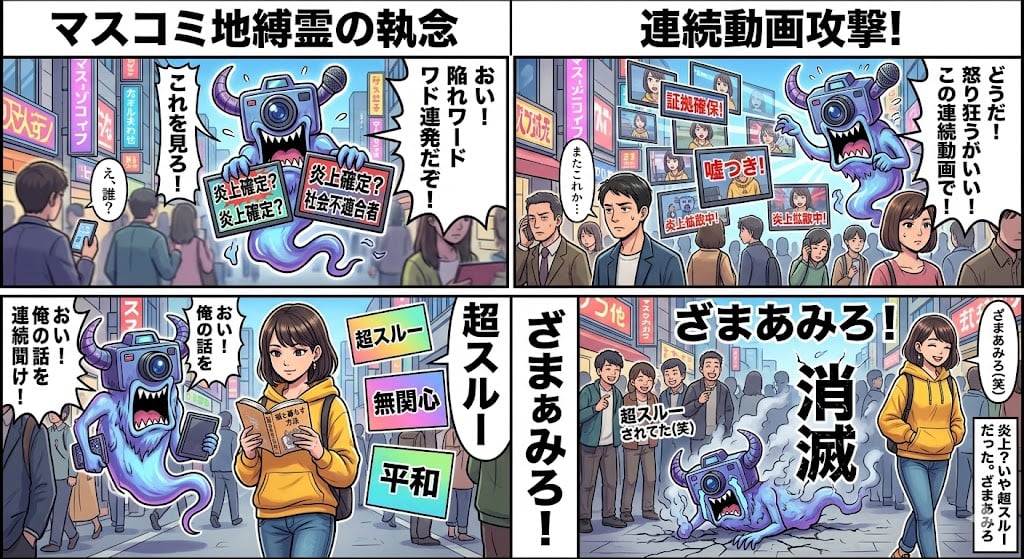
Nano Banana Pro 4-Panel Manga Prompt: Absolute Zero Ignore

Ultra-Realistic Boxing Documentary Photo

Ultra-Realistic 3D Cinematic Portrait with Tom and Jerry
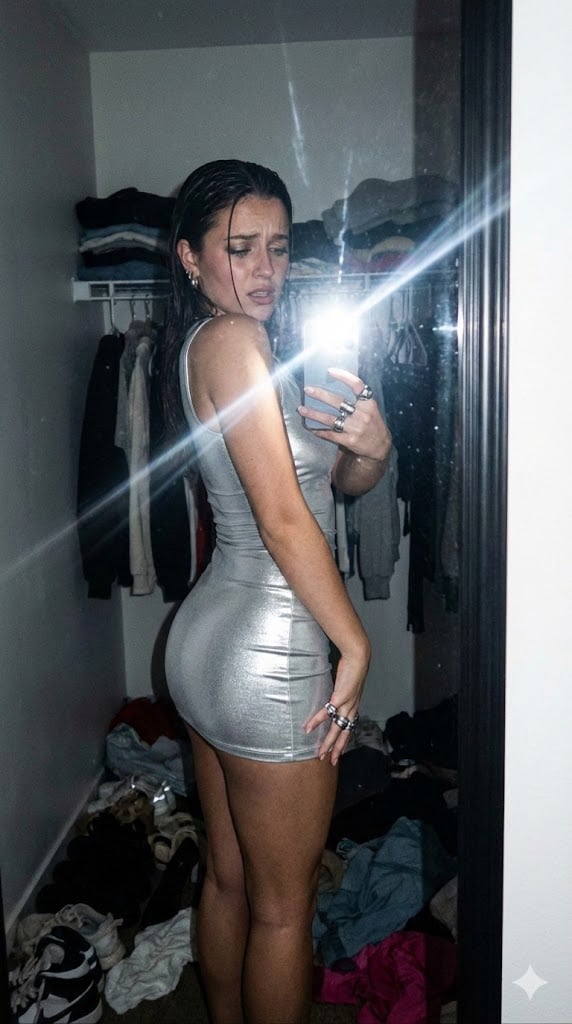
Candid Gen Z Fit Check Mirror Selfie Narrative
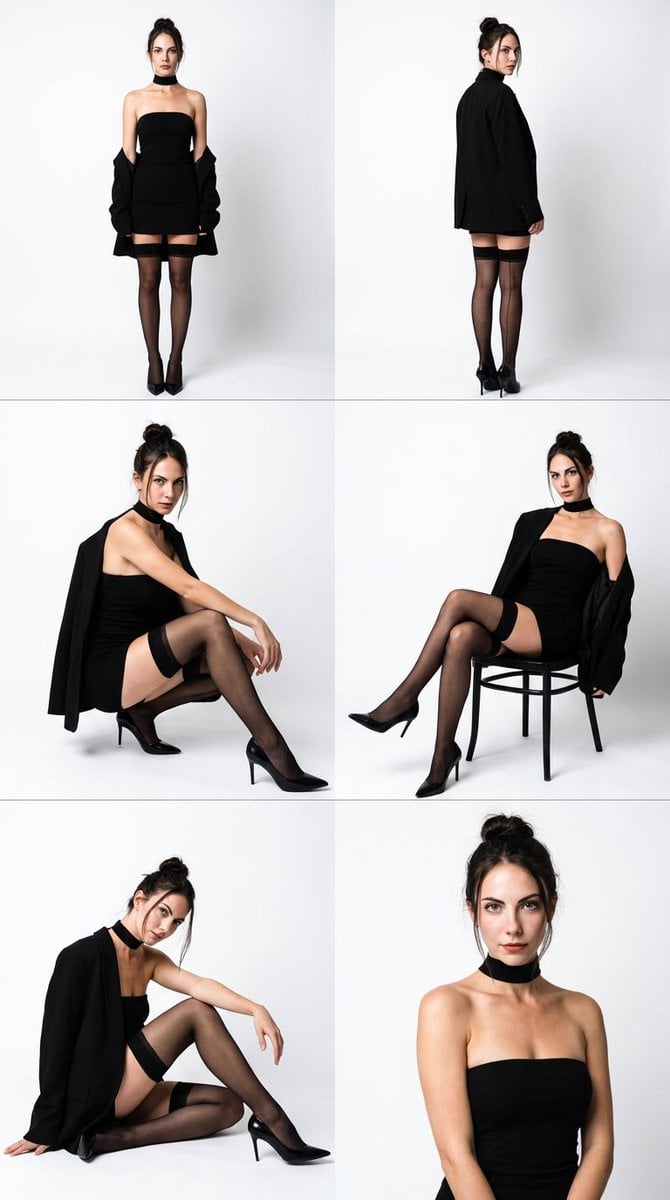
High-Fashion Black Elegance Photo Collage Prompt
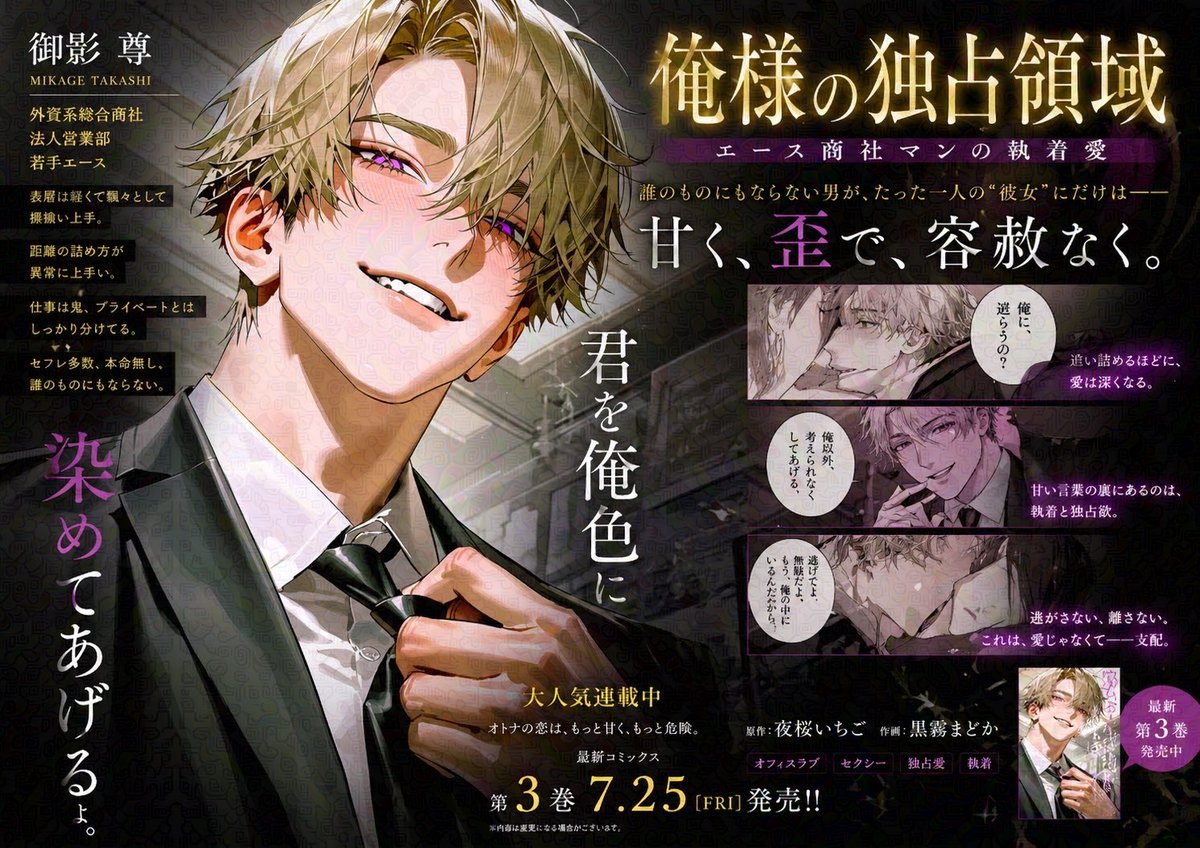
Japanese Train Comic Ad

Editorial Lifestyle Prompt for Gemini Nano Banana Pro
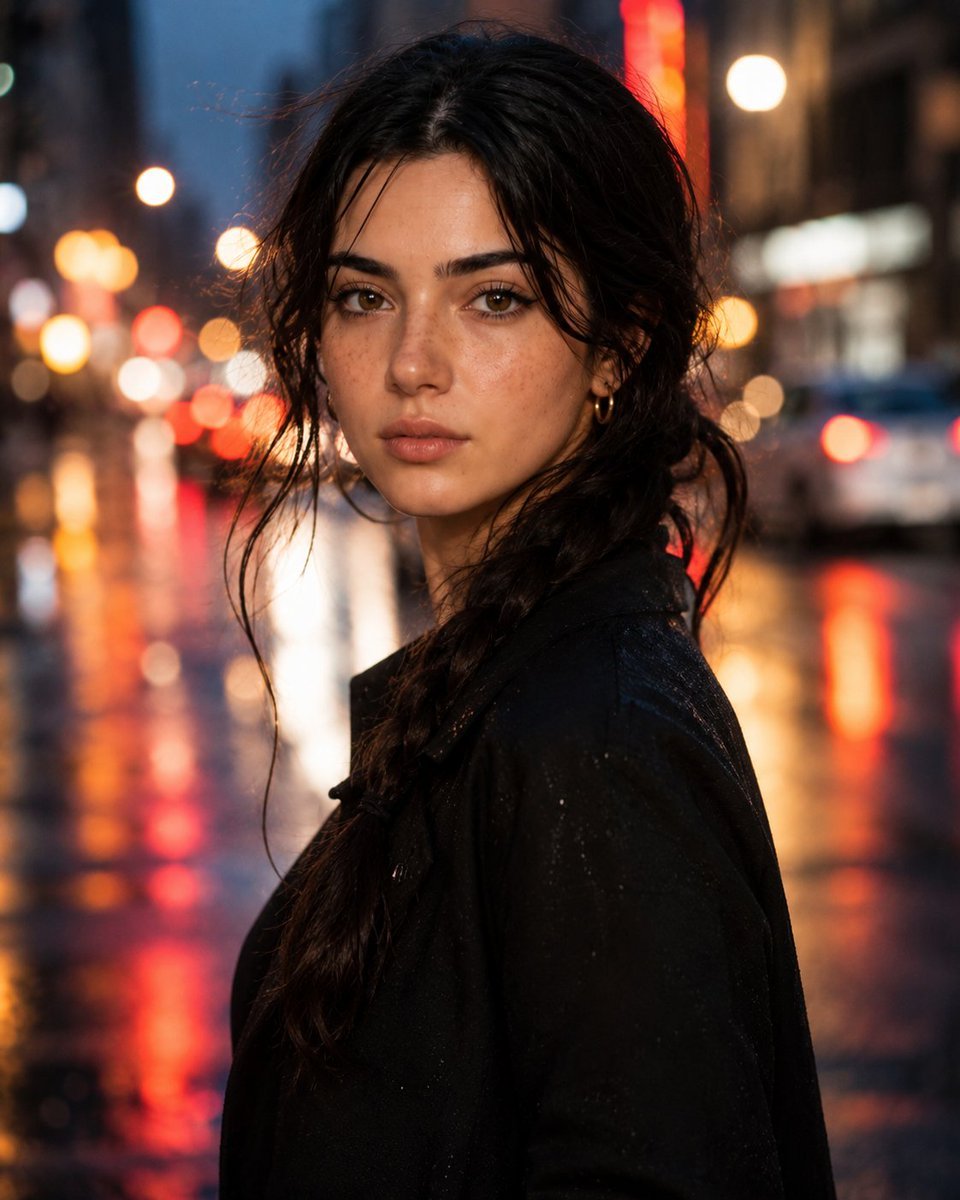
Hyperrealistic Rainy City Portrait

Toddler Crayon Office Selfie

Top-Down Desert Footprint Portrait
Browse template categories
Transparent Earbuds on Stone Pedestal questions
How do I use the Transparent Earbuds on Stone Pedestal template?
Add your photo if the template asks for one, edit the prompt if you like — the template's model and format are already selected — and press Generate. Your version opens in PicX Studio.
Can I customize the Transparent Earbuds on Stone Pedestal template?
Yes. You can change the subject, setting, lighting, mood, format, and available model controls before creating your image.
Is the Transparent Earbuds on Stone Pedestal template free?
Opening and editing this template is free. Generating uses credits, shown on the Generate button when you are signed in.
Which AI model should I use?
Start with GPT Image 2, which is the model associated with this template. You can compare another compatible model for a different finish.
Looking for something else? Browse all templates.

Your photo, any look
Thousands of ready templates for every top image and video model, from one credit balance.