
Transparent Chibi Shiba Duo
Generates a transparent-background Q-version sticker illustration of two smiling Shiba Inu dogs for pet stickers, social posts, or cutout graphics.
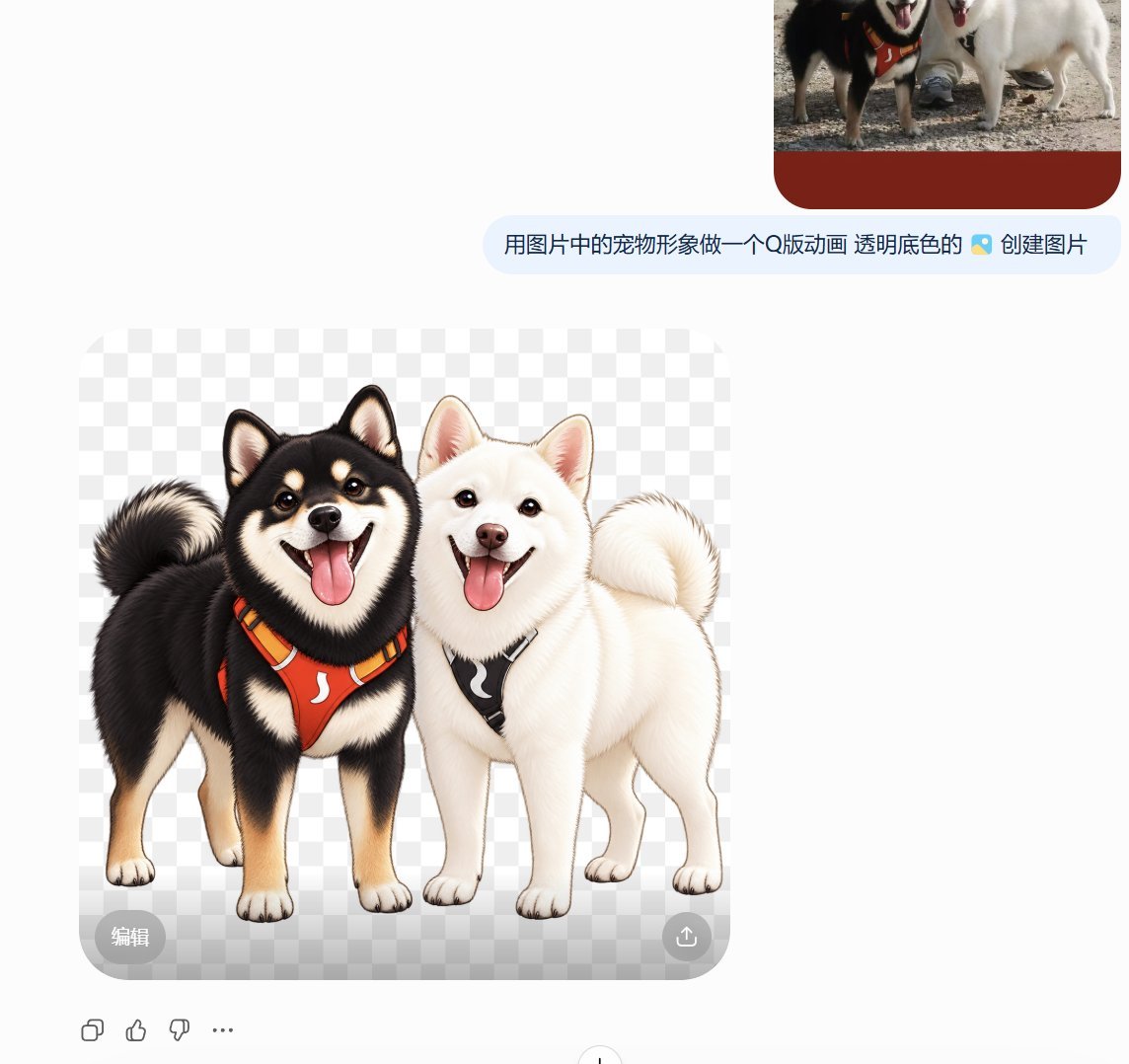
- Prompt included
- Model and format preset
- Free template
The prompt behind this image
Copy the exact prompt behind Transparent Chibi Shiba Duo, or open it in the studio and make it yours.
Create a cute Q-version cartoon PNG sticker with a transparent background, showing exactly 2 Shiba Inu dogs standing side by side and leaning close together, preserving the original pet characteristics: the left dog is a {argument name="left dog color" default="black-and-tan Shiba Inu"} with cream eyebrows, cream muzzle and legs, fluffy curled tail, open smiling mouth, pink tongue out, and an orange-red chest harness with black and yellow trim; the right dog is a {argument name="right dog color" default="white Shiba Inu"} with a soft cream-white coat, curled tail, open smiling mouth, pink tongue out, and a black chest harness. Render them as adorable chibi-style pets with large expressive eyes, rounded faces, slightly oversized heads, soft fluffy fur texture, clean detailed linework, and a friendly happy expression. Both dogs should face forward in a full-body pose, paws visible, ears upright, tails curled over their backs, bodies touching naturally. Use a polished digital illustration style, high detail, warm lighting, subtle soft shadow only if compatible with transparency, no scenery, no props other than the two harnesses, no text, no watermark. Output as PNG with transparent background.
How to use Transparent Chibi Shiba Duo in 3 steps
- 1Upload ImagePNG, JPG or paste
Add your photo
Upload the photo the template builds on. The prompt, model and format are already set.
- 2…a portrait of your subject in softgolden-hour light, 85mm…
Personalize
Edit the subject and creative details for your destination.
- 3Generate
Generate
Press Generate — your image is created in PicX Studio, so you can compare it with the original and refine one variable at a time.
More like this
Templates with the same subject, style or setup. Open one to see its prompt.

Cute Layered Paper Cut Chibi Girl

Pixar-Style Chibi Café Morning Scene

Japanese Café Sketch Duo Illustration

Nano Banana Pro Pink Office Chibi

Transparent Bear Character Cutout
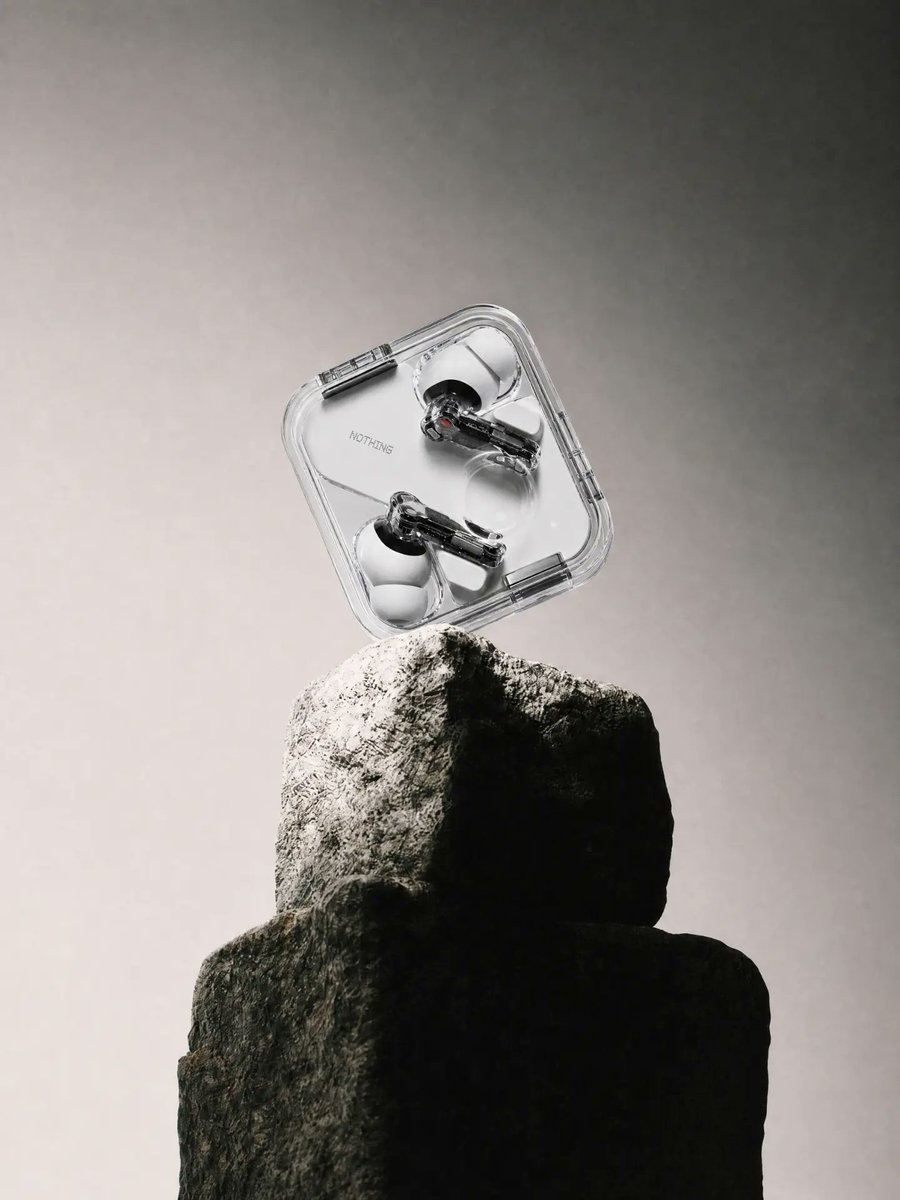
Transparent Earbuds on Stone Pedestal
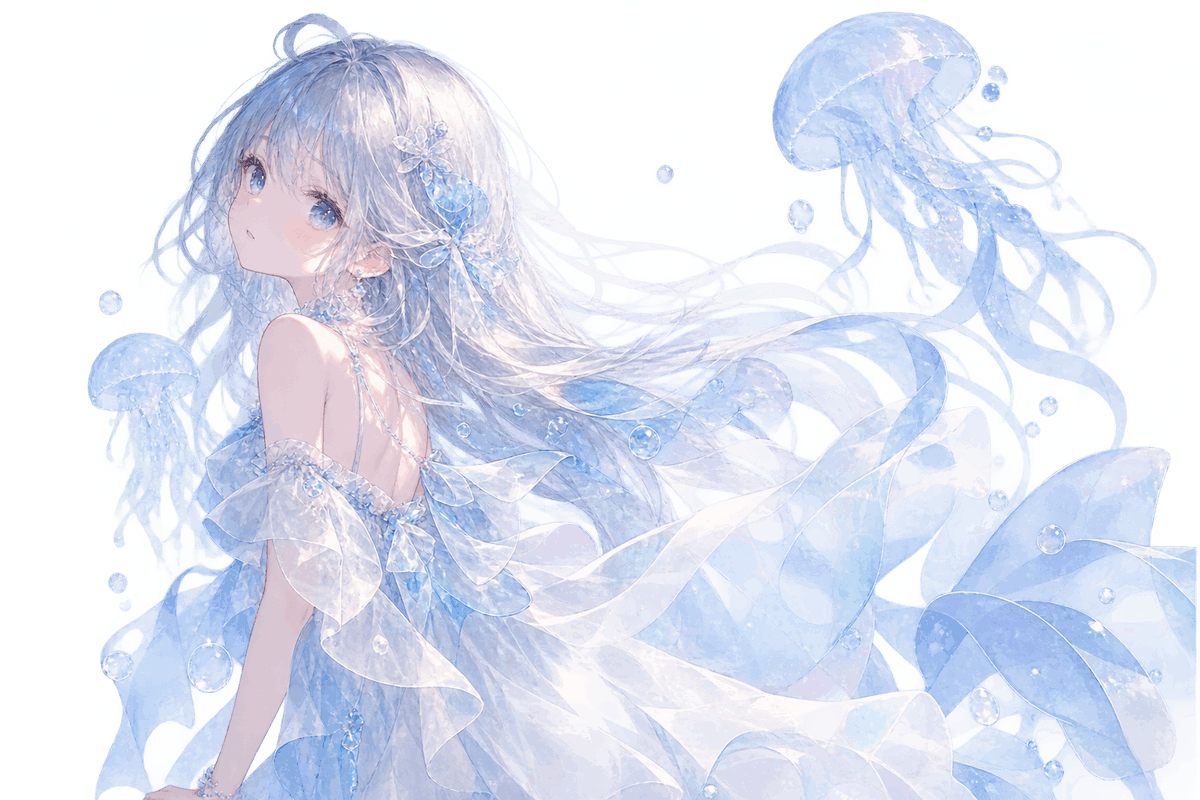
Transparent Jellyfish Princess
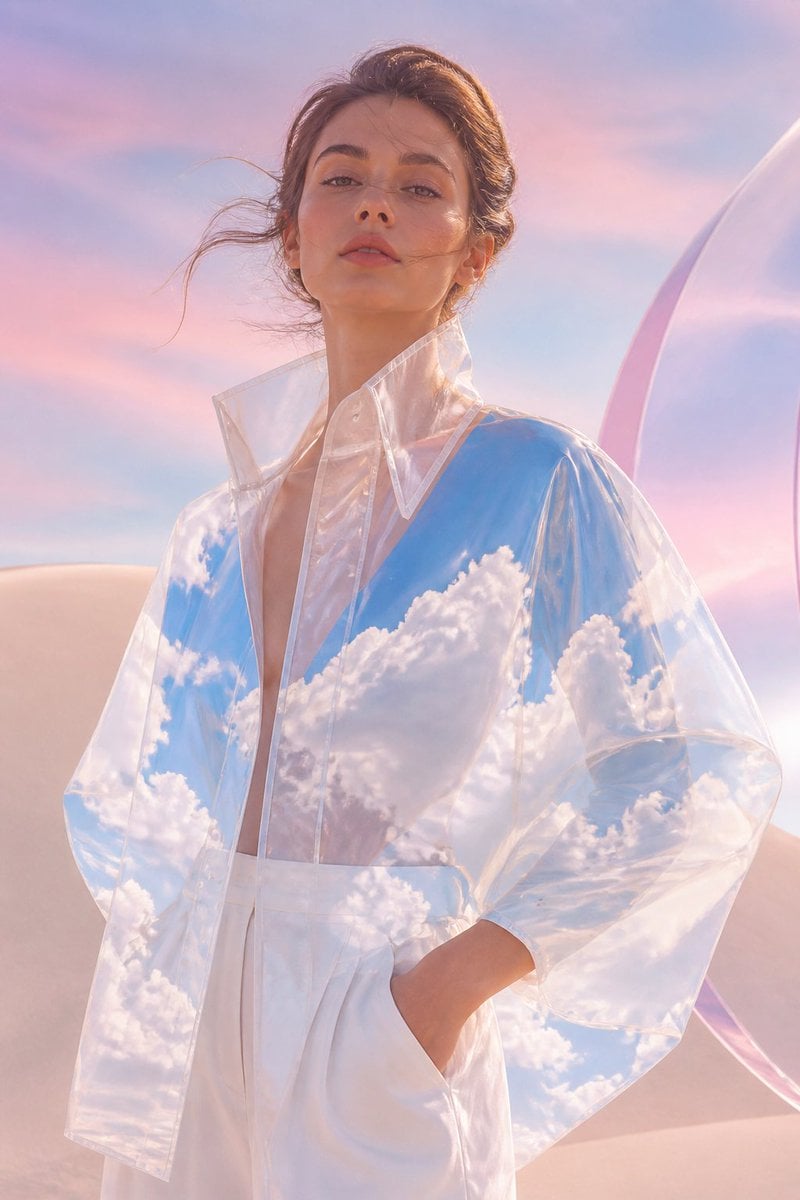
Transparent Sky Jacket Fashion
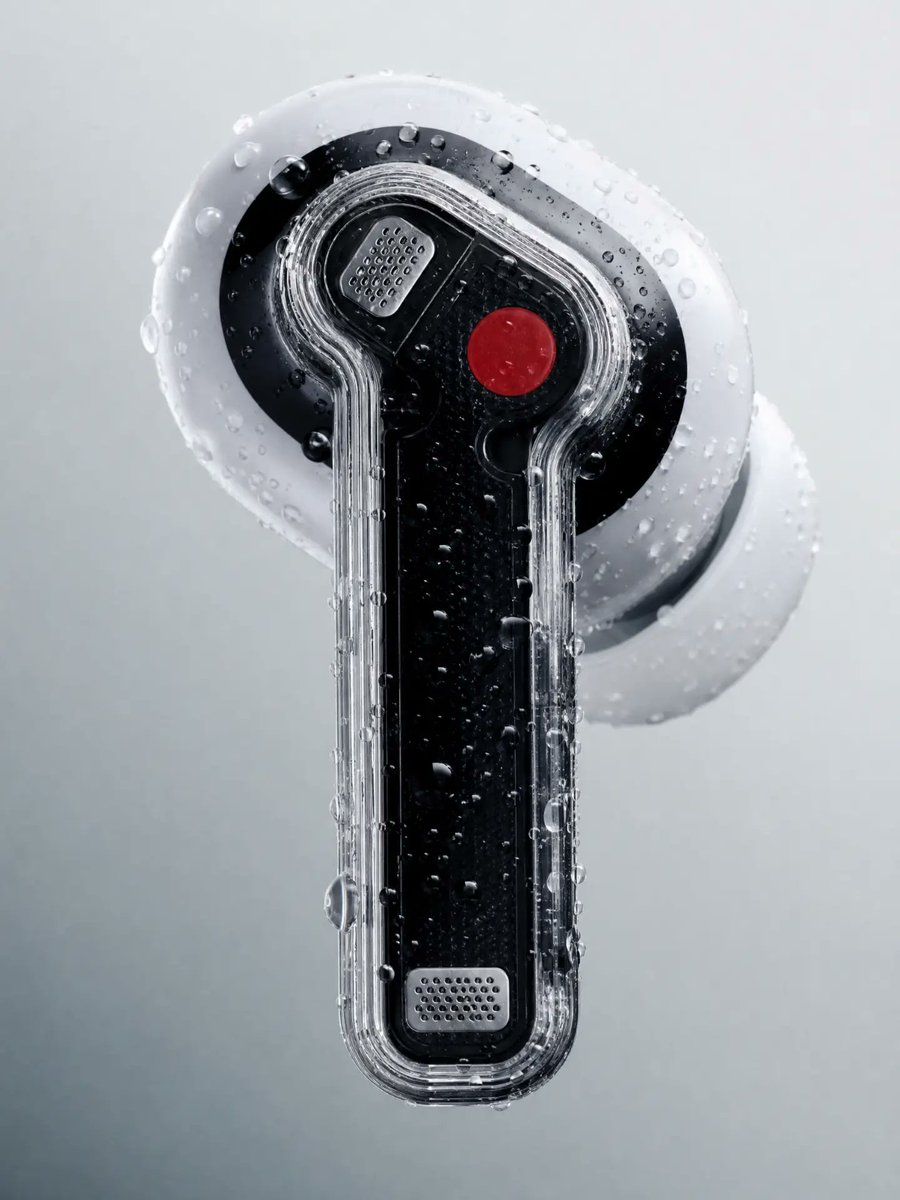
Wet Transparent Earbud Macro
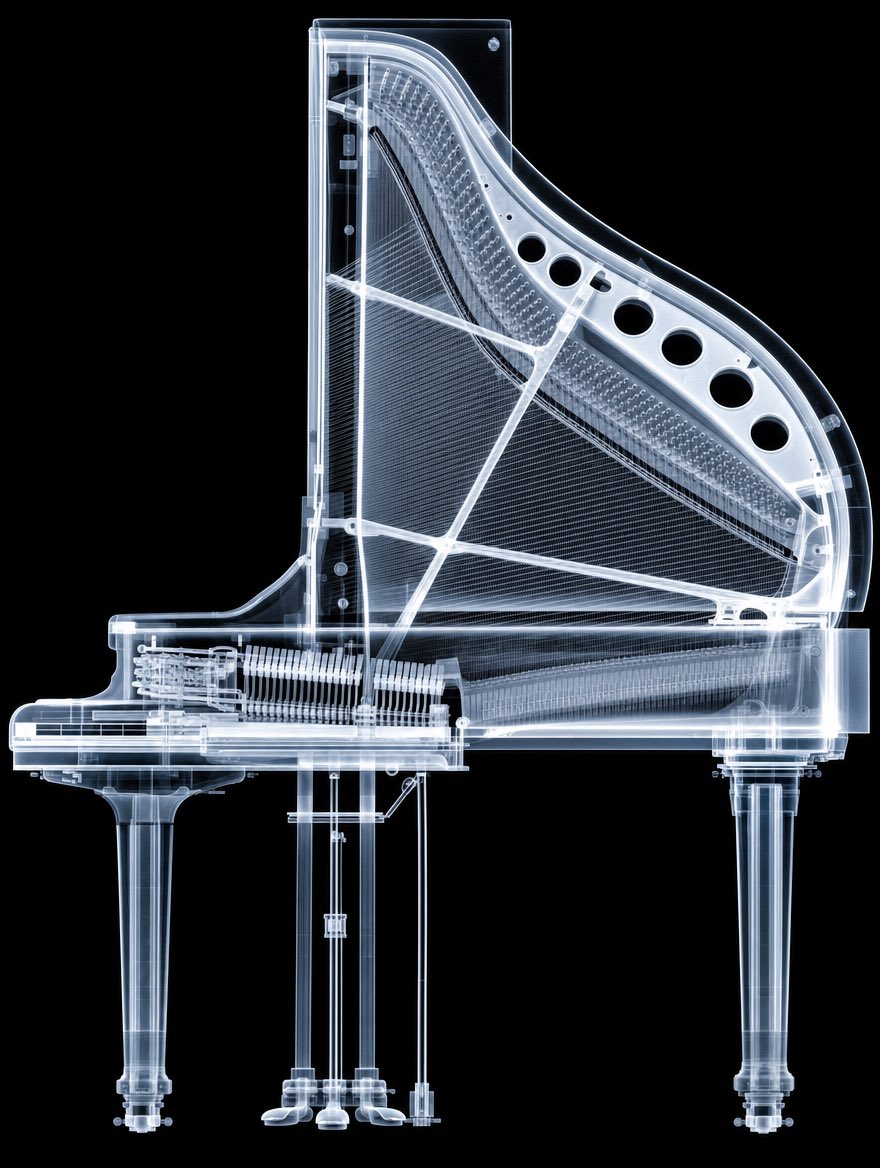
X-Ray Transparent Grand Piano
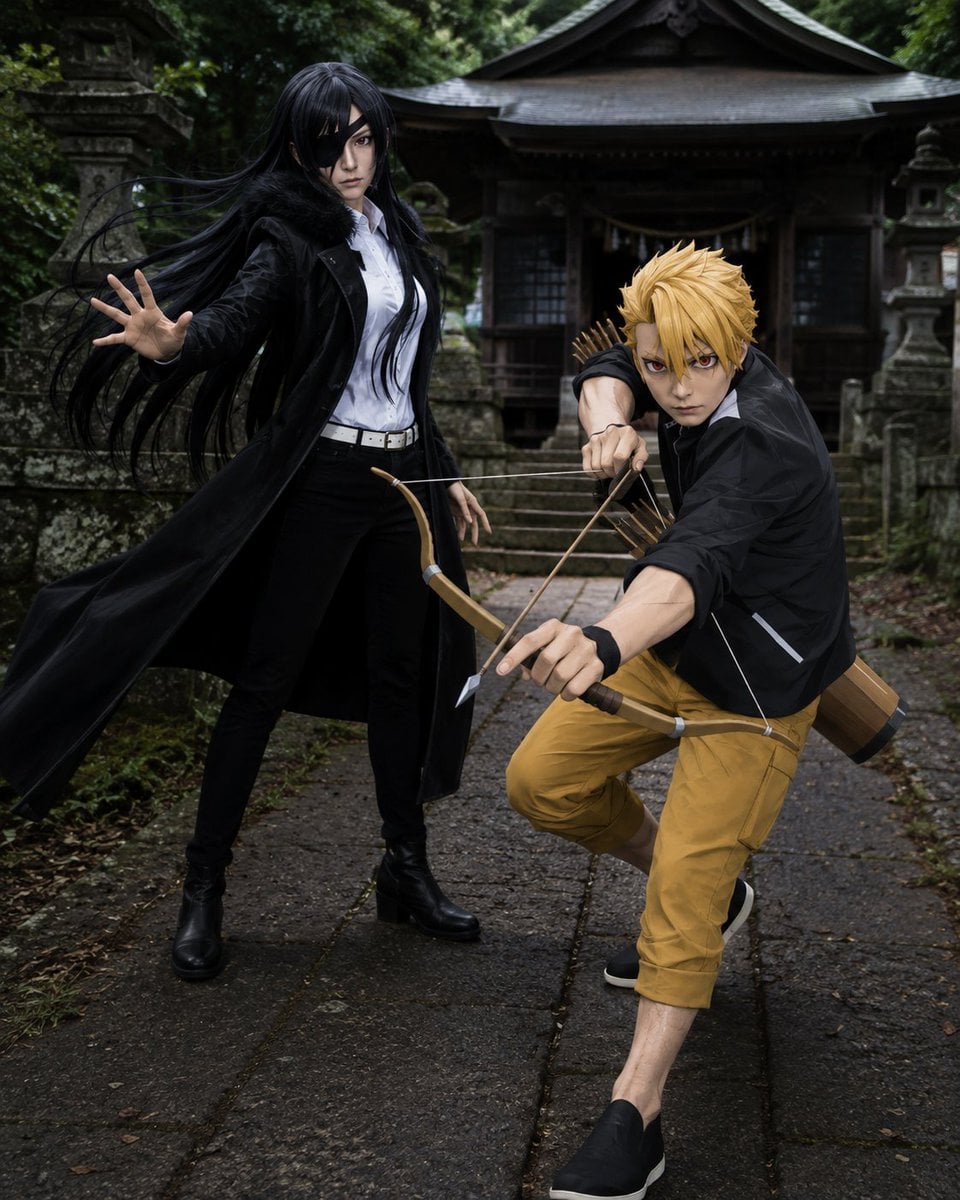
Anime Cosplay Duo at Forest Shrine
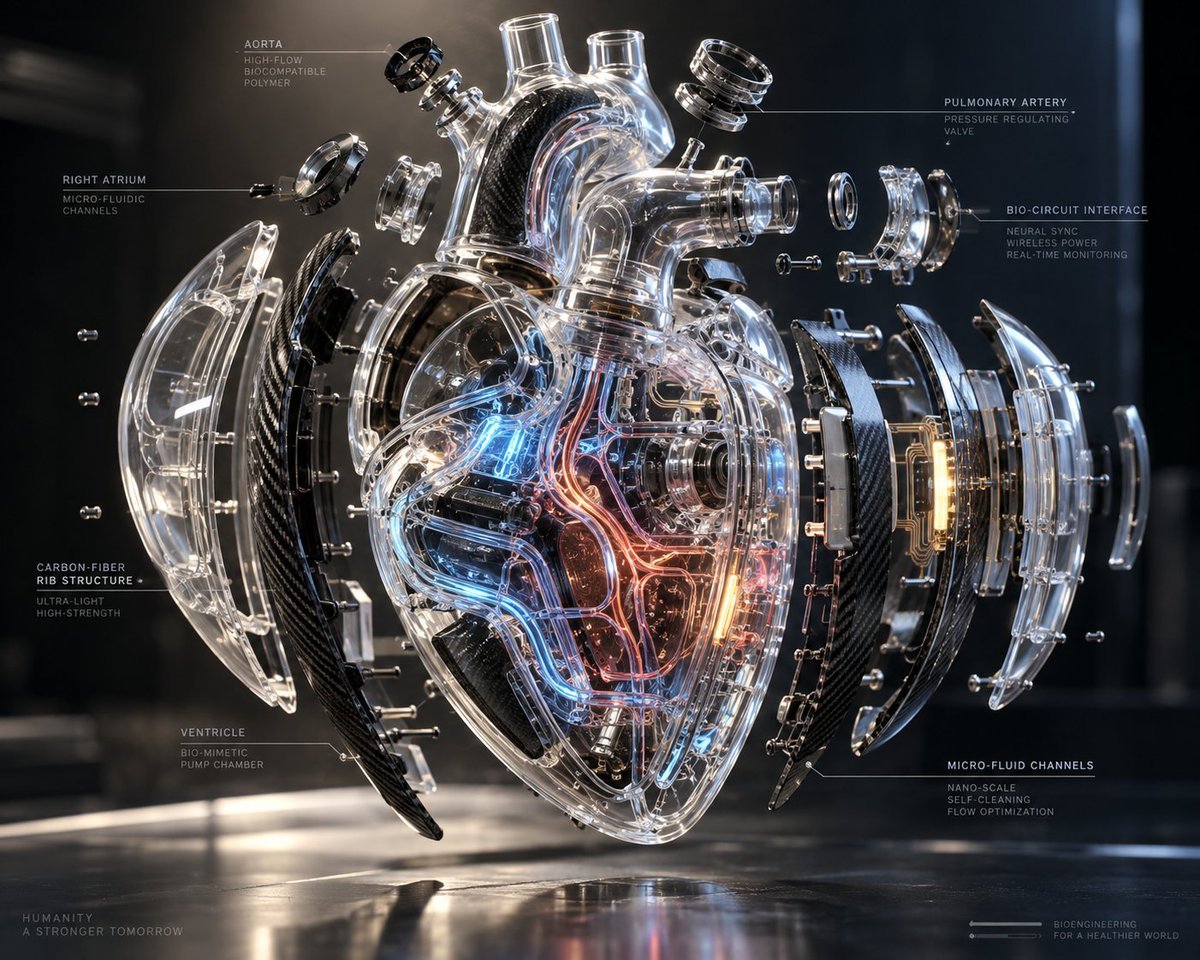
Exploded Transparent Artificial Heart
Make it yours
Transparent Chibi Shiba Duo works as-is. These are the safest ways to change it without losing the look.
Change one field
Copy a single group, rewrite it, and generate again so you can see what that field is doing.
Keep the frame, change the subject
Hold the composition and light of Transparent Chibi Shiba Duo, then swap wardrobe, props or the person for a new take.
| If the result… | Why | Fix |
|---|---|---|
| The result drifts from the preview | Too many fields changed at once. | Reuse Transparent Chibi Shiba Duo as-is first, then change one group — subject, light, or setting. |
| The model over-stylizes the scene | The prose prompt leaves finish and camera underspecified. | Add one camera or lighting sentence and stay on GPT Image 2. |
More GPT Image 2 templates
Other prompts made for GPT Image 2.

Six VTuber Japanese Logo Sheet

Realistic Portrait of Woman and Deer

The Vista Modular Condo Poster

AI Model Routing Comparison Infographic

2.5D Anime Art Board

Isometric Productivity Desk Scene

New York Double Exposure Poster

Four-Panel AI Landscape Comparison

Japanese Tatami Lifestyle Magazine Cover

NESCAFÉ Coffee Map Poster
More image prompts
Fresh picks from across the catalog.
Photorealistic Studio Portrait Prompt for Male Model
Boy Celebrates Argentina Goal
Crayon Friends Studio Celebration

Iridescent Bubble Object Generation
Apocalyptic Ruined City Street
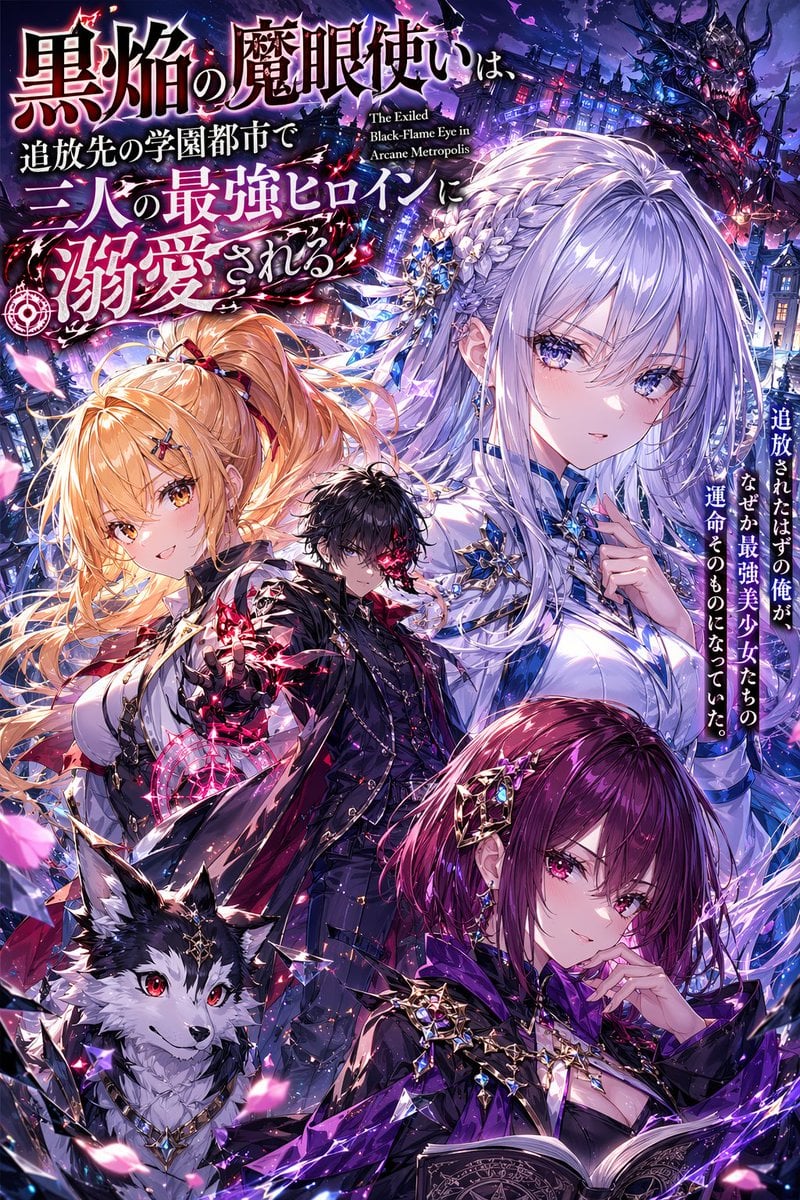
Anime Light Novel Cover with Typography
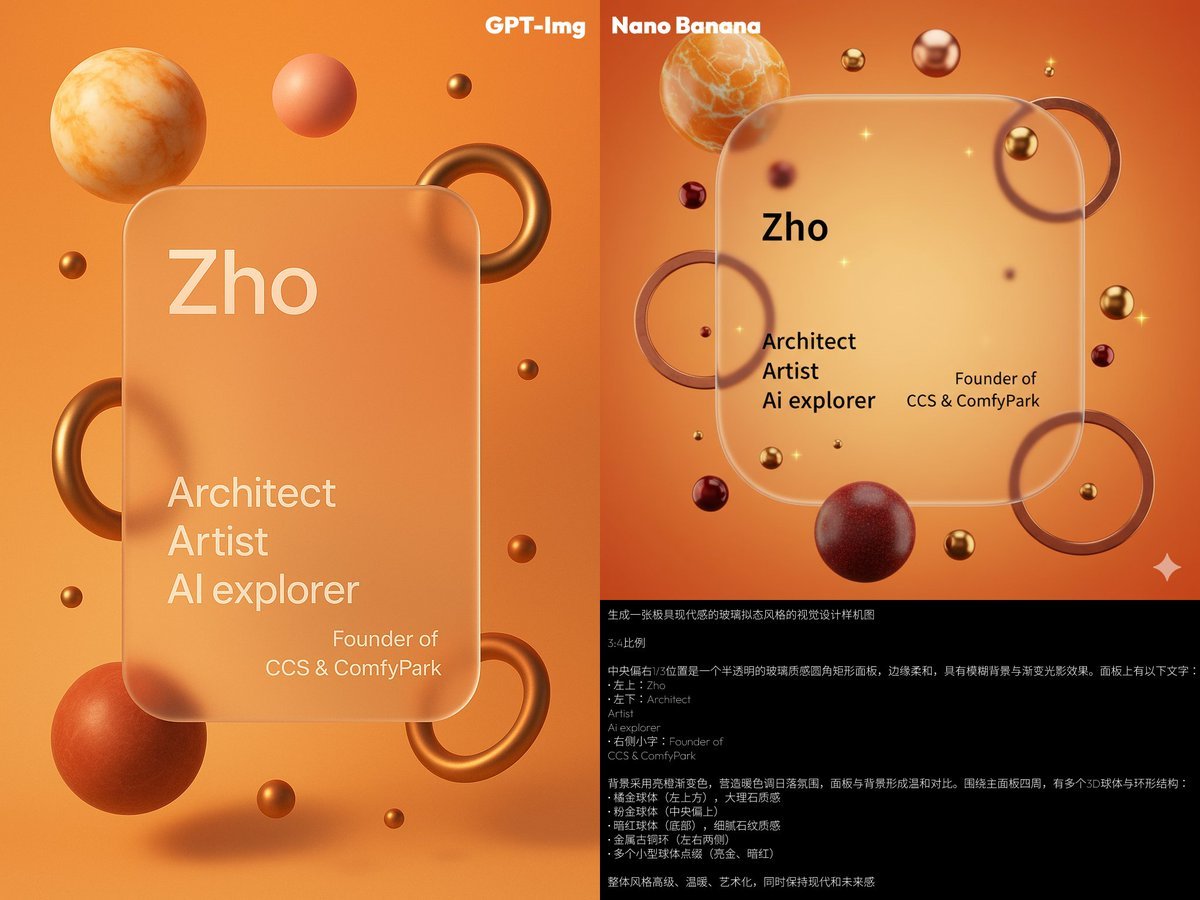
Glassmorphism personal branding mockup
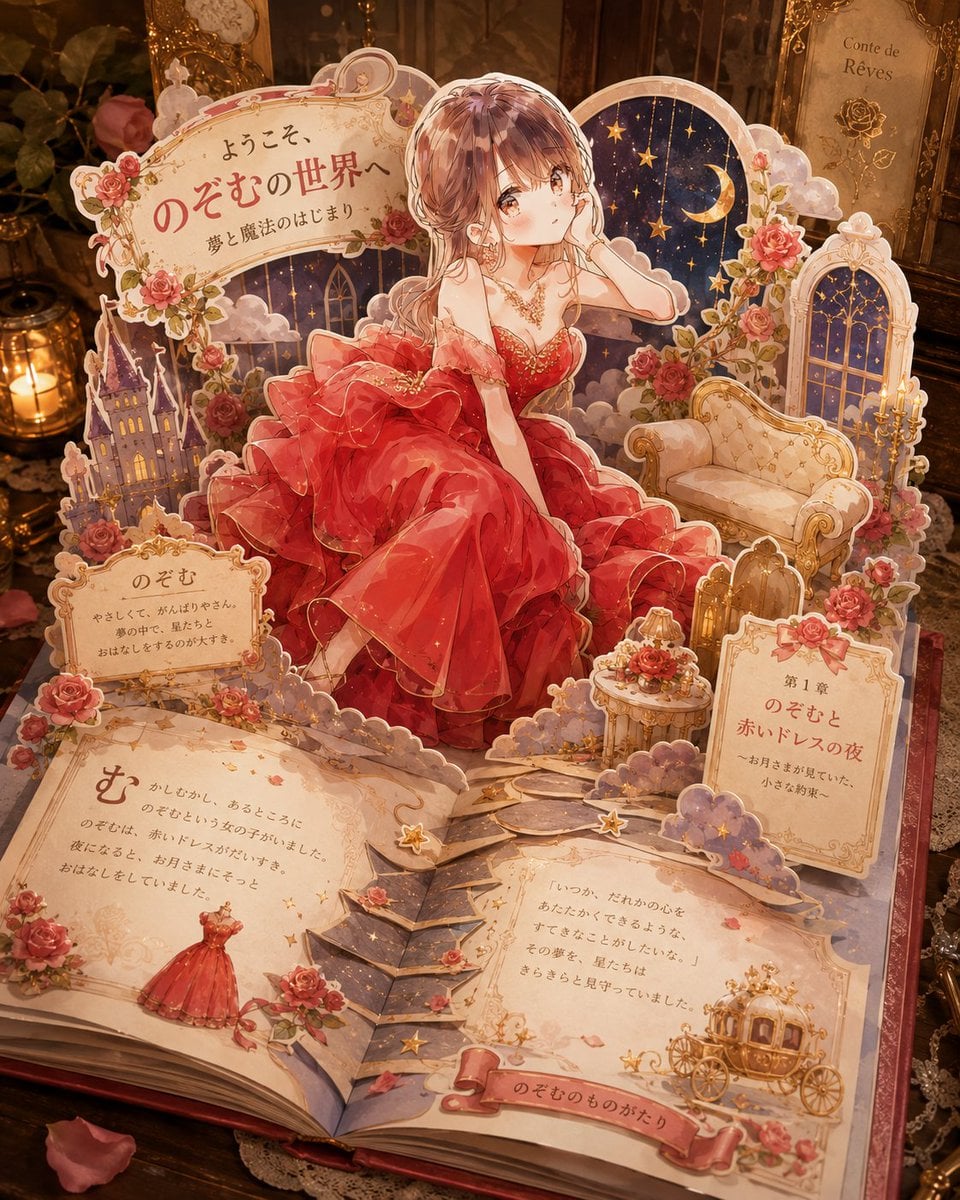
Personalized Pop-Up Fairy Tale Book
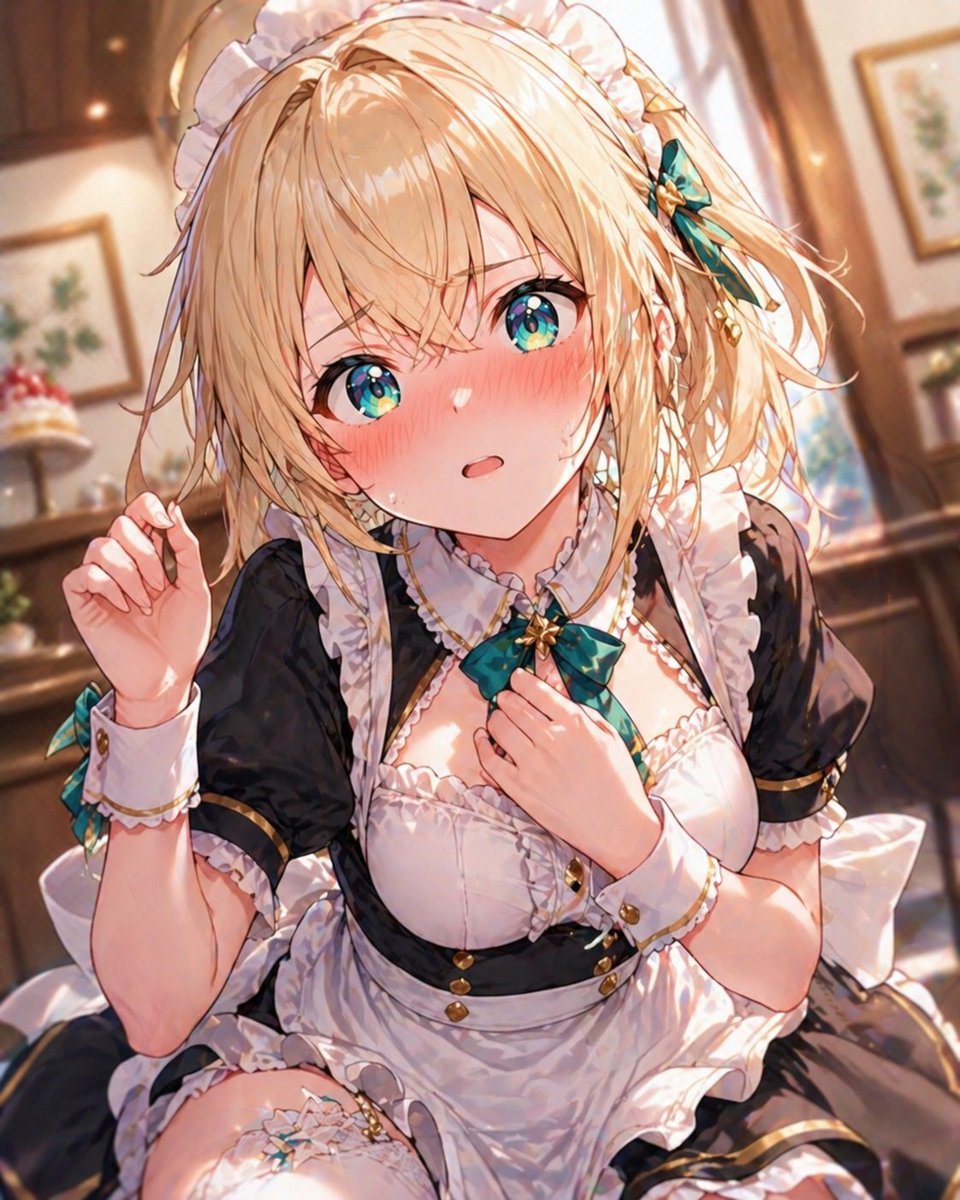
Blonde Maid in Warm Cafe
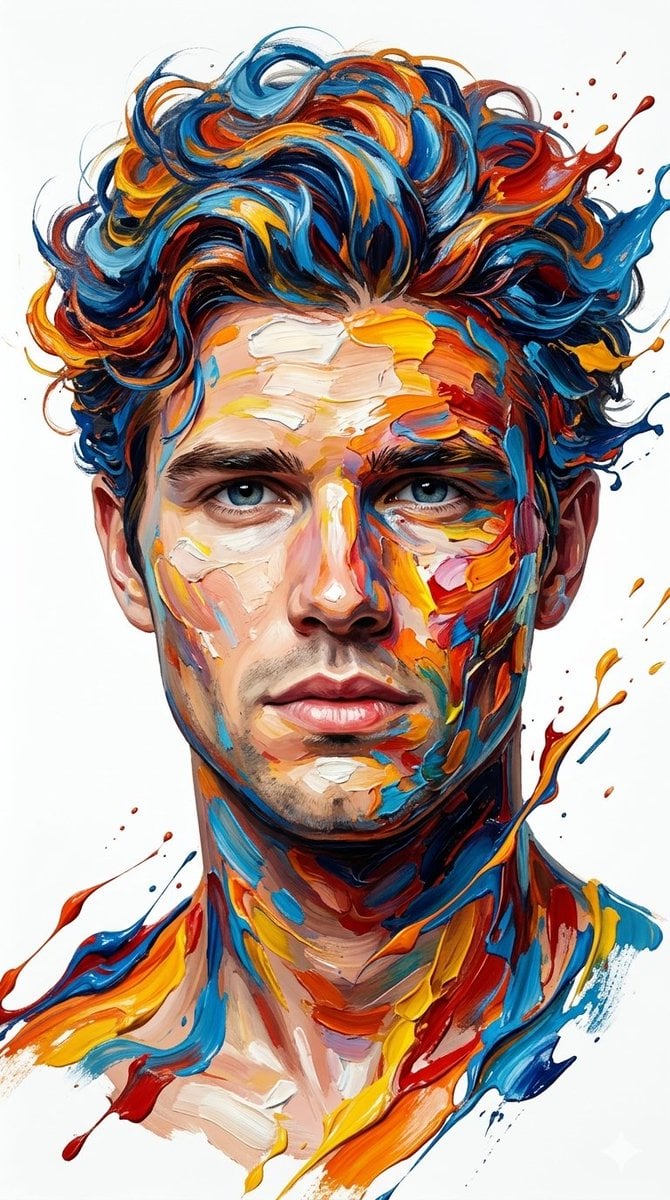
Hyper-Realistic Abstract Oil Portrait
Browse template categories
Transparent Chibi Shiba Duo questions
How do I use the Transparent Chibi Shiba Duo template?
Add your photo if the template asks for one, edit the prompt if you like — the template's model and format are already selected — and press Generate. Your version opens in PicX Studio.
Can I customize the Transparent Chibi Shiba Duo template?
Yes. You can change the subject, setting, lighting, mood, format, and available model controls before creating your image.
Is the Transparent Chibi Shiba Duo template free?
Opening and editing this template is free. Generating uses credits, shown on the Generate button when you are signed in.
Which AI model should I use?
Start with GPT Image 2, which is the model associated with this template. You can compare another compatible model for a different finish.
Looking for something else? Browse all templates.

Your photo, any look
Thousands of ready templates for every top image and video model, from one credit balance.