
ChatGPT Transparent Pizza Result
Generates a dark-mode ChatGPT screenshot featuring a transparent-background photorealistic pizza slice with sauce splashing, useful for illustrating alpha image generation.
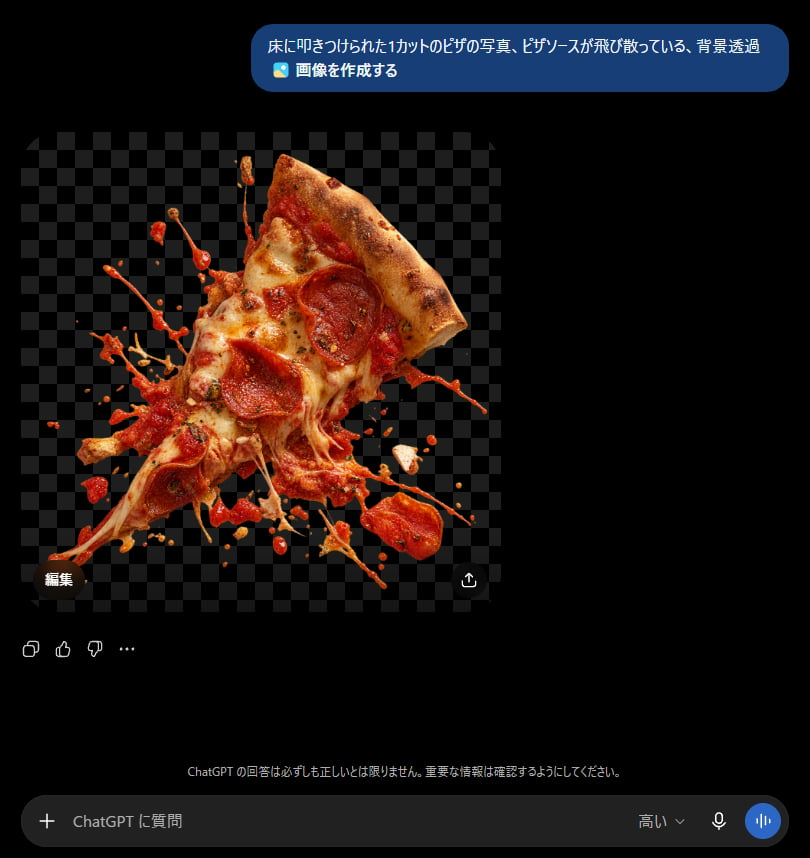
- Prompt included
- Model and format preset
- Free template
The prompt behind this image
Copy the exact prompt behind ChatGPT Transparent Pizza Result, or open it in the studio and make it yours.
Goal: Create a realistic screenshot of a dark-mode ChatGPT conversation showing an image generation result about a transparent-background pizza slice. Canvas: Square-ish desktop screenshot, approximately 820×847 px, with a pure black ChatGPT-style dark interface background. Layout: At the top right, place one rounded blue user message bubble containing Japanese text and a small image icon line. Below it, aligned left, show one generated image preview: a square transparent-background checkerboard area with a cutout photo of a pizza slice exploding into scattered sauce and toppings. Under and around the image preview, include small ChatGPT interface controls, then a bottom input bar. Text content: The top message bubble must read exactly: 「床に叩きつけられた1カットのピザの写真、ピザソースが飛び散っている、背景透過」 on the first line, and 「🖼️ 画像を作成する」 on the second line. Add a small dark pill button labeled 「編集」 near the lower-left corner of the image preview. Add a small circular share/download-style icon near the lower-right corner of the image preview. Near the bottom center, add the faint Japanese disclaimer: 「ChatGPT の回答は必ずしも正しいとは限りません。重要な情報は確認するようにしてください。」 The bottom input placeholder should read 「ChatGPT に質問」, with a plus icon on the left and small microphone/voice icons on the right, plus the label 「高い」. Generated image details: The preview should show exactly 1 triangular slice of pepperoni pizza, tilted diagonally upward to the right, with a browned crust at the top right, melted mozzarella cheese stretching downward, red tomato sauce splashing outward, and pepperoni pieces visible on the slice. Surround it with many irregular sauce droplets, cheese strands, and flying topping fragments as if the slice was slammed onto a floor. The cutout should have an alpha/transparent look represented by a dark gray checkerboard background behind the pizza. Make the pizza highly photorealistic, glossy, messy, and sharply lit, with no plate and no visible floor. Interface details: Use a modern ChatGPT mobile/desktop hybrid dark UI aesthetic, black background, rounded blue user bubble, soft gray icons, and a rounded dark input field at the bottom. Include exactly 4 small reaction/action icons below the generated image area on the left: copy, thumbs up, thumbs down, and an ellipsis. Keep all UI elements subtle and crisp. Constraints: Do not add extra messages, avatars, watermarks, or browser chrome. The main focus should be the transparent PNG-style pizza cutout inside the chat interface. Use {argument name="pizza prompt text" default="床に叩きつけられた1カットのピザの写真、ピザソースが飛び散っている、背景透過"} as the visible user request, {argument name="subject" default="one pepperoni pizza slice smashed with sauce splashing"}, and {argument name="interface language" default="Japanese"}.
How to use ChatGPT Transparent Pizza Result in 3 steps
- 1Upload ImagePNG, JPG or paste
Add your photo
Upload the photo the template builds on. The prompt, model and format are already set.
- 2…a portrait of your subject in softgolden-hour light, 85mm…
Personalize
Edit the subject and creative details for your destination.
- 3Generate
Generate
Press Generate — your image is created in PicX Studio, so you can compare it with the original and refine one variable at a time.
More like this
Templates with the same subject, style or setup. Open one to see its prompt.
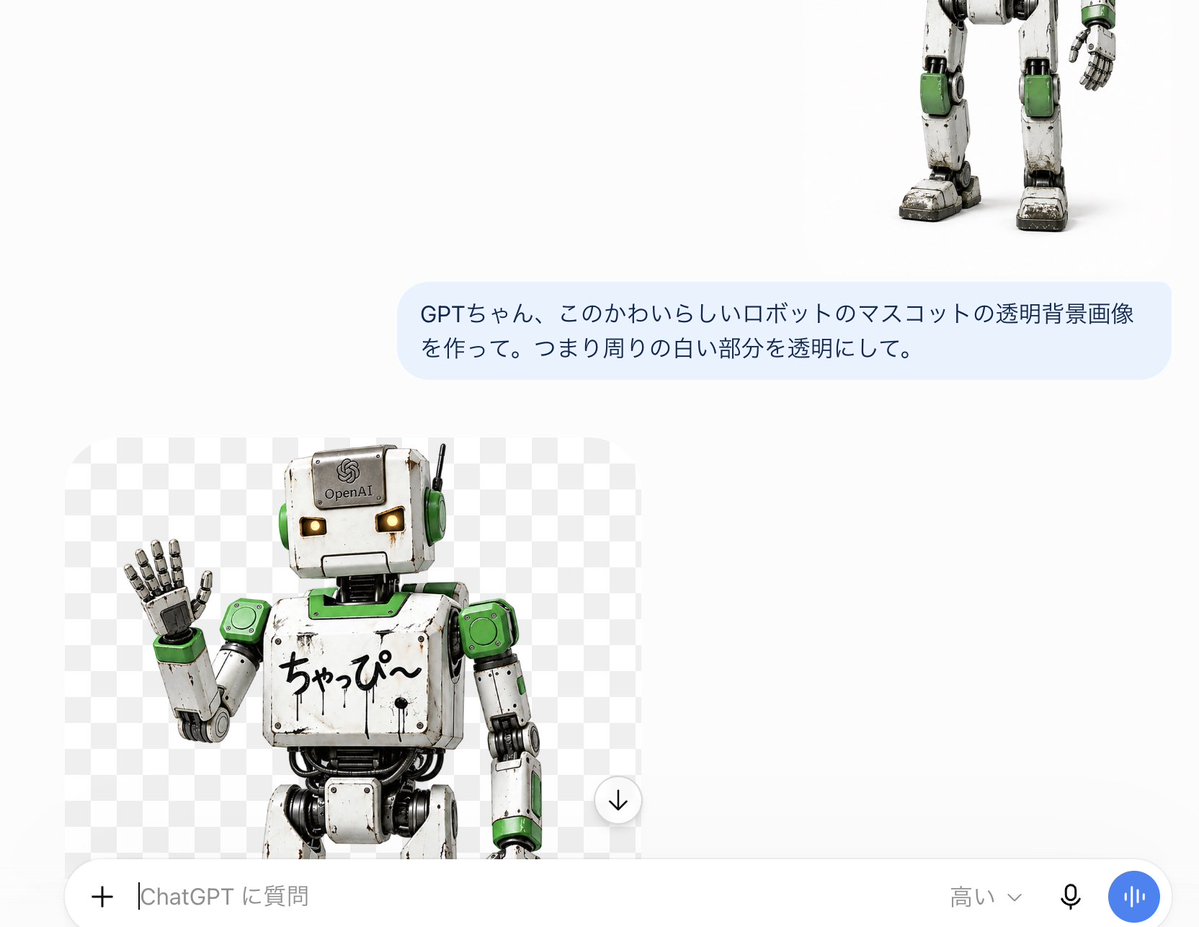
ChatGPT Transparent Robot UI Screenshot

Floraverse Botanical Fusion

FLORAVERSE BOTANICAL FUSION

Face-Locked Train Window Lifestyle Portrait
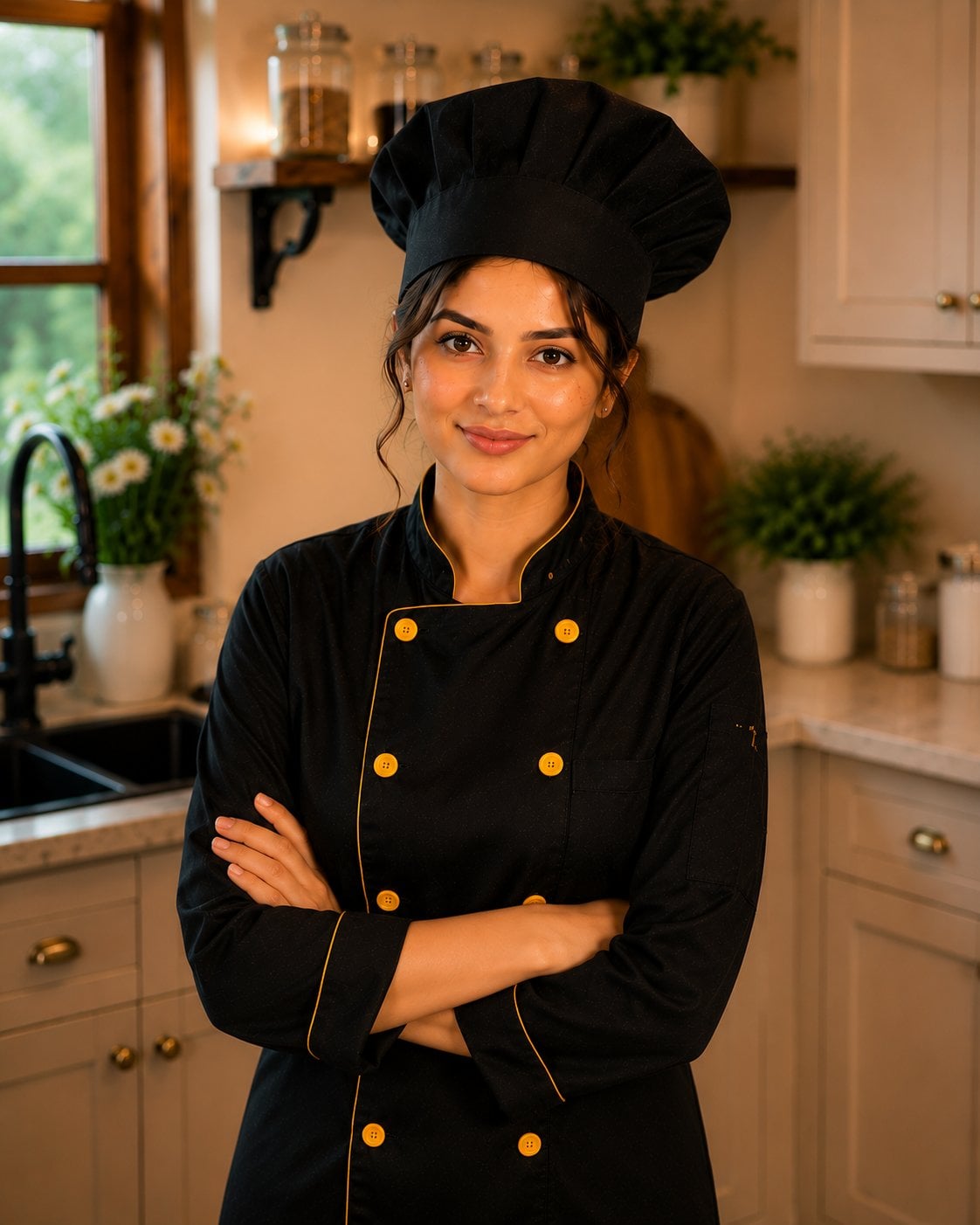
Female Chef Chicken Biryani Luxury Kitchen
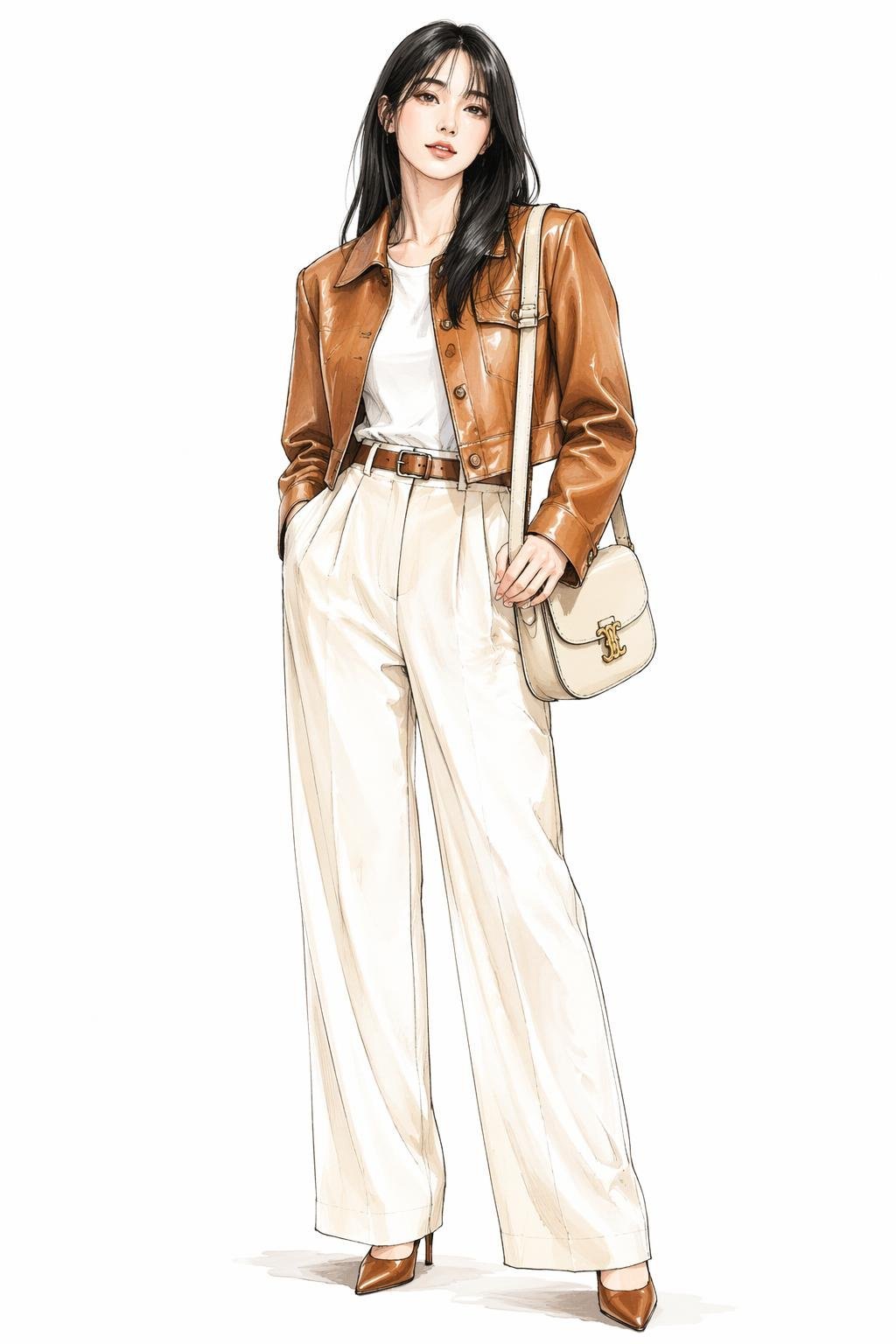
Leather Jacket Cream Trousers Fashion Sketch

Golden Hour Fedora Bar Doorway Street Style

Luxury Toothpaste Commercial Storyboard

Unfinished Sketch Comes Alive Portrait
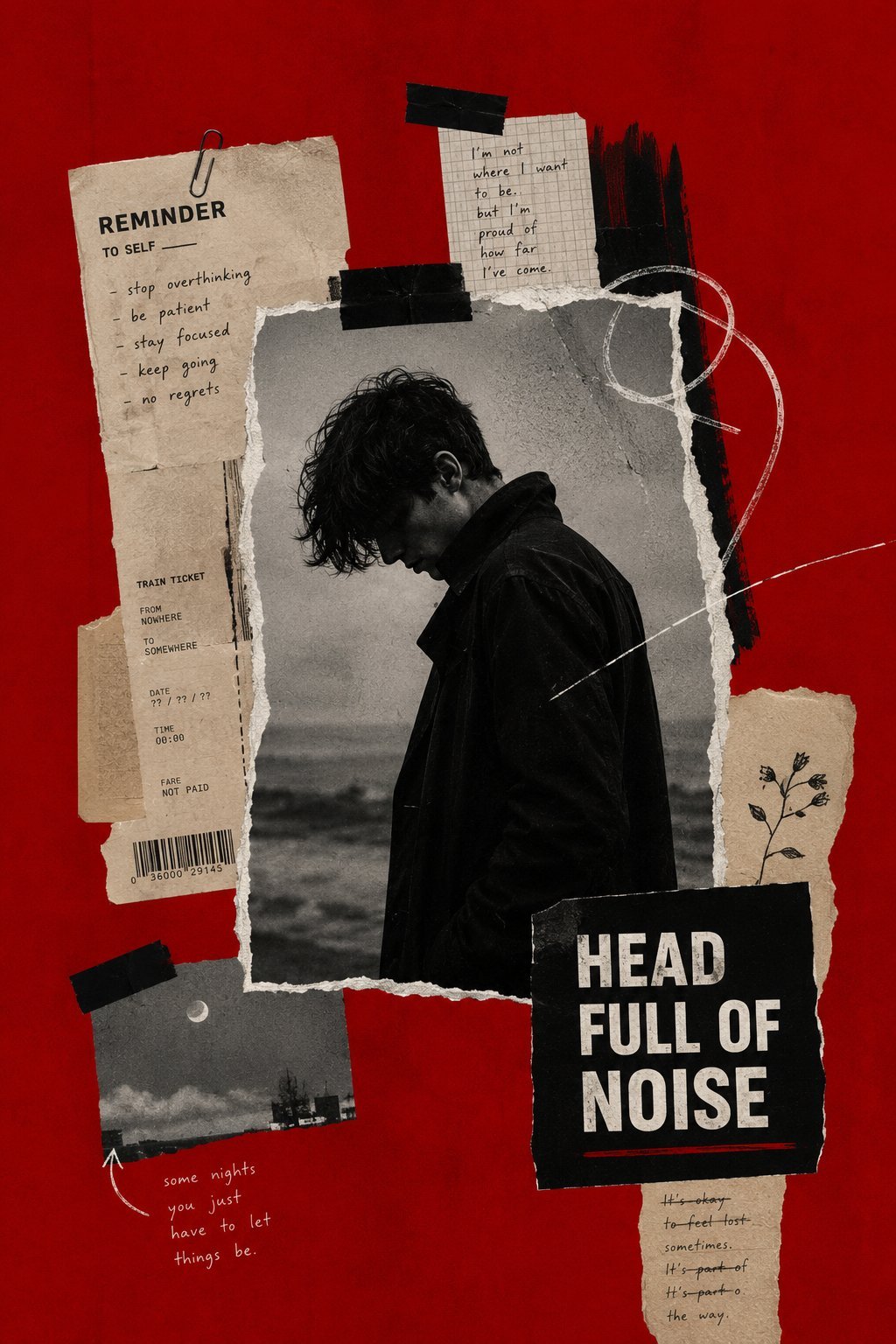
Surreal Minimalist Dark Collage Poster II

Open Travel Journal Overhead Still Life
Monami Visual Prompt Placeholder
Make it yours
ChatGPT Transparent Pizza Result works as-is. These are the safest ways to change it without losing the look.
Change one field
Copy a single group, rewrite it, and generate again so you can see what that field is doing.
Keep the frame, change the subject
Hold the composition and light of ChatGPT Transparent Pizza Result, then swap wardrobe, props or the person for a new take.
| If the result… | Why | Fix |
|---|---|---|
| The result drifts from the preview | Too many fields changed at once. | Reuse ChatGPT Transparent Pizza Result as-is first, then change one group — subject, light, or setting. |
| The model over-stylizes the scene | The prose prompt leaves finish and camera underspecified. | Add one camera or lighting sentence and stay on GPT Image 2. |
More GPT Image 2 templates
Other prompts made for GPT Image 2.

Six VTuber Japanese Logo Sheet

Realistic Portrait of Woman and Deer

The Vista Modular Condo Poster

AI Model Routing Comparison Infographic

2.5D Anime Art Board

Isometric Productivity Desk Scene

New York Double Exposure Poster

Four-Panel AI Landscape Comparison

Japanese Tatami Lifestyle Magazine Cover

NESCAFÉ Coffee Map Poster
More image prompts
Fresh picks from across the catalog.
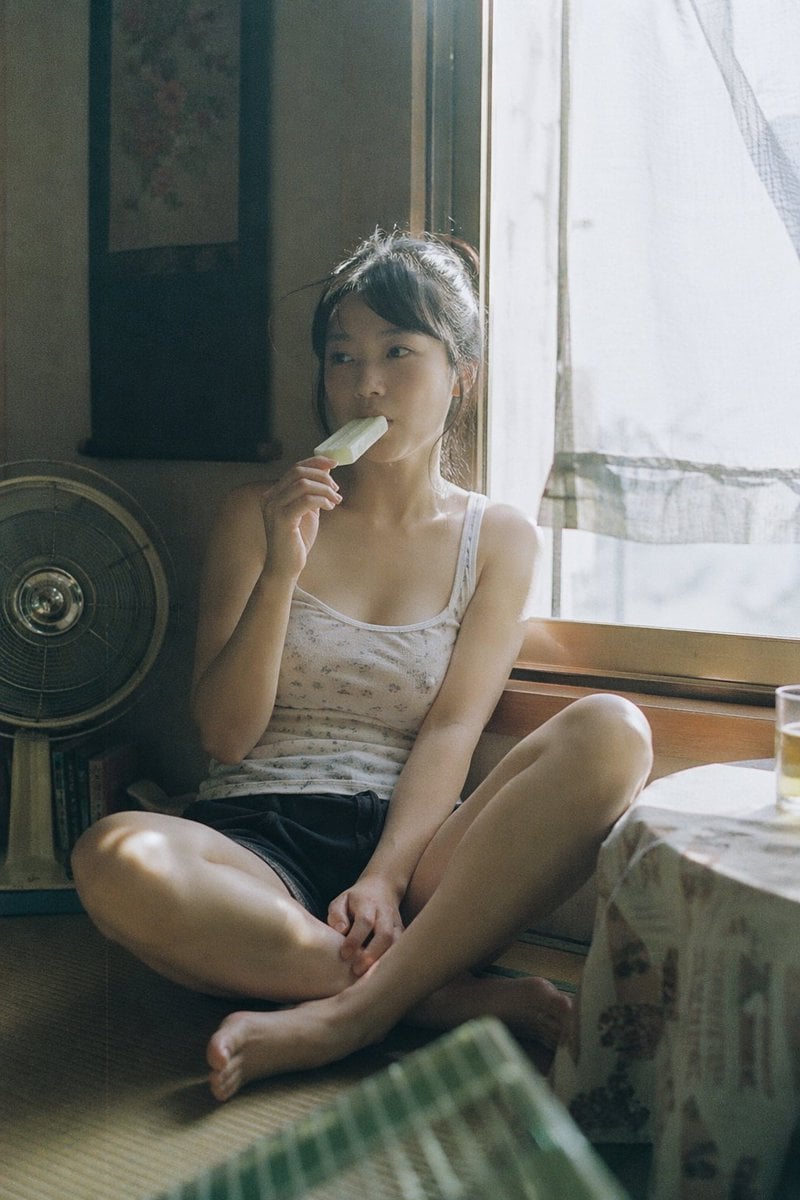
Summer Ice Cream Moment
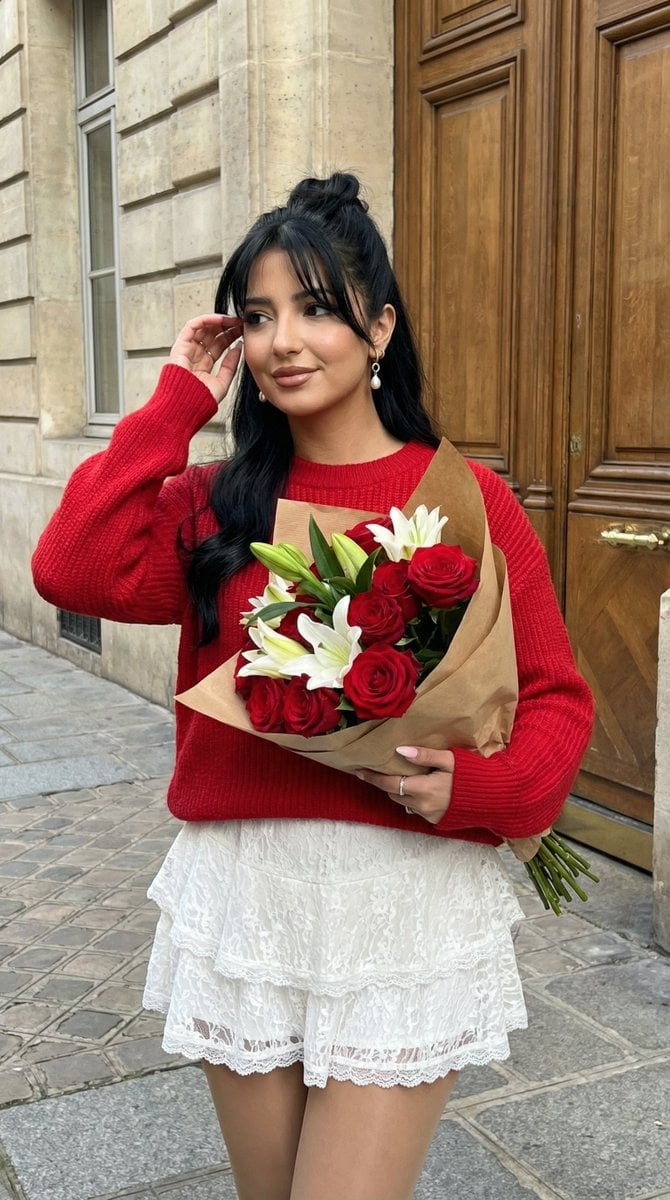
Romantic Street Editorial Portrait (Image-to-Image)
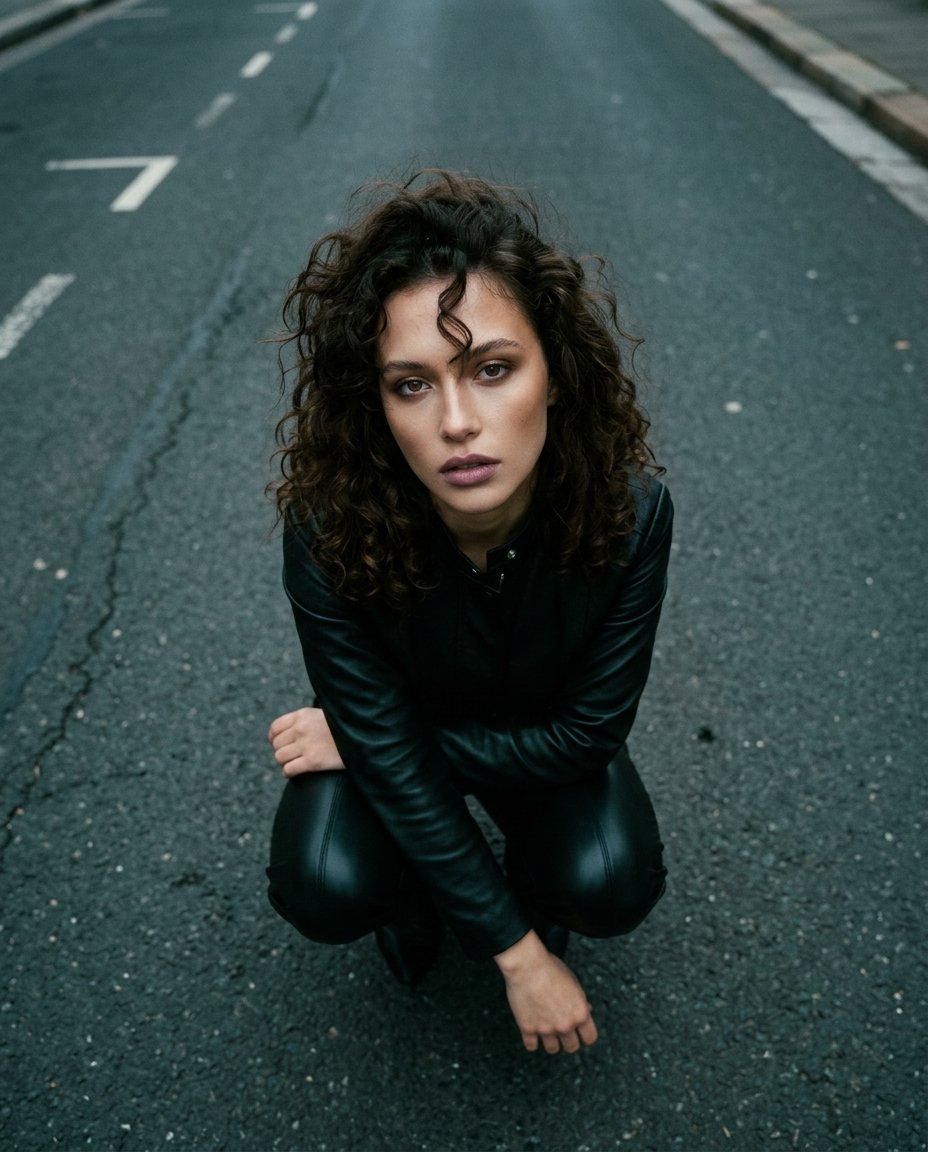
Top-Down Cinematic Portrait
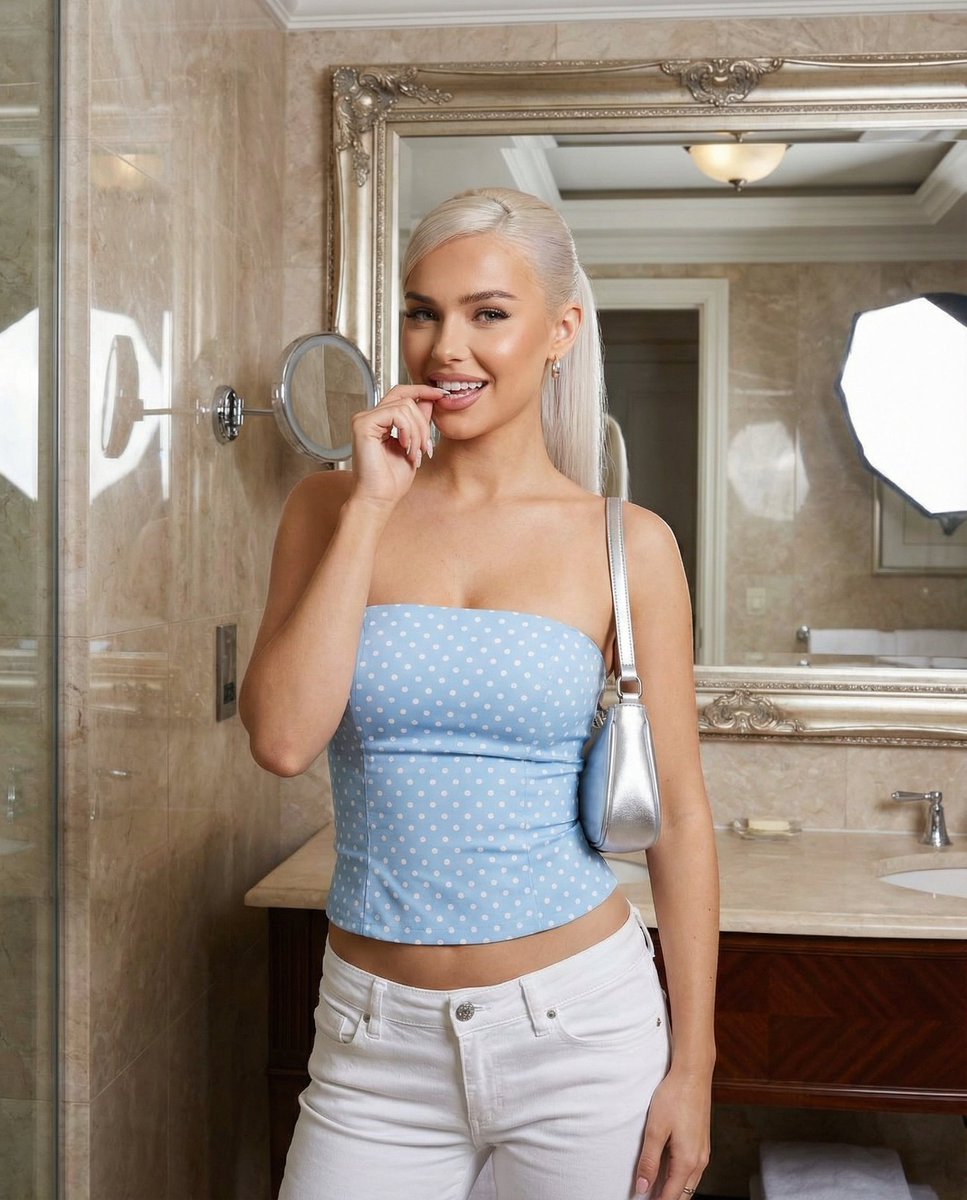
Baby Blue Polka Dot Top Bathroom Selfie Prompt
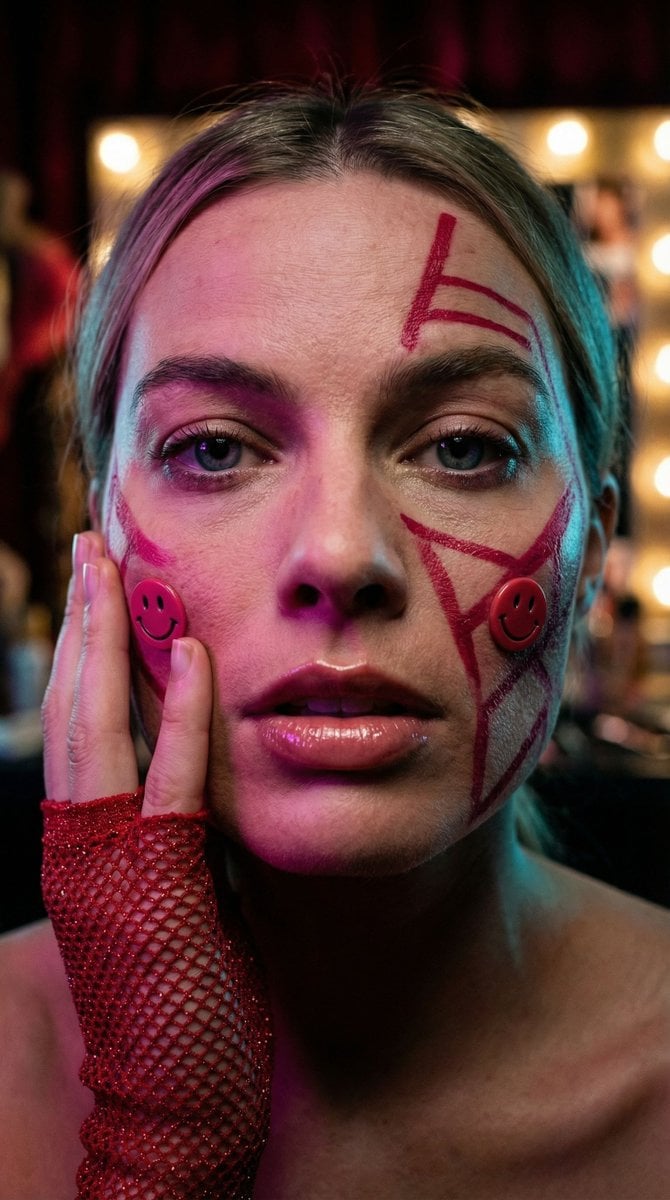
Cyberpunk Geisha Macro Portrait
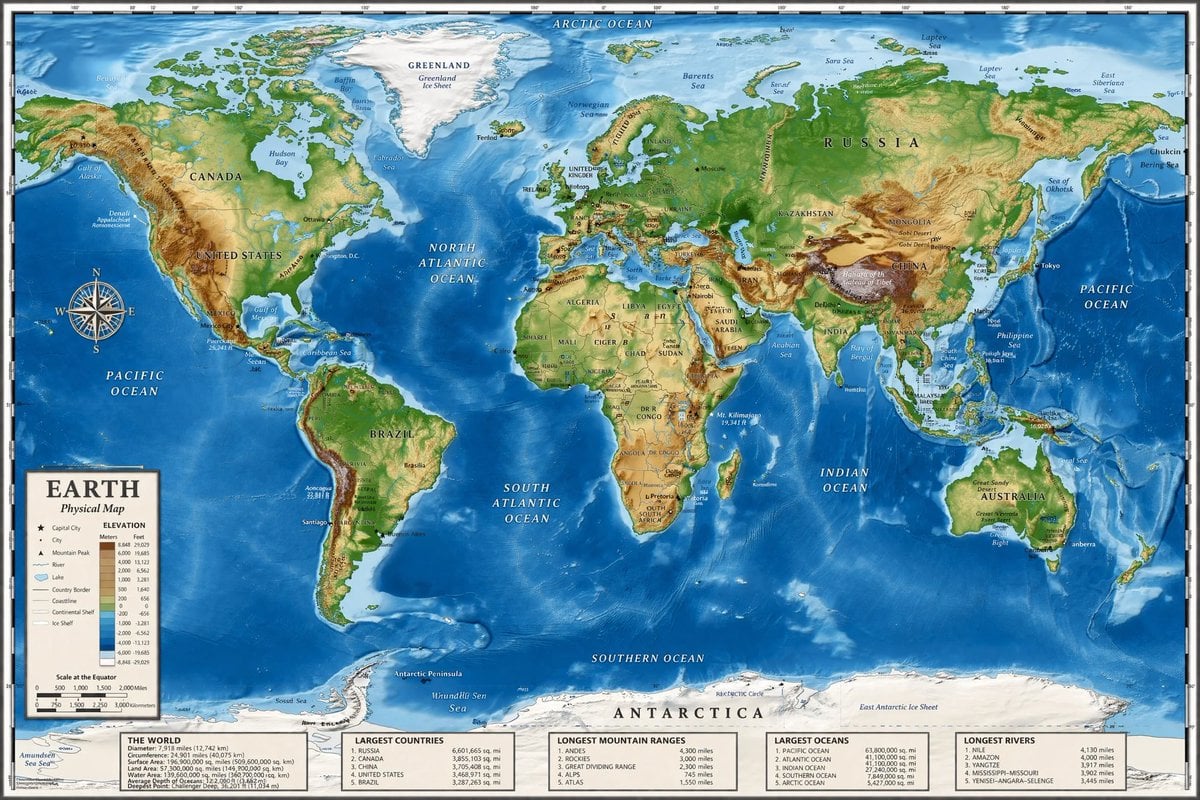
Detailed Physical World Map with Info Panels
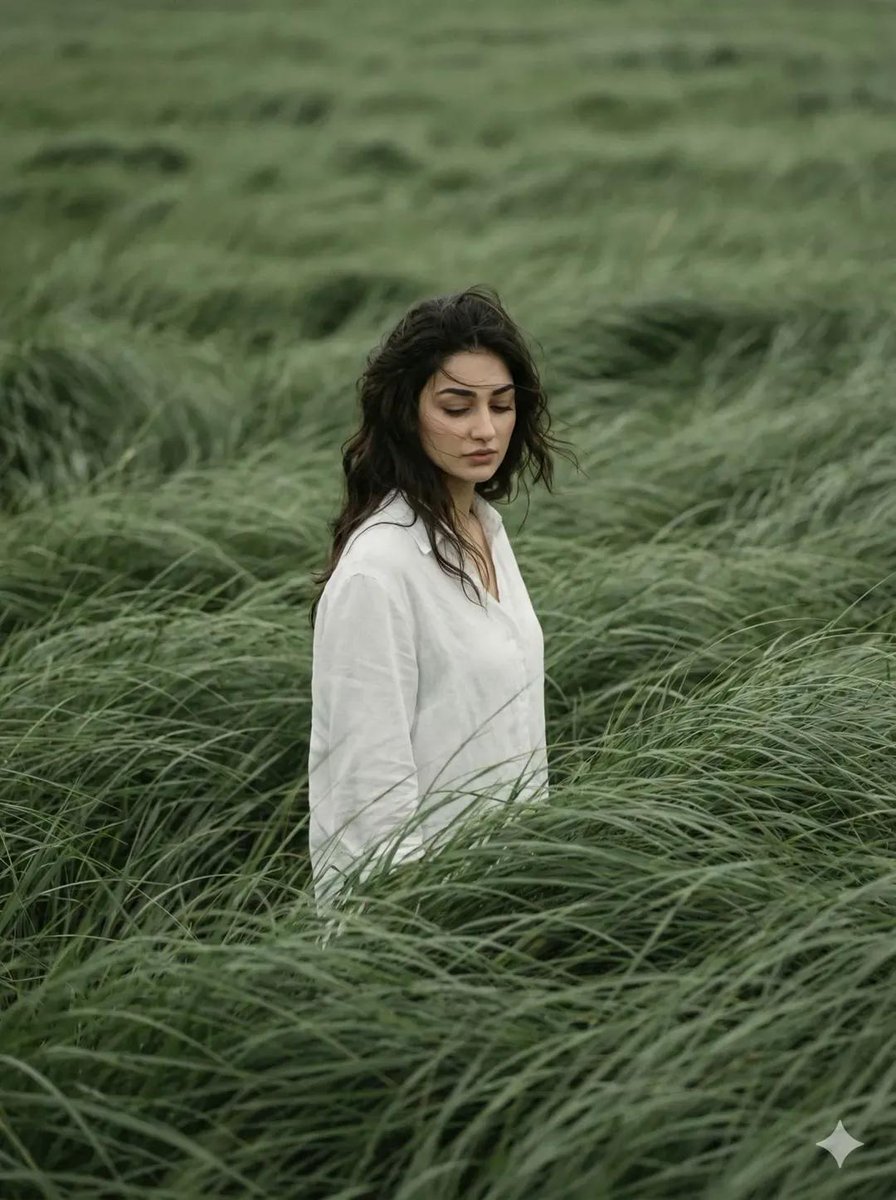
Cinematic Editorial Portrait in Wind-Swept Grass Fields
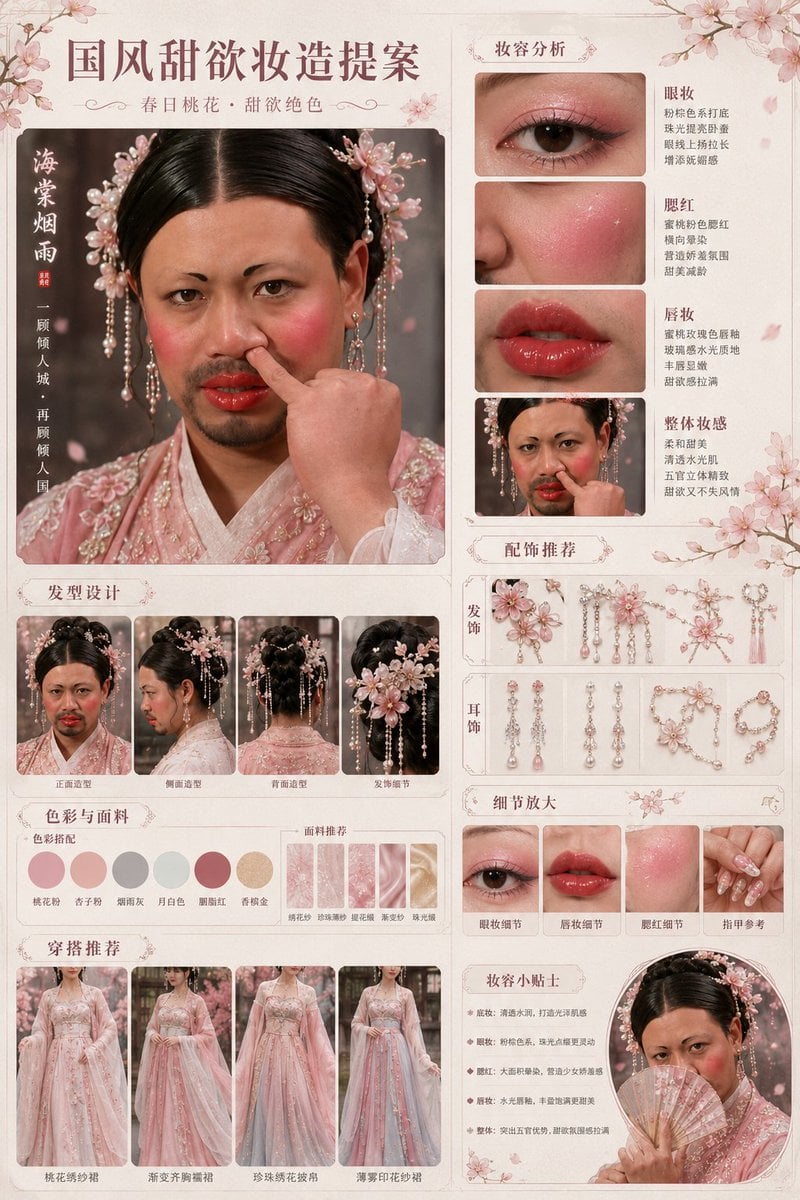
Prompt
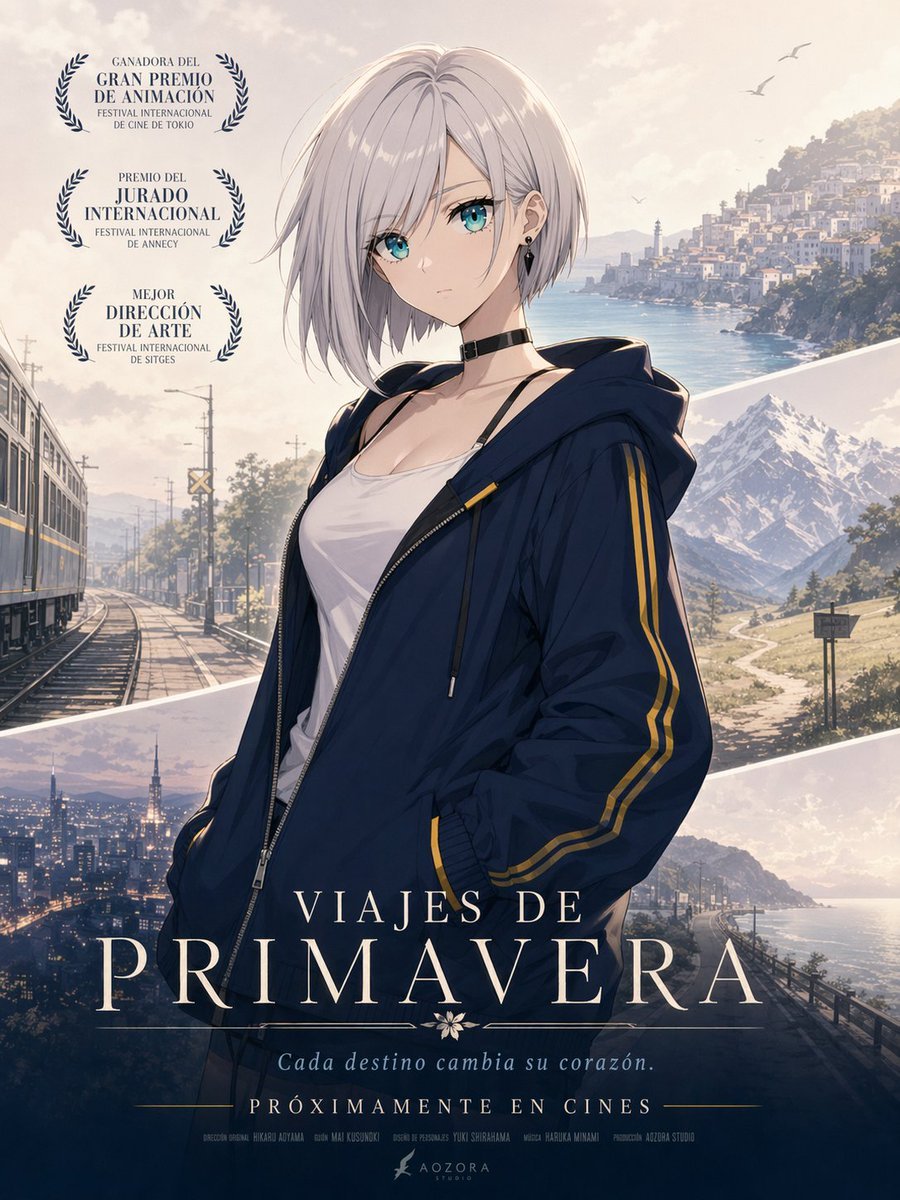
Anime Spring Travel Film Poster
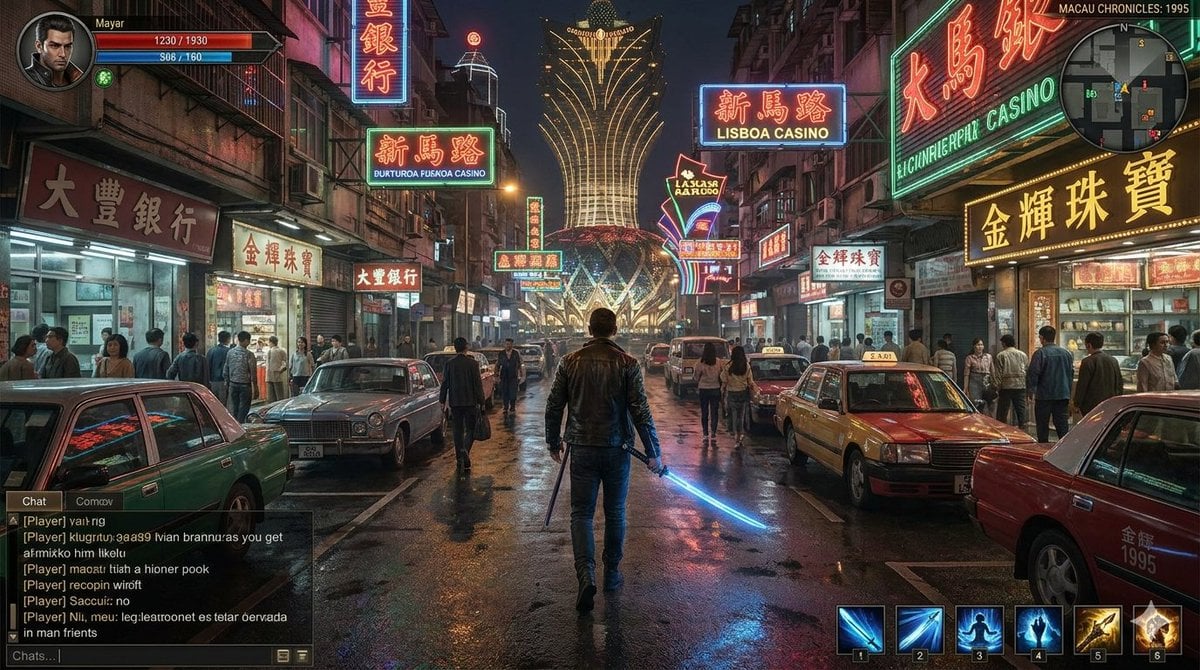
Neon Macau RPG Street Battle HUD
Browse template categories
ChatGPT Transparent Pizza Result questions
How do I use the ChatGPT Transparent Pizza Result template?
Add your photo if the template asks for one, edit the prompt if you like — the template's model and format are already selected — and press Generate. Your version opens in PicX Studio.
Can I customize the ChatGPT Transparent Pizza Result template?
Yes. You can change the subject, setting, lighting, mood, format, and available model controls before creating your image.
Is the ChatGPT Transparent Pizza Result template free?
Opening and editing this template is free. Generating uses credits, shown on the Generate button when you are signed in.
Which AI model should I use?
Start with GPT Image 2, which is the model associated with this template. You can compare another compatible model for a different finish.
Looking for something else? Browse all templates.

Your photo, any look
Thousands of ready templates for every top image and video model, from one credit balance.