How do I use the Baby Blue Polka Dot Top Bathroom Selfie Prompt template?
Choose the primary action to open PicX Studio with the available template settings. Review the model and format, personalize the creative direction, and generate when ready.
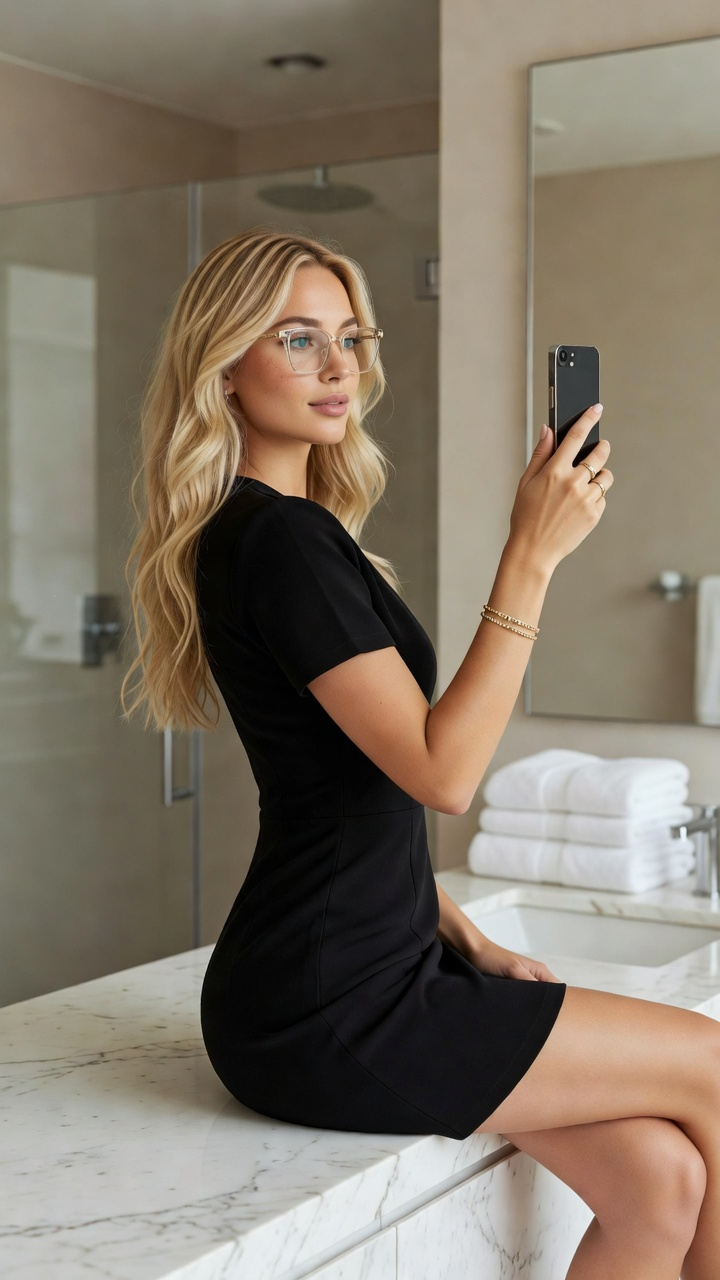
A prompt for generating a glamorous, flirtatious fashion snapshot. Change the subject, setting, or lighting one variable at a time.

{ "aspect_ratio": "4:5", "scene_type": "indoor fashion snapshot", "environment": { "location": "luxurious bathroom", "background": { "wall": "marble wall", "mirror": "large mirror edge visible" } }, "subject": { "hair": { "color": "platinum blonde", "length": "long", "style": "high sleek ponytail" }, "wardrobe": { "top": { "item": "strapless fitted top", "color": "{argument name=\"top color\" default=\"baby blue\"}", "pattern": "small black polka dots" }, "bottom": { "item": "low-rise white denim jeans" } }, "accessories": { "bag": { "type": "small silver shoulder bag" }, "nails": { "color": "soft blue" } }, "pose": { "hand near mouth, direct teasing gaze" } }, "mood": { "vibe": "confident, glamorous, flirtatious" } }
Choose the primary action to open PicX Studio with the available template settings. Review the model and format, personalize the creative direction, and generate when ready.
Yes. You can change the subject, setting, lighting, mood, format, and available model controls before creating your image.
This template is free to open and customize. Generation usage is shown in PicX Studio before you create.
Start with Nano Banana 2, which is the model associated with this template. You can compare another compatible model for a different finish.
© 2026 PicX Studio. All rights reserved.

Follow a topic to a crawlable collection of related PicX Studio templates.
43,474 public templates available. Verified via the PicX Studio public templates API; refreshed hourly.













![Naive doodle-style subject illustration — A doodle-style {argument name="subject" default="[subject]"}, naive lines, humorous shape exaggeration](https://pbs.twimg.com/media/G6Wl2YxbsAARB2b.jpg)











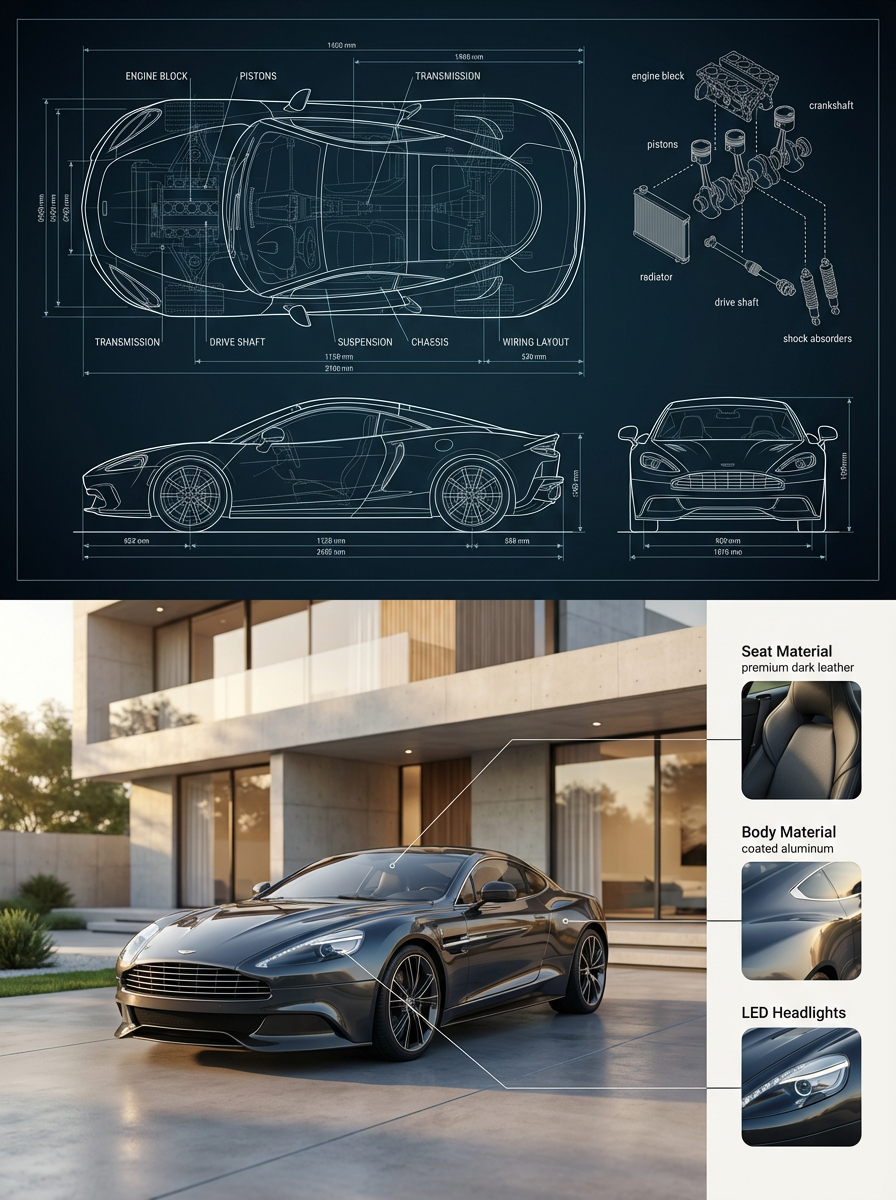
![Unreal Commercial Poster Generator — A hyper-detailed surreal advertising poster for {argument name="brand name" default="[BRAND NAME]"}.
BACKGROUND: A large d](https://cms-assets.youmind.com/media/1780735291585_n2d8qe_HHVZ56ha0AAu9BM.jpg)






![Surreal Porcelain Flora Figure Prompt — [image_metadata]
title = "Porcelain Flora Figure"
style = "Surreal Digital Sculpture"
composition = "Kneeling"
[subject](https://pbs.twimg.com/media/G_HQzrWWoAAq1s8.jpg)