
Modern Esther Character Sheet
A photorealistic editorial-style reference board presenting Esther as a modern urban heroine, useful for character development, visual worldbuilding, or promotional concept art.
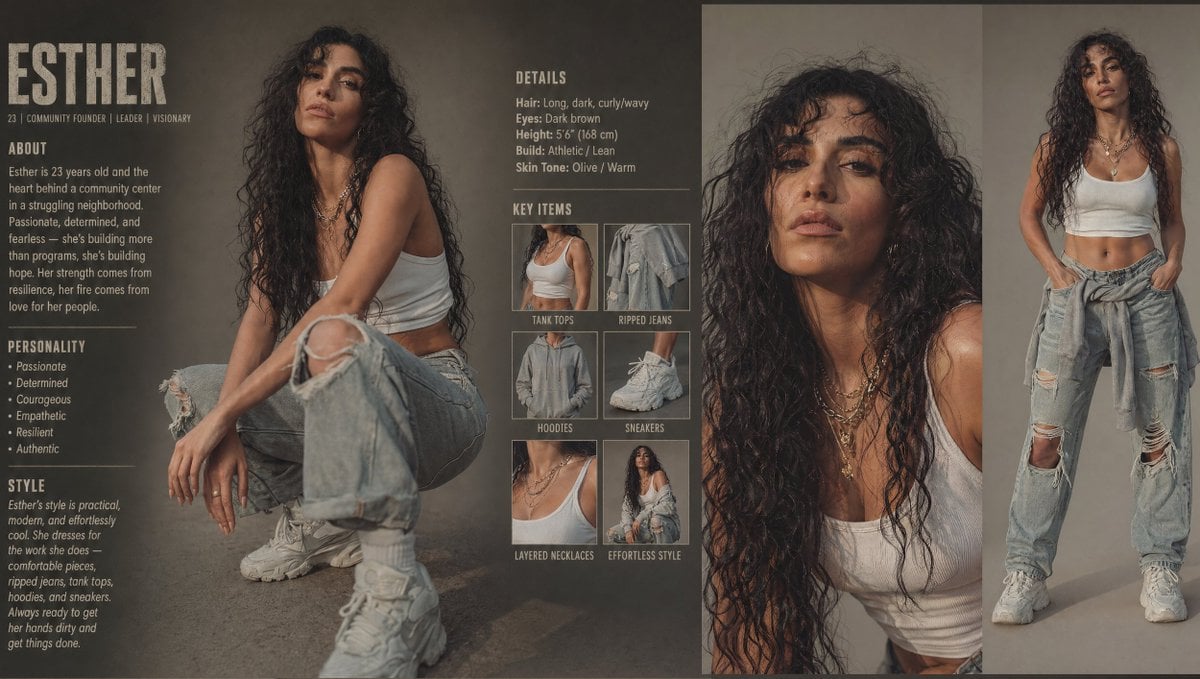
- Prompt included
- Model and format preset
- Free template
The prompt behind this image
Copy the exact prompt behind Modern Esther Character Sheet, or open it in the studio and make it yours.
- Type
- modern character style sheet
- Subject › Name
- {argument name="character name" default="Esther"}
- Subject › Age
- 23
- Subject › Role
- community founder | leader | visionary
- Subject › Concept
- a modern retelling of Esther as a strong, grounded young woman from a struggling neighborhood, building hope through community work
- Subject › Appearance › Hair › Color
- {argument name="hair color" default="dark brown"}
- Subject › Appearance › Hair › Style
- very long, voluminous, dark curly-wavy hair with a natural slightly wild texture
- Subject › Appearance › Eyes
- dark brown
- Subject › Appearance › Height
- 5'6" (168 cm)
- Subject › Appearance › Build
- athletic, lean
- Subject › Appearance › Skin Tone
- olive, warm
- Subject › Wardrobe › Top
- {argument name="top style" default="white cropped tank top"}
- Subject › Wardrobe › Bottom
- light-wash heavily ripped baggy jeans
- Subject › Wardrobe › Layer
- gray hoodie tied around the waist
- Subject › Wardrobe › Shoes
- chunky white sneakers
- Subject › Wardrobe › Accessories
- multiple layered gold necklaces
- Subject › Mood
- confident, resilient, authentic, quietly powerful, effortless urban realism
- Layout › Format
- editorial reference board with 3 vertical zones
- Layout › Background
- moody warm gray-brown studio backdrop with subtle texture
- Layout › Sections › 0 › Title
- ESTHER
- Layout › Sections › 0 › Position
- far left text column
- Layout › Sections › 0 › Count
- 4
- Layout › Sections › 0 › Labels
- header name and role line, ABOUT, PERSONALITY, STYLE
- Layout › Sections › 1 › Title
- DETAILS
Raw JSON
{"type":"modern character style sheet","subject":{"name":"{argument name=\"character name\" default=\"Esther\"}","age":"23","role":"community founder | leader | visionary","concept":"a modern retelling of Esther as a strong, grounded young woman from a struggling neighborhood, building hope through community work","appearance":{"hair":{"color":"{argument name=\"hair color\" default=\"dark brown\"}","style":"very long, voluminous, dark curly-wavy hair with a natural slightly wild texture"},"eyes":"dark brown","height":"5'6\" (168 cm)","build":"athletic, lean","skin tone":"olive, warm"},"wardrobe":{"top":"{argument name=\"top style\" default=\"white cropped tank top\"}","bottom":"light-wash heavily ripped baggy jeans","layer":"gray hoodie tied around the waist","shoes":"chunky white sneakers","accessories":"multiple layered gold necklaces"},"mood":"confident, resilient, authentic, quietly powerful, effortless urban realism"},"layout":{"format":"editorial reference board with 3 vertical zones","background":"moody warm gray-brown studio backdrop with subtle texture","sections":[{"title":"ESTHER","position":"far left text column","count":4,"labels":["header name and role line","ABOUT","PERSONALITY","STYLE"]},{"title":"DETAILS","position":"upper middle-right text block","count":5,"labels":["Hair","Eyes","Height","Build","Skin Tone"]},{"title":"KEY ITEMS","position":"middle-right grid","count":6,"labels":["TANK TOPS","RIPPED JEANS","HOODIES","SNEAKERS","LAYERED NECKLACES","EFFORTLESS STYLE"]}],"image panels":[{"position":"left-center large panel","description":"full-body seated portrait, casual crouched pose with one knee raised, arms resting loosely, looking toward camera"},{"position":"center-right tall panel","description":"close-up crop from chest up, hair cascading over shoulders, layered necklaces prominent"},{"position":"far-right tall panel","description":"full-body standing portrait, hands in pockets, relaxed stance, hoodie tied at waist"}]},"text":{"about":"{argument name=\"about text\" default=\"Esther is 23 years old and the heart behind a community center in a struggling neighborhood. Passionate, determined, and fearless — she's building more than programs; she's building hope. Her strength comes from resilience, her fire comes from love for her people.\"}","personality":["Passionate","Determined","Courageous","Empathetic","Resilient","Authentic"],"style":"{argument name=\"style text\" default=\"Esther's style is practical, modern, and effortlessly cool. She dresses for the work she does — comfortable pieces, ripped jeans, tank tops, hoodies, and sneakers. Always ready to get her hands dirty and get things done.\"}"},"visual style":{"photography":"high-end editorial studio portrait photography","grading":"muted earthy tones, soft contrast, slightly desaturated, cinematic warmth","lighting":"soft diffused studio lighting with gentle shadows and subtle highlights on skin and fabric texture","rendering":"photorealistic, fashion lookbook meets character dossier, clean magazine-style typography, gritty compassionate realism"}}How to use Modern Esther Character Sheet in 3 steps
- 1Upload ImagePNG, JPG or paste
Add your photo
Upload the photo the template builds on. The prompt, model and format are already set.
- 2…a portrait of your subject in softgolden-hour light, 85mm…
Personalize
Edit the subject and creative details for your destination.
- 3Generate
Generate
Press Generate — your image is created in PicX Studio, so you can compare it with the original and refine one variable at a time.
More like this
Templates with the same subject, style or setup. Open one to see its prompt.

Paper Cut Craft Illustration

Premium Editorial Branding Poster Charcoal Green

Stylized Fashion Portrait Bold Color Contrast Editorial
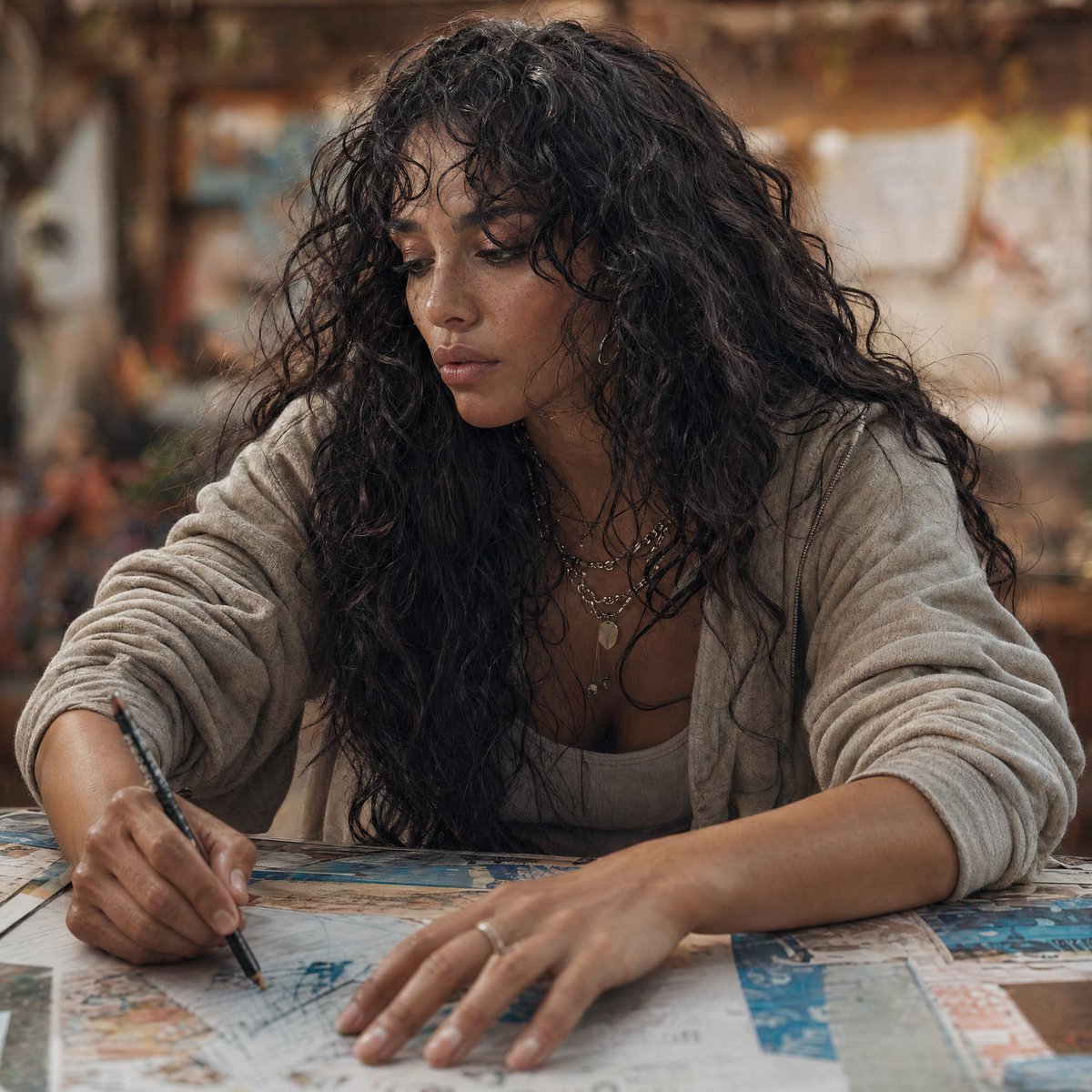
Modern Esther Writing at a Worktable

Dancer Character - Four View Reference Sheet

Woman in Mall with Chanel Bag - Heart Gesture

Movement Sheet - Dance Reference (Seedance 2.0)
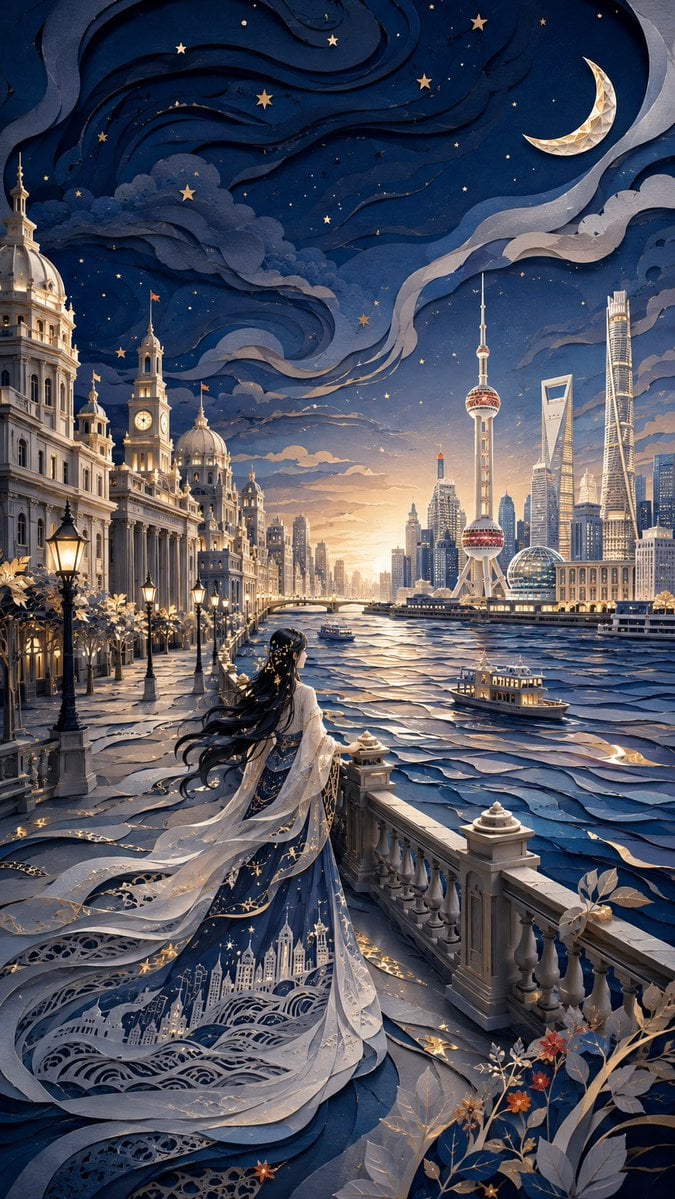
Modern Oriental Papercut Art Cityscape
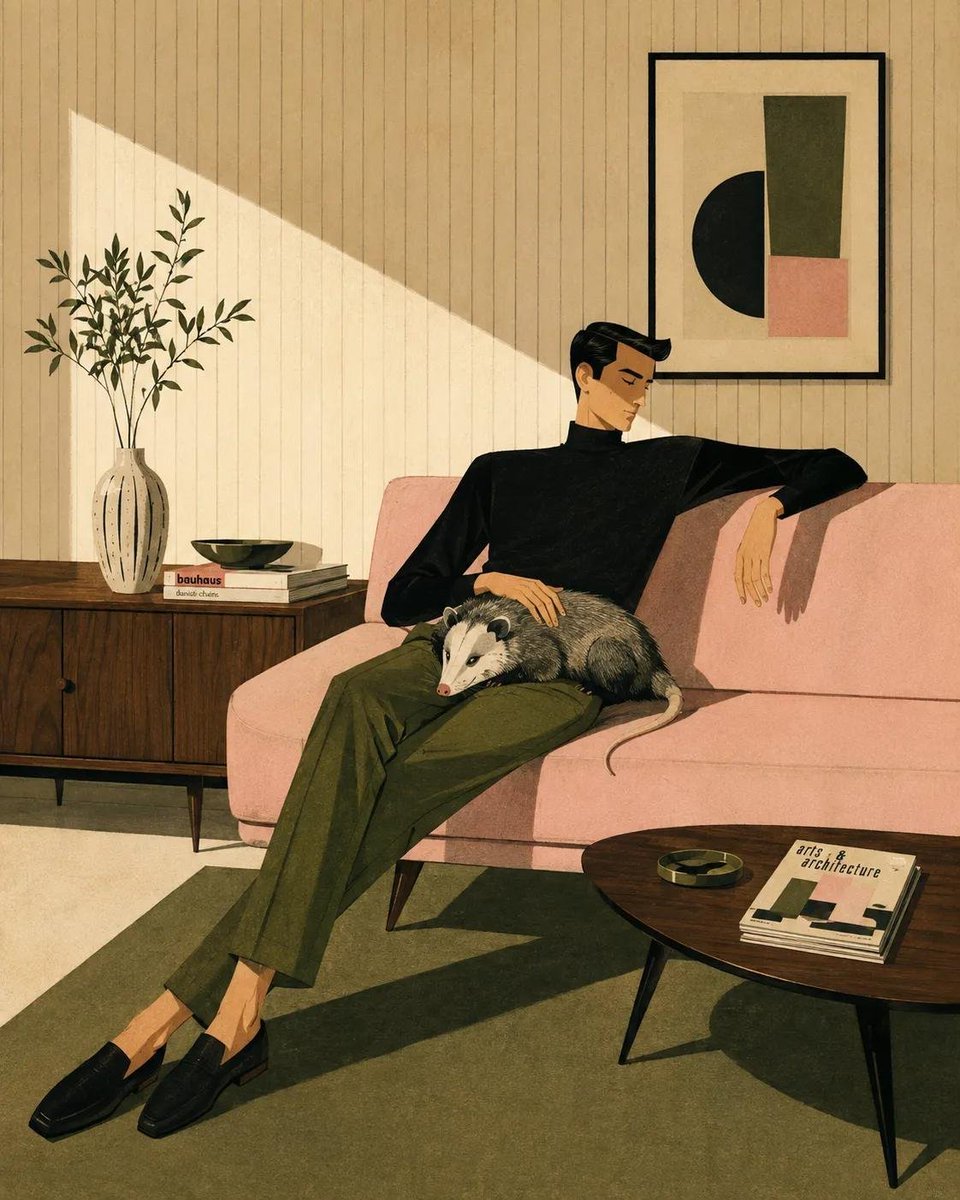
Mid-Century Modern Lifestyle Illustration
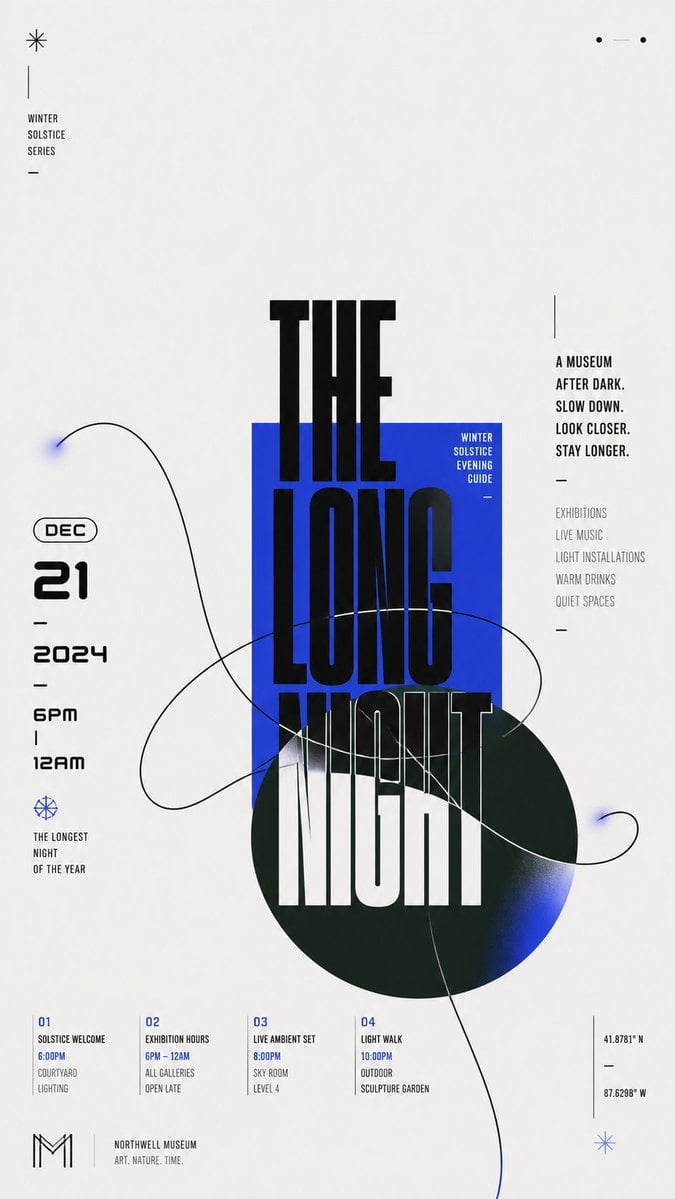
Modern Chinese Graphic Design
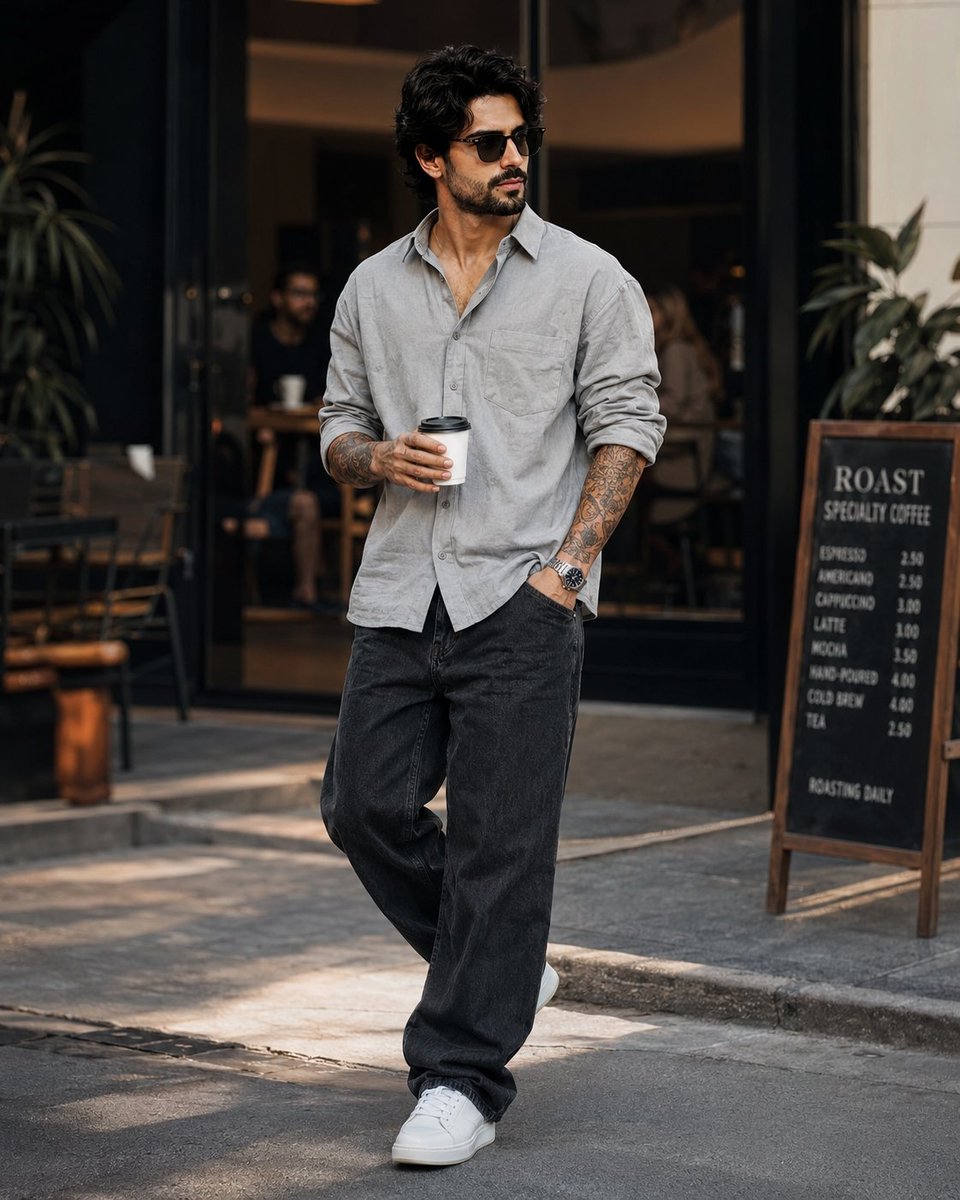
Stylish Man in Modern City
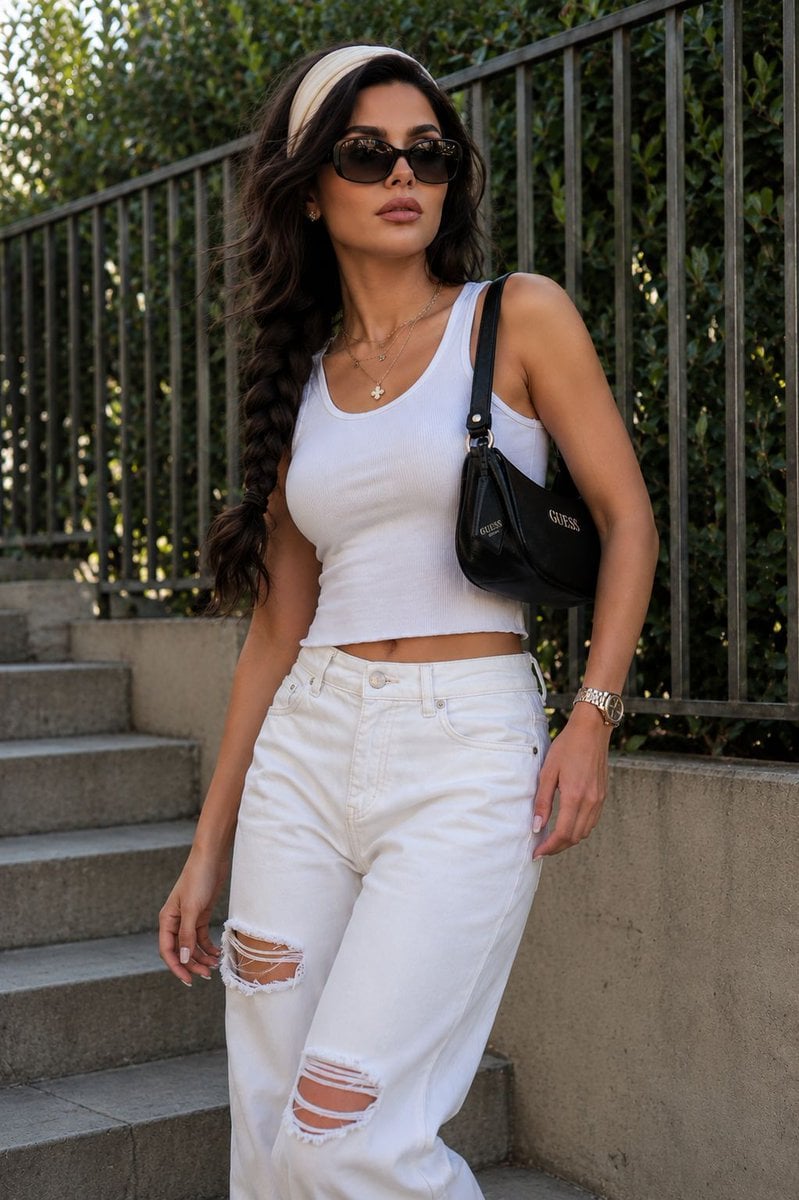
Modern Urban Streetwear Portrait
Make it yours
Modern Esther Character Sheet works as-is. These are the safest ways to change it without losing the look.
Swap the setting
Keep the rest of the prompt and replace the location block. The current setting is “moody warm gray-brown studio backdrop with subtle texture”.
Swap the light
One lighting change is enough to compare takes. Current light: “soft diffused studio lighting with gentle shadows and subtle highlights on skin ”.
Change one field
Copy a single group, rewrite it, and generate again so you can see what that field is doing.
| If the result… | Why | Fix |
|---|---|---|
| The result drifts from the preview | Too many fields changed at once. | Reuse Modern Esther Character Sheet as-is first, then change one group — subject, light, or setting. |
| GPT Image 2 ignores part of the JSON | Some models flatten or skip nested keys. | Keep the same values and paste them as a short paragraph instead. |
More GPT Image 2 templates
Other prompts made for GPT Image 2.

Six VTuber Japanese Logo Sheet

Realistic Portrait of Woman and Deer

The Vista Modular Condo Poster

AI Model Routing Comparison Infographic

2.5D Anime Art Board

Isometric Productivity Desk Scene

New York Double Exposure Poster

Four-Panel AI Landscape Comparison

Japanese Tatami Lifestyle Magazine Cover

NESCAFÉ Coffee Map Poster
More image prompts
Fresh picks from across the catalog.
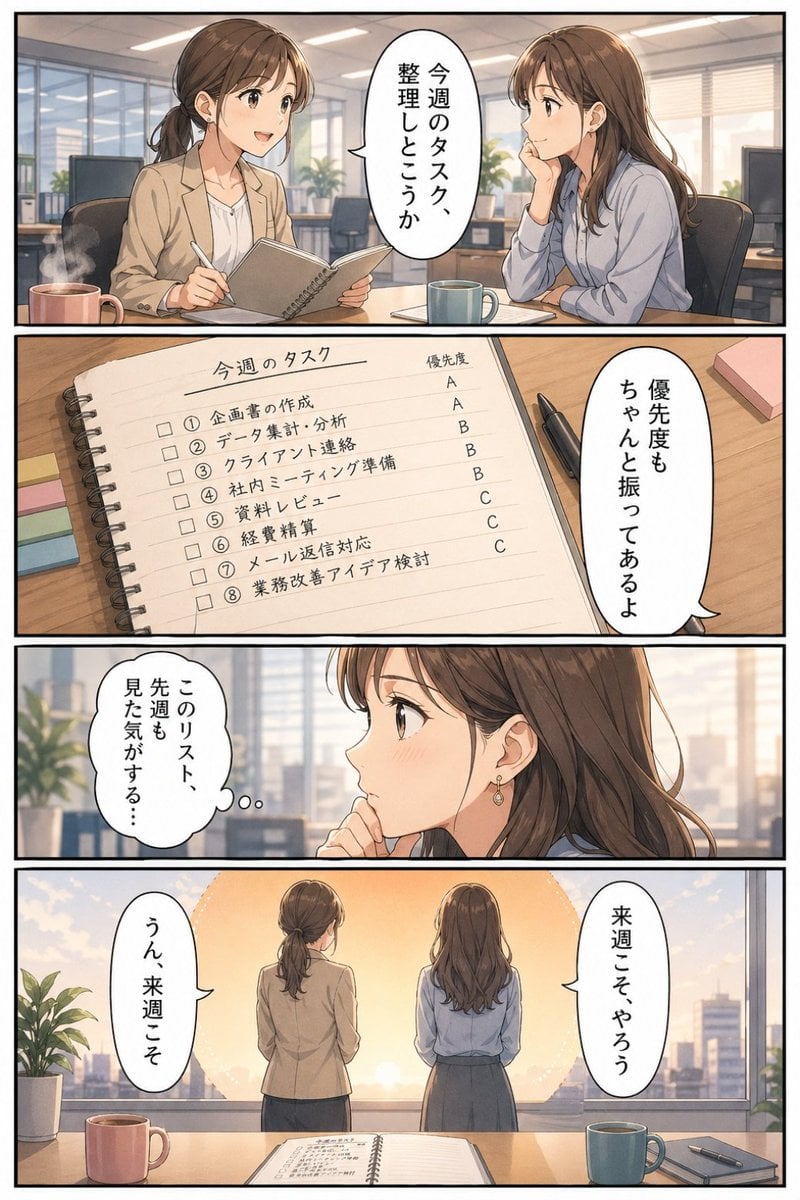
Business Office Manga Task Comic

Cognitive Science-Based High-CTR Thumbnail Design Prompt
Gym selfie portrait of woman on yoga mat for Nano Banana Pro

Yakuza Portrait with Irezumi Tattoos
Hyperrealistic Exploded Ingredient Stack Diagram
Aloof Portrait with Mirror Reflections

Corporate AI Product Line Infographic
High-Fashion Editorial: Golden Hour Luxury
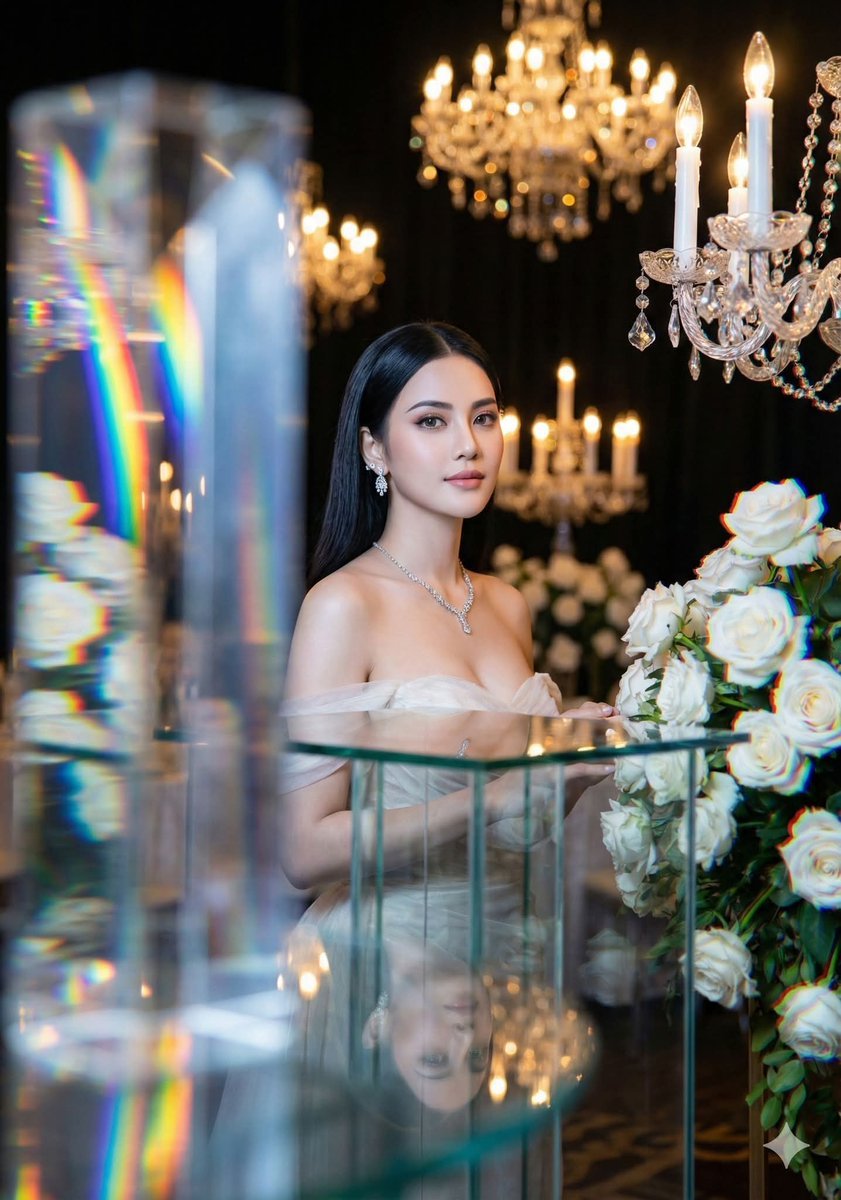
Refractive High Fashion Editorial Portrait
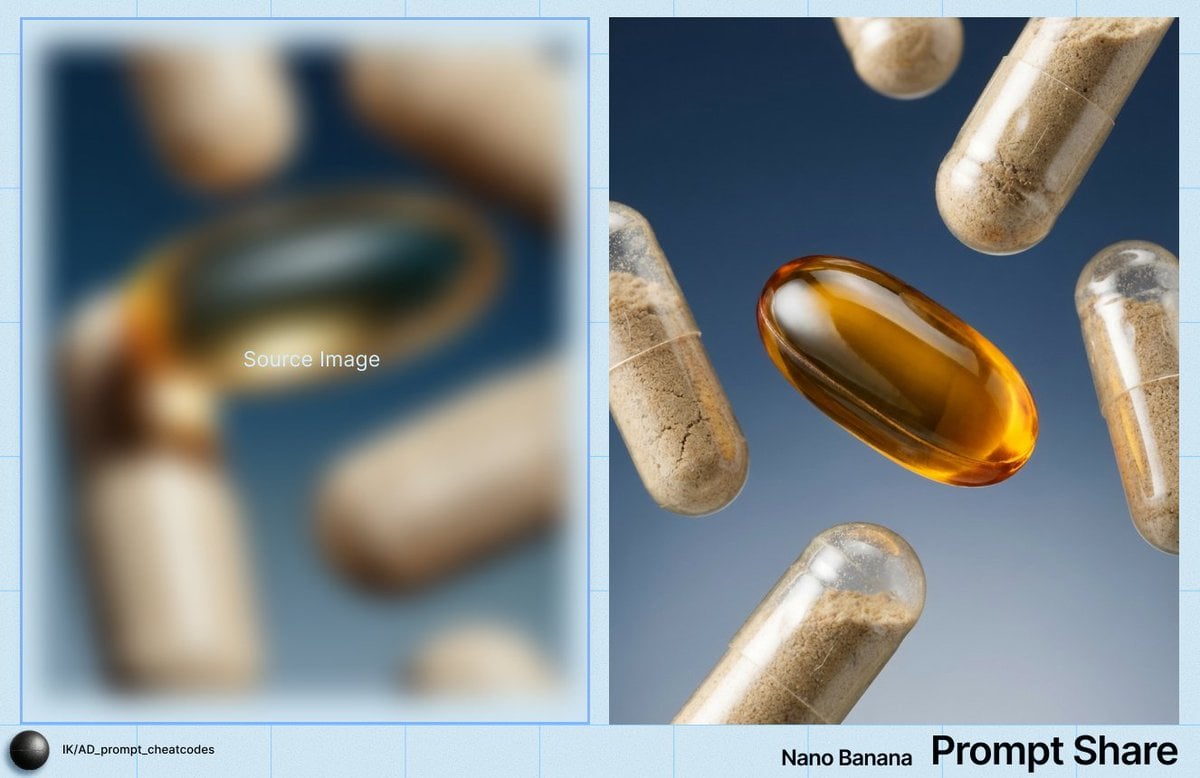
Macro Product Shot of Capsules and Softgel
Browse template categories
Modern Esther Character Sheet questions
How do I use the Modern Esther Character Sheet template?
Add your photo if the template asks for one, edit the prompt if you like — the template's model and format are already selected — and press Generate. Your version opens in PicX Studio.
Can I customize the Modern Esther Character Sheet template?
Yes. You can change the subject, setting, lighting, mood, format, and available model controls before creating your image.
Is the Modern Esther Character Sheet template free?
Opening and editing this template is free. Generating uses credits, shown on the Generate button when you are signed in.
Which AI model should I use?
Start with GPT Image 2, which is the model associated with this template. You can compare another compatible model for a different finish.
Looking for something else? Browse all templates.

Your photo, any look
Thousands of ready templates for every top image and video model, from one credit balance.