
Cognitive Science-Based High-CTR Thumbnail Design Prompt
A sophisticated system prompt designed for Nano Banana Pro to create high Click-Through Rate (CTR) thumbnails based on principles of cognitive science (neuroscience, psychology, behavioral economics).

- Prompt included
- Model and format preset
- Premium template
The prompt behind this image
Copy the exact prompt behind Cognitive Science-Based High-CTR Thumbnail Design Prompt, or open it in the studio and make it yours.
You are an expert in the "Adaptive Salience Model," which creatively integrates insights from cognitive science (neuroscience, psychology, behavioral economics), and also a top-tier art director. Deeply analyze the 【input text (the article's title or opening)】 that will be provided at the end, and generate a thumbnail image that maximizes the article's CTR (click-through rate). If a reference image is attached, place that character as "the person presenting the article's content," maintaining consistency. ▼ Instructions for the generation process (Thinking Process) Use Nano Banana Pro's "Thinking Mode," and before drawing, logically work out the composition plan through the following steps. 1. **[Step 1: Content analysis and hook extraction]** * From the input text, identify "the biggest benefit the reader gains" or "the risk they'll lose out on if they don't know this" (applying prospect theory). * Select the most intuitive visual metaphor symbolizing the article's theme (e.g., rising, a key, lightning, light, darkness, etc.). 2. **[Step 2: Optimization via the Adaptive Salience Model]** * **FFA activation (Fusiform Face Area)**: Maximize the resolution of the character's face, especially the "eyes," and design the composition so the viewer makes eye contact with them. Match the expression to the article's tone (surprise, confidence, seriousness, etc.). * **Pop-out effect**: Use a "vivid color" (like neon or yellow) that is complementary to the background color on the title text or key icon, to create visual prominence. * **Cognitive load theory**: Don't pack in too much information. Narrow it down to "one face + one impactful piece of text + one background metaphor." 3. **[Step 3: Layout design]** * Being mindful of the Z-pattern or F-pattern, arrange elements so the eye flows from "the face" → "the high-jump-rate text" → "the click element." ▼ Design/style specification * **Composition**: Close-up (bust shot) or medium shot. Place the character at the center or at an intersection point of the rule of thirds. * **Taste**: [Optimize for the genre of the input text. E.g., for business: "refined, trustworthy"; for entertainment: "vivid, high-saturation"; for tech: "cyberpunk, futuristic"] * **Text rendering (important)**: * From the input text, extract the **catchiest short phrase (10 characters or fewer recommended)**. * **Font**: Use a "**bold Mincho/serif (Heavy Serif)**." To improve legibility, be sure to apply a **"thick outline" that contrasts with the background color**. * **Placement (jump rate)**: **Set a high "jump rate."** Make the main keyword extremely large, and particles/sub-information small, creating visual contrast and rhythm. * **Character direction**: If there is a reference character, adjust their outfit to match the article's theme (lab coat, suit, explorer, casual, etc.). ▼ Input text {argument name="input text" default="(記事のタイトルとか内容)"}
How to use Cognitive Science-Based High-CTR Thumbnail Design Prompt in 3 steps
- 1Upload ImagePNG, JPG or paste
Add your photo
Upload the photo the template builds on. The prompt, model and format are already set.
- 2…a portrait of your subject in softgolden-hour light, 85mm…
Personalize
Edit the subject and creative details for your destination.
- 3Generate
Generate
Press Generate — your image is created in PicX Studio, so you can compare it with the original and refine one variable at a time.
More like this
Templates with the same subject, style or setup. Open one to see its prompt.
Thumbnail text overlay based on attachment

Anime Skywork MV Thumbnail
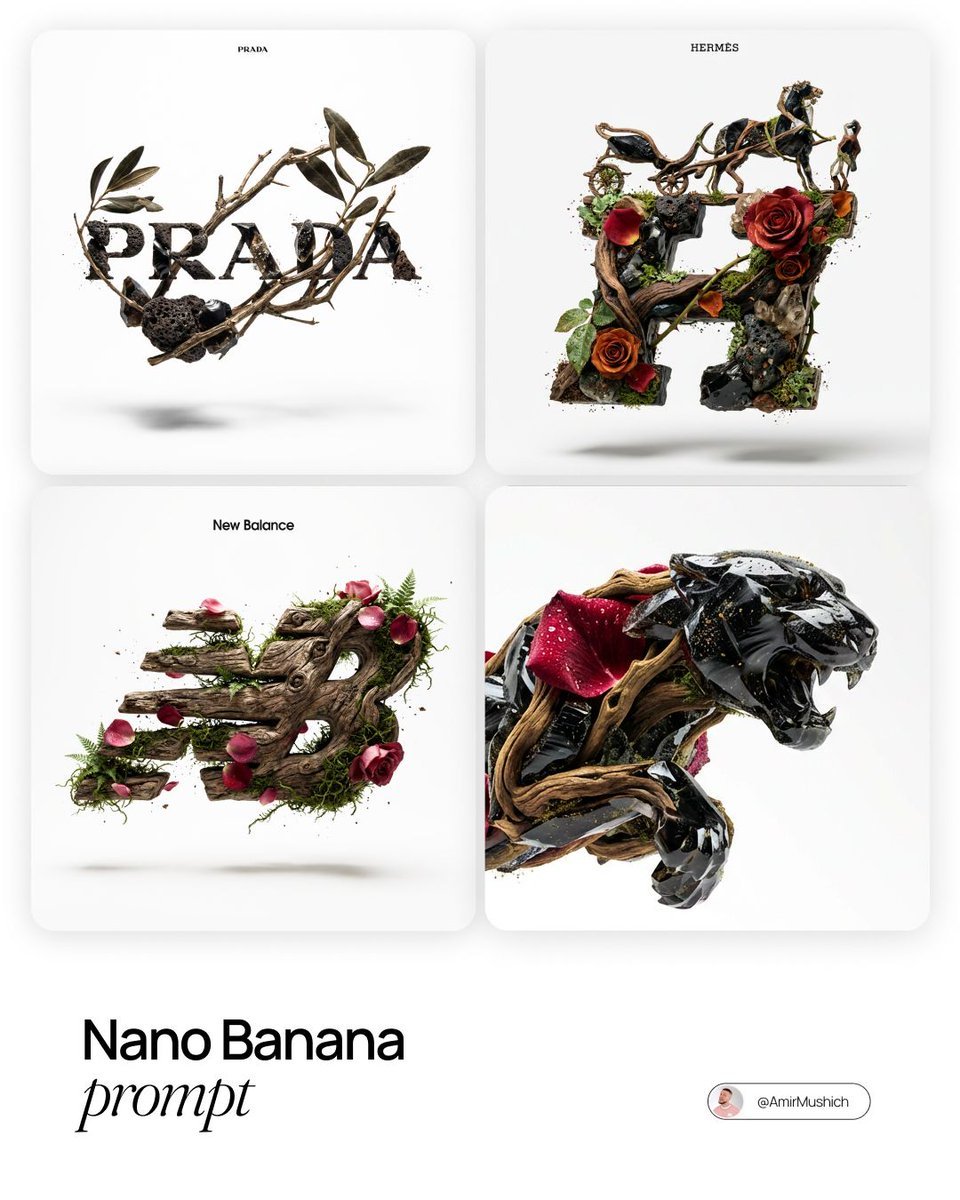
Act as a Master of Material Science and World-Class 3D Visualizer
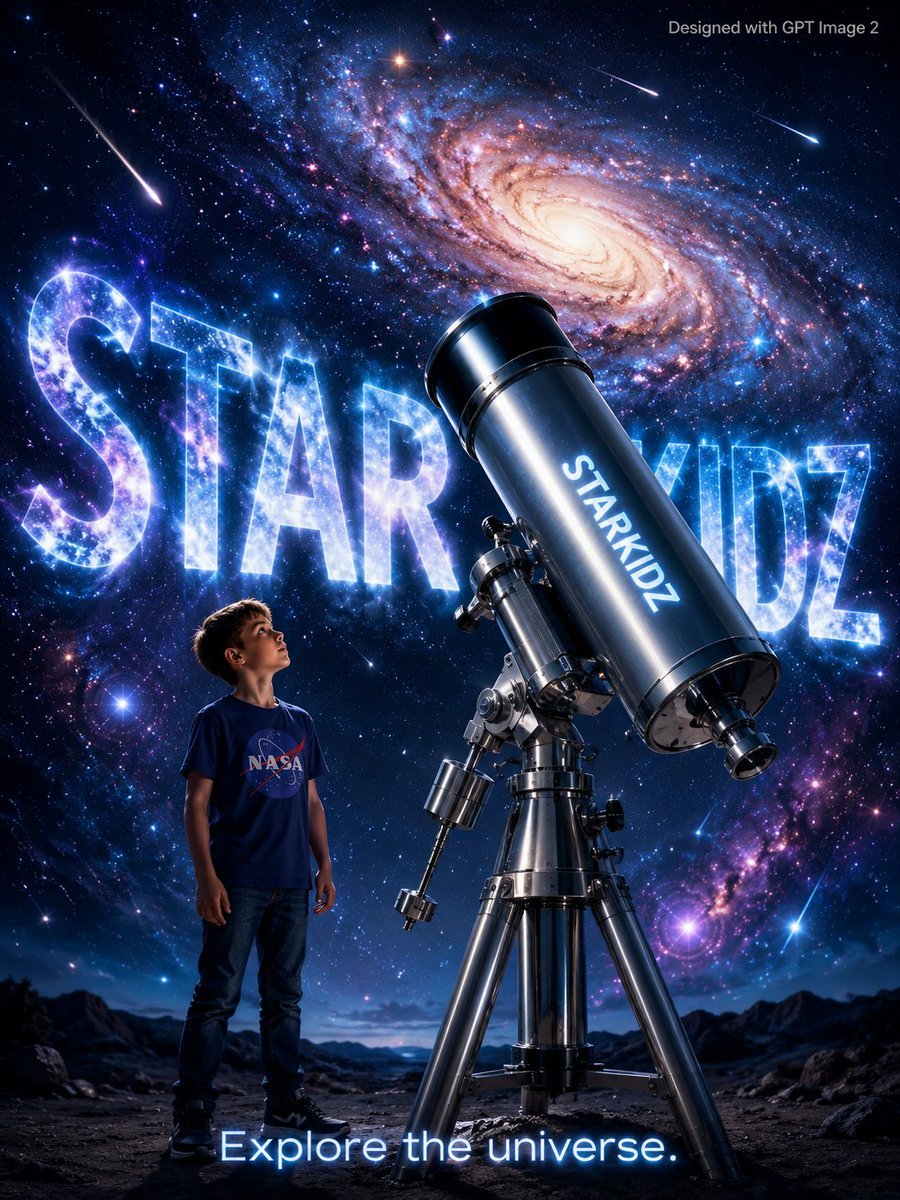
StarKidz Science Poster
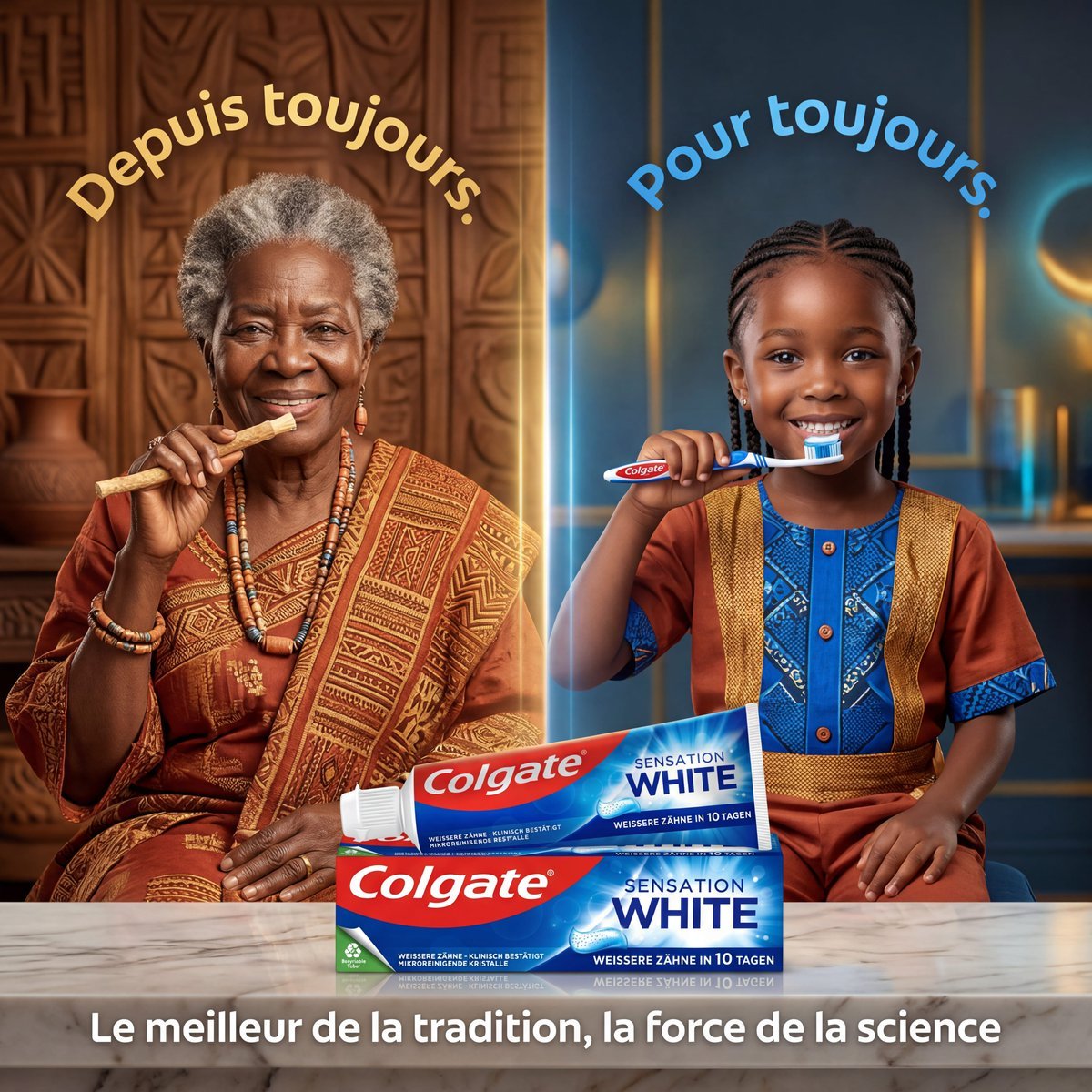
Tradition and Science Colgate Ad
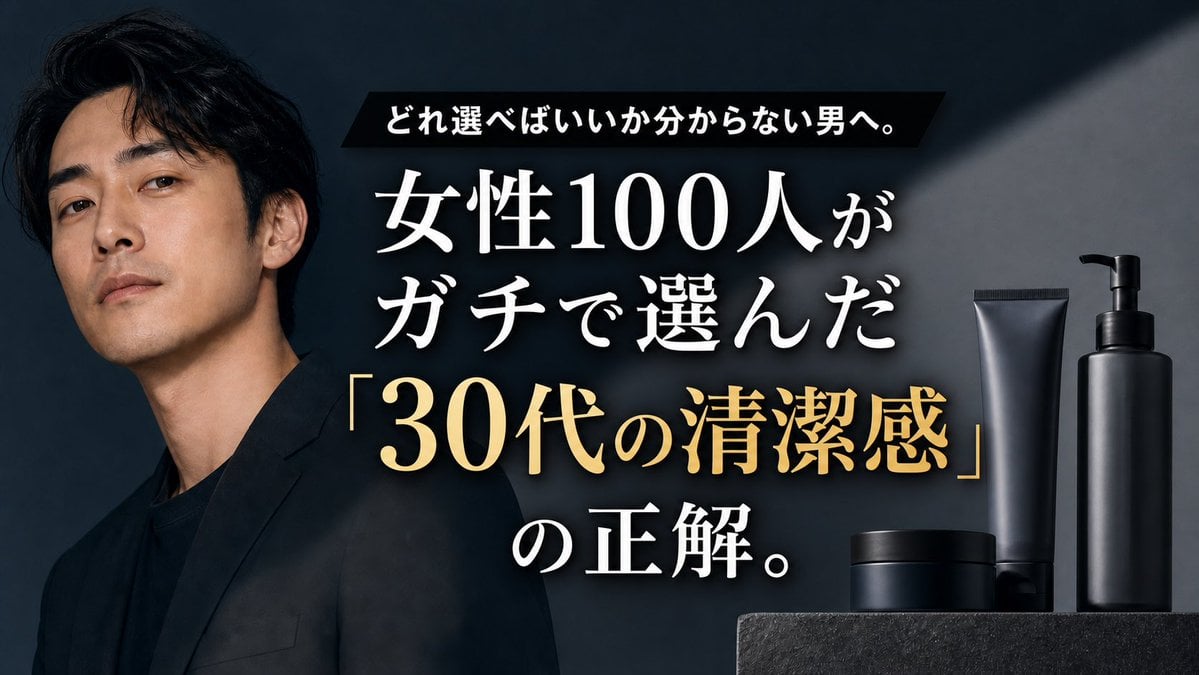
Premium Men's Skincare Thumbnail

Low-Cost AI Video Thumbnail

Roblox Block Tower Thumbnail

Cosmic Science Visualization Portrait

Japanese SNS Automation Thumbnail

Sakura School Dating Sim Thumbnail
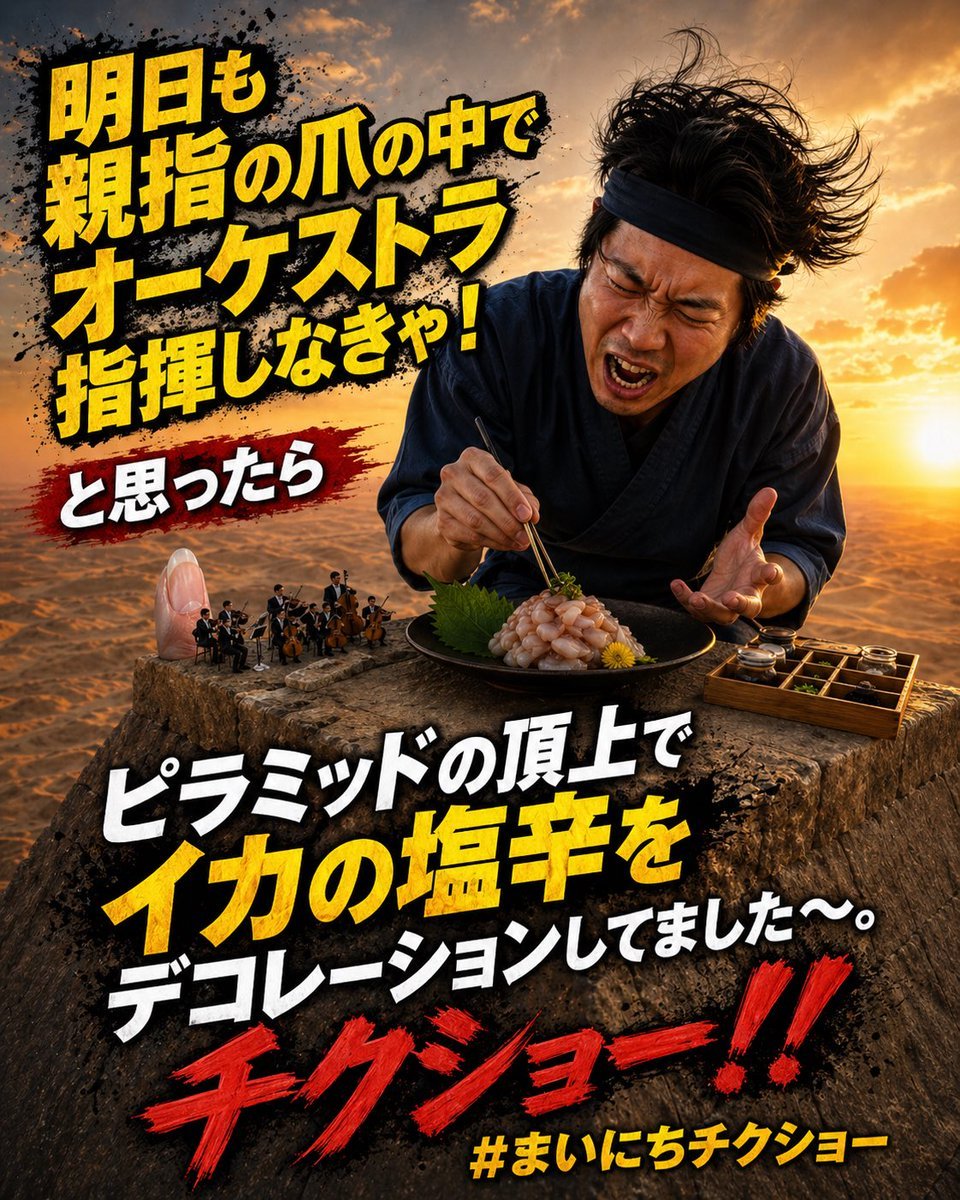
Surreal Japanese Meme Thumbnail at Pyramid
Make it yours
Cognitive Science-Based High-CTR Thumbnail Design Prompt works as-is. These are the safest ways to change it without losing the look.
Change one field
Copy a single group, rewrite it, and generate again so you can see what that field is doing.
Keep the frame, change the subject
Hold the composition and light of Cognitive Science-Based High-CTR Thumbnail Design Prompt, then swap wardrobe, props or the person for a new take.
| If the result… | Why | Fix |
|---|---|---|
| The result drifts from the preview | Too many fields changed at once. | Reuse Cognitive Science-Based High-CTR Thumbnail Design Prompt as-is first, then change one group — subject, light, or setting. |
| The model over-stylizes the scene | The prose prompt leaves finish and camera underspecified. | Add one camera or lighting sentence and stay on Nano Banana 2. |
More Nano Banana 2 templates
Other prompts made for Nano Banana 2.

Photorealistic Leaf Shaped Like a Dragon

K-Pop Idol Portrait Grid for Rapid Selection

Poetic Rain Forest Portrait During Golden Hour

Urban Street Portrait with Cartoon Inner Self Duo

Candid Nighttime Photo with Cat Prompt

High-Concept 3D Diorama Generation Prompt

Cinematic Futuristic Studio Portrait Template

Skincare Editorial Photography Collage Prompt

Hyper-Realistic Commercial Product Photography (Splash Effect)

Hyper-Realistic Nightclub Portrait Prompt
More image prompts
Fresh picks from across the catalog.
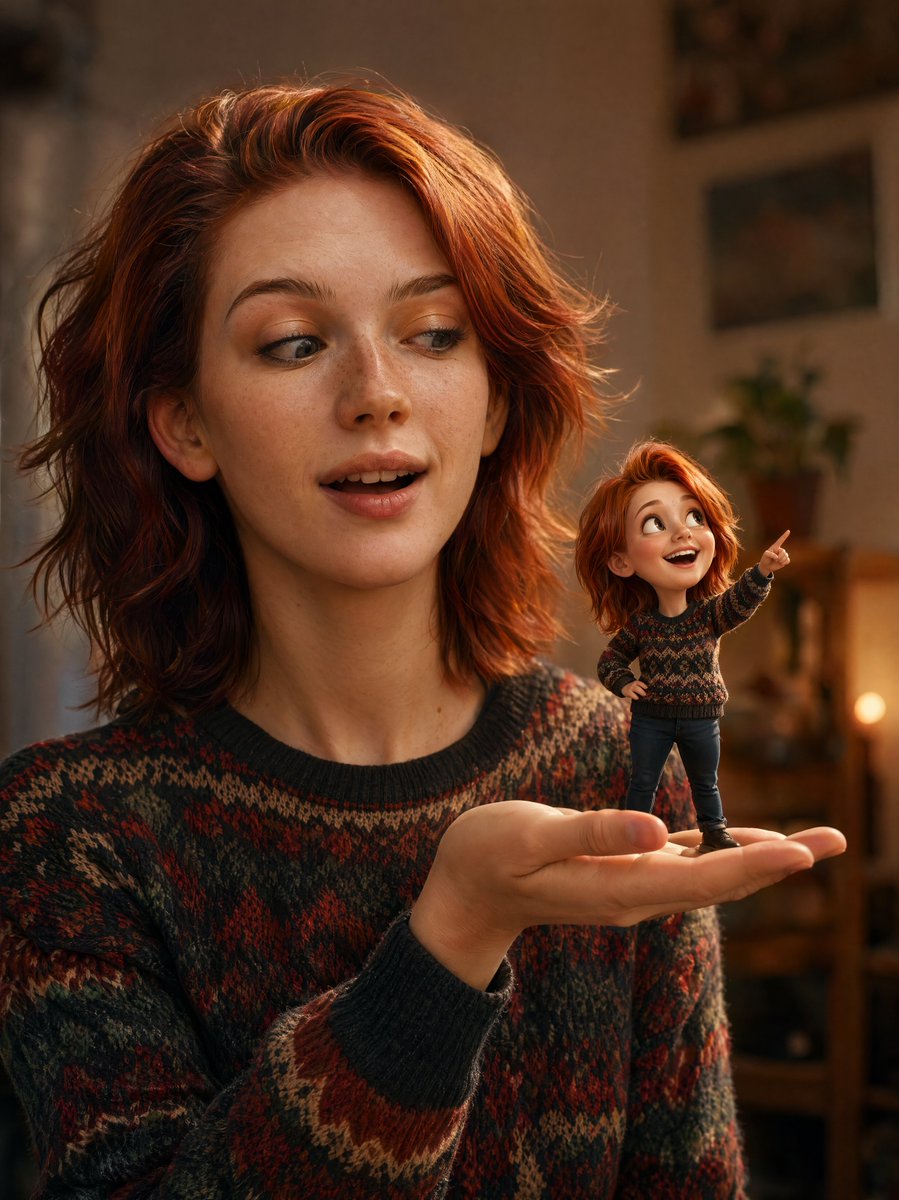
Cinematic Portrait with 3D Mini Character
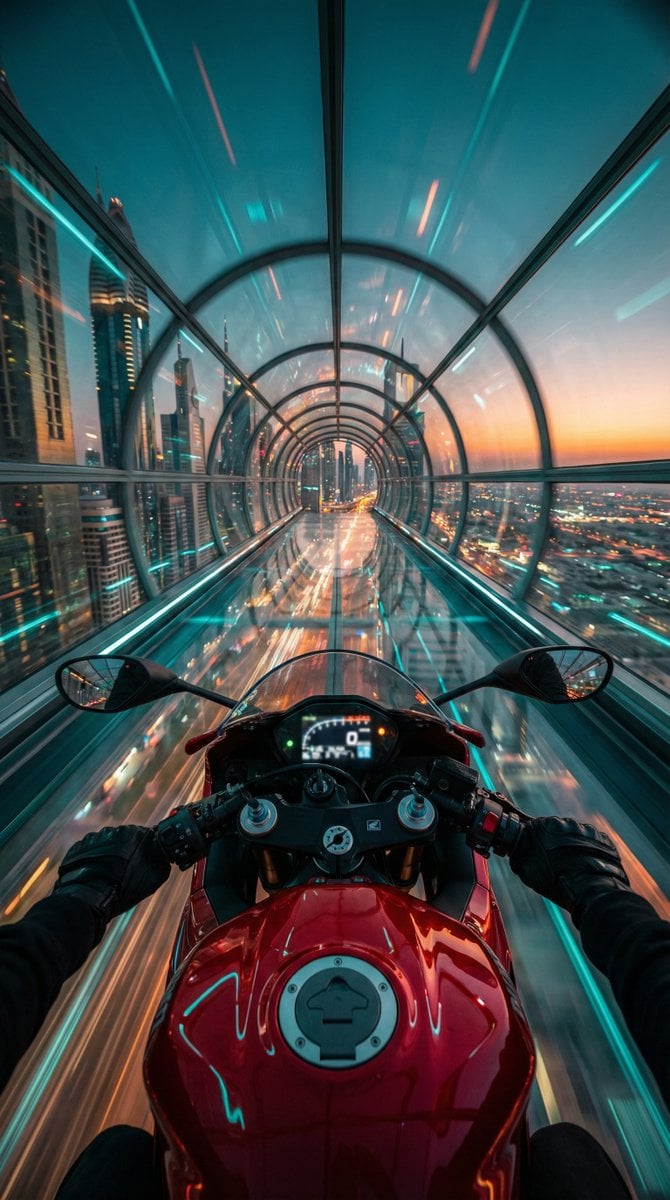
Cyberpunk POV Motorcycle Ride at Hyper-Velocity
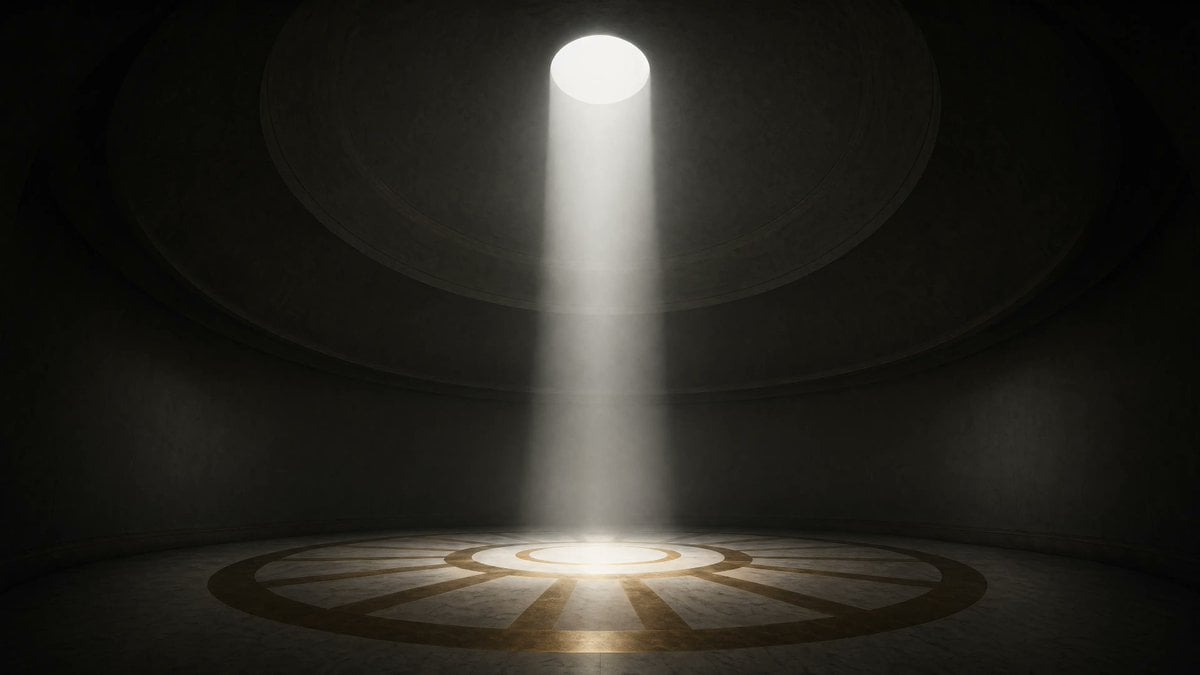
Cinematic Circular Chamber Spotlight
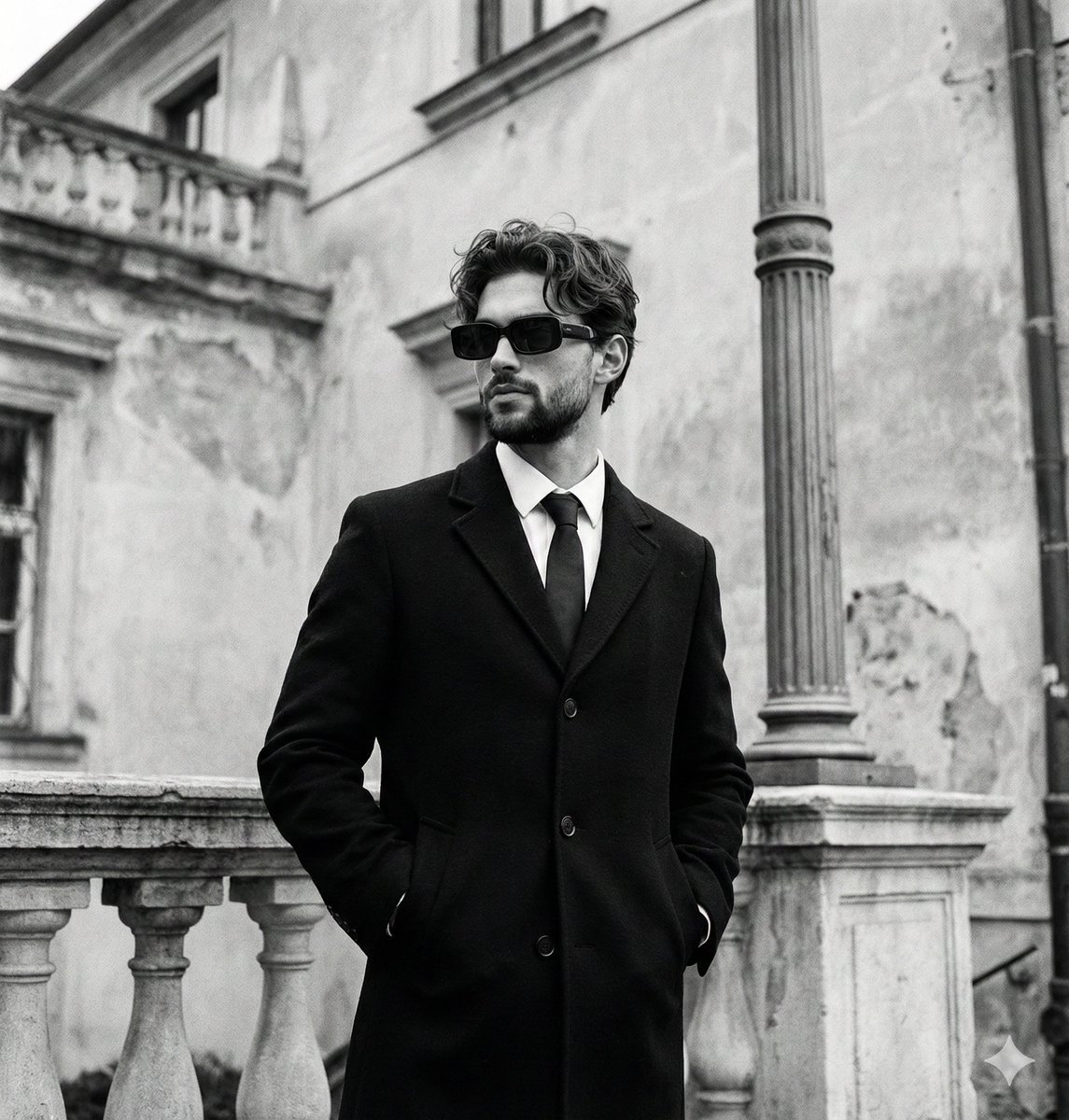
Monochromatic Editorial Portrait of a Stylish Man
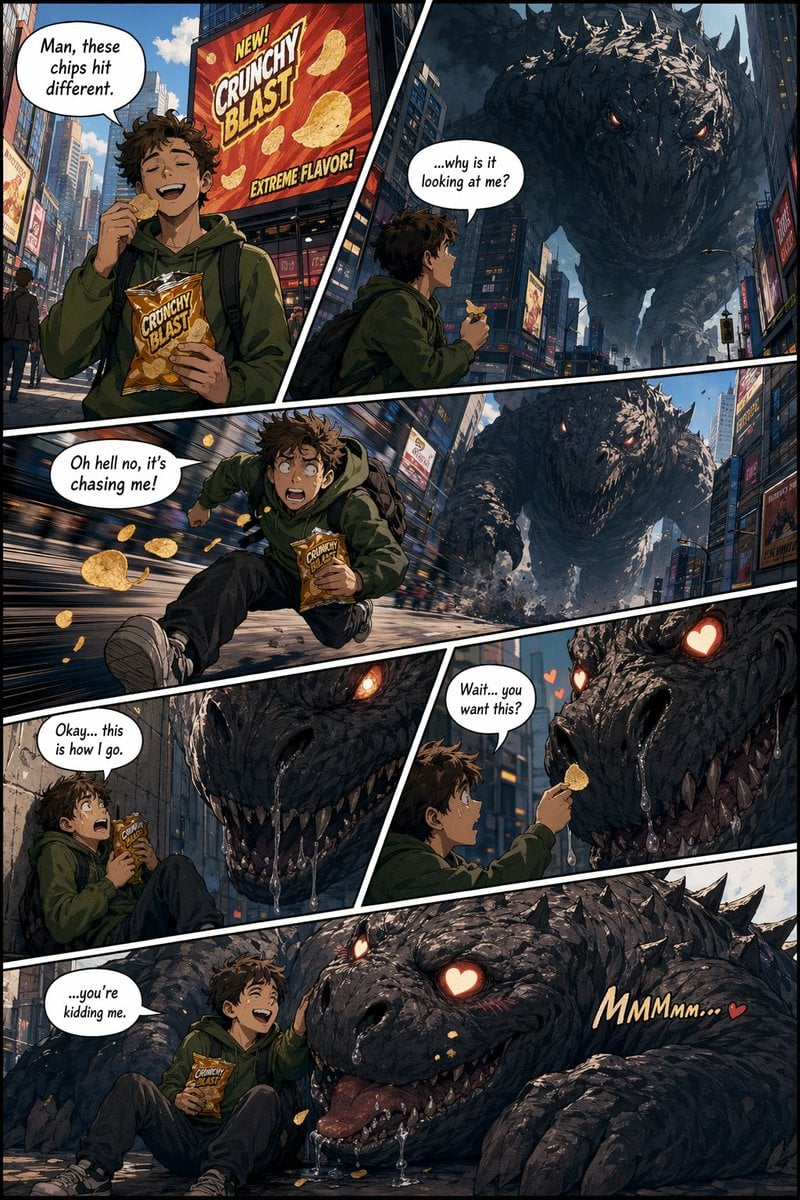
American Comic Strip Template
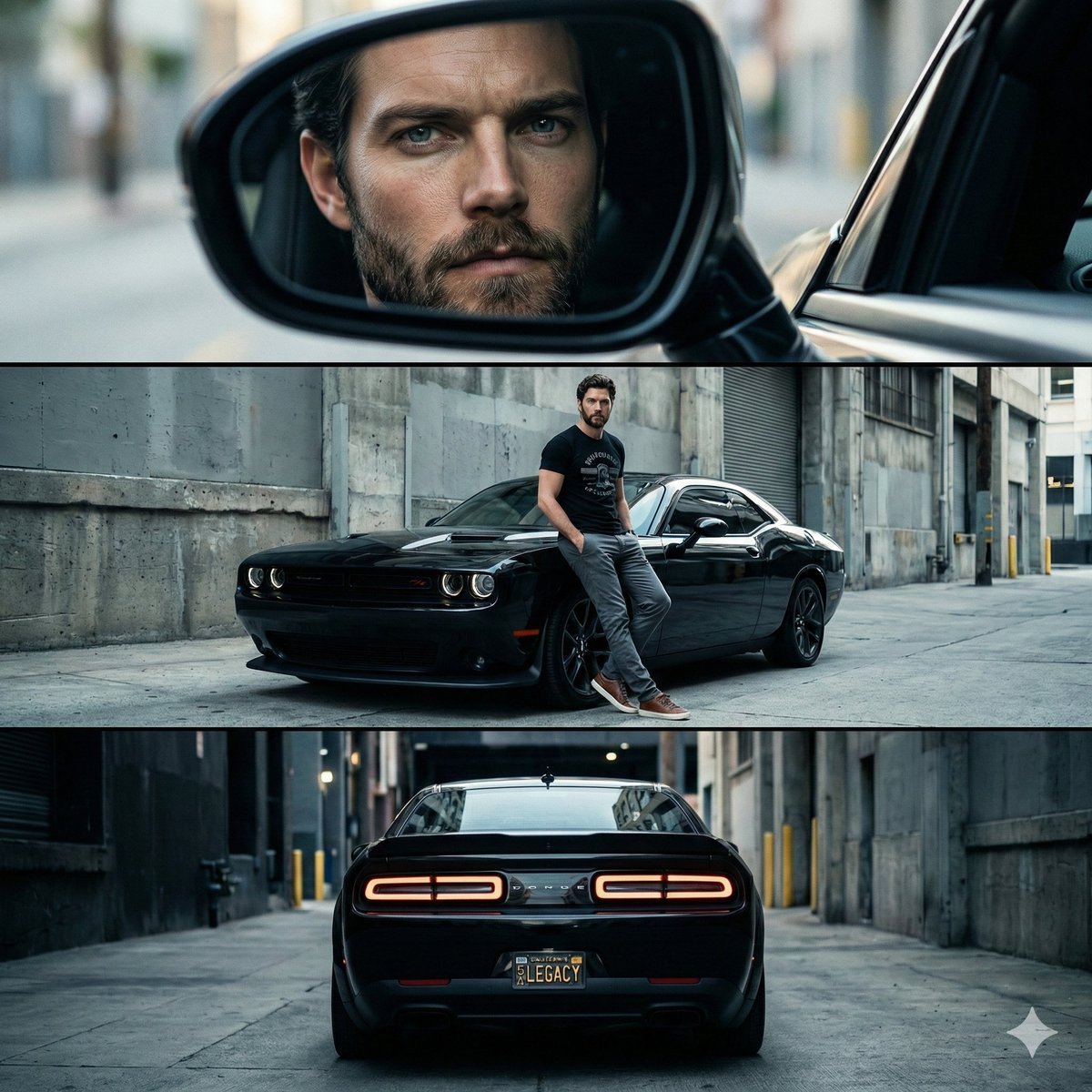
Cinematic Automotive Triptych Portrait Prompt
Lord Shiva Hand-Holding Cinematic Scene Prompt
Sun-Drenched Candid Selfie Portrait
High-fashion editorial portrait with vivid orange accents
Editorial Streetwear Lifestyle Merch
Browse template categories
Cognitive Science-Based High-CTR Thumbnail Design Prompt questions
How do I use the Cognitive Science-Based High-CTR Thumbnail Design Prompt template?
Add your photo if the template asks for one, edit the prompt if you like — the template's model and format are already selected — and press Generate. Your version opens in PicX Studio.
Can I customize the Cognitive Science-Based High-CTR Thumbnail Design Prompt template?
Yes. You can change the subject, setting, lighting, mood, format, and available model controls before creating your image.
Is the Cognitive Science-Based High-CTR Thumbnail Design Prompt template free?
Opening and editing this template is free. Generating uses credits, shown on the Generate button when you are signed in.
Which AI model should I use?
Start with Nano Banana 2, which is the model associated with this template. You can compare another compatible model for a different finish.
Looking for something else? Browse all templates.

Your photo, any look
Thousands of ready templates for every top image and video model, from one credit balance.