
Low-Cost AI Video Thumbnail
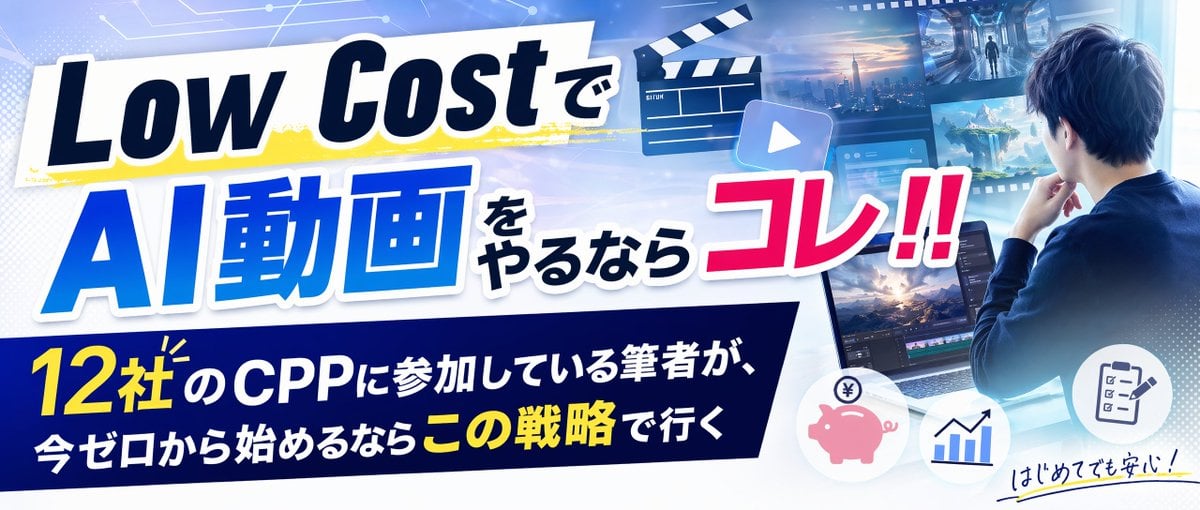
A wide Japanese tech-marketing thumbnail for an article or video about starting AI video production with a low-cost strategy.
- Prompt included
- Model and format preset
- Premium template
The prompt behind this image
Copy the exact prompt behind Low-Cost AI Video Thumbnail, or open it in the studio and make it yours.
Goal: Create a wide 21:9 Japanese article thumbnail / YouTube-style banner advertising a low-cost AI video creation strategy, with bold energetic typography and a futuristic creator-workstation theme. Canvas: Ultra-wide horizontal banner, 1200×514 style aspect ratio, bright blue-and-white tech background with slight vignette, glossy lighting, and high contrast for readability. Layout: Use a dynamic diagonal composition. The left two-thirds is dominated by oversized headline typography on layered white slanted panels with drop shadows. The right third shows a young male creator seen from behind at a laptop, looking at floating video-production screens. The bottom left contains a dark navy slanted caption bar with a secondary Japanese message. Add small icon circles along the lower right edge. Text content: Main headline must read exactly: 「Low Costで」 on the top white strip, 「AI動画」 in huge blue letters below it, 「をやるなら」 in smaller dark text beside it, and 「コレ!!」 in large hot pink letters with white outline on the right. Bottom caption bar must read exactly: 「12社のCPPに参加している筆者が、今ゼロから始めるならこの戦略で行く」 with 「12社」 and 「この戦略」 emphasized in yellow and the rest in white. Add a small handwritten note in the bottom right: 「はじめてでも安心!」 with a yellow underline. Subject details: Show {argument name="main character" default="a young Japanese male creator in a navy jacket, viewed from behind, hand on chin, facing a laptop"}. The laptop screen should show a video editing interface with timeline tracks and preview frames. Around the character, include exactly 4 floating media panels: 1 cinematic sci-fi hallway scene, 1 futuristic city skyline at sunset, 1 fantasy mountain landscape, and 1 software/dashboard screen. Add exactly 1 black-and-white movie clapperboard near the upper center, exactly 1 translucent play-button tile near the headline, and exactly 3 circular icons at the lower right: a pink piggy bank with yen symbol, a blue rising bar chart, and a checklist clipboard. Visual style: Polished Japanese marketing thumbnail, crisp vector typography mixed with semi-realistic digital illustration, electric blue gradients, white glow, subtle circuit-board lines in the background, dotted halftone accents, energetic shadows, yellow paint-stroke highlight behind the top headline, strong outlines around text, clean professional finish. Parameters: The main headline concept is {argument name="headline concept" default="Low Costで AI動画をやるならコレ!!"}; the bottom copy theme is {argument name="bottom message" default="12社のCPPに参加している筆者が、今ゼロから始めるならこの戦略で行く"}; the accent color for the callout word is {argument name="accent color" default="hot pink"}. Constraints: Keep all visible text in Japanese exactly as specified, avoid misspellings, avoid extra logos or watermarks, preserve the 21:9 thumbnail readability, and make the headline occupy most of the left side.
How to use Low-Cost AI Video Thumbnail in 3 steps
- 1Upload ImagePNG, JPG or paste
Add your photo
Upload the photo the template builds on. The prompt, model and format are already set.
- 2…a portrait of your subject in softgolden-hour light, 85mm…
Personalize
Edit the subject and creative details for your destination.
- 3Generate
Generate
Press Generate — your image is created in PicX Studio, so you can compare it with the original and refine one variable at a time.
More like this
Templates with the same subject, style or setup. Open one to see its prompt.
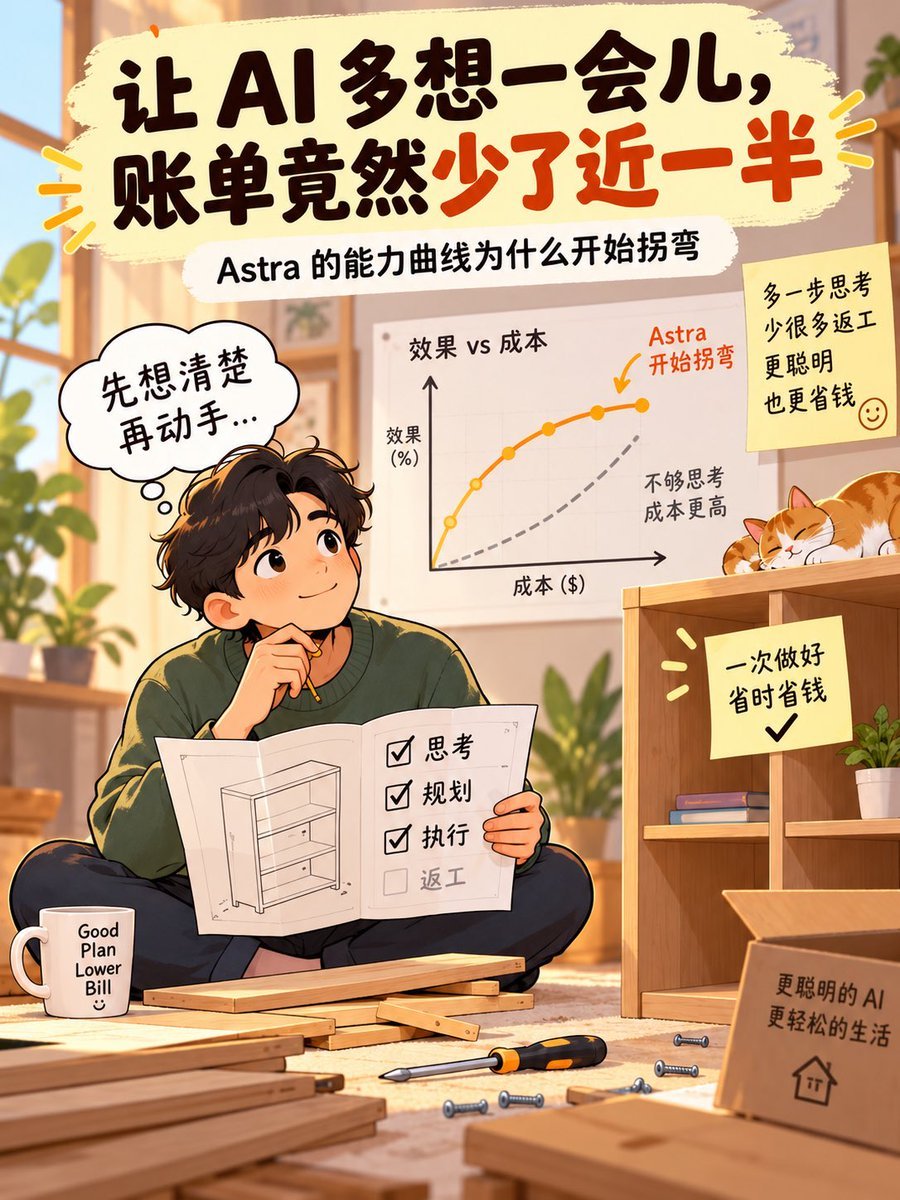
AI Thinking Saves Cost Poster
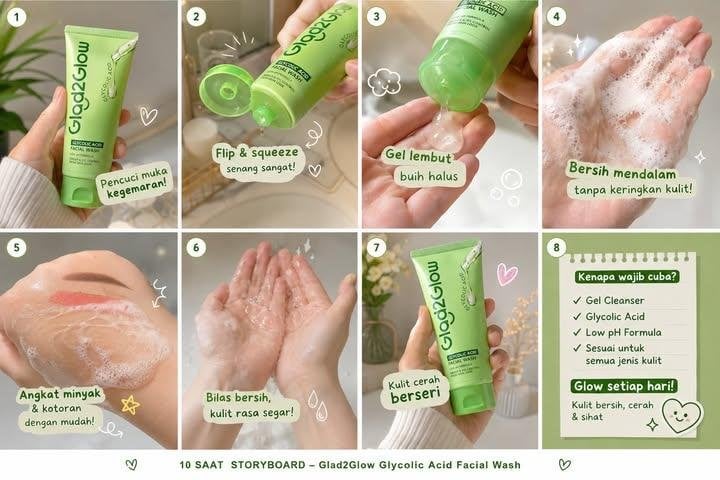
Glad2Glow Facial Wash Storyboard

Anime Skywork MV Thumbnail

Flower Petal Sunglasses Couture Portrait
Low-Angle Winter Scarf Selfie

Whiskey in a Glowing Primrose Garden
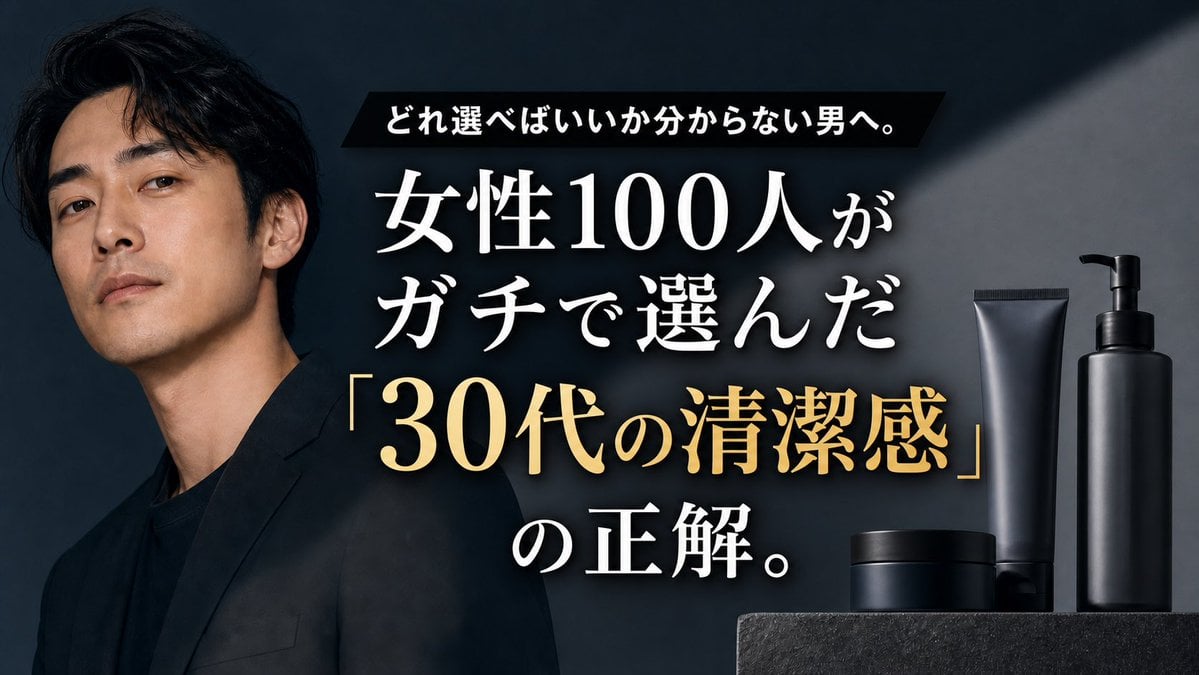
Premium Men's Skincare Thumbnail
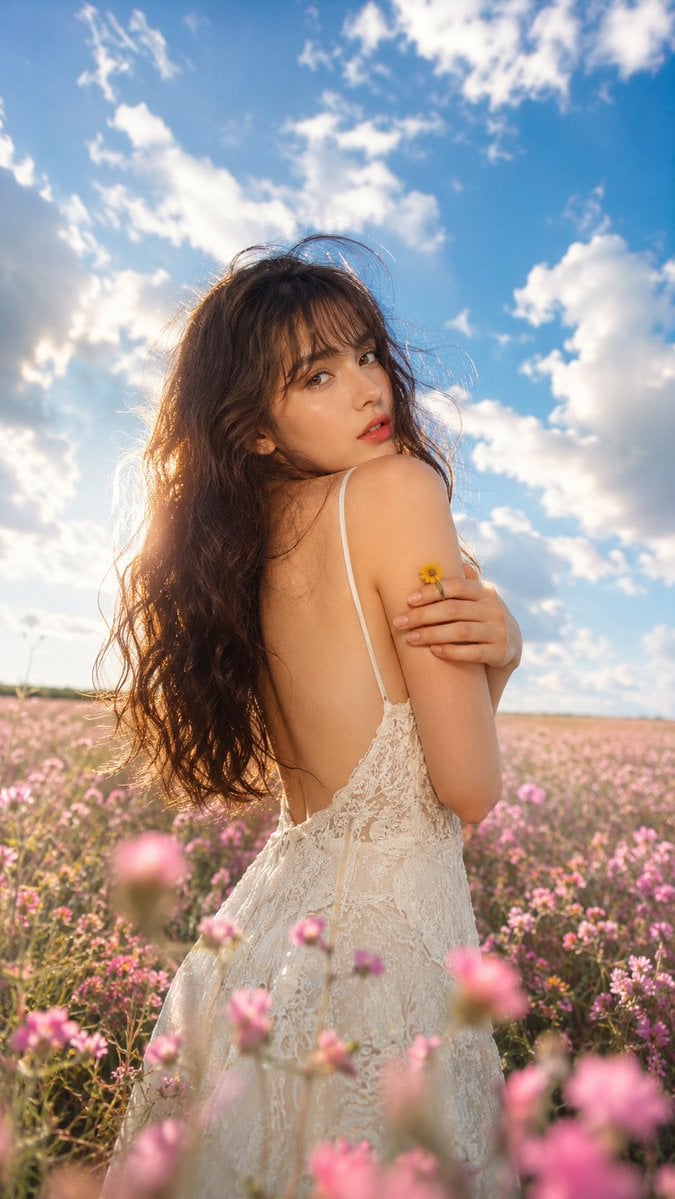
Ethereal Fairycore Flower Meadow Portrait
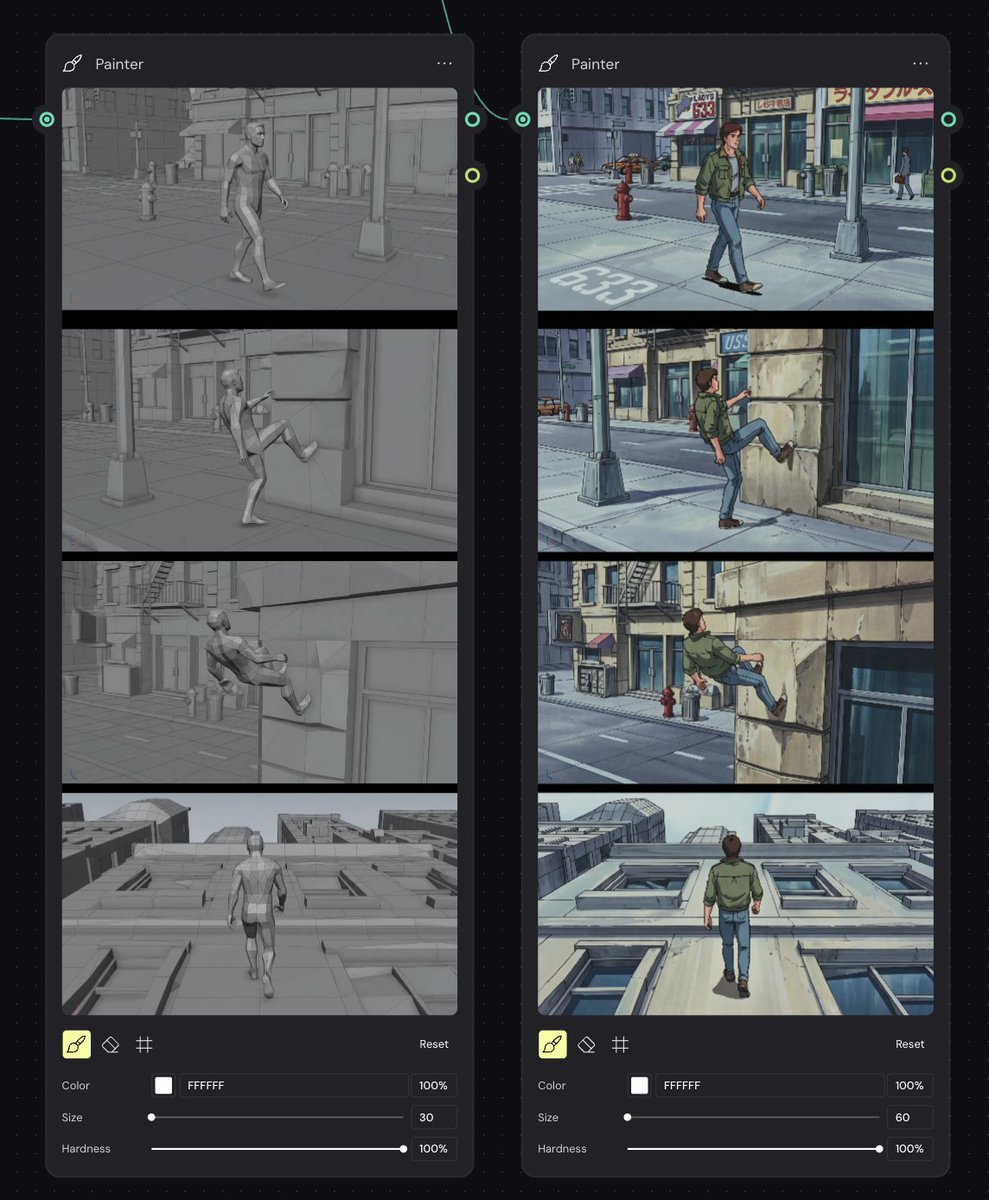
Storyboard Re-Render Workflow UI
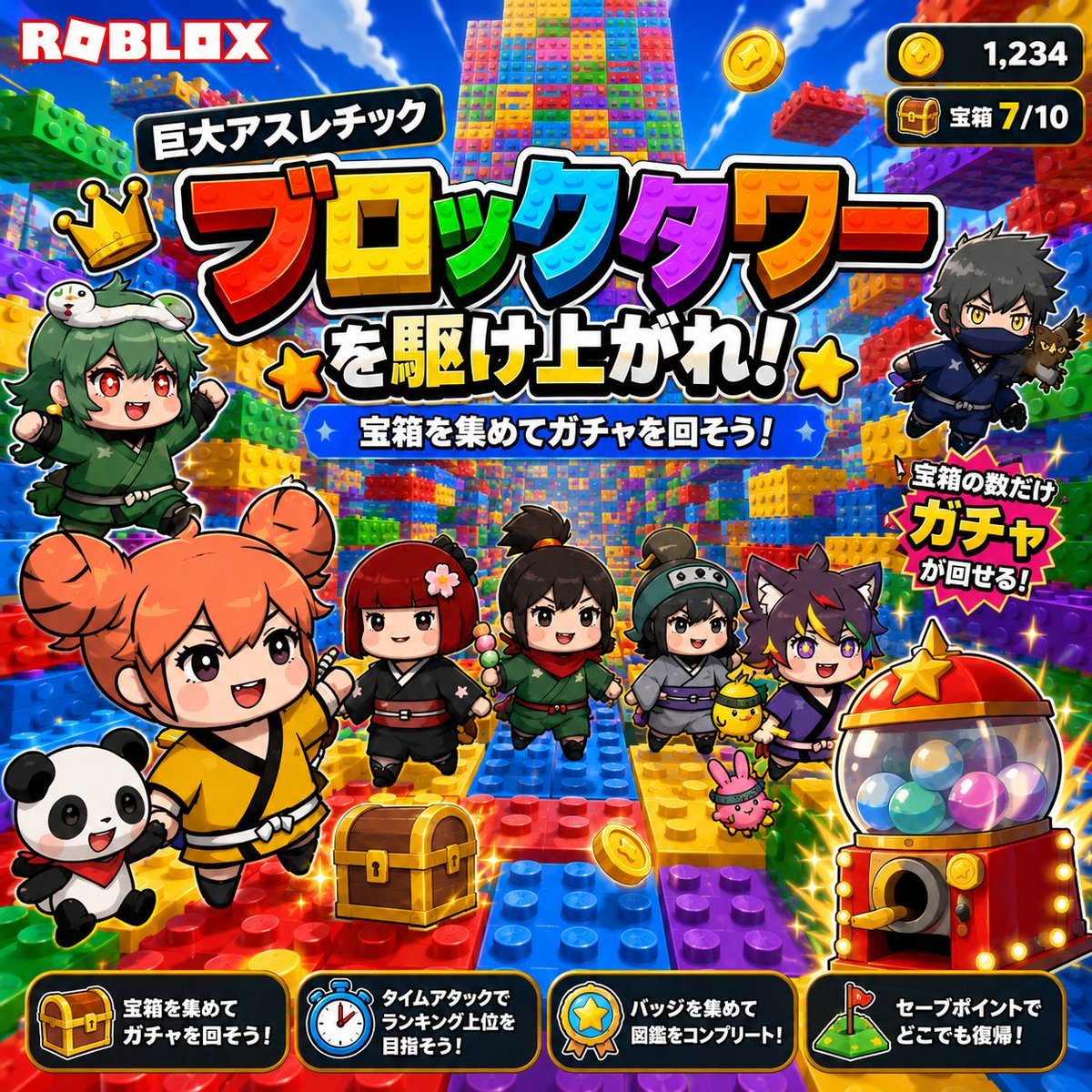
Roblox Block Tower Thumbnail
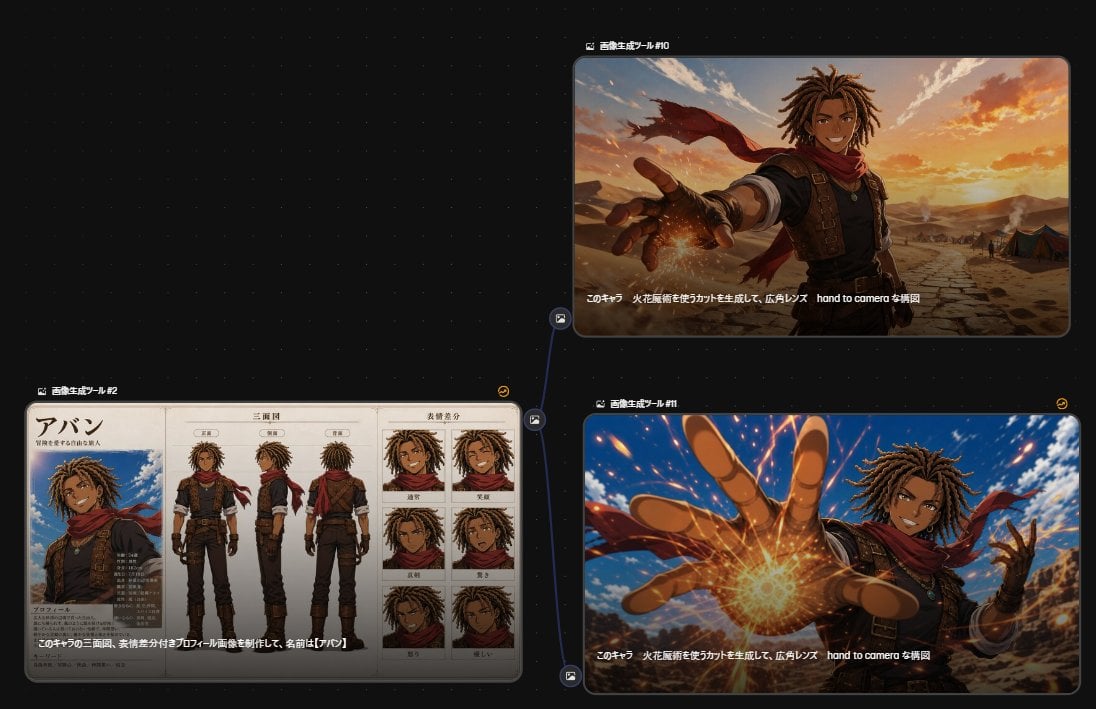
Anime Character Generation Workflow
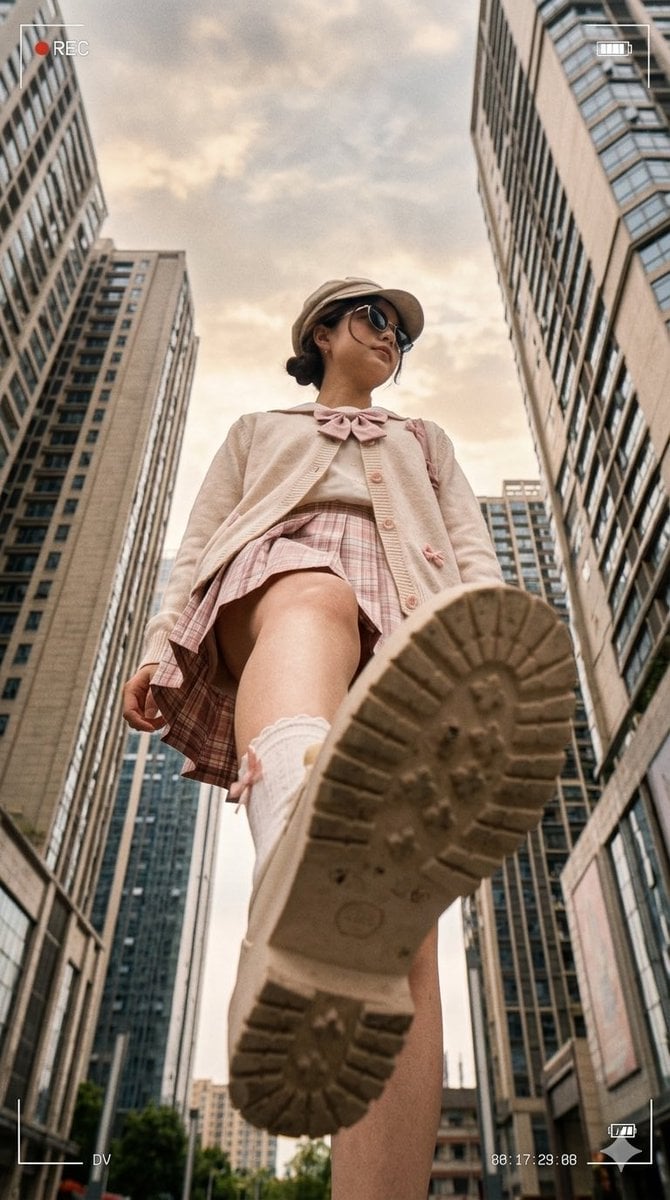
Low Angle Urban DV Style Portrait
Make it yours
Low-Cost AI Video Thumbnail works as-is. These are the safest ways to change it without losing the look.
Change one field
Copy a single group, rewrite it, and generate again so you can see what that field is doing.
Keep the frame, change the subject
Hold the composition and light of Low-Cost AI Video Thumbnail, then swap wardrobe, props or the person for a new take.
| If the result… | Why | Fix |
|---|---|---|
| The result drifts from the preview | Too many fields changed at once. | Reuse Low-Cost AI Video Thumbnail as-is first, then change one group — subject, light, or setting. |
| The model over-stylizes the scene | The prose prompt leaves finish and camera underspecified. | Add one camera or lighting sentence and stay on GPT Image 2. |
More GPT Image 2 templates
Other prompts made for GPT Image 2.

Six VTuber Japanese Logo Sheet

Realistic Portrait of Woman and Deer

The Vista Modular Condo Poster

AI Model Routing Comparison Infographic

2.5D Anime Art Board

Isometric Productivity Desk Scene

New York Double Exposure Poster

Four-Panel AI Landscape Comparison

Japanese Tatami Lifestyle Magazine Cover

NESCAFÉ Coffee Map Poster
More image prompts
Fresh picks from across the catalog.
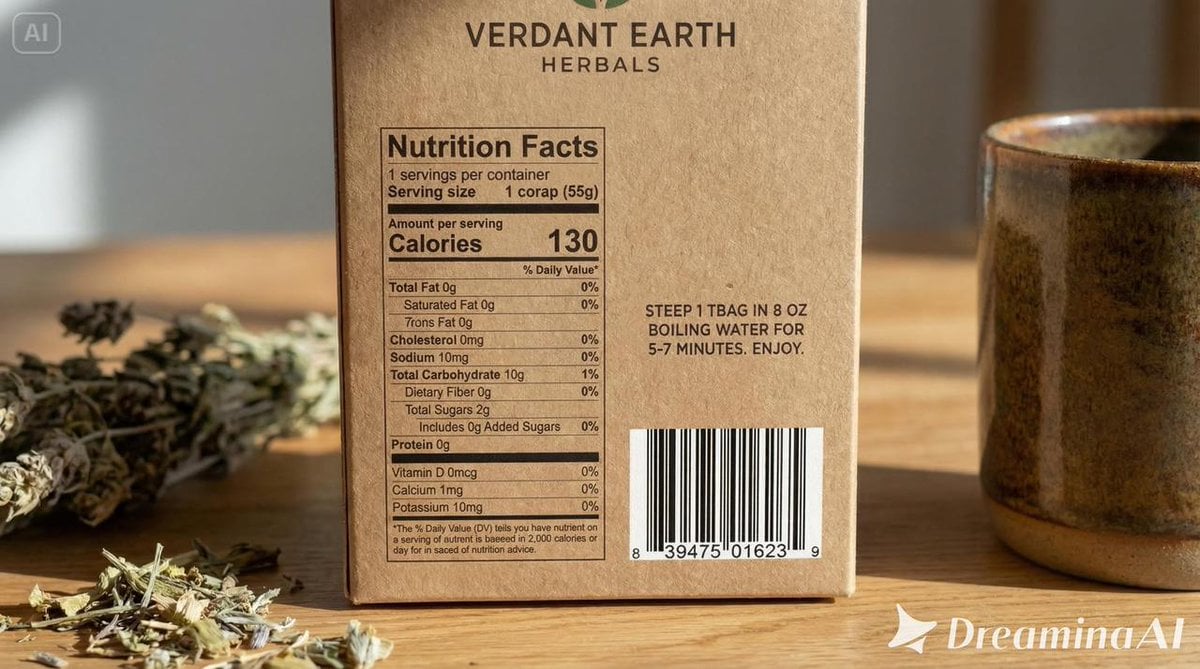
Packaging mockup with tiny text test prompt

Technical Annotation Infographic Style
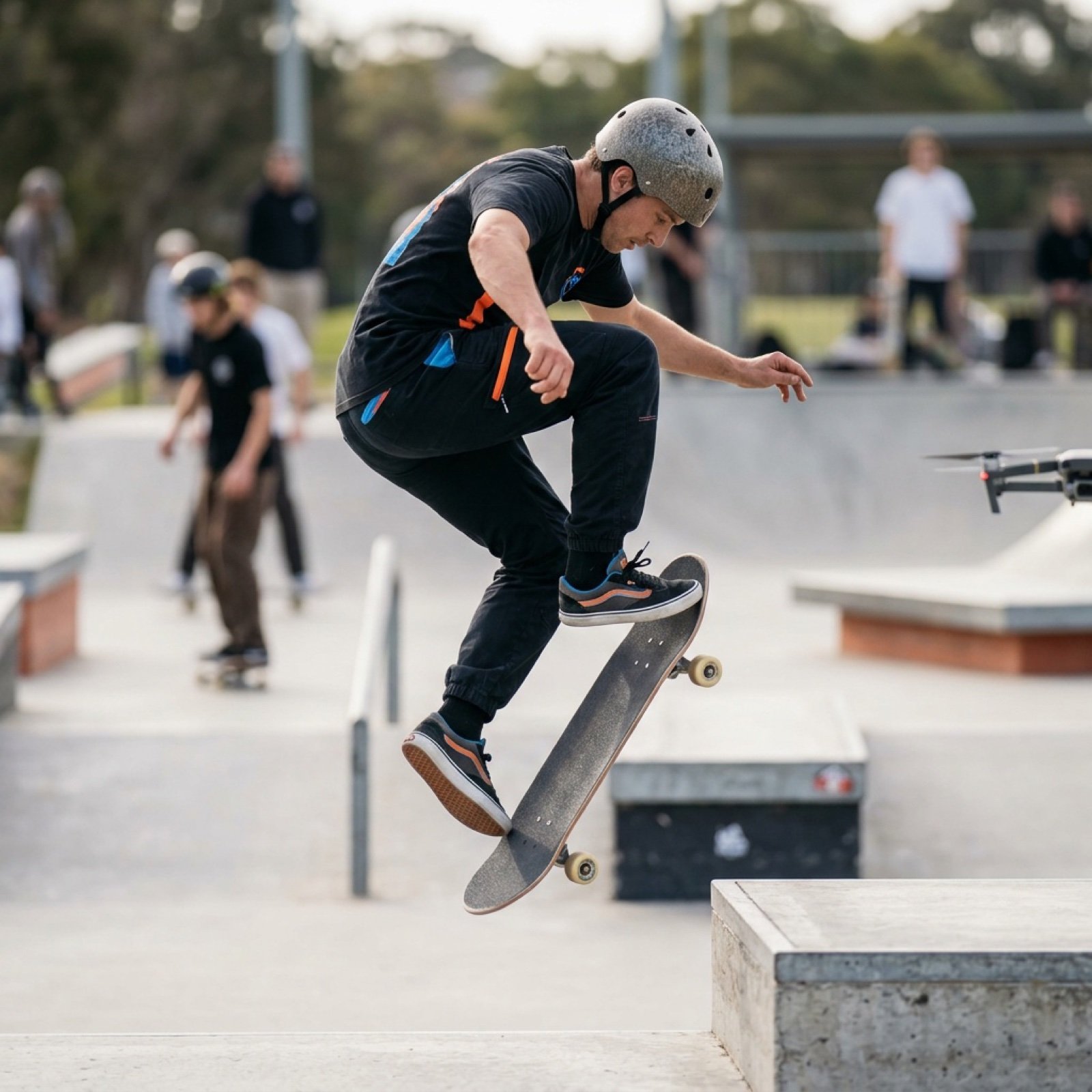
High-Speed Skateboard Tricks Video Prompt

Resize banner image to 1:1
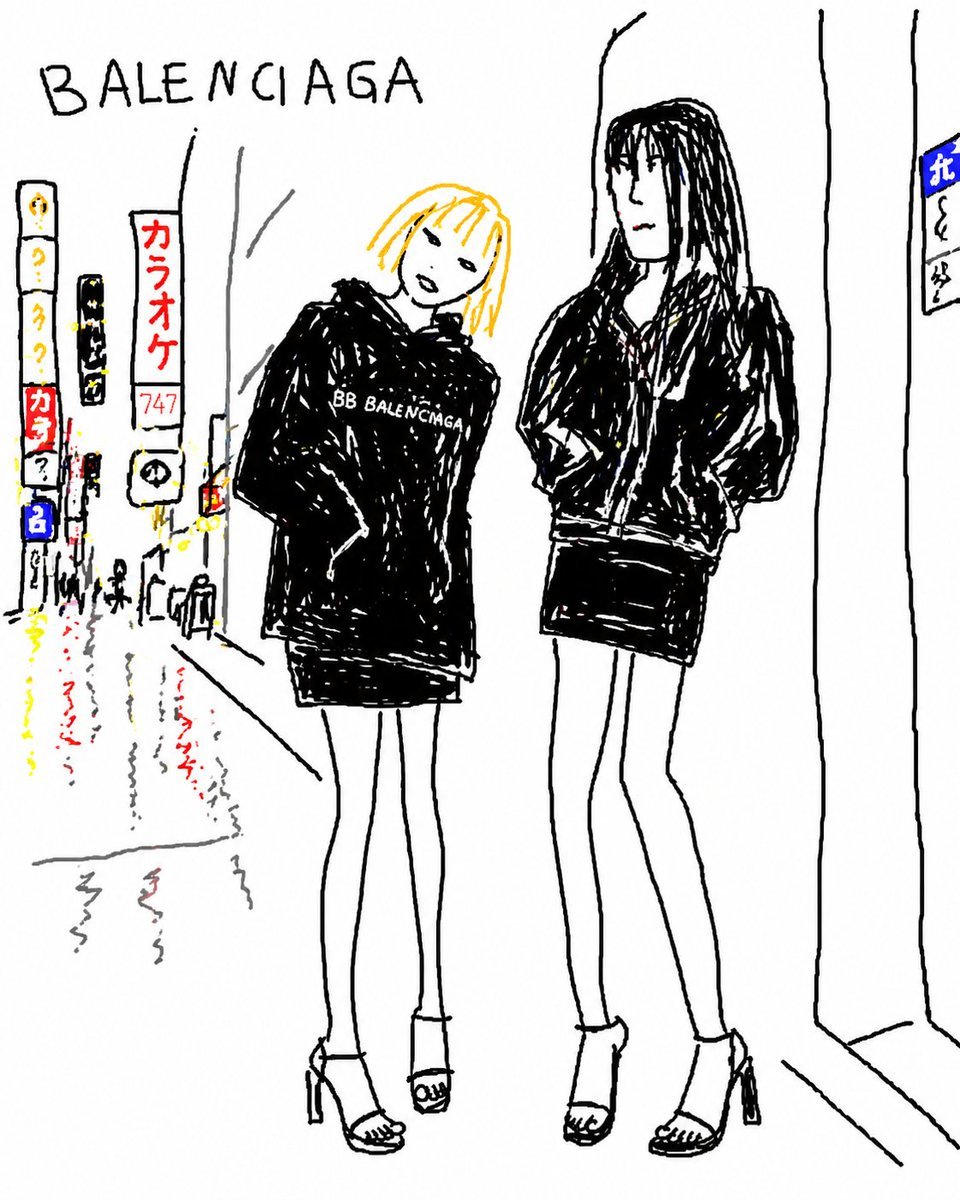
Balenciaga Street Fashion Sketch

Creative Typography Poster Prompt for Nano Banana Pro
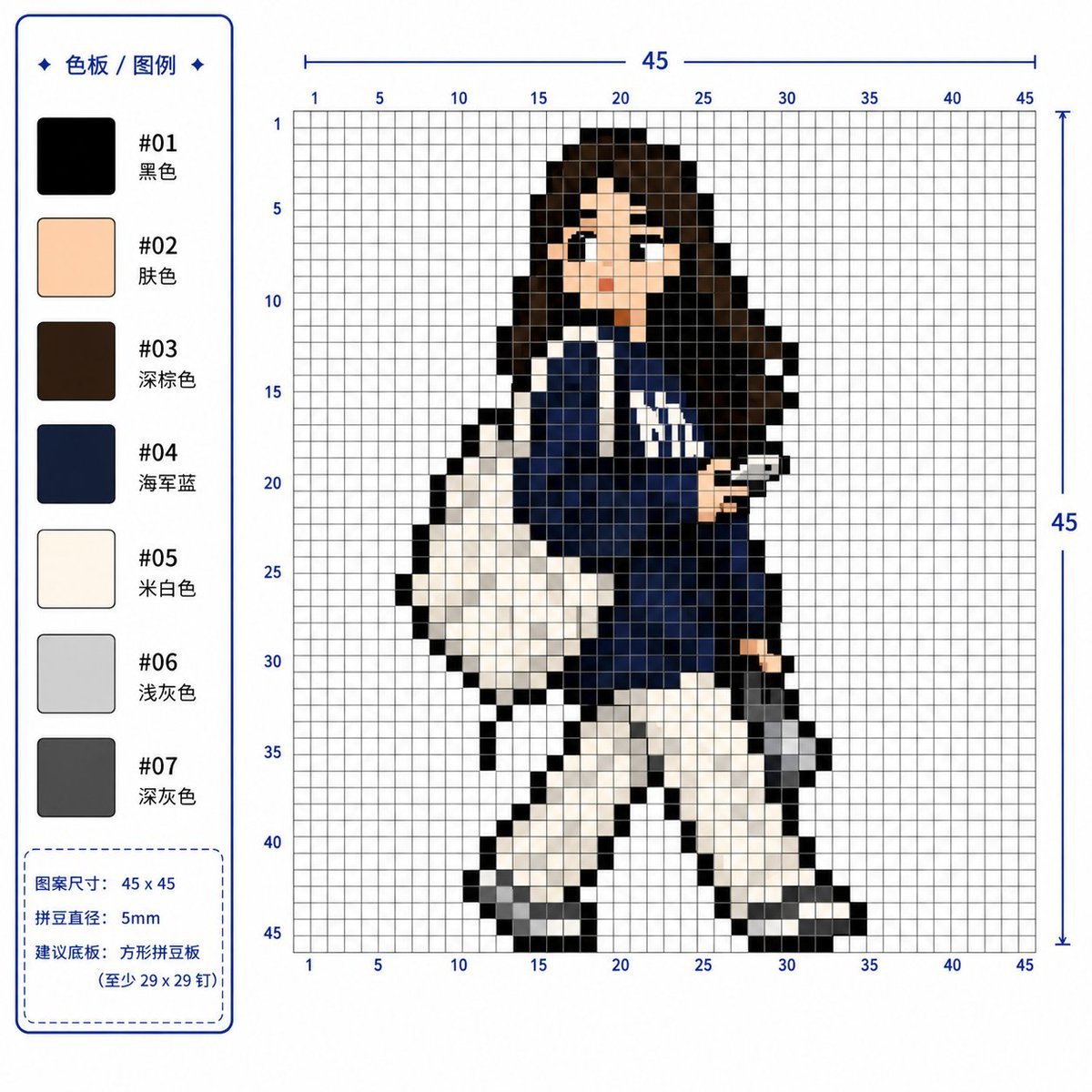
Professional 2D Perler Bead Pattern Design
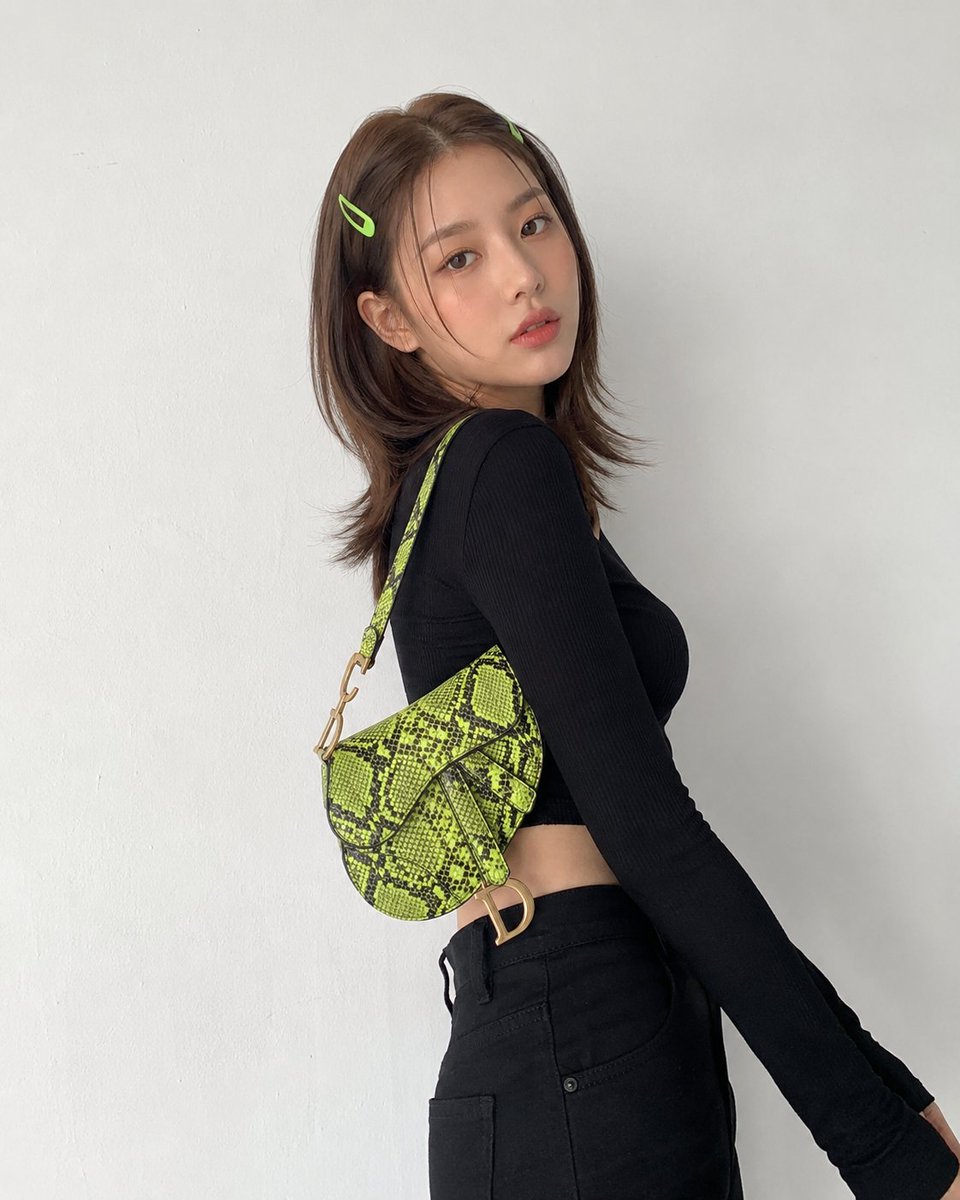
Modern Korean Streetwear Portrait
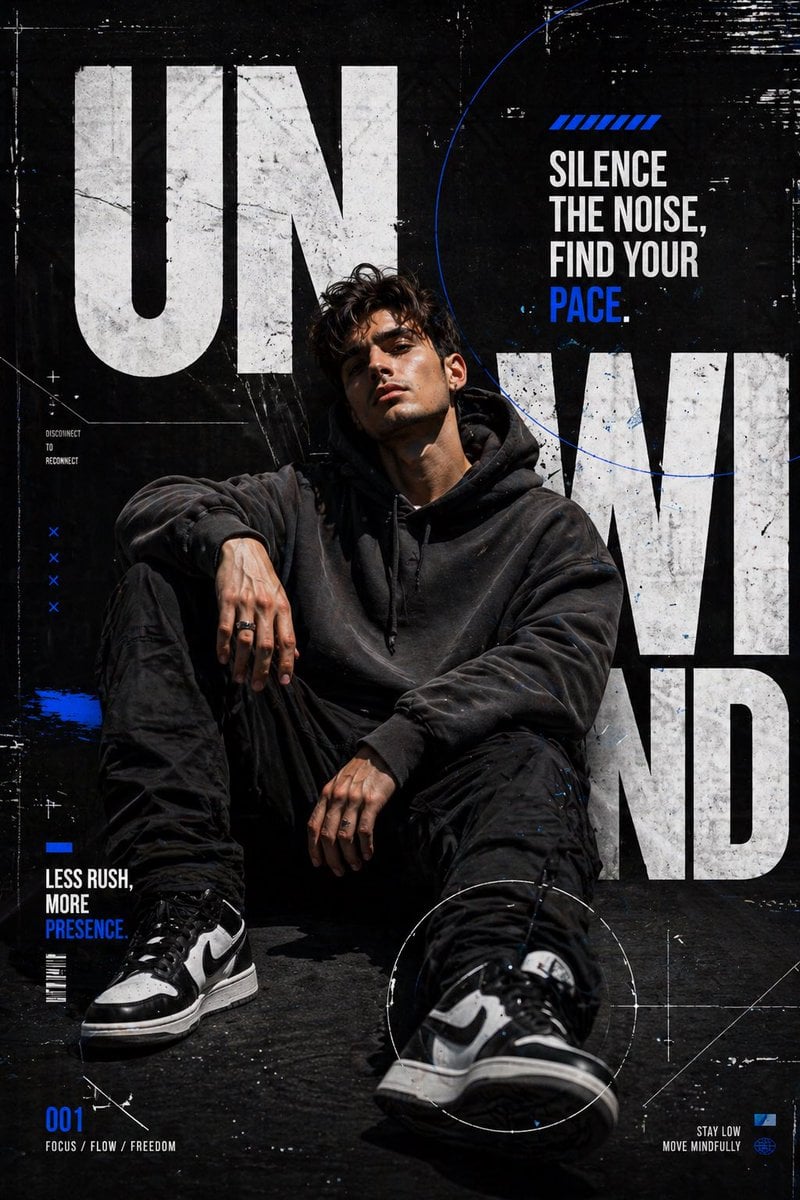
Urban Streetwear Editorial Poster
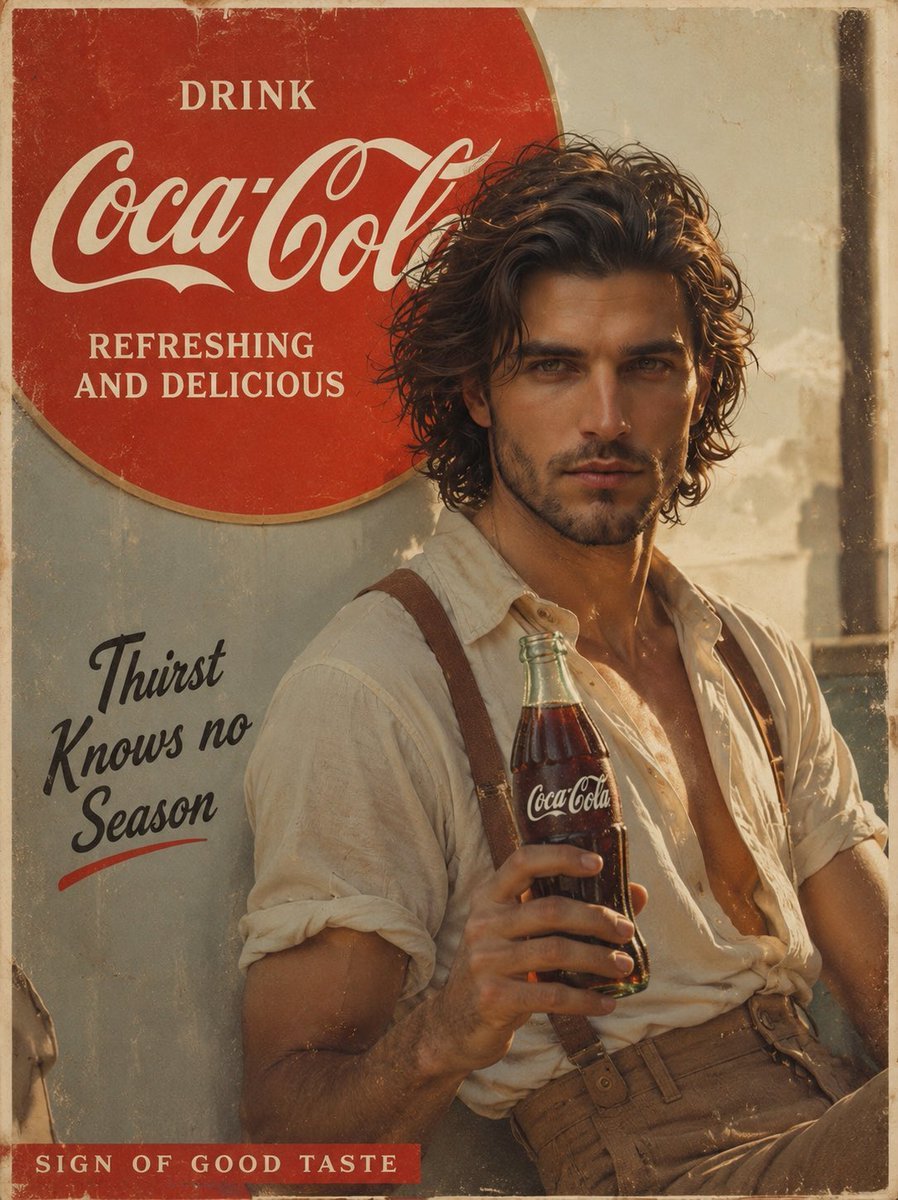
Prompt: Create a cinematic vintage Coca Cola adver
Browse template categories
Low-Cost AI Video Thumbnail questions
How do I use the Low-Cost AI Video Thumbnail template?
Add your photo if the template asks for one, edit the prompt if you like — the template's model and format are already selected — and press Generate. Your version opens in PicX Studio.
Can I customize the Low-Cost AI Video Thumbnail template?
Yes. You can change the subject, setting, lighting, mood, format, and available model controls before creating your image.
Is the Low-Cost AI Video Thumbnail template free?
Opening and editing this template is free. Generating uses credits, shown on the Generate button when you are signed in.
Which AI model should I use?
Start with GPT Image 2, which is the model associated with this template. You can compare another compatible model for a different finish.
Looking for something else? Browse all templates.

Your photo, any look
Thousands of ready templates for every top image and video model, from one credit balance.