
Teal Dragon Knight Cathedral Fantasy
Generates an intricate anime fantasy scene featuring a teal-haired dragon knight, a cute dragon plush, a giant dragon, and magical cathedral workshop details.
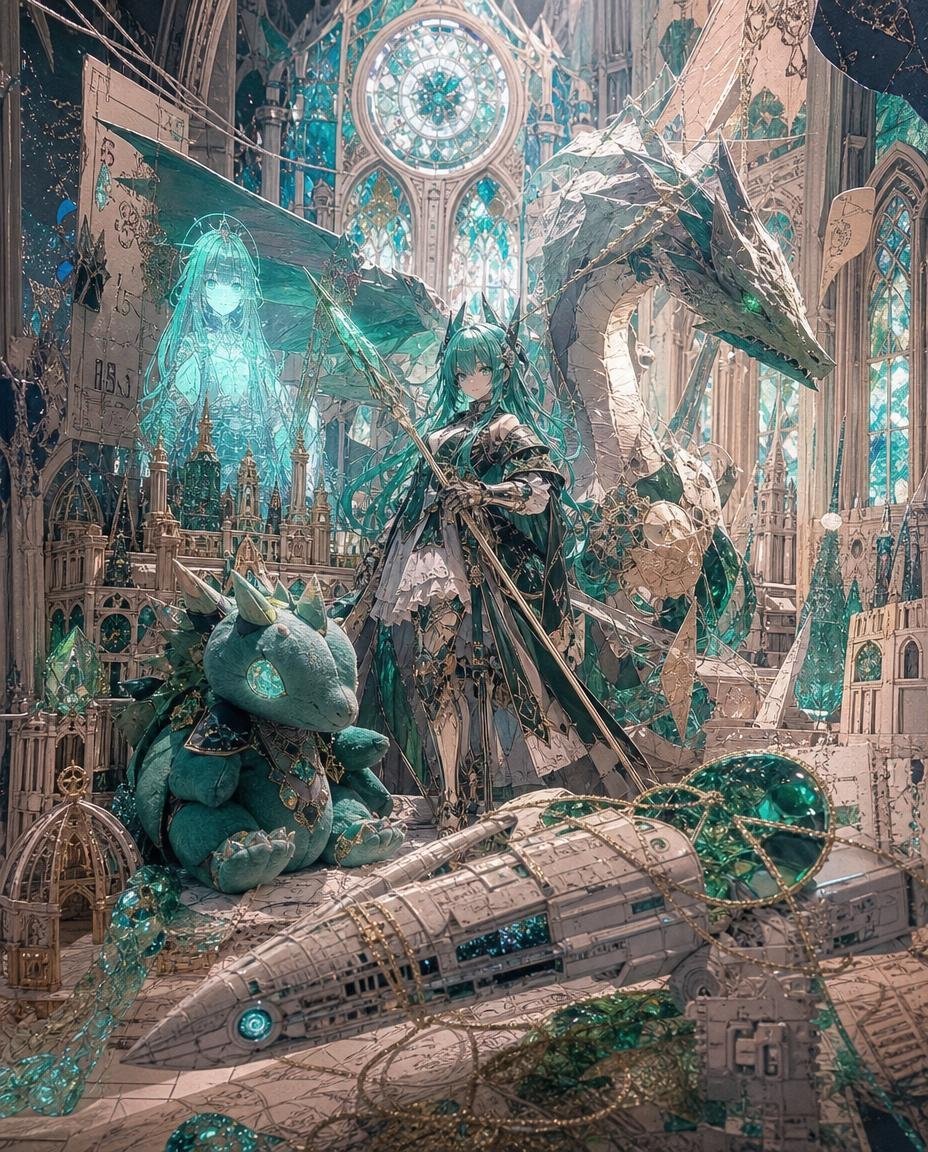
- Prompt included
- Model and format preset
- Free template
The prompt behind this image
Copy the exact prompt behind Teal Dragon Knight Cathedral Fantasy, or open it in the studio and make it yours.
Goal: Create an ultra-detailed fantasy anime illustration of {argument name="character name" default="a teal-haired dragon knight princess"} standing inside a ruined cathedral-like atelier filled with paper models, crystal circuitry, and magical engineering relics. Canvas: Vertical portrait composition, 4:5 aspect ratio, dense foreground-to-background detail, cinematic lighting, no border, no watermark. Main subject: One young anime woman stands slightly right of center, facing forward with a calm serious expression. She has very long flowing {argument name="hair color" default="turquoise teal"} hair, small horn-like accessories, pale skin, and an ornate black, white, and silver gothic fantasy outfit with layered skirt panels, armor straps, ribbons, chains, and gem details. She holds one long spear or lance diagonally across her body, its shaft extending from lower center toward upper left, with delicate metallic ornaments and teal magical glow. Creature and companion count: Include exactly 3 major companion figures: 1 enormous pale stone-and-teal dragon coiling behind and to the right of the girl, with an angular head, glowing green eyes, folded serpentine neck, and crystalline teal accents; 1 adorable teal dragon plush toy seated in the lower-left foreground, with soft rounded limbs, small horns, a large glowing turquoise gem-like eye, tiny claws, and ornate jewelry around its neck; 1 translucent turquoise holographic spirit girl on the left side behind the plush, glowing like a projected magical blueprint, with long hair and a faint dress silhouette. Foreground objects count: Include exactly 5 prominent foreground relics: 1 large beige paper-model spaceship or airship stretching across the bottom from left to right with panel lines, teal glowing circular engine light, and emerald stained-glass sections; 1 small ornate birdcage-like golden structure at the lower left; 1 rectangular paper blueprint tag hanging near the lower right; 1 cluster of teal crystals near the plush; 1 tangled web of golden chains and filigree wires draped over the spaceship and floor. Environment: The setting is an immense gothic cathedral workshop with tall pointed arches, carved ivory stone, miniature spires, scaffold-like paper architecture, suspended wires, blueprint sheets, fragmented parchment panels, and teal crystal growths. In the upper center background, place 1 large circular rose window glowing turquoise and white, with exactly 3 tall lancet stained-glass windows beneath it. Add additional narrow stained-glass windows at the sides, but keep the central rose window dominant. Visual style: Highly polished Japanese fantasy illustration, ornate anime character design, intricate linework, soft painterly rendering, luminous turquoise and emerald highlights, warm beige stone and parchment tones, ethereal dust, layered depth, magical cathedral ambience, elegant steampunk-paper-craft details, extremely detailed but harmonious. Lighting and color: Use a palette of ivory, antique parchment, silver, deep charcoal, emerald, and glowing cyan-teal. Backlight the scene through stained glass, add turquoise rim light around the dragon, hologram, crystals, plush eye, and spear ornaments. Keep the mood dreamy, mysterious, and luxurious. Constraints: No readable text, no modern objects, no extra characters beyond the 1 main girl, 1 large dragon, 1 plush dragon, and 1 holographic spirit girl. The plush dragon should look especially cute and desirable as a stuffed toy while still matching the elaborate fantasy world.
How to use Teal Dragon Knight Cathedral Fantasy in 3 steps
- 1Upload ImagePNG, JPG or paste
Add your photo
Upload the photo the template builds on. The prompt, model and format are already set.
- 2…a portrait of your subject in softgolden-hour light, 85mm…
Personalize
Edit the subject and creative details for your destination.
- 3Generate
Generate
Press Generate — your image is created in PicX Studio, so you can compare it with the original and refine one variable at a time.
More like this
Templates with the same subject, style or setup. Open one to see its prompt.

Minecraft Fantasy Kingdom Voxel Landscape

Knight Facing Cathedral Giant
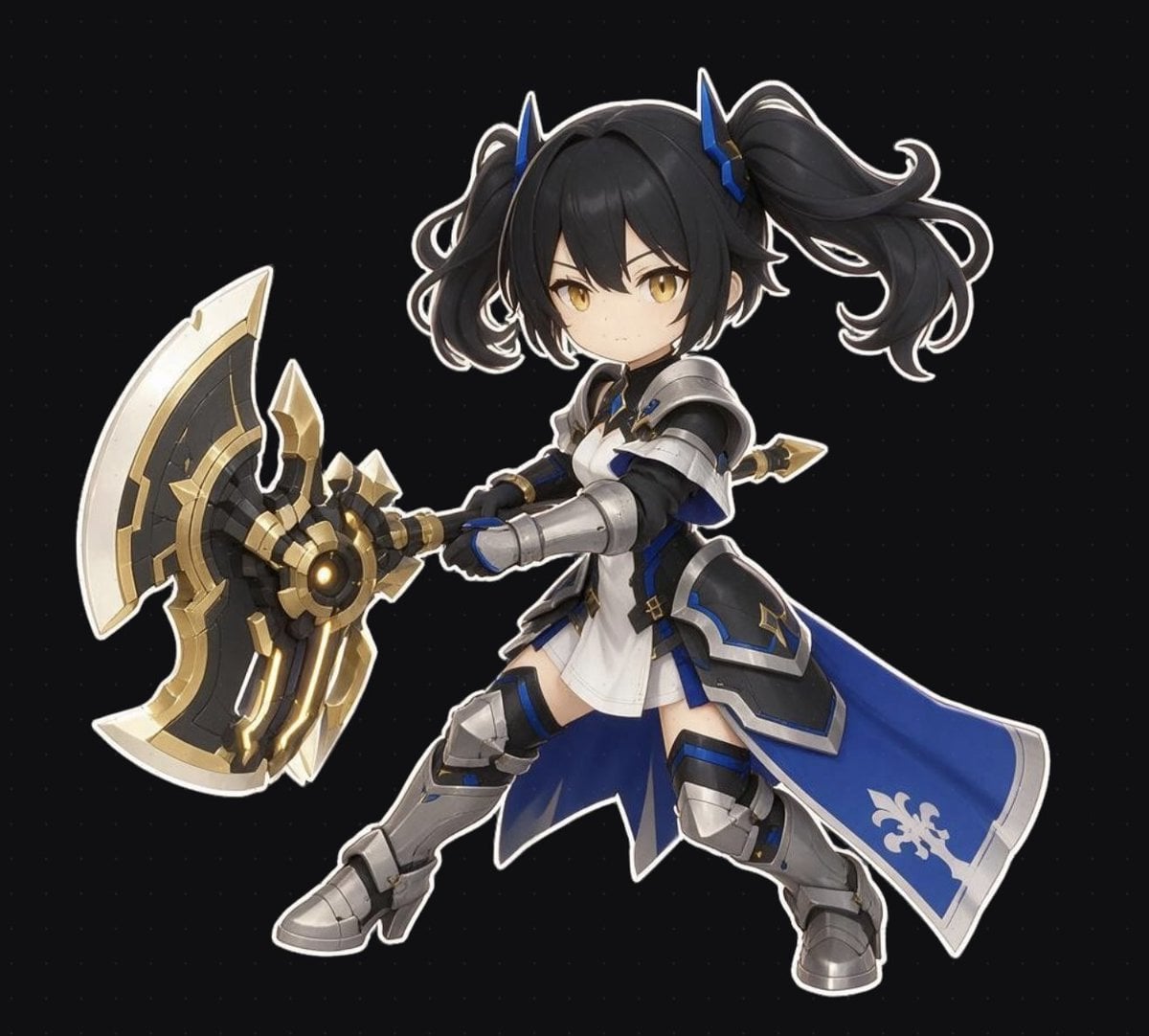
Chibi Fantasy Axe Knight
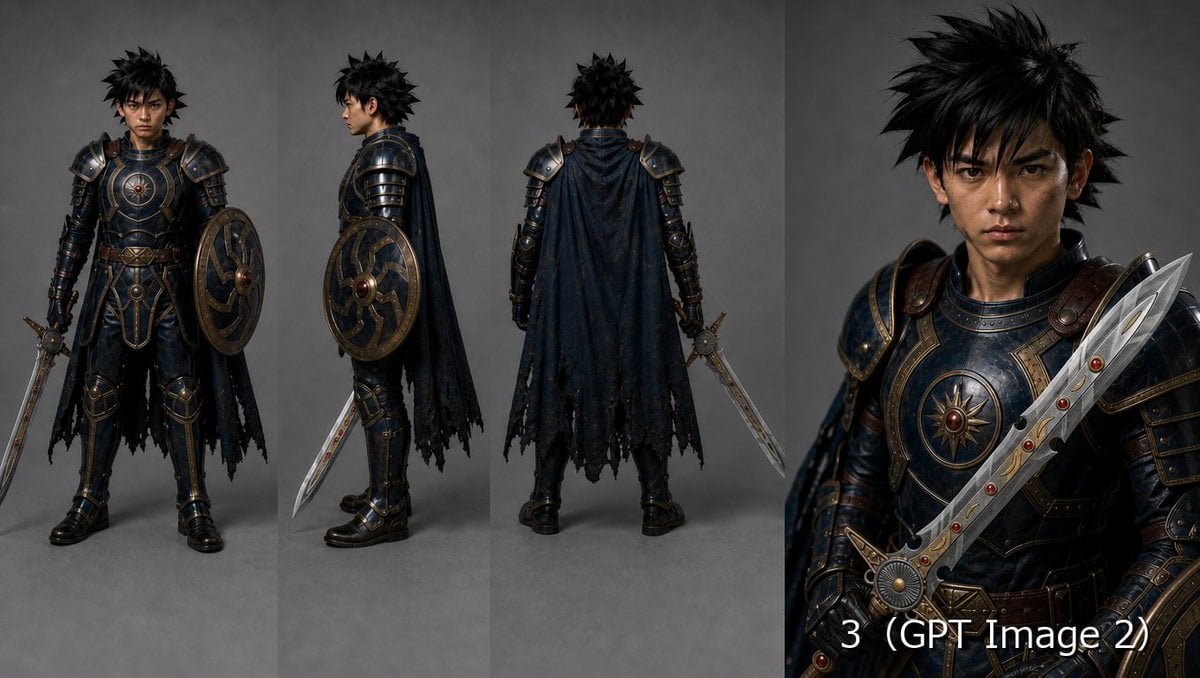
Fantasy Knight Character Turnaround Sheet
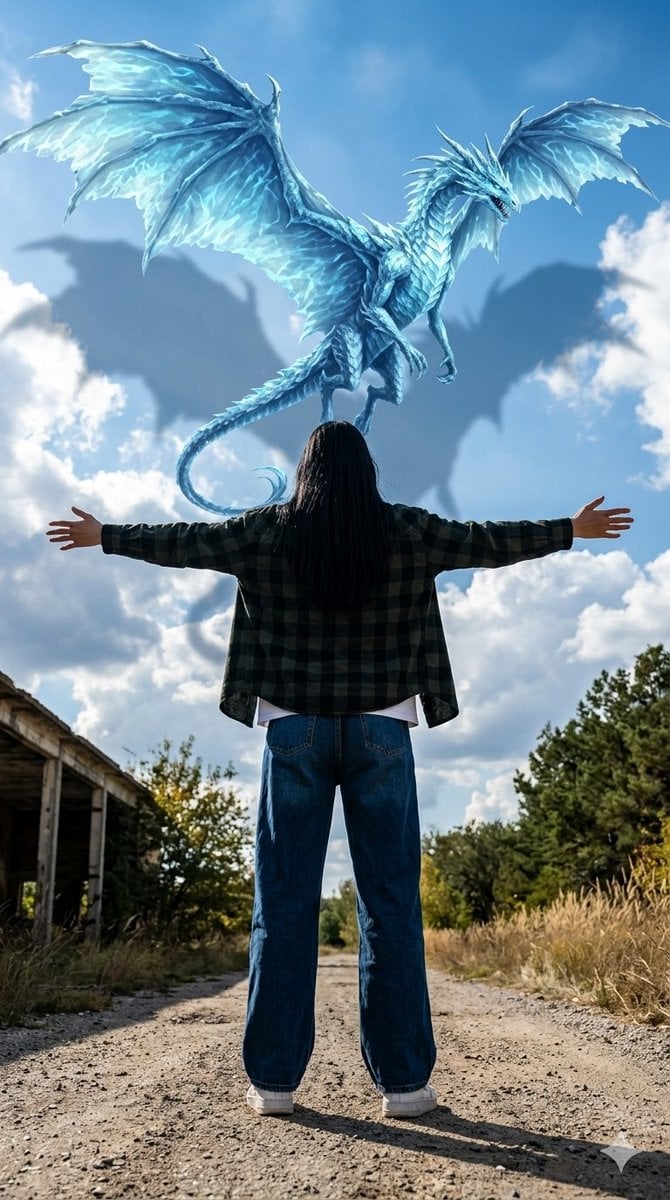
Celestial Dragon Sky Fantasy

Anime Fantasy Celestial Movie Poster
Anime Fantasy Celestial Movie Poster

Unfinished Sketch Comes Alive Portrait

Open Travel Journal Overhead Still Life

Tiny Woman Miniature Fantasy Macro Scene
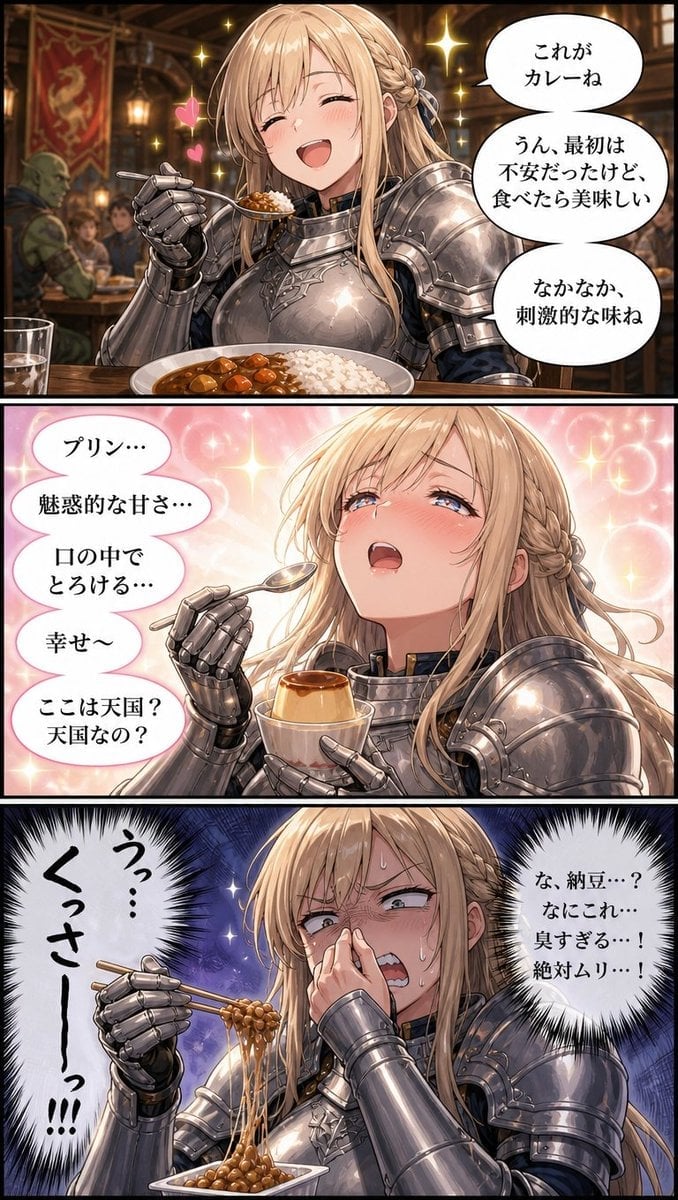
Fantasy Knight Food Reaction Manga
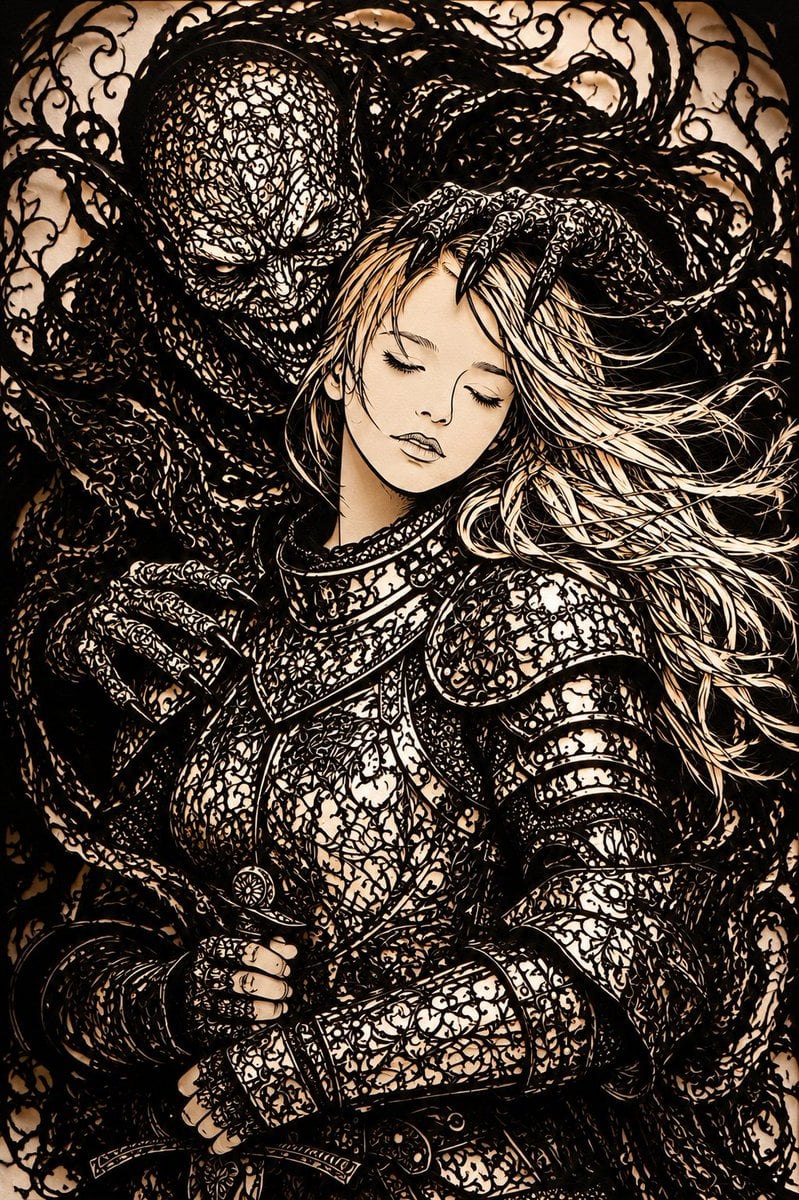
Dark Fantasy Kirie Knight and Demon
Make it yours
Teal Dragon Knight Cathedral Fantasy works as-is. These are the safest ways to change it without losing the look.
Change one field
Copy a single group, rewrite it, and generate again so you can see what that field is doing.
Keep the frame, change the subject
Hold the composition and light of Teal Dragon Knight Cathedral Fantasy, then swap wardrobe, props or the person for a new take.
| If the result… | Why | Fix |
|---|---|---|
| The result drifts from the preview | Too many fields changed at once. | Reuse Teal Dragon Knight Cathedral Fantasy as-is first, then change one group — subject, light, or setting. |
| The model over-stylizes the scene | The prose prompt leaves finish and camera underspecified. | Add one camera or lighting sentence and stay on GPT Image 2. |
More GPT Image 2 templates
Other prompts made for GPT Image 2.

Six VTuber Japanese Logo Sheet

Realistic Portrait of Woman and Deer

The Vista Modular Condo Poster

AI Model Routing Comparison Infographic

2.5D Anime Art Board

Isometric Productivity Desk Scene

New York Double Exposure Poster

Four-Panel AI Landscape Comparison

Japanese Tatami Lifestyle Magazine Cover

NESCAFÉ Coffee Map Poster
More image prompts
Fresh picks from across the catalog.
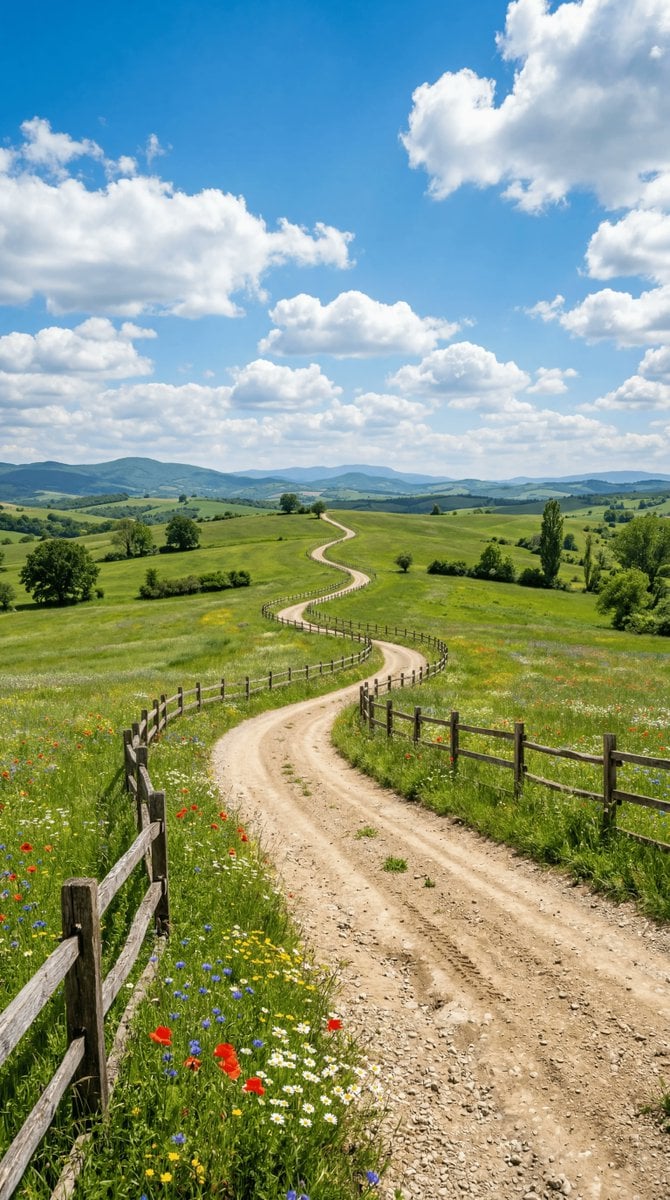
Wide-angle landscape prompt of a dirt road
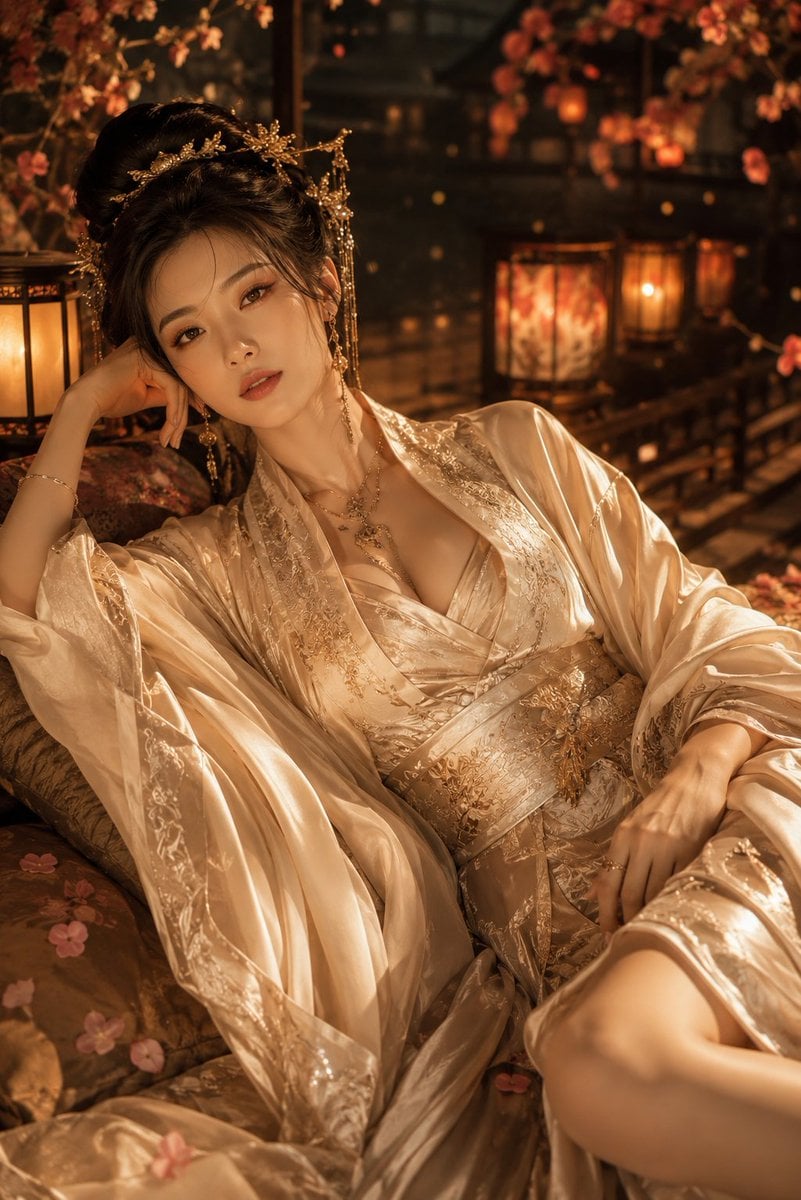
Cinematic Hanfu Fashion Editorial Portrait
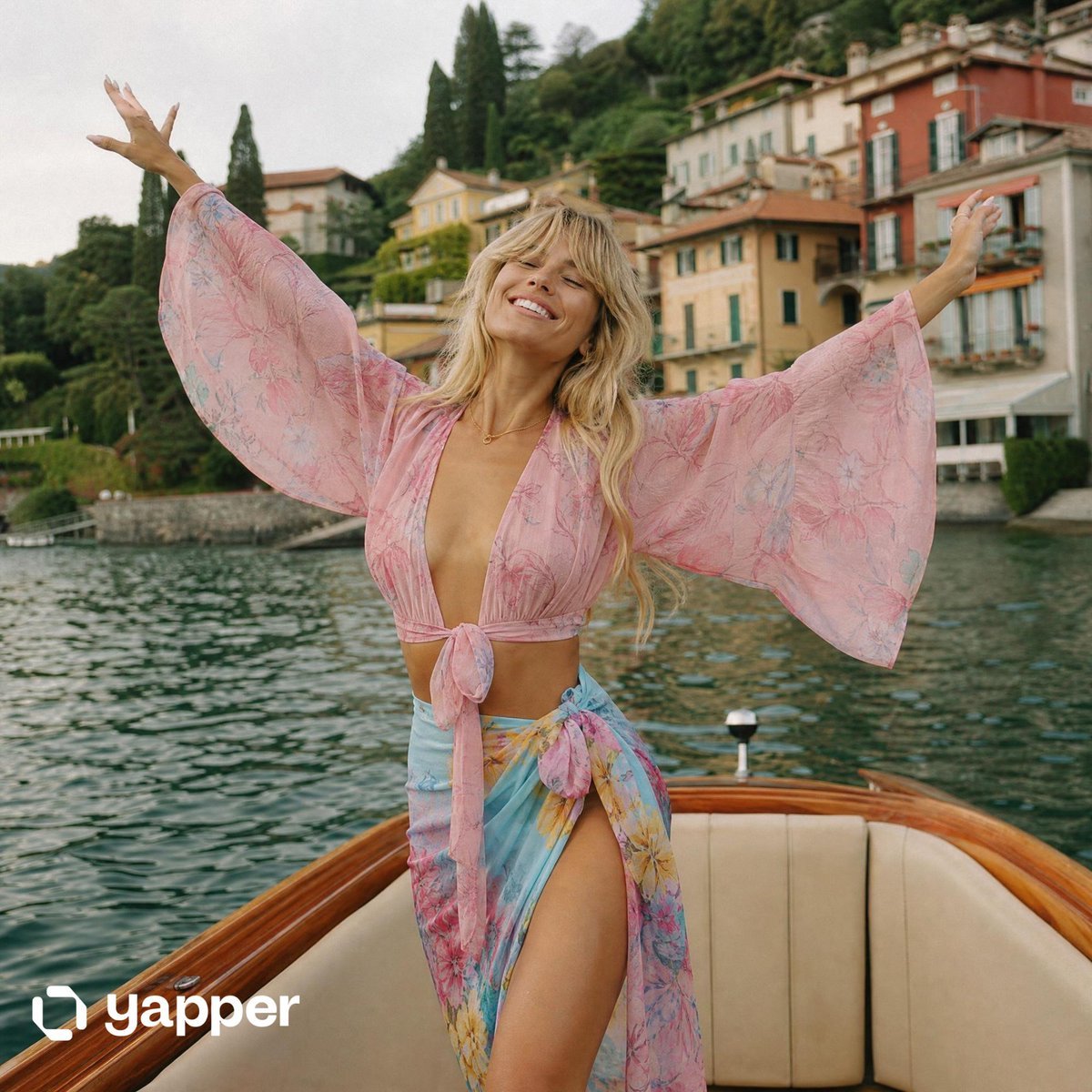
Lake Como Lifestyle Photography
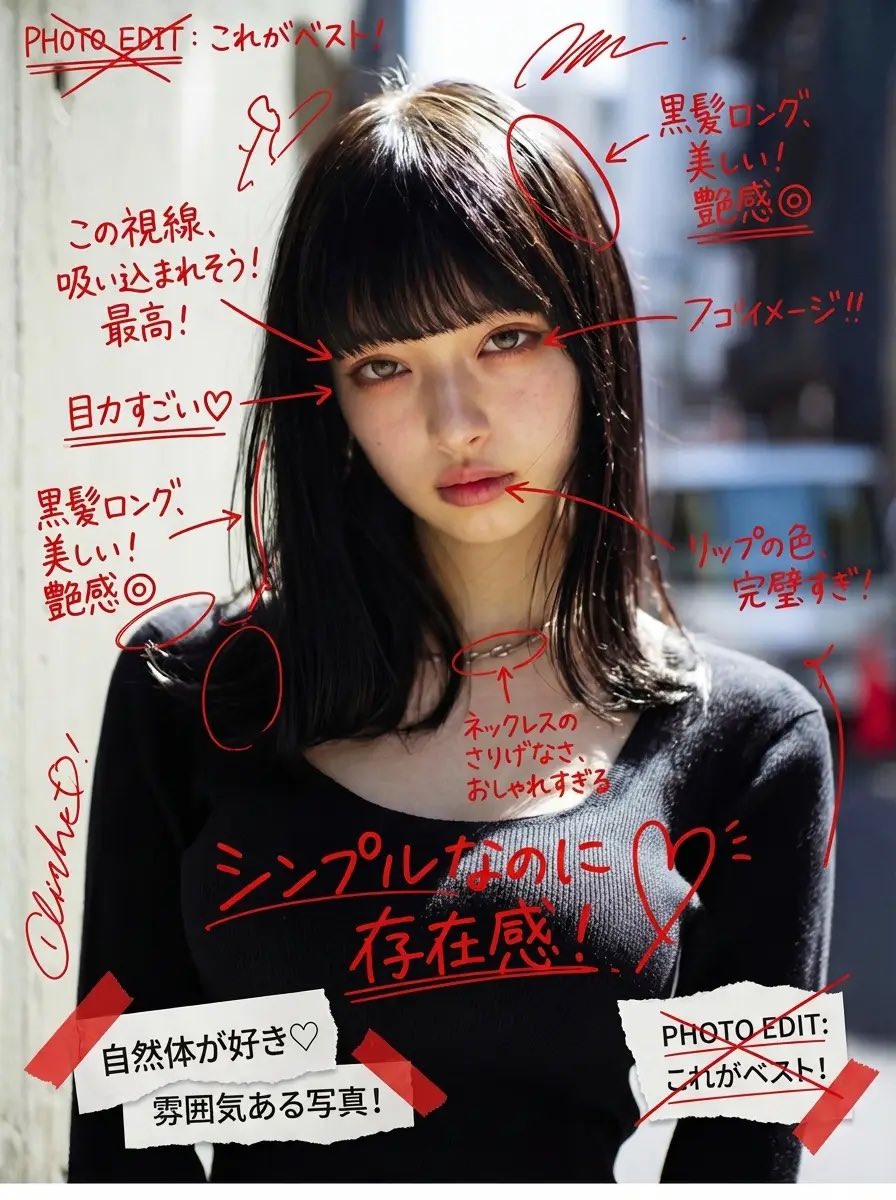
Image Annotation and Praise Commentary Prompt
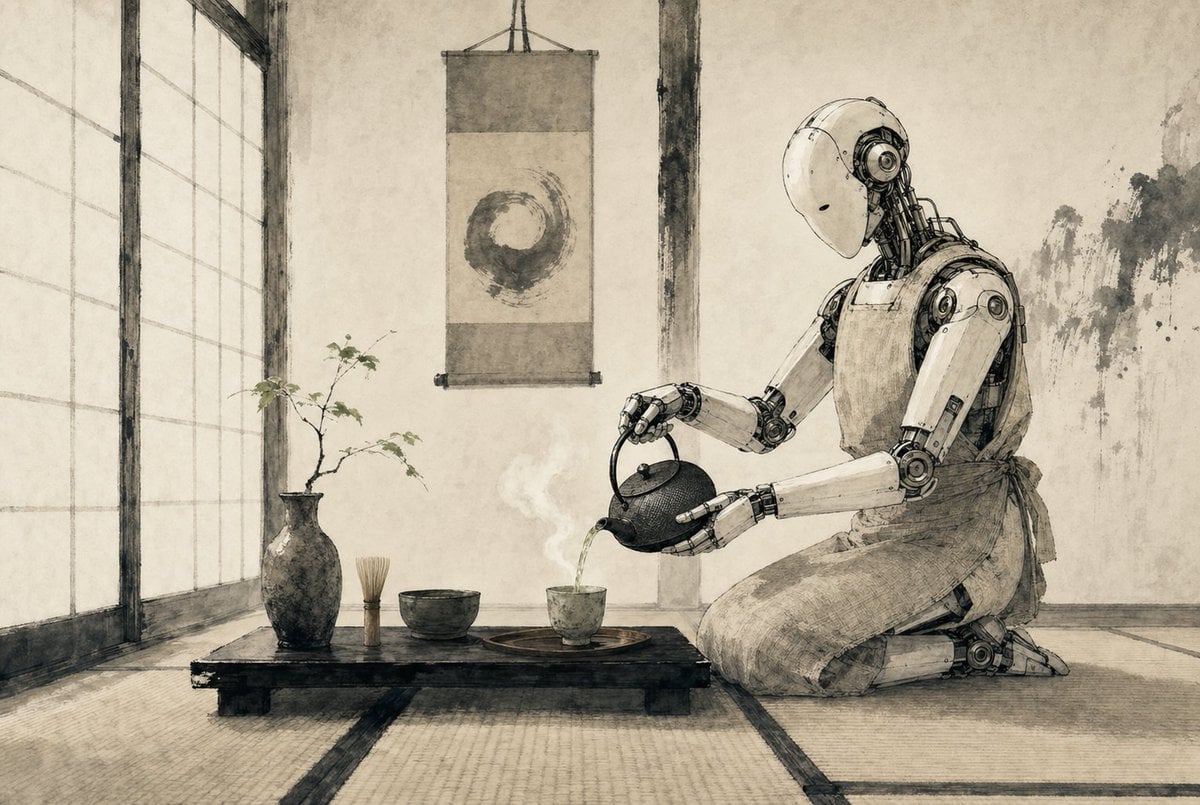
Zen Tea Ceremony Robot
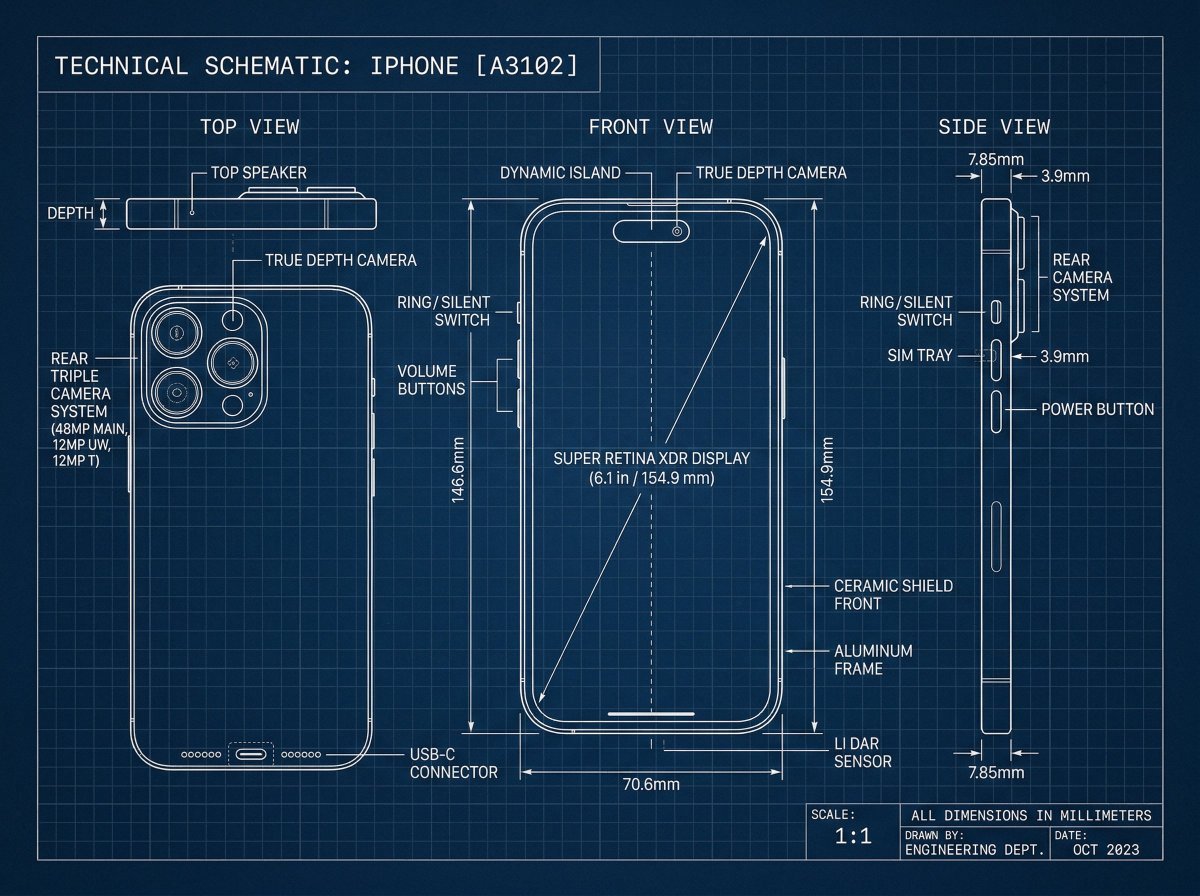
Technical Blueprint Drawing Prompt
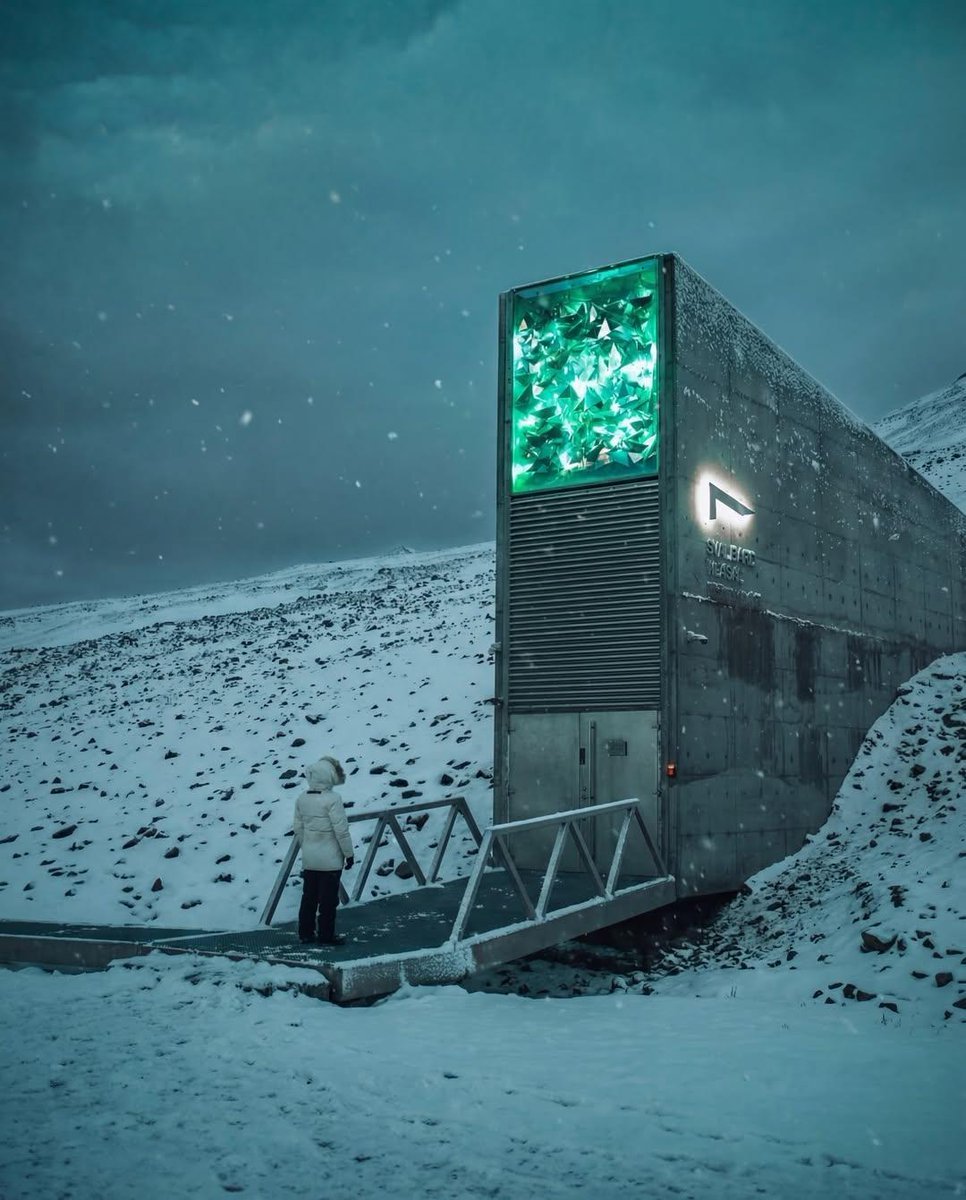
Cinematic Futuristic Winter Landscape
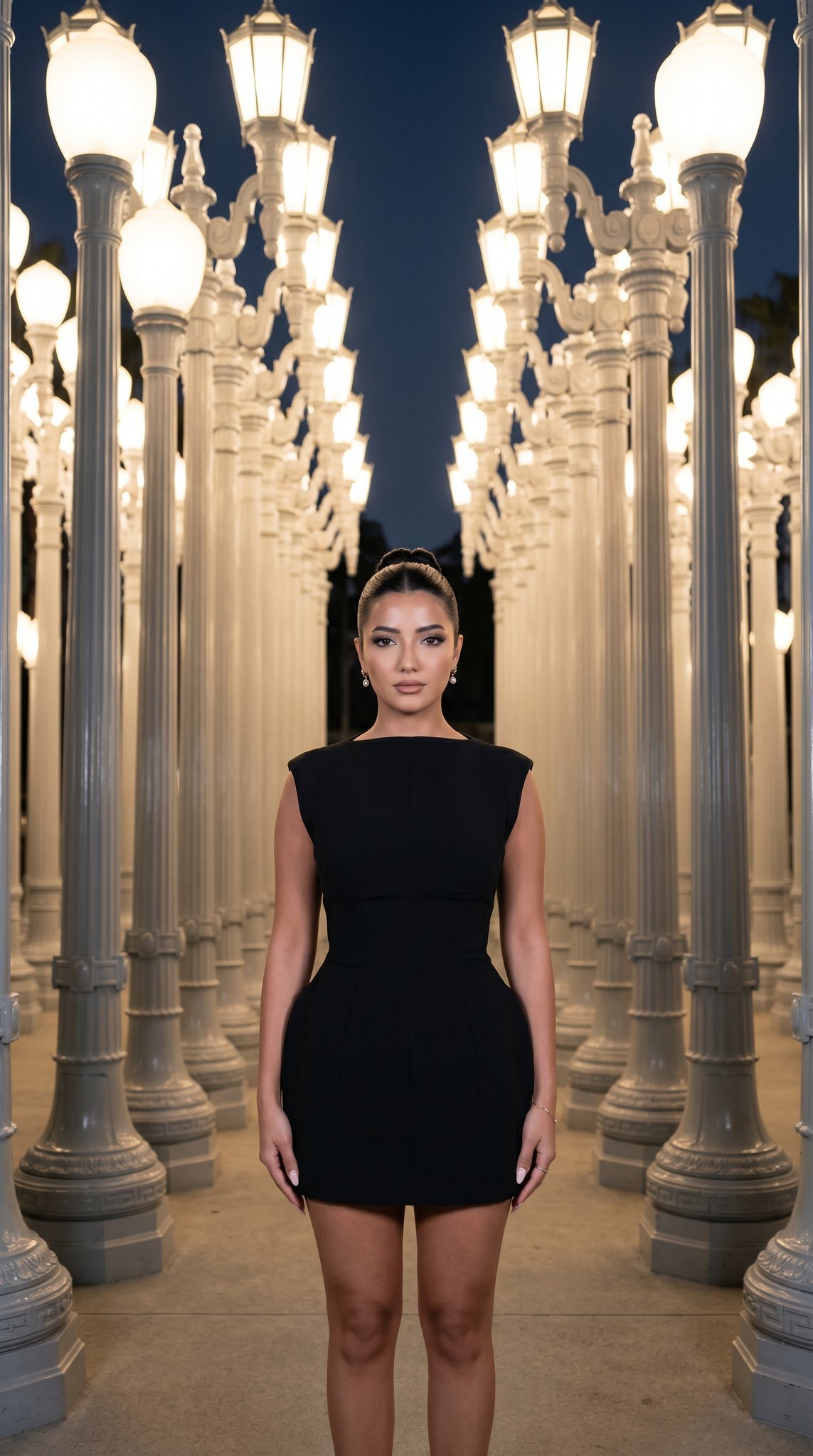
07 LACMA Urban Light — California Series
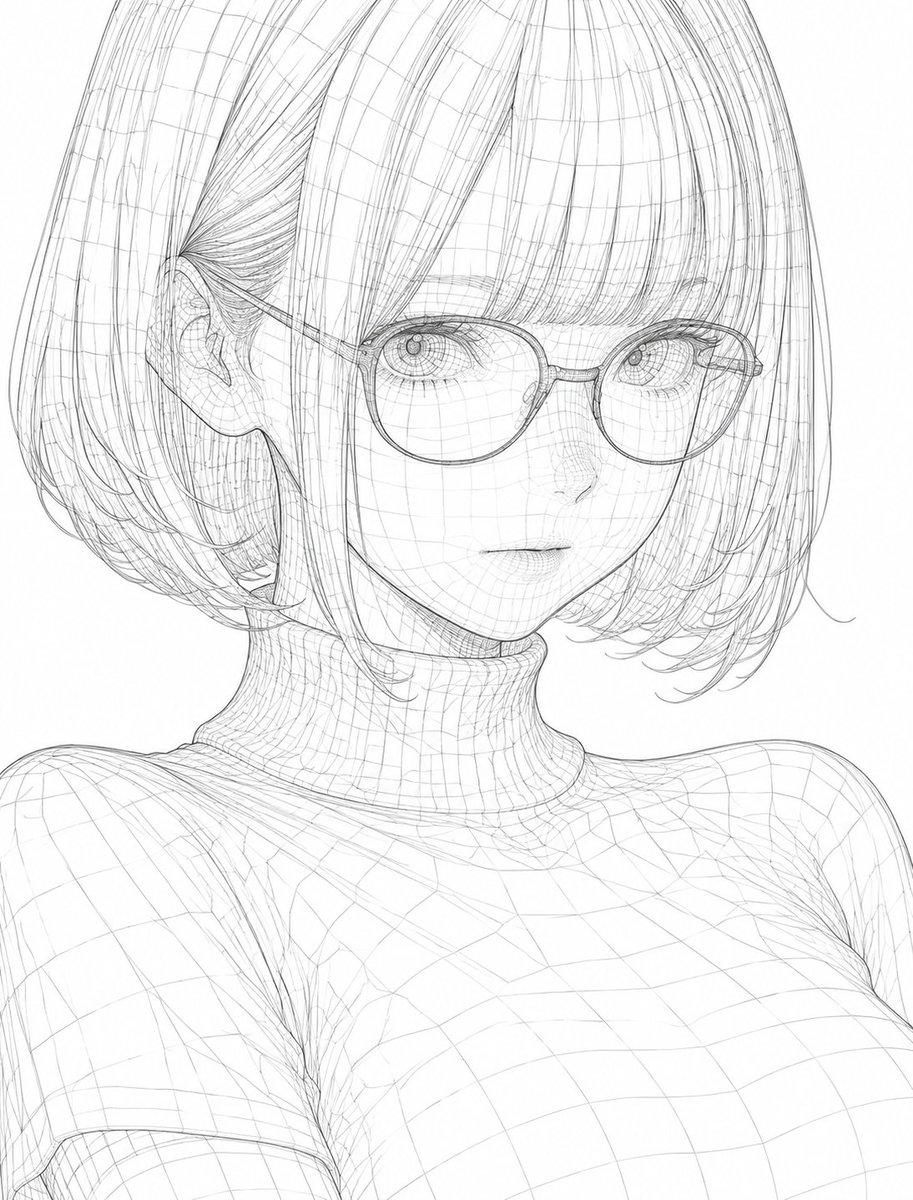
3D Wireframe Illustration Transformation
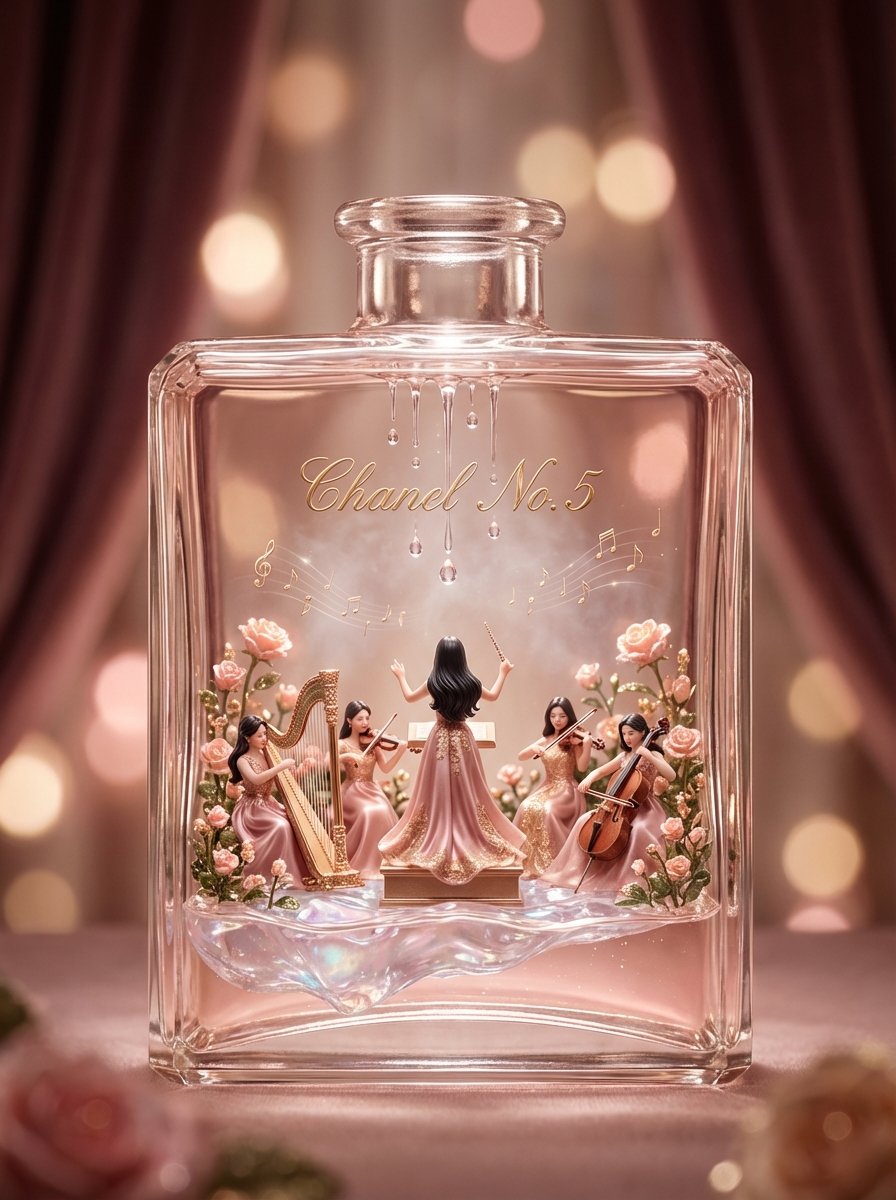
Luxury Skincare Diorama in a Perfume Bottle
Browse template categories
Teal Dragon Knight Cathedral Fantasy questions
How do I use the Teal Dragon Knight Cathedral Fantasy template?
Add your photo if the template asks for one, edit the prompt if you like — the template's model and format are already selected — and press Generate. Your version opens in PicX Studio.
Can I customize the Teal Dragon Knight Cathedral Fantasy template?
Yes. You can change the subject, setting, lighting, mood, format, and available model controls before creating your image.
Is the Teal Dragon Knight Cathedral Fantasy template free?
Opening and editing this template is free. Generating uses credits, shown on the Generate button when you are signed in.
Which AI model should I use?
Start with GPT Image 2, which is the model associated with this template. You can compare another compatible model for a different finish.
Looking for something else? Browse all templates.

Your photo, any look
Thousands of ready templates for every top image and video model, from one credit balance.