
Professional Food Photography Enhancement
Transforms a casual mobile photo of food into a high-end restaurant-style advertisement with cinematic lighting and custom artistic text.
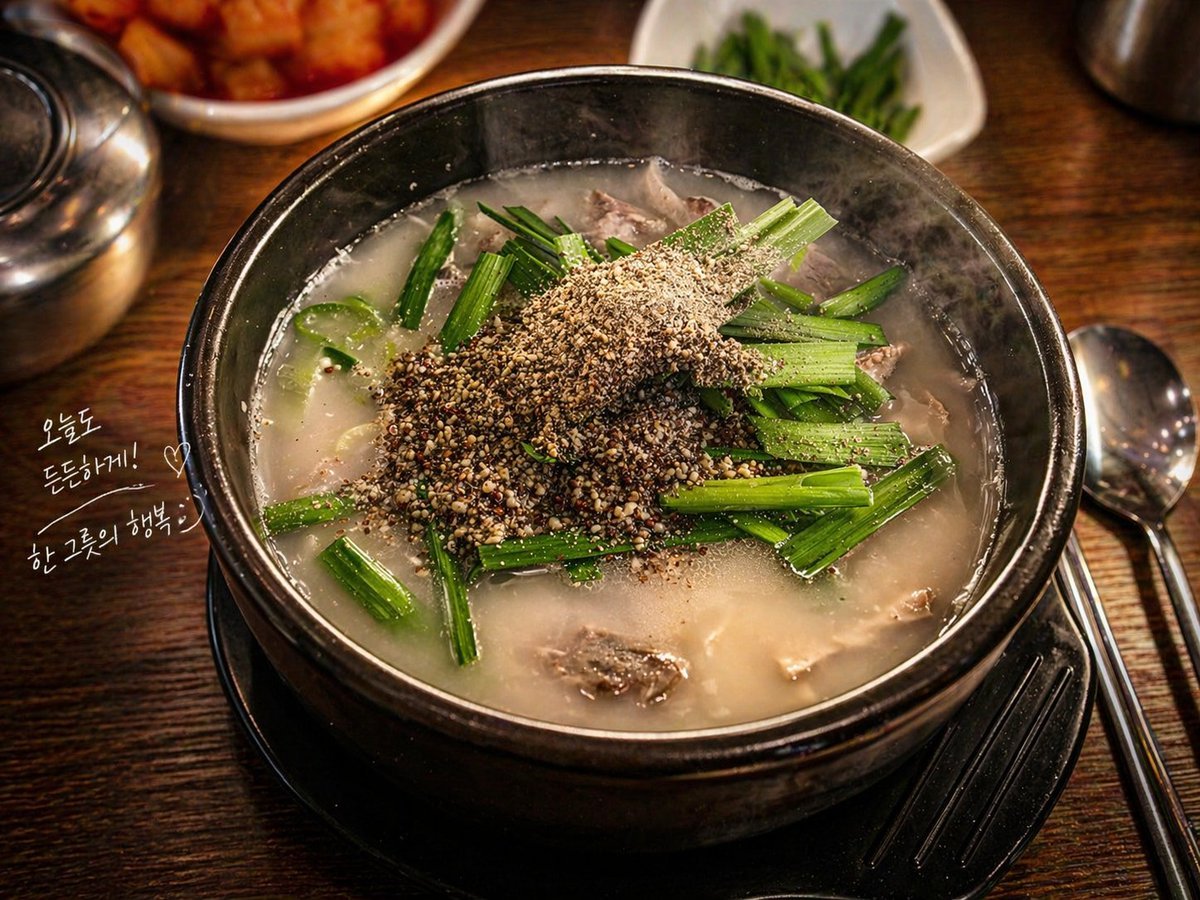
- Prompt included
- Model and format preset
- Free template
The prompt behind this image
Copy the exact prompt behind Professional Food Photography Enhancement, or open it in the studio and make it yours.
이 {argument name="기기" default="아이폰"}으로 촬영한 {argument name="대상" default="음식"} 사진을 전문 푸드 화보처럼 보이도록 보정해줘. 시네마틱한 조명을 적용하고, 색감은 깊고 풍부하게 보이도록 강화하며, {argument name="대상" default="음식"}의 질감과 디테일이 또렷하게 살아나도록 선명도를 높여줘. 전체적으로 고급 레스토랑에서 촬영한 것 같은 분위기로 만들고, 배경은 살짝 어둡고 자연스럽게 흐리게 처리해 {argument name="대상" default="음식"}이 더 돋보이게 해줘. 사진 한쪽 여백에는 손으로 그린 듯한 자연스러운 감성의 텍스트를 작고 은은하게 추가해줘. 인스타그램에 바로 올릴 수 있는 감각적이고 완성도 높은 푸드 사진 스타일로 만들어줘.
Reference images included
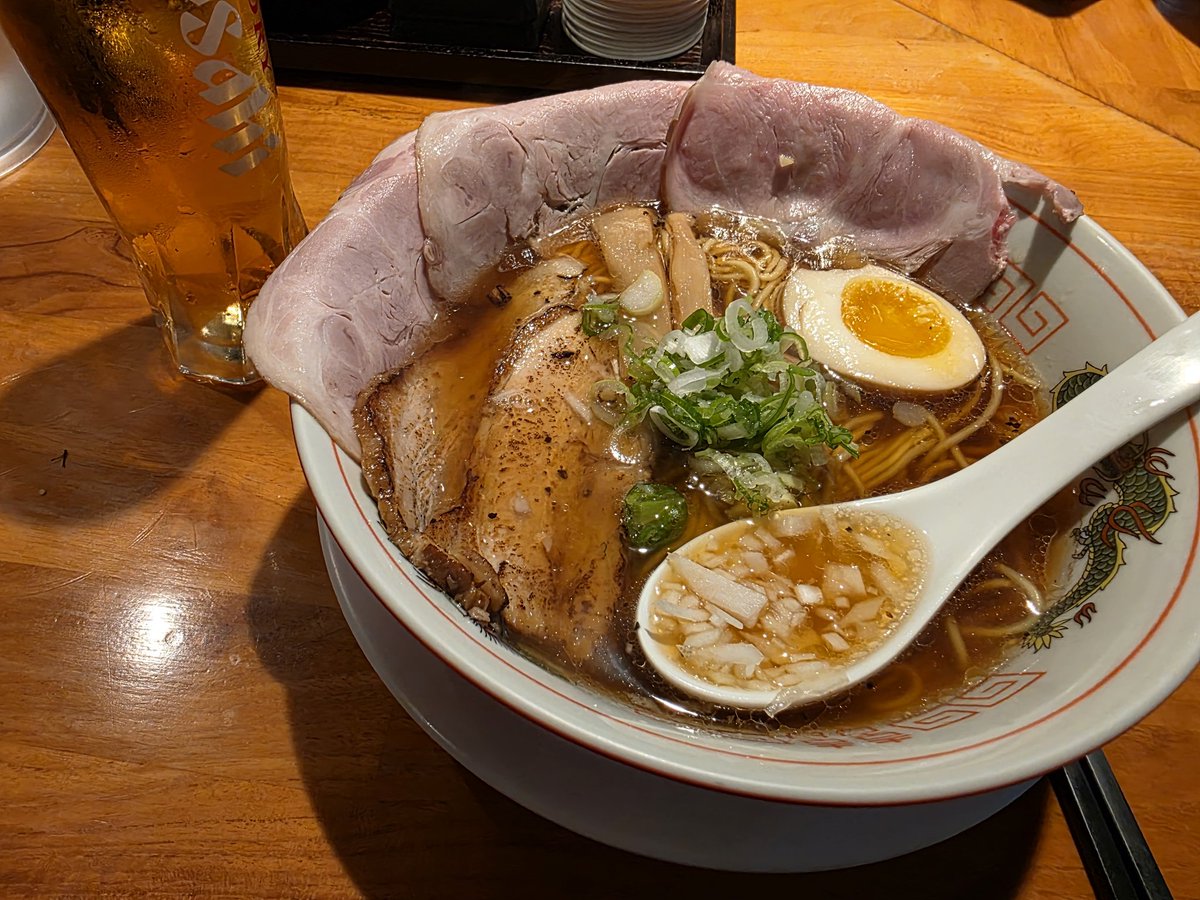
Professional Food Photography Enhancement needs input media to work. They load alongside the prompt when you open it in the studio.
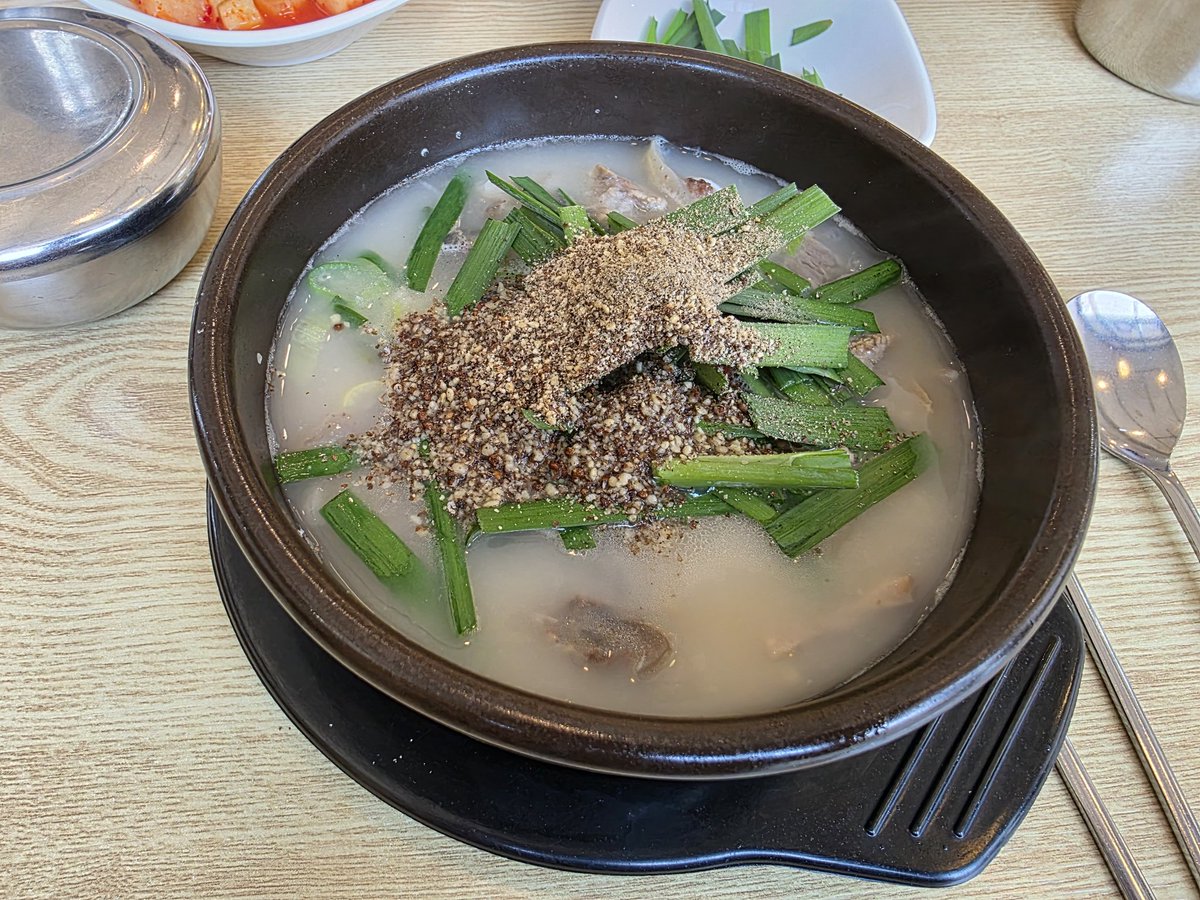
How to use Professional Food Photography Enhancement in 3 steps
- 1Upload ImagePNG, JPG or paste
Add your photo
Upload the photo the template builds on. The prompt, model and format are already set.
- 2…a portrait of your subject in softgolden-hour light, 85mm…
Personalize
Edit the subject and creative details for your destination.
- 3Generate
Generate
Press Generate — your image is created in PicX Studio, so you can compare it with the original and refine one variable at a time.
More like this
Templates with the same subject, style or setup. Open one to see its prompt.
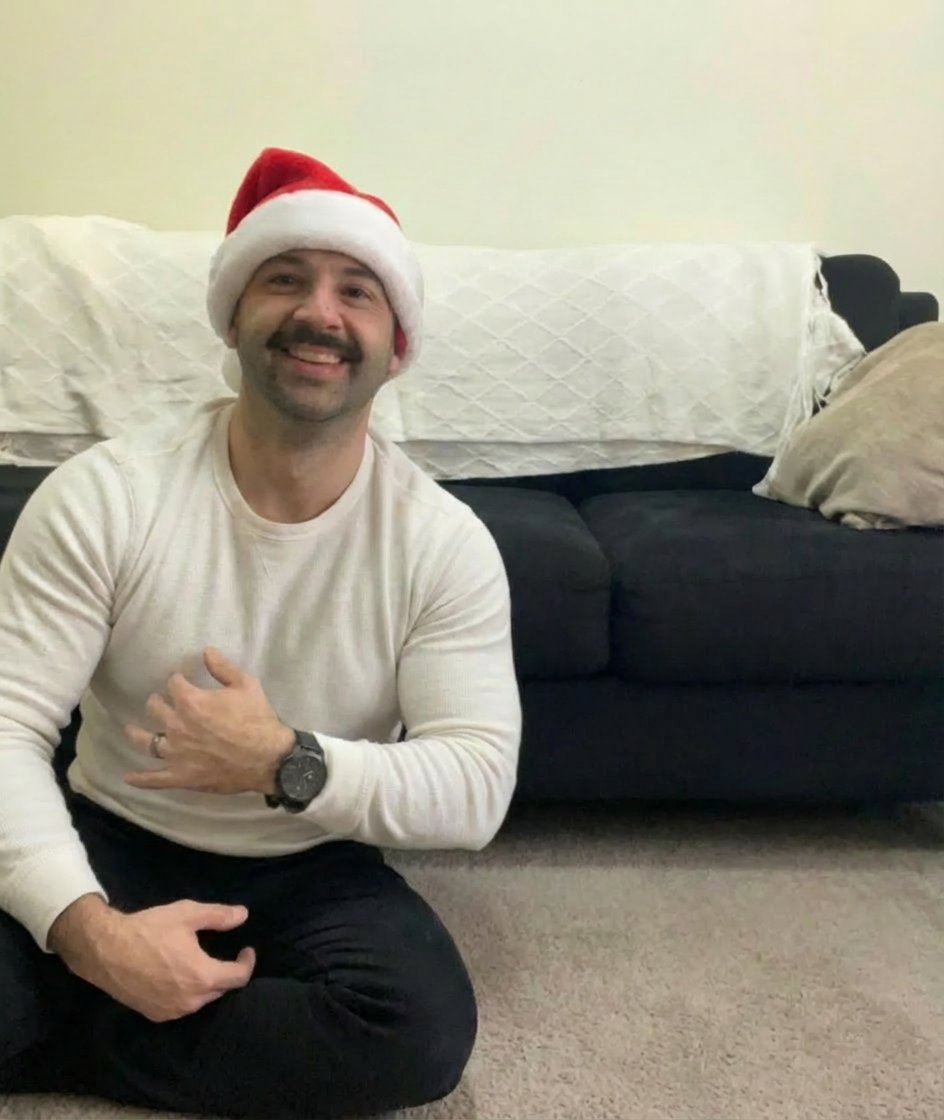
Step 1: Professional Photography Enhancement

Mirror Selfie Chibi Characters Pixar Style

Flower Petal Sunglasses Couture Portrait

Fashion Portrait Colored Smoke Studio

Mountain Valley Lifestyle Portrait

青蛇小青写真大片,绿色紧身蛇鳞裙,湿发红唇,妖娆妩媚

A double exposure, long exposure editorial photograph of a man Use image

Portrait of a young woman in her early 20s walking calmly on a beautiful

Artistic portrait of an elegant Asian woman wearing a black silk

A high-quality photo collage featuring the same person with identical

LIGHTING each element still lit by its original source, windows casting

A 3x3 grid storyboard contact sheet comprised of nine candid, cinematic
Make it yours
Professional Food Photography Enhancement works as-is. These are the safest ways to change it without losing the look.
Change one field
Copy a single group, rewrite it, and generate again so you can see what that field is doing.
Keep the frame, change the subject
Hold the composition and light of Professional Food Photography Enhancement, then swap wardrobe, props or the person for a new take.
| If the result… | Why | Fix |
|---|---|---|
| The result drifts from the preview | Too many fields changed at once. | Reuse Professional Food Photography Enhancement as-is first, then change one group — subject, light, or setting. |
| The model over-stylizes the scene | The prose prompt leaves finish and camera underspecified. | Add one camera or lighting sentence and stay on GPT Image 2. |
More GPT Image 2 templates
Other prompts made for GPT Image 2.

Six VTuber Japanese Logo Sheet

Realistic Portrait of Woman and Deer

The Vista Modular Condo Poster

AI Model Routing Comparison Infographic

2.5D Anime Art Board

Isometric Productivity Desk Scene

New York Double Exposure Poster

Four-Panel AI Landscape Comparison

Japanese Tatami Lifestyle Magazine Cover

NESCAFÉ Coffee Map Poster
More image prompts
Fresh picks from across the catalog.

8K Cinematic Winter Adventure Photo on a Vintage Train
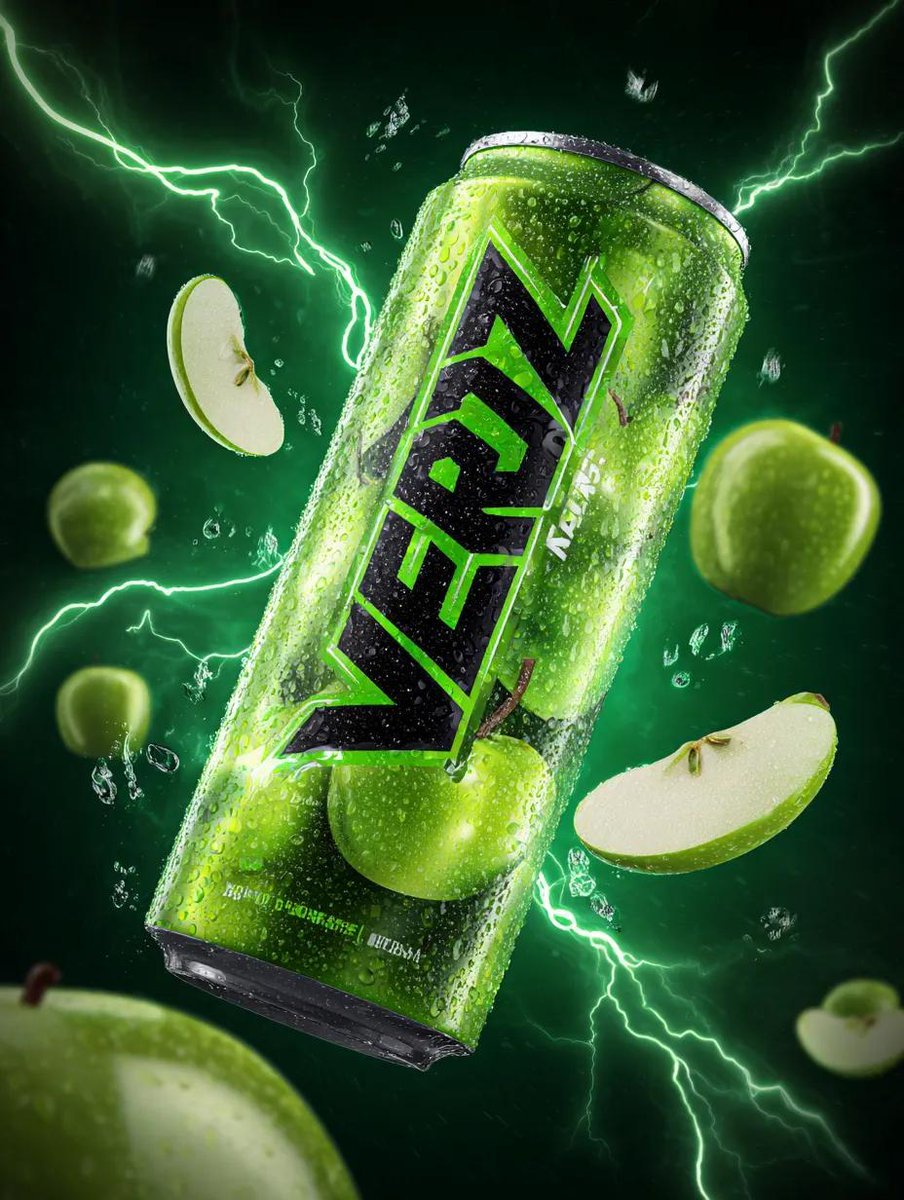
Energy Drink Can with Green Apple Splash and Neon Lightning
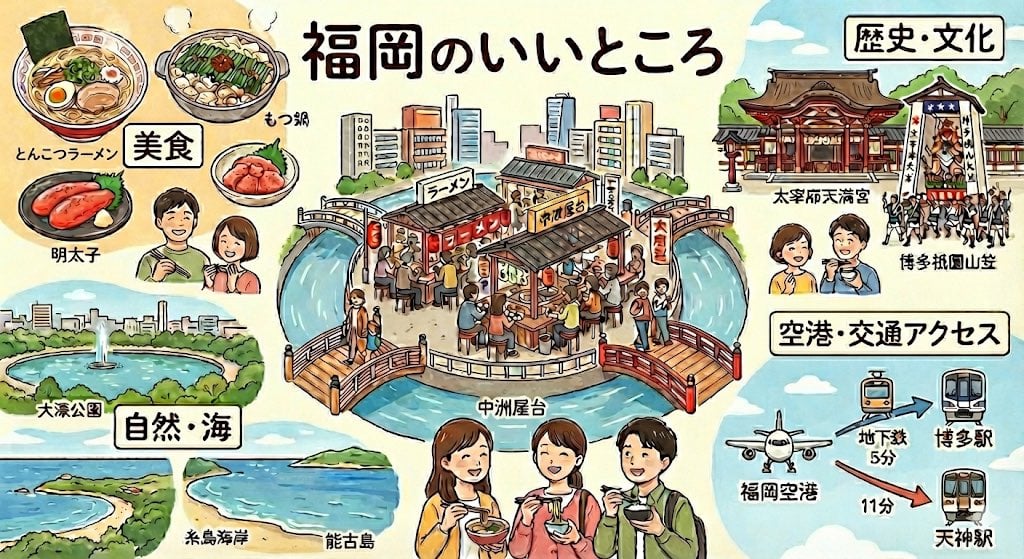
Summarize Fukuoka’s good points in one image

Monika Anime Banner Illustration

Flat Color to Rendered Anime Shading

Ethereal Cinematic Fashion Portrait Prompt

Renaissance Window Light Portrait Prompt with Reference Lock
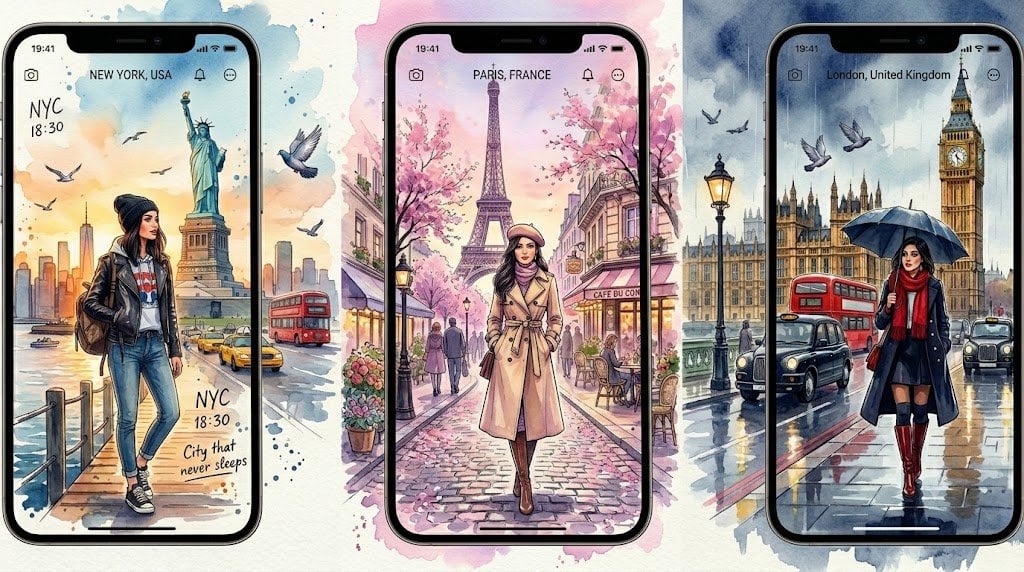
Watercolor Travel App Phone Mockups
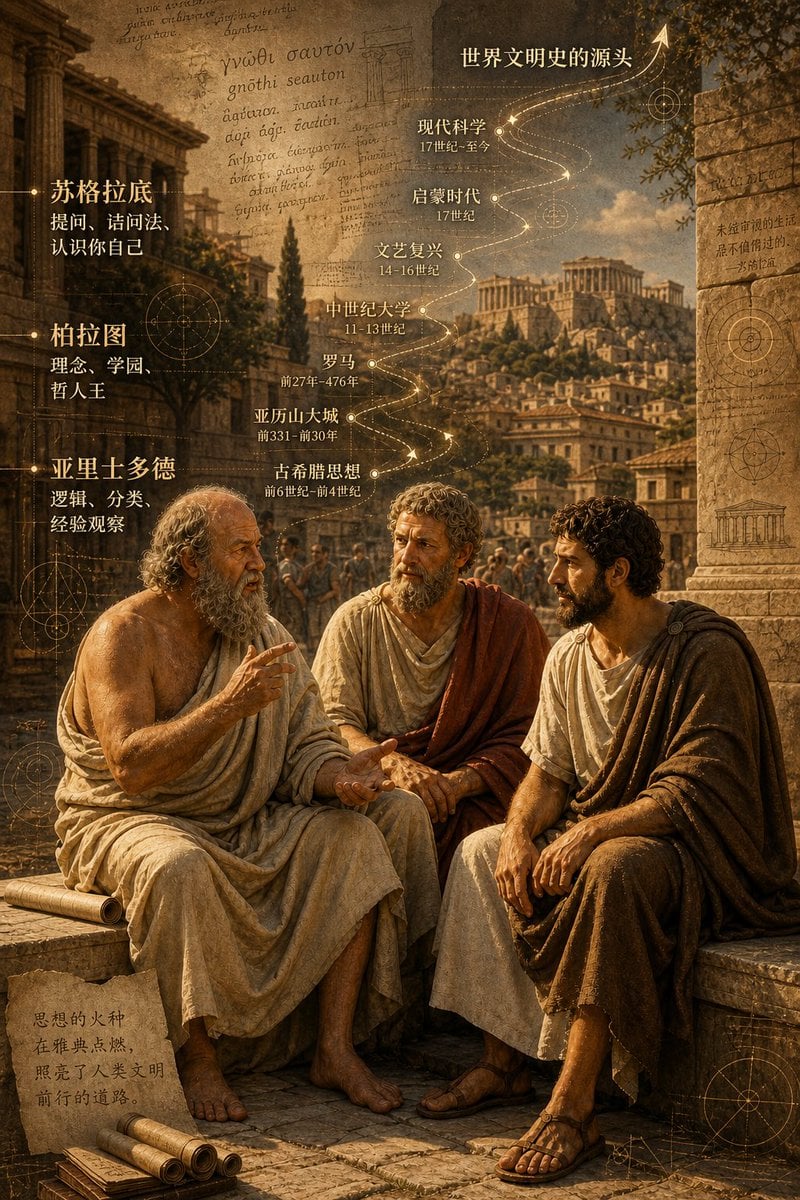
Ancient Greek Philosophers Discussion
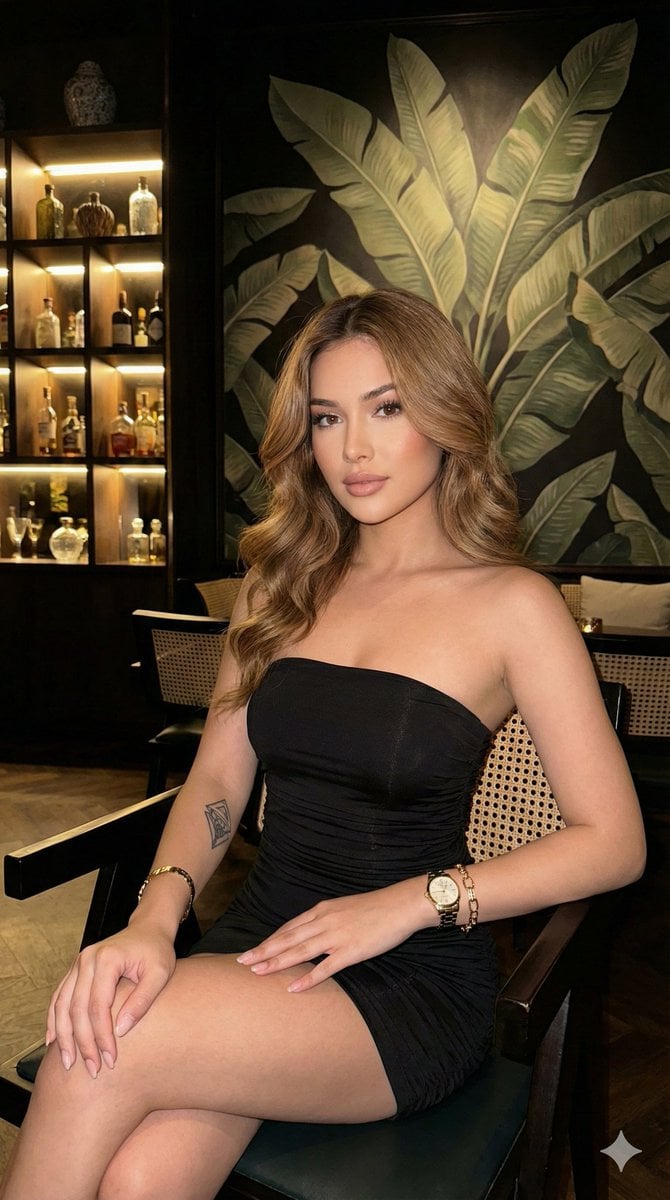
Ultra-realistic portrait in a luxury lounge
Browse template categories
Professional Food Photography Enhancement questions
How do I use the Professional Food Photography Enhancement template?
Add your photo if the template asks for one, edit the prompt if you like — the template's model and format are already selected — and press Generate. Your version opens in PicX Studio.
Can I customize the Professional Food Photography Enhancement template?
Yes. You can change the subject, setting, lighting, mood, format, and available model controls before creating your image.
Is the Professional Food Photography Enhancement template free?
Opening and editing this template is free. Generating uses credits, shown on the Generate button when you are signed in.
Which AI model should I use?
Start with GPT Image 2, which is the model associated with this template. You can compare another compatible model for a different finish.
Looking for something else? Browse all templates.

Your photo, any look
Thousands of ready templates for every top image and video model, from one credit balance.