
Character Generation Prompt (Step 1)
The first step in a multi-step process, this prompt is designed to generate a high-resolution (4K recommended) image of a main character, focusing on composition, high-contrast lighting, and detailed facial features of…
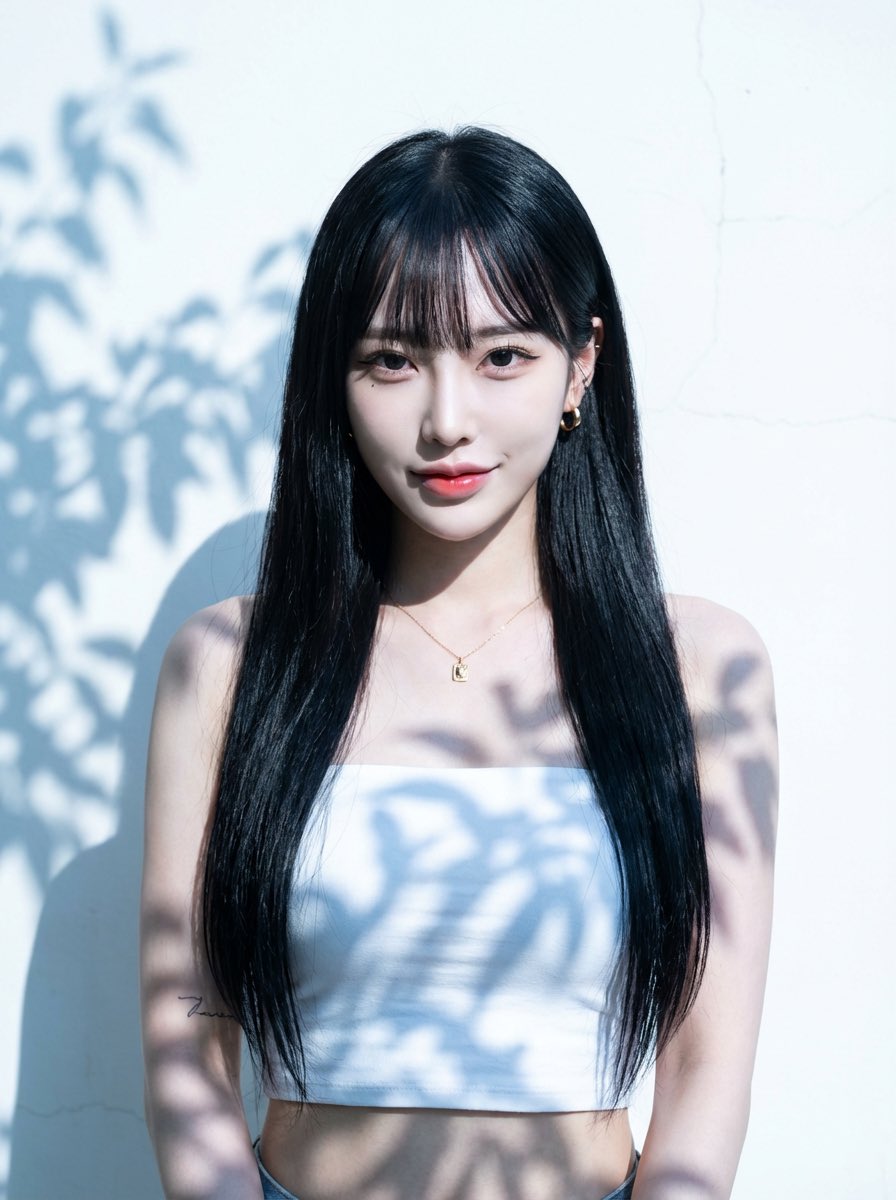
- Prompt included
- Model and format preset
- Free template
The prompt behind this image
Copy the exact prompt behind Character Generation Prompt (Step 1), or open it in the studio and make it yours.
I. Composition & Spatial Layout 1.Framing & Scale: The subject occupies approximately 60–70% of the frame height. Leave at least 30% of the frame height as empty space above the head. Both left and right sides retain clearly visible empty wall space. 2.Visual Focus: A minimal, uncluttered background designed to strongly emphasize facial structure, eye expression, and skin quality. II. Lighting & Shadow Style 1.Key Light: Intense natural daylight, side-backlit with a slight reverse angle, cool-toned, producing extreme high-contrast separation between highlights and shadows. 2.Light Characteristics: Dense, hard-edged leaf-shadow patterns projected across the wall and the subject’s body and face. Shadow edges are razor-sharp with extremely narrow penumbra. 3.Highlight Control: Large areas of the background are deliberately overexposed while retaining faint surface texture, creating a glowing, almost blinding spatial atmosphere. III. Subject Appearance (Face & Hair — Reference Applied) 1.Facial Structure: A young Japanese woman in her 20s with a refined V-shaped face, sharp jawline, and high-definition facial contours. Overall facial balance is elegant yet striking, with high visual impact. 2.Skin Quality: Porcelain-toned Japanese skin with a cool undertone. Ultra-smooth, luminous texture enhanced by strong contrast lighting while retaining realistic skin detail. 3.Eyes & Expression: ・Large, sharp fox-shaped eyes ・Confident gaze directed straight into the camera ・Expression carries a cool, playful, slightly teasing energy ・K-pop idol–inspired eyeliner with clearly emphasized aegyosal ・Overall expression is controlled, calm, and subtly provocative rather than smiling 4.Mouth: Relaxed lips with a subtle, effortless smirk. Glossy gradient lips with a refined sheen, never exaggerated. 5.Hair Style: Long, sleek, straight black hair reaching the waist, with perfectly straight, neatly trimmed Japanese bangs. Hair finish is glossy, clean, and fashion-forward, moving minimally in the light. 6.Makeup Style: High-contrast K-pop idol–inspired makeup. Clean base, sculpted facial structure, cool-toned color balance, no warm or heavy blush. 7.Accessories (Minimal): ・Small gold pendant necklace ・Small gold hoop earrings ・Minimalist tattoo on the left inner forearm IV. Clothing ・Cropped pure-white bandeau-style tube top ・Body-hugging but not tight, exposing the waist ・Fabric remains clean and structured, no wrinkles distracting from silhouette
How to use Character Generation Prompt (Step 1) in 3 steps
- 1
Open
The prompt is already in the box next to the preview, with the template's model and format selected.
- 2…a portrait of your subject in softgolden-hour light, 85mm…
Personalize
Edit the subject and creative details for your destination.
- 3Generate
Generate
Press Generate — your image is created in PicX Studio, so you can compare it with the original and refine one variable at a time.
More like this
Templates with the same subject, style or setup. Open one to see its prompt.
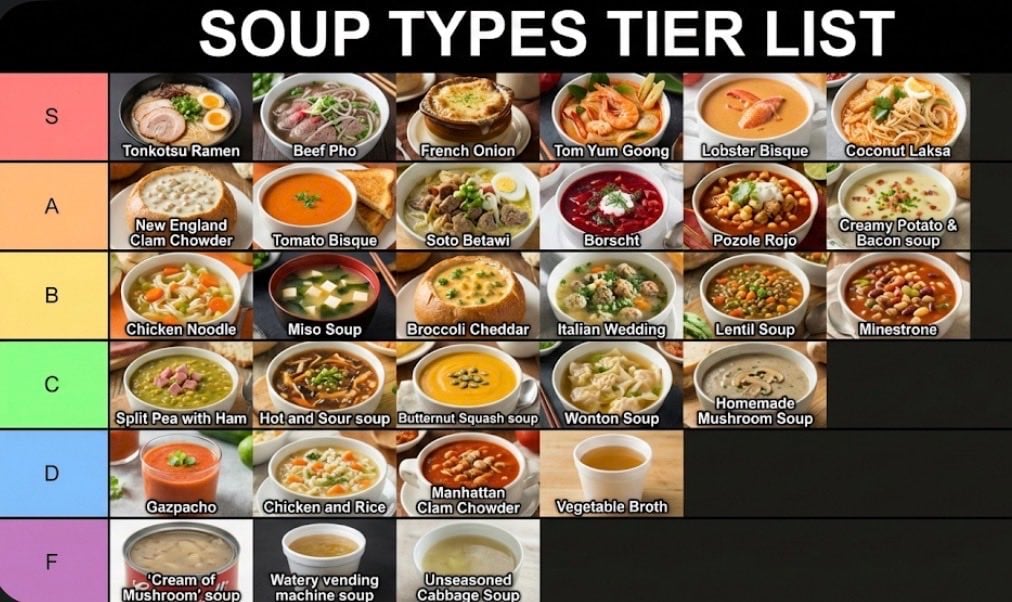
Two-Step Tier List Generation Prompt
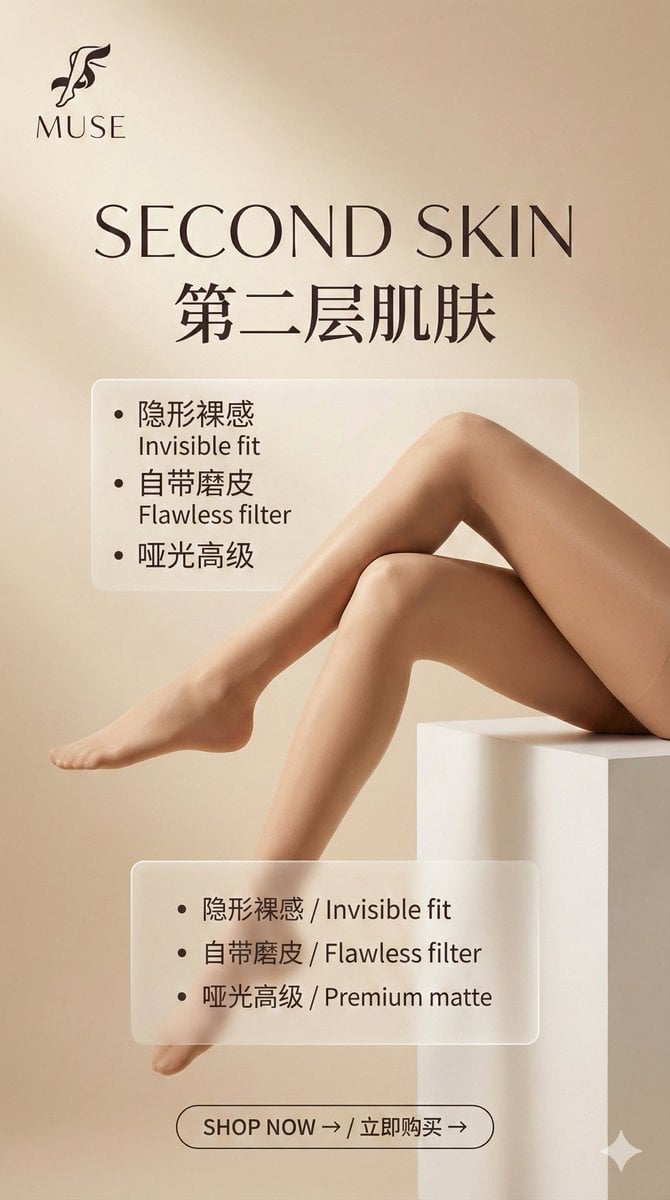
Multi-Step Prompt Generation Workflow for Product Posters
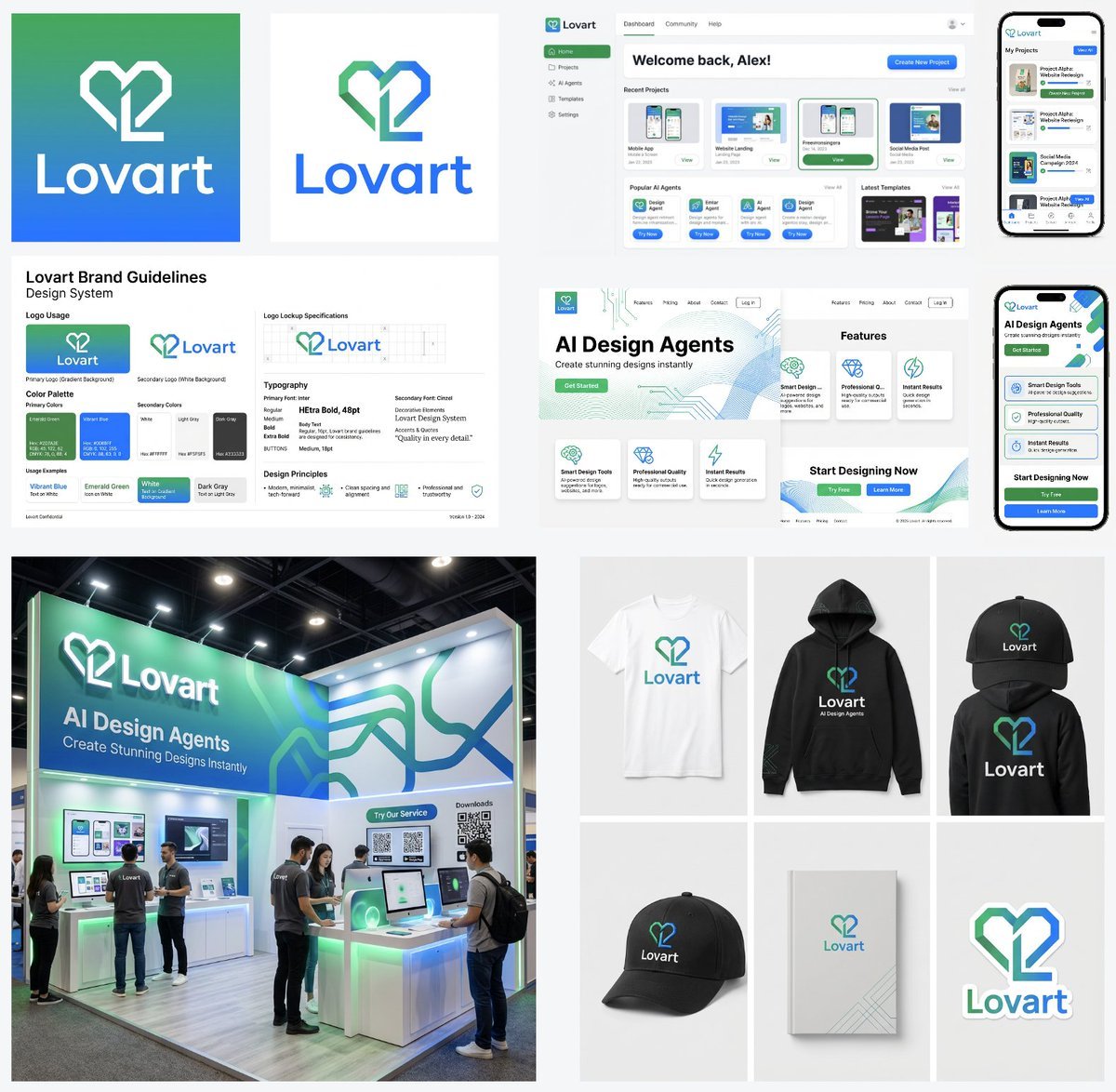
Multi-Step Design Generation Prompts for 'Lovart' Brand
Multi-Step Design Generation for 'Lovart' Brand Identity
Giant Abstract Enemy Character Generation Prompt (Step 2)
Watercolor Hamster Climbing Step
Resort Fashion Stone Steps Portrait
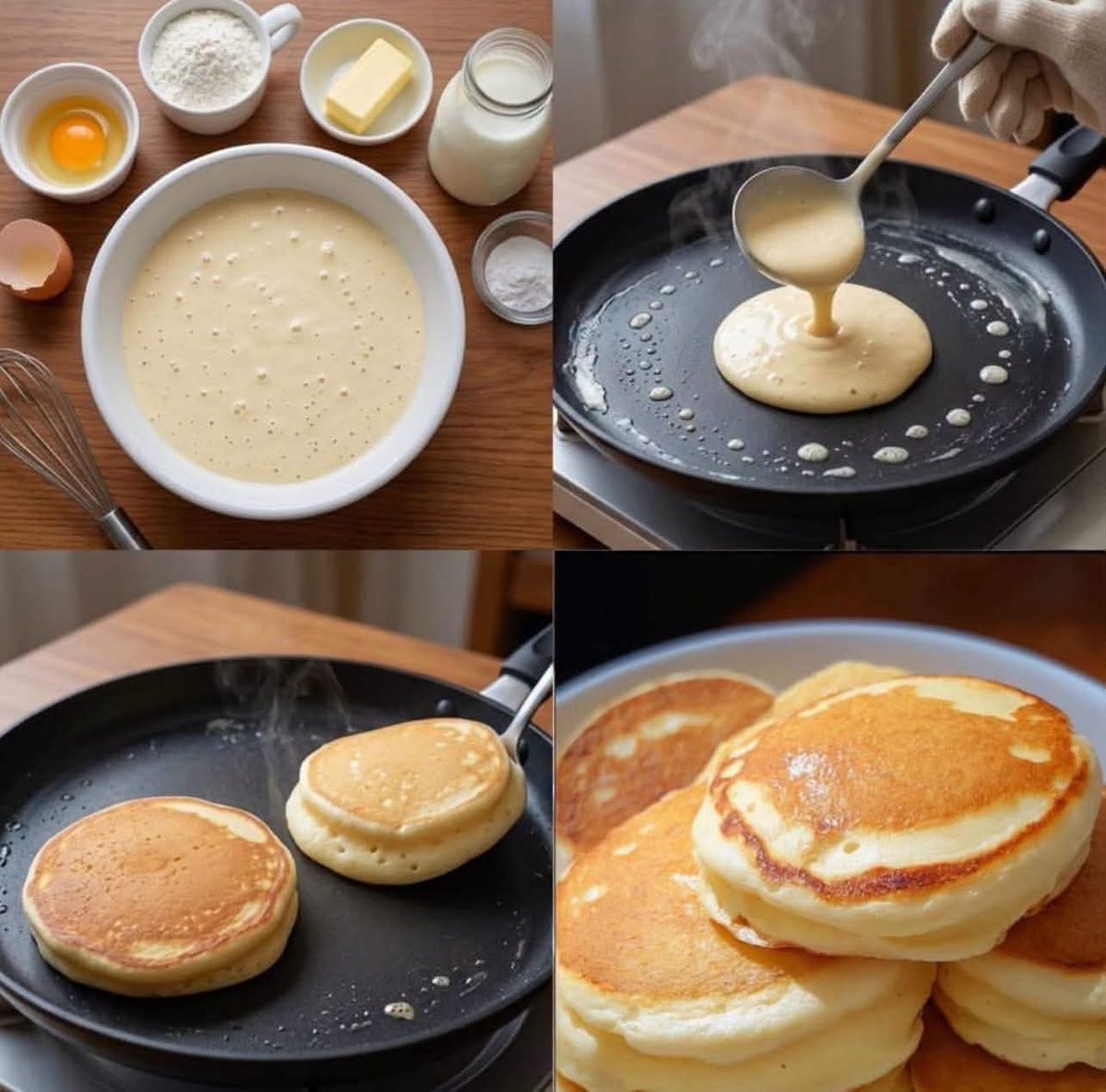
Step-by-Step Pancake Process Collage
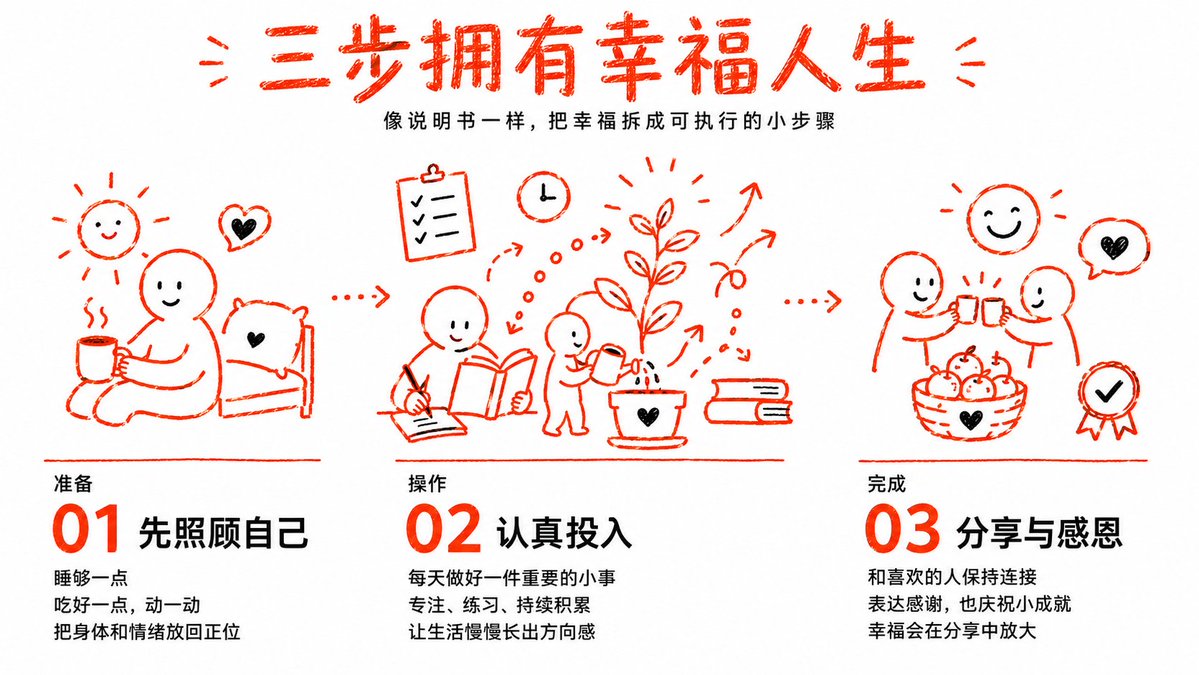
Three Steps to a Happy Life Infographic

AI Chat Image Generation Screenshot

Anime Girl Generation Grid
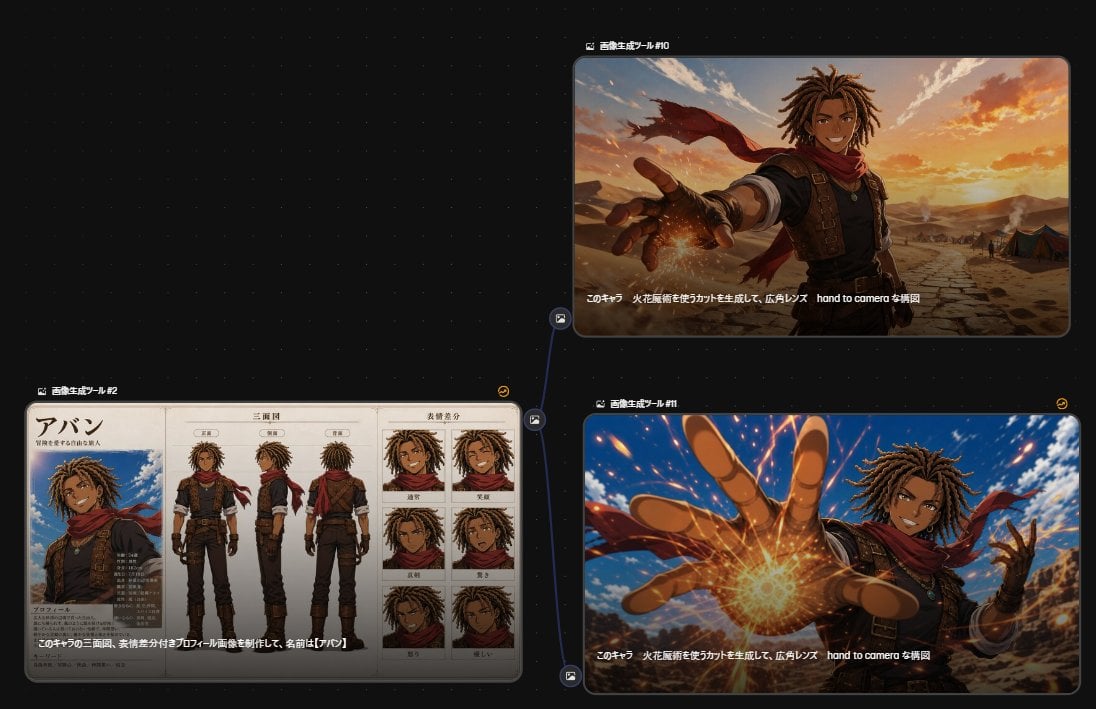
Anime Character Generation Workflow
Make it yours
Character Generation Prompt (Step 1) works as-is. These are the safest ways to change it without losing the look.
Change one field
Copy a single group, rewrite it, and generate again so you can see what that field is doing.
Keep the frame, change the subject
Hold the composition and light of Character Generation Prompt (Step 1), then swap wardrobe, props or the person for a new take.
| If the result… | Why | Fix |
|---|---|---|
| The result drifts from the preview | Too many fields changed at once. | Reuse Character Generation Prompt (Step 1) as-is first, then change one group — subject, light, or setting. |
| The model over-stylizes the scene | The prose prompt leaves finish and camera underspecified. | Add one camera or lighting sentence and stay on Nano Banana 2. |
More Nano Banana 2 templates
Other prompts made for Nano Banana 2.

Photorealistic Leaf Shaped Like a Dragon

K-Pop Idol Portrait Grid for Rapid Selection

Poetic Rain Forest Portrait During Golden Hour

Urban Street Portrait with Cartoon Inner Self Duo

Candid Nighttime Photo with Cat Prompt

High-Concept 3D Diorama Generation Prompt

Cinematic Futuristic Studio Portrait Template

Skincare Editorial Photography Collage Prompt

Hyper-Realistic Commercial Product Photography (Splash Effect)

Hyper-Realistic Nightclub Portrait Prompt
More image prompts
Fresh picks from across the catalog.
Vogue Bridal Couture Luxury Cover
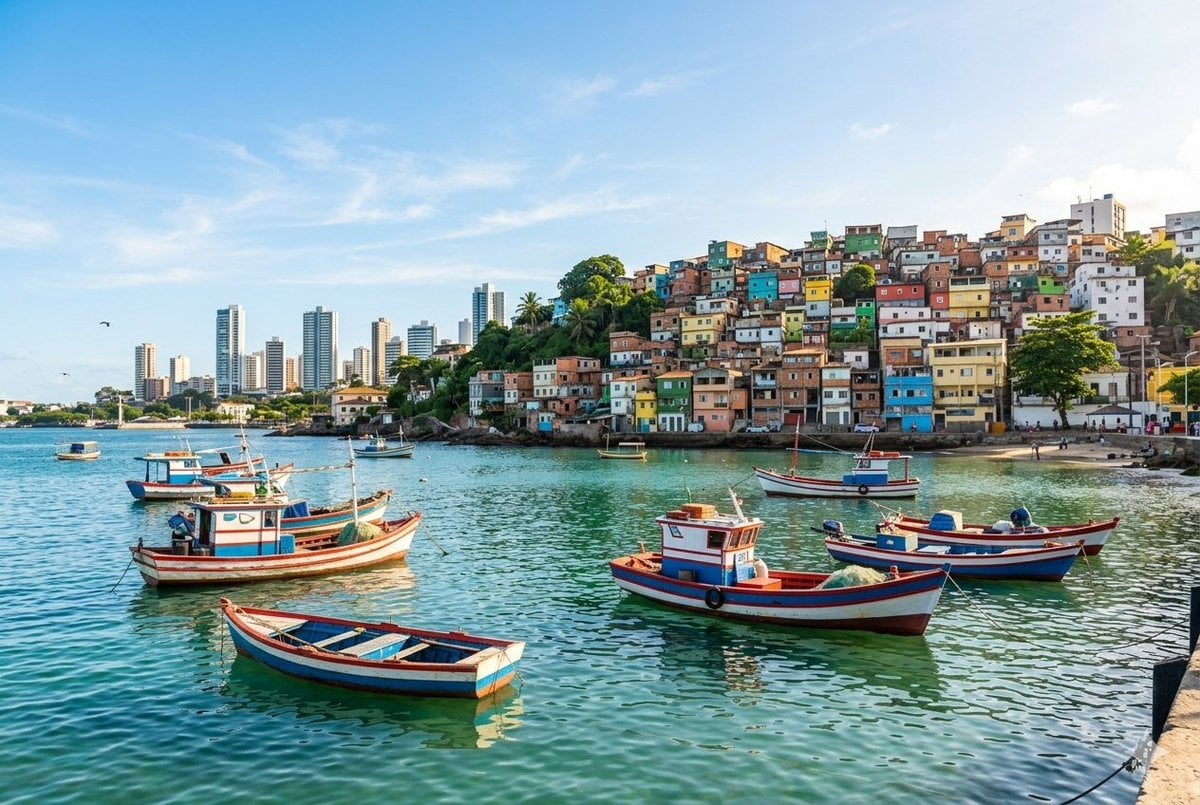
Realistic port scene in Salvador, Bahia
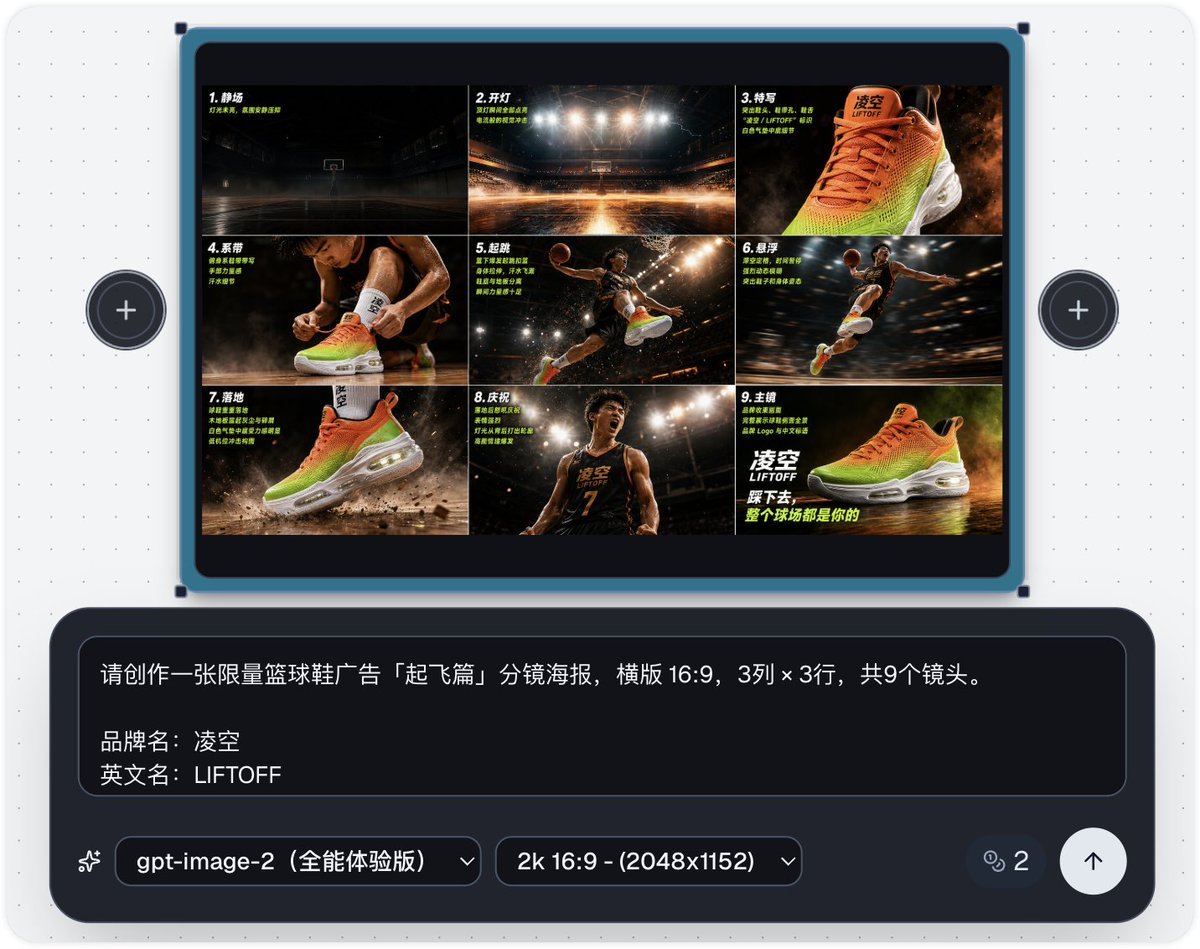
Basketball Shoe Storyboard Advertisement
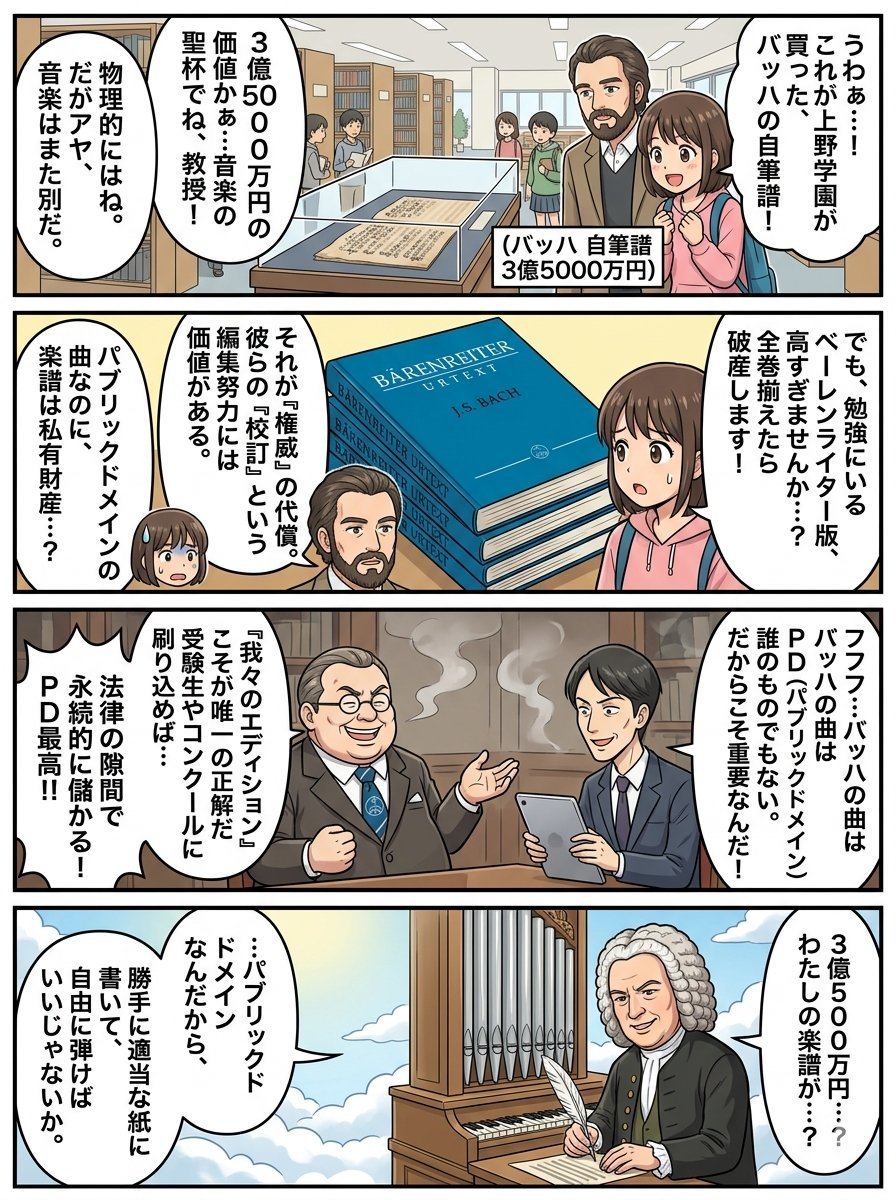
Nano Banana Pro 4-Panel Comic Prompt: Bach in Heaven
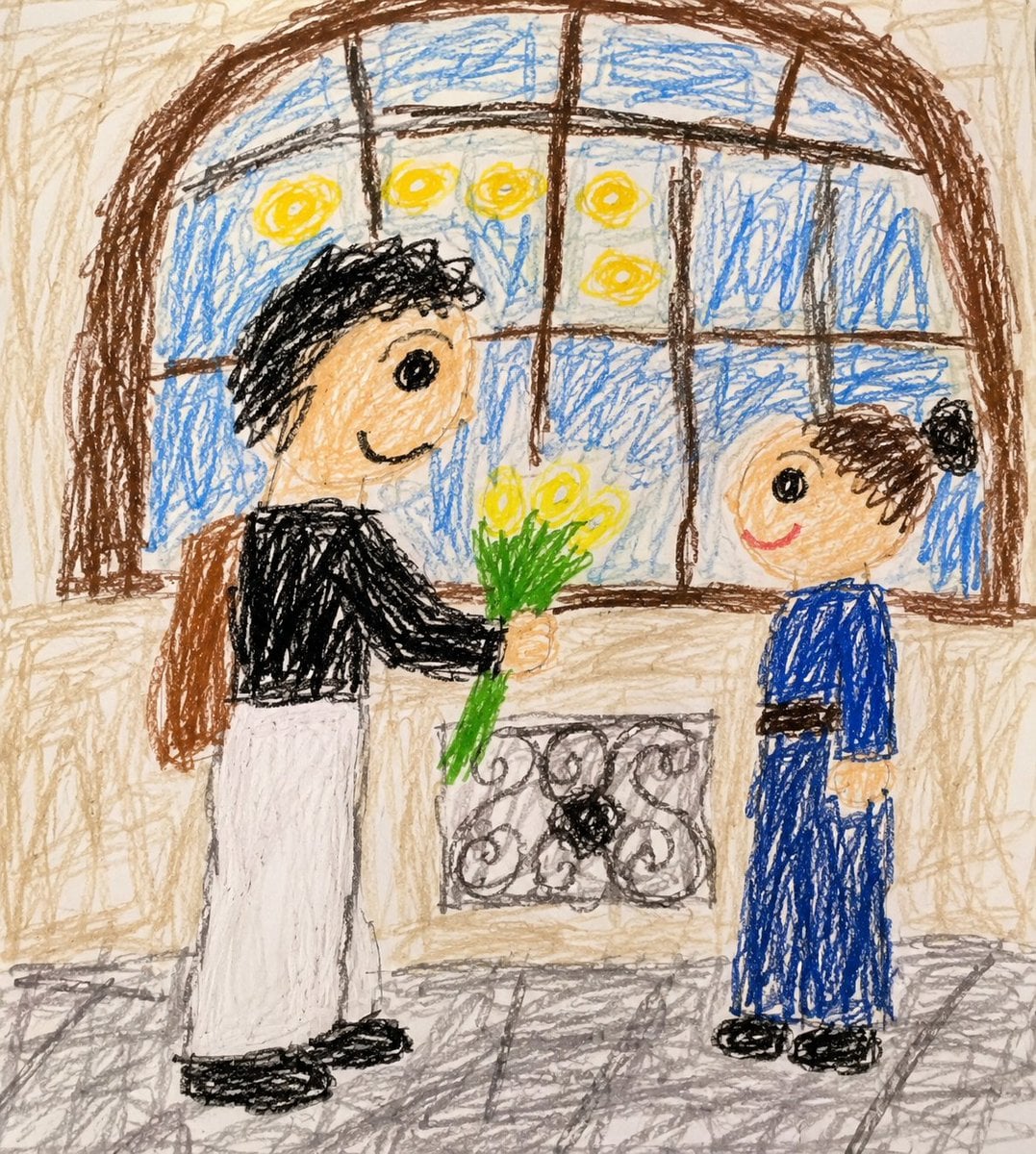
Toddler Crayon Drawing Transformation

Nano Banana Pro Thumbnail Generation Example
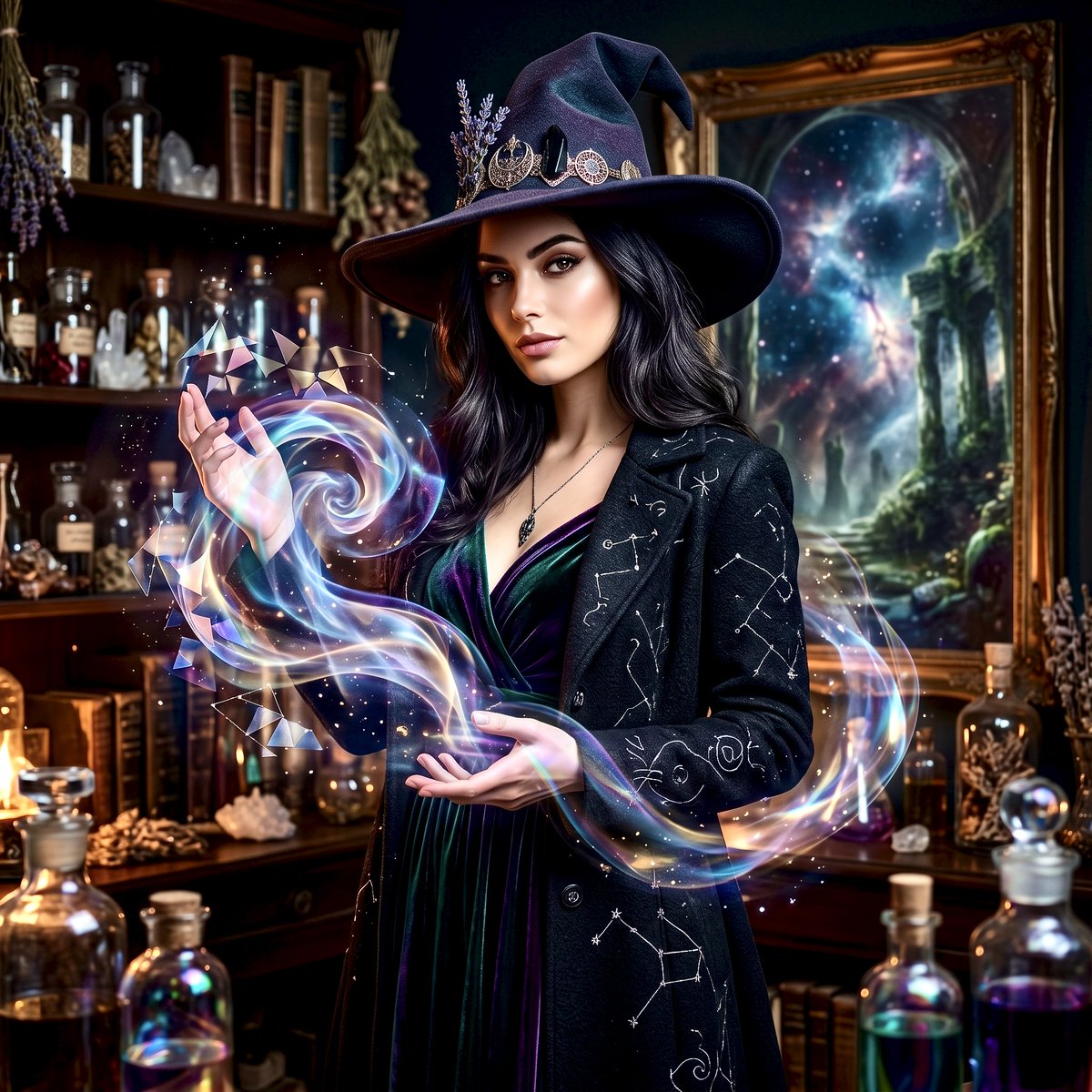
Mystical Witch Apothecary Portrait
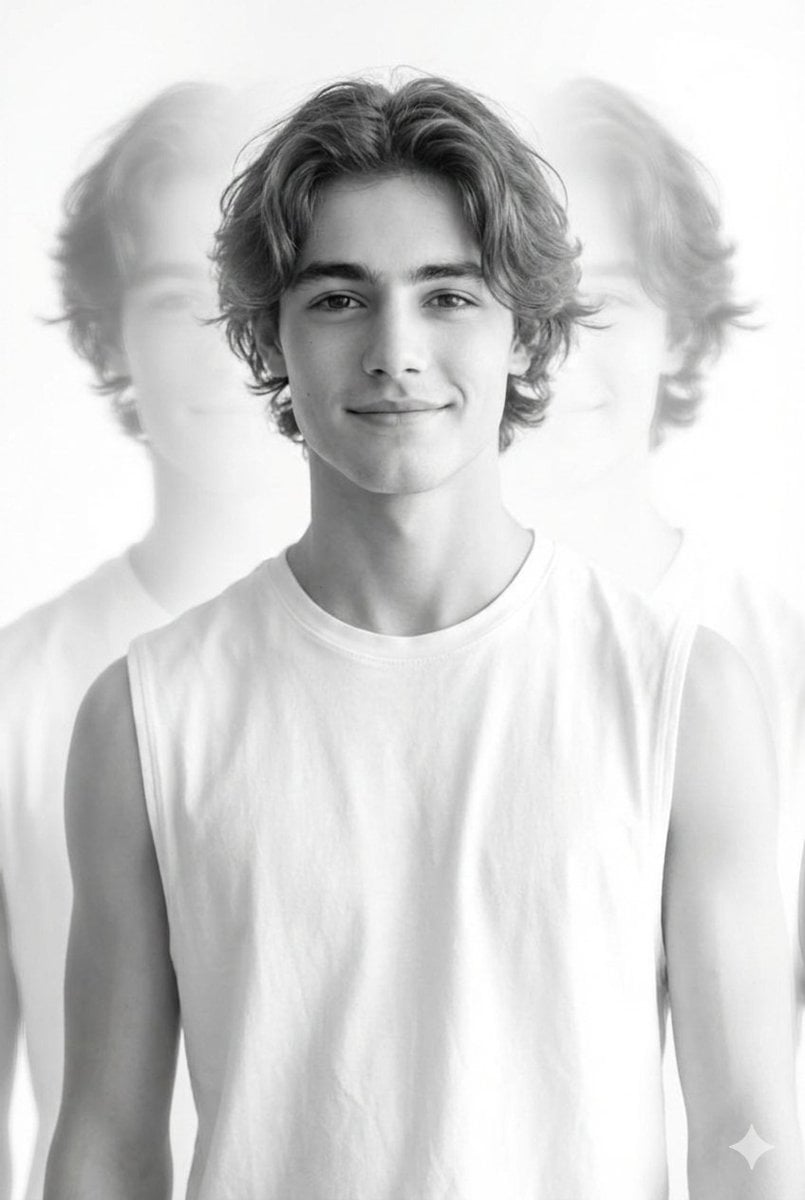
Black and White Multiple Exposure Portrait
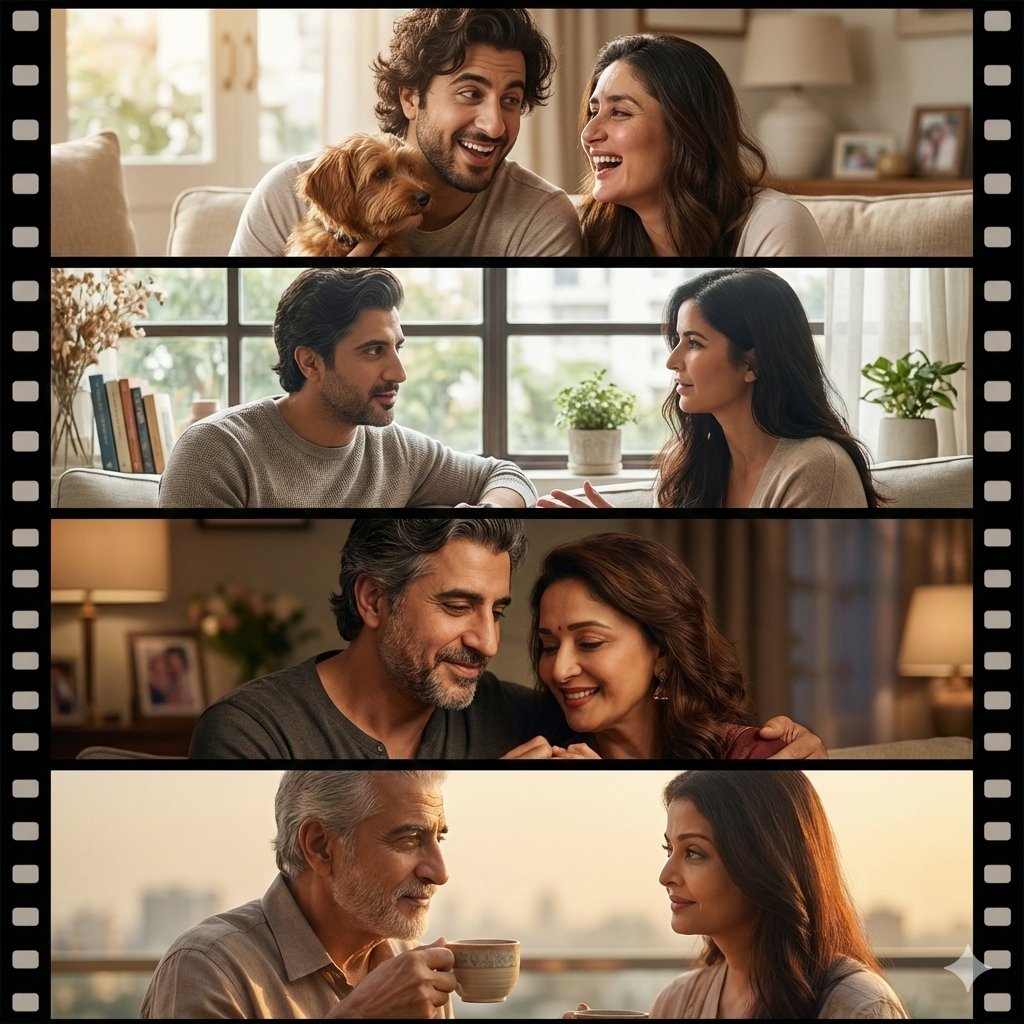
Cinematic Life-Journey Film Strip Portrait
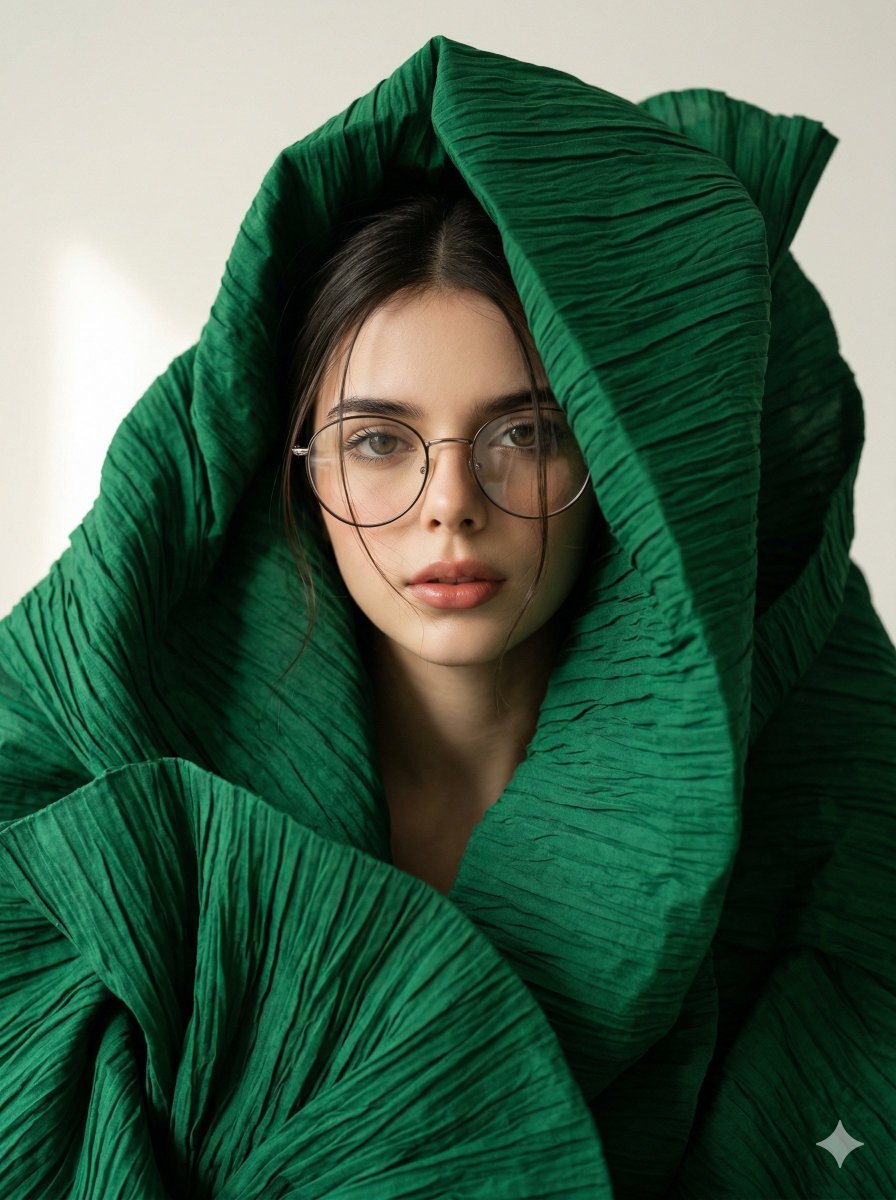
Avant-Garde Sculptural Fabric Portrait
Browse template categories
Character Generation Prompt (Step 1) questions
How do I use the Character Generation Prompt (Step 1) template?
Add your photo if the template asks for one, edit the prompt if you like — the template's model and format are already selected — and press Generate. Your version opens in PicX Studio.
Can I customize the Character Generation Prompt (Step 1) template?
Yes. You can change the subject, setting, lighting, mood, format, and available model controls before creating your image.
Is the Character Generation Prompt (Step 1) template free?
Opening and editing this template is free. Generating uses credits, shown on the Generate button when you are signed in.
Which AI model should I use?
Start with Nano Banana 2, which is the model associated with this template. You can compare another compatible model for a different finish.
Looking for something else? Browse all templates.

Your photo, any look
Thousands of ready templates for every top image and video model, from one credit balance.