
Luxury Villa Website Laptop Mockup
A photorealistic MacBook mockup displaying a premium French villa landing page, ideal for showcasing web design or branding work.
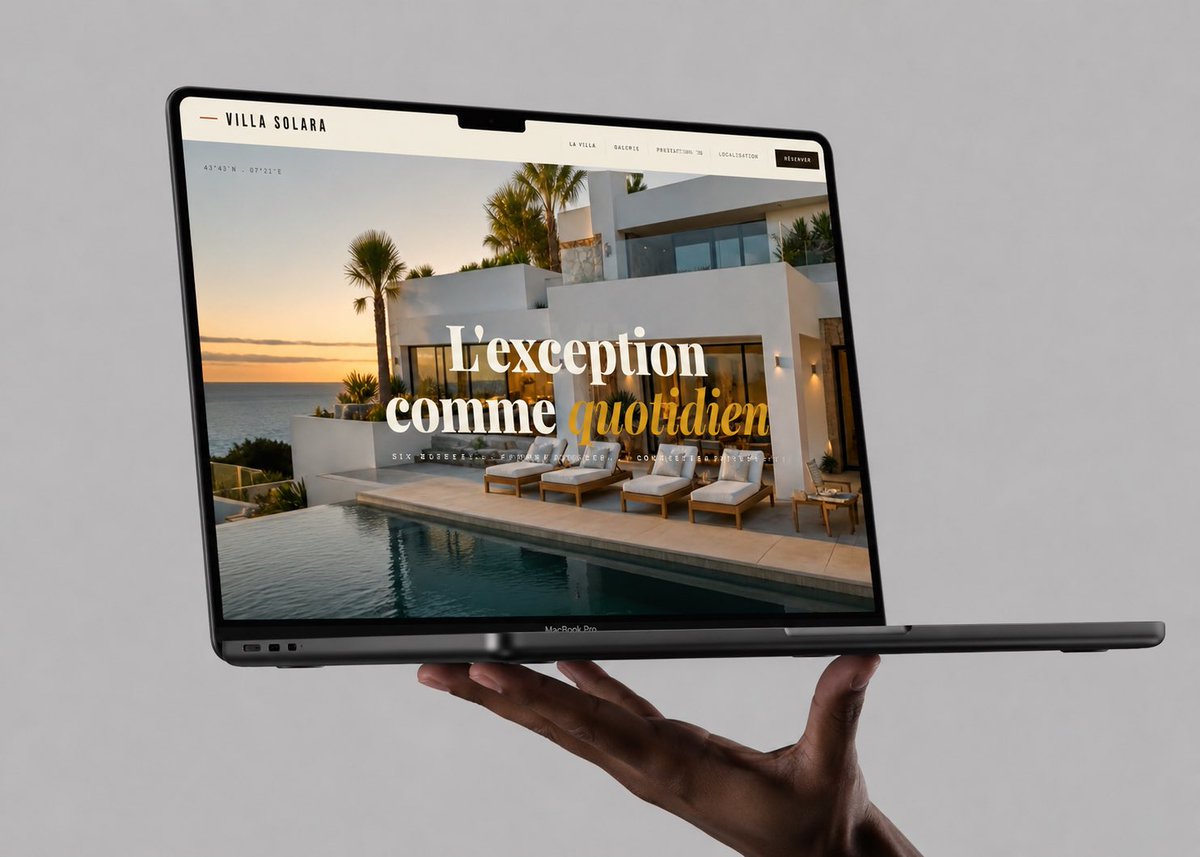
- Prompt included
- Model and format preset
- Free template
The prompt behind this image
Copy the exact prompt behind Luxury Villa Website Laptop Mockup, or open it in the studio and make it yours.
Create a realistic premium laptop mockup advertising a luxury villa website. Show exactly 1 open dark-gray MacBook Pro floating horizontally in three-quarter perspective, held from below by exactly 1 human hand against a plain light-gray studio background. The laptop screen should display a full-width French luxury real-estate landing page for {argument name="brand name" default="VILLA SOLARA"}. The webpage has a warm off-white top navigation bar with a small gold dash at far left, the brand name in spaced uppercase black letters, and exactly 5 navigation items across the right side: “LA VILLA”, “GALERIE”, “PRESTATIONS”, “LOCALISATION”, and a black rounded “RÉSERVER” button. The screen hero image shows a modern white Mediterranean villa at sunset beside an infinity pool, ocean on the left, palm trees, warm exterior lights, sun loungers on the terrace, and elegant resort atmosphere. Overlay the hero with large centered editorial serif typography reading {argument name="headline text" default="L’exception comme quotidien"}, with “L’exception comme” in white and “quotidien” in italic golden yellow. Add tiny coordinate text near the upper-left of the hero image and a small spaced-out subtitle beneath the headline, but keep it subtle and not overly legible. The laptop should have a black bezel with a centered top notch, thin screen, visible lower hinge and ports on the left side, and a small “MacBook Pro” label on the bottom bezel. Lighting is soft and photorealistic, with gentle shadows under the hand and laptop, crisp screen details, premium agency portfolio aesthetic, no extra devices, no watermark, no clutter.
How to use Luxury Villa Website Laptop Mockup in 3 steps
- 1Upload ImagePNG, JPG or paste
Add your photo
Upload the photo the template builds on. The prompt, model and format are already set.
- 2…a portrait of your subject in softgolden-hour light, 85mm…
Personalize
Edit the subject and creative details for your destination.
- 3Generate
Generate
Press Generate — your image is created in PicX Studio, so you can compare it with the original and refine one variable at a time.
More like this
Templates with the same subject, style or setup. Open one to see its prompt.
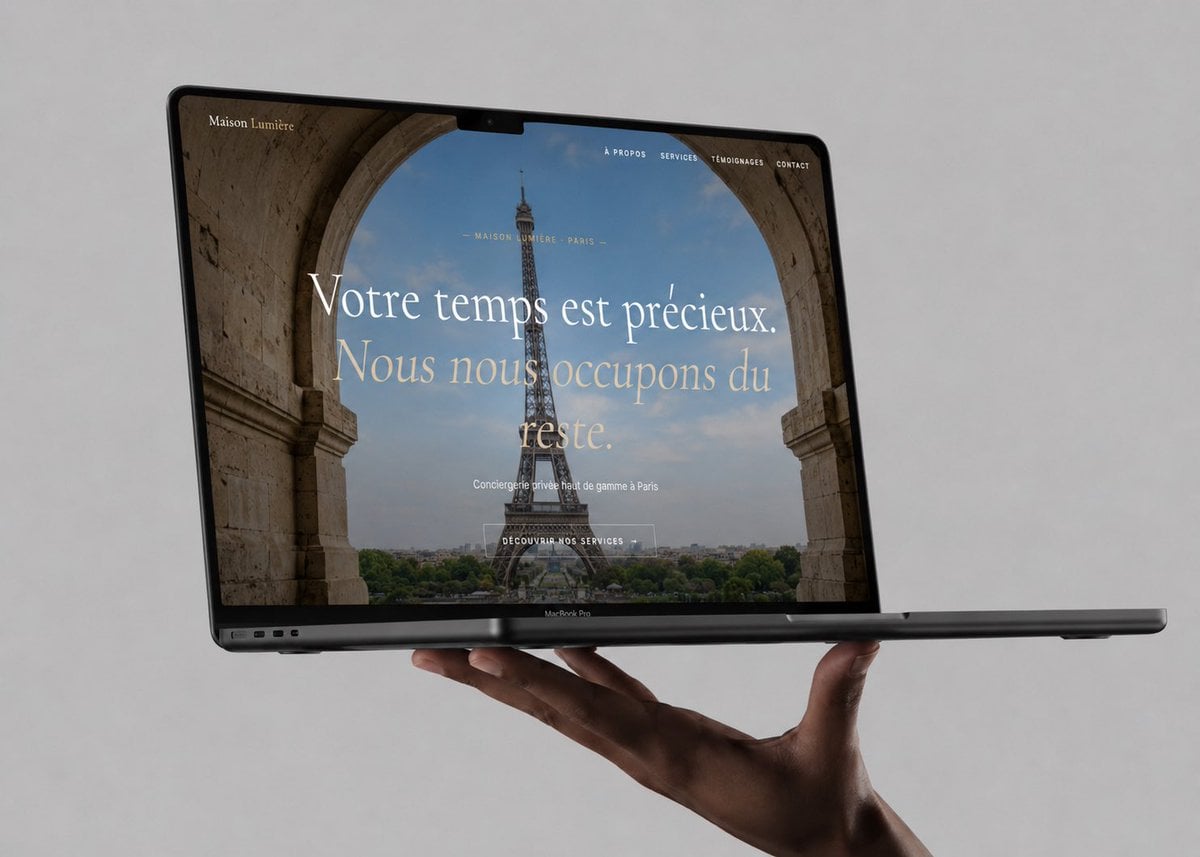
Luxury Concierge Laptop Mockup
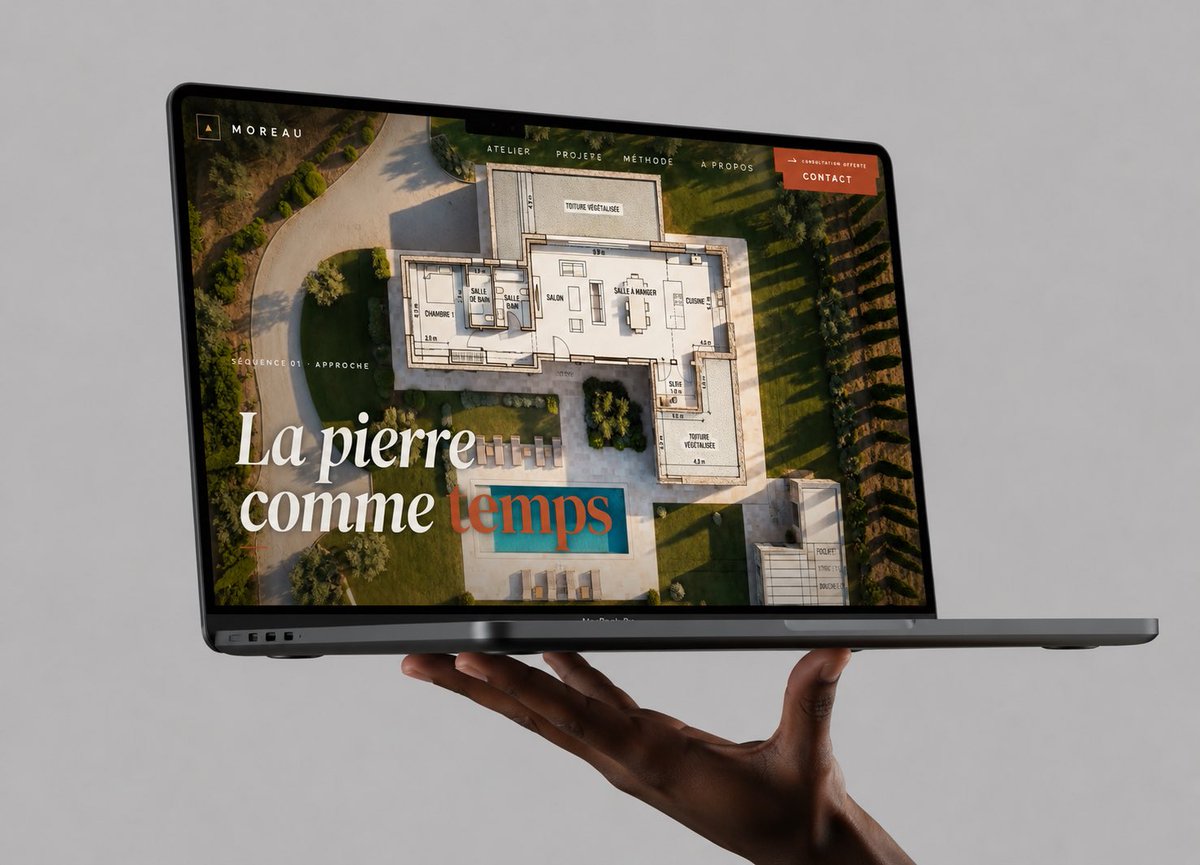
Floating Laptop Website Mockup
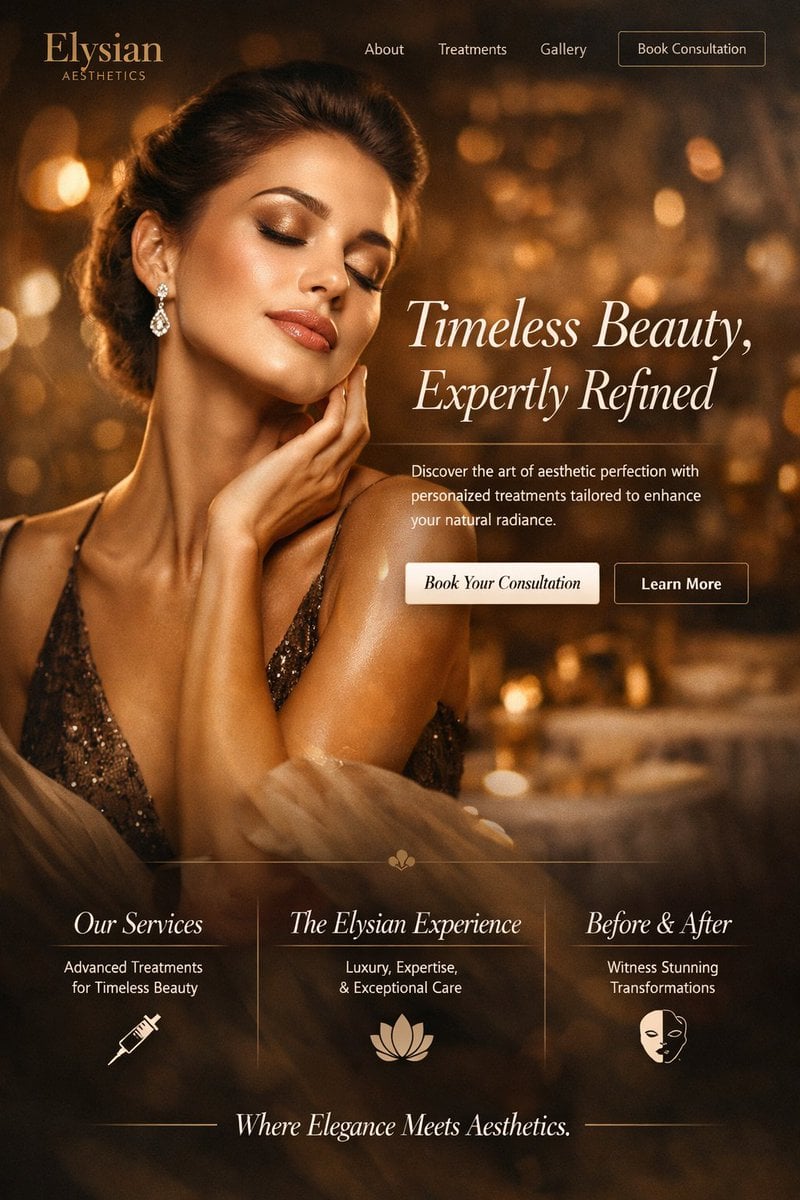
Luxury Aesthetics Website Mockup
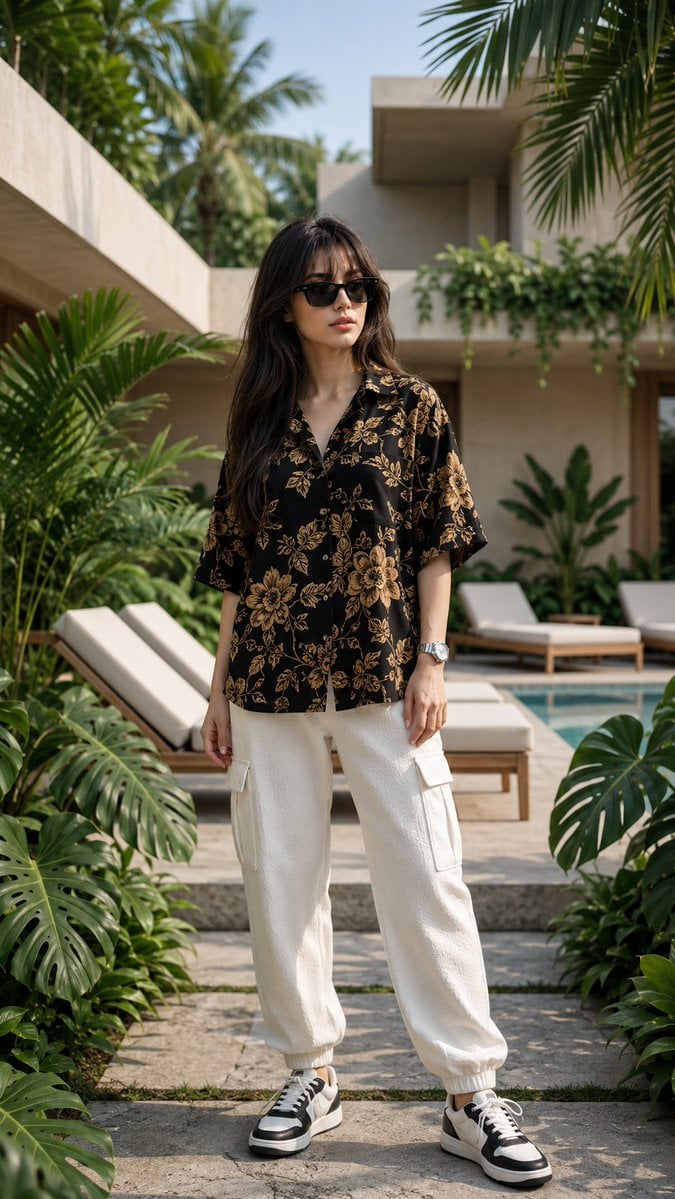
Luxury Tropical Villa Fashion Portrait

Luxury Lifestyle Villa Photography
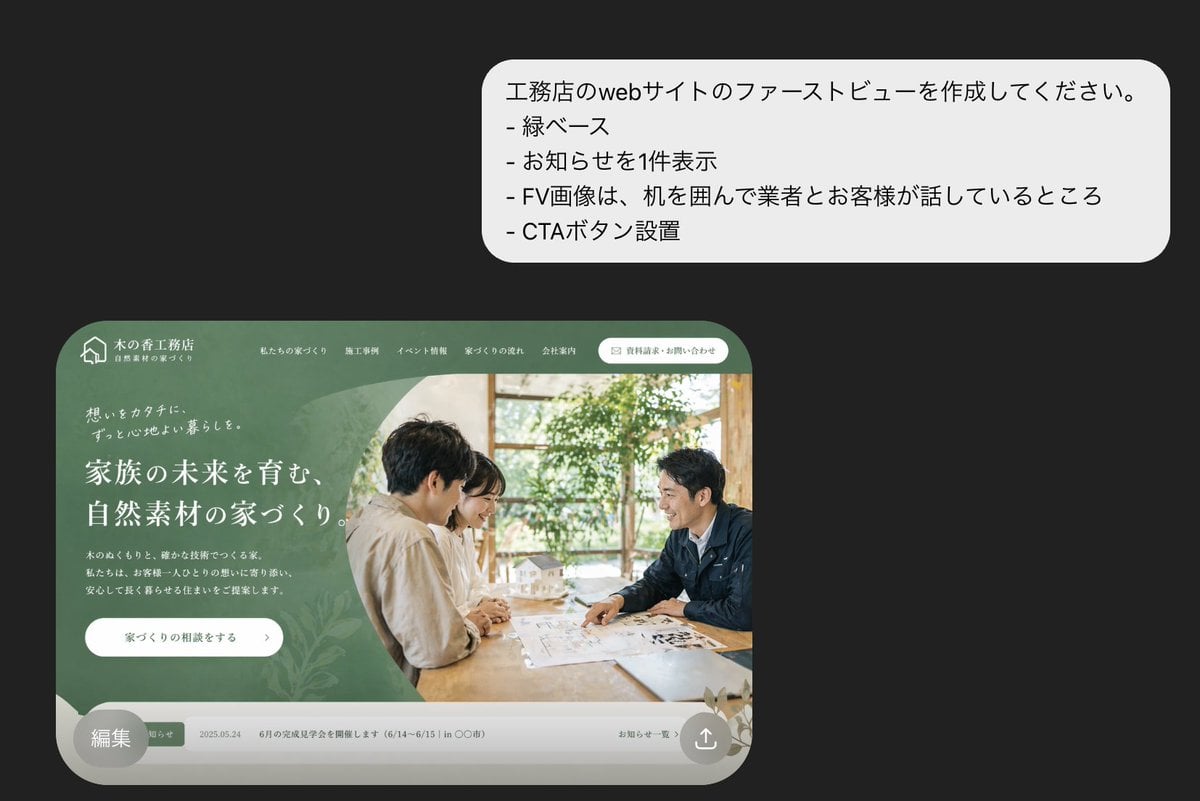
Japanese Builder Website Hero Mockup
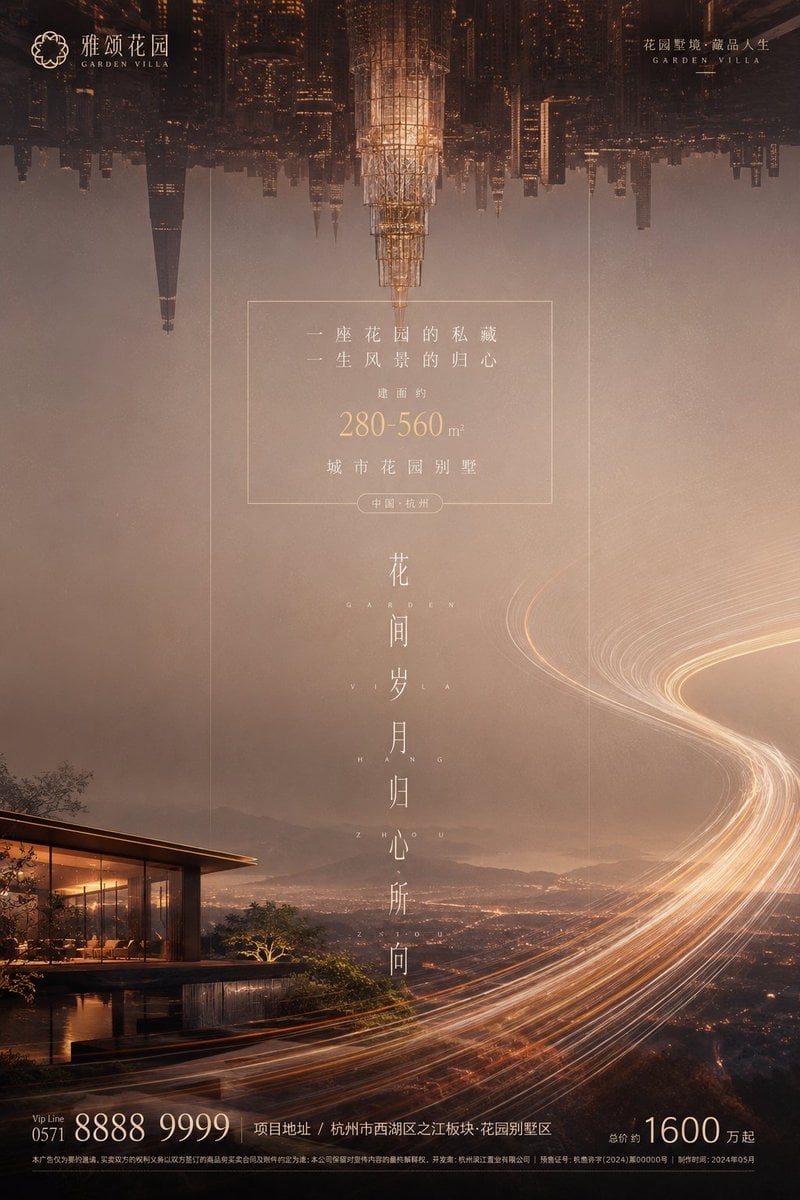
Luxury Garden Villa Real Estate Poster

Japanese Mystery Website Mockup
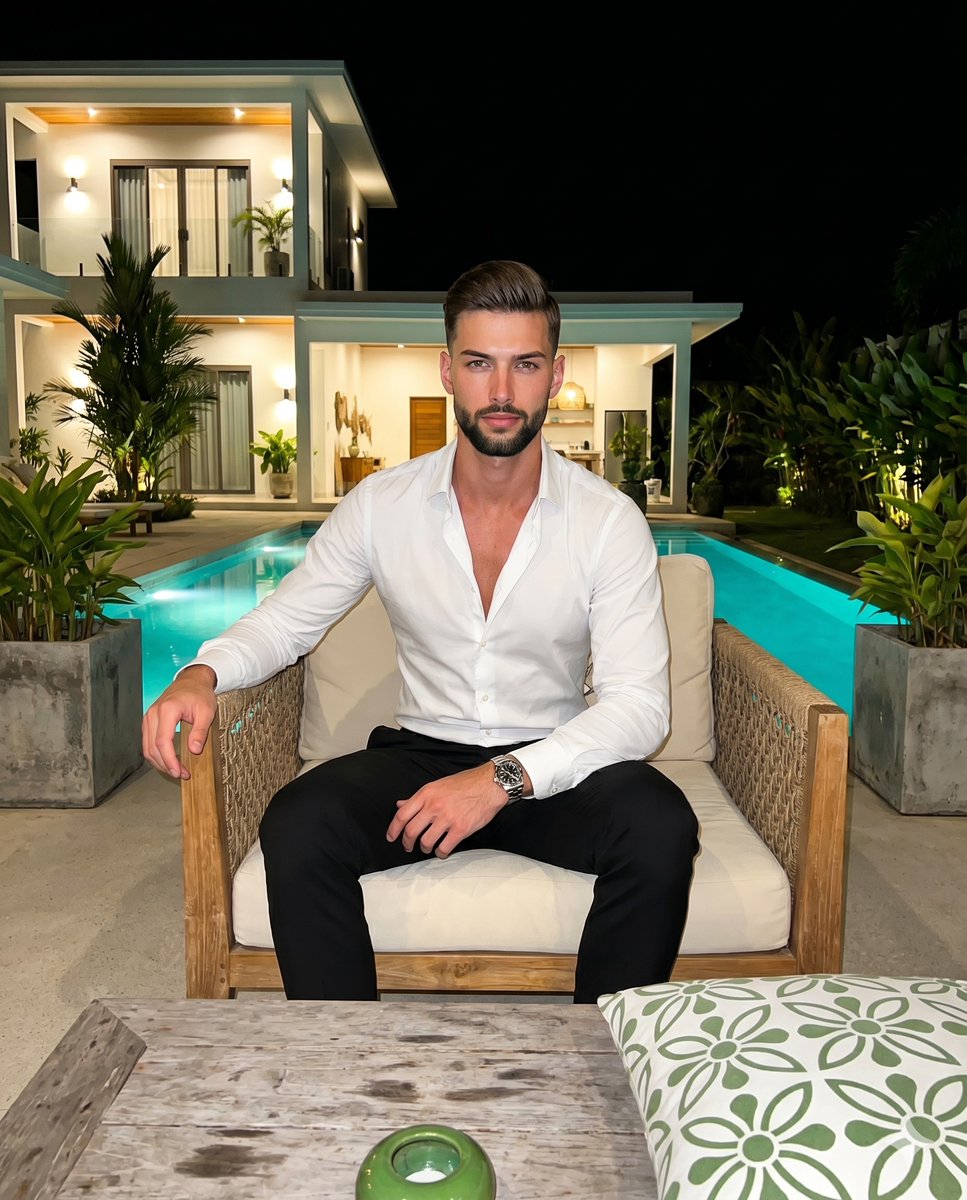
Luxury Villa Evening Poolside Portrait

Sealing Wax Letter Desk

Ballroom Floor Reflections

Vintage Camera Leather Case
Make it yours
Luxury Villa Website Laptop Mockup works as-is. These are the safest ways to change it without losing the look.
Change one field
Copy a single group, rewrite it, and generate again so you can see what that field is doing.
Keep the frame, change the subject
Hold the composition and light of Luxury Villa Website Laptop Mockup, then swap wardrobe, props or the person for a new take.
| If the result… | Why | Fix |
|---|---|---|
| The result drifts from the preview | Too many fields changed at once. | Reuse Luxury Villa Website Laptop Mockup as-is first, then change one group — subject, light, or setting. |
| The model over-stylizes the scene | The prose prompt leaves finish and camera underspecified. | Add one camera or lighting sentence and stay on GPT Image 2. |
More GPT Image 2 templates
Other prompts made for GPT Image 2.

Six VTuber Japanese Logo Sheet

Realistic Portrait of Woman and Deer

The Vista Modular Condo Poster

AI Model Routing Comparison Infographic

2.5D Anime Art Board

Isometric Productivity Desk Scene

New York Double Exposure Poster

Four-Panel AI Landscape Comparison

Japanese Tatami Lifestyle Magazine Cover

NESCAFÉ Coffee Map Poster
More image prompts
Fresh picks from across the catalog.
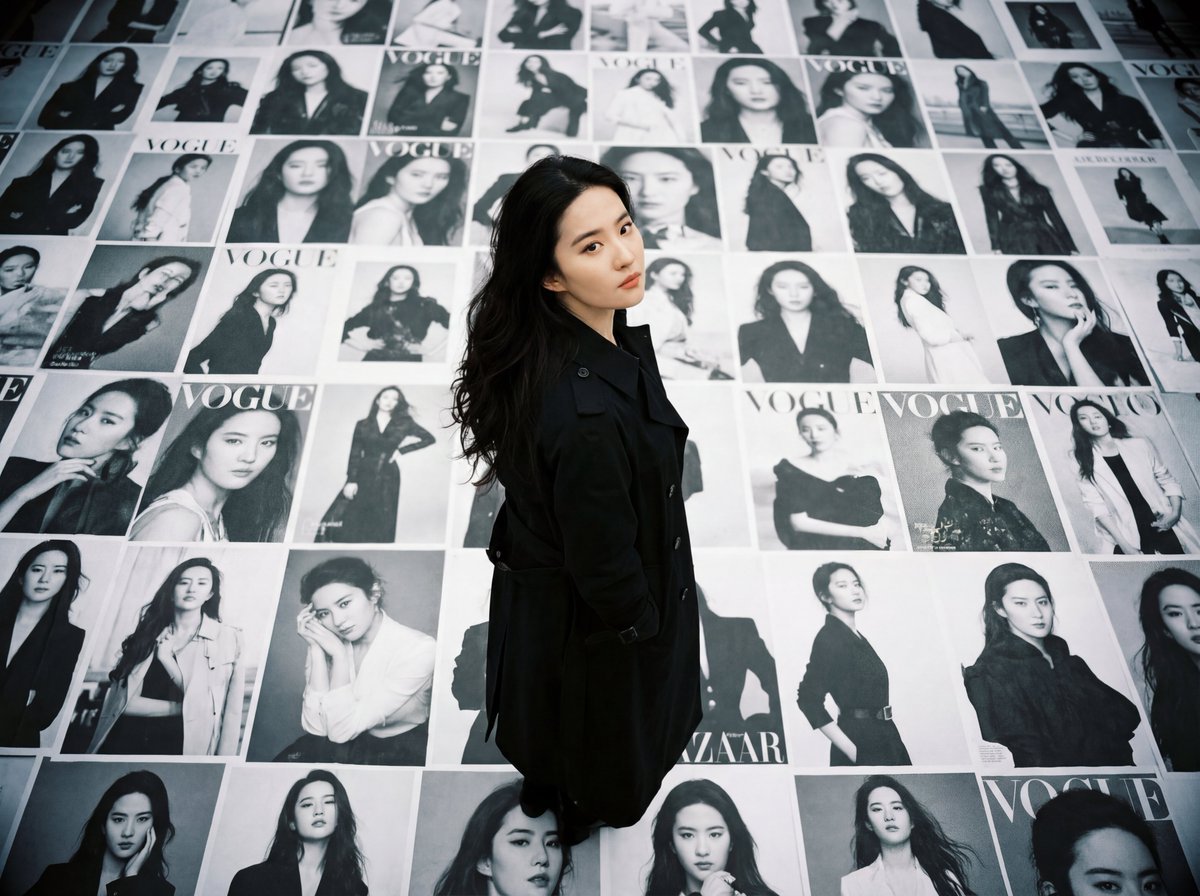
LOMO Ic-a Style Japanese Actress Portrait
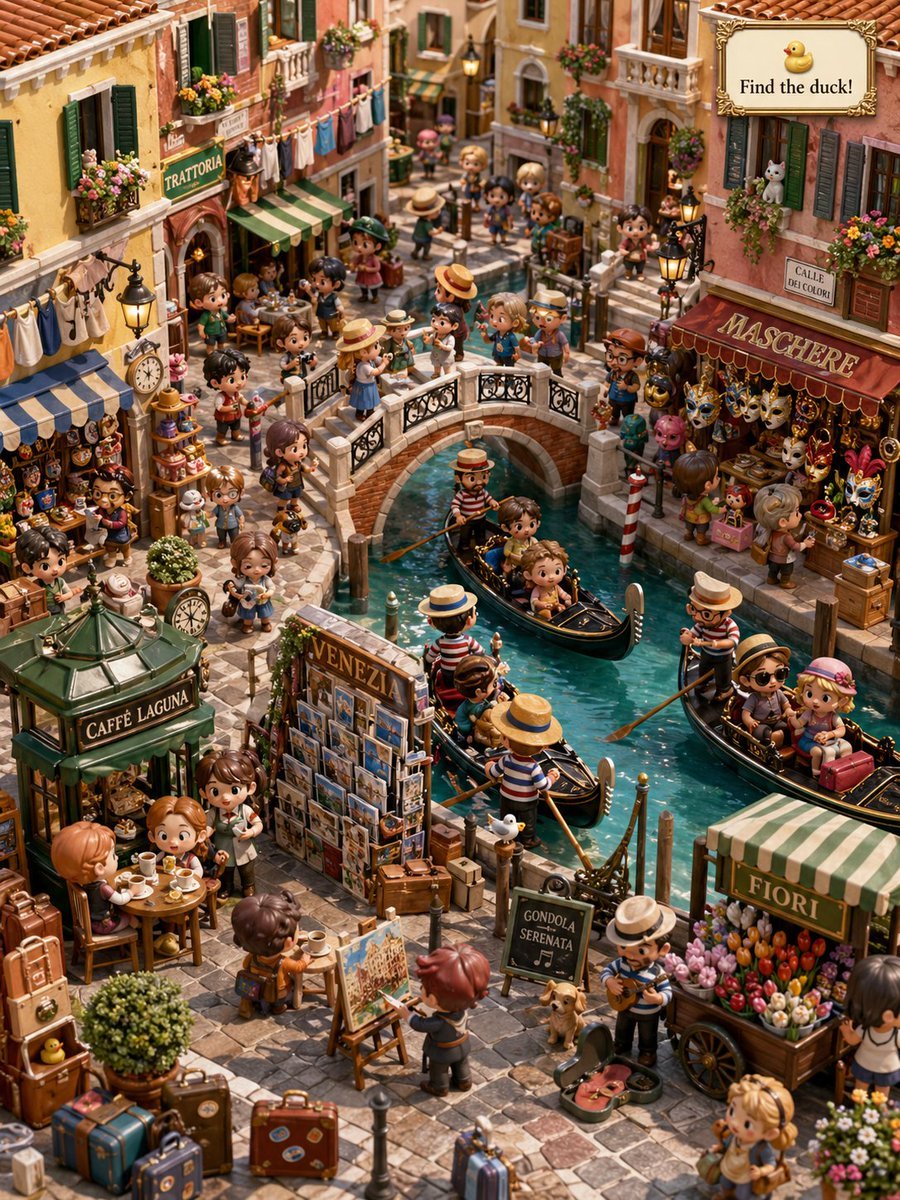
Hidden Duck in Miniature Venice
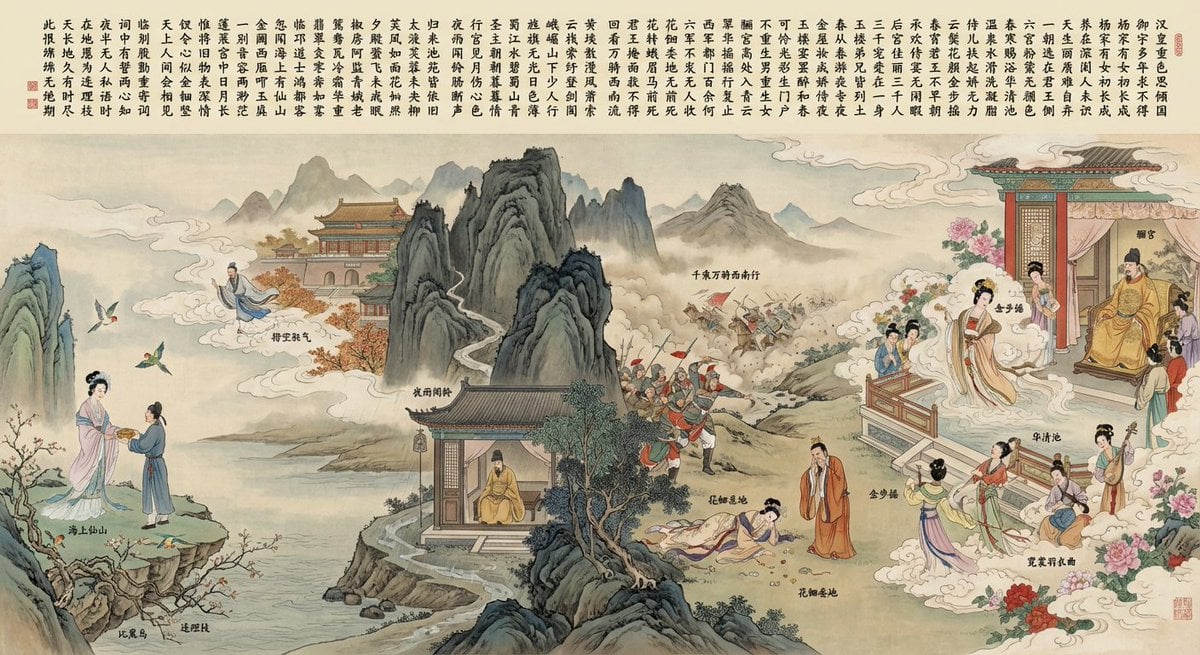
Illustration based on “Song of Everlasting Regret”

Ultra-Realistic Corporate Executive Portrait
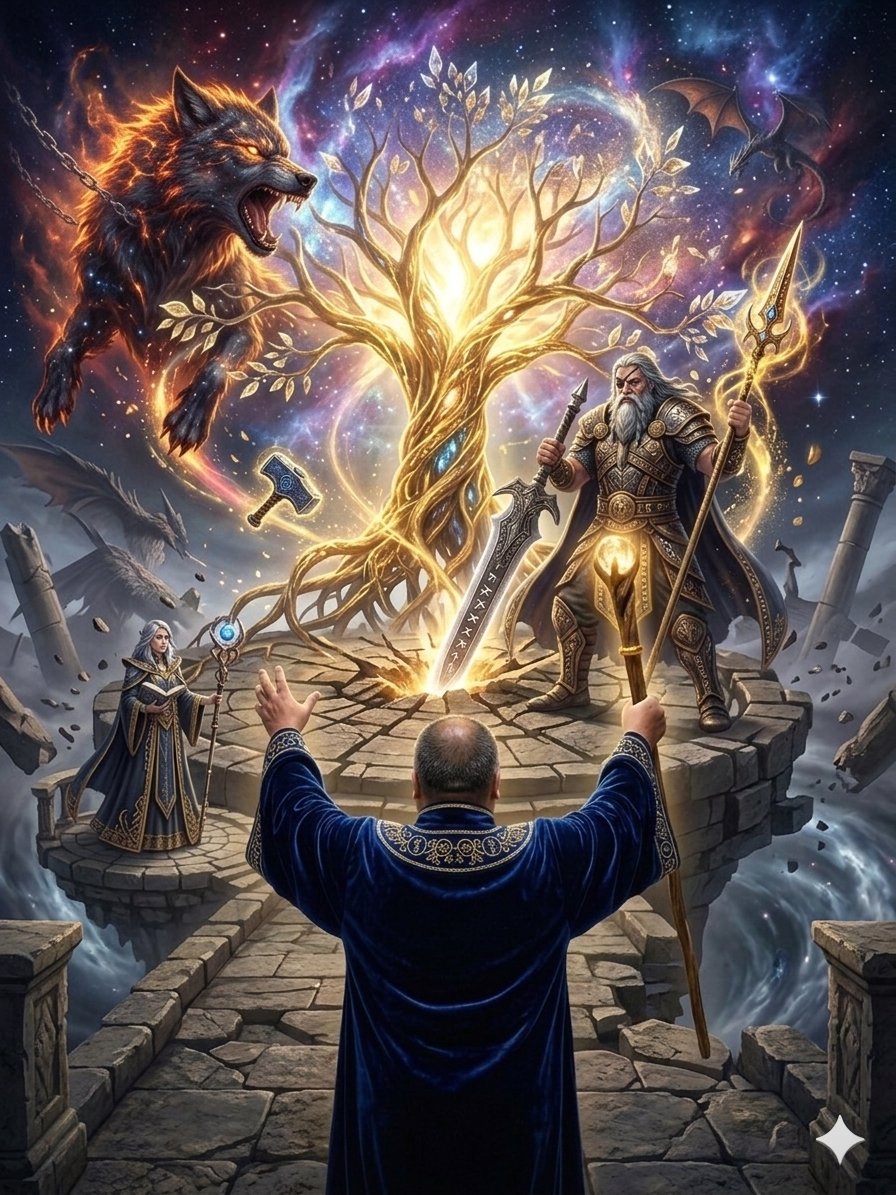
Fantasy World Creation Image Prompt (Nano Banana Pro)
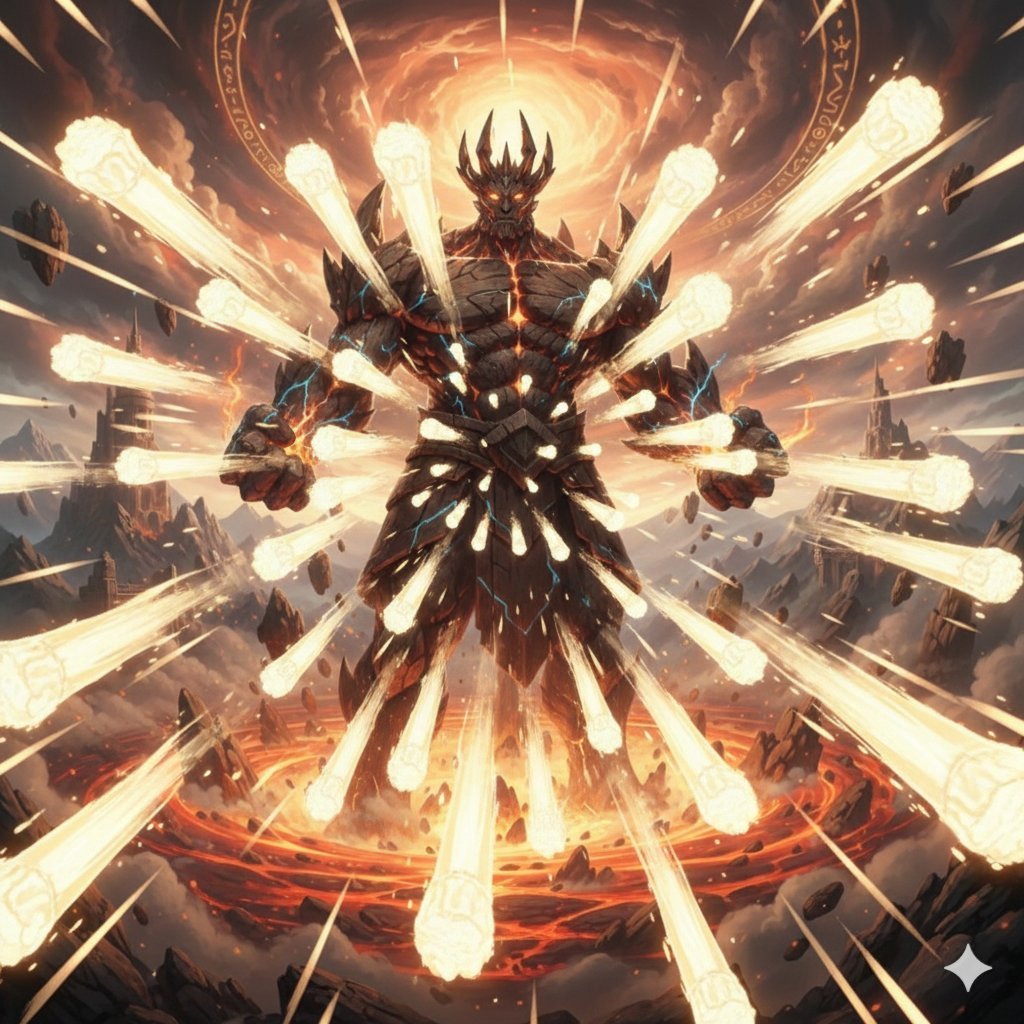
Titan with Hokuto Hyakuretsu Ken Generation
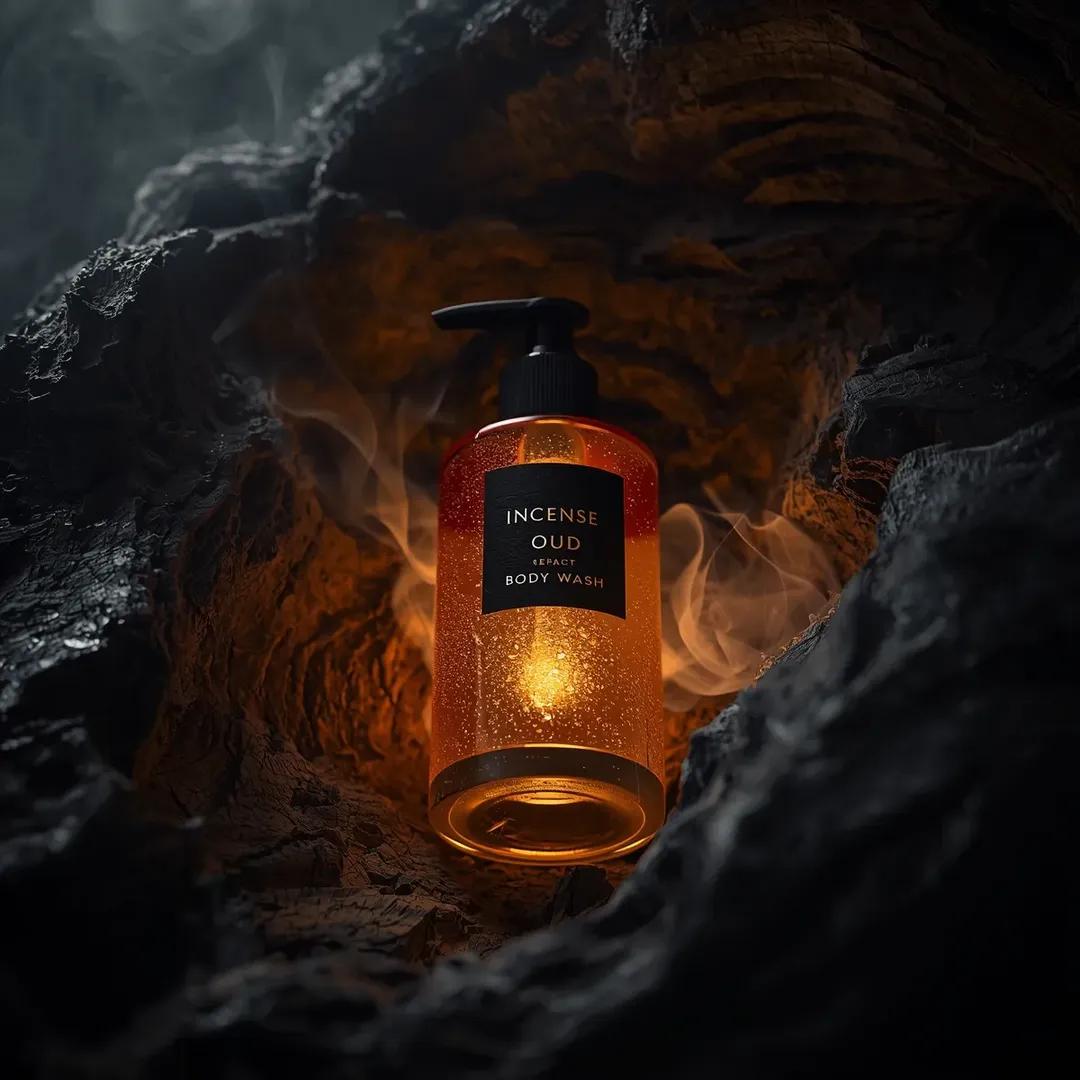
Ultra-Realistic Product Shot of Incense Oud Body Wash
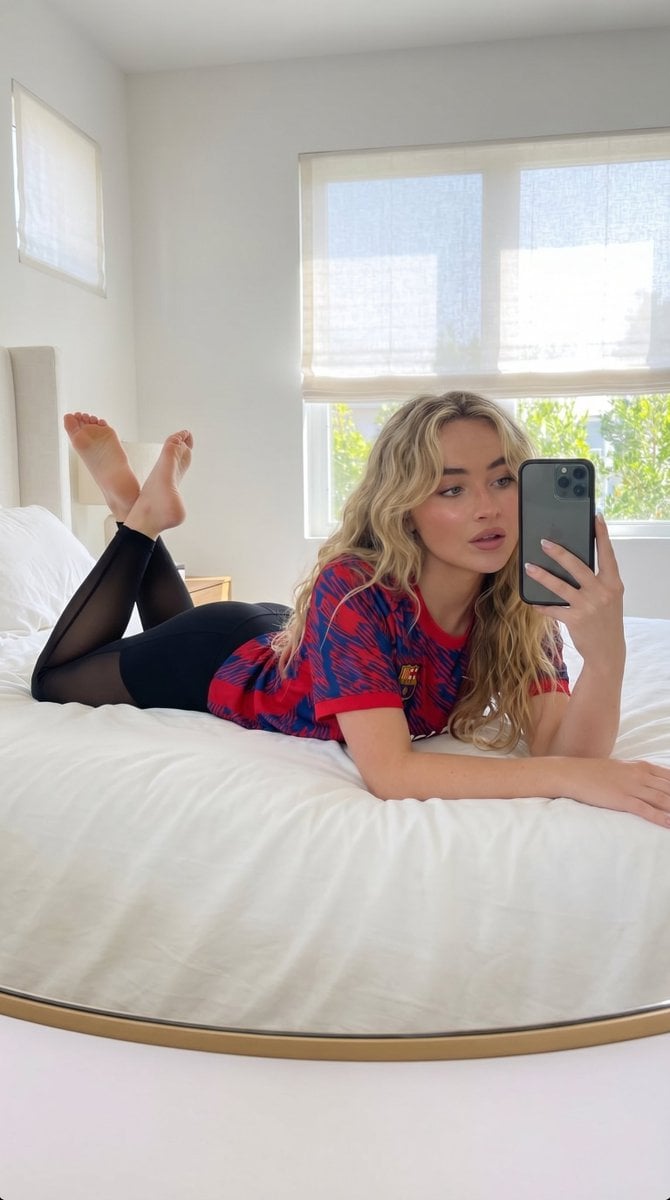
Natural Lifestyle Mirror Selfie
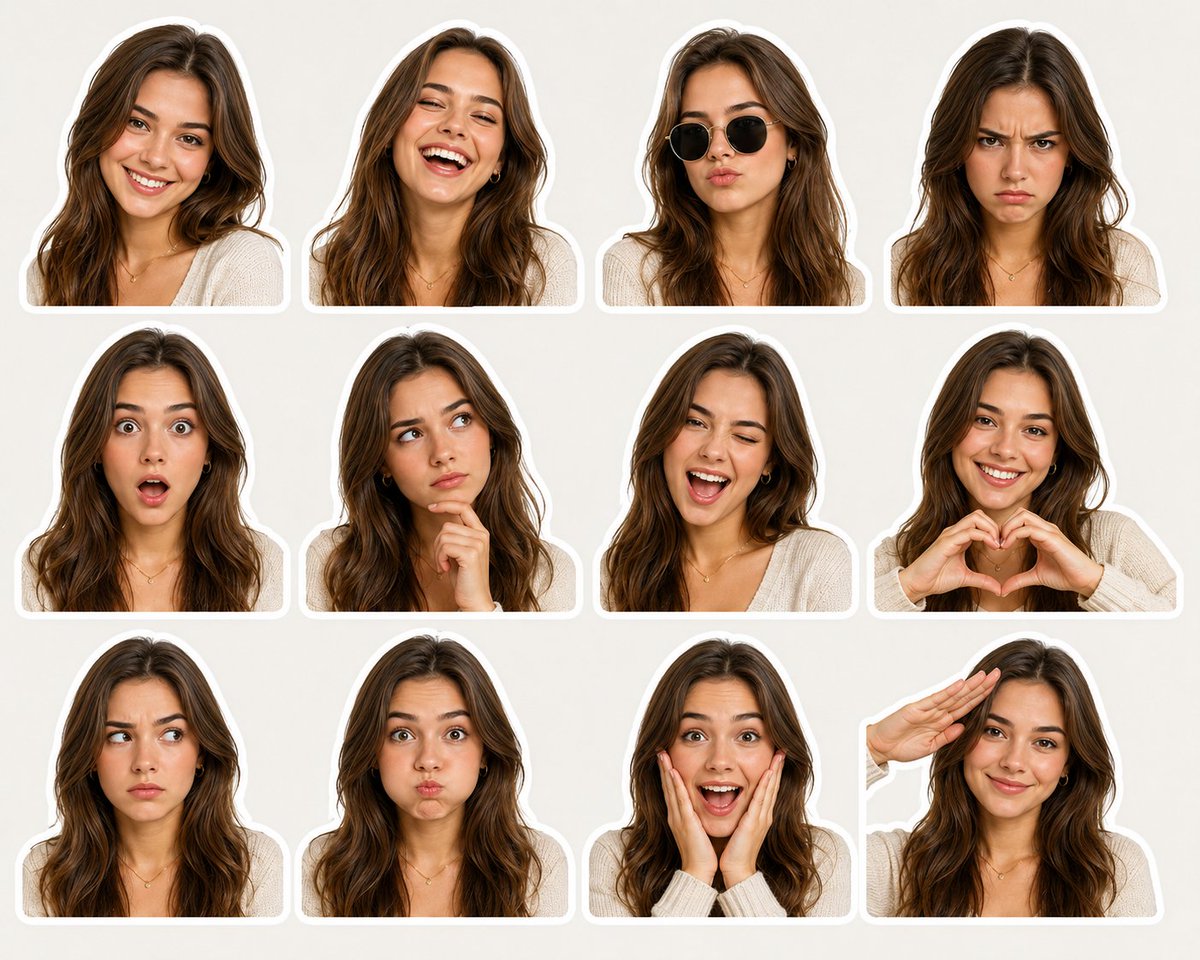
Expressive Woman Emoji Sticker Pack
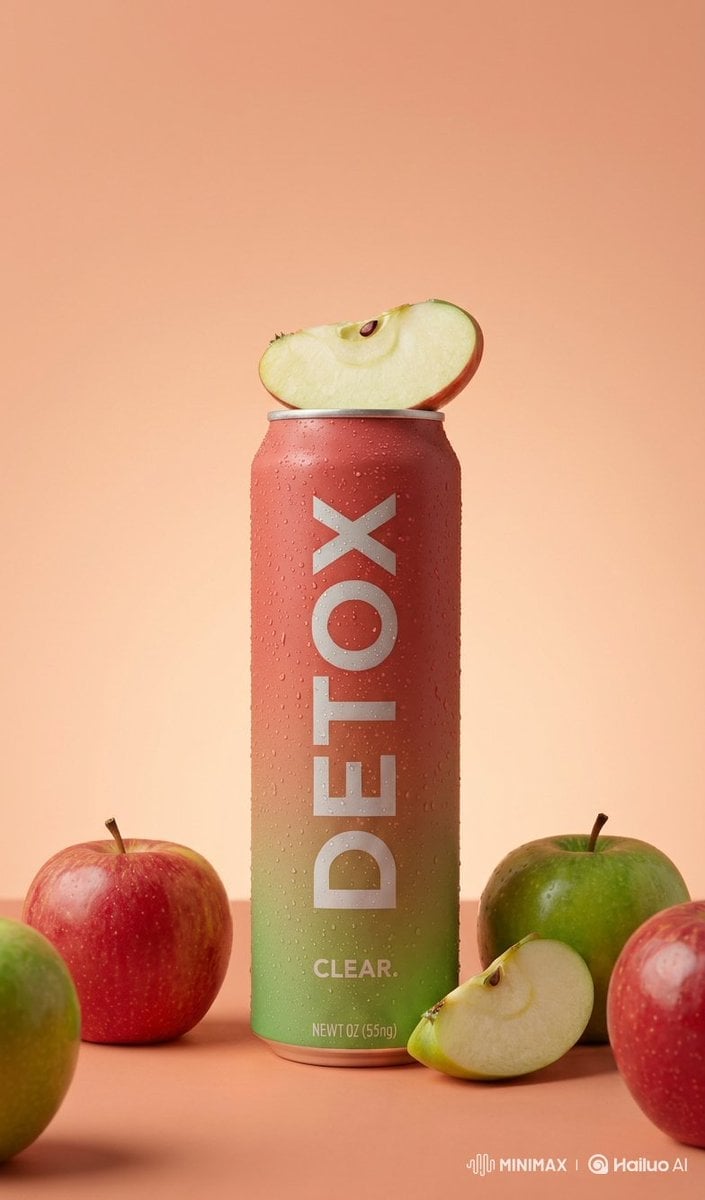
Premium Product Photography of Flavored Drinks
Browse template categories
Luxury Villa Website Laptop Mockup questions
How do I use the Luxury Villa Website Laptop Mockup template?
Add your photo if the template asks for one, edit the prompt if you like — the template's model and format are already selected — and press Generate. Your version opens in PicX Studio.
Can I customize the Luxury Villa Website Laptop Mockup template?
Yes. You can change the subject, setting, lighting, mood, format, and available model controls before creating your image.
Is the Luxury Villa Website Laptop Mockup template free?
Opening and editing this template is free. Generating uses credits, shown on the Generate button when you are signed in.
Which AI model should I use?
Start with GPT Image 2, which is the model associated with this template. You can compare another compatible model for a different finish.
Looking for something else? Browse all templates.

Your photo, any look
Thousands of ready templates for every top image and video model, from one credit balance.