How do I use the Luxury Lifestyle Villa Photography template?
Choose the primary action to open PicX Studio with the available template settings. Review the model and format, personalize the creative direction, and generate when ready.
A prompt for generating high-end lifestyle photography of a successful man at a modern villa with a sports car, featuring cinematic lighting and shallow depth o

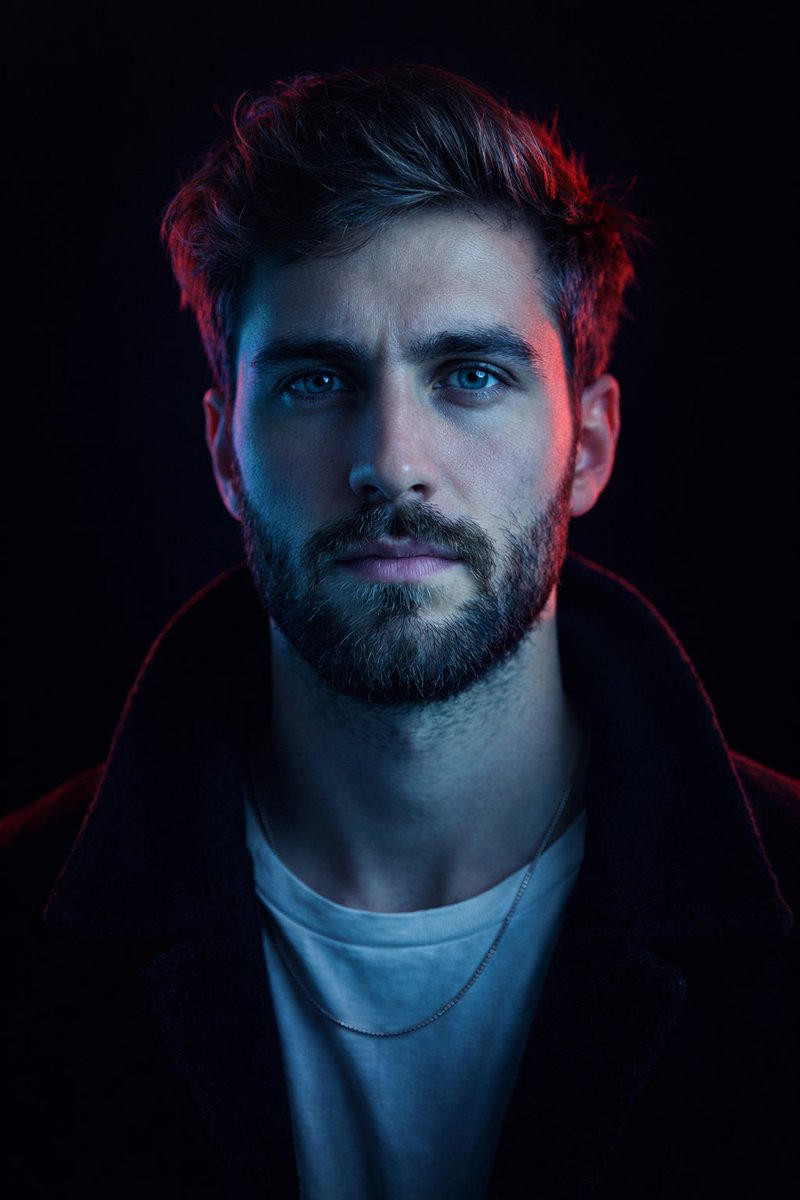
Ultra-realistic lifestyle photography of a confident young man standing outside a luxurious modern villa beside a premium sports car. He is wearing a perfectly tailored suit, an elegant wristwatch, polished shoes, and stylish sunglasses. The background features contemporary architecture, a beautifully landscaped garden, and warm golden-hour sunlight. His posture is confident and relaxed, creating an atmosphere of success and sophistication. Cinematic lighting, premium editorial photography, ultra-detailed, photorealistic, 8K, shallow depth of field, elegant composition, clean negative space for branding or text, portrait aspect ratio 4:5. Ultra-realistic lifestyle photography of a humble young man standing outside a simple brick house in a modest neighborhood. He is wearing clean, simple everyday clothes and comfortable shoes, with a calm, hopeful smile. The surroundings include a bicycle, small plants, and a peaceful residential street in soft morning sunlight. The atmosphere conveys dignity, hard work, resilience, and optimism. Cinematic natural lighting, premium editorial photography, ultra-detailed, photorealistic, 8K, authentic expressions, shallow depth of field, elegant composition, clean negative space for branding or text, portrait aspect ratio 4:5.
Choose the primary action to open PicX Studio with the available template settings. Review the model and format, personalize the creative direction, and generate when ready.
Yes. You can change the subject, setting, lighting, mood, format, and available model controls before creating your image.
This template is free to open and customize. Generation usage is shown in PicX Studio before you create.
Start with GPT Image 2, which is the model associated with this template. You can compare another compatible model for a different finish.
Follow a topic to a crawlable collection of related PicX Studio templates.