
Floating Laptop Website Mockup
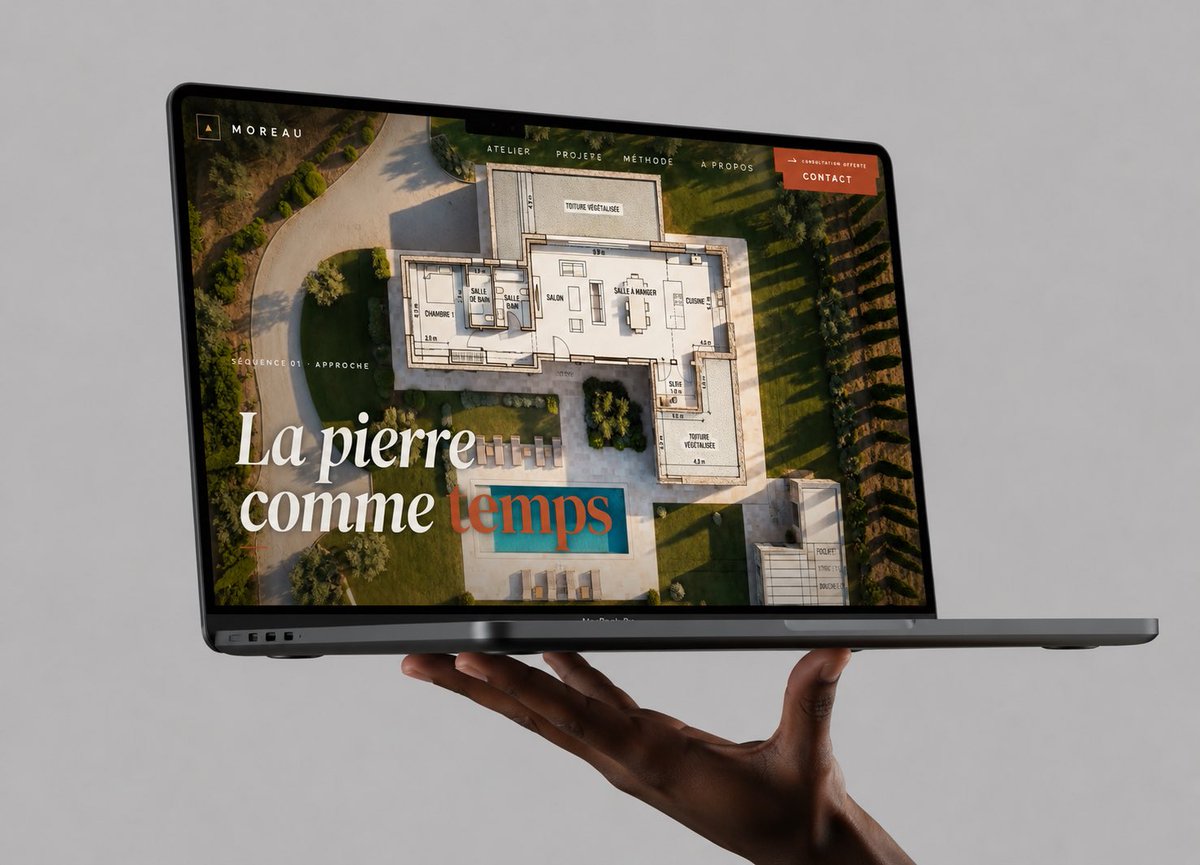
A premium photorealistic MacBook mockup presenting an architecture portfolio website, useful for showcasing web design work in a polished social media post.
- Prompt included
- Model and format preset
- Premium template
The prompt behind this image
Copy the exact prompt behind Floating Laptop Website Mockup, or open it in the studio and make it yours.
Create a high-end photorealistic studio mockup of a dark gray MacBook Pro laptop floating horizontally in front of a seamless light gray background, supported from below by one realistic dark-skinned hand with the palm up and fingers gently curled under the laptop. The laptop is open at a shallow angle, viewed from the front-left in three-quarter perspective, with the thin black bezel, webcam notch, ports on the left edge, and slim base visible. On the screen, show a luxury architecture/stonework portfolio website for {argument name="brand name" default="MOREAU"}: a full-bleed aerial photograph of a modern villa garden with a swimming pool, overlaid with a semi-transparent architectural floor plan drawing. Add a minimalist top navigation bar with exactly 5 visible items: “ATELIER”, “PROJERE”, “MÉTHODE”, “À PROPOS”, and an orange button labeled {argument name="button text" default="CONTACT"}. In the upper-left screen corner place a small square monogram icon and the word “MOREAU”. On the left side of the screen add small uppercase text “SÉQUENCE 01 · APPROCHE”. Add a large elegant serif headline in the lower-left reading {argument name="headline text" default="La pierre comme temps"}, with the first words in white and the final word in muted teal/terracotta overlay styling. Use warm golden-hour lighting inside the website image, refined editorial typography, premium agency branding, realistic reflections on the glass screen, subtle shadows beneath the laptop and hand, crisp focus, no watermark, no extra devices, no clutter.
How to use Floating Laptop Website Mockup in 3 steps
- 1Upload ImagePNG, JPG or paste
Add your photo
Upload the photo the template builds on. The prompt, model and format are already set.
- 2…a portrait of your subject in softgolden-hour light, 85mm…
Personalize
Edit the subject and creative details for your destination.
- 3Generate
Generate
Press Generate — your image is created in PicX Studio, so you can compare it with the original and refine one variable at a time.
More like this
Templates with the same subject, style or setup. Open one to see its prompt.
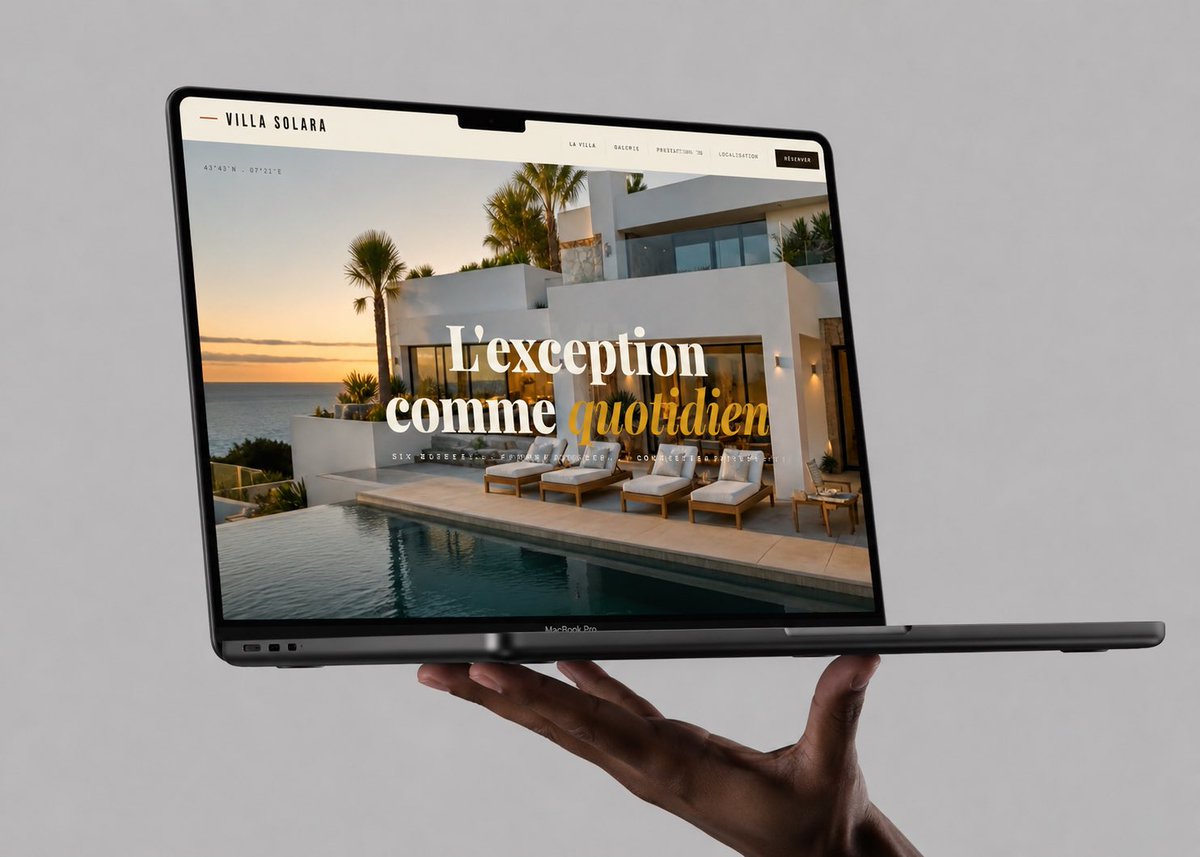
Luxury Villa Website Laptop Mockup
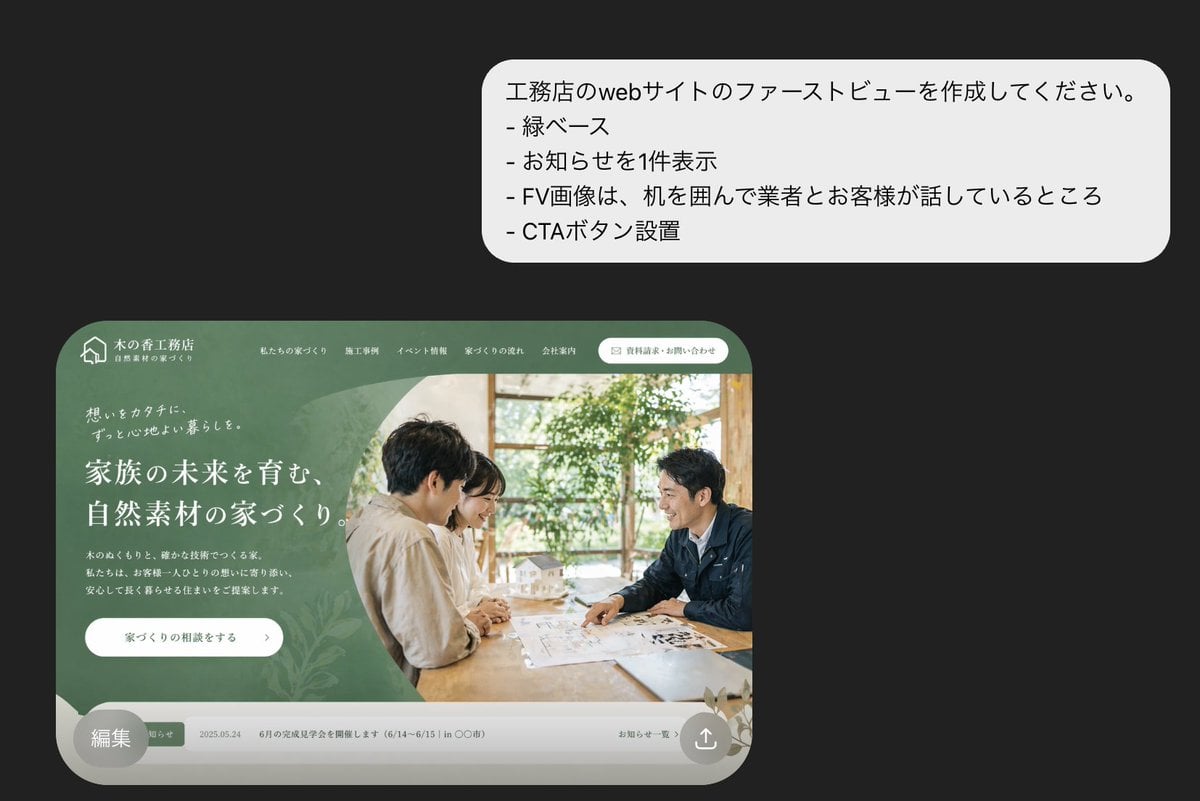
Japanese Builder Website Hero Mockup

Japanese Mystery Website Mockup
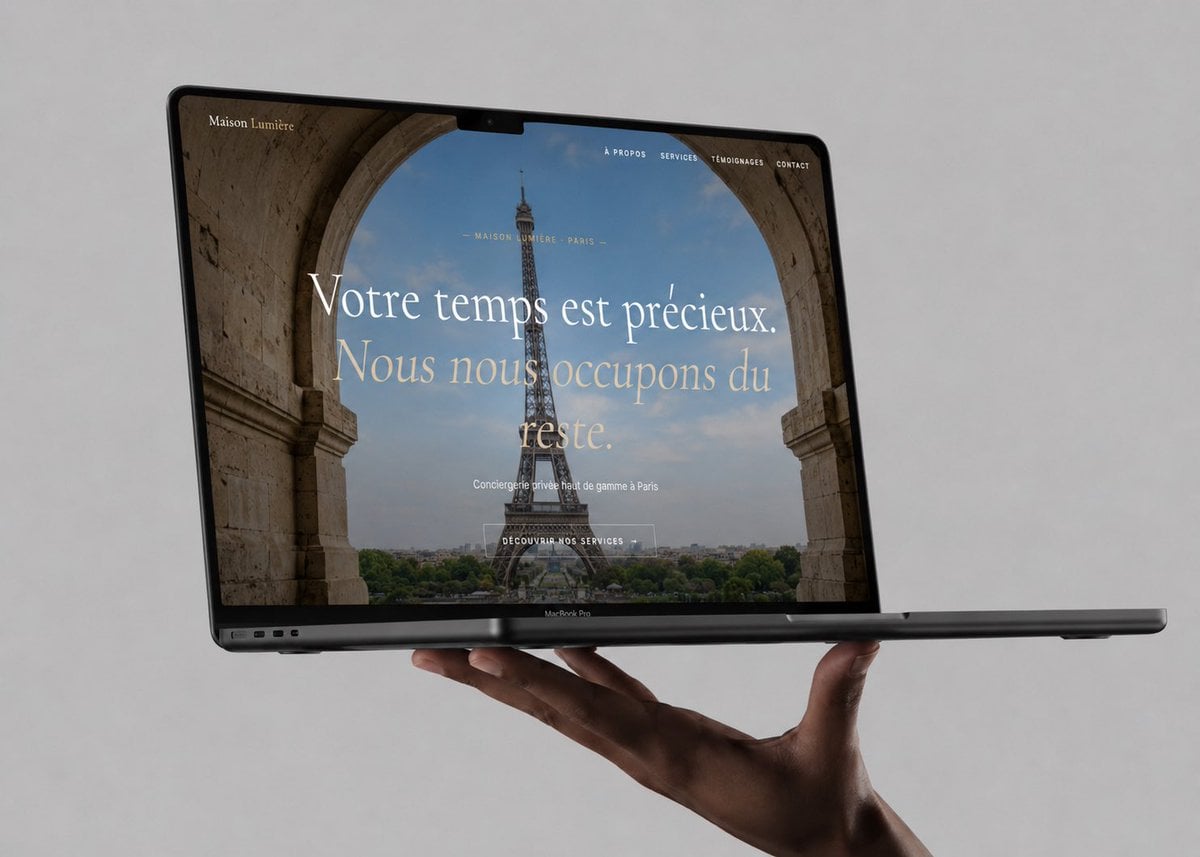
Luxury Concierge Laptop Mockup
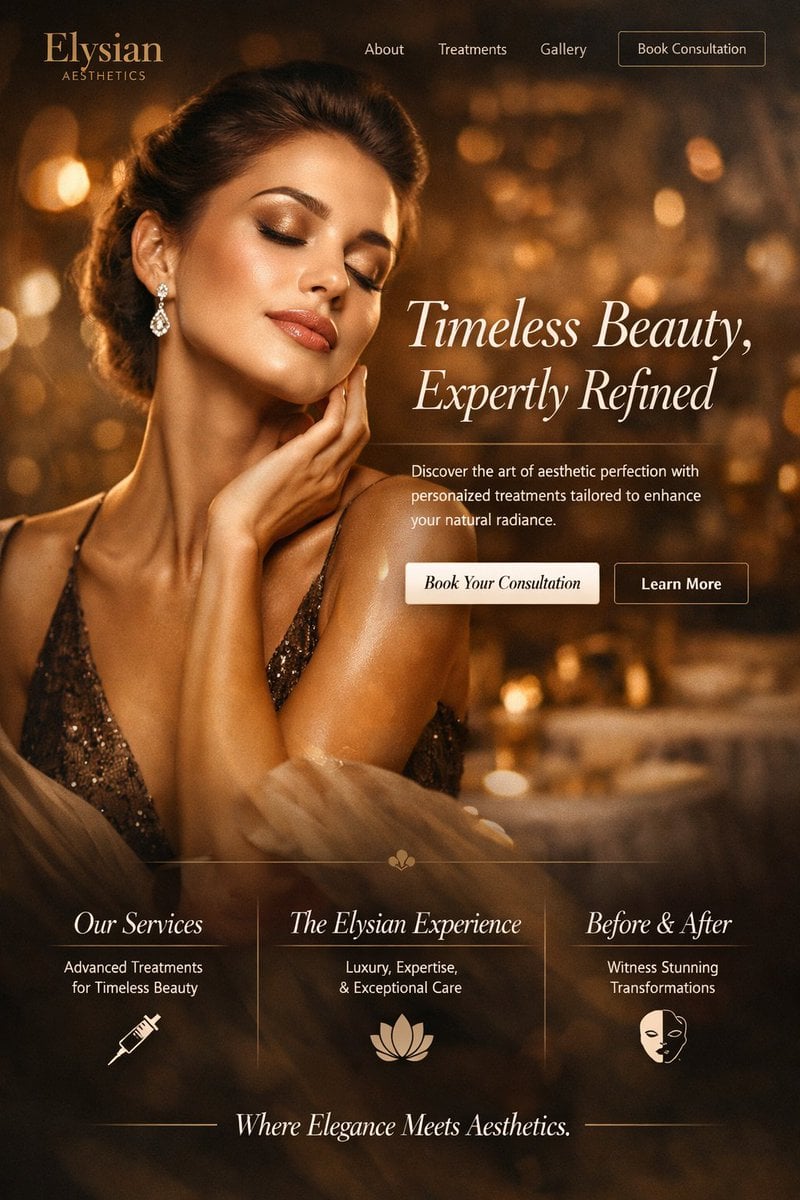
Luxury Aesthetics Website Mockup
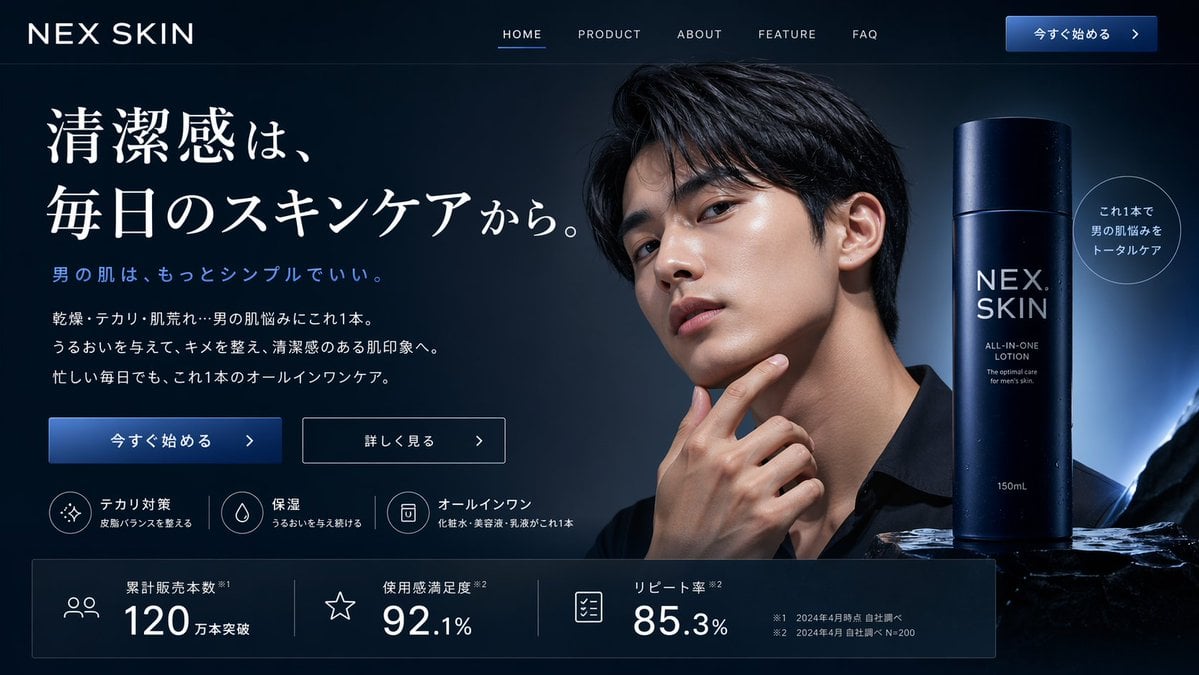
Men's Skincare Website Landing Page Mockup
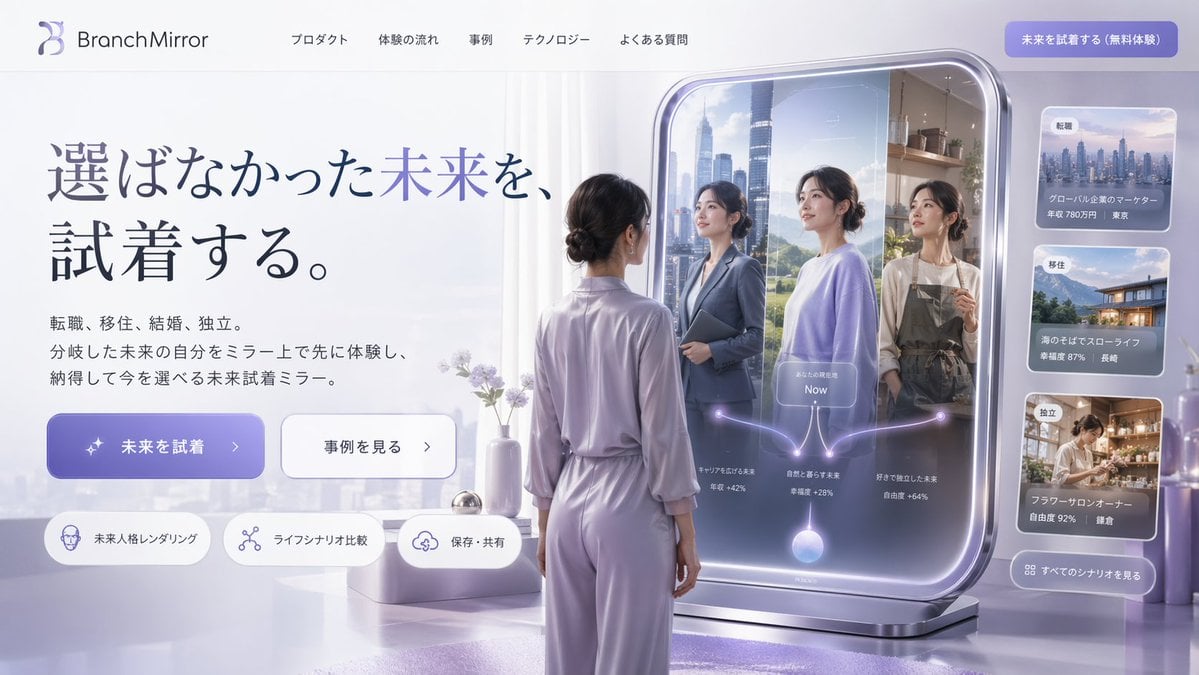
Futuristic Smart Mirror Website Mockup
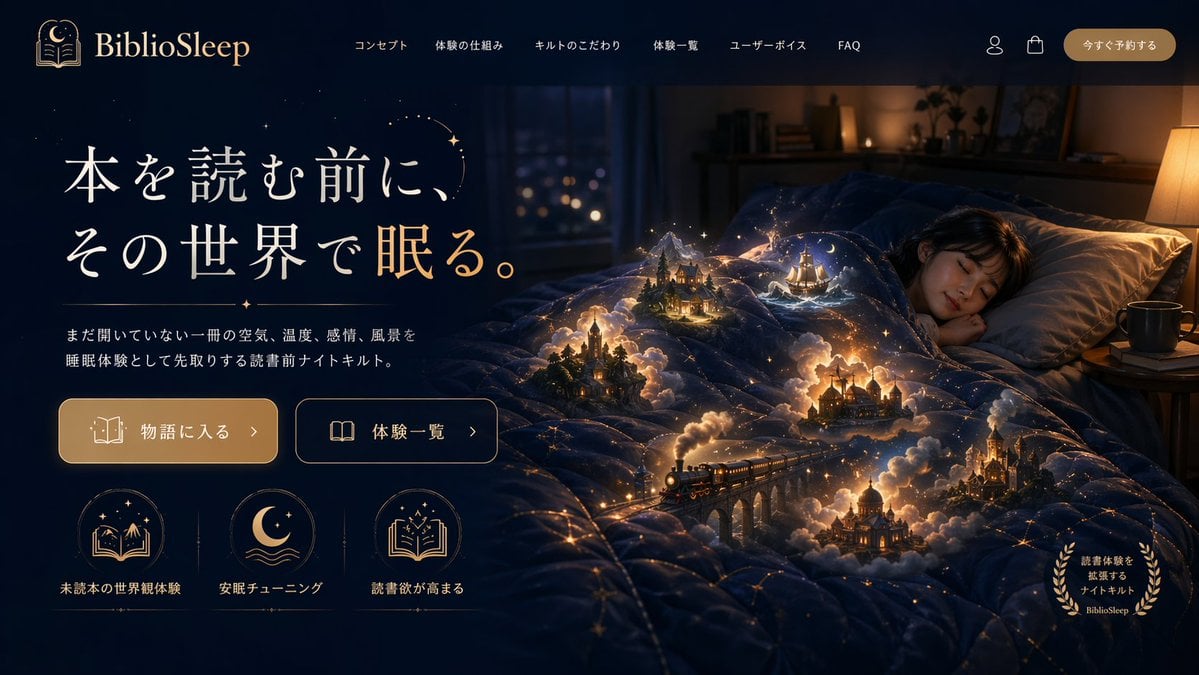
Magical Sleep Website Mockup

Floating Woman Above Cityscape with Notifications

Product Shot - T-Shirt Mockup
Glossy 3D Website Category Icons
Cozy Laptop Portrait by Window
Make it yours
Floating Laptop Website Mockup works as-is. These are the safest ways to change it without losing the look.
Change one field
Copy a single group, rewrite it, and generate again so you can see what that field is doing.
Keep the frame, change the subject
Hold the composition and light of Floating Laptop Website Mockup, then swap wardrobe, props or the person for a new take.
| If the result… | Why | Fix |
|---|---|---|
| The result drifts from the preview | Too many fields changed at once. | Reuse Floating Laptop Website Mockup as-is first, then change one group — subject, light, or setting. |
| The model over-stylizes the scene | The prose prompt leaves finish and camera underspecified. | Add one camera or lighting sentence and stay on GPT Image 2. |
More GPT Image 2 templates
Other prompts made for GPT Image 2.

Six VTuber Japanese Logo Sheet

Realistic Portrait of Woman and Deer

The Vista Modular Condo Poster

AI Model Routing Comparison Infographic

2.5D Anime Art Board

Isometric Productivity Desk Scene

New York Double Exposure Poster

Four-Panel AI Landscape Comparison

Japanese Tatami Lifestyle Magazine Cover

NESCAFÉ Coffee Map Poster
More image prompts
Fresh picks from across the catalog.
Nano Banana - Place Vendome Yellow Satin
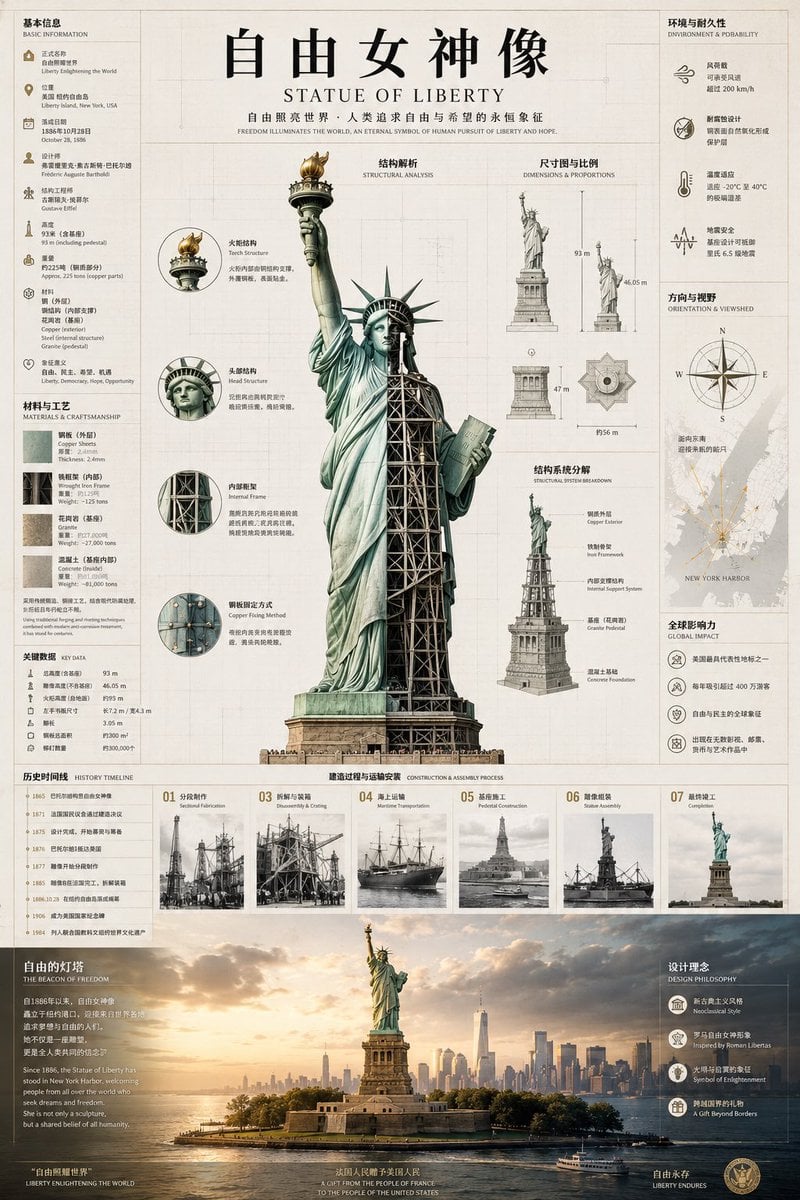
Statue of Liberty Technical Infographic

Dreamy Golden Hour Portrait with Cat and Soap Bubbles
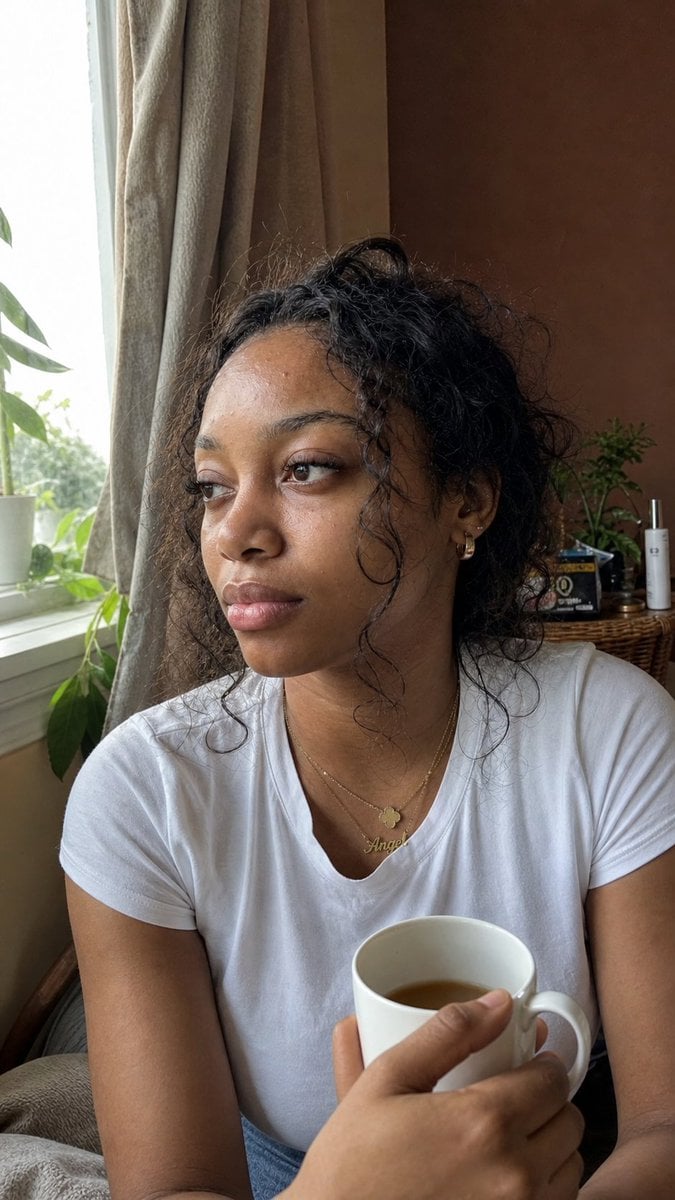
Authentic iPhone Portrait of African Woman
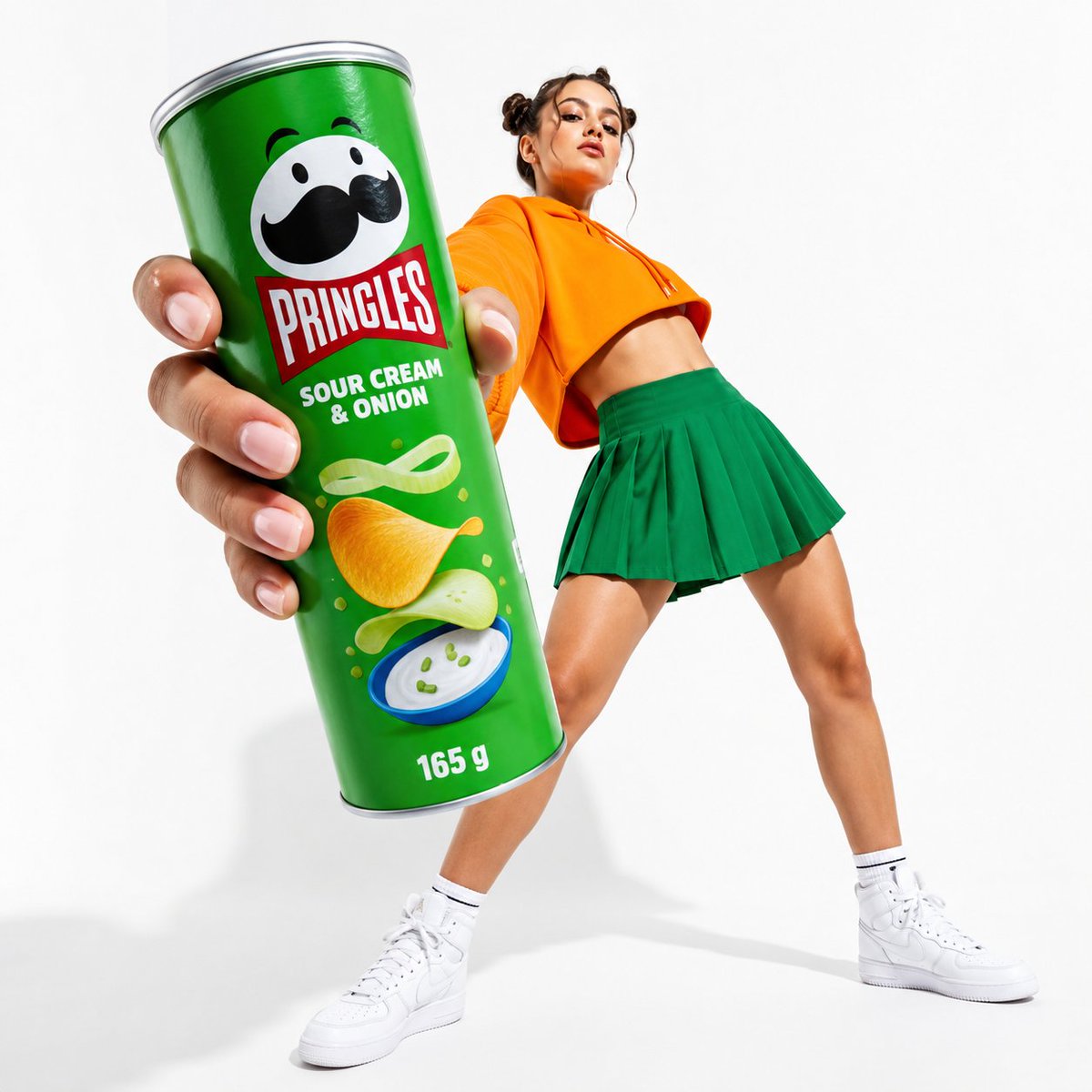
Oversized Pringles Fashion Ad
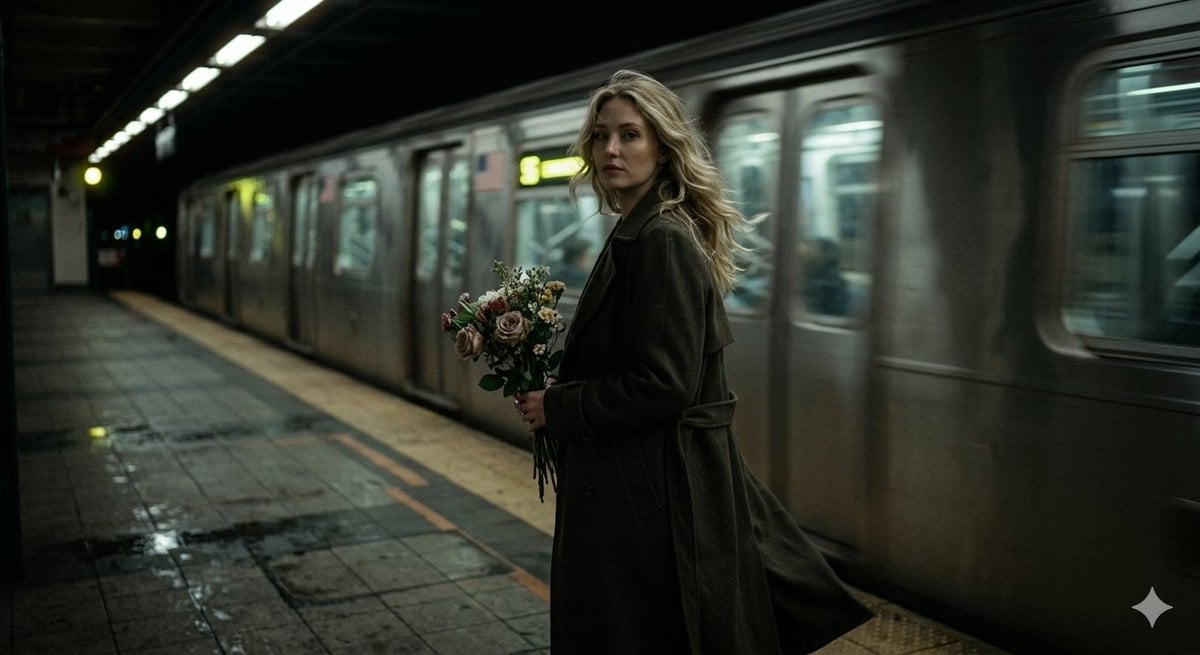
Cinematic Night Scene on Subway Platform
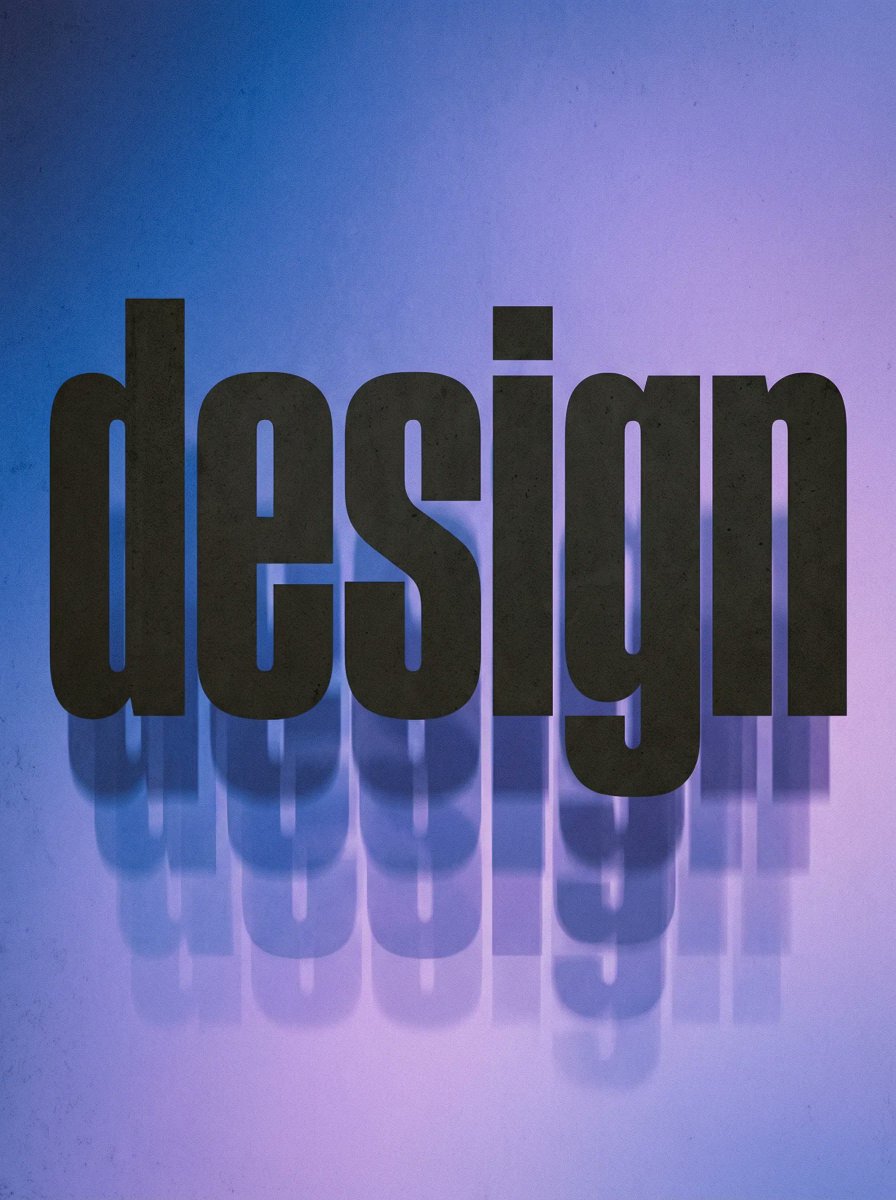
Experimental Typographic Poster

Character Emerging from Smartphone Screen (Forced Perspective)
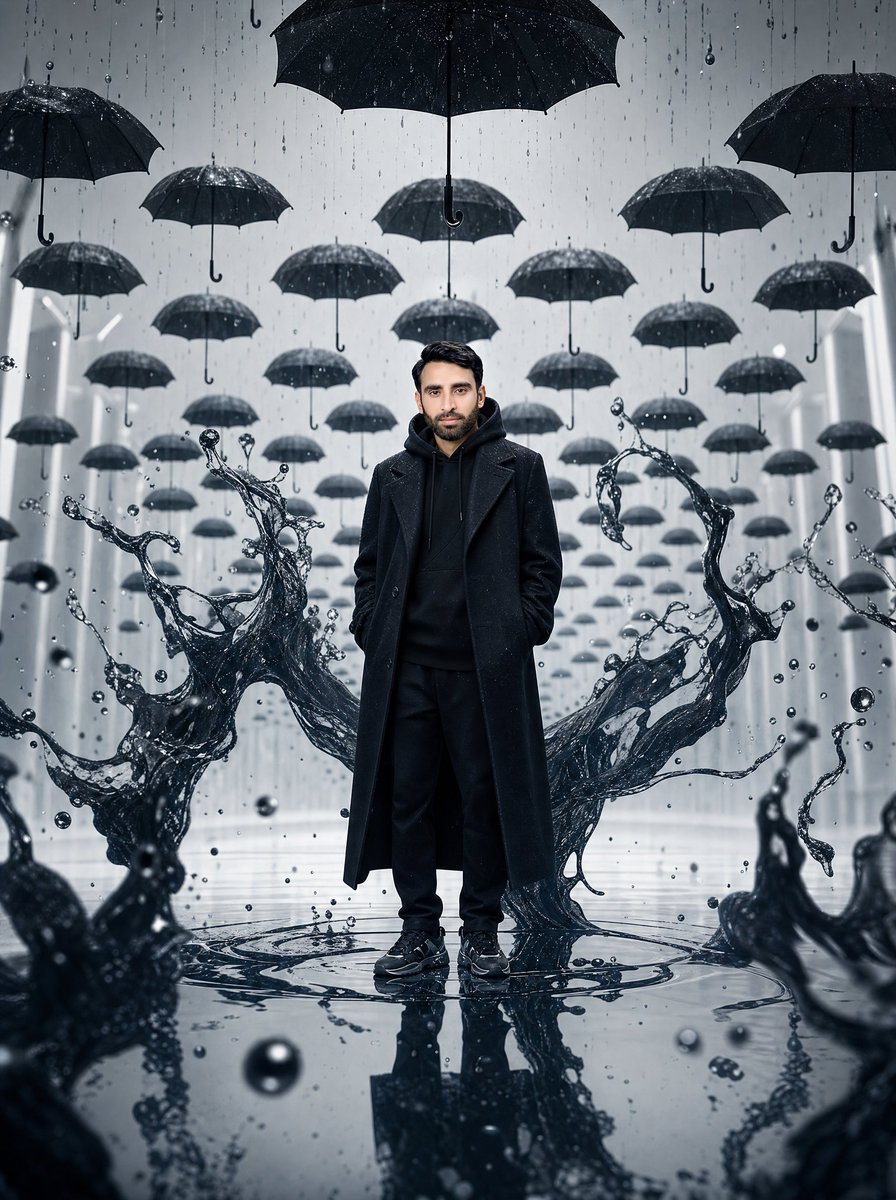
Surreal Man in Black Rain Room
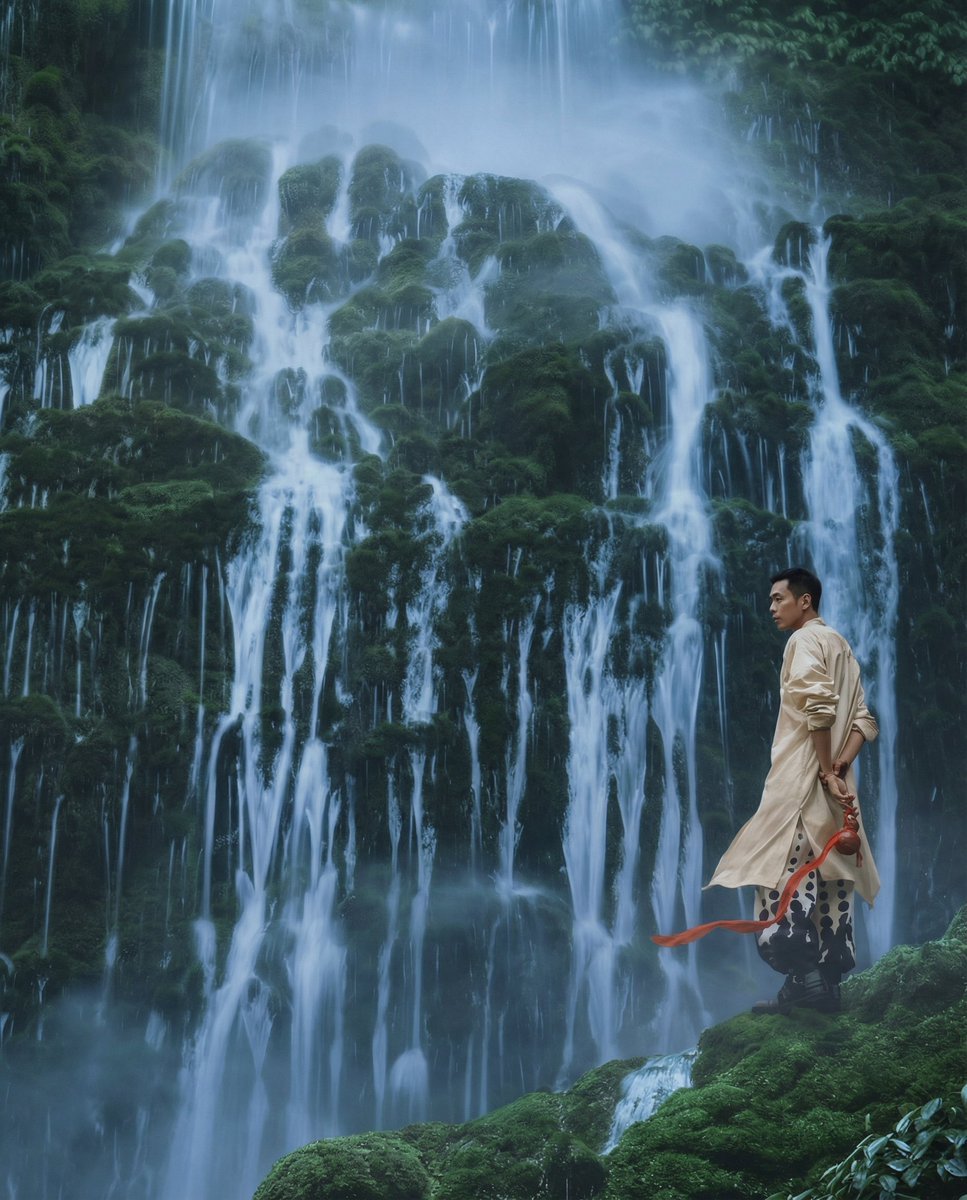
New Chinese Wuxia Style Fashion Shoot Prompt for Nano Banana Pro
Browse template categories
Floating Laptop Website Mockup questions
How do I use the Floating Laptop Website Mockup template?
Add your photo if the template asks for one, edit the prompt if you like — the template's model and format are already selected — and press Generate. Your version opens in PicX Studio.
Can I customize the Floating Laptop Website Mockup template?
Yes. You can change the subject, setting, lighting, mood, format, and available model controls before creating your image.
Is the Floating Laptop Website Mockup template free?
Opening and editing this template is free. Generating uses credits, shown on the Generate button when you are signed in.
Which AI model should I use?
Start with GPT Image 2, which is the model associated with this template. You can compare another compatible model for a different finish.
Looking for something else? Browse all templates.

Your photo, any look
Thousands of ready templates for every top image and video model, from one credit balance.