
Character Emerging from Smartphone Screen (Forced Perspective)
Two related prompts (A and B) for generating ultra-realistic images of a character emerging dynamically from a smartphone placed on a table.

- Prompt included
- Model and format preset
- Free template
The prompt behind this image
Copy the exact prompt behind Character Emerging from Smartphone Screen (Forced Perspective), or open it in the studio and make it yours.
🍌プロンプトA 超リアルな実写写真。テーブルの上に置かれたスマホから、このキャラクターが立体的に出てきた瞬間。片方の手はこちらに伸ばし、片手をスマホのフレームにかけ、下半身はスマホの中にあり足元は見切れている。キャラクターはこちらを見つめている。 強い誇張パース(extreme wide-angle, forced perspective)により、 手と顔がカメラのすぐ近くにあり極端に大きく見え、 下半身は奥に小さく見える立体的な奥行き構成。 🍌プロンプトB 超リアルな実写写真。テーブルの上に置かれたスマホから、このキャラクターが立体的に出てきた瞬間。片方の手はこちらに伸ばし、片足をスマホのフレームにかけ、下半身はスマホの中にある。大袈裟な遠近感で近くにある顔と手が大きく見える。参考画像の雰囲気から連想されるモチーフが一緒に飛び出てくる。キャラクターはこちらを見ながら勢いよく飛び出て、モーションブラーが発生している。
How to use Character Emerging from Smartphone Screen (Forced Perspective) in 3 steps
- 1
Open
The prompt is already in the box next to the preview, with the template's model and format selected.
- 2…a portrait of your subject in softgolden-hour light, 85mm…
Personalize
Edit the subject and creative details for your destination.
- 3Generate
Generate
Press Generate — your image is created in PicX Studio, so you can compare it with the original and refine one variable at a time.
More like this
Templates with the same subject, style or setup. Open one to see its prompt.
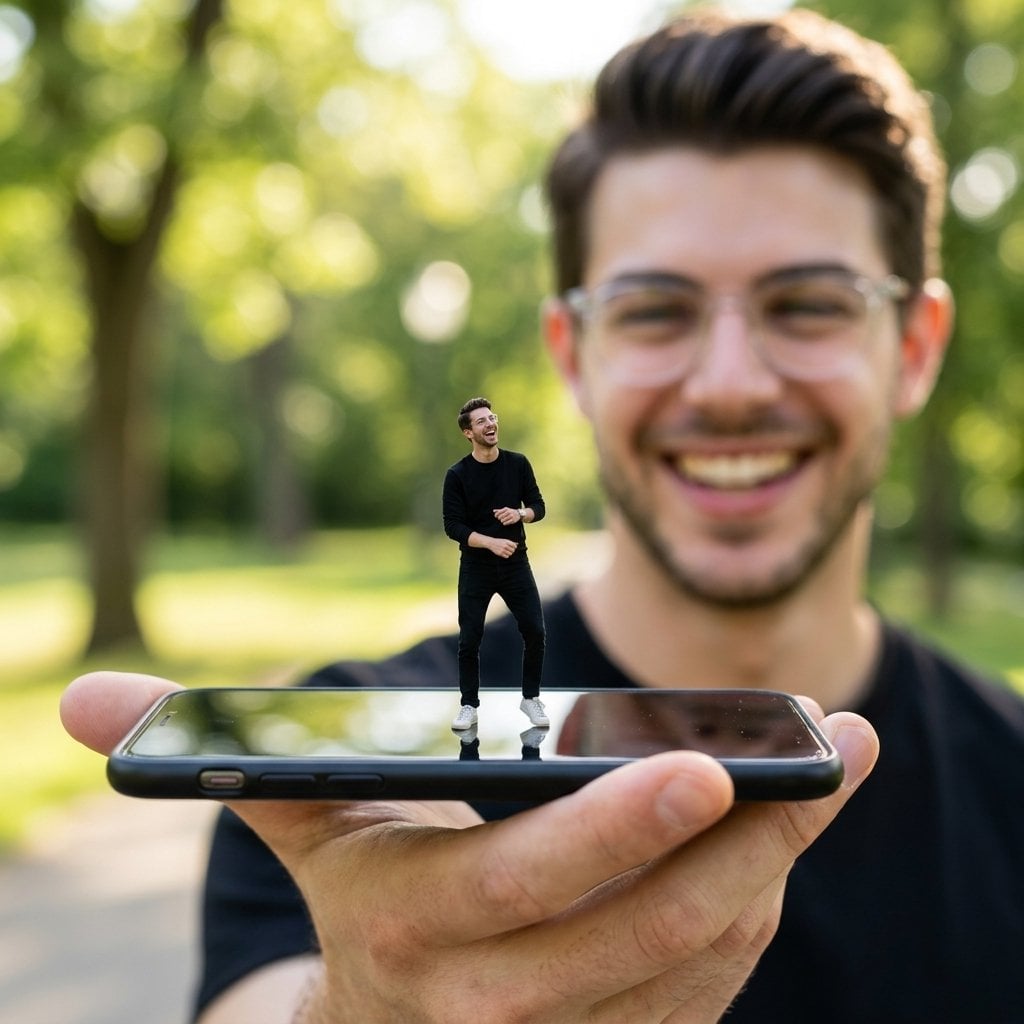
Forced Perspective Miniature Self on Smartphone Screen
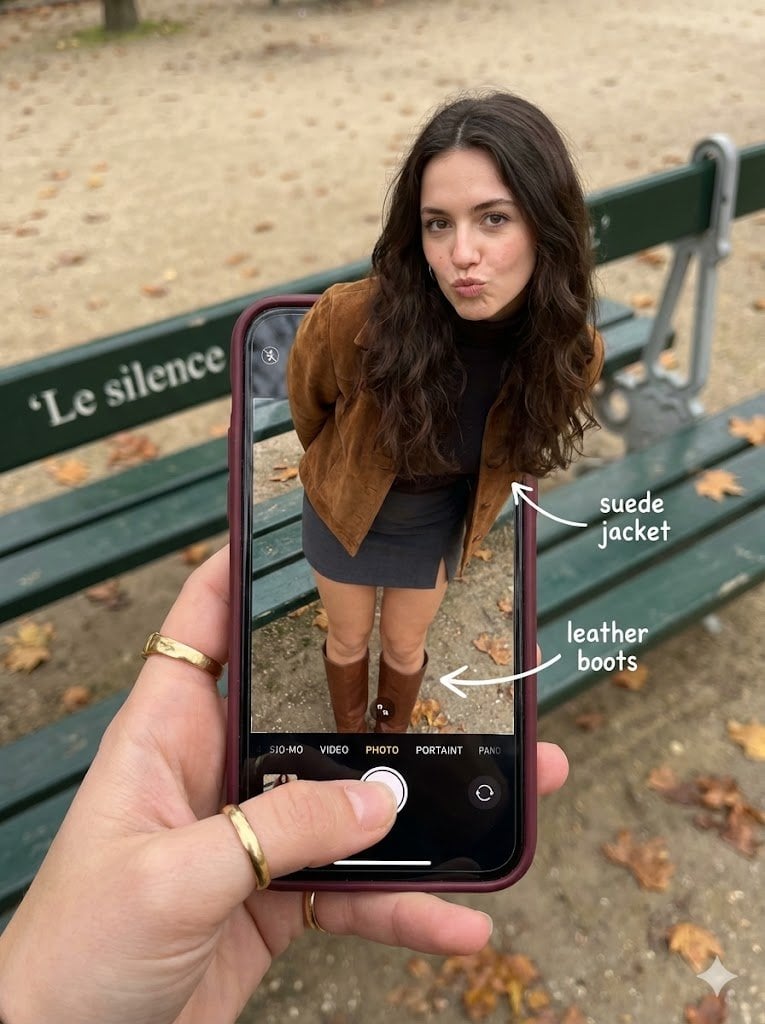
Hyper-Realistic Optical Illusion: Woman Emerging from Smartphone Screen
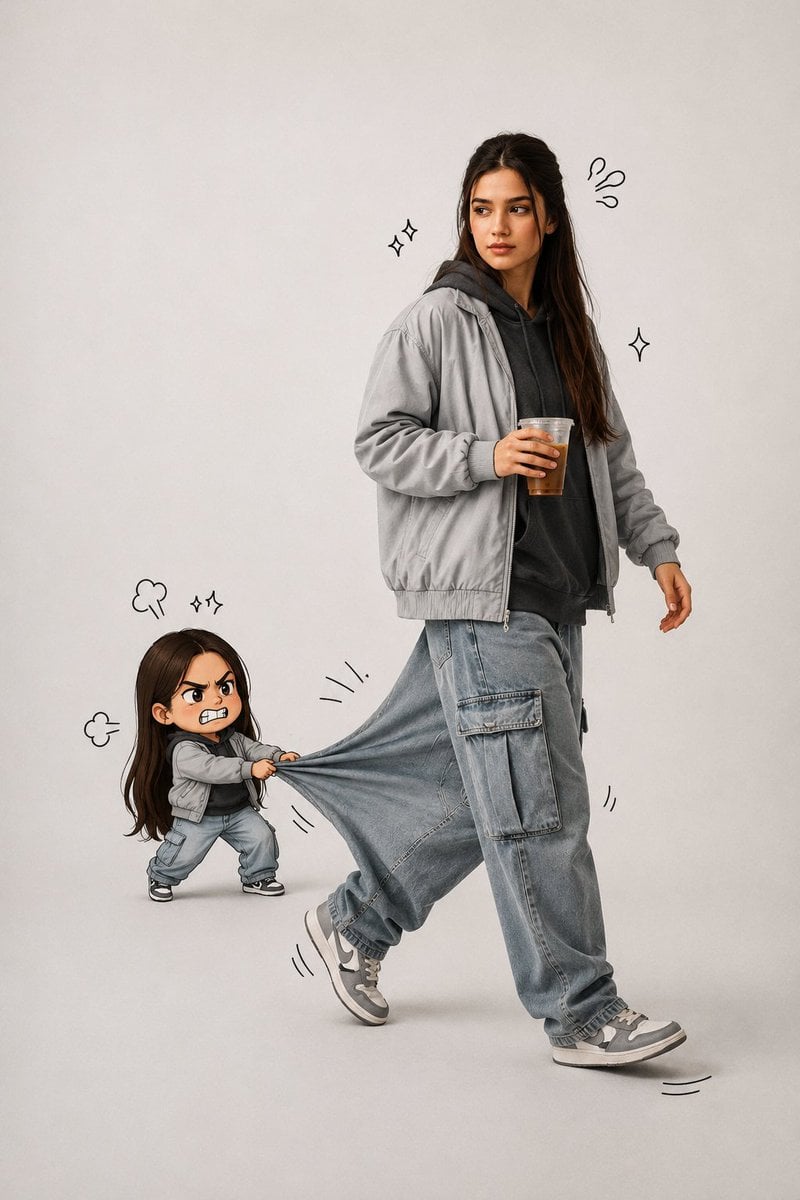
Forced Perspective Chibi Pants Pull Portrait
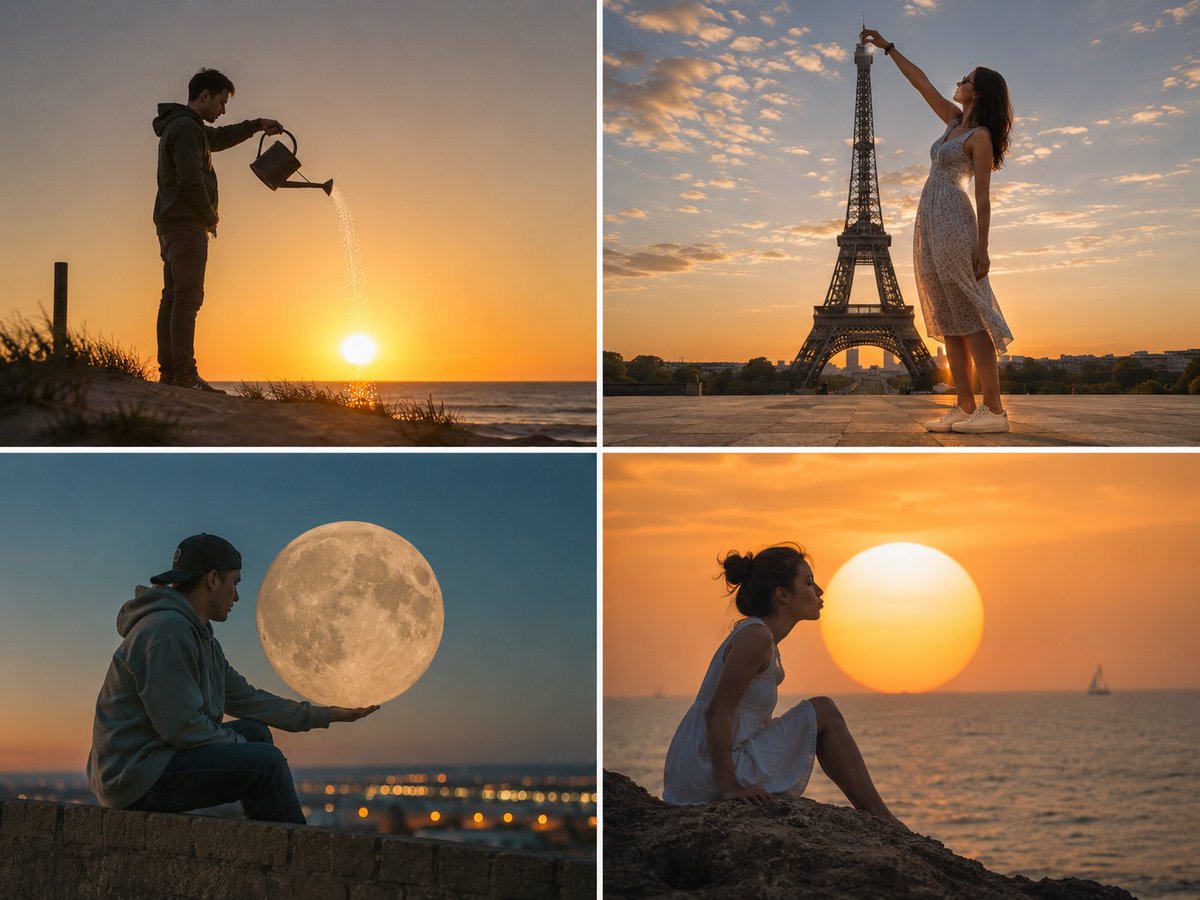
Forced Perspective Celestial Photo
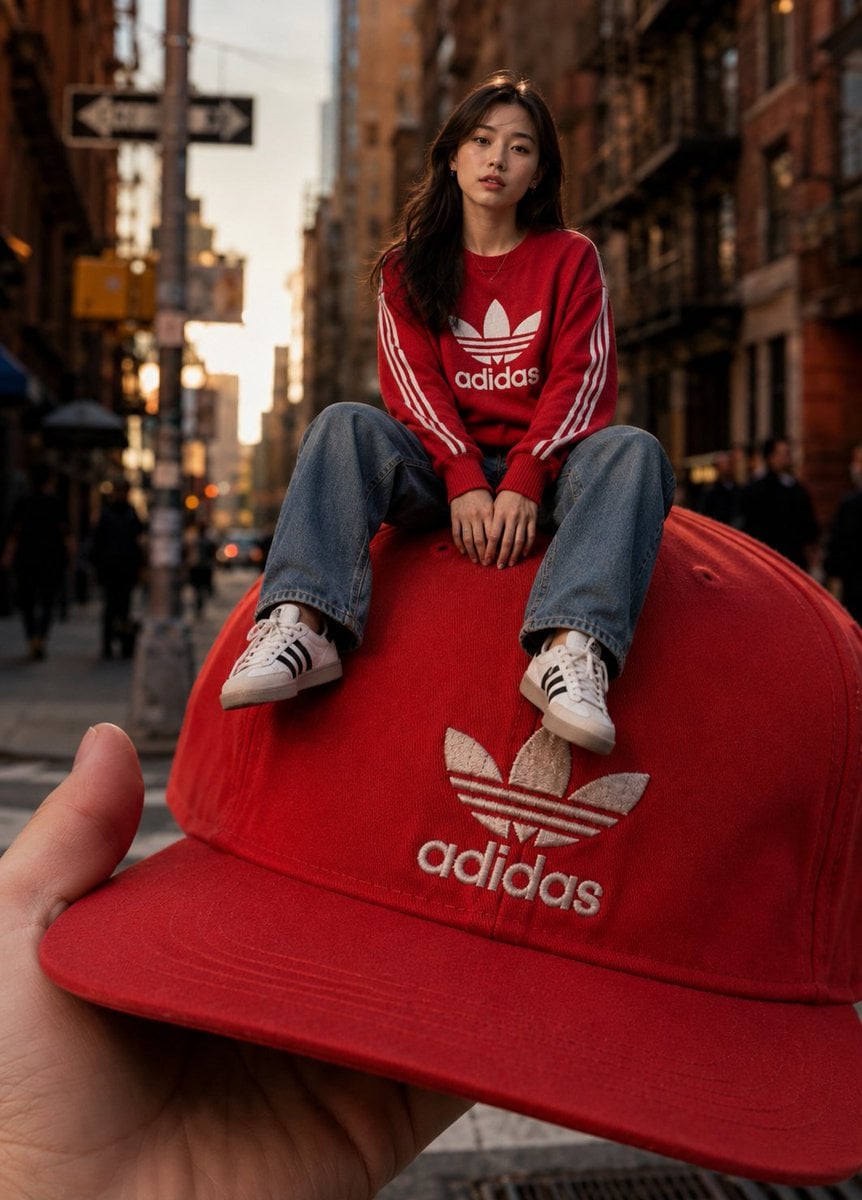
Giant Fashion Cap Forced Perspective
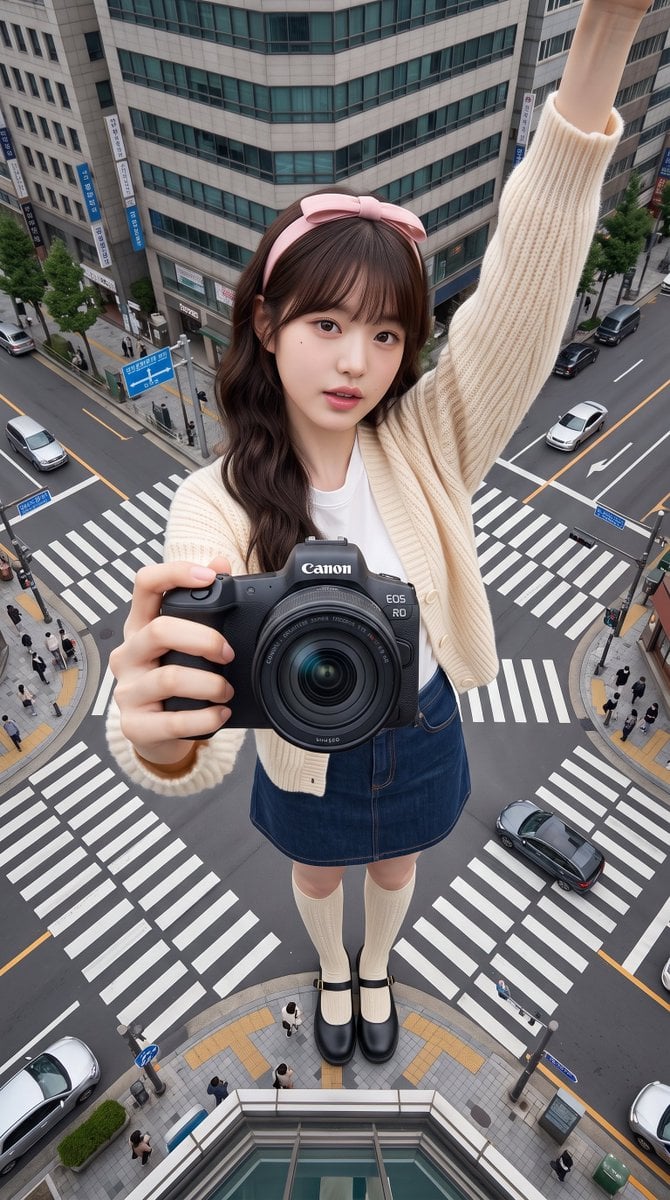
Giant Forced Perspective City Selfie
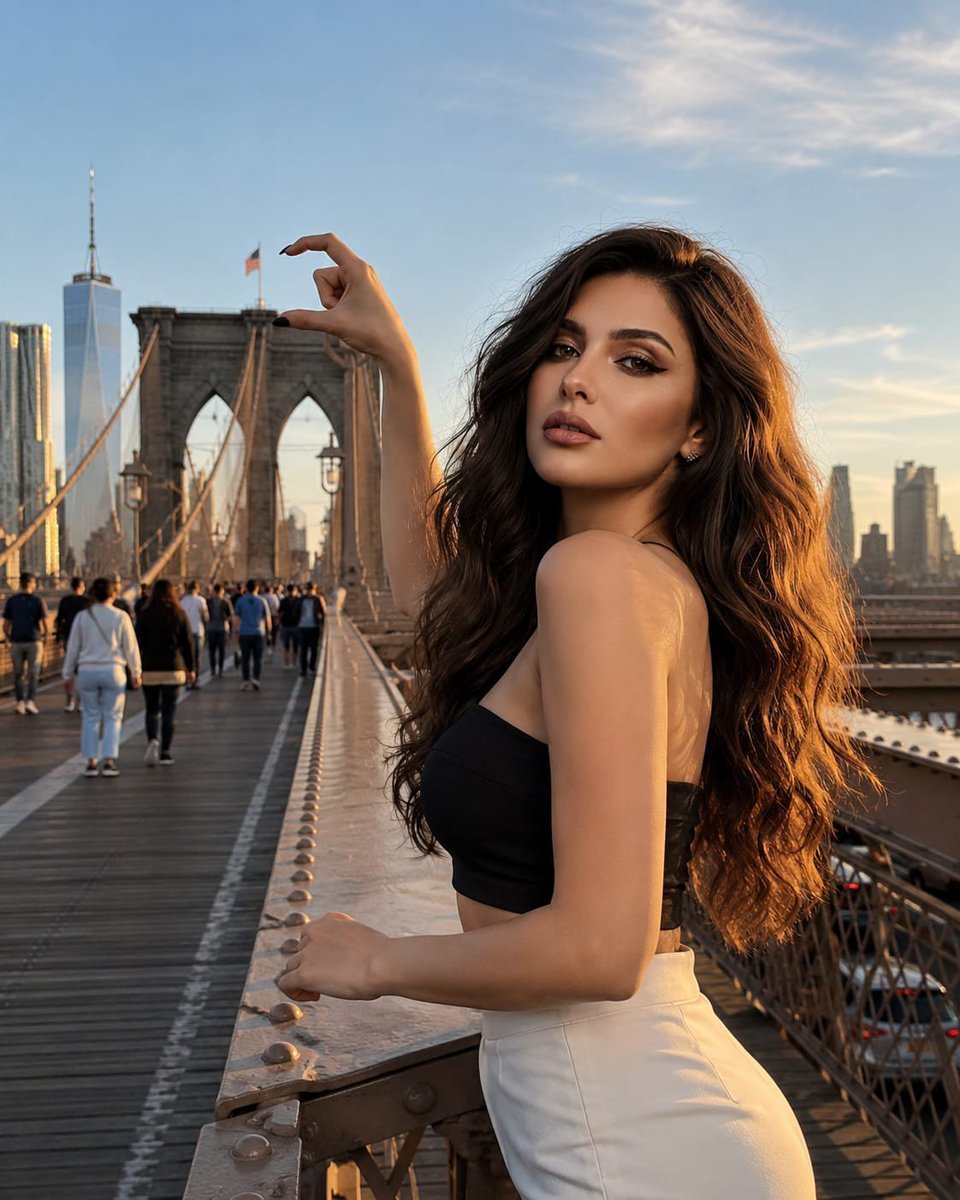
Forced Perspective Brooklyn Bridge Portrait
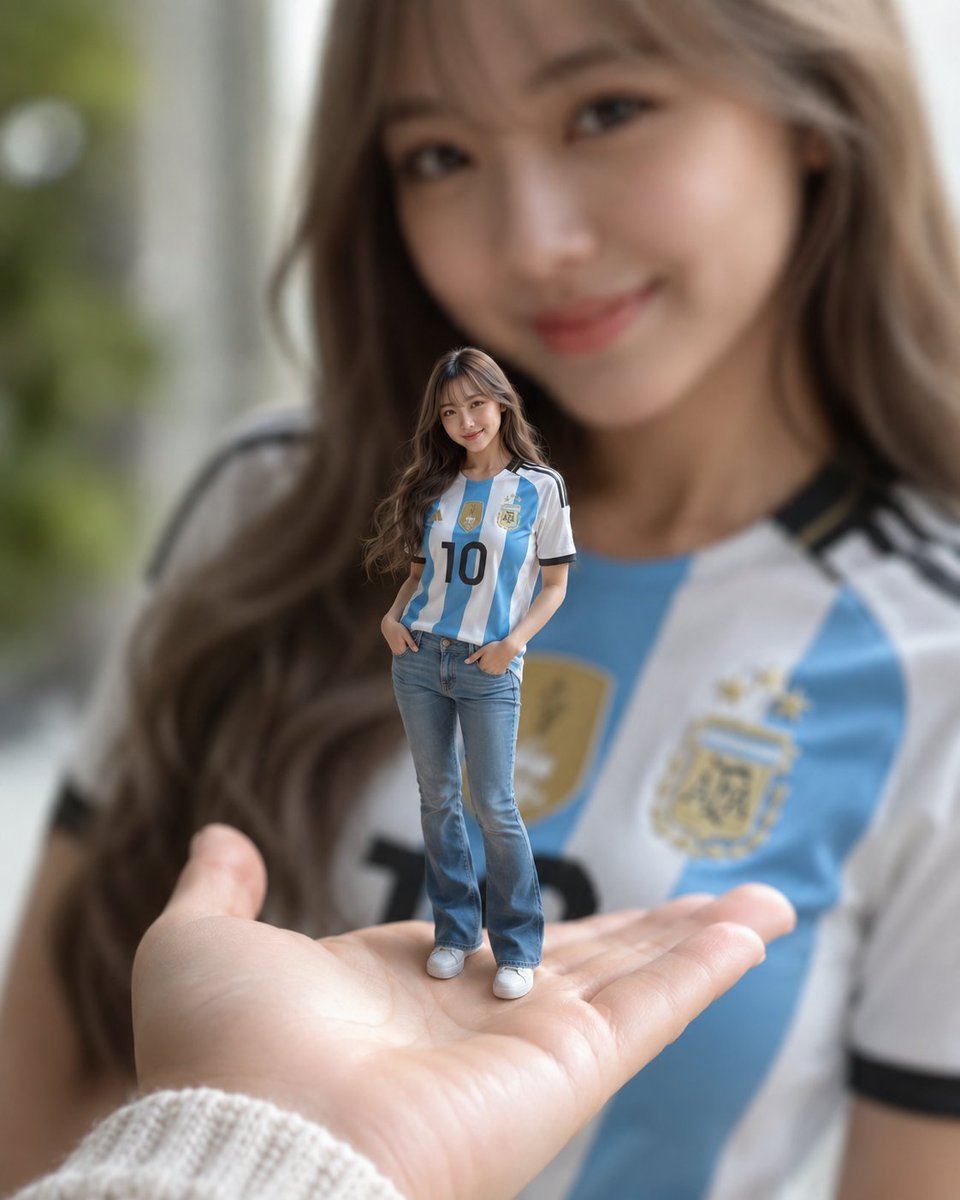
Miniature Woman Forced Perspective Portrait

Giant Woman Forced Perspective Street Photo

Giant Forced Perspective Street Product Selfie
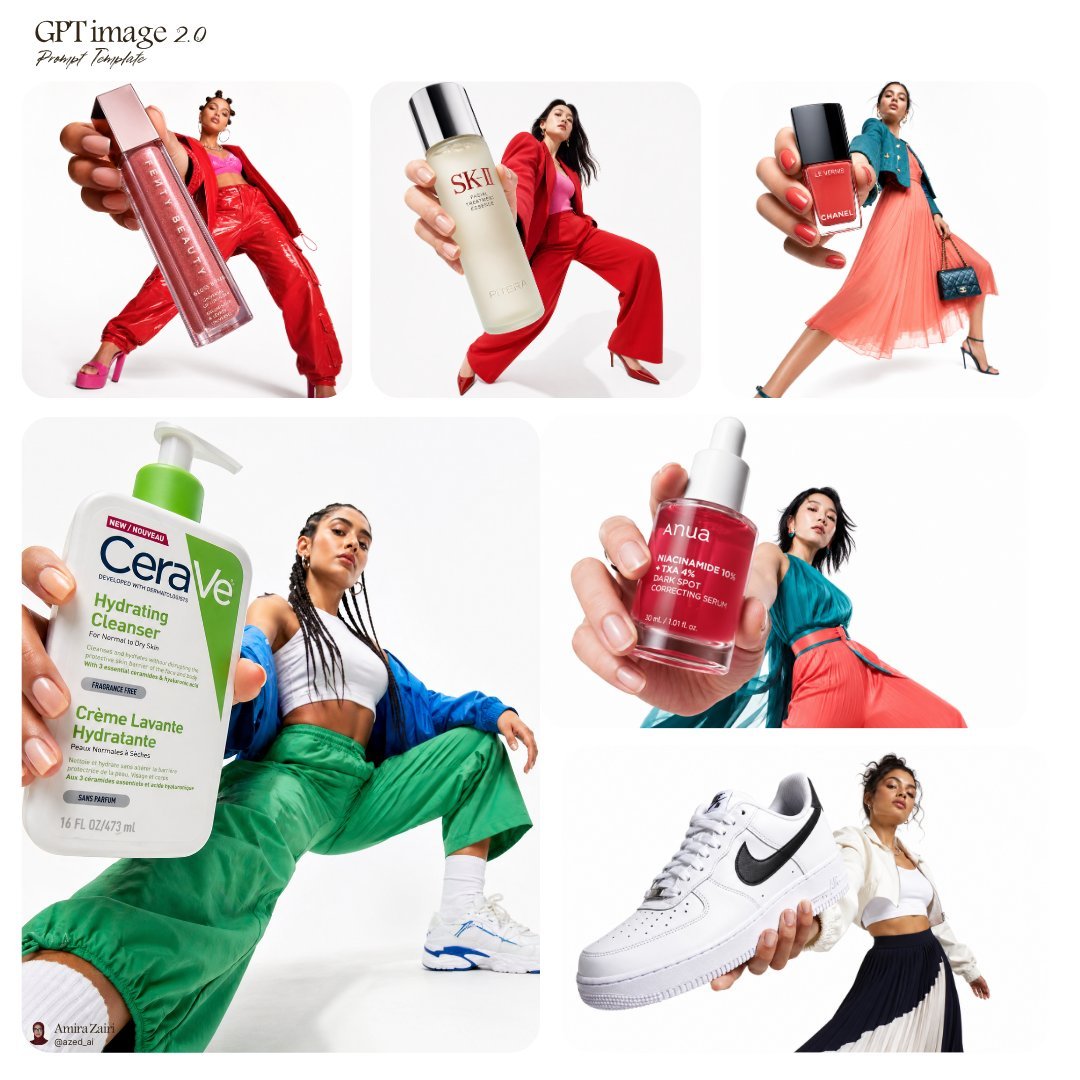
Forced Perspective Fashion Campaign
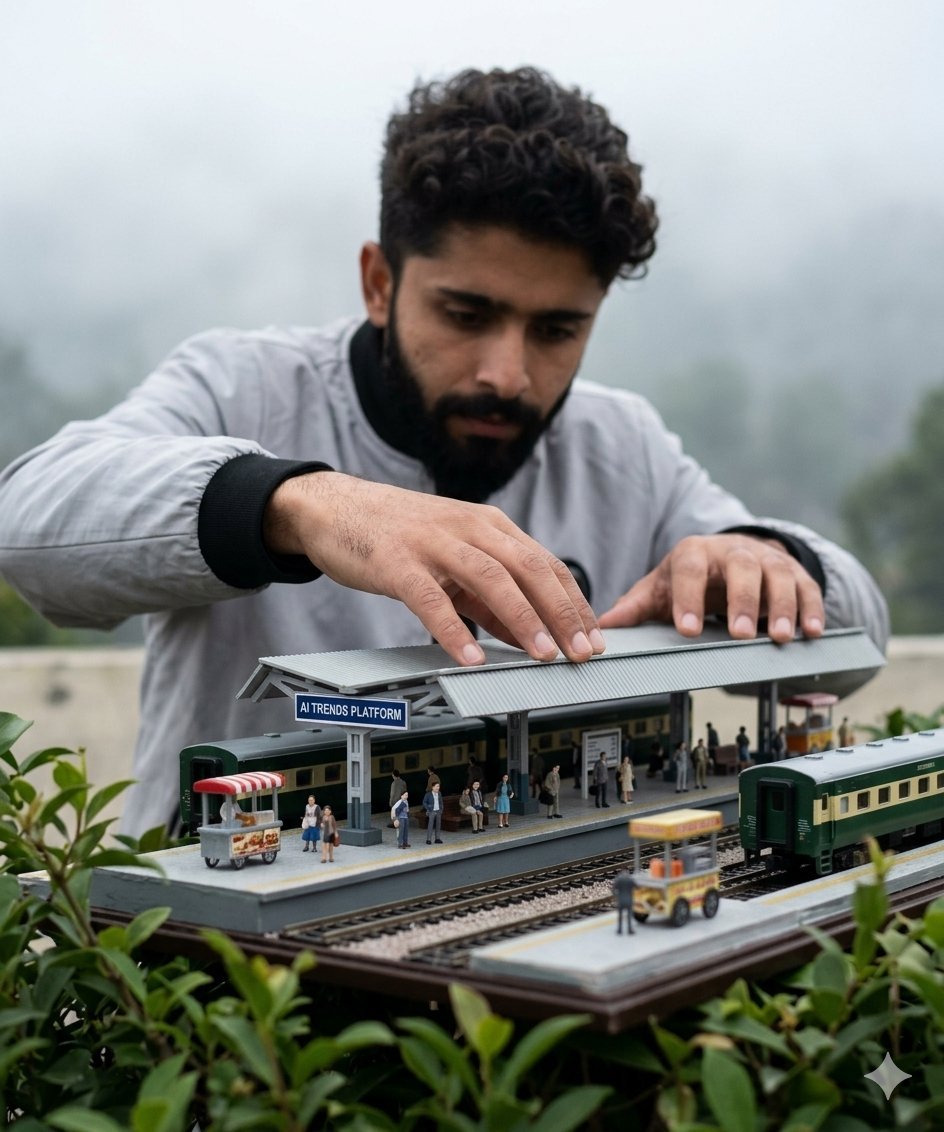
Forced Perspective Miniature Station
Make it yours
Character Emerging from Smartphone Screen (Forced Perspective) works as-is. These are the safest ways to change it without losing the look.
Change one field
Copy a single group, rewrite it, and generate again so you can see what that field is doing.
Keep the frame, change the subject
Hold the composition and light of Character Emerging from Smartphone Screen (Forced Perspective), then swap wardrobe, props or the person for a new take.
| If the result… | Why | Fix |
|---|---|---|
| The result drifts from the preview | Too many fields changed at once. | Reuse Character Emerging from Smartphone Screen (Forced Perspective) as-is first, then change one group — subject, light, or setting. |
| The model over-stylizes the scene | The prose prompt leaves finish and camera underspecified. | Add one camera or lighting sentence and stay on Nano Banana 2. |
More Nano Banana 2 templates
Other prompts made for Nano Banana 2.

Photorealistic Leaf Shaped Like a Dragon

K-Pop Idol Portrait Grid for Rapid Selection

Poetic Rain Forest Portrait During Golden Hour

Urban Street Portrait with Cartoon Inner Self Duo

Candid Nighttime Photo with Cat Prompt

High-Concept 3D Diorama Generation Prompt

Cinematic Futuristic Studio Portrait Template

Skincare Editorial Photography Collage Prompt

Hyper-Realistic Commercial Product Photography (Splash Effect)

Hyper-Realistic Nightclub Portrait Prompt
More image prompts
Fresh picks from across the catalog.

Cinematic Life-Journey Film Strip Portrait
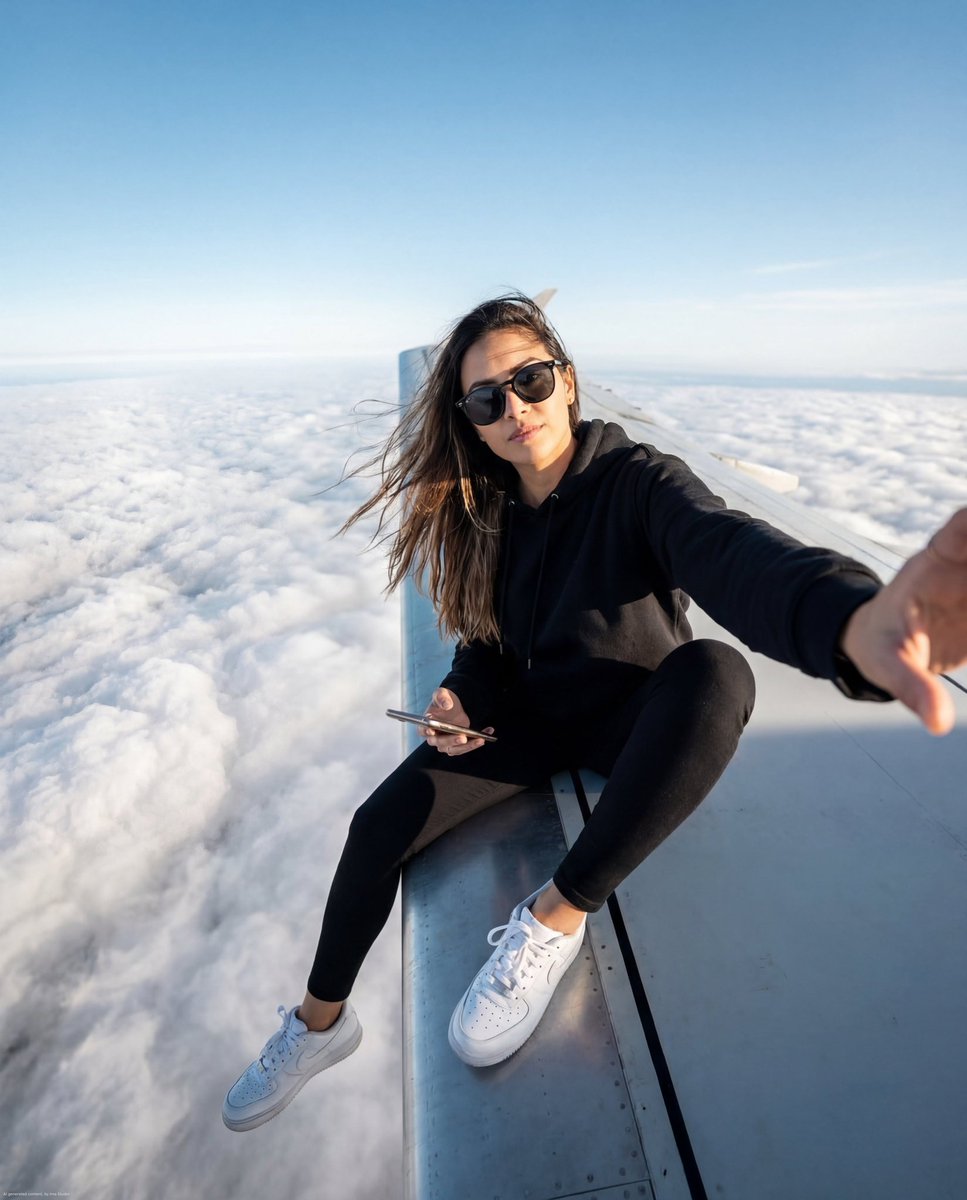
Airplane Wing Selfie Prompt (JSON)
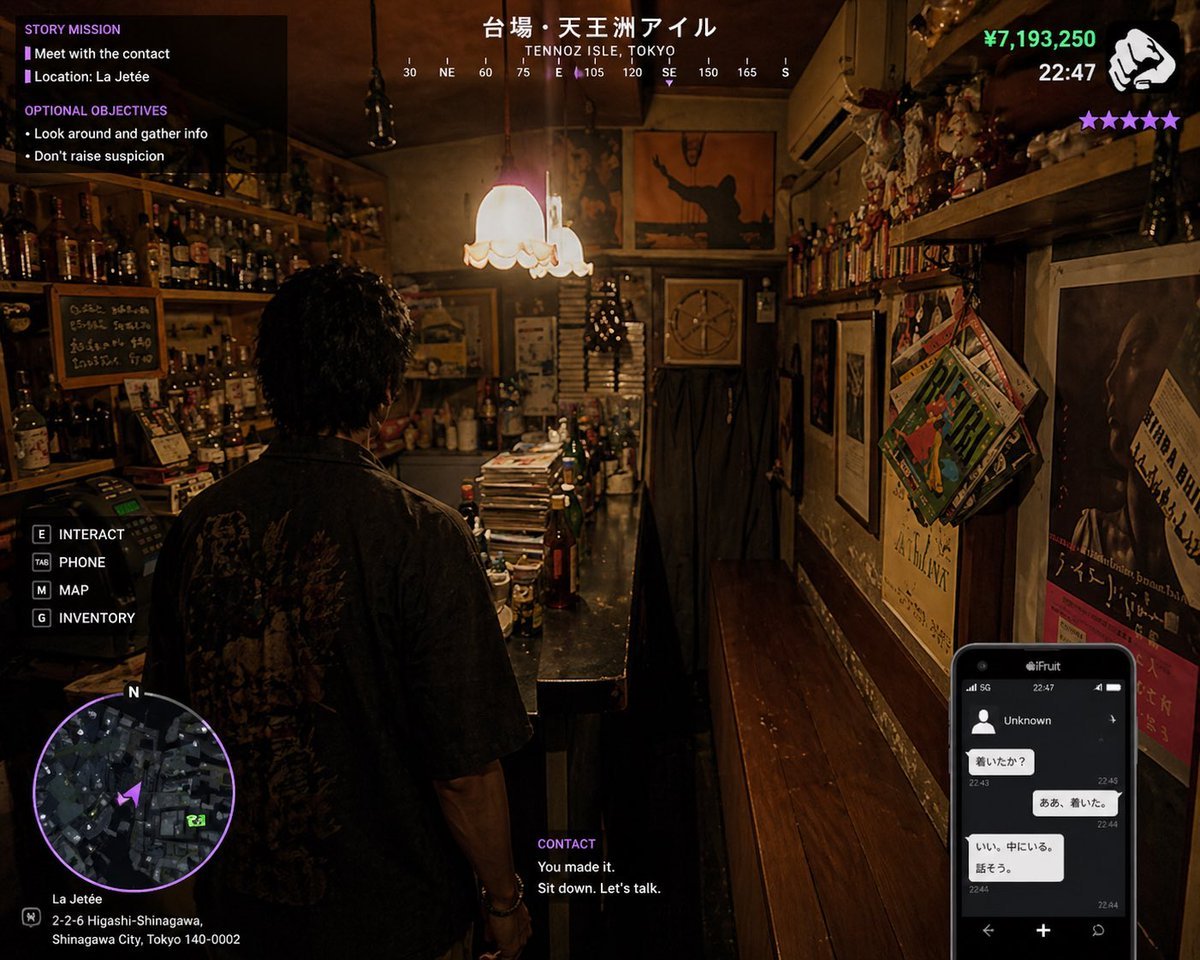
Gpt2 Game Asset Gta 6 Shinjuku Bar Scene
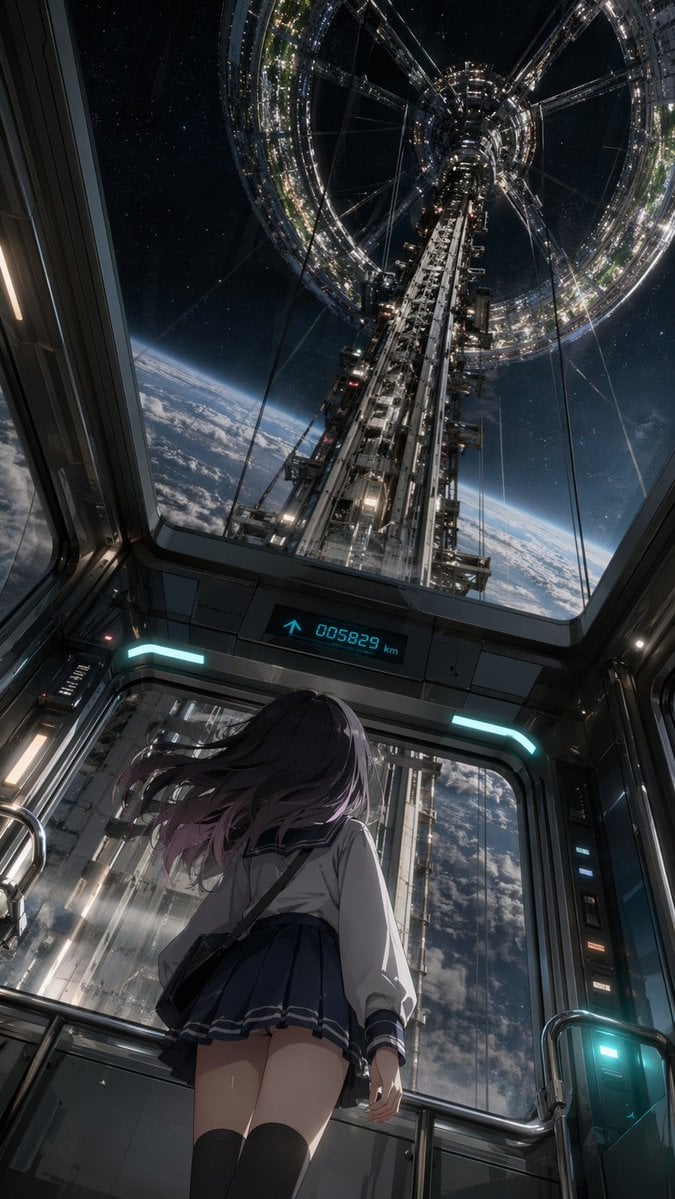
Anime Girl in Space Elevator
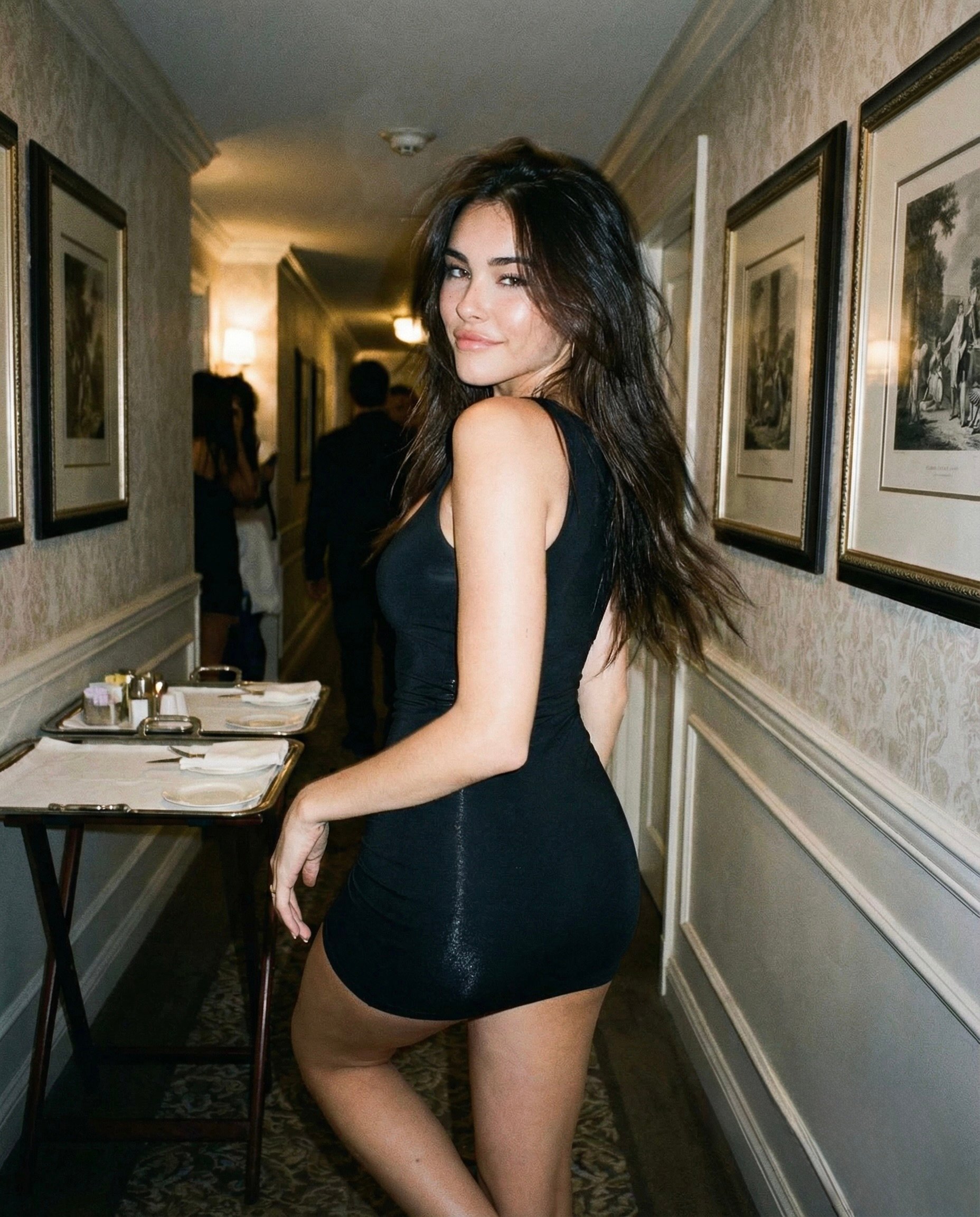
Madison Beer Hotel Iphone Flash
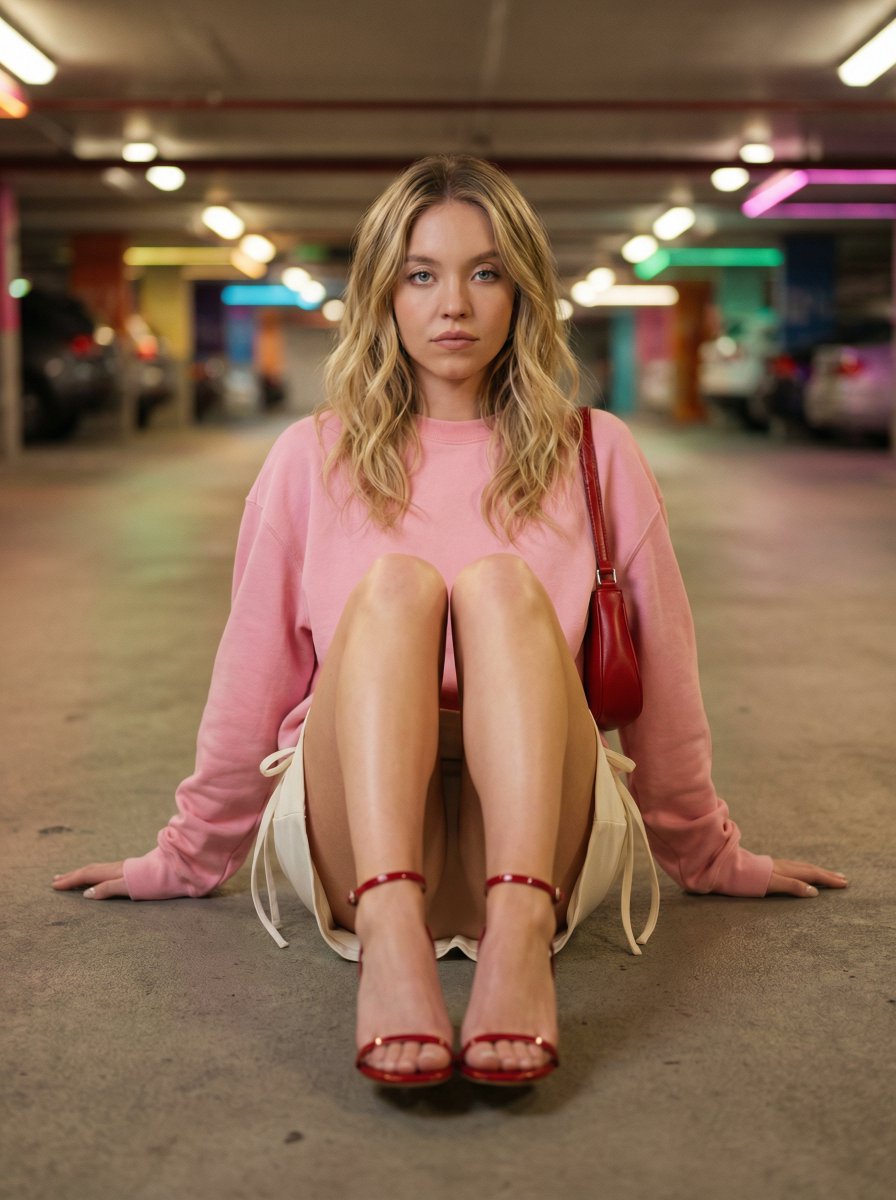
Cinematic Fashion Portrait in Underground Parking
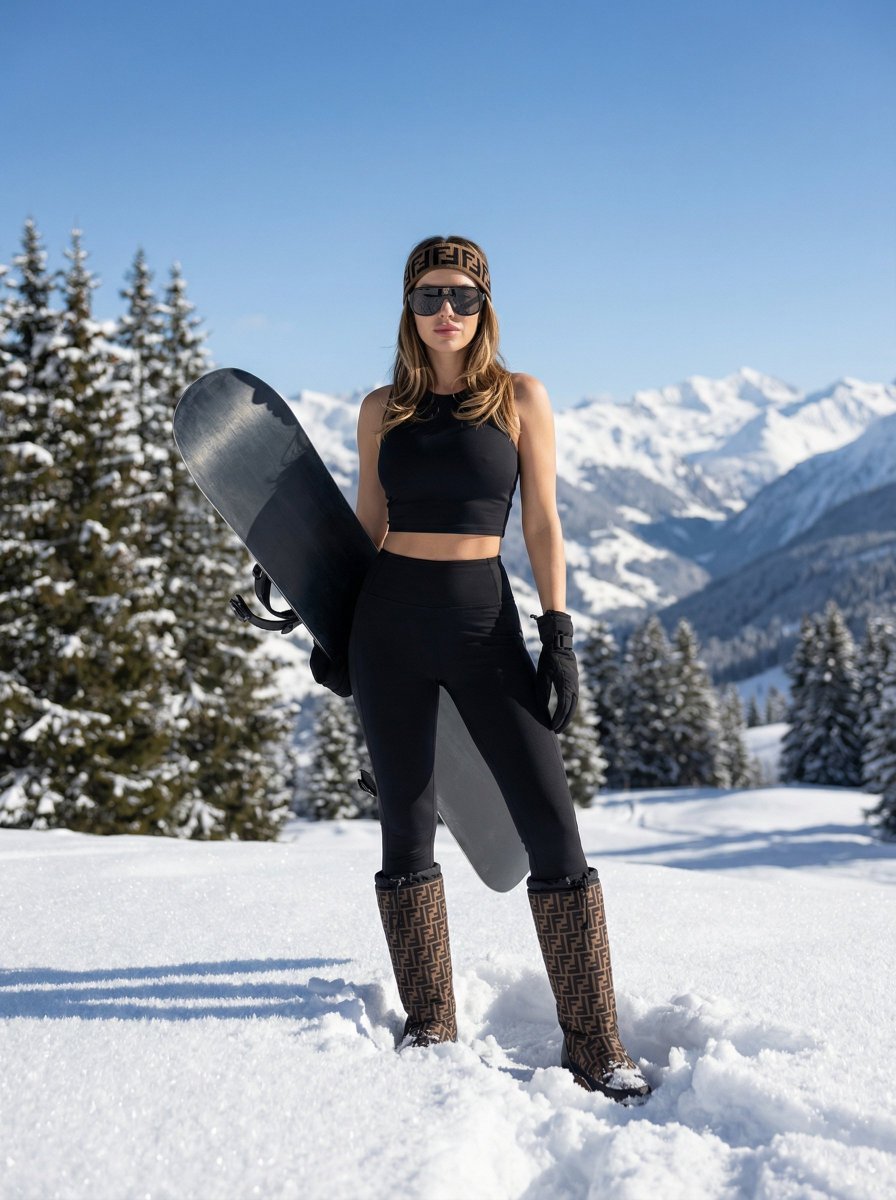
High-End Sporty Fashion Editorial Skiing
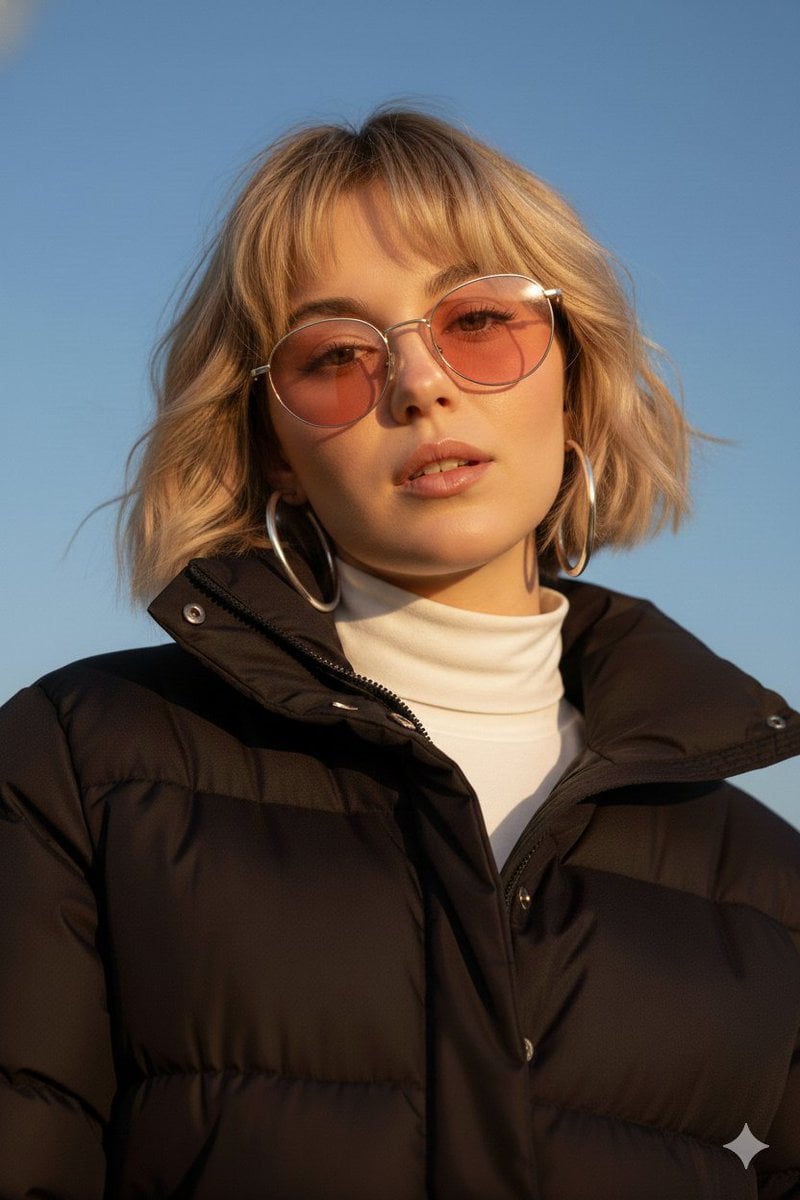
Cinematic Fashion Portrait Prompt
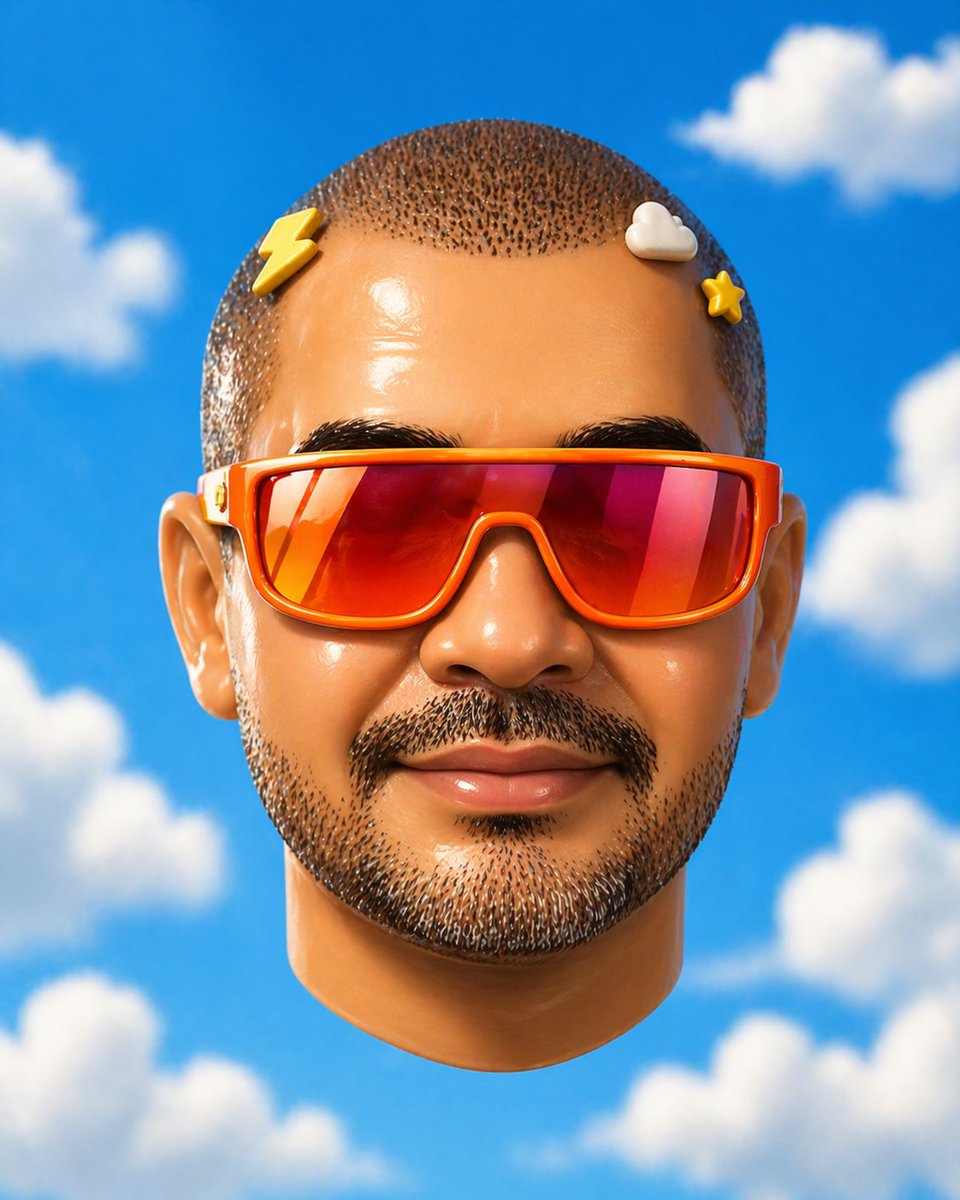
Surreal Floating Head With Censor Block
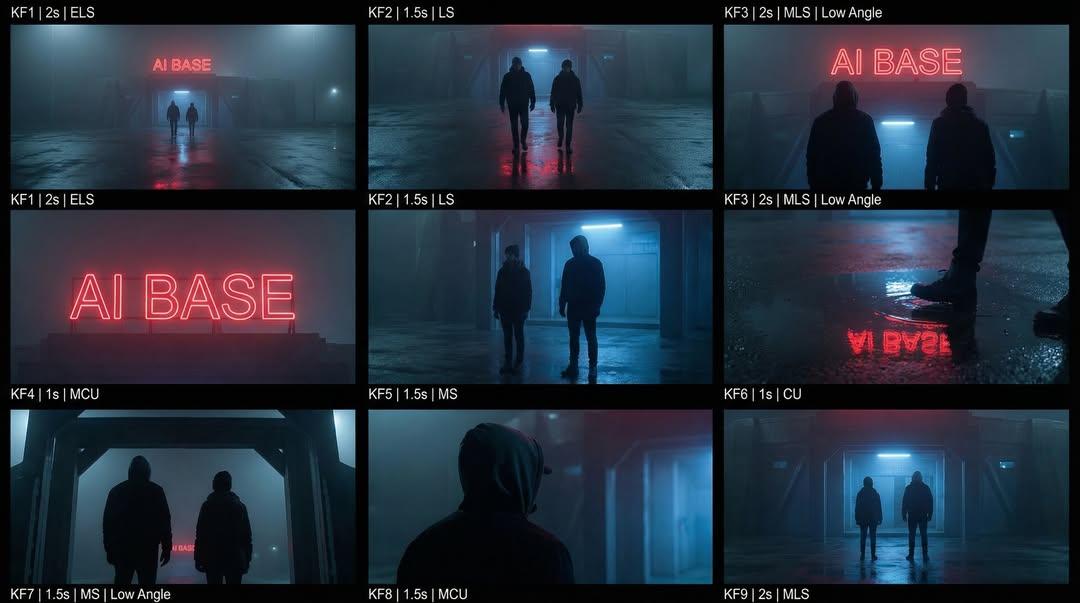
Cinematic Sci-Fi Storyboard Prompt for Nano Banana Pro
Browse template categories
Character Emerging from Smartphone Screen (Forced Perspective) questions
How do I use the Character Emerging from Smartphone Screen (Forced Perspective) template?
Add your photo if the template asks for one, edit the prompt if you like — the template's model and format are already selected — and press Generate. Your version opens in PicX Studio.
Can I customize the Character Emerging from Smartphone Screen (Forced Perspective) template?
Yes. You can change the subject, setting, lighting, mood, format, and available model controls before creating your image.
Is the Character Emerging from Smartphone Screen (Forced Perspective) template free?
Opening and editing this template is free. Generating uses credits, shown on the Generate button when you are signed in.
Which AI model should I use?
Start with Nano Banana 2, which is the model associated with this template. You can compare another compatible model for a different finish.
Looking for something else? Browse all templates.

Your photo, any look
Thousands of ready templates for every top image and video model, from one credit balance.