
Giant Forced Perspective City Selfie
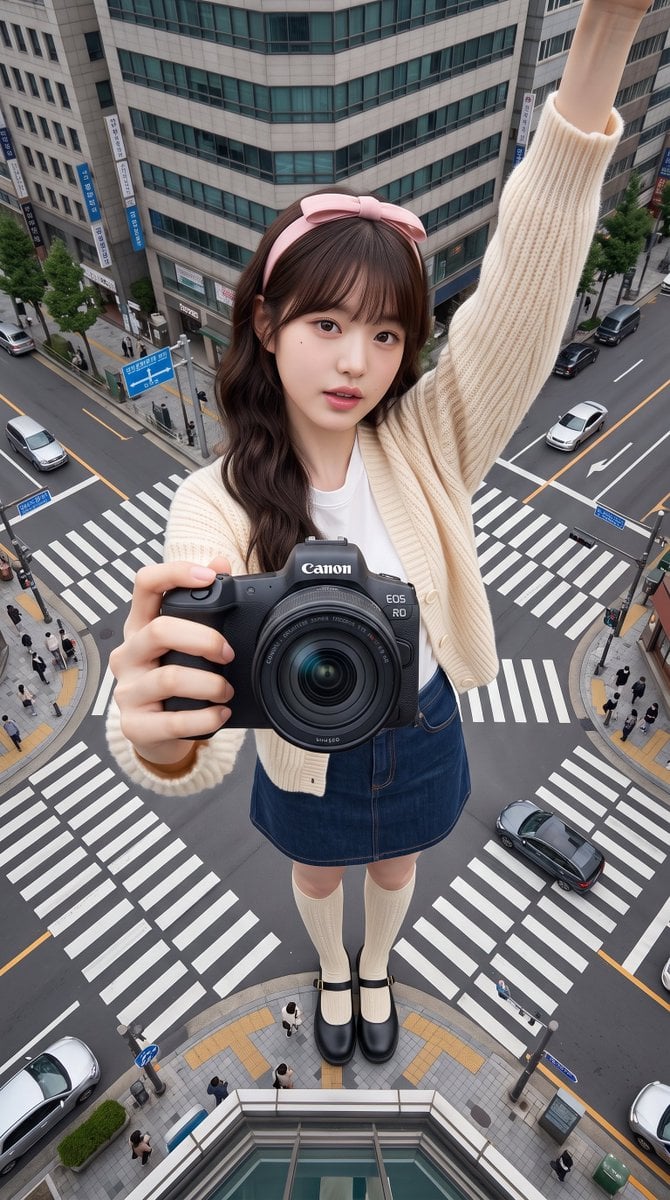
A complex prompt for gpt-image-2 utilizing forced perspective to create a 'giant woman' selfie effect in a realistic urban intersection.
- Prompt included
- Model and format preset
- Free template
The prompt behind this image
Copy the exact prompt behind Giant Forced Perspective City Selfie, or open it in the studio and make it yours.
主体人物: {argument name="主体" default="一位年轻女性,使用参考图片中的人物作为主体,严格保持参考图中的面部特征、肤质、发型、眼镜(如有)、年龄和性别完全一致,不改变五官、不改变肤色、不改变发型、不改变性别,不使用AI感皮肤或雕塑感皮肤,整体呈现自然真实的人像效果。"} 服装: 保持参考图片中的服装,不做修改。 姿势: 人物自拍,一只手完全伸直并高高举起,拿着自拍设备进行拍摄,手臂完整且清晰可见,是画面的重要组成部分,但自拍设备本身不能出现在画面中;另一只手完全伸向镜头,拿着提供的 {argument name="相机产品" default="Canon 相机产品"},并尽可能靠近镜头,使产品成为距离镜头最近、最醒目的主体;头部微微朝向自拍镜头,自然轻微倾斜,面部表情轻松、自然;全身完整出镜,从头到脚完整可见,双脚自然站立并清楚接触地面。 场景: {argument name="场景" default="真实城市道路十字路口,包含人行横道、道路标线、交通标志、汽车、自行车以及真实比例的行人,整体为真实的地面城市街景环境。"} 镜头构图: 采用自拍视角,镜头位于人物上方,以极端俯视(Top-down)角度向下拍摄,形成自然自拍透视;画面层次依次为:最前方是 Canon 相机产品,其次是人物面部,再是完整身体,最后是城市背景环境,具有明显的空间纵深感。 透视效果: 采用强制透视(Forced Perspective)效果,使人物呈现巨大化视觉效果;女性体型巨大,占据整个画面主体,周围建筑物缩小至仅约膝盖高度,整体保持震撼比例,同时符合真实摄影的空间透视逻辑,不产生夸张失真。 环境氛围: 真实、自然、具有电影感的城市生活场景,突出震撼尺度与真实摄影效果,不采用幻想或超现实环境。 灯光: 自然日光照明,晴天或轻微多云天气,柔和真实阴影,不使用奇幻灯光、戏剧化灯光或霓虹光效。 摄影风格: 超写实电影级自拍摄影(Hyper-realistic Cinematic Selfie Photography),真实相机拍摄质感,强调自然透视、高真实感、电影氛围。 产品要求: 使用上传的 Canon 相机产品作为拍摄主体之一,产品外观保持完全一致,不改变形状、颜色和 Logo,不产生任何变形,仅保留真实反光与自然高光效果。 画质要求: 最高级别真实感(Maximum Photorealism),前景、人物与背景层次分明,细节丰富,无任何AI绘画痕迹,无伪影(Artifacts),整体呈现专业商业摄影品质。 负面要求: 禁止 AI 绘画感、塑料皮肤、雕塑质感、人物面部或身体变形、额外肢体、错误人体结构、文字、水印,以及自拍设备出现在画面中。 画面比例:9:16
How to use Giant Forced Perspective City Selfie in 3 steps
- 1Upload ImagePNG, JPG or paste
Add your photo
Upload the photo the template builds on. The prompt, model and format are already set.
- 2…a portrait of your subject in softgolden-hour light, 85mm…
Personalize
Edit the subject and creative details for your destination.
- 3Generate
Generate
Press Generate — your image is created in PicX Studio, so you can compare it with the original and refine one variable at a time.
More like this
Templates with the same subject, style or setup. Open one to see its prompt.

Giant Forced Perspective Street Product Selfie
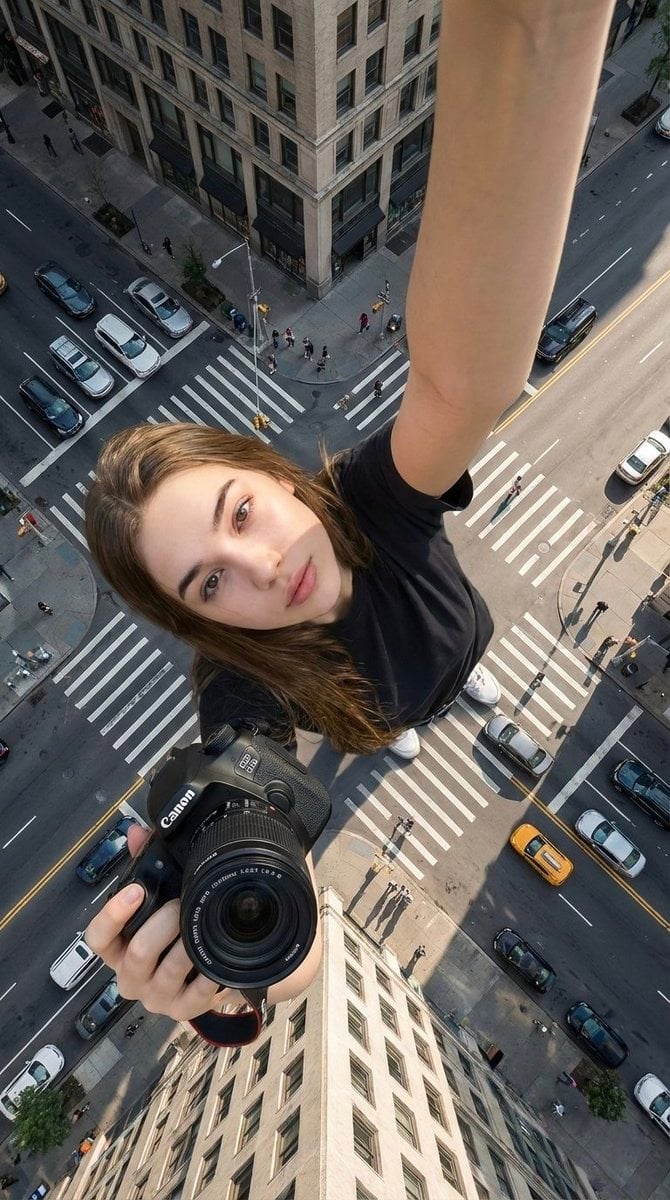
Forced Perspective Urban Giant Selfie
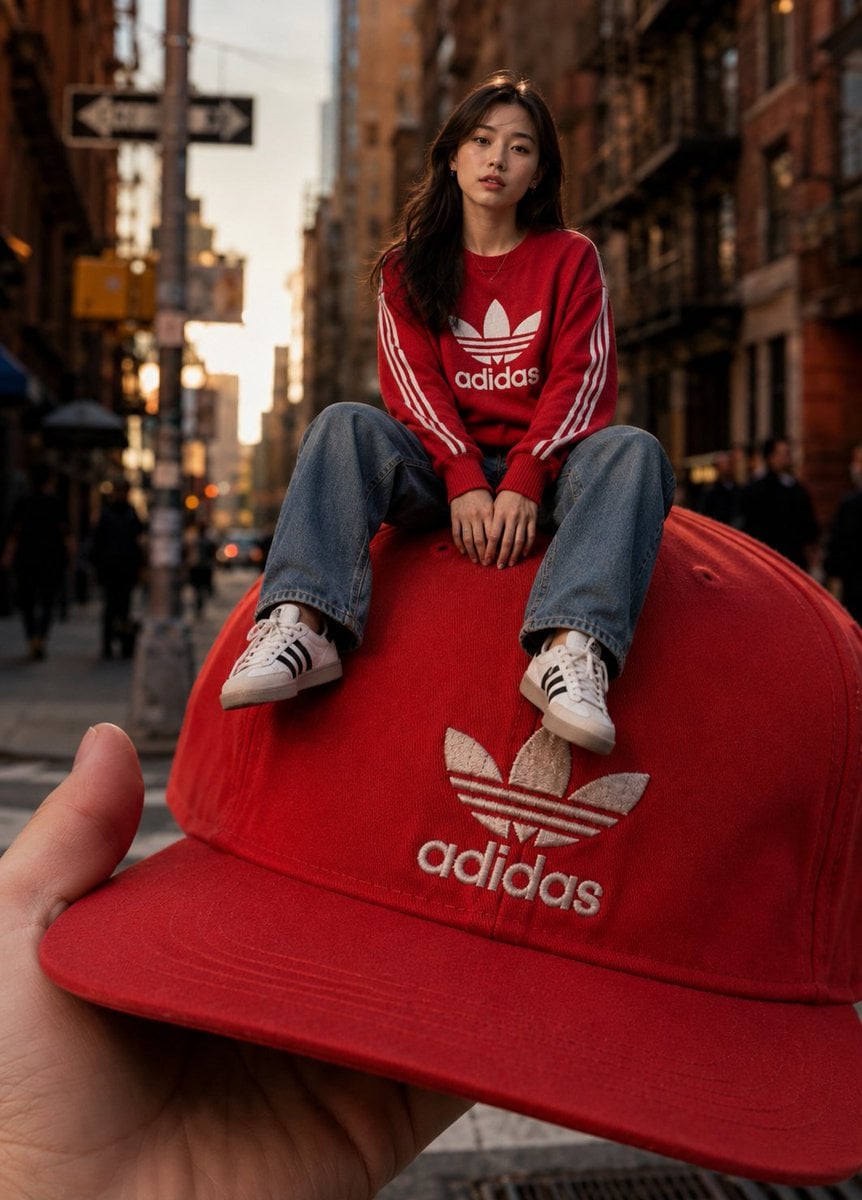
Giant Fashion Cap Forced Perspective

Giant Woman Forced Perspective Street Photo
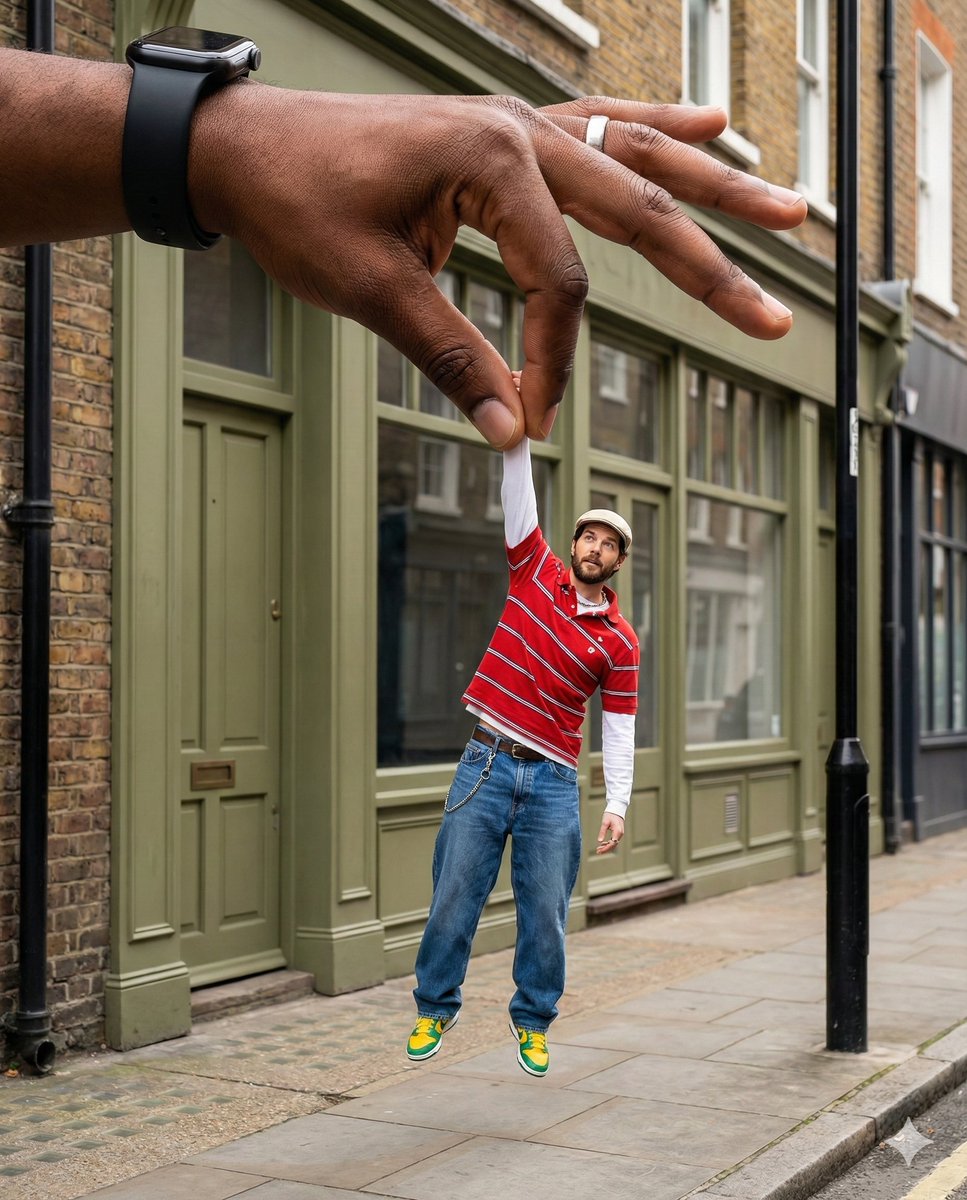
Surreal Forced-Perspective Street Photography with Giant Hand
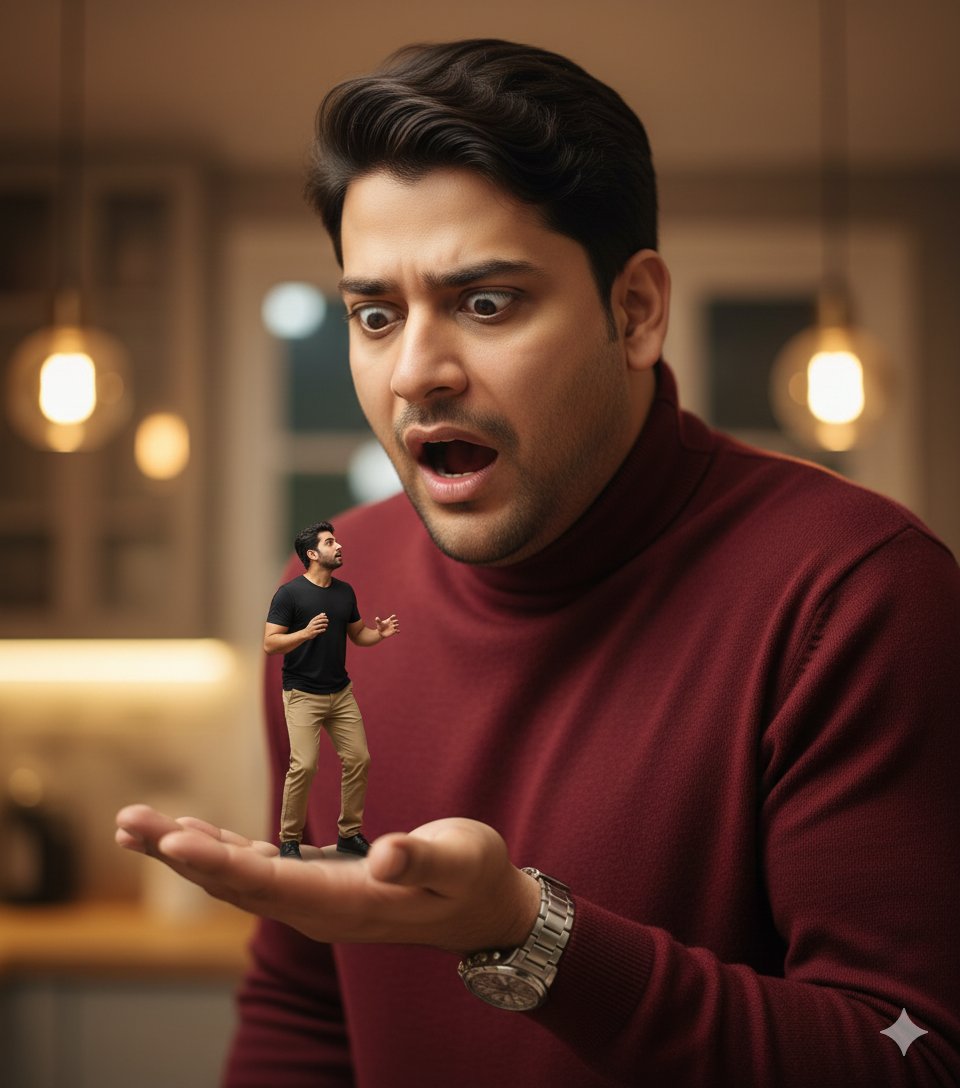
Surrealist Forced Perspective Giant/Miniature Man Prompt
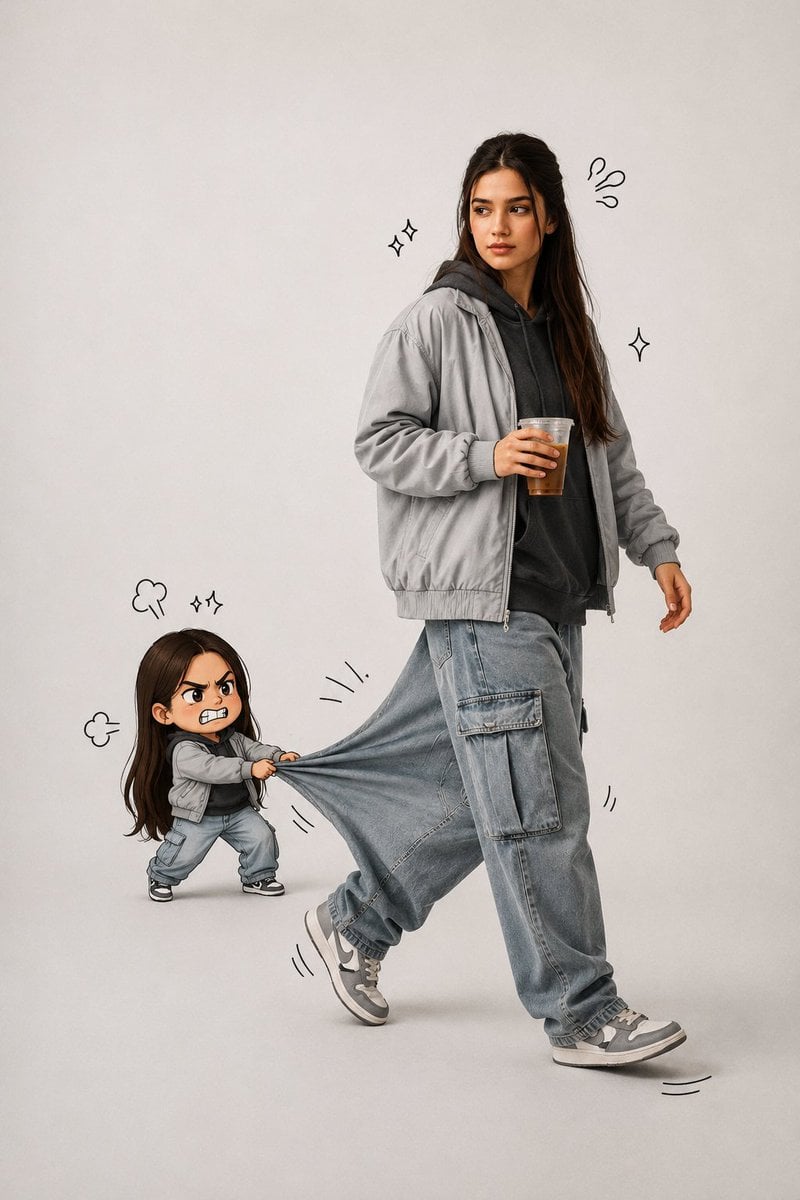
Forced Perspective Chibi Pants Pull Portrait

Cozy Knit Sweater Window Portrait

Minimalist Hand-Drawn Doodle Portrait
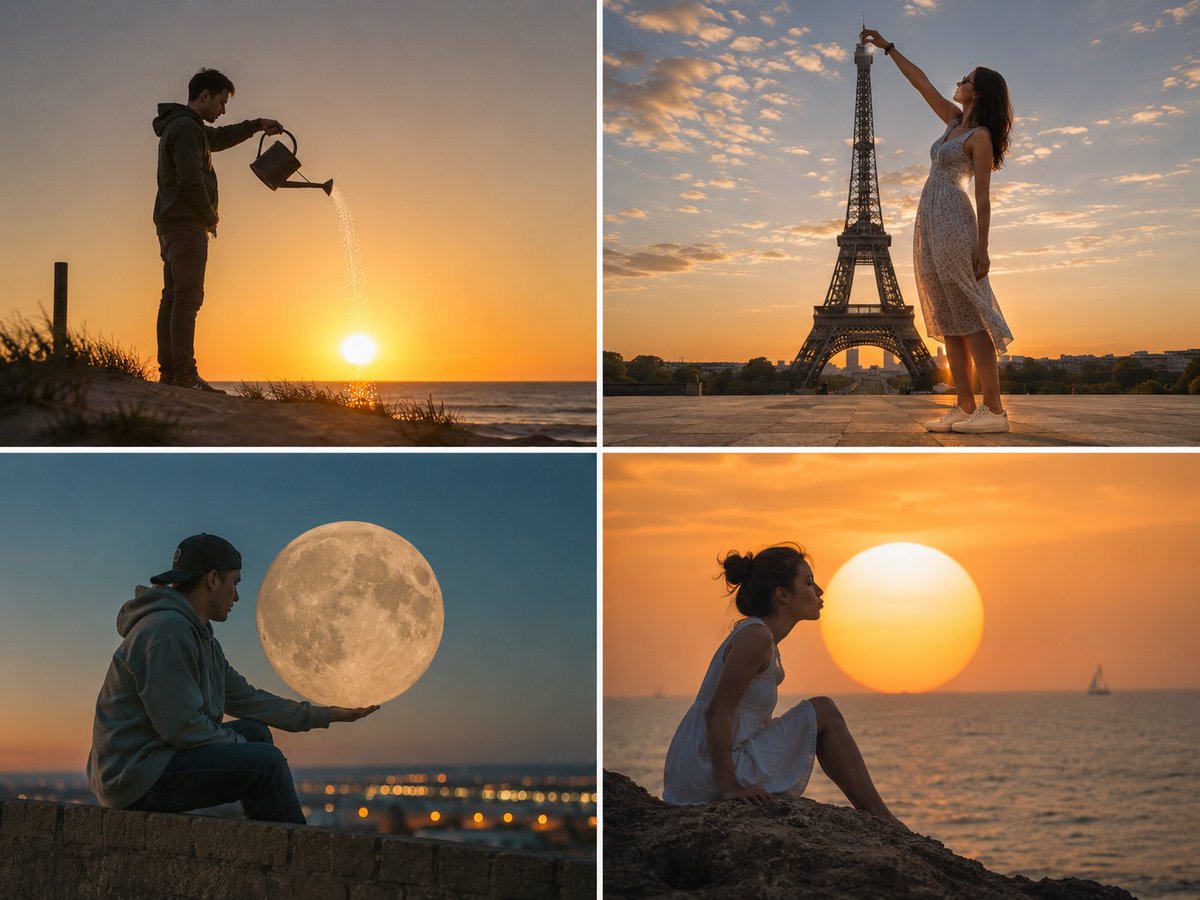
Forced Perspective Celestial Photo
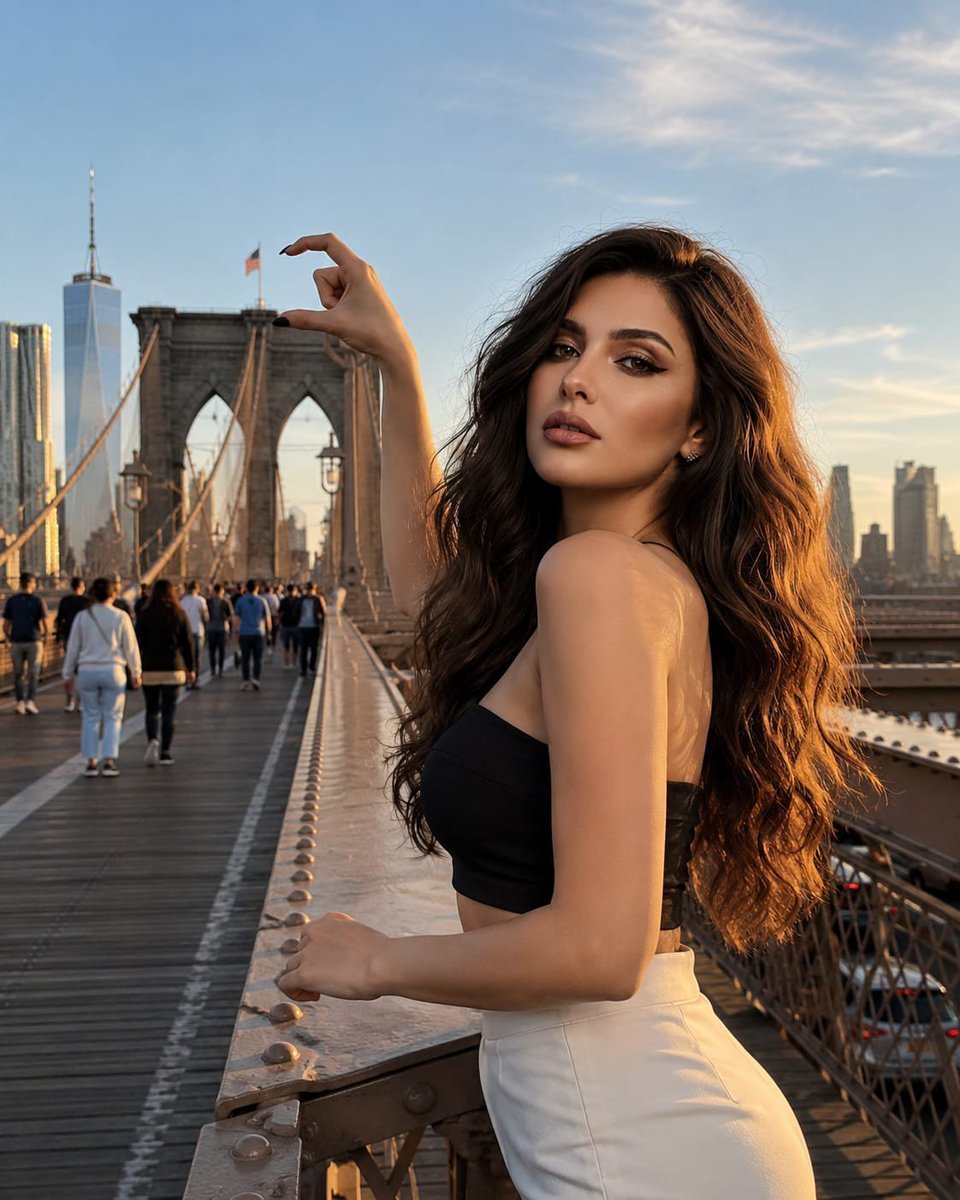
Forced Perspective Brooklyn Bridge Portrait
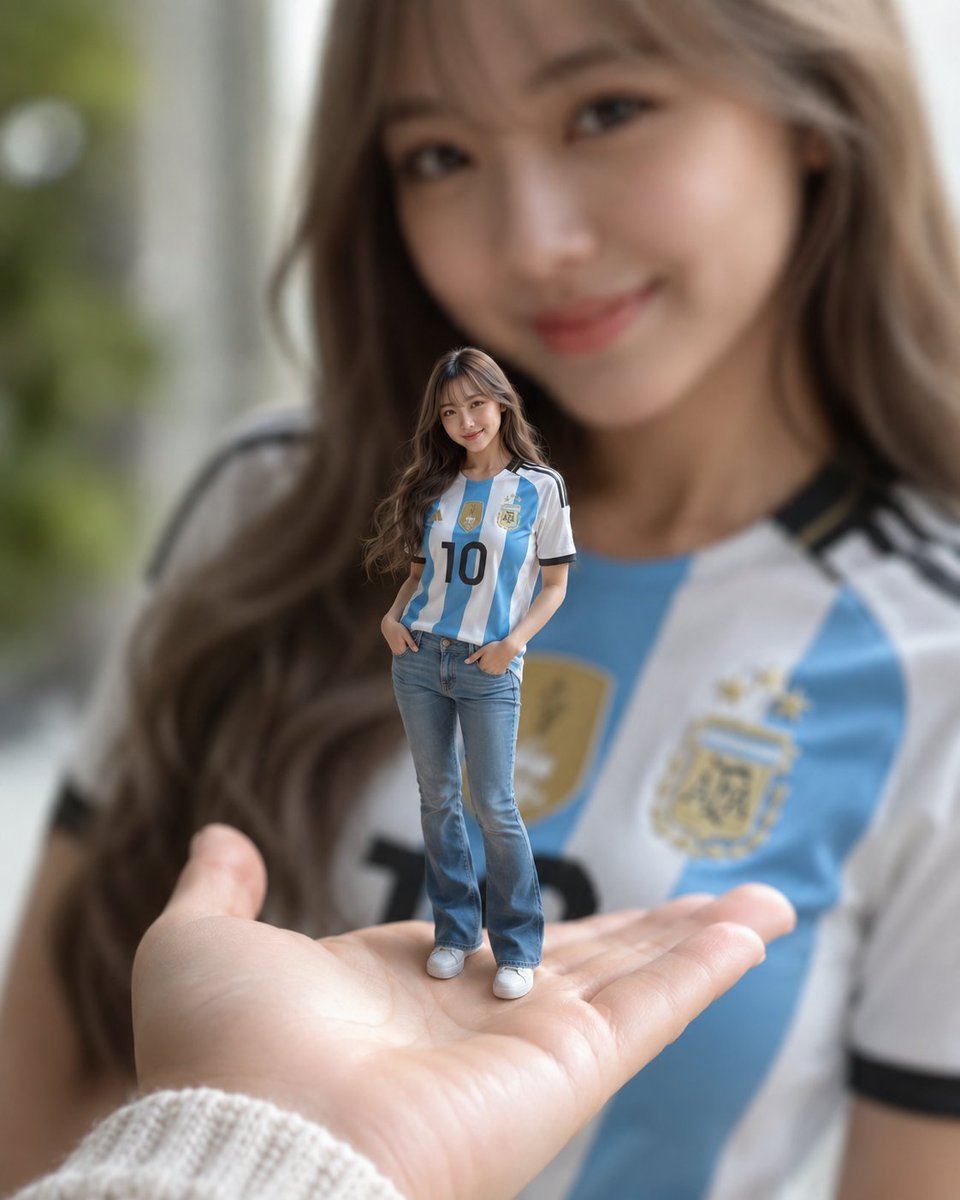
Miniature Woman Forced Perspective Portrait
Make it yours
Giant Forced Perspective City Selfie works as-is. These are the safest ways to change it without losing the look.
Change one field
Copy a single group, rewrite it, and generate again so you can see what that field is doing.
Keep the frame, change the subject
Hold the composition and light of Giant Forced Perspective City Selfie, then swap wardrobe, props or the person for a new take.
| If the result… | Why | Fix |
|---|---|---|
| The result drifts from the preview | Too many fields changed at once. | Reuse Giant Forced Perspective City Selfie as-is first, then change one group — subject, light, or setting. |
| The model over-stylizes the scene | The prose prompt leaves finish and camera underspecified. | Add one camera or lighting sentence and stay on GPT Image 2. |
More GPT Image 2 templates
Other prompts made for GPT Image 2.

Six VTuber Japanese Logo Sheet

Realistic Portrait of Woman and Deer

The Vista Modular Condo Poster

AI Model Routing Comparison Infographic

2.5D Anime Art Board

Isometric Productivity Desk Scene

New York Double Exposure Poster

Four-Panel AI Landscape Comparison

Japanese Tatami Lifestyle Magazine Cover

NESCAFÉ Coffee Map Poster
More image prompts
Fresh picks from across the catalog.
Kintsugi Black Ceramic Plate with Gold Decoration
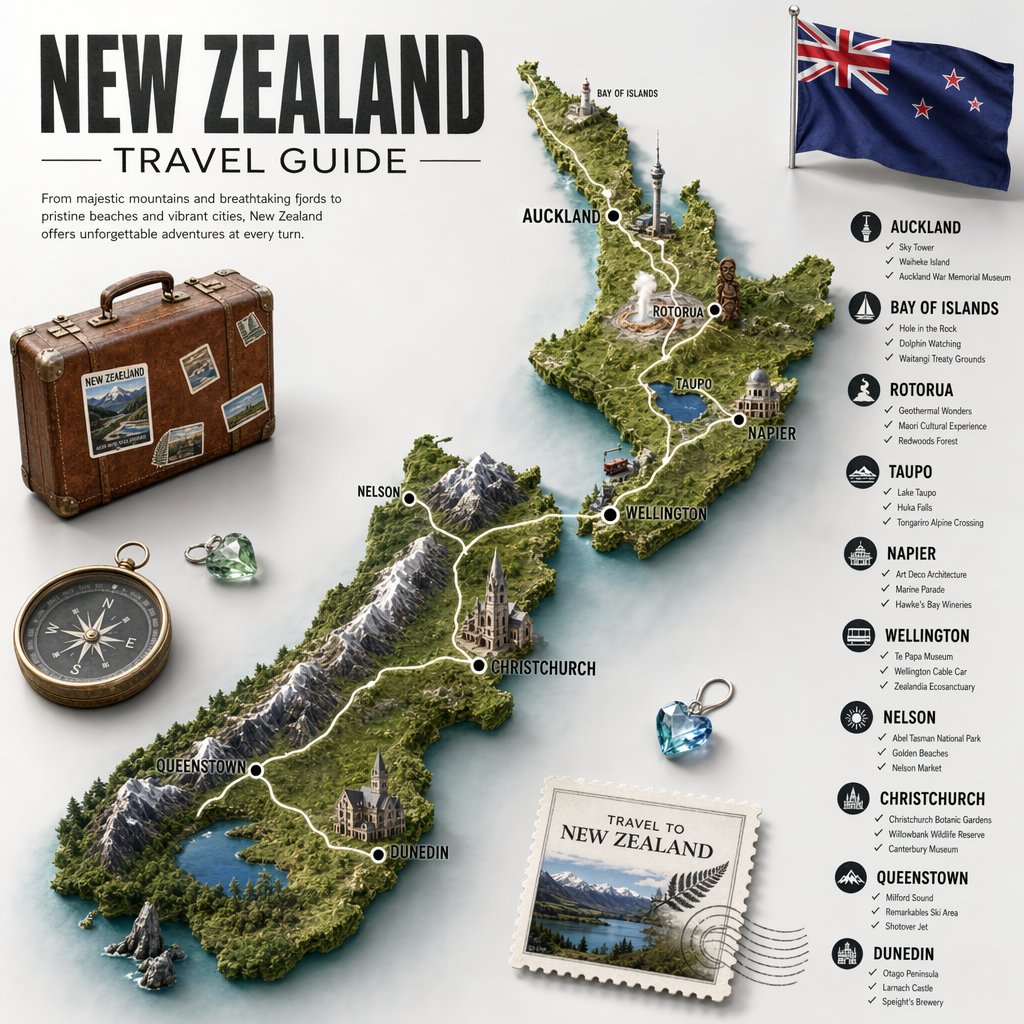
New Zealand Travel Guide Poster
Photorealistic Night Selfie Prompt
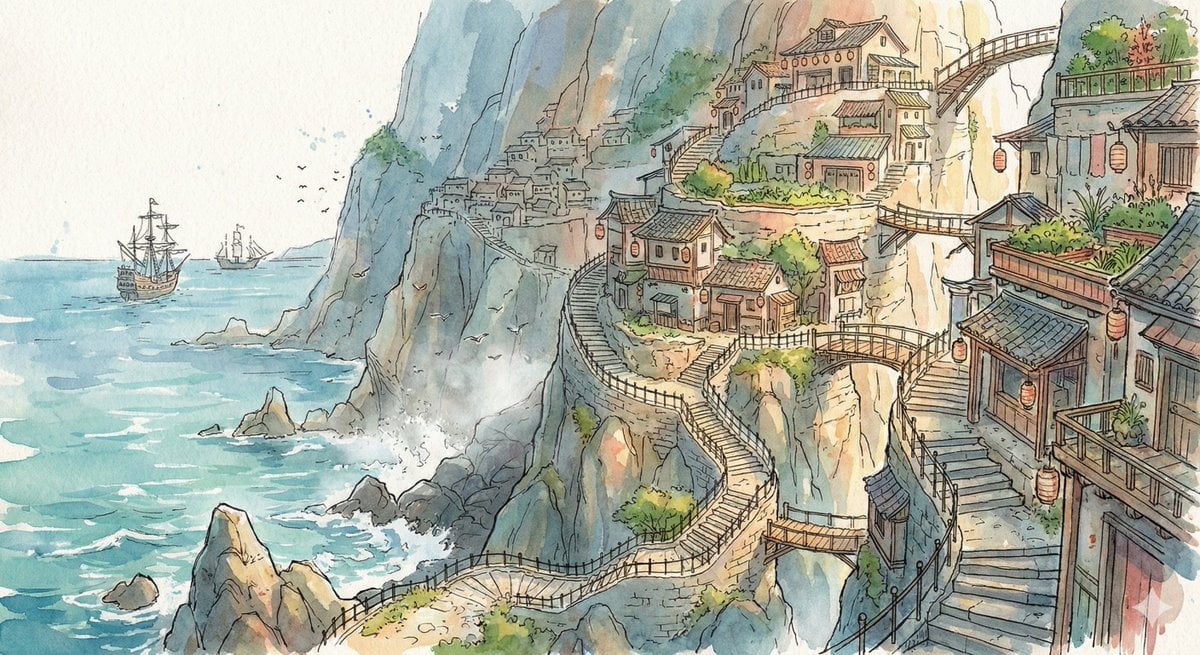
Watercolor Cliffside Village Illustration
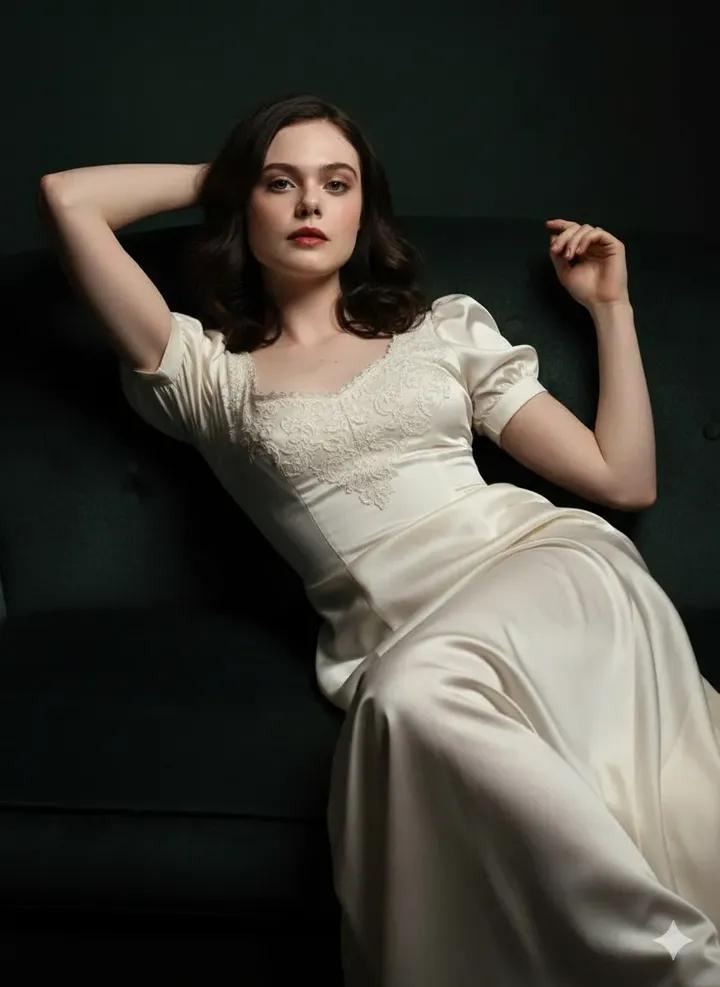
Fine Art Low-Key Portrait in Vintage Dress
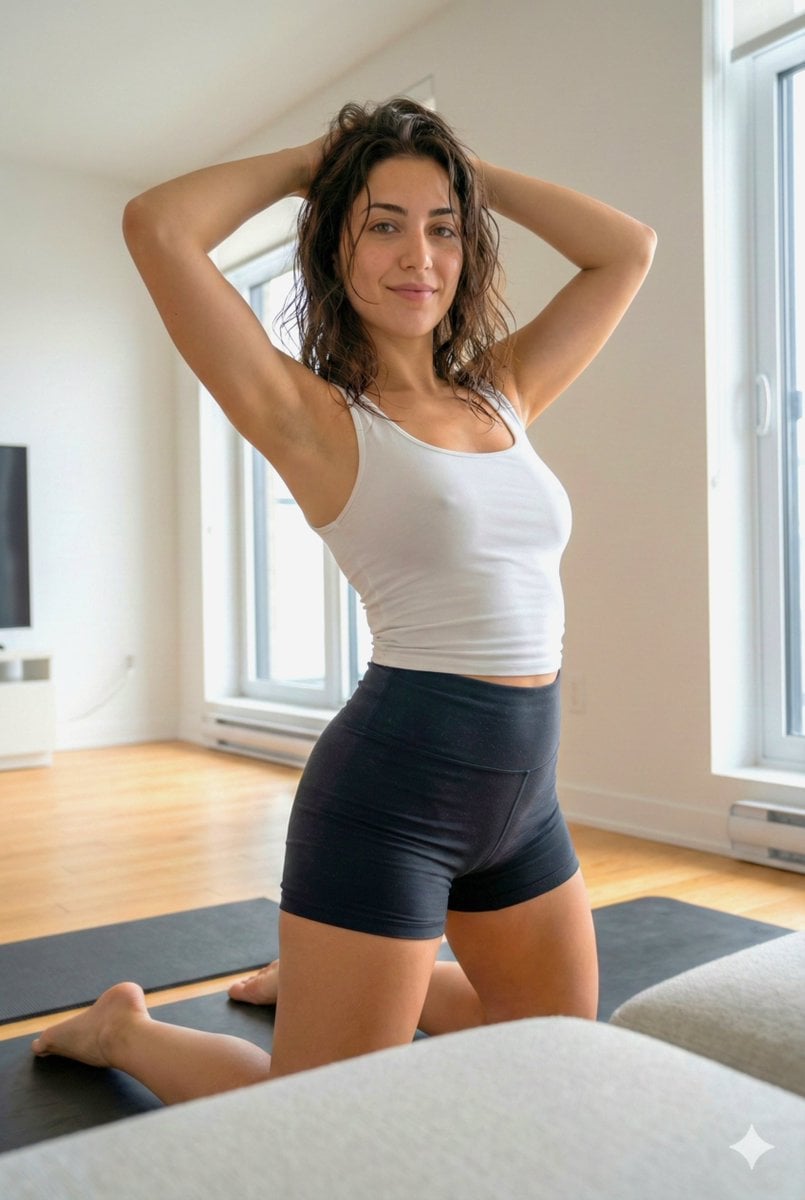
Curvy Athletic Stretching Selfie Prompt
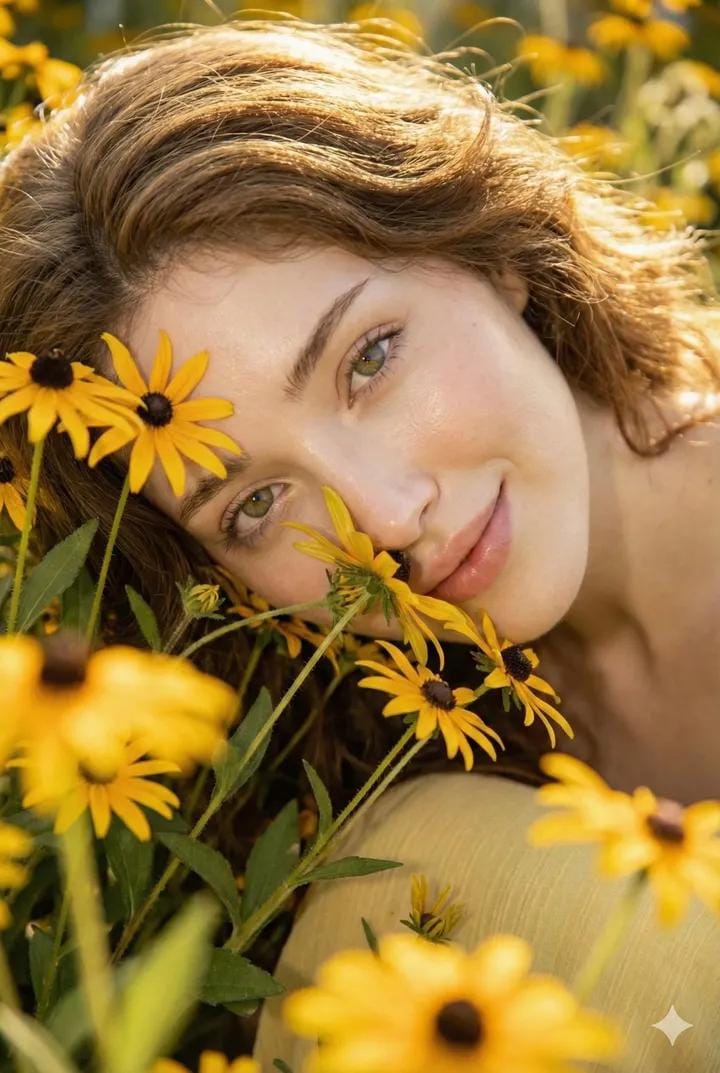
Cinematic Portrait with Harsh Flash and Floral Background (Duplicate)
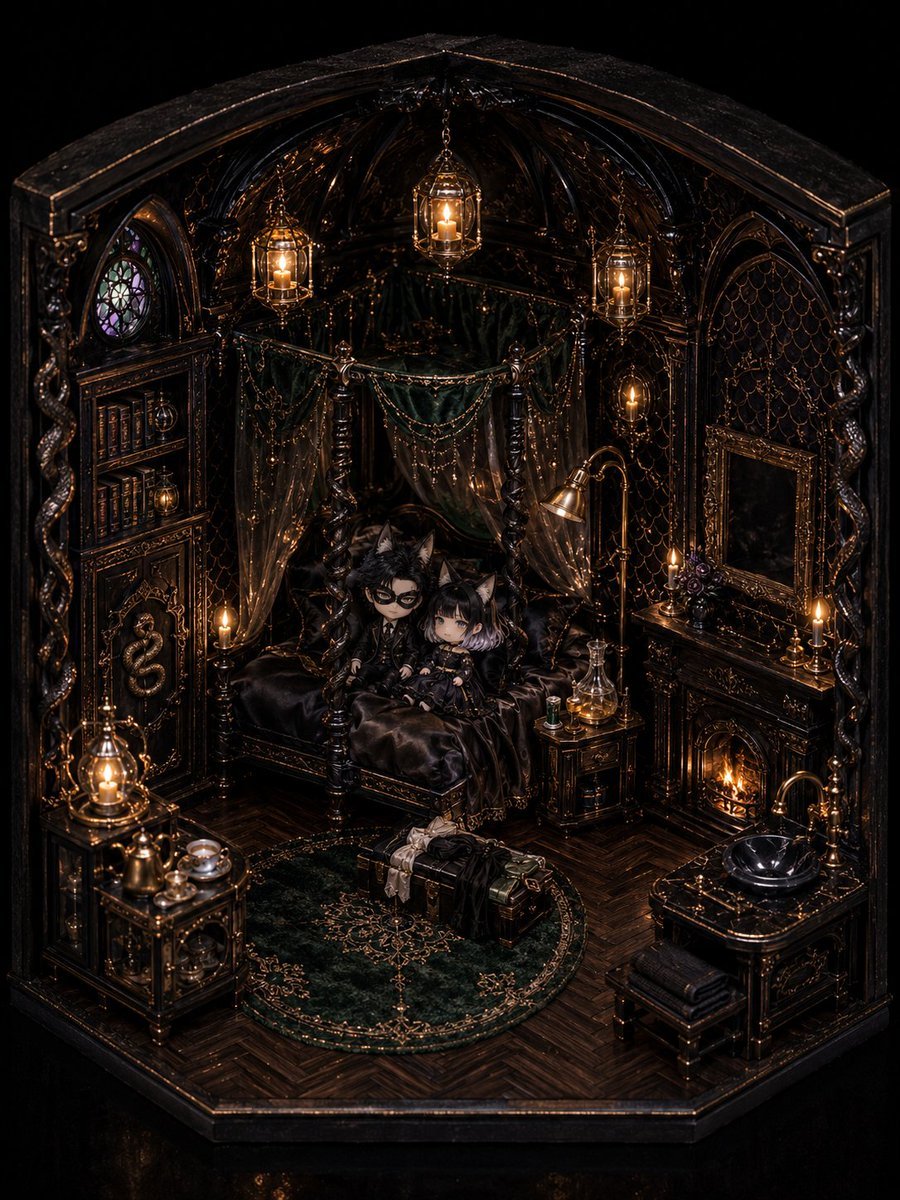
Gothic Chibi Dollhouse Chamber
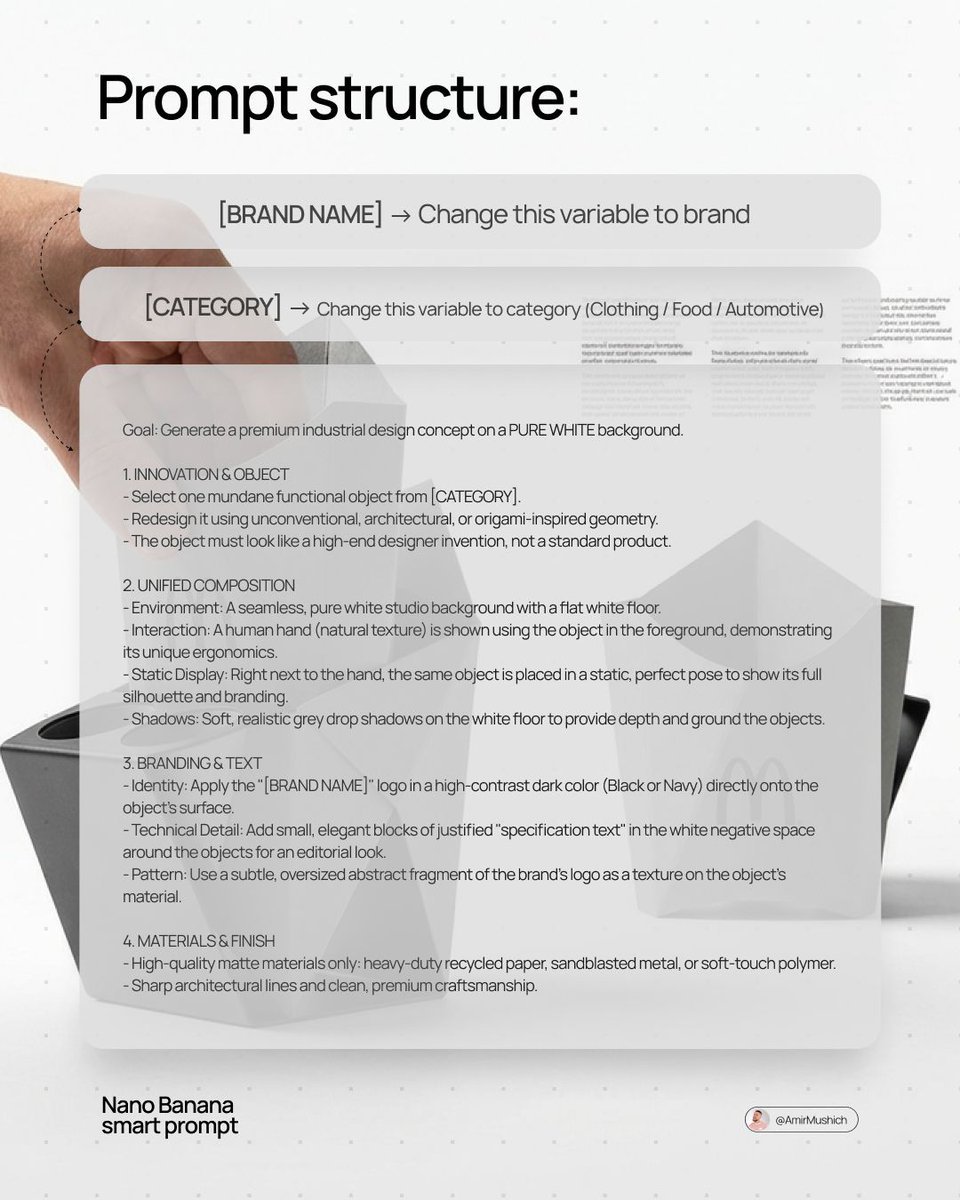
Industrial Design Concept Prompt
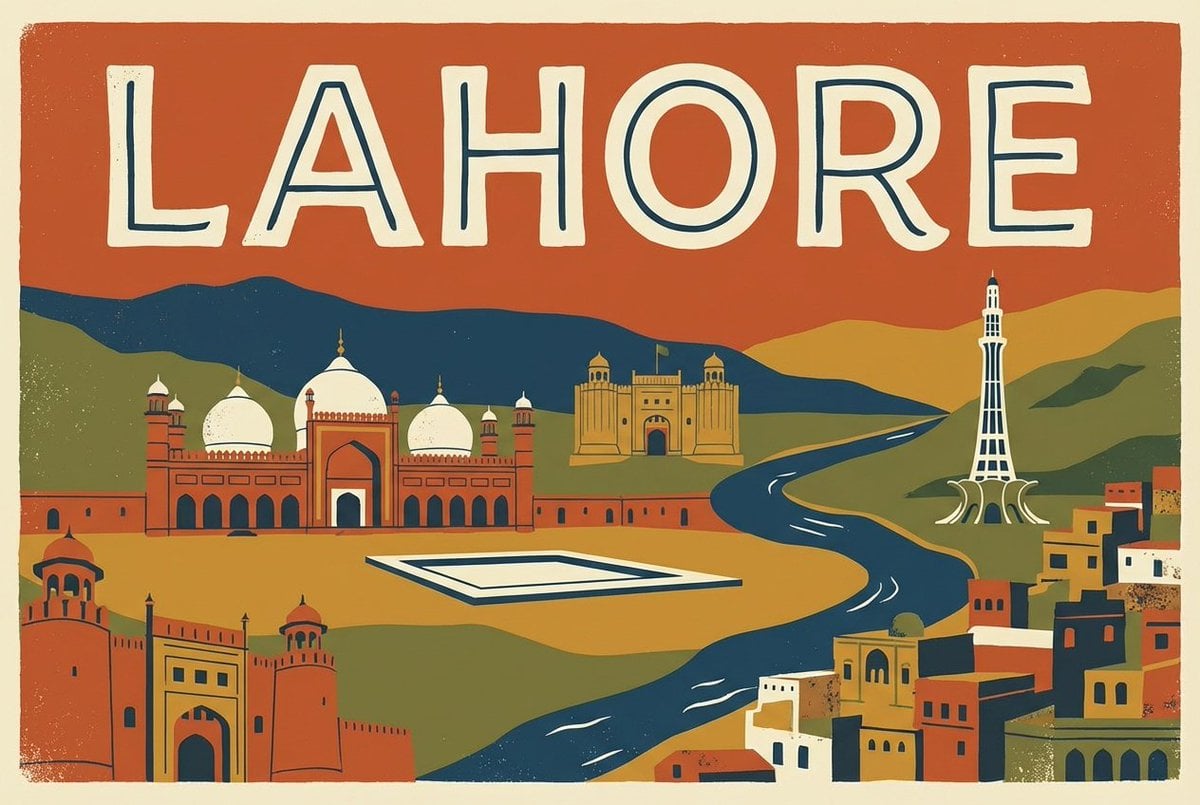
Magazine Cover Style Cityscape
Browse template categories
Giant Forced Perspective City Selfie questions
How do I use the Giant Forced Perspective City Selfie template?
Add your photo if the template asks for one, edit the prompt if you like — the template's model and format are already selected — and press Generate. Your version opens in PicX Studio.
Can I customize the Giant Forced Perspective City Selfie template?
Yes. You can change the subject, setting, lighting, mood, format, and available model controls before creating your image.
Is the Giant Forced Perspective City Selfie template free?
Opening and editing this template is free. Generating uses credits, shown on the Generate button when you are signed in.
Which AI model should I use?
Start with GPT Image 2, which is the model associated with this template. You can compare another compatible model for a different finish.
Looking for something else? Browse all templates.

Your photo, any look
Thousands of ready templates for every top image and video model, from one credit balance.