
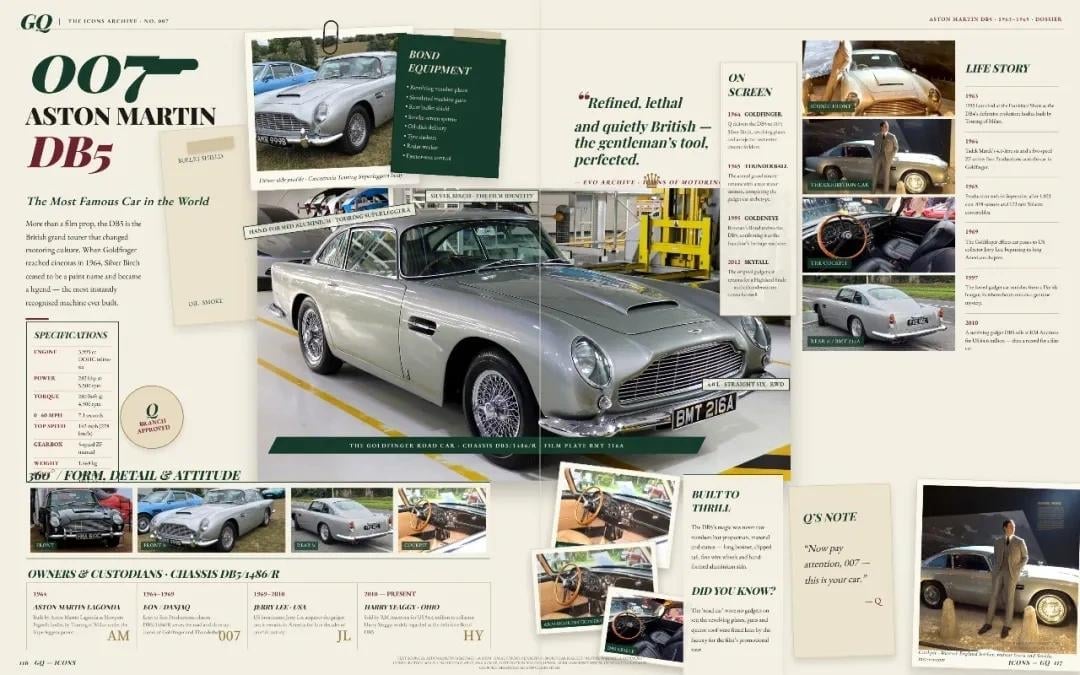
Vintage Aston Martin DB5 Magazine Spread
Creates a sophisticated editorial archive spread showcasing the James Bond Aston Martin DB5 with photos, timelines, specifications, and film-history notes.
- Prompt included
- Model and format preset
- Premium template
The prompt behind this image
Copy the exact prompt behind Vintage Aston Martin DB5 Magazine Spread, or open it in the studio and make it yours.
Goal: Create a vintage luxury magazine archive spread about {argument name="car model" default="007 Aston Martin DB5"}, presented as an elegant editorial dossier for a James Bond vehicle. Canvas: Wide horizontal double-page magazine spread, approximately 16:9, warm ivory paper background with subtle fold lines, margins, page-number details, and a refined print-layout aesthetic inspired by classic GQ / auction-catalog design. Layout: Use a dense but balanced collage layout. Left page features the large title area, a specifications card, a main hero car photo across the lower center, and a row of detail thumbnails. Right page features quote typography, a film-appearance sidebar, a life-story timeline, small stacked movie stills, loose paper notes, and a final Bond-style photo card. Main subject: A silver Aston Martin DB5 associated with {argument name="character name" default="James Bond"}. The central image shows the car in a museum or workshop setting, front three-quarter view, chrome grille, round headlights, wire wheels, hood scoop, and black license plate reading “BMT 216A”. Add small caption strips and green label bars over the car, like museum callouts. Text content: Include a large left headline reading “007” with a pistol silhouette integrated into the numerals, then “ASTON MARTIN” and “DB5” in bold vintage serif type. Add a subtitle: “The Most Famous Car in the World”. Add a short editorial paragraph about the DB5 being fitted with gadgets, becoming iconic in Goldfinger, and remaining tied to Bond’s public image. Add a central quote: “Refined, lethal and quietly British — the gentleman’s tool, perfected.” Include a small signature-style credit beneath it. Add a right sidebar titled “ON SCREEN” with exactly 5 entries labeled: “1964 GOLDFINGER”, “1965 THUNDERBALL”, “1995 GOLDENEYE”, “2012 SKYFALL”, and “2021 NO TIME TO DIE”. Add a far-right sidebar titled “LIFE STORY” with exactly 6 year entries: “1963”, “1964”, “1965”, “1969”, “1997”, and “2010”. Add a note card titled “Q’S NOTE” with the quote: “Now pay attention, 007 — this is your car.” — Q. Add a section titled “BUILT TO THRILL” and a small “DID YOU KNOW?” trivia block. Add a bottom section titled “OWNERS & CUSTODIANS: CHASSIS DB5/1486/R” with exactly 4 owner-period columns. Discrete visual elements to include: exactly 1 large central hero car photo; exactly 1 top-left clipped reference photo of the DB5; exactly 1 dark green “BOND EQUIPMENT” card listing gadgets; exactly 5 stacked film-still thumbnails on the upper right; exactly 4 small “form, detail & attitude” thumbnails along the lower left; exactly 3 loose overlapping Polaroid-style detail photos near the lower center-right; exactly 1 bottom-right portrait/photo card showing a suited man standing near the car; exactly 1 specifications box; exactly 1 round branch-approval stamp; exactly 1 cream Q’s note card; exactly 1 cream built-to-thrill information card. Visual style: Sophisticated editorial design with cream paper, forest green accents, burgundy red title text, black serif typography, thin divider lines, aged paper notes, paperclip detail, slightly faded photo reproduction, realistic shadows from overlapping cards, and subtle print grain. Use high-resolution photorealistic car imagery mixed with precise magazine typography. Constraints: Keep the spread readable but not overly sterile; preserve the exact counted number of photo cards and sidebars; use English text only; no modern UI elements, no neon colors, no watermark, no extra cars beyond the visible DB5 images.
How to use Vintage Aston Martin DB5 Magazine Spread in 3 steps
- 1Upload ImagePNG, JPG or paste
Add your photo
Upload the photo the template builds on. The prompt, model and format are already set.
- 2…a portrait of your subject in softgolden-hour light, 85mm…
Personalize
Edit the subject and creative details for your destination.
- 3Generate
Generate
Press Generate — your image is created in PicX Studio, so you can compare it with the original and refine one variable at a time.
More like this
Templates with the same subject, style or setup. Open one to see its prompt.










Make it yours
Vintage Aston Martin DB5 Magazine Spread works as-is. These are the safest ways to change it without losing the look.
Change one field
Copy a single group, rewrite it, and generate again so you can see what that field is doing.
Keep the frame, change the subject
Hold the composition and light of Vintage Aston Martin DB5 Magazine Spread, then swap wardrobe, props or the person for a new take.
| If the result… | Why | Fix |
|---|---|---|
| The result drifts from the preview | Too many fields changed at once. | Reuse Vintage Aston Martin DB5 Magazine Spread as-is first, then change one group — subject, light, or setting. |
| The model over-stylizes the scene | The prose prompt leaves finish and camera underspecified. | Add one camera or lighting sentence and stay on GPT Image 2. |
More GPT Image 2 templates
Other prompts made for GPT Image 2.

Six VTuber Japanese Logo Sheet

Realistic Portrait of Woman and Deer

The Vista Modular Condo Poster

AI Model Routing Comparison Infographic

2.5D Anime Art Board

Isometric Productivity Desk Scene

New York Double Exposure Poster

Four-Panel AI Landscape Comparison

Japanese Tatami Lifestyle Magazine Cover

NESCAFÉ Coffee Map Poster
More image prompts
Fresh picks from across the catalog.
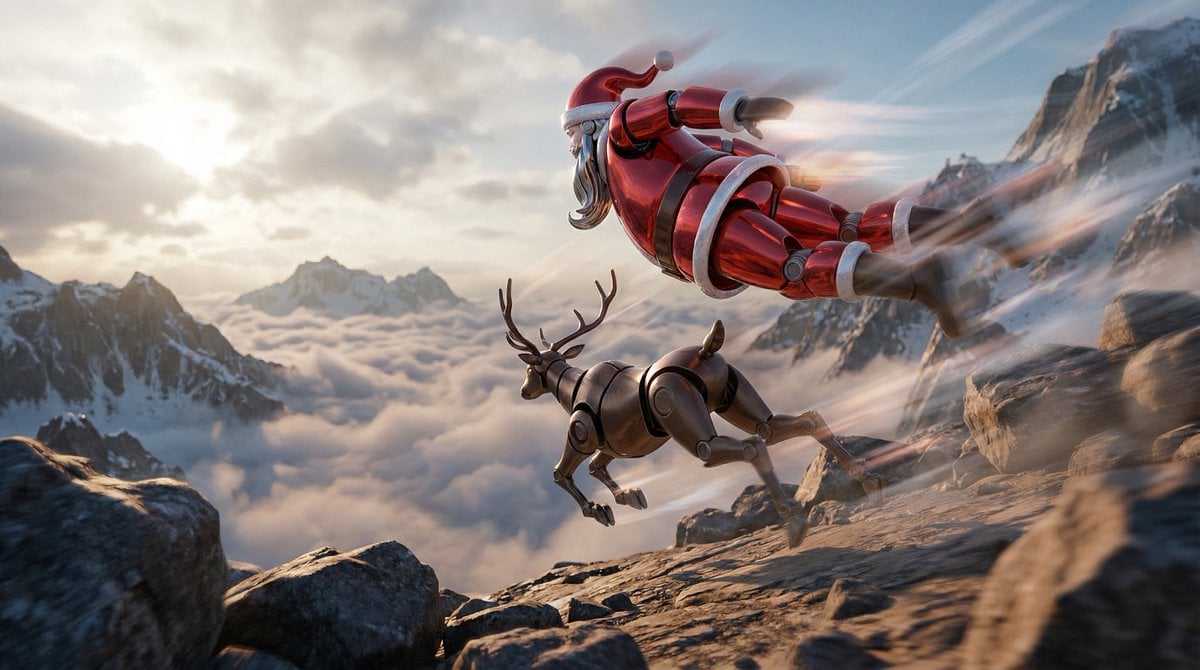
Semi-Realistic Dogfight between Santa and Reindeer Robots
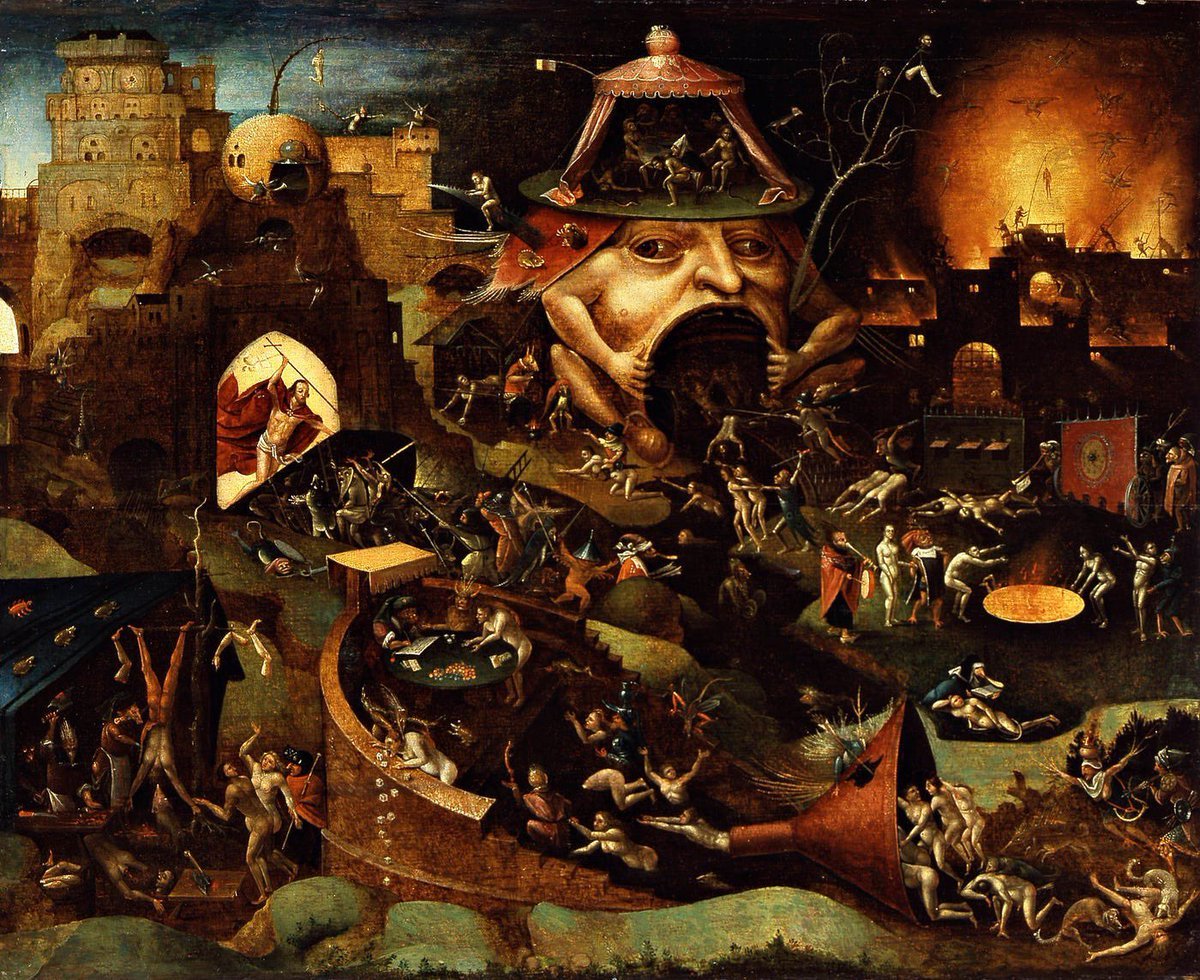
Bosch-inspired Harrowing of Hell follower scene

Video prompt for surreal miniature Pringles can snowboard scene
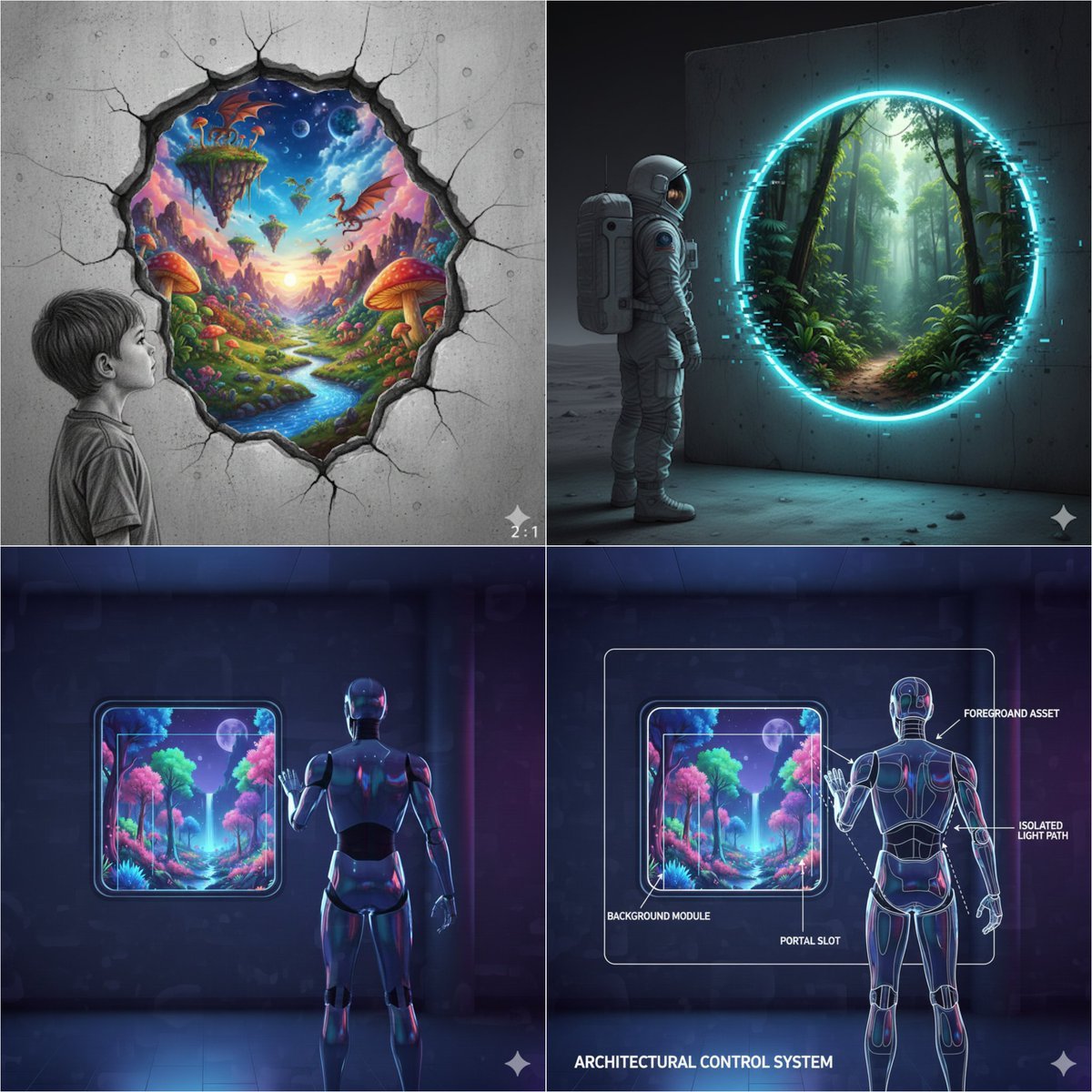
Object-Oriented prompt for controlling foreground and background
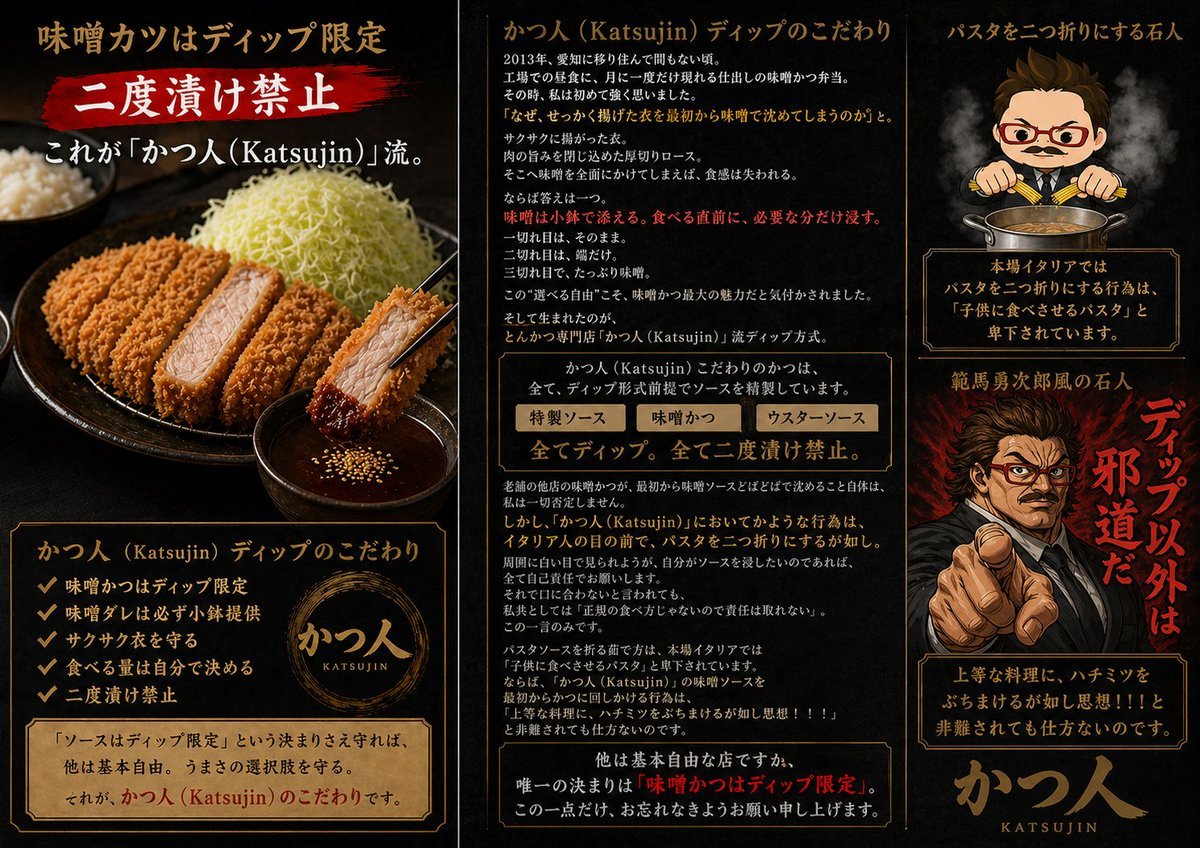
Katsujin Miso Katsu Dip-Only Poster
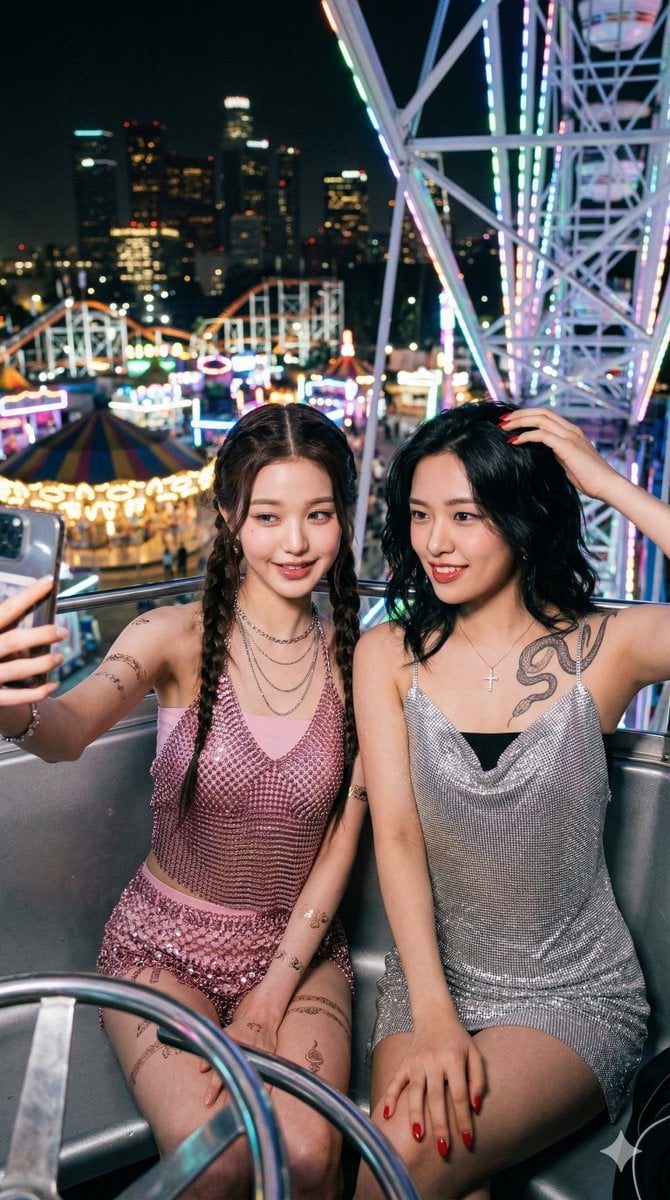
Photorealistic Night Selfie on a Ferris Wheel

European Café Golden Hour Portrait Prompt
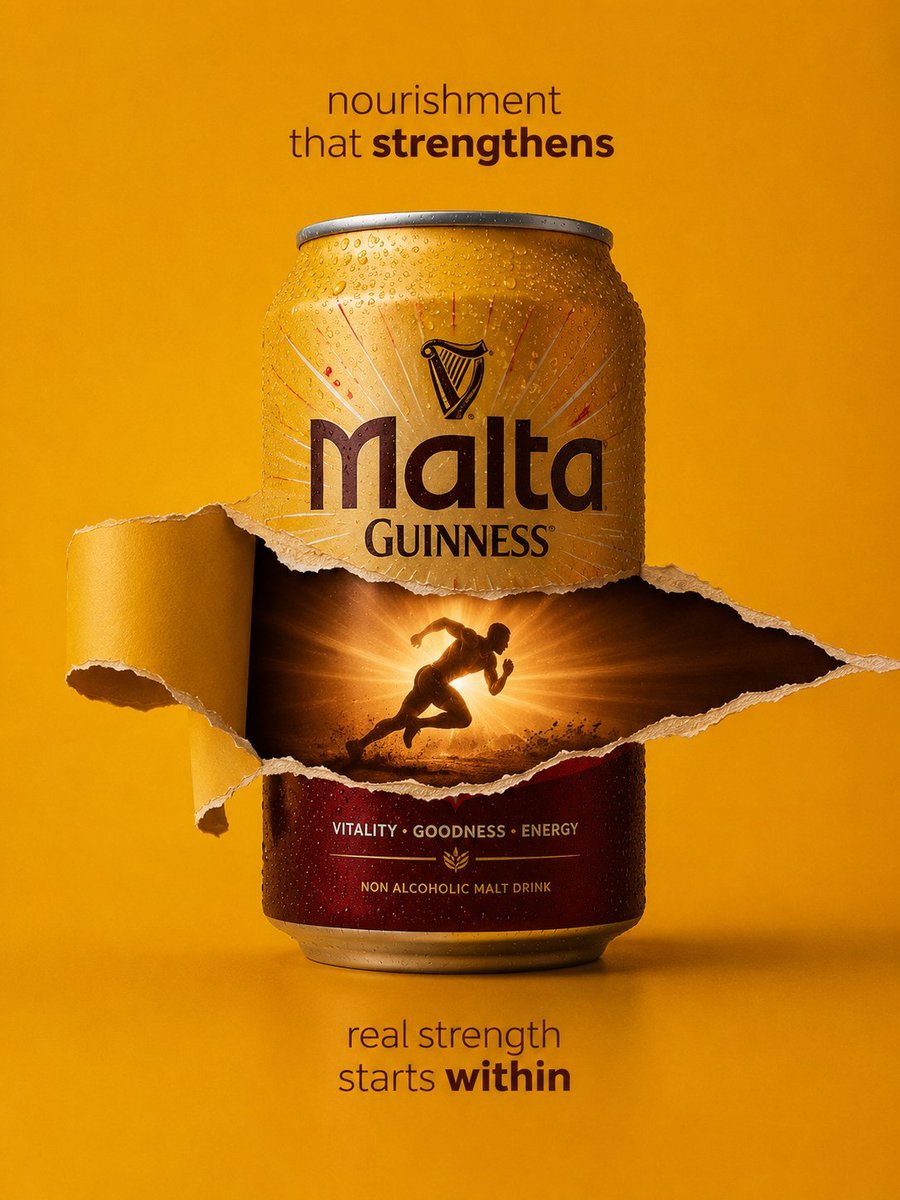
Malta Guinness Inner Strength Ad
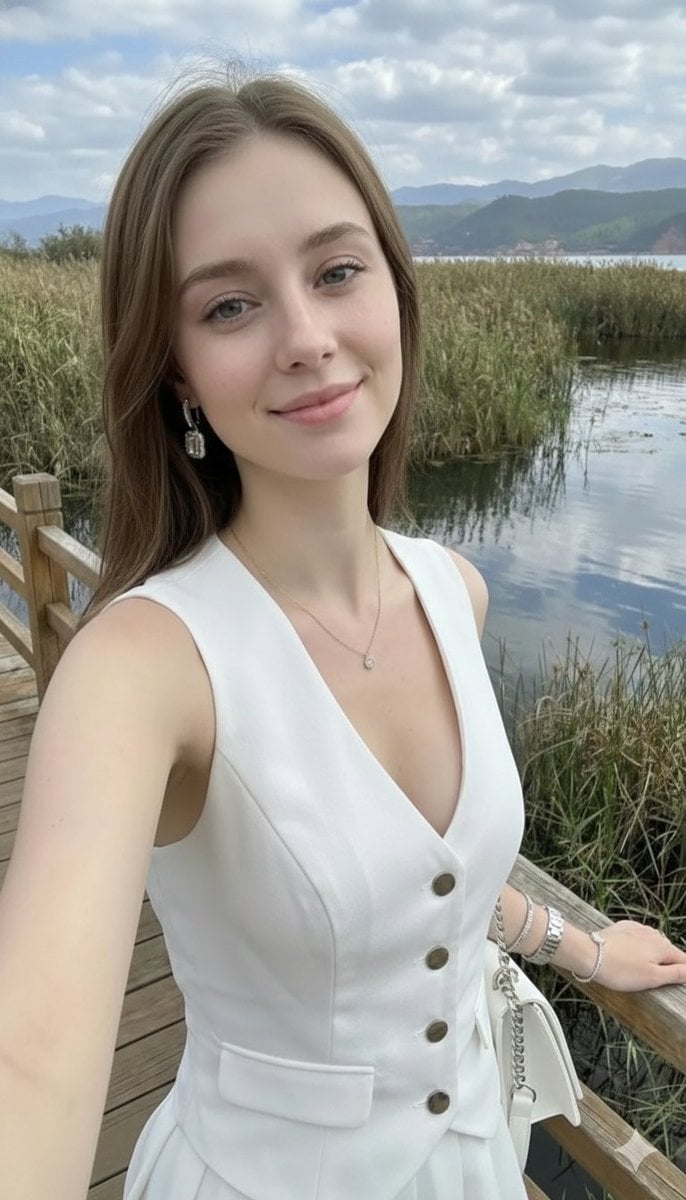
Photorealistic Highland Lake Selfie
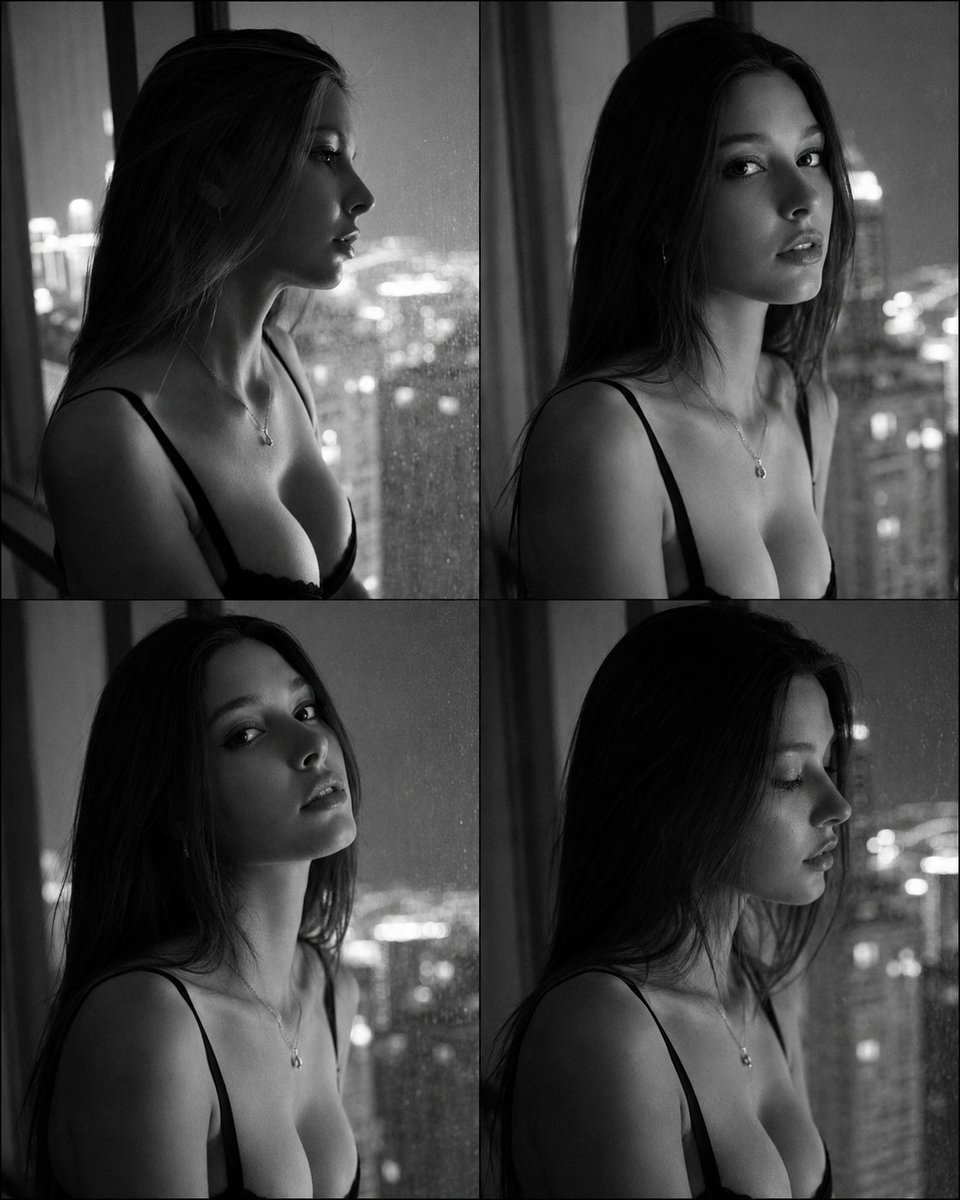
Fashion Casting Contact Sheet Portrait
Browse template categories
Vintage Aston Martin DB5 Magazine Spread questions
How do I use the Vintage Aston Martin DB5 Magazine Spread template?
Add your photo if the template asks for one, edit the prompt if you like — the template's model and format are already selected — and press Generate. Your version opens in PicX Studio.
Can I customize the Vintage Aston Martin DB5 Magazine Spread template?
Yes. You can change the subject, setting, lighting, mood, format, and available model controls before creating your image.
Is the Vintage Aston Martin DB5 Magazine Spread template free?
Opening and editing this template is free. Generating uses credits, shown on the Generate button when you are signed in.
Which AI model should I use?
Start with GPT Image 2, which is the model associated with this template. You can compare another compatible model for a different finish.
Looking for something else? Browse all templates.

Your photo, any look
Thousands of ready templates for every top image and video model, from one credit balance.