
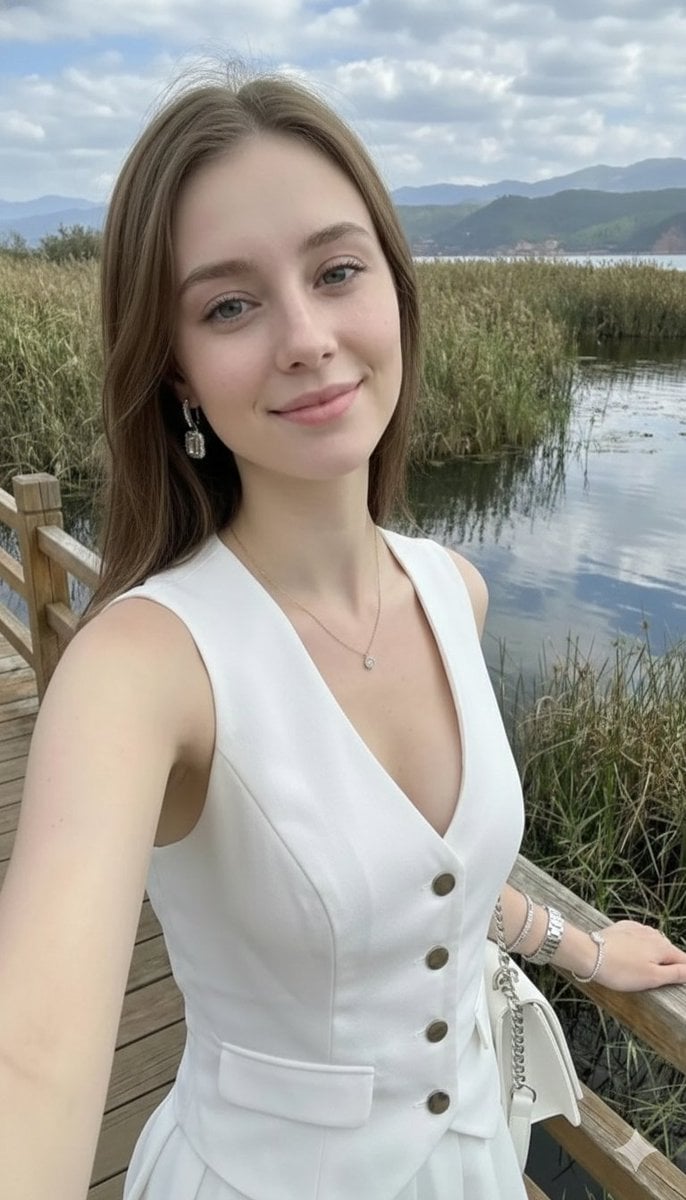
Photorealistic Highland Lake Selfie
A highly detailed prompt for generating an ultra-photorealistic, iPhone-style selfie of a young woman at a scenic highland lake, emphasizing realistic skin texture, natural daylight, and a complex background featuring…
- Prompt included
- Model and format preset
- Free template
The prompt behind this image
Copy the exact prompt behind Photorealistic Highland Lake Selfie, or open it in the studio and make it yours.
Ultra-detailed photorealistic selfie of a beautiful young woman with delicate feminine features, long straight light brown hair flowing smoothly over her shoulders, and clear blue eyes softly reflecting natural daylight. She has subtle, natural makeup — light foundation with visible realistic skin texture, soft peach blush, lightly glossed lips, gently defined brows, and a natural glow. A soft, relaxed smile enhances her warm and approachable expression. She is holding the camera at arm’s length in true iPhone-style selfie perspective, creating a slightly close, intimate framing with mild wide-angle lens distortion typical of a smartphone front camera. Her posture is casual yet elegant, shoulders relaxed, head slightly tilted toward the light. One arm is extended toward the camera while the other rests naturally near her waist. She wears an elegant sleeveless white V-neck jumpsuit/dress featuring a deep plunge neckline and refined button details running vertically down the front. The fabric appears lightweight yet structured, softly contouring her silhouette. A matching belt cinches at the waist, emphasizing her figure. The material catches the sunlight with gentle highlights and subtle shadows, revealing realistic folds and texture. Accessories include statement crystal drop earrings that sparkle in the sunlight, a delicate gold necklace with a small pendant resting just above her neckline, multiple thin bracelets layered on her wrist, and a fine chain bracelet adding a subtle shimmer. The jewelry reflects natural light with crisp, high-detail clarity. The setting is a scenic highland lake during a warm sunny day. A wooden railing appears along the side of the frame, adding depth and context to the composition. In the foreground, lush green reeds and marsh grasses frame the bottom edge of the image. Behind her, calm reflective lake water mirrors the sky, while distant reddish-brown mountains and rolling hills stretch across the horizon. The sky is partly cloudy with soft white clouds drifting across a vibrant blue background. Natural outdoor portrait photography style with cinematic lighting, balanced exposure, vibrant yet realistic colors, sharp focus on the subject’s face, softly blurred background (subtle depth of field), high dynamic range, ultra-high resolution 8k detail, crisp skin texture, realistic hair strands, natural shadows, and warm sunny atmosphere. Professional mobile photography aesthetic, hyper-realistic, immersive, detailed environmental storytelling.
How to use Photorealistic Highland Lake Selfie in 3 steps
- 1
Open
The prompt is already in the box next to the preview, with the template's model and format selected.
- 2…a portrait of your subject in softgolden-hour light, 85mm…
Personalize
Edit the subject and creative details for your destination.
- 3Generate
Generate
Press Generate — your image is created in PicX Studio, so you can compare it with the original and refine one variable at a time.
More like this
Templates with the same subject, style or setup. Open one to see its prompt.

Gen Z Triple Selfie Collage — Y2K Flash Photography

Mountain Lake Sunset Landscape
Warm Lakeside Travel Selfie

Cozy Knit Sweater Window Portrait

Teen Girl Alpine Lake Mountain View
Ultra-Photorealistic Car Selfie

Rooftop Fisheye — Cat-Ear Balaclava at Golden Hour

Felt & Knit 3D Character — Photo-Exact Face, Pixar-Quality Plush Figurine

Eid al-Adha Cute Chaos — Fisheye Selfie with Farm Selfie, Mosque & Animals

Cat Photobomb Selfie — 0.5x Wide Angle Café Chaos

Surreal Cat Astronaut — Humanoid Face Freefall
Photorealistic Cracked Mirror Selfie
Make it yours
Photorealistic Highland Lake Selfie works as-is. These are the safest ways to change it without losing the look.
Change one field
Copy a single group, rewrite it, and generate again so you can see what that field is doing.
Keep the frame, change the subject
Hold the composition and light of Photorealistic Highland Lake Selfie, then swap wardrobe, props or the person for a new take.
| If the result… | Why | Fix |
|---|---|---|
| The result drifts from the preview | Too many fields changed at once. | Reuse Photorealistic Highland Lake Selfie as-is first, then change one group — subject, light, or setting. |
| The model over-stylizes the scene | The prose prompt leaves finish and camera underspecified. | Add one camera or lighting sentence and stay on Nano Banana 2. |
More Nano Banana 2 templates
Other prompts made for Nano Banana 2.

Photorealistic Leaf Shaped Like a Dragon

K-Pop Idol Portrait Grid for Rapid Selection

Poetic Rain Forest Portrait During Golden Hour

Urban Street Portrait with Cartoon Inner Self Duo

Candid Nighttime Photo with Cat Prompt

High-Concept 3D Diorama Generation Prompt

Cinematic Futuristic Studio Portrait Template

Skincare Editorial Photography Collage Prompt

Hyper-Realistic Commercial Product Photography (Splash Effect)

Hyper-Realistic Nightclub Portrait Prompt
More image prompts
Fresh picks from across the catalog.
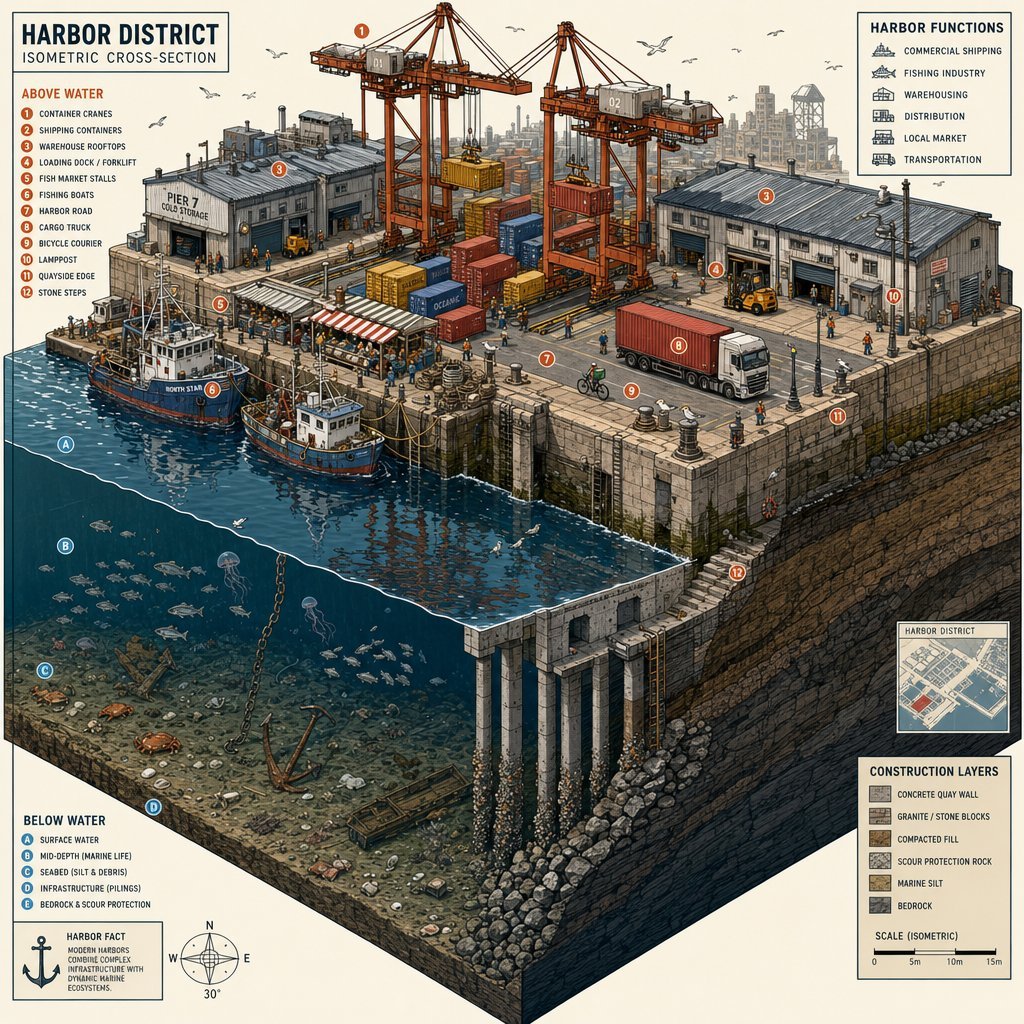
Isometric Harbor District Cross-Section

Colorful Annotated Scone Photo
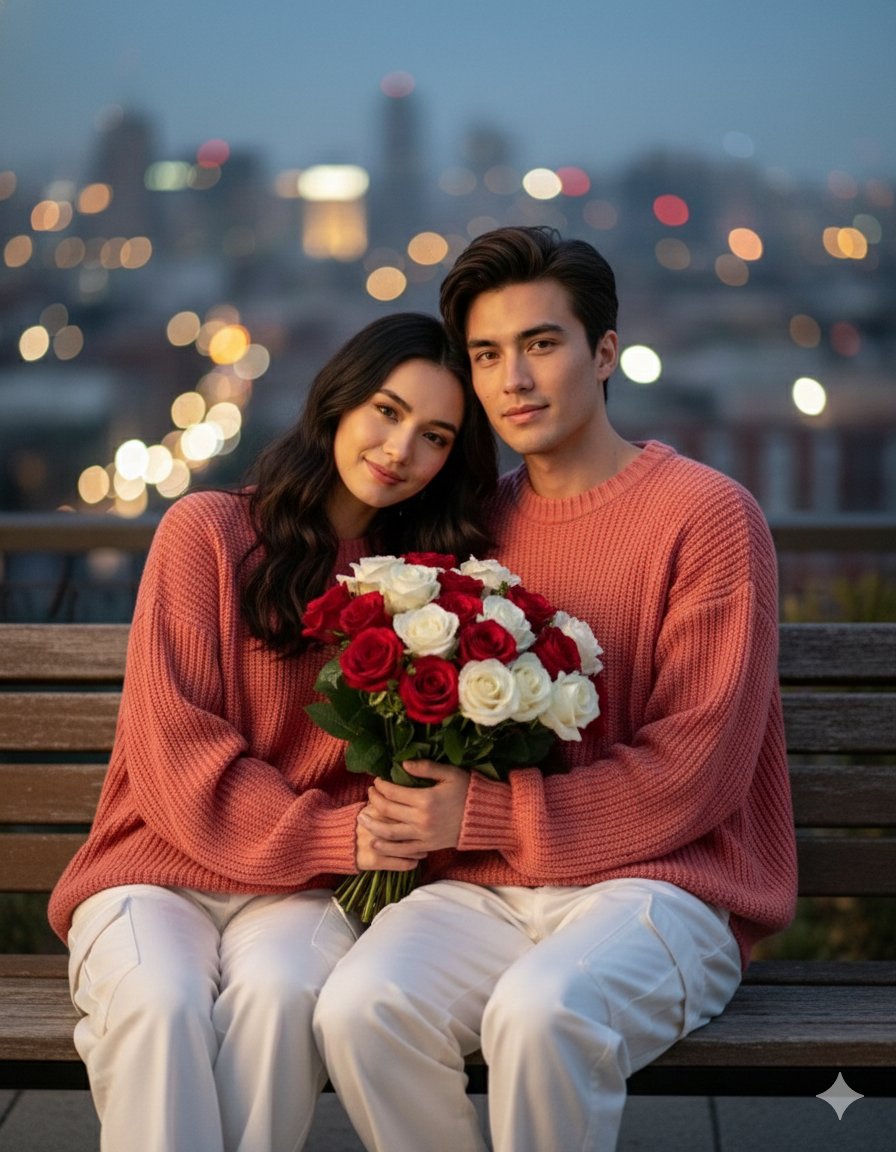
Together We Are Perfect a Romantic Coupl

Cosmetic Product Shot with Water Splash
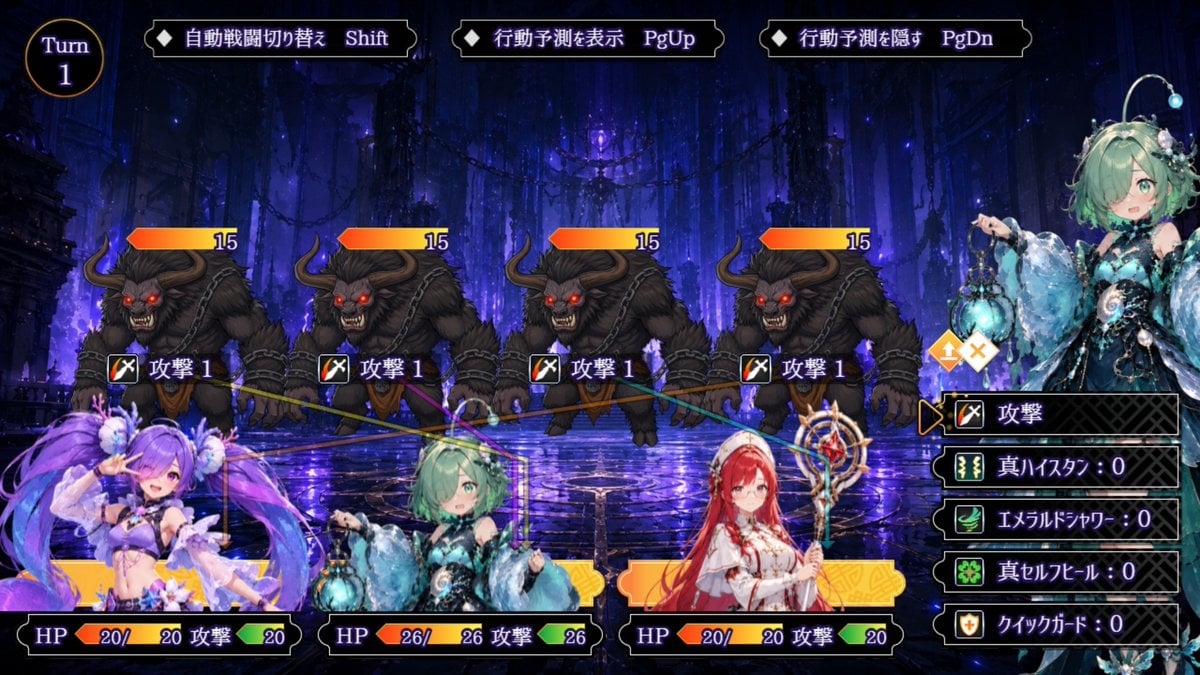
Japanese Fantasy RPG Battle UI
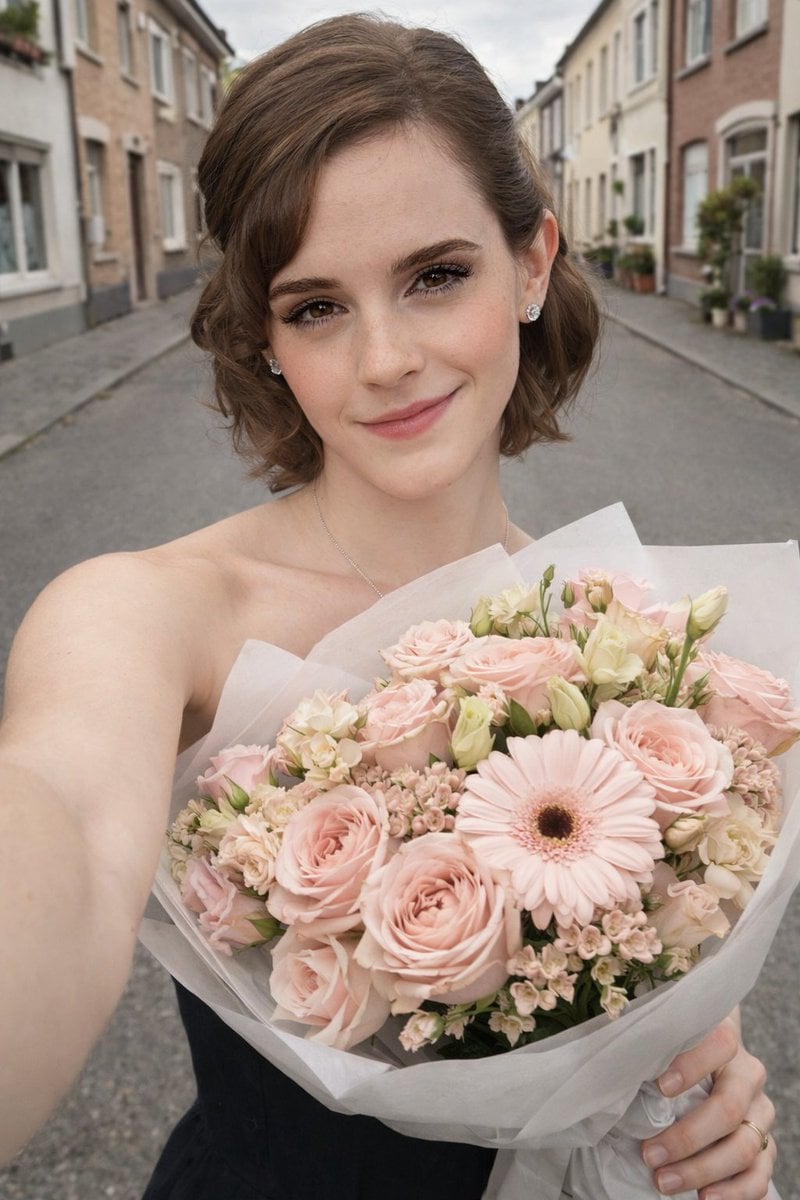
Realistic Smartphone Selfie with Flowers
Cinematic Stylized Medieval Village Festival Scene

MapleStory Style Pixel Art Avatar
Cinematic Portrait Prompt with Identity Lock
Image prompt for a whimsical, high-detail, 3D rendered banana character
Browse template categories
Photorealistic Highland Lake Selfie questions
How do I use the Photorealistic Highland Lake Selfie template?
Add your photo if the template asks for one, edit the prompt if you like — the template's model and format are already selected — and press Generate. Your version opens in PicX Studio.
Can I customize the Photorealistic Highland Lake Selfie template?
Yes. You can change the subject, setting, lighting, mood, format, and available model controls before creating your image.
Is the Photorealistic Highland Lake Selfie template free?
Opening and editing this template is free. Generating uses credits, shown on the Generate button when you are signed in.
Which AI model should I use?
Start with Nano Banana 2, which is the model associated with this template. You can compare another compatible model for a different finish.
Looking for something else? Browse all templates.

Your photo, any look
Thousands of ready templates for every top image and video model, from one credit balance.