
Colorful Annotated Scone Photo
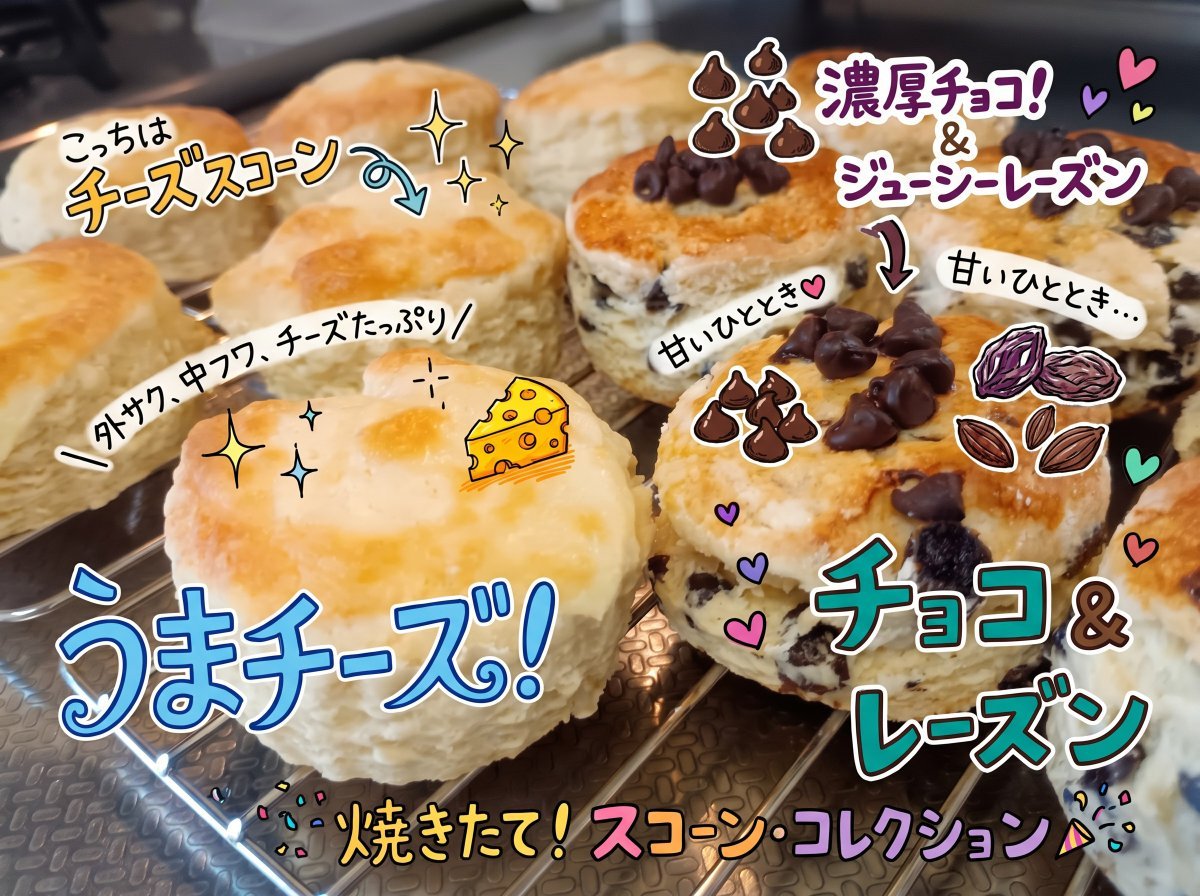
Transforms a homemade scone photo into a bright social-media food post with handwritten Japanese labels and playful ingredient doodles.
- Prompt included
- Model and format preset
- Premium template
The prompt behind this image
Copy the exact prompt behind Colorful Annotated Scone Photo, or open it in the studio and make it yours.
Using the provided reference image, keep the same scone photo and composition, but redesign the overlaid annotations to look more polished, colorful, and social-media-worthy, as if drawn with bright marker pens and sticker-like doodles. Clearly indicate that the scones on the left are cheese scones and the scones on the right are chocolate-and-raisin scones. Replace the previous handwriting with exactly 8 visible Japanese text callouts: {argument name="left scone label" default="こっちはチーズスコーン"}, "外サク、中フワ、チーズたっぷり", {argument name="cheese headline" default="うまチーズ!"}, {argument name="bottom headline" default="焼きたて!スコーン・コレクション"}, {argument name="right scone label" default="濃厚チョコ!&ジューシーレーズン"}, "チョコ&レーズン", and two small "甘いひととき" notes near the chocolate-raisin scones. Add cute illustrated accents that were not in the original: a small cheese wedge on the cheese scone, two clusters of chocolate-chip doodles, a raisin/nut doodle, curved arrows pointing to each scone type, sparkles, hearts, confetti, and a party-popper accent. Use thick white outlines and drop shadows around the lettering so the annotations pop, while keeping the baked scones realistic and unobscured.
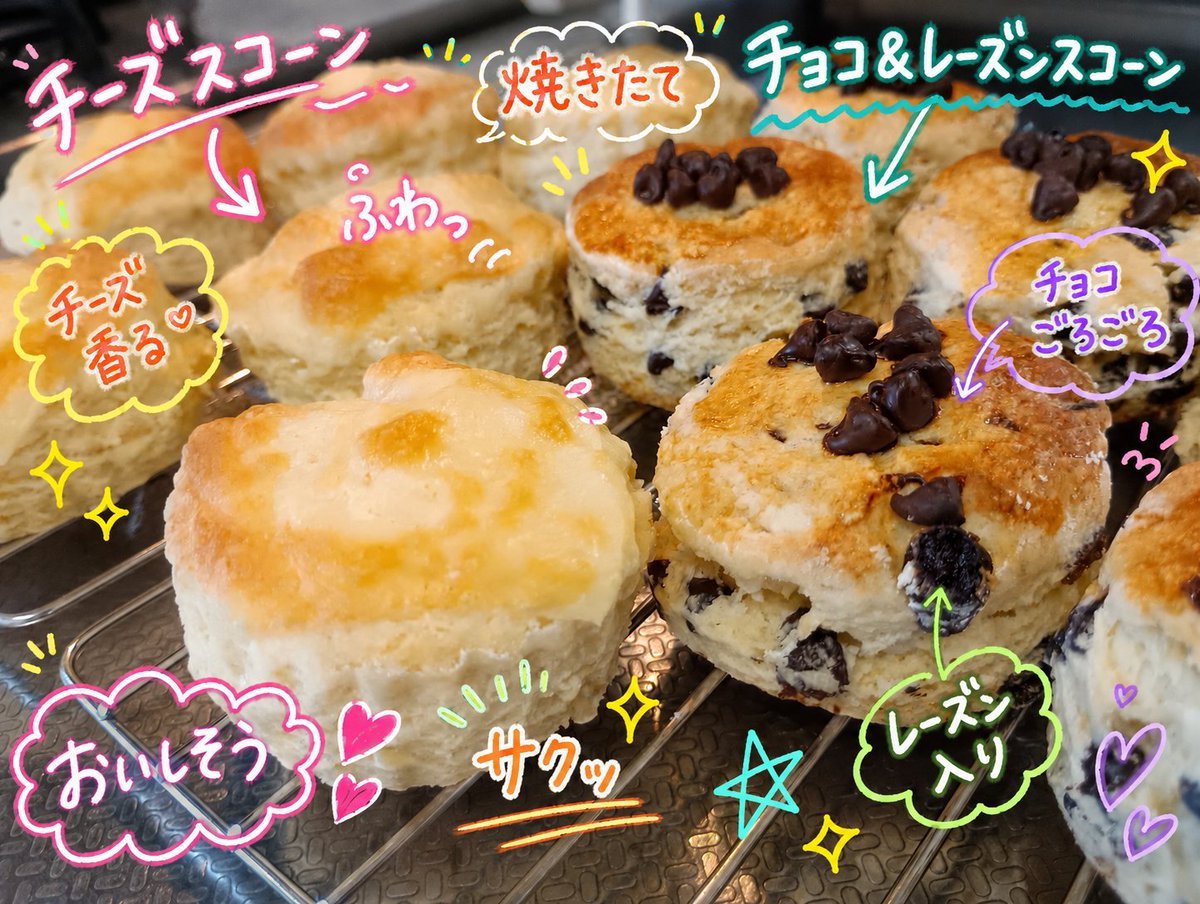
Reference images included
Colorful Annotated Scone Photo needs input media to work. They load alongside the prompt when you open it in the studio.
How to use Colorful Annotated Scone Photo in 3 steps
- 1Upload ImagePNG, JPG or paste
Add your photo
Upload the photo the template builds on. The prompt, model and format are already set.
- 2…a portrait of your subject in softgolden-hour light, 85mm…
Personalize
Edit the subject and creative details for your destination.
- 3Generate
Generate
Press Generate — your image is created in PicX Studio, so you can compare it with the original and refine one variable at a time.
More like this
Templates with the same subject, style or setup. Open one to see its prompt.

Paper Cut Craft Illustration

Gen Z TikTok Viral Expression Grid 4x4 — Nano Banana
Sticker Art Style - Rainbow Girl

Sticker Art Style - Rainbow Girl v2
Sticker Art Style - Rainbow Girl
Split Portrait - Mixed Media

Sticker Art Style
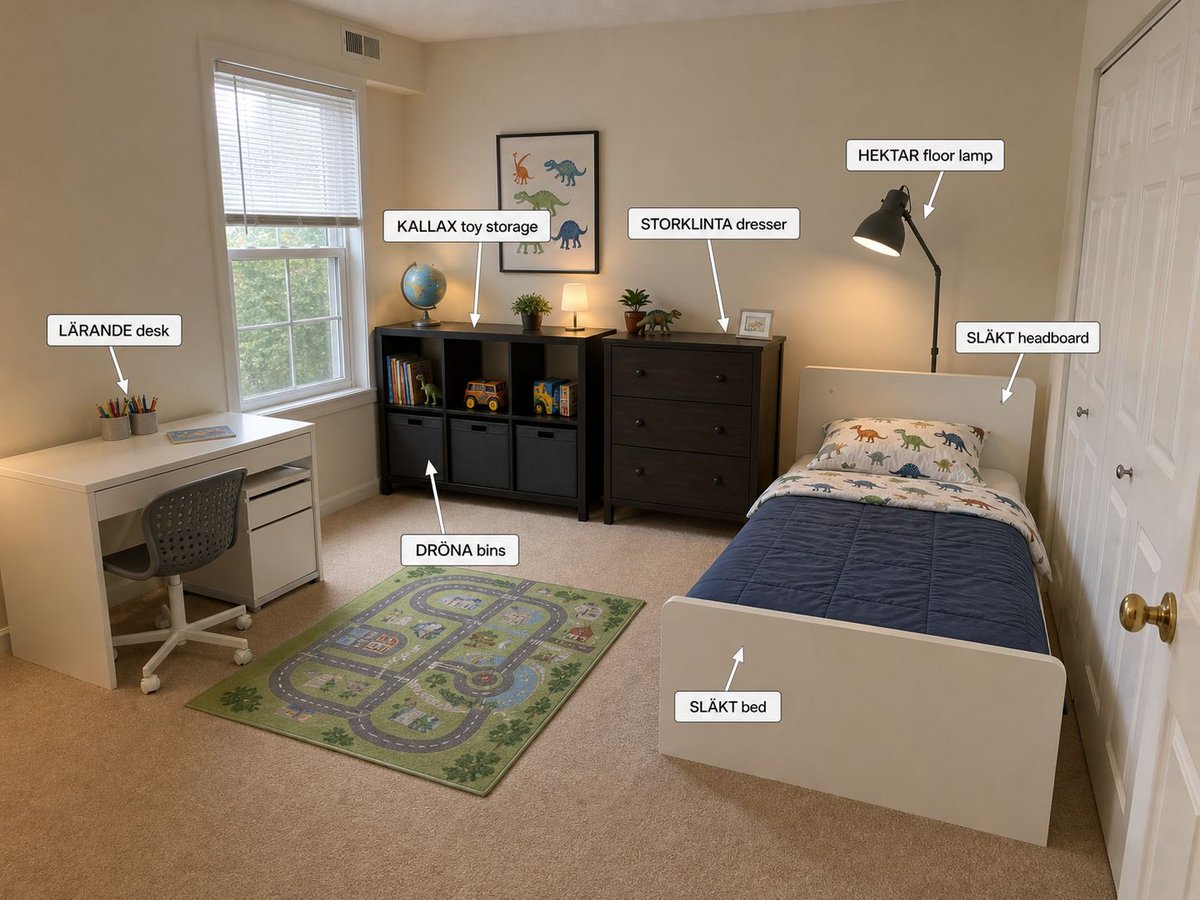
Annotated IKEA Kids Bedroom Design

Annotated Isometric Mining Outpost
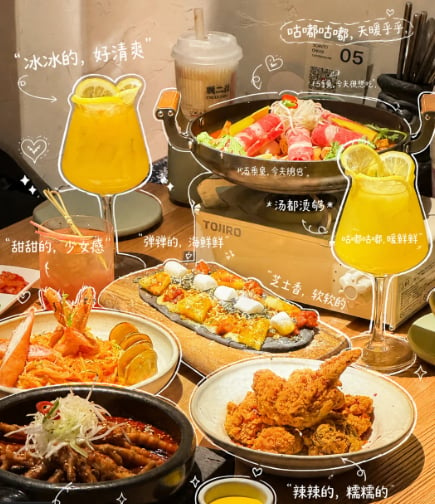
Annotated Chinese BBQ Food Poster
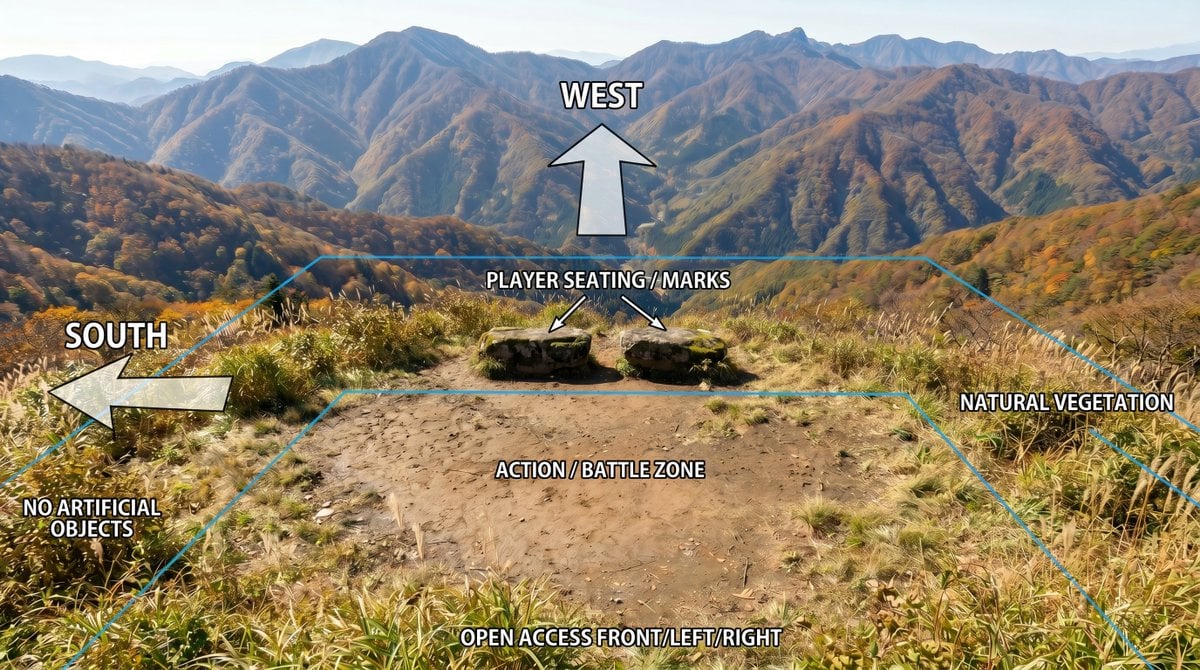
Annotated Mountain Location Diagram
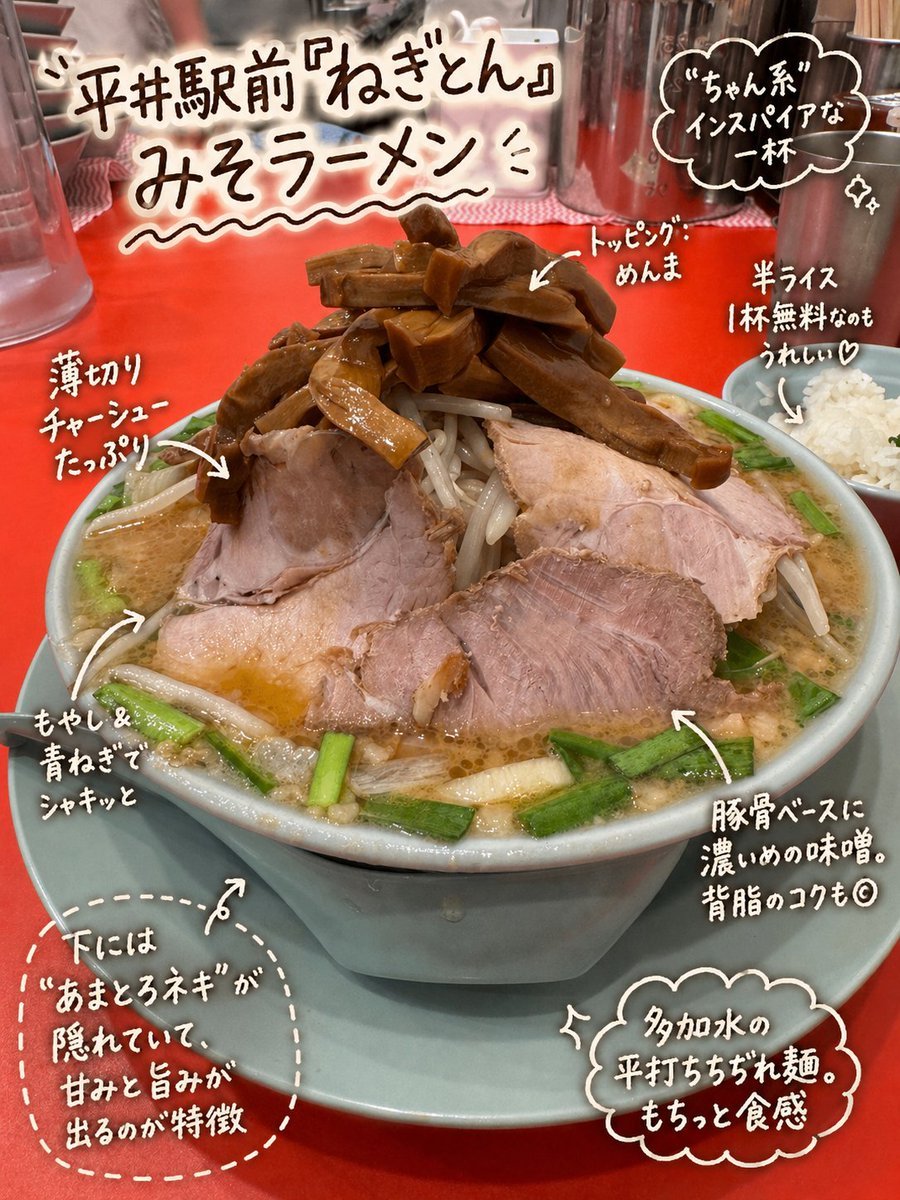
Annotated Japanese Miso Ramen Photo
Make it yours
Colorful Annotated Scone Photo works as-is. These are the safest ways to change it without losing the look.
Change one field
Copy a single group, rewrite it, and generate again so you can see what that field is doing.
Keep the frame, change the subject
Hold the composition and light of Colorful Annotated Scone Photo, then swap wardrobe, props or the person for a new take.
| If the result… | Why | Fix |
|---|---|---|
| The result drifts from the preview | Too many fields changed at once. | Reuse Colorful Annotated Scone Photo as-is first, then change one group — subject, light, or setting. |
| The model over-stylizes the scene | The prose prompt leaves finish and camera underspecified. | Add one camera or lighting sentence and stay on GPT Image 2. |
More GPT Image 2 templates
Other prompts made for GPT Image 2.

Six VTuber Japanese Logo Sheet

Realistic Portrait of Woman and Deer

The Vista Modular Condo Poster

AI Model Routing Comparison Infographic

2.5D Anime Art Board

Isometric Productivity Desk Scene

New York Double Exposure Poster

Four-Panel AI Landscape Comparison

Japanese Tatami Lifestyle Magazine Cover

NESCAFÉ Coffee Map Poster
More image prompts
Fresh picks from across the catalog.
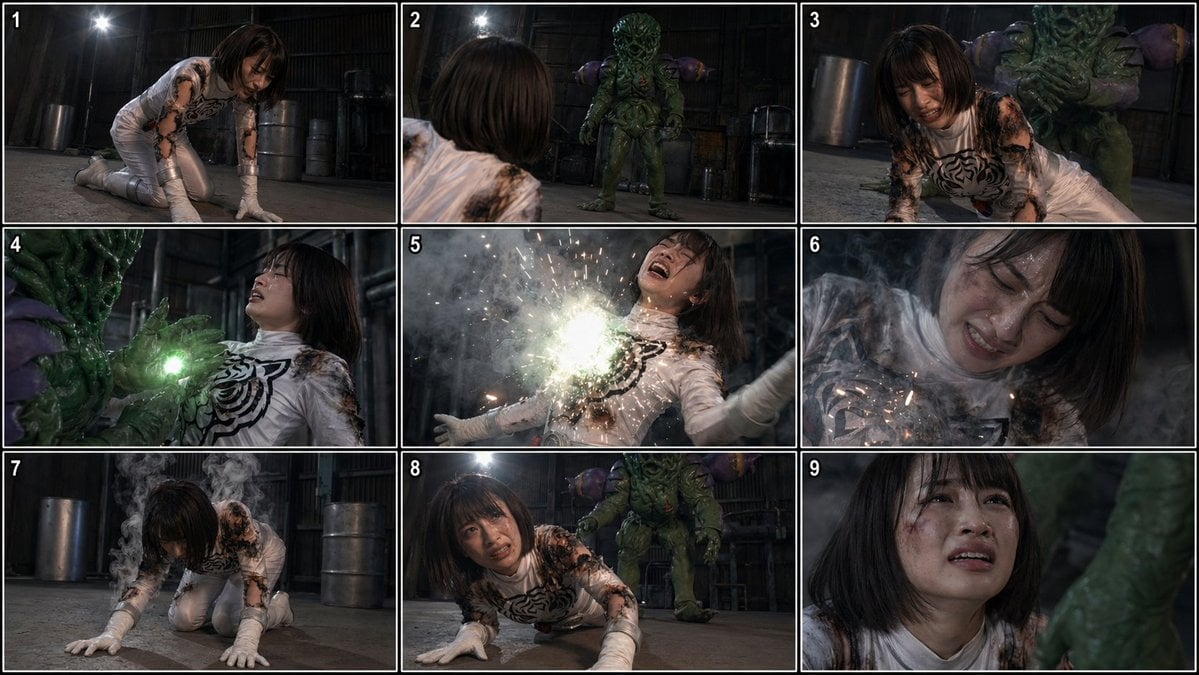
Superheroine Peril Storyboard Grid
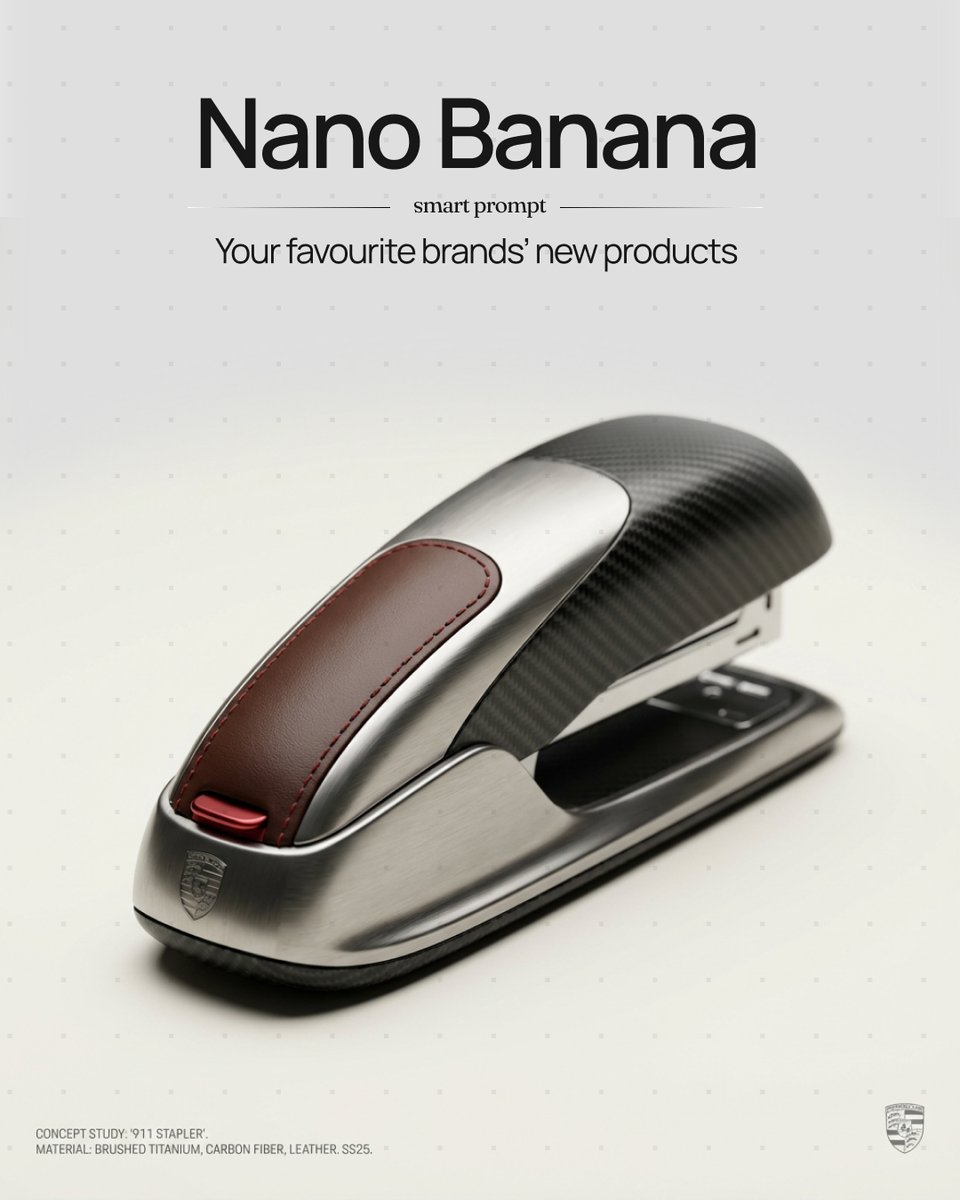
Unexpected Products by Favorite Brands Prompt
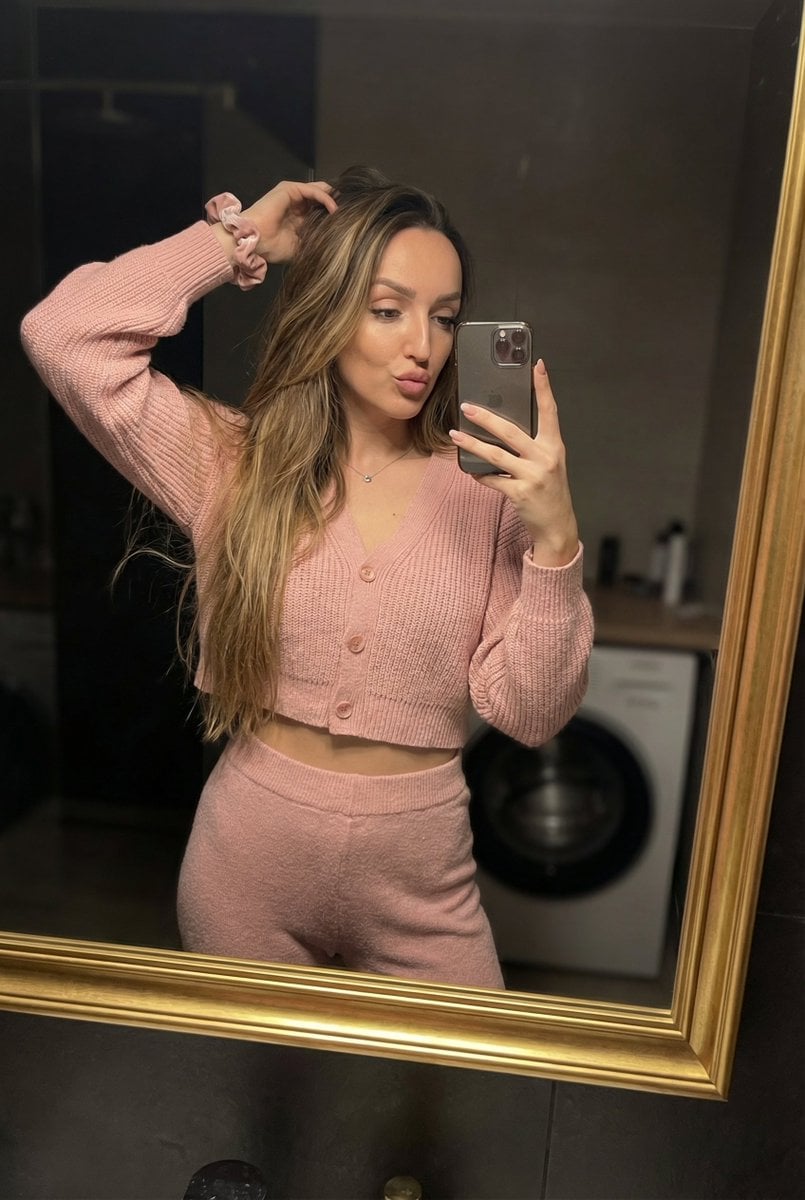
Mirror Selfie in Pink Lounge Set with Identity Anchor
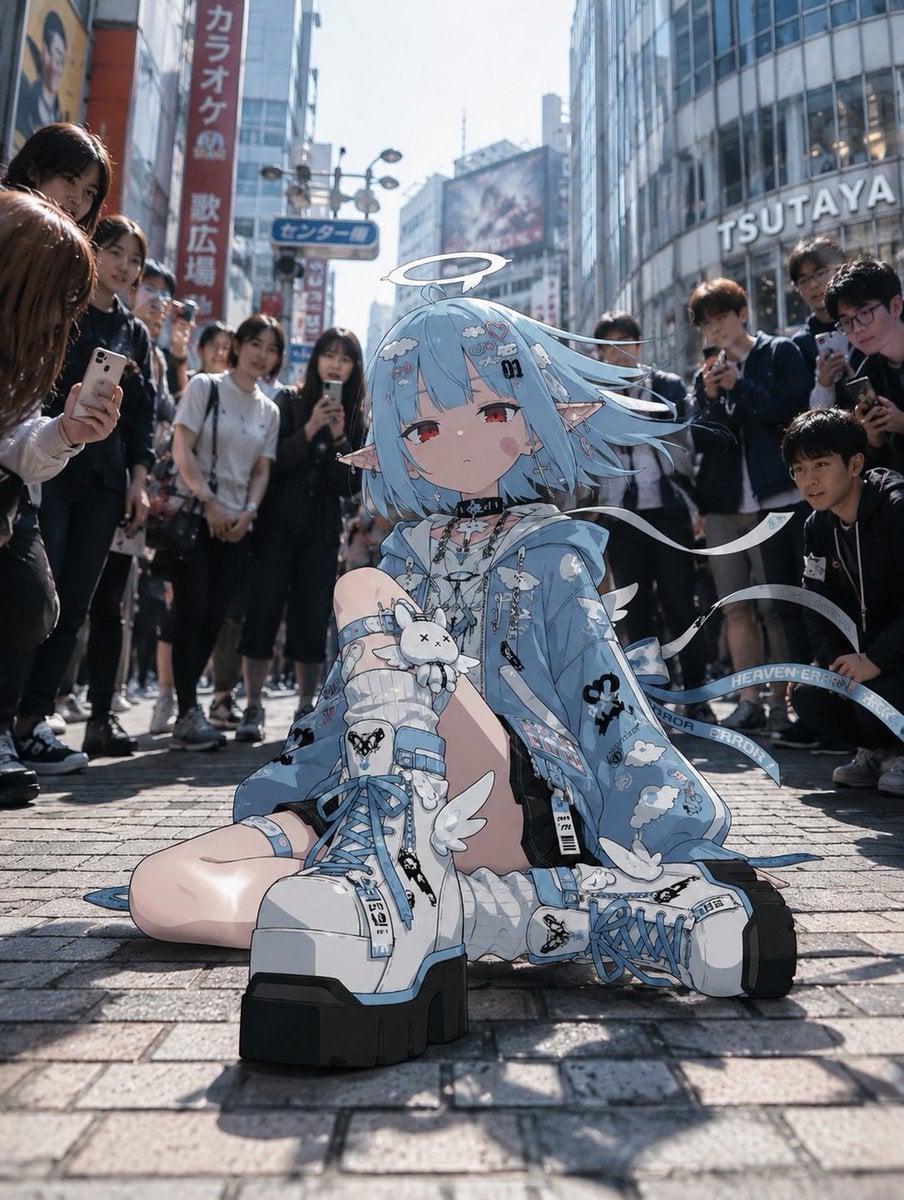
Anime Character in Real Tokyo Street
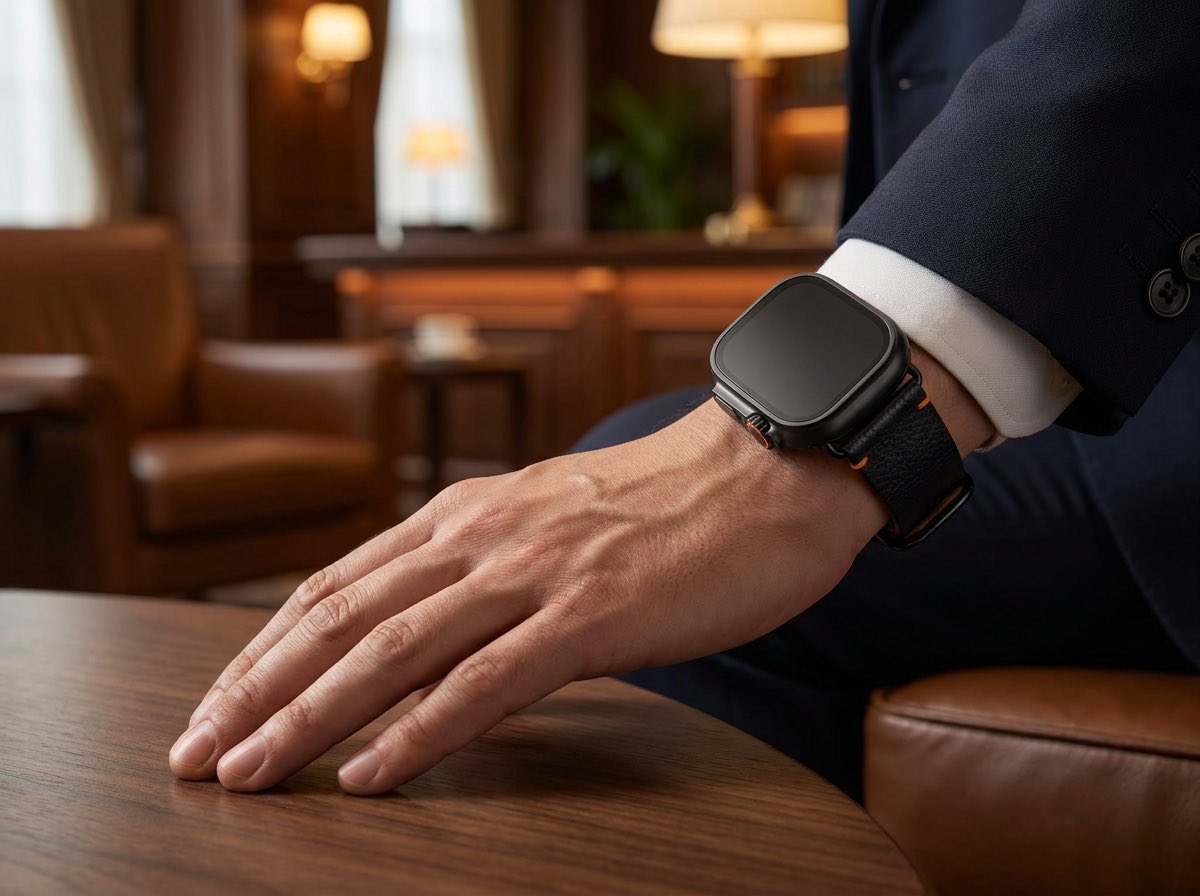
Luxury Smartwatch Lifestyle Ad
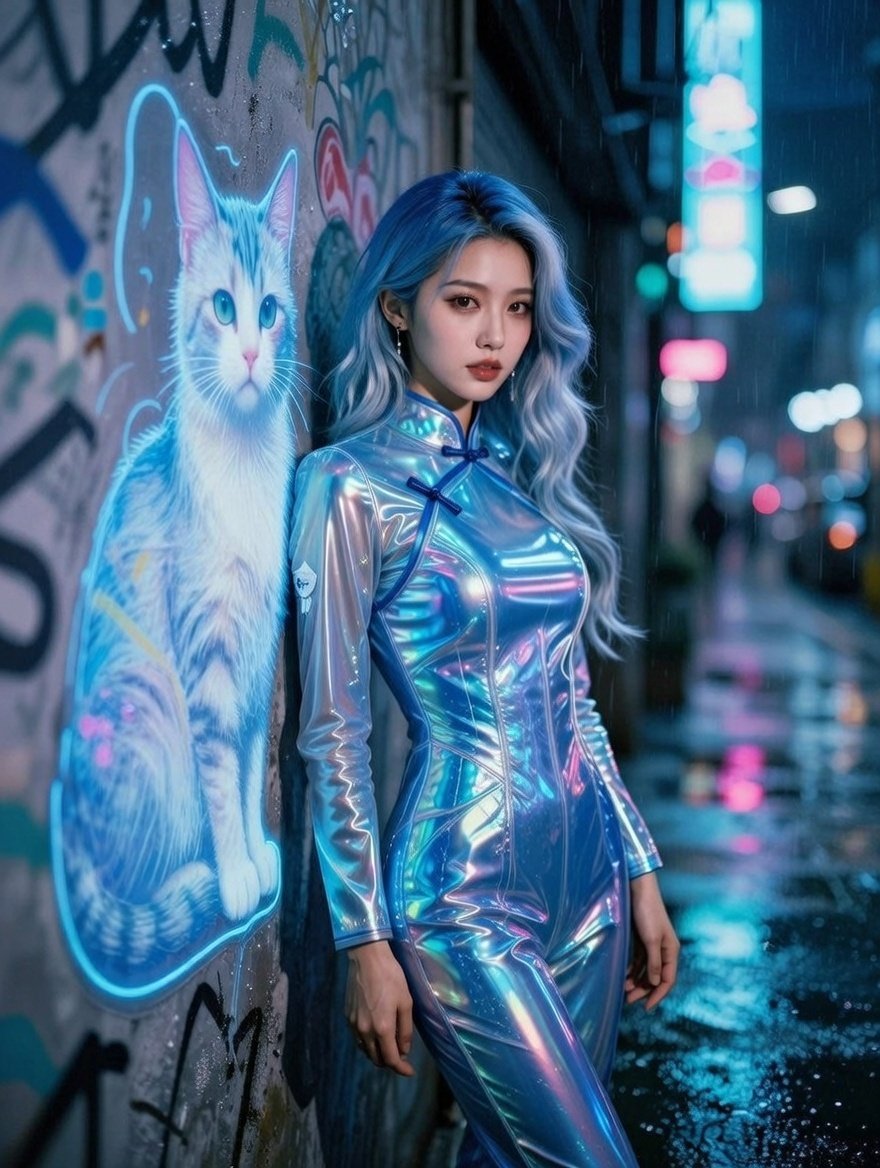
Cyberpunk Neon Alley Fashion Portrait Prompt
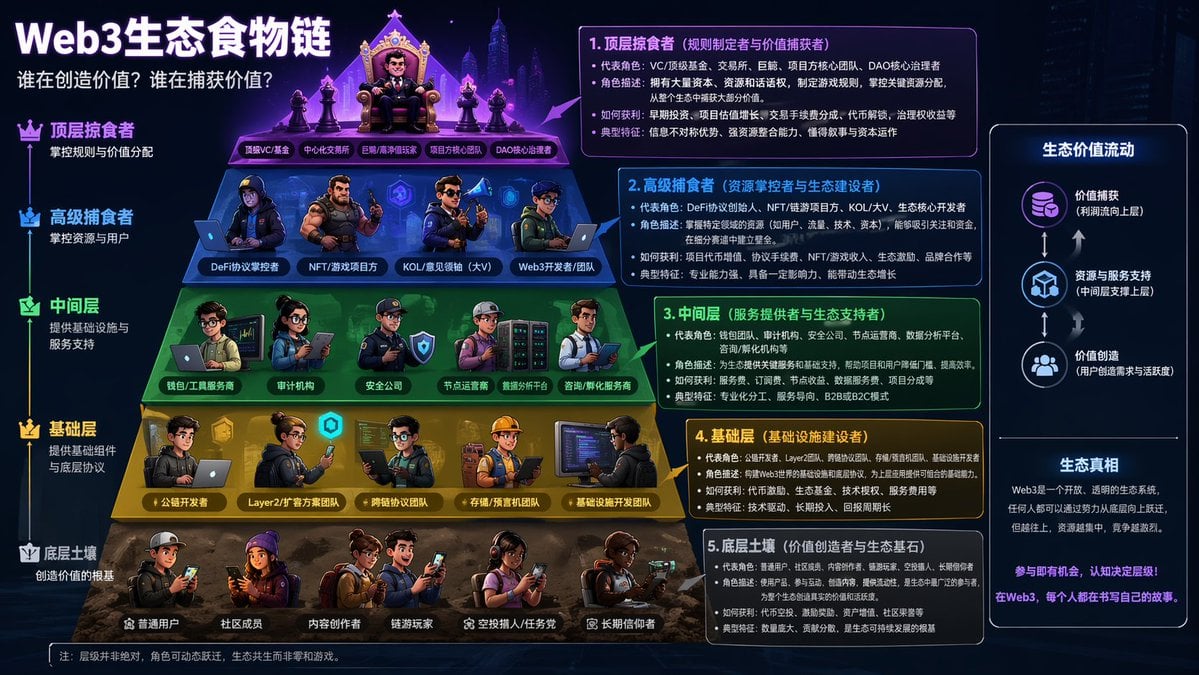
Web3 Ecosystem Food Chain

Image-to-Image Instruction for Clothing Swap
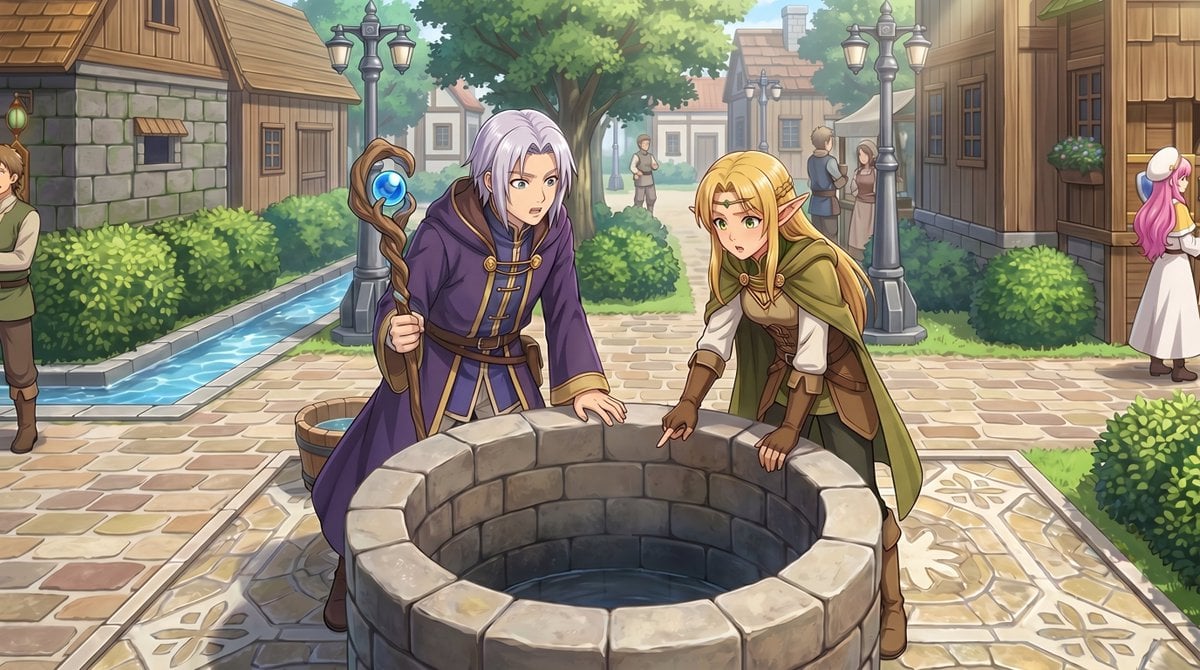
RPG Map to Anime Event Scene
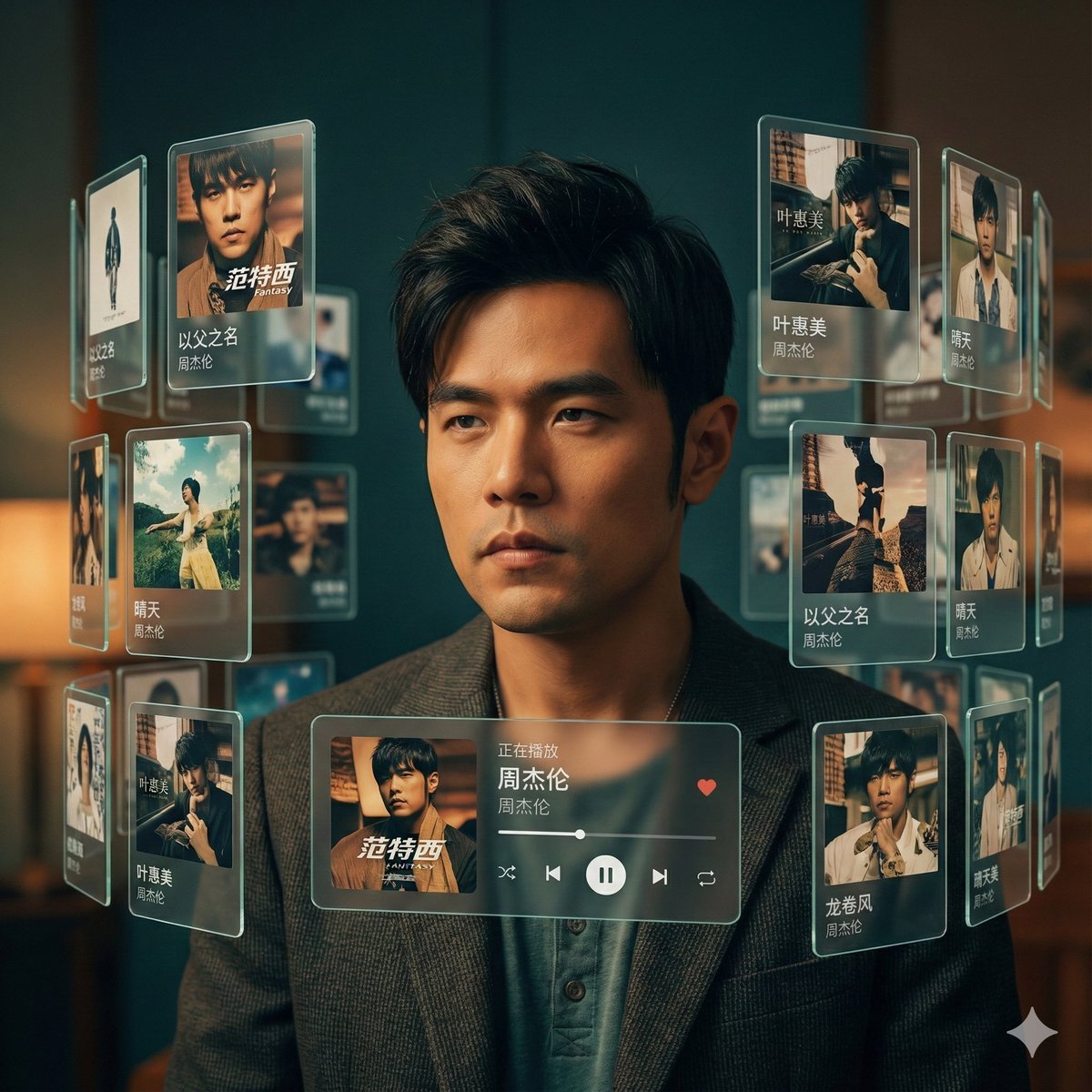
Singer AR Floating Play Card Effect
Browse template categories
Colorful Annotated Scone Photo questions
How do I use the Colorful Annotated Scone Photo template?
Add your photo if the template asks for one, edit the prompt if you like — the template's model and format are already selected — and press Generate. Your version opens in PicX Studio.
Can I customize the Colorful Annotated Scone Photo template?
Yes. You can change the subject, setting, lighting, mood, format, and available model controls before creating your image.
Is the Colorful Annotated Scone Photo template free?
Opening and editing this template is free. Generating uses credits, shown on the Generate button when you are signed in.
Which AI model should I use?
Start with GPT Image 2, which is the model associated with this template. You can compare another compatible model for a different finish.
Looking for something else? Browse all templates.

Your photo, any look
Thousands of ready templates for every top image and video model, from one credit balance.