
Annotated Japanese Miso Ramen Photo
This generates a realistic ramen shop food photo with handwritten Japanese-style annotation overlays, ideal for social posts, food reviews, and casual restaurant recap graphics.
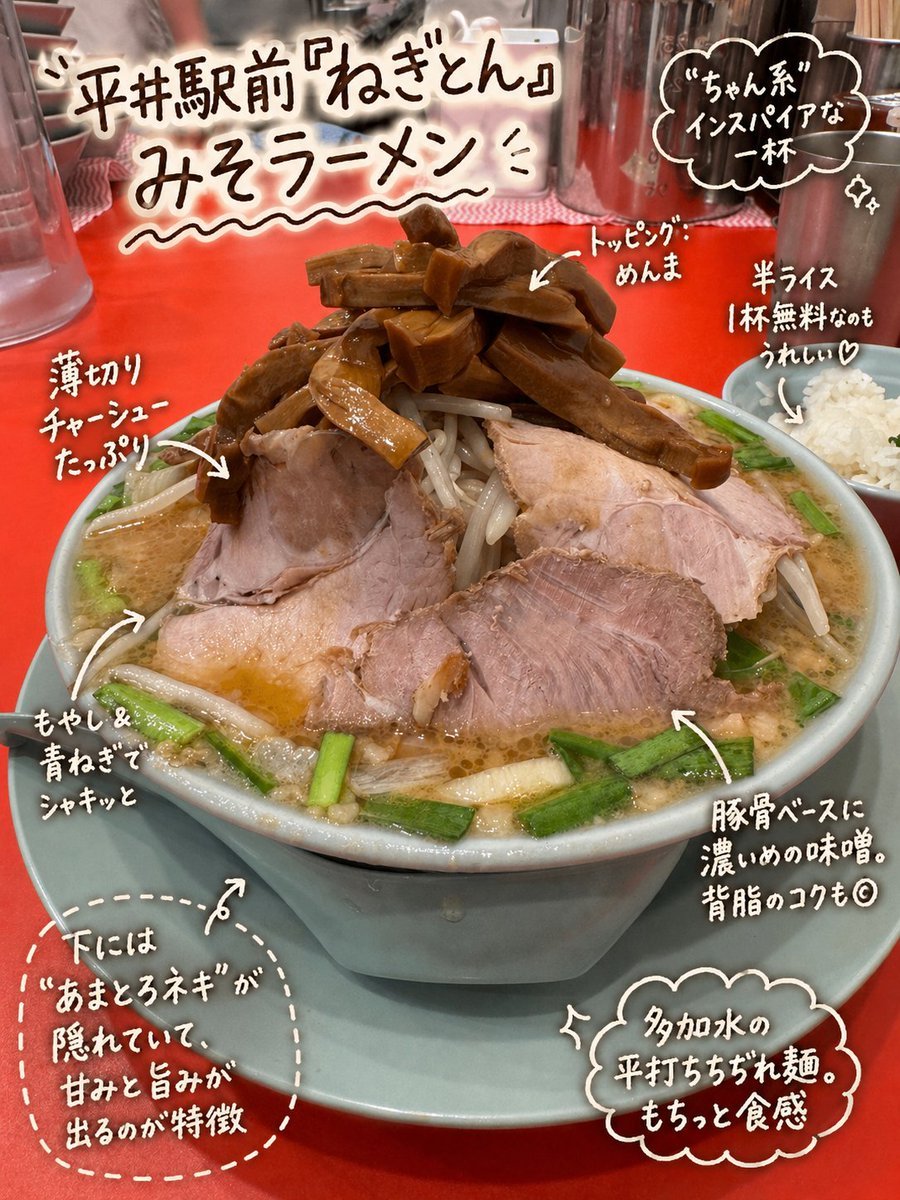
- Prompt included
- Model and format preset
- Free template
The prompt behind this image
Copy the exact prompt behind Annotated Japanese Miso Ramen Photo, or open it in the studio and make it yours.
A casual smartphone food photo of a large bowl of {argument name="dish name" default="miso ramen"} on a vivid red ramen shop counter, shot slightly from above at close range in a real restaurant. The bowl is pale blue-gray with a matching saucer, filled to the brim with rich golden-brown miso broth, thick wavy noodles hidden beneath the toppings, bean sprouts, chopped green onion, several thin slices of chashu pork spread across the surface, and a tall mound of brown menma bamboo shoots piled in the center. A small white bowl of half rice sits to the right side of the frame. In the softly blurred background, show countertop restaurant items including a metal water pitcher, condiment containers, chopsticks, and cups, creating an authentic ramen-ya atmosphere. Overlay the photo with hand-drawn Japanese brush-pen style annotations in white and dark brown with playful arrows and cloud-like speech bubbles, as if written directly on the image. At the top left, add a large handwritten title in Japanese: {argument name="headline text" default="平井駅前『ねぎとん』みそラーメン"}. Add exactly 6 callout notes around the bowl: 1) left upper note pointing to the pork, text: {argument name="pork note" default="薄切りチャーシューたっぷり"}; 2) top center note pointing to the bamboo shoots, text: "トッピング: めんま"; 3) right upper note near the rice bowl, text: "半ライス 1杯無料なのもうれしい♡"; 4) lower right note pointing to the broth, text: "豚骨ベースに濃いめの味噌。背脂のコクも◎"; 5) left lower note pointing to the vegetables, text: "もやし&青ねぎでシャキッと"; 6) a dashed cloud note at the bottom left pointing under the toppings, text: {argument name="special note" default="下には『あまとろネギ』が隠れていて、甘みと旨みが出るのが特徴"}. Also add one extra cloud-shaped praise note at the upper right that says: "『ちゃん系』インスパイアな一杯" and one cloud-shaped note at the bottom right that says: "多加水の平打ちぢちぢれ麺。もっちと食感". Keep the overall feeling appetizing, personal, informative, and scrapbook-like, combining a real food photograph with neat handwritten review comments.
How to use Annotated Japanese Miso Ramen Photo in 3 steps
- 1Upload ImagePNG, JPG or paste
Add your photo
Upload the photo the template builds on. The prompt, model and format are already set.
- 2…a portrait of your subject in softgolden-hour light, 85mm…
Personalize
Edit the subject and creative details for your destination.
- 3Generate
Generate
Press Generate — your image is created in PicX Studio, so you can compare it with the original and refine one variable at a time.
More like this
Templates with the same subject, style or setup. Open one to see its prompt.

Minecraft Japanese Research Lab Exploration

Japanese Architectural Concrete Studio Fashion Campaign

Japanese Minimalist Concrete Studio Fashion Editorial

Blue Backdrop Luxury Fashion Portrait Campaign
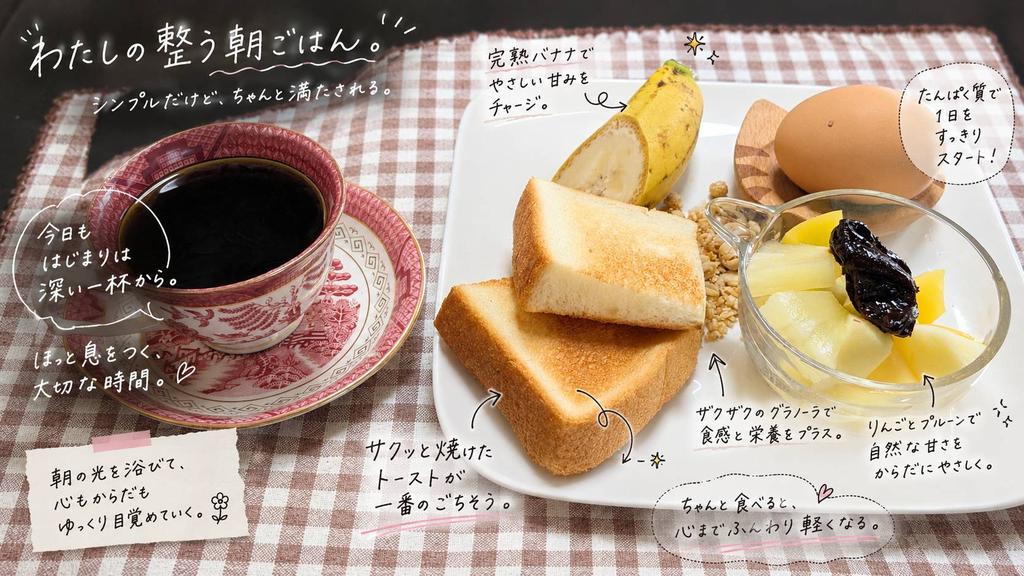
Annotated Japanese Breakfast Flat Lay
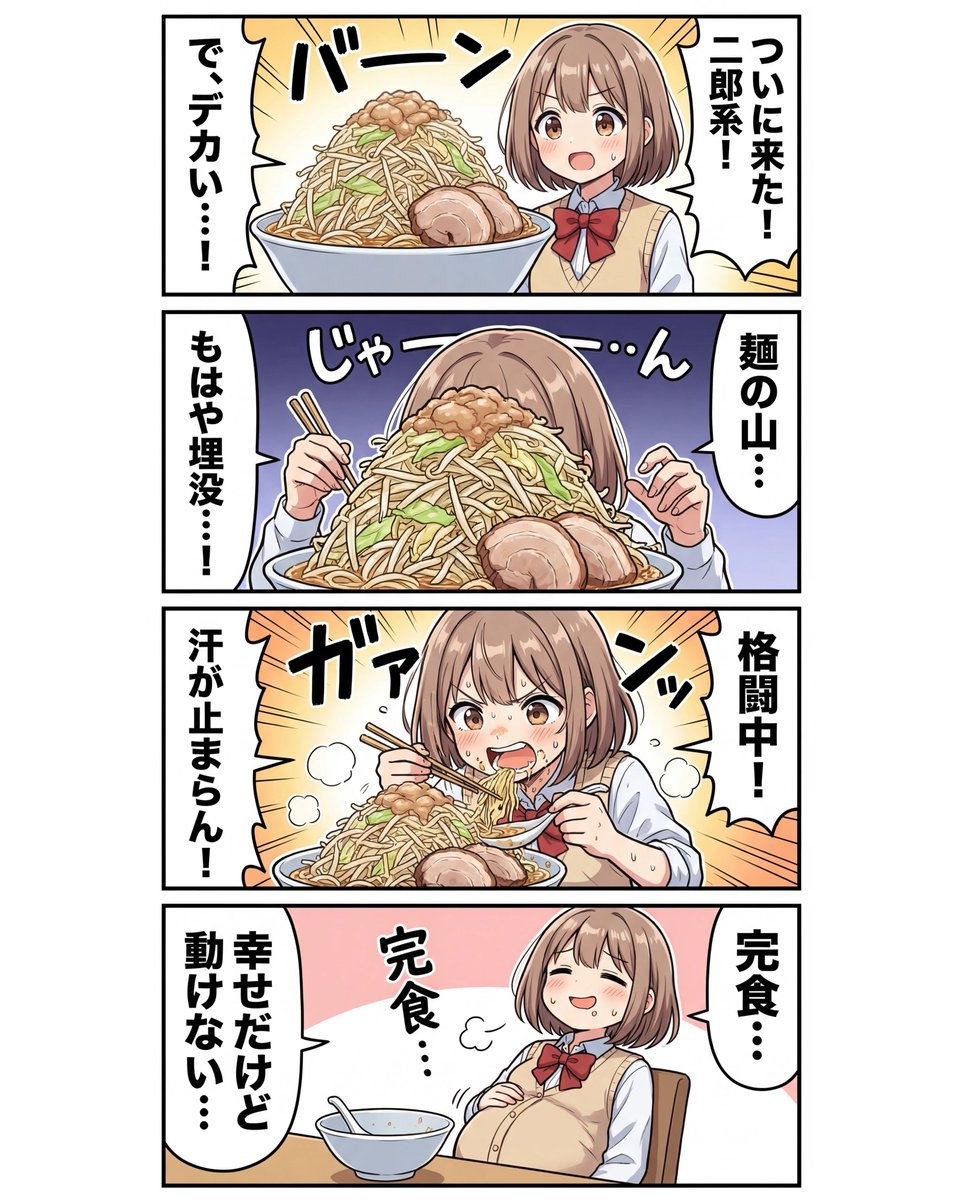
panel Japanese gag manga about Nanami eating ramen

Japanese Film Reflection Idol
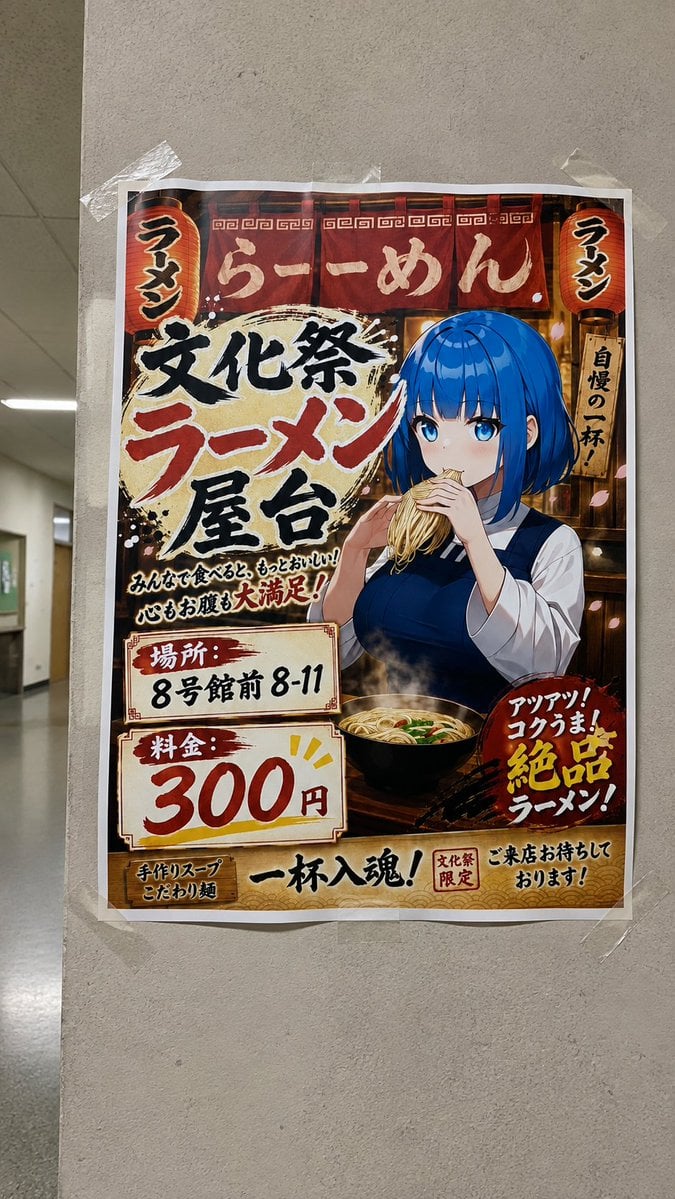
Taped Anime Ramen Festival Poster
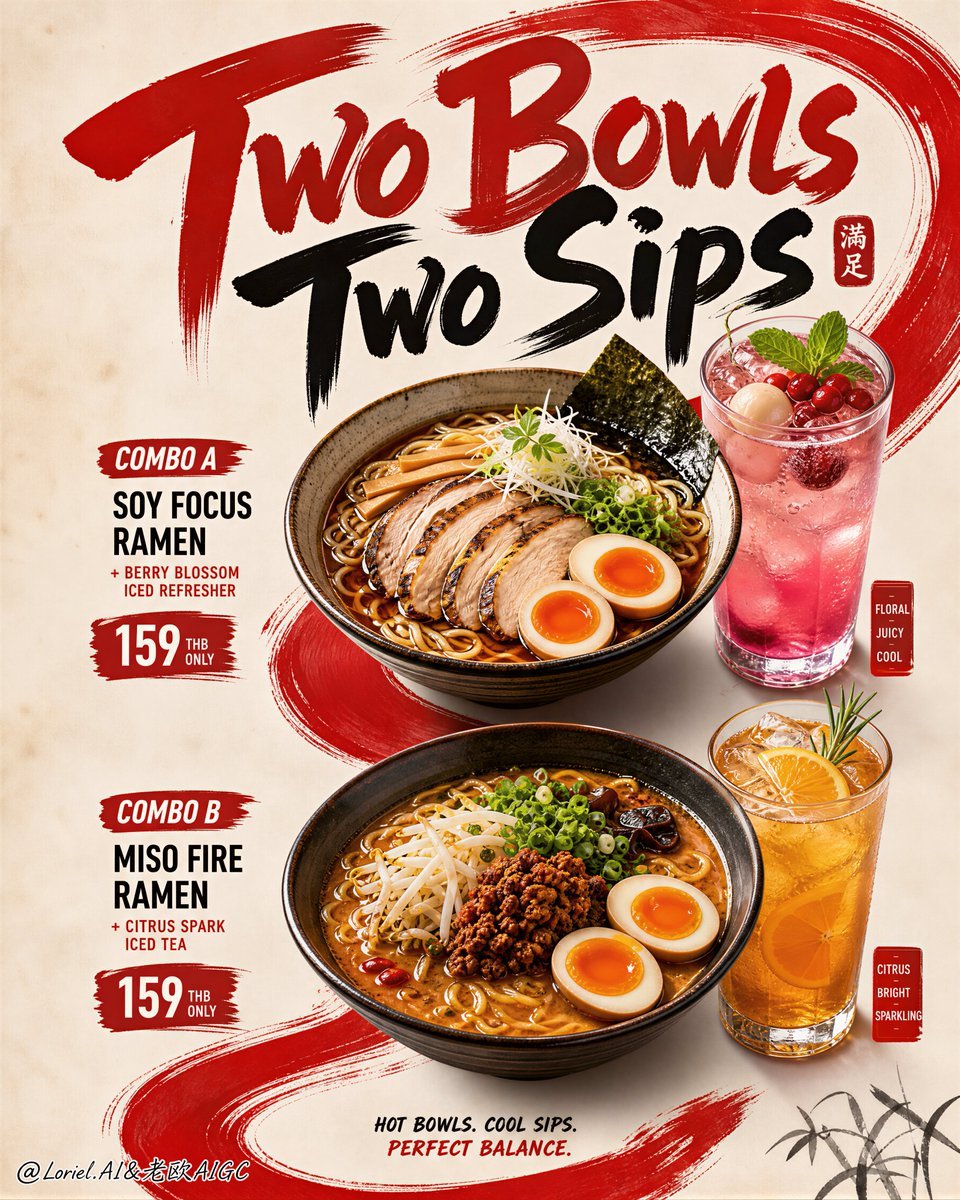
Luxury Ramen Combo Restaurant Poster
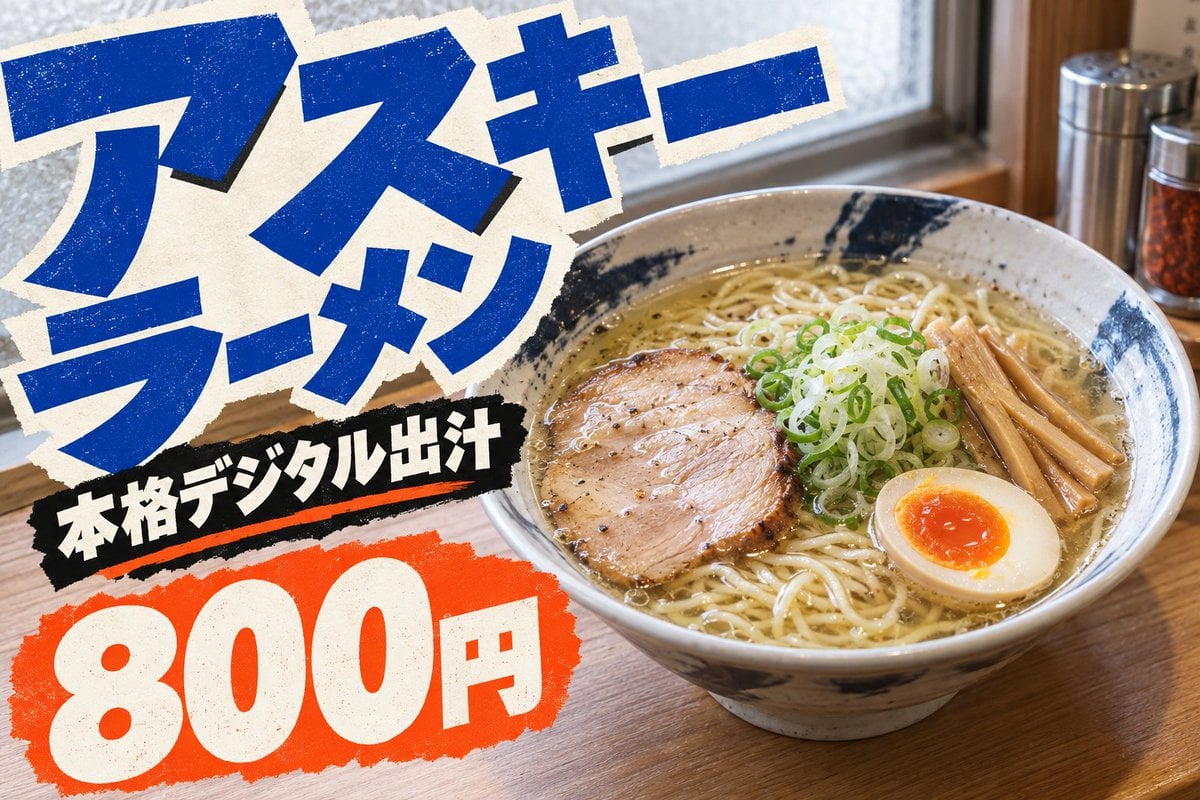
Natural Ramen Advertisement Pop
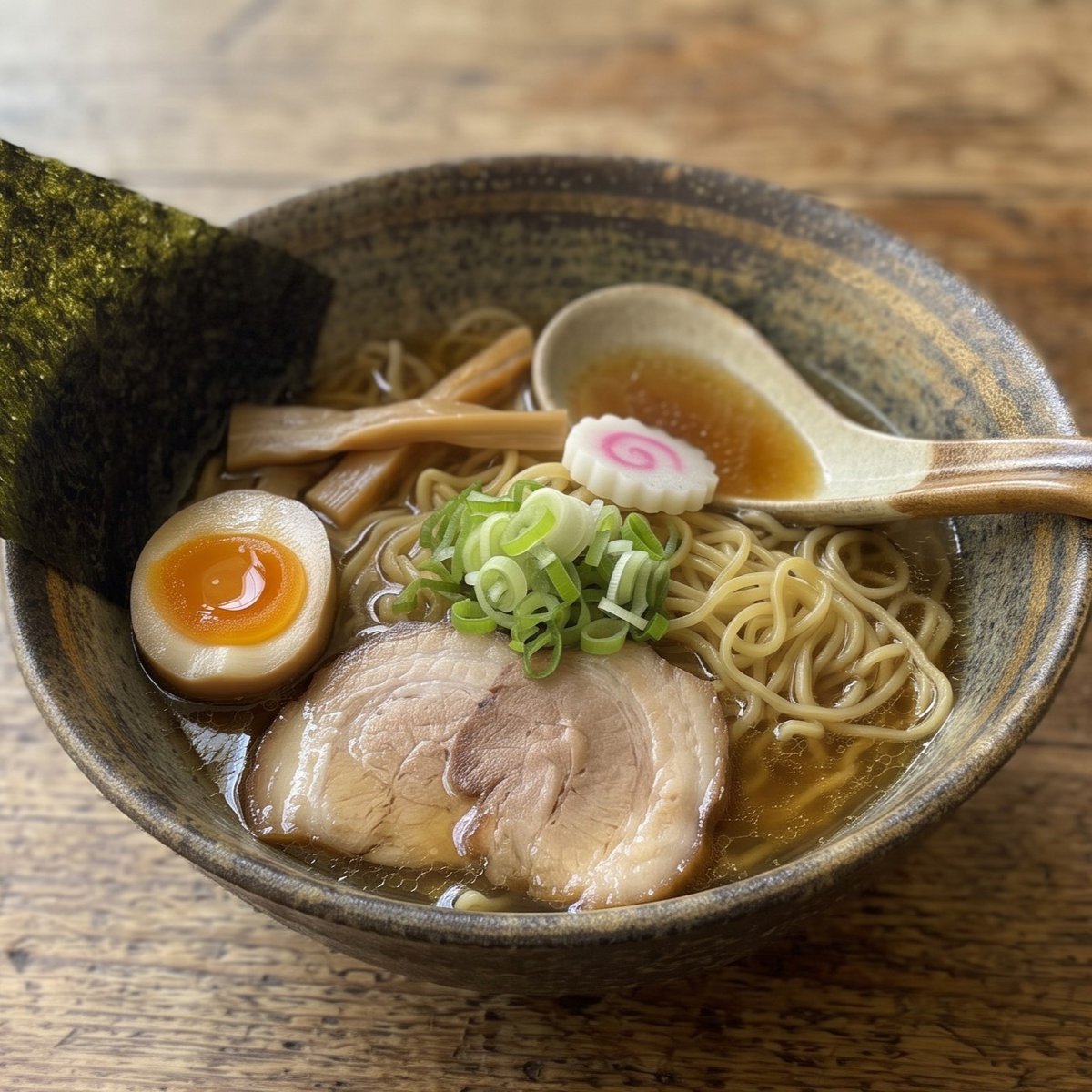
Realistic Shoyu Ramen Bowl

Six VTuber Japanese Logo Sheet
Make it yours
Annotated Japanese Miso Ramen Photo works as-is. These are the safest ways to change it without losing the look.
Change one field
Copy a single group, rewrite it, and generate again so you can see what that field is doing.
Keep the frame, change the subject
Hold the composition and light of Annotated Japanese Miso Ramen Photo, then swap wardrobe, props or the person for a new take.
| If the result… | Why | Fix |
|---|---|---|
| The result drifts from the preview | Too many fields changed at once. | Reuse Annotated Japanese Miso Ramen Photo as-is first, then change one group — subject, light, or setting. |
| The model over-stylizes the scene | The prose prompt leaves finish and camera underspecified. | Add one camera or lighting sentence and stay on GPT Image 2. |
More GPT Image 2 templates
Other prompts made for GPT Image 2.

Realistic Portrait of Woman and Deer

The Vista Modular Condo Poster

AI Model Routing Comparison Infographic

2.5D Anime Art Board

Isometric Productivity Desk Scene

New York Double Exposure Poster

Four-Panel AI Landscape Comparison

NESCAFÉ Coffee Map Poster

Brutalist Cogito Chinese Typography Poster

Cinematic Luxury Terrace Portrait
More image prompts
Fresh picks from across the catalog.

Influencer Live Stream Room Background
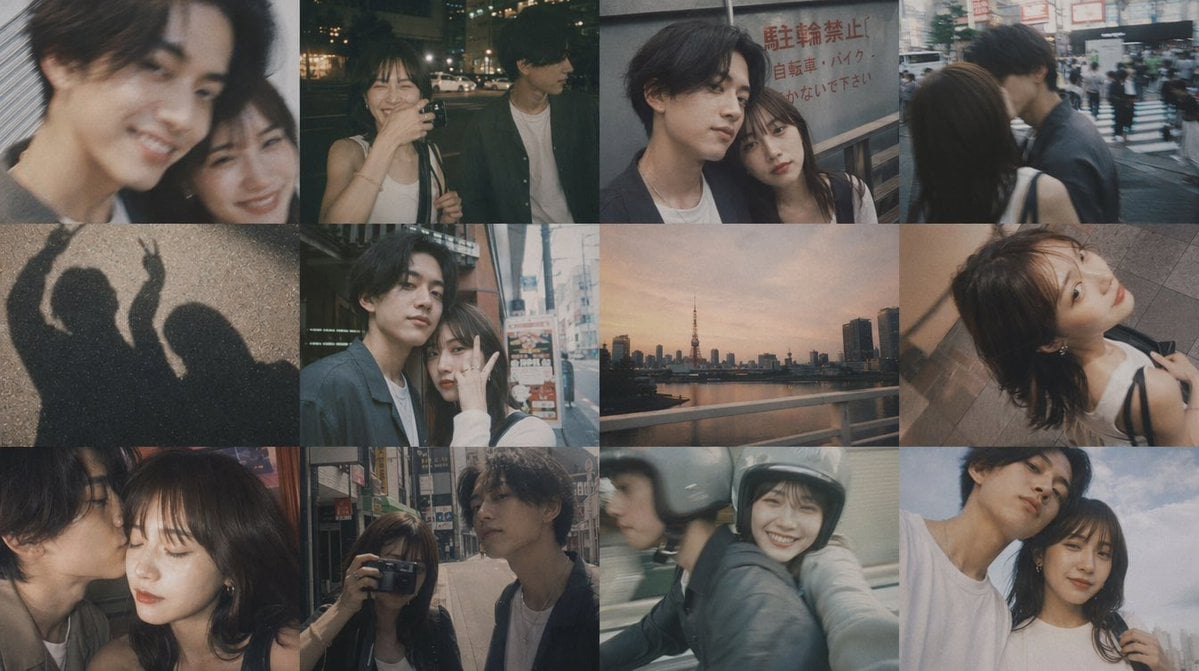
Romantic Tokyo Couple Photo Collage
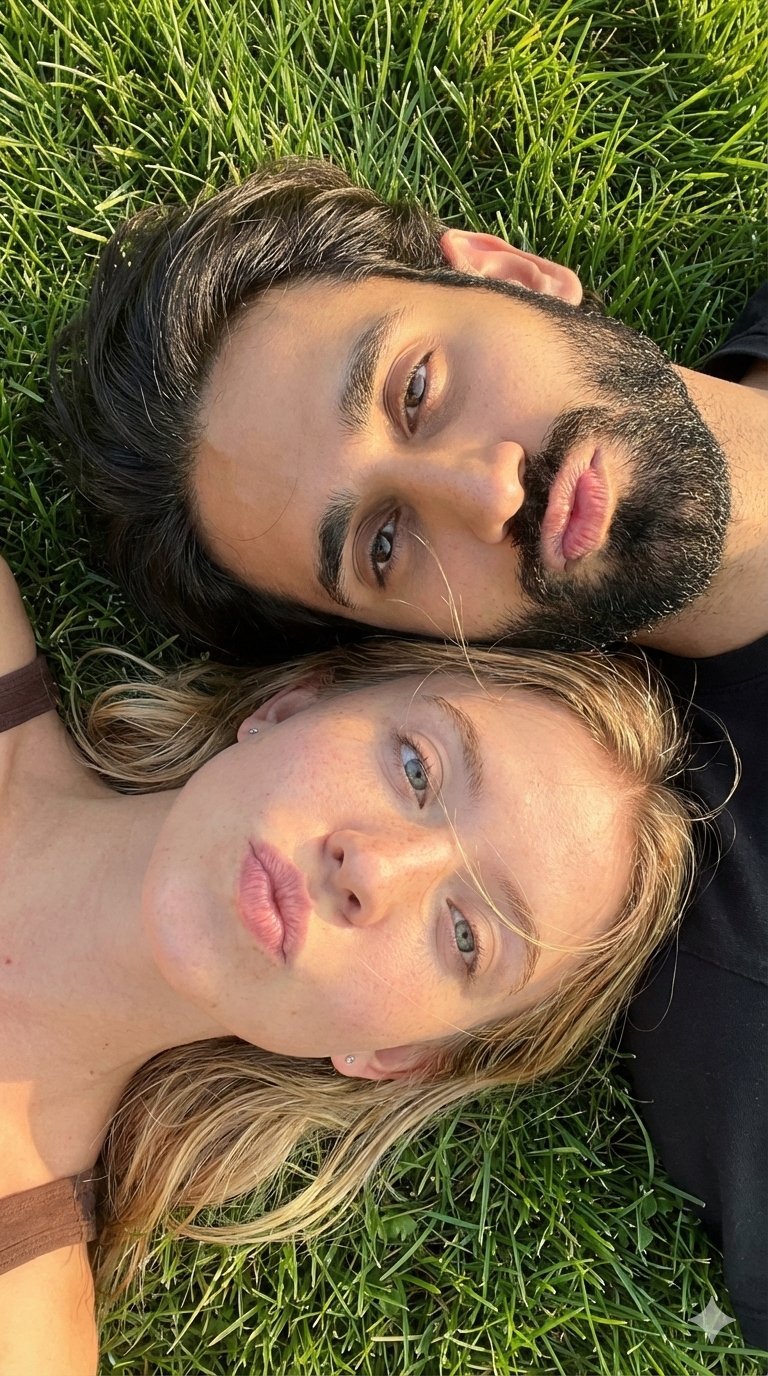
Selfie with Sydney Sweeney and Ana De Ar

Luxury Fashion Executive Portrait
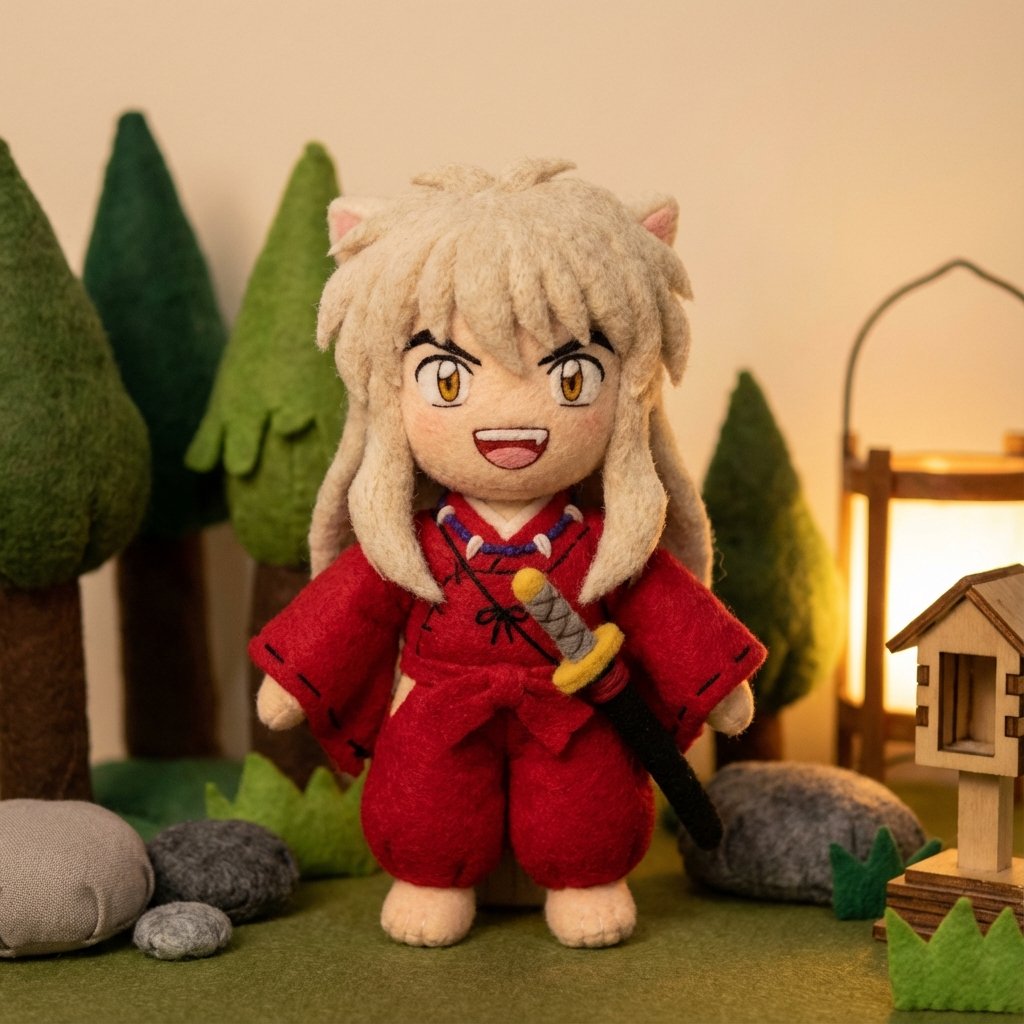
Inuyasha Plush Toy Generation Prompt

Fanta Orange Beverage Ad
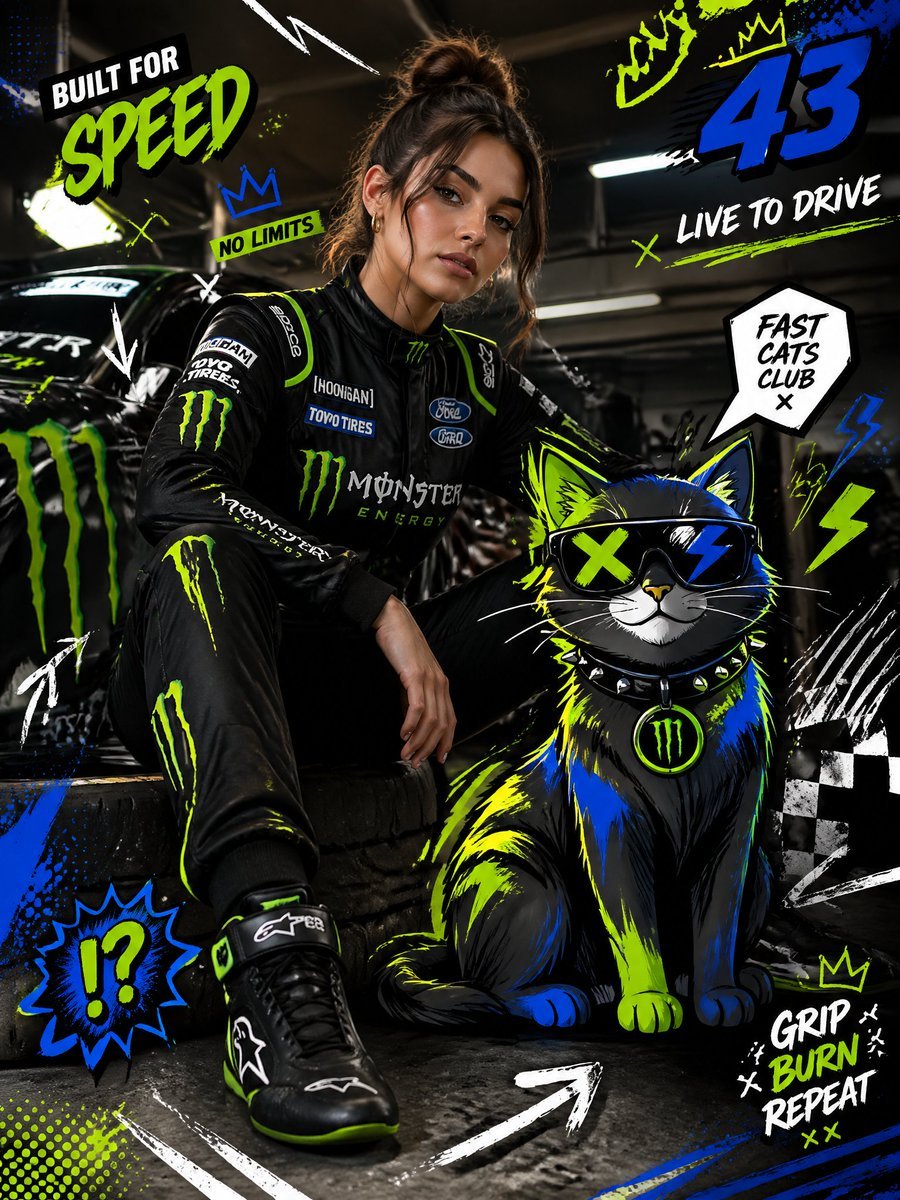
Mixed-Media Fashion Editorial and Cartoon Fusion
Candid Fashion Lifestyle Shot with Reference

Michael Saylor Shonen Jump Manga Style

Energy Drink Product Explosion Commercial Prompt Template
Browse template categories
Annotated Japanese Miso Ramen Photo questions
How do I use the Annotated Japanese Miso Ramen Photo template?
Add your photo if the template asks for one, edit the prompt if you like — the template's model and format are already selected — and press Generate. Your version opens in PicX Studio.
Can I customize the Annotated Japanese Miso Ramen Photo template?
Yes. You can change the subject, setting, lighting, mood, format, and available model controls before creating your image.
Is the Annotated Japanese Miso Ramen Photo template free?
Opening and editing this template is free. Generating uses credits, shown on the Generate button when you are signed in.
Which AI model should I use?
Start with GPT Image 2, which is the model associated with this template. You can compare another compatible model for a different finish.
Looking for something else? Browse all templates.

Your photo, any look
Thousands of ready templates for every top image and video model, from one credit balance.