
Annotated Isometric Mining Outpost
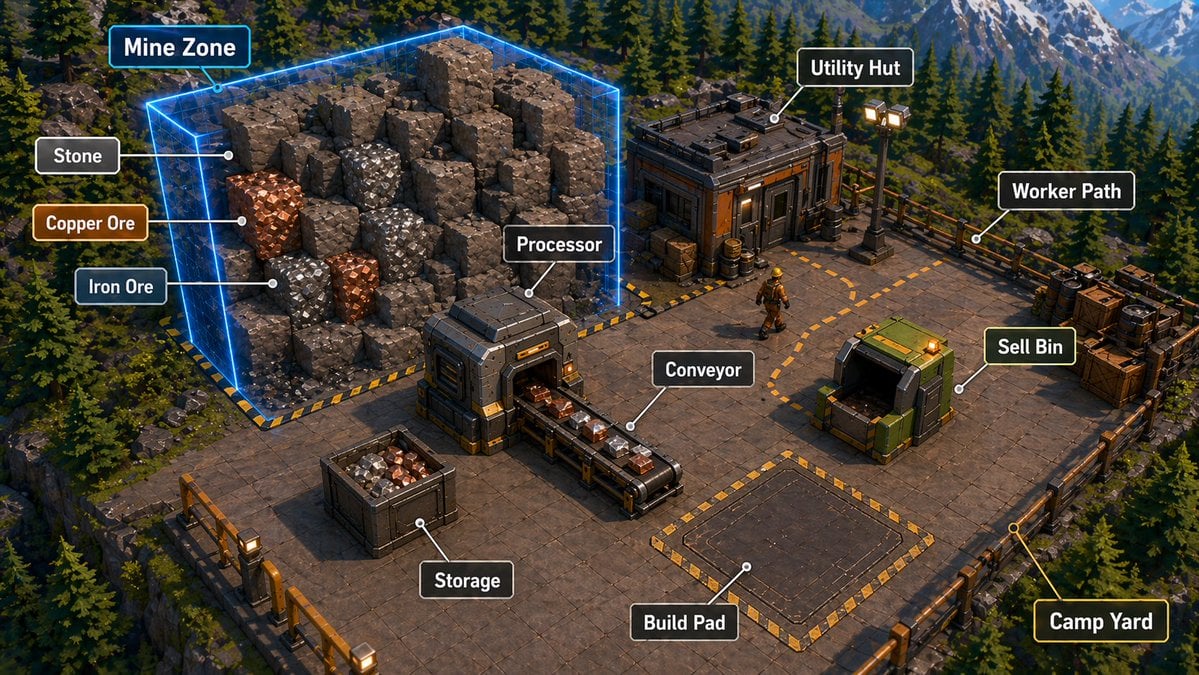
Generates a labeled isometric game-style mining base diagram for explaining resource gathering, processing, storage, and building zones.
- Prompt included
- Model and format preset
- Premium template
The prompt behind this image
Copy the exact prompt behind Annotated Isometric Mining Outpost, or open it in the studio and make it yours.
- Type
- isometric 3D game tutorial screenshot / annotated base-building infographic
- Scene
- A polished, high-detail isometric view of a mining outpost platform built on a cliff in a dense evergreen mountain forest, with snow-capped mountains in the far background, cinematic late-afternoon lighting, realistic game-engine materials, crisp shadows, and a clean strategy-game UI overlay.
- Camera
- wide isometric three-quarter top-down camera, showing the entire square industrial platform and surrounding forested terrain
- Environment › Setting
- {argument name="environment setting" default="alpine conifer forest with rocky cliffs and distant snowy mountains"}
- Environment › Mood
- adventurous construction-sim atmosphere, readable gameplay layout, premium survival automation game aesthetic
- Environment › Lighting
- warm directional sunlight with cool blue mountain haze and glowing industrial lamps
- Main Layout › Platform
- large square metal-and-concrete floor deck with railings around the edges, hazard-striped borders, gridded tiles, crates, barrels, lamps, cables, and industrial props
- Main Layout › Mine Zone
- large glowing transparent neon-blue rectangular prism enclosing a pile of blocky voxel-like rock chunks on the left side of the platform
- Main Layout › Resources
- visible rock blocks include gray stone, shiny orange copper ore, and shiny silver iron ore embedded among larger brown-gray stone blocks
- Main Layout › Processing Area
- compact industrial processor machine near the center-left, receiving ore from the mine side and outputting onto a conveyor belt
- Main Layout › Conveyor
- short black-and-metal conveyor belt carrying small ore blocks toward the center
- Main Layout › Storage
- open square storage crate in the lower-left foreground filled with mixed gray, orange, and silver ore chunks
- Main Layout › Utility Hut
- small rugged industrial building at the upper-right with dark panels, orange accents, rooftop equipment, crates, barrels, and nearby floodlights
- Main Layout › Sell Bin
- green industrial sell container on the right side with an open dark mouth and glowing orange indicator light
- Main Layout › Build Pad
- empty rectangular construction pad in the lower-middle/right area, outlined by yellow-and-black hazard stripes
- Main Layout › Worker Path
- dashed orange route line curving across the platform between the hut, work area, and sell bin
- Main Layout › Camp Yard
- fenced lower-right corner area marked by railings and platform edge details
- Main Layout › Worker
- one small construction worker wearing a yellow hard hat and industrial outfit walking along the dashed path
- Annotations › Style
- game UI callout labels with rounded black rectangles, white bold sans-serif text, thin white leader lines ending in small white dots; selected callouts have blue, orange, green, or yellow accent outlines matching their target
- Annotations › Count
- 12
- Annotations › Labels › 0 › Text
- Mine Zone
- Annotations › Labels › 0 › Target
- glowing blue mine volume around rock pile
- Annotations › Labels › 0 › Position
- upper-left
- Annotations › Labels › 0 › Accent
- cyan-blue outline
Raw JSON
{"type":"isometric 3D game tutorial screenshot / annotated base-building infographic","scene":"A polished, high-detail isometric view of a mining outpost platform built on a cliff in a dense evergreen mountain forest, with snow-capped mountains in the far background, cinematic late-afternoon lighting, realistic game-engine materials, crisp shadows, and a clean strategy-game UI overlay.","camera":"wide isometric three-quarter top-down camera, showing the entire square industrial platform and surrounding forested terrain","environment":{"setting":"{argument name=\"environment setting\" default=\"alpine conifer forest with rocky cliffs and distant snowy mountains\"}","mood":"adventurous construction-sim atmosphere, readable gameplay layout, premium survival automation game aesthetic","lighting":"warm directional sunlight with cool blue mountain haze and glowing industrial lamps"},"main_layout":{"platform":"large square metal-and-concrete floor deck with railings around the edges, hazard-striped borders, gridded tiles, crates, barrels, lamps, cables, and industrial props","mine_zone":"large glowing transparent neon-blue rectangular prism enclosing a pile of blocky voxel-like rock chunks on the left side of the platform","resources":"visible rock blocks include gray stone, shiny orange copper ore, and shiny silver iron ore embedded among larger brown-gray stone blocks","processing_area":"compact industrial processor machine near the center-left, receiving ore from the mine side and outputting onto a conveyor belt","conveyor":"short black-and-metal conveyor belt carrying small ore blocks toward the center","storage":"open square storage crate in the lower-left foreground filled with mixed gray, orange, and silver ore chunks","utility_hut":"small rugged industrial building at the upper-right with dark panels, orange accents, rooftop equipment, crates, barrels, and nearby floodlights","sell_bin":"green industrial sell container on the right side with an open dark mouth and glowing orange indicator light","build_pad":"empty rectangular construction pad in the lower-middle/right area, outlined by yellow-and-black hazard stripes","worker_path":"dashed orange route line curving across the platform between the hut, work area, and sell bin","camp_yard":"fenced lower-right corner area marked by railings and platform edge details","worker":"one small construction worker wearing a yellow hard hat and industrial outfit walking along the dashed path"},"annotations":{"style":"game UI callout labels with rounded black rectangles, white bold sans-serif text, thin white leader lines ending in small white dots; selected callouts have blue, orange, green, or yellow accent outlines matching their target","count":12,"labels":[{"text":"Mine Zone","target":"glowing blue mine volume around rock pile","position":"upper-left","accent":"cyan-blue outline"},{"text":"Stone","target":"gray stone blocks inside the mine zone","position":"left"},{"text":"Copper Ore","target":"orange metallic ore block","position":"left-middle","accent":"copper-orange outline"},{"text":"Iron Ore","target":"silver metallic ore block","position":"left-lower","accent":"steel-blue outline"},{"text":"Processor","target":"central industrial processing machine","position":"center"},{"text":"Utility Hut","target":"small building at upper-right","position":"top-right"},{"text":"Worker Path","target":"dashed orange walking route near upper-right walkway","position":"right-upper"},{"text":"Sell Bin","target":"green sell container on right","position":"right-middle","accent":"green outline"},{"text":"Conveyor","target":"ore conveyor belt in the center","position":"center-lower"},{"text":"Storage","target":"ore-filled crate in lower-left","position":"bottom-left"},{"text":"Build Pad","target":"empty hazard-striped construction rectangle","position":"bottom-center"},{"text":"Camp Yard","target":"lower-right fenced platform corner","position":"bottom-right","accent":"yellow outline"}]},"text_customization":{"mine_label":"{argument name=\"mine zone label\" default=\"Mine Zone\"}","processor_label":"{argument name=\"processor label\" default=\"Processor\"}","sell_bin_label":"{argument name=\"sell bin label\" default=\"Sell Bin\"}","build_pad_label":"{argument name=\"build pad label\" default=\"Build Pad\"}"},"visual_style":"AAA stylized-realistic strategy game screenshot, highly detailed isometric render, clean readable UI labels, sharp focus, saturated but natural colors, 16:9 composition, no watermark, no people close-up, no extra unreadable text"}How to use Annotated Isometric Mining Outpost in 3 steps
- 1Upload ImagePNG, JPG or paste
Add your photo
Upload the photo the template builds on. The prompt, model and format are already set.
- 2…a portrait of your subject in softgolden-hour light, 85mm…
Personalize
Edit the subject and creative details for your destination.
- 3Generate
Generate
Press Generate — your image is created in PicX Studio, so you can compare it with the original and refine one variable at a time.
More like this
Templates with the same subject, style or setup. Open one to see its prompt.

Isometric Process Educational Diorama

Isometric Brand Store Diorama

Isometric Vehicle Teardown Infographic Template
Desert Military Outpost
Dark Fantasy Cliffside Outpost
Annotated IKEA Kids Bedroom Design
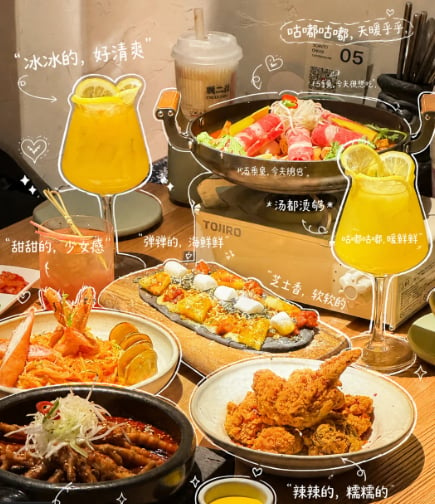
Annotated Chinese BBQ Food Poster
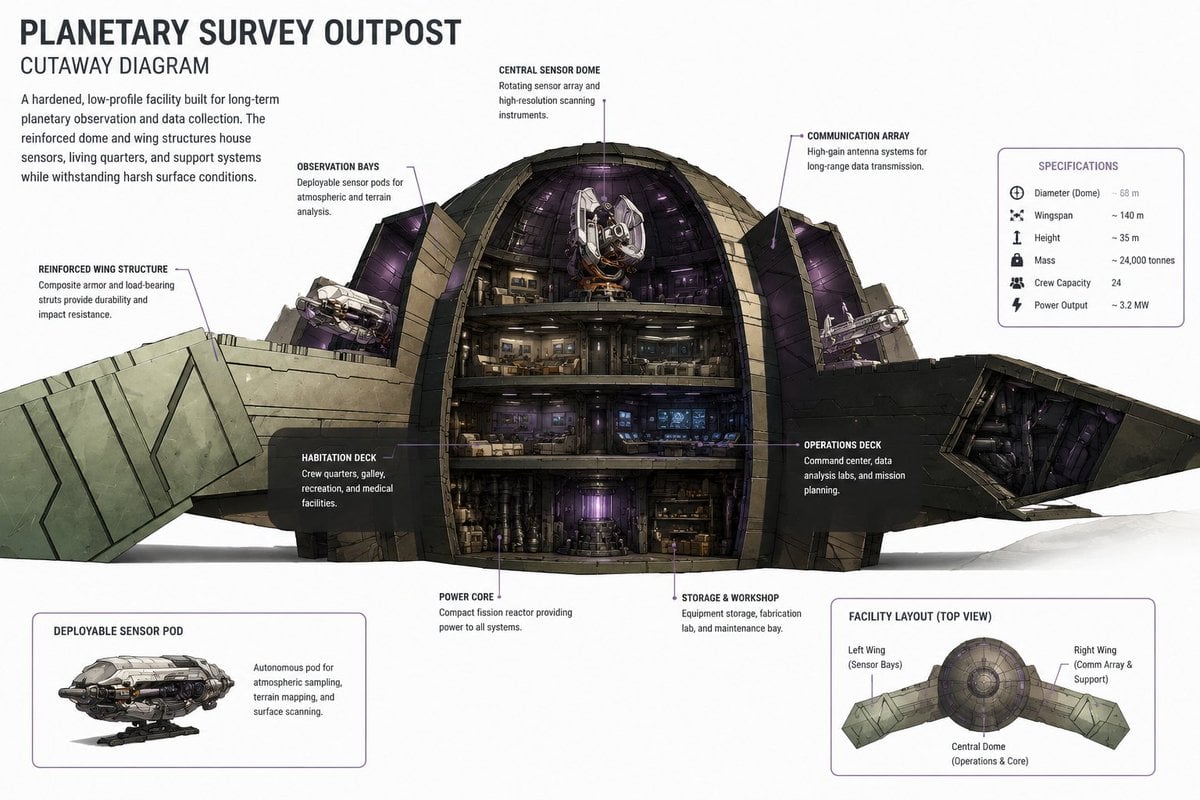
Planetary Survey Outpost Cutaway
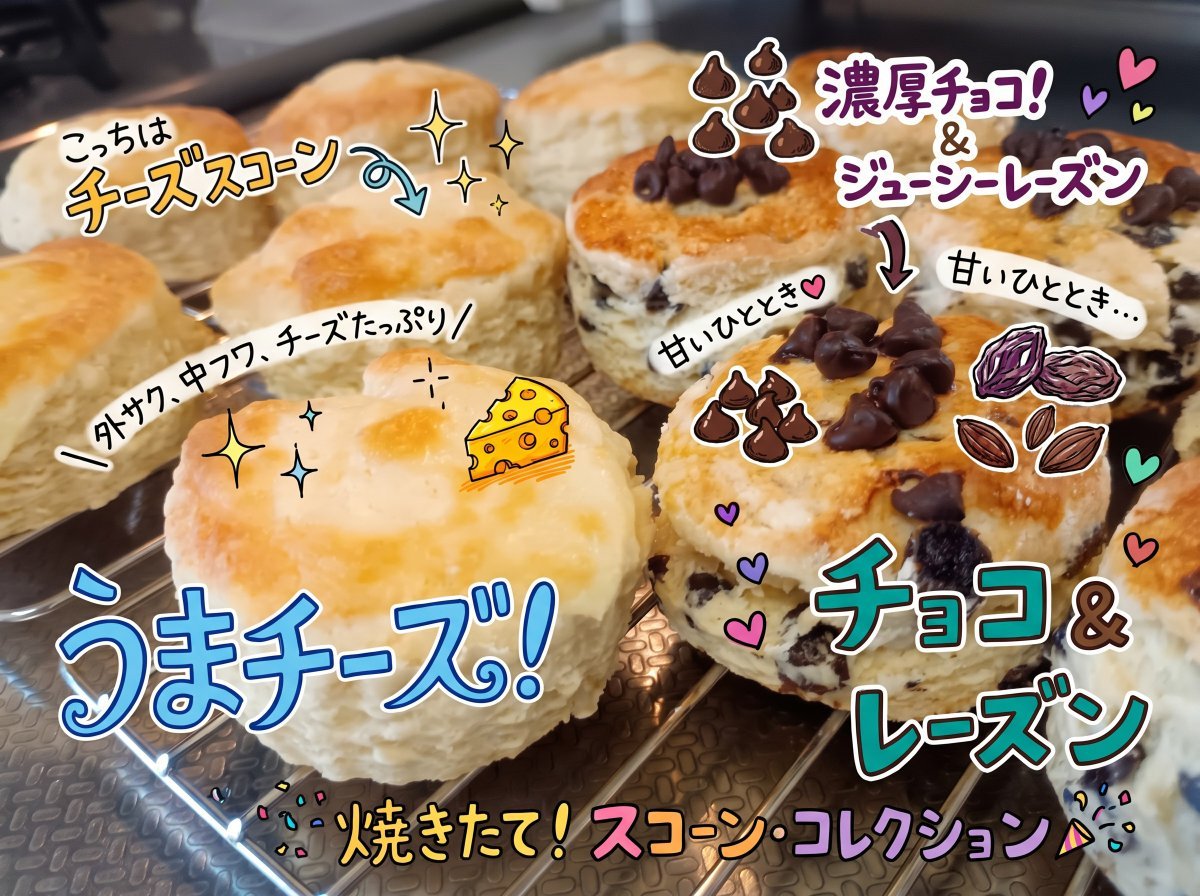
Colorful Annotated Scone Photo
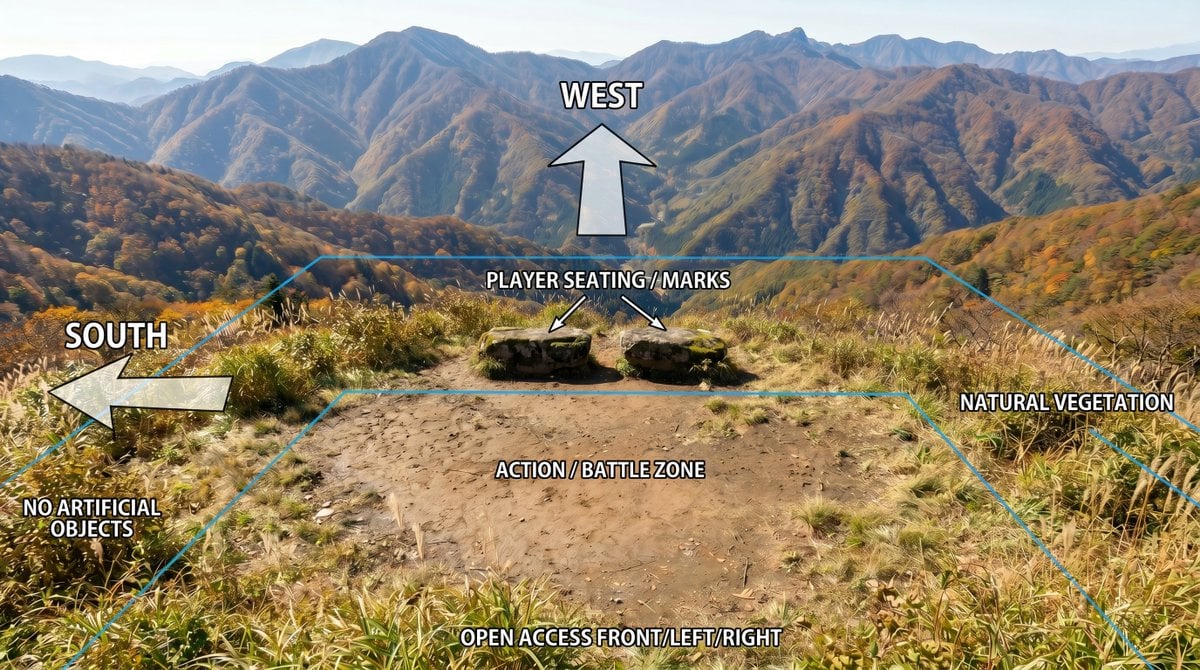
Annotated Mountain Location Diagram
Annotated Japanese Miso Ramen Photo
Annotated Japanese Breakfast Flat Lay
Make it yours
Annotated Isometric Mining Outpost works as-is. These are the safest ways to change it without losing the look.
Swap the setting
Keep the rest of the prompt and replace the location block. The current setting is “{argument name="environment setting" default="alpine conifer forest with rocky c”.
Swap the light
One lighting change is enough to compare takes. Current light: “warm directional sunlight with cool blue mountain haze and glowing industrial la”.
Change one field
Copy a single group, rewrite it, and generate again so you can see what that field is doing.
| If the result… | Why | Fix |
|---|---|---|
| The result drifts from the preview | Too many fields changed at once. | Reuse Annotated Isometric Mining Outpost as-is first, then change one group — subject, light, or setting. |
| GPT Image 2 ignores part of the JSON | Some models flatten or skip nested keys. | Keep the same values and paste them as a short paragraph instead. |
More GPT Image 2 templates
Other prompts made for GPT Image 2.

Six VTuber Japanese Logo Sheet

Realistic Portrait of Woman and Deer

The Vista Modular Condo Poster

AI Model Routing Comparison Infographic

2.5D Anime Art Board

Isometric Productivity Desk Scene

New York Double Exposure Poster

Four-Panel AI Landscape Comparison

Japanese Tatami Lifestyle Magazine Cover

NESCAFÉ Coffee Map Poster
More image prompts
Fresh picks from across the catalog.

Professional profile photo prompt for Nano Banana Pro

Nano Banana Pro Camera Control Template and Example Prompt
Krabby Patty Secret Formula Graphic
Six-Panel Cinematic Storyboard Sketch

Cyber-Cinematic Split Lighting Portrait Prompt
Cyberpunk Marie Antoinette Carriage

Cinematic Storyboard of Woman and Bear in Forest

Golden Hour Candid Lifestyle Photo of South Asian Woman
Photorealistic Historical Turkish Woman with Black Horse

High-Contrast Monochrome Studio Portrait
Browse template categories
Annotated Isometric Mining Outpost questions
How do I use the Annotated Isometric Mining Outpost template?
Add your photo if the template asks for one, edit the prompt if you like — the template's model and format are already selected — and press Generate. Your version opens in PicX Studio.
Can I customize the Annotated Isometric Mining Outpost template?
Yes. You can change the subject, setting, lighting, mood, format, and available model controls before creating your image.
Is the Annotated Isometric Mining Outpost template free?
Opening and editing this template is free. Generating uses credits, shown on the Generate button when you are signed in.
Which AI model should I use?
Start with GPT Image 2, which is the model associated with this template. You can compare another compatible model for a different finish.
Looking for something else? Browse all templates.

Your photo, any look
Thousands of ready templates for every top image and video model, from one credit balance.